We use cookies, including cookies from third parties, to enhance your user experience and the effectiveness of our marketing activities. These cookies are performance, analytics and advertising cookies, please see our Privacy and Cookie policy for further information. If you agree to all of our cookies select “Accept all” or select “Cookie Settings” to see which cookies we use and choose which ones you would like to accept.

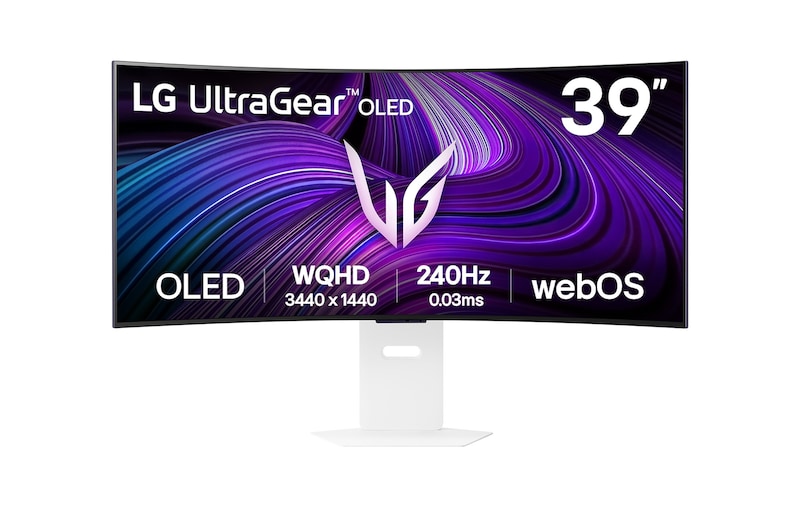
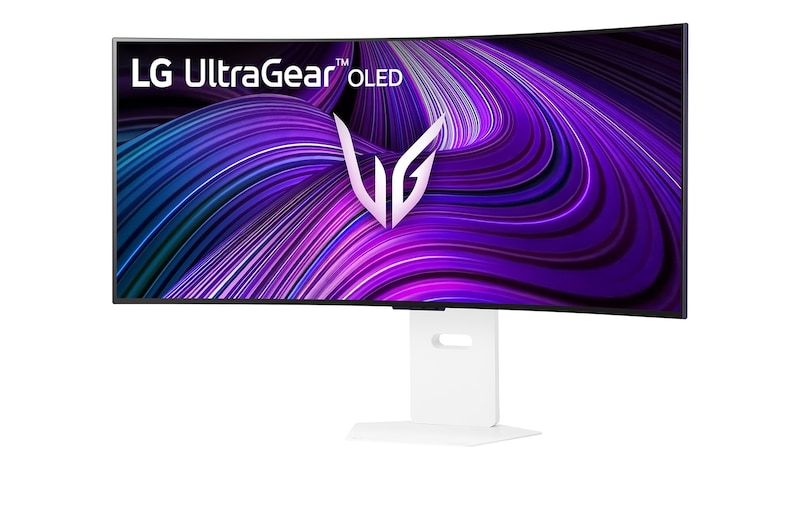
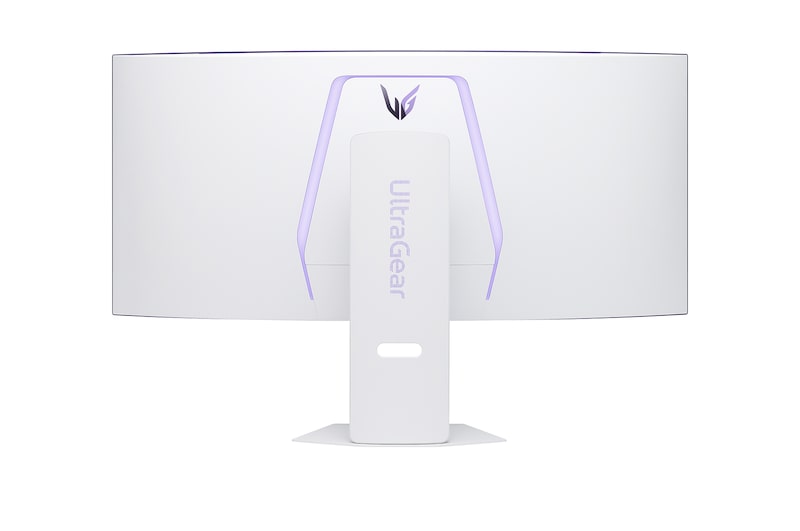
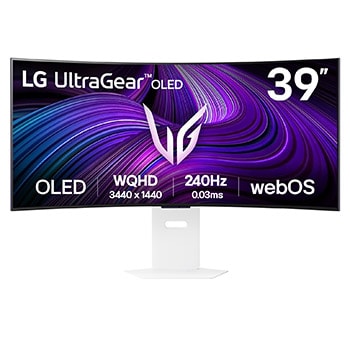
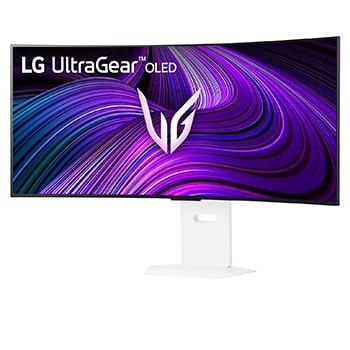
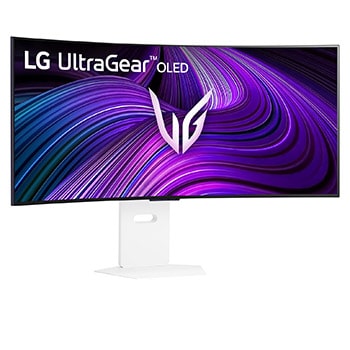
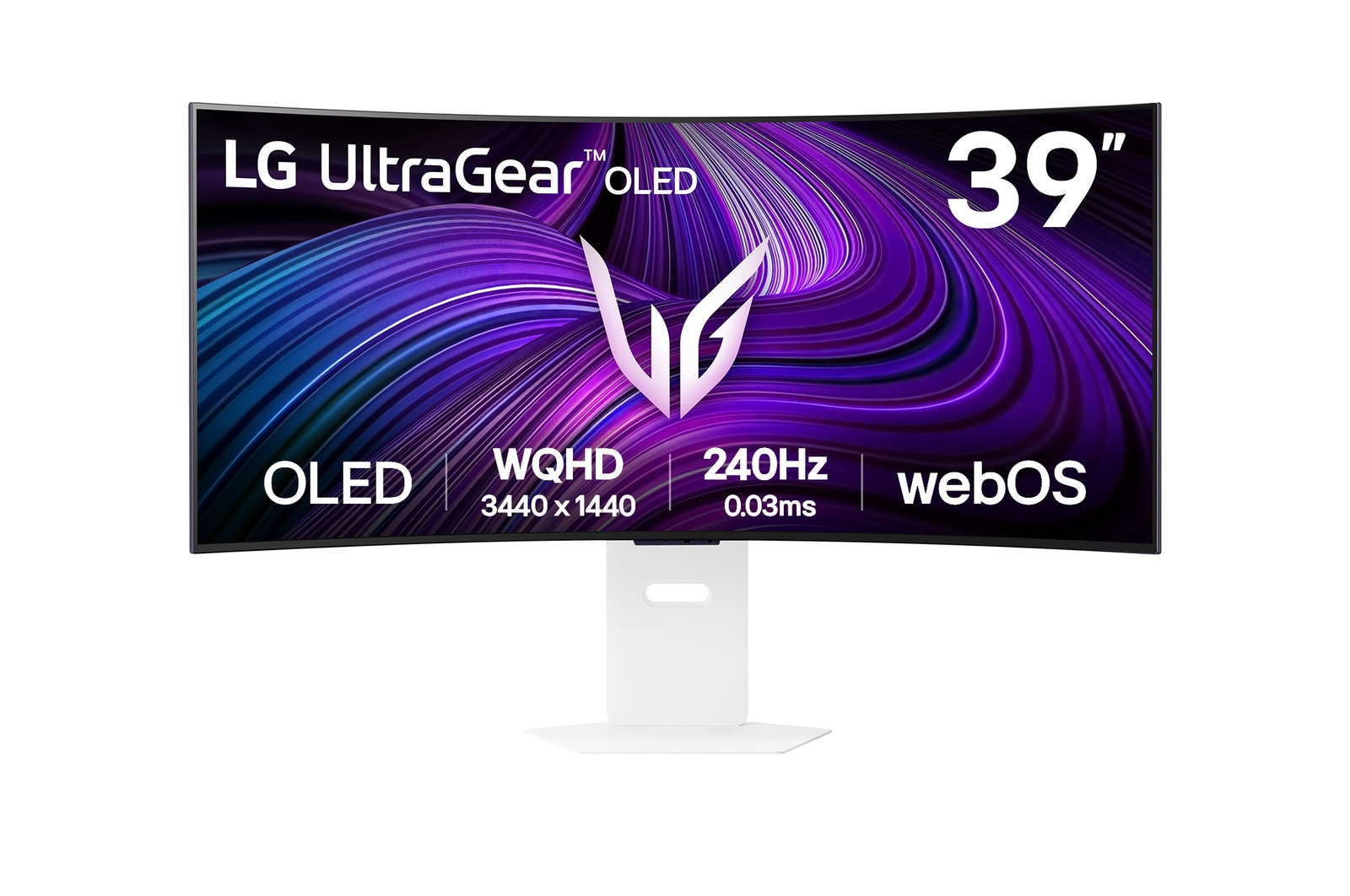
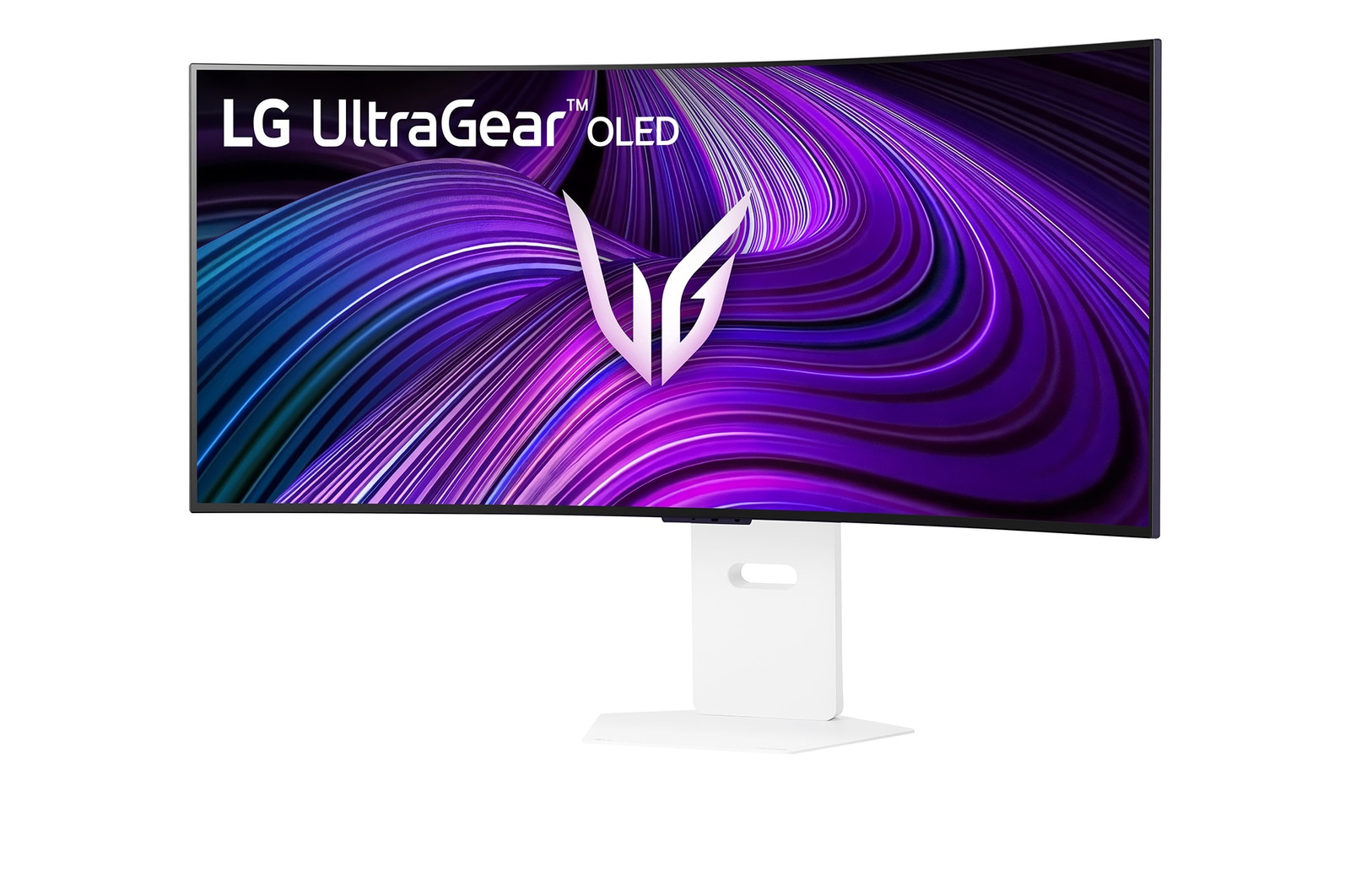
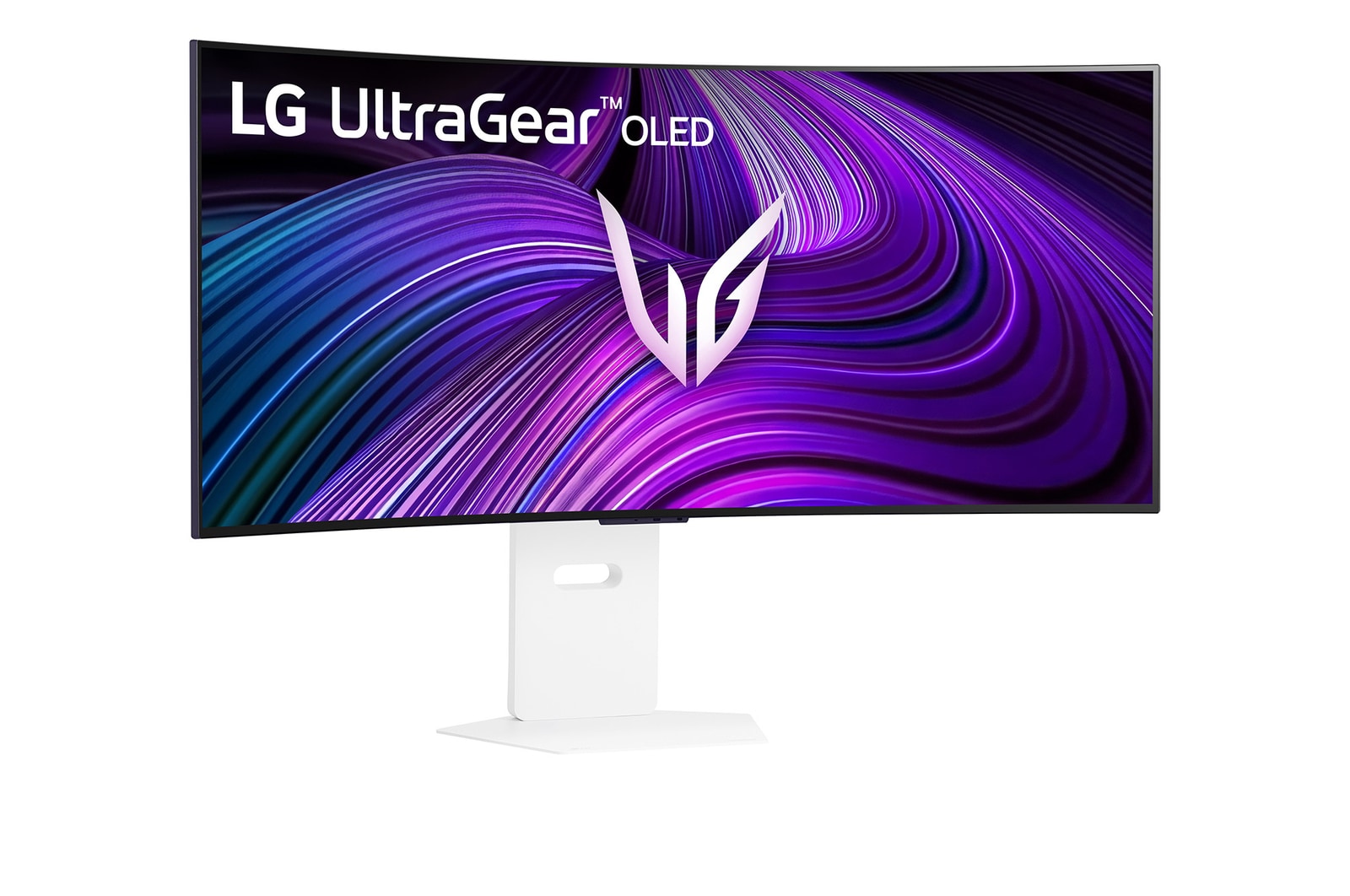
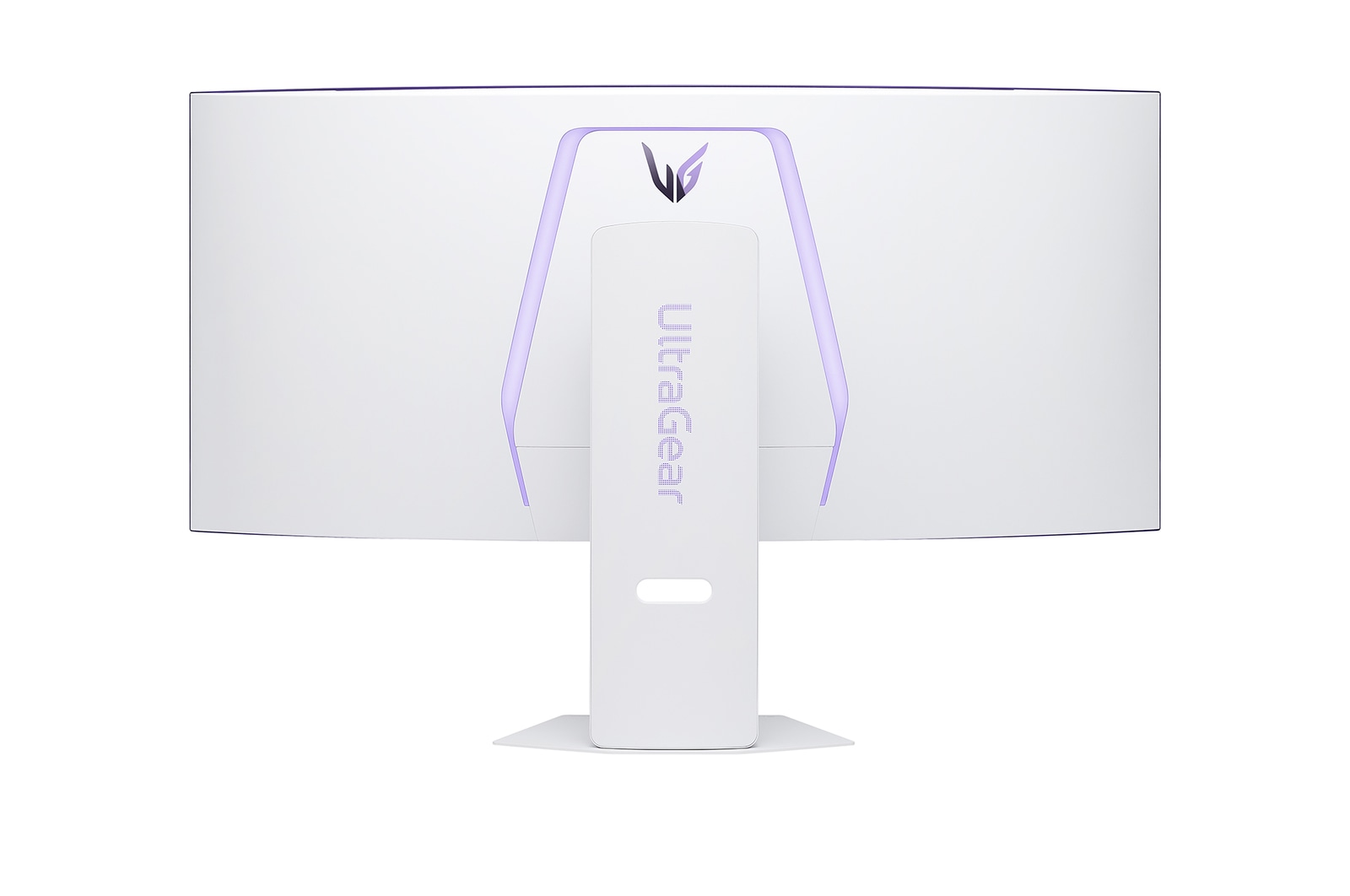
39" LG UltraGear™ OLED Gaming Monitor, 240Hz Refresh Rate, 0.03ms (GtG) Response Time, White
Free 27" UltraGear Monitor
*Images have been simulated to enhance feature understanding, and may differ from actual use experience.
Awards of excellence
STREAMING
webOS
AI Picture
Dynamic Tone Mapping
AI Personalised Picture Wizard
AI Sound
WINNING
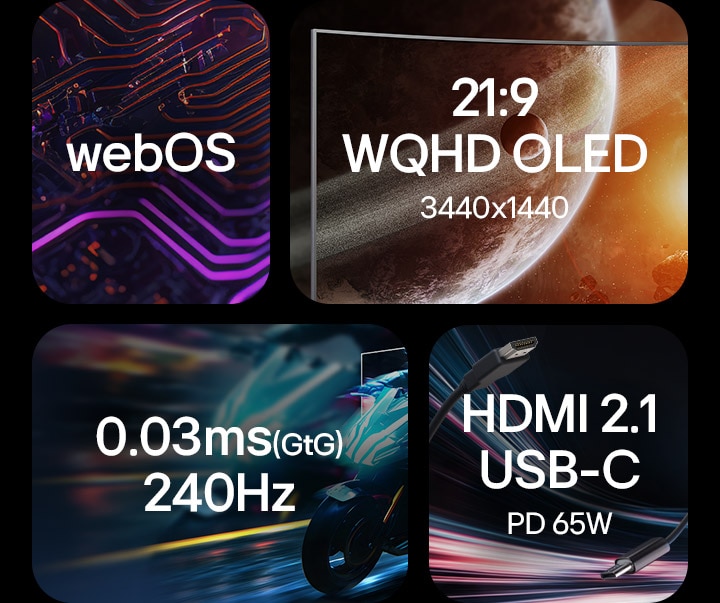
39-inch WQHD Curved OLED
DisplayHDR True Black 400 & DCI-P3 98.5%
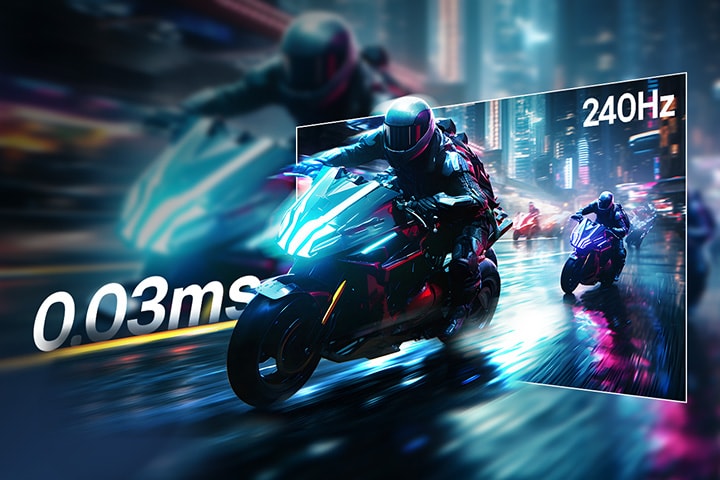
0.03ms (GtG) & 240Hz
AMD FreeSync™ Premium
VESA Certified AdaptiveSync
NVIDIA® G-SYNC® Compatible
CONNECTING
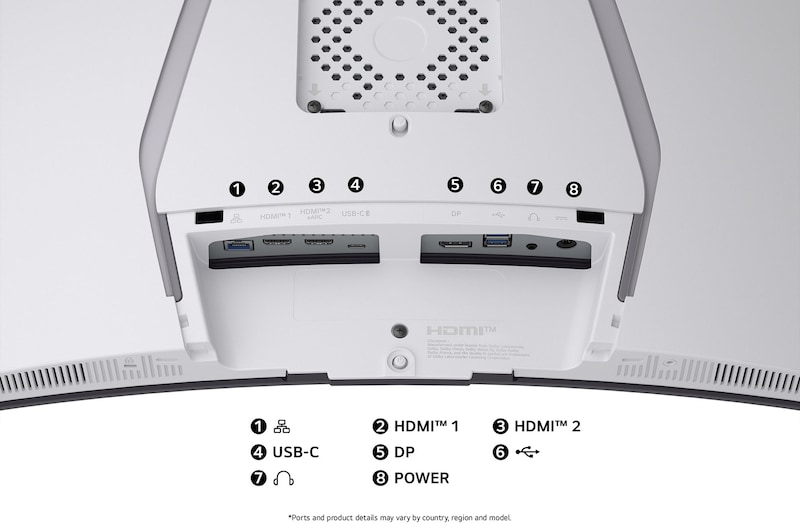
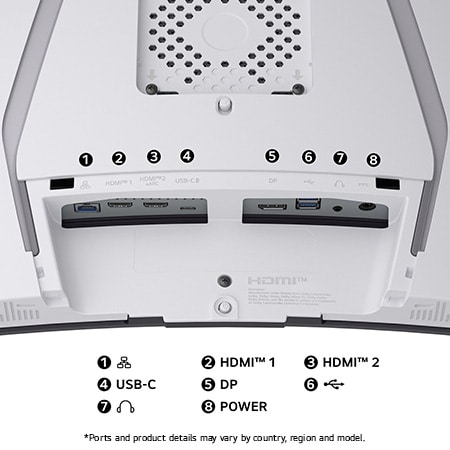
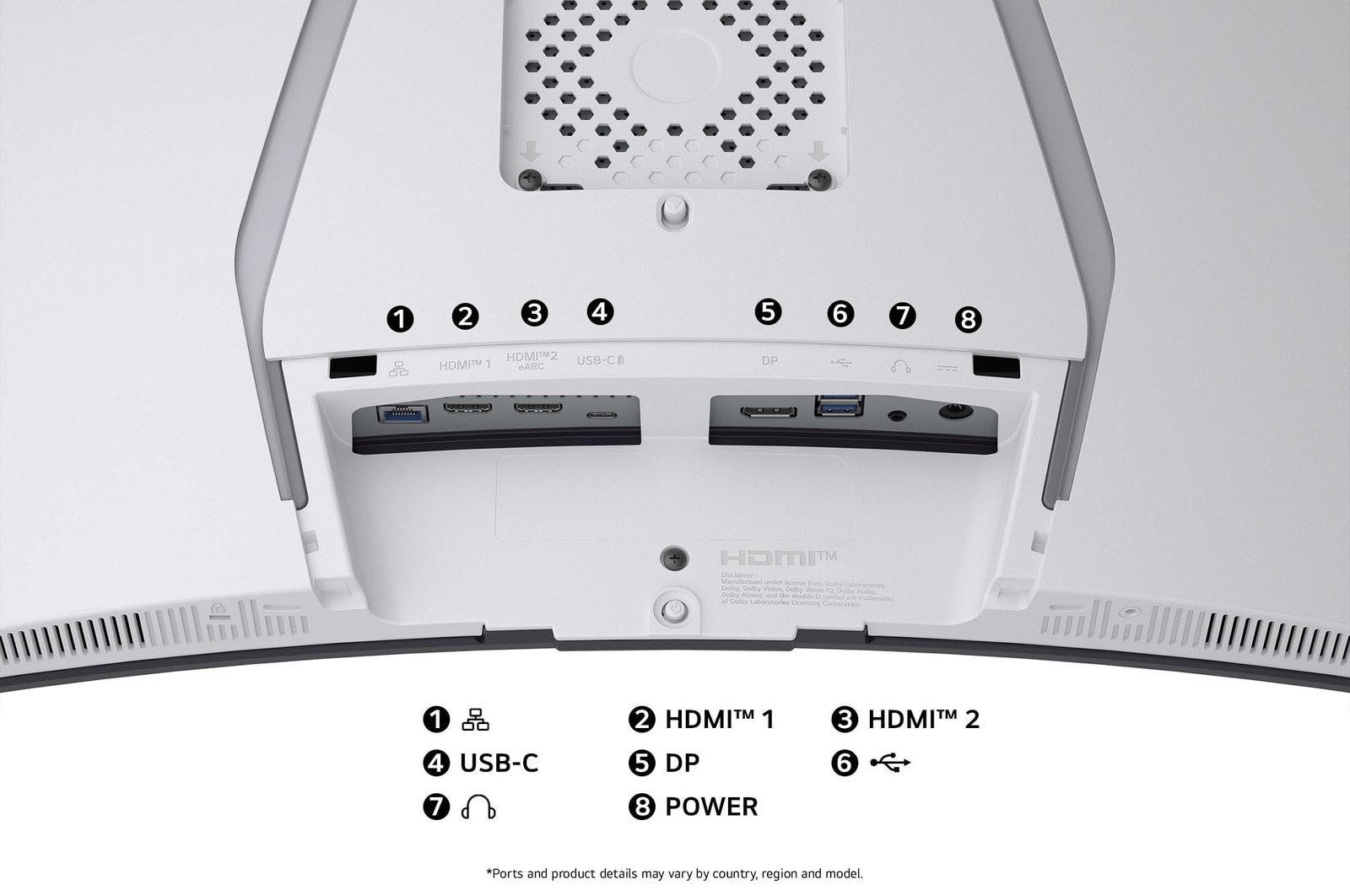
USB-C (PD 65W) & HDMI 2.1
LG Switch app
Sleek design with clutter-free L stand
The webOS-powered
smart gaming monitor
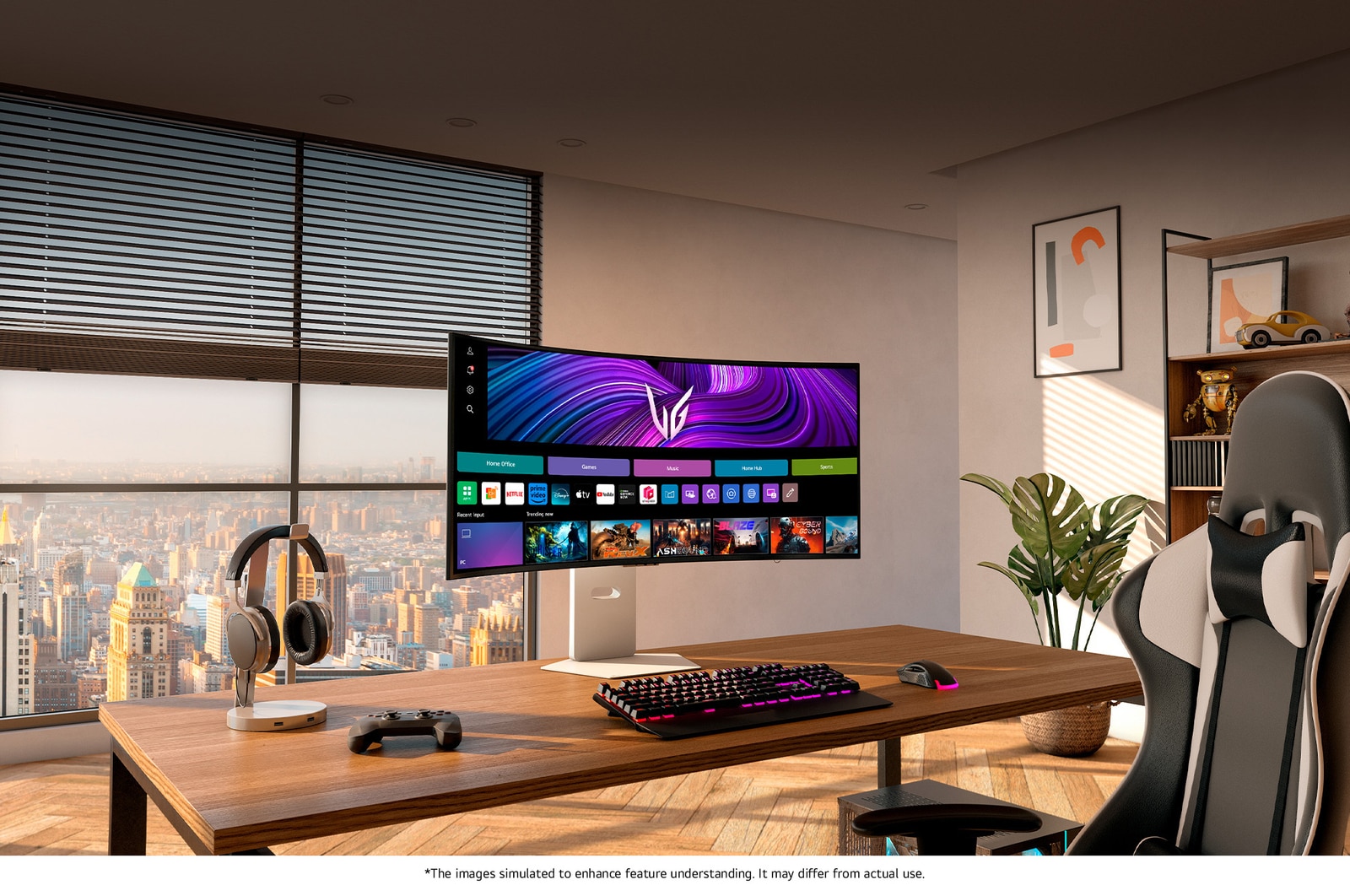
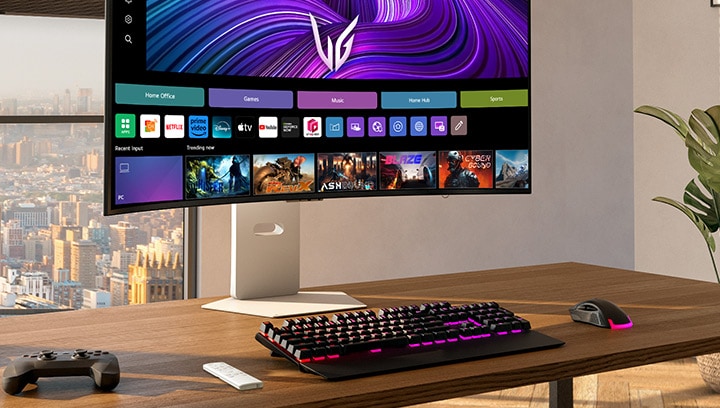
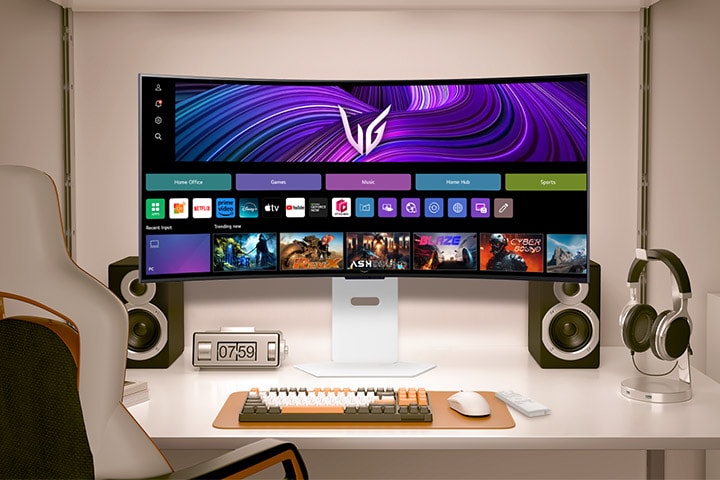
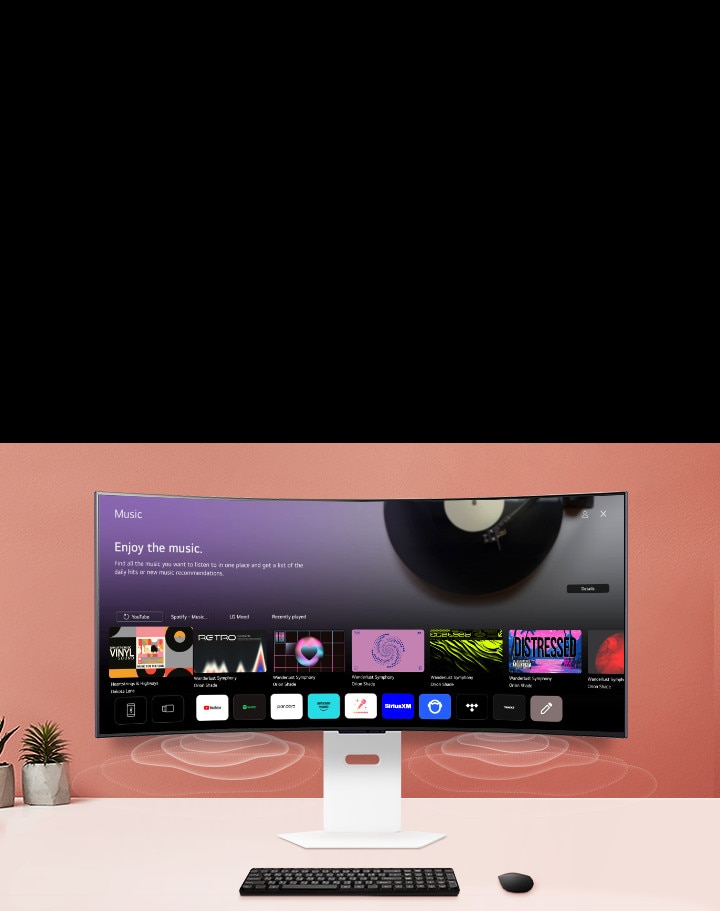
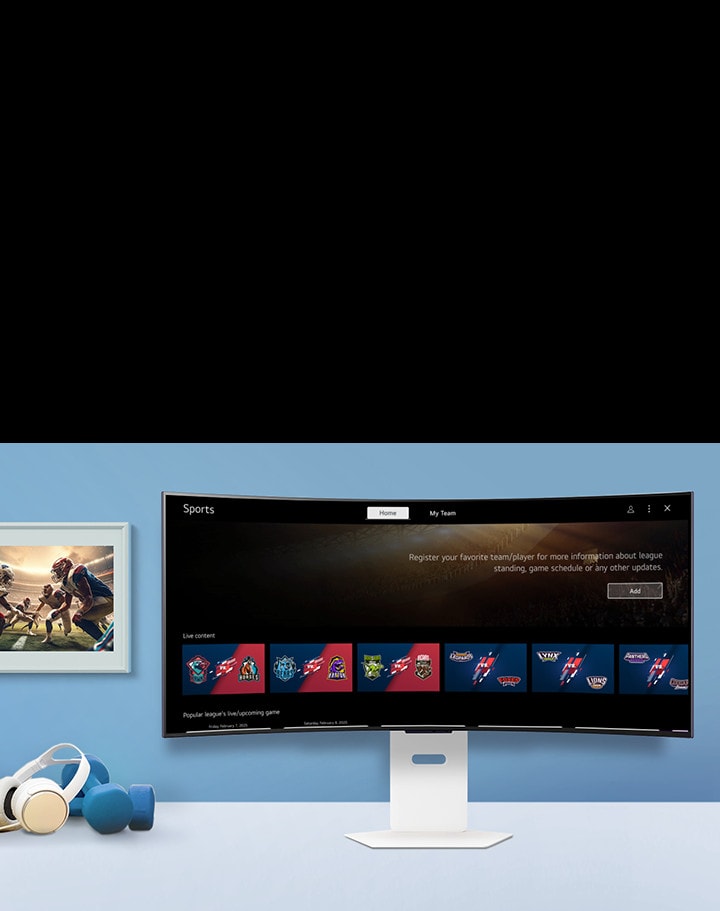
Introducing the smart gaming monitor, powered by webOS with AI, allowing you to relax during game breaks with effortless streaming1), including free LG Channels and numerous streaming options. Plus, access high-performance cloud gaming1) without a separate PC or console, all easily controlled with the remote2) for added convenience.
1) Internet connection and subscription to related streaming or cloud gaming services are required. Separate subscriptions or payments may be required, and they are not provided (purchased separately).
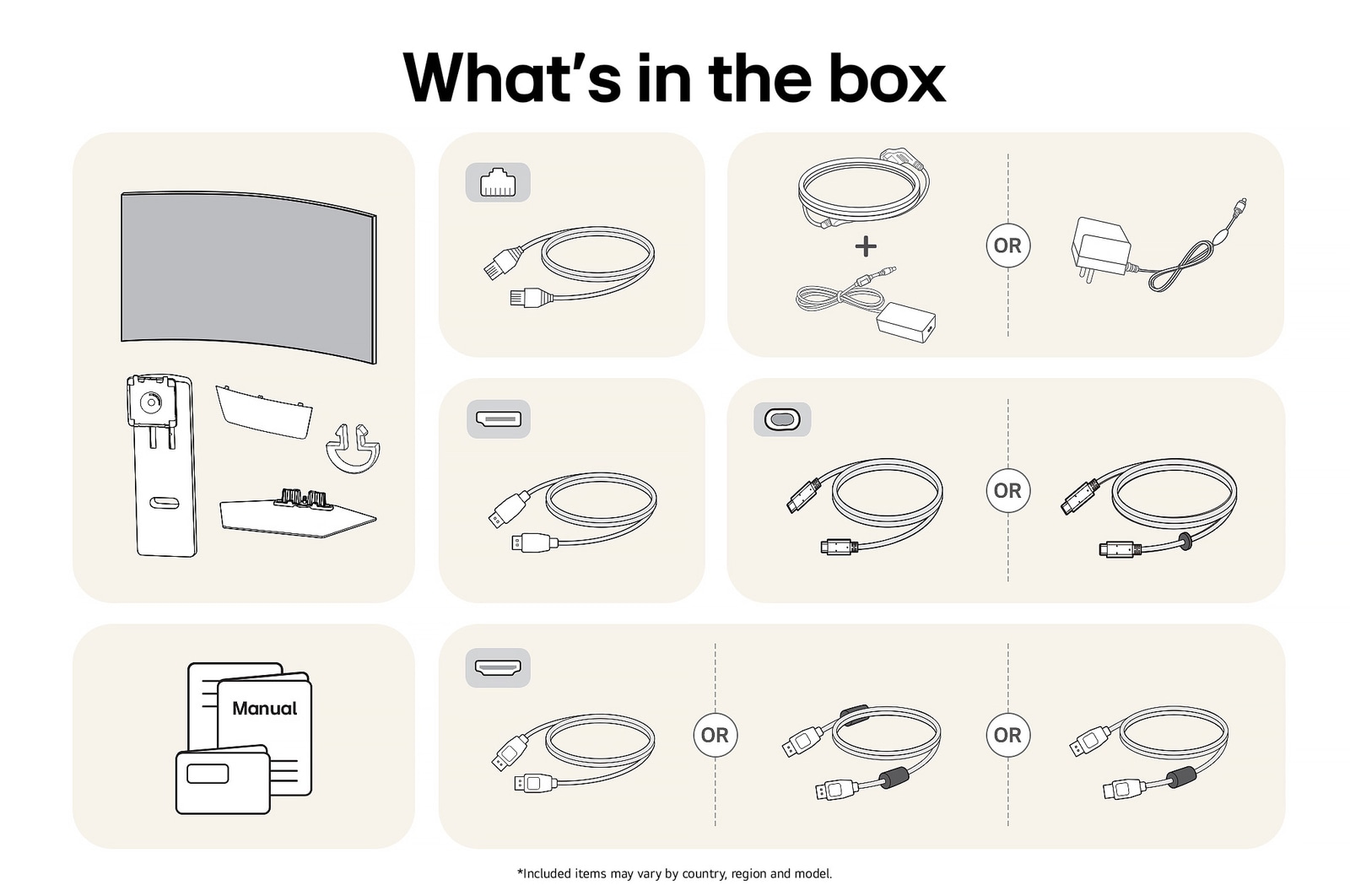
2) The remote control is included in the package.
*Images have been simulated to enhance feature understanding, and may differ from actual use experience.
*Supported services may differ by country.
*Applies only to content produced in a 21:9 aspect ratio. For streaming content, platform restrictions may apply.
*The images simulated to enhance feature understanding. It may differ from actual use.
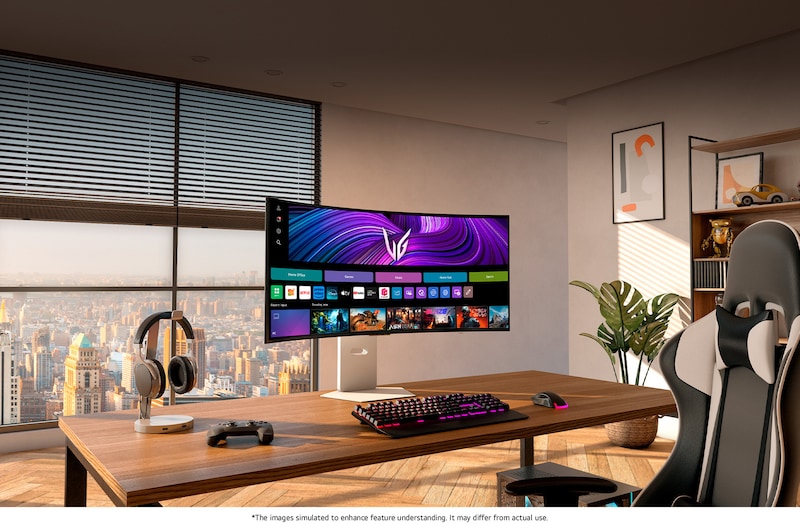
*The above keyboard, mouse, headset, and game controller are not included in the package (sold separately).
*Internet connection and subscription to related streaming services are required. Separate streaming services may require a subscription payment, and they are not provided (purchased separately).
*Supported services may differ by country.
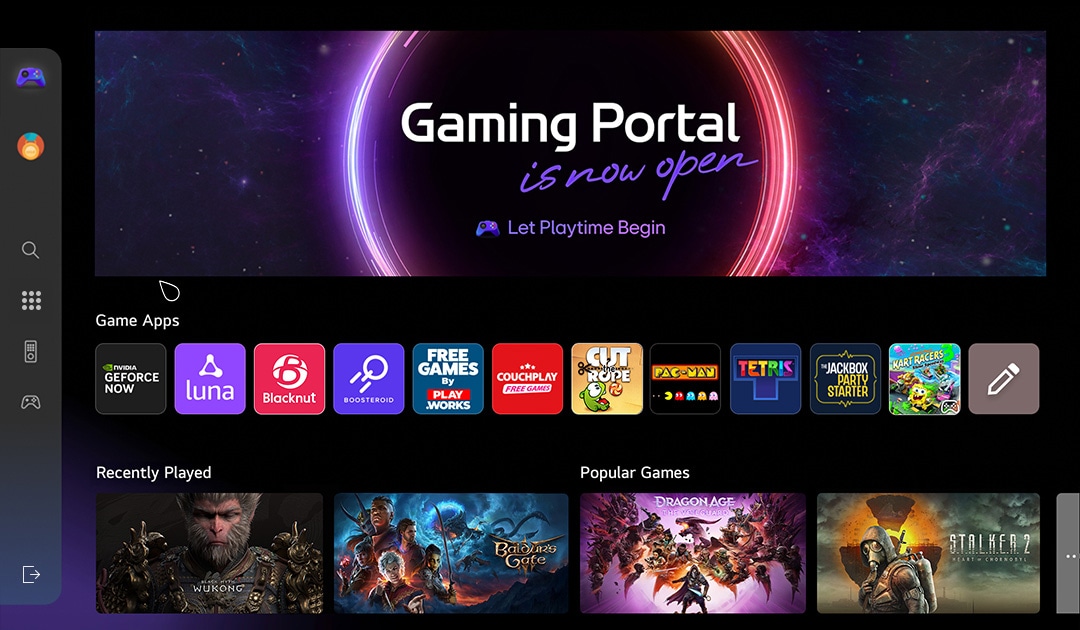
The Gaming Portal is now open
The Gaming Portal is a gaming-friendly platform that offers a tailored experience, with options to select menus for gamepads or remote controls and support for personalised gamification. You can track rankings and points among players, while easily accessing a wide range of titles, from AAA to social games. With partnerships with leading cloud gaming services like GeForce NOW, Amazon Luna, and soon Xbox Cloud, along with native webOS app games, it allows gaming without the need for external consoles or devices, delivering the ultimate gaming experience.
A curved monitor showcases a gaming dashboard with vibrant game icons, including action, puzzle, and cloud gaming apps. A cosmic, glowing portal graphic surrounds the screen, enhancing the sci-fi vibe.
*Support for the Gaming Portal may vary by country.
*Support for cloud gaming services and games within Gaming Portal may vary by country.
*Some gaming services may require a subscription and gamepad.
AI Picture
Sharper characters,
enhanced realism
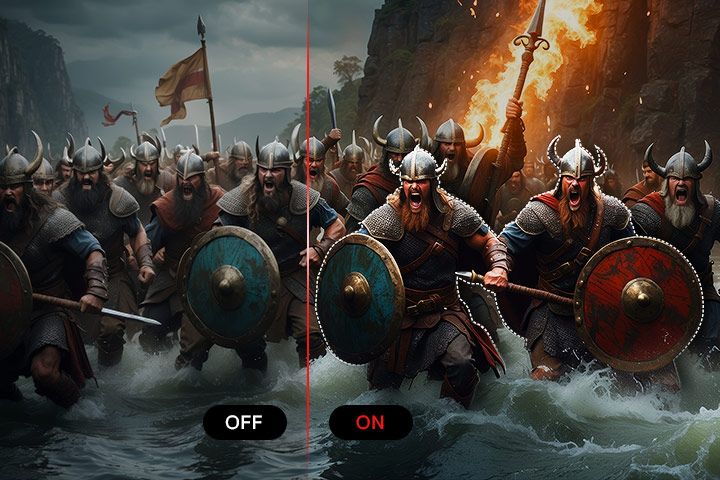
With AI Picture, it delivers lifelike game visuals that highlight faces and bodies, reduce noise, and add depth. Every detail, from subtle expressions to enemy movements, is easy to catch, ensuring a focused screen for total immersion in gaming or streaming.
Comparison images with AI Picture function on and off.
*Images have been simulated to enhance feature understanding, and may differ from actual use experience.
*Not available in PC connection and Game Optimiser mode.
Dynamic Tone Mapping
Come alive with brightness and contrast
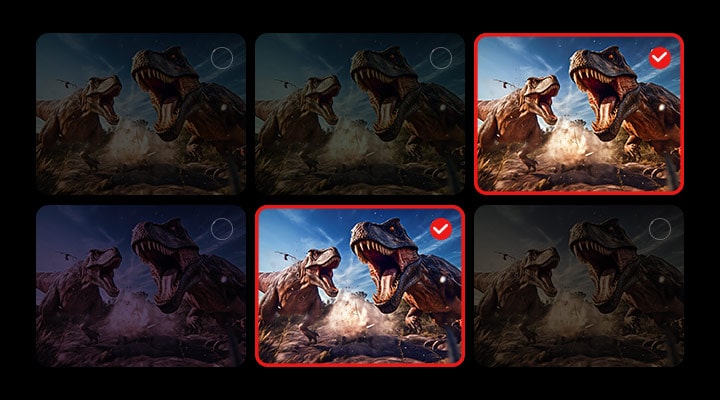
Enjoy visuals as they were meant to be seen, with Dynamic Tone Mapping adjusting brightness and contrast for optimal detail and realism. Movies and games come alive with rich immersion and consistent quality across all content.
*Images have been simulated to enhance feature understanding, and may differ from actual use experience.
*Available only when HDR video signal is input.
AI Personalised Picture Wizard
Crafted for your taste
Pick an image you like, and AI Personalised Picture Wizard will find your perfect match from 85 million choices, saving it to your profile. Get ready to level up your gaming and video experience with a look that's uniquely you.
*Images have been simulated to enhance feature understanding, and may differ from actual use experience.
AI Sound
Detect, distinguish, fine-tuned sound
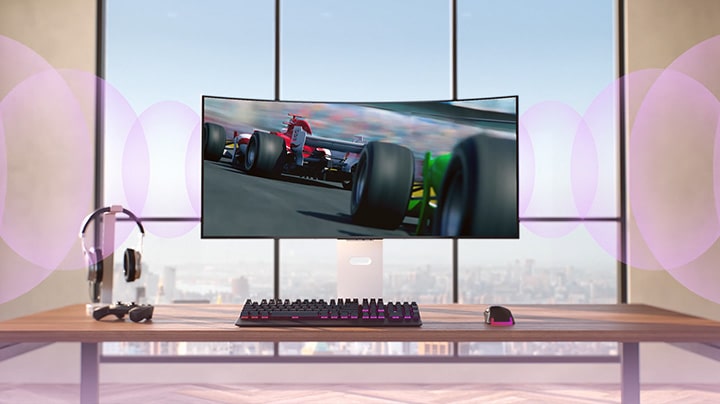
Detects your space and delivers perfectly tuned audio through a simulated 9.1 channel setup, pinpointing sound locations for a tactical edge without the need for extra speakers or headsets. Also, it distinguishes the gamer's voice from ambient sound, adjusting voice levels and clarity to keep you focused on your game.
*Images have been simulated to enhance feature understanding, and may differ from actual use experience.
New upgrade every year for 5 years
with award-winning webOS Re:New Program
Get the benefits from the latest features and software with annual upgrades. A CES Innovation Awardee for the cybersecurity category, feel safe knowing webOS keeps your privacy and data, secure.
*webOS Re:New Program applies to LG UltraGear smart models (45/39/34GX90SA and 32G810SA), set to be released in 2025, will feature the webOS 24 version.
*LG UltraGear smart models will plan to update not webOS 25 ver, but webOS 26.
*Updates and the schedule to some features, application, and services may vary by model and region.
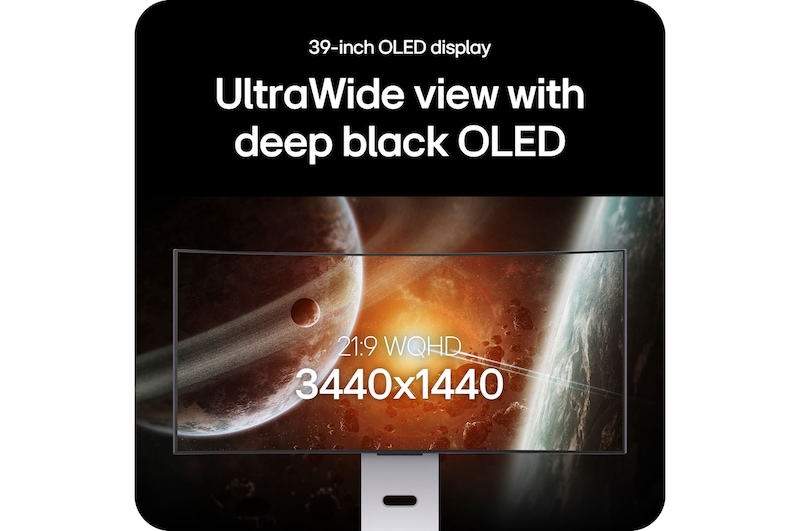
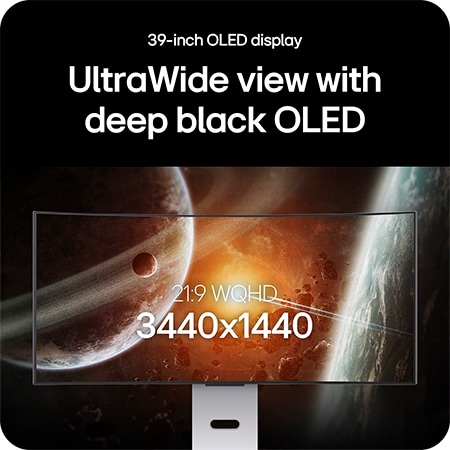
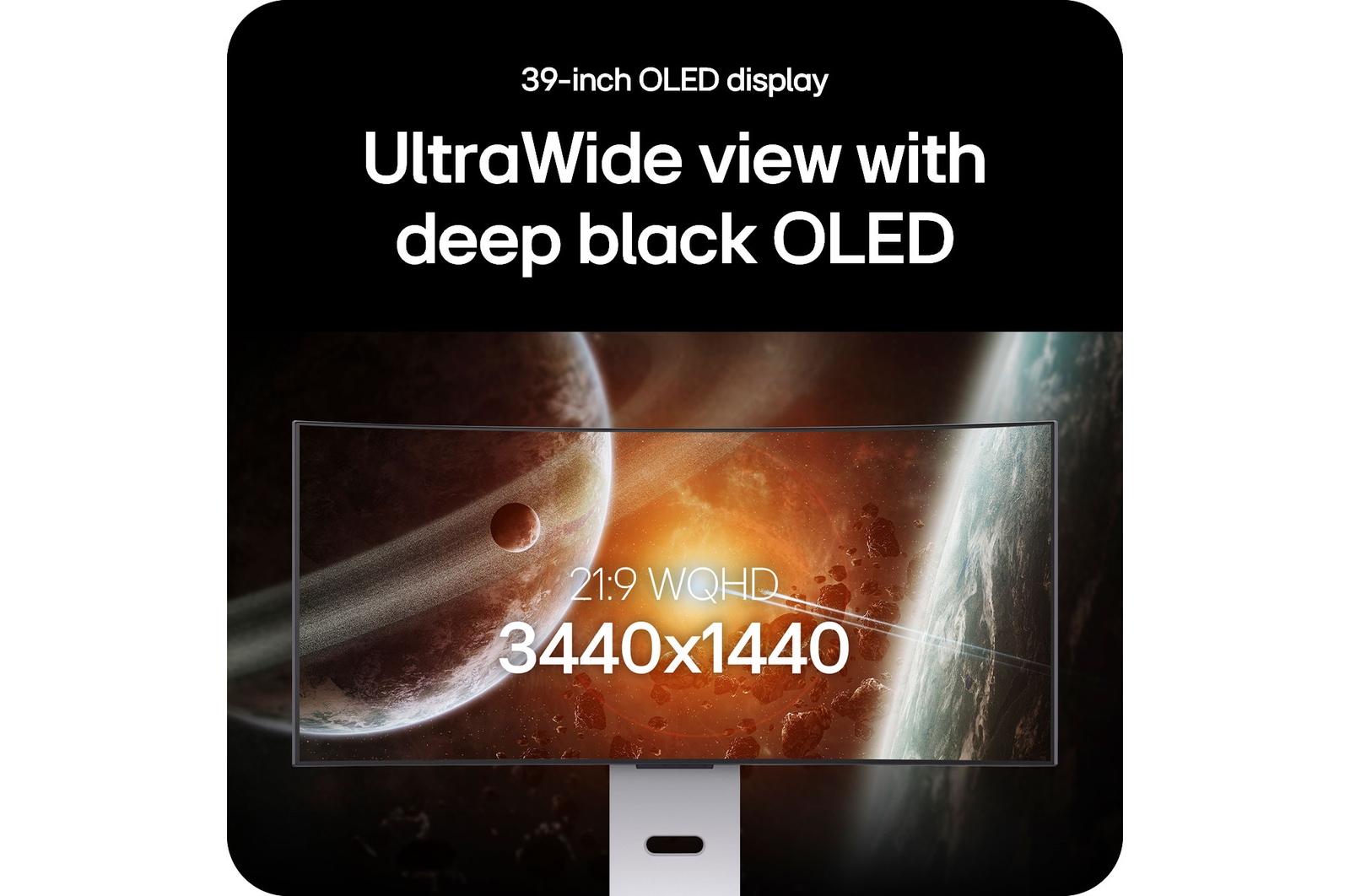
UltraWide view with deep black OLED
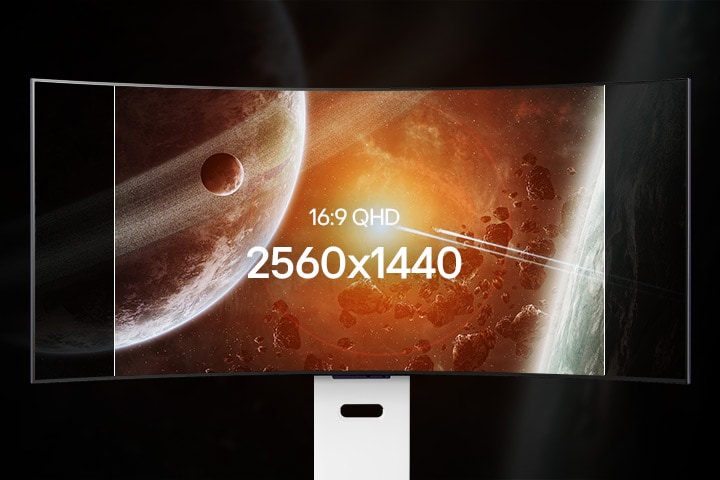
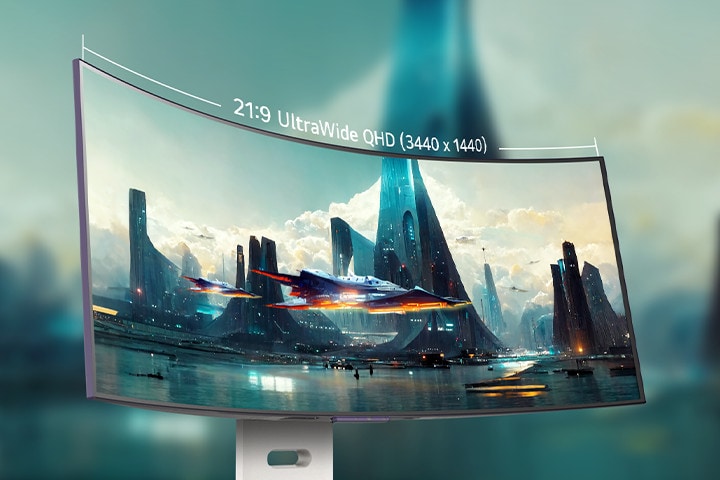
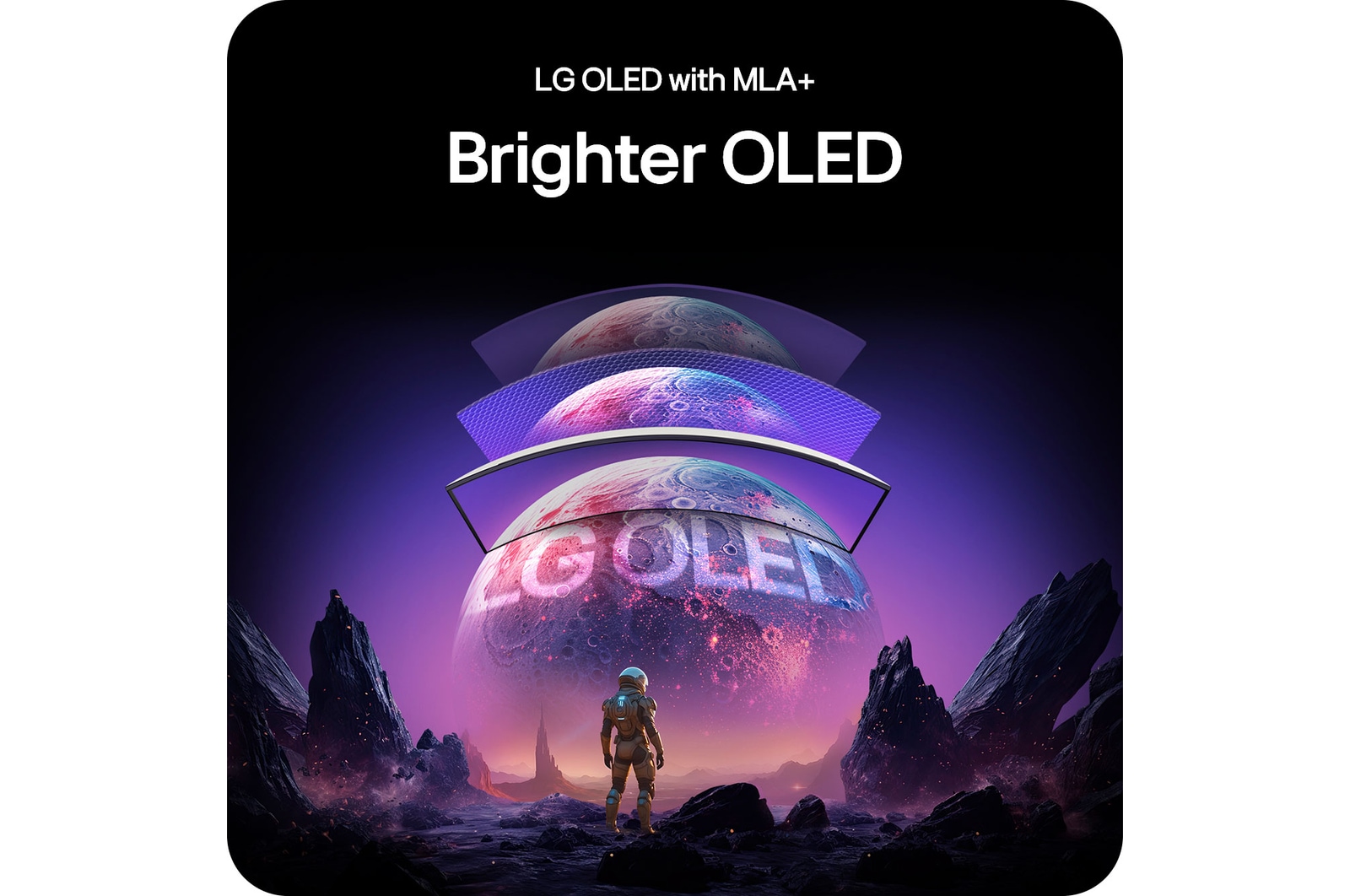
The 39-inch WQHD (3440x1440) display offers a 34% wider view than standard 16:9 screens, delivering sharp and clear visuals across the expansive display. This WQHD OLED represents boldly darker shadows, brighter lights, and vibrant colours for gameplay in any environment.
*Images have been simulated to enhance feature understanding, and may differ from actual use experience.
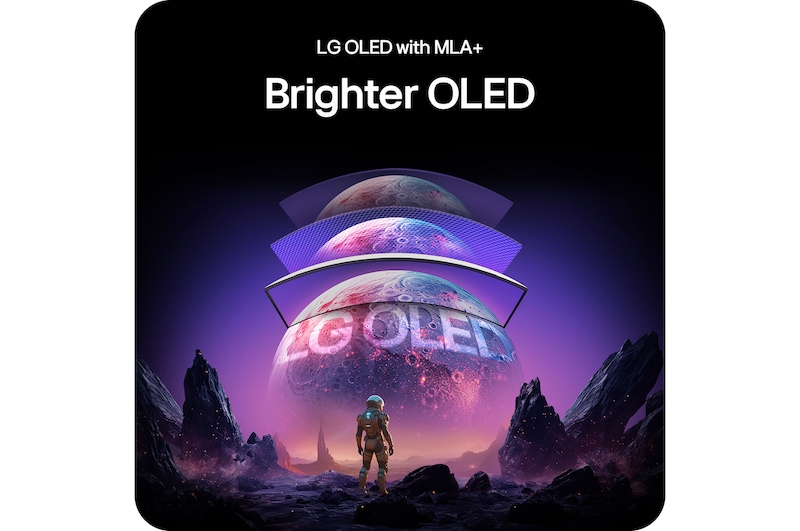
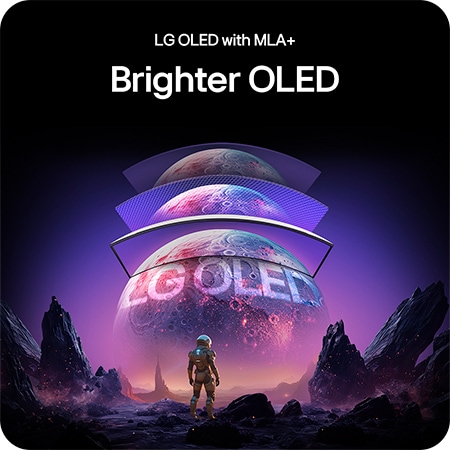
**Among LG OLED gaming monitors with MLA+. SDR brightness is 37.5% higher than our previous models (27GR95QE, 45GR95QE) based on published specifications.
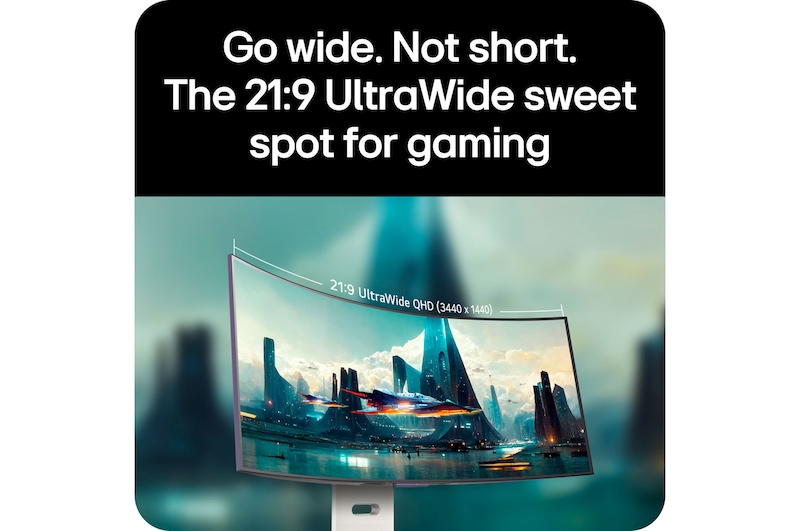
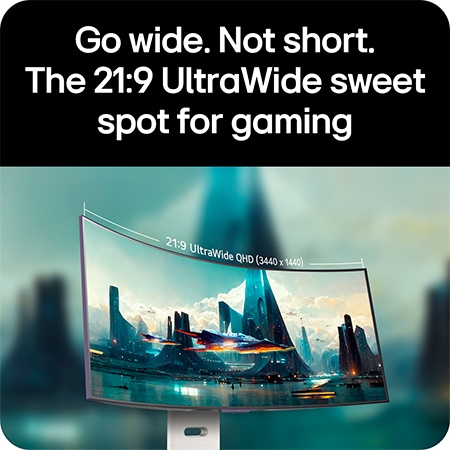
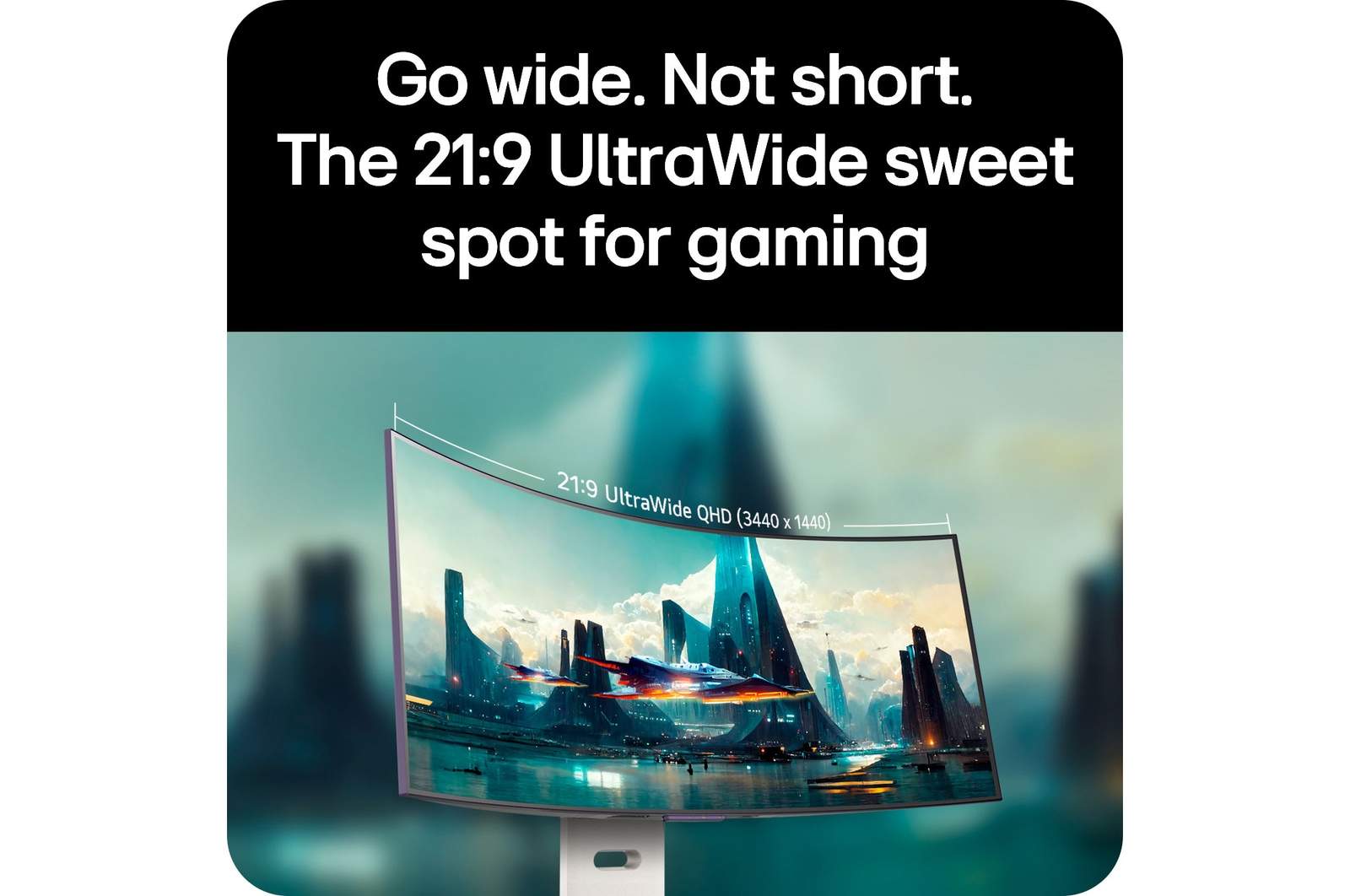
Go wide. Not short.
The 21:9 UltraWide sweet spot for gaming
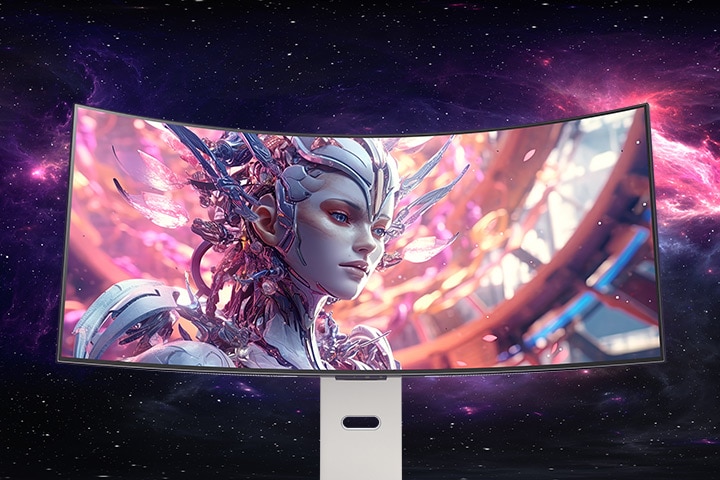
The 21:9 curved OLED monitor provides an immersive and captivating experience for both gaming and various entertainment content, thanks to its balanced and optimised aspect ratio.
The 21:9 curved OLED monitor provides an immersive and captivating experience with a balanced and optimised aspect ratio.
*Images have been simulated to enhance feature understanding, and may differ from actual use experience.
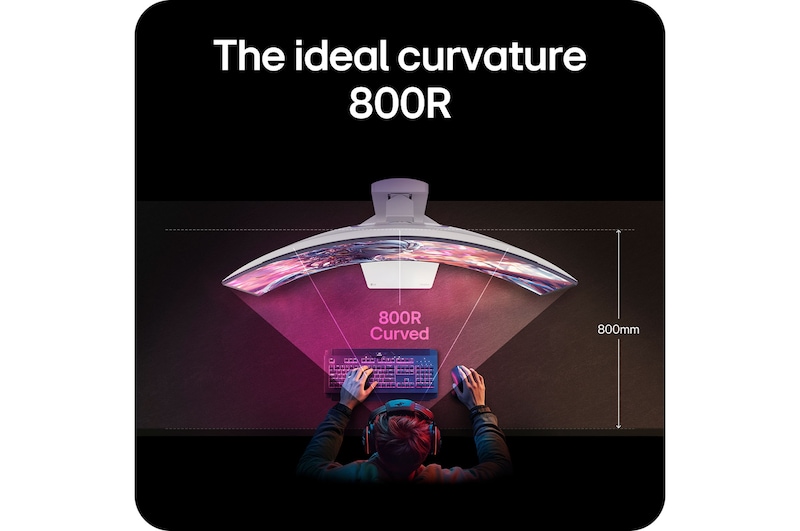
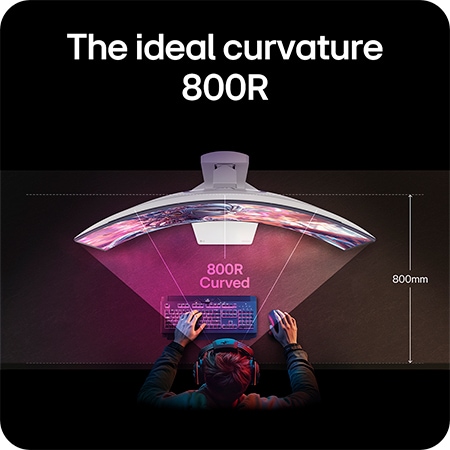
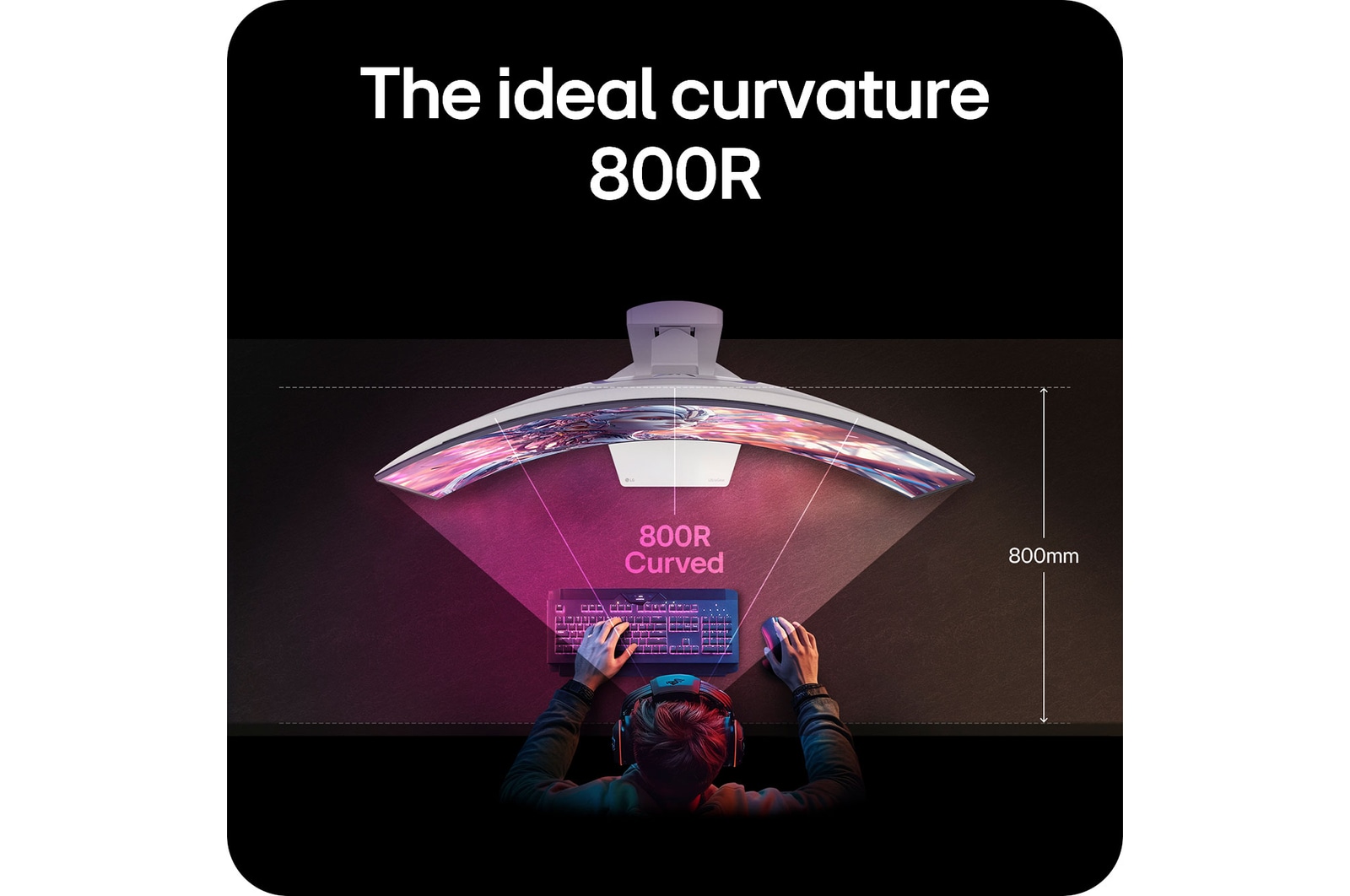
The ideal curvature is 800R
Immerse yourself in the 800R curved screen, designed to match your natural sight, placing you at the core of its curvature. With a consistent 90-degree viewing angle across the entire screen, it delivers vivid, distortion-free graphics as you explore the gaming universe.
*Images have been simulated to enhance feature understanding, and may differ from actual use experience.
*The viewing experience may vary depending on the distance from the screen and the user's posture.
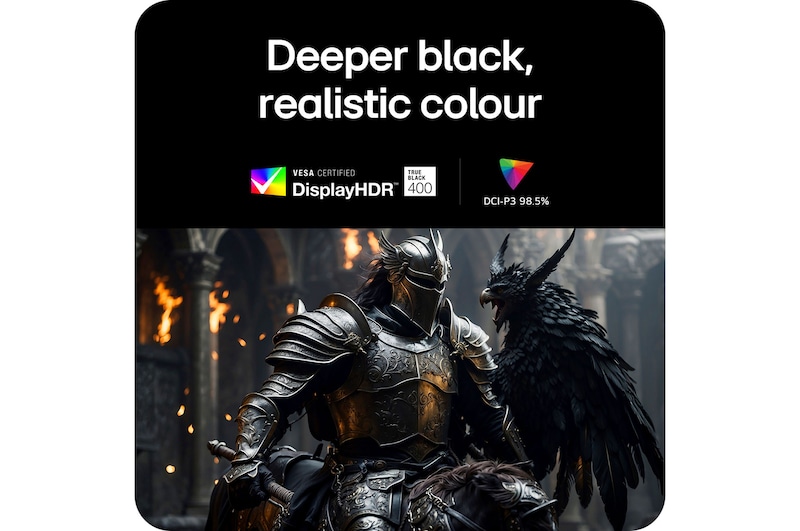
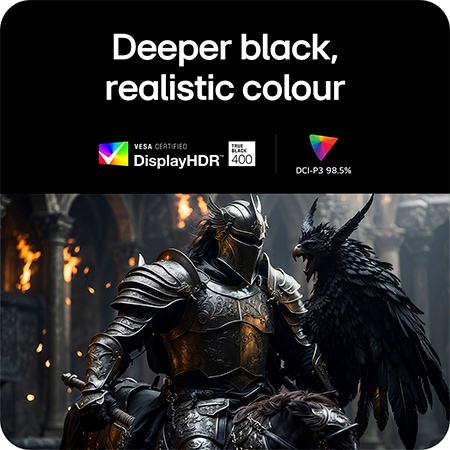
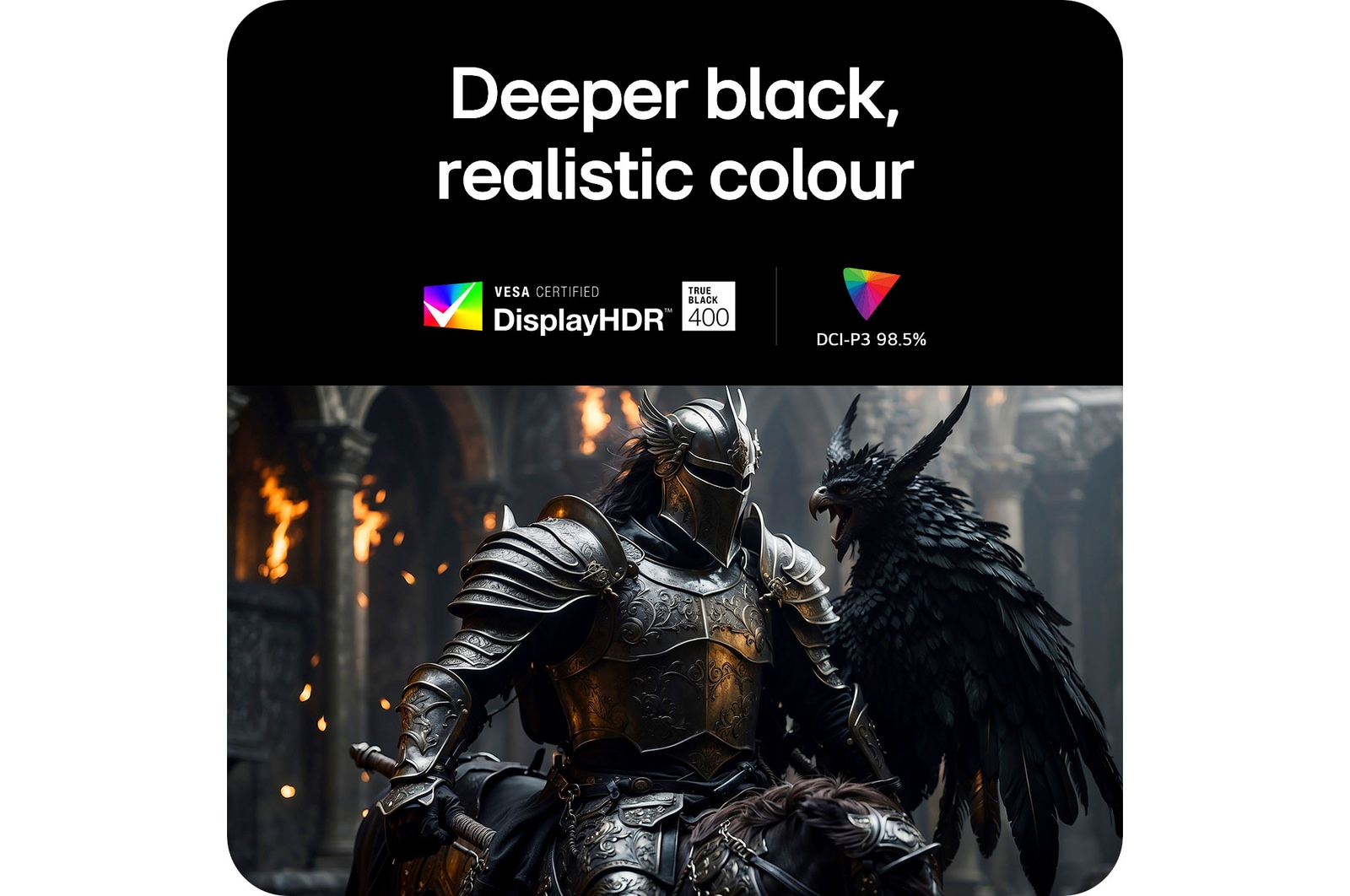
Deeper black,
realistic colour
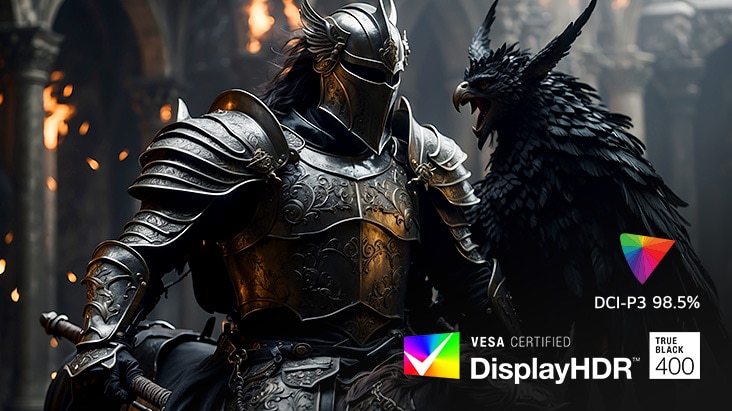
Experience unparalleled depth and vibrant realism with VESA DisplayHDR true black 400, delivering detailed black expression even in the darkest scenes. With a 1.5M contrast ratio, DCI-P3 98.5% (typical) colour gamut ensures that colours are displayed with realistic detail, just as originally intended.
*Images have been simulated to enhance feature understanding, and may differ from actual use experience.
*1.5M:1 is the contrast ratio at 25% APL (Average Picture Level) value which is given as a percentage and refers to the value between the black level and the reference level for white.
Advanced eye comfort technologies
by three UL verifications
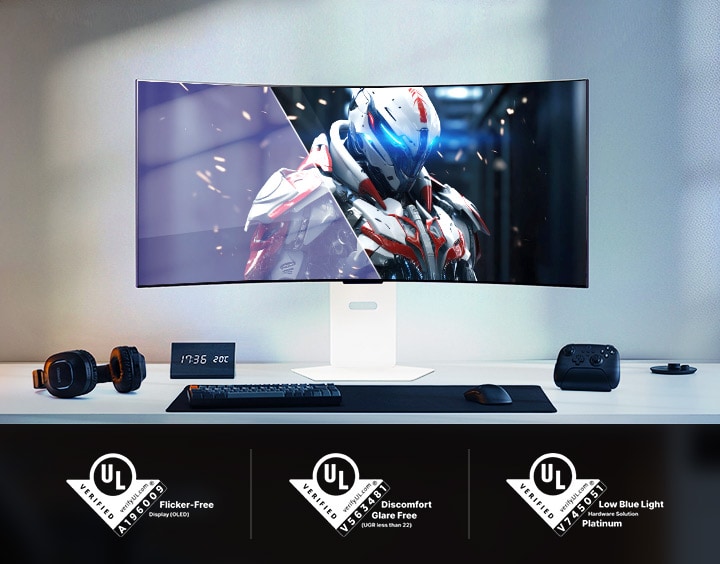
Featuring an anti-glare finish, LG WOLED’s advanced eye comfort technologies minimise frustrating reflections and keep your eyes comfortable, delivering crystal-clear gaming performance with consistent clarity. With UL verifications in key areas—limiting harmful blue light exposure and preventing distractions from flickering lights—these technologies promote visual comfort and contribute to a smoother gaming experience, whether you’re gaming in bright environments or LED-lit rooms.
Curved gaming monitor showing a robot character in a futuristic setting, with UL certifications below.
*All pictures shown are simulated for illustration purpose only.
*LG WOLED have been verified as Flicker-Free, Discomfort Glare Free, and Low Blue Light by UL.
*Certificate Number: Flicker-Free Display (OLED) - A196009, Discomfort Glare Free - V563481 (conditions of UGR less than 22), Low Blue Light Hardware Solution Platinum - V745051.
*The above feature may vary depending on the user’s computing environment or conditions.
*Images have been simulated to enhance feature understanding, and may differ from actual use experience.
Certified with a widely adopted technology
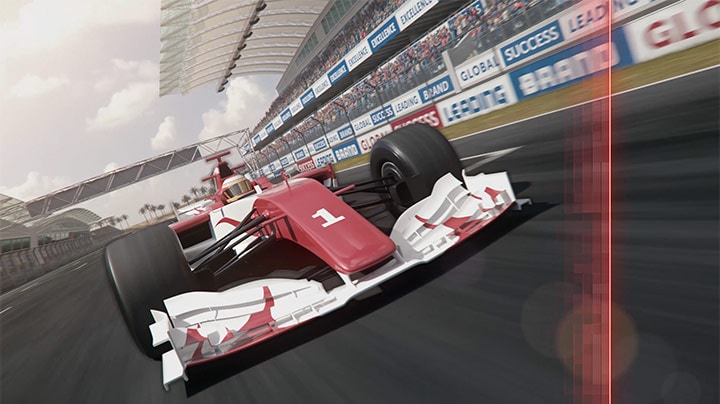
Powered by AMD FreeSync™ Premium, NVIDIA-validated G-SYNC® compatibility, and VESA AdaptiveSync™ certification, this monitor ensures tear-free, ultra-smooth visuals and low latency, delivering unmatched gaming precision and fluidity.
Image of a green car racing on a track.
*Images have been simulated to enhance feature understanding, and may differ from actual use experience.
*The performance of the feature is compared to the models not applying the sync technology.
*Errors or delays may occur depending on the network connection.
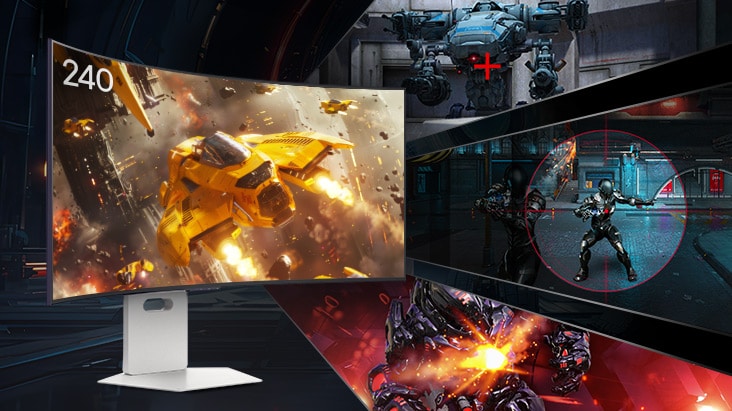
Advanced gaming features
•Low Latency reduces input lag for real-time response.
•Black Stabiliser brightens dark scenes, helping gamers spot enemies and details.
•Crosshair enhances precision for deadly accuracy.
•FPS Counter shows your real-time frame rate.
*Images have been simulated to enhance feature understanding, and may differ from actual use experience.
*The Crosshair feature is unavailable while FPS Counter is activated.
*FPS Counter may display the value that exceeds the monitor’s maximum refresh rate.
*FPS (Frame Per Second) Counter: Measurement of frames per second.
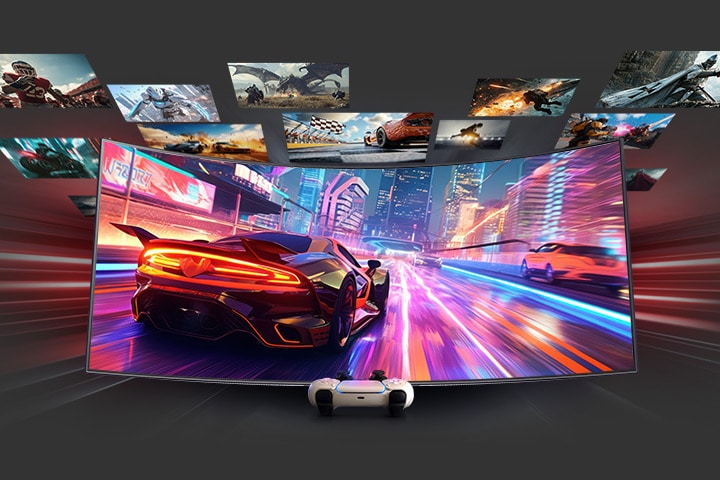
Plunge into a multitude of games
LG UltraGear™ monitors deliver smooth, responsive gameplay for both PC and console, whether you're diving into fast-paced action or exploring vast open worlds. With HDMI 2.1 support, they offer flexible compatibility—from keyboard and mouse to joystick—along with fluid motion, low latency, and vibrant details for an optimised gaming experience across various genres and platforms.
*Images have been simulated to enhance feature understanding, and may differ from actual use experience.
*PS5 and Xbox consoles support only a 16:9 aspect ratio, please ensure your display settings are configured accordingly for optimal gaming performance.
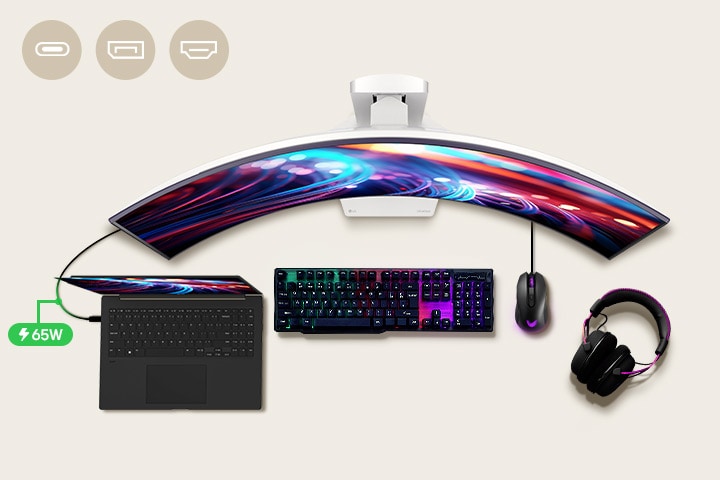
All-in-One USB-C for responsive gaming
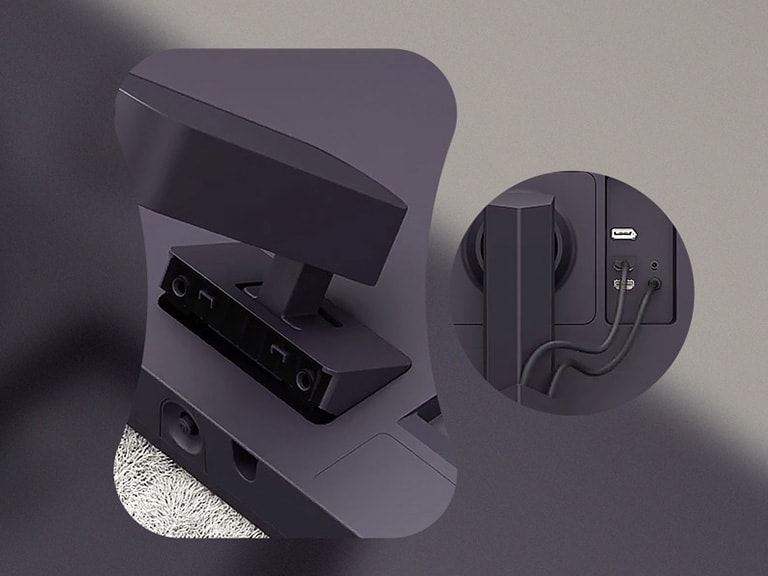
Connect your laptop to the monitor with a USB-C cable for up to 65W power delivery, eliminating the need for a separate adapter. Enjoy WQHD resolution and a 240Hz refresh rate via DP 1.4 or HDMI 2.1, ensuring your gaming remains uninterrupted.
A 39-inch gaming monitor is positioned in the center of the desk, with various IT devices placed around it.
*Images have been simulated to enhance feature understanding, and may differ from actual use experience.
*To work properly, the USB-C cable is required to connect the USB-C port to the monitor.
*It supports up to QHD@240Hz refresh rate. To work properly, a graphic card that supports DP 1.4 or HDMI 2.1 cable is required.
*The graphics card is NOT included in the package.
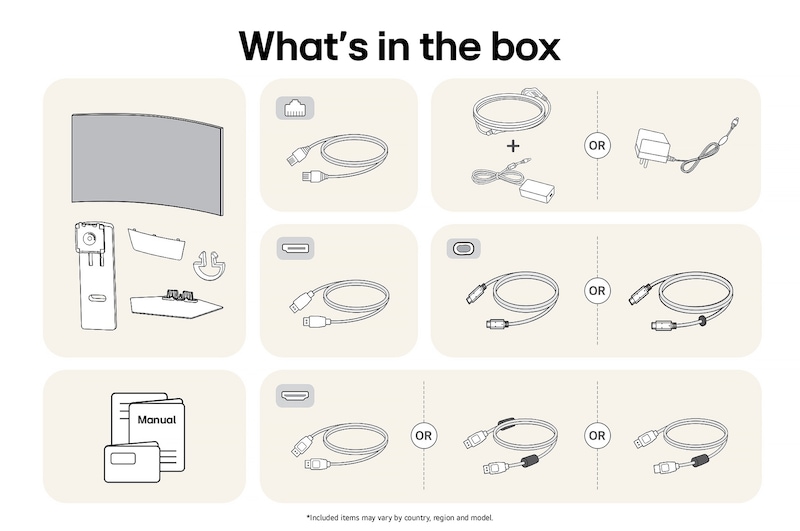
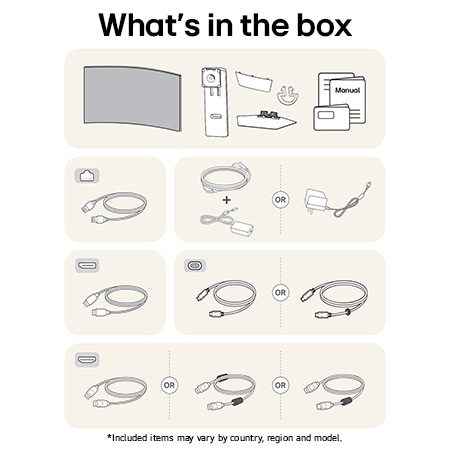
*USB-C, DP, and HDMI cables are included in the package.
*Images have been simulated to enhance feature understanding, and may differ from actual use experience.
*To download the latest version of the LG Switch app, visit LG.com.
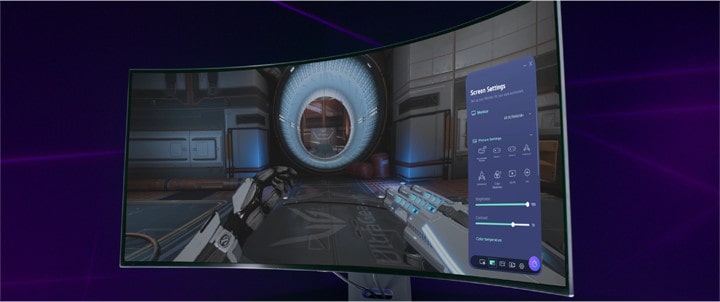
LG Switch app tutorial
Adjust your monitor settings effortlessly with LG Switch app.
*Images have been simulated to enhance feature understanding, and may differ from actual use experience.
*The video shows the representative LG UltraGear product for illustrative purposes. Please see the gallery images taken with the actual product.
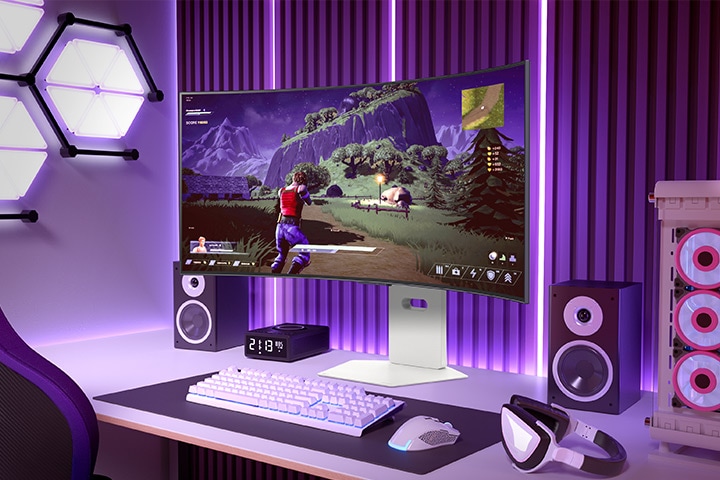
Clutter-free, sleek design
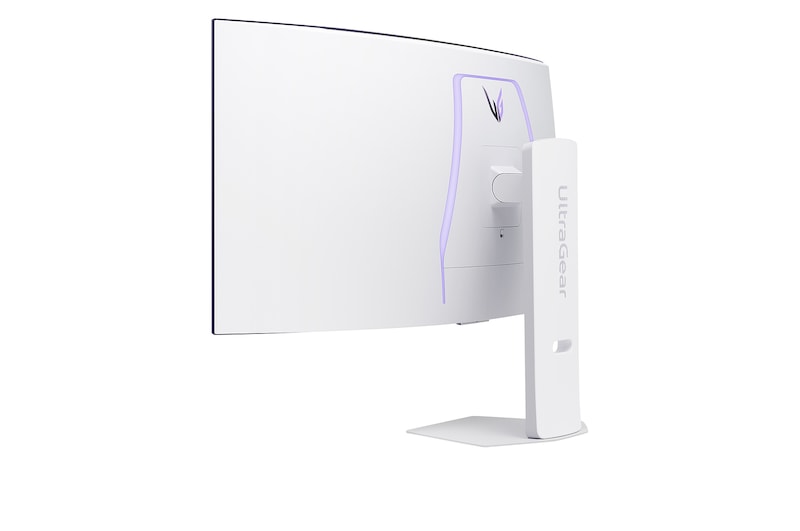
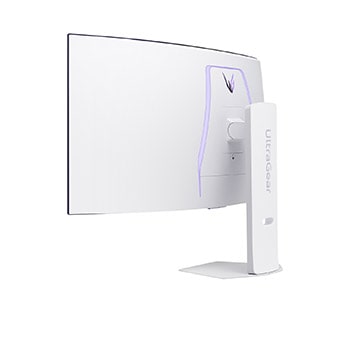
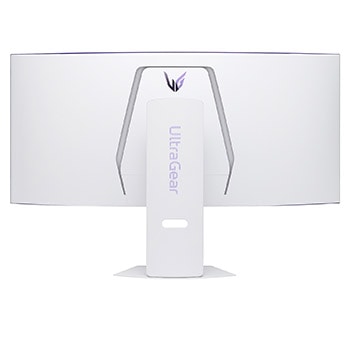
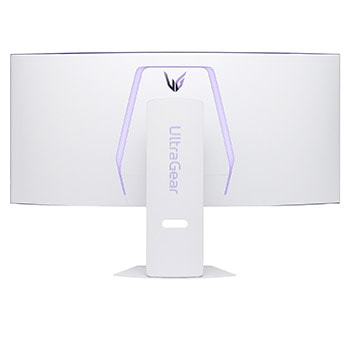
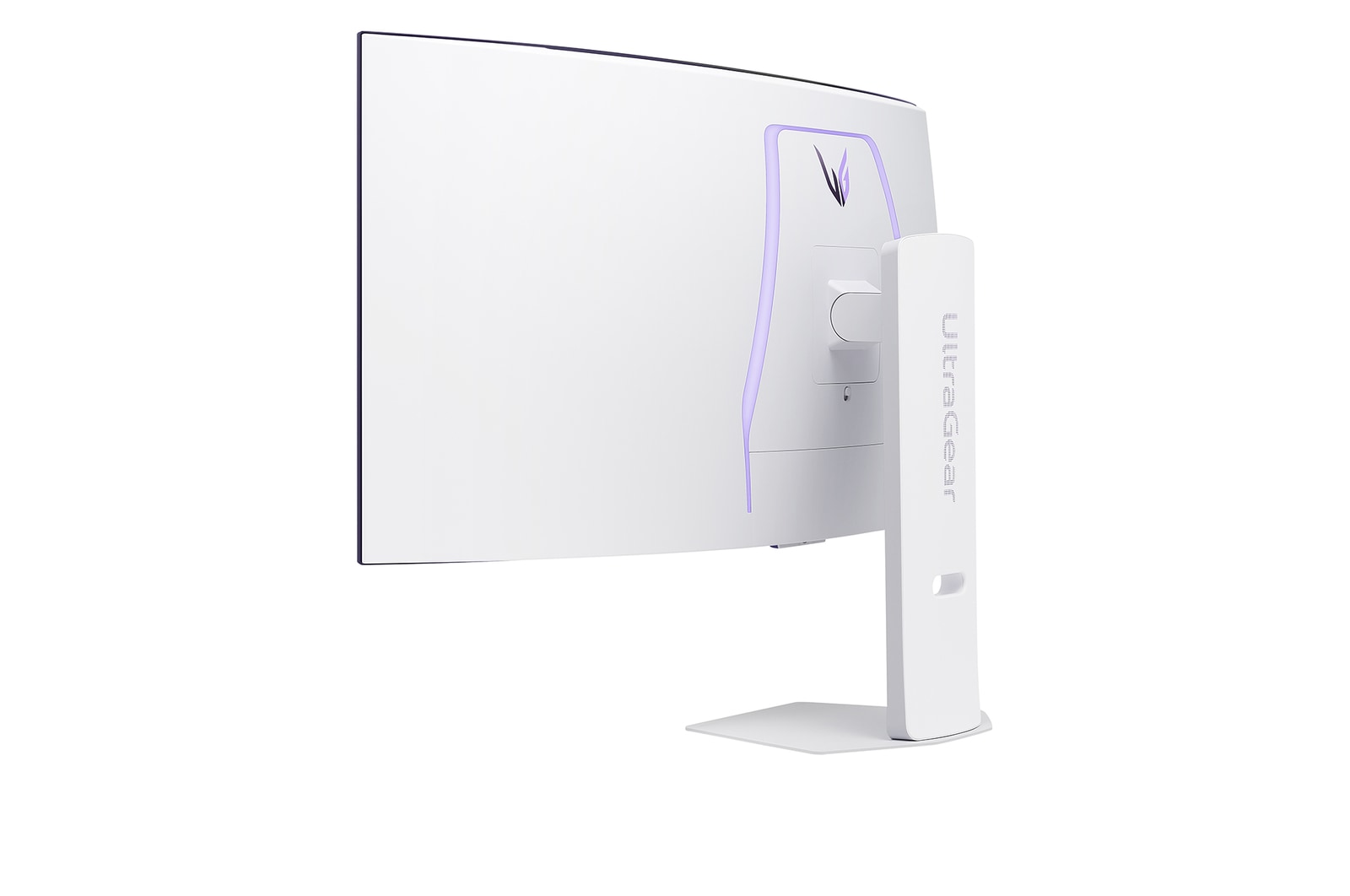
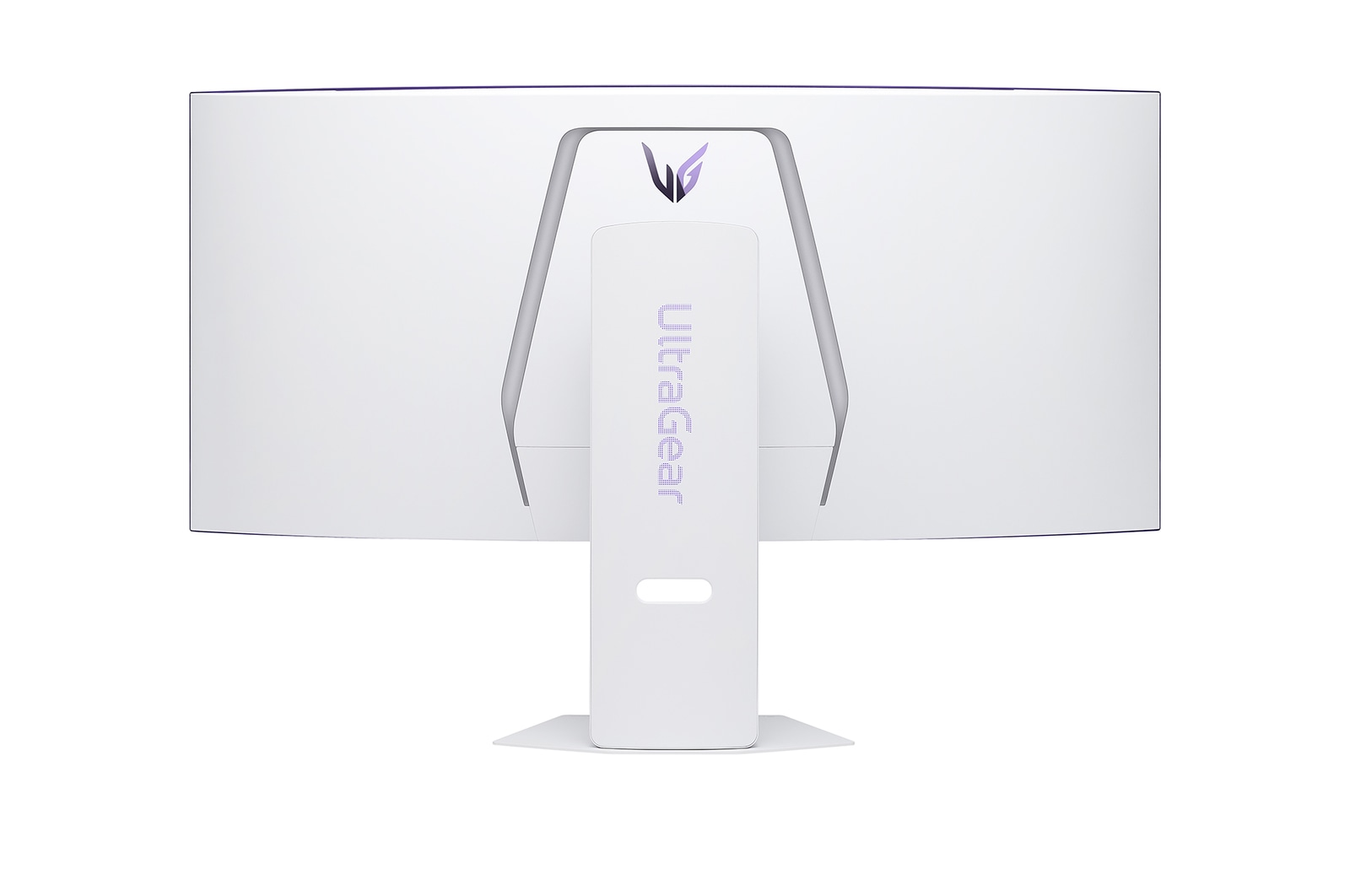
The clutter-free L-stand and sleek design are crafted to save desk space and minimise dead zones, making your setup clean and efficient. Experience hexagon lighting and a virtually borderless 4-sided design, paired with a fully adjustable base for swivel, tilt, and height adjustments.
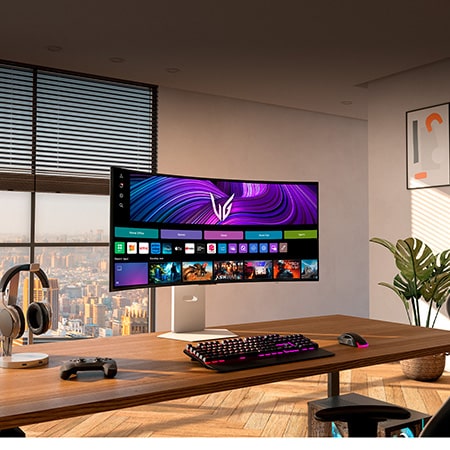
Curved gaming monitor displaying an action-adventure game in a vibrant gaming setup with purple lighting and a PC tower nearby.
*Images have been simulated to enhance feature understanding, and may differ from actual use experience.
Summary
DIMENSIONS

All Spec
INFO
Product name
39GX90SA-W
Year
2025
DISPLAY
Size [Inch]
39
Size [cm]
99.1
Resolution
3440 x 1440
Panel Type
OLED
Aspect Ratio
21:9
Pixel Pitch [mm]
0.266 x 0.266mm
Color Gamut (Min.)
DCI-P3 94% (CIE1976)
Color Gamut (Typ.)
DCI-P3 98.5% (CIE1976)
Color Depth (Number of Colors)
1.07B
Contrast Ratio (Min.)
1200000:1
Contrast Ratio (Typ.)
1500000:1
Response Time
Less than 1ms GtG
Refresh Rate (Max.) [Hz]
240
Viewing Angle (CR≥10)
178º(R/L), 178º(U/D)
Curvature
800R
Brightness (Min.) [cd/m²]
250cd/m²
Brightness (Typ.) [cd/m²]
275cd/m²
Colour Bit
10bit
FEATURES
HDR 10
YES
Dolby Vision™
NO
VESA DisplayHDR™
DisplayHDR™400 TRUE BLACK
HDR Effect
YES
Mini-LED Technology
NO
Nano IPS™ Technology
NO
Advanced True Wide Pol.
NO
Color Calibrated in Factory
YES
HW Calibration
NO
Auto Brightness
YES
Flicker Safe
NO
Reader Mode
YES
Color Weakness
NO
Super Resolution+
NO
Motion Blur Reduction Tech.
NO
NVIDIA G-Sync™
G-SYNC Compatible
AMD FreeSync™
FreeSync Premium
VRR
YES
Black Stabilizer
YES
Dynamic Action Sync
YES
Crosshair
YES
FPS Counter
YES
OverClocking
NO
User Defined Key
YES
Auto Input Switch
NO
RGB LED Lighting
Hexagon Lighting
PBP
2PBP
PIP
YES
Smart Energy Saving
YES
Camera
NO
Mic
NO
Others (Features)
NO
SW APPLICATION
LG Calibration Studio (True Color Pro)
NO
Dual Controller
NO
OnScreen Control (LG Screen Manager)
NO
LG UltraGear™ Studio
NO
CONNECTIVITY
D-Sub
NO
DVI-D
NO
HDMI
YES(2ea)
DisplayPort
YES(1ea)
DP Version
1.4 (DSC)
Thunderbolt
NO
USB-C
YES(1ea)
USB-C (Max. Resolution at Hz)
3440x1440@240Hz
USB-C (Data Transsmission)
YES
USB-C (Power Delivery)
65W
Daisy Chain
NO
USB Upstream Port
YES(via USB-C)
USB Downstream Port
YES(2ea/ver2.0)
Built-in KVM
NO
LAN (RJ-45)
YES
SPDIF out (Optical Digital Audio Out)
NO
Audio In
NO
Mic In
NO
Headphone out
3-pole (Sound Only)
Line out
NO
SOUND
Speaker
7W x 2
DTS HP:X
NO
Maxx Audio
NO
Rich Bass
NO
Bluetooth Connectivity
YES
POWER
Type
External Power(Adapter)
AC Input
100~240V (50/60Hz)
Power Consumption (Sleep Mode)
Less than 0.5W
Power Consumption (DC Off)
Less than 0.5W
DC Output
13.5A
MECHANICAL
Display Position Adjustments
Tilt/Height/Swivel
DIMENSIONS/WEIGHTS
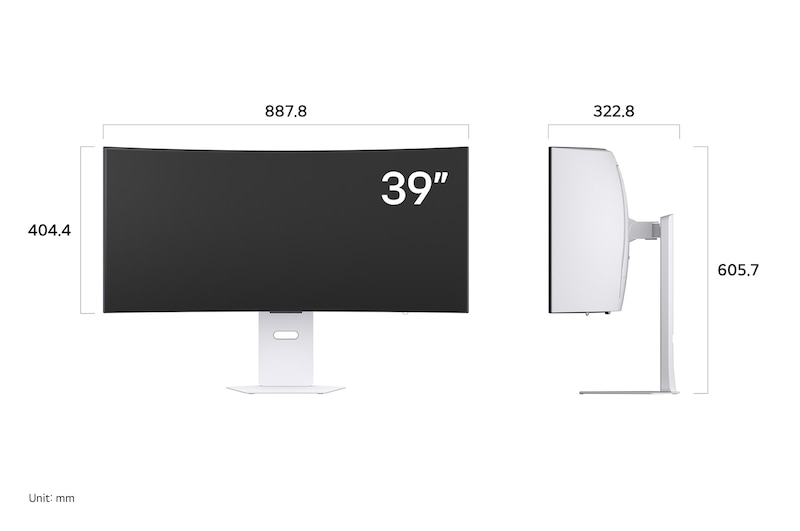
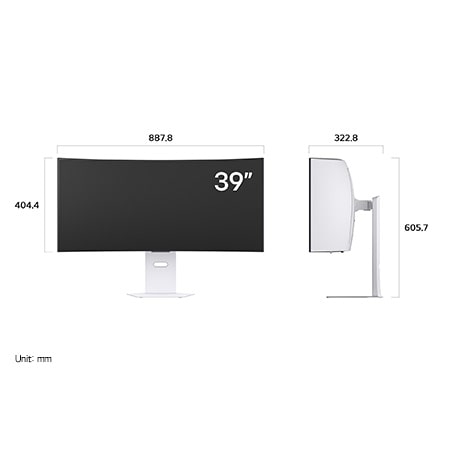
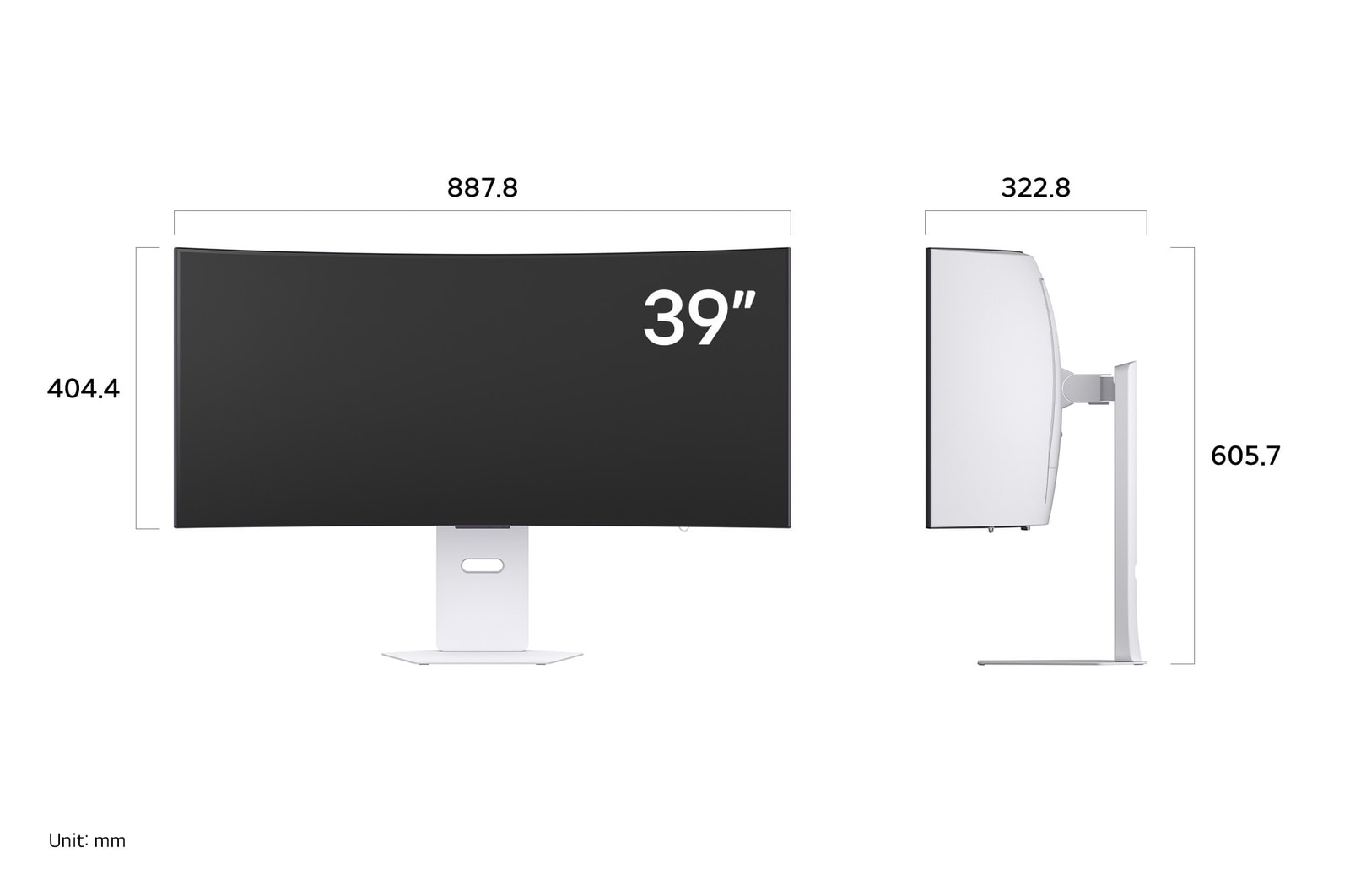
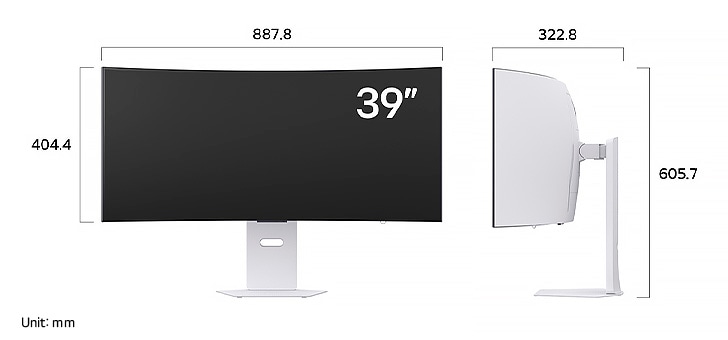
Dimension with Stand (W x H x D) [mm]
887.8 x 605.7 x 322.8mm
Dimension without Stand (W x H x D) [mm]
887.8 x 404.4 x198.0mm
Dimension in Shiping (W x H x D) [mm]
985 x 338 x 550mm
Weight with Stand [kg]
11.45kg
Weight without Stand [kg]
7.30kg
Weight in Shipping [kg]
17.5kg
ACCESSORY
D-Sub
NO
DVI-D
NO
HDMI
YES (ver 2.1)
Thunderbolt
NO
USB-C
YES
Display Port
YES
USB A to B
NO
Remote Controller
YES
Adapter
YES
Calibration Report (Paper)
YES
HDMI (Color/Length)
White / 1.5m
Power Cord
YES
COMPLIANCE INFORMATION
- extension:pdf
- extension:pdf
- extension:pdf
- extension:pdf
- extension:pdf
- extension:pdf
- extension:pdf
What people are saying
FAQ
How to pick a gaming monitor?
Start with your priorities. Want crisp visuals? Go for 4K resolution. Need ultra-smooth motion? Prioritise a high refresh rate (144Hz or more) and low response time. If you're after deep contrast and colour accuracy, consider OLED or Nano IPS, Nano IPS black panels. Don’t forget adaptive sync tech like NVIDIA G-SYNC or AMD FreeSync™ Premium to eliminate screen tearing. LG’s UltraGear™ series offers a range of gaming monitors tailored to your play style—from casual console gaming to high-intensity PC competition.
What is the refresh rate of a gaming monitor?
Refresh rate, calculated in Hertz (Hz) refers to how many frames are shown within one second. For example, a 120Hz refresh rate indicates that the display refreshes with a new frame 120 times per second. Gaming monitors with high refresh rates offer smoother visuals with less screen tearing.
How many hertz is good for gaming?
For most gamers, 144Hz hits the sweet spot for fluid, responsive gameplay. Competitive players may want even faster refresh rates like 240Hz for that extra edge in fast-paced shooters or esports titles. LG’s lineup of UltraGear™ Gaming Monitors include models that go from 144Hz to 240Hz and beyond (when used in dual mode, LG's models support 165Hz and 330Hz OR 240Hz and 480Hz)*, all designed to keep up with the action while minimising lag and screen tearing.
*Actual refresh rates may vary depending on computer graphics specifications and configurations.
What are the differences between OLED, IPS, and VA panels?
OLED panels emit their own light at the pixel level, delivering near-perfect blacks, exceptional contrast, and vivid colours. They also offer ultra-fast response times, making them ideal for high-end gaming monitors, premium TVs, and professional video editing.
IPS panels are known for their accurate colour reproduction and wide viewing angles, maintaining clear images from various positions. This makes them well-suited for office work, design, and gaming. Their excellent colour accuracy is especially appealing to gamers who want to experience visuals exactly as the developers intended.
VA panels boast the highest contrast ratio among LCD types, providing an immersive experience for watching movies and videos. While not as fast as TN panels, they offer nearly comparable performance.
Should I get a curved monitor?
If you want a more immersive gaming experience, curved gaming monitors are a great choice. The curvature helps keep your eyes focused on the center of the screen naturally, which is great for long gaming sessions.
LG's UltraGear GX9 supports 800R curvature and 21:9 ultrawide aspect ratio, delivering immersive visuals and an ideal viewing distance. At a 800mm viewing distance, its 800R curvature creates a viewing angle of 90 degrees across both the center and the edge - pulling you deeper into the game.
Is 1440p or 4K better for gaming?
Both have their strengths. For many gamers, 1440p (QHD) hits a sweet spot between resolution and performance, especially for competitive gaming where frame rate matters most. It’s easier to push higher FPS without overloading your GPU. 4K, on the other hand, is all about detail and immersion—perfect for single-player adventures or next-gen console play. LG’s UltraGear™ gaming monitors offer both QHD and 4K options, so whether you prioritise speed or stunning visuals, there’s a perfect fit for your setup.
Can I connect my monitor to my PC with a USB-C?
Connecting your gaming monitor via USB-C is simple—just plug one end of the cable of your gaming monitor into your device’s USB-C port, and you’re good to go. You can charge your laptop too if your PC is connected to your monitor with a USB-C port.
*Supported model may vary.
What is DisplayPort 2.1?
DisplayPort 2.1, the latest version of the DisplayPort standard, delivering ultra-fast data speeds for flawless high refresh rate gameplay. It is developed by VESA (Video Electronics Standards Association) to provide high-performance display connectivity for computers and monitors.
Many of LG’s latest models support DisplayPort 2.1*, which doubles the bandwidth of DP 1.4. That means you get higher resolutions, smoother frame rates, and lower latency—perfect for fast-paced gaming.
*Note : We have received numerous reports from users of NVIDIA 50-series graphics cards experiencing screens turning off when using DisplayPort 2.1 with 10-bit or 12-bit settings. If you are experiencing the same, as a temporary workaround, you can switch the DisplayPort input to 1.4 in your monitor's OSD menu or adjust the colour setting to 8-bit in the NVIDIA Control Panel. This issue has been reported to NVIDIA, for a more permanent solution.
What is HDMI 2.1?
With HDMI 2.1 support, you’ll enjoy features like Variable Refresh Rate (VRR), Auto Low Latency Mode (ALLM), and support for 4K at up to 120Hz. Whether you’re gaming on a console or PC, these upgrades give you the flexibility and performance to match any setup.
Our Picks for You
Manual& Software
Download product manuals and latest software for your LG product.
Troubleshoot
Find helpful videos and information about your product systems.
Warranty
Check LG warranty information here.
Part& Accessory
Discover accessories for LG products.
Product Registration
Registering your product will help you get faster support.
Product Support
Find manual, troubleshoot and warranty of your LG product.
Order Support
Track your order and check order FAQ.
Repair Request
Repair request service conveniently online.