We use cookies, including cookies from third parties, to enhance your user experience and the effectiveness of our marketing activities. These cookies are performance, analytics and advertising cookies, please see our Privacy and Cookie policy for further information. If you agree to all of our cookies select “Accept all” or select “Cookie Settings” to see which cookies we use and choose which ones you would like to accept.
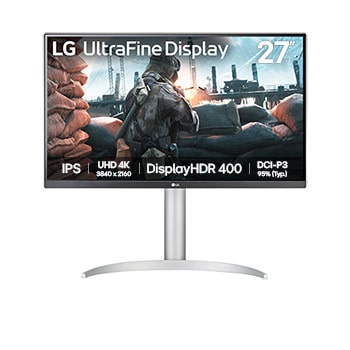
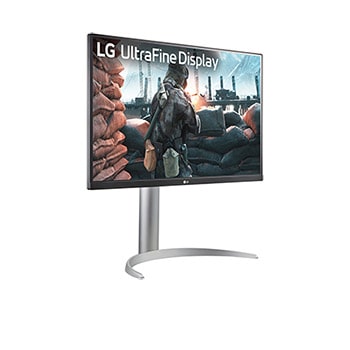
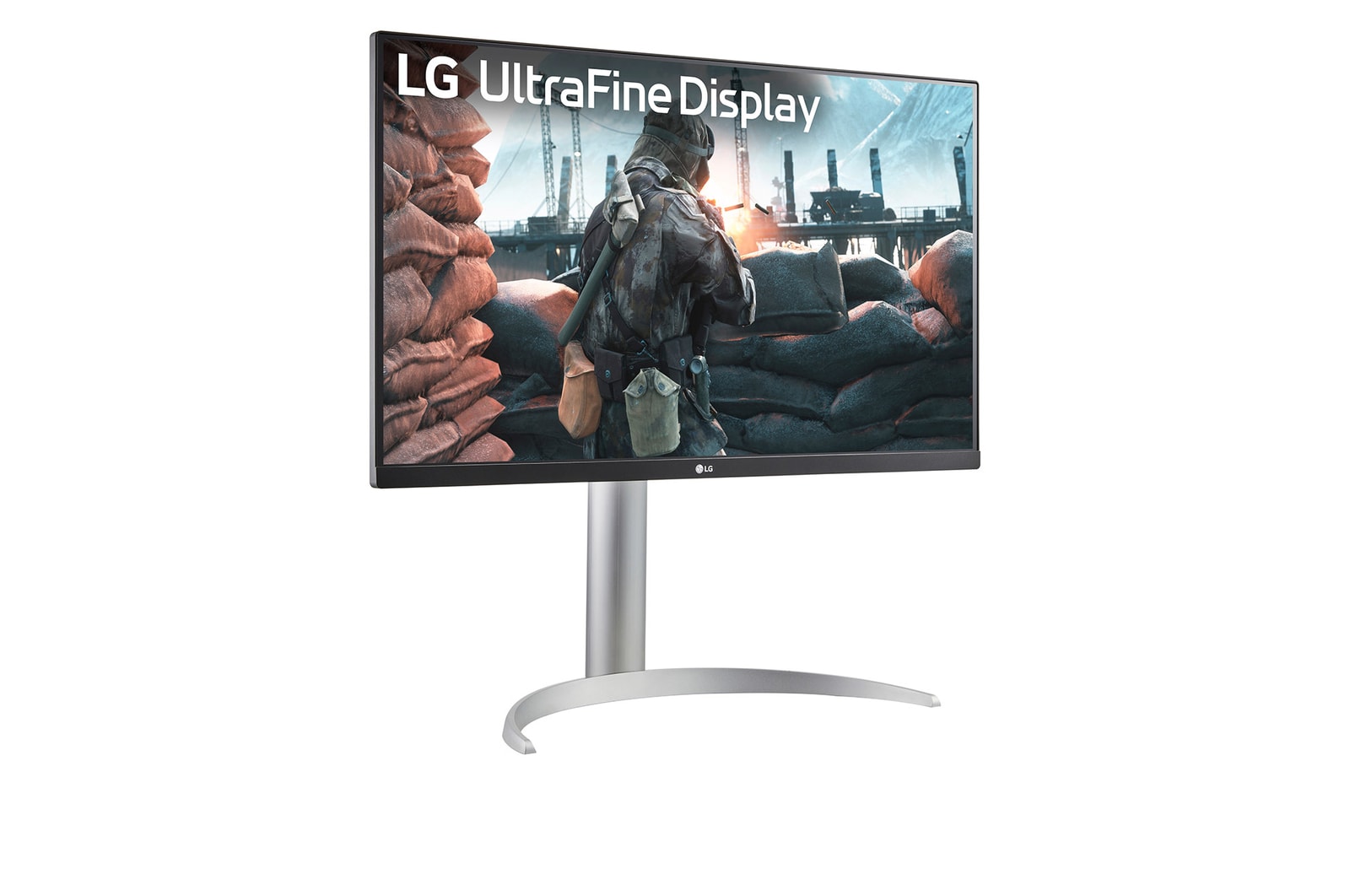
27" LG UltraFine Monitor, 4K IPS Display, VESA DisplayHDR™ 400, Dynamic Action Sync, Black
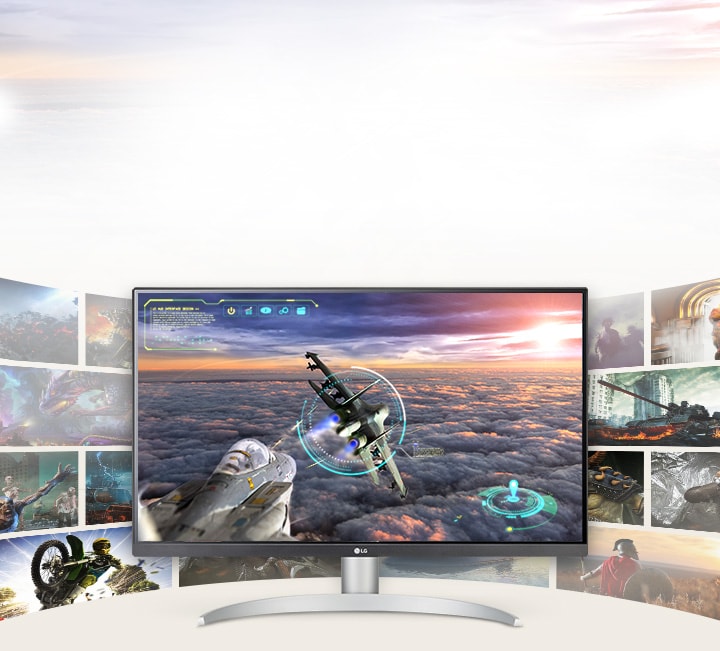
Large display immersion
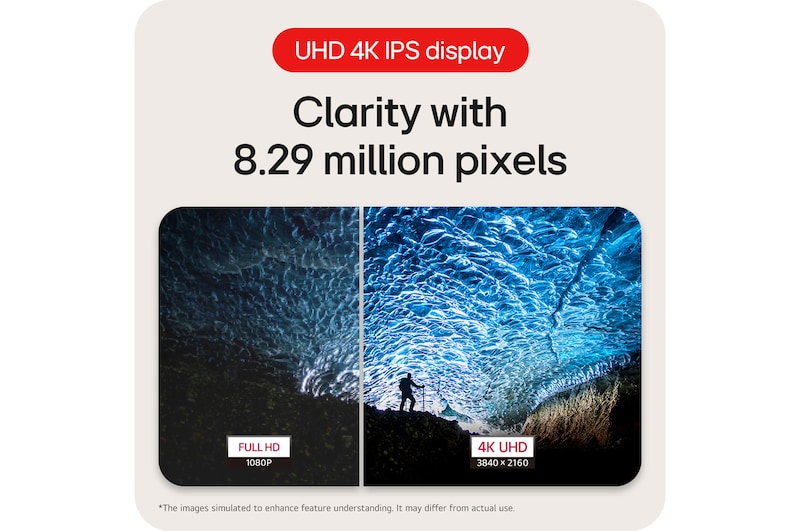
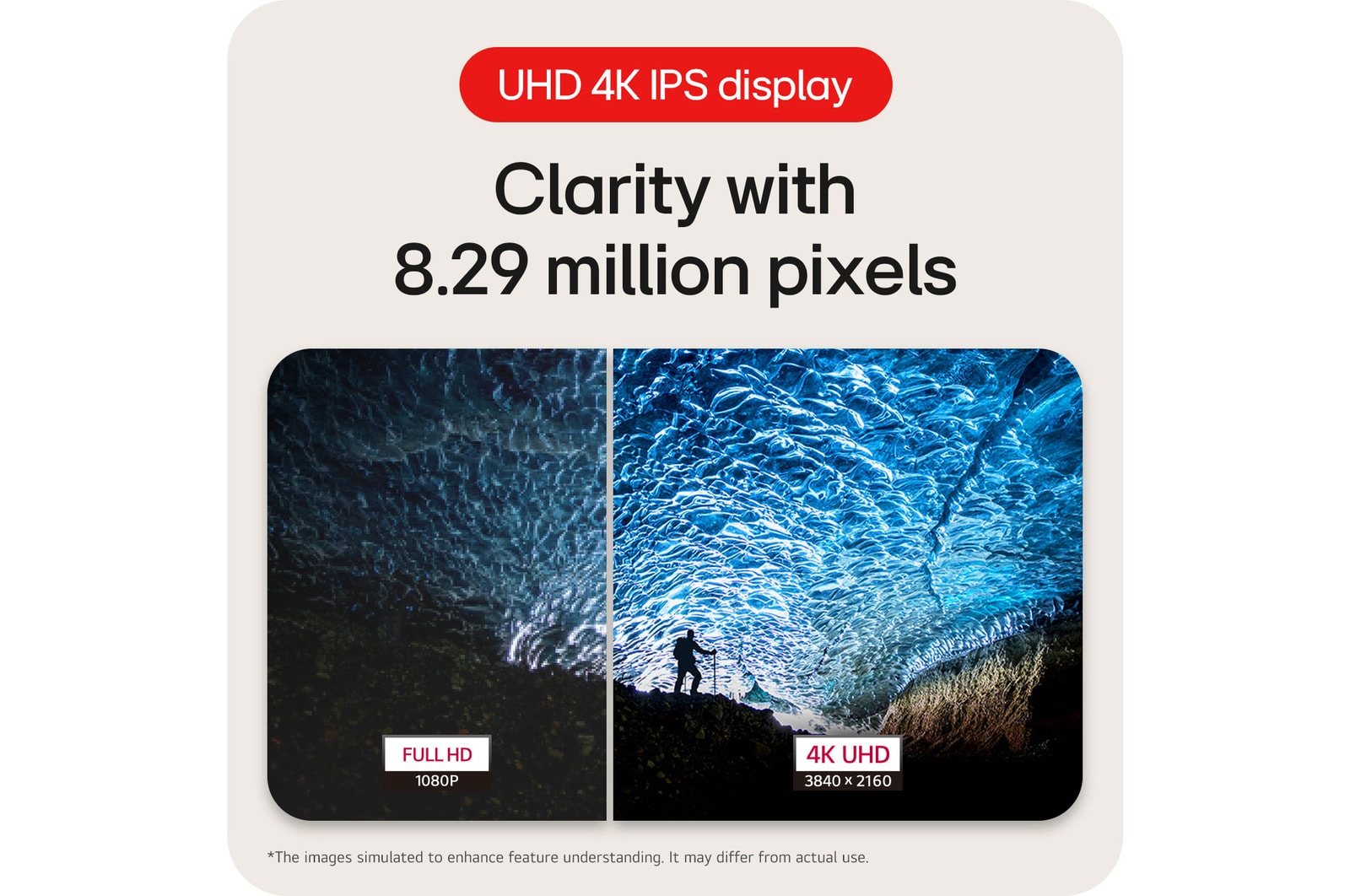
27" IPS UHD 4K (3840x2160)
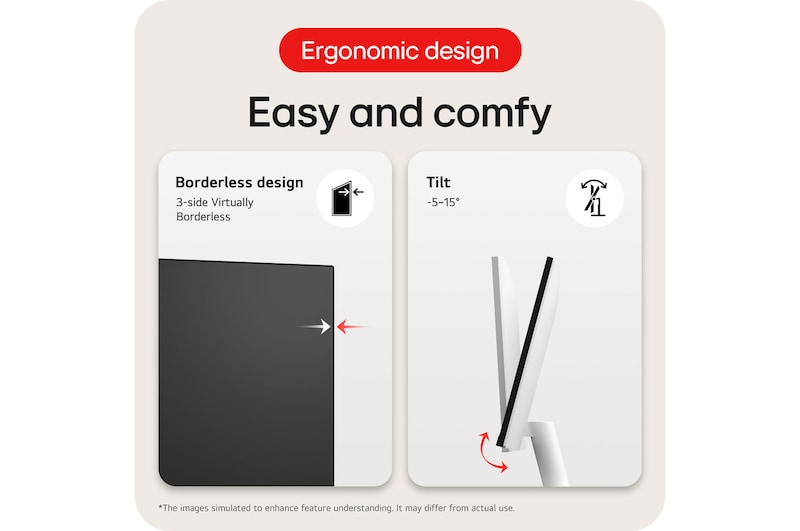
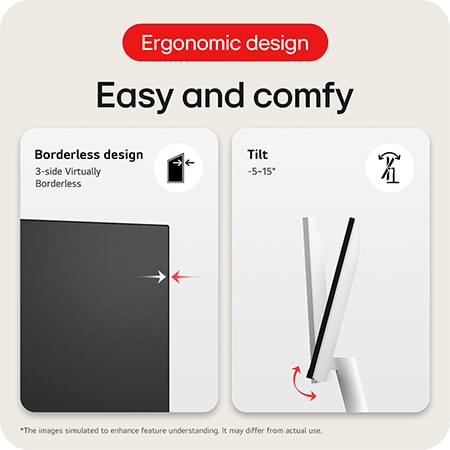
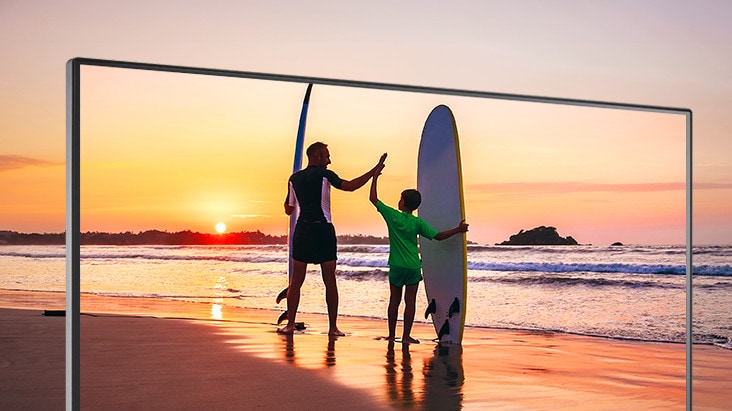
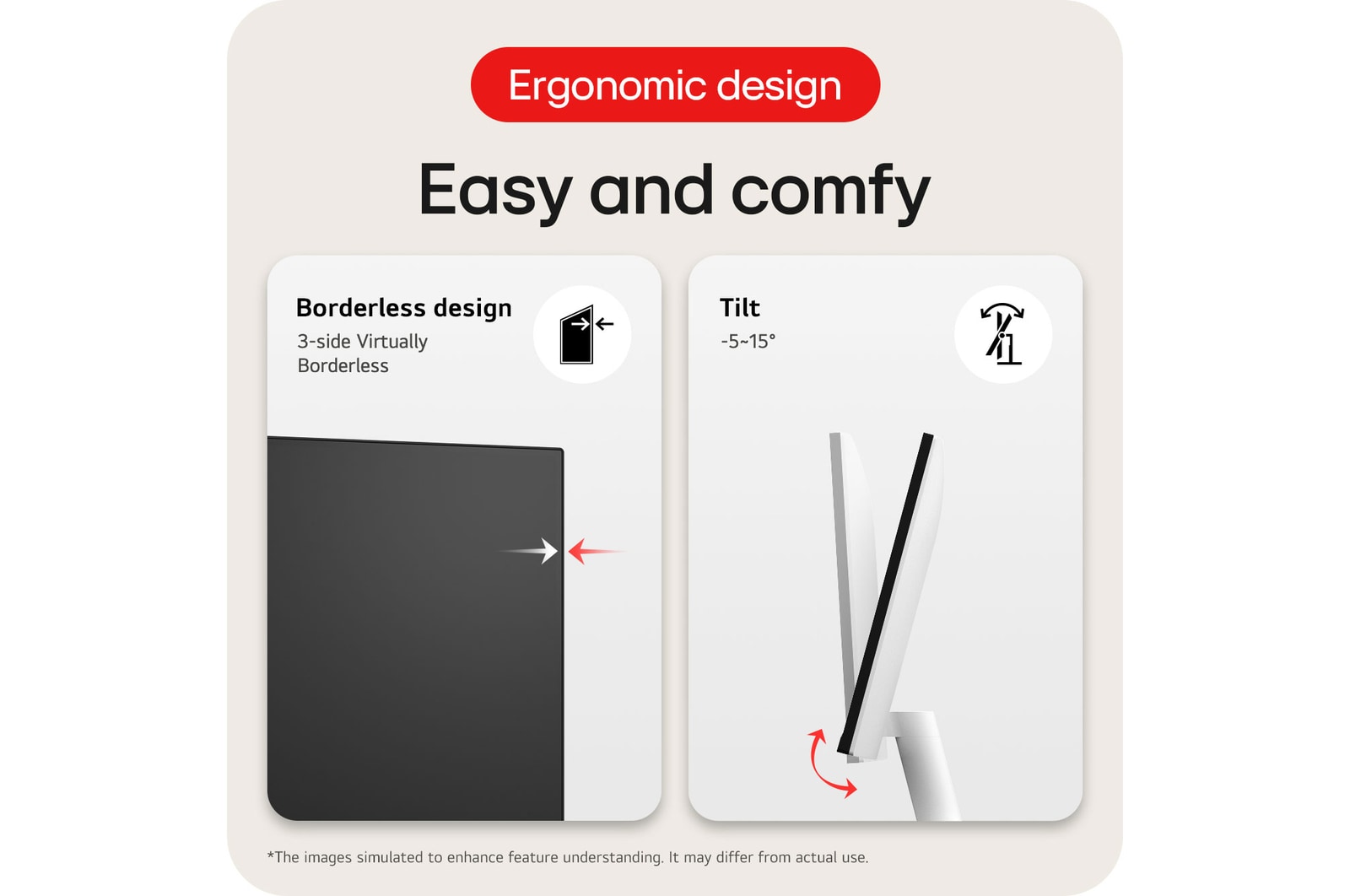
3-side virtually borderless design
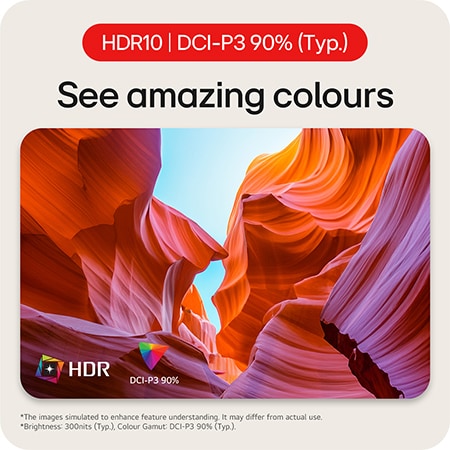
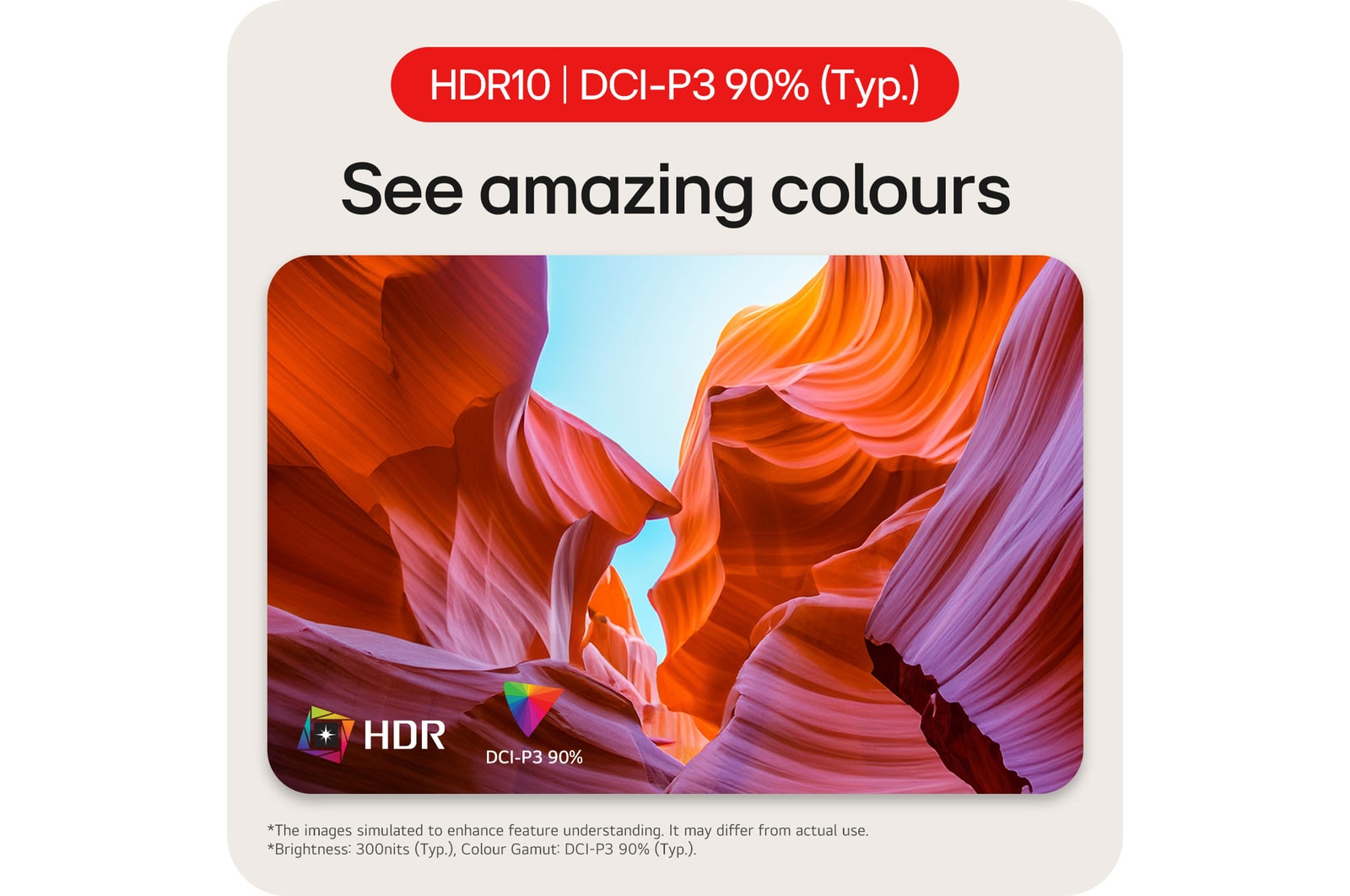
Vivid colour & HDR
DCI-P3 95% (Typ.)
VESA DisplayHDR™ 400
Feature
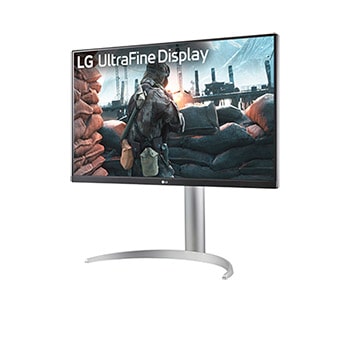
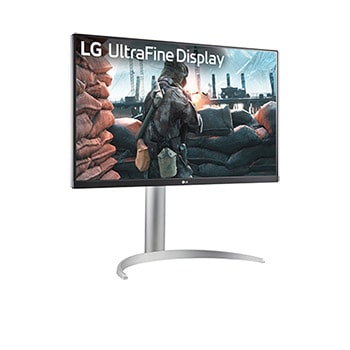
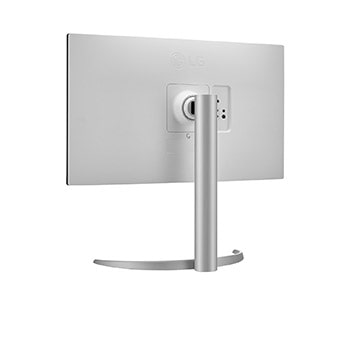
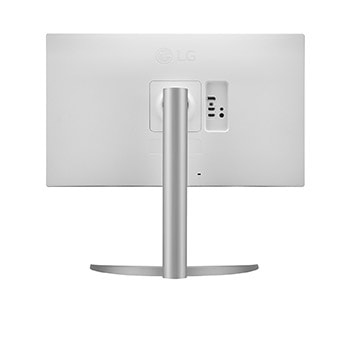
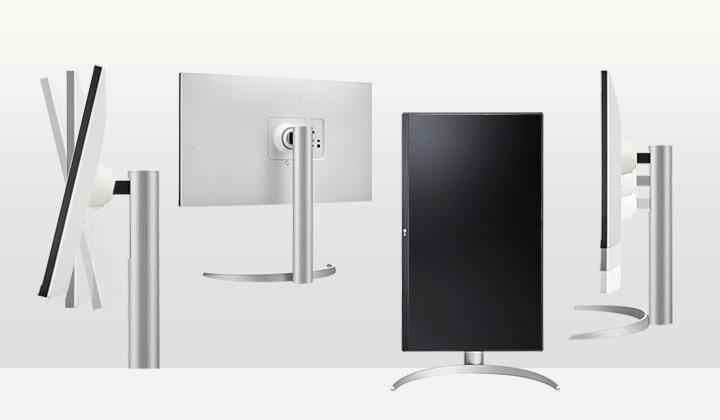
Tilt, height and pivot adjustable stand
VESA DisplayHDR™ 400
Clean and bright HDR
The monitor supports VESA DisplayHDR™ 400 with wide-range brightness and contrast, enabling dramatic visual immersion in the latest HDR games, movies and images.
*Images have been simulated to enhance feature understanding, and may differ from actual use experience.
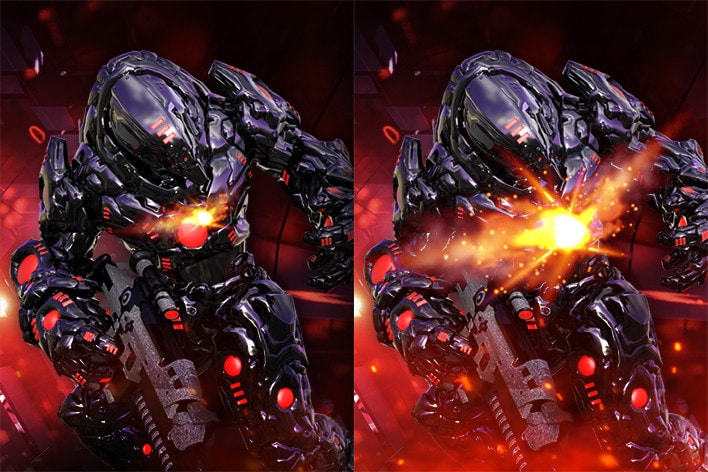
SDR
HDR effect on
HDR effect to SDR content
LG UHD 4K HDR monitor can virtually transform standard content into HDR-quality video right on the screen. It helps to improve tone mapping and luminance of SDR content for an HDR-like experience.
*Images have been simulated to enhance feature understanding, and may differ from actual use experience.
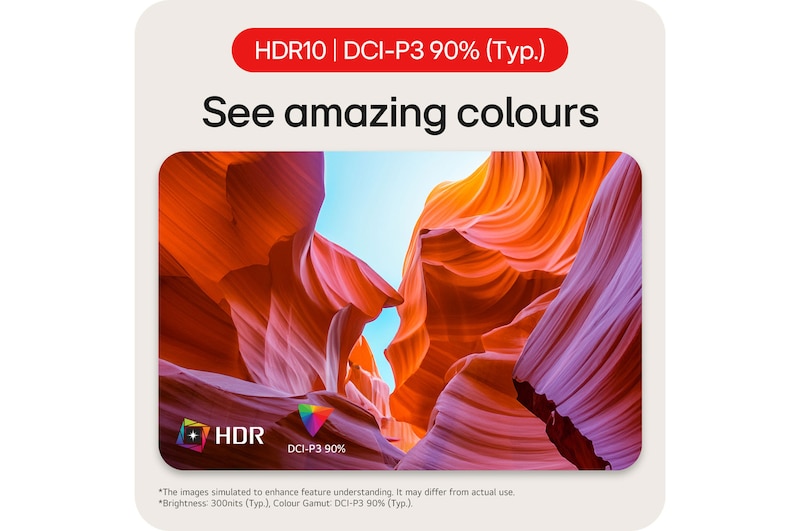
IPS with DCI-P3 95% (Typ.)
True colours and wide view
IPS display 95% coverage of the DCI-P3 spectrum provides outstanding colour accuracy and wide viewing angle, so it delivers high-fidelity colour for reproducing vivid scenes for helping you to have enough fun in entertainment content.
*Images have been simulated to enhance feature understanding, and may differ from actual use experience.
Enhance games up to 4K and HDR
Immersive gaming experience
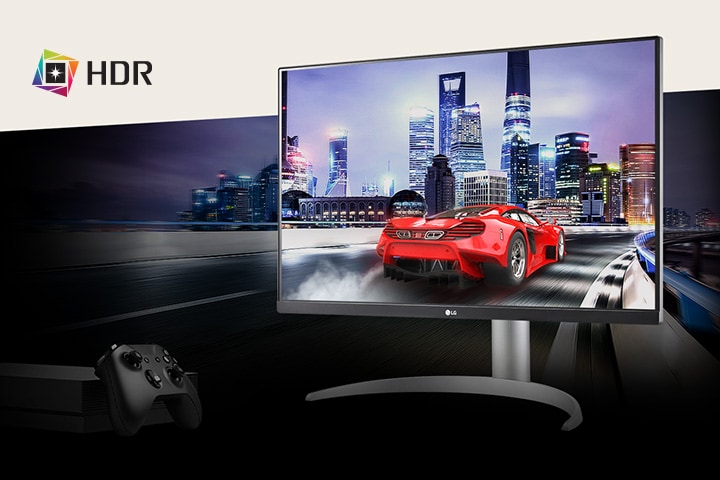
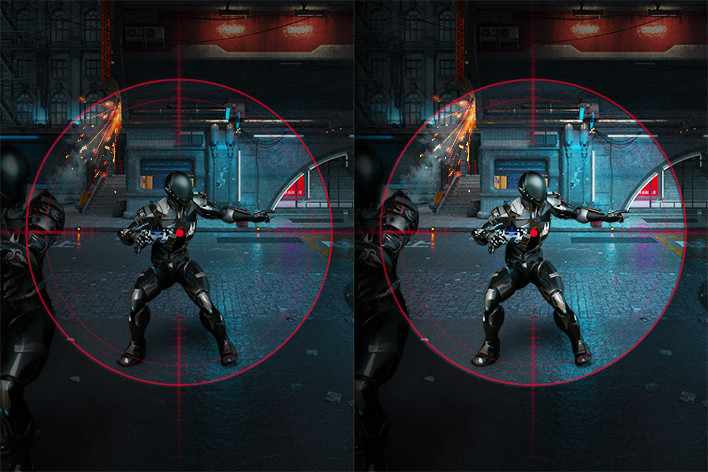
27UP650K boosts the new era of 4K HDR video gaming experience, not only by bringing thrills with decent image, but also by helping you win battles with Game Mode, Dynamic Action Sync and Black Stabiliser.
Immersive experience in 4K HDR video gaming.
*Images have been simulated to enhance feature understanding, and may differ from actual use experience.
*The feature may vary depending on the condition and the environment that the user is using.
Enjoy 4K and HDR contents
Vividly and realistically
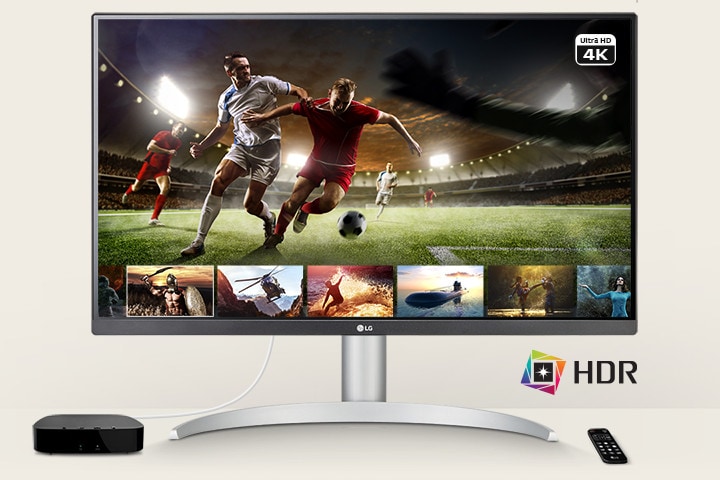
HDR content from multiple streaming services explores. And you can enjoy vivid brightness, and wide colour range when playing on LG UHD 4K monitor with VESA DisplayHDR™ 400 technology in support of DCI-P3 colour space.
The monitor enabling users to enjoy 4K and HDR contents.
*The remote control is NOT included in the package.
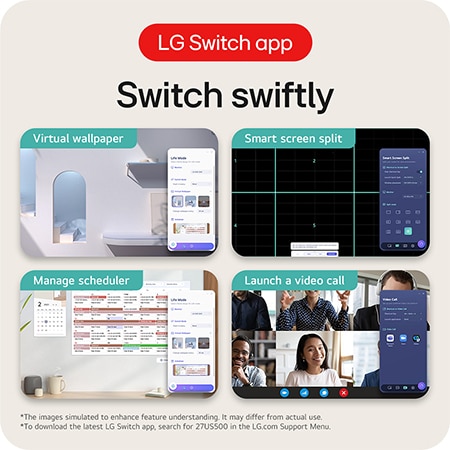
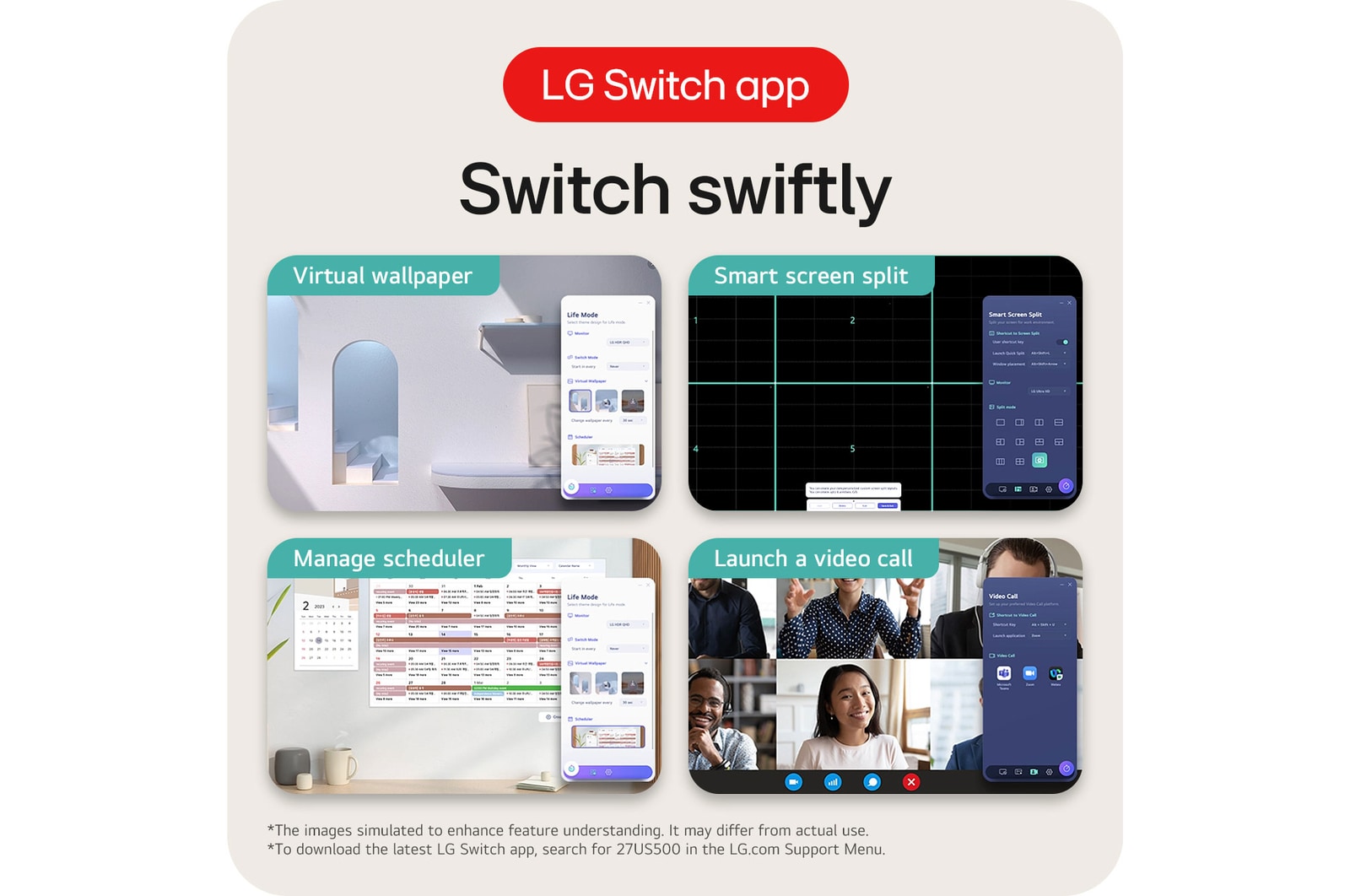
LG Switch app
Switch swiftly
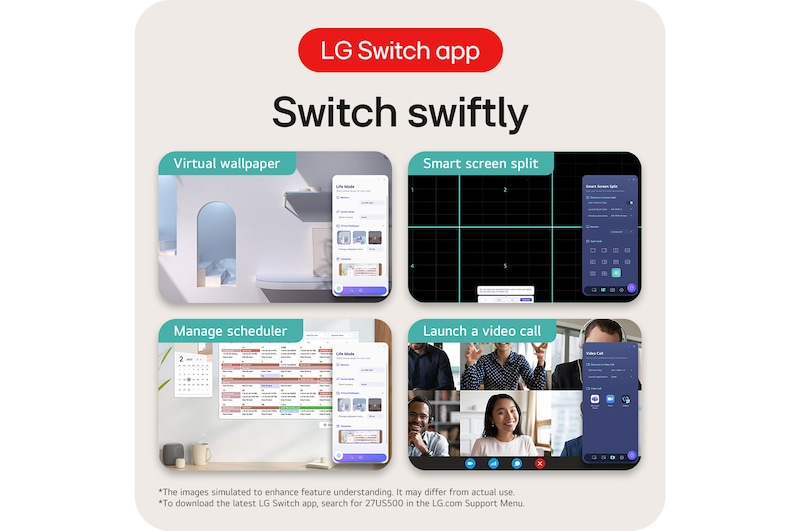
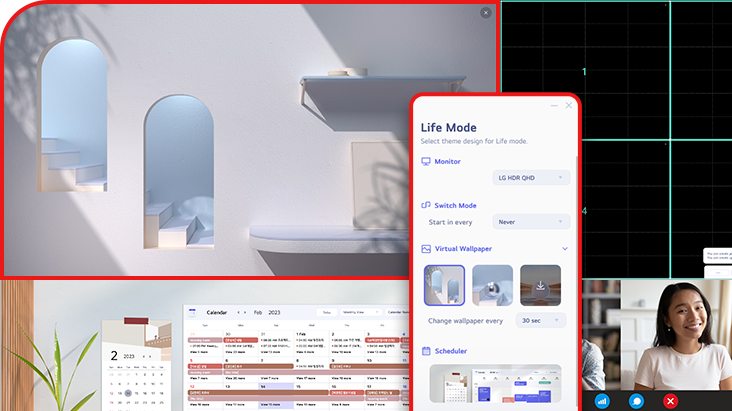
LG Switch app helps to optimise the monitor to your work and life. You can readily divide the whole display up to 6, change the theme design, or even launch a video call platform with a mapped hotkey.
*Images have been simulated to enhance feature understanding, and may differ from actual use experience.
*To download the latest LG Switch app, search for 27UP650K in the LG.com Support Menu.
Ergonomic design
Easy and comfortable
The one-click stand makes it easy to install without any other equipment, and flexibly adjust the tilt, height and pivot of the screen to position it in the optimal position for you.
Ergonomic design with features of tilt, height, pivot and one-click stand.
Step-by-step guide
Set up your new LG UltraFine monitor: quick and easy
Follow our simple step-by-step video guide to install your new LG UltraFine monitor quickly and correctly. Start your creative workflow today.
*Images based on a representative 3D model for illustrative purposes. Setup steps, components, or shapes may vary by model. Shared assembly sections can still be used as reference—please refer to your product manual for model-specific instructions.
Summary
DIMENSIONS

Key Spec
Display - Size [Inch]
27
Display - Resolution
3840 x 2160
Display - Panel Type
IPS
Display - Aspect Ratio
16:9
Display - Color Gamut (Typ.)
DCI-P3 95% (CIE1976)
Display - Refresh Rate (Max.) [Hz]
60
Display - Response Time
5ms (GtG at Faster)
Mechanical - Display Position Adjustments
Tilt/Height/Pivot
All Spec
INFO
Product name
UHD
Year
Y24
DISPLAY
Size [Inch]
27
Size [cm]
68.4 cm
Resolution
3840 x 2160
Panel Type
IPS
Aspect Ratio
16:9
Pixel Pitch [mm]
0.1554 x 0.1554 mm
Brightness (Min.) [cd/m²]
320 cd/m²
Brightness (Typ.) [cd/m²]
400 cd/m²
Color Gamut (Typ.)
DCI-P3 95% (CIE1976)
Color Depth (Number of Colors)
1.07B
Colour Bit
10bit (8bit+FRC)
Contrast Ratio (Min.)
1000:1
Contrast Ratio (Typ.)
1200:1
Response Time
5ms (GtG at Faster)
Refresh Rate (Max.) [Hz]
60
Viewing Angle (CR≥10)
178º(R/L), 178º(U/D)
FEATURES
HDR 10
YES
VESA DisplayHDR™
DisplayHDR™ 400
HDR Effect
YES
Color Calibrated in Factory
YES
Flicker Safe
YES
Reader Mode
YES
Color Weakness
YES
Super Resolution+
YES
Black Stabilizer
YES
Dynamic Action Sync
YES
Smart Energy Saving
YES
SW APPLICATION
Dual Controller
YES
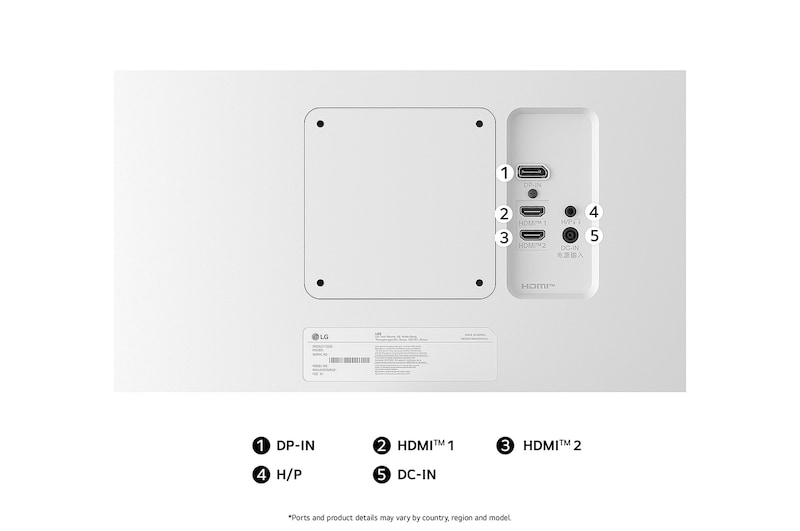
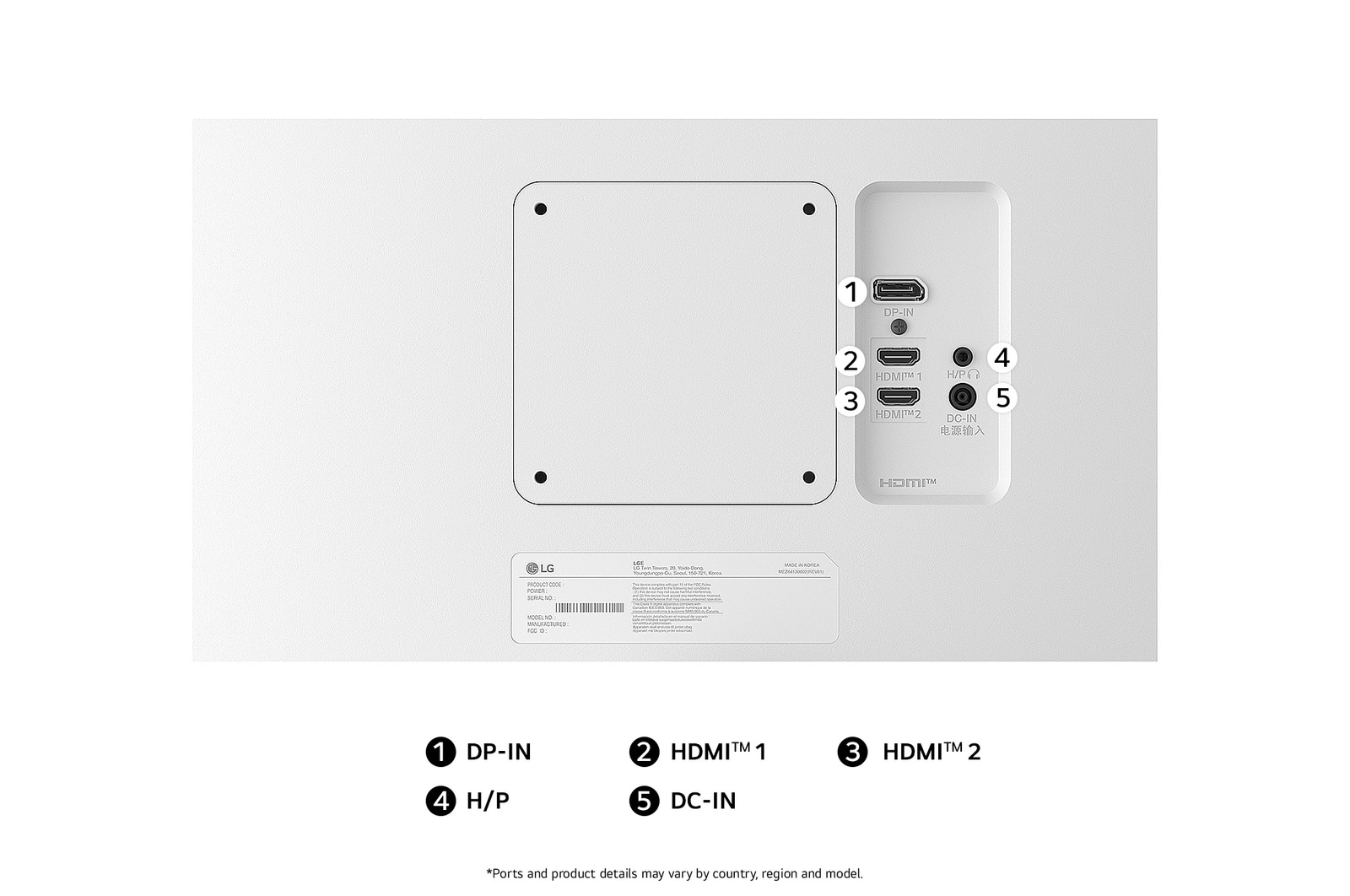
CONNECTIVITY
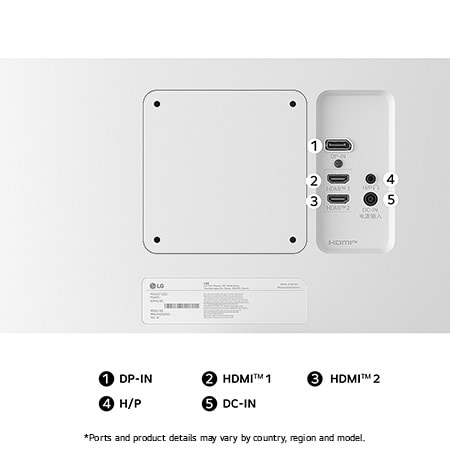
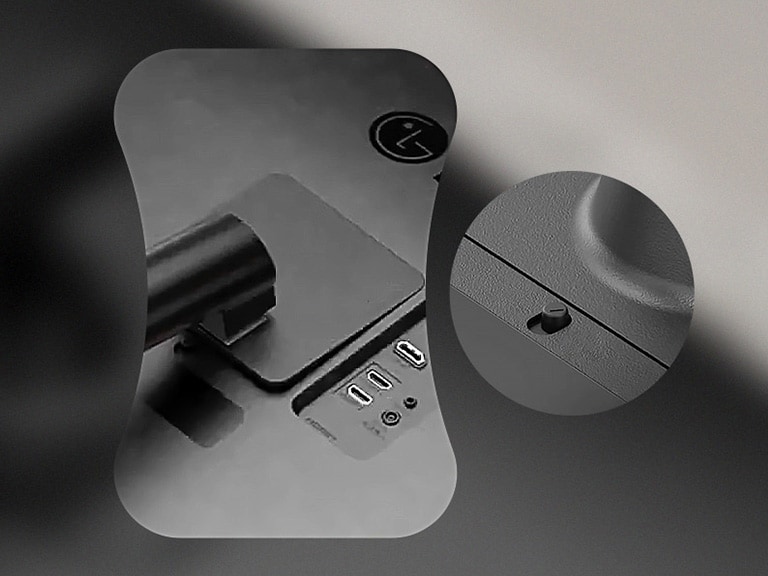
HDMI
YES(2ea)
DisplayPort
YES(1ea)
DP Version
1.4
USB-C
NO
USB-C (Data Transsmission)
NO
Headphone out
3-pole (Sound Only)
POWER
Type
External Power(Adapter)
AC Input
100~240V (50/60Hz)
DC Output
48W (19V / 2.53A)
Power Consumption (Sleep Mode)
Less than 0.5W (HDMI/DP input condition)
Power Consumption (DC Off)
Less than 0.3W
MECHANICAL
Display Position Adjustments
Tilt/Height/Pivot
Wall Mountable [mm]
100 x 100 mm
DIMENSIONS/WEIGHTS
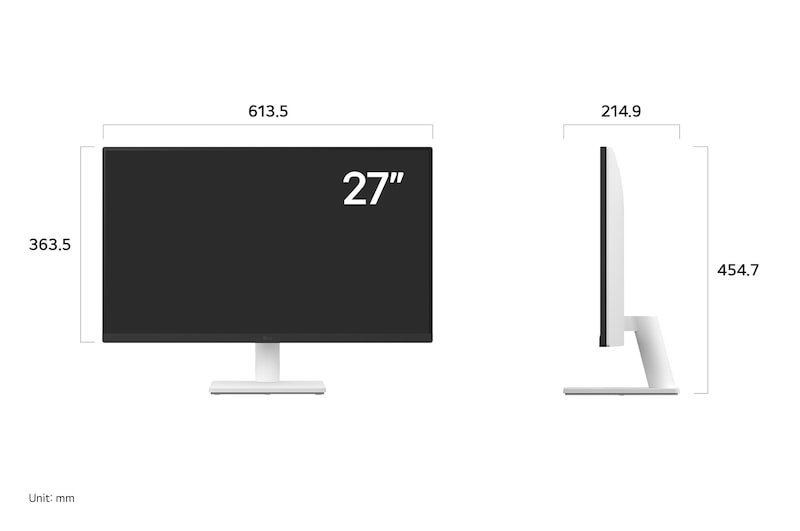
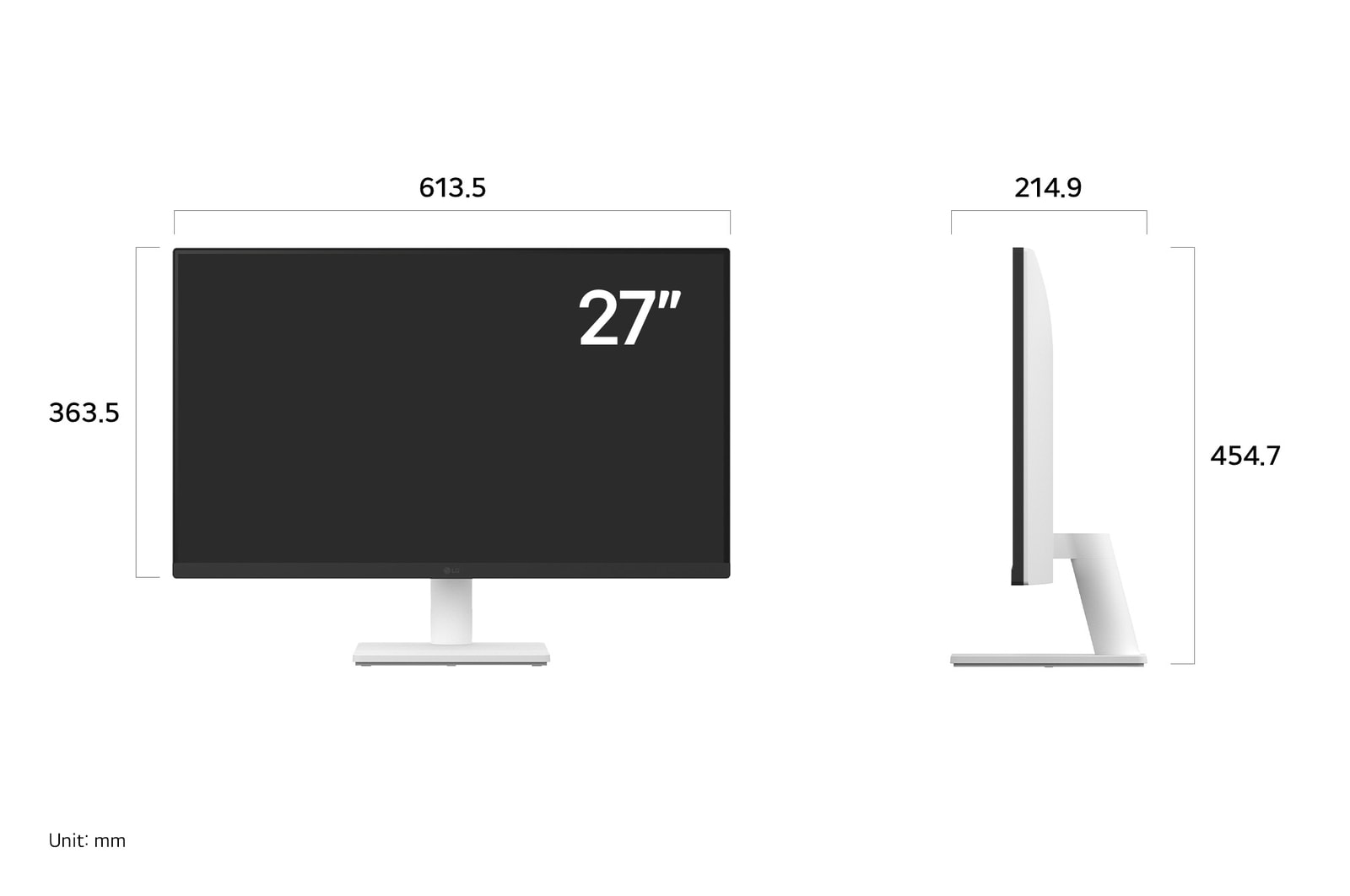
Dimension with Stand (W x H x D) [mm]
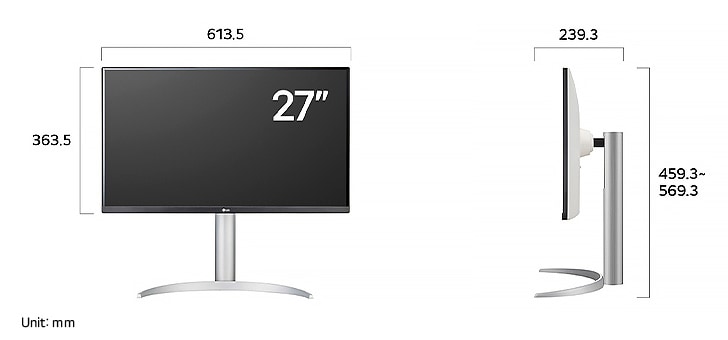
613.5 x 569.3 x 239.3mm(Up)
613.5 x 459.3 x 239.3mm(Down)Dimension without Stand (W x H x D) [mm]
613.5 x 363.5 x 45.4mm
Dimension in Shiping (W x H x D) [mm]
694 x 496 x 212mm
Weight with Stand [kg]
5.6kg
Weight without Stand [kg]
3.8kg
Weight in Shipping [kg]
9.0kg
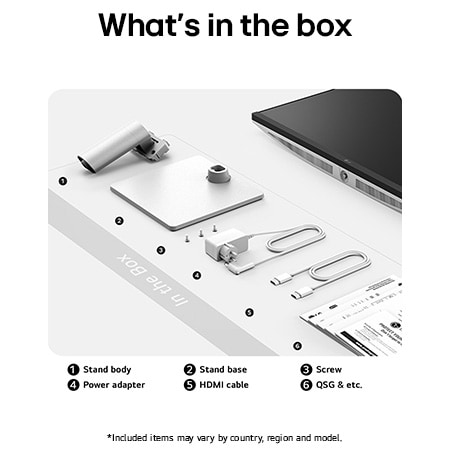
ACCESSORY
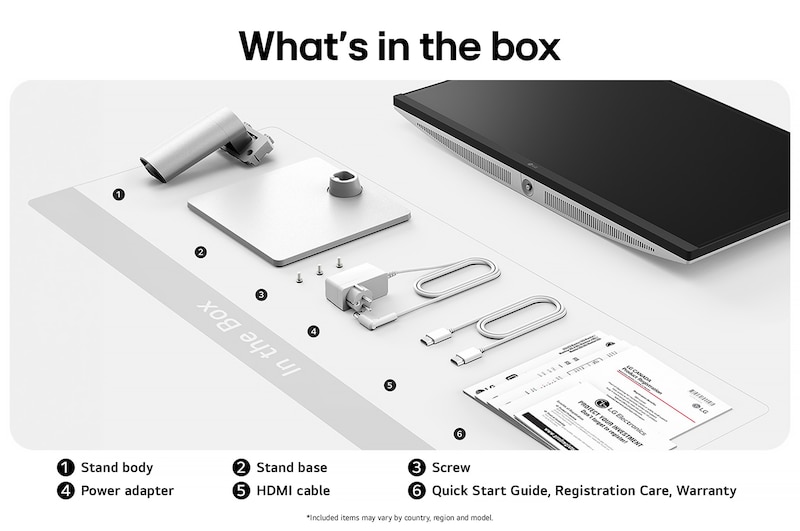
Adapter
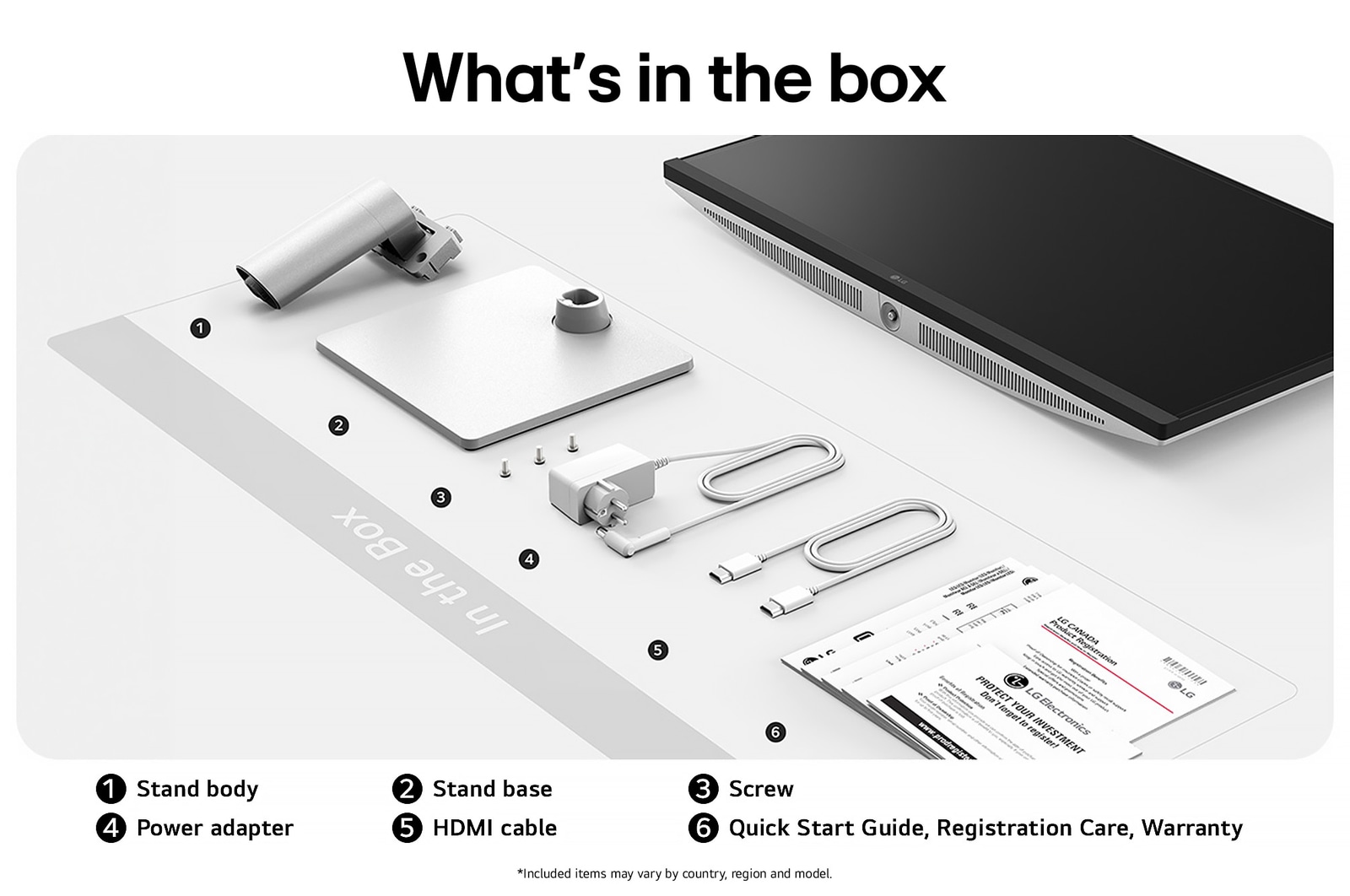
YES
Power Cord
YES
HDMI
YES
HDMI (Color/Length)
White / 1.5m
Display Port
YES
Calibration Report (Paper)
YES
COMPLIANCE INFORMATION
- extension:pdf
- extension:pdf
- extension:pdf
- extension:pdf
- extension:pdf
- extension:pdf
- extension:pdf
- extension:pdf
- extension:pdf
- extension:pdf
- extension:pdf
The safety information for accessories is included with the safety information for the product and is not provided separately.
To learn more about how this product handles data and your rights as a user, please visit ″Data Coverage & Specifications″ at LG Privacy
What people are saying
FAQ
What are the benefits of using UHD 4K & 5K monitors?
1. Ultra-High Resolution for Crystal-Clear Image Quality
With 4K (3840×2160) and 5K (5120×2160) resolution, these monitors offer significantly more pixels than standard displays, allowing for sharper, more detailed rendering of text, images, and videos.
2. Optimised colour Accuracy for Professional Visual Work
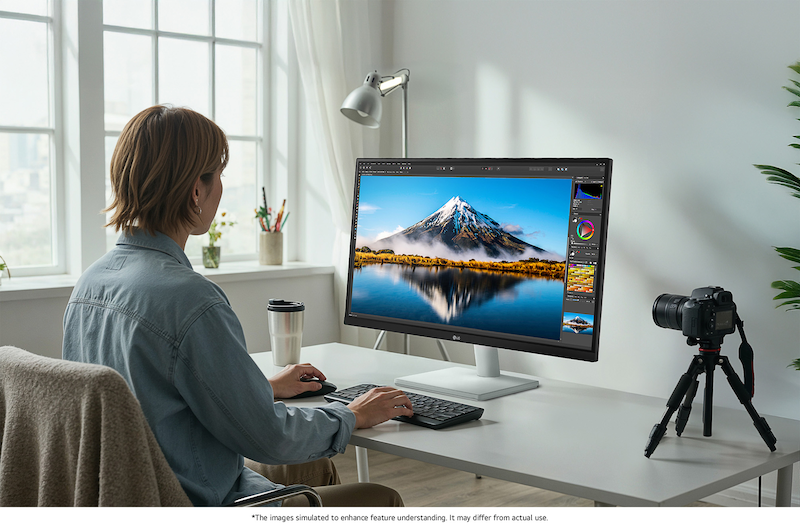
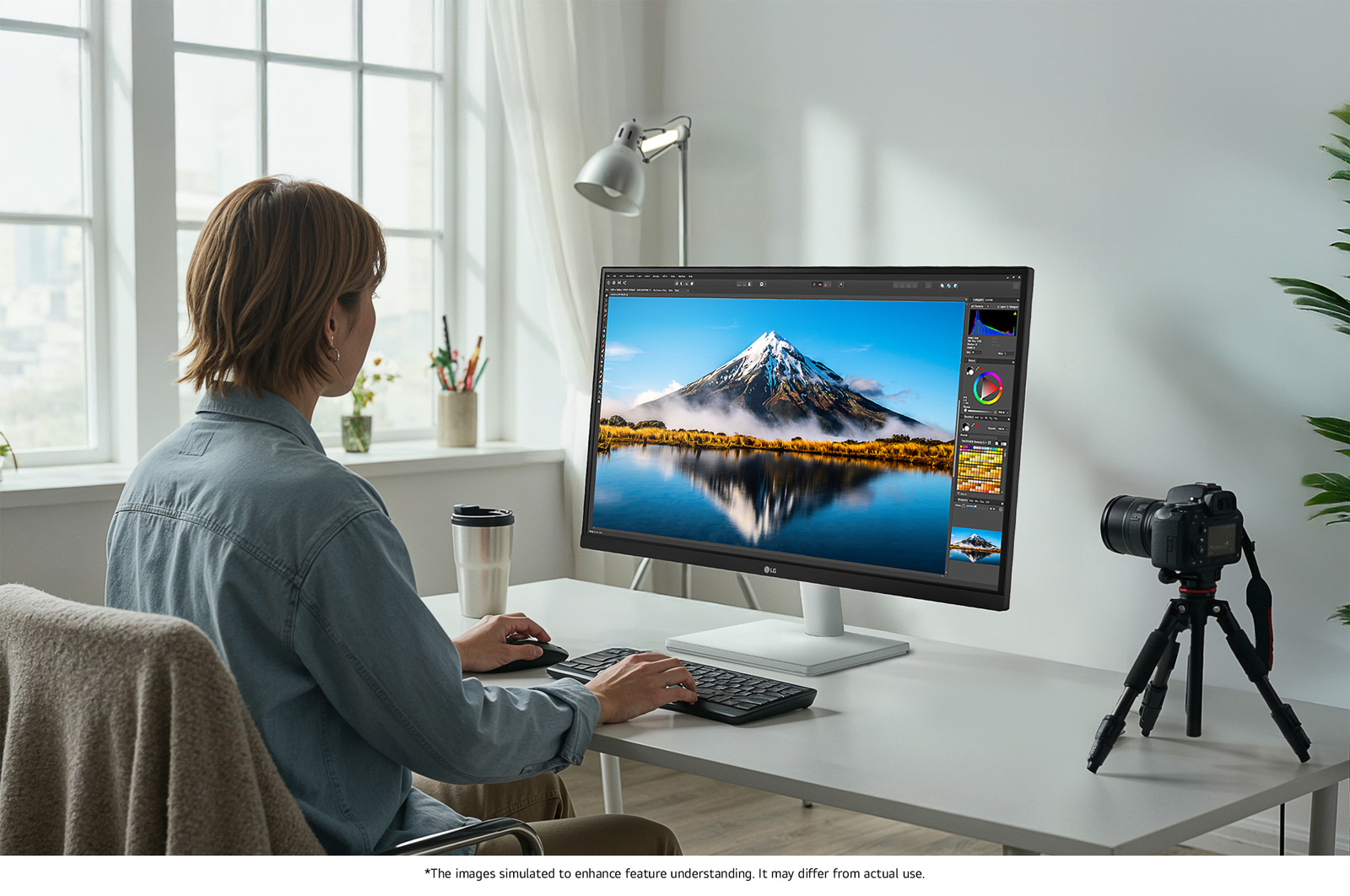
They support advanced technologies that enhance image quality and colour accuracy, making them ideal for professional tasks such as photo and video editing, graphic design, and colour grading.
3. Enhanced Content Immersion
You can enjoy 4K content from platforms like Netflix, YouTube, and other streaming services in its original quality. High brightness and rich contrast levels further enhance immersion when watching movies or TV shows.
4. More Screen Space
Thanks to the high resolution, you can display more content on a single screen. This is excellent for multitasking across multiple windows, especially for video editing, design, coding, or research work.

Who would especially benefit from using UHD 4K & 5K monitors?
LG UHD 4K & 5K monitors are especially well-suited for users who need precision, enjoy high-quality content, and value efficient multitasking.
They are ideal for professionals in graphic design, photo editing, and video production, where high resolution and accurate colour reproduction are essential. Support for technologies like DCI-P3 and HDR10 enhances both convenience and visual quality.
The expanded screen real estate also benefits planners, developers, researchers, and finance professionals who work with multiple windows at once, improving workflow efficiency.
For those who want to enjoy 4K content from platforms like YouTube or Netflix in its original quality, the sharp resolution and vibrant contrast deliver a highly immersive viewing experience.
In short, UHD 4K & 5K monitors offer a versatile experience—meeting the needs of both professional users seeking visual accuracy and general users who want to enjoy rich, detailed content.
What are the differences between OLED, IPS, and VA panels?
OLED panels emit their own light at the pixel level, delivering near-perfect blacks, exceptional contrast, and vivid colours. They also offer ultra-fast response times, making them ideal for high-end gaming monitors, premium TVs, and professional video editing.
IPS panels are known for their accurate colour reproduction and wide viewing angles, maintaining clear images from various positions. This makes them well-suited for office work, design, and gaming. Their excellent colour accuracy is especially appealing to gamers who want to experience visuals exactly as the developers intended.
VA panels boast the highest contrast ratio among LCD types, providing an immersive experience for watching movies and videos. While not as fast as TN panels, they offer nearly comparable performance.
Our Picks for You
Manual& Software
Download product manuals and latest software for your LG product.
Troubleshoot
Find helpful videos and information about your product systems.
Warranty
Check LG warranty information here.
Part& Accessory
Discover accessories for LG products.
Product Registration
Registering your product will help you get faster support.
Product Support
Find manual, troubleshoot and warranty of your LG product.
Order Support
Track your order and check order FAQ.
Repair Request
Repair request service conveniently online.
Find a Store Near You
Recommended Product