We use cookies, including cookies from third parties, to enhance your user experience and the effectiveness of our marketing activities. These cookies are performance, analytics and advertising cookies, please see our Privacy and Cookie policy for further information. If you agree to all of our cookies select “Accept all” or select “Cookie Settings” to see which cookies we use and choose which ones you would like to accept.
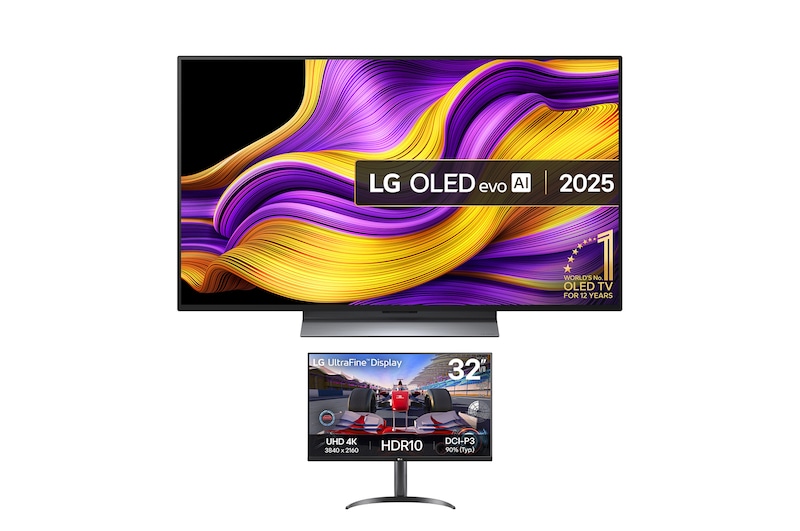
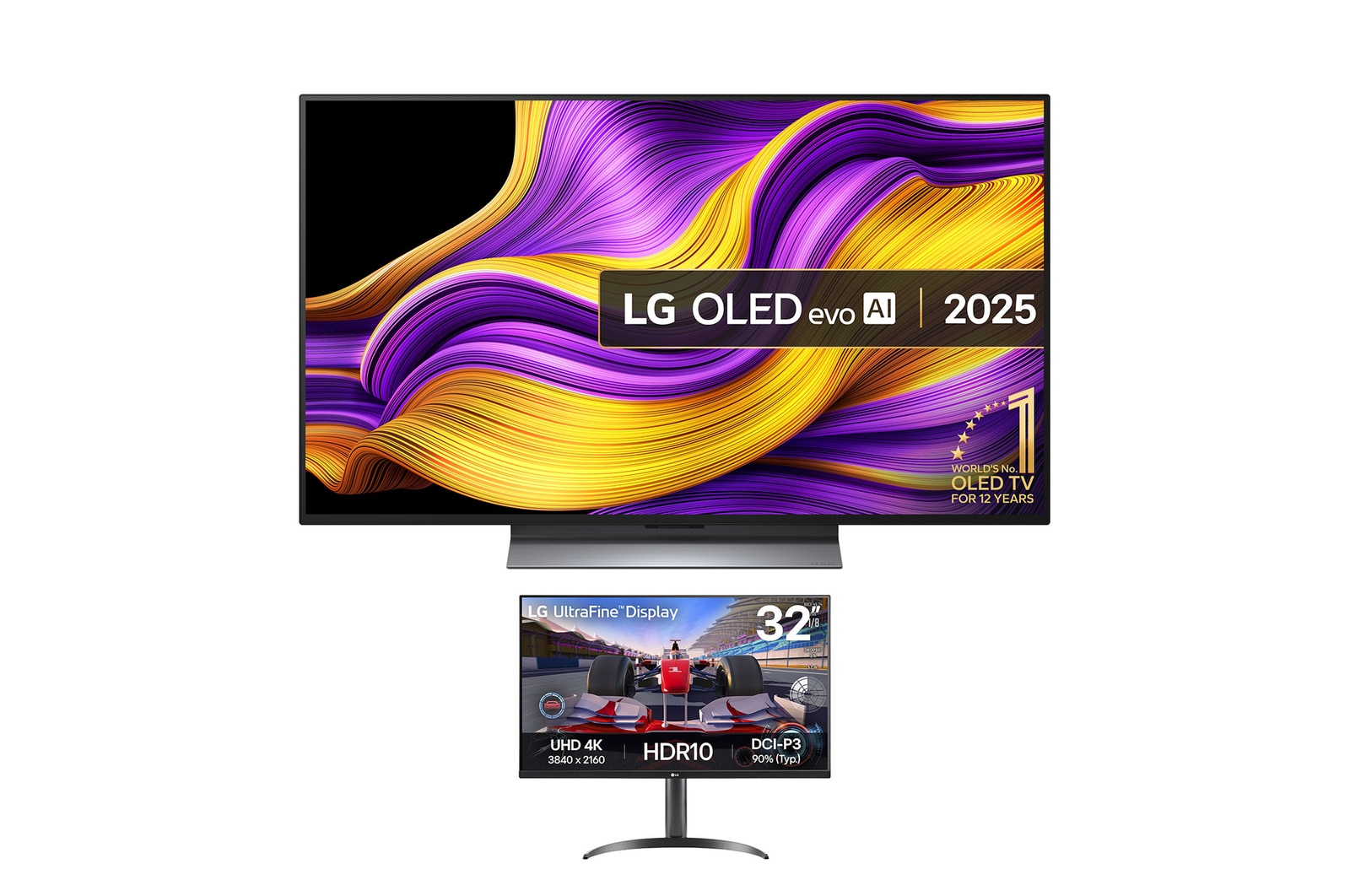
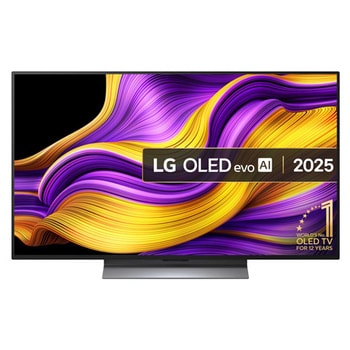
48 inch LG OLED evo AI G5 TV + 32 inch UltraFine Monitor Bundle
OLED48G56LS.32UR550
()
Key Features
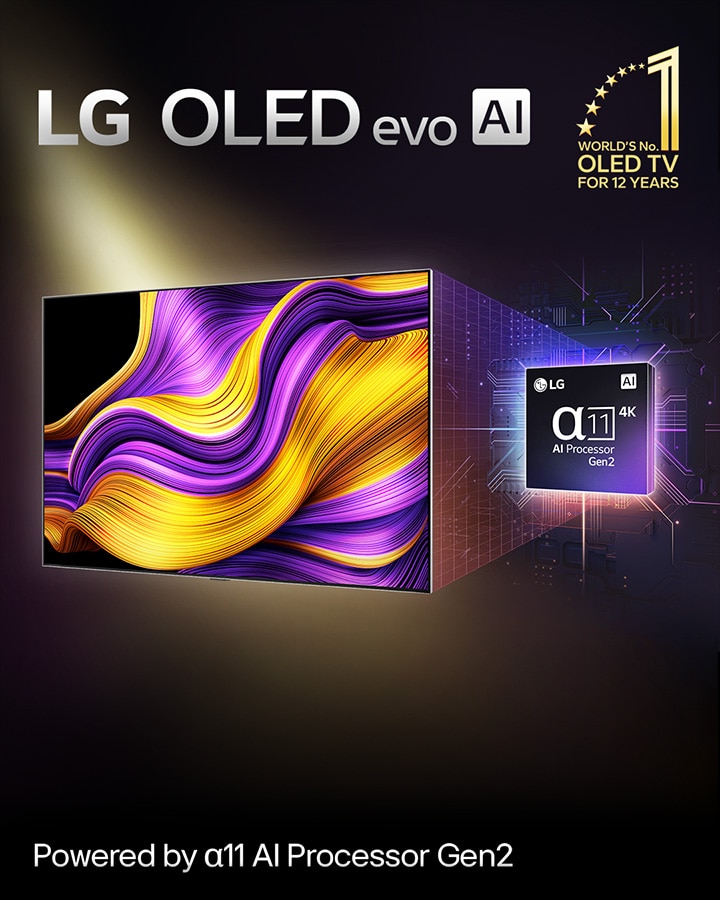
- TV - 4K picture quality, AI upscaled visual, and surround sound from the alpha 11 AI Processor Gen2
- TV - True black levels in every pixel create stunning contrast, depth, and detail
- TV - 100% Colour Fidelity for accurate lifelike colours. 100% Colour Volume for richer hues
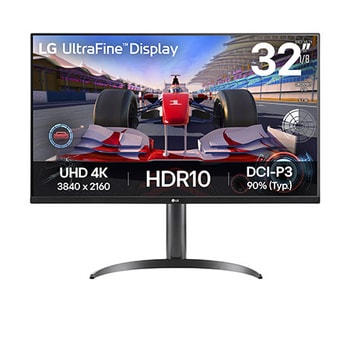
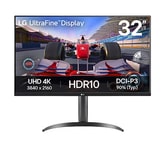
- Monitor - 32-inch UltraFine 4K (3840x2160) with HDR10 with DCI-P3 90% (Typ.)
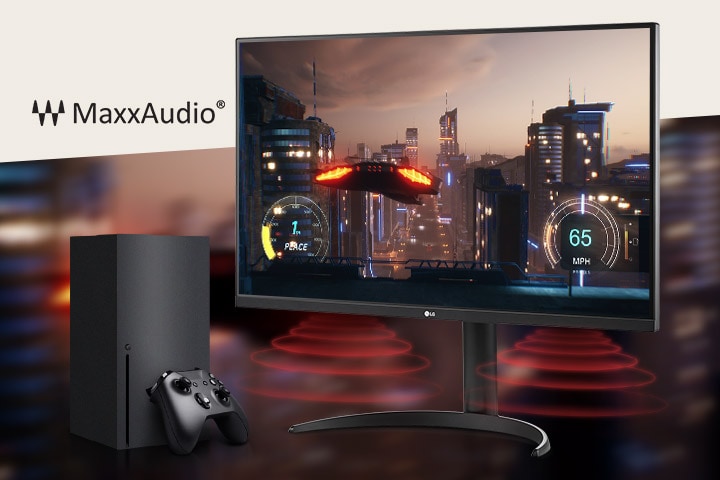
- Monitor - Stereo Speaker with Waves MaxxAudio®
- Partial return is not available
Products in this Bundle: 2
TV Details
*Omdia. 12 years of Number 1 regarding most sold units 2013-2024. This result is not an endorsement of LGE or its products. Visit https://www.omdia.com/ for more details.
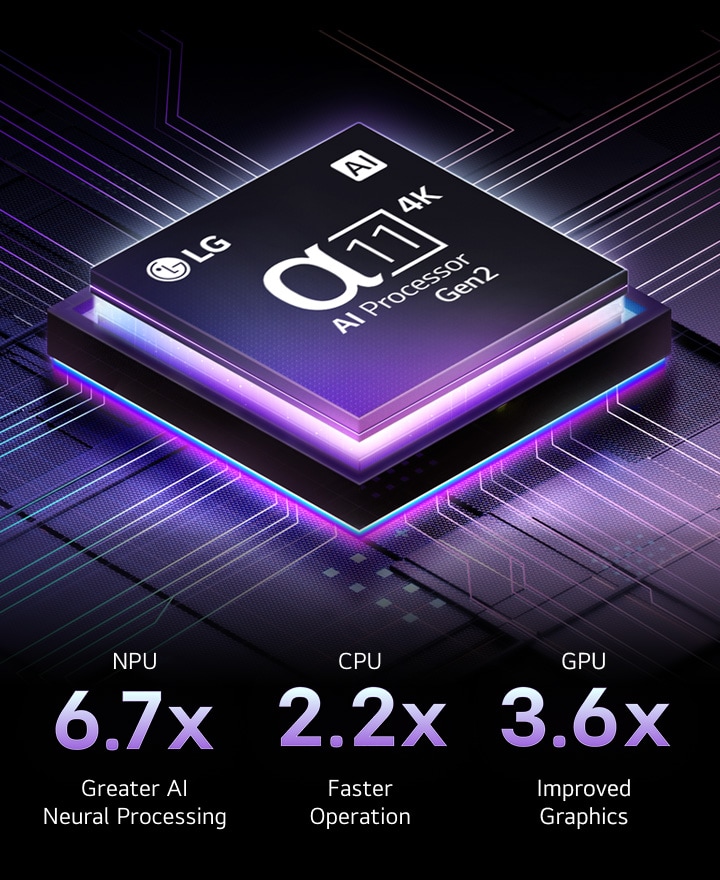
Our most brilliant alpha 11 AI Processor Gen2 for the best viewing experience
alpha 11 AI Processor Gen2 upscales visuals to 4K quality with stunning colour and brightness. AI engines perceive objects with pixel-level precision to enhance picture quality for the best viewing experience possible.
*Compared to the same year entry level Smart TV alpha 7 AI Processor Gen8 based on internal spec comparison.
1.5X brighter visuals with Brightness Booster Max
The alpha 11 Al Processor Gen2's new Light Boosting Algorithm and Light Control Architecture deliver up to 1.5X brighter visuals.
*Brightness may vary based on model, screen size, and market region.
*Peak brightness is 1.5X brighter than LG OLED B5 @10% window by Internal measurements.
*Peak brightness is 1.5X higher than non OLED evo except 97”.
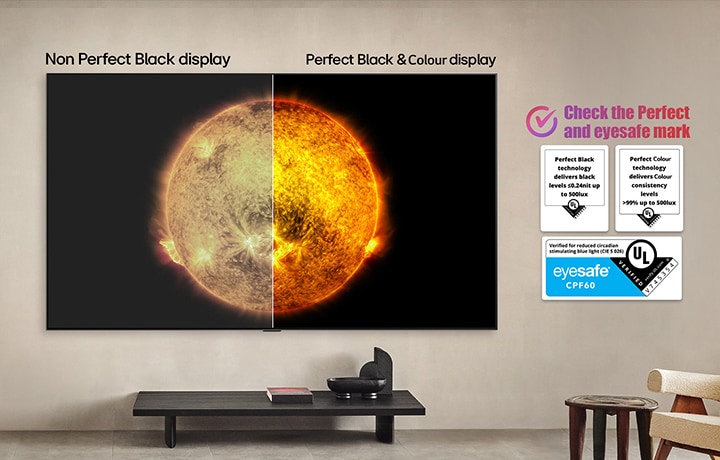
Perfect Black & Colour whether it's bright or dark, only with LG OLED TV
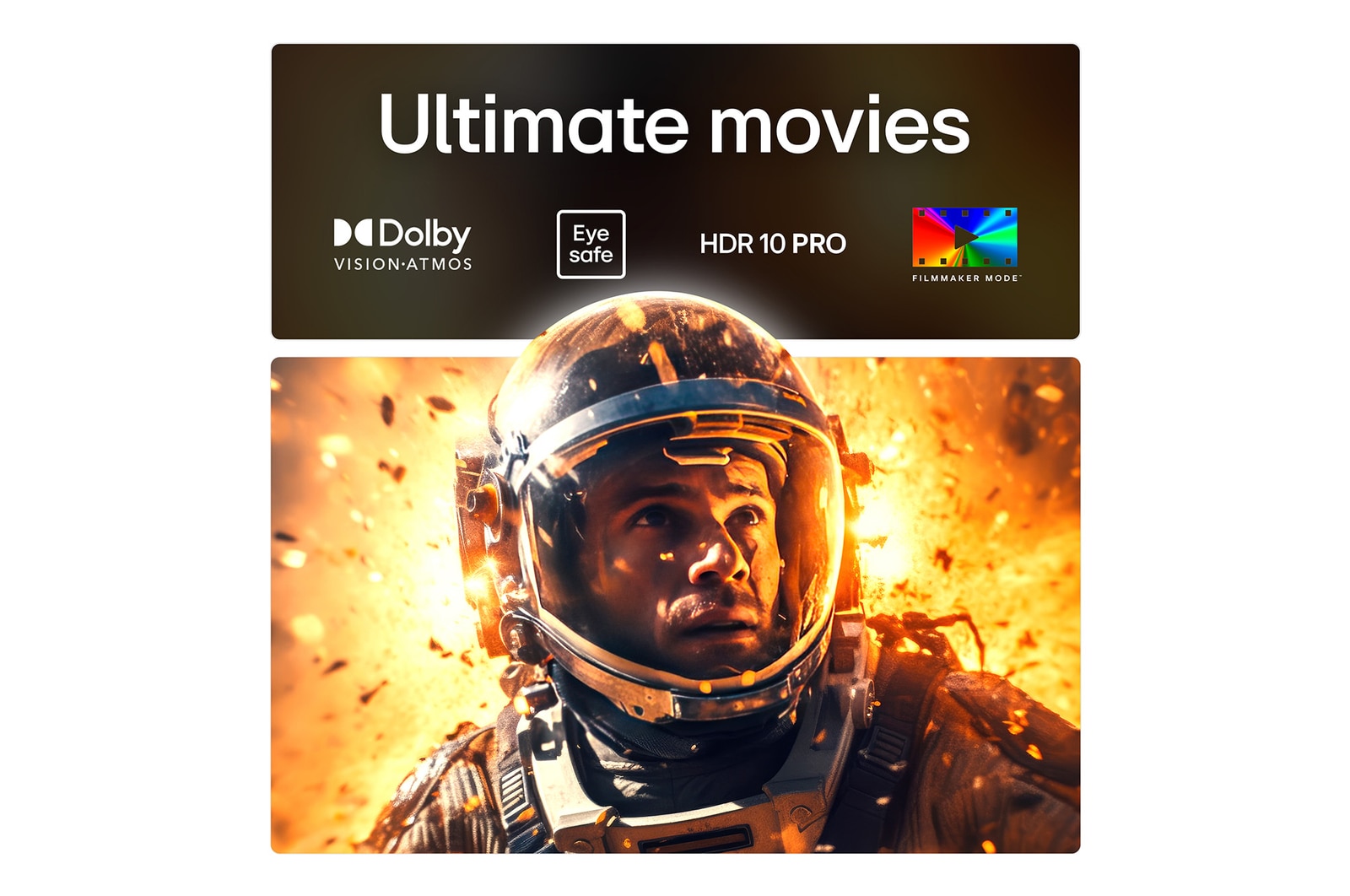
Perfect Black is UL-verified and delivers true black levels to enhance perceived brightness and contrast. Also has earned UL eyesafe verification for a more comfortable watching experience by reducing blue light emissions.
*LG OLED Display is verified by UL for perfect black measured to IDMS 11.5 Ring-light Reflection, based on typical indoor lighting environment (200 lux to 500 lux).
*Actual performance may vary depending on the ambient lighting and viewing environment.
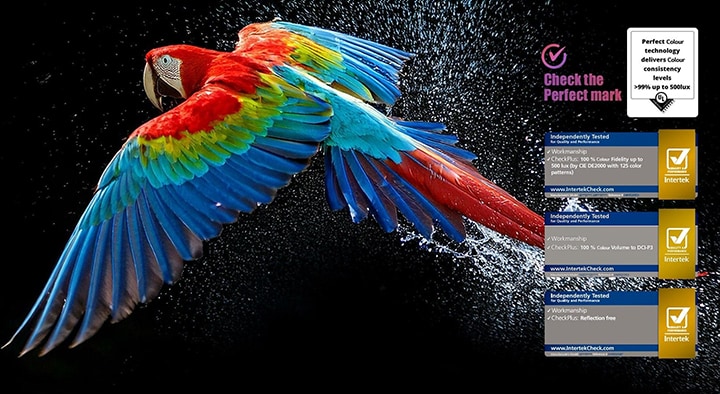
Perfect Colour
100% Colour Volume and 100% Colour Fidelity certified. Enjoy accurate, vibrant colours on a reflection-free screen even in sunlight or dark environments.
*'Reflection Free' applies to OLED M5 83/77/65 inches & OLED G5 83/77/65/55 inches.
*'100% Colour Fidelity' and '100% Colour Volume to DCI-P3' applies to 2025 OLED TVs.
*LG OLED Display is verified by UL for Perfect Colour measured to IDMS 11.5 Ring-light Reflection standards.
*The LG OLED Display is certified by Intertek for 100% Colour Fidelity, measured according to the CIE DE2000 standard with 125 colour patterns.
*The reflectance of the display is defined as the Specular Component Included (SCI) value at 550nm, independently tested by Intertek.
*LG OLED Display is measured to be under 1% as a reflection free display by Intertek.
*Display Colour Gamut Volume (CGV) is equivalent or exceeds the CGV of the DCI-P3 colour space as verified independently by Intertek.
*LG OLED display is certified by Intertek for Reflection free measured to IDMS 11.2.2 sampling-sphere implementation.
AI Picture Pro brings every pixel to life
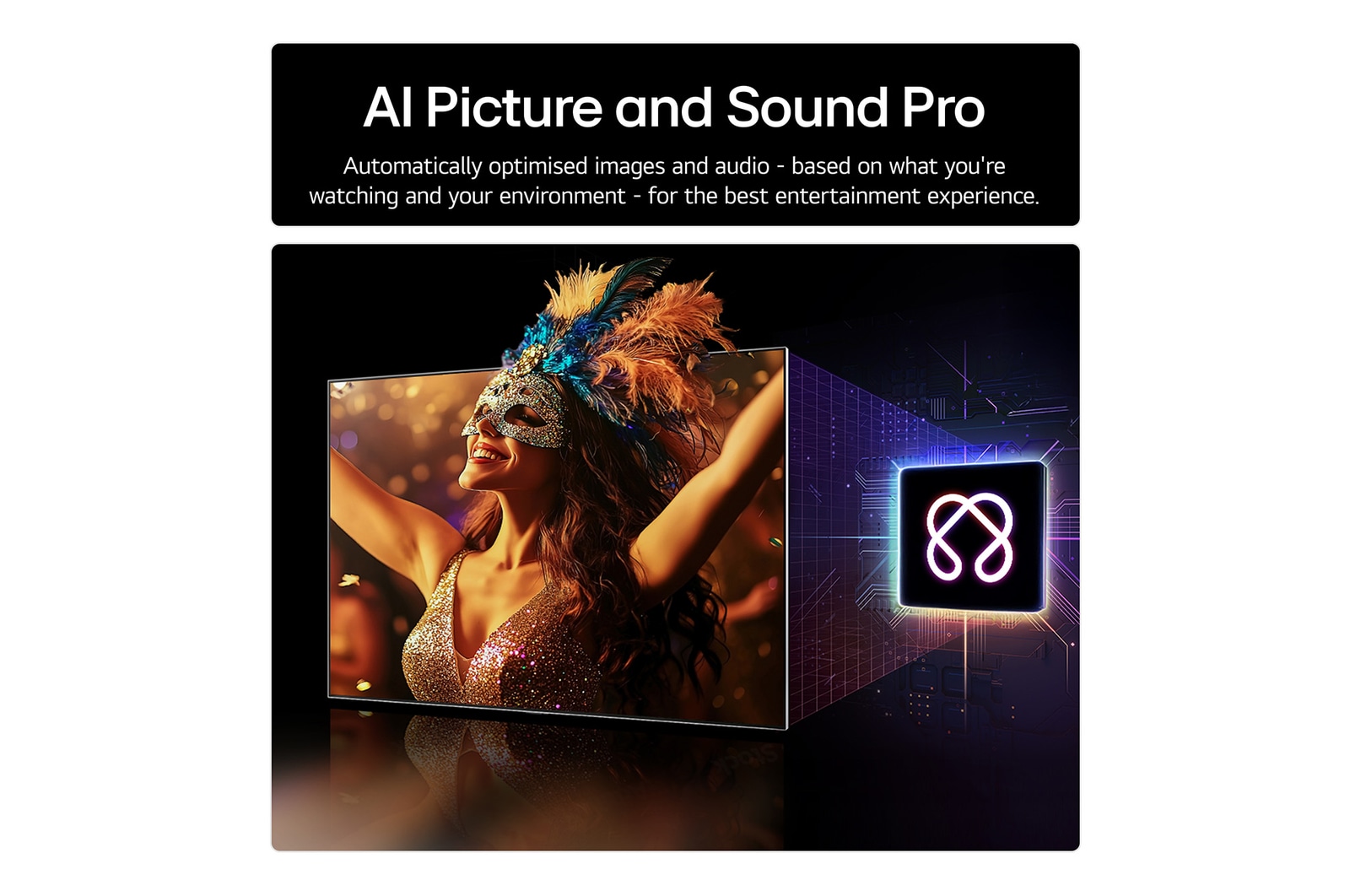
AI Super Upscaling, AI Perceived Object Enhancer, and OLED Dynamic Tone Mapping analyze each pixel to enhance resolution, brightness, depth, and clarity.
*AI Picture Pro will work with any copyright-protected content on OTT services.
*Image quality of upscaled content will vary based on the source resolution.
FAQ
[G5 vs. G4] What is the difference between the LG OLED evo G5 TV series and the previous series(G4)?
Key Upgrades of G5 vs. G4
Here are the key standout improvements of the G5 compared to the previous series:
1. Picture Quality: The G5 introduces an upgrade from the Alpha 11 AI Processor to the new Alpha 11 AI Processor Gen2. This, our most brilliant processor yet, enables the TV to perceive objects with pixel-level precision, significantly enhancing picture quality for the best viewing experience possible.
The G5 is UL-verified for Perfect Black and Perfect Colour, which improves perceived brightness and contrast whether you're in a bright or dark room. With 100% Colour Fidelity and 100% Colour Volume certifications on LG’s 2025 OLED TVs, the G5 delivers accurate, vibrant colours on a reflection-free screen, even in direct sunlight or dark environments.¹ ²
2. Sound Quality: The newly enhanced AI Object Remastering feature extracts voices, music, and audio SFX to optimise for clarity, delivering the best sound experience possible.³
3. Gaming: Validated for both G-SYNC and AMD FreeSync, the G5 offers excellent VRR performance for smooth, tear-free gameplay. With support for up to 165Hz VRR, a 0.1ms response time, and ClearMR 10000 certification, it ensures ultra-smooth motion and ultra-low latency.⁴ ⁵
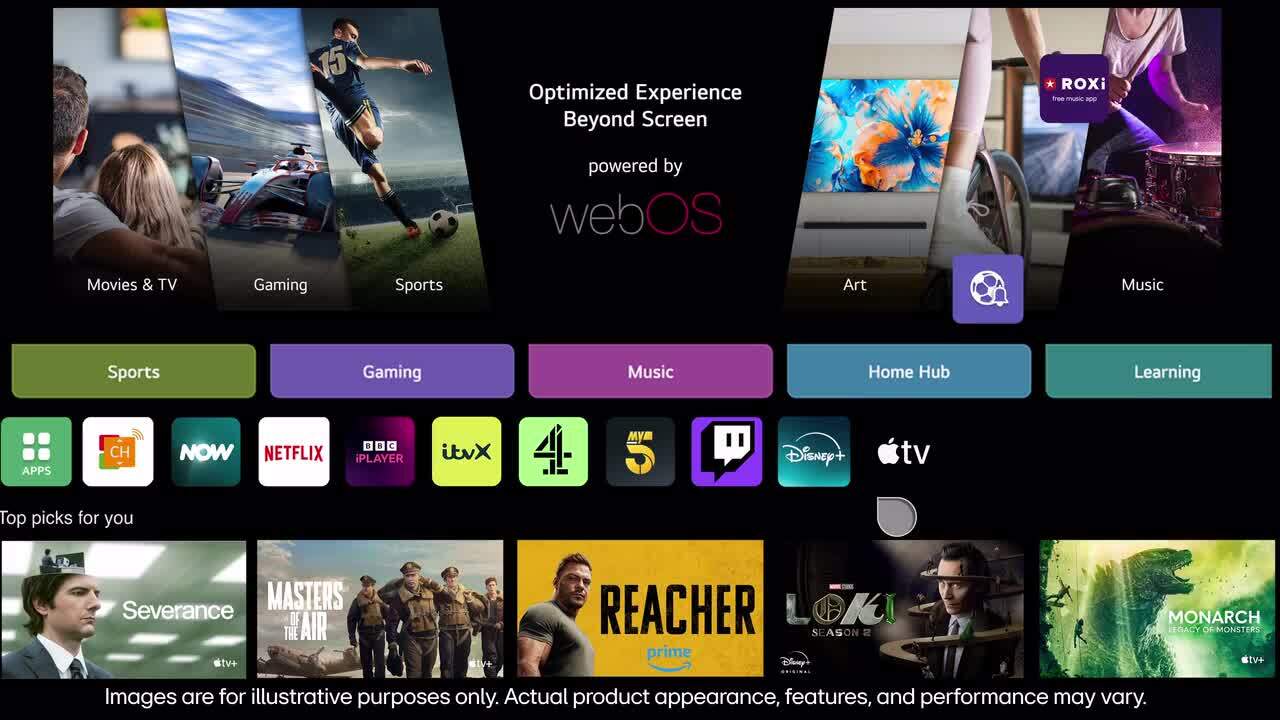
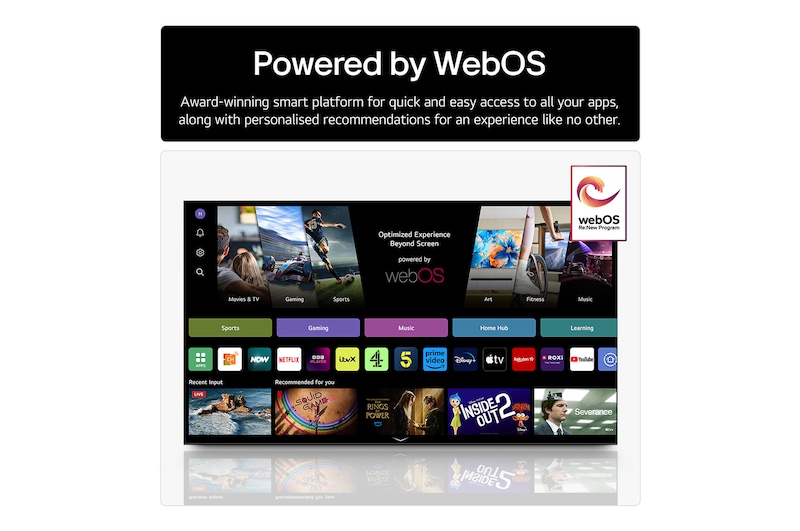
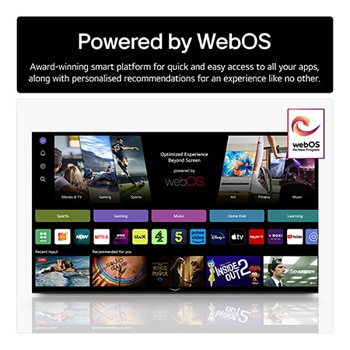
4. webOS for AI: Upgraded to webOS 25, the G5 offers a smarter, more intuitive TV experience. LG AI learns your viewing preferences, understands your lifestyle, and optimises every aspect of your TV experience to create the most ideal, personalised entertainment, just for you.
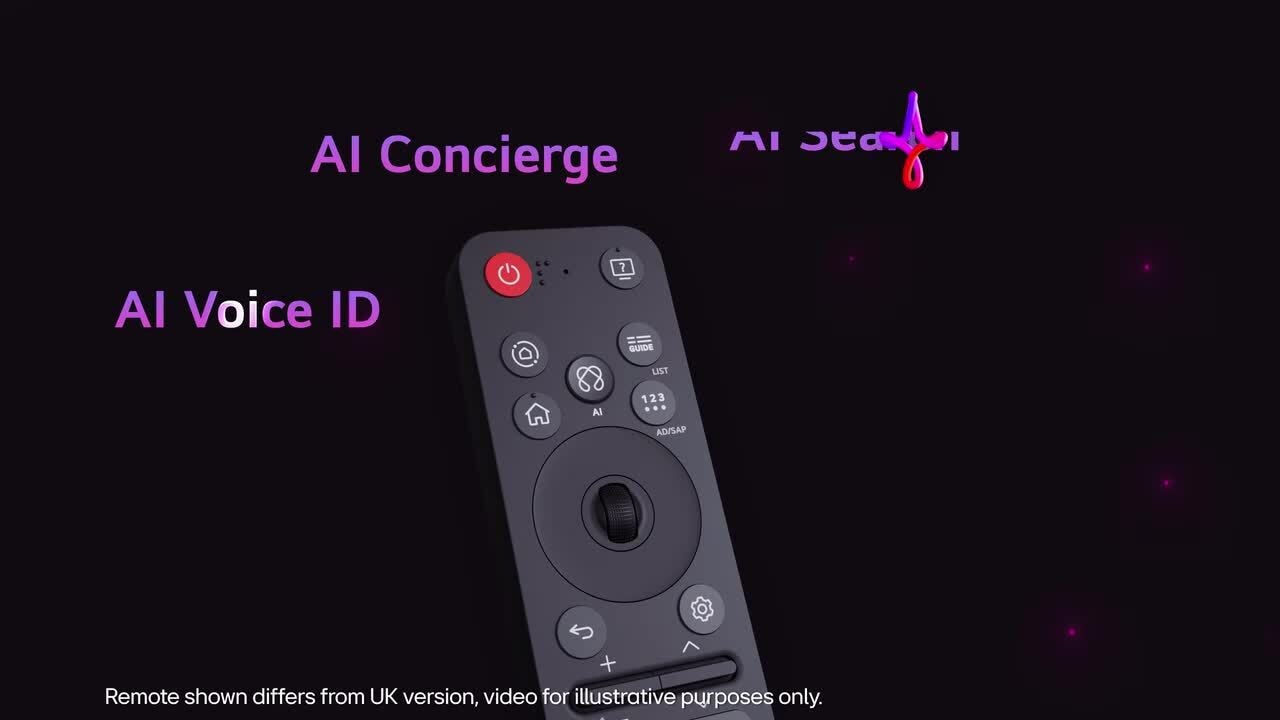
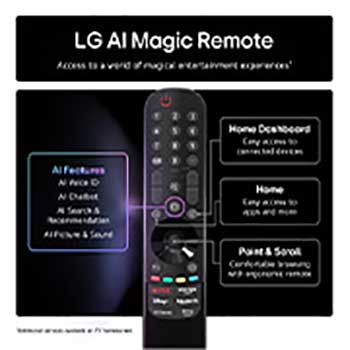
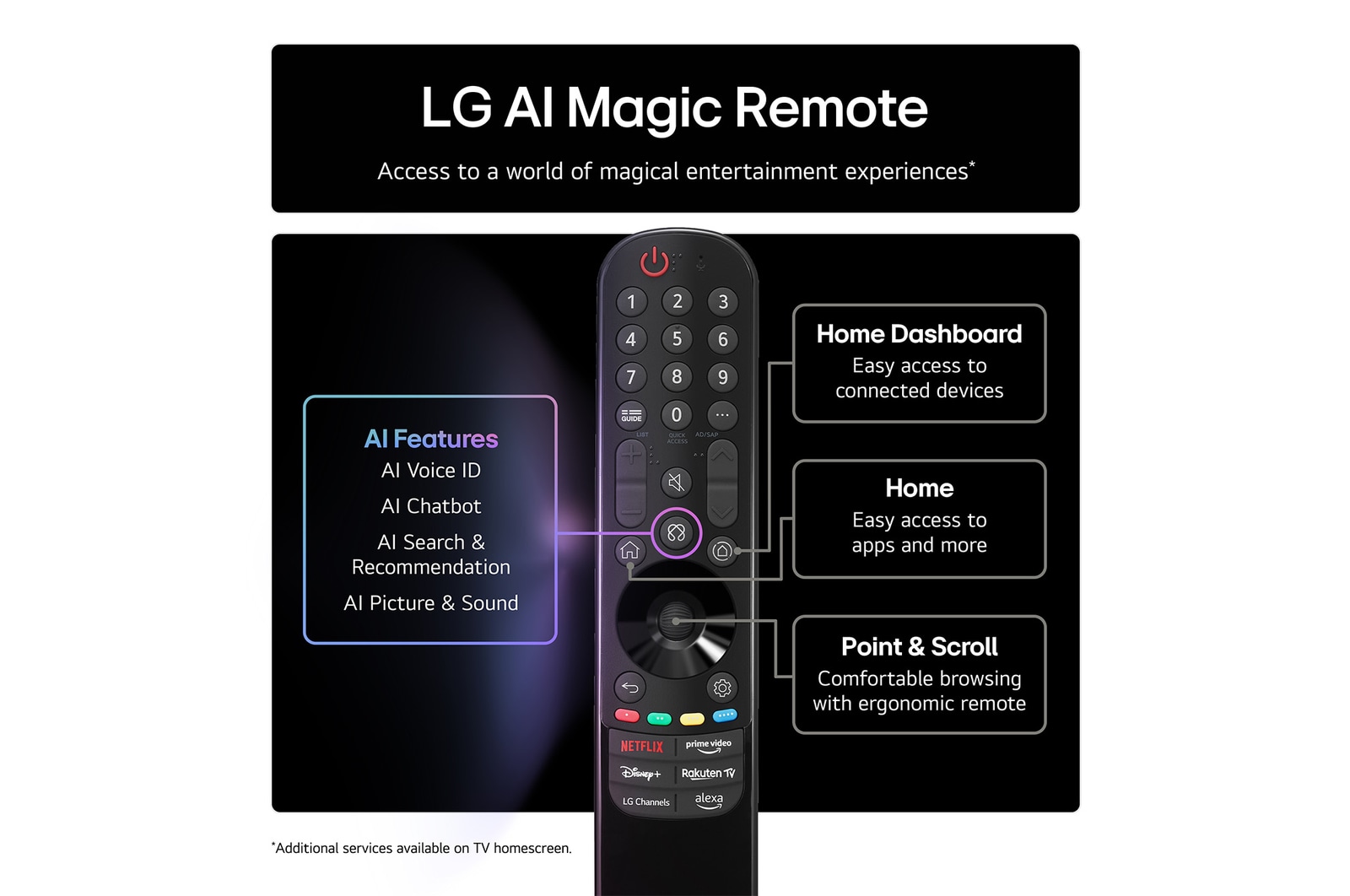
The newly designed AI Magic Remote completes the AI experience—no extra device is needed! With a motion sensor and scroll wheel, simply point and click to use it like an air mouse or speak for voice commands.⁶
Key AI Features
1) AI Voice ID: LG AI Voice ID recognises each user's unique voice signature and offers personalised recommendations the moment you speak.⁷
2) AI Picture & Sound Wizard: Advanced algorithms learn your preferences by going through 1.6 billion image possibilities. Based on your selections, your TV creates a personalised picture profile just for you. You can also choose the audio you prefer from a selection of sound clips. From 40 million parameters, AI creates a tailored sound profile tuned to your preferences, and every sound element is refined with AI-balanced audio.
3) AI Chatbot: You can interact with the AI Chatbot through your AI Magic Remote to address any concerns, from configuring settings to troubleshooting.⁸
4) AI Search: You can ask your TV anything. The built-in AI recognises your voice and swiftly provides personalised recommendations based on your requests. You can also get additional results and solutions with Microsoft Copilot.⁹
5) AI Concierge: A short press on the AI button on your remote opens your AI Concierge, which provides customised keywords and recommendations based on your search and viewing history.¹⁰
1) *LG OLED Display is verified by UL for perfect black, measured against the IDMS 11.5 Ring-light Reflection standard based on a typical indoor lighting environment (200 lux to 500 lux).
*Actual performance may vary depending on the ambient lighting and viewing environment.
2) *LG OLED Display is also verified by UL for Perfect Colour, which is measured to IDMS 11.5 Ring-light Reflection standards.
*100% Colour Volume is a measure of a display's ability to reproduce a colour volume that is equal to or greater than the DCI-P3 standard, as independently verified by Intertek.
*The LG OLED Display is certified by Intertek for 100% Colour Fidelity, measured according to the CIE DE2000 standard with 125 colour patterns.
*The '100% Colour Fidelity' and '100% Colour Volume to DCI-P3' certifications apply to LG’s 2025 OLED TVs.
3) *This feature must be activated through the Soundbar Mode menu.
*Sound performance may vary according to the listening environment.
4) *The 97-inch model supports 120Hz, and the 48-inch model supports 144Hz.
5) *ClearMR is a VESA certification programme that evaluates a display's motion blur performance.
*Support for this feature may vary by model. ClearMR 10000 is certified for the LG OLED G5 (83, 77, 65, and 55-inch models).
6) *The design, availability, and functions of the AI Magic Remote may vary by region and supported language, even for the same model.
*Some features may require an internet connection.
*AI Voice Recognition is only available in countries that support Natural Language Processing (NLP) in their native language.
7) *The content shown may be reduced or limited depending on the region and network connectivity.
*Voice ID support may vary by region and country and is available on OLED, QNED, NanoCell, and UHD TVs released from 2024 onwards.
*It only works with apps that support the Voice ID account.
8) *AI Search is available on OLED, QNED, NanoCell, and UHD TVs released from 2024 onwards.
*The US and Korea use the LLM (Large Language Model) model.
*An internet connection is required.
9) *An internet connection is required.
*The AI Chatbot is available in countries that support Natural Language Processing (NLP) in their native language.
*It is possible to link the AI Chatbot to customer service.
10) *Supported menus and apps may vary by country.
*Menus displayed may be different upon the product's release.
*Keyword recommendations vary according to the app and time of day.

What are the differences between the LG OLED G5 and C5?
Both the LG OLED G5 and C5 are UL-verified for Perfect Black and Perfect Colour, delivering true black levels that enhance perceived brightness and contrast. With 100% Colour Fidelity and 100% Colour Volume certifications applied to LG’s 2025 OLED TVs, they deliver accurate, vibrant colours on a reflection-free screen even in sunlight or dark environments.¹ ²
The Key Differences: G5 vs C5
1. Picture quality powered by the processor:
G5: Our most brilliant α11 AI Processor Gen2 upscales visuals to 4K quality with stunning colour and brightness. Its AI engines perceive objects with pixel-level precision to enhance picture quality for the best viewing experience possible.
C5: The α9 AI Processor Gen8 analyses and upscales every frame in detail. By recognising faces, it delivers enhanced facial expressions and depth.
2. Brightness³:
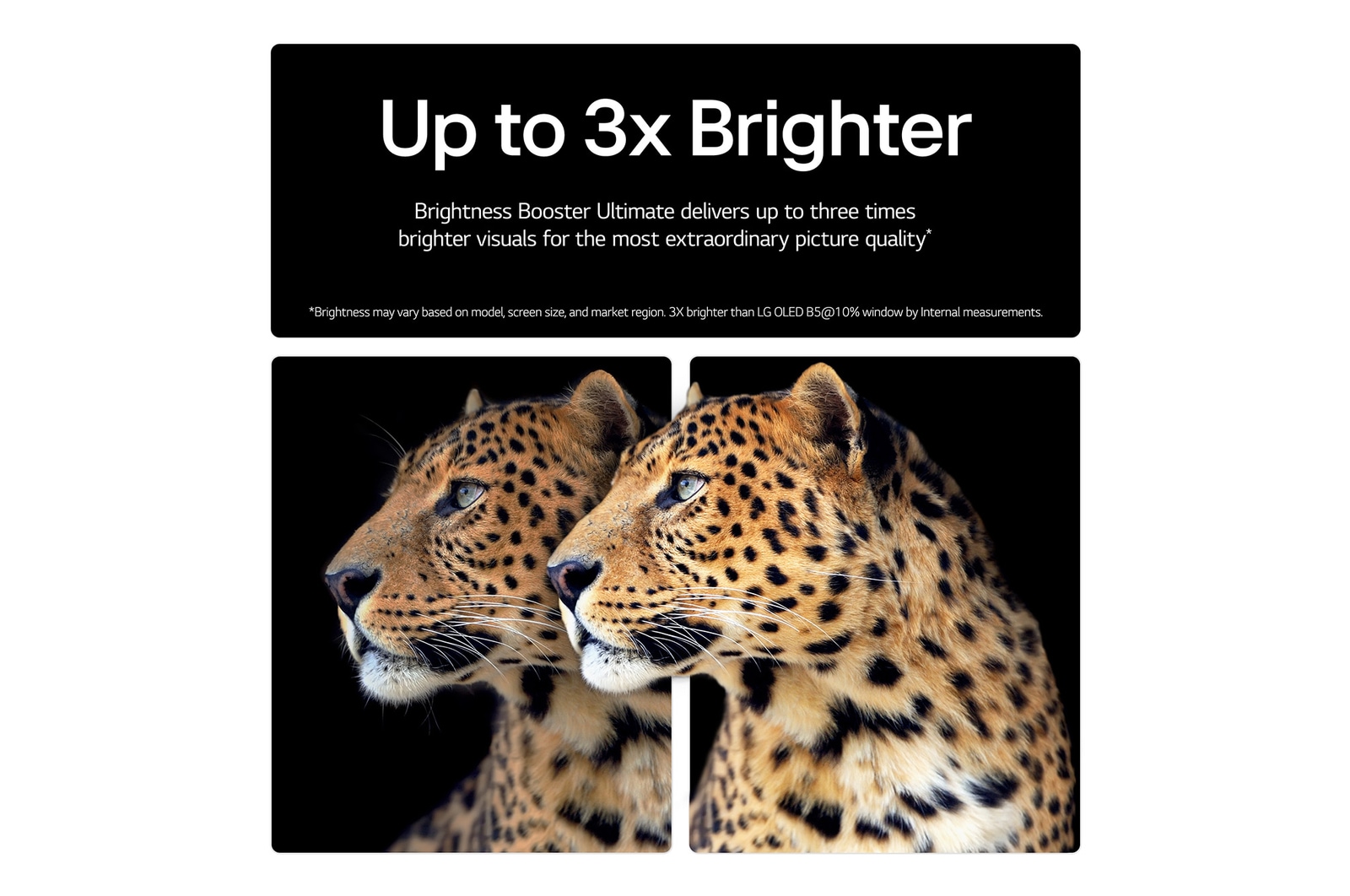
G5: The α11 AI Processor Gen2, the Light boosting algorithm, and a new light-emitting structure and lighting control architecture deliver visuals that are up to 3x brighter with Brightness Booster Ultimate than an LG standard OLED TV (non-evo).⁴
C5: The α9 AI Processor Gen8 and a new light-boosting algorithm deliver visuals that are 30% brighter than an LG standard OLED TV (non-evo).⁵
3. Gaming:
Both the G5 and C5 provide a peak gaming experience with G-SYNC compatibility, 0.1ms Pixel Response Time, AMD FreeSync Premium, and ultra-low latency or motion blur.⁶ However, the G5 supports up to 165Hz and is ClearMR 10000 certified, while the C5 supports up to 144Hz and is ClearMR 9000 certified.⁶
4. Design⁷:
C5: The Ultra Slim Design redefines a modern look and makes viewing more immersive.
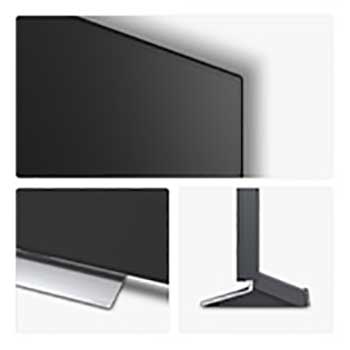
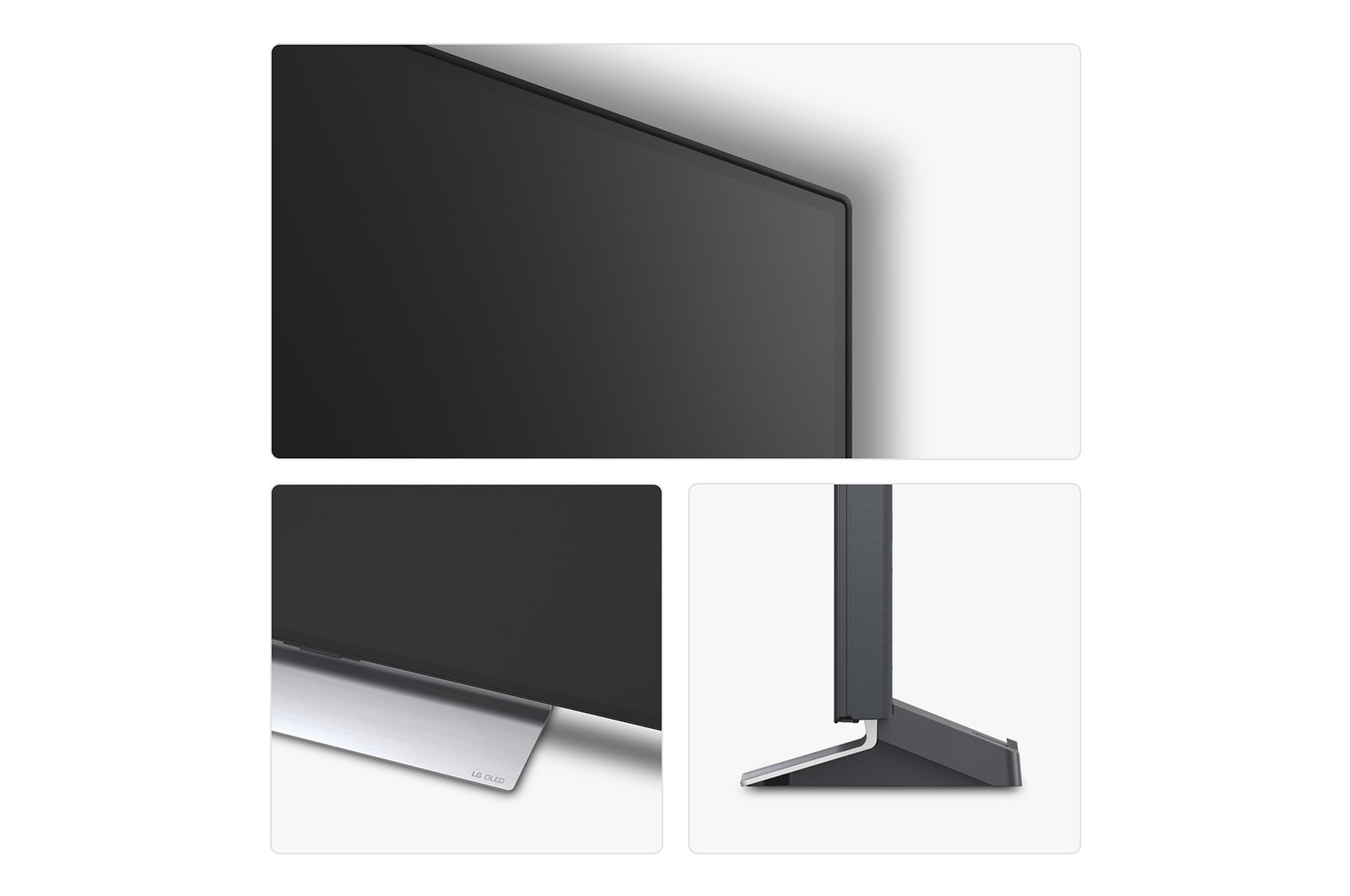
G5: The One Wall Design ensures that when you mount your TV to the wall, its narrow bezels and seamless design leave no gap.⁸ ⁹ ¹⁰
1) *LG OLED Display is verified by UL for perfect black, which is measured against the IDMS 11.5 Ring-light Reflection standard based on a typical indoor lighting environment (200 lux to 500 lux).
*Actual performance may vary depending on the ambient lighting and viewing environment.
*LG OLED Display is also verified by UL for Perfect Colour, which is measured to IDMS 11.5 Ring-light Reflection standards.
2) 100% Colour Volume is a measure of a display's ability to reproduce a colour volume that is equal to or greater than the DCI-P3 standard, as independently verified by Intertek.
*The LG OLED Display is certified by Intertek for 100% Colour Fidelity, measured according to the CIE DE2000 standard with 125 colour patterns.
3) *Brightness may vary based on the specific model, screen size, and market region.
4) *G5: The peak brightness is 3X brighter than the LG OLED B5 at a 10% window, according to internal measurements.
5) *C5: This is compared to the B5 (non-evo) with a measurement taken at a 3% window. This excludes the OLED evo C5 48" & 42" models.
6) *HGiG is a voluntary group of companies from the gaming and TV display industries that meet to specify and make available public guidelines to improve consumer gaming experiences in HDR.
*Support for HGiG may vary by country.
*144Hz is only supported with games or PC inputs that are compatible with 144Hz.
*ClearMR is a VESA certification program that evaluates a display's motion blur performance.
*The 83/77/65/55 inch models of the OLED G5 only work with games or PC inputs that support 165Hz. It runs up to 144 Hz on Dolby Vision inputs.
*The 97-inch model supports 120Hz, and the 48-inch model supports 144Hz.
*The 48-inch model of the OLED G5 has only a ClearMR 9000 certification.
7) *Bezel size differs by series and screen size.
8) *The 97/83/77/65/55-inch models of the OLED G5 feature the One Wall Design.
9) *The wall-mount bracket is not supplied with the G5 stand variant; a bracket is available to purchase separately.
10) *Depending on the installation environment, there may be a slight gap between the TV and the wall. Installation requirements vary. Please see the installation guide for more details.
How to install a LG OLED G5 TV on the wall?
For secure and seamless wall installation of your LG OLED evo G5 TV, follow these guidelines:
Compatible Wall Mount Brackets & VESA Sizes¹
∙ 97” model: WB22E97G or WB24GD (VESA 1586×(226×60) / 600×400)²
∙ 83” model: WB22EG or WB24GC (VESA 180×55 / 400×400)
∙ 77” model: WB22EG or WB24GC (VESA 180×55 / 300×300)
∙ 65” model: WB22EG or WB24GC (VESA 180×55 / 300×300)
∙ 55” model: WB22EG or OLW480 (VESA 180×55 / 300×200)
∙ 48” model: OLW480 (VESA 300×200)
Installation Steps
1. Ensure the wall has sufficient strength and load-bearing capacity for your TV and bracket.³
2. Mark and drill holes according to the VESA pattern and instructions provided in the Quick Setup Guide and Owner’s Manual.
3. Attach the bracket securely to the wall using appropriate anchors and screws.
4. Connect all required cables before mounting the TV for easier access.
5. Carefully mount the TV onto the bracket, ensuring a flush fit and zero gap with the wall.
Professional installation is strongly recommended by LG to ensure safety, optimal alignment, and to protect your TV—especially for larger screen sizes.
Dedicated G5 Stand (Optional)
If you prefer tabletop placement, dedicated G5 stands (SA-G5SN55, SA-G5SN65, ST-G4WR8377, SQ-G2DT97) can be purchased separately for each size.⁴ (Except the 48" model)
Note: LG provides clearly illustrated, multilingual installation guides with the product and online. Always refer to the correct guide for your TV model and screen size.⁵
1) *Please check the exact VESA pattern and compatible bracket for your specific model and screen size. The wall-mount bracket and included accessories may vary by model and region. Please check your product package and the local LG website for details. If the bracket is not included in your package, ensure you use a compatible bracket with the exact VESA pattern for your specific model and screen size.
2) *For 97” models, special VESA dimensions (1586×(226×60) / 600×400) may apply. Please check the exact VESA pattern and compatible bracket for your specific model and screen size.
3) *The strength and suitability of the installation wall and anchors are the responsibility of the customer. LG is not liable for damage or injury caused by improper installation or insufficient wall strength.
4) *The stand and wall-mount bracket may not be included by default in all regions. Optional accessories are available for separate purchase, depending on your location and model.
5) *Installation procedures and supported accessories may differ depending on your country, TV size, and model year. Always follow the instructions in the official LG Owner’s Manual and Quick Setup Guide for your specific product.
What size is the LG OLED evo G5 TV?
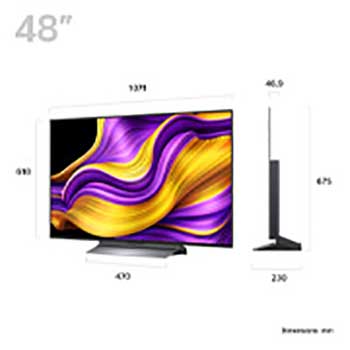
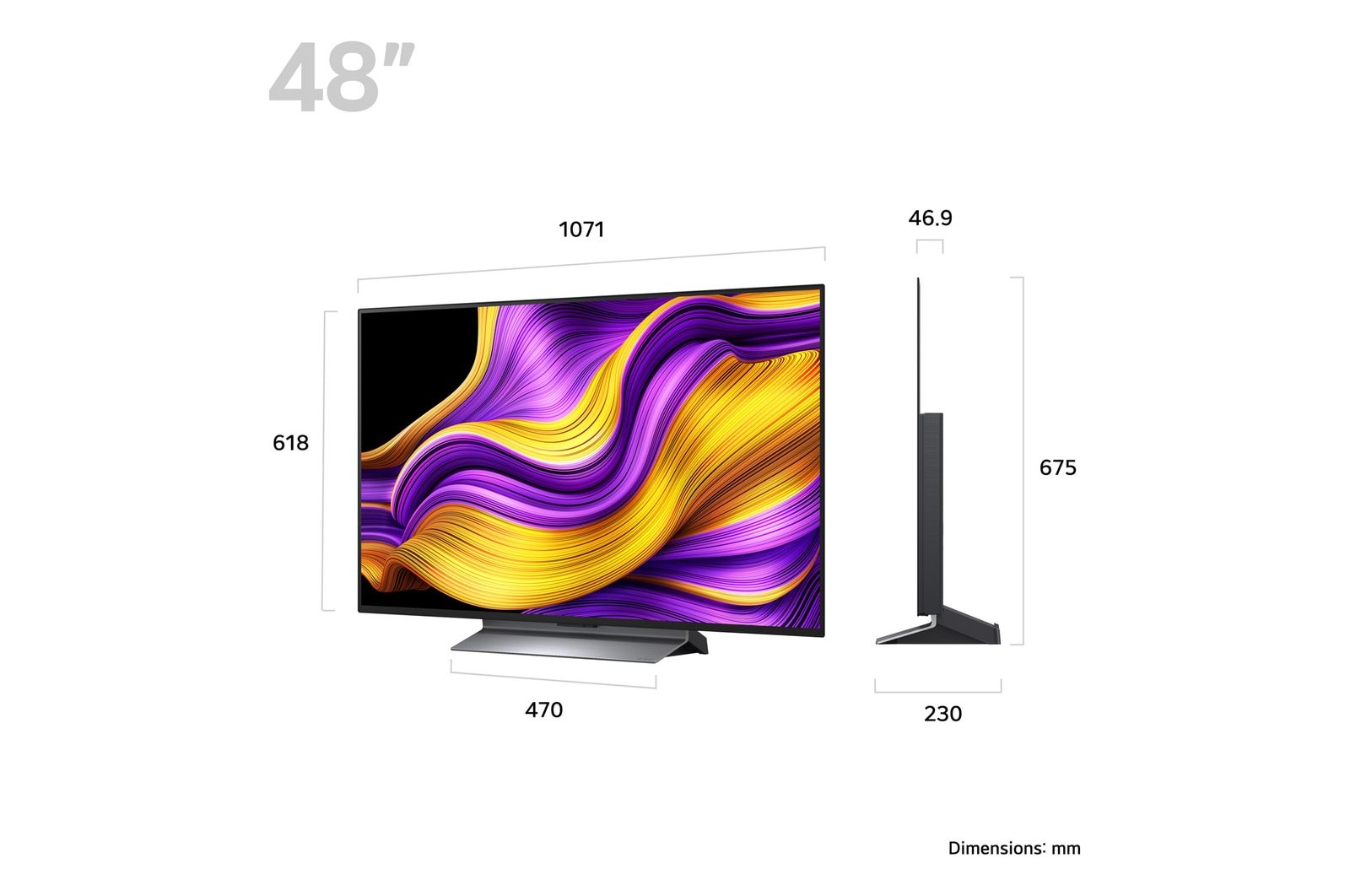
The LG OLED evo G5 TV is available in Europe in the following screen sizes: 97", 83", 77", 65", 55" and 48". The One-Wall Design applies to all sizes from 97" down to 55".¹
1) Product lineup and availability may vary by country or region. Please refer to your local LG website for the latest information.
What is the LG OLED evo TV screen protection, and how can it work?
LG OLED evo TVs are equipped with screen protection features to help prevent image retention and reduce the risk of burn-in. The key technology is Pixel Cleaning, which refreshes the OLED pixels to maintain optimal picture quality and panel longevity.
Automatic Operation: Pixel Cleaning runs automatically after a certain period of accumulated usage, usually when the TV is switched off but remains plugged in.¹
Manual Operation: You can also manually start Pixel Cleaning at any time by navigating to:
[Settings] → [General] → [OLED Care] → [OLED Panel Care] → [Pixel Cleaning] on your TV’s menu.
These features help keep your OLED panel in the best condition for long-term use.
1) Pixel Cleaning reduces, but does not eliminate, the risk of permanent image retention (“burn-in”). For best results, avoid displaying static images for extended periods. Always leave the TV plugged in after switching it off to allow the automatic Pixel Cleaning to complete.
How many HDMI ports does the LG OLED evo G5 TV have and what features do they support?
The LG OLED evo G5 TV is equipped with four HDMI ports, all of which support HDMI 2.1 specifications and features for gaming and connectivity:
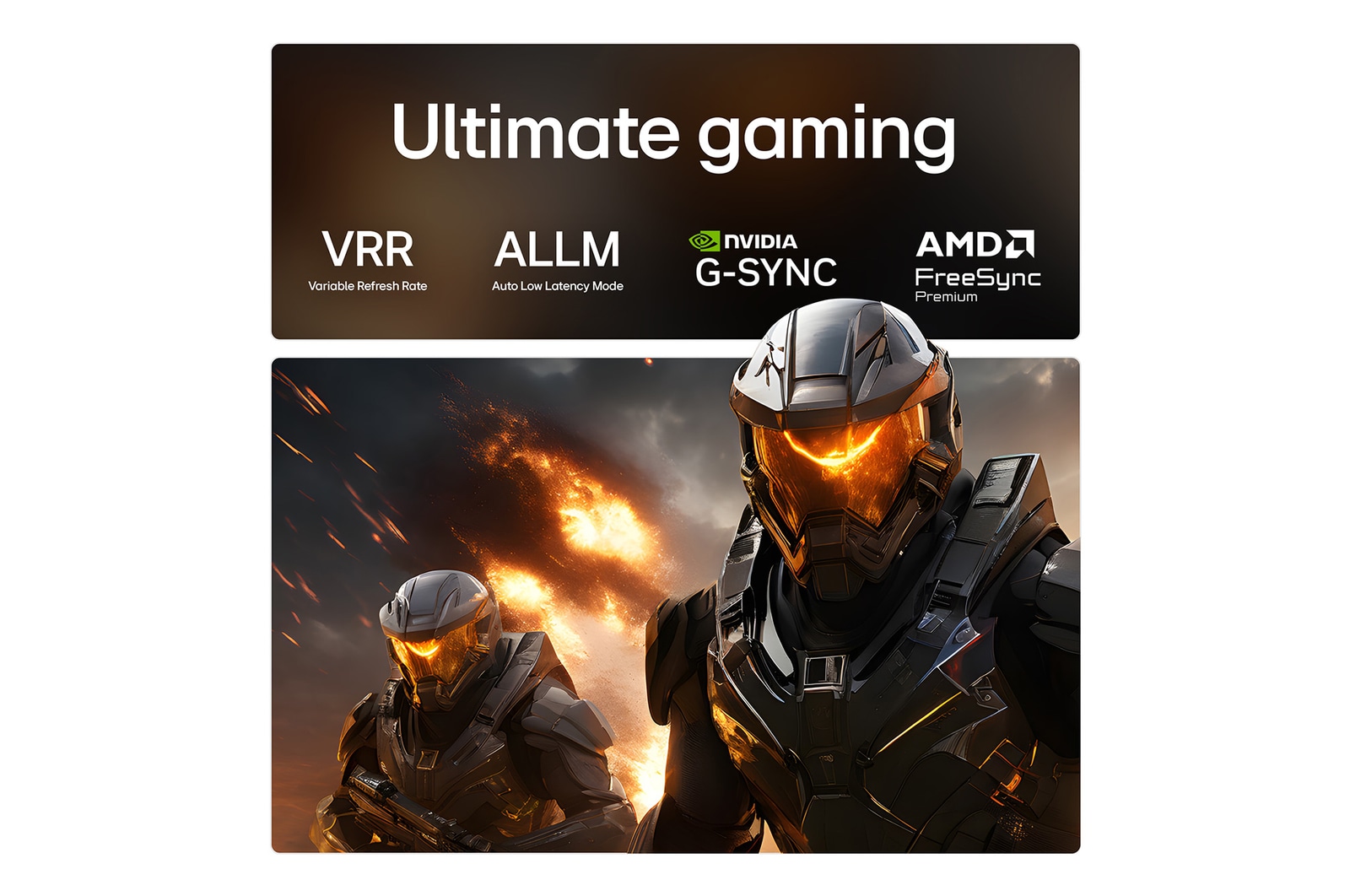
- Variable Refresh Rate (VRR) up to 144Hz (48"), 165Hz (83", 77", 65", 55"), and up to 120Hz (97").¹
- G-SYNC and AMD FreeSync Premium compatibility.
- Auto Low Latency Mode (ALLM) for optimised gaming responsiveness.
- Quick Media Switching (QMS) and Quick Frame Transport (QFT).
- Enhanced Audio Return Channel (eARC) on HDMI 2 for high-quality audio transmission.
- HGiG for HDR gaming.
All four HDMI ports support the full HDMI 2.1 bandwidth (48Gbps), allowing the latest gaming consoles, PCs, and home cinema equipment to be connected simultaneously.
1) The maximum VRR depends on the model: the 83"/77"/65"/55" models support up to 165Hz, the 48" model supports up to 144Hz, and the 97" model supports up to 120Hz. Please refer to your local LG website for full model specifications.
Monitor Details
Details mastered
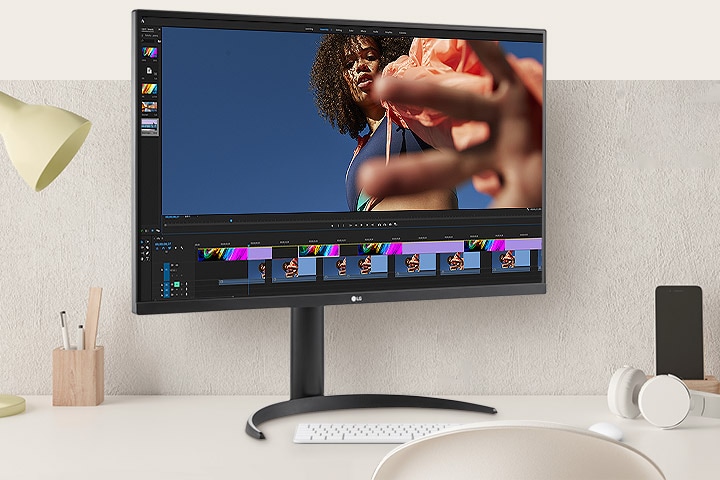
Experience stunning visual clarity and vibrant colours with the LG UltraFine 4K HDR monitor. With its expansive 31.5-inch display, you can work efficiently and immerse yourself in streaming.
Experience stunning visual clarity and vibrant colors with the LG UltraFine 4K HDR monitor.
*The images simulated to enhance feature understanding. It may differ from actual use.
Features focused on the gaming
Immersive gaming
32UR550K not only brings thrills with its decent image and stereo sound (featuring Waves MaxxAudio®), but also provides Dynamic Action Sync, and Black Stabiliser for a realistic gaming experience.
Immersive experience in 4K HDR console gaming.
*The feature may vary depending on the condition and the environment that the user is using.
*The images simulated to enhance feature understanding. It may differ from actual use.
Enjoy 4K and HDR contents
Visual splendour
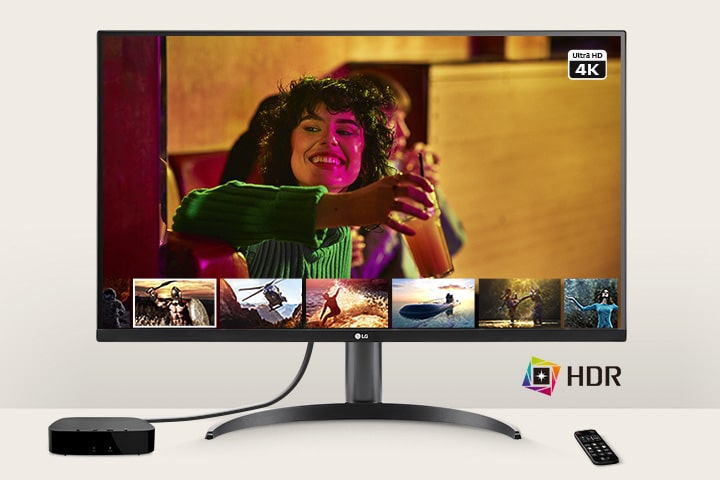
Discover HDR content from various streaming services and enjoy vivid brightness and a wide colour range on the LG UltraFine 4K monitor. With HDR technology supporting DCI-P3 colour space, immerse yourself in stunning visuals that bring your entertainment to life.
The monitor enabling users to enjoy 4K and HDR Contents.
*The images simulated to enhance feature understanding. It may differ from actual use.
*The OTT streaming service is only available by connecting an OTT device to a monitor. The OTT device and remote control are NOT included in the package (sold separately).
Ergonomic design
Easy and comfy
Achieve suitable positioning with the Ergonomic Stand: easily adjust Height, Tilt, and Pivot for your ideal viewing experience.
*The images simulated to enhance feature understanding. It may differ from actual use.
What people are saying
Our Picks for You
Manual& Software
Download product manuals and latest software for your LG product.
Troubleshoot
Find helpful videos and information about your product systems.
Warranty
Check LG warranty information here.
Part& Accessory
Discover accessories for LG products.
Product Registration
Registering your product will help you get faster support.
Product Support
Find manual, troubleshoot and warranty of your LG product.
Order Support
Track your order and check order FAQ.
Repair Request
Repair request service conveniently online.
Find a Store Near You
Purchase this bundle and receive the free monitor worth £299. While stock lasts.
Recommended Product