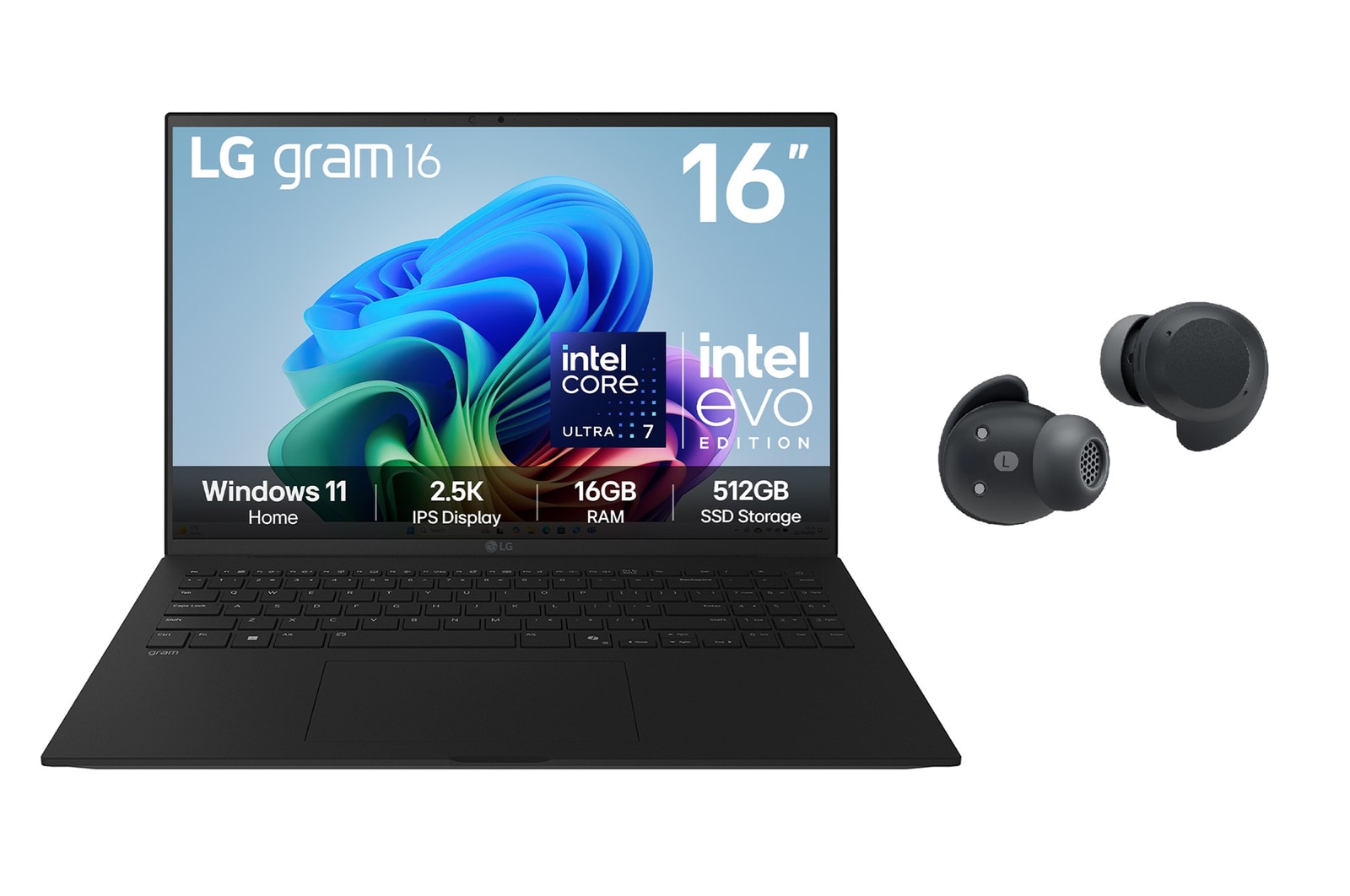
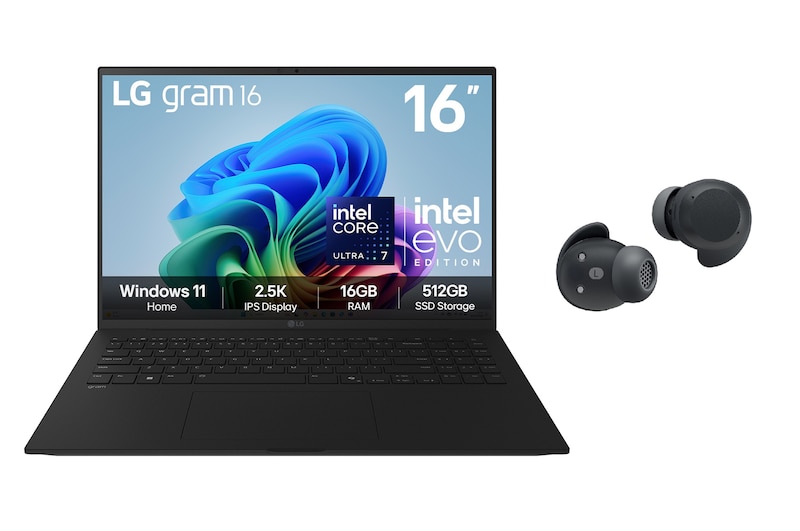
16" LG gram AI Laptop with Windows 11 Home & xboom Buds Plus Bundle

16" LG gram AI Laptop with Windows 11 Home & xboom Buds Plus Bundle

Laptop Details

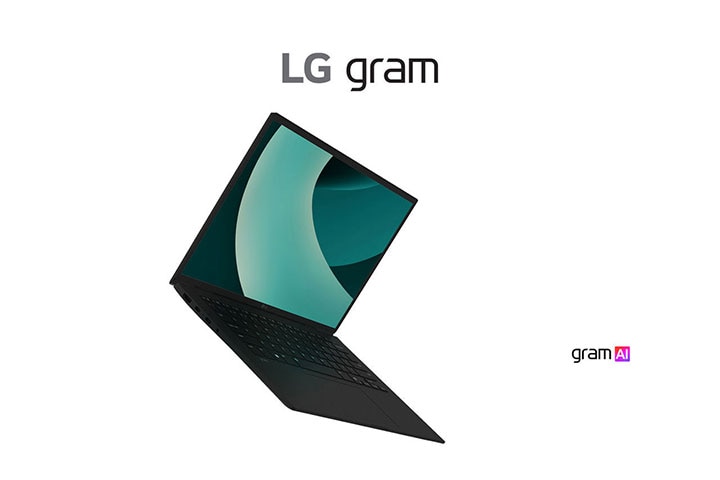
The image shows an LG gram laptop, highlighted for its ultra-light design. On the right, the text reads: "Delightfully light" with the "gram AI" logo below it.

The image shows an LG gram laptop, highlighted for its ultra-light design. On the right, the text reads: "Delightfully light" with the "gram AI" logo below it.


The power of
Hybrid AI

*Images have been simulated to enhance feature understanding, and may differ from actual use experience.

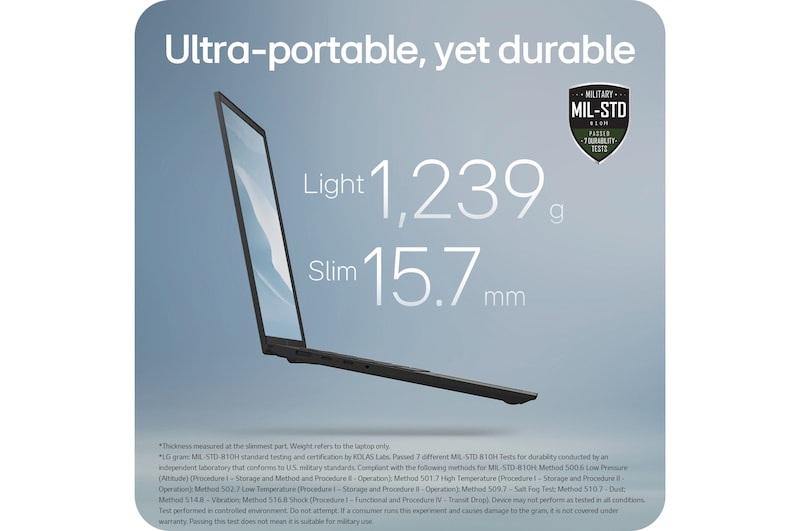
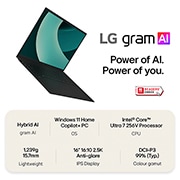
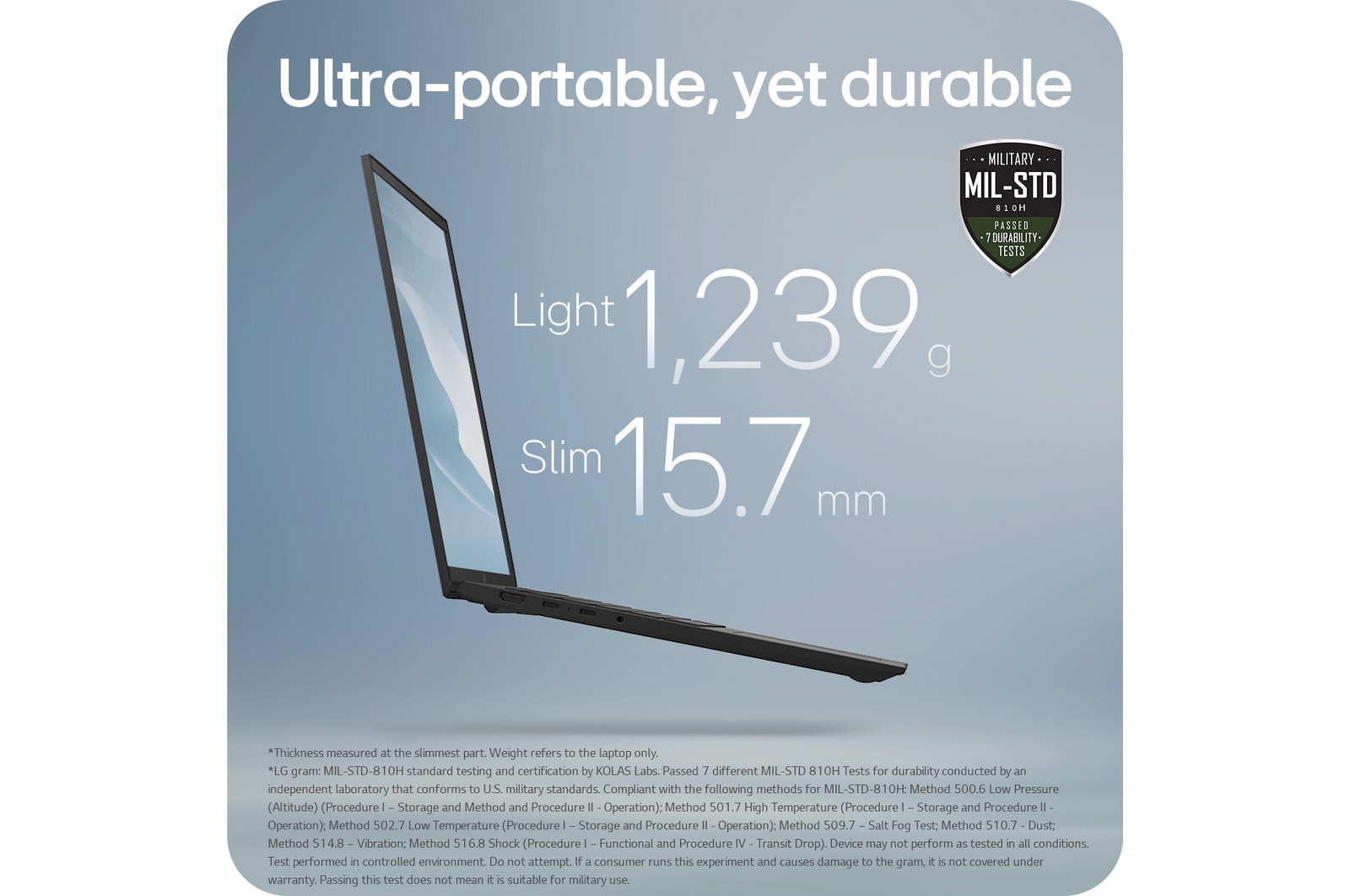
The image showcases a slim laptop with the text: "Light, thin, all-powerful" at the top. Key specifications, "Light 1,239 g" and "Slim 15.7 mm," are highlighted in the center. A MIL-STD durability badge is displayed in the upper-right corner, emphasizing its robustness.

Light, thin,
all-powerful

The image features a laptop with vibrant content displayed on its screen, emphasizing vivid colors and detailed visuals. The text at the top reads: "IPS premium display," highlighting the high-quality screen technology.

16’’ WQXGA IPS display

The image shows a smiling woman using a laptop while seated in a modern, cozy setting. The text reads: "Your own AI secretary" alongside the "gram AI" logo, emphasizing the device's AI-powered assistant features.

Your own AI secretary

The image displays a close-up of a computer chip with "AI" highlighted at the center, surrounded by a glowing circuit board. The text at the top reads: "AI-optimised processor," and the bottom right features the Intel Core Ultra logo, emphasizing advanced AI processing capabilities.

AI-optimised processor

The image shows an LG Gram laptop, a tablet, and a smartphone displaying synchronized content. The text reads: "LG gram Link - Get all connected," with Apple and Android logos in the bottom right, emphasizing cross-device compatibility.

LG gram Link- Get all connected

*Images have been simulated to enhance feature understanding, and may differ from actual use experience.

*The above tablet and mobile devices are not included in the package (sold separately).

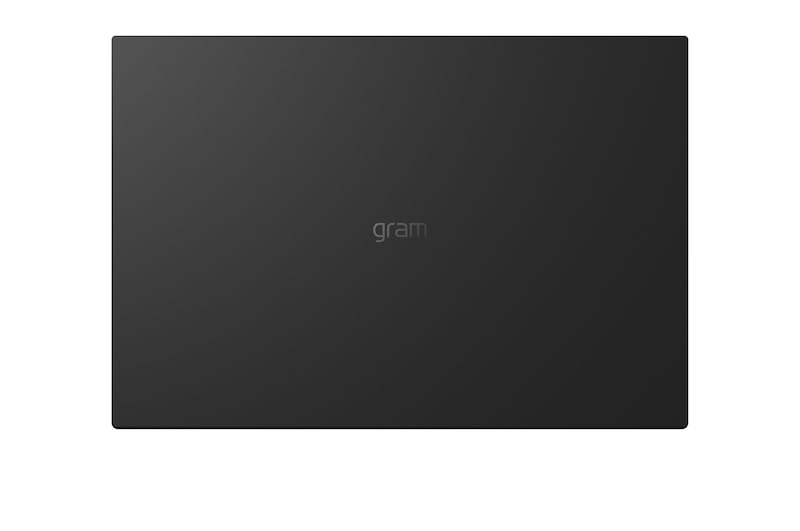
*The image shows the representative LG gram product for illustrative purposes. Please see the gallery images taken with the actual product.

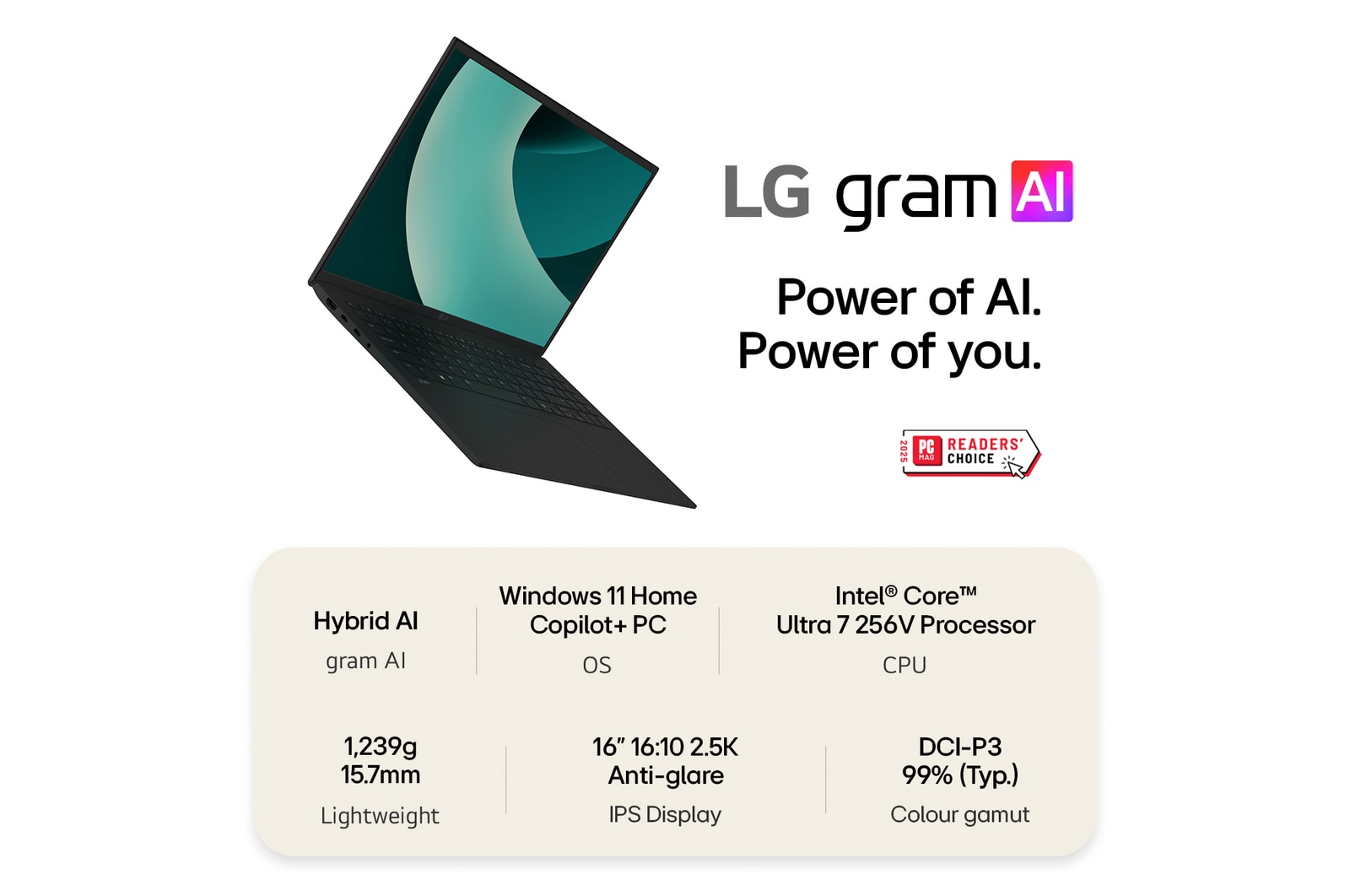
gram AI

Power of AI. Power of You.

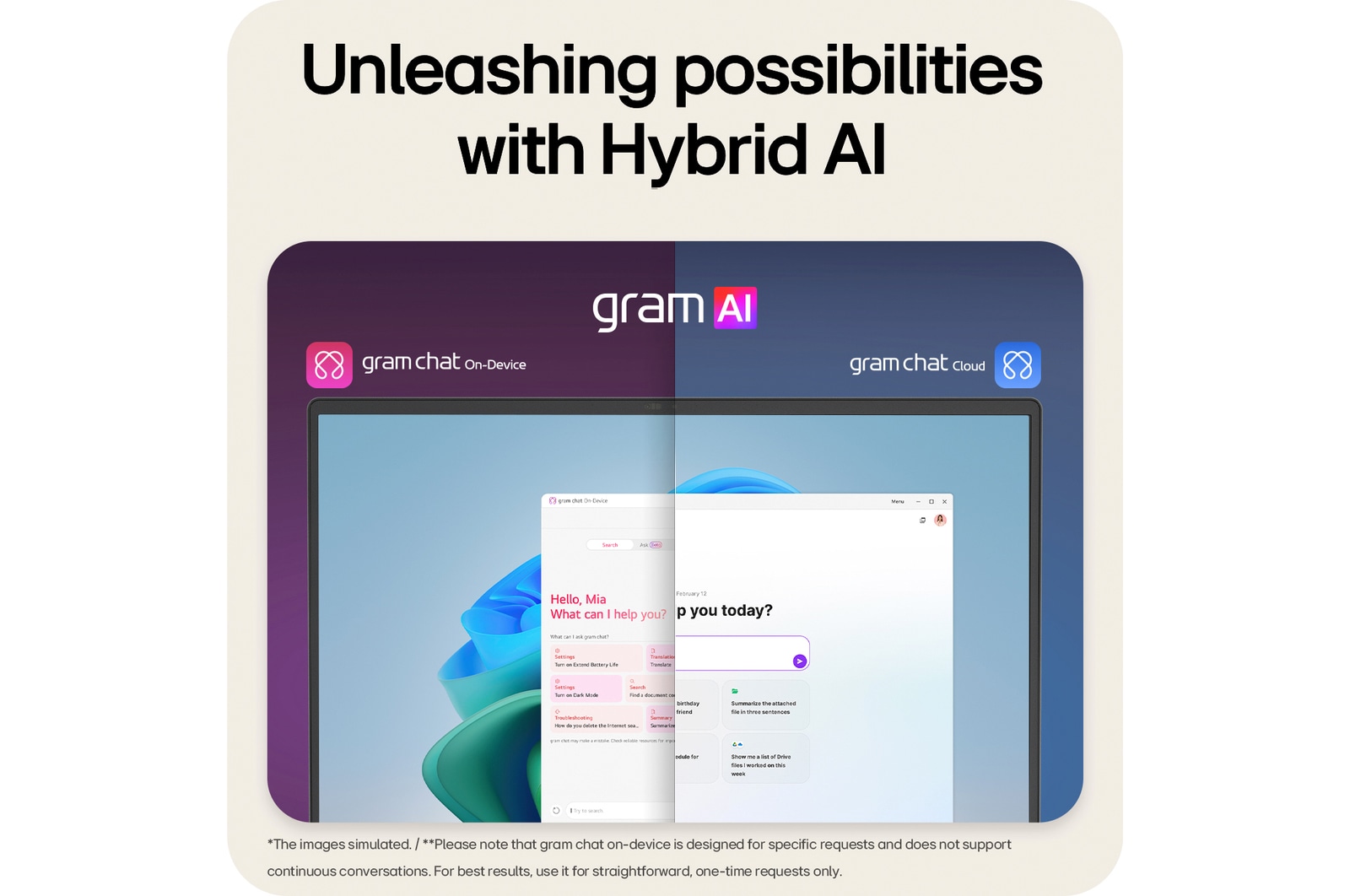
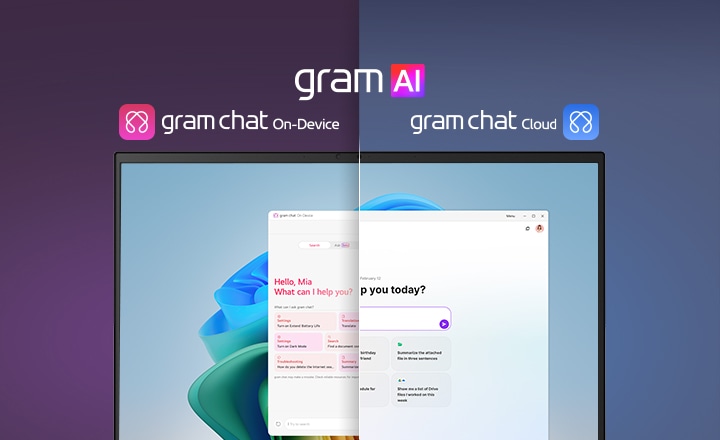
gram AI, integrated into LG gram, redefines AI by deeply understanding users. It combines On-Device AI for secure, personalised solutions with Cloud AI for expansive, data-rich insights. gram AI provides improved privacy and precision, delivering productivity and efficiency anytime, anywhere.

A split-screen image showcasing 'gram AI' with two distinct modes: 'gram chat On-Device' on the left, represented by a pink icon, and 'gram chat Cloud' on the right, represented by a blue icon. The screen displays an AI interface, symbolizing seamless AI functionality across both modes.

*Images have been simulated to enhance feature understanding, and may differ from actual use experience.

*Please note that gram chat On-Device is designed for specific requests and does not support continuous conversations. For best results, use it for straightforward, one-time requests only.

gram chat On-Device: Personalised answers just for you.

*Images are for illustrative purposes, with sequences shortened, and may differ from actual user experience.

*The gram chat On-Device function allows you to interact with documents stored on your PC, and it does not handle simple daily information or questions requiring internet searches. "Search by Conversation" is currently in Beta and will be updated in the future.

*Some features may not work properly during initial use due to the On-Device AI's need for pre-learning time to adapt to the user. ① gram chat On-Device requires indexing to combine words with data from your PC content, which may take time to deliver desired results. ② At least 80 hours of pattern learning are required to use the battery usage detection notification.

*This feature supports English and Korean language only.

*AI search results may vary depending on the data at the time of search, and the accuracy of the content is not guaranteed, so user verification is required.

*This feature supports English and Korean language only.

**The PC screen is captured approximately once every 2 seconds, with a storage limit of about 13GB. Captured images are automatically deleted after a certain period. Users can customise settings such as whether to use the feature, screen storage duration, and capacity via the gear icon at the top of gram chat.

**This feature is disabled by default and is opt-in, which you can activate if you wish to use it.

**This feature: ① May have difficulty searching for handwritten text, blurry images, or decorative fonts. ② Searches rely on exact text matches, including spacing. ③ Using audio capture may reduce computing performance.

***Supported system settings: • Dark mode / • Fn lock / • Battery life extension / • AI battery usage detection / • Reader mode / • Touchpad / • Battery saving mode / • USB-C offline charging / • Brightness Control / • Sound Control

gram chat Cloud: Latest answers based on open AI GPT 4o.

*Images are for illustrative purposes, with sequences shortened, and may differ from actual user experience.

*This service offers paid features of GPT4o but does not support search integration or coding editor functionality. gram chat Cloud is free for the first year after user registration, after which it becomes a paid service. Users will be notified separately during this period and can opt out if they wish.

**Linked Google Workspace, Microsoft 365.

AI assistant Copilot in Windows 11

Discover the power of AI with Copilot in Windows

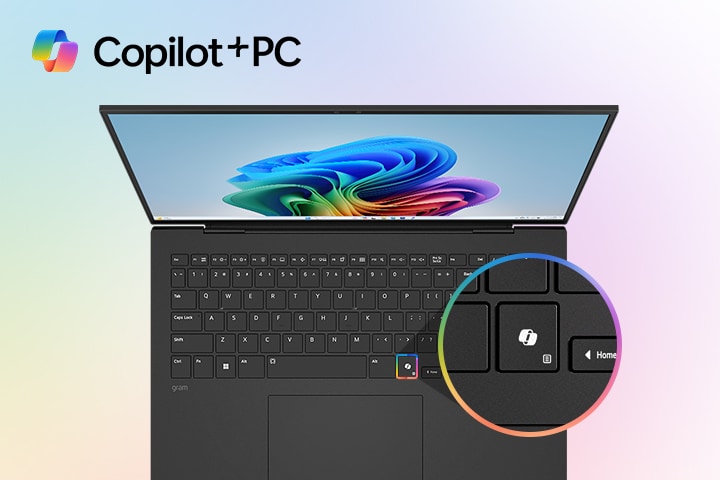
Get real answers based on the internet and generate images with ease using Copilot in Windows. This powerful AI tool leverages online resources to provide you with accurate, up-to-date information tailored to your queries. With just a few clicks, you can obtain the answers you need and create custom images to enhance your projects.

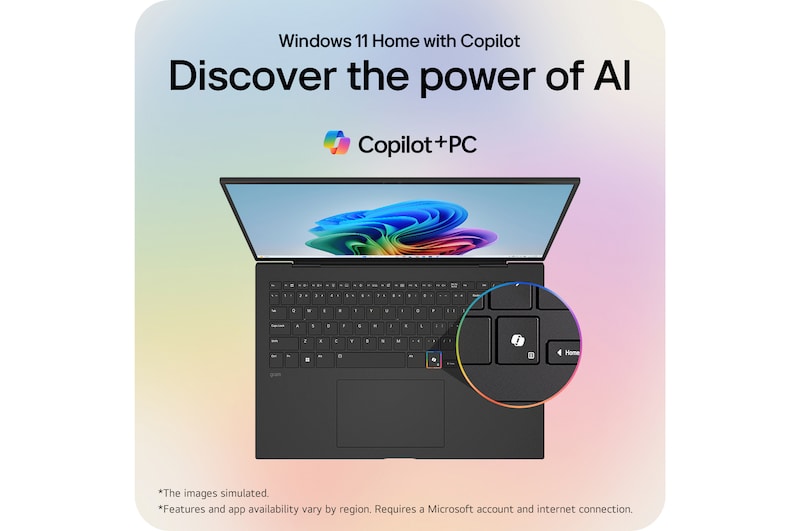
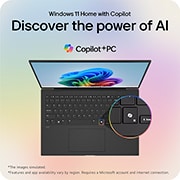
A laptop featuring the Windows 11 Bloom wallpaper on its screen, with a close-up highlighting a dedicated Copilot key on the keyboard. The 'Copilot+PC' logo is prominently displayed in the top left corner, emphasizing AI-integrated functionality.

*Screens simulated. Features and app availability may vary by region. Requires a Microsoft account and an internet connection to function properly.

*Copilot in Windows 11 is rolling out gradually in preview within the latest update to Windows 11 in select global markets. Not all users will have access to Copilot simultaneously, as the timing of availability varies by device and market.

*AI features with Copilot in Windows 11 may vary in performance depending on user needs and usage environments, and may not provide the same level of performance across all use cases.

*Some Copilot+ PC experiences require free updates continuing to roll out through early 2025. Timing varies by device and region. See aka.ms/copilotpluspcs

Recall
instantly

Don't struggle to find which folder you saved a file in. Just describe something you remember, and gram will instantly find what you need.

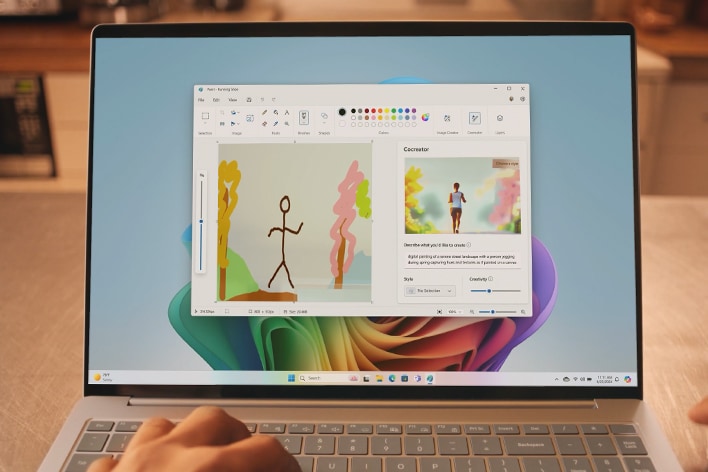
Be a pro artist with Cocreator

Not everyone needs to have the skills of an artist. Just sketch out your thoughts, and instantly get an image that looks like it was created by a professional designer.

Live Caption in real-time

Experience seamless communication with the Live Caption feature. Get real-time, on-screen transcription from any audio source in your desired language, making every conversation easy and effortless.

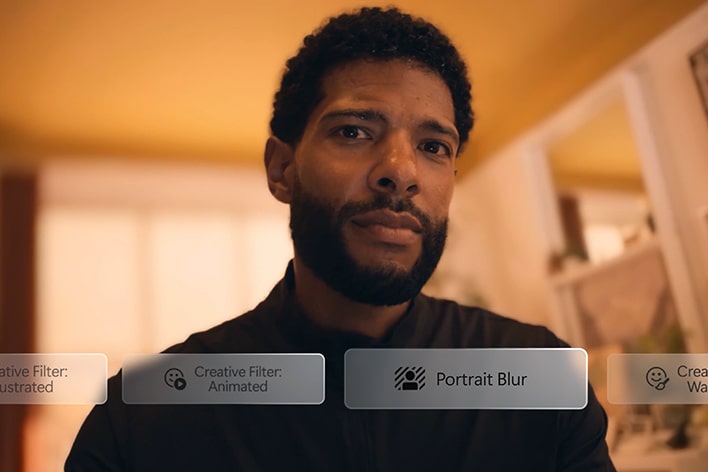
Enhance video calls with Windows Studio effect

Don't worry about unexpected video calls. With creative filters like improving lighting and blurring distractions, you can ensure a flawless presentation every time.

*Screens simulated. Features and app availability may vary by region. Requires a Microsoft account and an internet connection to function properly.

*Copilot in Windows 11 is rolling out gradually in preview within the latest update to Windows 11 in select global markets. Not all users will have access to Copilot simultaneously, as the timing of availability varies by device and market.

*AI features with Copilot in Windows 11 may vary in performance depending on user needs and usage environments, and may not provide the same level of performance across all use cases.

*Some Copilot+ PC experiences require free updates continuing to roll out through early 2025. Timing varies by device and region. See aka.ms/copilotpluspcs

Earbuds Details

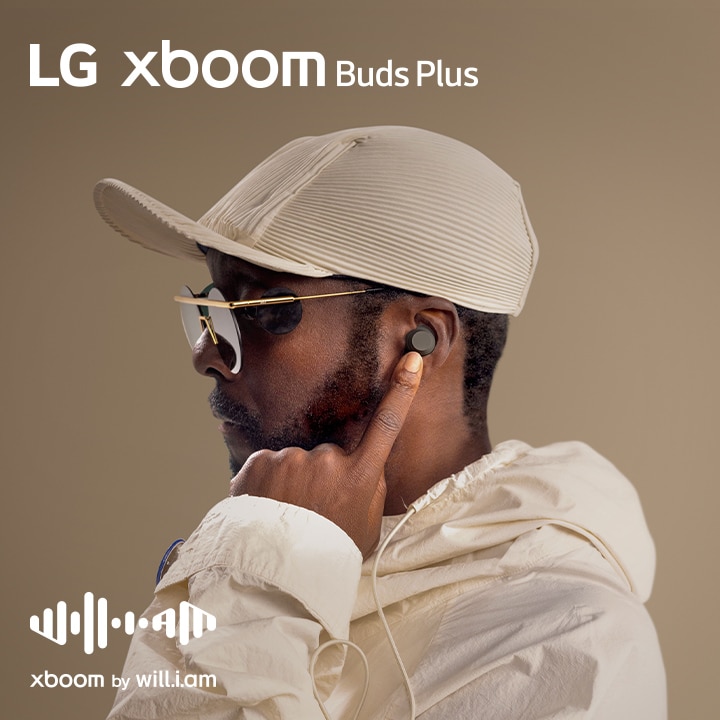
will.i.am in white outfit and sunglasses is his facing right side pointing the earbud in his ear with his left index finger.

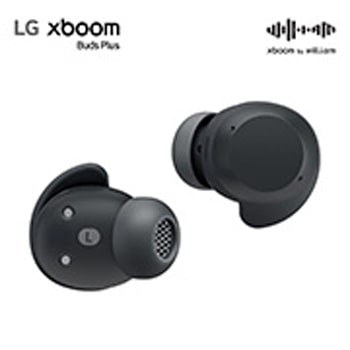
xboom Buds Plus, reinspired by will.i.am

Introducing new xboom Buds Plus, created in collaboration with will.i.am. Experience next-level sound, embodied in unique style.

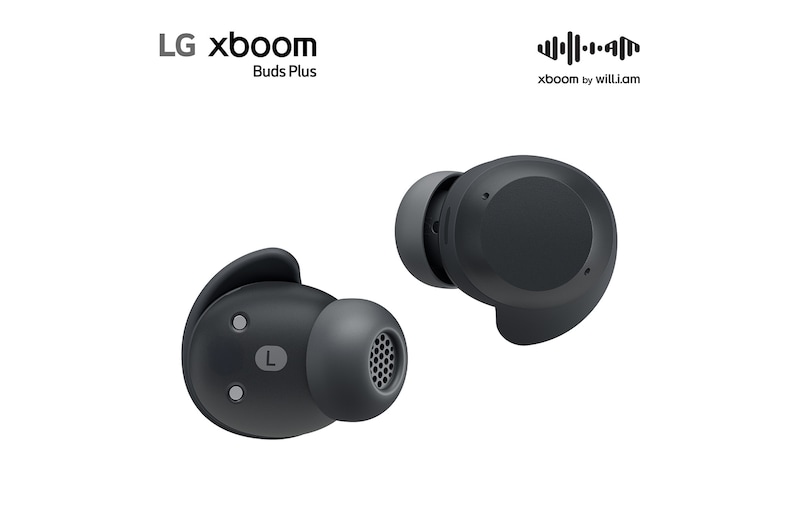
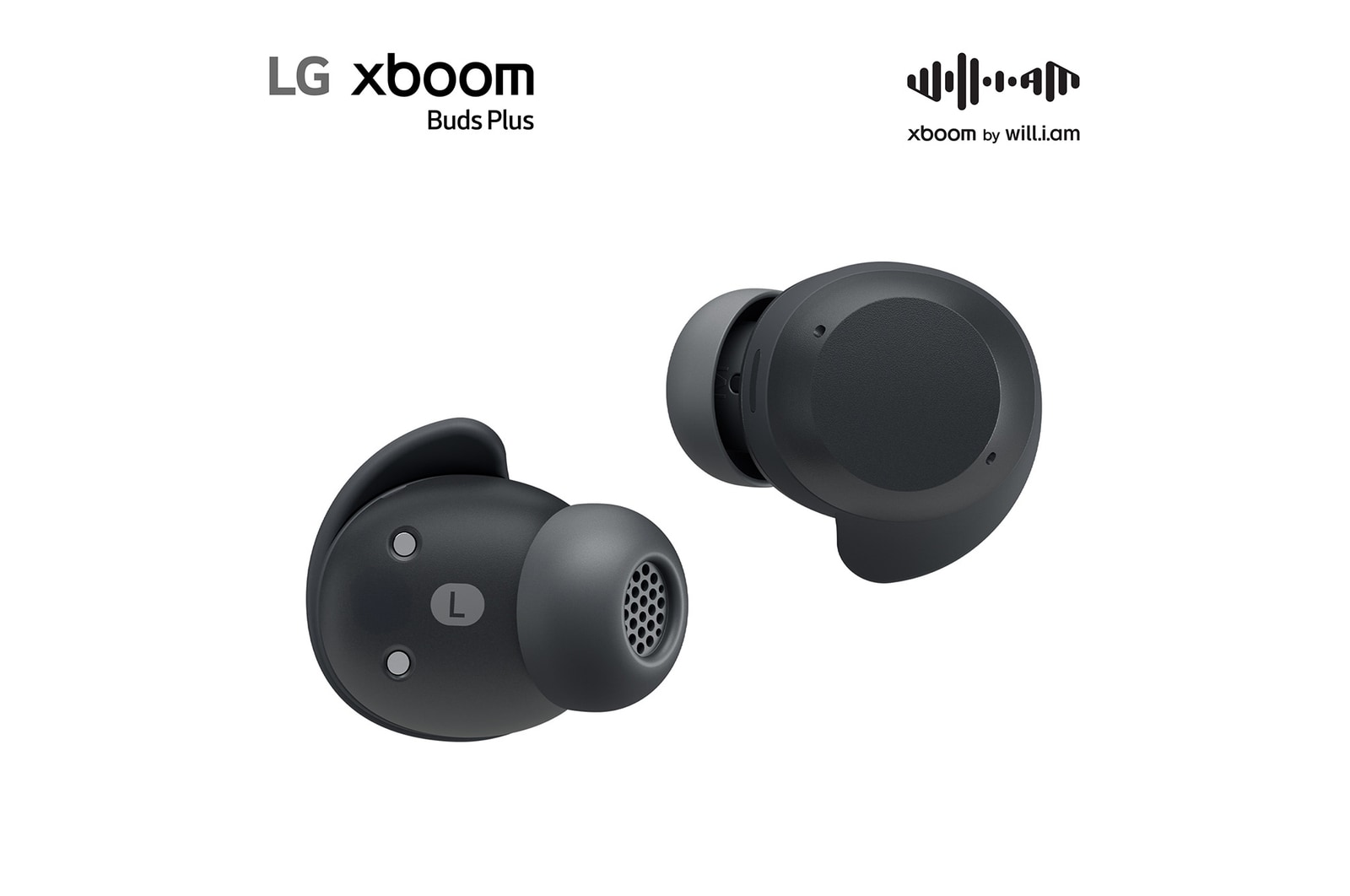
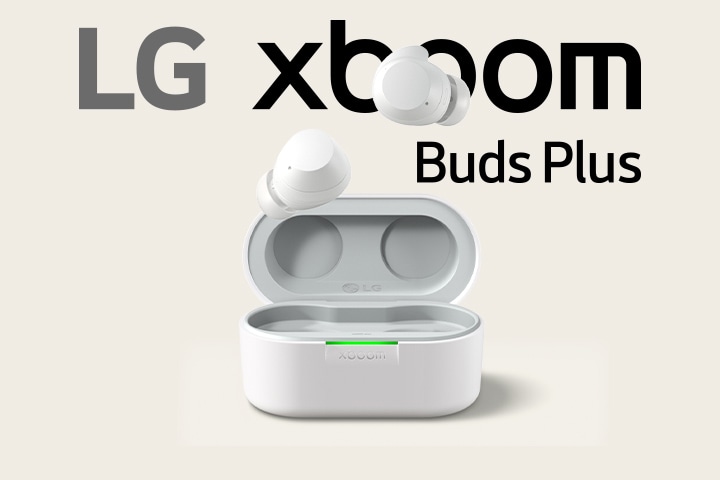
xboom buds Plus cradle is placed fully open with two ear buds floating above.

xboom buds Plus cradle is placed fully open with two ear buds floating above.

will.i.am as LG’s Experiential Architect for xboom Buds Plus

LG appointed will.i.am to redefine xboom as a brand that elevates listening experience with completely new sound and style. A nine-time Grammy winner, will.i.am is undoubtedly a true icon of pop culture. He is also a pioneer in AI, with experience as the director of Creative Innovation at Intel and the founder of AI-powered radio platform RAiDiO.FYI. All ‘xboom by will.i.am’ are professionally refined by will.i.am to deliver more balanced sound with warmer tone. With expertise in music and technology, will.i.am fine-tuned xboom Buds to deliver unmatched sound and call quality.

On the upper image will.i.am is working at a recording studio wearing a red vest staring at a screen places before him. On the bottom image will.i.am is as well working at a studio staring at the screen with green windows on it.

What people are saying

Our Picks for You 

Find a Store Near You

Experience this product around you.