We use cookies, including cookies from third parties, to enhance your user experience and the effectiveness of our marketing activities. These cookies are performance, analytics and advertising cookies, please see our Privacy and Cookie policy for further information. If you agree to all of our cookies select “Accept all” or select “Cookie Settings” to see which cookies we use and choose which ones you would like to accept.
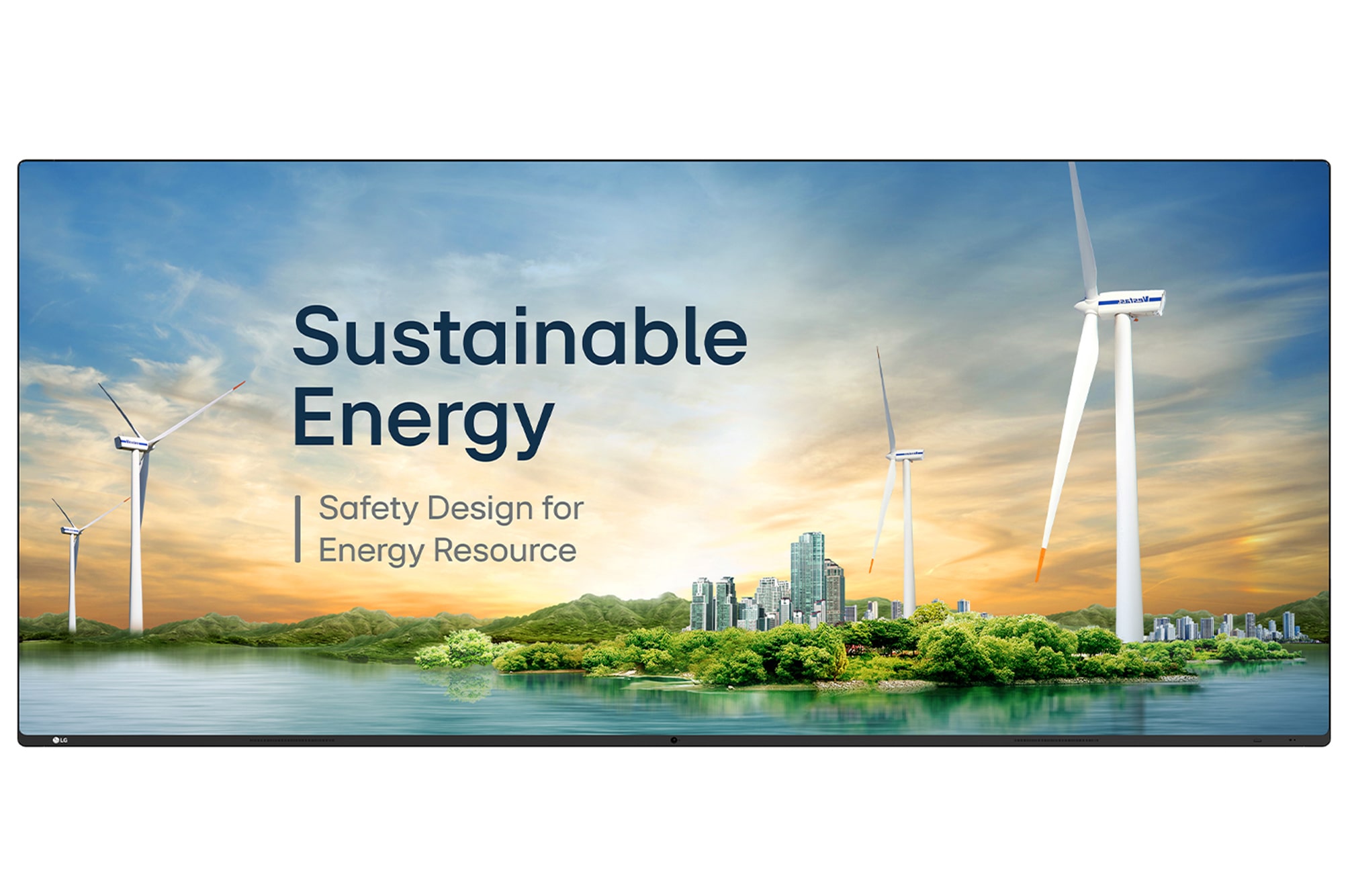
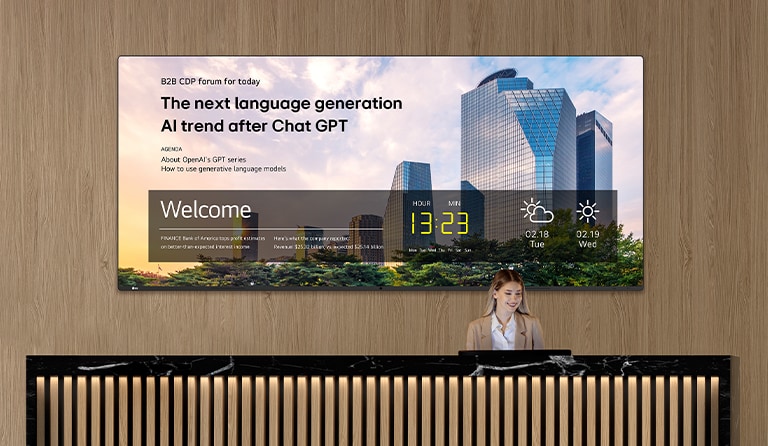
21:9 Widescreen Display Customised for Corporate Environments
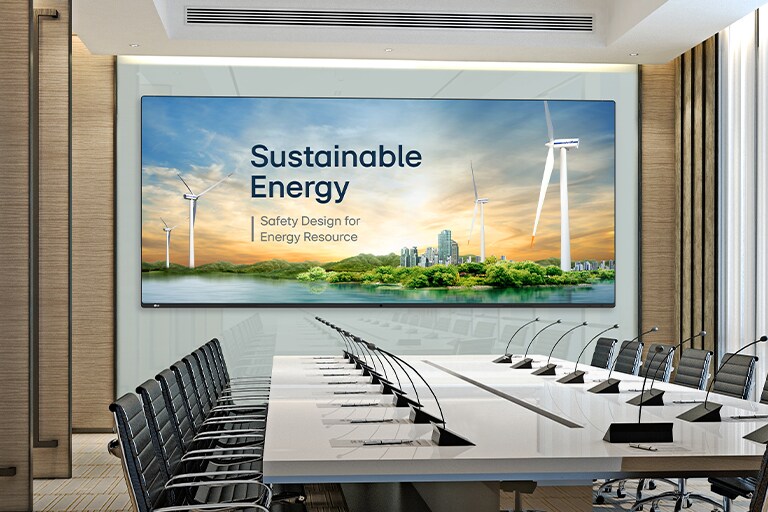
A wide display is installed on the wall of the spacious conference hall, and presentation is prominently and clearly displayed on the large screen.
*Images are for illustrative purposes only.
21:9 Extended Wide Format
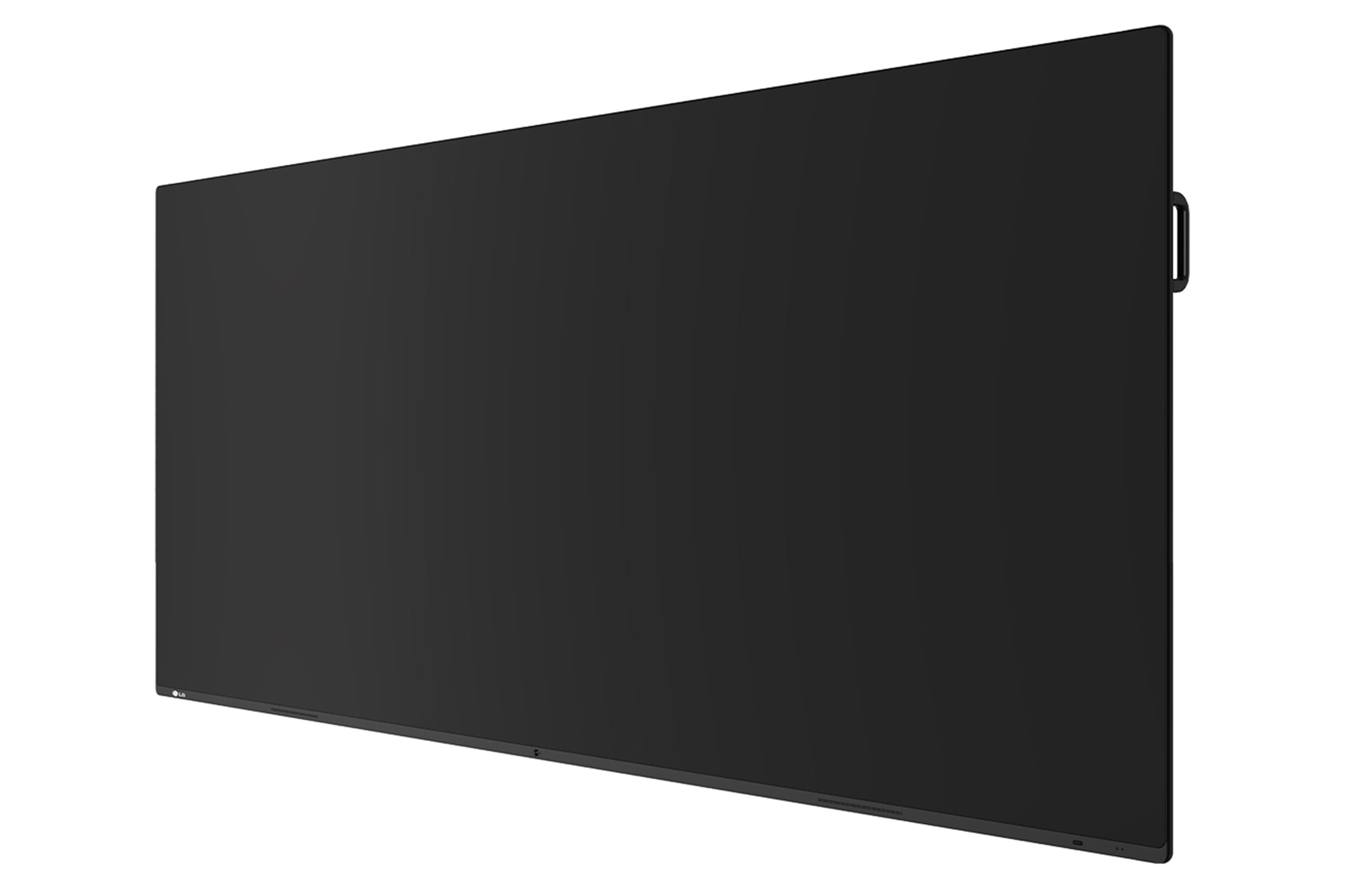
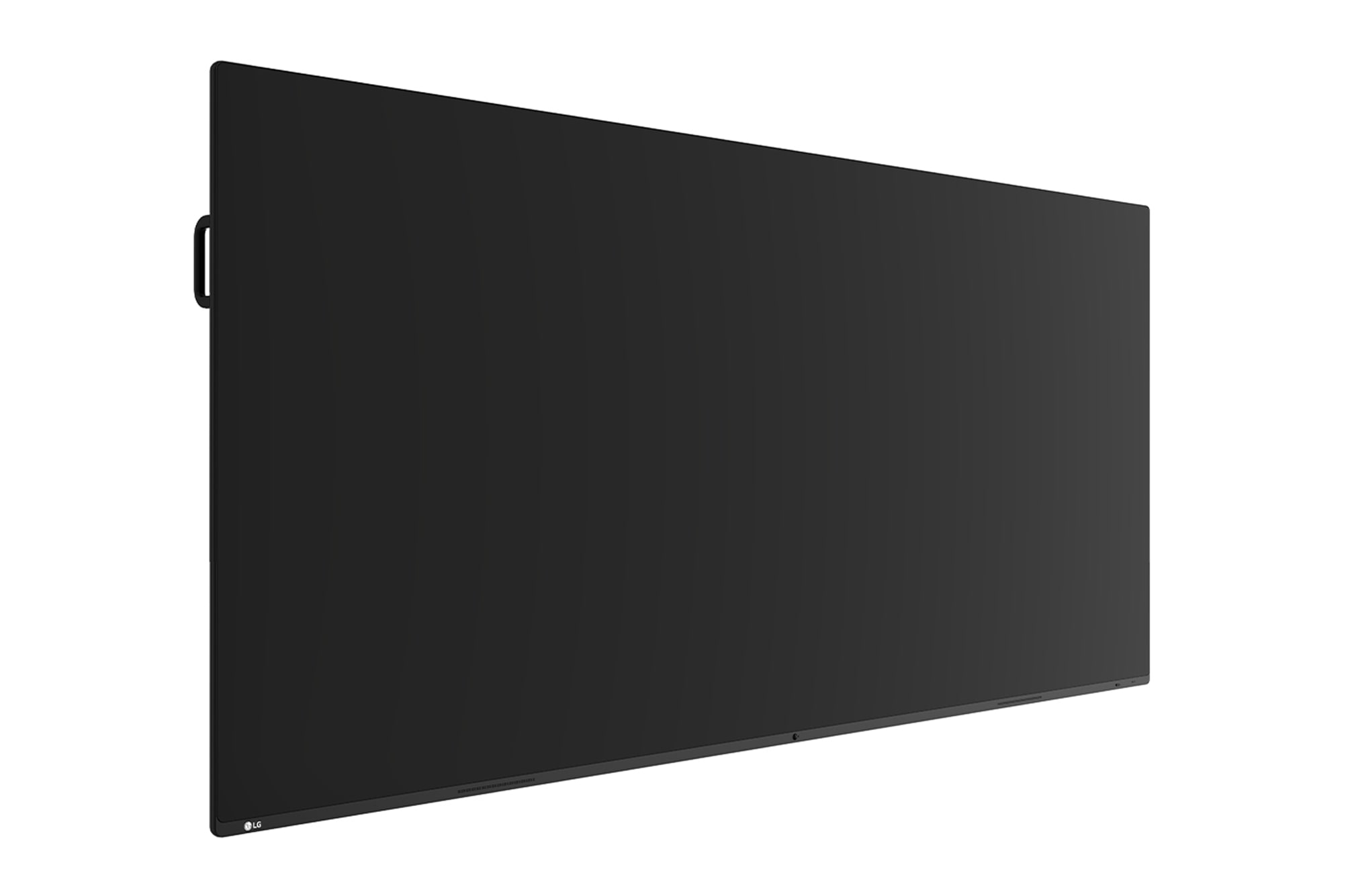
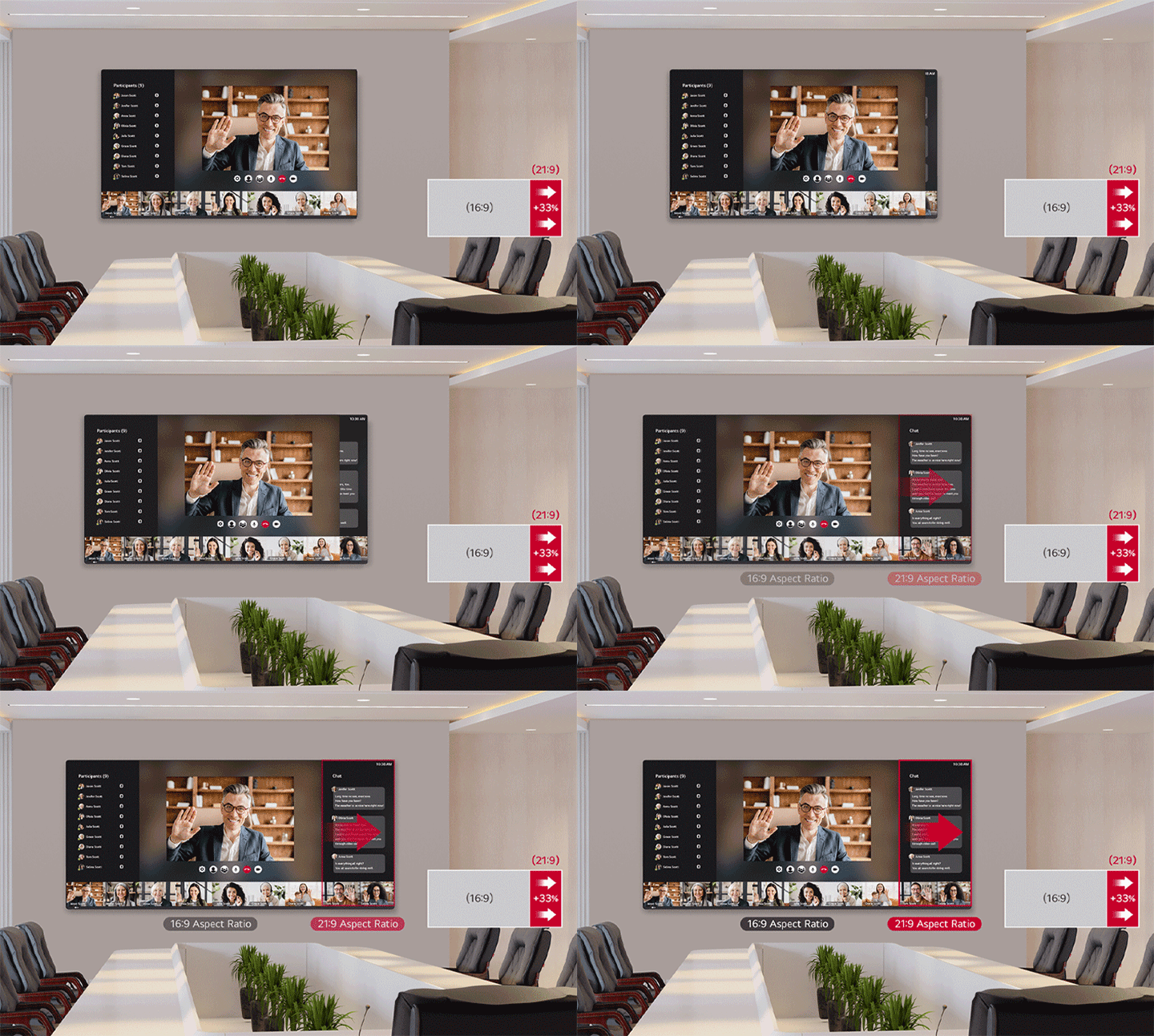
With support for a 21:9 widescreen aspect ratio, 105BM5N provides an immersive viewing experience with a wider screen than a 16:9 display. Its screen specialisation helps display 21:9 content including widescreen videoconferencing platforms with natural details.
The 105BM5N screen with a 21:9 ratio is installed in a meeting room, providing more information than a 16:9 screen.
Proximity Sensor
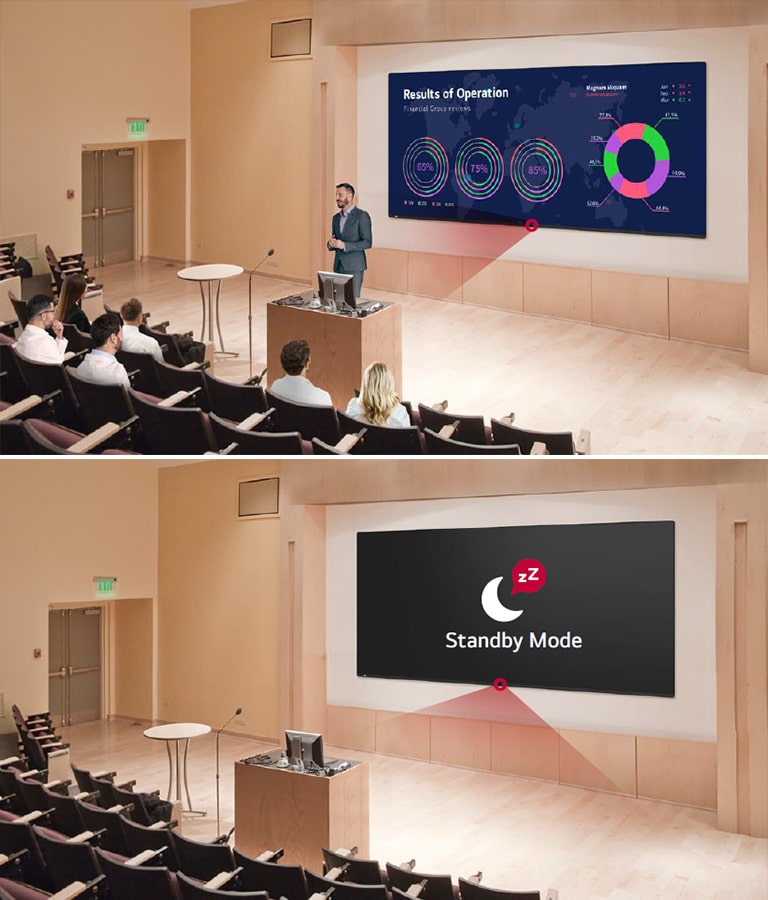
The 105BM5N features a Proximity Sensor positioned in the middle of its base*. This sensor monitors for human activity, and when no movement is observed, it transitions the power to a standby mode.
"A man is giving a speech in an auditorium where the 105BM5N is installed. 105BM5N's Proximity Sensor monitors for human activity, and when there is no one present, 105BM5N's power switches to Standby Mode."
* Proximity Sensor operates smoothly within a range of 3 meters in an obstacle-free environment.
High Resolution Display
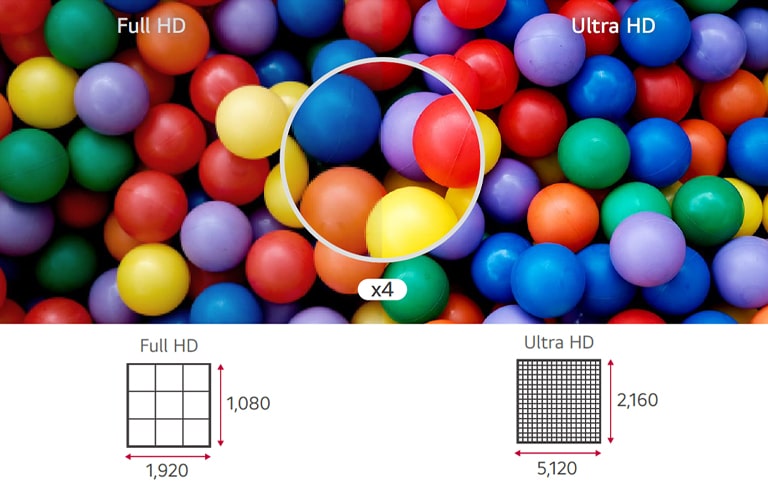
It provides a resolution that's more than 4 times higher than FHD for visual satisfction. With a resolution of 5,120 × 2,160 and a high pixel density, every single detail of the display screen is conveyed accurately and vividly.
The difference comparing at a glance is shown in Ultra HD quality, which is more than four times higher than Full HD.
Easily Connect & Charge with USB Type-C
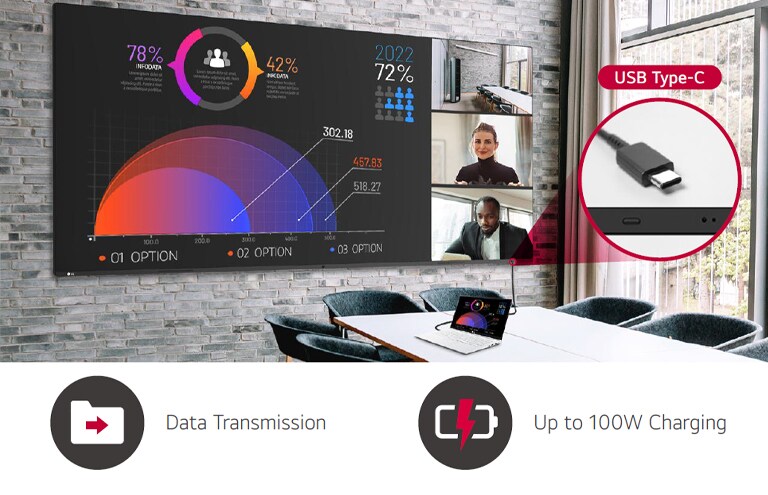
USB Type-C connectivity simplifies connections which enables charging and sending data simultaneously over just one single cable.
A laptop is connected to the 105BM5N in a meeting room. The 105BM5N supports USB Type-C, allowing simultaneous data transfer and charging through a single cable, promoting a seamless meeting environment.
* USB Type-C cables are sold separately.
Wireless ScreenShare
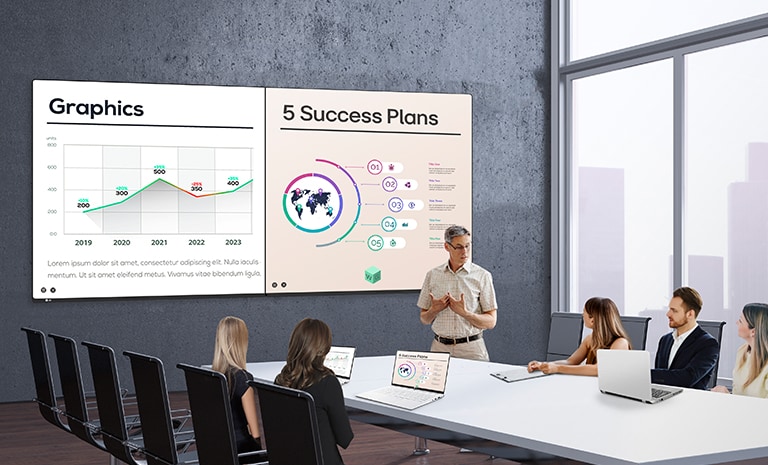
Using the LG CreateBoard Share allows for the seamless wireless screensharing of presentation materials, eliminating the clutter of wires and leading to a more streamlined meeting space. This enables users to show up to 9 shared screens or a file on a screen in real-time when the LG CreateBoard Share app is installed on the device. Also, files from the host can be easily sent to any devices connected to the app.
The screens of meeting participants are wirelessly shared on the 105BM5N widescreen, allowing multiple people to share their materials simultaneously on a single screen without any cable interference.
*LG CreateBoard also supports app-less sharing for PC (via website) and mobile devices within the same network.
*For a more stable connection, we recommend the installation of a dedicated app (LG CreateBoard Share).
OPS Slot
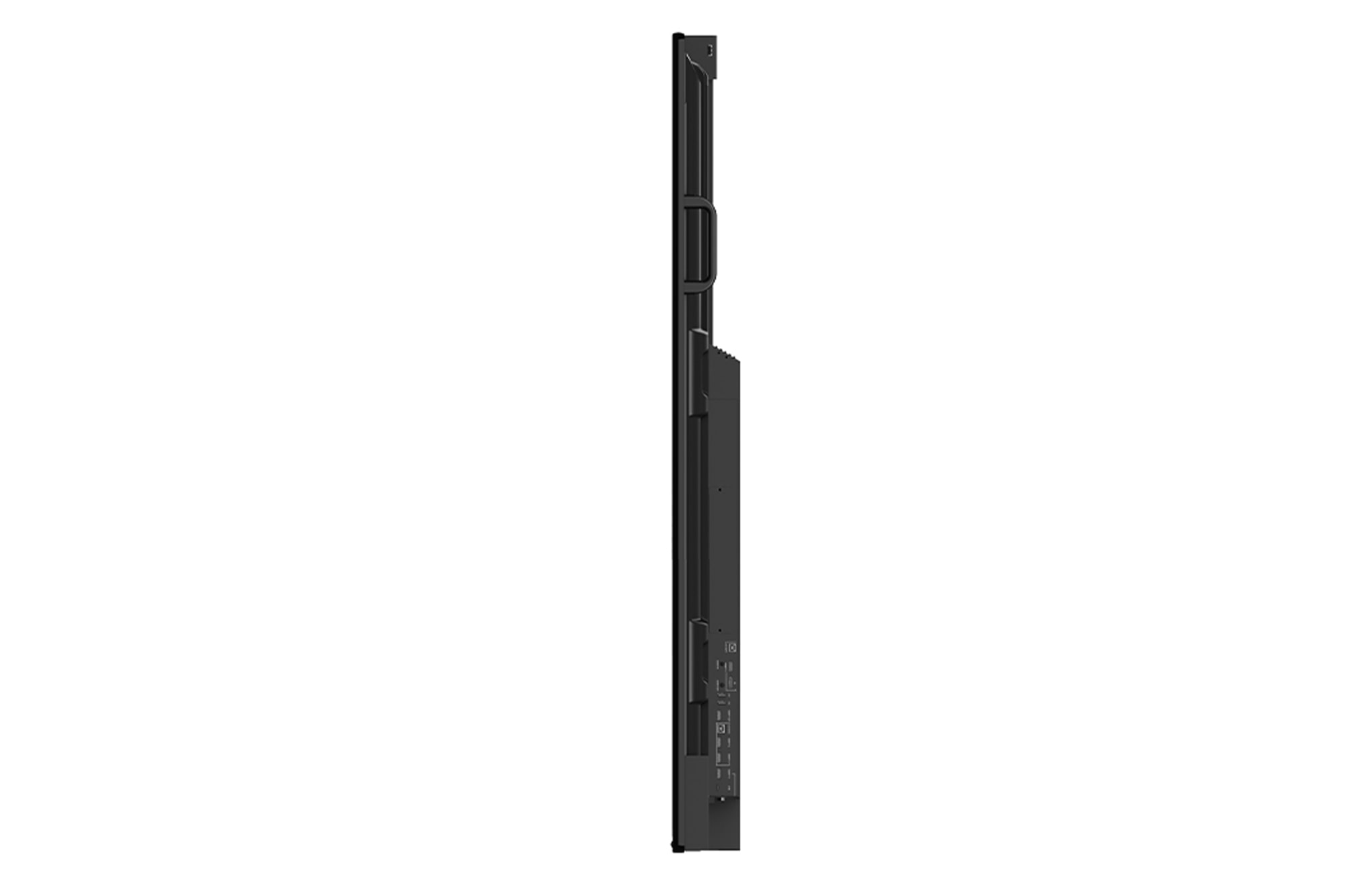
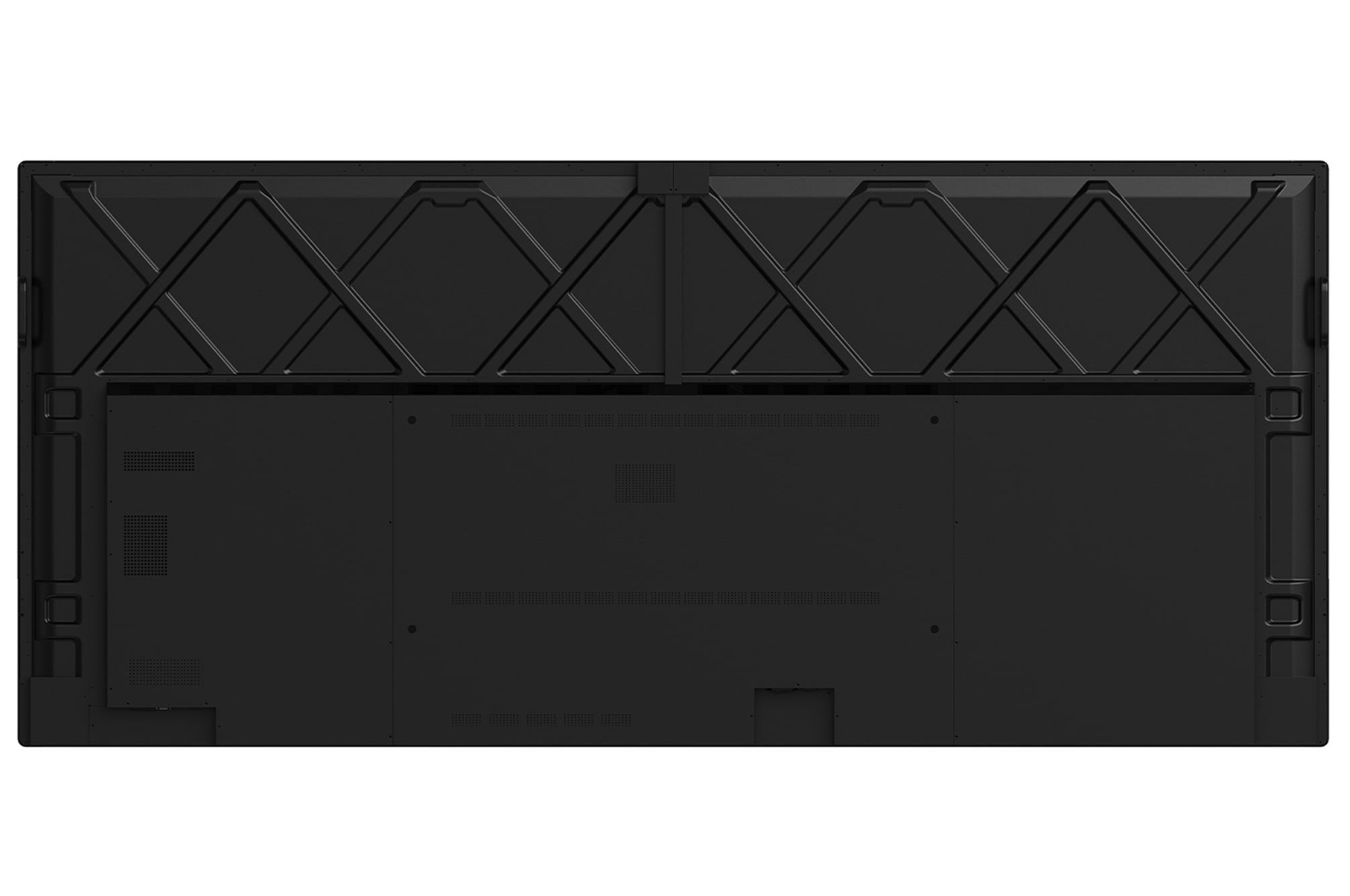
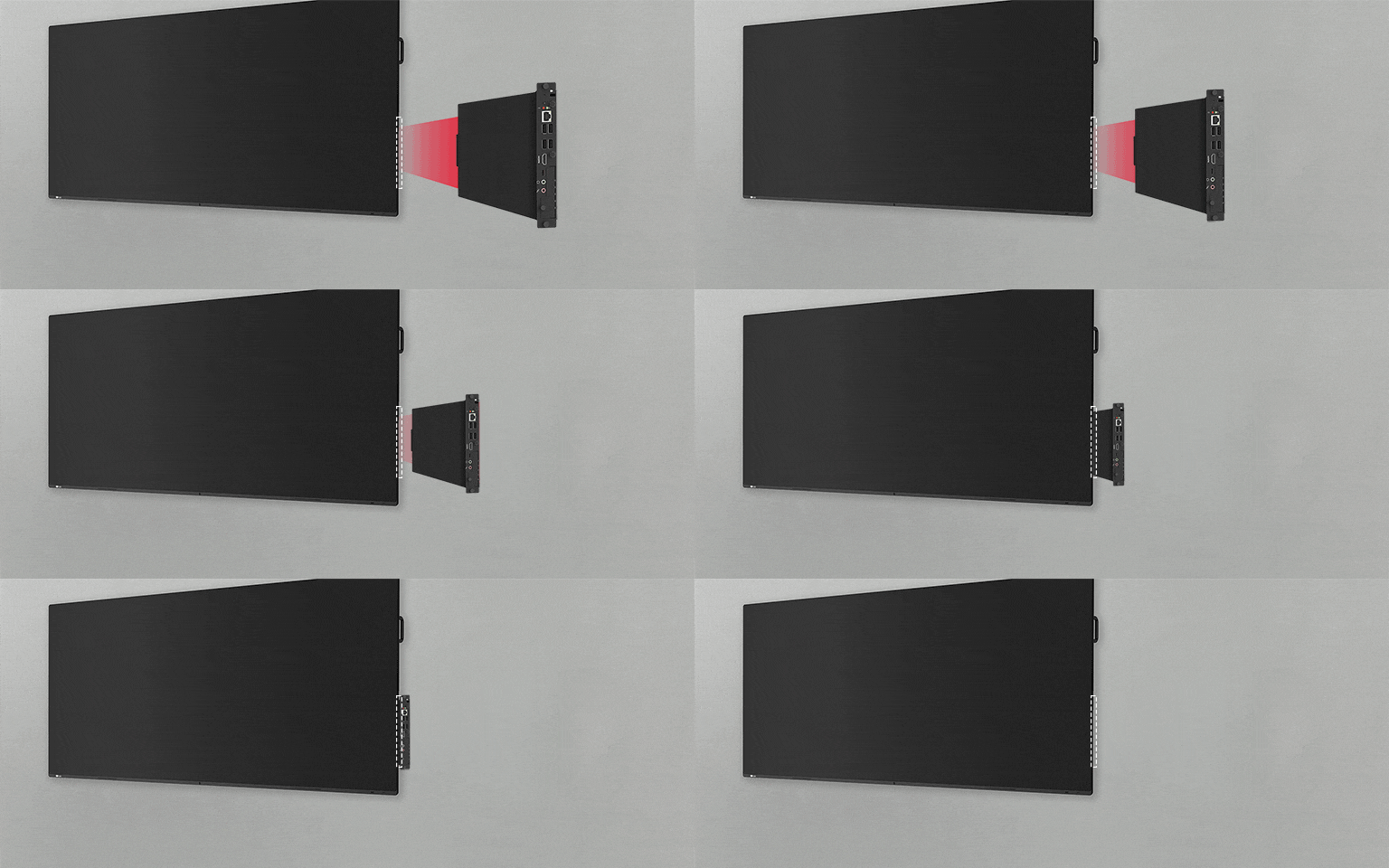
105BM5N supports OPS slots, allowing you to conveniently mount OPS Module at the back of the screen without the hassle of connecting to an external desktop, enabling various PC functions and Windows software even on the 105BM5N.
Through the OPS slots, users can conveniently mount the OPS Module on the 105BM5N, enabling various PC functions and Windows software on the 105BM5N.
* OPS : Open Pluggable Specification
* OPS Player for 105BM5N supports 4K output and is sold separately.
Optional LG ConnectedCare DMS
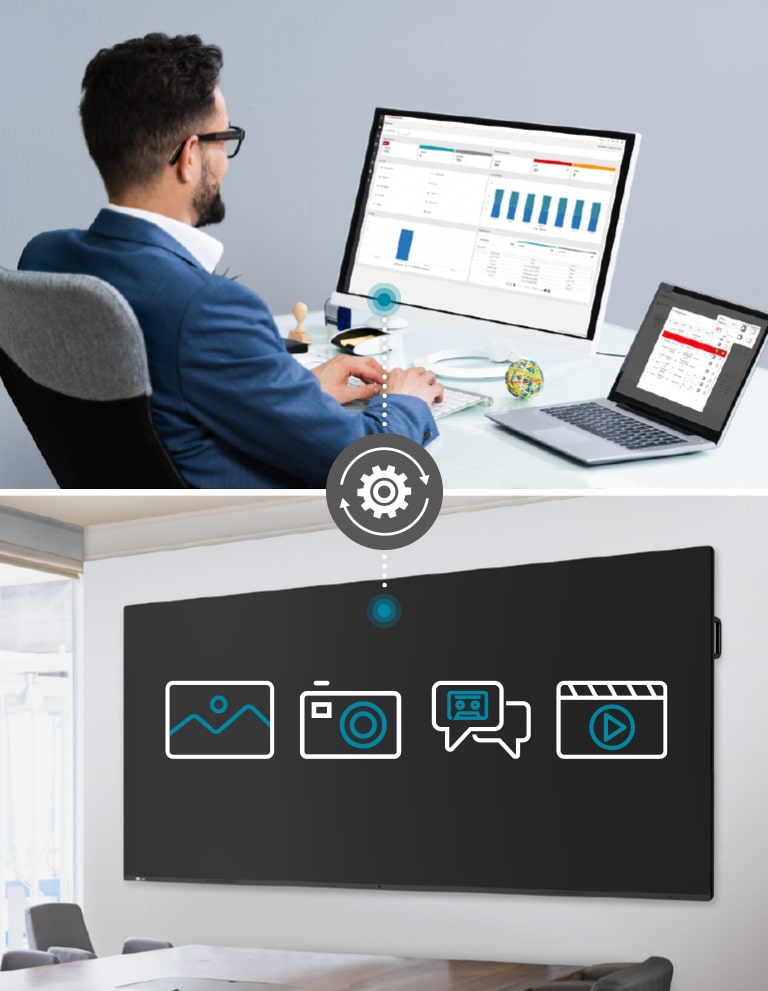
LG ConnectedCare DMS is a cloud solution for remotely monitoring, controlling, and managing the status of devices. This feature enables IT managers to manage important resources on operating devices without physically visiting sites.
* LG ConnectedCare DMS needs to be purchased separately.
* LG Connected Care DMS is available in Australia. For more details, please contact your local LG sales representative.
* LG ConnectedCare DMS supports TV Signage (UM340E, UR640S), LG CreateBoard (TR3DK, TR3DJ, TR3PJ) and Stretch Signage (105BM5N) under a cloud environment.
Remote Control
Thanks to LG ConnectedCare DMS, IT managers can select specific devices to be controlled remotely and update their settings all at once. General settings, power settings, application management, and multimedia can all be effectively managed and controlled simultaneously, enabling the stable operation of clients' businesses.
Broadcast / Alert Message
Messages and a range of other content can be sent from the main system's hub to individual devices connected to LG ConnectedCare DMS and you can easily display important company notices or schedules right on your device. In case of urgent occasions such as a fire or a natural disaster, alert messages can be distributed manually across the system, which helps people promptly take a safety action.
All Spec
White Paper
extension : pdf
To access more technical documentation and resources, please visit the LG B2B partner portal.
Recommended Product