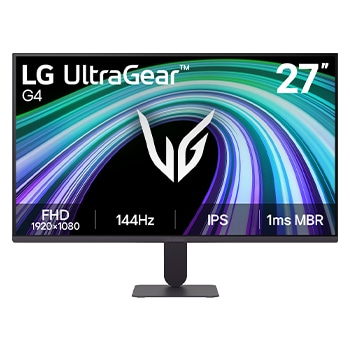
LG UltraGear gaming brand logo in a neon-lit gaming room, 27G411B-B feature banner
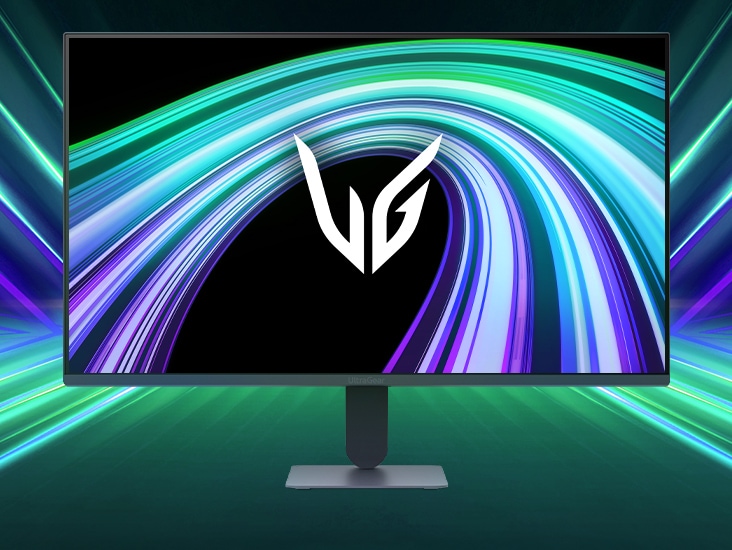
LG UltraGear 27G411B-B 68.58 cm (27 inch) FHD 144Hz gaming monitor key visual in a neon-lit futuristic room

LG UltraGear 27G411B-B 68.58 cm (27 inch) FHD 144Hz gaming monitor key visual in a neon-lit futuristic room

*Images have been simulated to enhance feature understanding, and may differ from actual use experience.

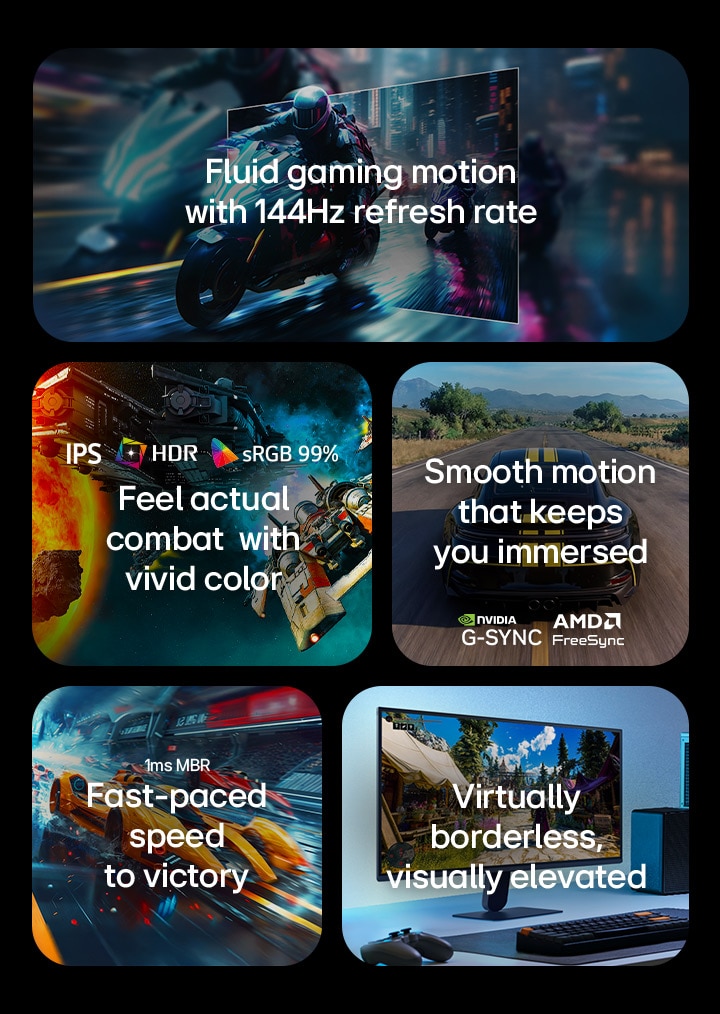
LG 27G411B-B key features: 144Hz, 1ms MBR, IPS with HDR10, sRGB 99%, G-SYNC, FreeSync, borderless design

LG 27G411B-B key features: 144Hz, 1ms MBR, IPS with HDR10, sRGB 99%, G-SYNC, FreeSync, borderless design

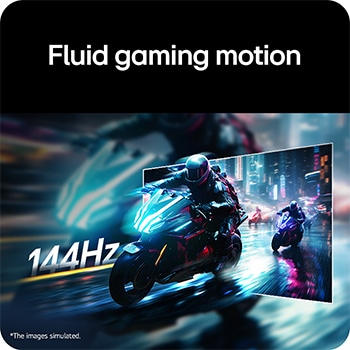
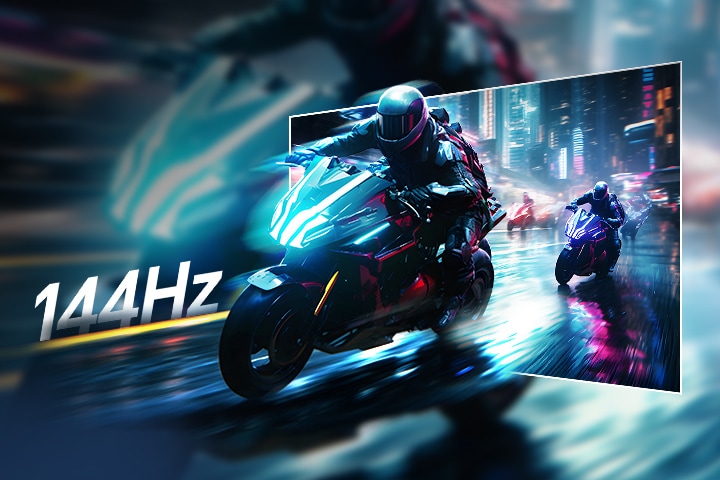
Fluid gaming motion with 144Hz refresh rate

To bring a 144Hz refresh rate for fluid, crystal-clear visuals, while minimizing motion blur. Dive into more immersive gameplay with every frame. 

Motorcycle racing game showing the LG UltraGear 27G411B-B 144Hz refresh rate for fluid, clear gaming

Motorcycle racing game showing the LG UltraGear 27G411B-B 144Hz refresh rate for fluid, clear gaming

*Images have been simulated to enhance feature understanding, and may differ from actual use experience.

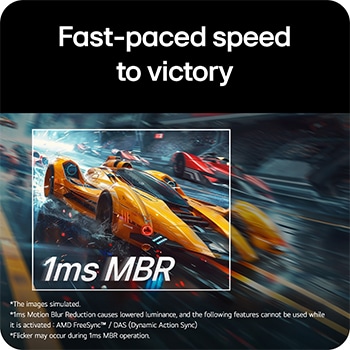
1ms MBR demo on LG UltraGear 27G411B-B: racing car stays sharp in focus box while the surround blurs

1ms Motion Blur Reduction* makes smooth gameplay, reducing blur and ghosting. Dynamic and fast-paced objects amidst all the action can give gamers a competitive edge.

*Images have been simulated to enhance feature understanding, and may differ from actual use experience.

*1ms Motion Blur Reduction causes lowered luminance, and the following features cannot be used while it is activated: AMD FreeSync™ / DAS (Dynamic Action Sync)

*Flicker may occur during 1ms MBR operation.

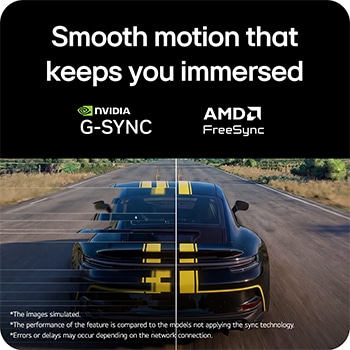
Smooth motion that keeps you immersed

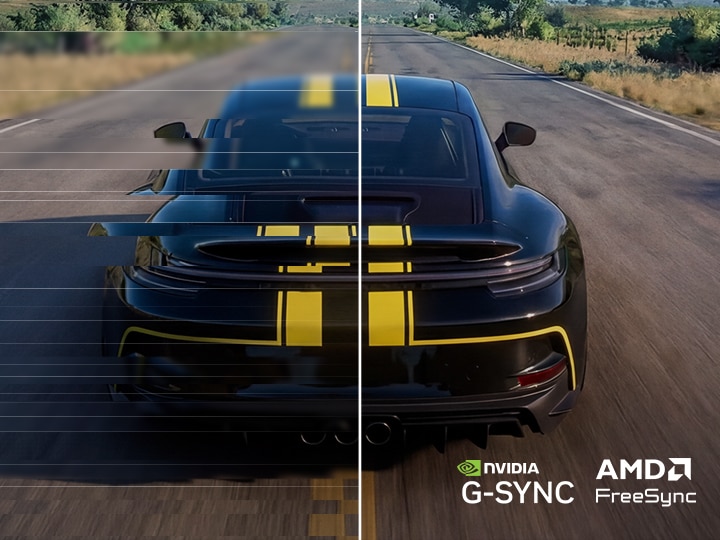
Minimize tears and lags with NVIDIA® G-SYNC® compatible and AMD FreeSync™ technology. Experience significantly reduced screen tearing and stuttering for smooth visuals with minimized motion blur and ghosting.

G-SYNC and FreeSync off vs on with LG 27G411B-B: racing scene shows smoother motion, less tearing

G-SYNC and FreeSync off vs on with LG 27G411B-B: racing scene shows smoother motion, less tearing

*Images have been simulated to enhance feature understanding, and may differ from actual use experience.

*The performance of the feature is compared to the models not applying the sync technology.

*Errors or delays may occur depending on the network connection.

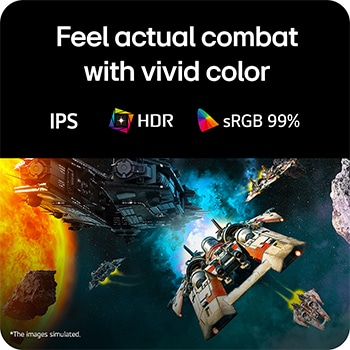
Feel actual combat with
vivid color

Our monitor offers 99% sRGB coverage, providing a wide color spectrum that enables high-fidelity color representation with its IPS display for an immersive gaming experience. It allows gamers to experience dramatic battlefields as intended by the game developers.

Logo of IPS display.

LG IPS™ monitor displays outstanding color accuracy with a wide viewing angle.

Logo of HDR 10.

HDR 10 (high dynamic range) supports specific levels of color and brightness.

Logo of sRGB 99%.

With 99% coverage of the sRGB spectrum, it is a great solution for accurate color display.

Space battle on LG UltraGear 27G411B-B showing vivid colour and rich contrast with HDR10 and sRGB 99%

Space battle on LG UltraGear 27G411B-B showing vivid colour and rich contrast with HDR10 and sRGB 99%

*Images have been simulated to enhance feature understanding, and may differ from actual use experience.

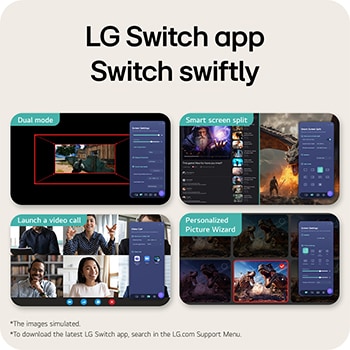
Smarter control, seamless switching by LG Switch

With the LG Switch app, it's easy to optimize your monitor for both gaming and everyday use. Effortlessly manage your monitor settings—adjust image
quality and brightness to your preference, then apply your settings instantly using a hotkey. The app also lets you split the screen into 11 layouts and
launch your video call platform in a click—bringing even more convenience to your setup.

How to set up LG UltraGear 27G411B-B with the LG Switch app: video thumbnail

*This video is for illustrative purposes only and may not reflect the actual product specifications.

*LG Switch requires software and manual download from LG.com for proper use.

*Images have been simulated to enhance feature understanding, and may differ from actual use experience.

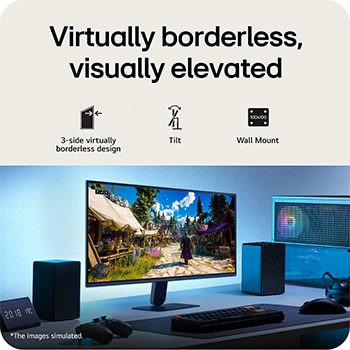
Virtually borderless, visually elevated

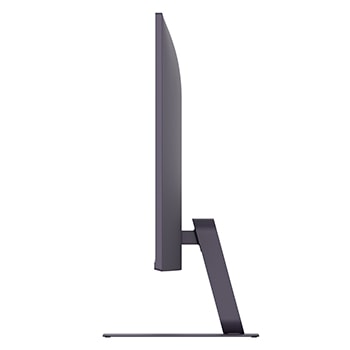
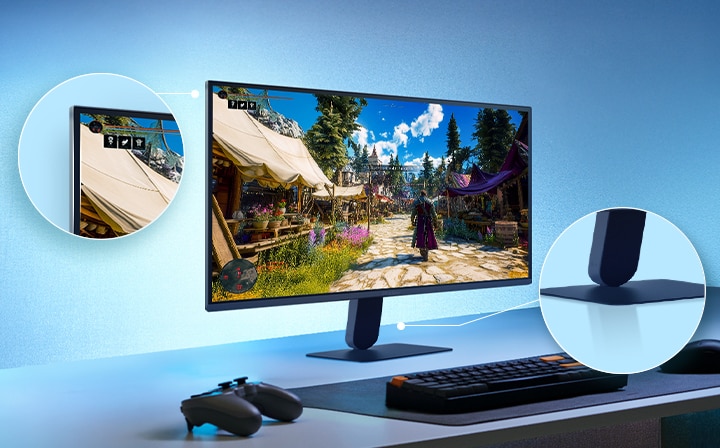
Experience more screen and less distraction with the ultra-slim bezel and minimal slim stand base, featuring a virtually borderless design. The floating-like stand enhances the clean, weightless aesthetic, while the seamless screen feel delivers an immersive visual experience—ideal for dual setups or minimalist workspaces.

Borderless design icon.

3-side virtually
borderless design

Tilt icon.

Tilt

Wall mount 100x100 icon.

Wall mount

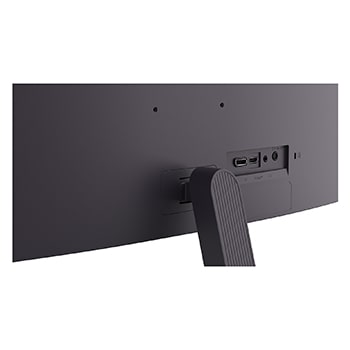
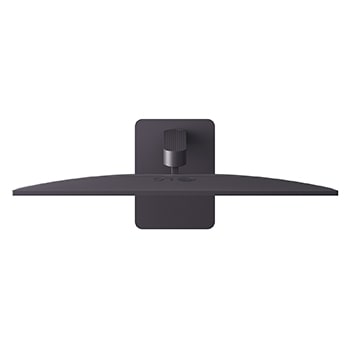
This image shows an UltraGear™ gaming monitor on a desk setup displaying a game scene, with zoomed-in highlights emphasizing the borderless display design and a sleek floating-like stand.

This image shows an UltraGear™ gaming monitor on a desk setup displaying a game scene, with zoomed-in highlights emphasizing the borderless display design and a sleek floating-like stand.

*Images are simulated to enhance feature understanding and may differ from actual use.

All Spec

What people are saying

PICKS FOR YOU:

Find Locally

Experience this product around you.