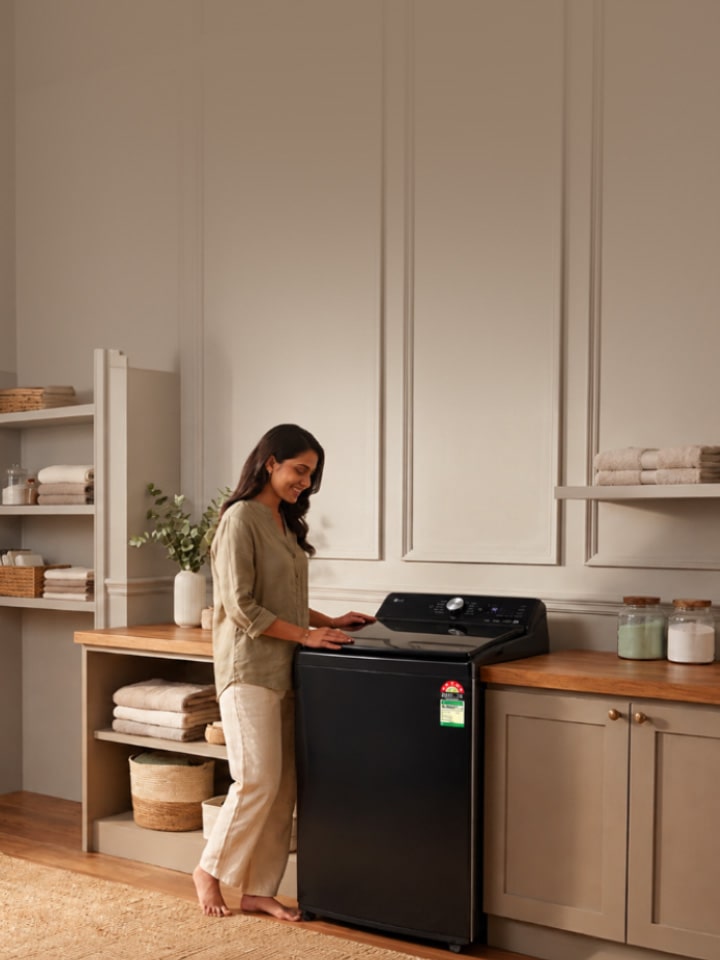
It’s a humid August evening, and a freshly washed load comes out of the LG machine smelling faintly musty instead of fresh. Essentially, this almost always comes down to one overlooked part: the filter. According to LG’s official Help Library, a few minutes of filter care each month is usually all it takes to fix this for good.

What Tools Do You Need to Clean an LG Washing Machine Filter?


Before opening anything up, keep these within reach:

  1. A soft bristle brush or an old toothbrush
  2. An old towel or rag to catch drips
  3. A shallow tray or bucket
  4. Long-nosed pliers, for stubborn hose connections
  5. A mug of warm water

Where Are the Filters in Your LG Washing Machine?


LG washing machines sold in India typically carry two or three filters depending on the model. This holds true across the range — from 6 kg compact top loads to 11 kg family-sized machines — and applies whether your model runs a Smart Inverter Motor or the AI DD™ system. As per LG’s support documentation, here’s where to find each one.

Filter Found In Location
Drain pump filter Front load & fully automatic top load Behind a small access panel at the bottom front
Lint filter Top load machines Round filter inside the drum, near the top rim or agitator
Water inlet filter All models Small mesh screen where the inlet hose connects to the tap

How Do You Clean the Drain Pump Filter in an LG Front Load Washing Machine?


Front load machines route water out through what’s called a drain pump filter, which collects coins, hairpins, and hair over time. Simply put, a blocked drain pump filter is the single biggest cause of an LG washing machine not draining or not spinning properly.

  1. Step 1 — Place a towel and shallow tray under the access panel at the bottom front of the machine.
  2. Step 2 — Open the service cover and turn the drain pump filter cap anticlockwise to remove it.
  3. Step 3 — Let the water drain into the tray, then pull the filter fully out.
  4. Step 4 — Clean it under running water with a soft brush, removing any hair, lint, or coins.
  5. Step 5 — Screw the filter back in firmly and close the service cover before restarting the machine

How Do You Clean the Lint Filter in an LG Top Load Washing Machine?


This is, in short, the easiest filter on the whole machine to maintain. LG’s round lint filter sits inside the drum, so there’s no need to touch the plumbing at all.

  1. Step 1 — Rotate the filter to the right to release it from its housing inside the drum.
  2. Step 2 — Open the filter casing and pull out the trapped lint by hand.
  3. Step 3 — Submerge the open filter in warm water, around 40°C, and scrub it gently with a soft brush.
  4. Step 4 — Let it dry, then rotate it left to lock it back into position.

Pro Tip: The best way to stay ahead of buildup is to do this after every two to three washes, especially if you regularly wash towels or blankets that shed fibre.

How Do You Clean the Water Inlet Filter?


The inlet filter refers to a small mesh screen where the water hose meets the tap connection, and it quietly traps sand, rust, and sediment from the water supply — a real issue in cities with high mineral content in tap water. To clean it, turn off the tap and the machine’s power, unscrew the inlet hose, and use pliers if the connector is stiff. Rinse the mesh filter under running water and reattach the hose tightly before turning the tap back on.

How Often Should You Clean Your LG Washing Machine Filter?


LG recommends cleaning the lint filter every two to three washes, the drain pump filter once a month, and the detergent dispenser once a month as well — as recognised by LG’s own product care guidance. In hard water regions, running a Tub Clean cycle with LG’s ScaLGo descaling powder monthly helps prevent mineral buildup around the filters and drum. Some LG models also let you log this routine through the LG ThinQ app, so filter care doesn’t quietly slip for months.

What Happens If You Don’t Clean the Filter?


A clogged filter rarely fails quietly. OE stands for Outlet Error, and yes, most drainage errors that show this code trace back to exactly this. Left uncleaned, filters can cause a musty smell, water pooling near the base, mould around the door seal, and in some cases, added strain on the drain pump and Smart Inverter Motor — which shortens the appliance’s working life over time.

For a detailed washing machine care and maintenance guide, you can check out LG Support section for home appliances.

FAQs


A. A lint filter is a fine mesh or perforated screen inside the machine that traps lint, hair, and small fibres shed from clothes during a wash, stopping them from clogging the drain or sticking back onto your laundry.

A. On most* LG washing machine models, rotate the round lint filter to the right to release it from its housing inside the drum, then pull it out by hand for cleaning.

*Please note that the product manual mentions these solutions in detail. You can refer to your product manual or connect with LG support for quick & accurate solution

A. On LG front load machines, open the small access panel at the bottom front of the machine, then turn the drain pump filter cap anticlockwise to unlock and remove it.

A. Open the access panel, place a towel underneath, unscrew the drain pump filter cap, let the water drain out, then rinse the filter under running water with a soft brush before screwing it back into place.

A. Turn off the tap and switch off the machine, unscrew the inlet hose connector, and remove the small mesh inlet filter. Rinse it clean under running water and reattach the hose securely before restoring the water supply.

Disclaimer: Please note that the information provided above is intended as general maintenance guidance for common LG washing machine models. Actual cleaning procedures, filter locations, maintenance intervals, and available features may vary depending on the model. Always refer to the applicable product manual before performing maintenance. The suggested steps are intended only for routine cleaning and basic user maintenance. If the problem persists or if any component appears damaged, consumers should contact an authorised LG service centre for inspection and repair.