FAQs

Q.

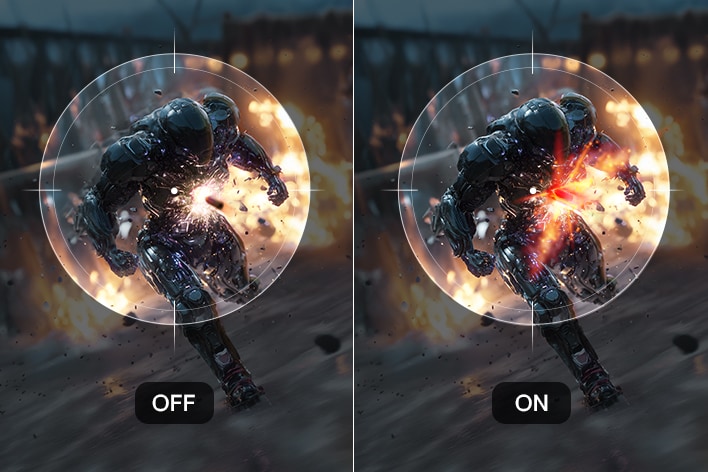
How does 1ms Motion Blur Reduction improve gaming?

A.

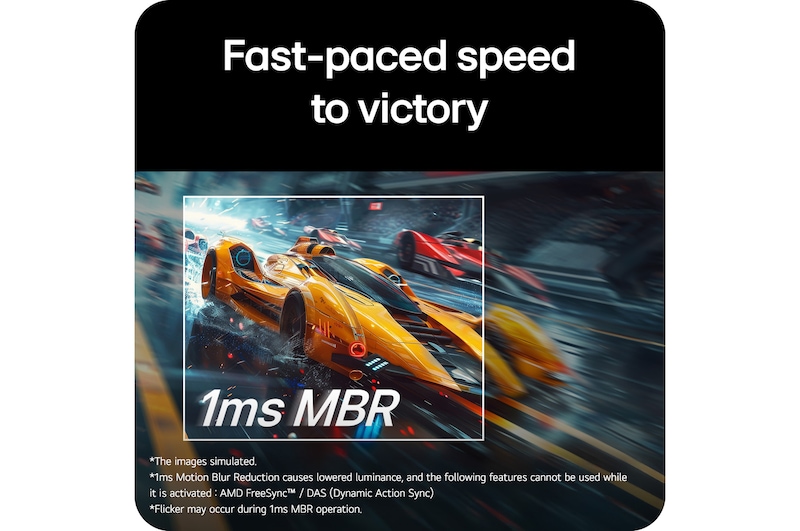
1ms Motion Blur Reduction helps make fast-moving gameplay look clearer and smoother. It reduces visible blur and ghosting, helping players follow on-screen action more easily during intense gaming sessions.


  • It makes fast-moving objects appear clearer, helping players track characters, vehicles, and other actions more easily.
  • It reduces distracting trails behind moving objects for a cleaner and sharper viewing experience.
  • It helps make quick camera movements and rapid actions appear smoother during gameplay.
  • It allows players to stay focused on important details, especially during fast-paced scenes.
  • It can support quicker visual reactions by improving clarity during sudden movements and intense gaming moments.


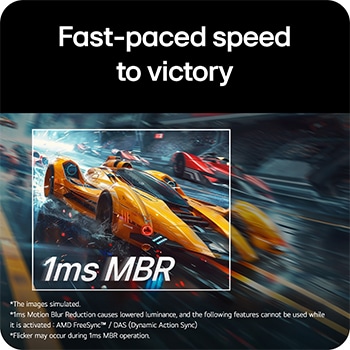
*1ms Motion Blur Reduction causes lowered luminance, and the following features cannot be used while it is activated: AMD FreeSync™ / DAS (Dynamic Action Sync).

*Flicker may occur during 1ms MBR operation.

 

Q.

What are the benefits of 144Hz for gaming?

A.

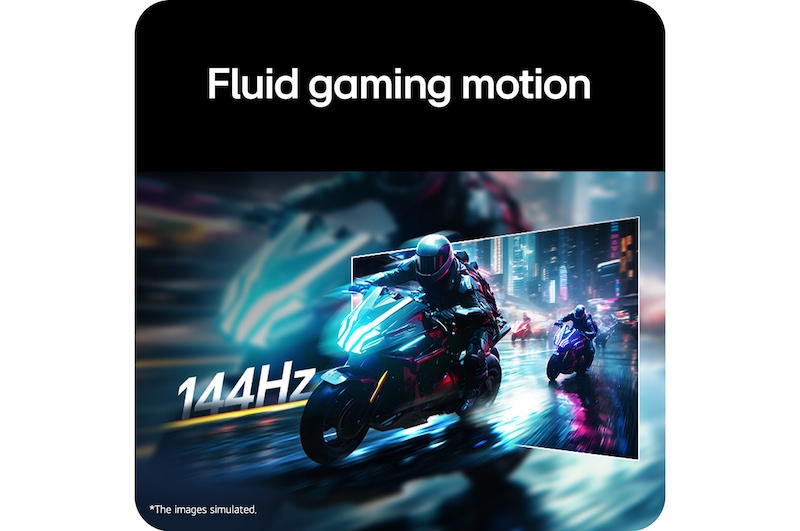
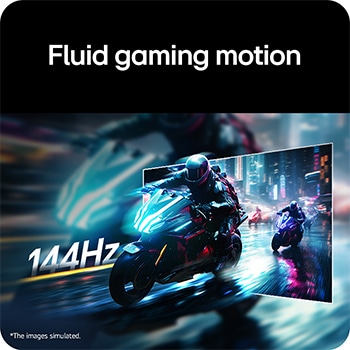
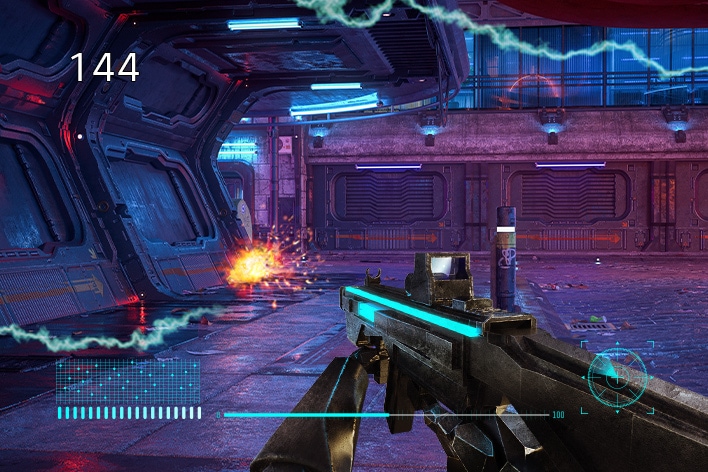
A 144Hz refresh rate delivers smoother, more responsive visuals, making fast-paced gaming feel fluid and engaging. The screen displays more frames per second, helping gameplay look clearer during quick movements.


  • Smoother Motion: More frequent frame updates make camera movements, animations, and fast action appear noticeably smoother.
  • Reduced Motion Blur: A higher refresh rate can minimize visible blur during rapid movements, keeping on-screen details clearer.
  • Faster Response: 144Hz can make controls and on-screen actions feel more responsive, which is useful during competitive gameplay.
  • Better Immersion: Smoother visuals create a more natural viewing experience, allowing you to stay focused on the game.
  • Enhanced Gaming Experience: When supported by suitable hardware, 144Hz offers fluid gameplay and more consistent visual performance.
Q.

Is the monitor suitable for dual-monitor setups?

A.

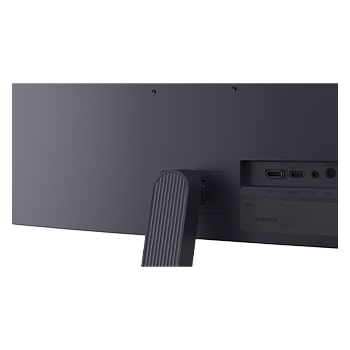
Yes, this monitor is well suited for dual-monitor setups, offering a clean and spacious viewing experience. Its slim bezels and flexible mounting options support a practical, organized workspace.


  • Virtually borderless design: Slim bezels reduce the visible gap between two monitors, creating a smoother and more connected display arrangement for multitasking.
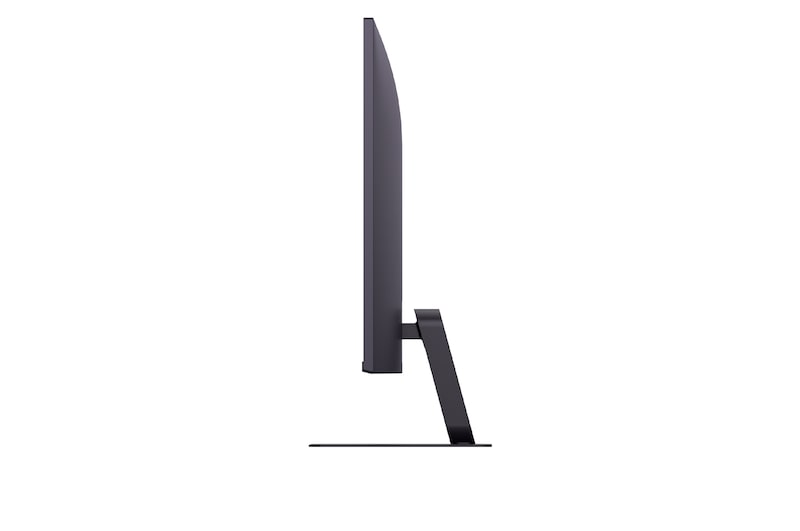
  • Tilt adjustment: Adjustable tilt provides comfortable screen positioning, making it easier to align two monitors at suitable viewing angles.
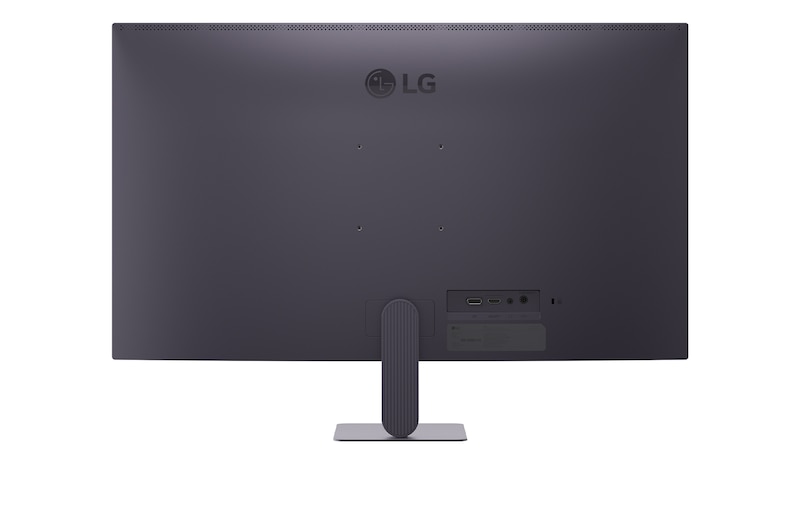
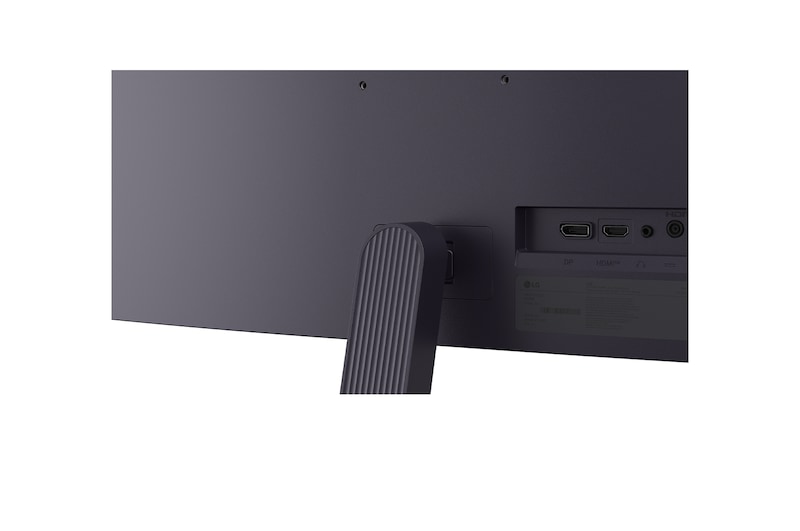
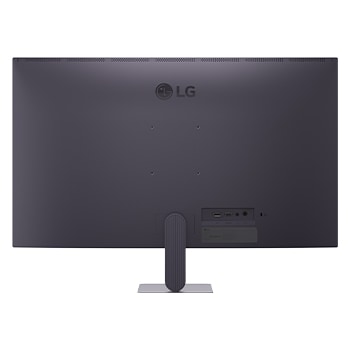
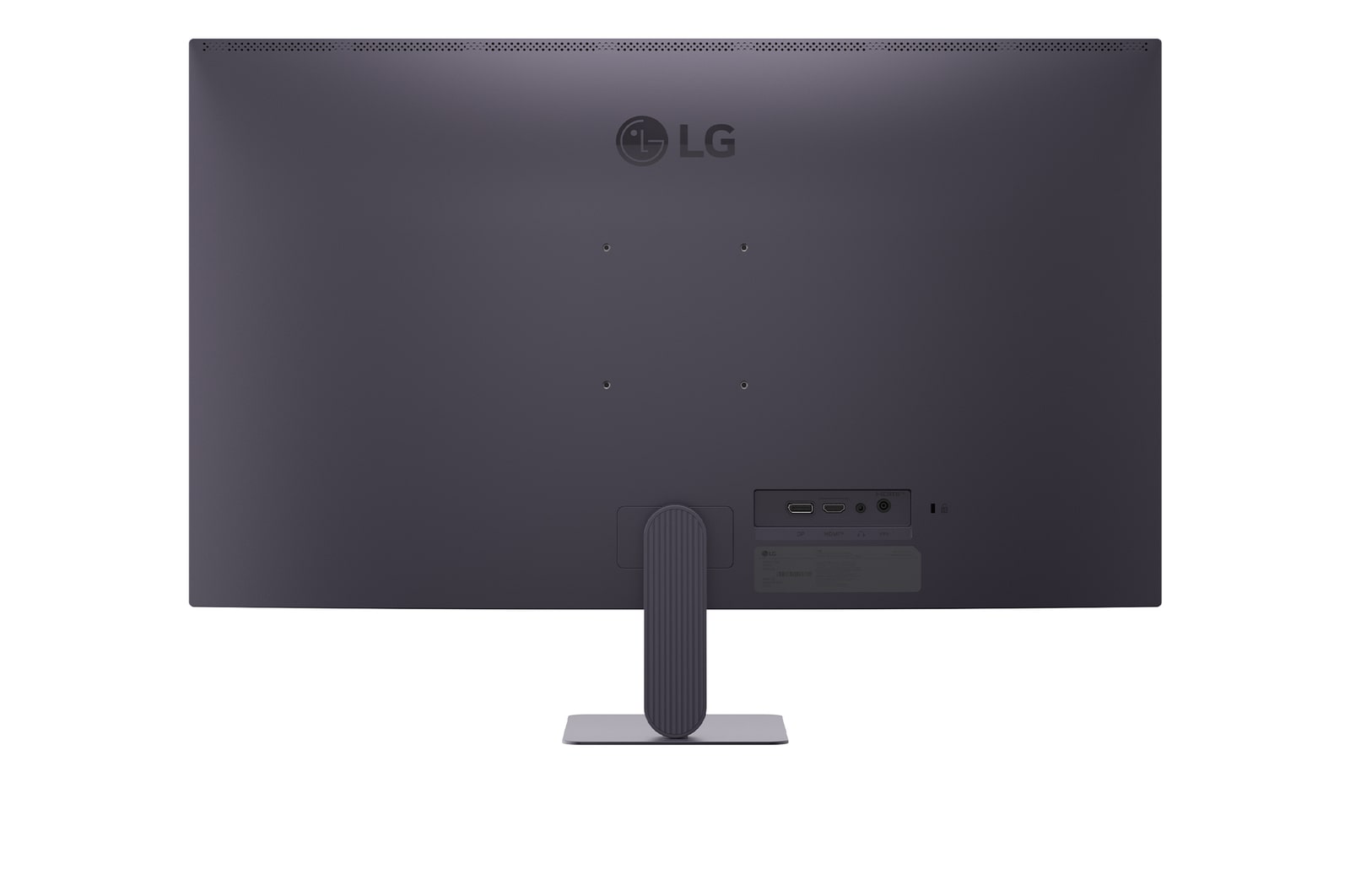
  • Wall-mount compatibility: Support for a 100 × 100 mm wall mount offers flexible installation and can help save valuable desk space in a dual-monitor setup.
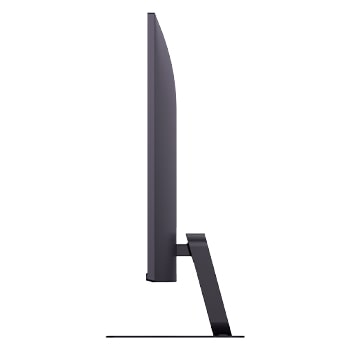
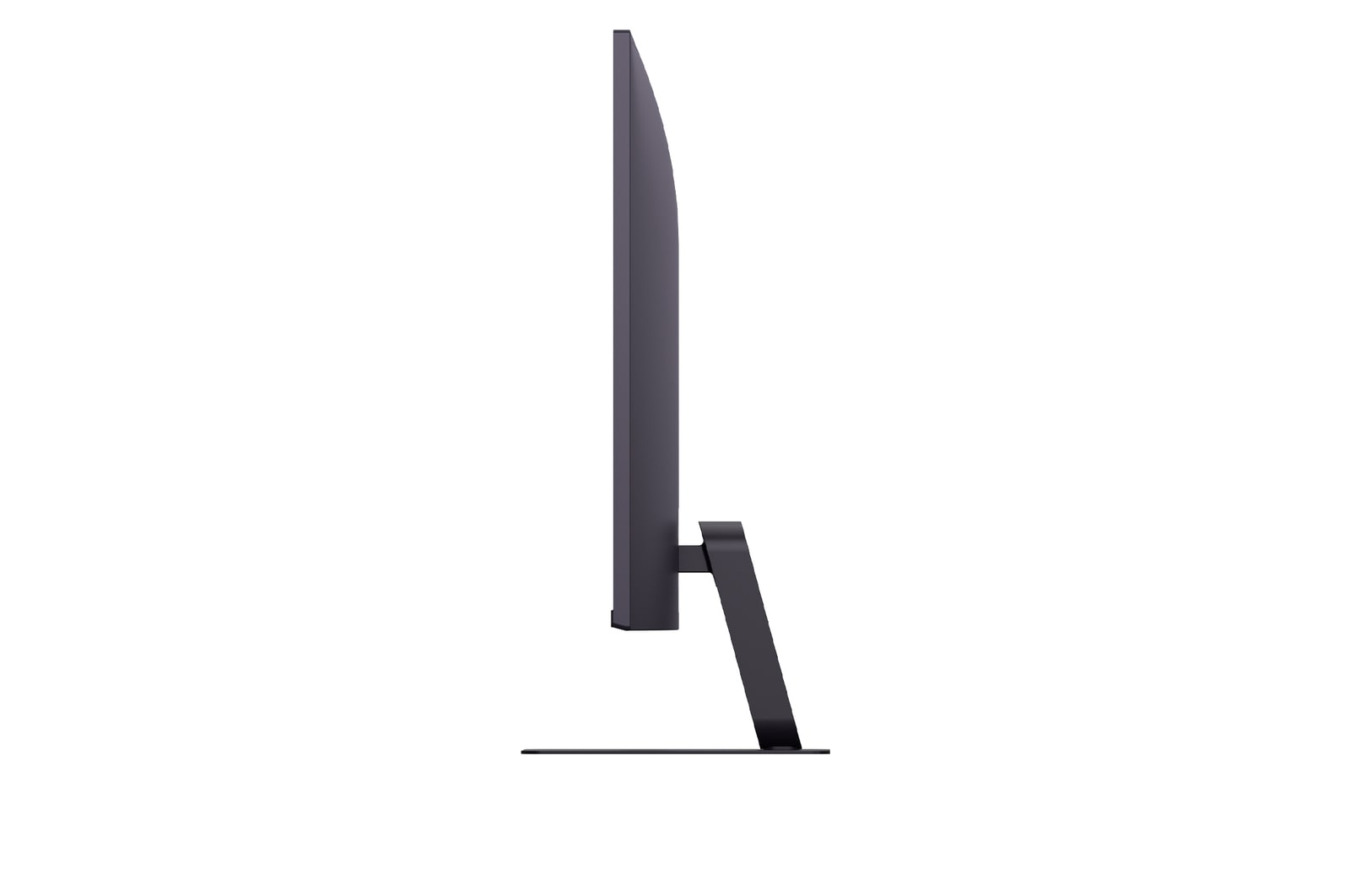
  • Clean appearance: The slim stand and minimal design keep the workspace neat while supporting a professional and uncluttered setup effectively.
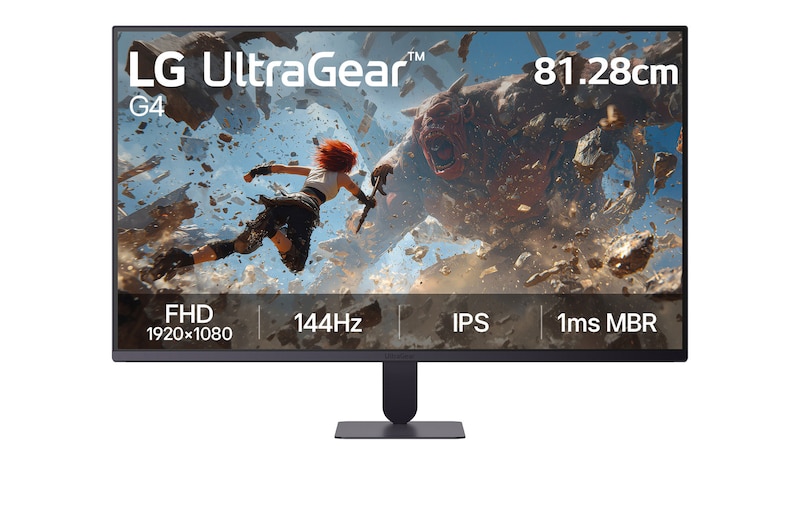
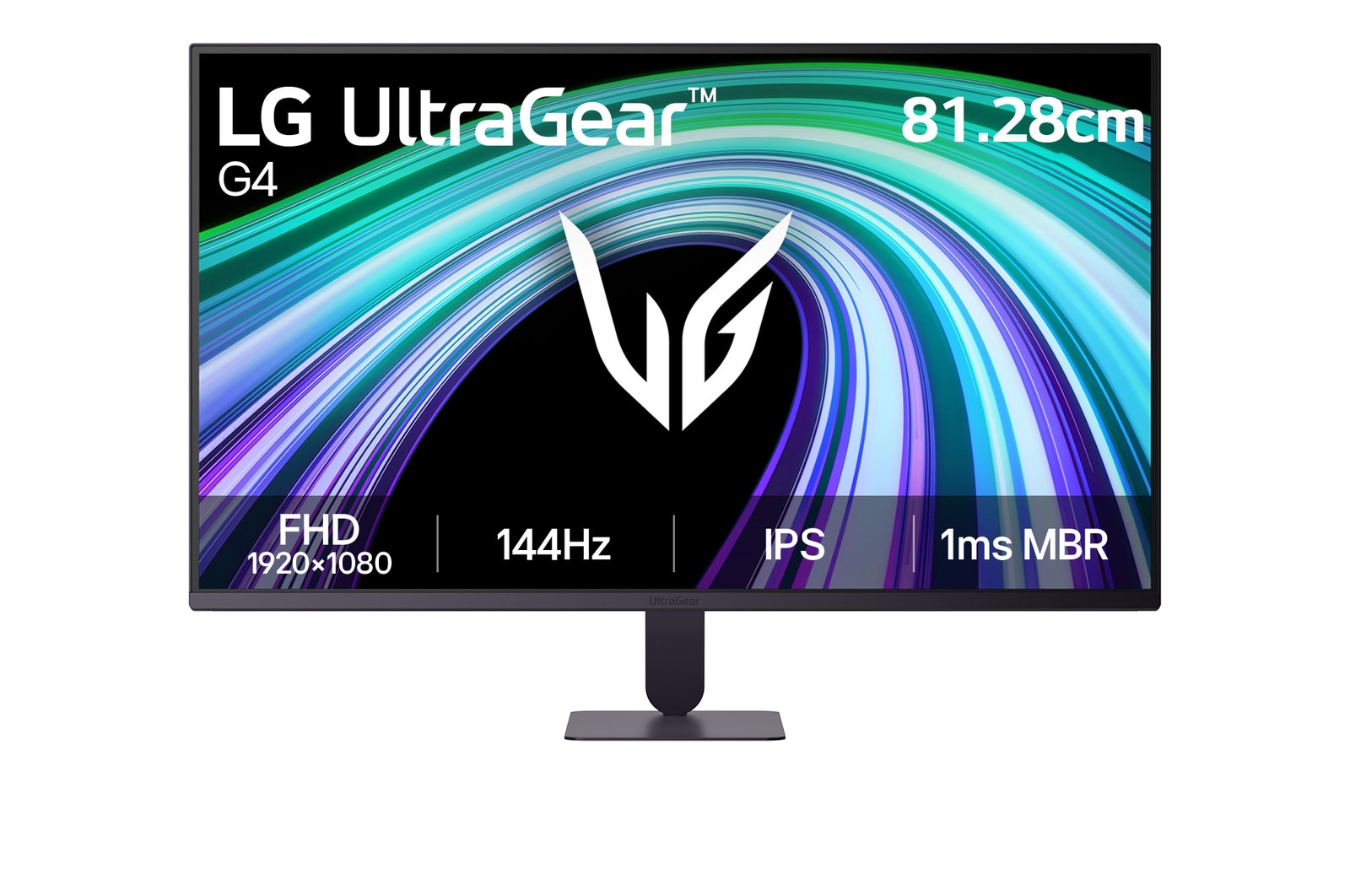
UltraGear™ logo in a futuristic, neon-lit room.

UltraGear™ logo in a futuristic, neon-lit room.

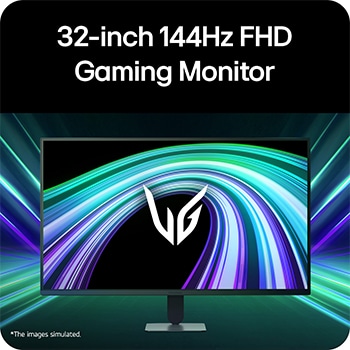
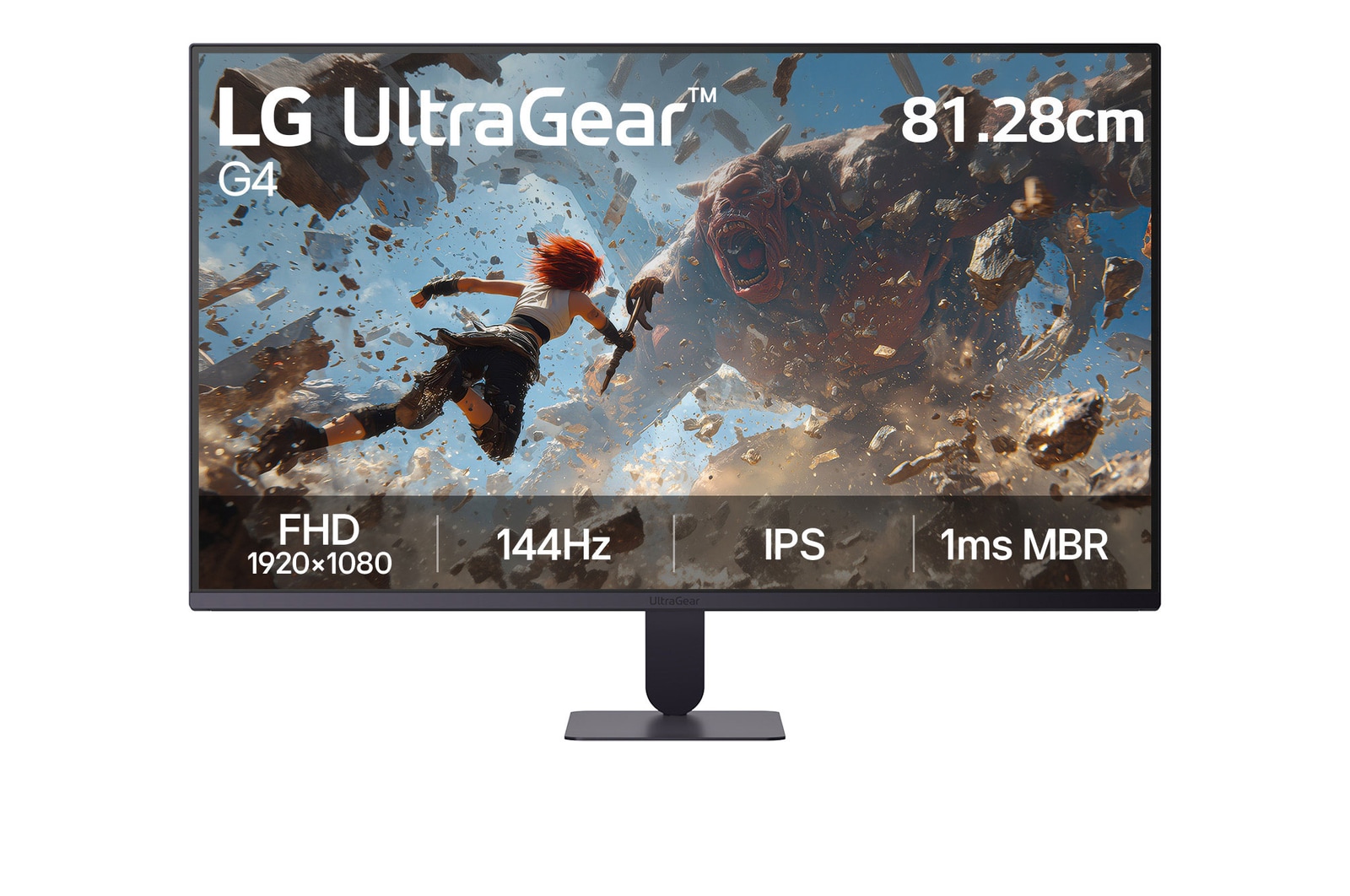
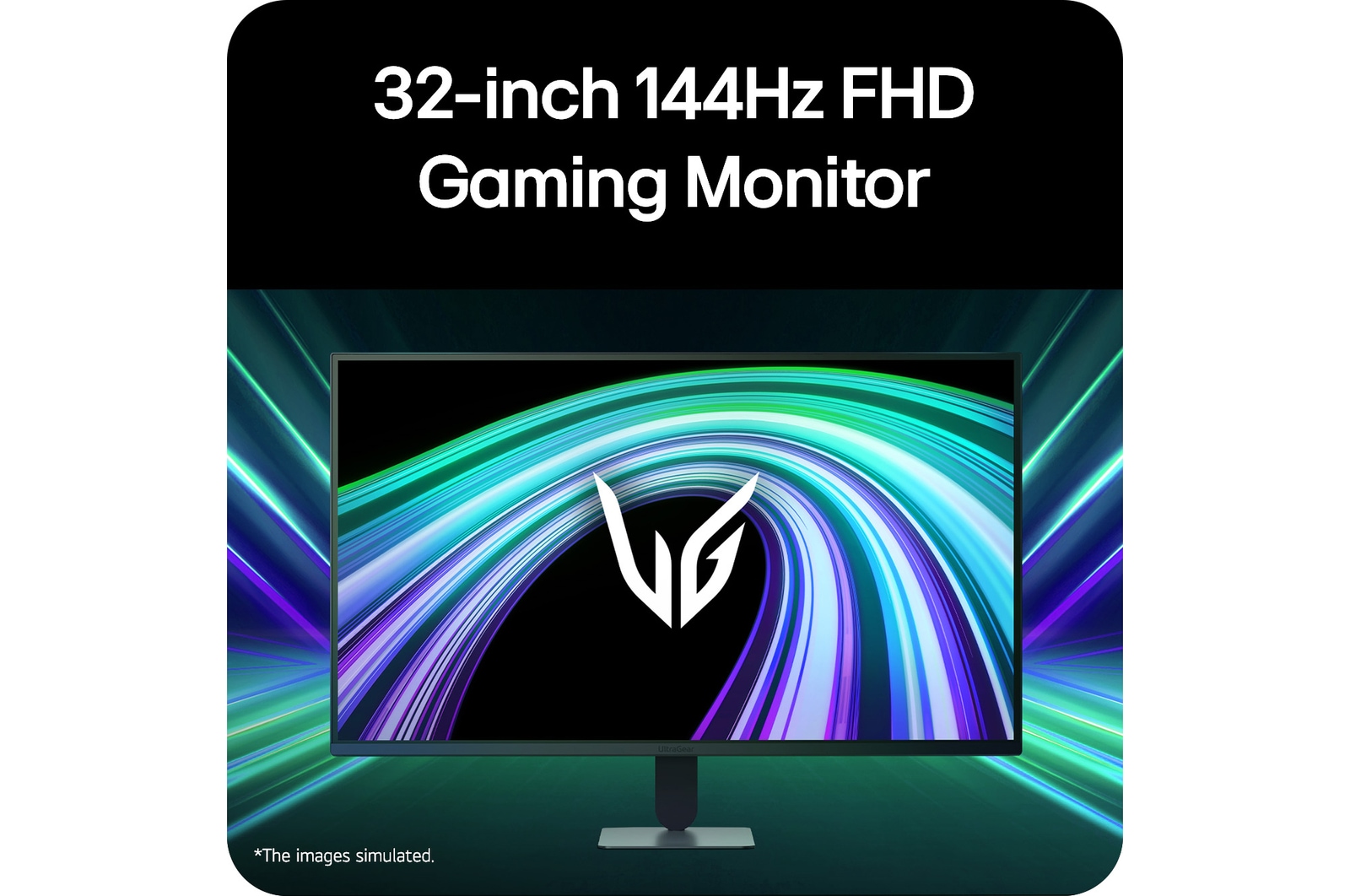
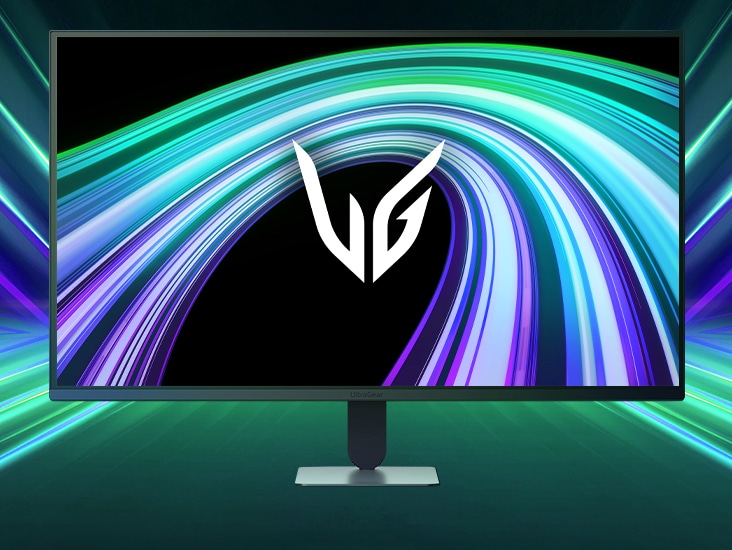
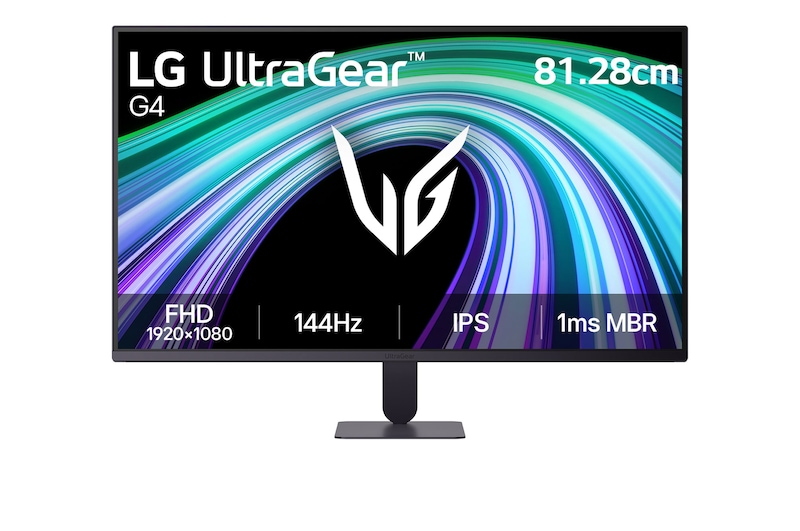
Front image of the UltraGear™ 32G620B gaming monitor in a futuristic, neon-lit room.

Front image of the UltraGear™ 32G620B gaming monitor in a futuristic, neon-lit room.

*Images have been simulated to enhance feature understanding, and may differ from actual use experience.

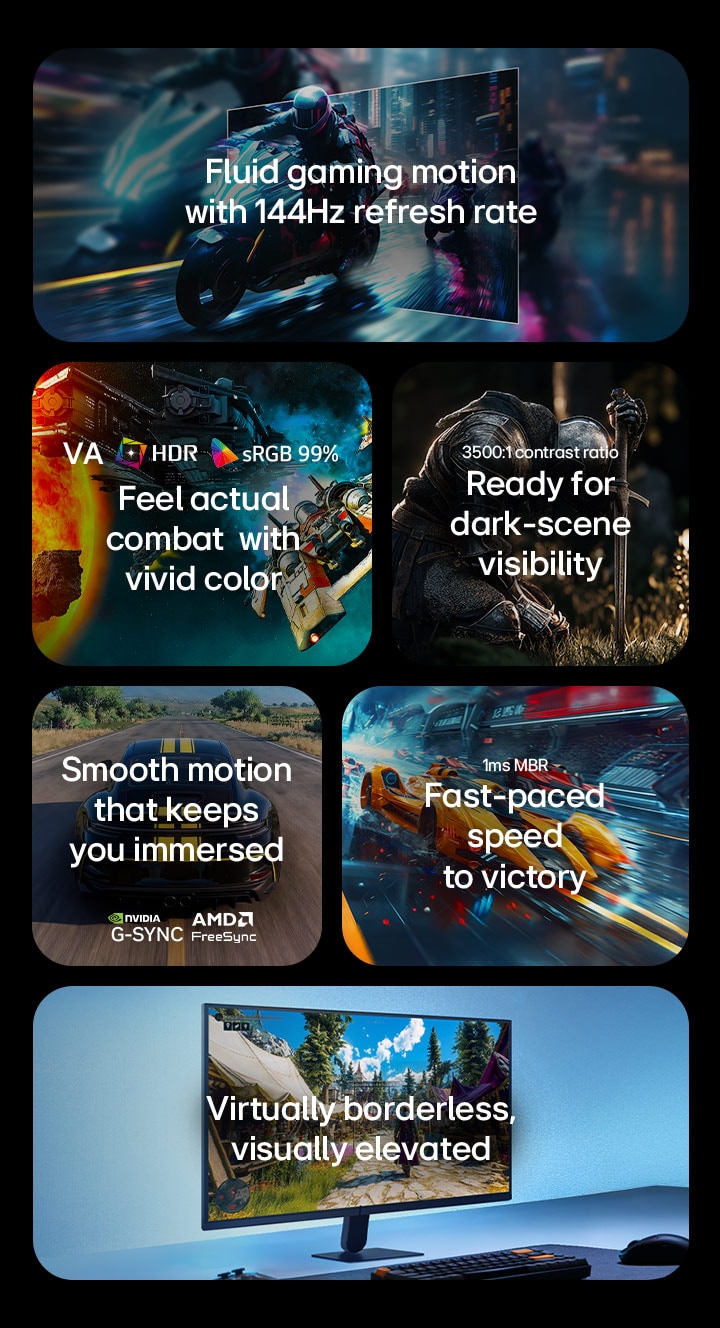
This image presents key features of an LG gaming monitor, including a 144Hz refresh rate for fluid motion, IPS display with HDR and sRGB 99% color for vivid visuals, enhanced dark-scene visibility with a 3500:1 contrast ratio, smooth gameplay with AMD FreeSync support, fast response with 1ms MBR, and a virtually borderless design for an immersive setup.

This image presents key features of an LG gaming monitor, including a 144Hz refresh rate for fluid motion, IPS display with HDR and sRGB 99% color for vivid visuals, enhanced dark-scene visibility with a 3500:1 contrast ratio, smooth gameplay with AMD FreeSync support, fast response with 1ms MBR, and a virtually borderless design for an immersive setup.

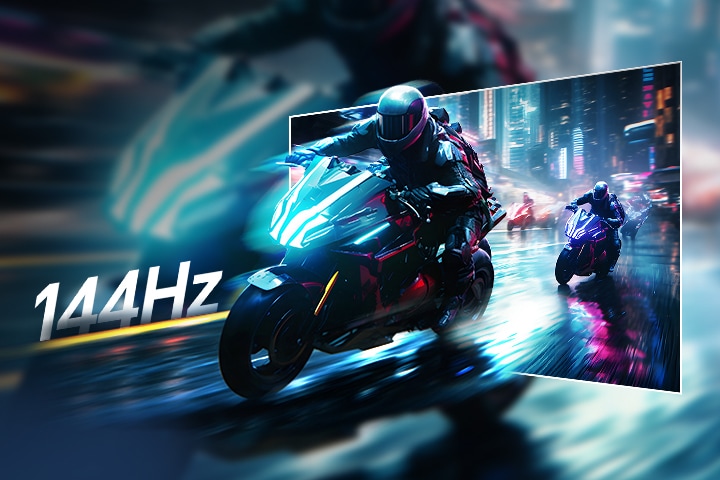
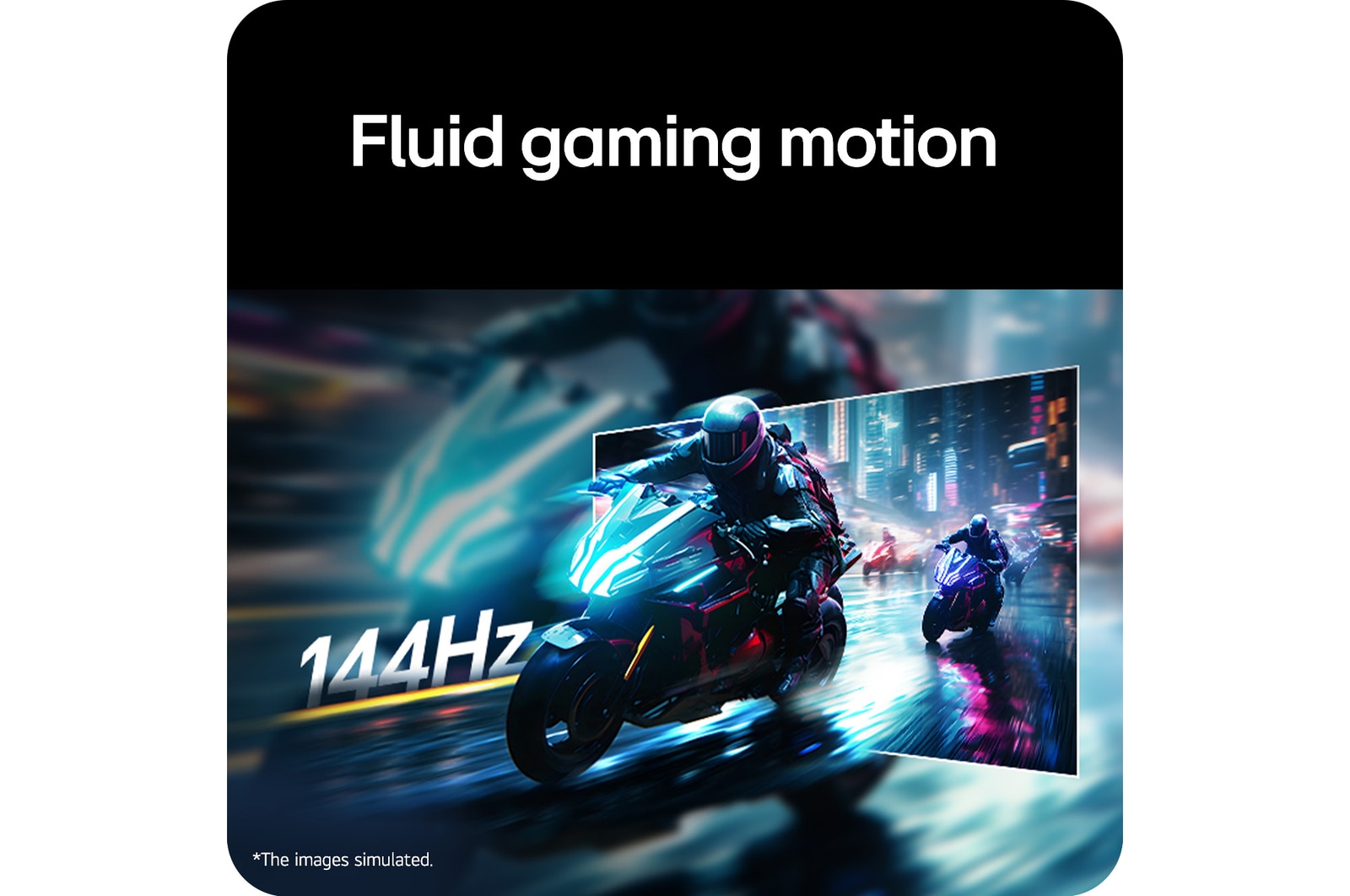
Fluid gaming motion with
144Hz refresh rate

To bring a 144Hz refresh rate for fluid, crystal-clear visuals, while minimizing motion blur.

Dive into more immersive gameplay with every frame. 

Motorcycle racing scene illustrating the UltraGear™ 32G403B’s 144Hz refresh rate for fluid, crystal-clear gaming motion.

*Images have been simulated to enhance feature understanding, and may differ from actual use experience.

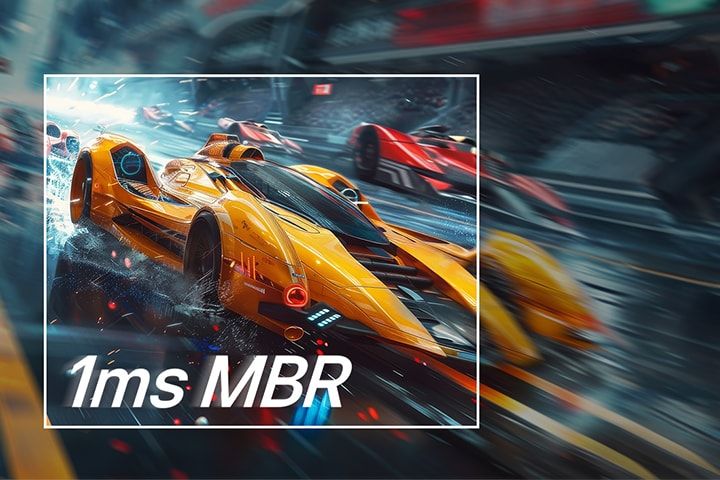
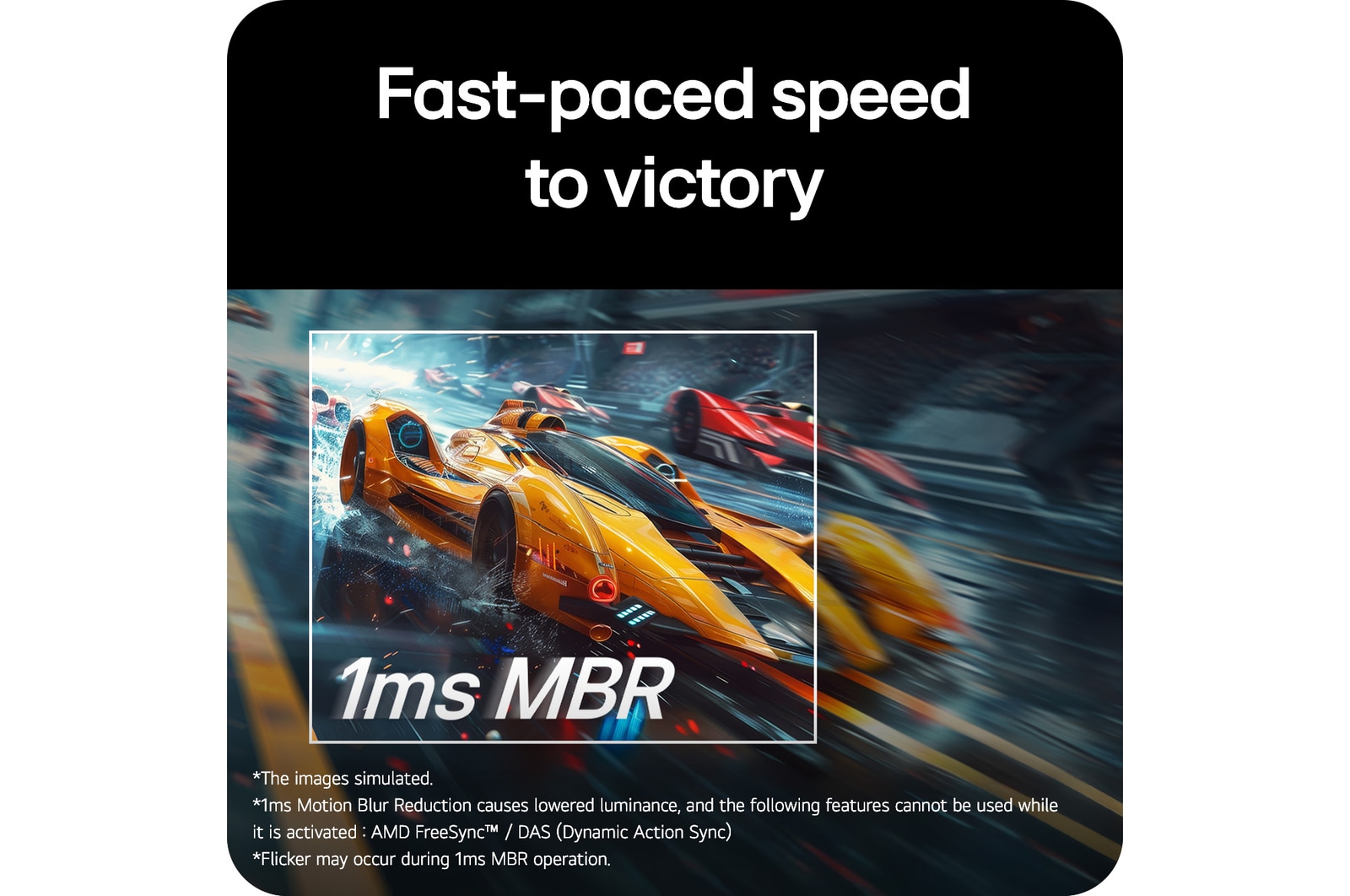
A yellow racing car is shown speeding forward on the screen, with '1ms MBR' displayed prominently. The inside of the white square box is shown clearly while the outside area appears blurred.

1ms Motion Blur Reduction* makes smooth gameplay, reducing blur and ghosting. Dynamic and fast-paced objects amidst all the action can give gamers a competitive edge.

*Images have been simulated to enhance feature understanding, and may differ from actual use experience.

*1ms Motion Blur Reduction causes lowered luminance, and the following features cannot be used while it is activated: AMD FreeSync™ / DAS (Dynamic Action Sync).

*Flicker may occur during 1ms MBR operation.
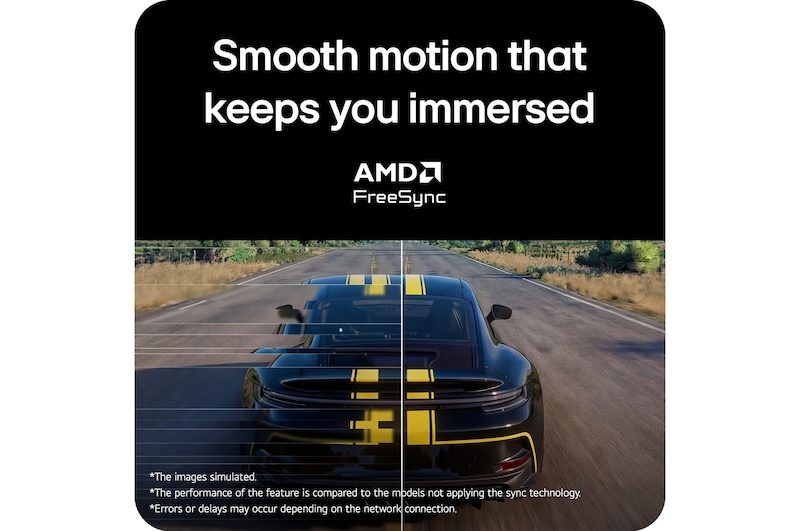
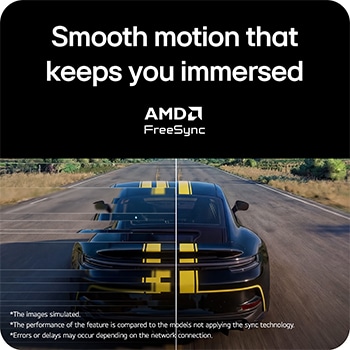
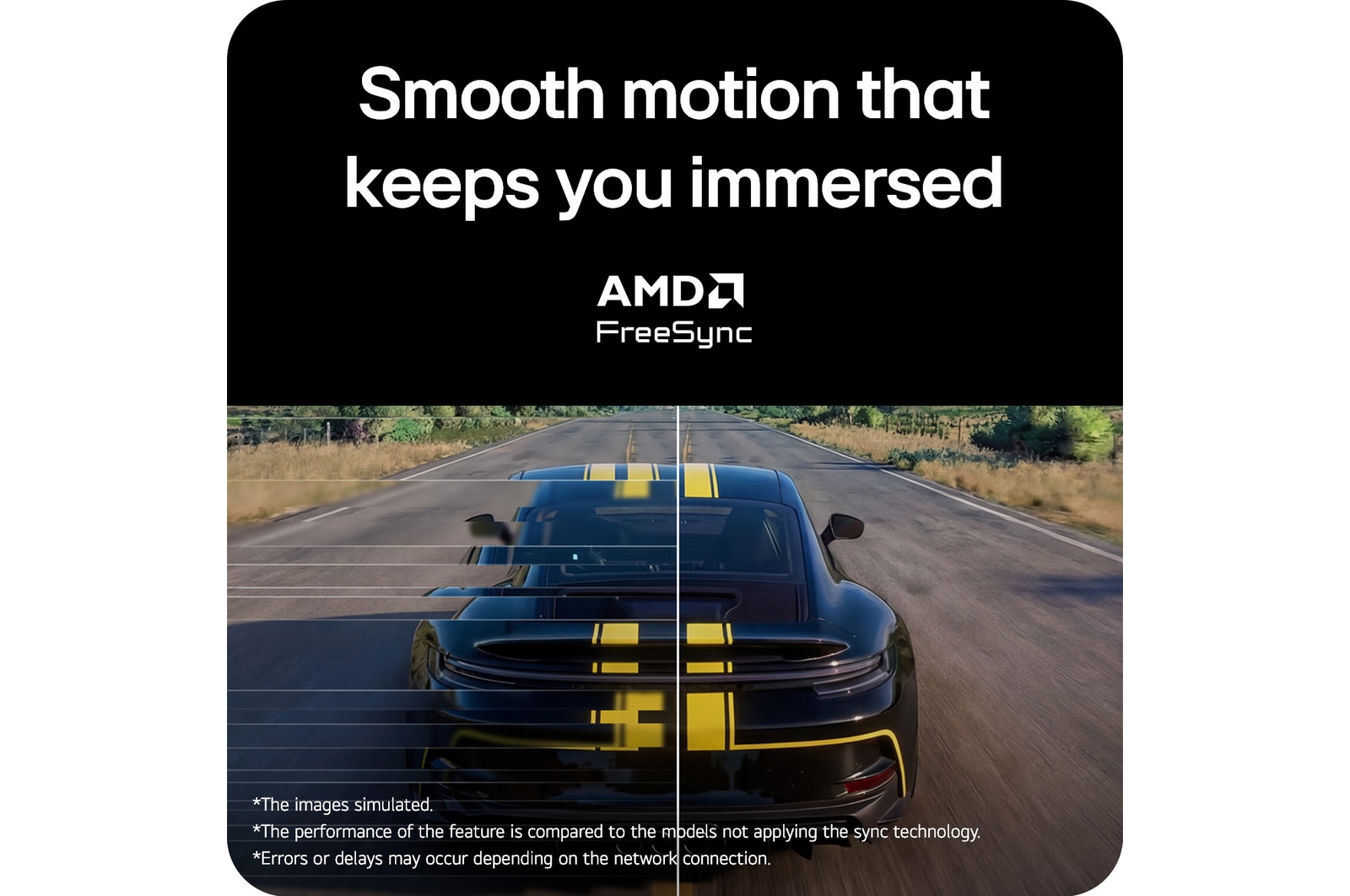
Smooth motion that keeps you immersed

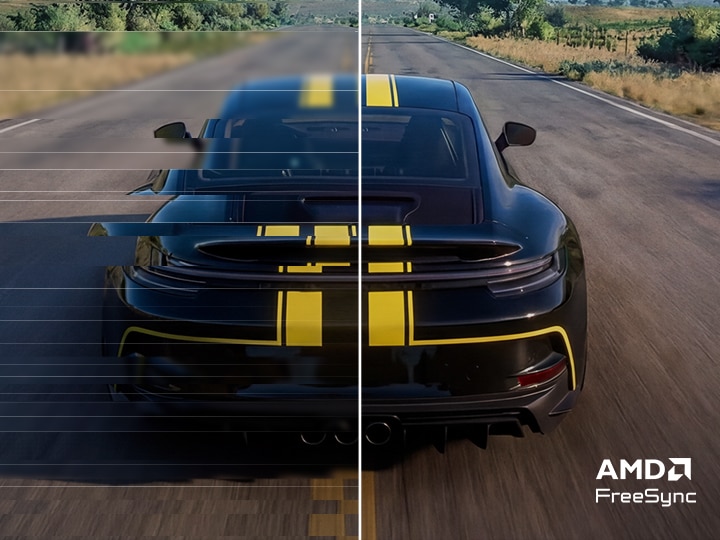
Minimize tears and lags with AMD FreeSync™ technology. Experience significantly reduced screen tearing and stuttering for smooth visuals with minimized motion blur and ghosting.

Racing scene displayed on the UltraGear™ 32G403B monitor comparing Disabled and Enabled modes, illustrating smoother motion and reduced tearing with support for AMD FreeSync.

*Images have been simulated to enhance feature understanding, and may differ from actual use experience.

*The performance of the feature is compared to the models not applying the sync technology.

*Errors or delays may occur depending on the network connection.
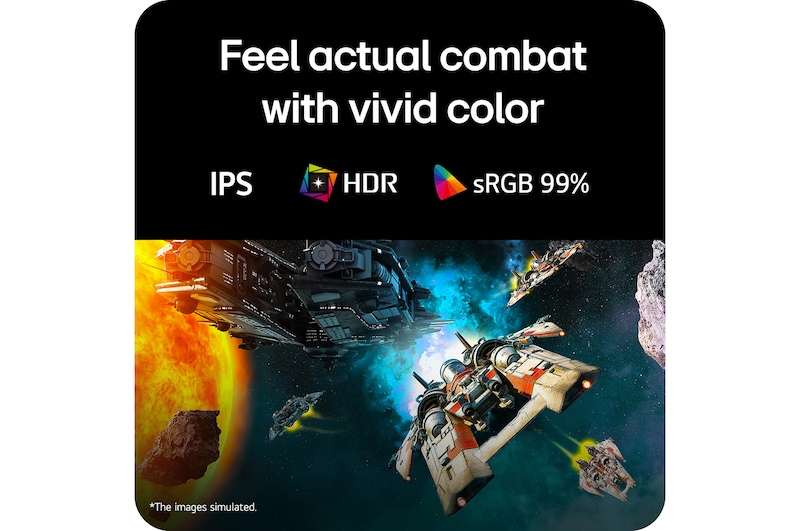
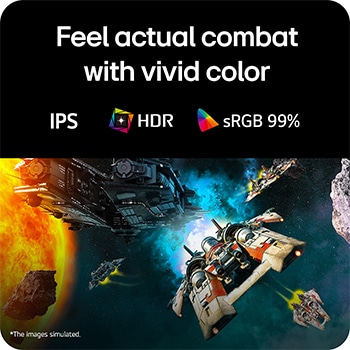
Feel actual combat with
vivid color

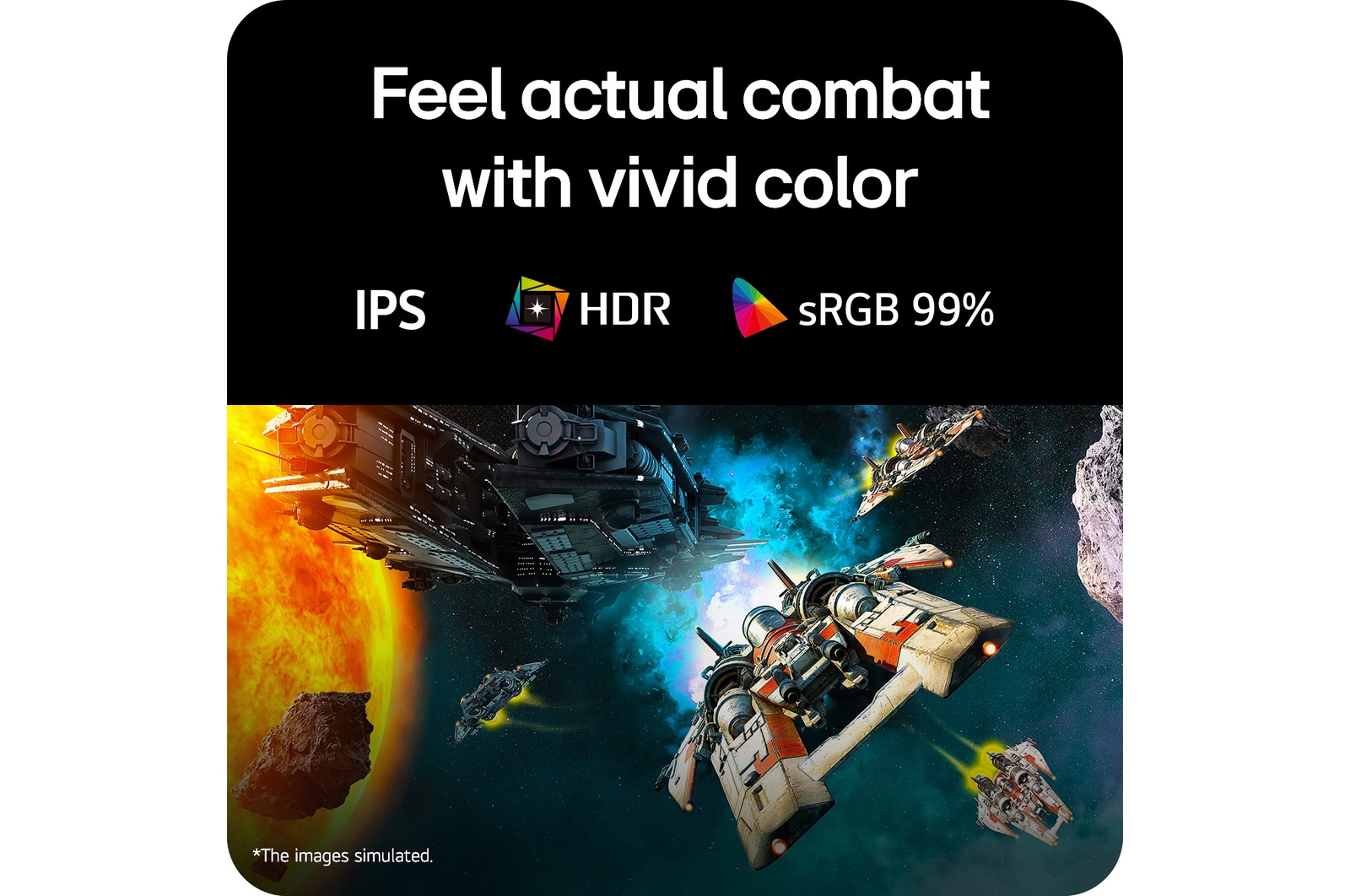
Our monitor offers 99% sRGB coverage, providing a wide color spectrum that enables high-fidelity color representation with its VA panel display for an immersive gaming experience. It allows gamers to experience dramatic battlefields as intended by the game developers.

Logo of VA Panel.

LG VA Panel monitor displays outstanding color accuracy with a wide viewing angle.

Logo of HDR 10.

HDR 10 (high dynamic range) supports specific levels of color and brightness.

Logo of sRGB 99%.

With 99% coverage of the sRGB spectrum, it is a great solution for accurate color display.

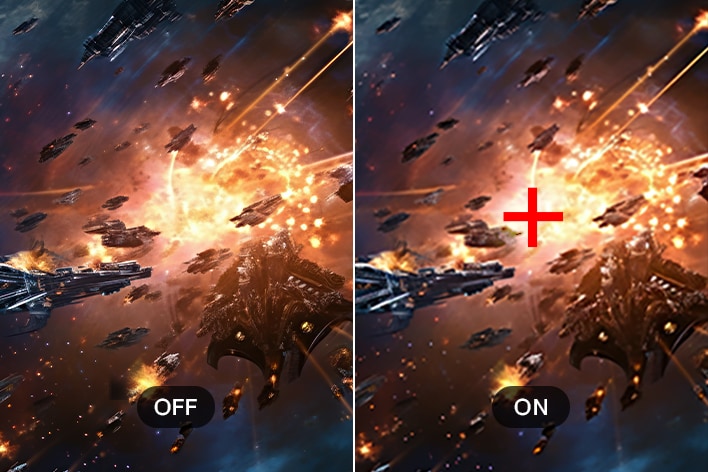
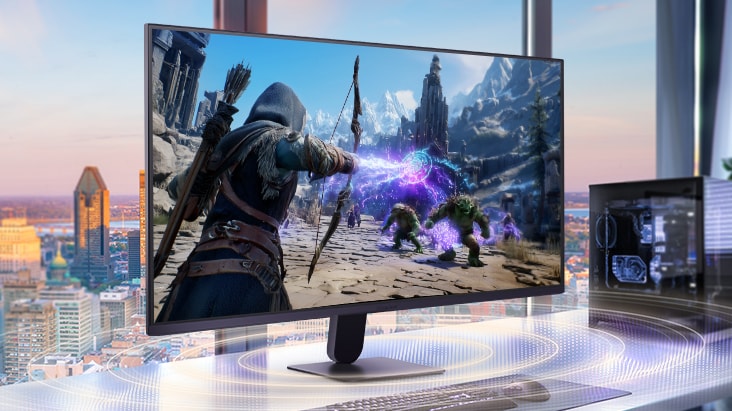
Futuristic space battle scene on the UltraGear™ monitor, showcasing vivid colors and rich contrast with bright explosions, glowing planets, and detailed spacecraft against a colorful cosmic background.

Futuristic space battle scene on the UltraGear™ monitor, showcasing vivid colors and rich contrast with bright explosions, glowing planets, and detailed spacecraft against a colorful cosmic background.

*Images have been simulated to enhance feature understanding, and may differ from actual use experience.

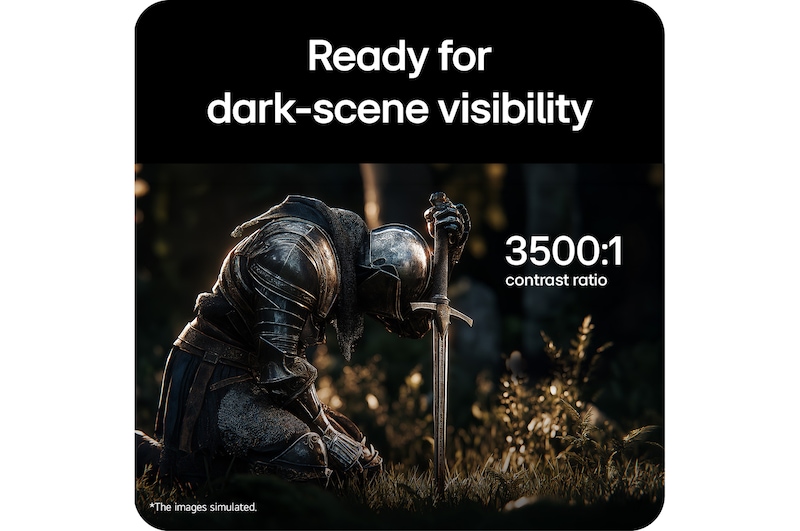
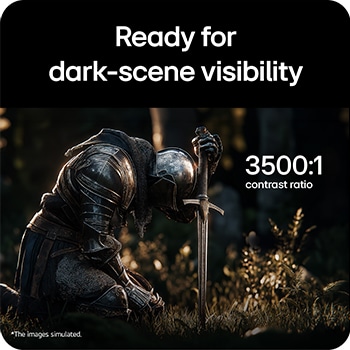
Ready for dark-scene visibility

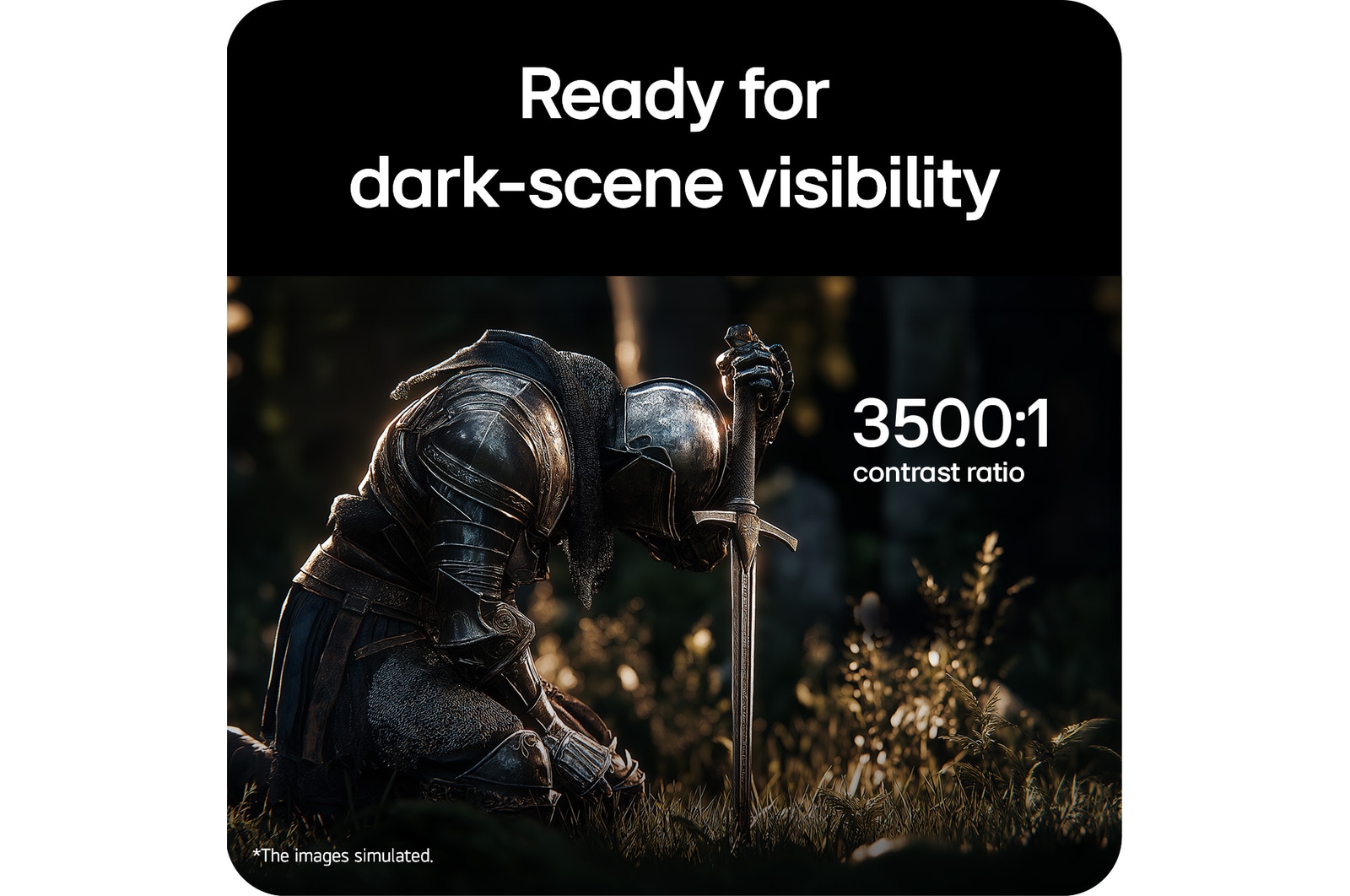
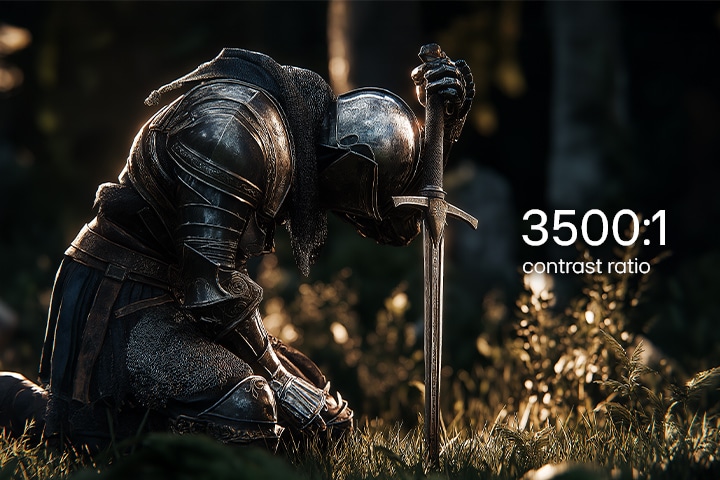
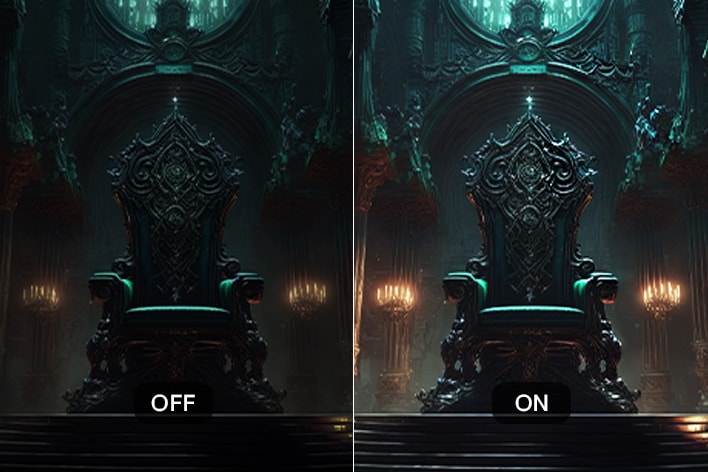
Experience deeper blacks and richer shadows with a 3500:1 contrast ratio, maintaining consistent color expression on the screen from edge to edge, and a heightened sense of realism that conveys your visual outputs naturally.

This image showcases a fantasy game scene highlighting a 3500:1 contrast ratio, with deep blacks, bright highlights, and detailed textures for a more immersive visual experience.

*Images have been simulated to enhance feature understanding, and may differ from actual use experience.

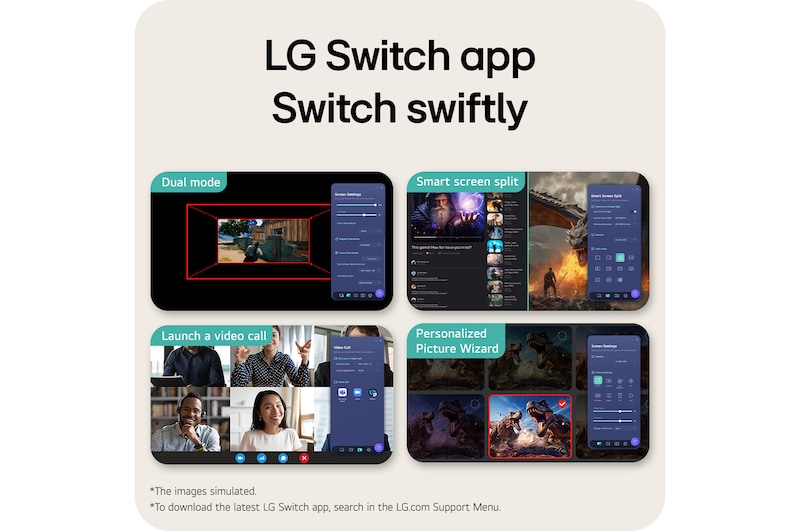
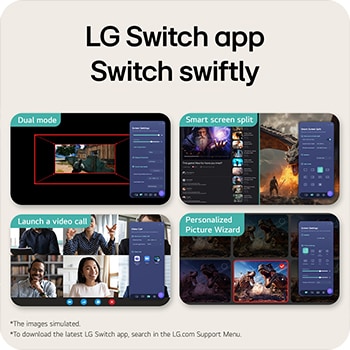
Smarter control, seamless switching by LG Switch

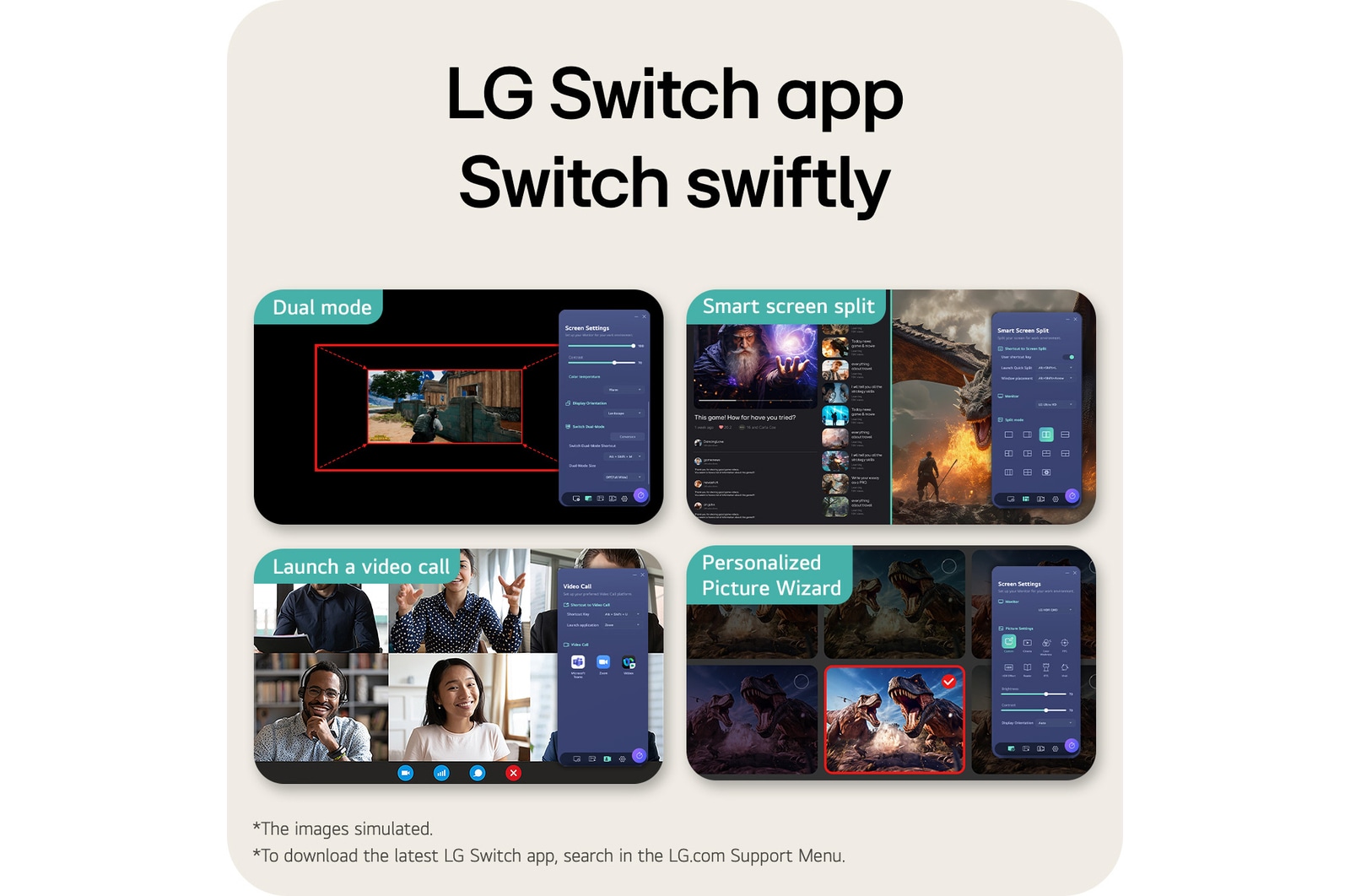
With the LG Switch app, it's easy to optimize your monitor for both gaming and everyday use. Effortlessly manage your monitor settings—adjust image

quality and brightness to your preference, then apply your settings instantly using a hotkey. The app also lets you split the screen into 11 layouts and

 launch your video call platform in a click—bringing even more convenience to your setup.

*This video is for illustrative purposes only and may not reflect the actual product specifications.

*LG Switch requires software and manual download from LG.com for proper use.

*Images have been simulated to enhance feature understanding, and may differ from actual use experience.

Immerse yourself in stereo sound

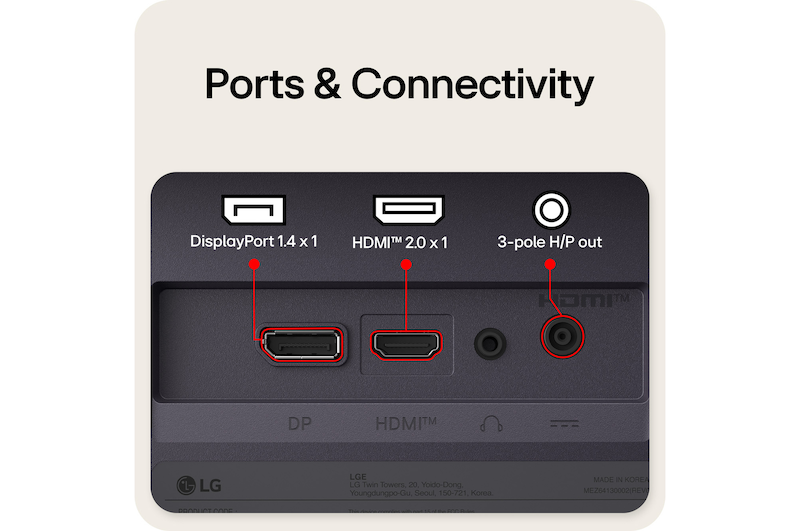
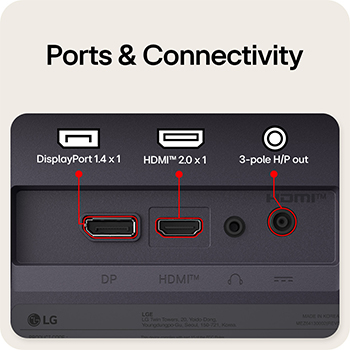
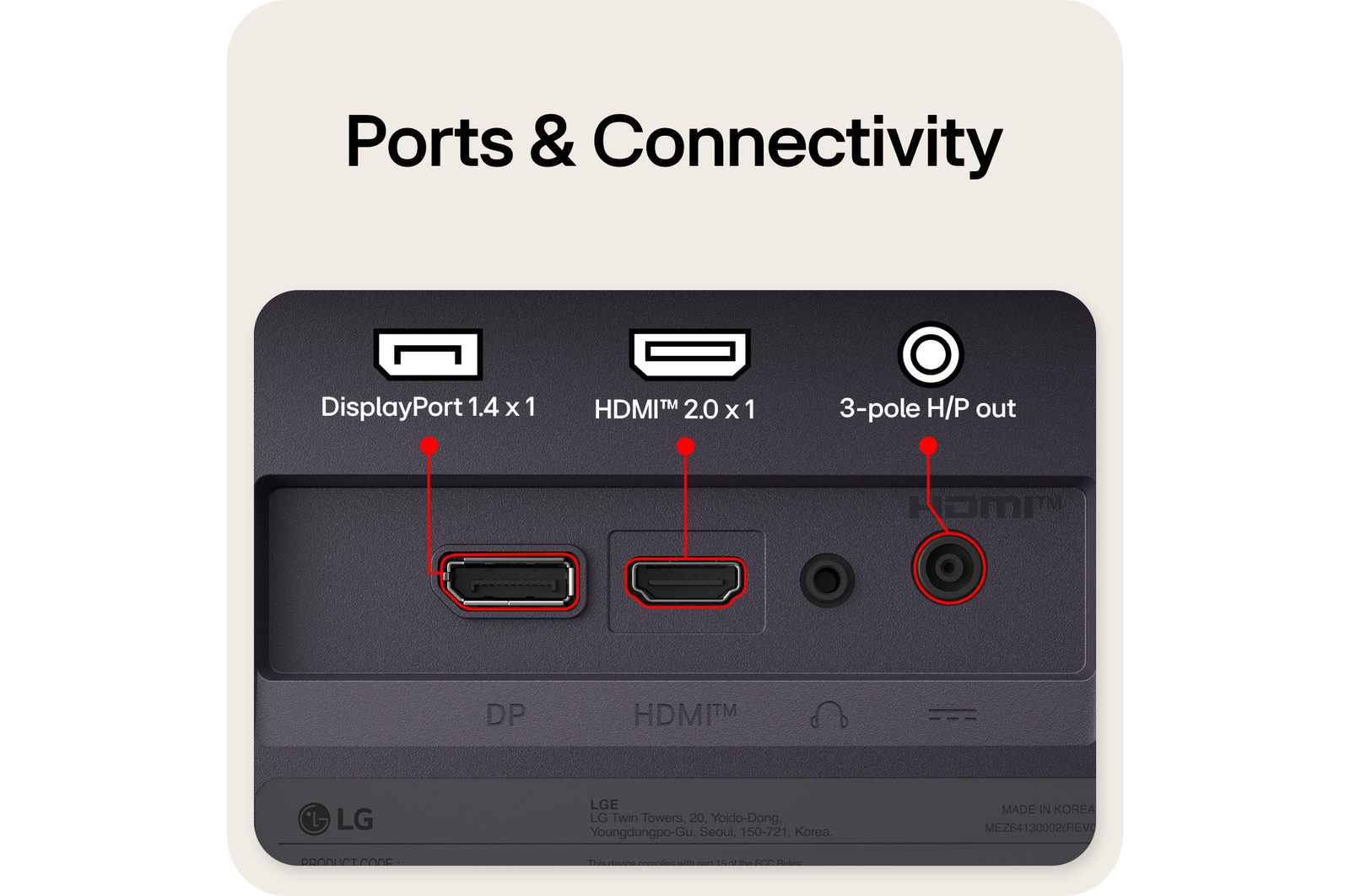
Experience clear, well-balanced sound through 2W x 2ea stereo speakers, delivering an immersive audio experience for everyday gaming and entertainment. For a more personal setup, easily connect a headset via the headphone out to enjoy focused audio and clear voice communication during gameplay.

*Images have been simulated to enhance feature understanding, and may differ from actual use experience.

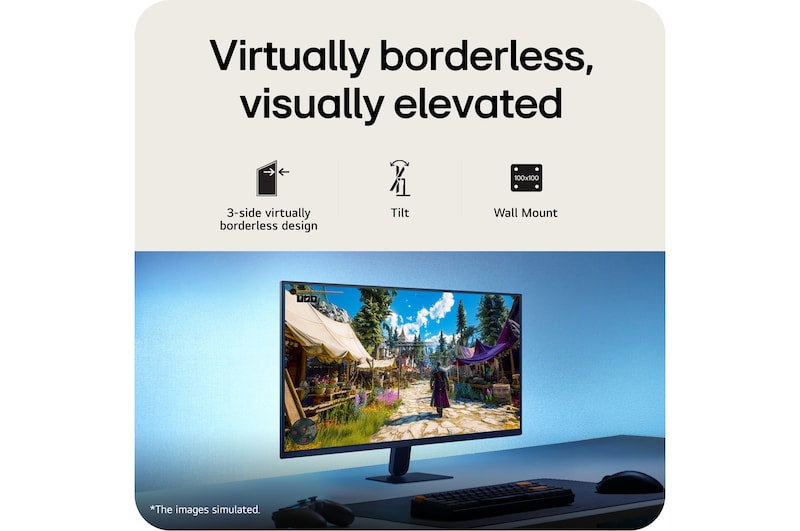
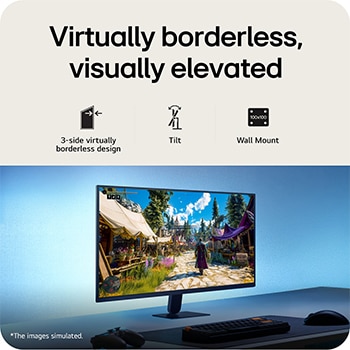
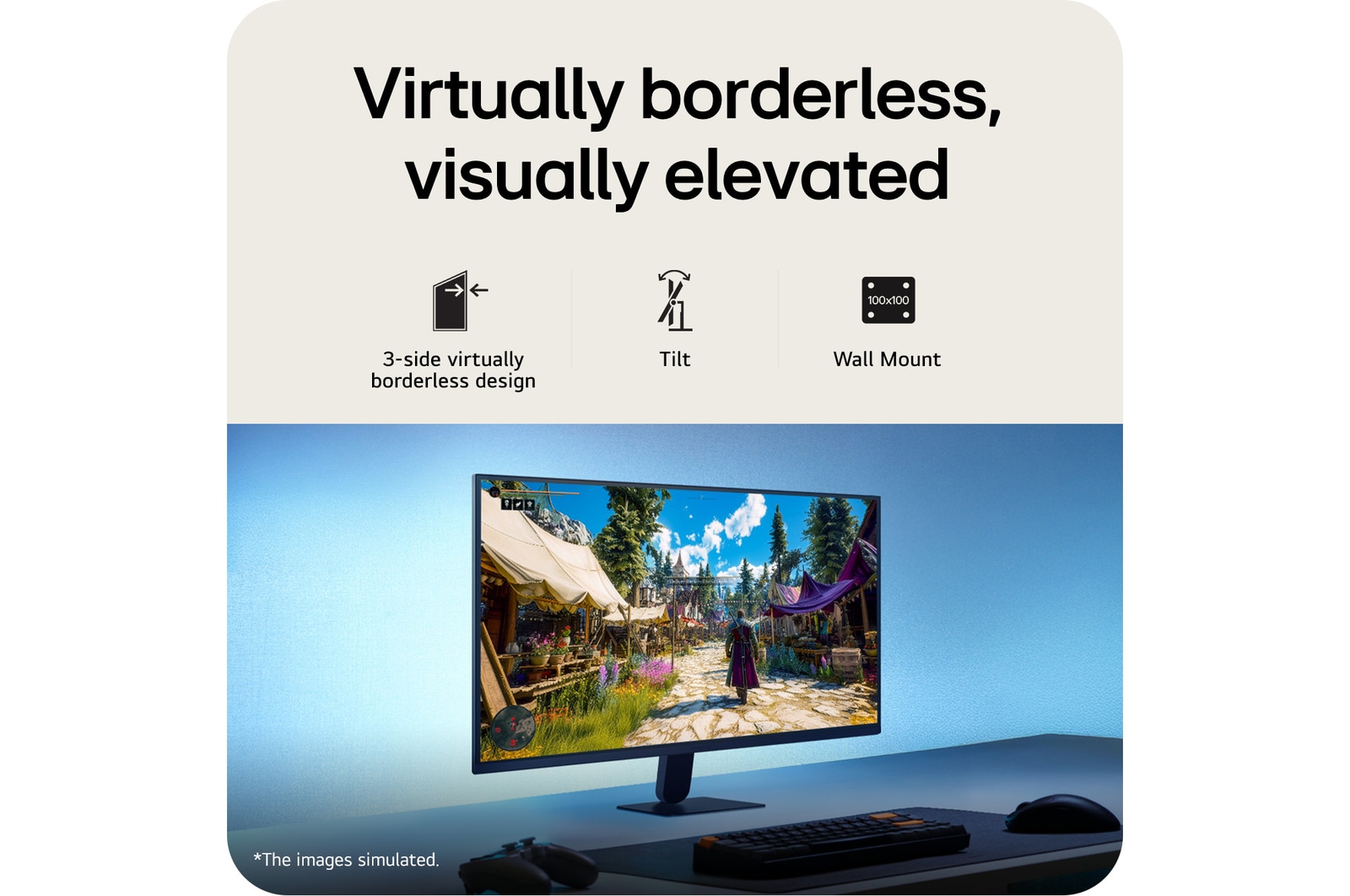
Virtually borderless, visually elevated

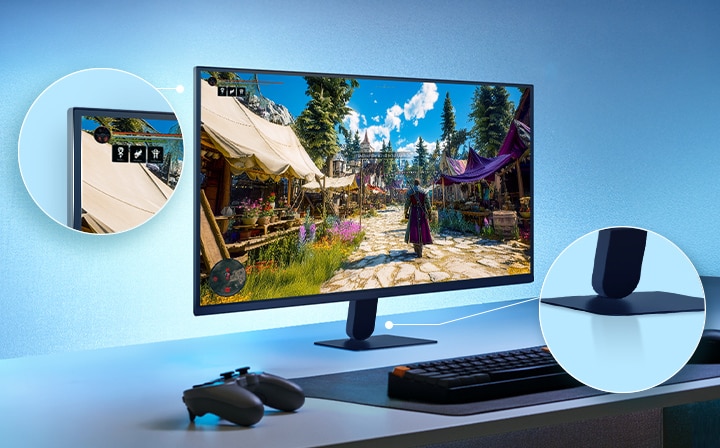
Experience more screen and less distraction with the ultra-slim bezel and minimal slim stand base, featuring a virtually borderless design. The floating-like stand enhances the clean, weightless aesthetic, while the seamless screen feel delivers an immersive visual experience—ideal for dual setups or minimalist workspaces.

Borderless design icon.
3-side virtuallyborderless design

Tilt icon.
Tilt

Wall Mount icon.
Wall mount

This image shows an UltraGear™ gaming monitor on a desk setup displaying a game scene, with zoomed-in highlights emphasizing the borderless display design and a sleek floating-like stand.

This image shows an UltraGear™ gaming monitor on a desk setup displaying a game scene, with zoomed-in highlights emphasizing the borderless display design and a sleek floating-like stand.

*Images have been simulated to enhance feature understanding, and may differ from actual use experience.

All Spec

What people are saying

PICKS FOR YOU:

Find Locally

Experience this product around you.