FAQs

Q.

What makes the display suitable for accurate and consistent color reproduction?

A.

The display delivers accurate and consistent colors through a combination of advanced display technology and careful color management. These features make it suitable for everyday viewing and tasks where reliable color reproduction matters.


● IPS™ Display: Offers accurate colors and a wide viewing angle, helping to maintain consistent image quality when viewed from different positions.

● sRGB 99% (Typ.): Provides 99% coverage of the sRGB color space, supporting a broad and accurate range of colors for detailed visuals.

● Color Calibrated: Ensures precise and consistent color reproduction; displayed colors appear more reliable and uniform across different content.

● Combined Performance: Together, these technologies create a balanced viewing experience with dependable color accuracy, clarity, and consistency.


This combination makes the display a suitable choice for users who value dependable color performance in daily use.

 

Q.

What features does the LG Switch app offer for efficient multitasking?

A.

The LG Switch app offers several features designed to make multitasking and screen management easy. It allows users to:


● Divide the display: Split the screen into up to six sections to use multiple applications simultaneously.

● Change screen layouts: Select different theme designs to organize the display as per individual preferences.

● Use mapped hotkeys: Quickly launch frequently used functions, like video call platforms, by using assigned shortcuts.

● Support PBP and PIP: Use Picture-by-Picture (PBP) and Picture-in-Picture (PIP) modes to manage content from multiple input sources efficiently.

● Improve productivity: Switch between tasks and organize multiple windows more conveniently from a single display.


*To download the latest LG Switch app, search in the LG.com Support Menu.

Q.

How does 1ms MBR deliver clearer visuals during fast-paced gameplay?

A.

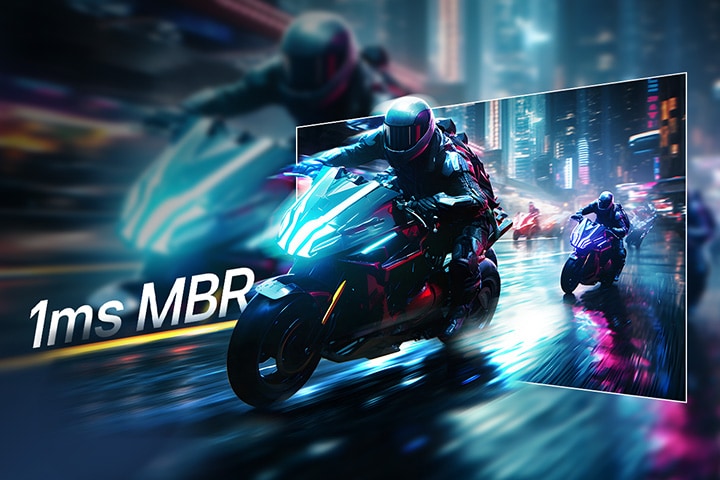
1ms MBR (Motion Blur Reduction) delivers clear and smooth visuals during fast-paced gameplay by reducing motion blur and ghosting. When objects move quickly across the screen, traditional displays produce blurred trails that make details harder to follow. With 1ms MBR, motion presents with improved clarity, allowing fast-moving characters, objects, or vehicles to appear sharper. This is especially useful in action, sports, racing, and competitive games where quick reactions and clear visuals are important. By enhancing motion clarity, 1ms MBR contributes to a more fluid and focused gaming experience, especially during rapidly changing scenes and movements.


*1ms Motion Blur Reduction causes lowered luminance, and the following features cannot be used while it is activated : AMD FreeSync™.

*Flicker may occur during 1ms MBR operation.

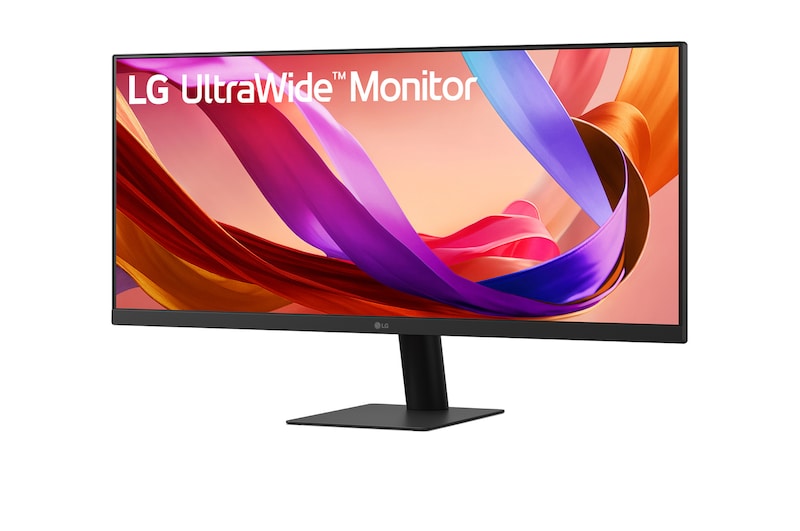
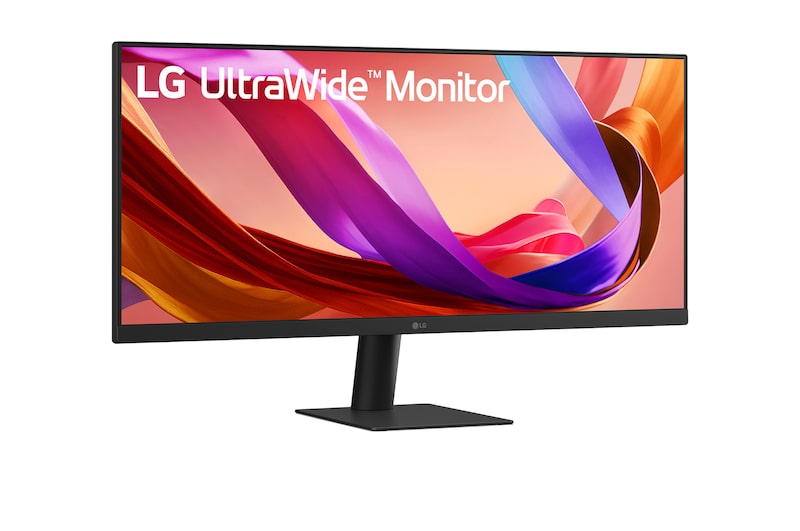
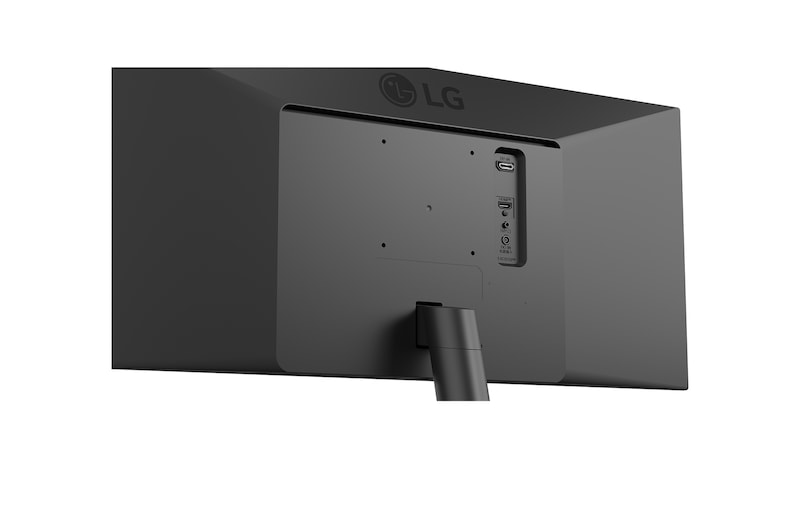
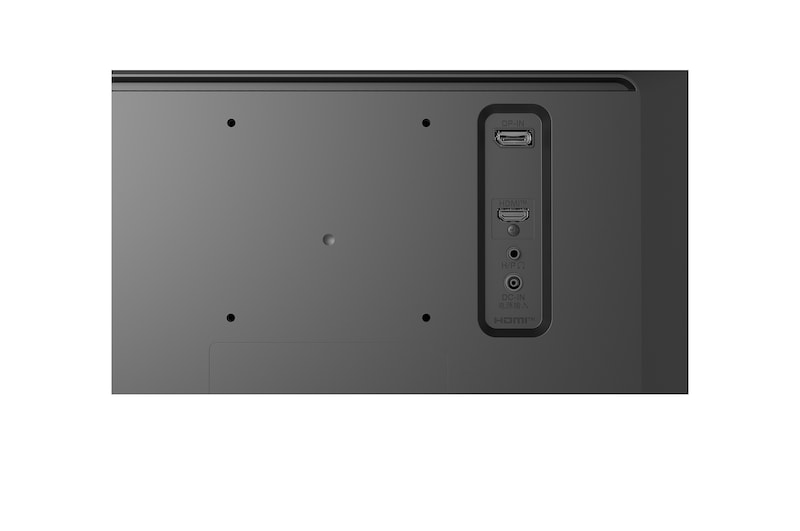
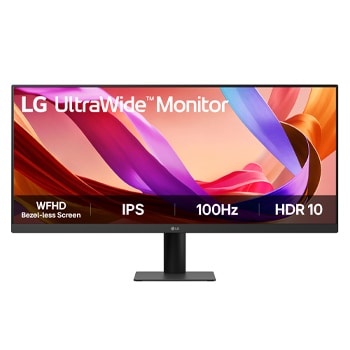
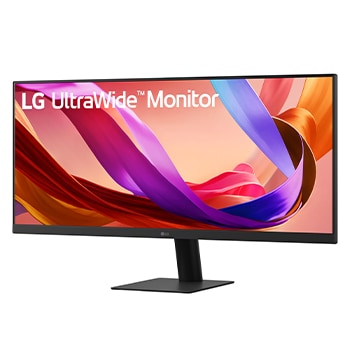
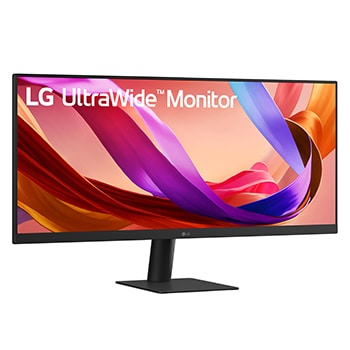
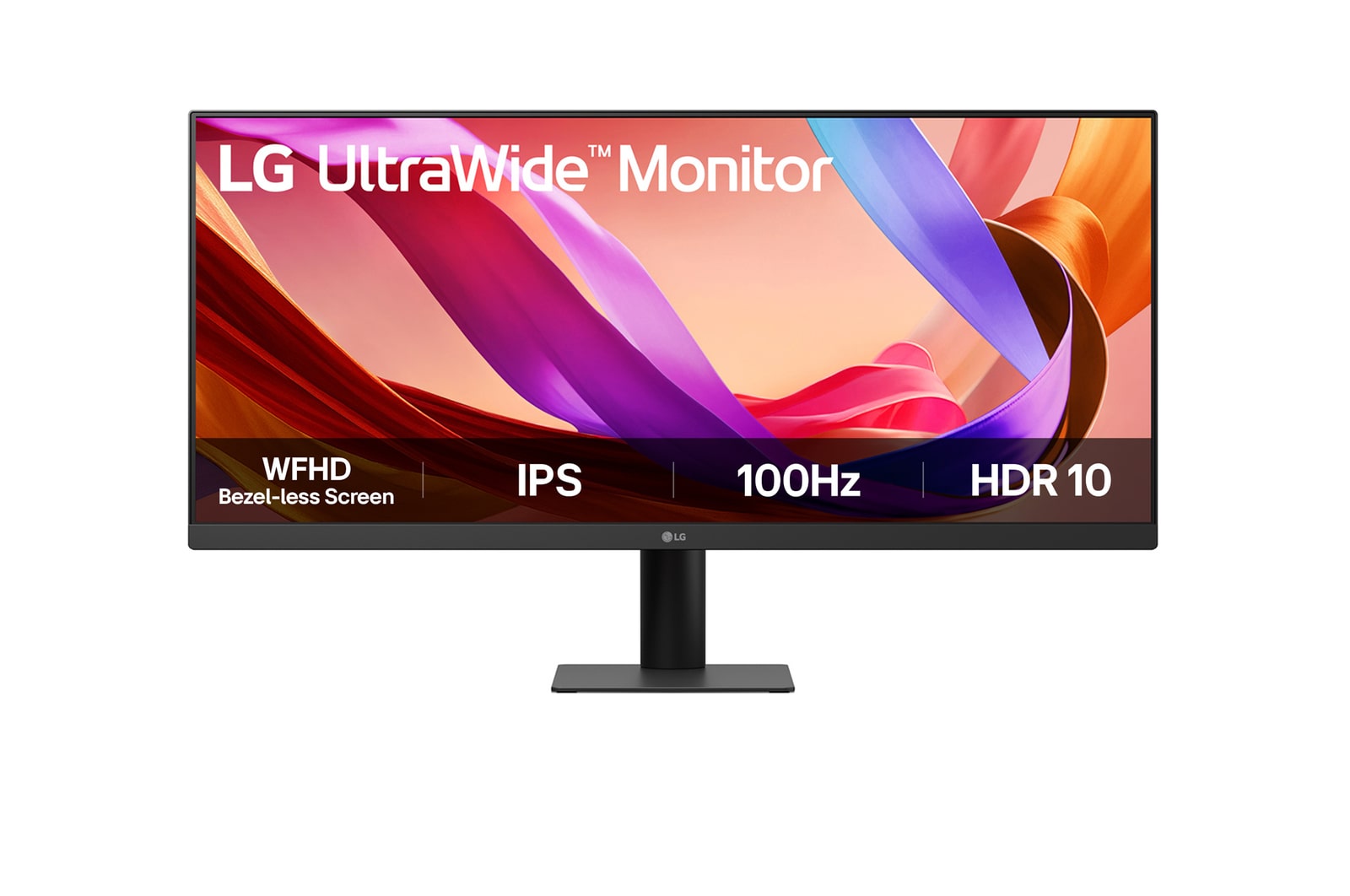
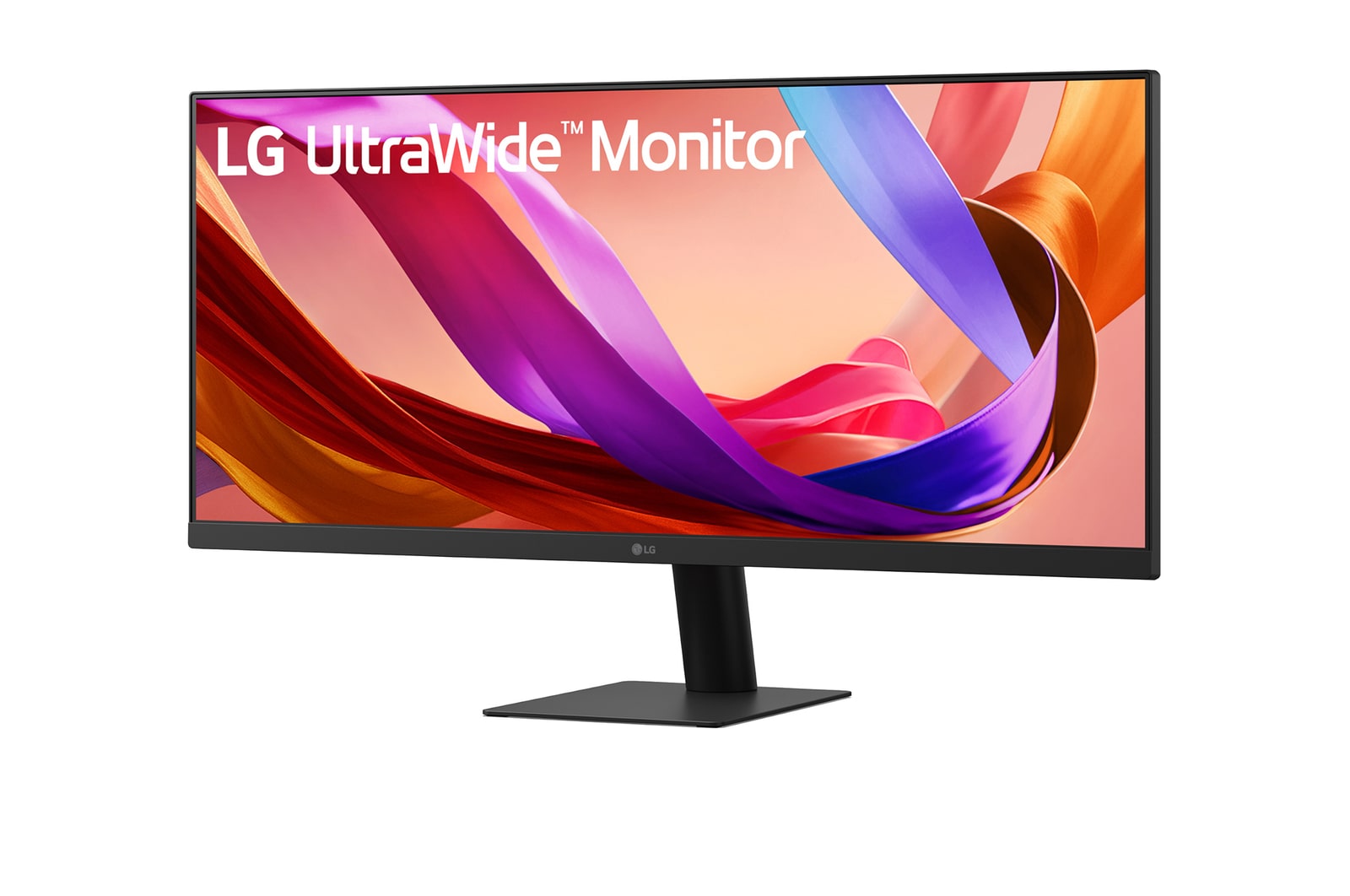
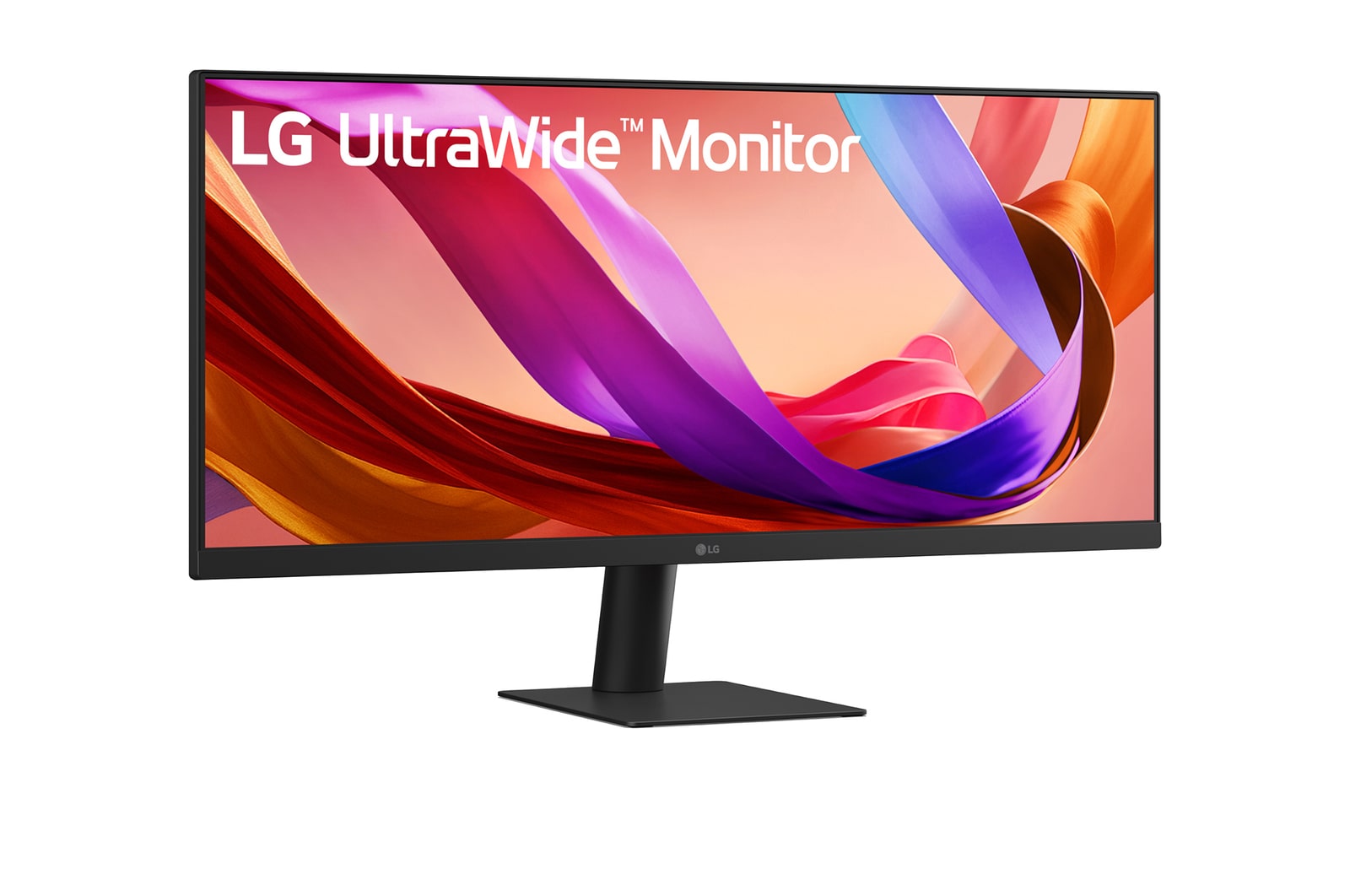
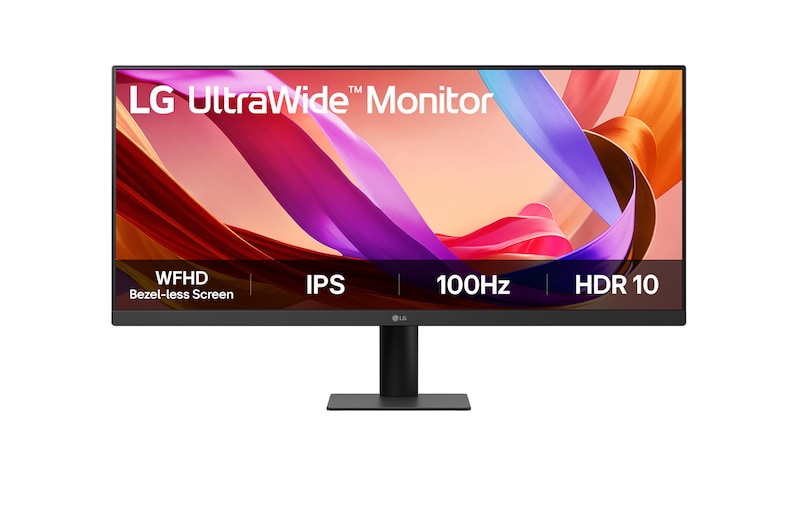
LG 29 (73.66 cm) UltraWide 21:9 WFHD (2560x1080) IPS Display |100Hz | 5ms(GtG) | Anti-Glare | sRGB 99% (Typ.) | HDR10 | 3-Side Virtual Borderless | Tilt Adjustable

LG UltraWide Monitor logo.

LG UltraWide Monitor logo.

29 (73.66 cm) 21:9 WFHD (2560x1080) IPS Display

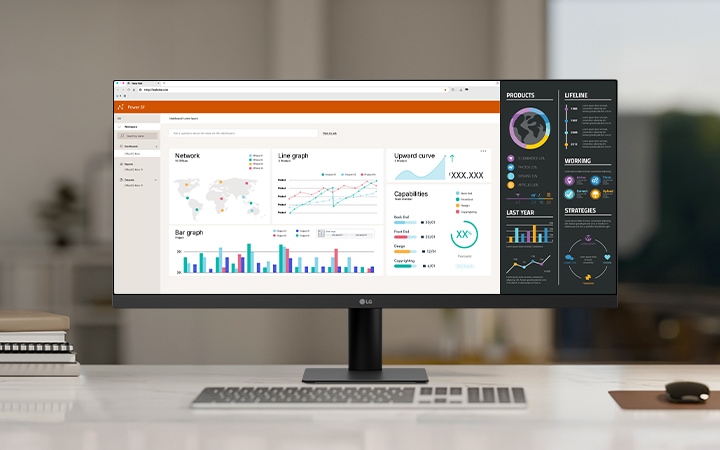
LG ultra-wide monitor on a white desk in a modern office, displaying multiple data dashboards and graphs for productivity and multitasking.
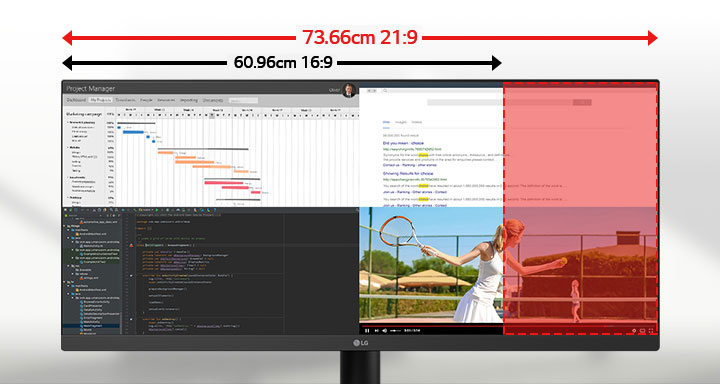
Ultra-wide 29-inch LG monitor illustrating the difference between 21:9 and 16:9 aspect ratios, with multiple applications displayed side by side for multitasking.

29 (73.66 cm) WFHD
IPS™ Display

with Bezel-less Screen

A futuristic motorcyclist racing through a neon-lit cityscape, with a highlighted section showing a clearer, sharper view to demonstrate motion clarity.

Clear and smooth with 100Hz refresh rate

Side view of a monitor illustrating tilt adjustment with overlapping outlines showing its ergonomic movement range.

Clutter-Free with a Sleek Stand

Night view of a brightly lit modern bridge and skyscrapers with vivid lighting reflected in the water, demonstrating high contrast and color detail.

HDR10 Detailed contrast

21:9 UltraWide™ Full HD Display

See more, do more

The UltraWide™ Full HD (2560×1080) display provides more horizontal screen space than a standard FHD (1920×1080) monitor. The virtually bezel-less design offers an uninterrupted, wider view. This allows for more efficient multitasking without switching between windows.

Ultra-wide 29-inch LG monitor illustrating the difference between 21:9 and 16:9 aspect ratios, with multiple applications displayed side by side for multitasking.

*The images simulated to enhance feature understanding. It may differ from actual use.

VESA DisplayHDR™ 400

Clarity that keeps you focused

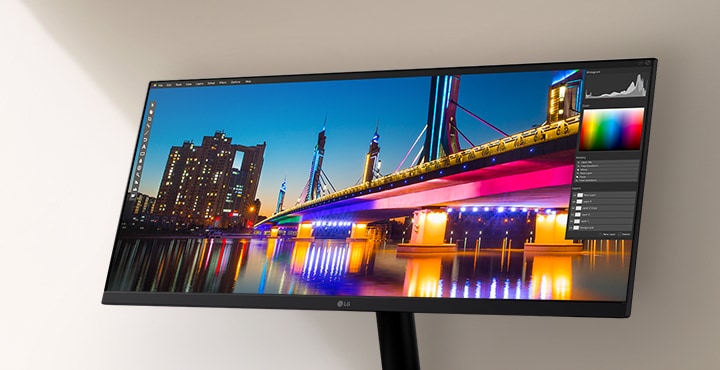
Supports VESA DisplayHDR™ 400, offering improved brightness and contrast for clearer detail in HDR content.

LG ultra-wide monitor displaying a vivid nighttime cityscape with a brightly lit bridge and reflection, shown within a photo editing software interface highlighting color and contrast tools.

*The images simulated to enhance feature understanding. It may differ from actual use.
LG Switch app

Switch swiftly

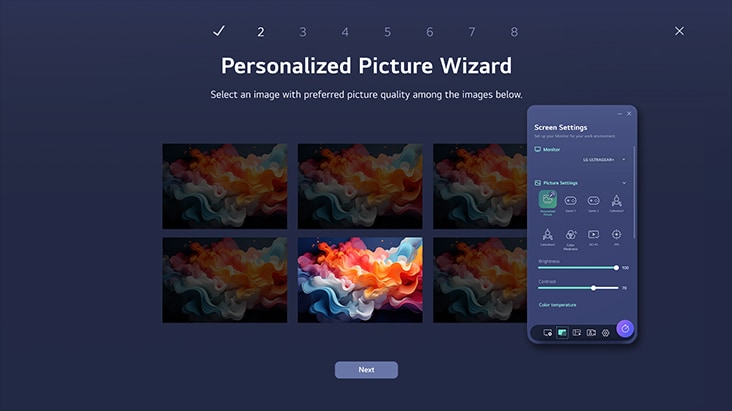
You can readily divide the whole display into up to 6 sections, change the theme design, or even launch a video call platform with a mapped hotkey. It also supports PBP and PIP modes for efficient multitasking across multiple input sources.

*The images are simulated to enhance feature understanding and may differ from actual use.

*To download the latest LG Switch app, search in the LG.com Support Menu.

1ms MBR

Clear motion with 1ms MBR

1ms MBR reduces motion blur and ghosting, delivering smoother gameplay and clearer visuals in fast-paced scenes.

ノートパソコンとデスクトップの両方に接続されたモニターでデュアルコントローラーを説明する画像です。モニターが、それぞれのデバイスの画像を同時に表示します。

Futuristic motorcyclists racing through a neon-lit city street, with motion blur effect in the background and a highlighted section showing sharp, clear visuals to demonstrate 1ms Motion Blur Reduction (MBR).

*The images simulated to enhance feature understanding. It may differ from actual use.

*1ms Motion Blur Reduction causes lowered luminance, and the following features cannot be used while it is activated : AMD FreeSync™.

*Flicker may occur during 1ms MBR operation.

5ms (GtG)

Consistent speed

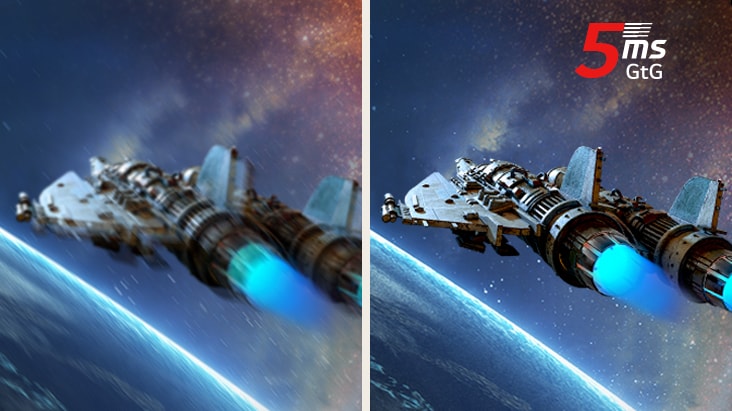
Experience responsive 5ms (GtG) response time, minimizing ghosting for clear, fluid visuals. Stay in control in every game with dependable speed and smooth motion.

*The images are simulated to enhance feature understanding and may differ from actual use.

Built for comfort, designed for productivity

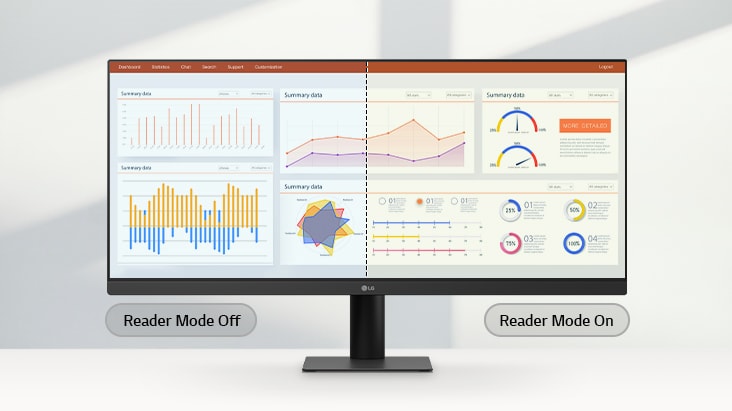
Reader Mode

Adjusts color temperature and brightness to help reduce eye fatigue when viewing documents for extended periods.

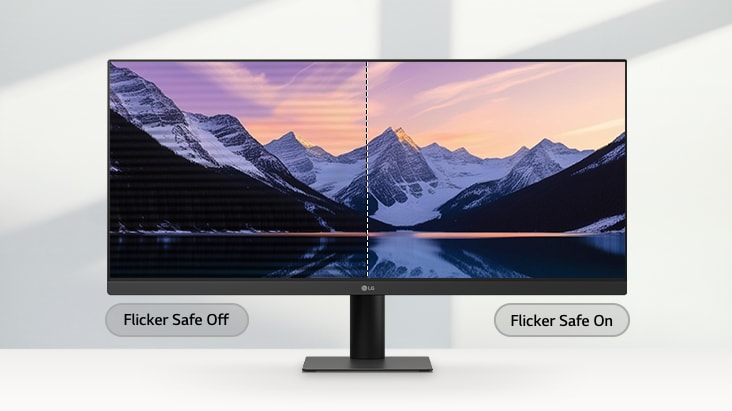
Flicker Safe

Flicker Safe reduces invisible flickering on the screen and provides a more comfortable working environment for your eyes.

*The images simulated to enhance feature understanding. It may differ from actual use.

*Above feature may vary depending on real use conditions that the user is using.

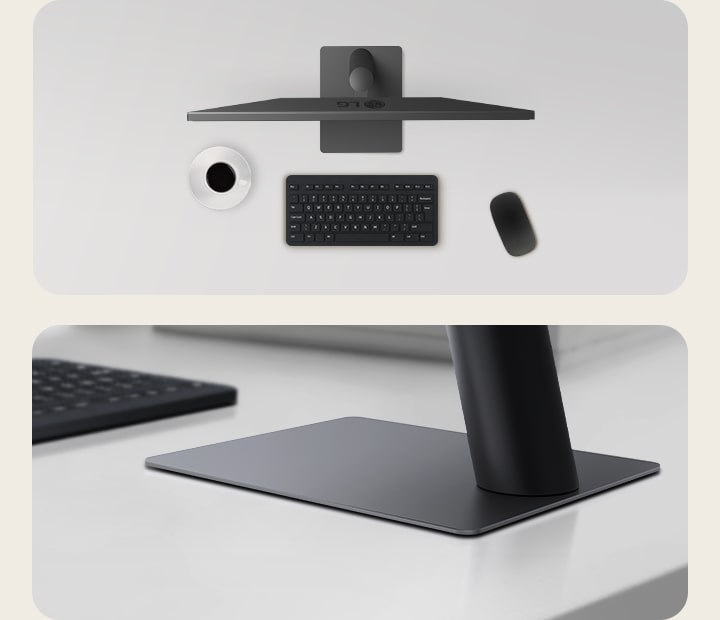
Sleek Stand with a Slim Base

Clutter-free with a sleek stand

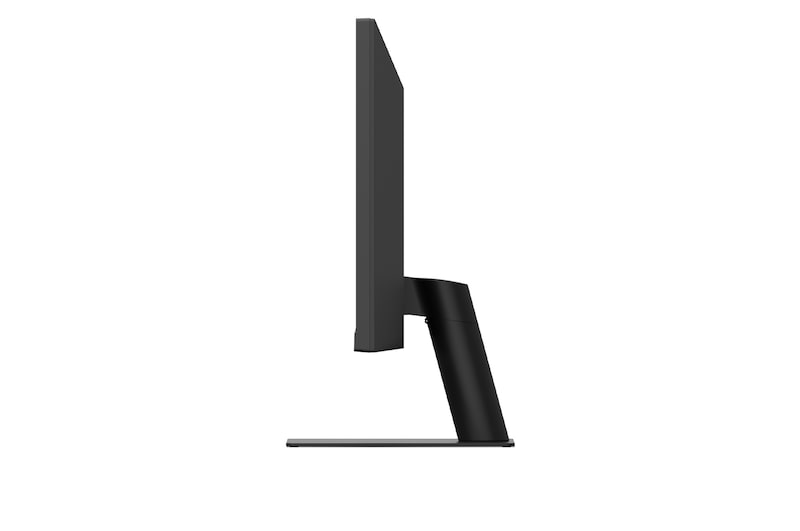
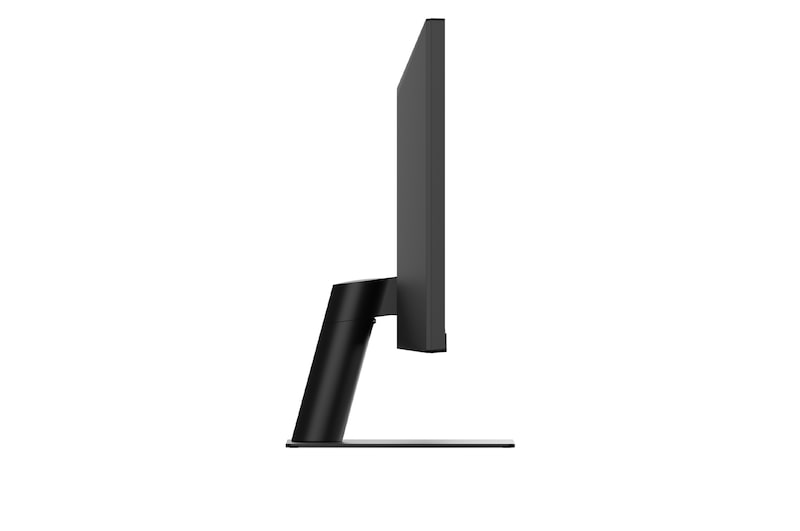
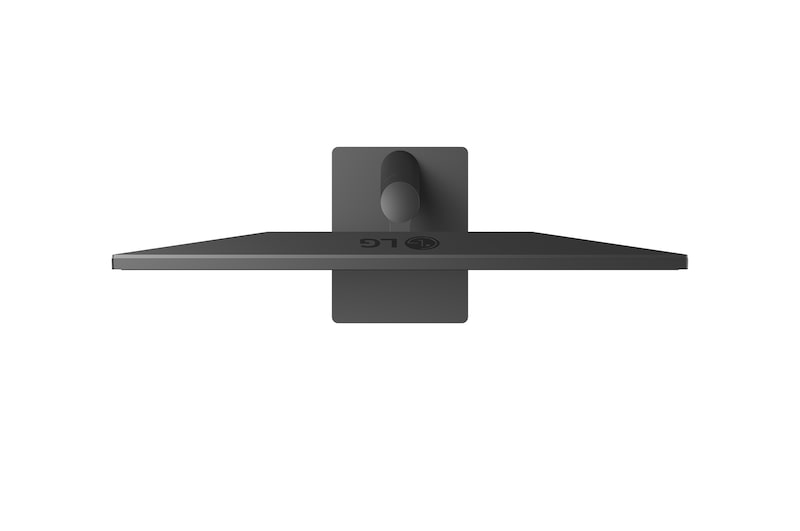
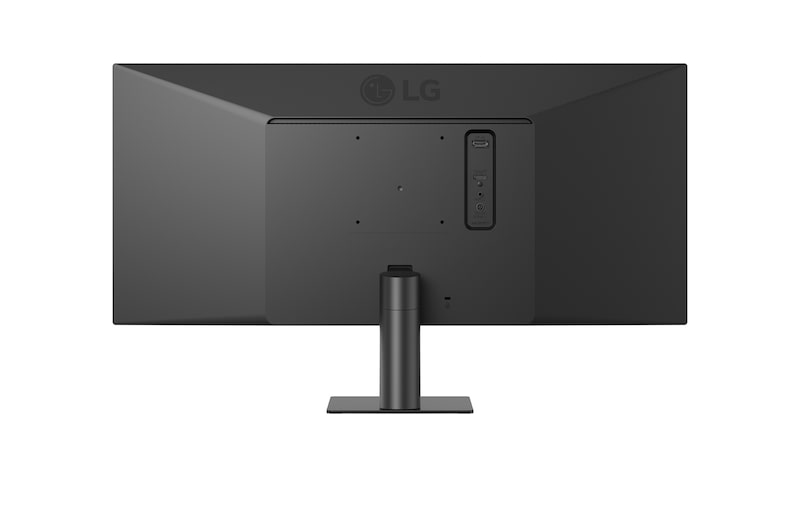
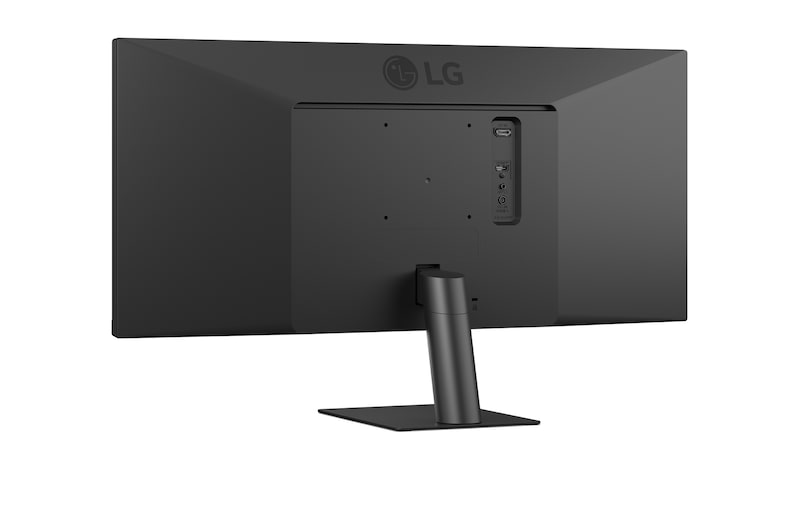
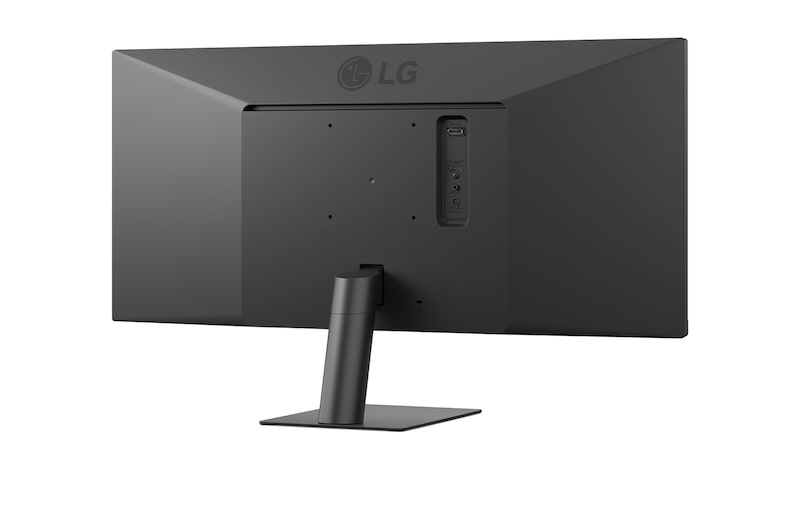
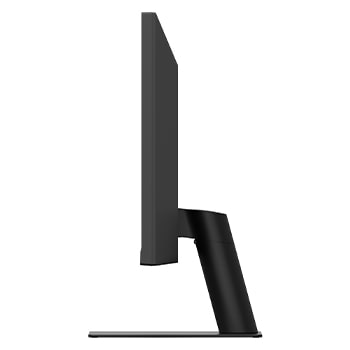
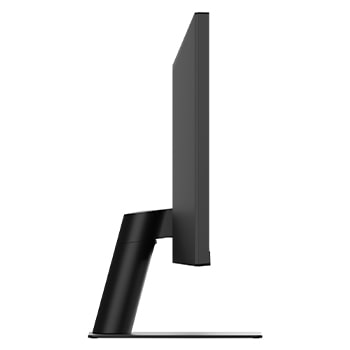
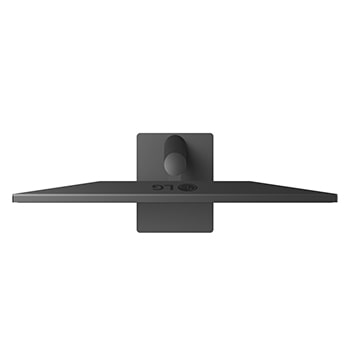
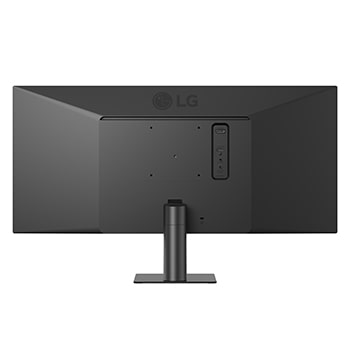
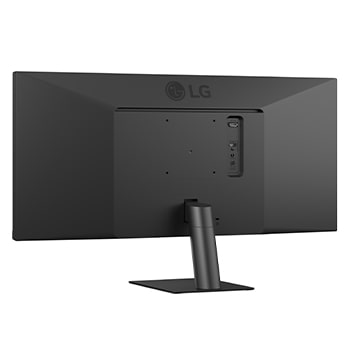
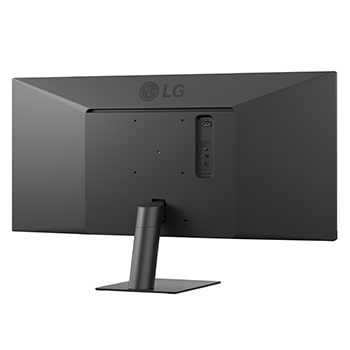
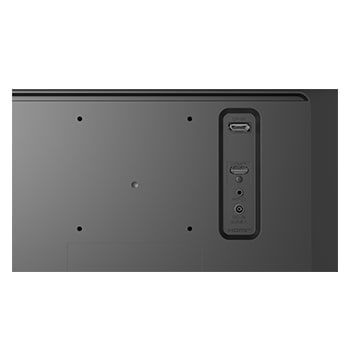
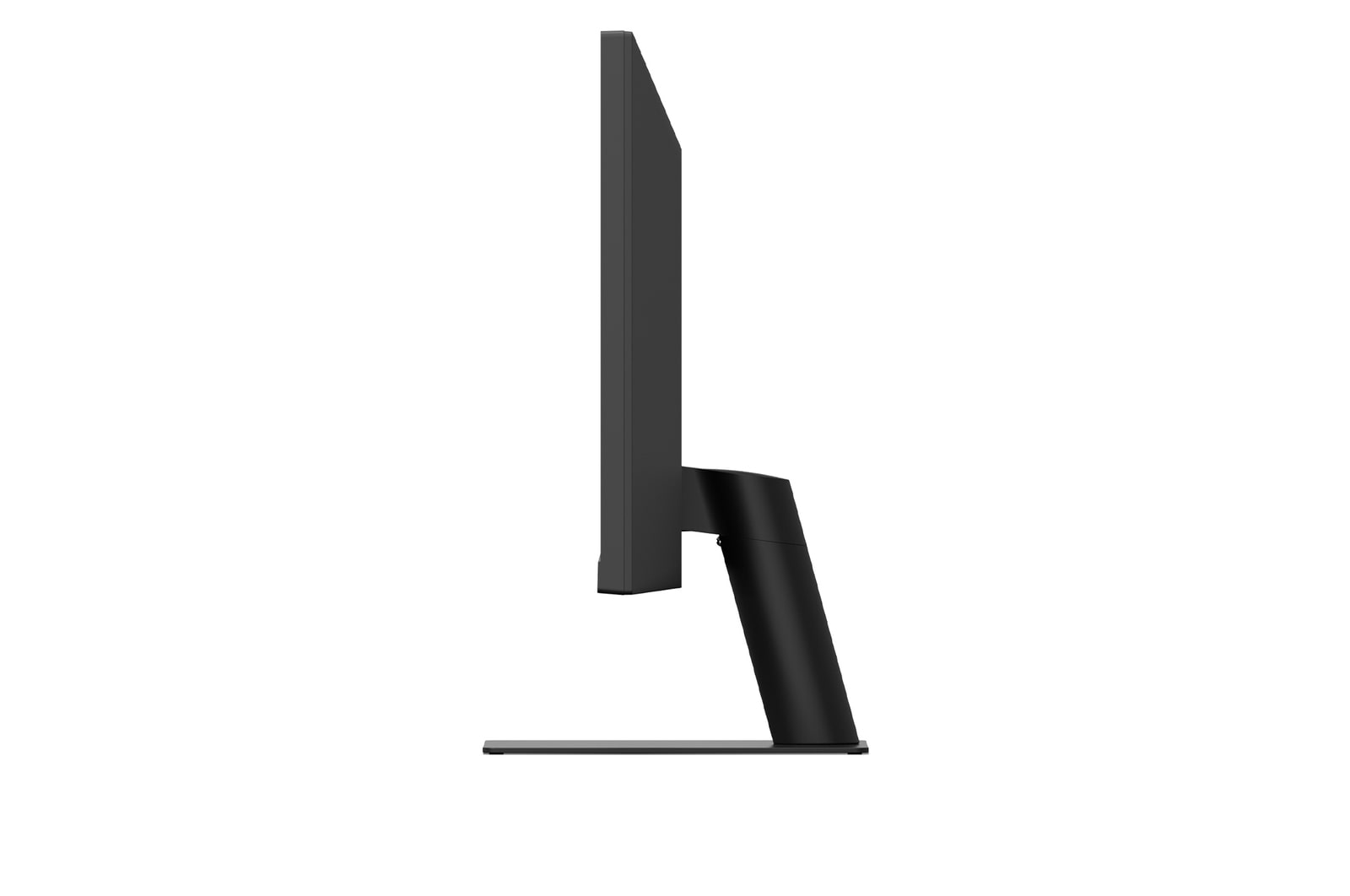
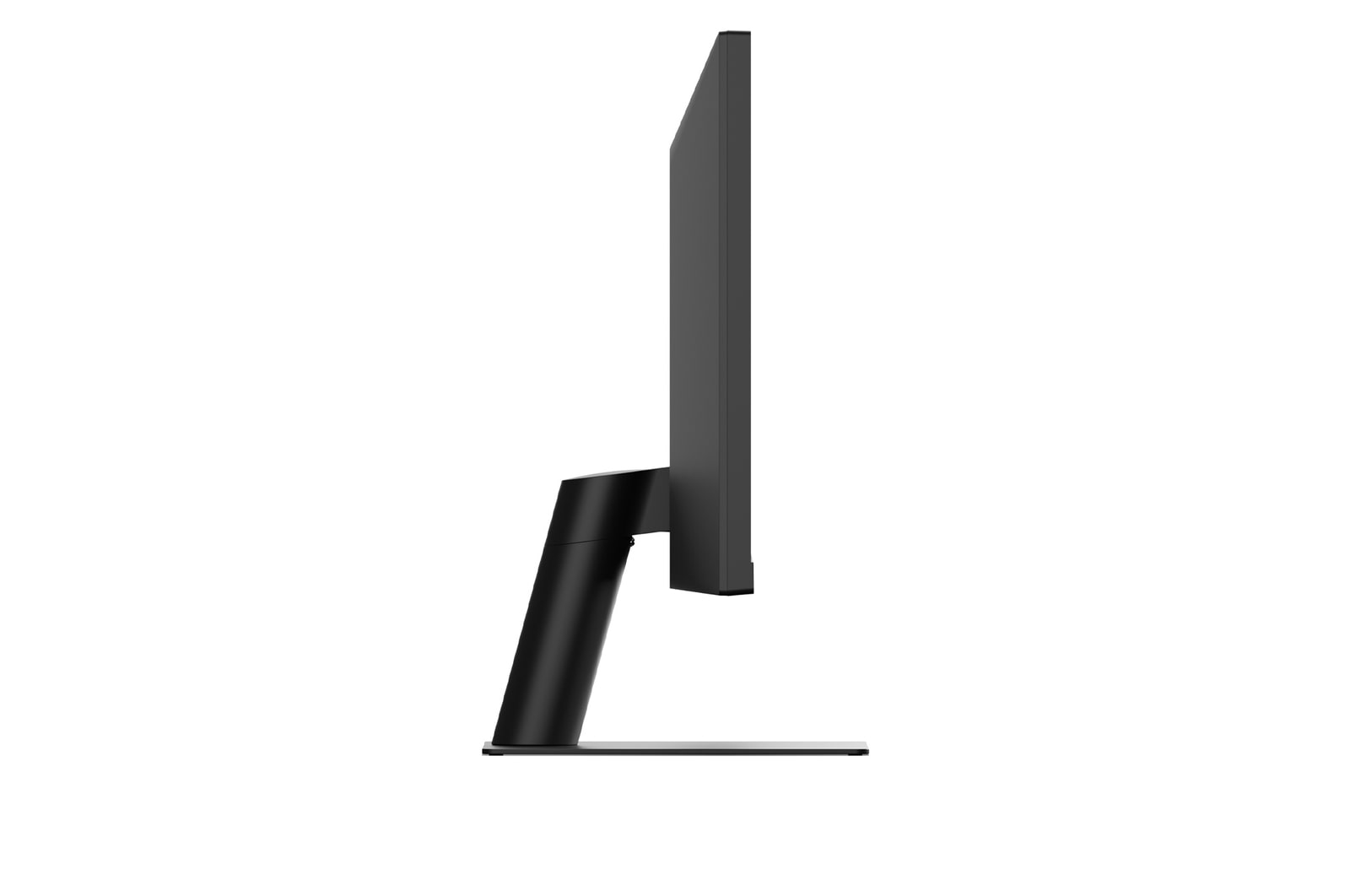
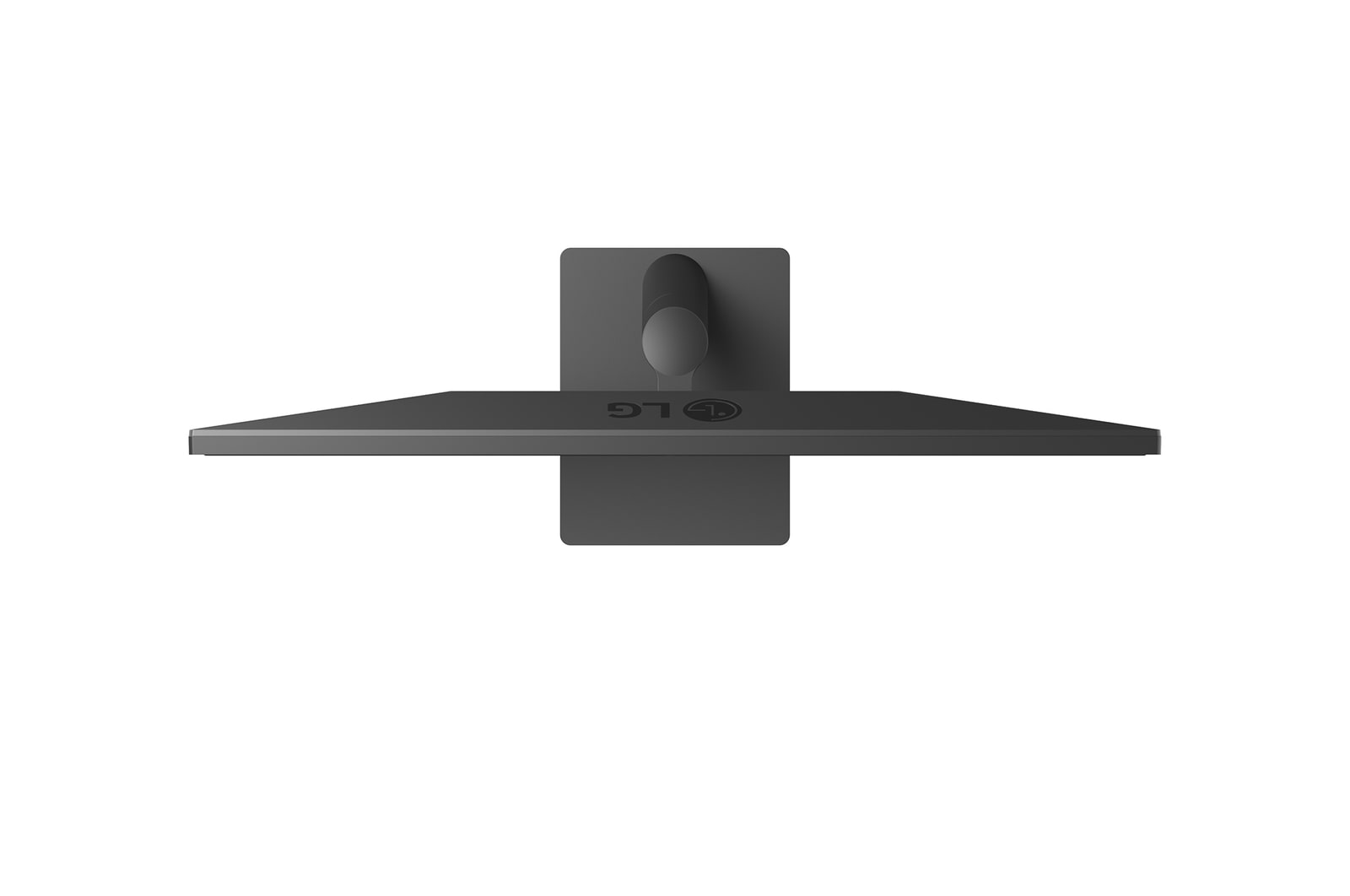
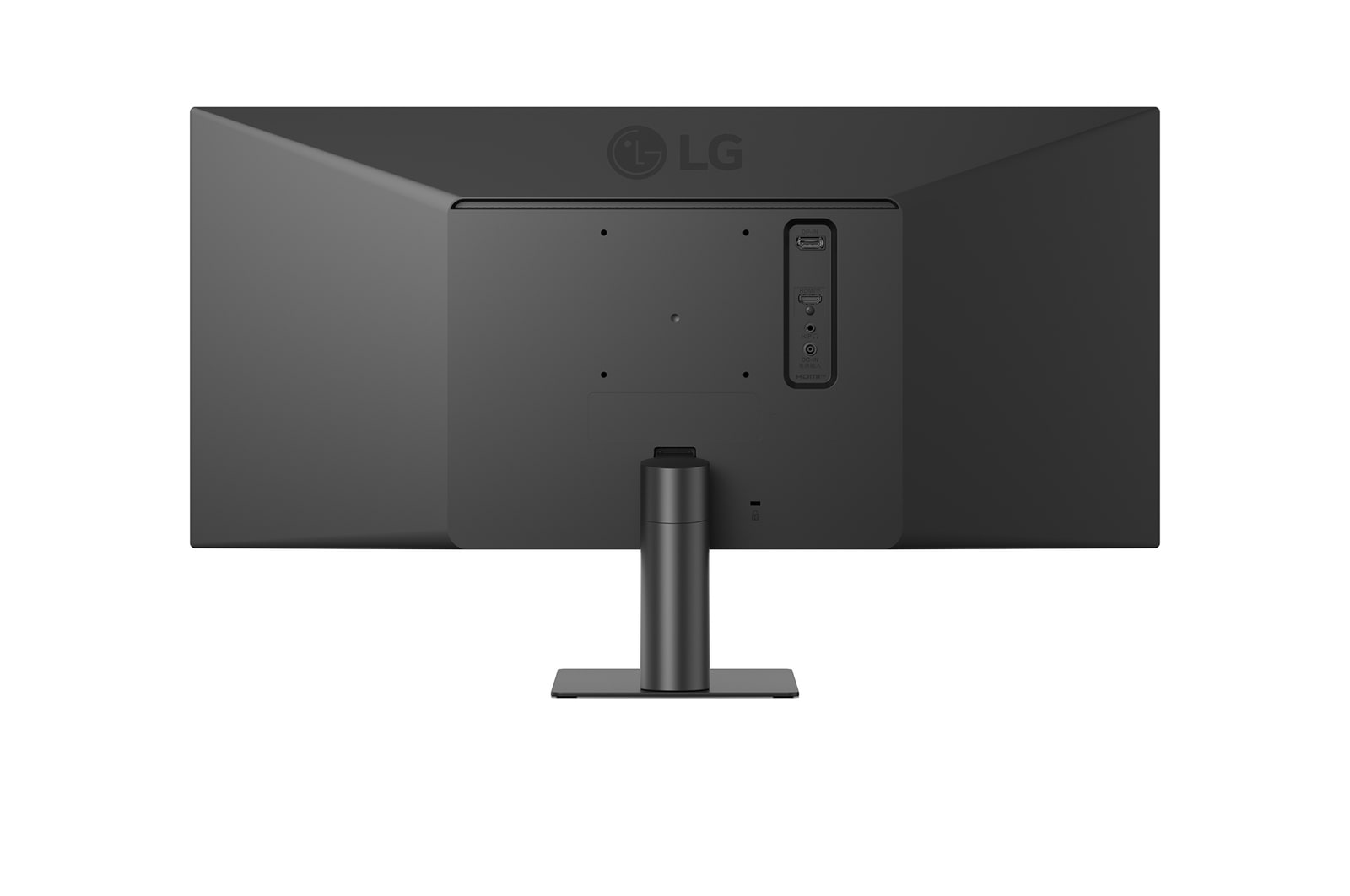
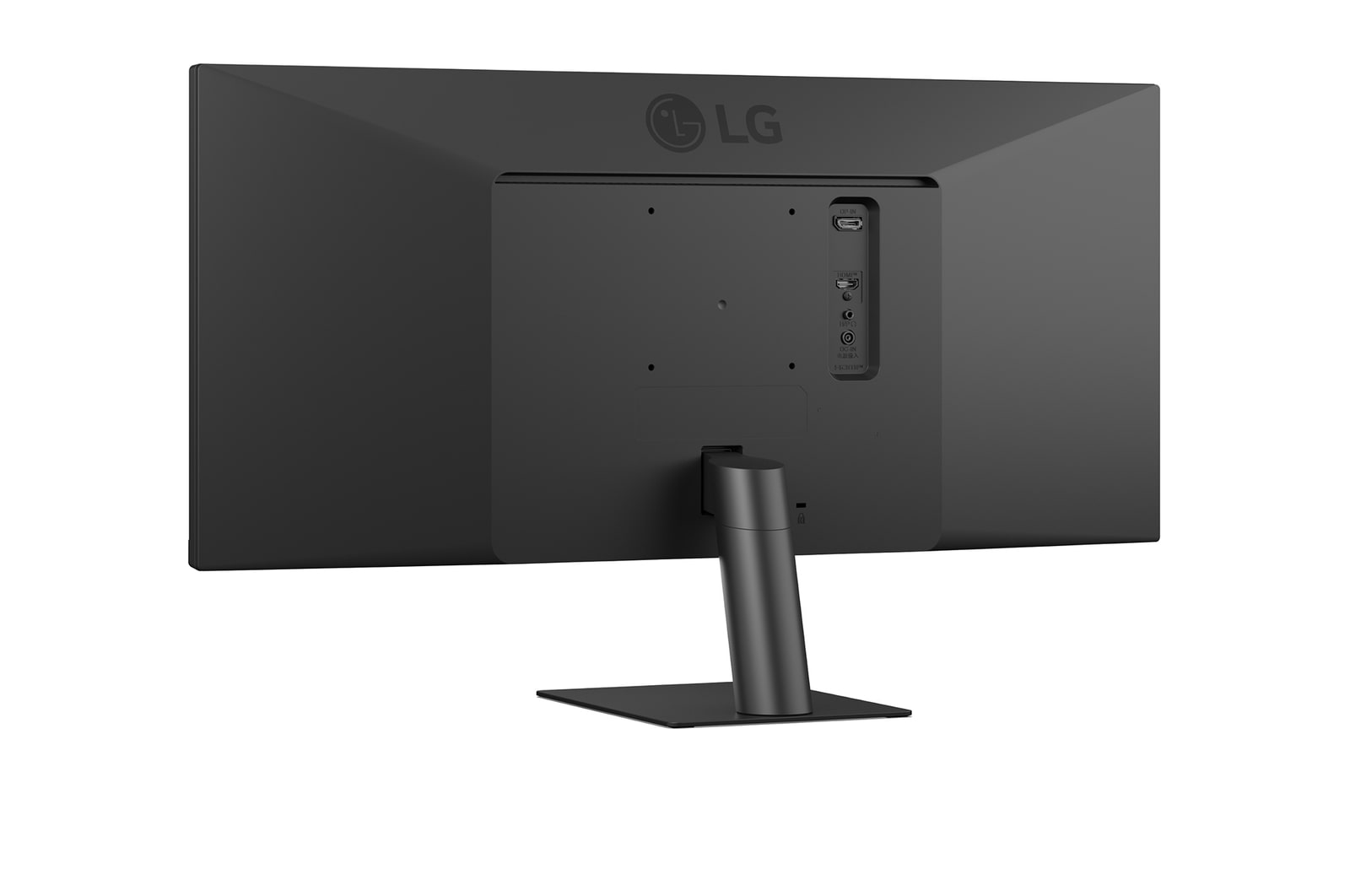
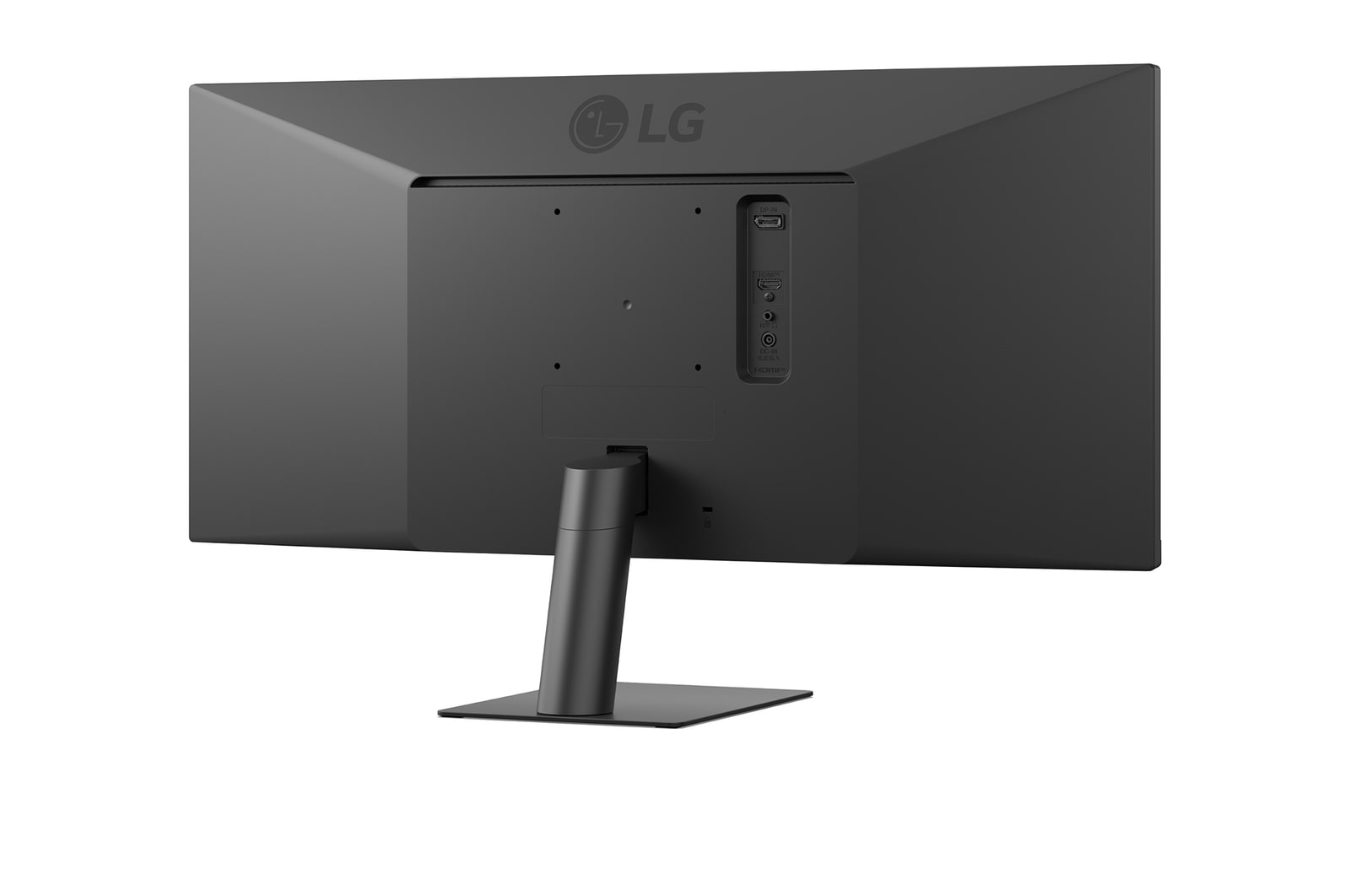
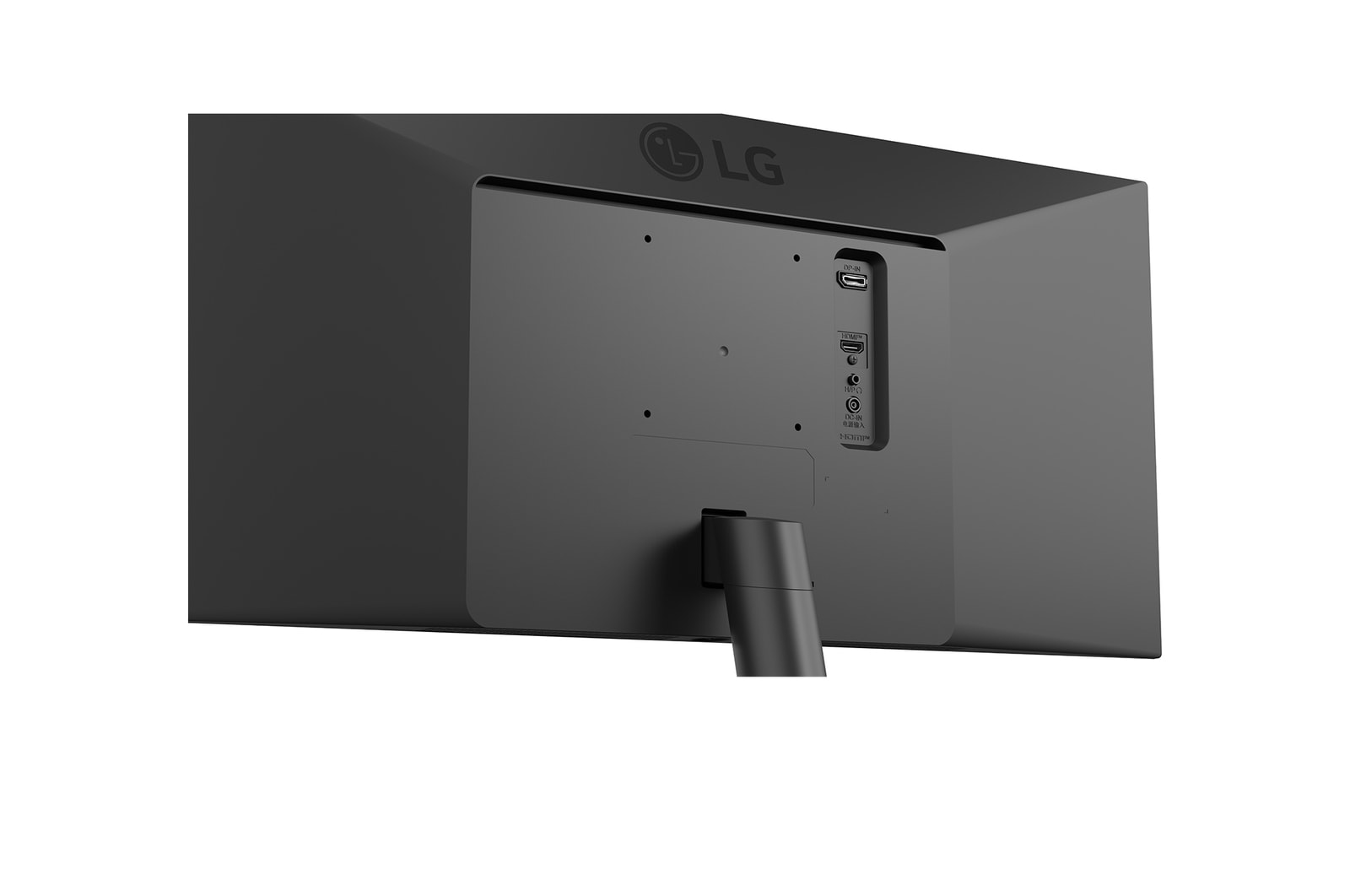
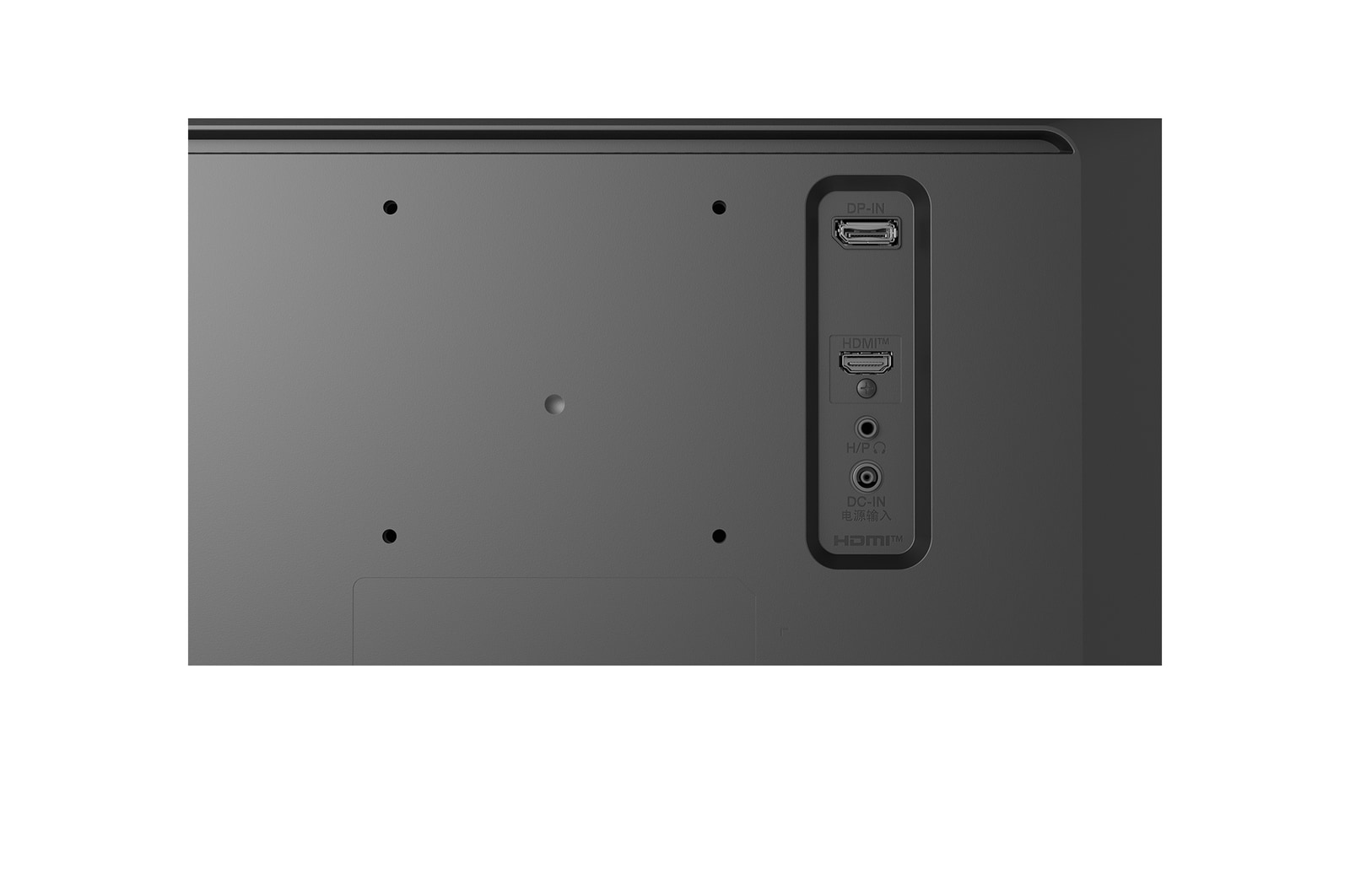
A sleek L-shaped stand is designed for ergonomic comfort with tilt adjustment, and is also compatible with 100×100 VESA wall mounting for flexible installation and efficient workspace use.

Top and angled views of an monitor setup on a clean desk, featuring a coffee cup, wireless keyboard, mouse, and a sleek, low-profile stand that ensures stability and saves space.

All Spec

What people are saying

PICKS FOR YOU: