We use cookies, including cookies from third parties, to enhance your user experience and the effectiveness of our marketing activities. These cookies are performance, analytics and advertising cookies, please see our Privacy and Cookie policy for further information. If you agree to all of our cookies select “Accept all” or select “Cookie Settings” to see which cookies we use and choose which ones you would like to accept.
FAQs
Q.
What makes the display suitable for accurate and consistent color reproduction?
A.
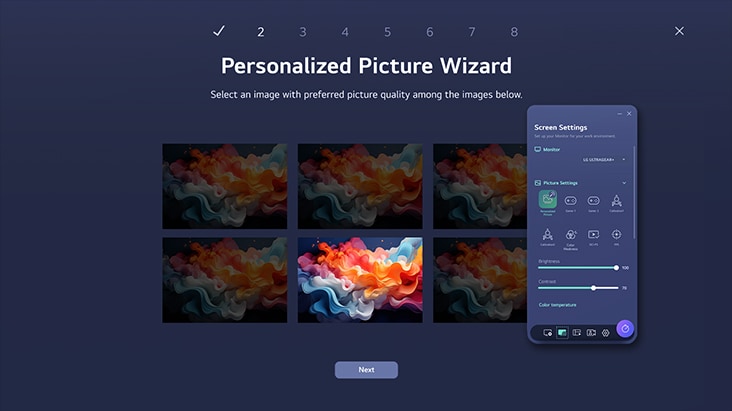
The display delivers accurate and consistent colors through a combination of advanced display technology and careful color management. These features make it suitable for everyday viewing and tasks where reliable color reproduction matters.
● IPS™ Display: Offers accurate colors and a wide viewing angle, helping to maintain consistent image quality when viewed from different positions.
● sRGB 99% (Typ.): Provides 99% coverage of the sRGB color space, supporting a broad and accurate range of colors for detailed visuals.
● Color Calibrated: Ensures precise and consistent color reproduction; displayed colors appear more reliable and uniform across different content.
● Combined Performance: Together, these technologies create a balanced viewing experience with dependable color accuracy, clarity, and consistency.
This combination makes the display a suitable choice for users who value dependable color performance in daily use.

Q.
What features does the LG Switch app offer for efficient multitasking?
A.
The LG Switch app offers several features designed to make multitasking and screen management easy. It allows users to:
● Divide the display: Split the screen into up to six sections to use multiple applications simultaneously.
● Change screen layouts: Select different theme designs to organize the display as per individual preferences.
● Use mapped hotkeys: Quickly launch frequently used functions, like video call platforms, by using assigned shortcuts.
● Support PBP and PIP: Use Picture-by-Picture (PBP) and Picture-in-Picture (PIP) modes to manage content from multiple input sources efficiently.
● Improve productivity: Switch between tasks and organize multiple windows more conveniently from a single display.
*To download the latest LG Switch app, search in the LG.com Support Menu.
Q.
How does 1ms MBR deliver clearer visuals during fast-paced gameplay?
A.
1ms MBR (Motion Blur Reduction) delivers clear and smooth visuals during fast-paced gameplay by reducing motion blur and ghosting. When objects move quickly across the screen, traditional displays produce blurred trails that make details harder to follow. With 1ms MBR, motion presents with improved clarity, allowing fast-moving characters, objects, or vehicles to appear sharper. This is especially useful in action, sports, racing, and competitive games where quick reactions and clear visuals are important. By enhancing motion clarity, 1ms MBR contributes to a more fluid and focused gaming experience, especially during rapidly changing scenes and movements.
*1ms Motion Blur Reduction causes lowered luminance, and the following features cannot be used while it is activated : AMD FreeSync™.
*Flicker may occur during 1ms MBR operation.
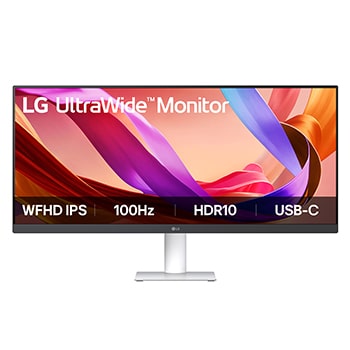
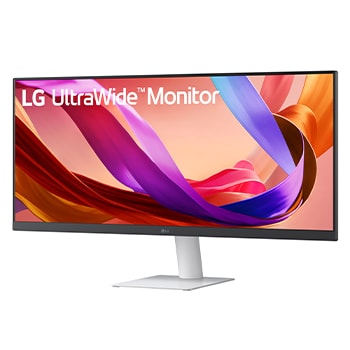
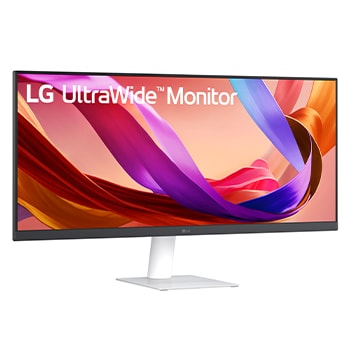
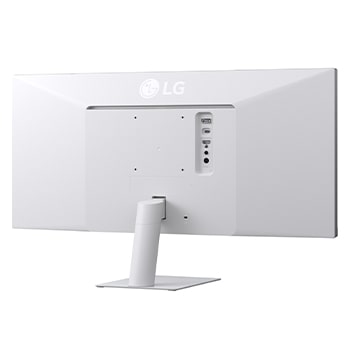
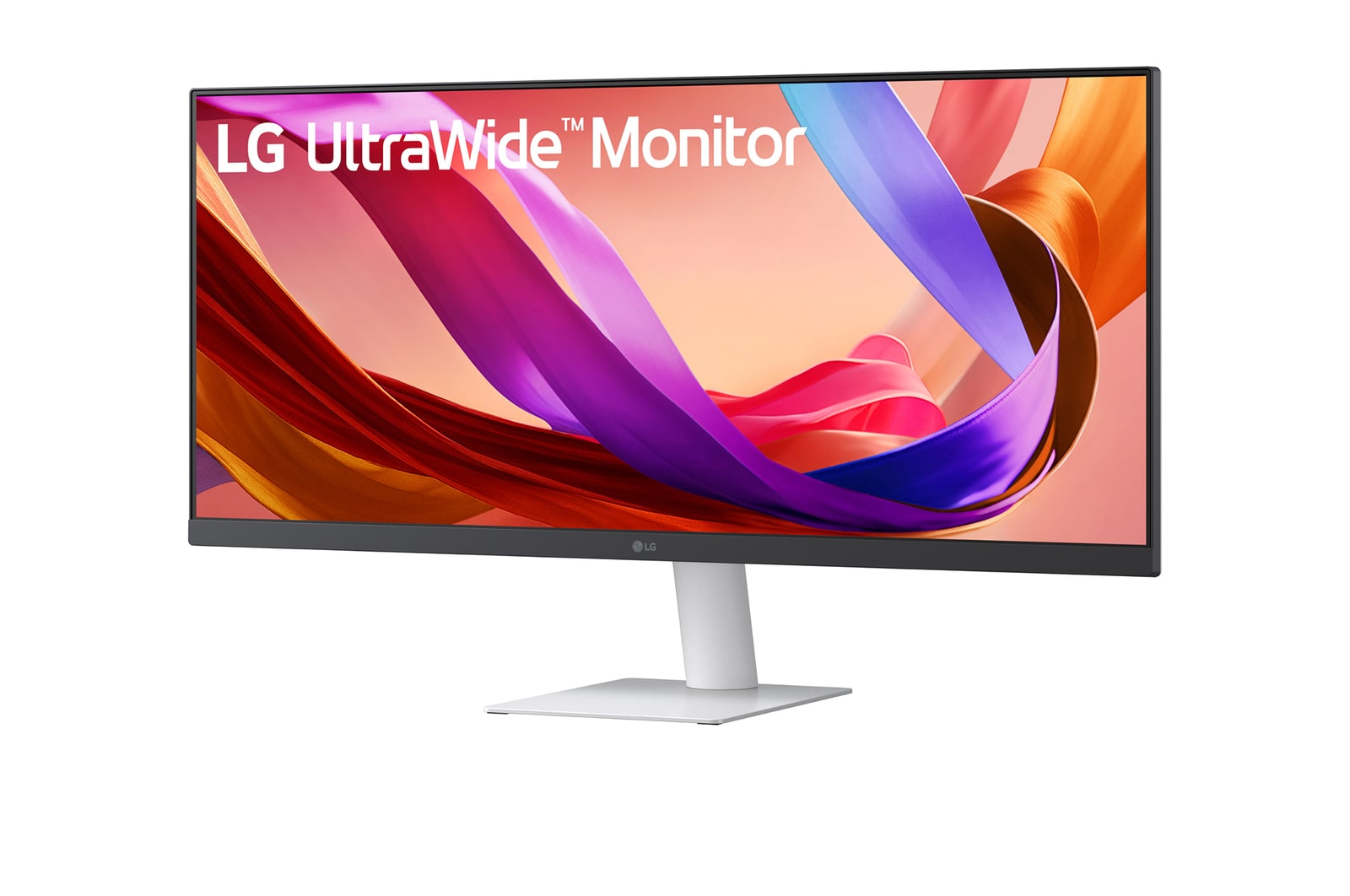
LG 29(73.66 cm) UltraWide 21:9 WFHD (2560x1080) IPS Display | 100Hz | 5ms(GtG) | sRGB 99% (Typ.) | HDR10 | 3-Side Narrow Bezel |Tilt Adjustable
29U531A-W
()
29(73.66 cm) 21:9 WFHD (2560x1080) IPS Display
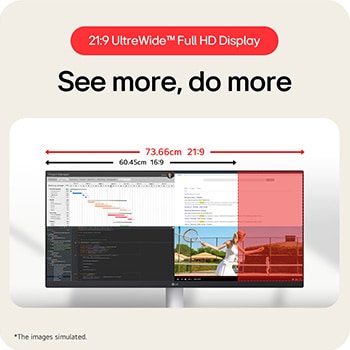
21:9 UltraWide™ Full HD Display
See more, do more
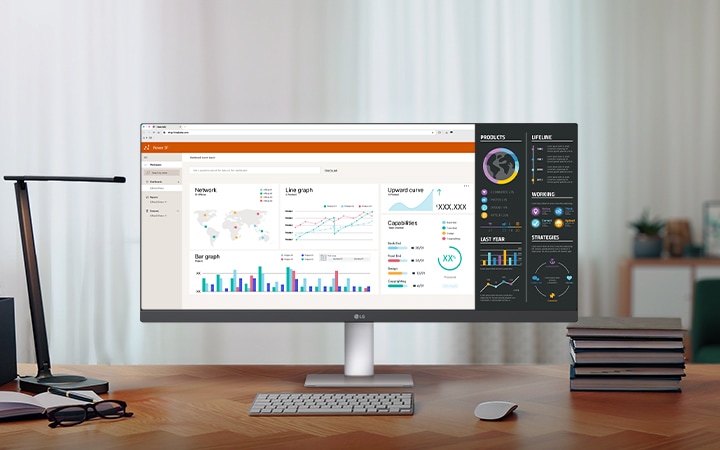
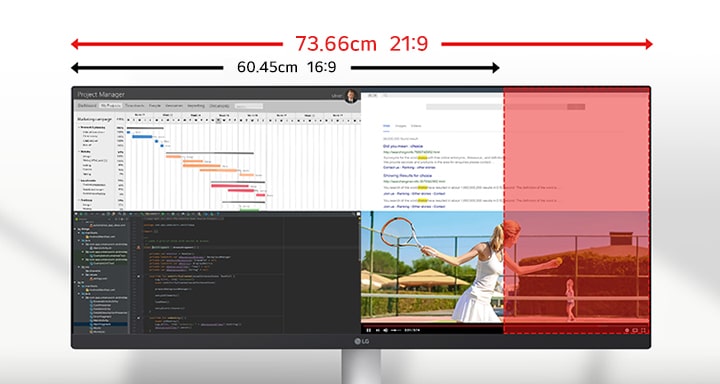
The UltraWide™ Full HD (2560×1080) display provides more horizontal screen space than a standard FHD (1920×1080) monitor. The 3-side narrow bezel design offers an uninterrupted, wider view. This allows for more efficient multitasking without switching between windows.
Images simulated to enhance feature understanding. It may differ from actual use.
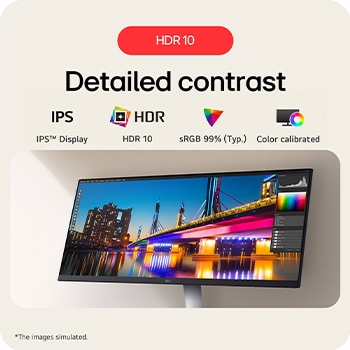
HDR 10
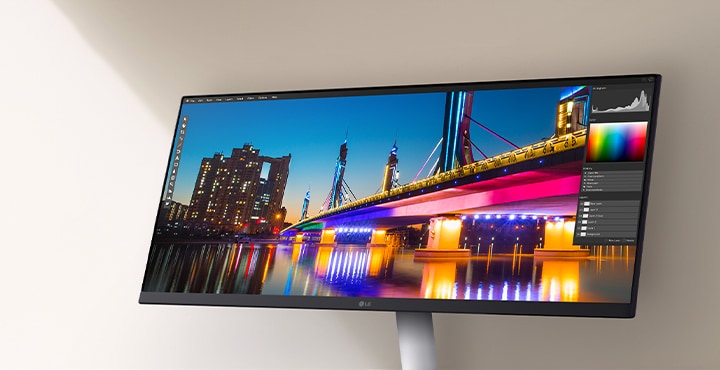
Detailed contrast
HDR technology is now widely used across various types of content. This monitor supports the industry-standard HDR10 high dynamic range and covers 99% of the sRGB colour gamut, delivering precise levels of colour and brightness that allow viewers to fully experience the vivid and dramatic visuals of HDR content.
Images simulated to enhance feature understanding. It may differ from actual use.
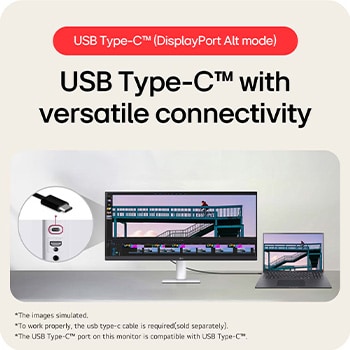
USB Type-C™ (DisplayPort Alt mode)
USB Type-C™ with versatile connectivity
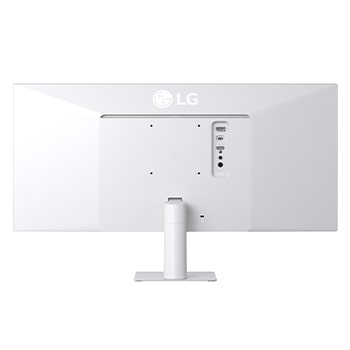
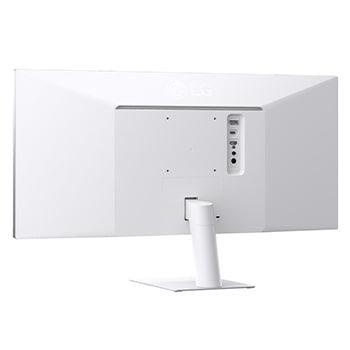
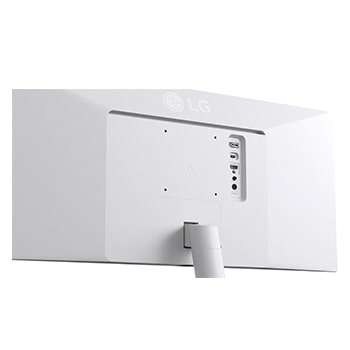
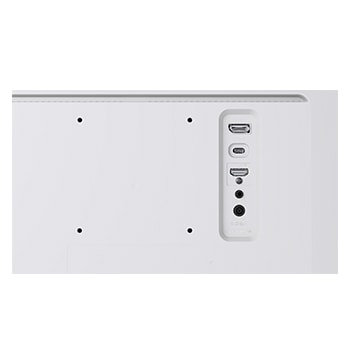
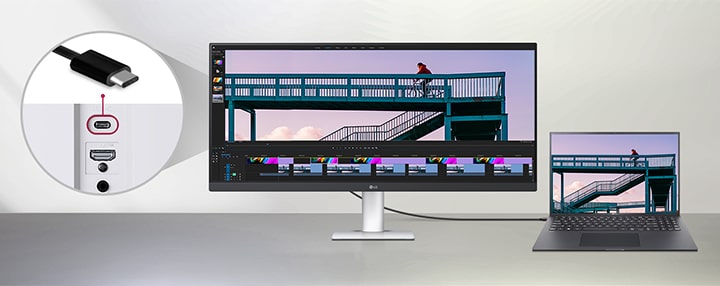
This monitor offers USB Type-C™, DisplayPort, HDMI ports to ensure smooth connectivity with various devices. The USB Type-C™ port supports both display output and data transfer, allowing easy connection to your laptop with a single cable.
Images simulated to enhance feature understanding. It may differ from actual use.
To work properly, the USB Type-C™ cable is required and must be purchased separately.
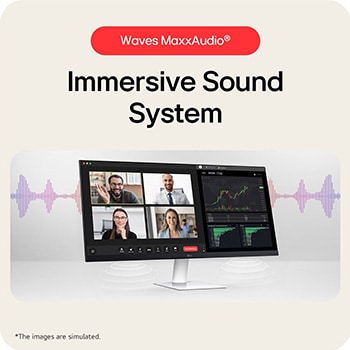
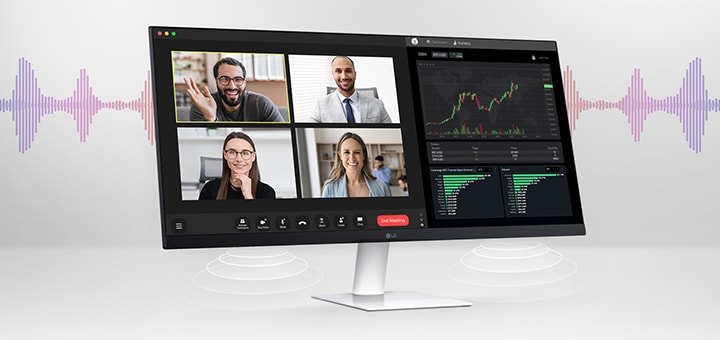
Waves MaxxAudio®
Immersive Sound System
Two 5W Stereo Speakers with MaxxAudio® completes your immersive experience.
Images are simulated to enhance feature understanding and may differ from actual use.
LG Switch app
Switch swiftly
You can readily divide the whole display into up to 6 sections, change the theme design, or even launch a video call platform with a mapped hotkey. It also supports PBP and PIP modes for efficient multitasking across multiple input sources.
Images are simulated to enhance feature understanding and may differ from actual use.
To download the latest LG Switch app, search for 29U531A in the LG.com Support Menu.
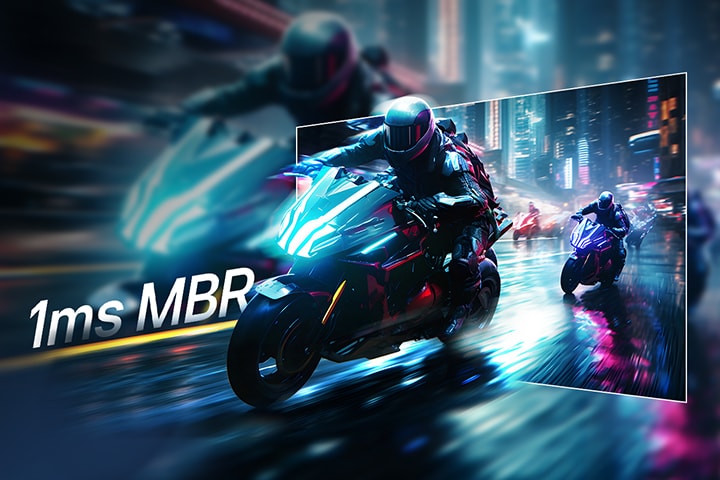
1ms MBR
Clear motion with 1ms MBR
1ms MBR reduces motion blur and ghosting, delivering smooth gameplay and clear visuals in fast-paced scenes.
Futuristic motorcyclists racing through a neon-lit city street, with motion blur effect in the background and a highlighted section showing sharp, clear visuals to demonstrate 1ms Motion Blur Reduction (MBR).
Images simulated to enhance feature understanding. It may differ from actual use.
1ms Motion Blur Reduction causes lowered luminance, and the following feature cannot be used while it is activated : AMD FreeSync™.
Flicker may occur during 1ms MBR operation.
Built for comfort, designed for productivity
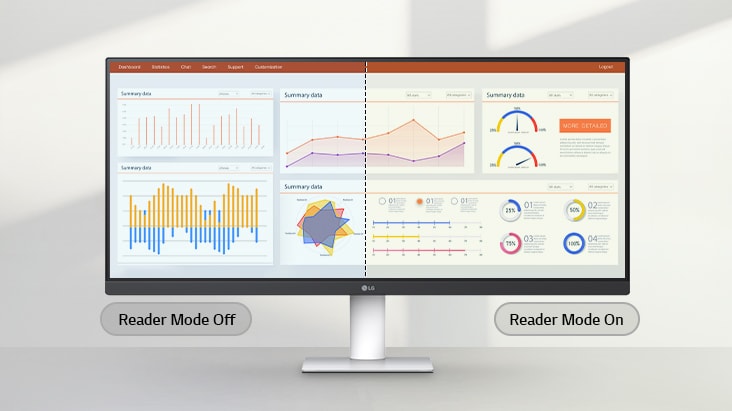
Reader Mode
Adjusts colour temperature and brightness to help reduce eye fatigue when viewing documents for extended periods.
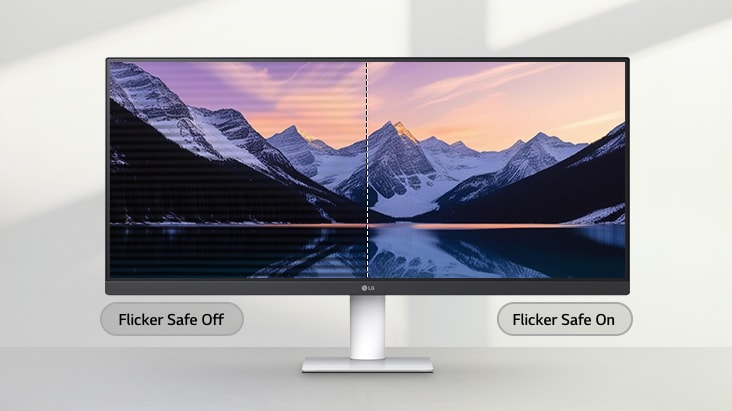
Flicker Safe
Flicker Safe reduces invisible flickering on the screen and provides a more comfortable working environment for your eyes.
Images simulated to enhance feature understanding. It may differ from actual use.
Performance of the above feature may vary and is dependent on real use conditions.
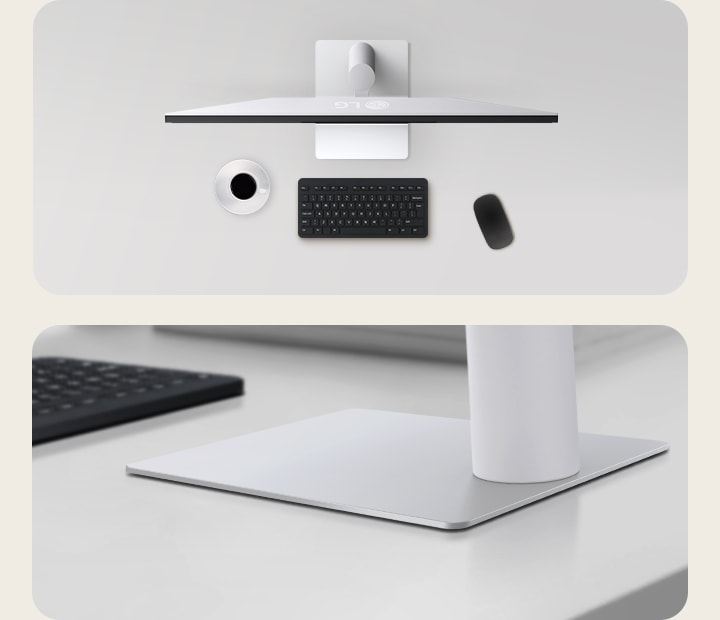
Sleek Stand with a Slim Base
Reduce clutter with a sleek design
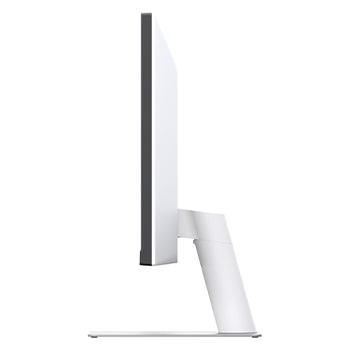
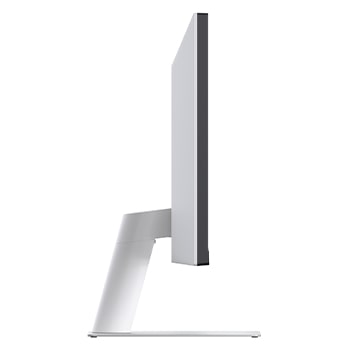
Designed for productivity and style, the 3-side narrow bezel screen and space-saving L-stand create a clean, clutter-minimising workspace. This monitor is built to enhance comfort and focus - ideal for long editing sessions and precise visual work.
All Spec
What people are saying
PICKS FOR YOU:
Manual& Software
Download product manuals and latest software for your product.
Troubleshoot
Find helpful how-to videos for your product.
Warranty
Check your product warranty information here.
Part& Accessory
Discover accessories for your product.
Product registration
Registering your product will help you get faster support.
Product support
Find manual, troubleshoot and warranty of your LG product.
Order support
Track your order and check order FAQ.
Repair request
Repair request service conveniently online.
Contact us
Live chat
Chat with LG Product Experts for shopping assistance, discounts and offers in real time
WhatsApp
Chat with LG Service Support using the most popular messenger
Email us
Send an Email to LG Service Support
Call Us
FOR CONSUMERS:
For any customer assistance, our support team is available 24/7, except on national holidays. Call 08069379999 anytime.
Get 5%* instant Cashback up to ₹1250* (Max Discount) on No Cost EMI on selected credit and debit cards. Cashback offer is not valid on payments made via QR Code or SMS payment Link. For More details click here.
Similar Product