HELPFUL HINTS

Why is my washing machine not draining?


Smart Home
Puppy inside LG washing machine

Puppy inside LG washing machine

  • Identify the cause of drainage failure by checking filters, hoses, pumps, and washer-dryer parts.
  • Learn how to clean the pump filter and clear the drain hose to restore normal water flow.
  • Troubleshoot new machines by removing transport bolts and correcting installation.
  • Discover maintenance tips to prevent blockages and improve long-term performance.
  • See how you can contact LG-certified support for a professional diagnostic.

A washing machine not draining is one of the most common laundry-related problems reported by households.

This guide explains the most common causes behind drainage problems, and some simple solutions for virtually any device.

Common causes of a washing machine that won’t drain

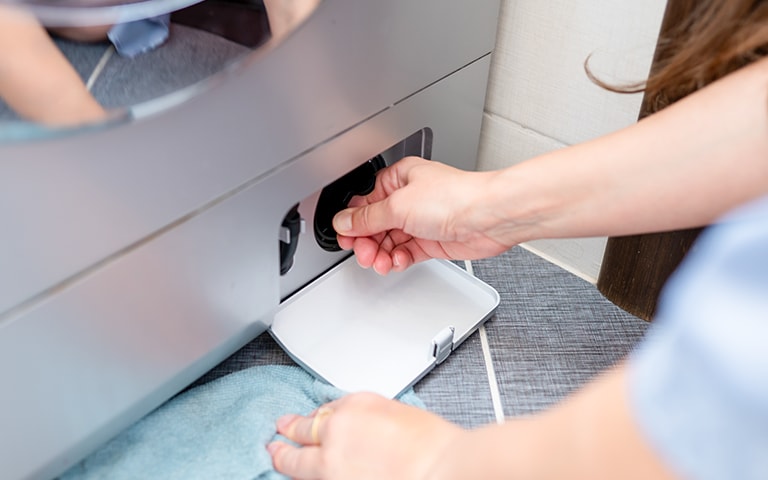
Woman checking LG washing machine drain

Woman checking LG washing machine drain

Clogged pump filter

One of the most frequent reasons water does not drain from a washing machine is a clogged pump filter. In many front-load washing machines, the pump filter is designed to trap debris such as lint, small clothing items, coins, hairpins, and detergent residue. When the filter becomes obstructed, water cannot pass through the pump efficiently, causing the drum to remain filled at the end of a cycle.


You will typically find the pump filter located behind a small access panel at the bottom front of the machine. Periodically checking and cleaning this component helps prevent drainage issues from developing.

Blocked drain hose

A blocked or kinked drain hose is another common cause when a washing machine won’t drain. The hose may become twisted during installation, pushed against a wall, or obstructed by small particles of debris over time. In many combination washer-dryer models, the drain hose sometimes handles both washing and drying functions, which may increase the buildup of lint or residue.


A visual inspection will usually reveal whether the hose is bent or compressed. Internal blockages, however, require detaching the hose and flushing it through to restore proper water flow.

Faulty drain pump

If the pump filter and drain hose are clear, a malfunctioning drain pump may be the source of the problem. A pump can become worn out through normal use, or the motor may fail. This can lead to symptoms such as humming noises, intermittent draining, or complete drainage failure.


Smart washing machines may also display specific error codes related to pump performance on a digital screen or via a mobile smart home app.1 [HB1] Repairing or replacing a drain pump typically requires technical knowledge, so users may want to consult product support or a trained technician if they suspect pump failure.

How to unblock a washing machine drain

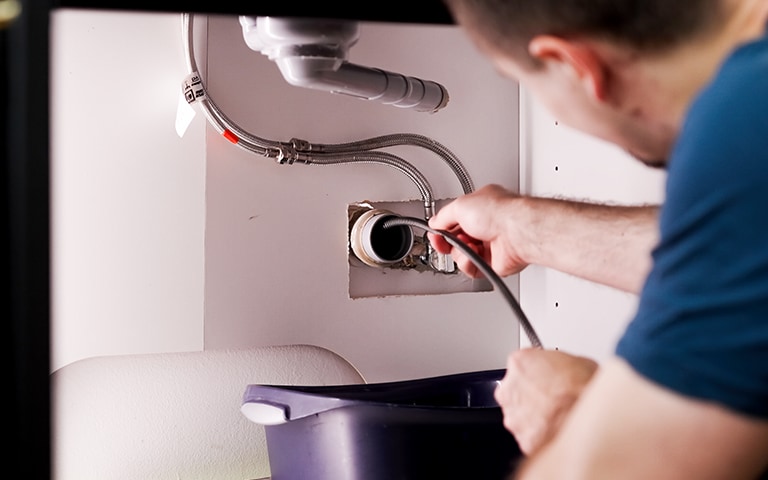
A man inspecting an LG washing machine drain.

A man inspecting an LG washing machine drain.

Step-by-step guide

The general method for unblocking a washing machine drain is similar across most brands and models, although users should always refer to the specific product manual for their machine to be on the safe side.

Here is the standard step-by-step process:

  1. Turn off and unplug the washing machine for safety.
  2. Locate the pump filter access panel, usually positioned at the bottom front of the machine.
  3. Place a shallow container or towel underneath to catch residual water.
  4. Open the filter cover and gently unscrew the filter. Allow the trapped water to flow out slowly.
  5. Remove visible debris, rinse the filter under running water, and check inside the housing for further obstructions.
  6. Inspect the drain hose for kinks or blockages. Disconnect it if necessary and flush it with warm water.

Reassemble the components, restore power, and run a quick cycle to check whether the issue has been resolved.

Tips to keep drains clear

  • Avoid overloading the machine, which can strain the drain pump.
  • Use the correct type and amount of detergent to reduce residue buildup.
  • Clean the pump filter every 1–2 months, depending on usage.
  • Ensure the drain hose is positioned correctly and has adequate clearance.

Troubleshooting a new washing machine that won’t drain

Drainage problems are not limited to older appliances; sometimes, even new washing machines may fail to drain during early use. 

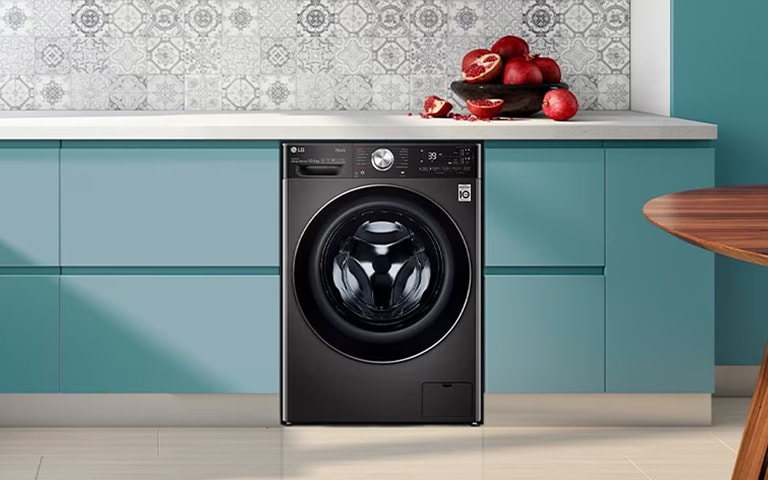
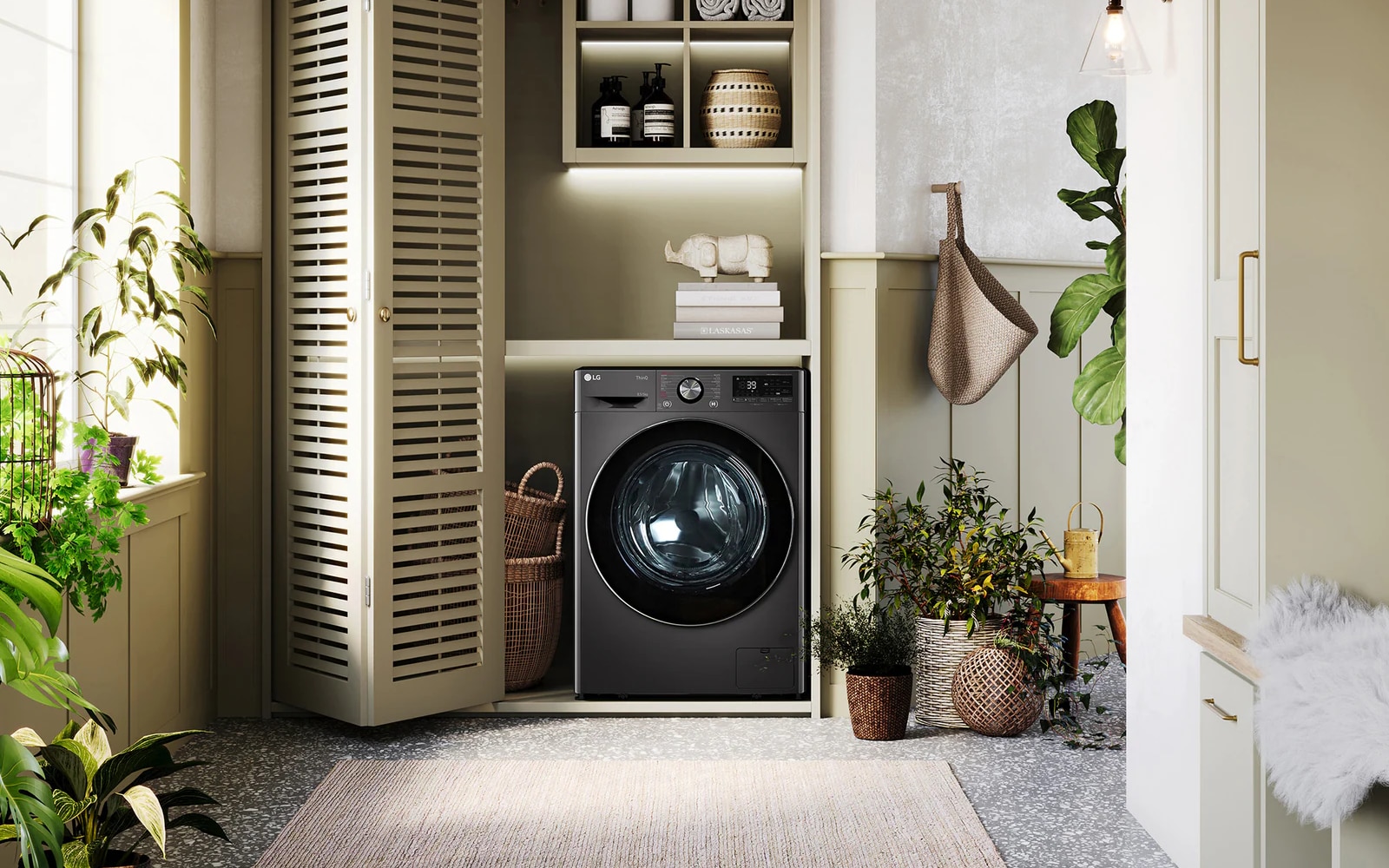
LG washing machine installed in the kitchen

LG washing machine installed in the kitchen

Installation issues

Steht eine Waschmaschine nicht eben oder ist der Ablaufschlauch falsch installiert, kann dies die Abpumpleistung beeinträchtigen. Wenn der Schlauch zu hoch oder zu tief in das Standrohr eingeführt wird, entsteht möglicherweise ein Siphoneffekt oder das Wasser wird zu langsam abgepumpt.

If a washing machine is not level or if the drain hose is installed incorrectly, drainage performance may be affected. For example, placing the hose too high or inserting it too deeply into a standpipe may cause siphoning or slow drainage.

Support for first-time LG owners

LG’s installation guides offer clear diagrams for proper leveling, hose placement, and initial setup. Following these instructions closely typically resolves most new-machine drainage complaints.

Identifying and fixing a washer-dryer that doesn’t drain

Washer-dryers can experience unique drain-related issues because drying functions generate lint differently from standard dryers. As a result, this residue can accumulate in internal ducts and drainage components. Additionally, combination units often use more complex water recirculation systems, which may affect how quickly or efficiently the unit drains.


For combo users, understanding the additional maintenance needs of washer-dryer combinations, such as more frequent cleaning of filters and hoses, can help prevent drainage complications.

Common causes

  • Lint accumulation in internal ducts
  • Blocked condenser pathways
  • Clogged drain pump or filter
  • Overuse of drying cycles without routine maintenance
  • Increased moisture output, requiring more frequent cleaning

Fixing the issue

Users can follow similar steps to those listed for standard washers, but should also consider:

  1. Cleaning the drying duct or condenser, depending on the model.
  2. Checking the dual-function drain hose for lint buildup.
  3. Running a maintenance or tub-clean cycle, if available.
  4. Consulting LG’s washer-dryer manual, which provides model-specific cleaning instructions.

When to call an expert for washing machine repair

While many drainage issues can be resolved through basic troubleshooting, some situations require professional attention. Examples include:

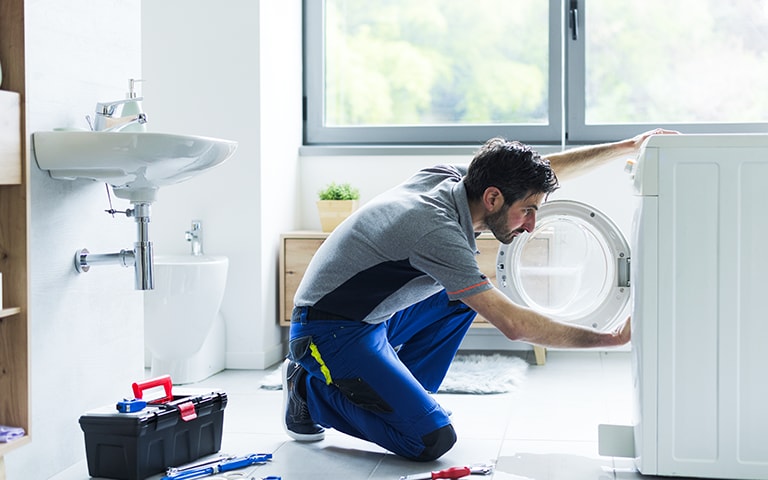
A man trying to fix a washing machine

A man trying to fix a washing machine

  • Repeated drainage failure after cleaning the filter and hose
  • Water leaks from internal components
  • Electrical issues affecting the pump
  • Unusual noises during draining
  • Error codes that persist after resets

Using LG-certified repair services

LG offers support services throughout Europe, where certified technicians have access to original spare parts and the latest diagnostic tools. For appliances still under warranty, submitting a repair request through LG support ensures that repairs are completed according to manufacturer guidelines. Consider the warranty period of your LG washing machine, which may differ by location.

Smart features for maintenance

Many newer LG washing machines include ThinQ™ smart features, such as automatic diagnostics, maintenance reminders, and remote troubleshooting. These tools can help identify drainage issues early and guide users toward appropriate actions.


A washing machine that won’t drain can disrupt daily routines, but most causes, such as clogged filters, blocked hoses, or minor installation issues, are straightforward to resolve. Understanding the common reasons behind drainage problems and following regular maintenance steps can help prevent issues from returning, especially for LG washing machines and washer-dryer units used throughout Europe.

Life's Good!


1 To use ThinQ features, you need to install the 'LG ThinQ' app from the Google Play Store or Apple App Store on your smartphone and connect to Wi-Fi. LG ThinQ app available on compatible Android 9.0 or higher, iOS 16.0 or higher smartphones. Phone and Home Wi-Fi Data connection and product registration with LG ThinQ™ required. Available features and functionalities may vary by model and country. Support for smart home devices that are compatible with Alexa and Google Assistant may vary by country and your individual smart home setup.

Featured Product

Recommended Article