We use cookies, including cookies from third parties, to enhance your user experience and the effectiveness of our marketing activities. These cookies are performance, analytics and advertising cookies, please see our Privacy and Cookie policy for further information. If you agree to all of our cookies select “Accept all” or select “Cookie Settings” to see which cookies we use and choose which ones you would like to accept.

LG LAB
Which setup is best for curved vs. flat monitors?
- Discover the key differences between curved and flat monitors, including how curvature, viewing angles and screen geometry affect everyday use.
- Explore why curved monitors excel for immersive gaming and wide multitasking setups thanks to enhanced depth perception and natural eye tracking.
- Learn why flat monitors remain the top choice for accuracy-focused work such as coding, design, CAD and detailed office tasks.
- Compare the pros and cons of curved monitors and flat monitors to understand which performs better for comfort, productivity and workspace flexibility.
- Choose the right monitor in 2025 by reviewing essential buying factors such as resolution, panel type, desk space, connectivity and ergonomics.
If you are not sure which type of monitor is ideal for your home or workspace, there are some key differences you might want to consider. Read on to learn about which works best based on your conditions, viewing angle, purpose of use and room size.
What are the main differences between setups for curved and flat monitors?
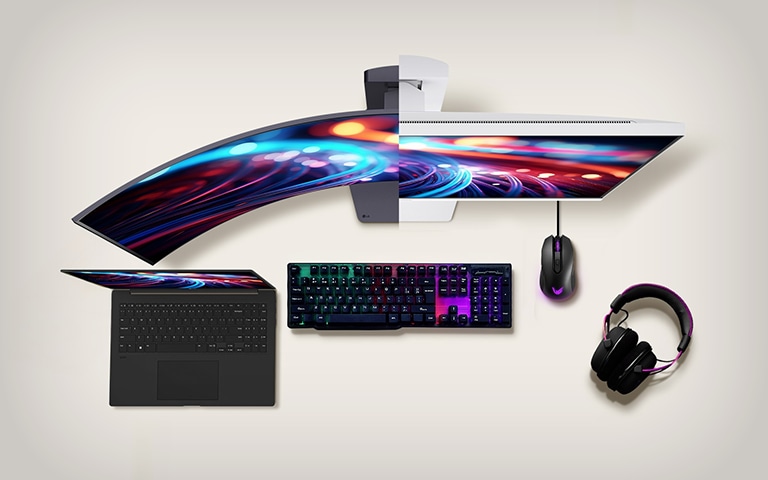
The primary distinction comes from the geometry. Curved monitors use curvature ratings such as 1000R to 1800R1; the lower the number, the tighter the curve. This shape wraps the edges of the display toward the viewer and enhances the field of view.
Flat monitors remain completely straight, which benefits precision and consistent viewing angles. Modern improvements in flat display screen resolution technology make flat panels exceptionally sharp, which is valuable for design accuracy and colour-critical work.
Overall, curved monitors create a more natural arc that aligns with human peripheral vision, whereas flat monitors deliver predictable angles and are easier to mount or position in compact spaces.
Curved or flat monitors for gaming
Pros and cons of curved monitors for gaming
Pros
- Stronger immersion and enhanced depth perception
- Natural eye tracking along the curve
- Reduced distortion at the edges of wide formats
- Excellent suitability for racing games, flight simulators and open world titles
Cons
- Higher prices than comparable flat models
- Require deeper desks to maintain proper viewing distance
- Limited flexibility when wall mounting
Is a curved monitor better for gaming?
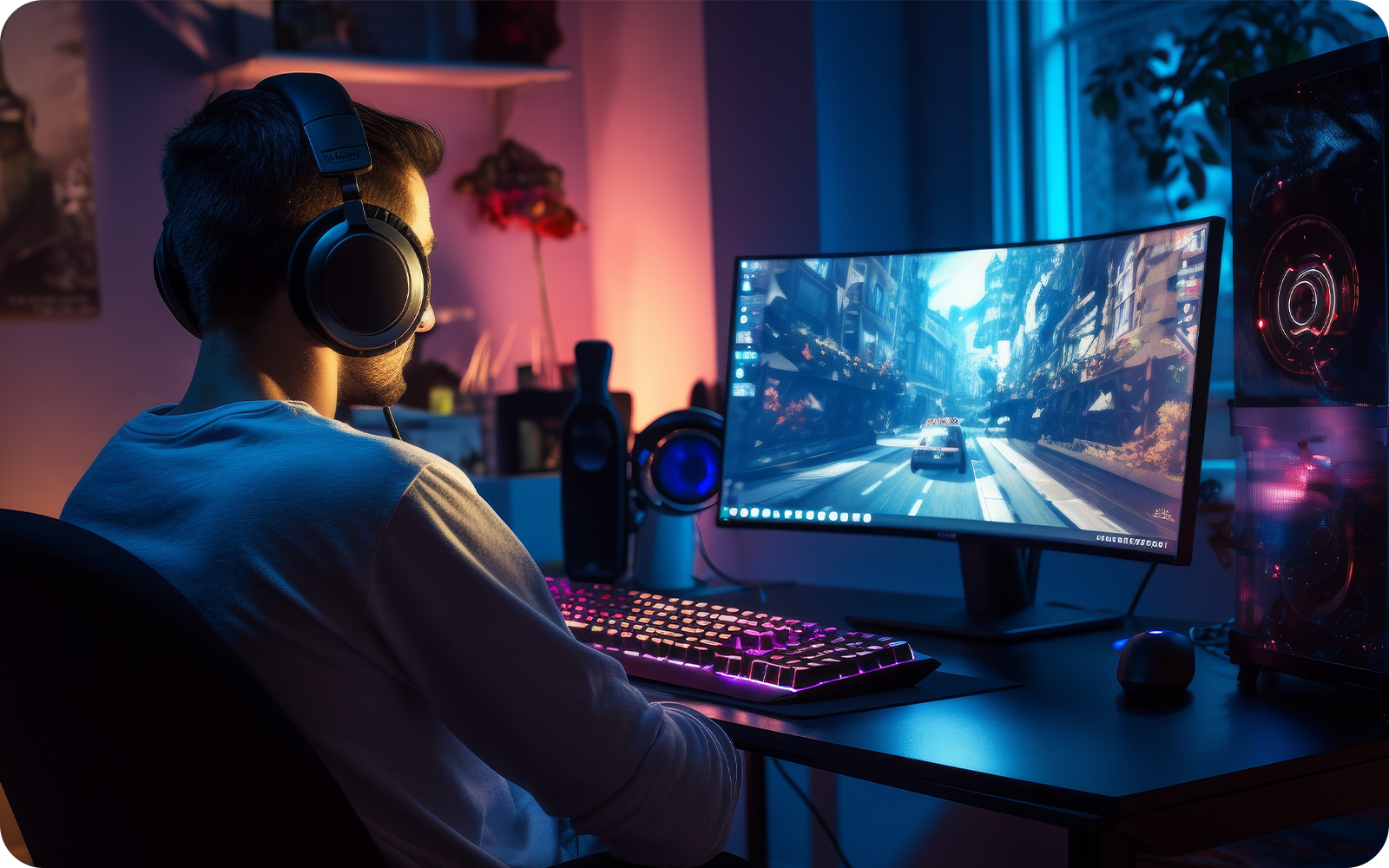
In most cases, yes. Curved monitors tend to outperform because they draw you further into the scene and widen the field of vision. This is especially apparent on ultrawide displays.
Flat monitors still perform well, particularly for competitive esports where geometric consistency may matter. However, for general gaming, curved models offer a more enjoyable and immersive experience.
Are curved monitors good for work setups?
Why are curved monitors good for workspaces?
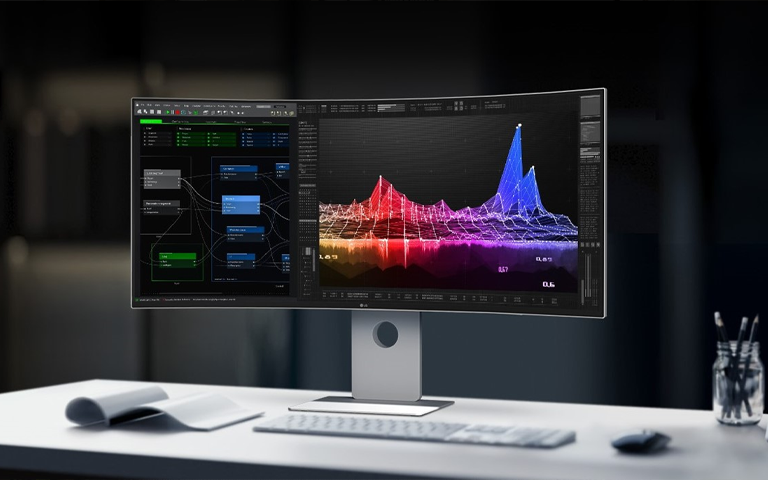
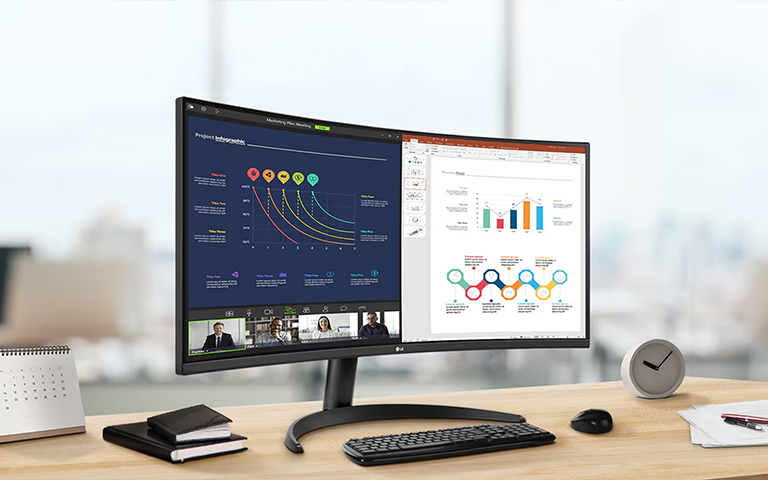
A curved display supports natural eye movement, reducing the need to refocus between the centre and edges. Ultrawide curved monitors especially offer much wider horizontal room, letting users replace dual monitor setups with a single screen. But there are a few things to consider before you commit:
Pros and cons of curved monitors for work
Pros
- Natural field of view reduces visual fatigue
- Better multitasking capability
- No bezels between windows
- Immersive viewing for creative tasks
Cons
- Larger size requires more desk depth
- Mild distortion can occur in precision line work
- Mounting options are more limited
Are flat monitors better for working?
Why are flat monitors better for work?
Flat screens remain the top choice for many productivity environments, and are ideal for ensuring accuracy in fields like coding, engineering, architecture, accounting and CAD. This is mainly because flat monitors provide predictable straight lines and uniform colours across the entire panel.
Professional-grade models with high display screen resolution, such as an OLED monitor with a flat screen, continue to be the preferred choice for detailed spreadsheet work, print design, retouching and multi-monitor office layouts.
Pros and cons of flat monitors
Pros
- Lower cost and universally compatible
- Perfect for dual monitor setups
- Accurate straight line rendering
- Highly suitable for wall mounting and small desks
Cons
- Less immersive for entertainment
- Large flat panels may show edge fade or distortion
- Not as engaging for gaming as curved displays
Which monitor type is better for eye comfort?
Eye comfort depends on usage distance and personal preference rather than shape alone. Curved screens follow the natural arc of vision, which can reduce eye strain during extended use.2 Flat screens offer stable geometry and consistent brightness. For both types, the most important factors are flicker-free backlighting, blue light filters and maintaining the correct viewing distance.3
Which monitor is better for multitasking and productivity
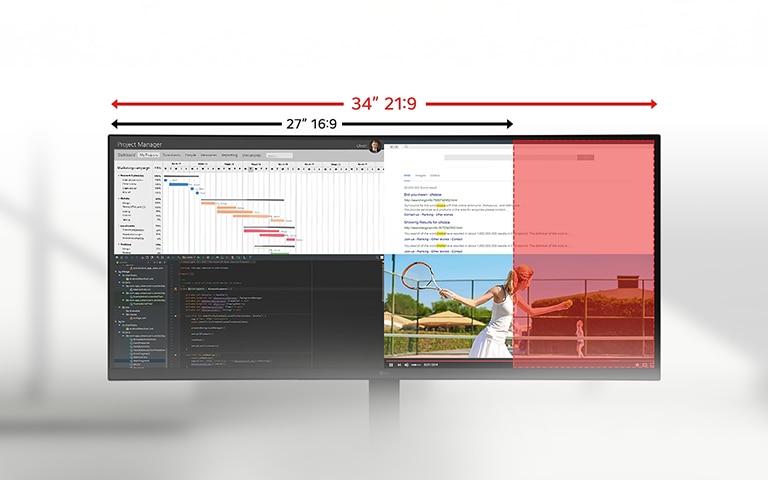
Ultrawide curved displays, particularly 21:9 formats, offer a seamless and expansive workspace without bezels. They allow multiple applications to sit side by side, making them ideal for multitaskers. A 21:9 ultrawide curved monitor can consolidate two or even three traditional displays into a single screen.
Flat monitors remain excellent for users who prefer modular setups, such as dual screens or mixed orientations like vertical plus horizontal. Flat screens also maintain uniform colour and geometry across arrangements.
How curved and flat monitors compare for creative work
Creative workflows vary widely. Curved monitors provide an immersive experience helpful for video editing, long timelines, music production and 3D modelling. However, flat monitors remain essential for print-accurate work, typography, architecture, CAD and any task requiring perfectly straight lines.
Models with high-precision, flat display screen resolution are best when absolute accuracy and calibration consistency are required.
Curved vs. flat monitor pros and cons
What to consider before buying a new monitor
Important factors include
- Panel technology such as OLED, IPS or VA
- Refresh rate suited to gaming or productivity
- Resolution including 4K, 5K or ultrawide formatsHDR performance and contrast levels
- Colour coverage such as sRGB DCI P3 or AdobeRGB
- Connectivity like USB-C power delivery, HDMI 2.1 and DisplayPort
- Ergonomic features, including height, tilt and swivel
- Desk layout and space requirements
Premium flat display screen resolution monitors and modern ultrawide curved monitors both offer significant upgrades depending on your needs.
FAQs about curved vs flat monitors
Are curved monitors better than flat monitors?
Curved monitors provide stronger immersion and a natural viewing arc, while flat monitors offer accuracy, predictable viewing angles and easier installation.
Do curved monitors reduce eye strain?
Curved monitors can also help with eye strain when viewed from an appropriate distance that matches the curvature.
Are flat monitors better for office use?
Flat monitors are especially ideal for coding spreadsheets, design work and any task requiring strict line accuracy.
Are curved monitors suitable for small desks?
Smaller curved screens may fit, but ultrawide models typically require deeper desks.
Do curved monitors distort images?
Some distortion can appear during technical line-based tasks, but everyday users rarely notice it.
Are curved monitors compatible with wall mounts?
Most support VESA mounting, but angle adjustments are more limited.
Life's Good!
1 “R” refers to the curvature radius measured in millimetres
Featured Product
Recommended Article
Do curved monitors distort images?
Some distortion can appear during technical line-based tasks, but everyday users rarely notice it.