We use cookies, including cookies from third parties, to enhance your user experience and the effectiveness of our marketing activities. These cookies are performance, analytics and advertising cookies, please see our Privacy and Cookie policy for further information. If you agree to all of our cookies select “Accept all” or select “Cookie Settings” to see which cookies we use and choose which ones you would like to accept.
You have had a long day. The commute back from office in a Delhi summer is its own kind of punishment. By the time you reach your building gate, you are already dreading that first moment inside, when you push open the door and the trapped heat of a closed room hits you in the face.
You turn on the AC, stand near the vent, and wait. Ten minutes. Fifteen. The room slowly starts to give.
That waiting period is what LG PreCool is designed to eliminate entirely.
So, What is PreCool?
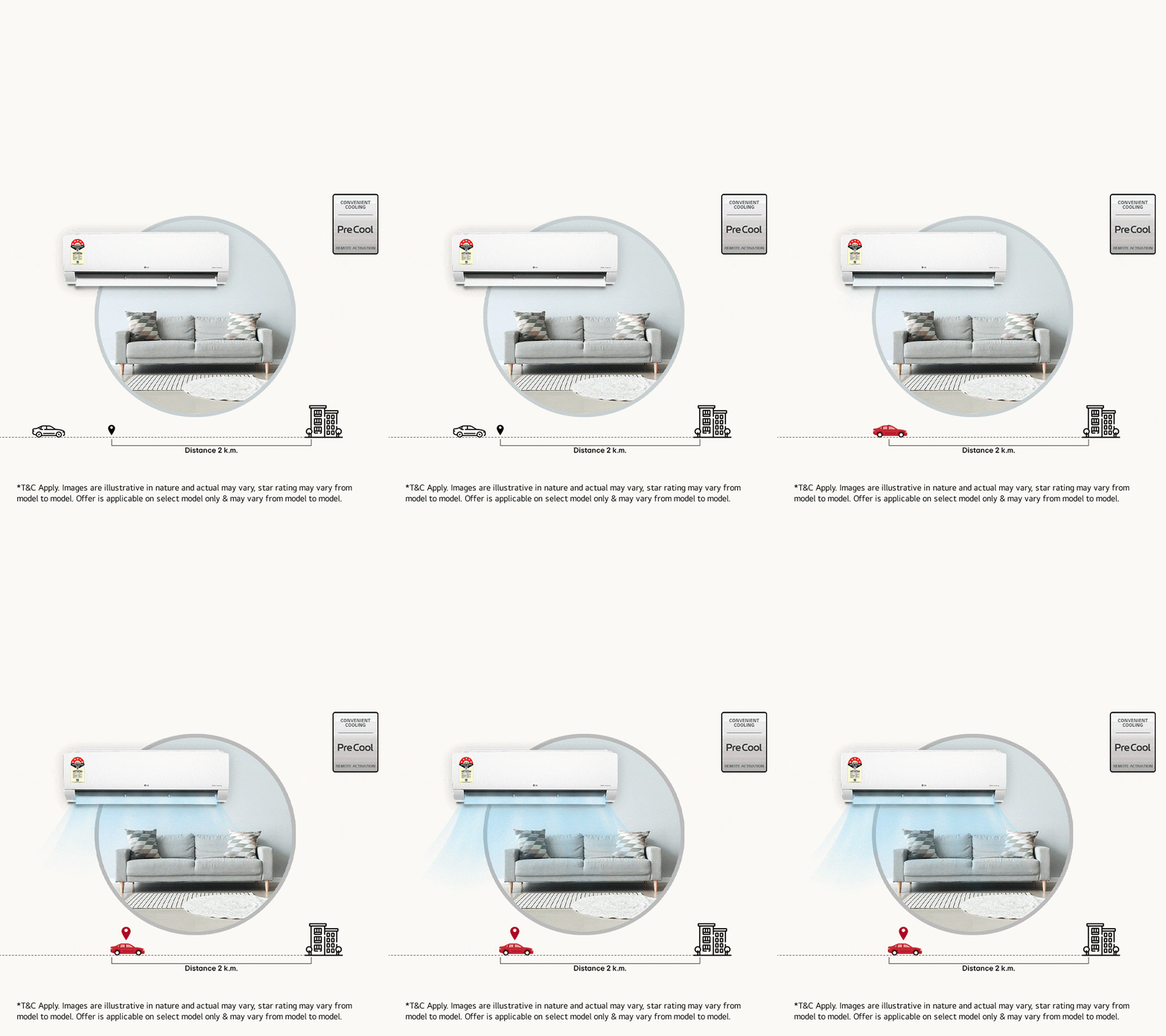
LG PreCool is an intelligent feature that adds convenience to the cooling process using the ThinQ App. In plain terms: it turns your AC on before you get home, at your preferred settings, so you walk into a room that is already cool.
It elevates your level of cooling comfort without you even thinking about it. That last part is key. You do not have to remember to switch it on remotely. You do not have to plan around it. The feature works quietly in the background, using your phone's GPS to figure out when you are on your way.
The room is ready. You just walk in.
How Does It Work? Three Steps, Then Forget About It.
The setup is straightforward. Once done, you never have to touch it again.
• Step 1: Set your distance on the ThinQ App. This is your GPS fence, the radius around your home at which the AC should switch on. You decide how far out that trigger point is.
• Step 2: The app tracks your location. Using your phone's GPS, the ThinQ App monitors your distance from home in the background. No manual check-ins, no reminders needed.
• Step 3: Cross the fence, and the AC switches on automatically. With all your preset settings already loaded, temperature, swing, mode, everything. The room starts cooling the moment you enter that radius.
And when you leave? PreCool handles that too. Once you cross the preset distance on your way out, the AC turns off automatically. An empty room does not keep cooling. No energy is wasted.

The Everyday Real Benefits
Features sound good on paper. Here is what PreCool actually means for your daily routine.
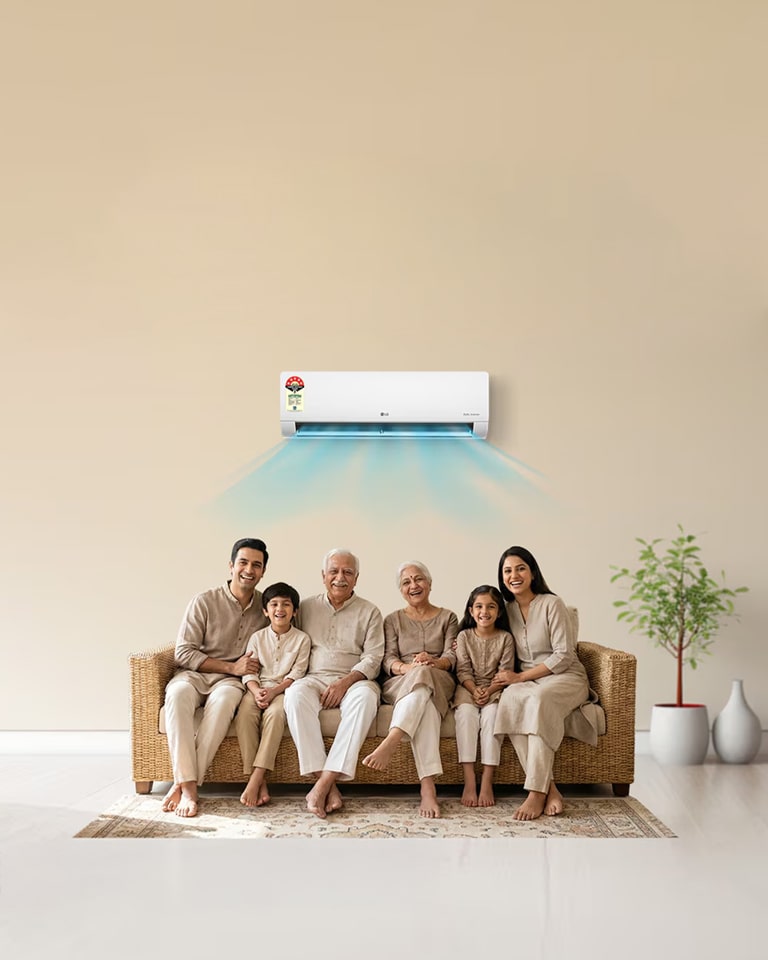
• Your room is ready the moment you arrive. When you open the door, the temperature is already where you set it. That is what comfort ready on arrival actually feels like.
• No more temperature shock. Walking into a room that is already at the desired temperature means sudden fluctuations are avoided. Your body does not go from 42 degrees outside to a room still sitting at 38, then slowly dropping. It goes straight to comfort.
• The AC does not run when no one is home. PreCool ensures the system turns off once you have crossed the preset distance on your way out. Smarter cooling means less energy wastage, not more.
• Zero manual effort after setup. PreCool activates and deactivates based on your preset distance on the ThinQ App, so no manual controls are required. It works around your schedule without needing your attention.
• It fits any routine. Whether you are returning from work, an errand, or the gym, a cool room will be waiting for you, without you even thinking about it. The GPS does not know the difference between a Tuesday office commute and a Saturday market run. It just knows you are coming home.
PreCool: What You Get vs. What You Had Before
| Without PreCool | With LG PreCool |
| Walk in, turn on AC, wait 15-20 minutes | Room is already cool when you arrive |
| Manual switch-on, easy to forget | Automatic, GPS-triggered, no action needed |
| AC may run in an empty room | Turns off automatically when you leave |
| Temperature fluctuates after entry | Stable temperature, room pre-conditioned |
| Separate action required every day | Set once, works on its own every day |
Why a Split AC Makes All of This Possible
PreCool is a feature built for split ACs, and there is a reason for that. Split systems are simply better suited to smart, precise control than other AC types.
With a window unit, you are limited by placement, noise, and basic controls. A split AC separates the compressor outside from the cooling unit inside, which means quieter operation, better airflow direction, and far more integration with smart platforms like ThinQ.
A few things that give split ACs the advantage, especially heading into a harsh summer:
• Precise, room-specific cooling with directional airflow control
• Wi-Fi connectivity built in, which is what makes GPS-based features like PreCool work
• Inverter compressors that maintain a set temperature steadily, rather than swinging between too cold and too warm
• Energy efficiency ratings that window units rarely match
Smart features like PreCool are only as good as the platform they sit on. A split AC gives them the foundation to actually work well.
A Small Change That Makes a Real Difference
Summers in North India are not getting easier. And while there is no single product that solves the heat entirely, there are features that make the daily experience of dealing with it noticeably better.
PreCool feature is one of them. It takes a problem everyone has, that first blast of trapped heat when you get home, and quietly solves it.
You set it up once. After that, your home just knows you are coming. Check out all LG air conditioners here.