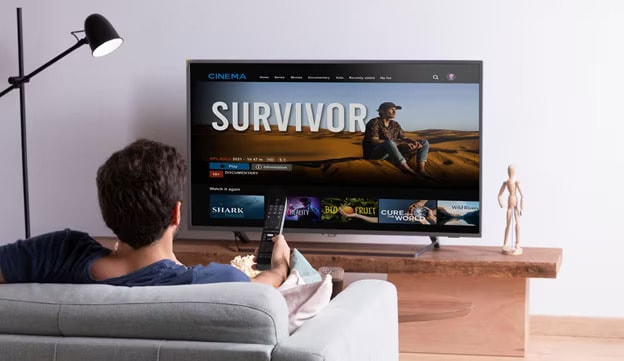
WebOS Smart TV Vs Android TV: Know the Difference

What is better: webOS vs Android OS? A Comparison Guide

09/12/2022

Share this content.  You can share the items you like with your friends.

You've done the hard part. You have compared screen sizes, checked the panel type, set the budget. Then someone at the store asks: "But which OS does it run?"


And just like that, you're back to square one.


webOS and Google TV or Android OS are the two dominant smart TV platforms today. This blog breaks down the difference clearly and quickly.


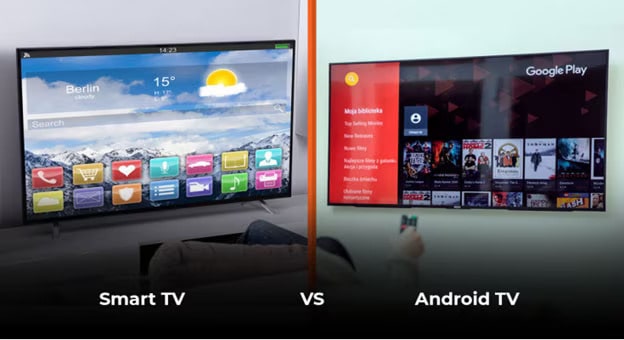
Smart TV vs Android TV

What is LG webOS

WebOS Smart TV vs Android TV


webOS
is LG's proprietary smart TV operating system, built from the ground up for televisions, available in LG TV range. It runs exclusively on LG Smart TVs and is powered by LG's α (Alpha) AI Processor.


● Award-winning

● Fast

● Purpose-built for the big screen


What is Android OR Google TV?


Google TV is Google's smart TV interface, the successor to Android TV. It's content-first, deeply tied to the Google ecosystem, and available across multiple TV brands.


One important clarification that trips up a lot of buyers: Android TV and Google TV are not the same thing. Google TV is the newer, more refined interface built on top of Android TV. If you've used an older Android TV and found it clunky, Google TV is a version ahead of it.

Is WebOS easy to use?

This is where most people make their decision. What is the point of upgrade if your children or elderly people in your family need constant support to use it?


webOS keeps it minimal with:


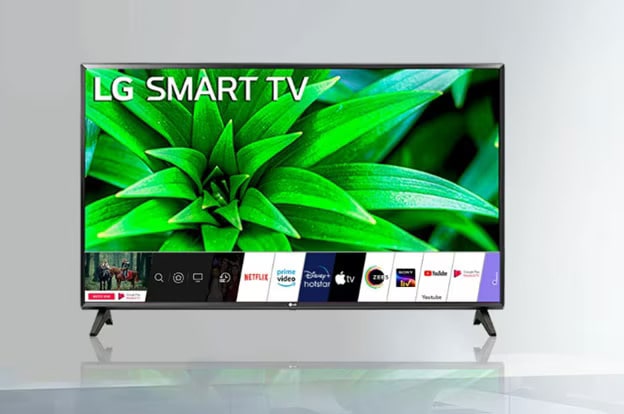
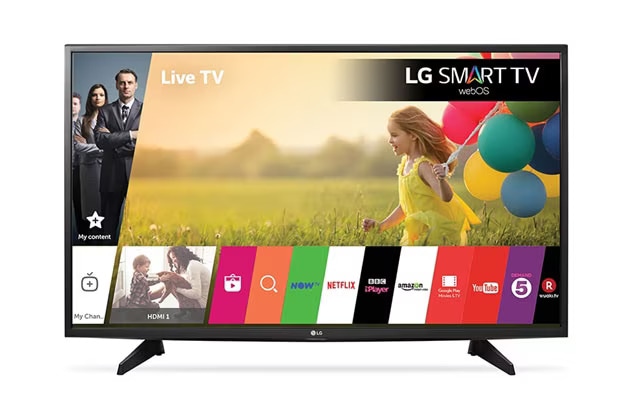
● A clean launch bar sits at the bottom of the screen.

● Your favourite apps, inputs, and settings are always one click away.

● Fully customisable.

● Loads in seconds.


The real differentiator?


The Magic Remote. It's a point-and-click remote — like using a mouse on your TV. Once you've used it, a standard remote feels like a step back.


Google TV takes a different approach.


Its home screen is card-based, built around a "For You" tab that surfaces content recommendations from across your streaming apps. Great for discovery. Slightly busier than webOS UX.


The best way to describe it: webOS is designed around your TV habits. Google TV is designed around your Google account.


For first-time smart TV buyers, especially in India, webOS's simpler interface is easy to use and learn.


Smart TV vs Android TV


Does webOS Have All the Apps You Need?

WebOS Smart TV vs Android TV


Short answer: yes.


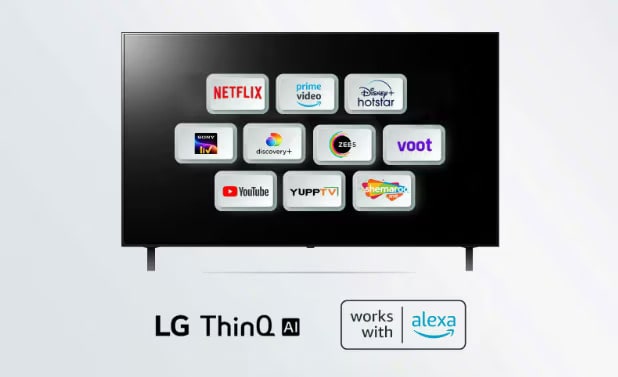
LG's Content Store carries 4,000+ apps and channels globally. Every major Indian streaming* platform is on there — Netflix, Prime Video, Disney+ Hotstar, JioCinema, SonyLIV, Zee5. All the essentials, curated and optimised for TV hardware.


● Over 4,000 apps

● 350+ free live channels5,000 iconic and popular games.*


*Available content and apps may vary by country, product, and region and are subject to change without notice.


Separate subscriptions are required for Netflix, Disney+, Amazon Prime, and Apple TV+ and their related services.


Apple, the Apple logo, and Apple TV are trademarks of Apple Inc, registered in the U.S. and other countries.


Amazon, Prime Video and all related logos are trademarks of Amazon.com, Inc. or its affiliates.


Google TV connects to the Google Play Store for you. It also allows sideloading if you need apps beyond the store.


Bottom line: for everyday Indian streaming needs, both platforms cover you completely.

How Does LG webOS Use AI Differently?

Smart TV vs Android TV


This is where webOS genuinely pulls ahead.


LG's α (Alpha) AI Processor powers two standout features: AI Picture Pro and AI Sound Pro. These aren't software filters applied after the fact — they're real-time, scene-by-scene optimisations happening at the processor level. The TV analyses what you're watching — a cricket match, a dark thriller, a bright animated film — and adjusts picture and sound accordingly, automatically.


AI Concierge learns your viewing preferences over time and personalises your content feed — without routing your data through Google's infrastructure.

Google TV's AI strength is different: Google Assistant is deeply capable, cross-app voice search works brilliantly, and if you use Android phones or Google Home devices, the integration feels seamless.

webOS vs Google TV — Side by Side


ParameterLG webOSGoogle TV
DeveloperLG ElectronicsGoogle
RemoteMagic Remote (point & click)Standard D-pad
Voice SupportThinQ AI + Google Assistant + AlexaGoogle Assistant
App StoreLG Content Store (4,000+ apps)Google Play Store
AI Featureα AI Processor, AI Picture/Sound ProGoogle AI recommendations
Best ForPremium, clean TV-first experienceGoogle ecosystem users
Available OnLG TVs onlyMultiple brands

webOS or Google TV — What should I choose?

Smart TV vs Android TV


Pick LG webOS if:


● You want a clean, fast interface that stays out of your way

● The Magic Remote's point-and-click navigation appeals to you

● You want AI to do all the work

● You own other LG appliances and want ThinQ ecosystem benefits


Pick Google TV if:


● You're deep in Google's world — Android phone, Google Home, Chromecast

● You want the widest possible app library

● Content discovery across platforms is your priority


For a premium, self-contained, AI-powered experience, LG's webOS TV range is worth a closer look. 

FAQs

Q.

Is webOS the same as Google TV?

A.

No. webOS is LG's proprietary operating system built exclusively for LG TVs. Google TV is Google's platform built on top of Android TV, available across multiple brands.

Q.

Does LG webOS support Google Assistant and Alexa?

A.

Yes. Both Google Assistant and Amazon Alexa are supported on webOS alongside LG's own ThinQ AI voice control.

Q.

Can I get Indian OTT apps on webOS?

A.

Absolutely. JioCinema, SonyLIV, Zee5, Disney+ Hotstar, and Prime Video are all available on LG TVs. Separate subscriptions are required for Netflix, Disney+, Amazon Prime, and Apple TV+ and other OTT platforms.