We use cookies, including cookies from third parties, to enhance your user experience and the effectiveness of our marketing activities. These cookies are performance, analytics and advertising cookies, please see our Privacy and Cookie policy for further information. If you agree to all of our cookies select “Accept all” or select “Cookie Settings” to see which cookies we use and choose which ones you would like to accept.

Free entertainment. No fees.
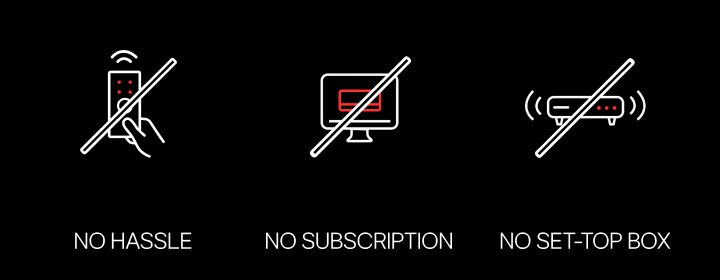
Endless entertainment awaits with LG Channels—hundreds of free live channels, fan-favorite movies and series, and exclusive content, all free. Just grab your remote and start watching. No fees. No hassle.
Always On, Always Free
*Images are simulated for illustrative purposes only.
*Content availability may vary by country and is subject to change without notice.
*Access to network-based smart services requires an LG Account.
LG Channels
Free entertainment on your LG TV
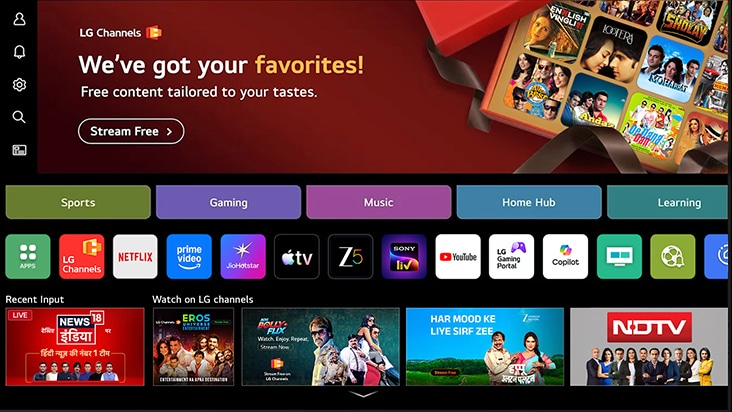
LG Channels is built into every LG Smart TV, all totally FREE. It offers hundreds of free live channels, fan‑favorite movies, and exclusives. Simply use your remote and enjoy‑ no fees and hassle.
FAQ
Q.
What is LG Channels?
A.
LG Channels is LG’s free streaming service that offers a wide selection of channels across multiple genres available directly on your LG Smart TV.
Q.
Is LG Channels free?
A.
Yes, LG Channels is completely free. No subscription or payment is required.
Q.
What channels are available on LG smart TV?
A.
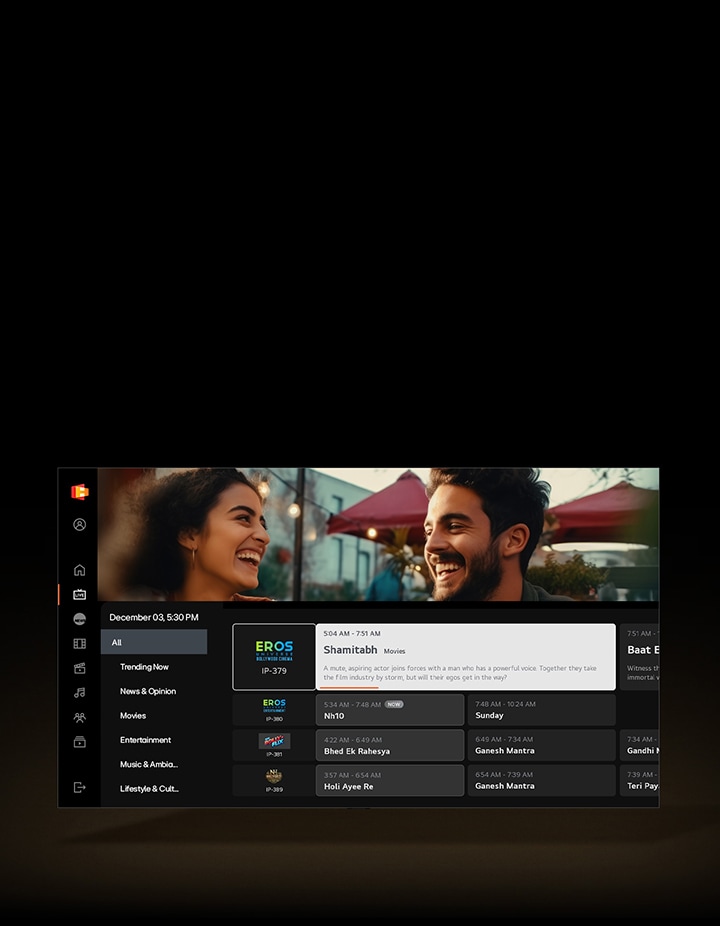
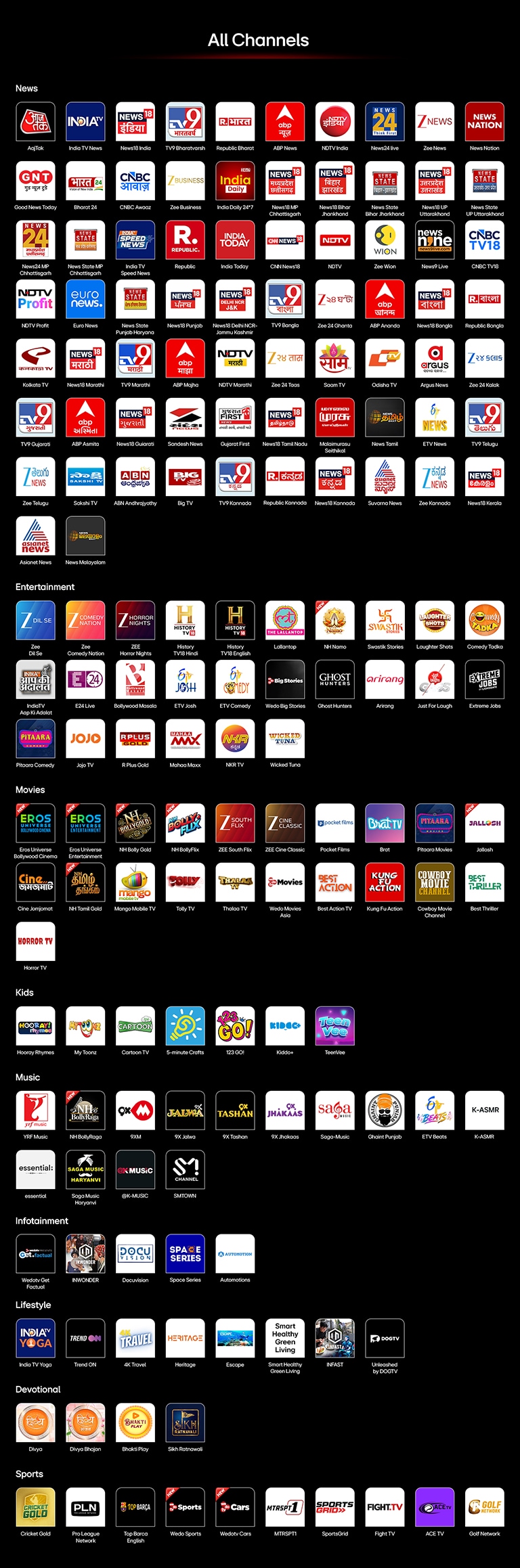
LG Channels offers a wide selection of live channels across categories such as news, sports, movies, entertainment, kids, and lifestyle. The channel lineup may vary by country, and new channels are regularly added through LG’s global content partners. For the latest channel list in your region, visit ‘https://channel-lineup.lgchannels.com/’.
*Available content and apps may vary by country, product, and region.
**Access to network-based smart services requires an LG Account.
Q.
What devices support LG Channels?
A.
LG Channels is available on the following devices: LG Smart TVs released from 2016 onward and LG monitors running webOS, including Smart Monitors and Gaming Monitors. It is also supported on Hotel TVs, the Automotive Content Platform, and mobile devices through ThinQ app. Availability of LG Channels and supported devices may vary by country and region.
Q.
How do I access LG Channels on LG smart TV?
A.
You can access LG Channels directly from your LG Smart TV in two simple ways once your TV is connected to the internet:
Using the remote control
1. Press the LG Channels shortcut button on your remote control.
2. Open LG Channels directly and start browsing.
*Button position and availability may vary by country and platform
Using the webOS Home screen
1. Connect your TV to the internet using Wi-Fi or a wired connection.
2. Press the Home button on your remote to open the main home screen.
3. Open LG Channels app from the list of apps.
4. Browse the available channels and select one to start watching.
Q.
Does LG Channels require an internet connection?
A.
Yes, an active internet connection is required to stream LG Channels.
Q.
Do I need to create an account to use LG Channels?
A.
No, you do not need to create a separate account to access LG Channels.
Q.
How many channels are available on LG Channels?
A.
LG Channels offers 150+ channels across various genres and languages.
Q.
What kind of content is available on LG Channels?
A.
LG Channels features a variety of content including News, Movies, Entertainment, Music, Kids, Sports, Lifestyle, Devotional, and more.
Q.
Which languages are available on LG Channels?
A.
LG Channels offers content in 12+ languages, including Hindi, English, and several regional languages.
Q.
Which LG TVs support LG Channels?
A.
LG Channels is available on LG Smart TVs running webOS 4.0 (2018 models) and above.
Q.
Will more channels be added to LG Channels?
A.
Yes, we regularly expand our offering by adding new and popular channels over time.
What else can do with webOS?
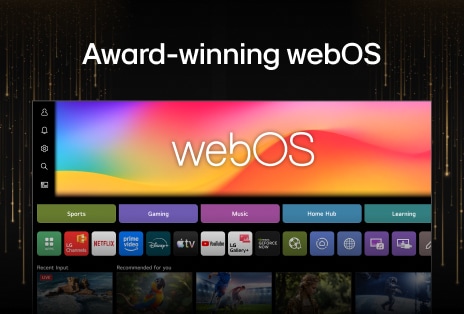
Discover more apps, services, and entertainment experiences available on LG TV.
Explore the LG AI TV lineup and find the right one for you
Learn more about the different LG AI TVs and discover the one that fits your needs best.