Let playtime begin!

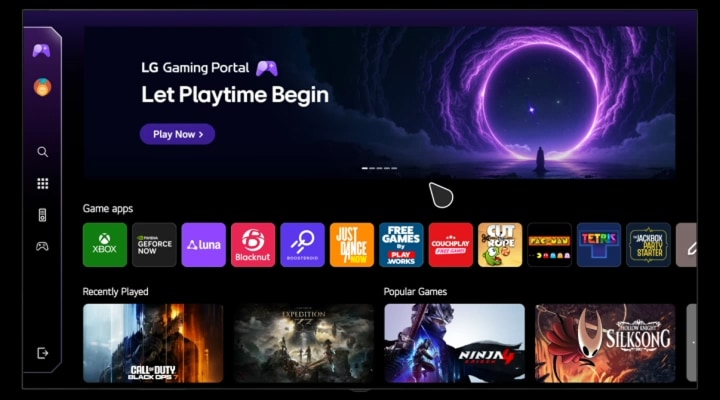
Play thousands of games directly on your LG TV with GeForce NOW, Luna, Blacknut, Boosteroid, and XBOX. Enjoy a wide variety of gaming experience with LG Gaming Portal.

LG TV displaying the Gaming Portal screen, scrolling down through available games and features. The video shows a user navigating to the settings menu on the left, showcasing various gaming options including GFN, Luna, Blacknut, Boosteroid, and Xbox.

XBOX

Turn up the fun with XBOX on LG TV

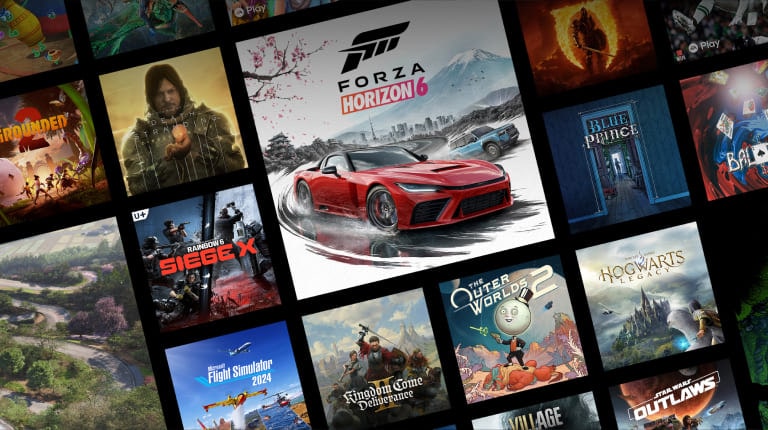
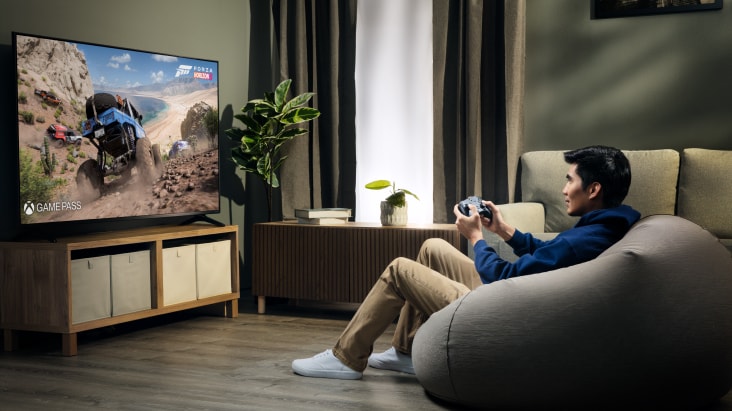
Play hundreds of XBOX games directly on your LG Smart TV with XBOX Game Pass.

XBOX game lineup showcasing a diverse collection of racing, action, adventure and simulation titles.

*Available content and apps may vary by country, product, and region and are subject to change without notice. 

*Separate subscriptions may be required.

*Depending on the game, connecting a gamepad, mouse, or keyboard may be required.

*Game services may be discontinued at the provider’s discretion.

*Game availability varies by Game Pass plan, region, and over time.

*Access to network-based smart services requires an LG Account.

Cloud Gaming

Press play for worlds of games

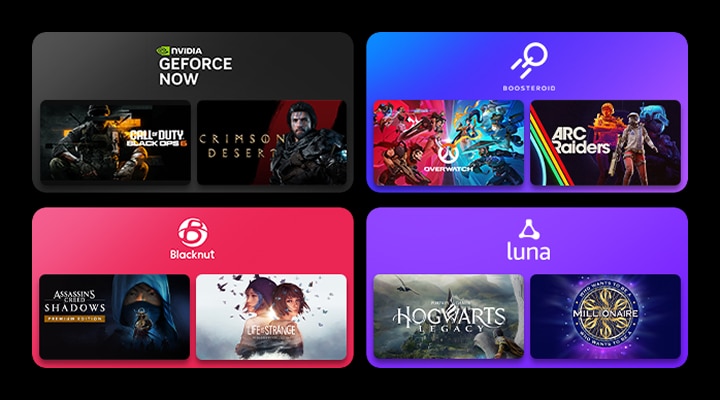
All your gaming needs in one place. Enjoy easy access to cloud gaming services like GeForce NOW and Boosteroid and more.

Four colored boxes each containing a cloud gaming service logo and two game thumbnails, highlighting popular cloud gaming platforms like GeForce NOW and Boosteroid accessible from LG Gaming Portal.

*Available content and apps may vary by country, product, and region and are subject to change without notice. 

*Separate subscriptions may be required.

*Depending on the game, connecting a gamepad, mouse, or keyboard may be required.

*Compatibility with GeForce NOW may vary depending on the gamepad manufacturer and specifications. Check the list of supported gamepads at: https://gfn.co.kr/ko/guide/games.html.

*Game services may be discontinued at the provider’s discretion.

*Access to network-based smart services requires an LG Account.

Casual Gaming

Quick hits of fun, anytime

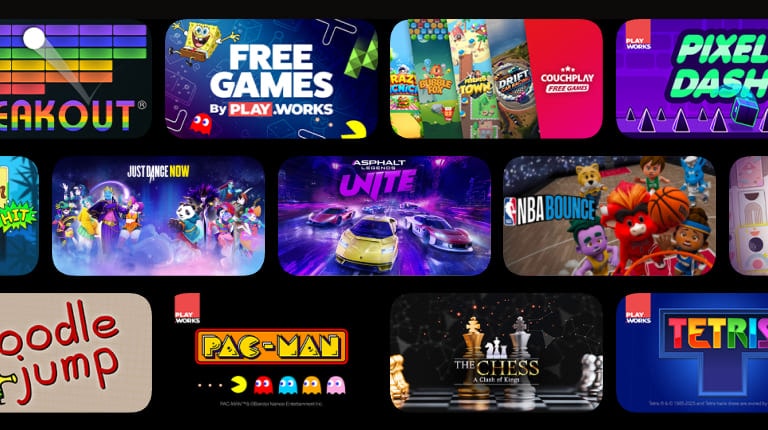
Hundreds of free games are waiting and all you need is a remote. Whether playing solo or with friends, it’s time to jump into fun.

Various casual game thumbnails arranged in three rows on LG TV, offering hundreds of easy-to-play free games ideal for solo or multiplayer fun using just the remote control.

*Available content and apps may vary by country, product, and region and are subject to change without notice. 

*Separate subscriptions may be required.

*Depending on the game, connecting a gamepad, mouse, or keyboard may be required.

*Game services may be discontinued at the provider’s discretion.

*Access to network-based smart services requires an LG Account.

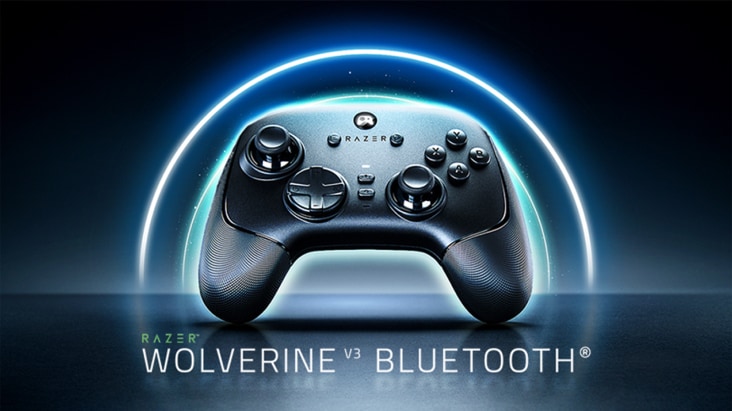
*Bluetooth Ultra Low Latency only applies to select 2026 LG TVs. ULL controller functionality is supported only when connected to compatible devices.

*In ULL mode, only one controller (gamepad) can be connected. Use of other Bluetooth devices may be affected.

*For best performance, Ethernet or 5GHz Wi-Fi connection is recommended.

*Gaming controller is sold separately.

Game Dashboard & Optimizer

Easily fine-tune game settings to suit your play style

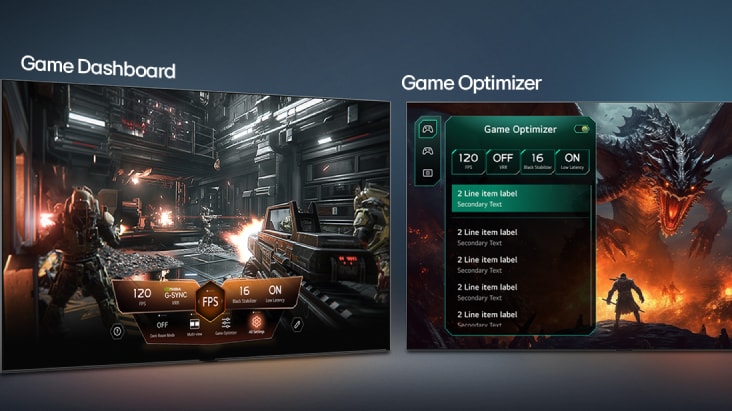
Customize your gaming experience easily using Game Dashboard for quick, real-time control and Game Optimizer to fine-tune your preferred settings. Adjust refresh rate, latency, and visual modes to optimize every game session with ease.

FAQ

Q.

What is LG Gaming Portal?

A.

LG Gaming Portal is a built-in gaming hub on LG TVs that lets you access and manage games directly. It brings together multiple gaming services into one place, making it easier to find, launch, and enjoy games through a single interface.


*Available content and apps may vary by country, product, and region and are subject to change without notice.

**Access to network-based smart services requires an LG Account.

Q.

What types of games are available on LG Gaming Portal?

A.

LG Gaming Portal lets you play a variety of games on LG TVs, including immersive AAA titles, cloud-based games, and casual games. Whether you prefer high-quality gaming experiences or quick and simple gameplay, there’s something for every type of player.


*Available content and apps may vary by country, product, and region and are subject to change without notice.

**Access to network-based smart services requires an LG Account.

Q.

What features are available in LG Gaming Portal?

A.

LG Gaming Portal helps you easily discover and enjoy games on LG TV with personalized sections such as recently played, popular games, and editor’s picks. It also includes built-in gaming tools like Game Dashboard, allowing you to adjust settings such as frame rate, graphics, and low latency based on the type of game you are playing.

Q.

Which LG TVs support LG Gaming Portal?

A.

LG Gaming Portal is available on LG Smart TVs running webOS 23 or later. Some features or availability may vary depending on software version and region.

Q.

How can I access LG Gaming Portal?

A.

You can access LG Gaming Portal directly from your LG Smart TV.


1. Press the Home button on your remote.

2. Select LG Gaming Portal from the home screen.

3. Browse or search for a game, then select it to start playing.


*Access to network-based smart services requires an LG Account.

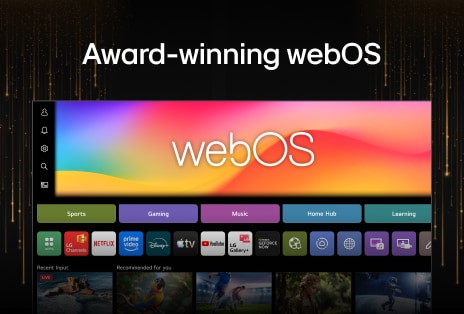
What else can do with webOS?

Discover more apps, services, and entertainment experiences available on LG TV.

Explore the LG AI TV lineup and find the right one for you

Learn more about the different LG AI TVs and discover the one that fits your needs best.