We use cookies, including cookies from third parties, to enhance your user experience and the effectiveness of our marketing activities. These cookies are performance, analytics and advertising cookies, please see our Privacy and Cookie policy for further information. If you agree to all of our cookies select “Accept all” or select “Cookie Settings” to see which cookies we use and choose which ones you would like to accept.

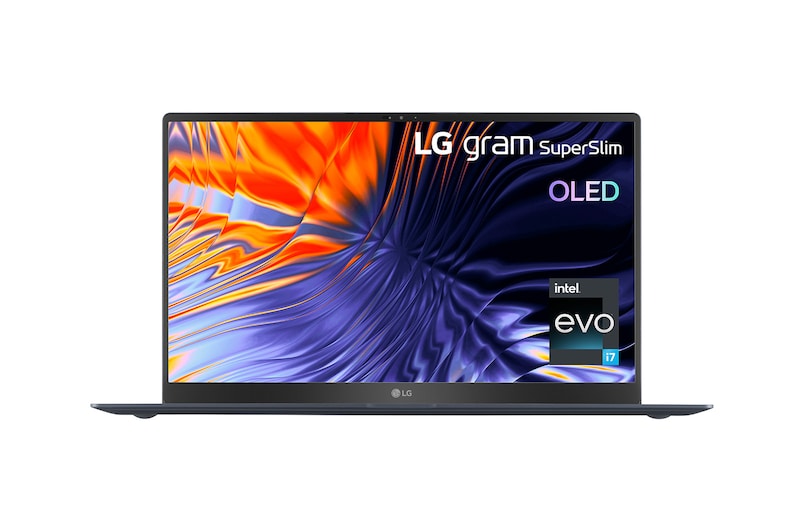
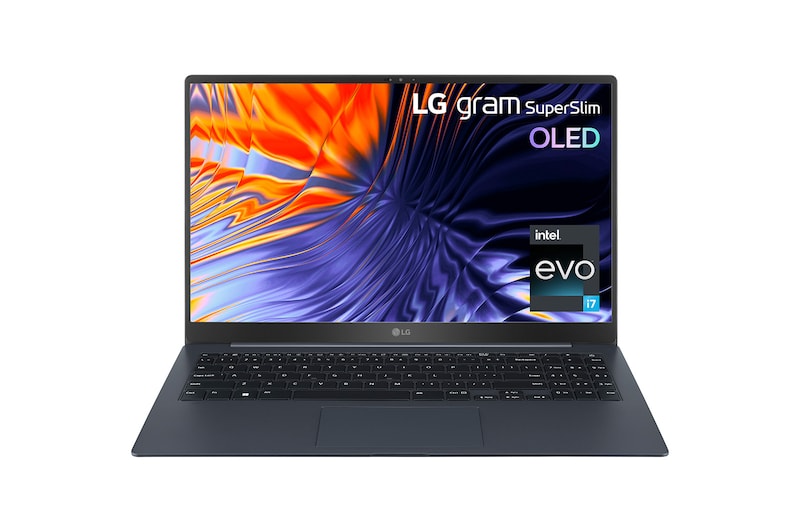
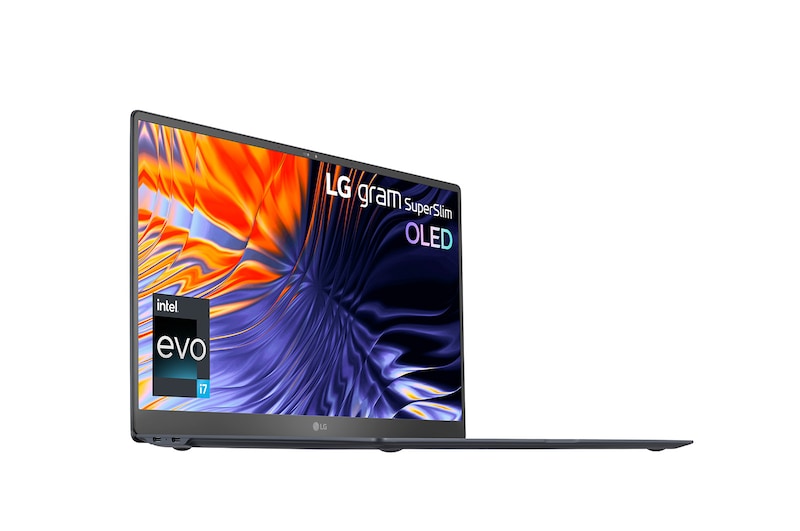
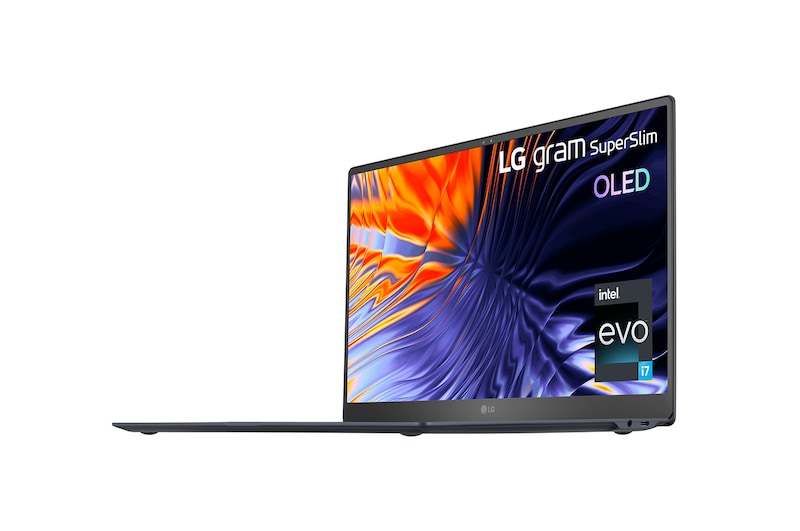
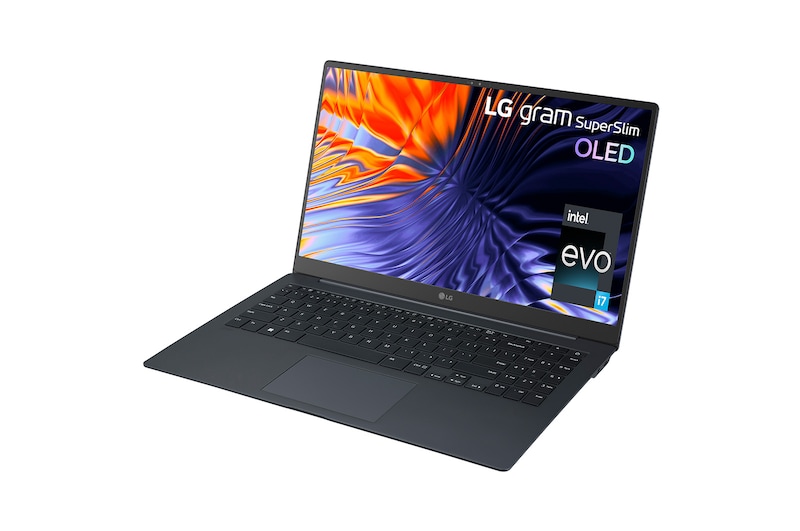
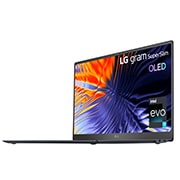
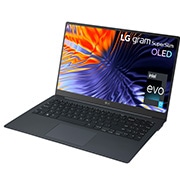
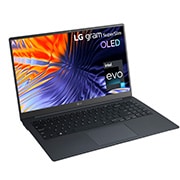
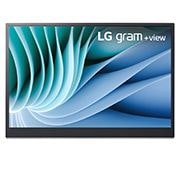
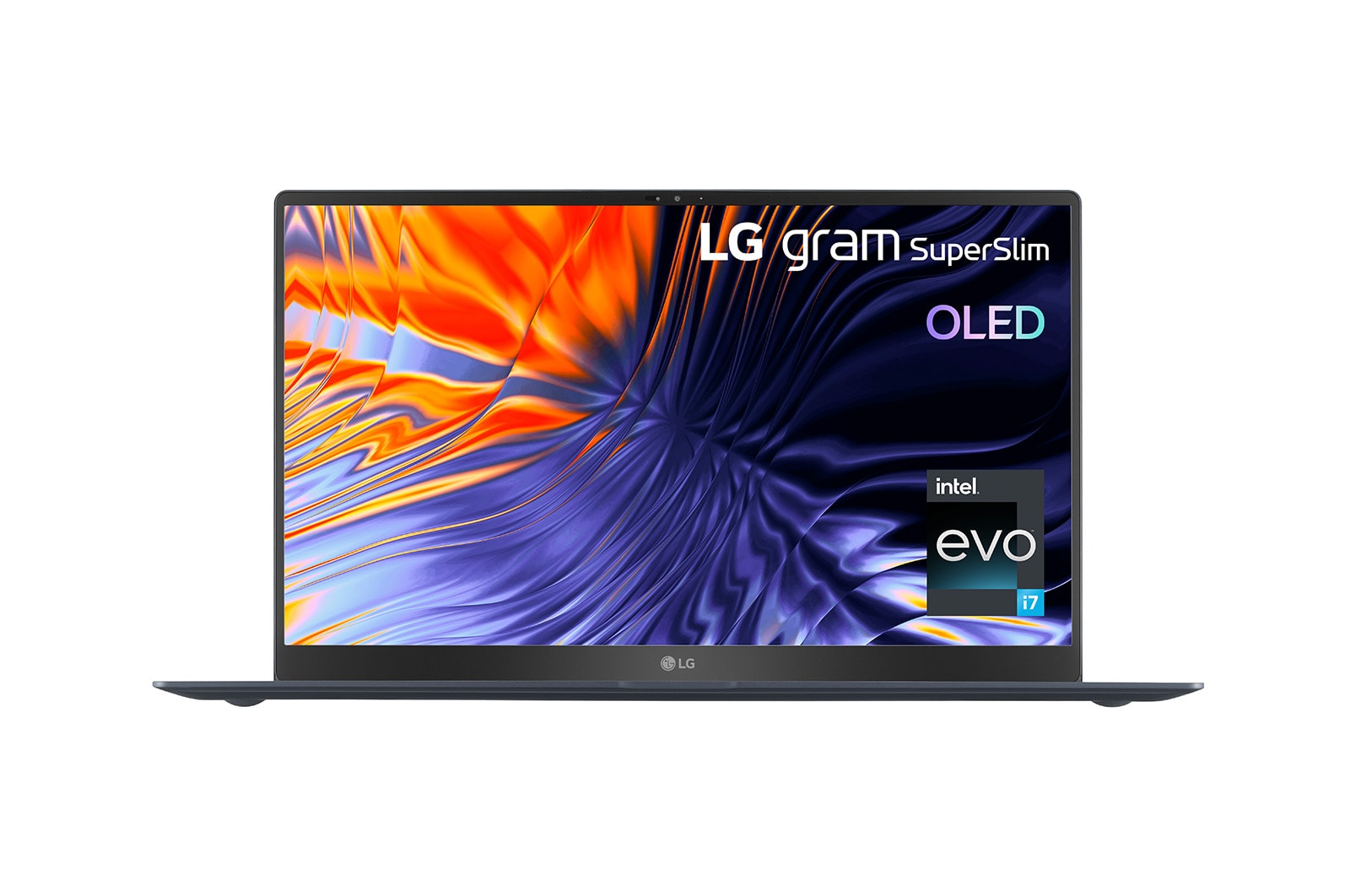
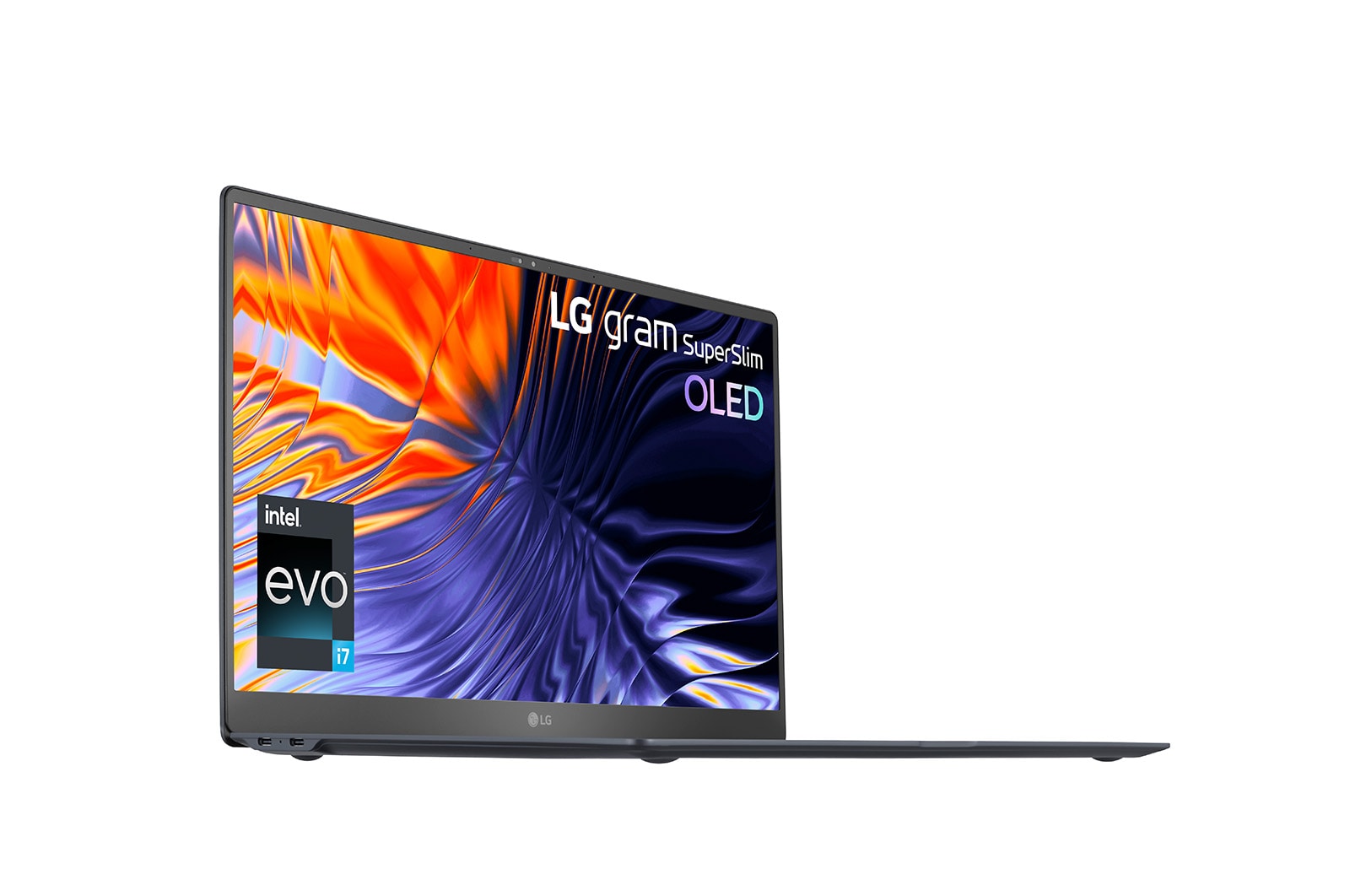
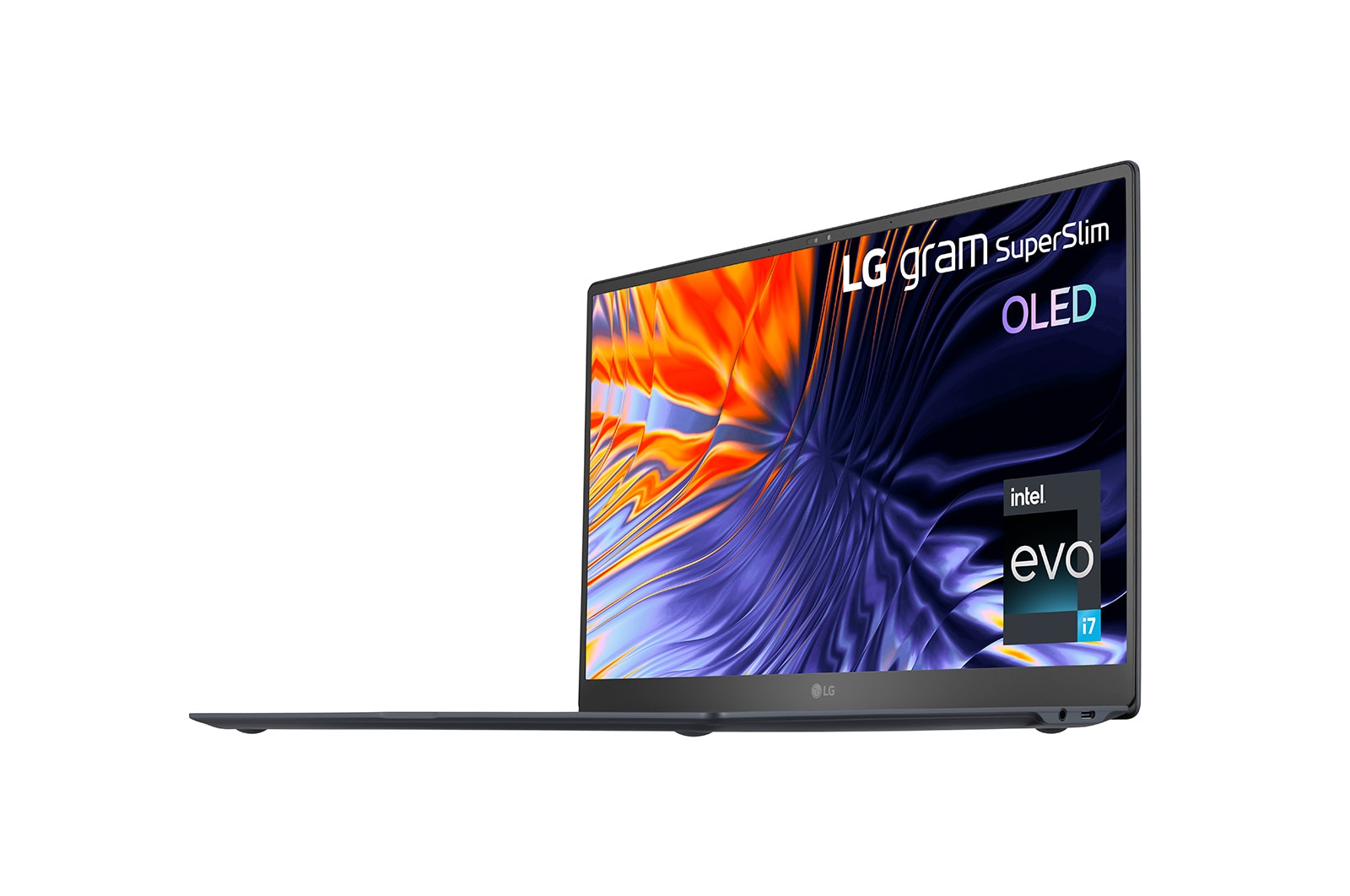
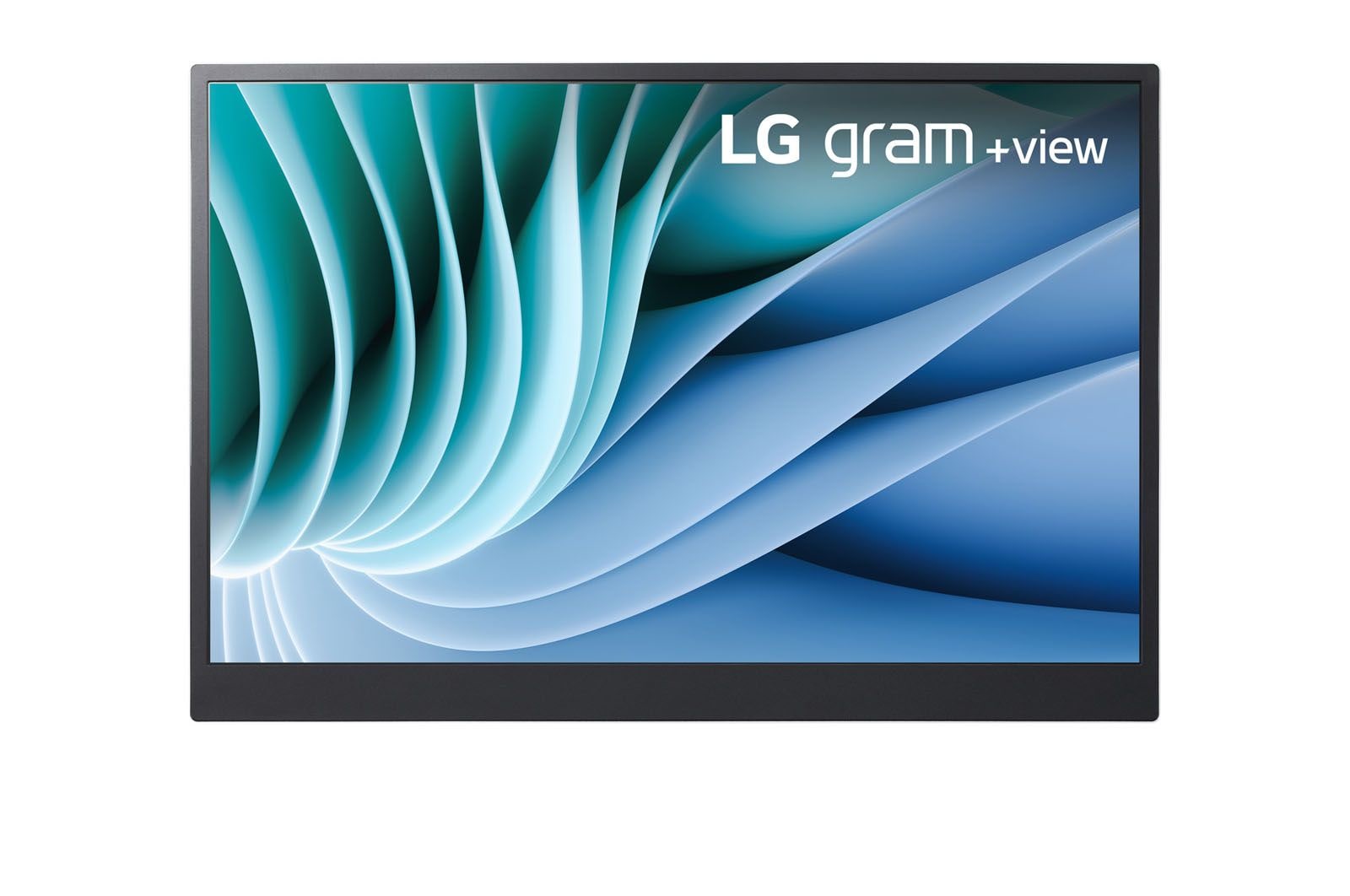
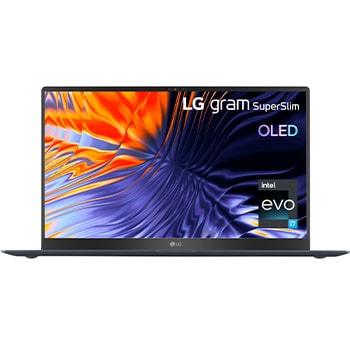
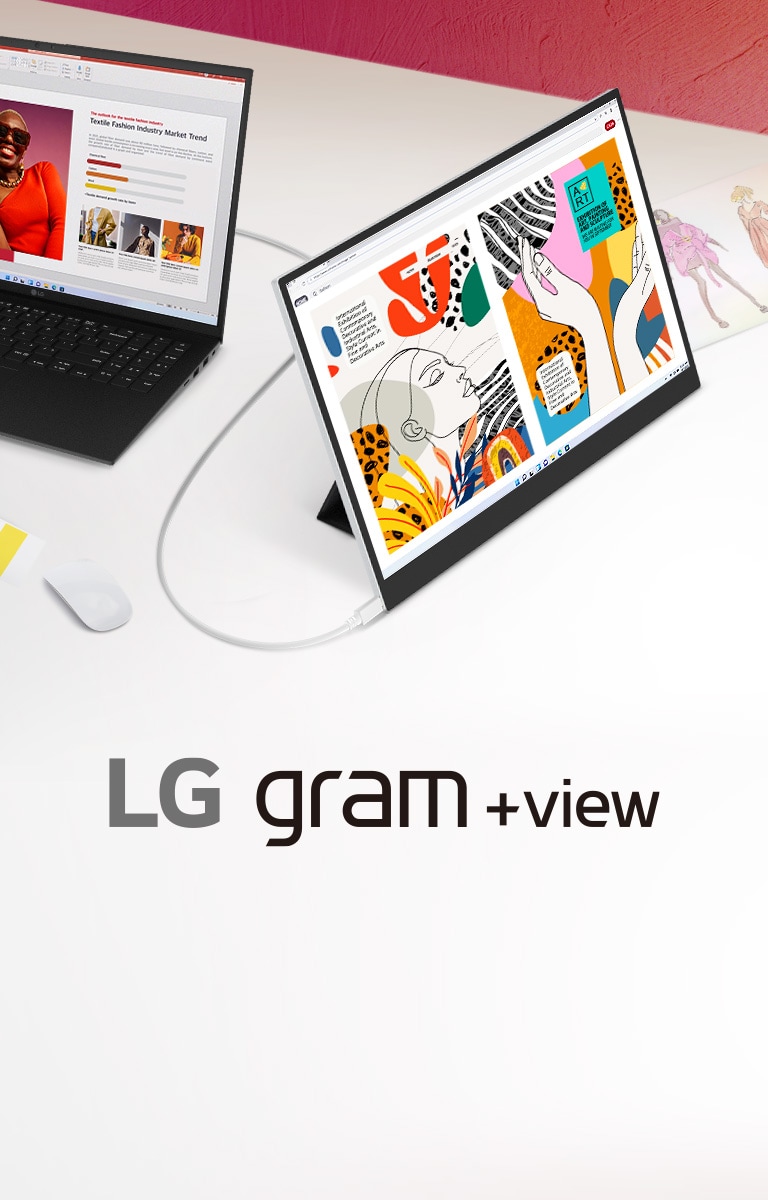
LG gram SuperSlim OLED laptop & FREE +view portable monitor
Laptop Details
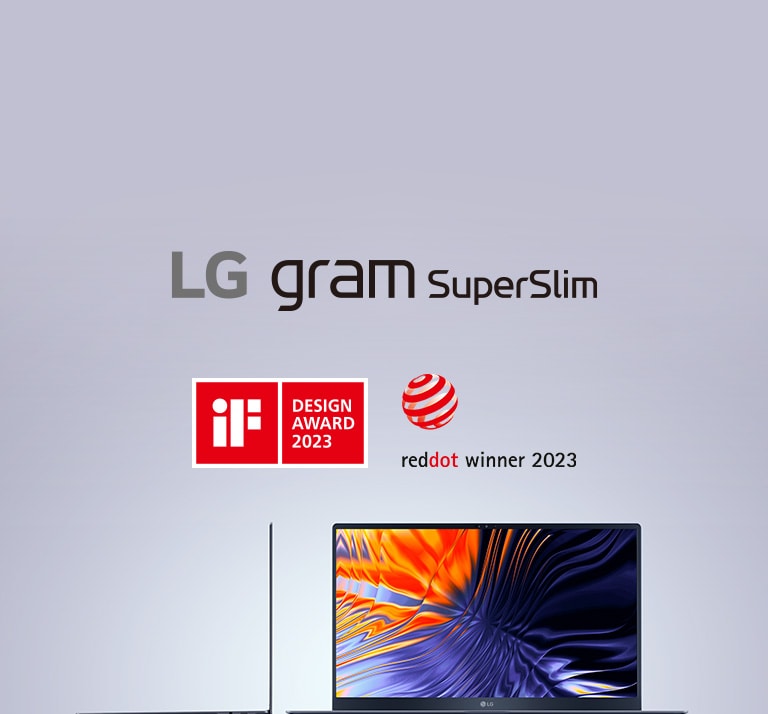
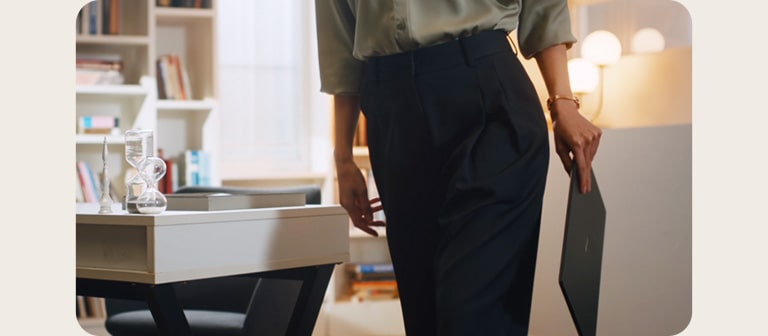
The Thinnest gram Ever
*The images simulated to enhance feature understanding. It may differ from actual use.
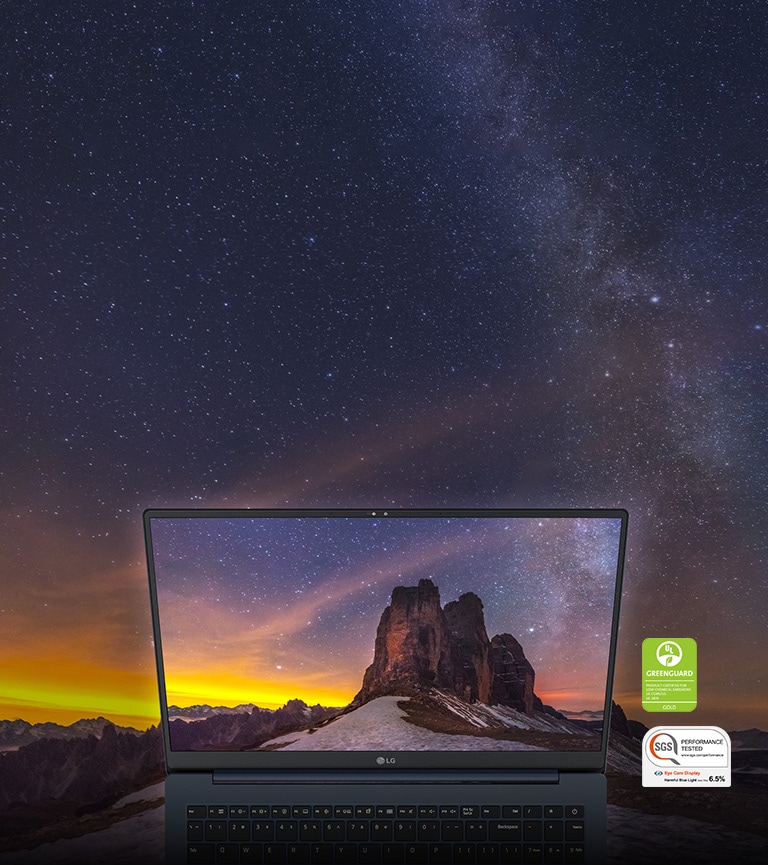
*Obtained the certificates on the panel- Eye Care Display, Green Guard.
*The images simulated to enhance feature understanding. It may differ from actual use.
*Actual battery life will vary from specifications depending on model, setup configuration, applications used, features utilised and power management settings.
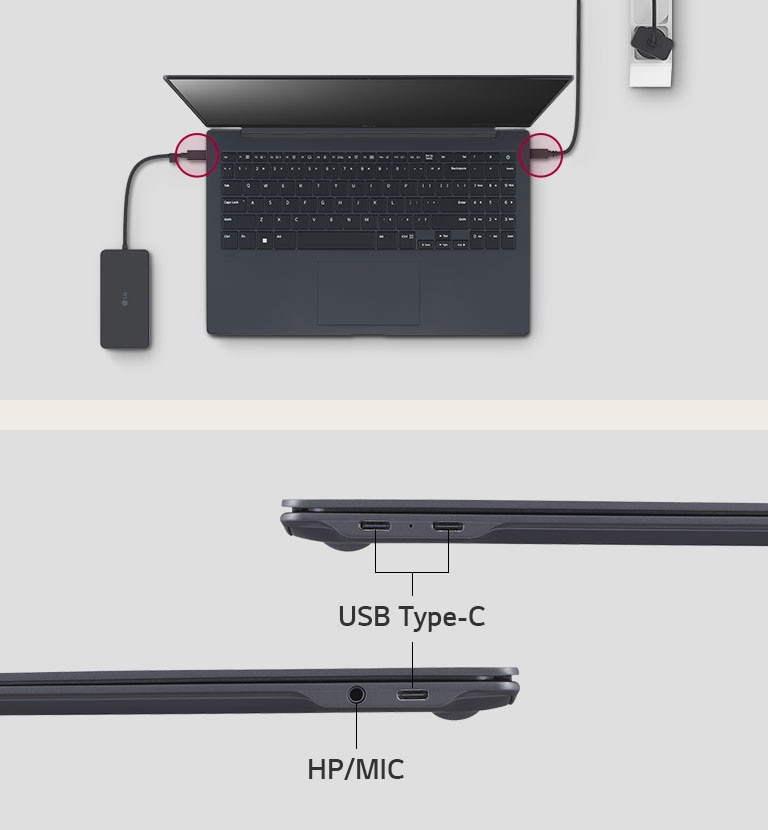
Versatile Connectivity with Devices
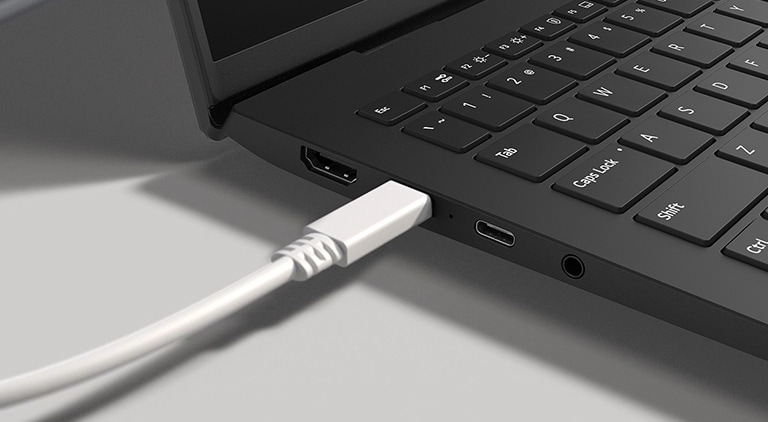
LG gram has USB Type-C™ ports on both sides.
*Above LG USB Hub and cable are not included in the package (sold separately).
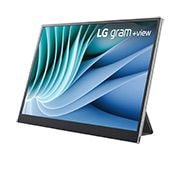
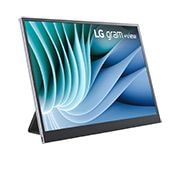
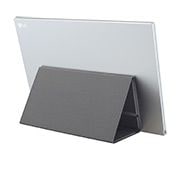
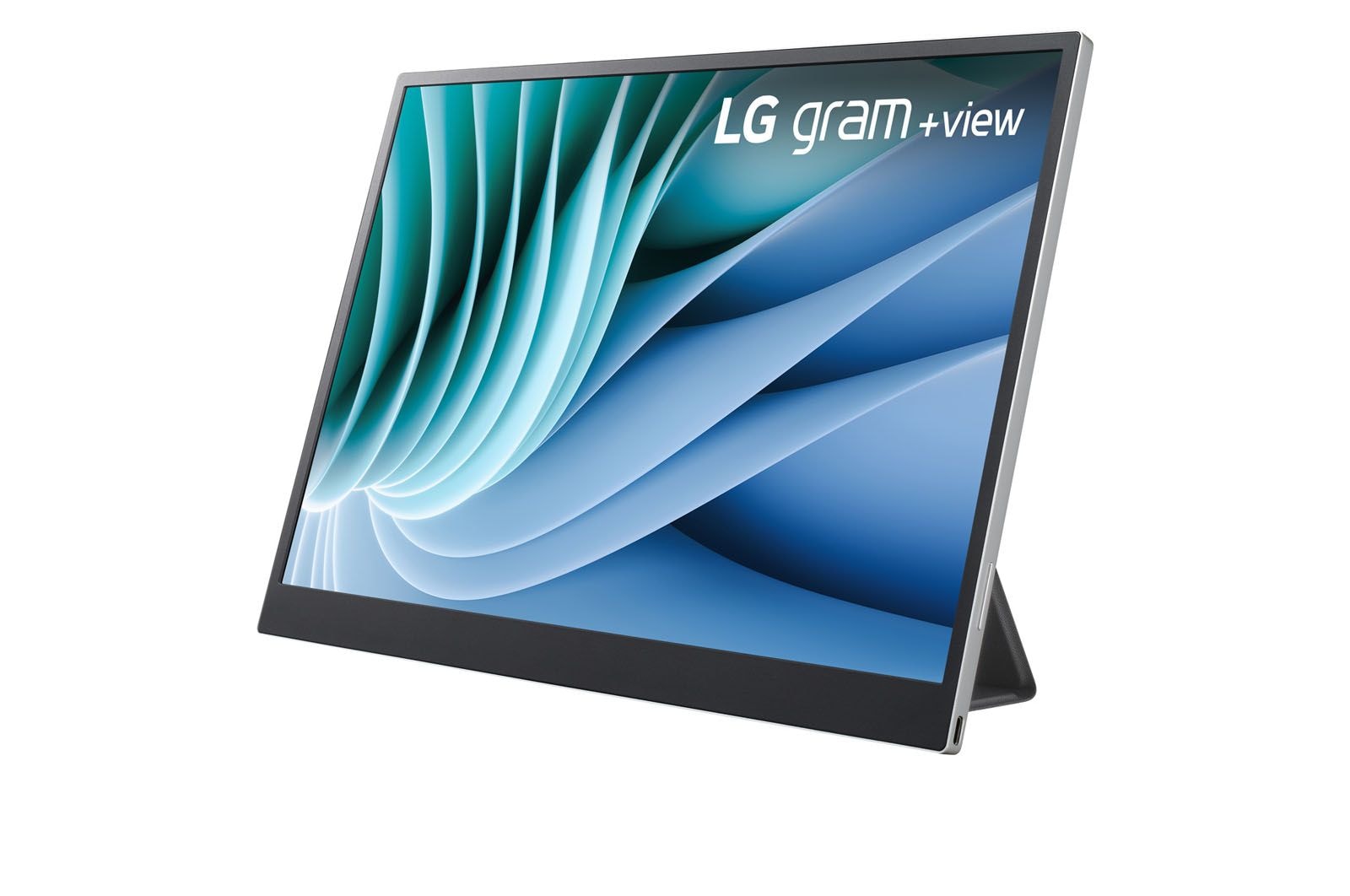
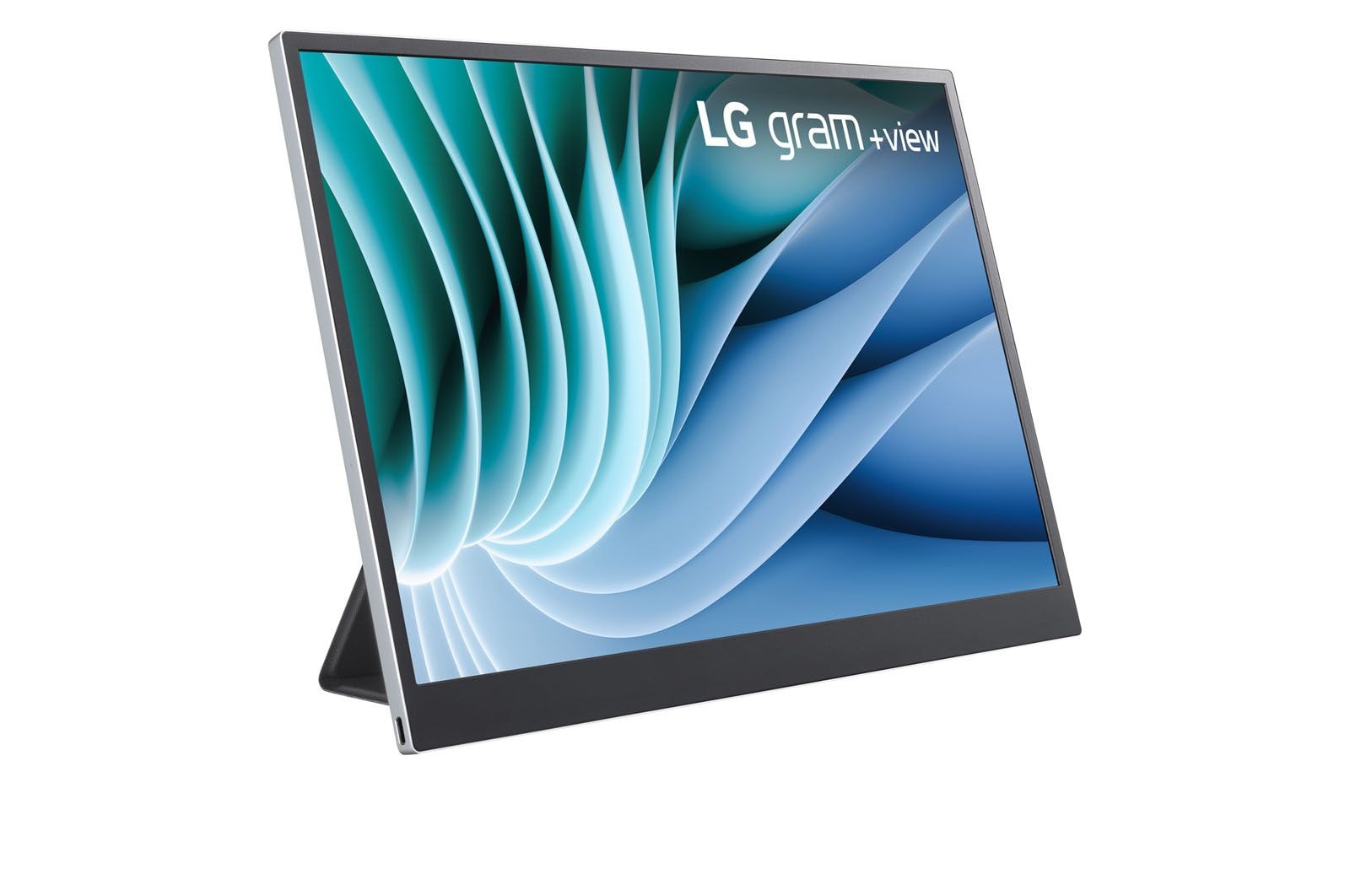
+view Details
*The images simulated to enhance feature understanding, laptop is sold separately.
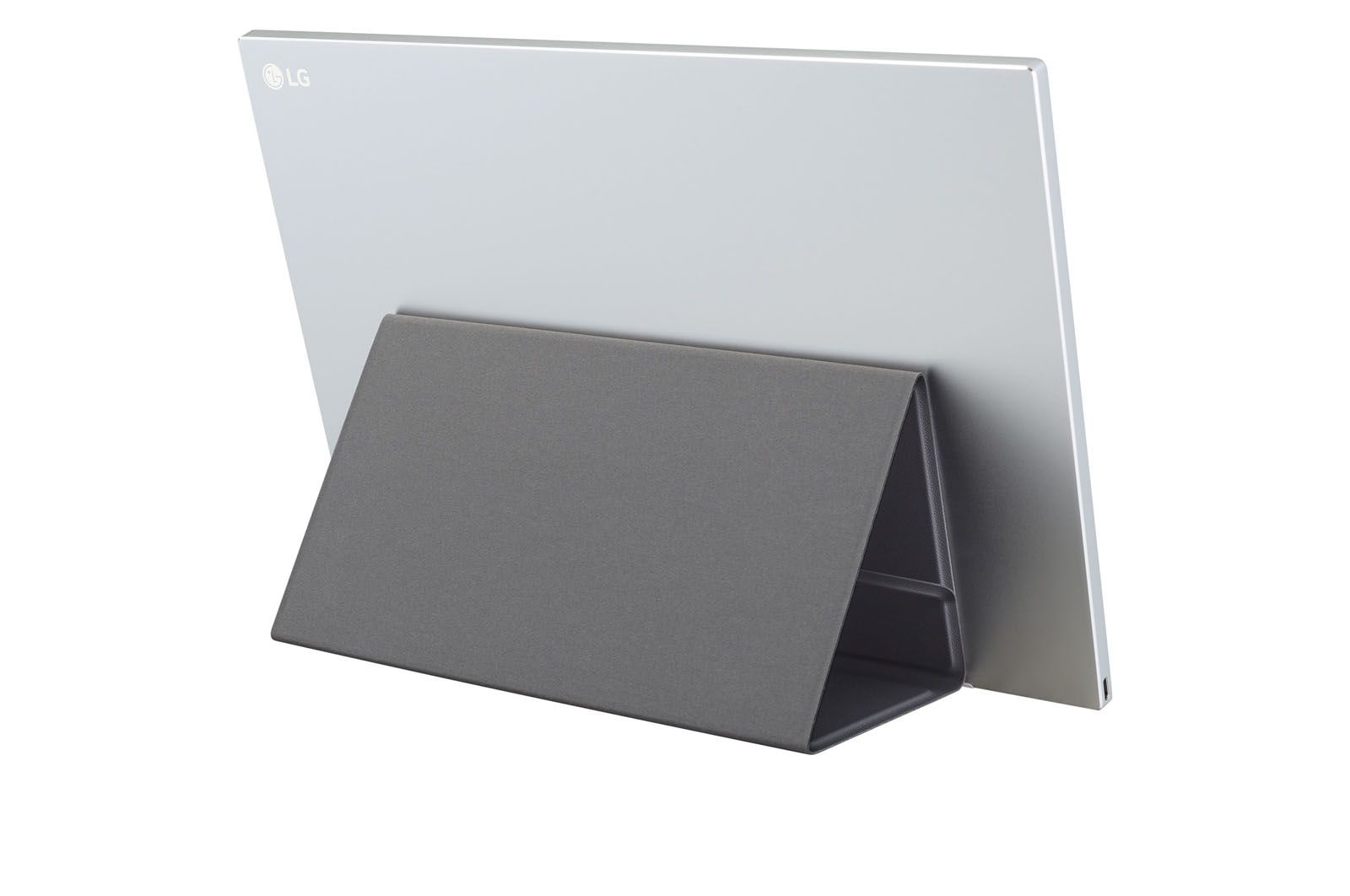
*This product is a portable monitor of which power is driven by a connected laptop battery. It doesn't support the built-in battery.
*If the battery of the connected laptop is low, you can use a USB-C™ charger (sold separately) for power.
*This product is for laptops only. Any device connected to the monitor must support DisplayPort Alternate Mode (DP Alt Mode) and Power Output (USB PD) above 7.5W (5V/1.5A).
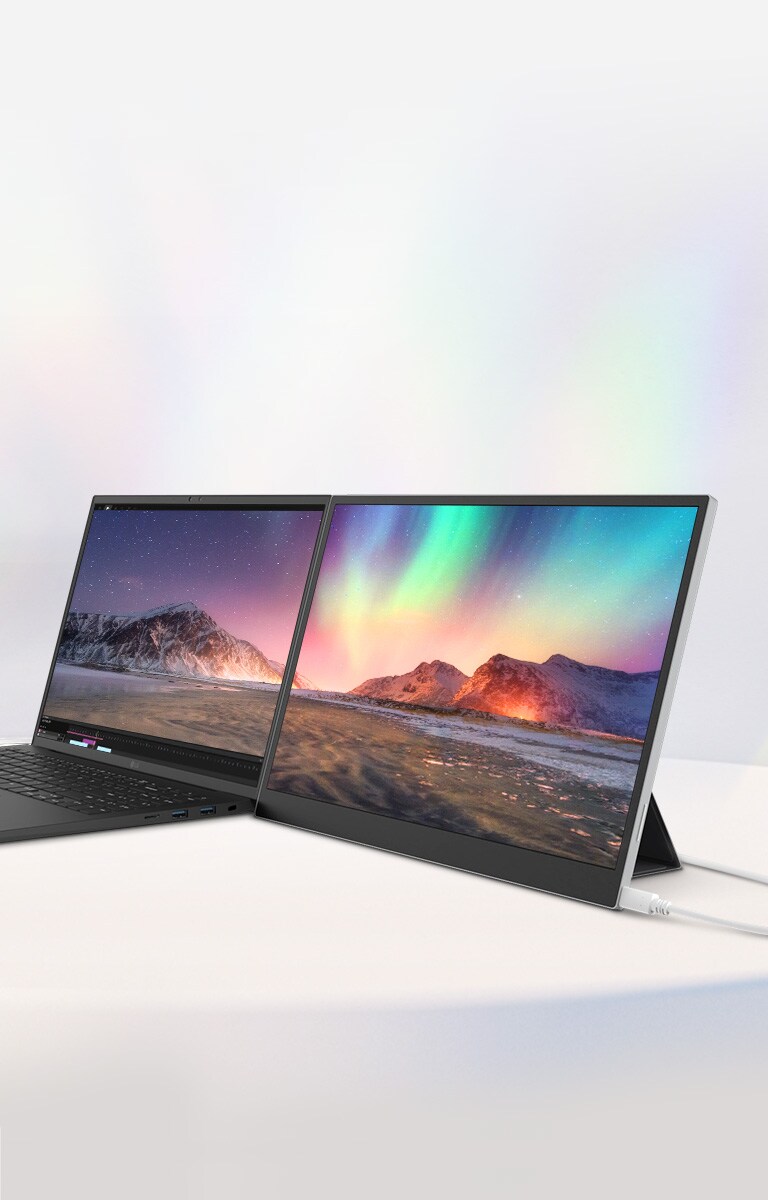
Expand, Widen and Boost Your Gram
*The images simulated to enhance feature understanding, laptop is sold separately.
**DCI-P3 Typical 99%, Minimum 95%.
It Only Takes a Cable
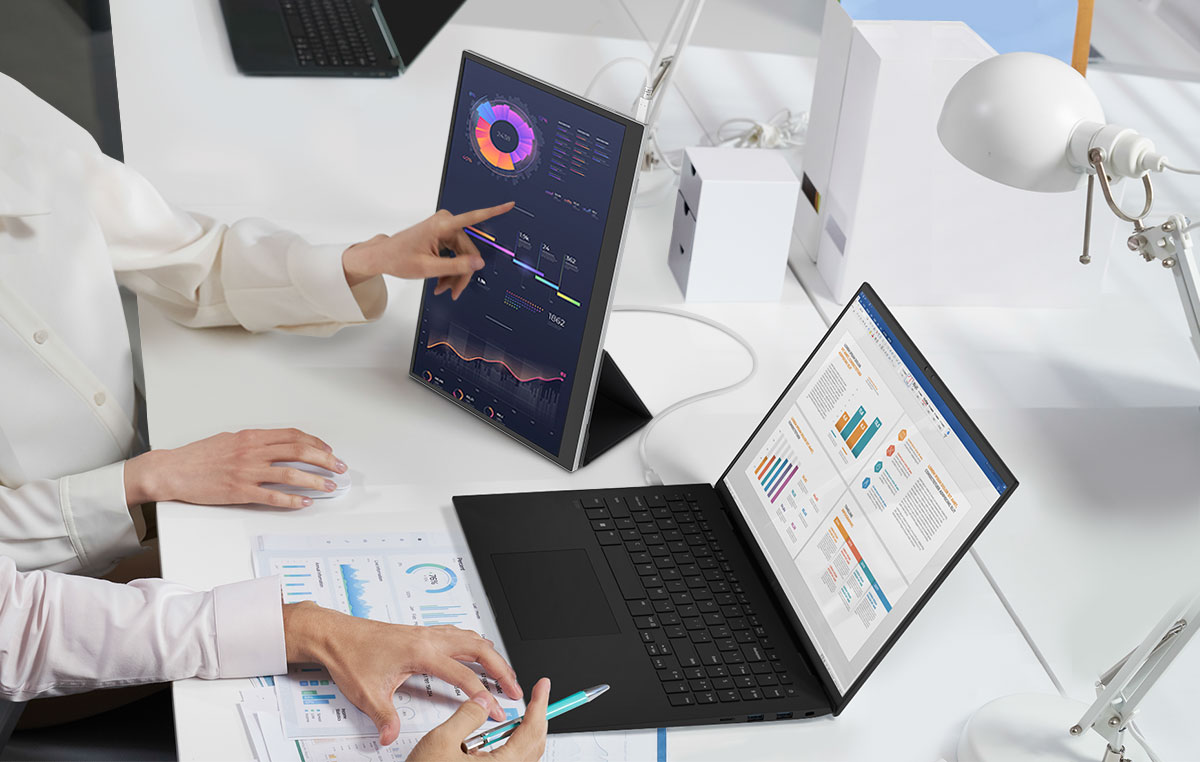
You can easily set up a dual monitor with a USB Type-C™ connection. Even better, the USB Type-C™ ports are on both sides.
*The images simulated to enhance feature understanding, laptop is sold separately.
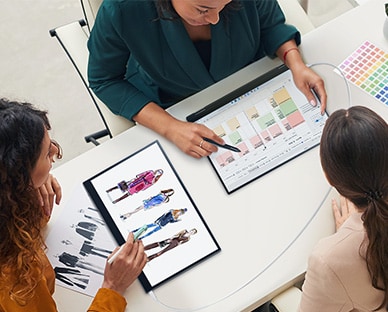
Scalability and Portability for Boosting Work Efficiently
*The images simulated to enhance feature understanding, laptop is sold separately.
**The Auto Rotate function can be used only when LG Switch App is installed.
What people are saying
Our Picks for You
Manual& Software
Download product manuals and latest software for your LG product.
Troubleshoot
Find helpful videos and information about your product systems.
Warranty
Check LG warranty information here.
Part& Accessory
Discover accessories for LG products.
Product Registration
Registering your product will help you get faster support.
Product Support
Find manual, troubleshoot and warranty of your LG product.
Order Support
Track your order and check order FAQ.
Repair Request
Repair request service conveniently online.