We use cookies, including cookies from third parties, to enhance your user experience and the effectiveness of our marketing activities. These cookies are performance, analytics and advertising cookies, please see our Privacy and Cookie policy for further information. If you agree to all of our cookies select “Accept all” or select “Cookie Settings” to see which cookies we use and choose which ones you would like to accept.
HELPFUL HINTS
How to build an automated smart home with the LG ThinQ app
- Find out how to use the LG ThinQ™ app to manage and monitor your smart home from your mobile, whether you’re at home or out and about.
- Discover some of the best AI-enabled products you can add to your ThinQ™-compatible smart home, helping to streamline everyday living in your house or flat.
- Explore the latest updates in the ThinQ AI ecosystem. Customise your experience with the new Share Your Ideas menu. Receive proactive care alerts that help extend appliance lifespan. Get continuous software upgrades that enhance performance and reduce home energy use - designed to support you long after your purchase date.
What is an automated smart home, and what role can a mobile smart app like LG ThinQ play in bringing everything together?
Read on to learn more about how the LG ThinQ 5.0 Smart App can improve the most mundane chores thanks to evolving intelligence with AI and smart automation.
What is LG ThinQ?
With just a few products, any home can be an automated smart home; LG ThinQ is an easy-to-use smart app that is compatible with most LG home appliances and entertainment devices.1
How can you automate your home with the LG ThinQ smart app?
Energy saving and easy monitoring
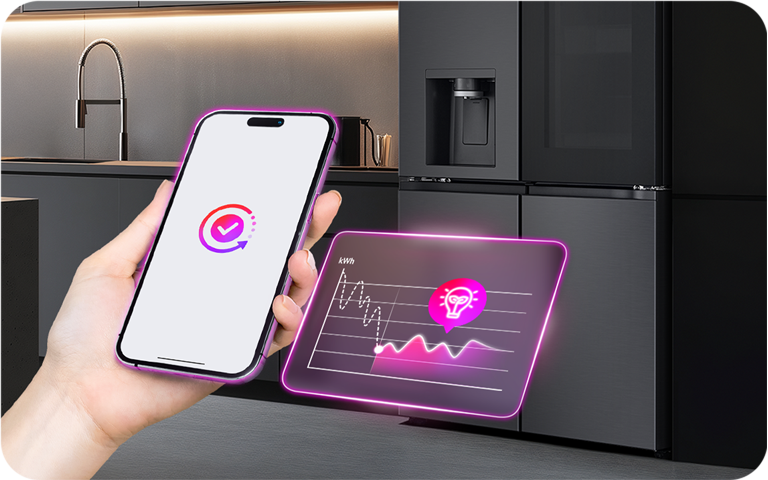
You can monitor your energy usage and personalise your household with newly developed AI features.1
Some particular highlights within the app that can help you save energy:
- Customised energy regulation: protect your food with automated temperature controls, which allow some LG refrigerators to function based on your own unique usage patterns
- AI Saving Mode: utilise two levels of energy reduction (up to 3.5% and up to 20%) to quickly and easily save energy based on these pre-measured product specifications and usage conditions 2,3
- Consumption monitoring: Set your own monthly usage goal and monitor all connected devices, so you can compare to the past usage/regional average.
Personalise your appliance to your needs
Thanks to the newly added ThinQ UP functions, which is offered through the existing ThinQ App ecosystem, customers can keep enjoying new product features even after the purchase and keep personalizing your appliances.4 Some of the customizable functions include:
- Custom ending screen & melody: design the screen and melody of your washing machine to your likes
- Personalize wash/dry cycles: configure detailed settings for each cycle tailored to your needs
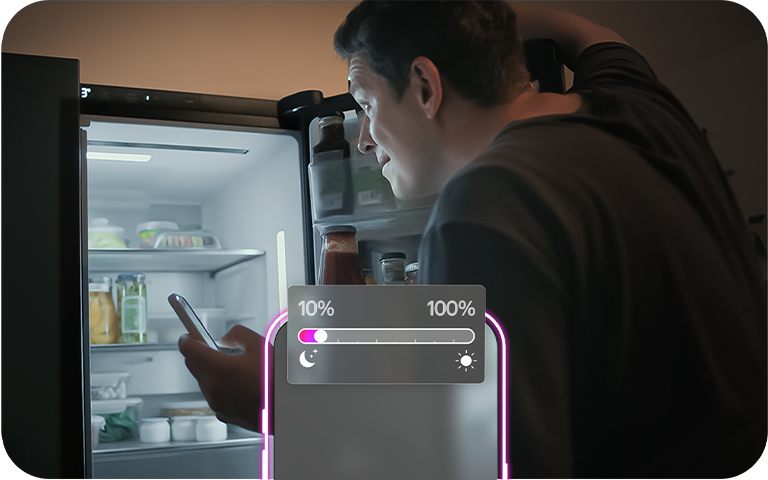
- Night View: customize the brightness level during nighttime to prevent glare
- Smart Fill: preset your fridge dispenser’s fill level to 250mL, 500mL or 1L5
Get peace of mind with proactive care alerts
ThinQ Care feature monitors and detects even the slightest misuse and sends care alerts to users. With proactive alerts & reminders, it's extra easy to maintain your appliances and achieve a longer usage cycle.
Get worry-free, peace of mind by:
- Staying alert when minor door openings cause air to leak out, which helps preserve freshness and save energy
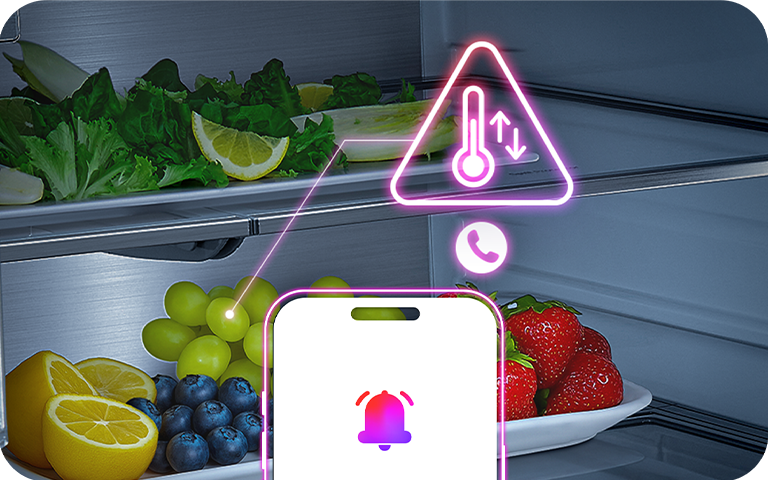
- Getting notified when fridge temperature rises; users can directly call maintenance support and schedule an inspection directly in the app
- Remotely monitoring your laundry during the tub cleaning cycle to prevent damage to the laundry
Enjoy extra convenience with the LG ThinQ app
Cut your workload and wait time on chores, even from across the house. With your ThinQ smart washer, smart dryer and/or smart fridge, you can utilise:
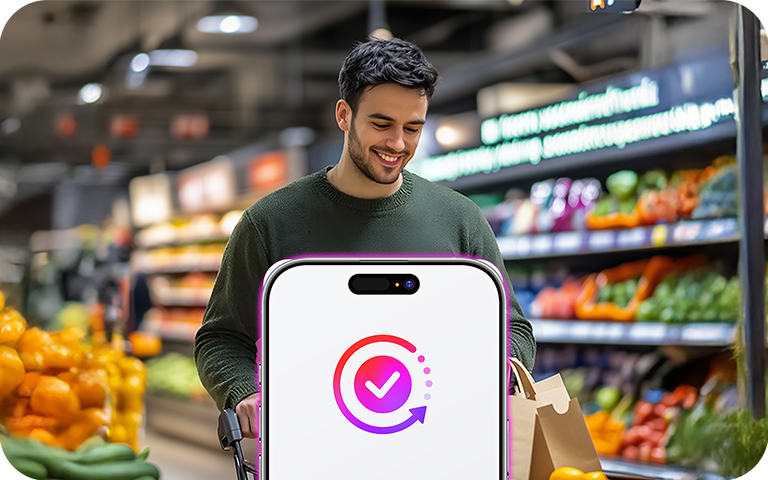
- Remote Start: control your devices with your phone whenever you are
- Voice Control: easily control your devices using voice commands6
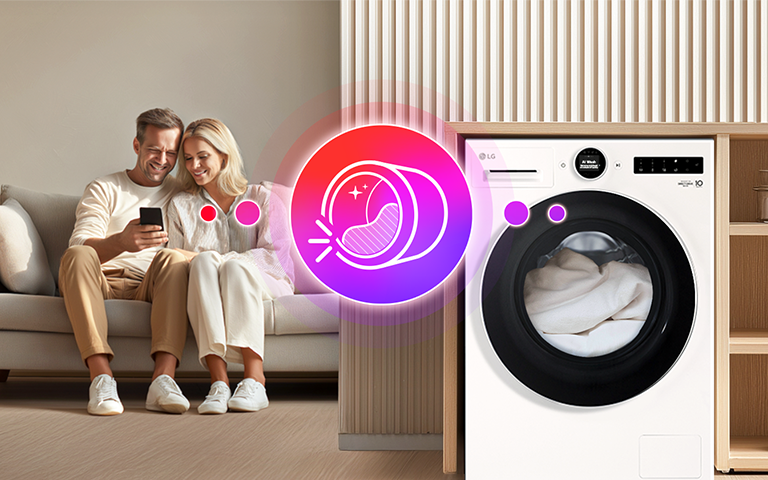
- Fresh Keeper: keep the drum rotating when you can’t unload the laundry immediately to prevent odour and wrinkles
How do you connect LG products with other smart home devices?
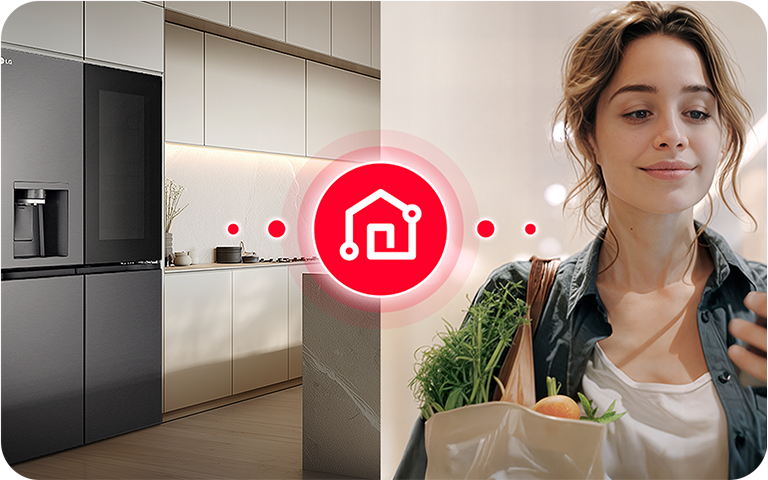
LG ThinQ is the perfect AI-assisted companion, thanks to its seamless integration with other smart platforms such as Amazon’s Alexa, Google’s Assistant and Apple’s HomeKit. Once you’ve installed and set up LG ThinQ, you can use the smart hub function on your preferred device to enable or give access to the ThinQ app.
Does LG ThinQ Care help improve your device lifecycle?
ThinQ Care is the virtual helper that can remind users to take actions that will save energy and wear and tear, therefore extending the longevity of their connected appliances.7 Some key features include:
How to get started with the LG ThinQ smart app
If you already own an LG product, you can get started in a few simple steps:
Step 1: Download and connect to the LG ThinQ mobile app
The ThinQ is available for both iOS and Android mobile devices on your phone’s App Store. You can also scan this QR code to download directly from LG.com.1
Please note that the LG ThinQ app supports 2.4GHz Wi-Fi so when you try to connect to a new network, make sure 5G or 5GHz is not mentioned in the name.
Step 2: Set up your LG ThinQ user account
Once downloaded, you can follow the prompts below to create your user account and open your LG ThinQ free membership account.
Sign in with LG > Create account > Agree to privacy policy > Enter personal info > Provide email and new password for your account credentials > Confirm your email address > You’re signed up!
Step 3: Register your appliances
With your LG account created, you simply need to enable Wi-Fi on each device to select and pair your appliances from within the ThinQ app. If your device was produced after January 2022, you can also use QR Quick Scan to register.
FAQs
Q: Can I control LG products with voice assistants like Alexa or Google Home?
A: Yes, LG ThinQ allows you to use third-party smart assistants for a fully in-sync smart home environment.7
Q: What should I do if my ThinQ app stops working or loses connection?
A: If you’ve already checked your Wi-Fi connection and verified that you are using a 2.4GHz network, turning off your mobile data completely is a common solution.8
Q: How do I install new features on my ThinQ UP™ appliance?
A: To upgrade your appliance with ThinQ UP™, start by running the ThinQ app and tapping the UP icon in the top right corner. If an upgrade is compatible with your device(s), you will see your options on the next screen.9
Q: Are there any specific conditions for ThinQ UP or ThinQ-compatible LG products I should be aware of before buying?
A: Please keep in mind, for all of LG’s AI-enabled products:
*Available features and functionalities may vary by model and country.
**Some features included in the downloaded ThinQ app may be enabled at a later time.
***To use ThinQ features, you need to install the 'LG ThinQ' app from the Google Play Store or Apple App Store on your smartphone and connect to Wi-Fi. LG ThinQ™ app is available on compatible Android 9.0 or higher, iOS 16.0 or higher smartphones. Phone and Home Wi-Fi Data connection and product registration with LG ThinQ™ required.
With a few taps on your phone screen, you can build your ideal automated smart home routine with the many AI-enabled features available in the LG ThinQ app.
Life's Good!
1 How to set up the LG ThinQ smart app
2 Tested on model GMG860EPBE under TÜV Rheinland-verified conditions (freezer at -18°C, refrigerator at 3°C, no load, room temperature at 25°C, humidity at 55%). Available only through the LG ThinQ app; supported environments may vary.
3 The AI Saving Mode adjusts the defrost cycle and compressor speed based on the surrounding environment, which may increase internal temperature.
4 LG ThinQ UP Evolves With You
5 Smart Fill will only operate when the user manually selects the desired dispensing option (250ml, 500ml, 1000ml).
6 Voice Control is compatible with Google Home and Amazon Alex in countries where they are launched.
7 How to Upgrade with ThinQ UP
8 LG Combines AI and a Seamless Smart Home Experience in Europe
9 LG ThinQ™ features may vary by product model and country. Certain functions within the ThinQ app may become available through future updates.
10 Images are for illustration purposes only and may differ from the actual product. Available features and functionalities may vary by model and country.