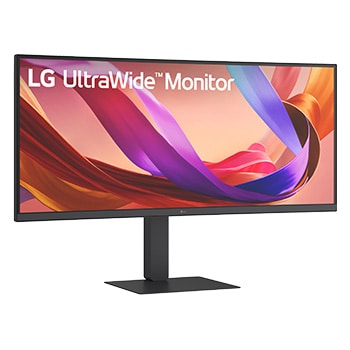
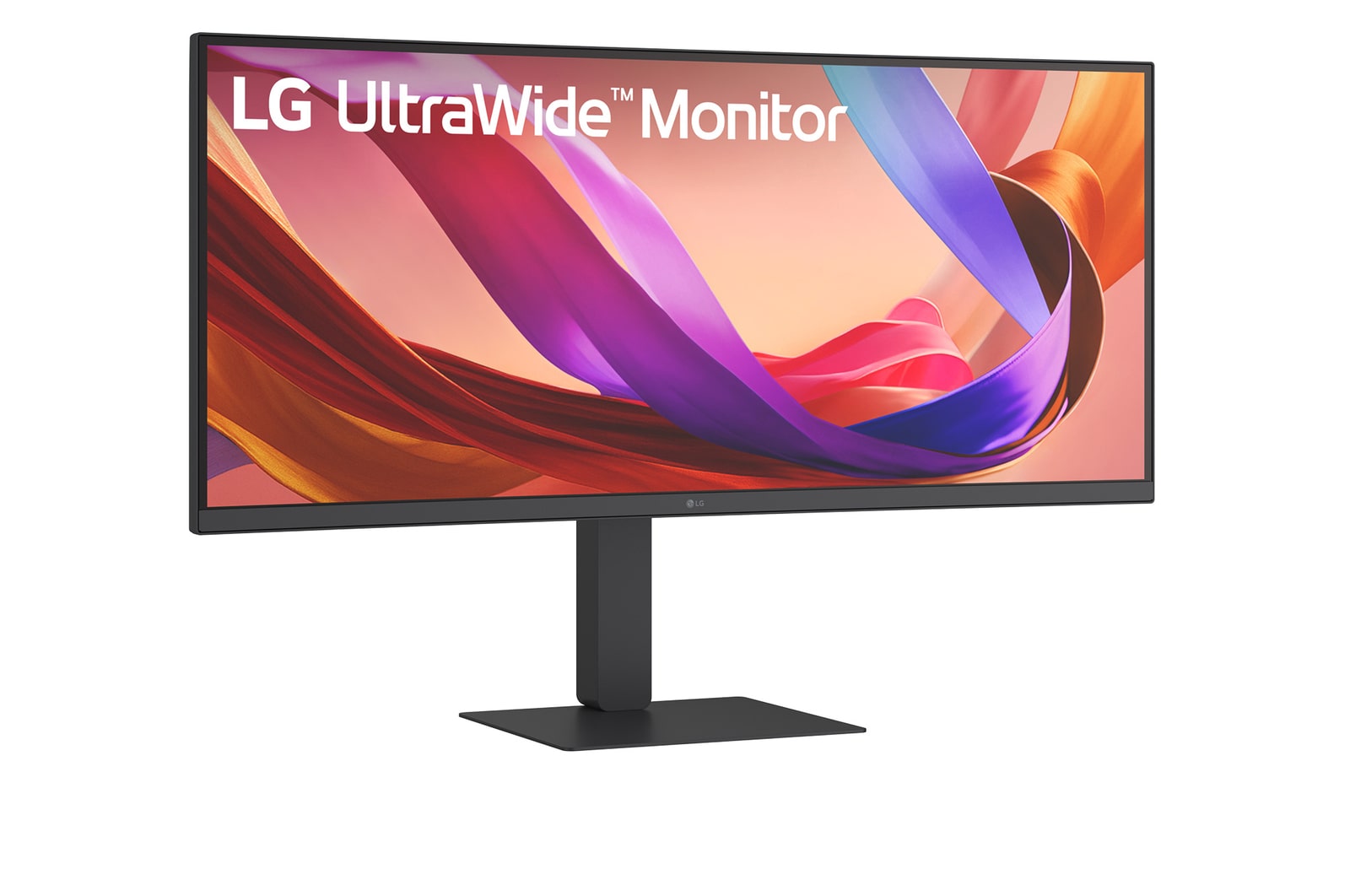
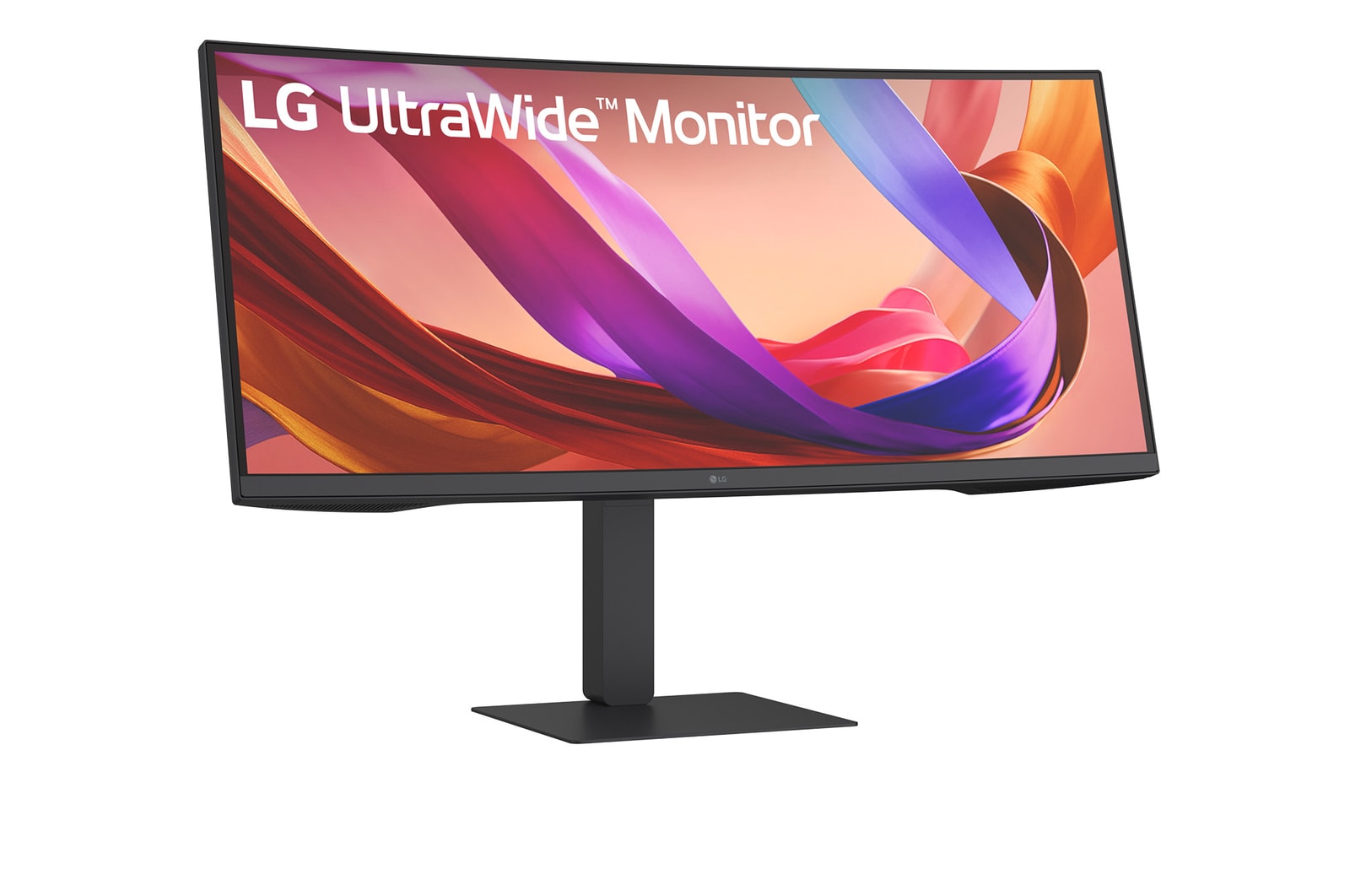
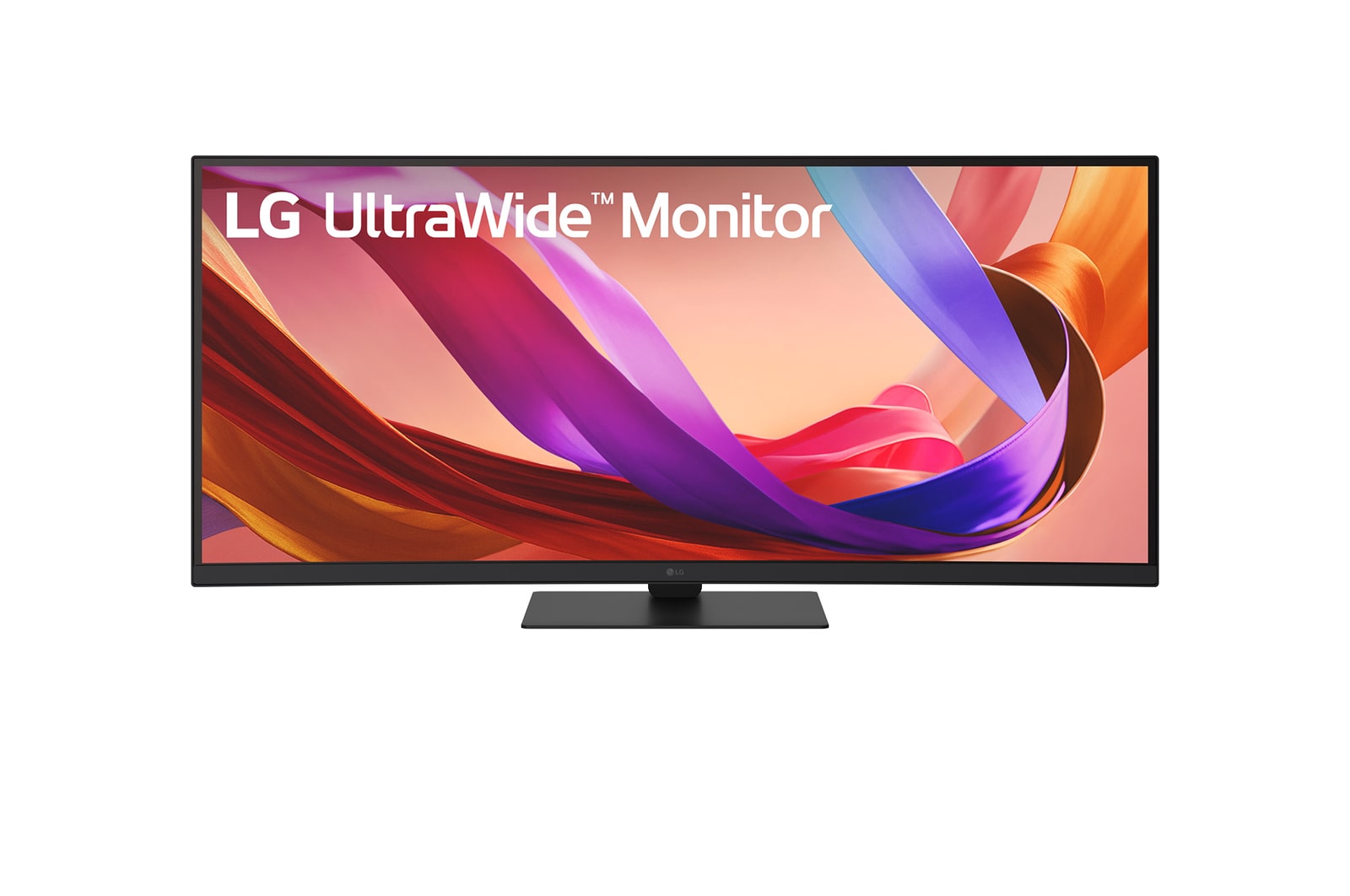
LG UltraWide Monitor Curved logo.

LG UltraWide Monitor Curved logo.

See more, do more

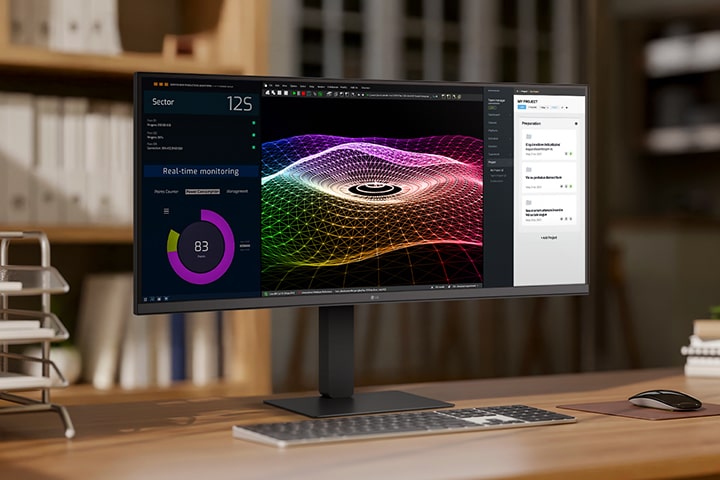
A modern home office setup featuring a large ultra-wide LG monitor displaying data dashboards, 3D graphics, and project management tools, with a wireless keyboard and mouse on a wooden desk.

A modern home office setup featuring a large ultra-wide LG monitor displaying data dashboards, 3D graphics, and project management tools, with a wireless keyboard and mouse on a wooden desk.

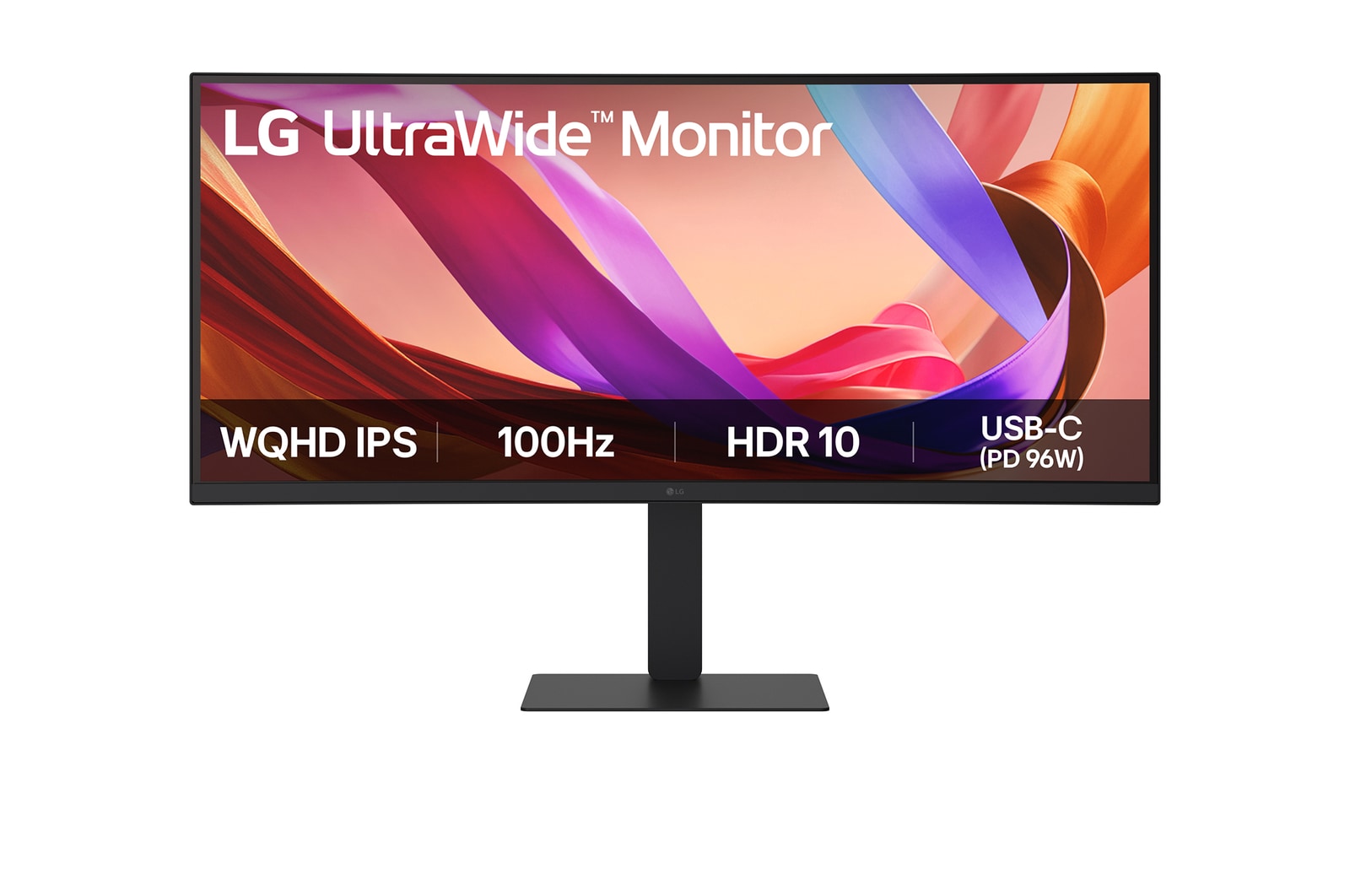
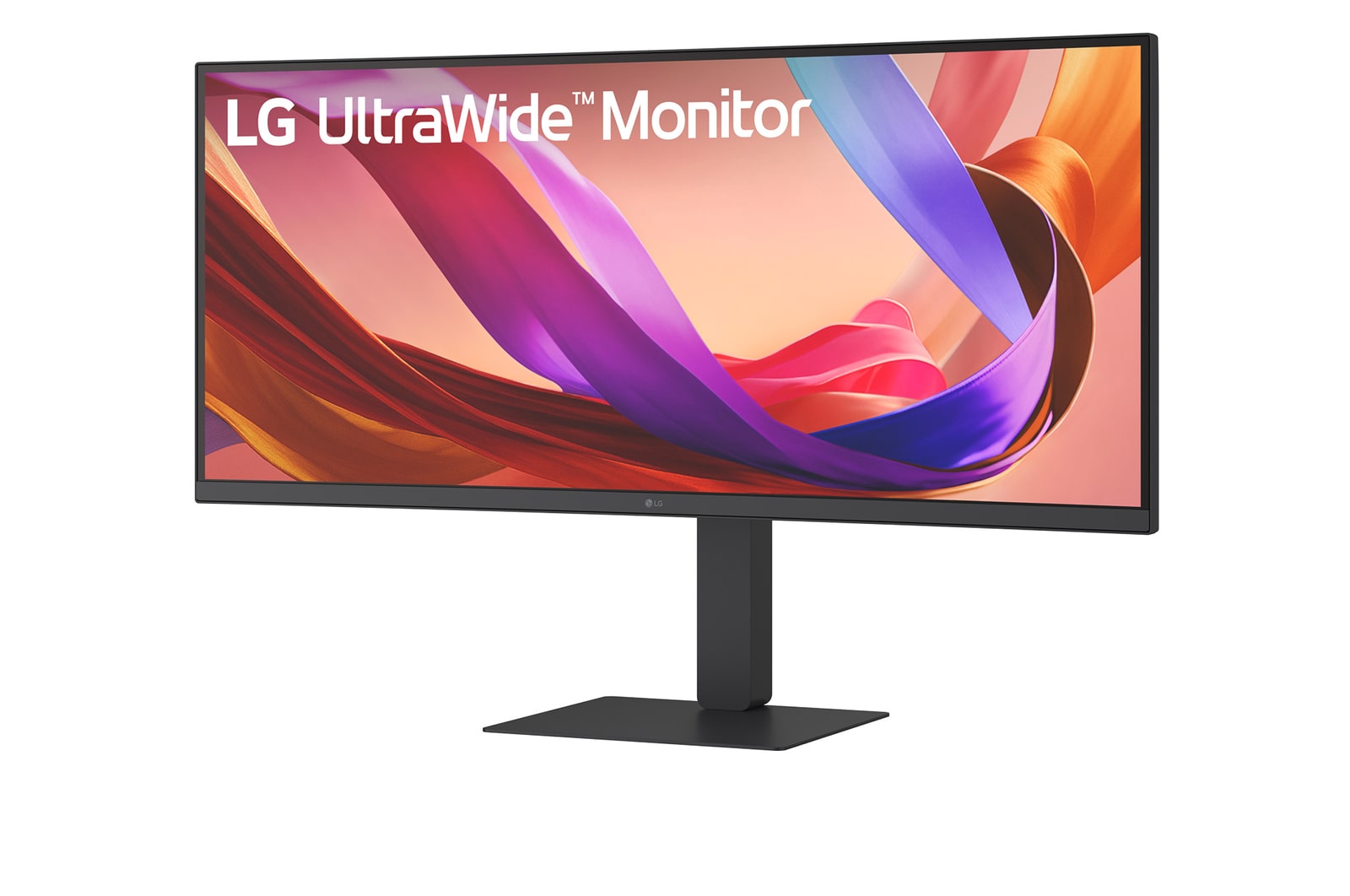
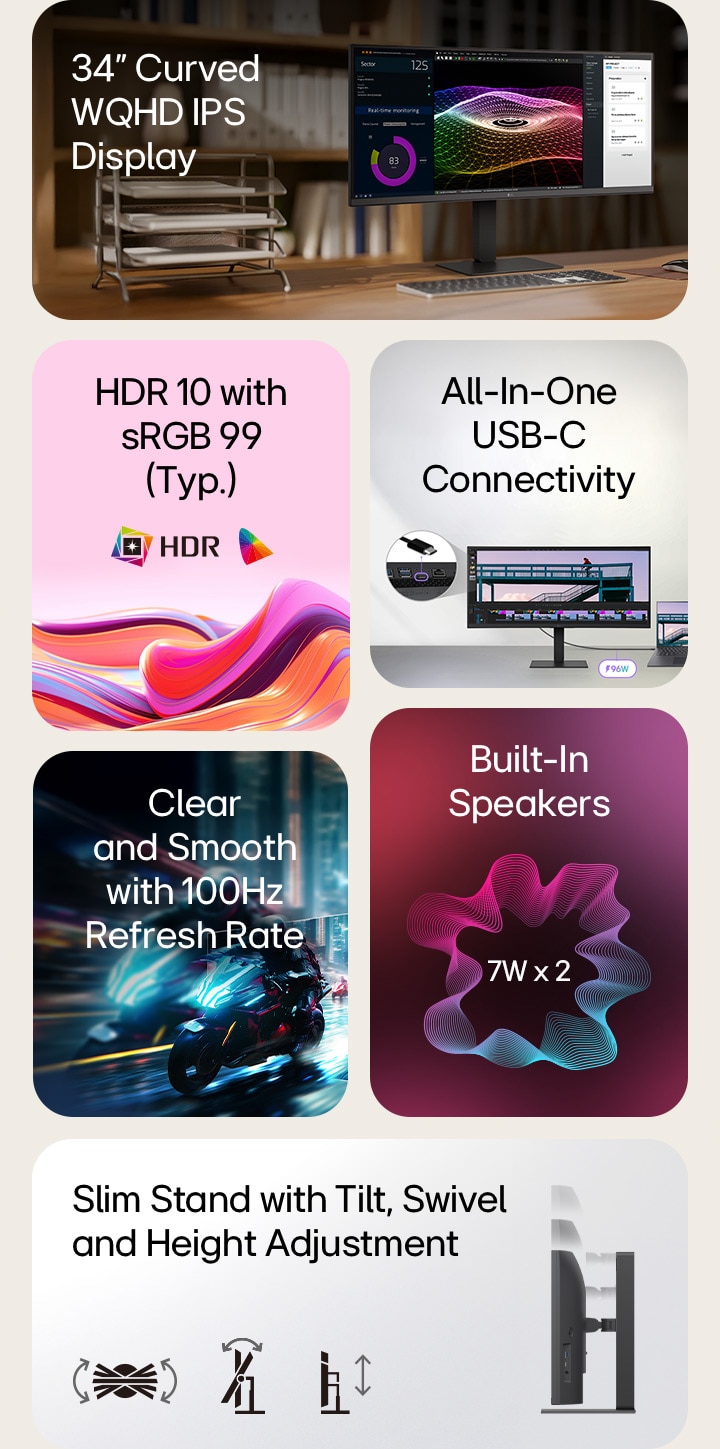
This is a summary image for an UltraWide monitor, divided into six blocks: a 34-inch curved WQHD IPS display on a wooden home office desk showing real-time monitoring, colorful 3D graphics, and project management tools; vivid abstract waves representing HDR10 and 99% sRGB color accuracy; a close-up of ports illustrating all-in-one USB-C connectivity; a fast-paced motorcycle racing scene highlighting the smooth 100Hz refresh rate; a graphic of dual 7W built-in speakers for immersive sound; and a side profile of the slim stand with icons indicating ergonomic tilt, swivel, and height adjustments.

This is a summary image for an UltraWide monitor, divided into six blocks: a 34-inch curved WQHD IPS display on a wooden home office desk showing real-time monitoring, colorful 3D graphics, and project management tools; vivid abstract waves representing HDR10 and 99% sRGB color accuracy; a close-up of ports illustrating all-in-one USB-C connectivity; a fast-paced motorcycle racing scene highlighting the smooth 100Hz refresh rate; a graphic of dual 7W built-in speakers for immersive sound; and a side profile of the slim stand with icons indicating ergonomic tilt, swivel, and height adjustments.

21:9 WQHD IPS Display

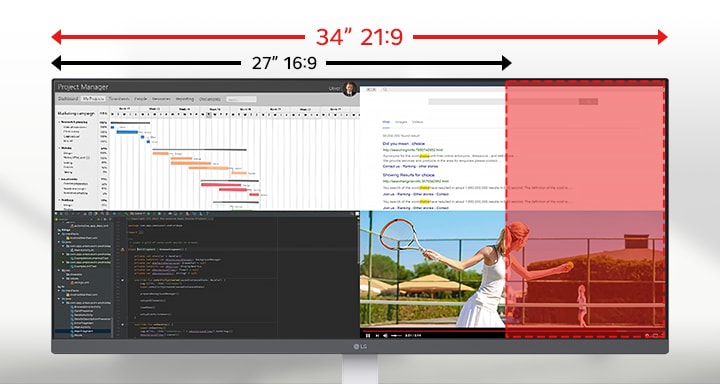
The UltraWide™ Full HD (2560×1080) display offers 33% more horizontal screen space than a standard FHD (1920×1080) monitor. The virtually bezel-less design offers an uninterrupted, wider view. This allows for more efficient multitasking without switching between windows.

Ultra-wide LG monitor displaying multiple applications across a 34-inch 21:9 screen, with a highlighted comparison showing the additional horizontal space over a standard 27-inch 16:9 display.

Ultra-wide LG monitor displaying multiple applications across a 34-inch 21:9 screen, with a highlighted comparison showing the additional horizontal space over a standard 27-inch 16:9 display.

*The images simulated to enhance feature understanding. It may differ from actual use.

VESA DisplayHDR™ 400

Clarity that keeps you focused

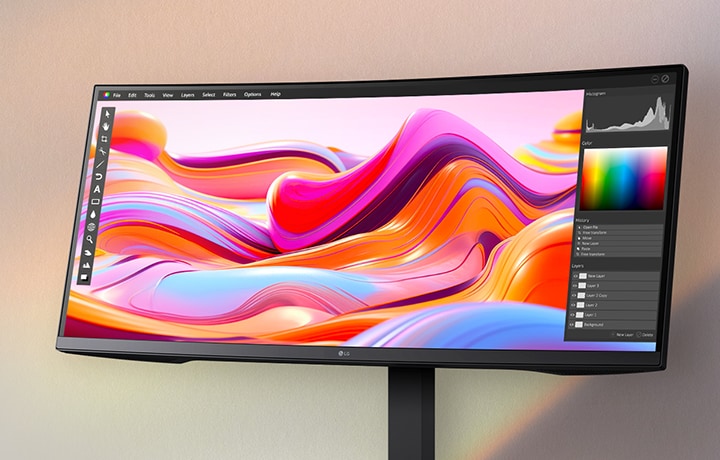
Supports VESA DisplayHDR™ 400, offering improved brightness and contrast for clearer detail in HDR content.
An ultra-wide LG monitor displaying vibrant aurora imagery with a photo editing interface, showcasing vivid color accuracy and high-resolution detail.

An ultra-wide LG monitor displaying vibrant aurora imagery with a photo editing interface, showcasing vivid color accuracy and high-resolution detail.

*The images simulated to enhance feature understanding. It may differ from actual use.

USB Type-C™ (DisplayPort Alt mode)

USB Type-C™ with versatile connectivity

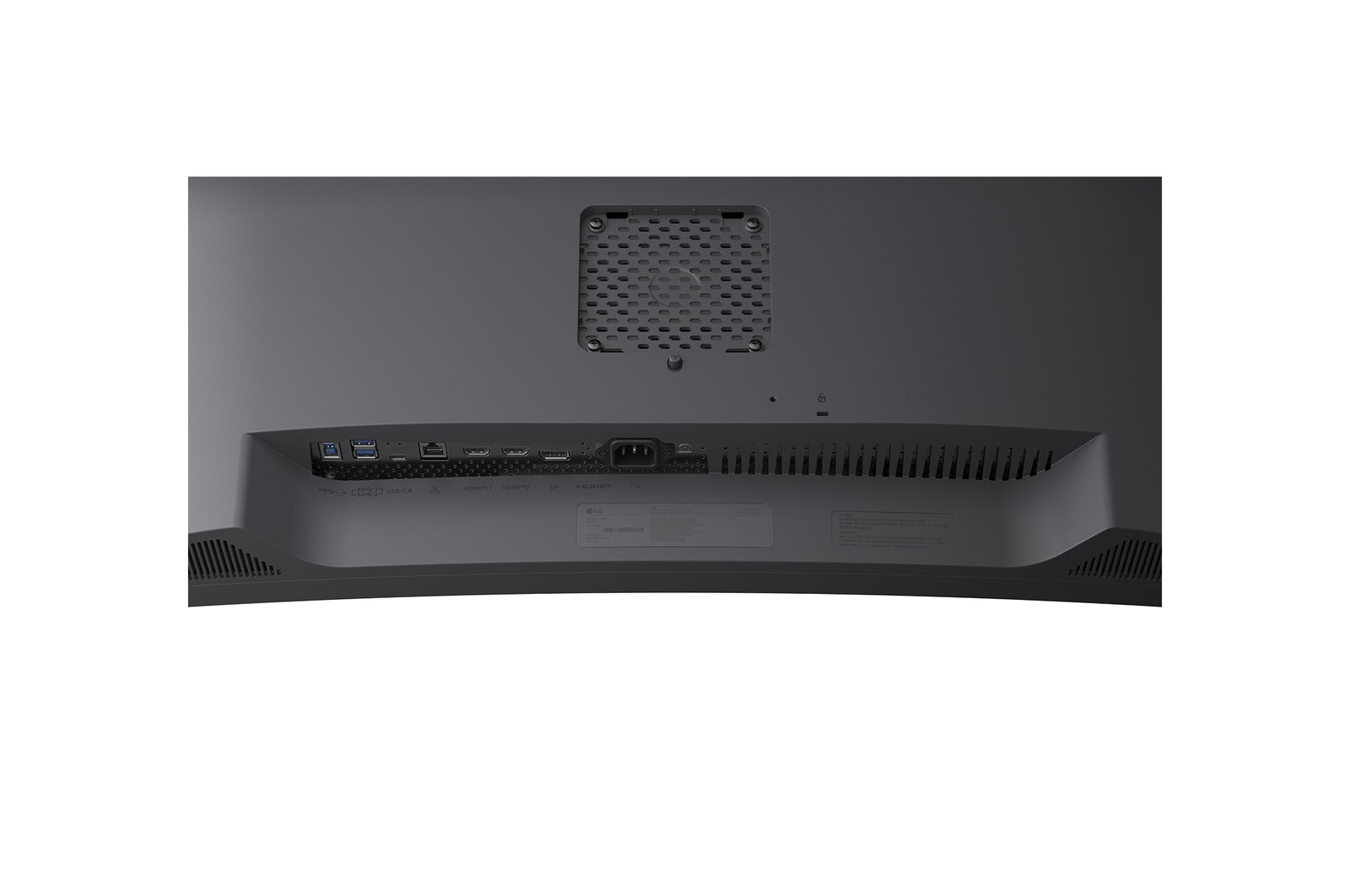
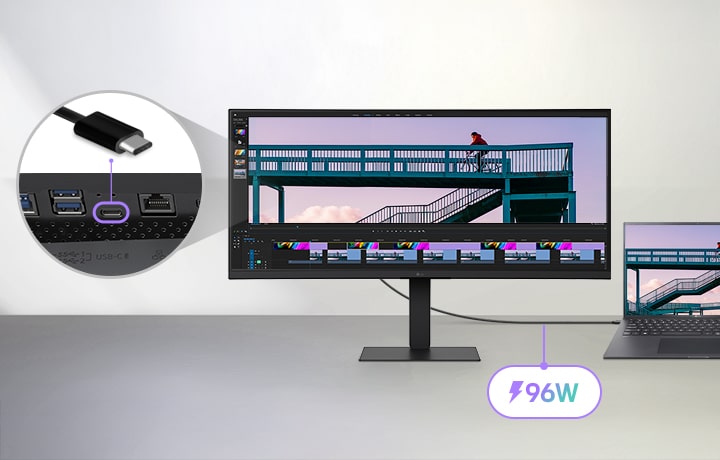
This monitor offers USB Type-C™, DisplayPort, HDMI ports to ensure smooth connectivity with various devices. The USB Type-C™ port supports both display output and data transfer, allowing easy connection to your laptop with a single cable.

UltraWide monitor connected to a laptop via a USB-C cable, displaying a video editing project with a cyclist on a bridge, featuring a close-up of the USB-C port and highlighting 96W power delivery capability.

UltraWide monitor connected to a laptop via a USB-C cable, displaying a video editing project with a cyclist on a bridge, featuring a close-up of the USB-C port and highlighting 96W power delivery capability.

*The images simulated to enhance feature understanding. It may differ from actual use.

*To work properly, the usb type-c cable is required (sold separately).

*The USB Type-C™ port on this monitor is compatible with USB Type-C™ (DisplayPort Alt Mode)-enabled laptop and smart devices, not supporting power delivery.

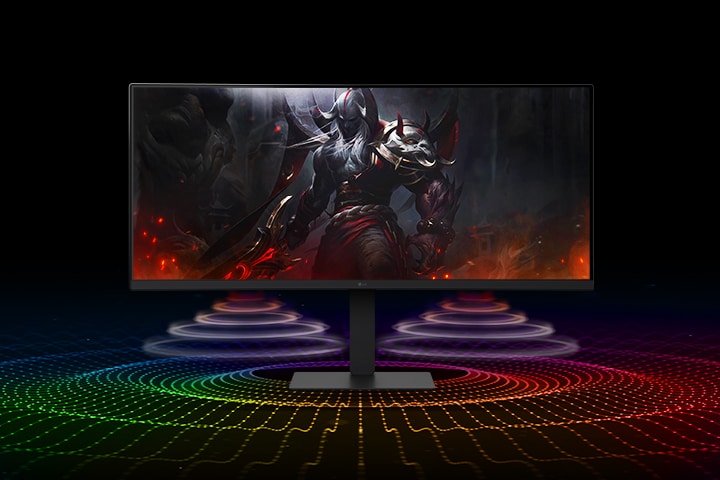
UltraWide monitor displaying a dark fantasy game character, with two colorful sound waves radiating forward from beneath the monitor, representing built-in 7W speakers enhanced with DepthSound technology for deep bass and an immersive audio experience.

Waves MaxxAudio®

Immersive Sound System

While two 7W Stereo Speakers with MaxxAudio® completes your immersive experience.

*The Images are simulated to enhance feature understanding and may differ from actual use.

LG Switch app

Switch swiftly

You can readily divide the whole display into up to 6 sections, change the theme design, or even launch a video call platform with a mapped hotkey. It also supports PBP and PIP modes for efficient multitasking across multiple input sources.

*The images are simulated to enhance feature understanding and may differ from actual use.

*To download the latest LG Switch app, search in the LG.com Support Menu.

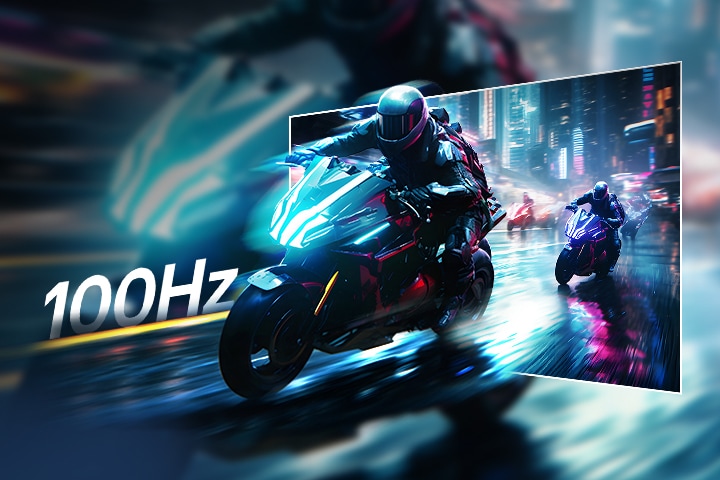
Futuristic motorcyclists racing through a neon-lit city street, with motion blur in the background and a highlighted section showing sharp, clear visuals to demonstrate the smooth performance and clarity of a 100Hz refresh rate.

100Hz

Fluid gaming motion with 100Hz refresh rate

Delivers smooth and responsive performance with a 100Hz refresh rate, offering fluid visuals and crisp, ghost-free gameplay that gives you a competitive edge.

*The images simulated to enhance feature understanding. It may differ from actual use.

*1ms Motion Blur Reduction causes lowered luminance, and the following features cannot be used while it is activated : AMD FreeSync™.

*Flicker may occur during 1ms MBR operation.

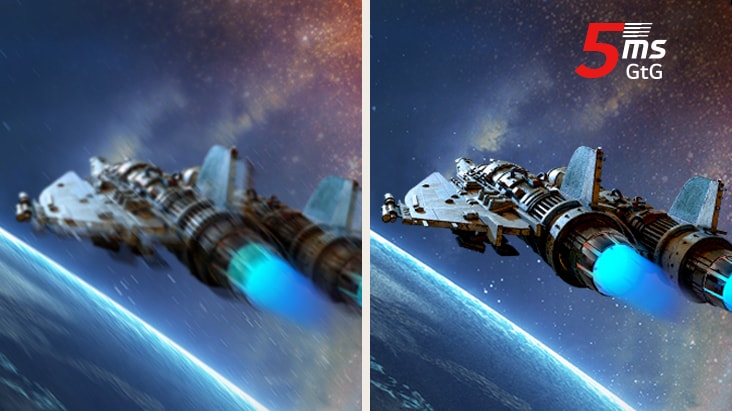
5ms (GtG)

Consistent speed

Experience responsive 5ms (GtG) response time, minimising ghosting for clear, fluid visuals. Stay in control in every game with dependable speed and smooth motion.

*The images are simulated to enhance feature understanding and may differ from actual use.

Built for comfort, designed for productivity

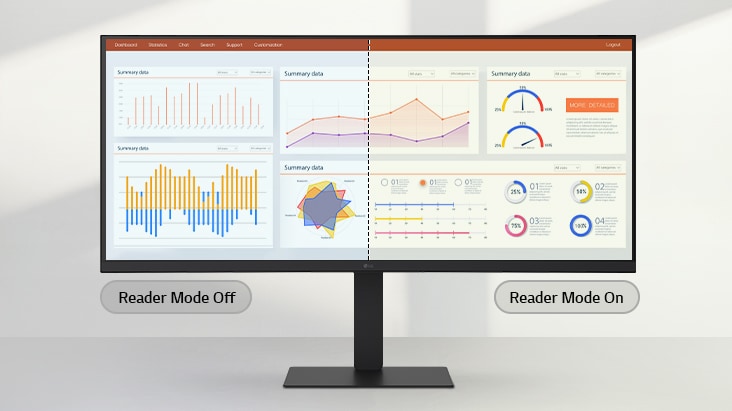
Reader Mode

Adjusts colour temperature and brightness to help reduce eye fatigue when viewing documents for extended periods.

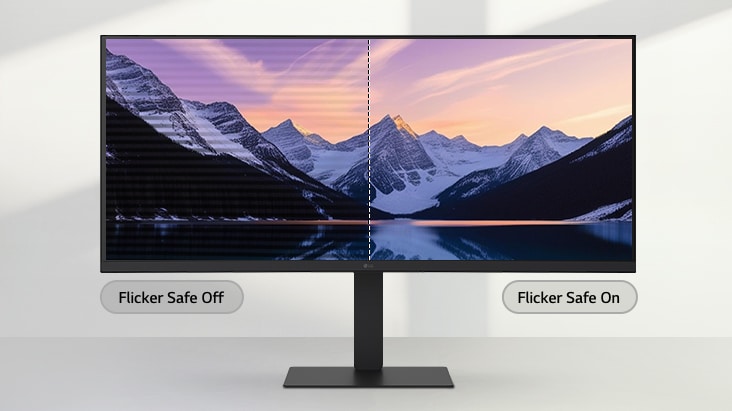
Flicker Safe

Flicker Safe reduces invisible flickering on the screen and provides a more comfortable working environment for your eyes.

*The images simulated to enhance feature understanding. It may differ from actual use.

*Above feature may vary depending on real use conditions that the user is using.

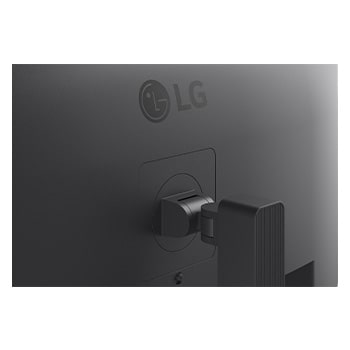
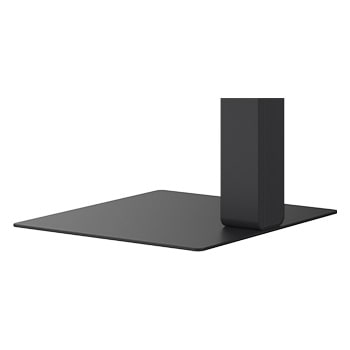
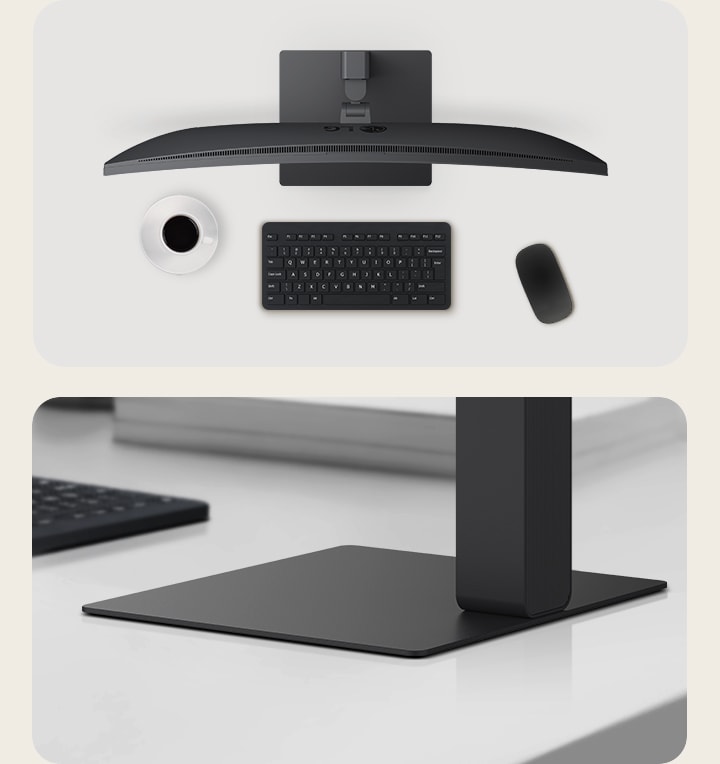
Slim Stand with a Square Shaped Base

Clutter-free with a sleek stand

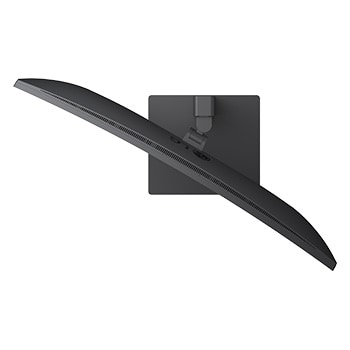
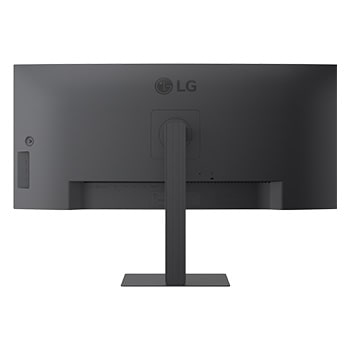
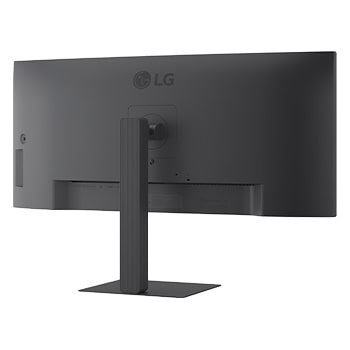
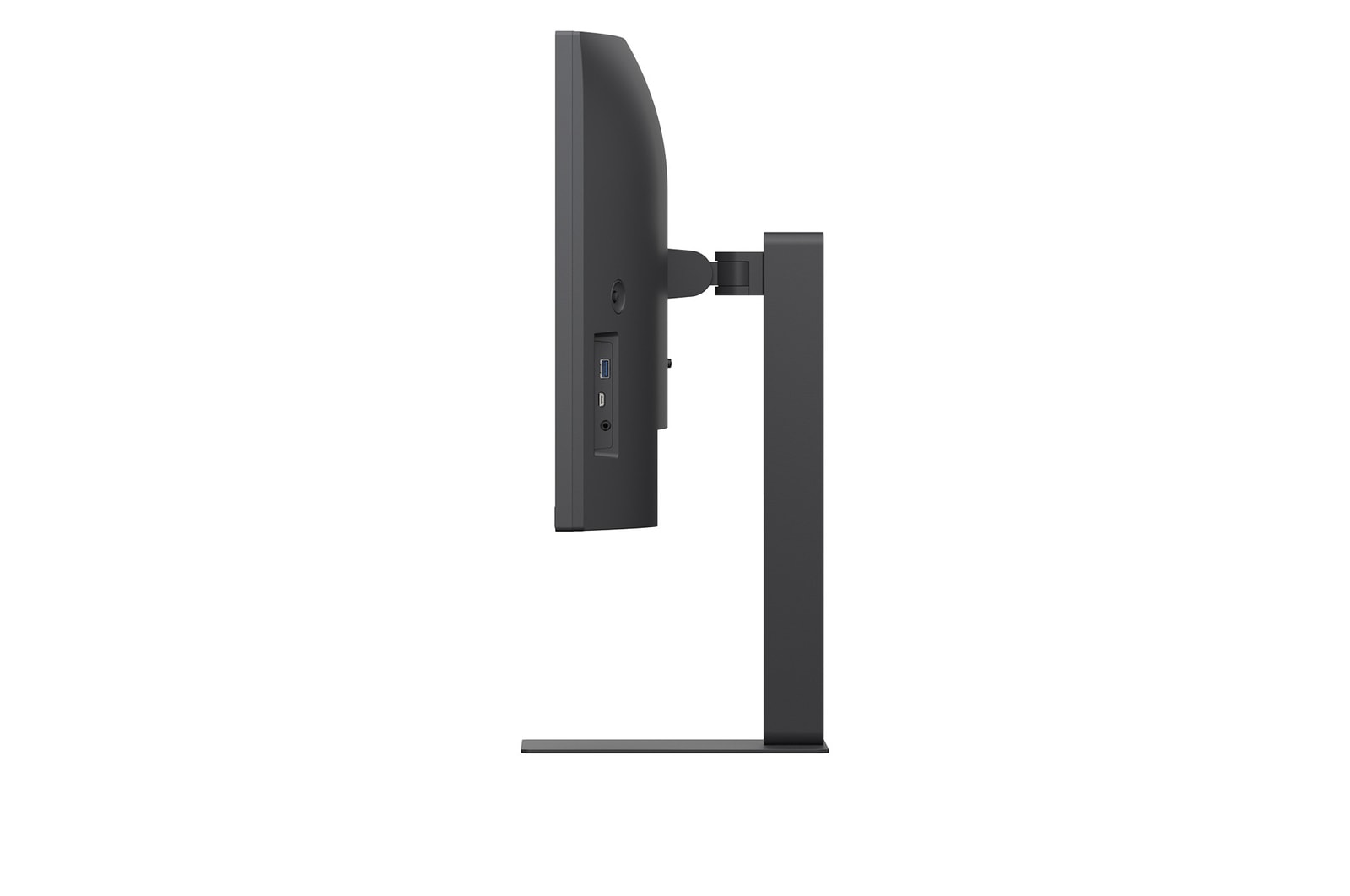
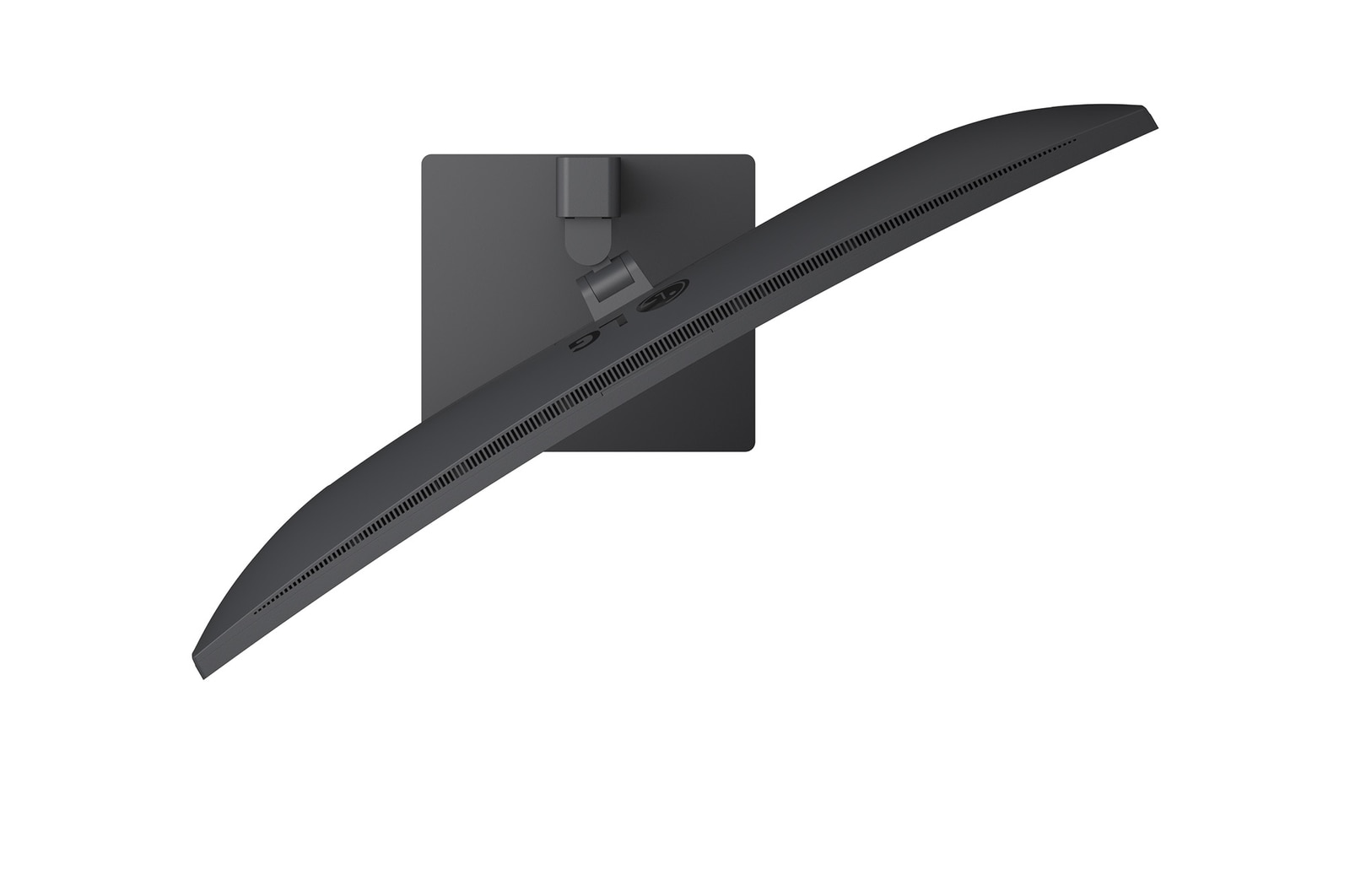
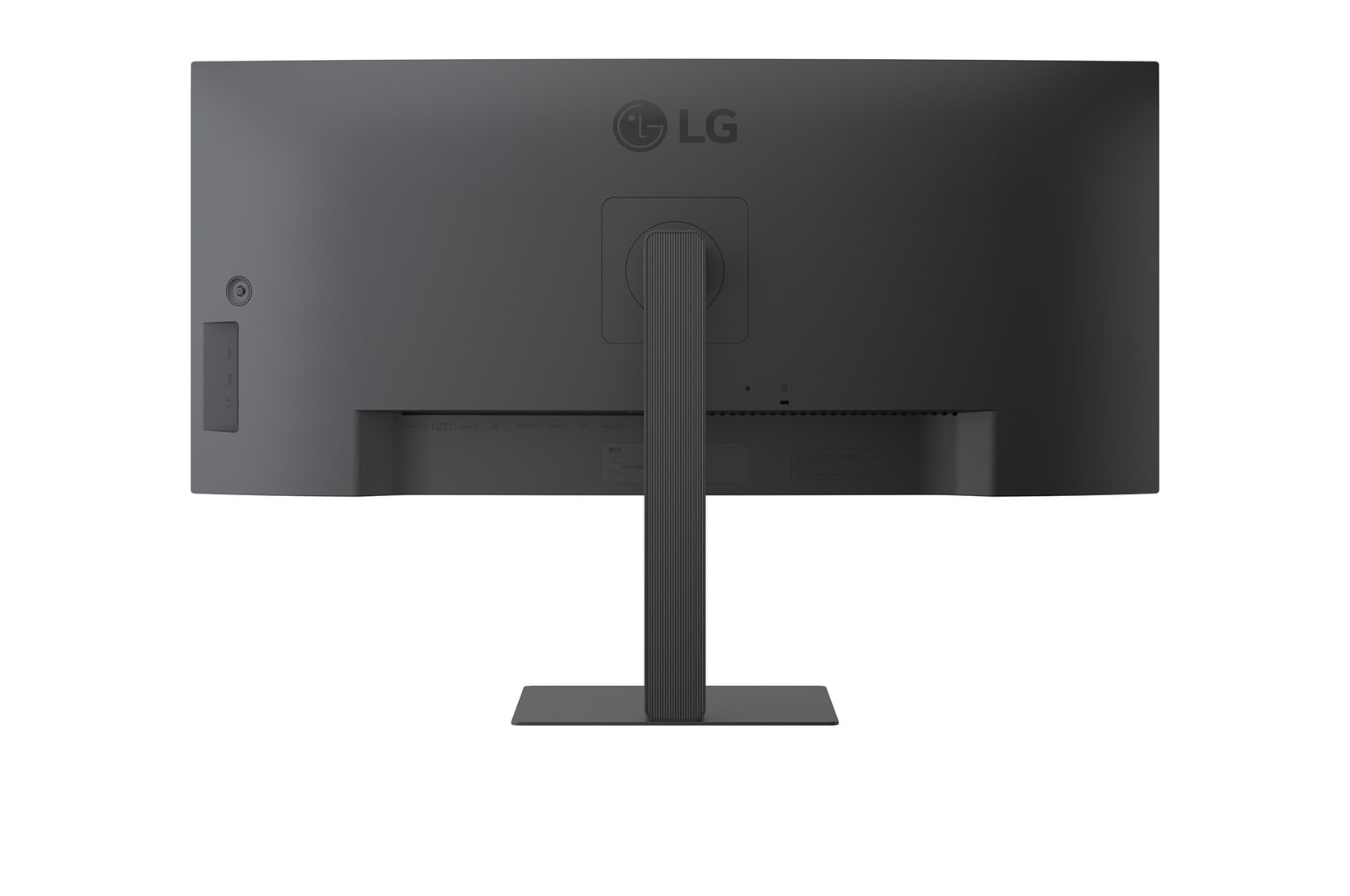
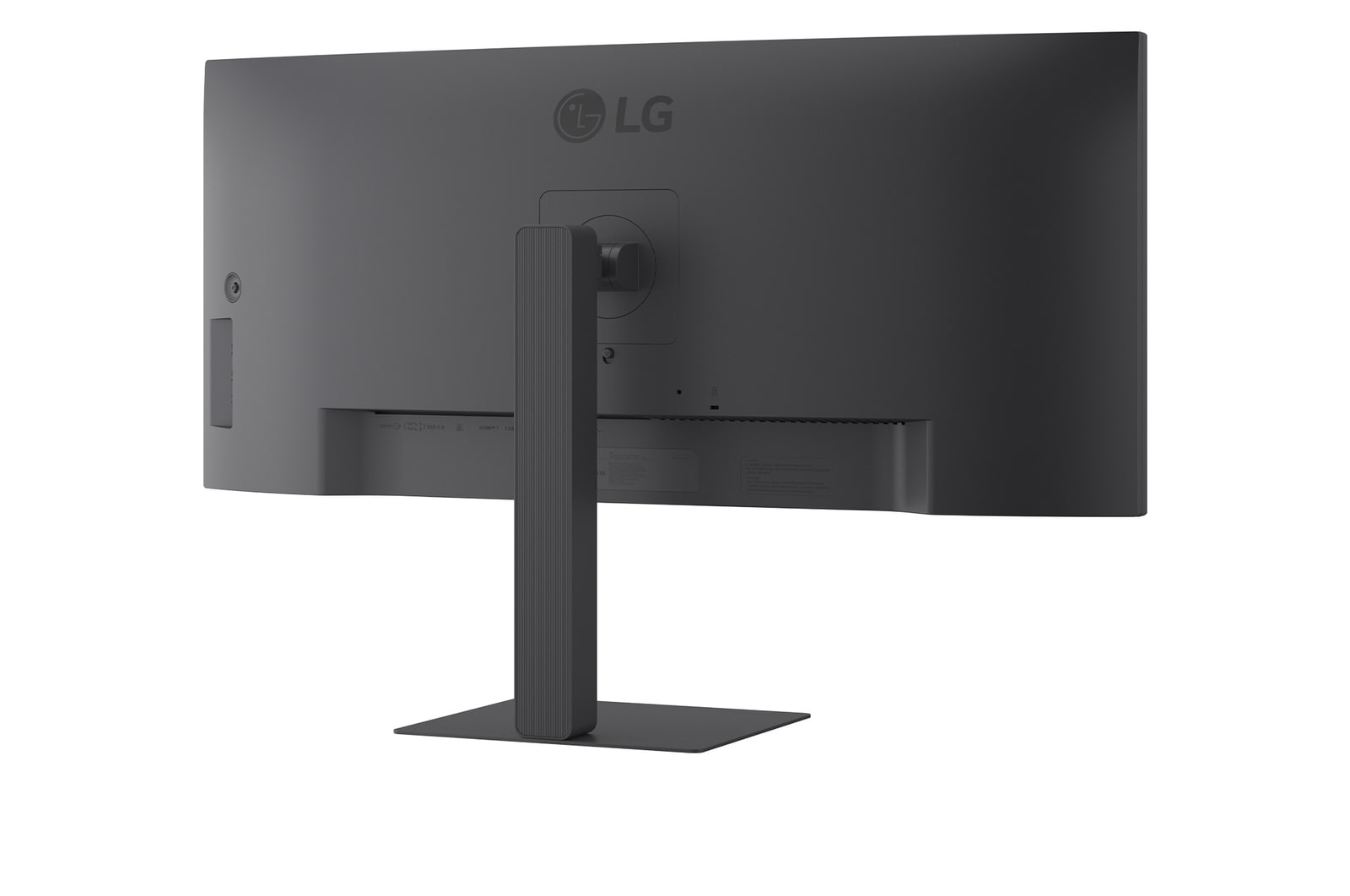
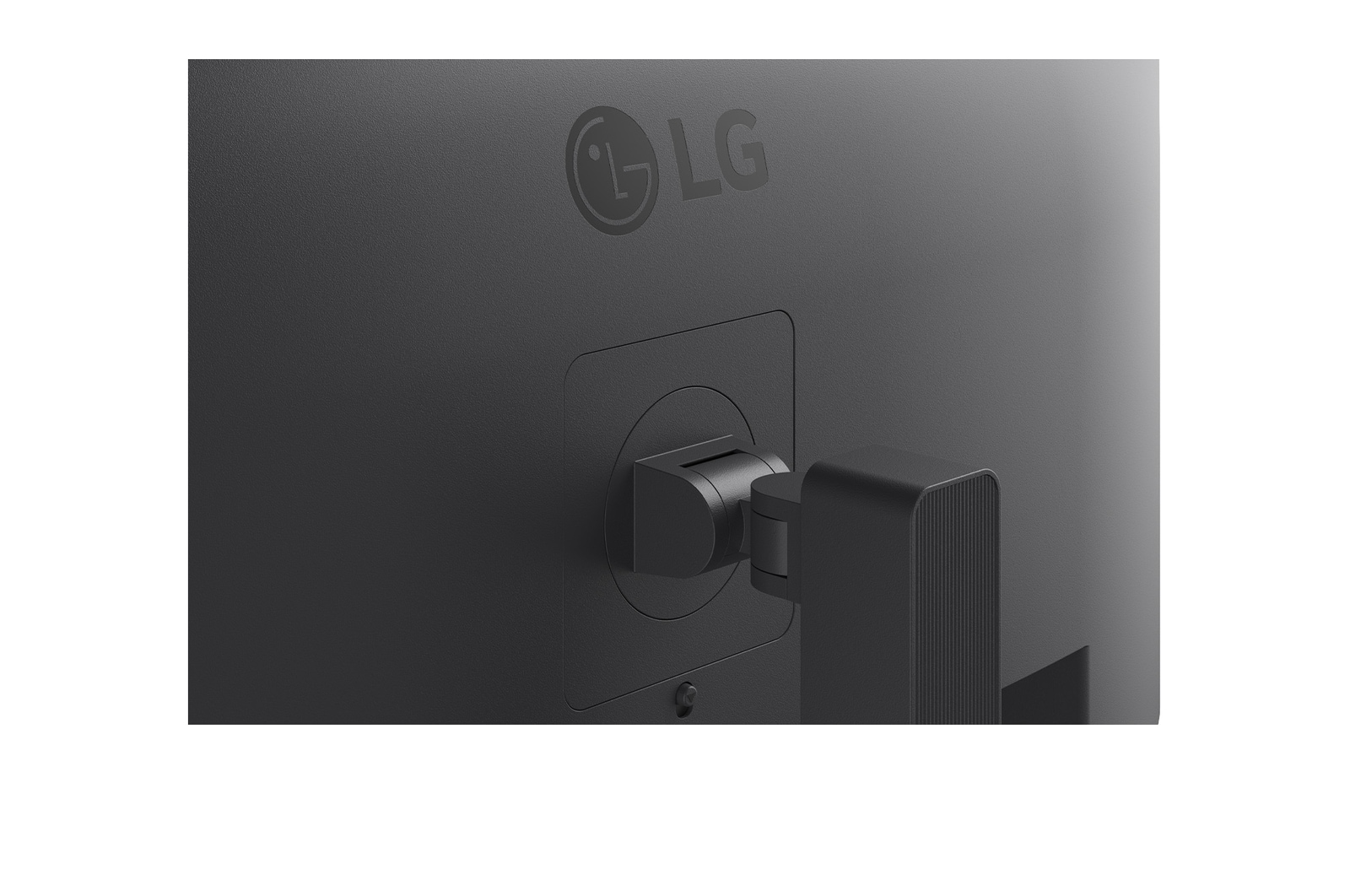
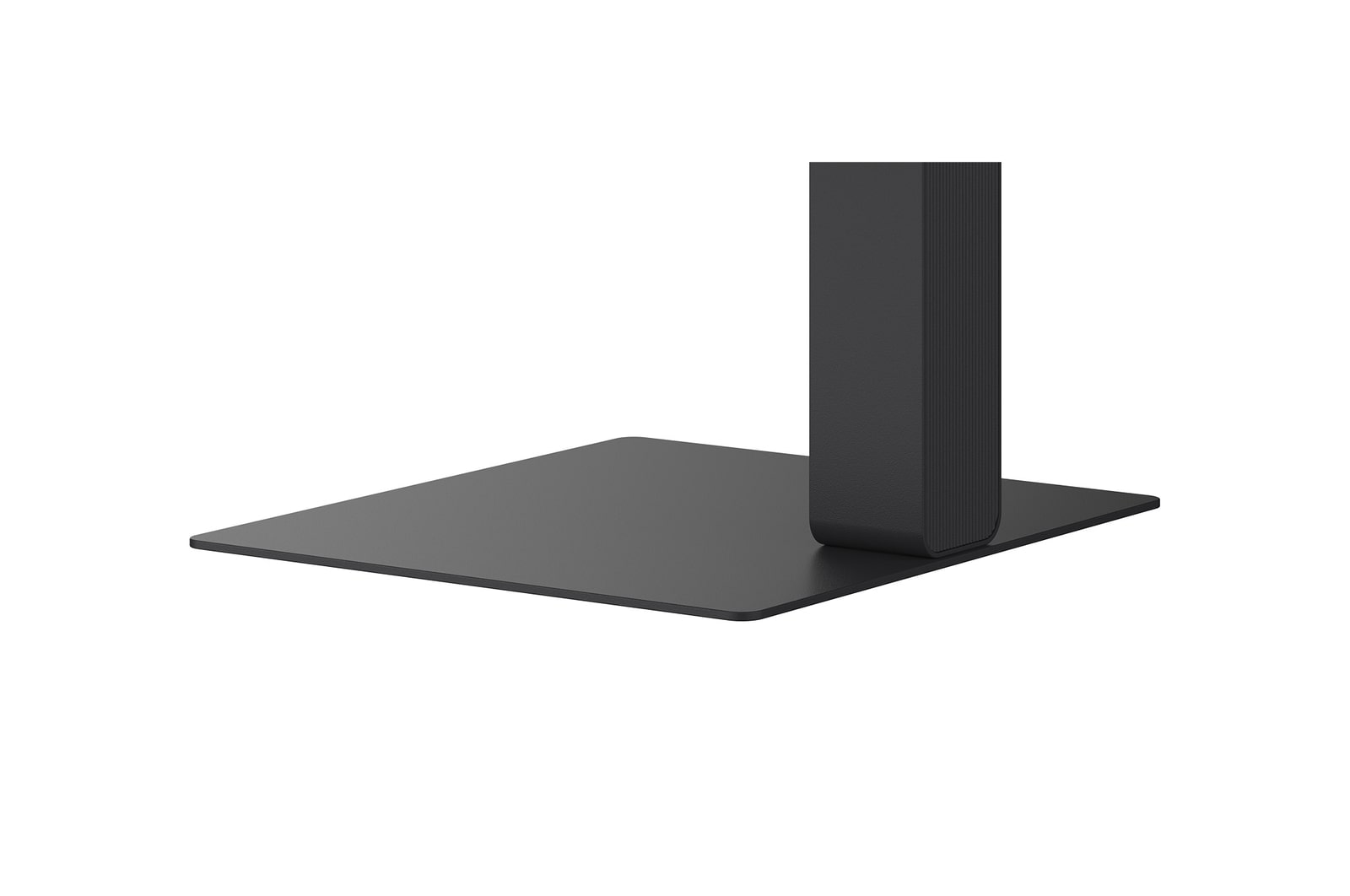
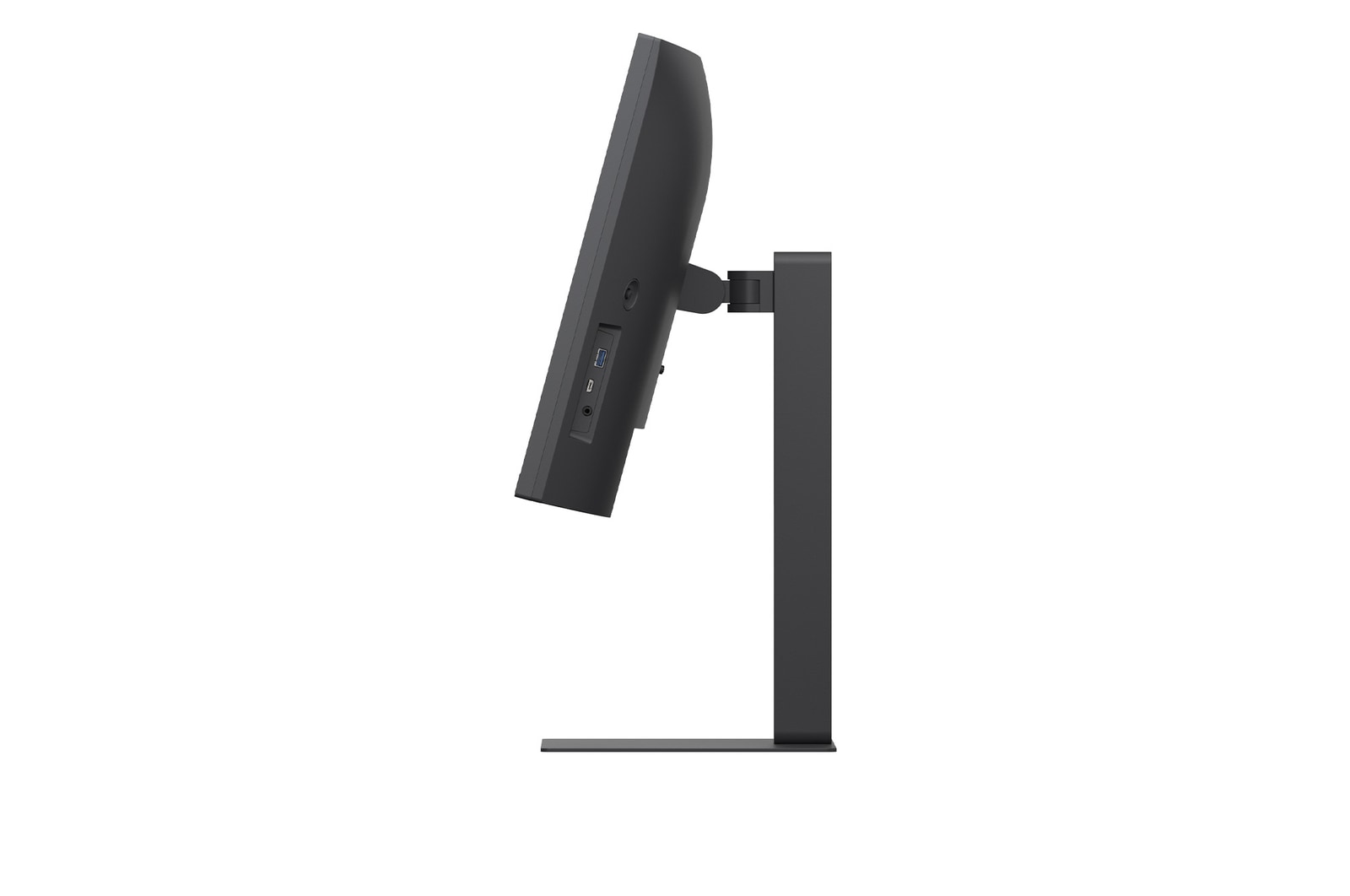
A sleek L-shaped stand is designed for ergonomic comfort with tilt adjustment, and is also compatible with 100×100 VESA wall mounting for flexible installation and efficient workspace use.

Swivel adjustable icon.

Swivel

Tilt adjustable icon.

Tilt

Height adjustable icon.

Height

Top view of a curved UltraWide monitor on a desk with a coffee cup, wireless keyboard, and mouse, alongside a close-up of the slim, square-shaped monitor base designed for stability and a clutter-free workspace.

*The images simulated to enhance feature understanding. It may differ from actual use.

*Tilt : -5~+21º, Swivel : -30~+30º, Height range : 0~150mm, down Height : 18.9mm

Key Spec

  • Display - Size [Inch]

    34

  • Display - Resolution

    3440 x 1440

  • Display - Panel Type

    IPS

  • Display - Aspect Ratio

    21:9

  • Display - Color Gamut (Typ.)

    sRGB 99% (CIE1931)

  • Display - Curvature

    3800R

  • Display - Refresh Rate (Max.) [Hz]

    100

  • Display - Response Time

    5ms (GtG at Faster)

  • Mechanical - Display Position Adjustments

    Tilt/Height/Swivel

All Spec

INFO

  • Product name

    UltraWide

  • Year

    Y25

DISPLAY

  • Size [Inch]

    34

  • Size [cm]

    86.705 cm

  • Resolution

    3440 x 1440

  • Panel Type

    IPS

  • Aspect Ratio

    21:9

  • Pixel Pitch [mm]

    0.2325 x 0.2325

  • Color Gamut (Min.)

    sRGB 90% (CIE1931)

  • Color Gamut (Typ.)

    sRGB 99% (CIE1931)

  • Color Depth (Number of Colors)

    1.07B

  • Contrast Ratio (Min.)

    700:1

  • Contrast Ratio (Typ.)

    1000:1

  • Response Time

    5ms (GtG at Faster)

  • Refresh Rate (Max.) [Hz]

    100

  • Viewing Angle (CR≥10)

    178º(R/L), 178º(U/D)

  • Curvature

    3800R

  • Brightness (Min.) [cd/m²]

    240 cd/m²

  • Brightness (Typ.) [cd/m²]

    300 cd/m²

FEATURES

  • HDR 10

    YES

  • HDR Effect

    YES

  • Color Calibrated in Factory

    YES

  • Flicker Safe

    YES

  • Reader Mode

    YES

  • Color Weakness

    YES

  • Super Resolution+

    YES

  • Black Stabilizer

    YES

  • Dynamic Action Sync

    YES

  • User Defined Key

    YES

  • Auto Input Switch

    YES

  • PBP

    YES (2PBP)

  • PIP

    PIP

  • Smart Energy Saving

    YES

SW APPLICATION

  • Dual Controller

    YES

CONNECTIVITY

  • HDMI

    YES(2ea)

  • DisplayPort

    YES(1ea)

  • DP Version

    1.4

  • USB-C

    YES(1ea)

  • USB-C (Data Transsmission)

    YES

  • USB-C (Power Delivery)

    96W

  • USB Upstream Port

    YES(1ea/ver3.2 Gen1)

  • USB Downstream Port

    USB-C(1ea/ver3.2 Gen1)
    USB-A(3ea/ver3.2 Gen1)

  • Built-in KVM

    YES

  • LAN (RJ-45)

    YES

  • Mic In

    YES

  • Headphone out

    4-pole (Sound+Mic)

SOUND

  • Speaker

    7W x 2

POWER

  • Type

    Built-in Power

  • AC Input

    100~240V (50/60Hz)

  • Power Consumption (Sleep Mode)

    Less than 0.5W

  • Power Consumption (DC Off)

    Less than 0.3W

MECHANICAL

  • Display Position Adjustments

    Tilt/Height/Swivel

  • Wall Mountable [mm]

    100 x 100 mm

DIMENSIONS/WEIGHTS

  • Dimension with Stand (W x H x D) [mm]

    816.7 x 535.2 x 230.0 (Up)
    816.7 x 385.2 x 267.5 (Down)

  • Dimension without Stand (W x H x D) [mm]

    816.7 x 364.4 x 83.6

  • Dimension in Shiping (W x H x D) [mm]

    988 x 481 x 203

  • Weight with Stand [kg]

    10.1

  • Weight without Stand [kg]

    7.3

  • Weight in Shipping [kg]

    12.5

ACCESSORY

  • HDMI

    YES

  • USB-C

    YES

  • Display Port

    YES

COMPLIANCE INFORMATION

The safety information for accessories is included with the safety information for the product and is not provided separately.
To learn more about how this product handles data and your rights as a user, please visit ″Data Coverage & Specifications″ at LG Privacy

What people are saying

Our Picks for You