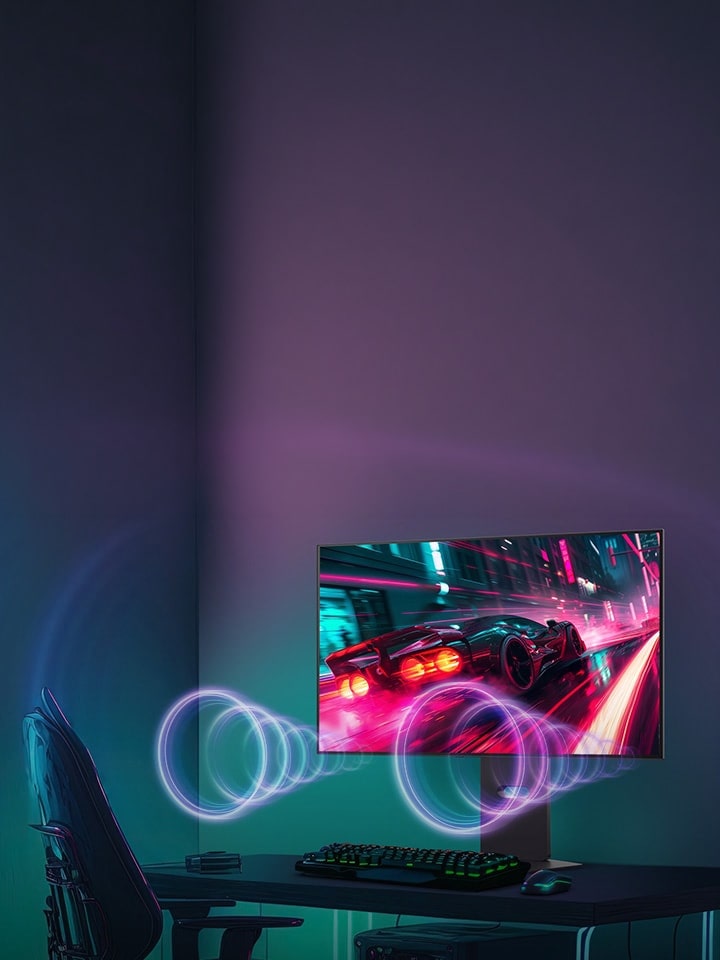
OLED gaming monitors use self-emissive pixels for impressive contrast, deep blacks, and fast response times. These features make the display ideal not just for intense gaming but also for movies, HDR content, and everyday tasks.

In short, select OLED monitors for top contrast and smooth motion. Check brightness, refresh rate, resolution, text display, available connection types, and warranty options before buying.

Is an OLED Gaming Monitor Right for You?


The right choice totally depends on your gaming style, hardware, and everyday requirements.

User type Verdict Priority
Esports players Yes High refresh rate and low input lag
RPG and cinematic gamers Yes HDR and Contrast
Console gamers Yes HDMI 2.1 and VRR compatibility
Work and gaming users Maybe Text clarity and resolution
First-time buyers Check first Budget and burn-in protection

What Are the Main Types of Monitor Panels and How Do They Differ?


An OLED panel produces light at the pixel level, whereas IPS and VA LCD panels use a backlight. Meanwhile, Mini-LED is an LCD backlighting technology that uses small, multiple dimming zones.

Panel Key characteristics Typical use
OLED Per-pixel lighting, deep blacks and fast response Competitive and cinematic gaming
IPS Consistent colours and wide viewing angles Work and general gaming
VA High native contrast among conventional LCD panels Gaming and entertainment
Mini-LED Local dimming and strong brightness potential HDR and bright rooms

Screen sizes vary by product, but 60.96 cm (24) to 68.58 cm (27) displays are common for desktop gaming. 81.28 cm (32) models suit larger setups, and 86.36 cm (34) to 99 cm (39) ultrawides give a huge field of view. Price depends on refresh rate, resolution, panel technology, and features.

How Does Response Time Improve Gaming Performance?


Response time measures how quickly pixels change between colours. Refresh rate measures how many times a screen updates every second. A 240Hz display refreshes up to 240 times per second, while 480Hz and 540Hz displays perform even faster updates.

As per the UltraGear 27GX790A-B, a 68.58 cm (27) QHD OLED monitor offers a 480Hz refresh rate and 0.03ms (GtG) response time.

However, proclaimed response times depend on measurement conditions and don’t automatically guarantee low input lag or zero ghosting. If you want a monitor for fast-paced FPS games, compare independent motion tests, adaptive-sync support, and the frame rates the graphics card can deliver.

What Should You Know About OLED Contrast and HDR Brightness?


Per-pixel lighting of OLED allows individual pixels to switch off, creating deep blacks and strong contrast. This helps reveal detail in dark game environments and supported HDR scenes.

VESA's official DisplayHDR performance criteria differentiate DisplayHDR tiers from DisplayHDR True Black tiers. These certifications use distinctive luminance and black-level requirements, so their numbers should not be compared as interchangeable brightness ratings.

Peak brightness depicts performance under specific test conditions, while sustained brightness shows what a display maintains over time. Reflections, room lighting, and screen coating also influence the viewing experience.

Which OLED monitors are best for playing RPG Gaming, Racing Games and Esports?


OLED supports different gaming styles through a combination of contrast, colour reproduction, and rapid pixel transitions.

  1. RPGs: Deep blacks and detailed shadows support atmospheric environments.
  2. FPS games: High refresh rates, low input lag, and VRR support responsive gameplay.
  3. Racing games: Fast transitions and high refresh rates improve motion clarity.
  4. Cinematic games: HDR and contrast improve supported visual effects.

For console gaming, check VRR (Variable Refresh Rate), HDMI 2.1, supported resolutions, and compatibility with your console. A high refresh rate monitor is useful when your hardware delivers the corresponding frame rates.

Which OLED Gaming Monitor Is Suitable for Work and Play?


If you're thinking about which monitors are best for both work and gaming, check the balance of resolution, refresh rate, text clarity, and screen size. An OLED gaming monitor supports daily tasks like working on spreadsheets, documents, and editing while delivering vibrant colours, deep blacks, and smooth motion for gaming.

Text sharpness relies on pixel density, resolution, operating-system scaling, and subpixel layout. Before buying, check small fonts at your usual viewing distance and independent reviews for potential colour fringing.

The following UltraGear monitors offer different gaming and productivity configurations:

LG UltraGear model Key specifications Suitable for
27GX790A-B 68.58 cm (27) QHD, 480Hz, 0.03ms (GtG), DisplayHDR True Black 400 Competitive gaming
32GS95UV-B 80 cm (32) 4K UHD, Dual-Mode (4K 240Hz ↔ FHD 480Hz), 0.03ms (GtG) High-detail gaming and esports
39GX900A-B 99 cm (39) curved Ultra-WQHD, 240Hz, 0.03ms (GtG) Immersive gaming and multitasking

The 27GX790A-B prioritises competitive speed, while the 32GS95UV-B offers two display modes. The 39GX900A-B provides a curved 21:9 Ultra-WQHD display. These are LG monitor examples; check current availability, price, and warranty terms before purchasing.

How can I Troubleshoot OLED Gaming Monitor Problems and Reduce Burn-In?


Burn-in is a major concern when static elements remain visible for longer periods. LG UltraGear OLED monitors offer screen-care features like OLED ScreenMove, Screen Saver, and Image Cleaning to reduce the risk of afterimages and display burn-in.

Follow the steps below to maintain your display:

  1. Enable pixel care: As suggested, use the monitor's built-in screen-care features.
  2. Vary content: Avoid leaving static images or interfaces on screen for extended periods.
  3. Inspect connections: If flickering or signal loss happens, check ports, cables, refresh rate settings, and graphics drivers.
  4. Check brightness and HDR: Check picture settings if the image appears surprisingly dim.

These precautions reduce risk but can’t guarantee that burn-in will never occur. Review the manufacturer's warranty for appropriate exclusions and coverage.

How Do You Choose an OLED Gaming Monitor?


Use this checklist before buying:

  1. Response time: Check the measurement method and independent tests.
  2. Screen size and resolution: Compare QHD with 4K as per desk space and hardware.
  3. HDR certification: Compare brightness, contrast, and certification.
  4. Refresh rate: Choose the one that suits games and graphics performance.
  5. Ergonomics and coating: Consider reflections, height adjustment, and tilt.
  6. Connectivity: Verify HDMI 2.1, USB-C, or DisplayPort where required.
  7. Warranty: Review burn-in coverage and screen-care guidance.

For first-time buyers, a QHD display may provide a practical balance. Esports players can prioritise refresh rate, while cinematic gamers might prefer 4K or an ultrawide screen.

FAQs


A. Yes, OLED is worth considering if you value deep blacks, high contrast, and fast pixel response. Budget, room brightness, and burn-in precautions remain essential.

A. Select as per resolution, pixel density, and subpixel layout. Test small text and scaling at your normal viewing distance.

A. OLED offers per-pixel black control and fast response. Mini-LED provides high brightness and local dimming for bright environments.

A. Yes, the monitor supports the console's required resolution, HDMI connectivity, and refresh rate or VRR features.

A. A 68.58 cm (27) monitor suits many desktop setups, an 81.28 cm (32) display provides a larger workspace, and a 99 cm (39) ultrawide gives a more expansive gaming view.