FAQs

Q.

What should I look for in a display for smooth gaming?

A.

When choosing a gaming display, look for technologies and specifications that support smooth, responsive, and detailed gameplay. The right combination can help reduce visual distractions and make fast-paced games feel more fluid.


● High refresh rate: A higher refresh rate delivers smoother motion and makes rapid on-screen movements appear more fluid.

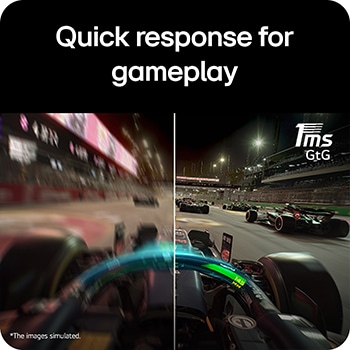
● Fast response time: A quick response time helps minimise ghosting and keeps moving objects clearer during gameplay.

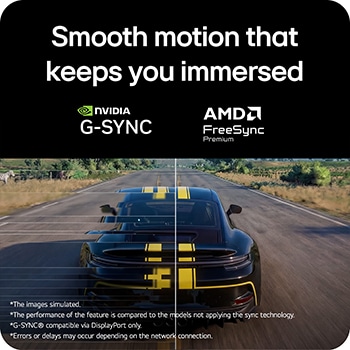
● Adaptive sync: Technologies such as NVIDIA G-SYNC® and AMD FreeSync™ Premium can help reduce screen tearing and stuttering.

● High resolution: A suitable resolution offers sharp images and detail without placing unnecessary demands on your gaming system.

● Low input lag: Lower input lag helps ensure actions from your controller or keyboard appear on screen quickly.

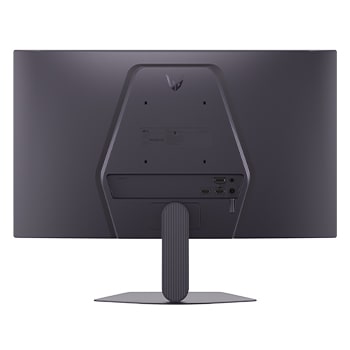
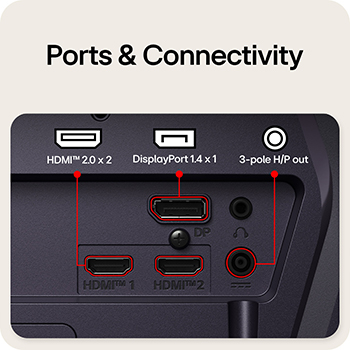
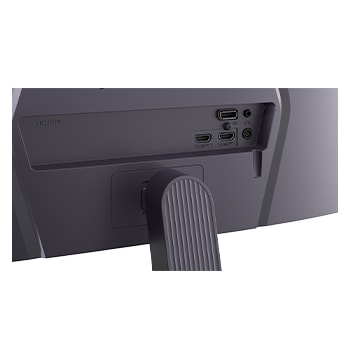
● Compatible connectivity: Choose ports and connections that support your gaming console, PC, and desired display features.


*The performance of the feature is compared to the models not applying the sync technology.

*NVIDIA® G-SYNC® compatible is supported via DisplayPort only.

*Errors or delays may occur depending on the network connection.

Q.

How does the LG Switch app make monitor control easier?

A.

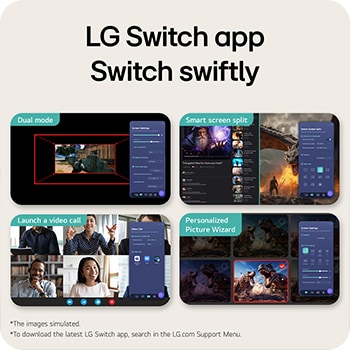
The LG Switch app makes monitor management more convenient by bringing essential controls into one simple interface. Users can adjust settings such as image quality and brightness according to their preferences and apply them instantly using a convenient hotkey. The app also supports multitasking with 11 different screen-split layouts, making it easier to organise multiple applications on the display. For added convenience, users can launch their video-calling platform directly through the app. Whether switching between gaming, work, entertainment, or video calls, the LG Switch app helps streamline monitor control and makes it easier to personalise the display for different activities.


*LG Switch requires software and manual download from LG.com for proper use.

Q.

What are the benefits of 99% sRGB coverage for gamers?

A.

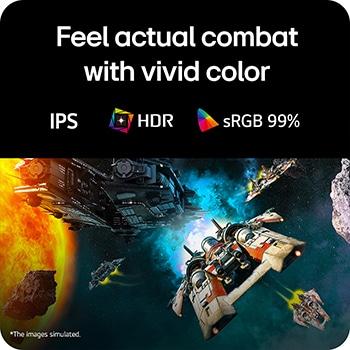
A monitor with wide colour coverage can make gaming visuals appear more vivid and detailed. Features like 99% sRGB coverage and IPS technology can support a more immersive on-screen experience.


● Accurate colours: Wide sRGB coverage helps reproduce colours accurately, making game environments look natural.

● Vivid visuals: A broader colour range can add depth and richness to landscapes, characters, effects, and other visual elements.

● Consistent viewing: IPS technology offers a wide viewing angle, helping maintain colour consistency when viewed from different positions.

● Detailed scenes: Better colour reproduction can make subtle shades and visual details easier to appreciate during gameplay.

● Immersive gaming: Together, these features can create engaging visuals that help bring detailed game worlds and action sequences to life.


Learn More

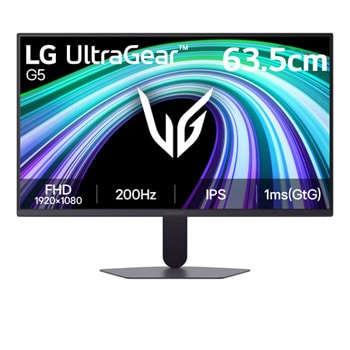
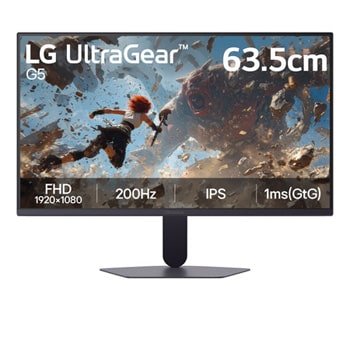
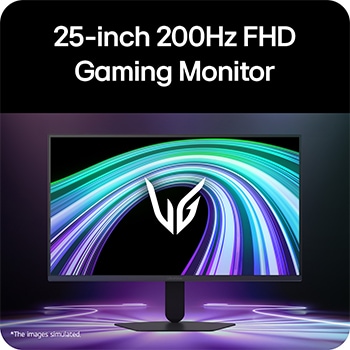
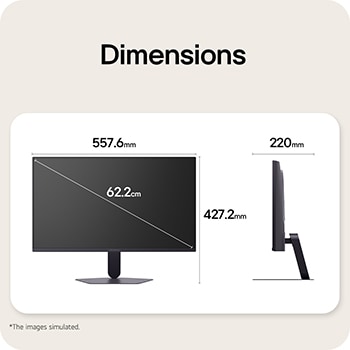
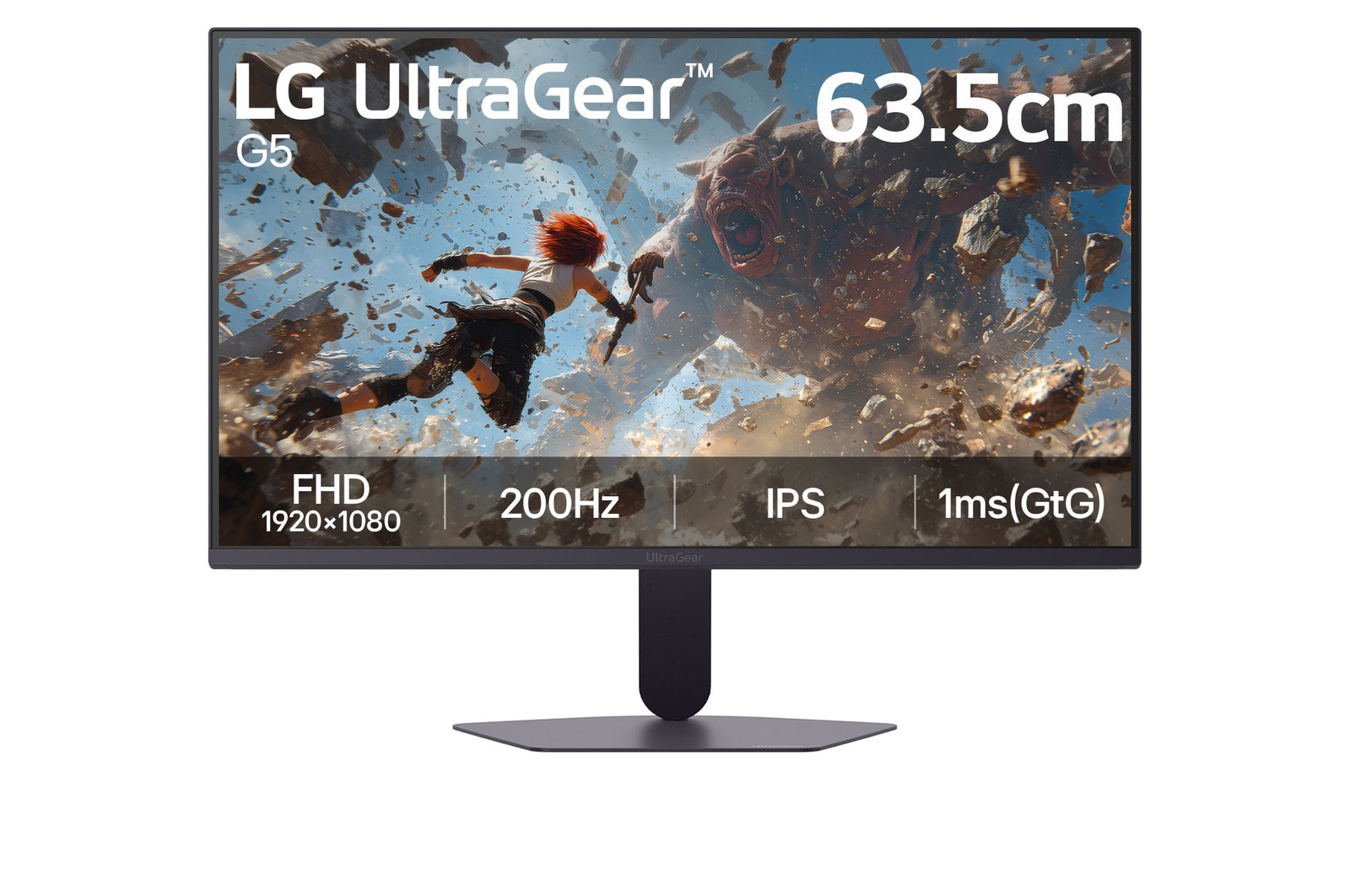
LG 63.5cm (25) UltraGear™ G5, 200Hz FHD Gaming Monitor

25G523B-B

Key Features
63.5 cm (25) FHD (1920x1080) IPS display
200Hz Refresh Rate, 1ms (GtG) Response Time
HDR 10 with sRGB 99% (Typ.), Support 16.7 M Colors
NVIDIA® G-SYNC® Compatible / AMD FreeSync™ Premium
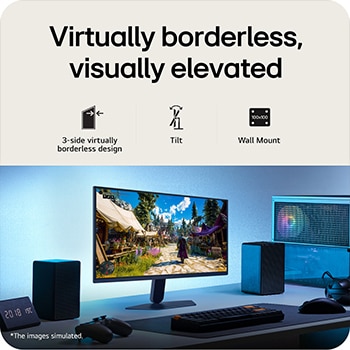
3-Side virtually borderless design
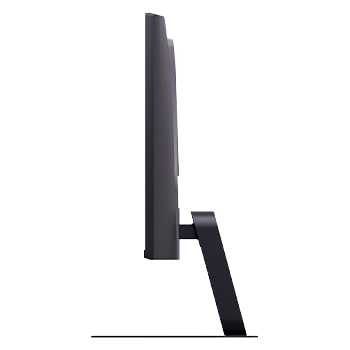
Clutter-free L-Stand
LG Offer
  • Get 5%* instant Cashback up to ₹1250* (Max Discount) on No Cost EMI on selected credit and debit cards. Cashback offer is not valid on payments made via QR Code or SMS payment Link. For More details click here.

  • Shipping options may vary by region.

  • Shipping delays may occur due to the delivery company's circumstance.

What people are saying