We use cookies, including cookies from third parties, to enhance your user experience and the effectiveness of our marketing activities. These cookies are performance, analytics and advertising cookies, please see our Privacy and Cookie policy for further information. If you agree to all of our cookies select “Accept all” or select “Cookie Settings” to see which cookies we use and choose which ones you would like to accept.
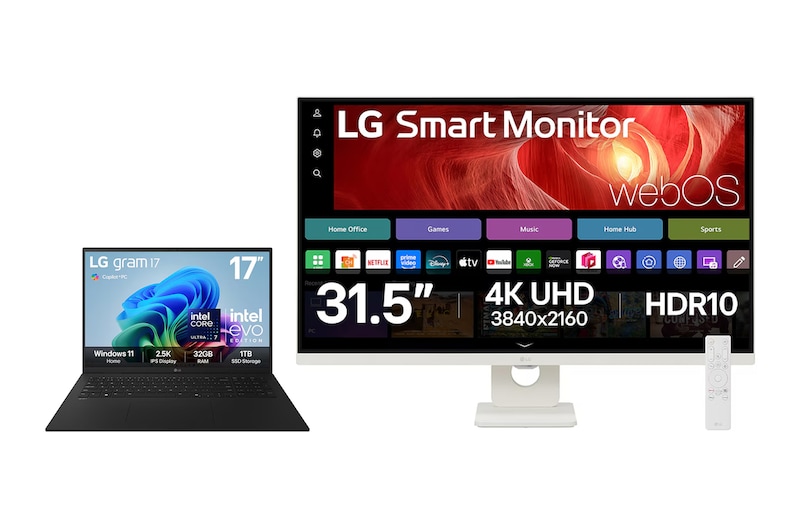
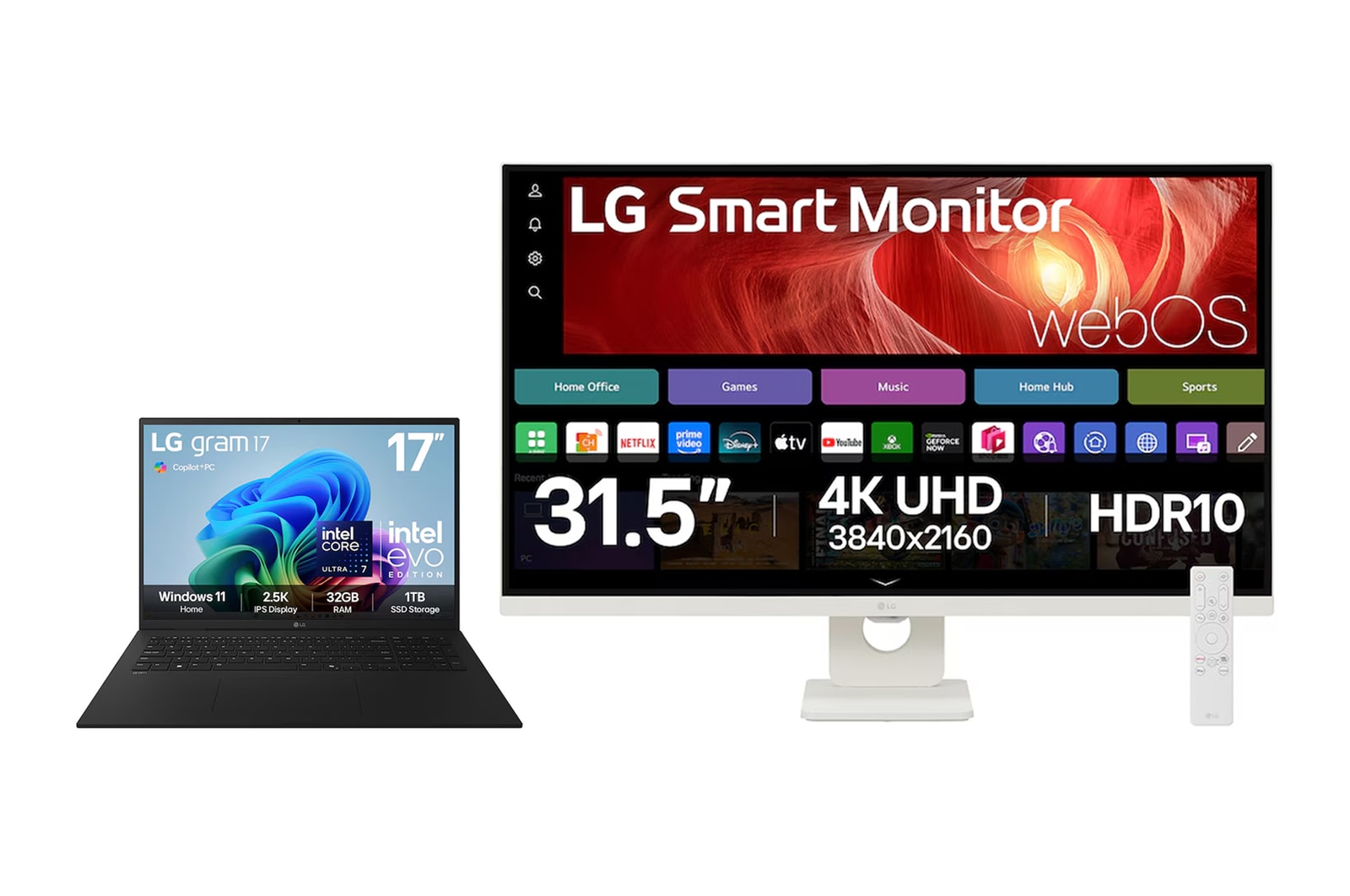
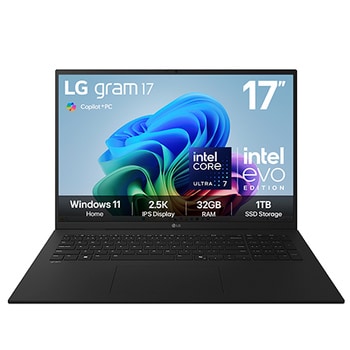
17" LG gram AI, Copilot+ PC Laptop & 32" LG Smart Monitor Bundle
17Z90TL-G.32U721S
()
Key Features
- Laptop - 17” 16:10 WQXGA (2560x1600) Anti-glare IPS display
- Laptop - Windows 11 Home, Copilot+ PC
- Laptop - All-around AI Intel® Core™ Ultra Processor / LPDDR5x RAM / SSD Gen4
- Laptop - 1,389g Lightweight / 77Wh High capacity battery
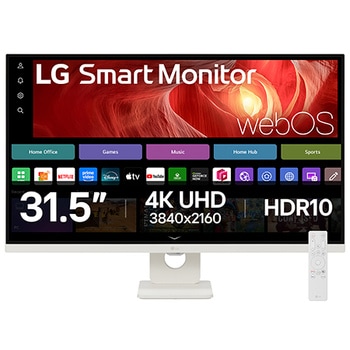
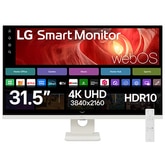
- Monitor - 32” 4K UHD (3840x2160) display with WebOS and USB-C (PD 65W), 2xHDMI, 2xUSB 2.0
- No partial return available.
Products in this Bundle: 2
LG gram laptop Details
*Images have been simulated to enhance feature understanding, and may differ from actual use experience.
*The above mobile device is not included in the package (sold separately).
*The image shows the representative LG gram product for illustrative purposes. Please see the gallery images taken with the actual product.
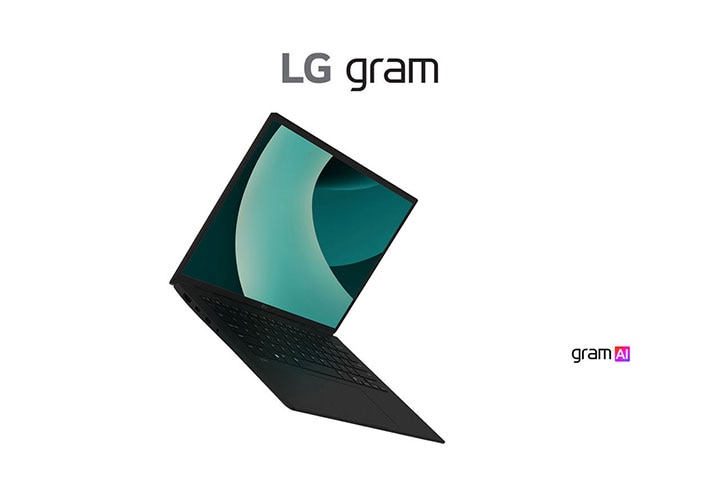
gram AI, Dual AI
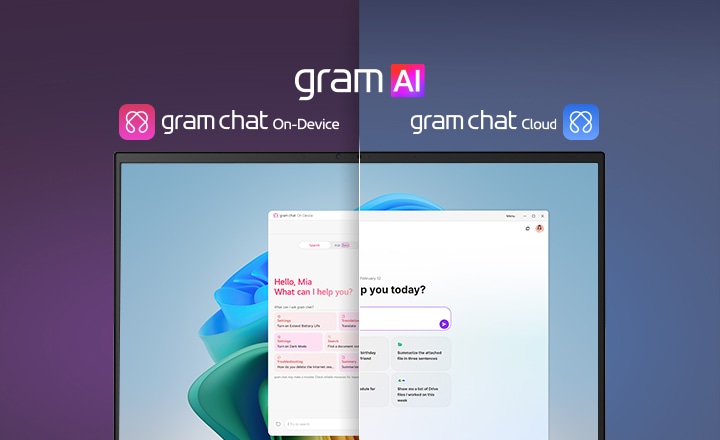
Dual AI: On-Device and Cloud synergy
Powered by both on-device and cloud AI, gram AI offers seamless performance and personalized insights wherever you are. Work smarter, stay secure, and achieve more—whether you’re online or offline.
A split-screen image showcasing 'gram AI' with two distinct modes: 'gram chat On-Device' on the left, represented by a pink icon, and 'gram chat Cloud' on the right, represented by a blue icon. The screen displays an AI interface, symbolizing seamless AI functionality across both modes.
*Images have been simulated to enhance feature understanding, and may differ from actual use experience.
*Please note that gram chat On-Device is designed for specific requests and does not support continuous conversations. For best results, use it for straightforward, one-time requests only.
Always on, even offline with On-Device AI
*Images are for illustrative purposes, with sequences shortened, and may differ from actual user experience.
*The gram chat On-Device function allows you to interact with documents stored on your PC, and it does not handle simple daily information or questions requiring internet searches. "Search by Conversation" is currently in Beta and will be updated in the future.
*Some features may not work properly during initial use due to the On-Device AI's need for pre-learning time to adapt to the user. ① gram chat On-Device requires indexing to combine words with data from your PC content, which may take time to deliver desired results. ② At least 80 hours of pattern learning are required to use the battery usage detection notification.
*This feature supports English and Korean language only.
*AI search results may vary depending on the data at the time of search, and the accuracy of the content is not guaranteed, so user verification is required.
*This feature supports English and Korean language only.
**The PC screen is captured approximately once every 2 seconds, with a storage limit of about 13GB. Captured images are automatically deleted after a certain period. Users can customize settings such as whether to use the feature, screen storage duration, and capacity via the gear icon at the top of gram chat.
**This feature is disabled by default and is opt-in, which you can activate if you wish to use it.
**This feature: ① May have difficulty searching for handwritten text, blurry images, or decorative fonts. ② Searches rely on exact text matches, including spacing. ③ Using audio capture may reduce computing performance.
**This function doesn't recover lost files; instead, it helps users navigate to the previous screen by searching keywords. Users can retrieve files using copy and paste.
***Supported system settings: • Dark mode / • Fn lock / • Battery life extension / • AI battery usage detection / • Reader mode / • Touchpad / • Battery saving mode / • USB-C offline charging / • Brightness Control / • Sound Control

Smart AI assistant with Cloud AI
*Images are for illustrative purposes, with sequences shortened, and may differ from actual user experience.
*This service offers paid features of GPT4o but does not support search integration or coding editor functionality. gram chat Cloud is free for the first year after user registration, after which it becomes a paid service. Users will be notified separately during this period and can opt out if they wish.
*gram chat Cloud requires installation prior to use and the creation of a separate account.
*Usage limits apply to gram chat Cloud. The maximum monthly token usage is 200K, with a monthly usage limit of 450 requests and a daily usage limit of 30 requests.
*Exceeding these limits will result in a downgrade to the GPT-4o mini model and disable function calling.
*While gram chat Cloud does not collect personal prompts, it may request access to your Google or Microsoft account for feature integration purposes.
**Linked Google Workspace, Microsoft 365.
Microsoft Copilot
Your everyday AI companion
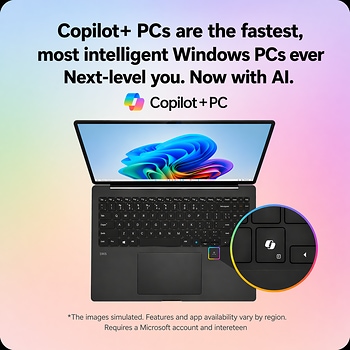
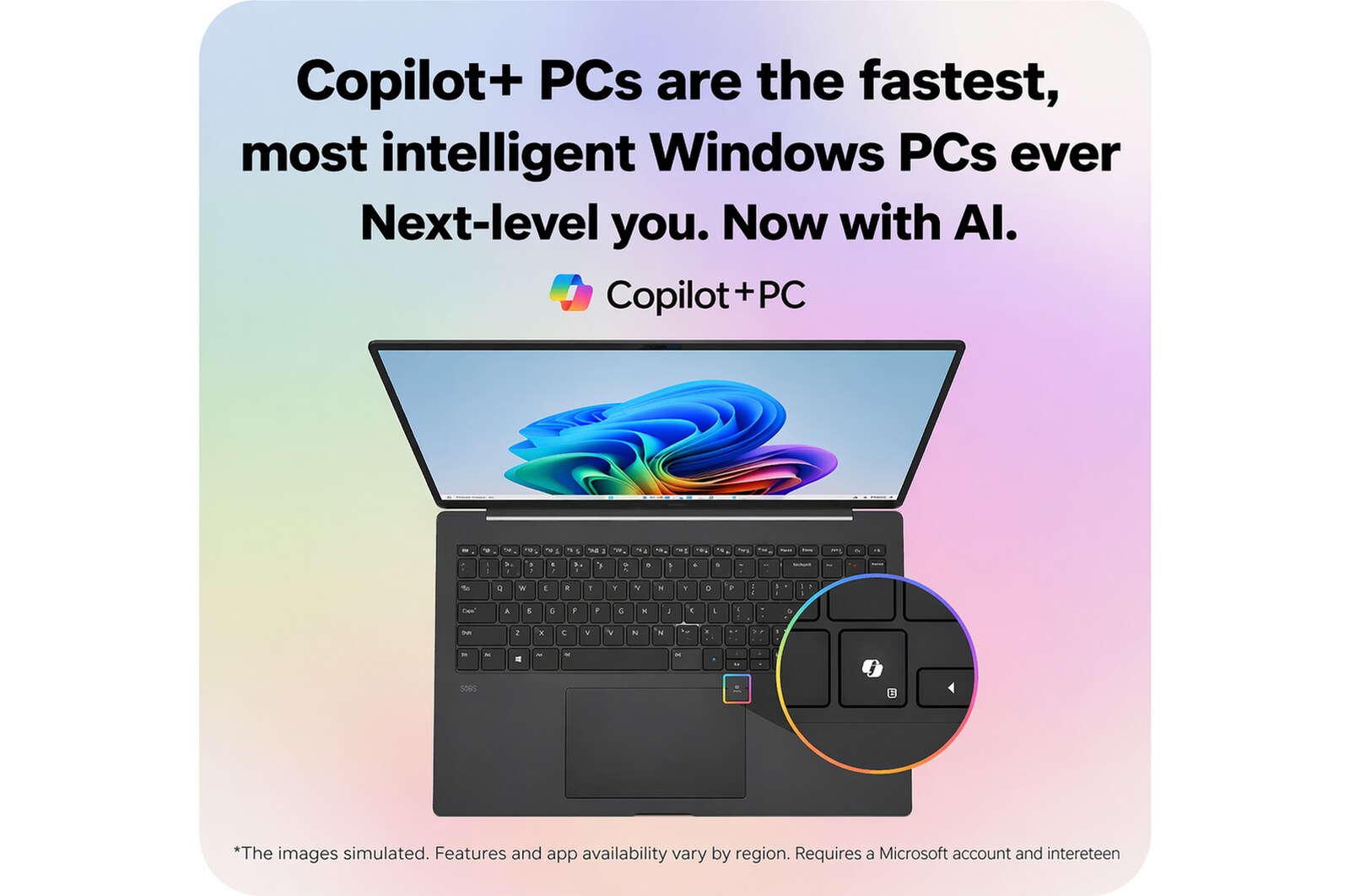
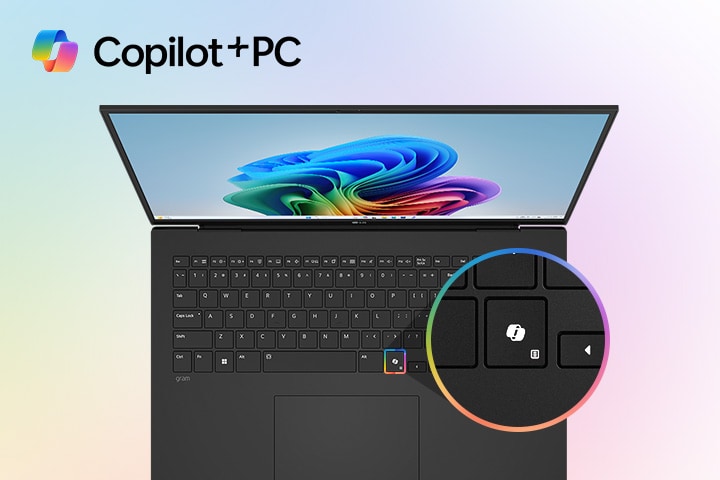
Get real answers based on the internet and generate images with ease using Copilot in Windows. This powerful AI tool leverages online resources to provide you with accurate, up-to-date information tailored to your queries. With just a few clicks, you can obtain the answers you need and create custom images to enhance your projects.
A laptop featuring the Windows 11 Bloom wallpaper on its screen, with a close-up highlighting a dedicated Copilot key on the keyboard. The 'Copilot+PC' logo is prominently displayed in the top left corner, emphasizing AI-integrated functionality.
*Screens simulated. Features and app availability may vary by region. Requires a Microsoft account and an internet connection to function properly.
*Copilot in Windows 11 is rolling out gradually in preview within the latest update to Windows 11 in select global markets. Not all users will have access to Copilot simultaneously, as the timing of availability varies by device and market.
*AI features with Copilot in Windows 11 may vary in performance depending on user needs and usage environments, and may not provide the same level of performance across all use cases.
*Some Copilot+ PC experiences require free updates continuing to roll out through early 2025. Timing varies by device and region. See aka.ms/copilotpluspcs
*Screens simulated. Features and app availability may vary by region. Requires a Microsoft account and an internet connection to function properly.
*Copilot in Windows 11 is rolling out gradually in preview within the latest update to Windows 11 in select global markets. Not all users will have access to Copilot simultaneously, as the timing of availability varies by device and market.
*AI features with Copilot in Windows 11 may vary in performance depending on user needs and usage environments, and may not provide the same level of performance across all use cases.
*Some Copilot+ PC experiences require free updates continuing to roll out through early 2025. Timing varies by device and region. See aka.ms/copilotpluspcs
*Recall is coming soon through a post-launch Windows update. Timing will vary by device and region. Optimized for select languages (English, Chinese (simplified), French, German, Japanese, and Spanish). Content-based and storage limitations apply. See [https://aka.ms/copilotpluspcs]
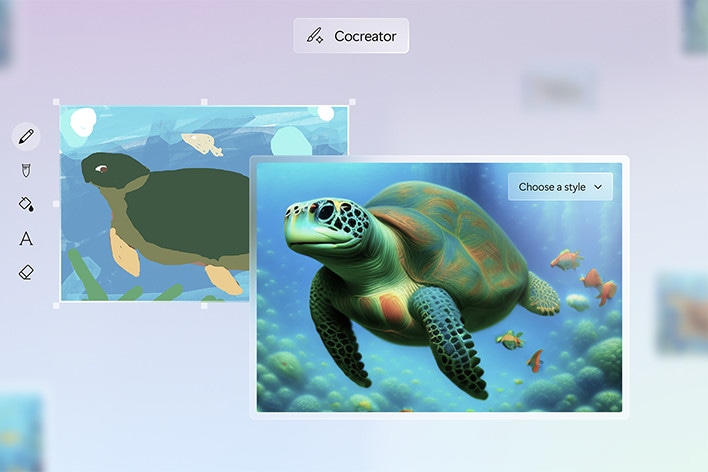
*Cocreator is optimized for English text prompts. Requires Microsoft account and internet connection to access cloud services that help ensure the responsible use of AI. Learn more [https://aka.ms/copilotpluspcs]
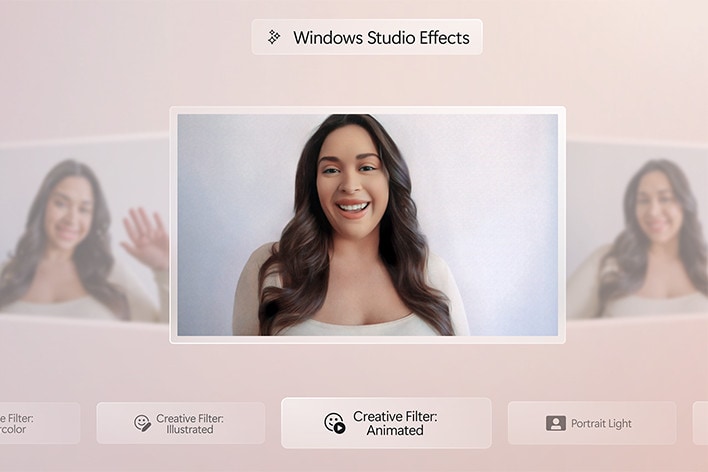
*The availability timing of certain Windows Studio Effects features will vary by device and region. See [https://aka.ms/copilotpluspcs]
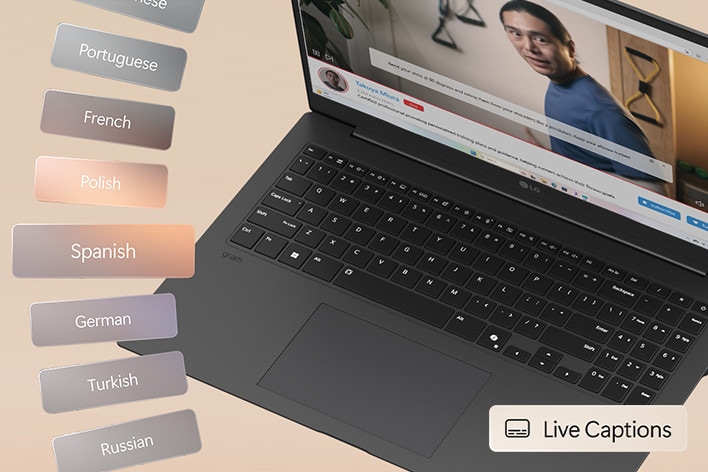
*Live Captions are Currently supports translation for video and audio subtitles into English from 40+ languages. And available Copilot+ PC experiences vary by device and region and over time. See [https://aka.ms/copilotpluspcs]
Smart Monitor Details
One screen. Endless possibilities.
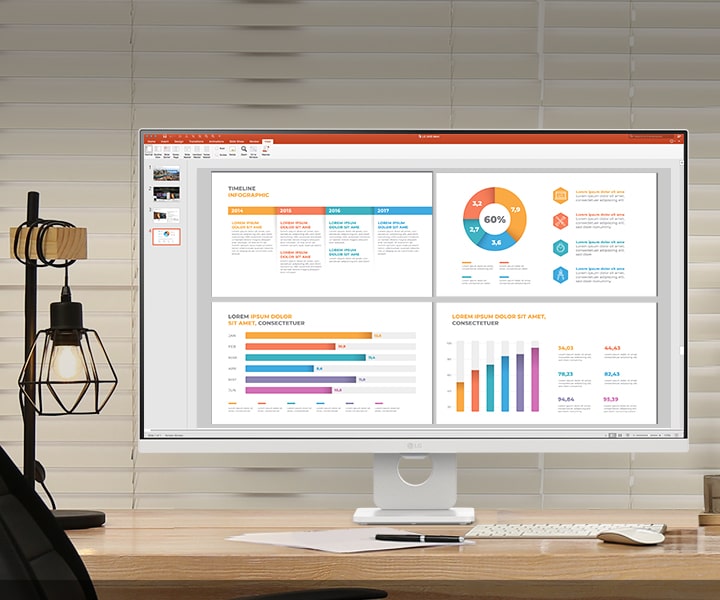
Adapt to any task or environment with numerous possibilities. Powered by webOS, you can manage home office tasks without a PC and enjoy a wealth of content, seamlessly balancing work and entertainment. Enjoy a large 32-inch display, and stunning 4K picture quality in your own space.
*Images have been simulated to enhance feature understanding, and may differ from actual use experience.
*The above keyboard and mouse are not included in the package (sold separately).
32” 4K UHD Display
Great display for both work and play
4K UHD (3840x2160) display with HDR 10 and up to 90% DCI-P3 colour Gamut delivers a high contrast ratio and precise colours. It lets you experience visual immersion, from enjoying entertainment to processing work.
*Images have been simulated to enhance feature understanding, and may differ from actual use experience.
*Brightness: 350nits (Typ.), colour Gamut: DCI-P3 90% (Typ.)
webOS
Seamless channel surfing
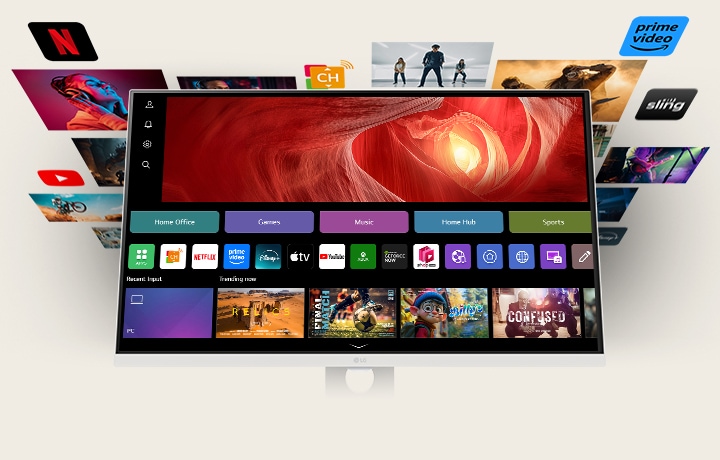
Thanks to webOS, enjoy seamless access to a variety of content through apps like Netflix, Prime Video, Disney+, YouTube, Apple TV, and free LG Channels. Get personalised recommendations, explore apps like Sports, Game, and LG Fitness, and easily control everything with a remote. The 3-side borderless design of the slim white body enhances immersion, while 5Wx2 stereo speakers deliver crystal-clear sound for the ultimate viewing experience.
*Images have been simulated to enhance feature understanding, and may differ from actual use experience.
*Built-in streaming services and apps may differ by country.
*An internet connection and subscriptions to streaming services are required. Additional fees may apply for some services, as they are not included and require separate subscriptions.
*Provides a host of customised apps and services, including music, sports, home office, and cloud gaming for each registered account.
What people are saying
Our Picks for You
Manual& Software
Download product manuals and latest software for your LG product.
Troubleshoot
Find helpful videos and information about your product systems.
Warranty
Check LG warranty information here.
Part& Accessory
Discover accessories for LG products.
Product Registration
Registering your product will help you get faster support.
Product Support
Find manual, troubleshoot and warranty of your LG product.
Order Support
Track your order and check order FAQ.
Repair Request
Repair request service conveniently online.
Find a Store Near You
Bundle up and save, while stocks last.
Recommended Product