HELPFUL HINTS

9 ways to use a 360-degree rotating touchscreen monitor


Smart Home
View content on the LG 360 monitor.

View content on the LG 360 monitor.

Mobile devices, TVs, tablets and monitors are commonplace in many households, but they do not serve every purpose around the home. That is why a rotating 360-degree touchscreen monitor is a great addition to any home, with its extreme versatility and multi-functionality making it ideal for a range of everyday tasks.1


Read on for some inspiration on how a rotating touchscreen monitor can transform your daily routine.

Read recipes hands-free around the kitchen

Gone are the days when you need to flick through multiple cookbooks to find a recipe. 

Cook with a 32” touchscreen digital helper

Now you can access endless possibilities online and even watch videos for step-by-step guides. Plus, the large 32” 4K touchscreen makes it even easier to follow guides and recipes anywhere while cooking or baking. That’s why the LG Smart Monitor Swing is so helpful in the kitchen. 

Roll the screen with you

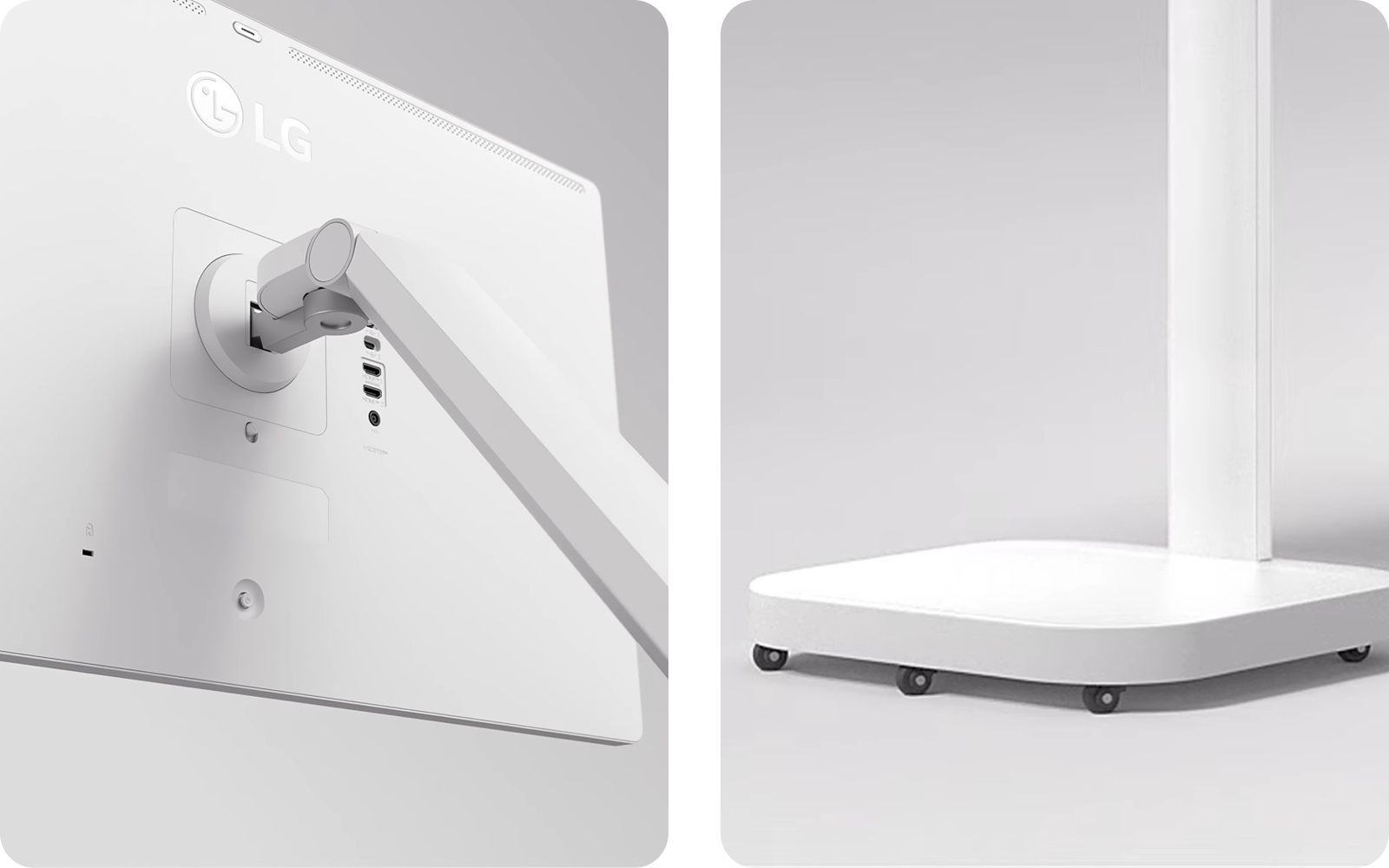
The mobility (through the rolling stand) and flexible positioning of the screen (which can be tilted and pivoted) mean you can move the monitor around the kitchen, while portrait mode is a great option if you are following a long and detailed recipe.2

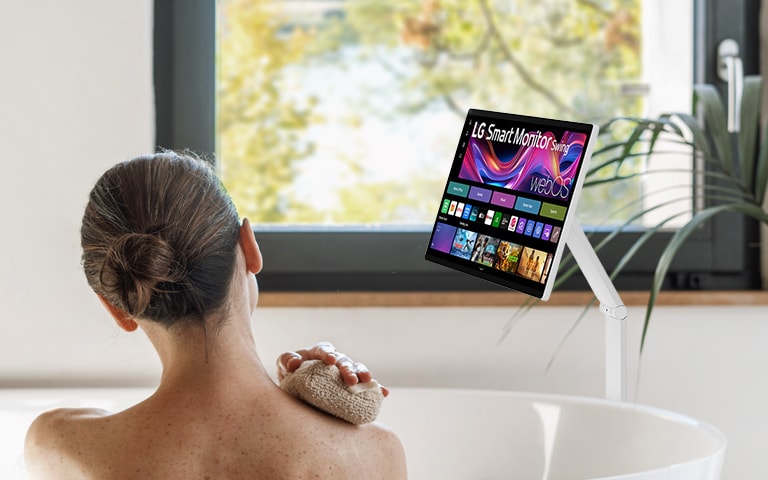
Elevate your self-care and watch in the bath

There’s nothing quite like unwinding after a long, hard day by having a warm soak. And with the LG Swing monitor, you can relax in whichever way you choose.

Een vrouw kijkt naar een LG 360-monitor terwijl ze in bad zit.

Een vrouw kijkt naar een LG 360-monitor terwijl ze in bad zit.

Expand your mobile phone screen to 32” seamlessly

Whether you’re on the patio, wintergarden or in the living room, you can even use AirPlay2 or Screen Share from your Apple or Android phone. Then, you have easy access to your phone’s content on a super-sized touchscreen, without needing to switch devices.3

Position the screen and stand for comfortable viewing

Rather than using a tablet or mobile phone, you can easily move the 32” screen with you to explore a range of content which can be accessed using voice commands. You can rest assured your device will stay dry and in view, even from the bath.

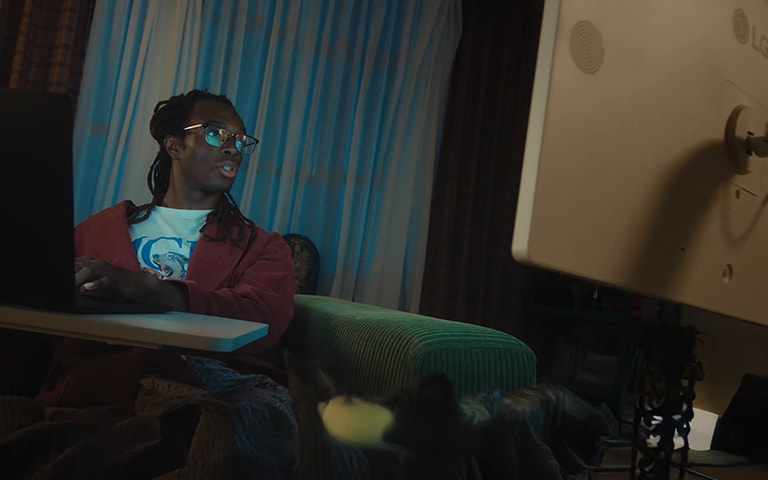
Add an adaptable screen to your bedroom

If you enjoy scrolling through social media or watching a movie in the comfort of your own bed, then a small screen simply won’t cut it. In fact, staring at our phones or tablets for hours on end may lead to eye strain.

Opt for the monitor that is easy on the eyes

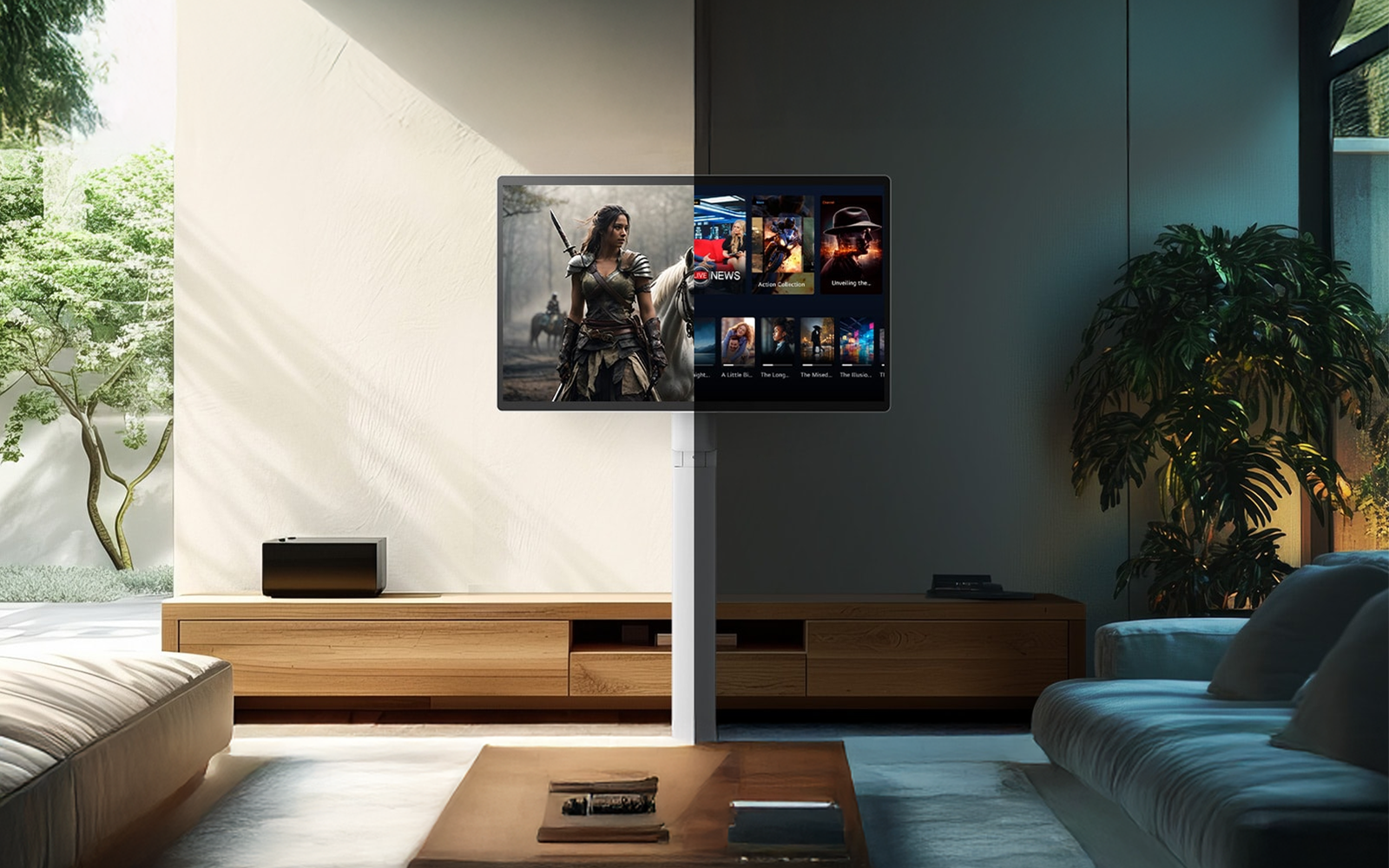
The sleek design of the LG Swing prevents the bulky, heavy look of mounting a standard TV on the wall. What’s more, the brightness control on the 32” 4K screen can detect light sources in your room and automatically adjust the screen brightness for crisp and clear visuals, whether it's day or night.4

Keep the cables out of the way

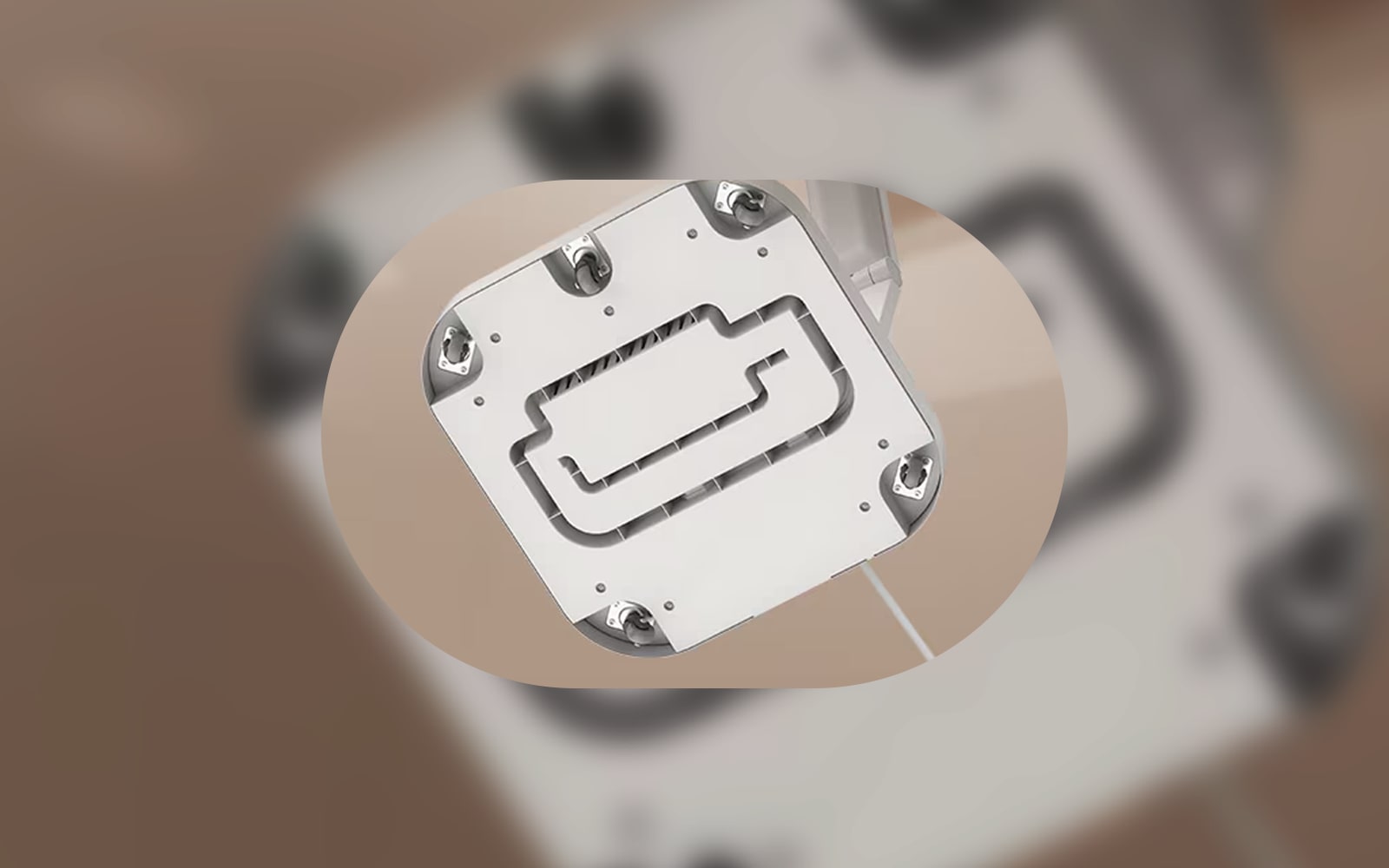
You also don’t need to worry about cables, as the monitor features an adapter that is concealed in the stand that leads down to the sturdy rolling wheels.5 That way, you can rest assured that even your electronics fit in with your interior décor.

Stay connected with other devices using LG ThinQ

The LG Smart Monitor Swing makes life more convenient thanks to the ease with which you can connect with other smart devices. 

Blijf verbonden met andere apparaten met LG ThinQ.

Blijf verbonden met andere apparaten met LG ThinQ.

Manage your appliances from a large screen

If you already have other LG appliances, you might be familiar with using LG ThinQ on your phone. With LG Swing, you can enjoy a higher level of smart home compatibility by tracking notifications, smart diagnostics, task scheduling and more.6

Link external devices to LG Swing with ThinQ Home Dashboard

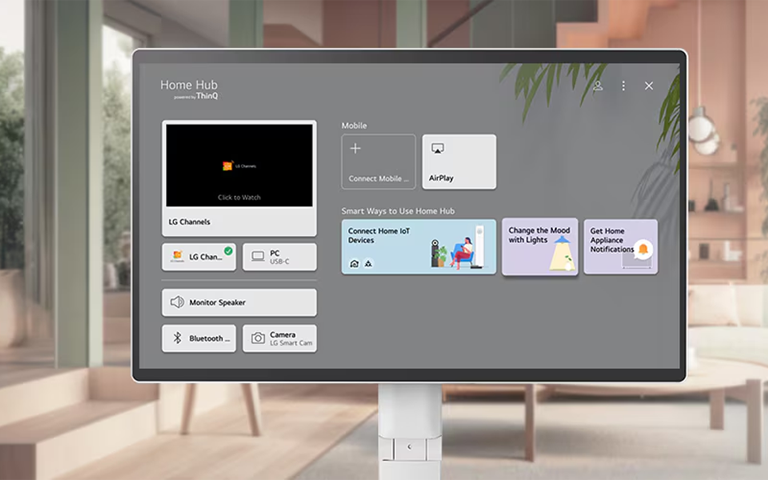
Another helpful feature is that you can share screens between the monitor and smart devices such as phones and TVs. These can be accessed through the ThinQ Home Dashboard, which allows you to easily check and manage the status of all your LG appliances and devices on one screen.7

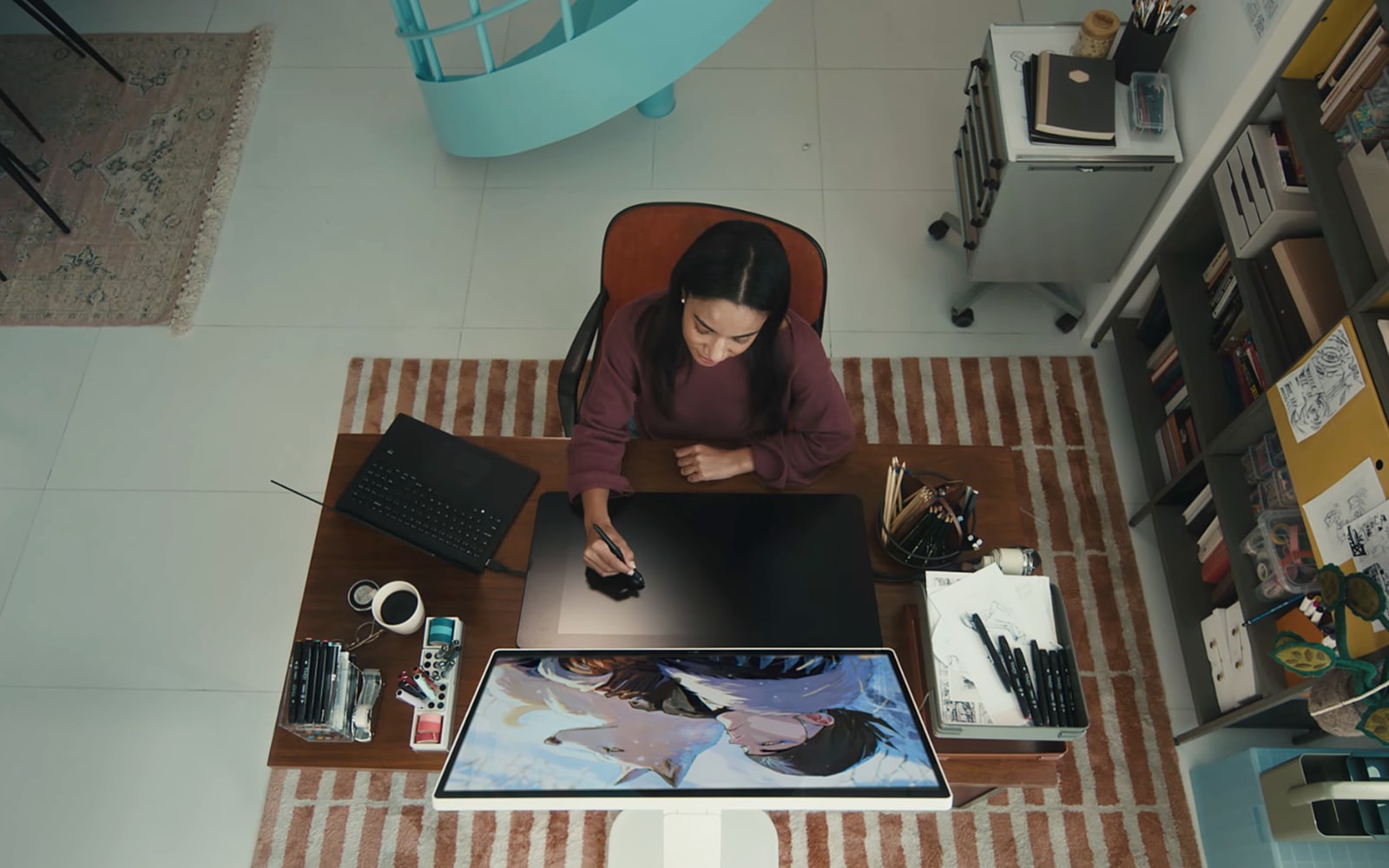
Work from the comfort of your own home

Due to the highly adjustable stand and the rolling base, you can change the setup to suit your needs. 

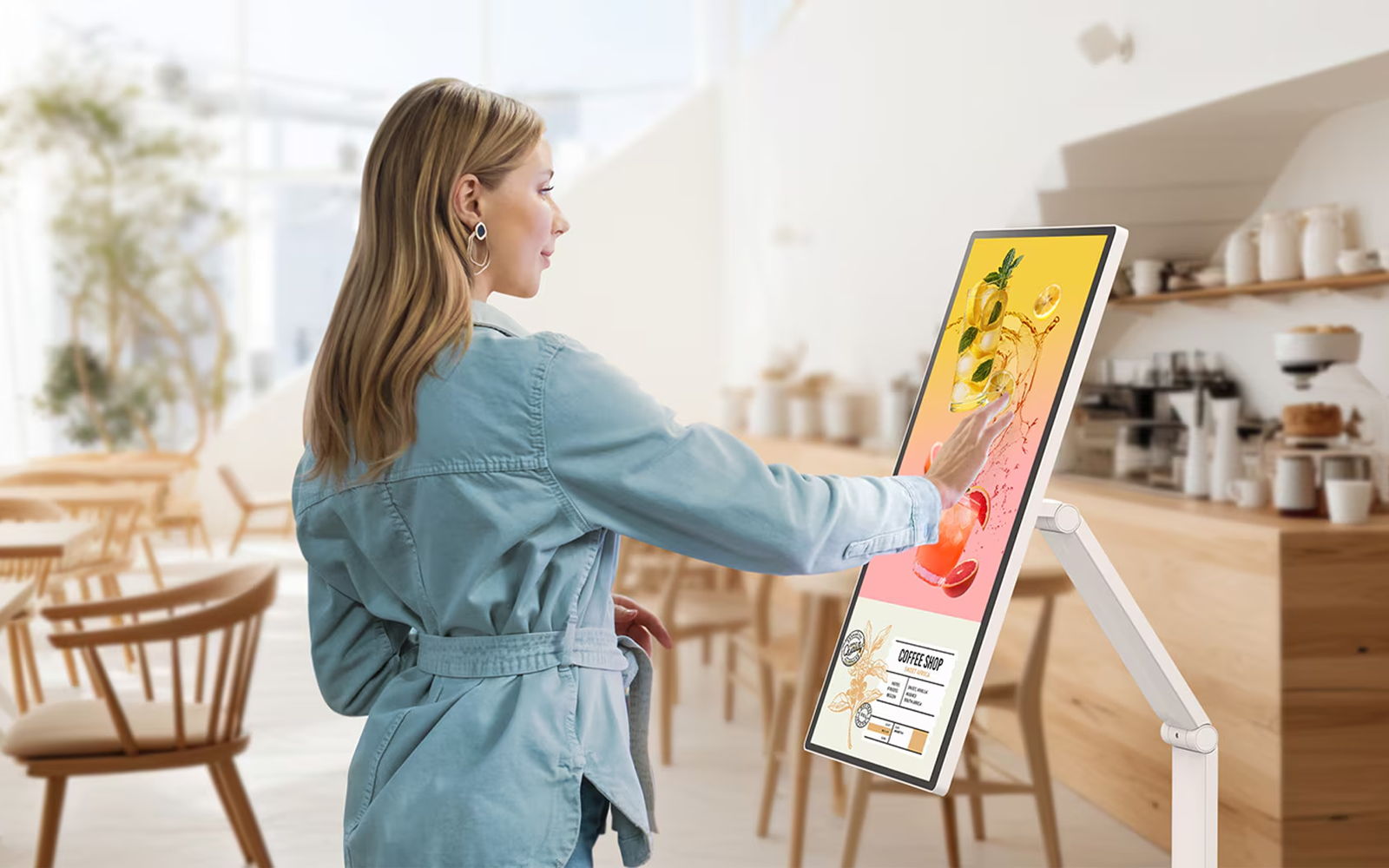
Scroll on a big screen without a mouse or touchpad

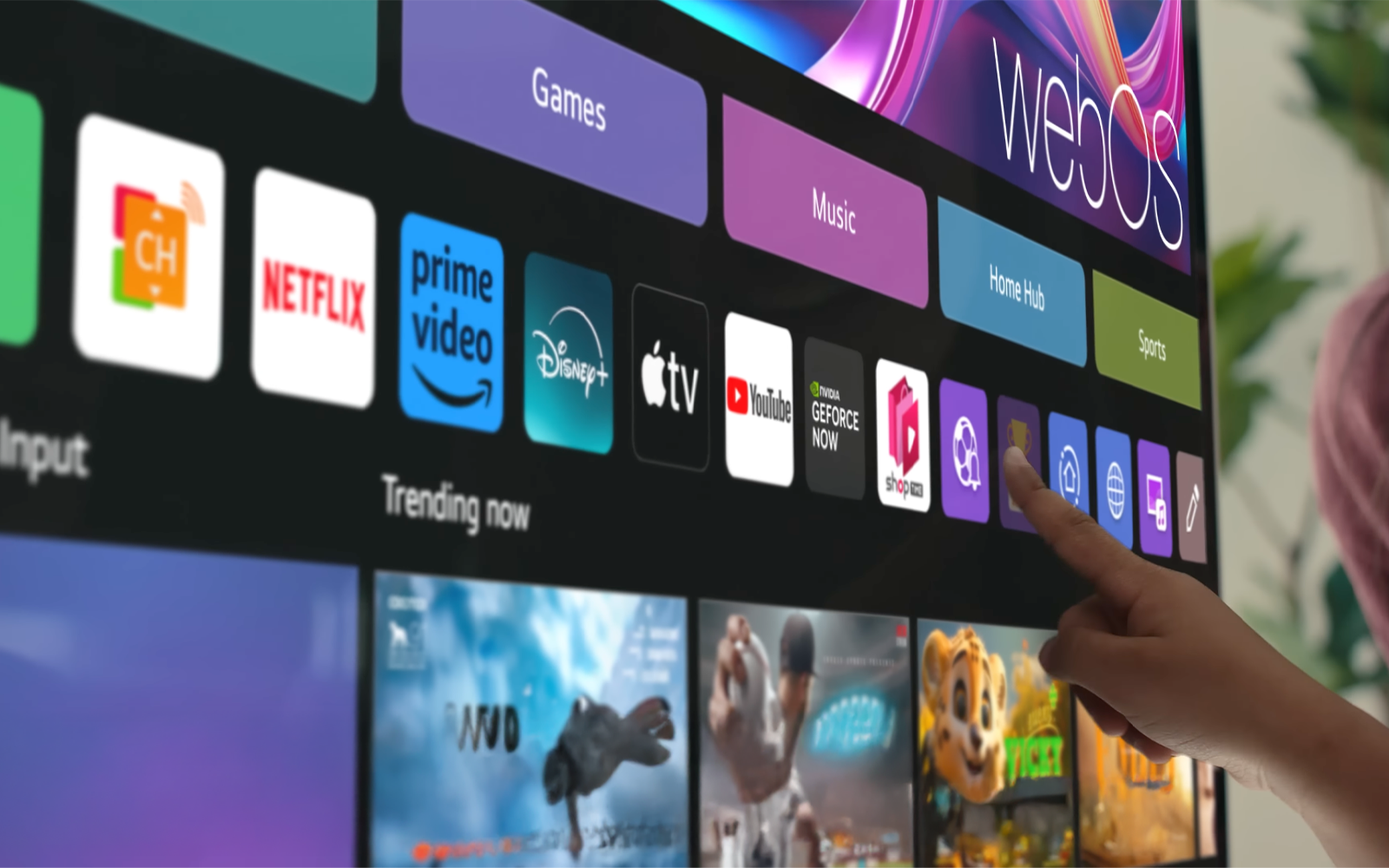
The touchscreen and intuitive controls make interacting with apps or annotating documents easier than with a mouse/keyboard. And with access to webOS, which is the built-in smart operating platform for LG TVs and smart screens, LG Swing users also have direct access to productivity tools, such as utilizing the rotating touchscreen monitor as a remote desktop.

Stay home office-ready without a PC

With webOS, you can remotely access your PC and Cloud PC via Remote PC connectivity. This functionality lets you utilise various home office services, including video conferencing and cloud-based applications, all without a PC.

Enjoy 4K in every room

Never before has it been so easy to watch TV shows, movies, sporting events or YouTube videos on a big screen in every part of the house. 

Bring your 4K touchscreen monitor from room to room

This is because the LG Swing screen can easily be moved to any location and boasts a UHD IPS monitor with a 4K resolution (3840 x 2160 pixels). The discreet cable storage makes it easy to roll from anywhere in the home, whether you want to watch Netflix in bed, adjust your workstation with the day’s changing lighting or simply feel like sharing a YouTube video in 4K.  

Watch your favourite content anywhere in the home

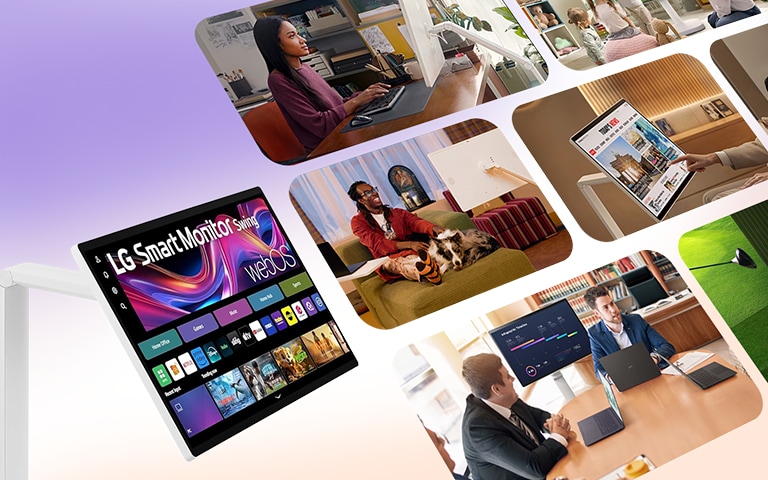
With the LG Smart Monitor Swing, you can enjoy seamless access to a variety of content through apps like Netflix, Prime Video, Disney+, YouTube, Apple TV, and free LG Channels.2


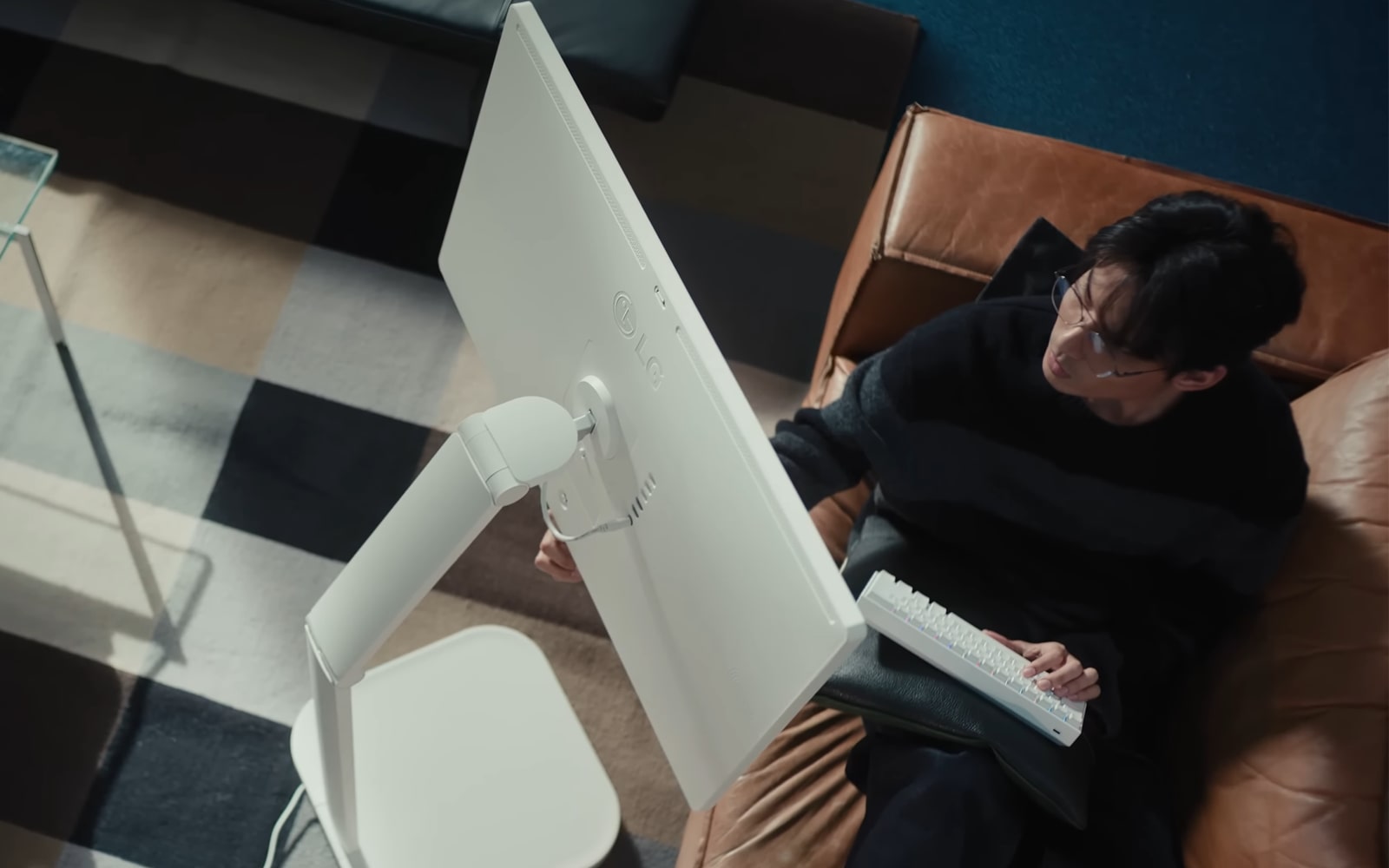
The LG Swing monitor has a variety of smart features that make it the perfect companion for a range of tasks.2

Een man kijkt naar een LG 360-monitor.

Een man kijkt naar een LG 360-monitor.

  • Browse the web from the integrated apps or via your favourite third-party devices and programs
  • Bounce between devices with ease since, once they’re paired, your phone and LG Swing can display the same content seamlessly as long as they on the same Wi-Fi network.
  • Watch videos thanks to App Store access, LG Channels, or Smart Share with your other connected devices8
  • Share your entire phone screen, or share specific photos, videos, files or even apps

Make home-based activities a breeze

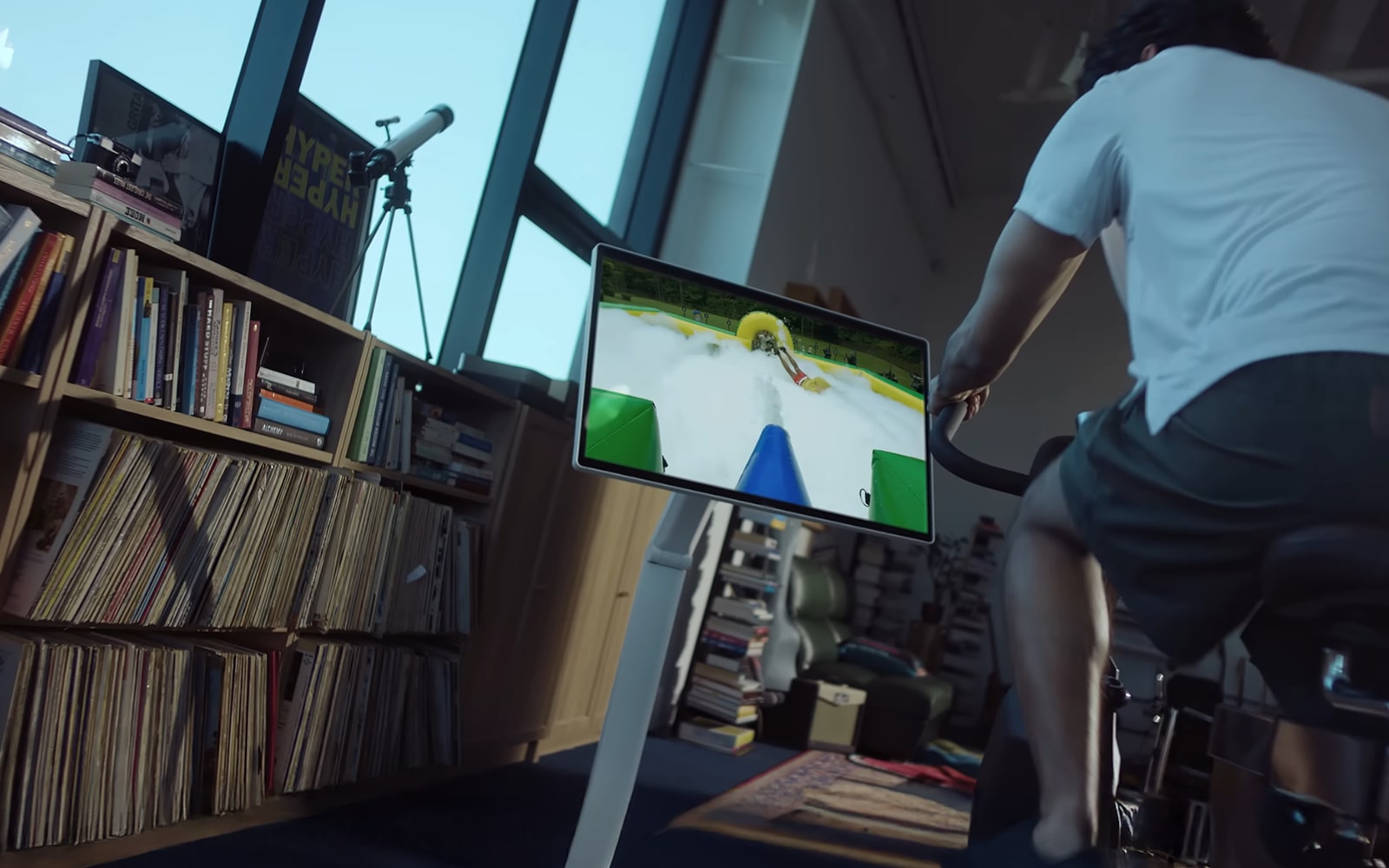
Whether you’re a dancer, gamer, yogi or fitness fanatic, there are a myriad of applications that can help you transform any space into a home gym. 

Een gezin speelt terwijl ze naar de LG 360-monitor kijken.

Een gezin speelt terwijl ze naar de LG 360-monitor kijken.

Play games without a dedicated console

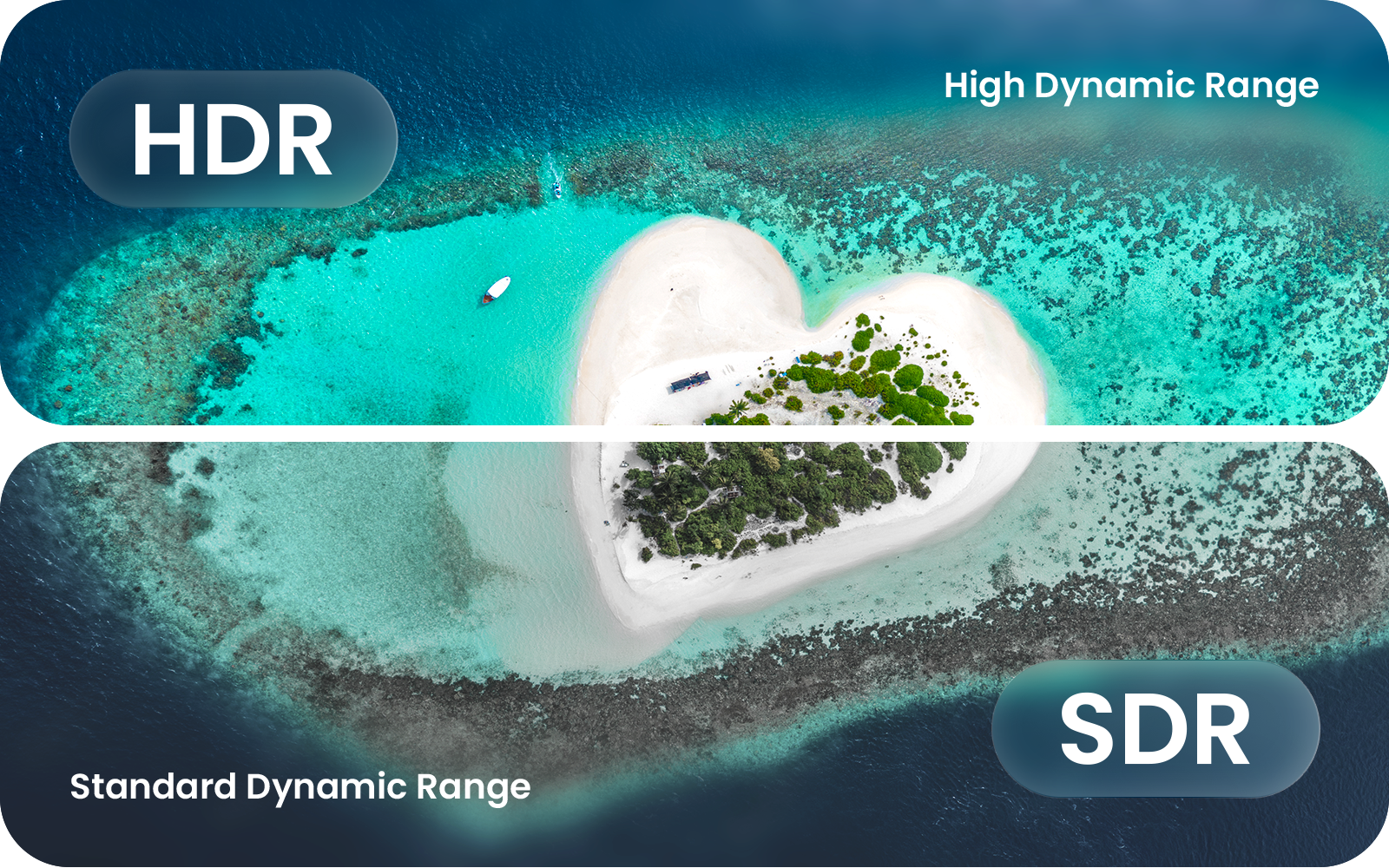
With the LG Swing, you can play games through the cloud. All LG Smart Monitor devices allow you to access streaming apps for game content. And with Dynamic Tone Mapping, those games are displayed with optimal, clear brightness and contrast on a wide 4K touchscreen IPS monitor.9

Get in shape for free with LG Fitness

With the LG Swing touchscreen monitor, you will also have access to the LG Fitness app that comes with a wide range of workouts to help you get fit from home. Many of these are best viewed in Portrait Mode, which allows you to maximise the space on the large 360-degree touch screen. 

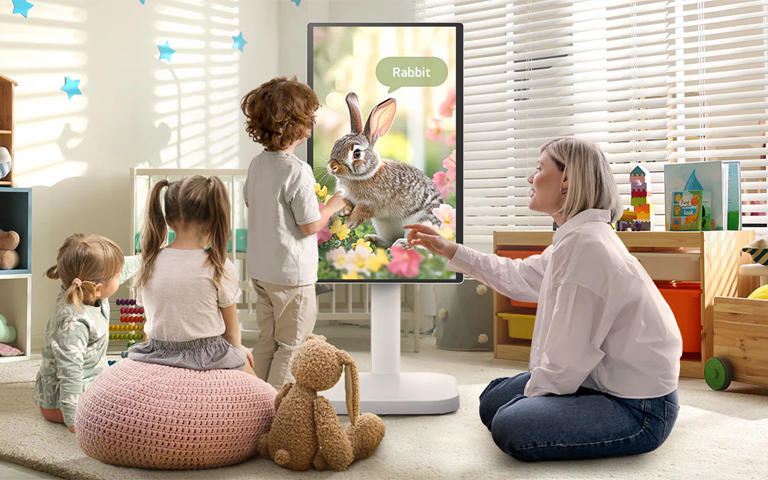
Maximise productivity with remote learning

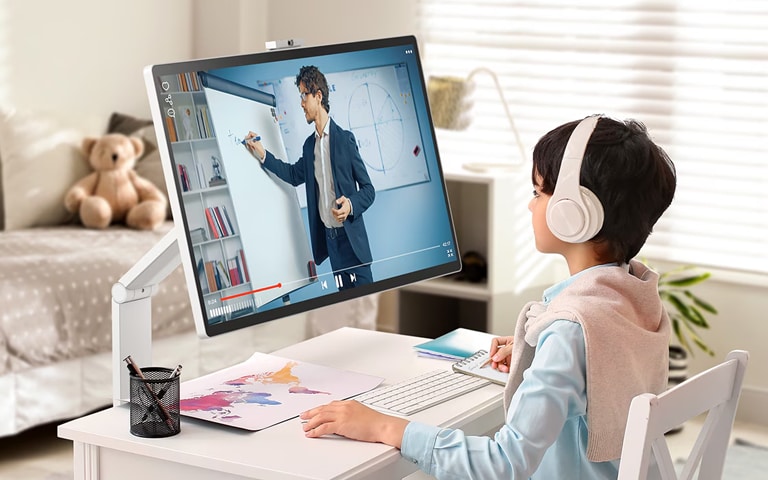
Studying or practising at home can be a challenge, especially if you’re trying to learn from your phone. Give yourself more space to grow with the right tools at home.

Een kind volgt een les terwijl het naar een LG 360-monitor kijkt.

Een kind volgt een les terwijl het naar een LG 360-monitor kijkt.

Make the most out of educational apps

You can also make use of video conferencing apps to collaborate with fellow students or teachers. This is particularly useful if you are taking virtual music lessons; of course, independent learners can also benefit from the large display size and intuitive touchscreen interface when viewing learning materials such as instructional videos, sheet music, infographics and more.


No matter the use, there is no doubt that the LG Swing is one of the most versatile 360-degree touchscreen monitors on the market.

FAQs

Een man die een LG-boek leest

Een man die een LG-boek leest

Q: Can the LG Swing monitor be used for streaming?

A: Yes, you can stream content thanks to the built-in webOS, including streaming services such as Netflix, Disney+ and YouTube. AirPlay 2 and screen-share also mean that you can stream content seamlessly from other smart devices.10

Q: Is the LG Swing monitor compatible with other devices?

A: Yes, it is compatible with numerous third-party devices such as gaming consoles, smart TV boxes and tablets. You could also choose to connect it to an LG Soundbar or screen share from an LG laptop.9

Q: Why is a rotating 360-degree monitor better than a standard, curved or wide monitor?

A: While this type of monitor might not be better than others, the LG Swing display offers a variety of core benefits like versatility, large size and an adjustable stand, as well as 4K clarity and touchscreen convenience. 

Life's Good!


1 LG Swing Monitor

2 LG Newsroom

3 LG Swing stand dimensions and connectivity options

4 LG Swing: Brightness: 350nits (Typ.), Color Gamut: DCI-P3 95% (Typ.). + Reader Mode (Eye Care Mode)

5 LG ThinQ smart app AI-enabled features, compatible with LG Swing Monitor

6 LG ThinQ smart home automation

7 LG Channels Smart WebOS

8 How to login to the LG ThinQ Home Dashboard

9 Multi-Window and 4K resolution / screen dimensions available for 32U889SA-W

10 Third-party app integrations and compatibility

Featured Product

Recommended Article