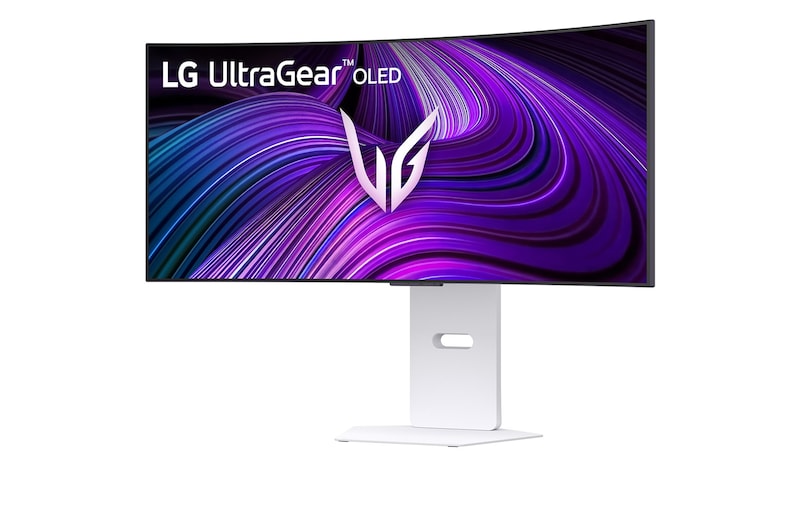
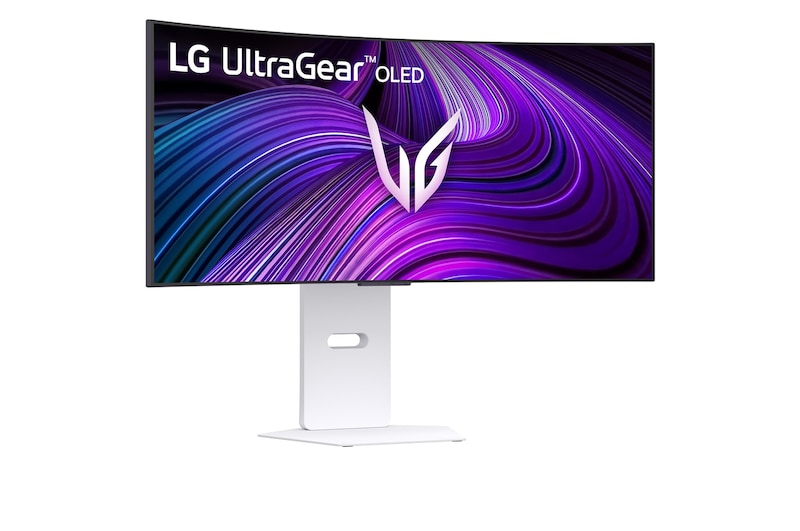
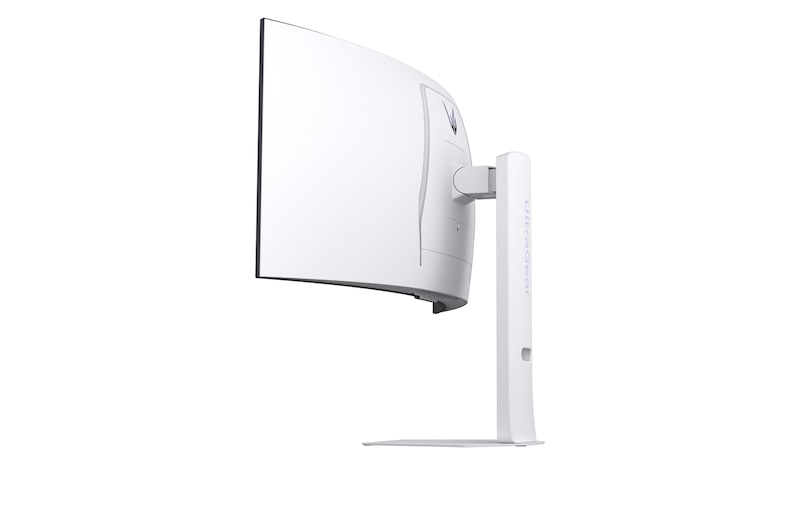
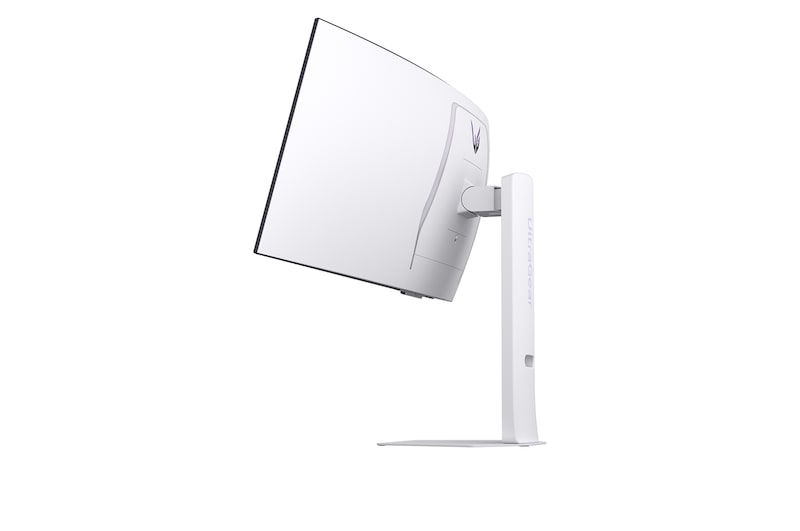
LG UltraGear OLED 34GX90SA + UltraGear 27G640A Monitor Bundle

Free 27" UltraGear Monitor

34GX90SA Monitor Details

UltraGear™ OLED GX9s Logo image.


Streaming to Gaming
240Hz Curved OLED Smart

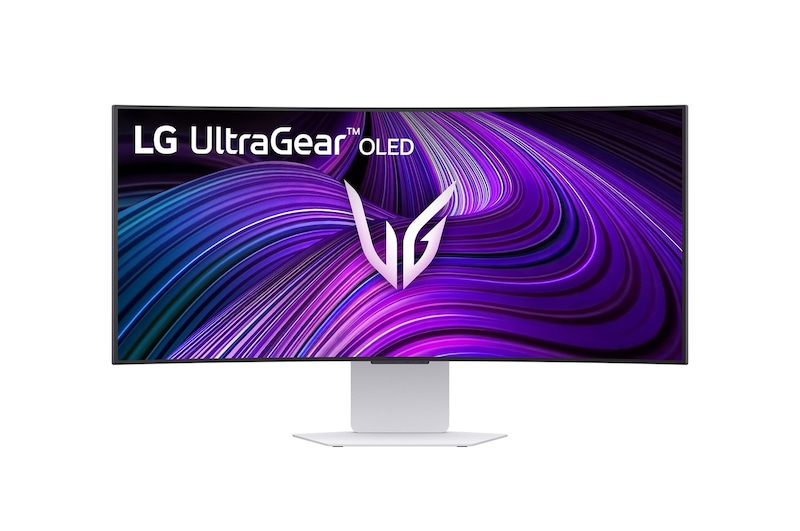
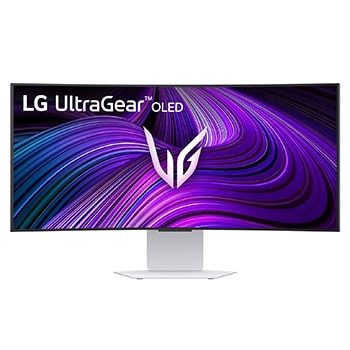
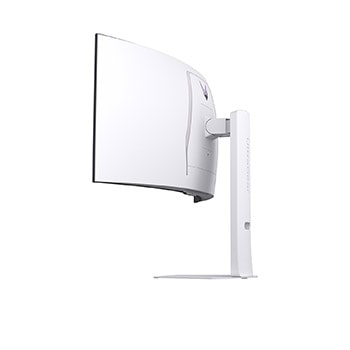
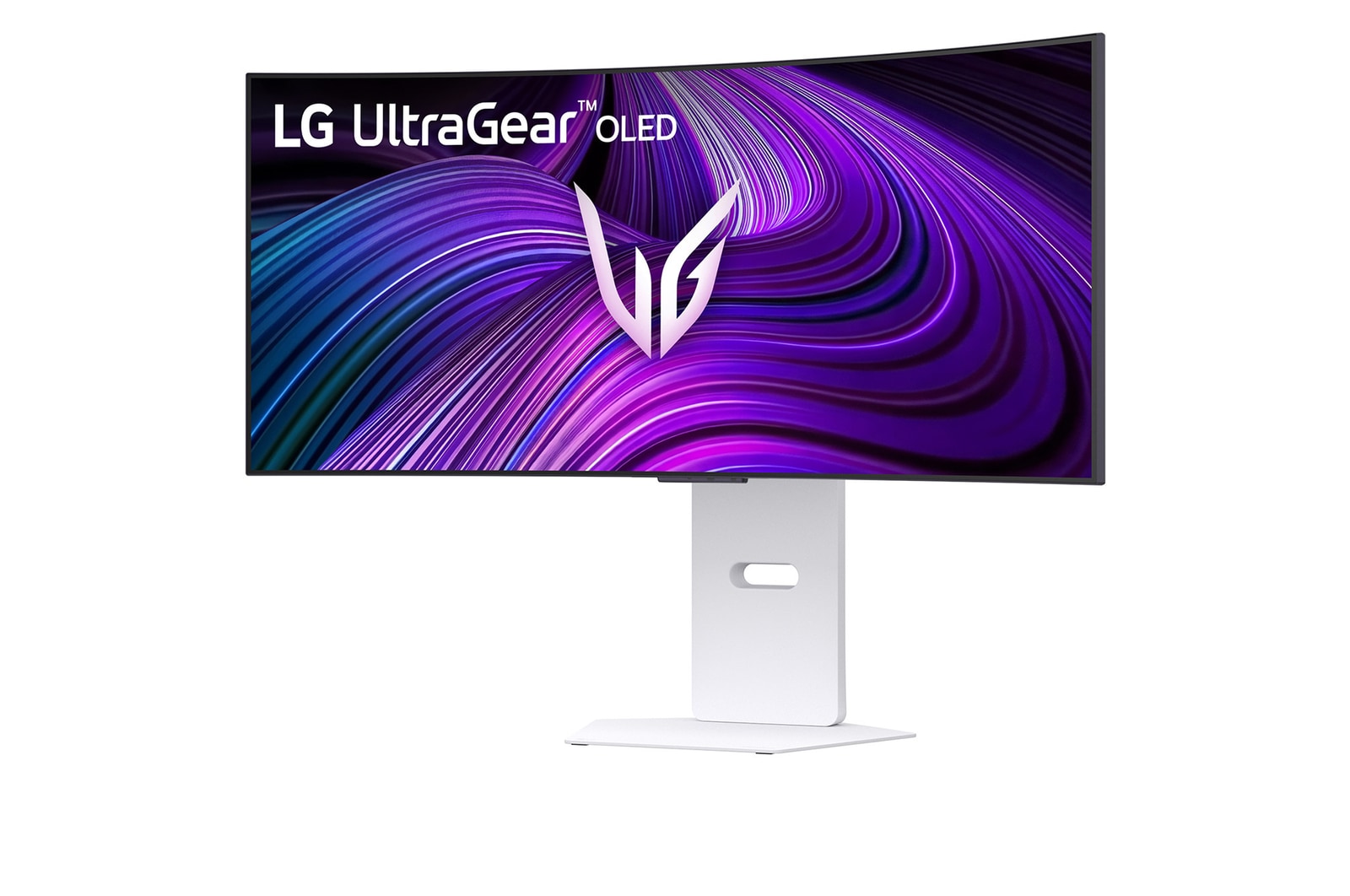
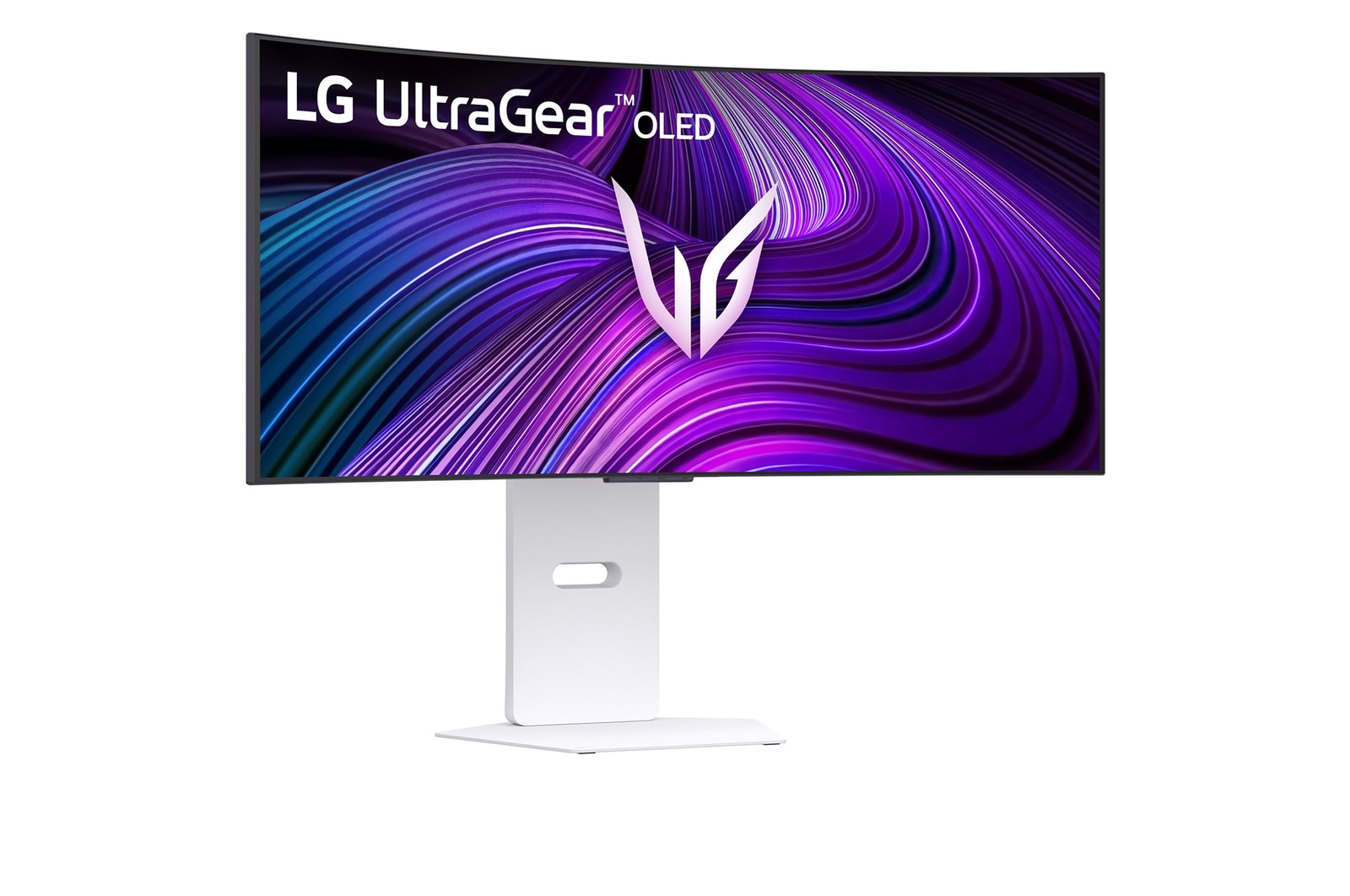
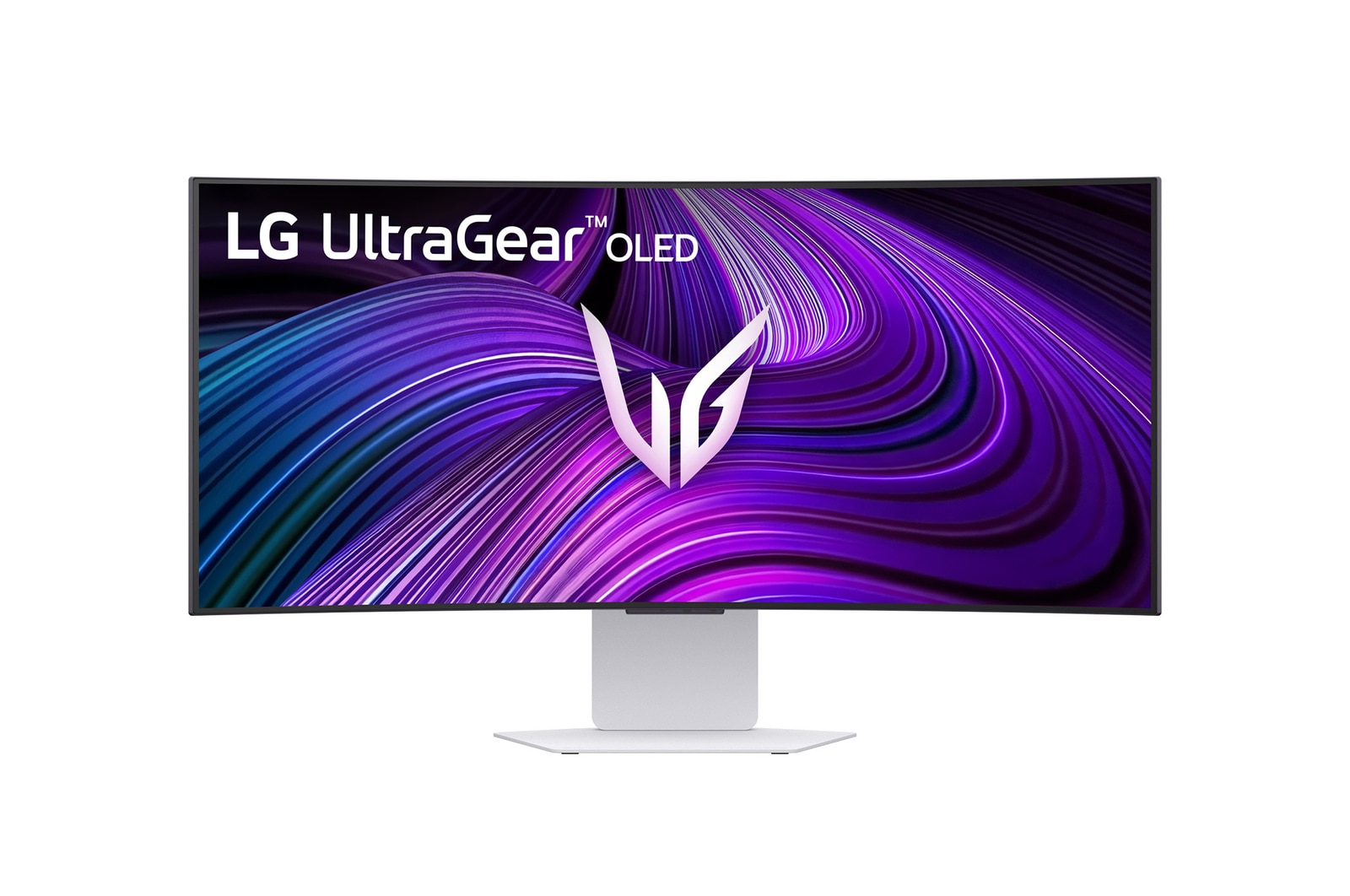
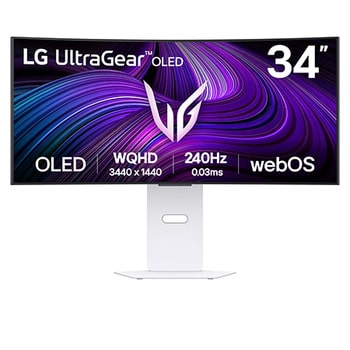
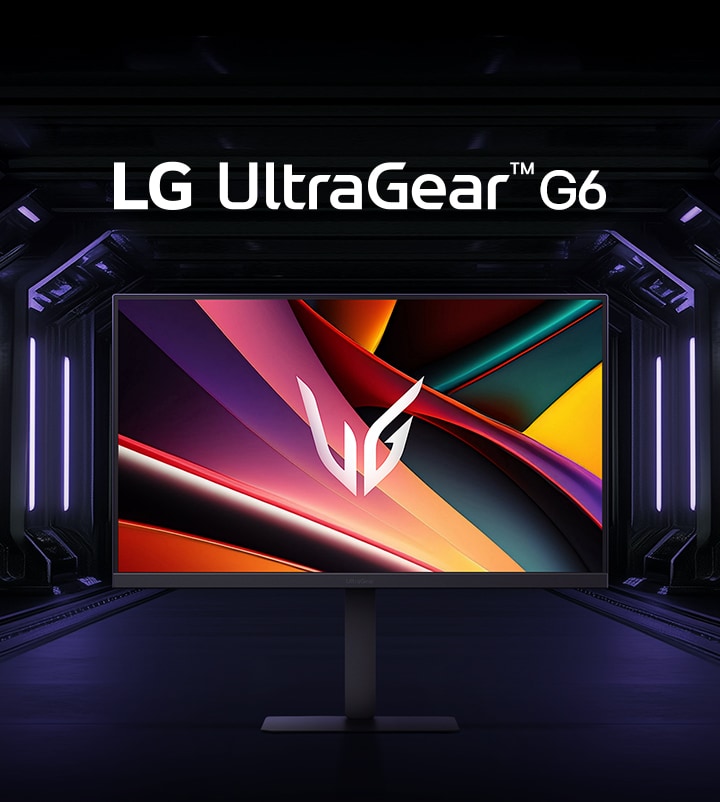
Front image of the UltraGear™ 34gx90sa gaming monitor.

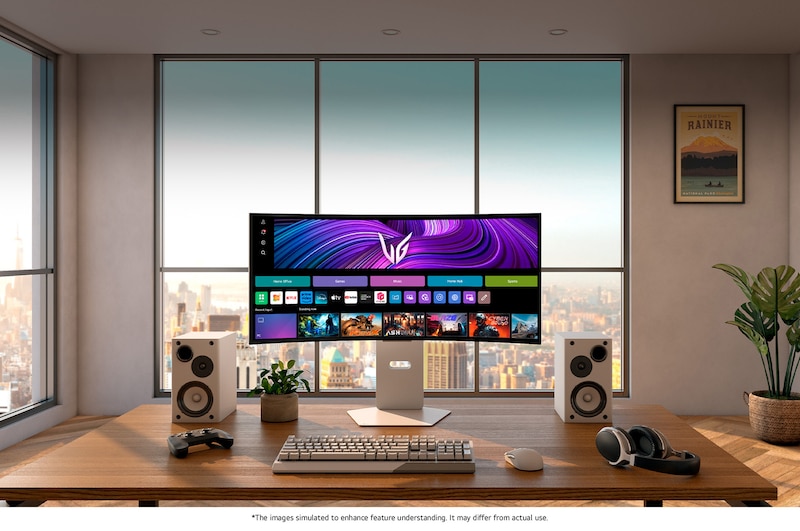
*Images have been simulated to enhance feature understanding, and may differ from actual use experience.

Awards of excellence

*Les CES Innovation Awards sont attribués sur la base des documents descriptifs soumis aux jurés. La CTA n’a pas vérifié l’exactitude des informations fournies ni des déclarations faites, et n’a pas testé le produit ayant reçu la récompense.

Image-summary

STREAMING

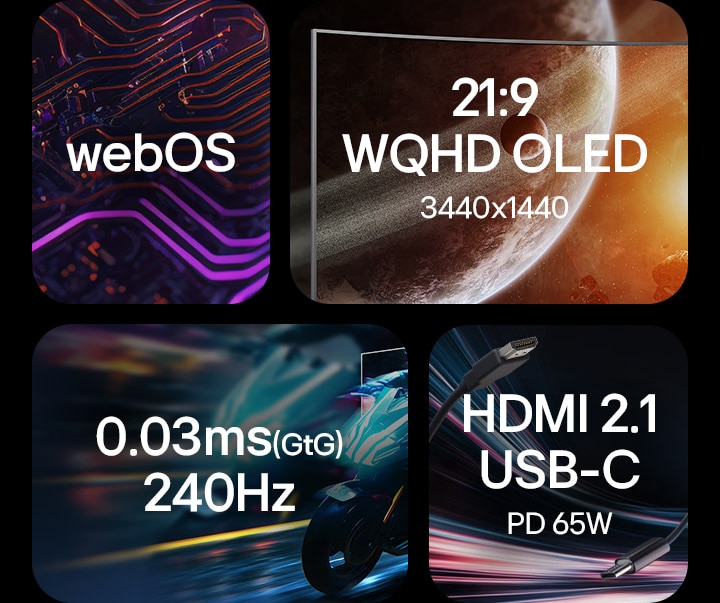
webOS
AI Picture
Dynamic Tone Mapping
AI Personalised Picture Wizard
AI Sound

WINNING

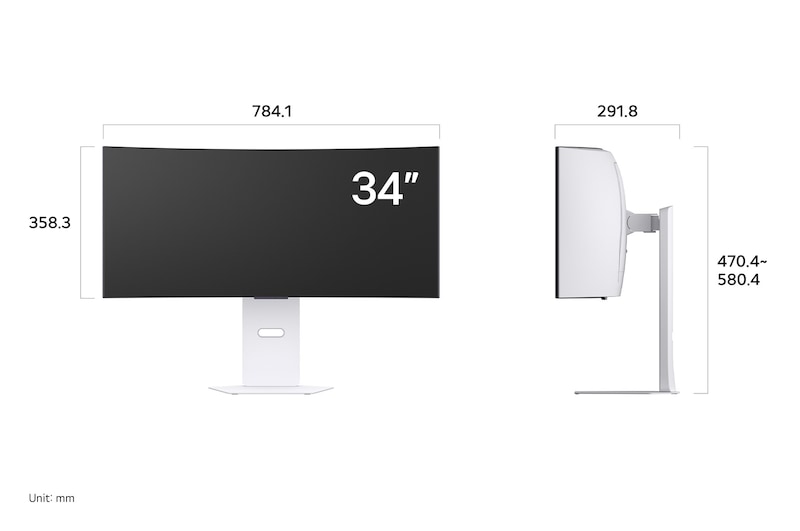
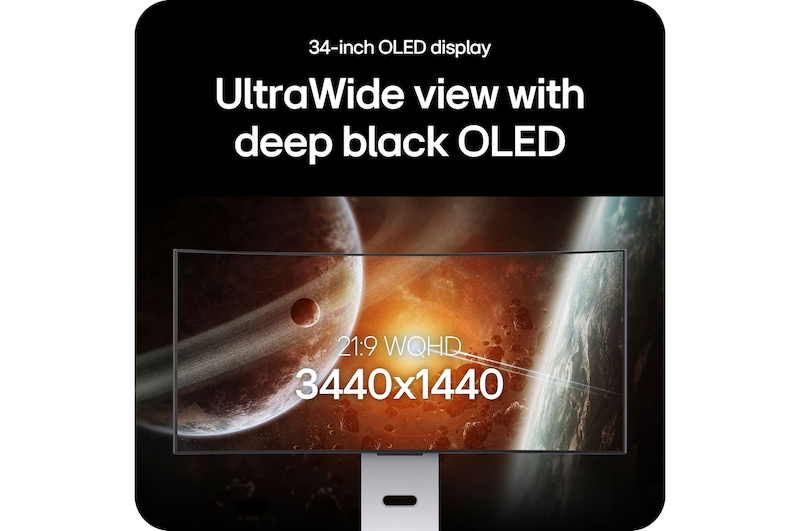
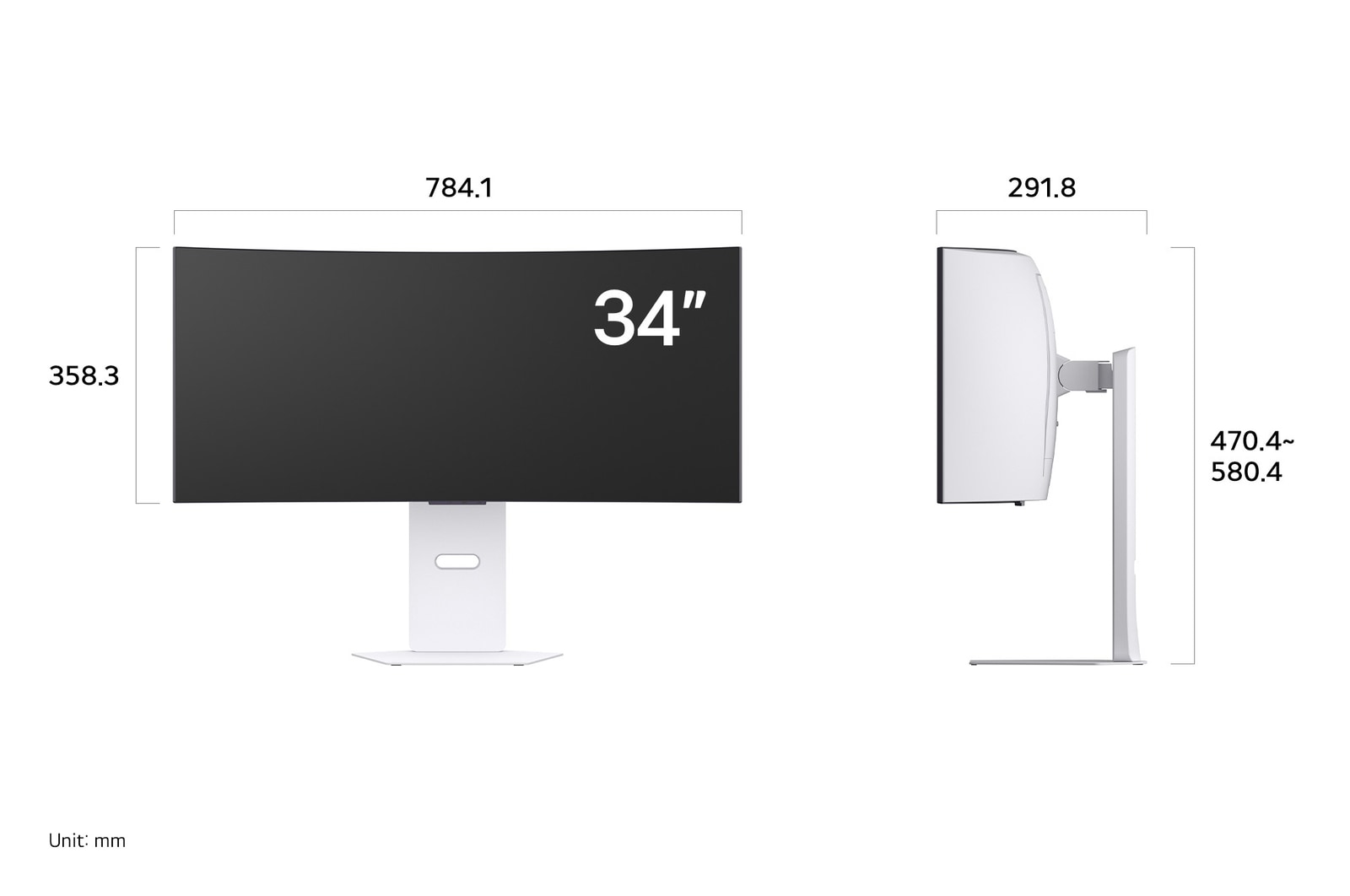
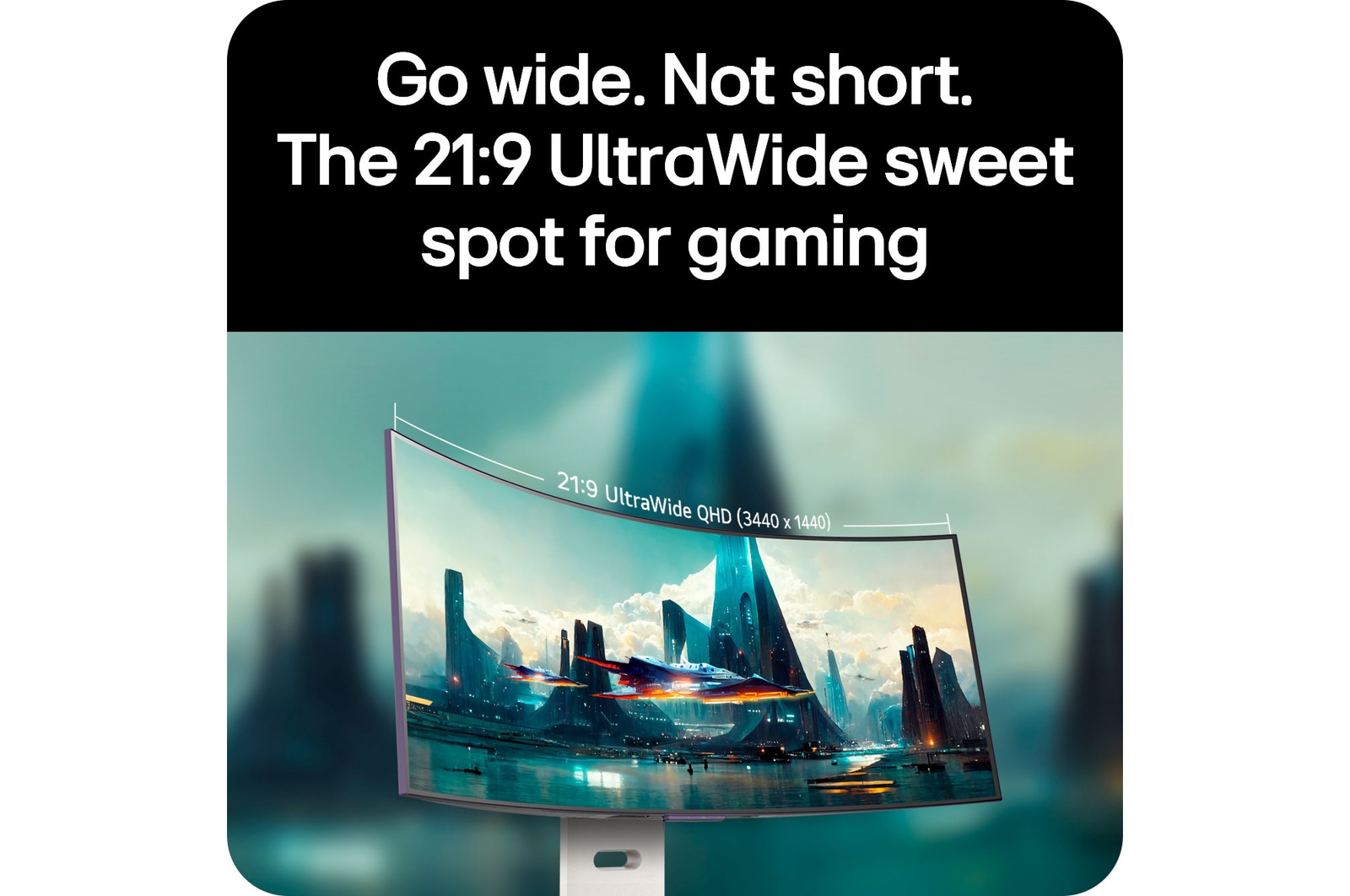
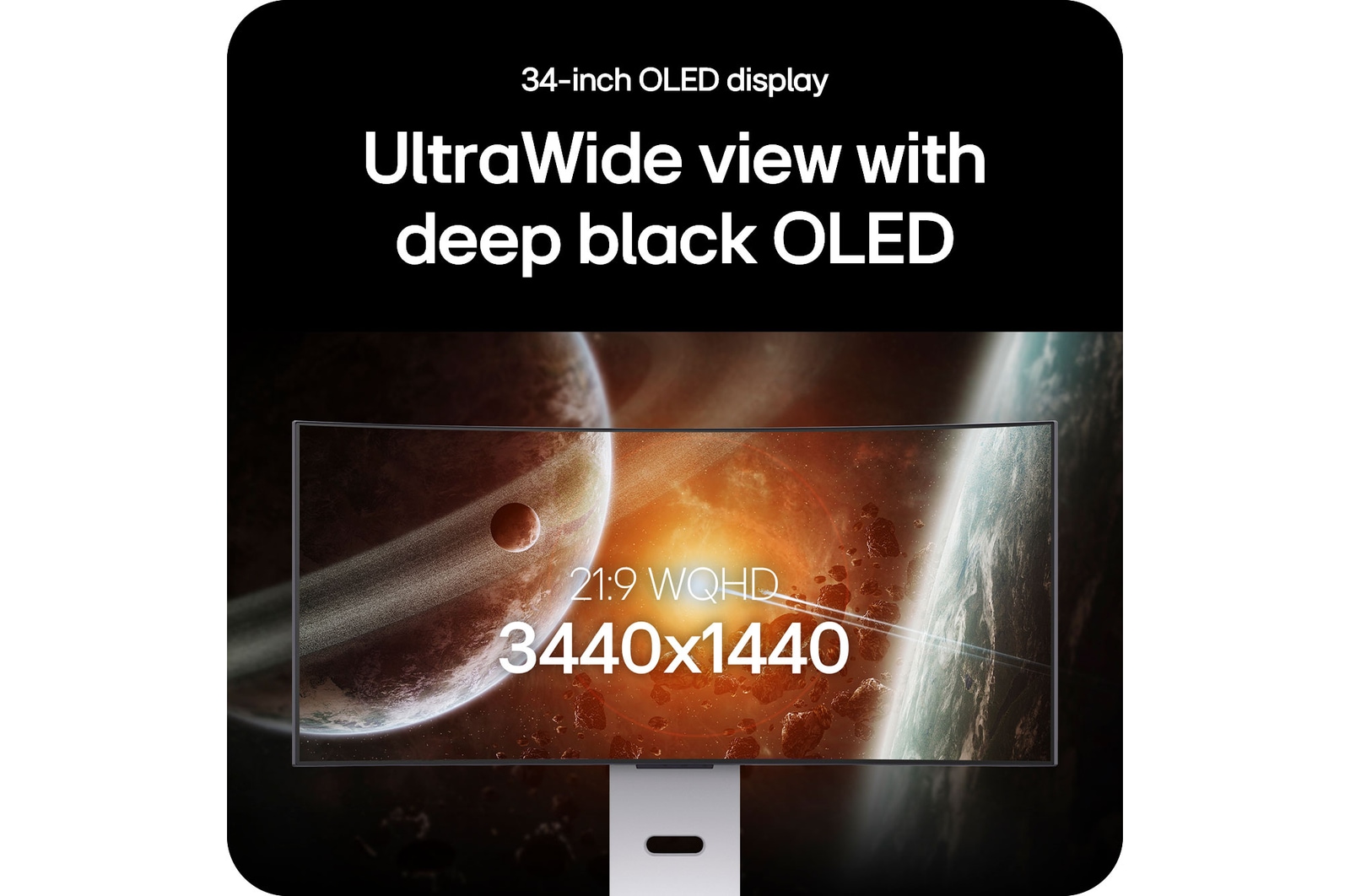
34-inch WQHD Curved OLED
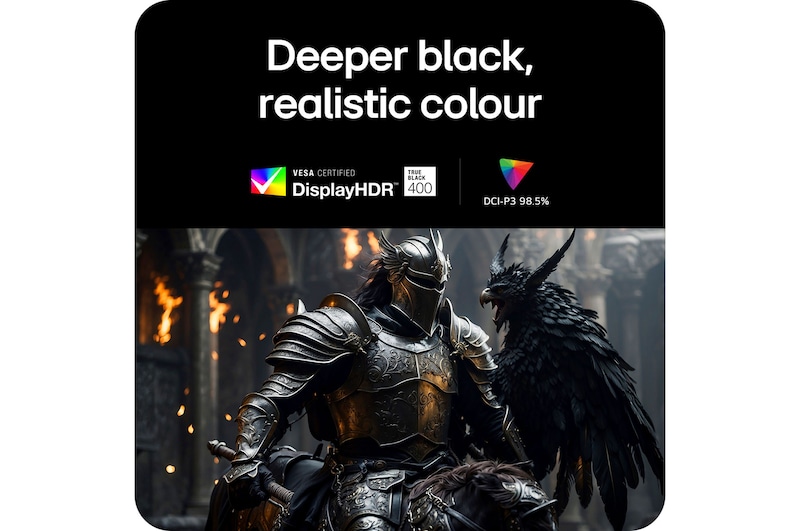
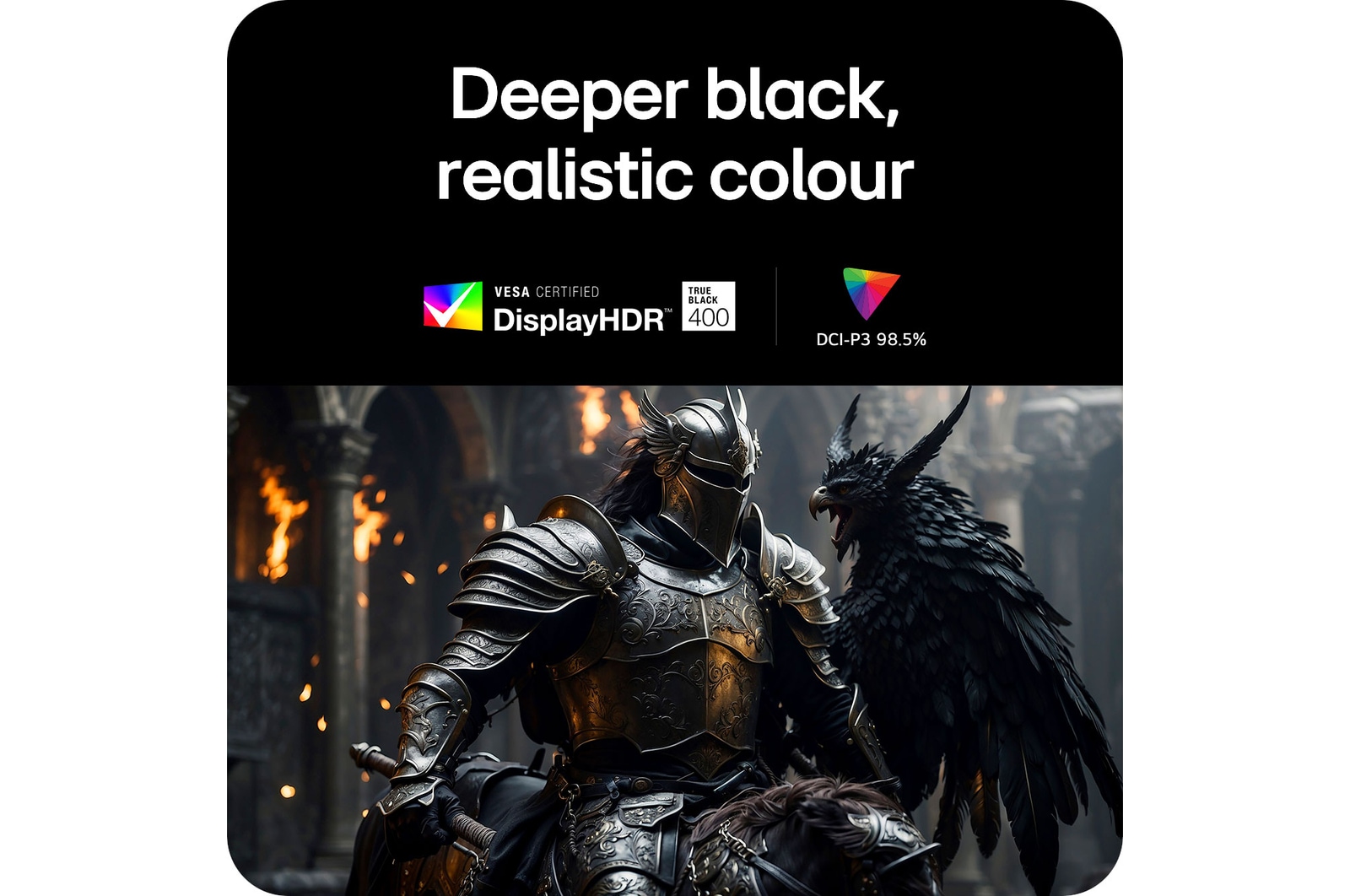
DisplayHDR True Black 400 & DCI-P3 98.5%
0.03ms (GtG) & 240Hz
AMD FreeSync™ Premium
VESA Certified AdaptiveSync
NVIDIA® G-SYNC® Compatible

CONNECTING

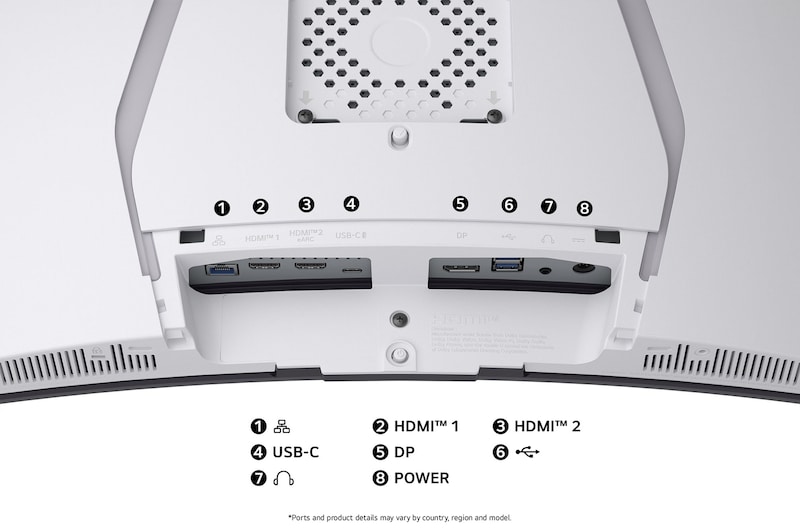
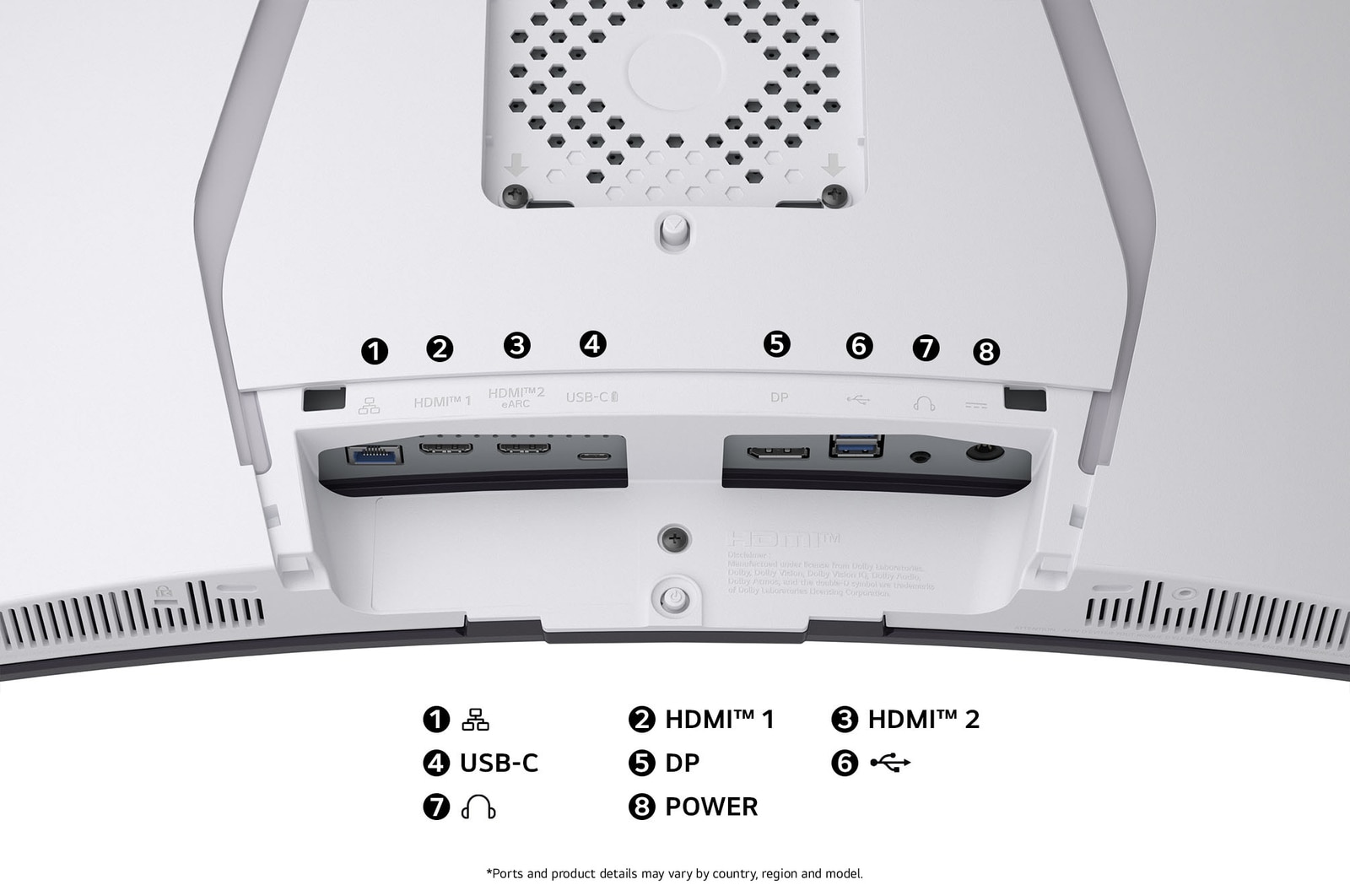
USB-C (PD 65W) & HDMI 2.1
LG Switch app
Sleek design with clutter-free L stand

Tap anchor-streaming.

The webOS-powered
smart gaming monitor

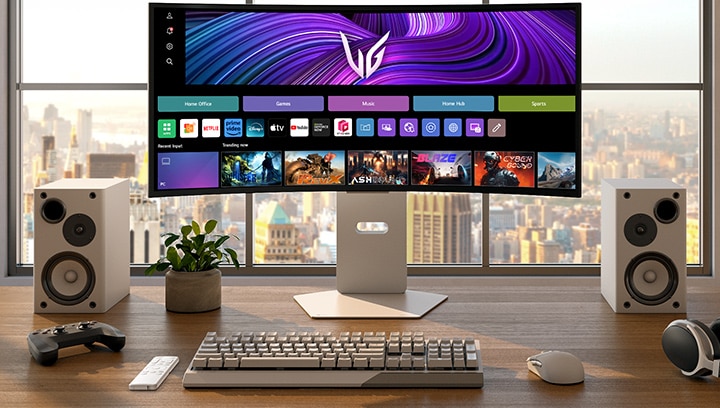
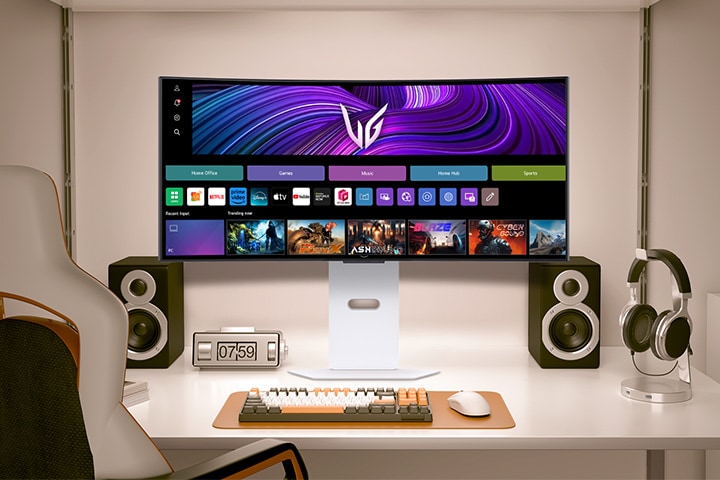
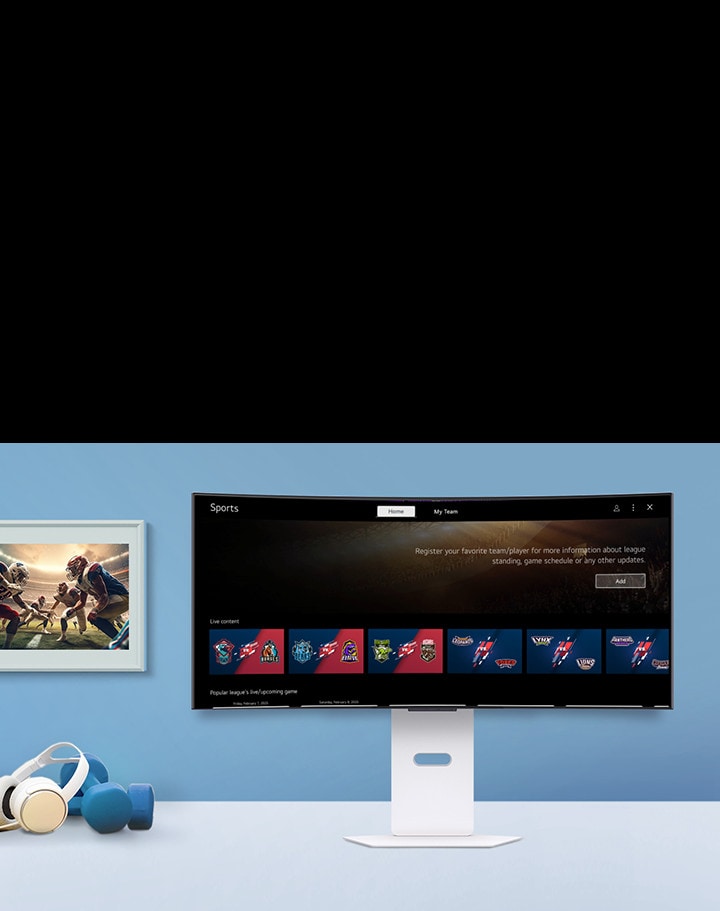
Introducing the smart gaming monitor, powered by webOS with AI, allowing you to relax during game breaks with effortless streaming1), including free LG Channels and numerous streaming options. Plus, access high-performance cloud gaming1) without a separate PC or console, all easily controlled with the remote2) for added convenience.

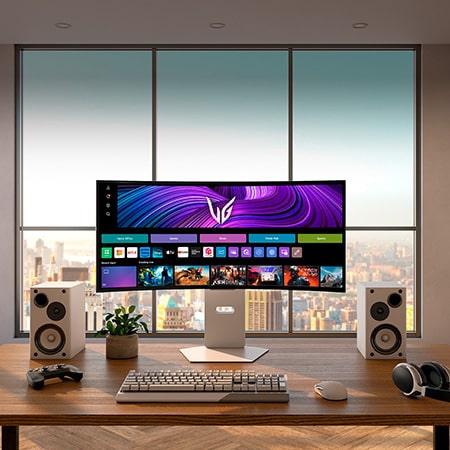
The video shows a front-facing monitor on a desk, alternating between webOS images and gameplay visuals.

1) Internet connection and subscription to related streaming or cloud gaming services are required. Separate subscriptions or payments may be required, and they are not provided (purchased separately).

2) The remote control is included in the package.


*Images have been simulated to enhance feature understanding, and may differ from actual use experience.

*Supported services may differ by country.

*Applies only to content produced in a 21:9 aspect ratio. For streaming content, platform restrictions may apply. 

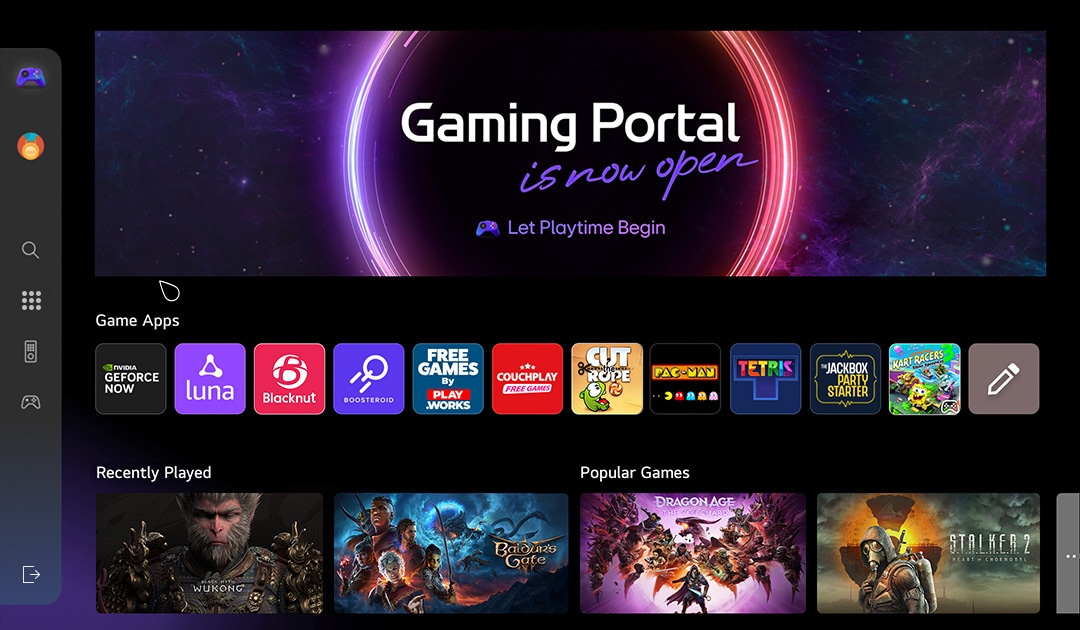
The Gaming Portal is now open

The Gaming Portal is a gaming-friendly platform that offers a tailored experience, with options to select menus for gamepads or remote controls and support for personalized gamification. You can track rankings and points among players, while easily accessing a wide range of titles, from AAA to social games. With partnerships with leading cloud gaming services like GeForce NOW, Amazon Luna, and soon Xbox Cloud, along with native webOS app games, it allows gaming without the need for external consoles or devices, delivering the ultimate gaming experience.

A curved monitor showcases a gaming dashboard with vibrant game icons, including action, puzzle, and cloud gaming apps. A cosmic, glowing portal graphic surrounds the screen, enhancing the sci-fi vibe.

*Support for the Gaming Portal may vary by country.

*Support for cloud gaming services and games within Gaming Portal may vary by country.

*Some gaming services may require a subscription and gamepad.

AI Picture

Sharper characters,
enhanced realism

With AI Picture, it delivers lifelike game visuals that highlight faces and bodies, reduce noise, and add depth. Every detail, from subtle expressions to enemy movements, is easy to catch, ensuring a focused screen for total immersion in gaming or streaming.

Comparison images with AI Picture function on and off.

*Images have been simulated to enhance feature understanding, and may differ from actual use experience.

*Not available in PC connection and Game Optimizer mode.

Dynamic Tone Mapping

Come alive with brightness and contrast

Enjoy visuals as they were meant to be seen, with Dynamic Tone Mapping adjusting brightness and contrast for optimal detail and realism. Movies and games come alive with rich immersion and consistent quality across all content.
*Images have been simulated to enhance feature understanding, and may differ from actual use experience.
*Available only when HDR video signal is input.

AI Personalised Picture Wizard

Crafted for your taste

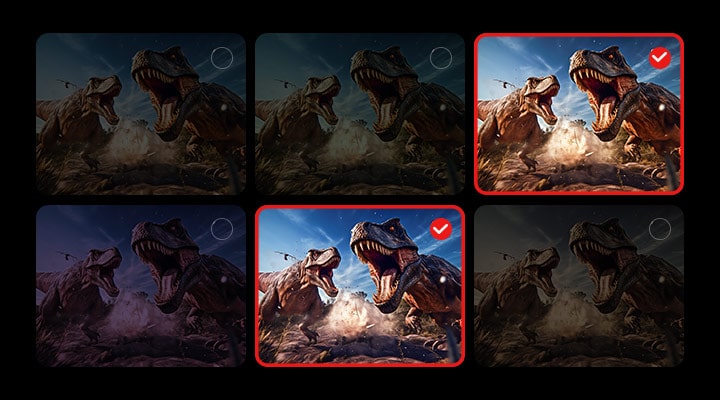
Pick an image you like, and AI Personalised Picture Wizard will find your perfect match from 85 million choices, saving it to your profile. Get ready to level up your gaming and video experience with a look that's uniquely you.

Animated video of AI Personalised Picture Wizard function in action.

*Images have been simulated to enhance feature understanding, and may differ from actual use experience.

AI Sound

Detect, distinguish, fine-tuned sound

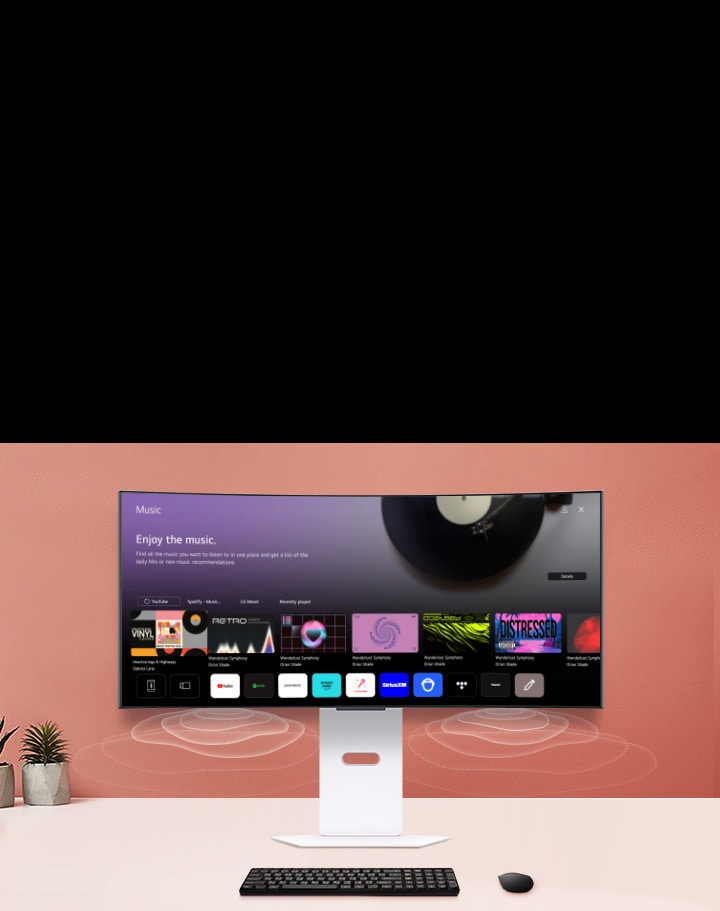
Detects your space and delivers perfectly tuned audio through a simulated 9.1 channel setup, pinpointing sound locations for a tactical edge without the need for extra speakers or headsets. Also, it distinguishes the gamer's voice from ambient sound, adjusting voice levels and clarity to keep you focused on your game.

*Images have been simulated to enhance feature understanding, and may differ from actual use experience.

27G640A Monitor Details

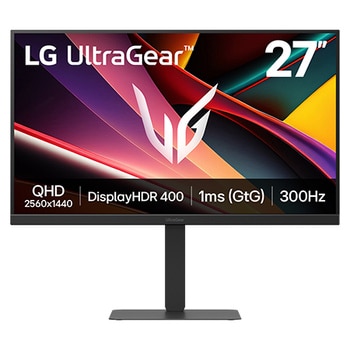
Front image of the UltraGear™ 27G640A gaming monitor in a futuristic, neon-lit room.

Front image of the UltraGear™ 27G640A gaming monitor in a futuristic, neon-lit room.

27-inch QHD 300Hz ims (GtG)
Gaming Monitor

*Images have been simulated to enhance feature understanding, and may differ from actual use experience.

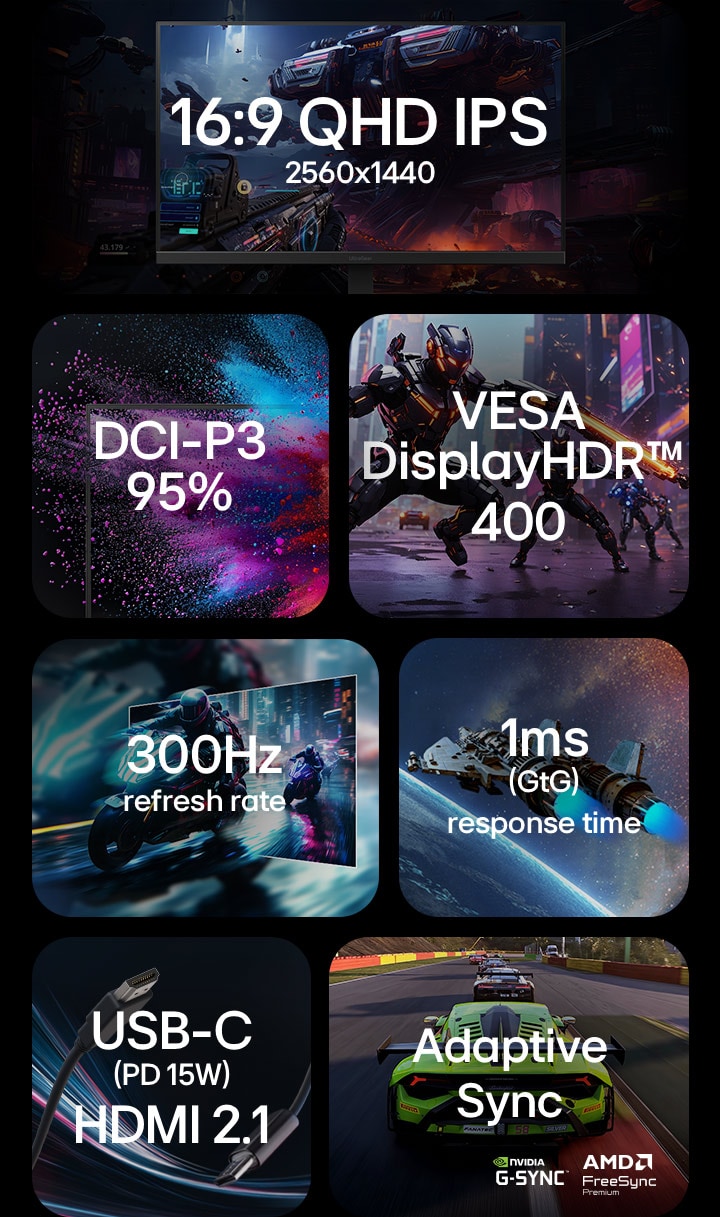
Feature overview of a gaming monitor highlighting: 16:9 QHD IPS 2560x1440 resolution, DCI-P3 95% colour gamut, VESA DisplayHDR 400, 300Hz refresh rate, 1ms (GtG) response time, USB-C with 15W Power Delivery and HDMI 2.1, Adaptive Sync with NVIDIA G-SYNC and AMD FreeSync Premium support.

Feature overview of a gaming monitor highlighting: 16:9 QHD IPS 2560x1440 resolution, DCI-P3 95% colour gamut, VESA DisplayHDR 400, 300Hz refresh rate, 1ms (GtG) response time, USB-C with 15W Power Delivery and HDMI 2.1, Adaptive Sync with NVIDIA G-SYNC and AMD FreeSync Premium support.

What people are saying

FAQ

How to pick a gaming monitor?

Start with your priorities. Want crisp visuals? Go for 4K resolution. Need ultra-smooth motion? Prioritise a high refresh rate (144Hz or more) and low response time. If you're after deep contrast and colour accuracy, consider OLED or Nano IPS, Nano IPS black panels. Don’t forget adaptive sync tech like NVIDIA G-SYNC or AMD FreeSync™ Premium to eliminate screen tearing. LG’s UltraGear™ series offers a range of gaming monitors tailored to your play style—from casual console gaming to high-intensity PC competition.

What is the refresh rate of a gaming monitor?

Refresh rate, calculated in Hertz (Hz) refers to how many frames are shown within one second. For example, a 120Hz refresh rate indicates that the display refreshes with a new frame 120 times per second. Gaming monitors with high refresh rates offer smoother visuals with less screen tearing.

How many hertz is good for gaming?

For most gamers, 144Hz hits the sweet spot for fluid, responsive gameplay. Competitive players may want even faster refresh rates like 240Hz for that extra edge in fast-paced shooters or esports titles. LG’s lineup of UltraGear™ Gaming Monitors include models that go from 144Hz to 240Hz and beyond (when used in dual mode, LG's models support 165Hz and 330Hz OR 240Hz and 480Hz)*, all designed to keep up with the action while minimising lag and screen tearing.


*Actual refresh rates may vary depending on computer graphics specifications and configurations.

What are the differences between OLED, IPS, and VA panels?

OLED panels emit their own light at the pixel level, delivering near-perfect blacks, exceptional contrast, and vivid colours. They also offer ultra-fast response times, making them ideal for high-end gaming monitors, premium TVs, and professional video editing.

IPS panels are known for their accurate colour reproduction and wide viewing angles, maintaining clear images from various positions. This makes them well-suited for office work, design, and gaming. Their excellent colour accuracy is especially appealing to gamers who want to experience visuals exactly as the developers intended.

VA panels boast the highest contrast ratio among LCD types, providing an immersive experience for watching movies and videos. While not as fast as TN panels, they offer nearly comparable performance.

Should I get a curved monitor?

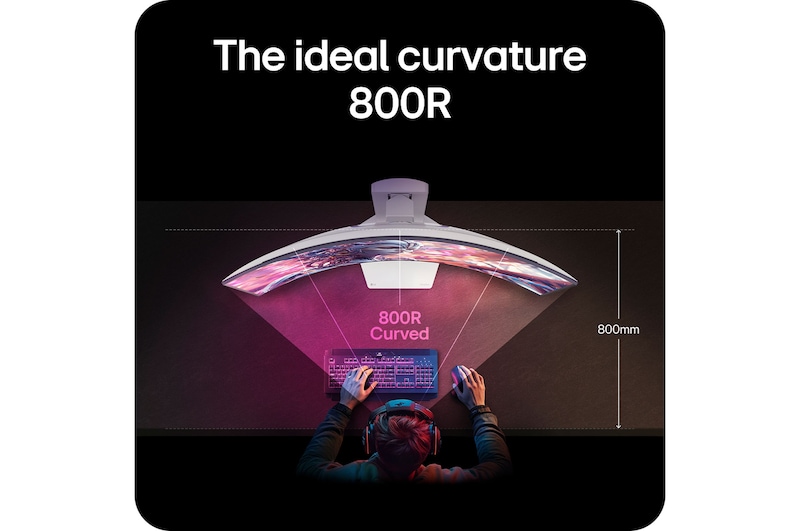
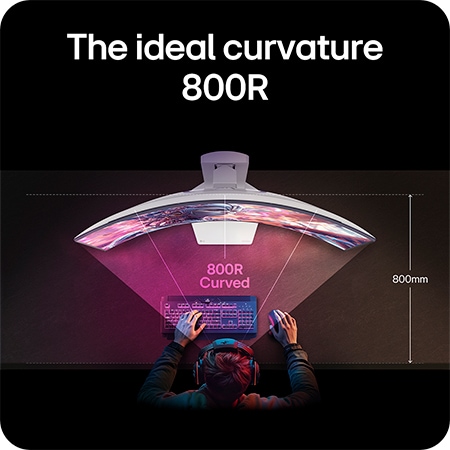
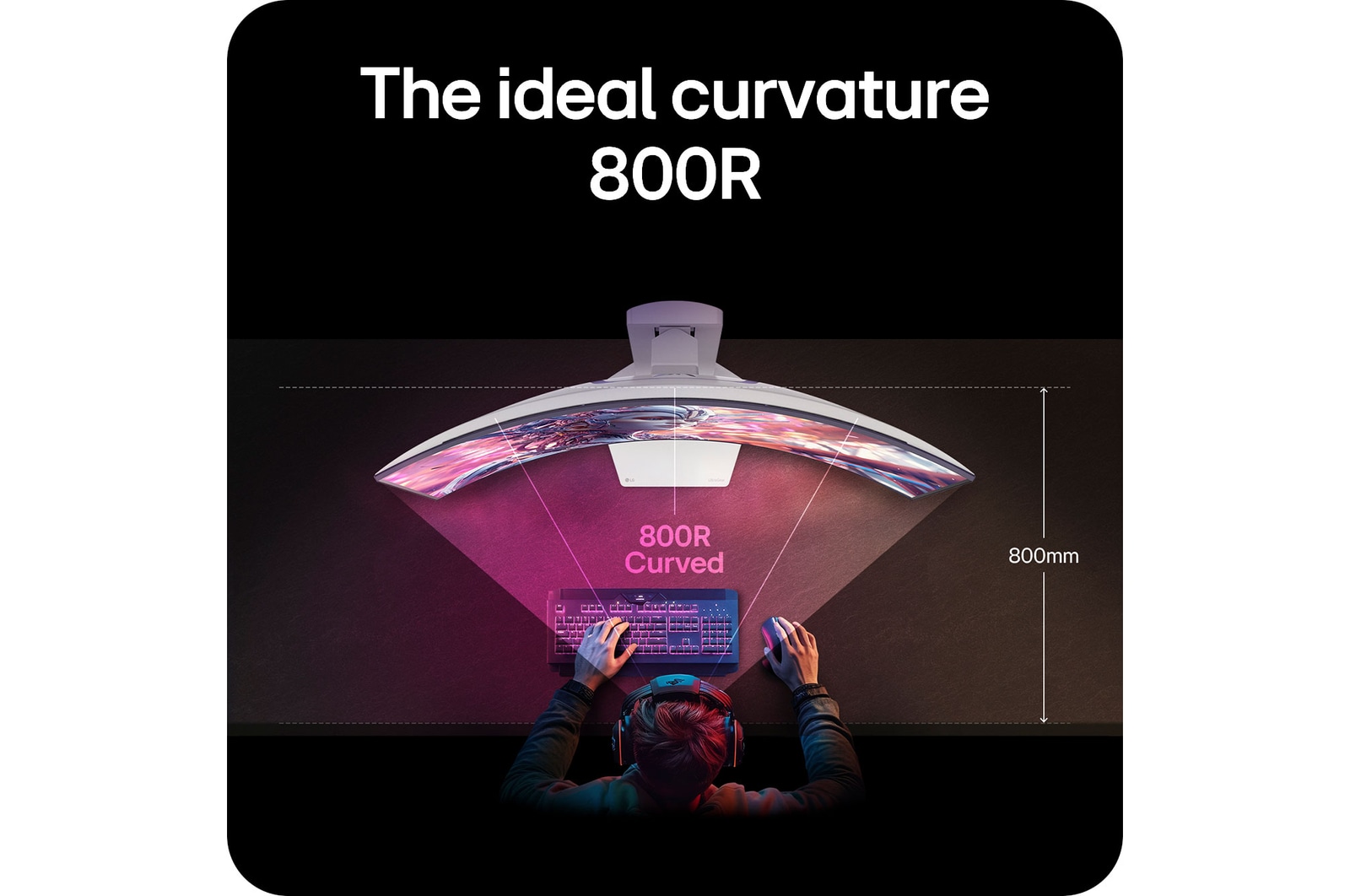
If you want a more immersive gaming experience, curved gaming monitors are a great choice. The curvature helps keep your eyes focused on the center of the screen naturally, which is great for long gaming sessions.

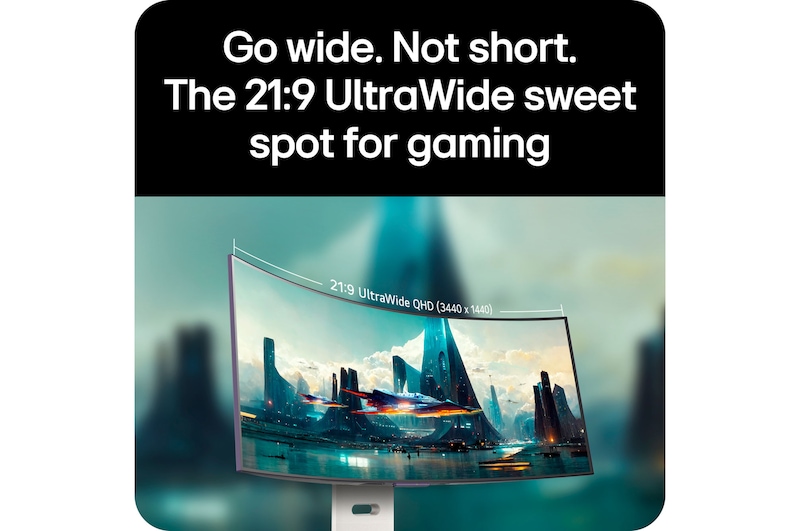
LG's UltraGear GX9 supports 800R curvature and 21:9 ultrawide aspect ratio, delivering immersive visuals and an ideal viewing distance. At a 800mm viewing distance, its 800R curvature creates a viewing angle of 90 degrees across both the center and the edge - pulling you deeper into the game.

Is 1440p or 4K better for gaming?

Both have their strengths. For many gamers, 1440p (QHD) hits a sweet spot between resolution and performance, especially for competitive gaming where frame rate matters most. It’s easier to push higher FPS without overloading your GPU. 4K, on the other hand, is all about detail and immersion—perfect for single-player adventures or next-gen console play. LG’s UltraGear™ gaming monitors offer both QHD and 4K options, so whether you prioritise speed or stunning visuals, there’s a perfect fit for your setup.

Can I connect my monitor to my PC with a USB-C?

Connecting your gaming monitor via USB-C is simple—just plug one end of the cable of your gaming monitor into your device’s USB-C port, and you’re good to go. You can charge your laptop too if your PC is connected to your monitor with a USB-C port.


*Supported model may vary.

What is DisplayPort 2.1?

DisplayPort 2.1, the latest version of the DisplayPort standard, delivering ultra-fast data speeds for flawless high refresh rate gameplay. It is developed by VESA (Video Electronics Standards Association) to provide high-performance display connectivity for computers and monitors.

Many of LG’s latest models support DisplayPort 2.1*, which doubles the bandwidth of DP 1.4. That means you get higher resolutions, smoother frame rates, and lower latency—perfect for fast-paced gaming.


*Note : We have received numerous reports from users of NVIDIA 50-series graphics cards experiencing screens turning off when using DisplayPort 2.1 with 10-bit or 12-bit settings. If you are experiencing the same, as a temporary workaround, you can switch the DisplayPort input to 1.4 in your monitor's OSD menu or adjust the colour setting to 8-bit in the NVIDIA Control Panel. This issue has been reported to NVIDIA, for a more permanent solution.

What is HDMI 2.1?

With HDMI 2.1 support, you’ll enjoy features like Variable Refresh Rate (VRR), Auto Low Latency Mode (ALLM), and support for 4K at up to 120Hz. Whether you’re gaming on a console or PC, these upgrades give you the flexibility and performance to match any setup.

Our Picks for You 

Find a Store Near You

Experience this product around you.