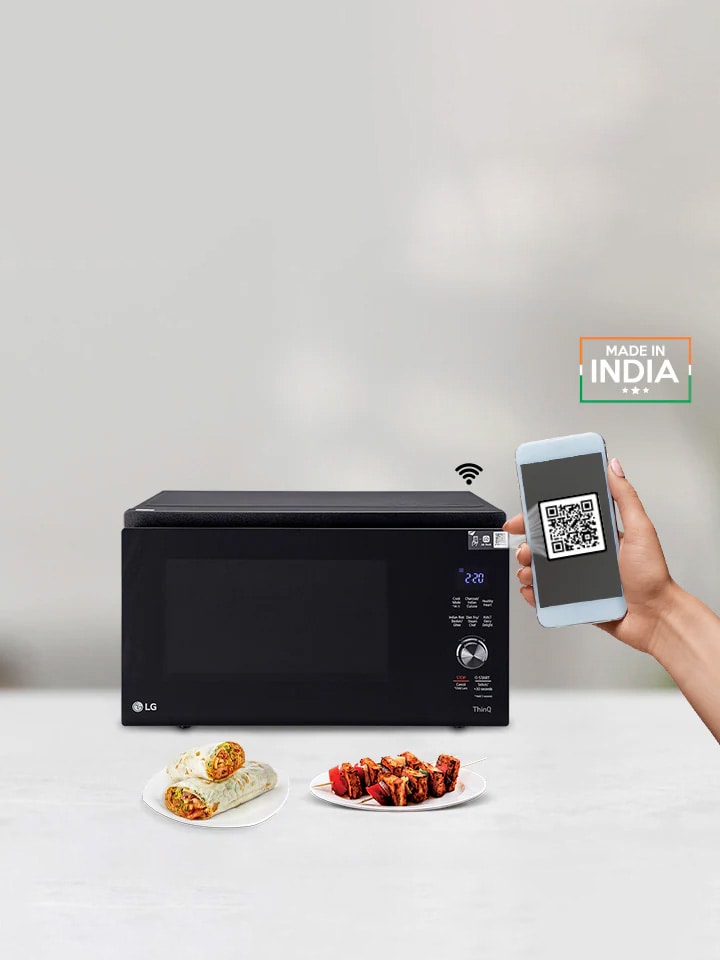
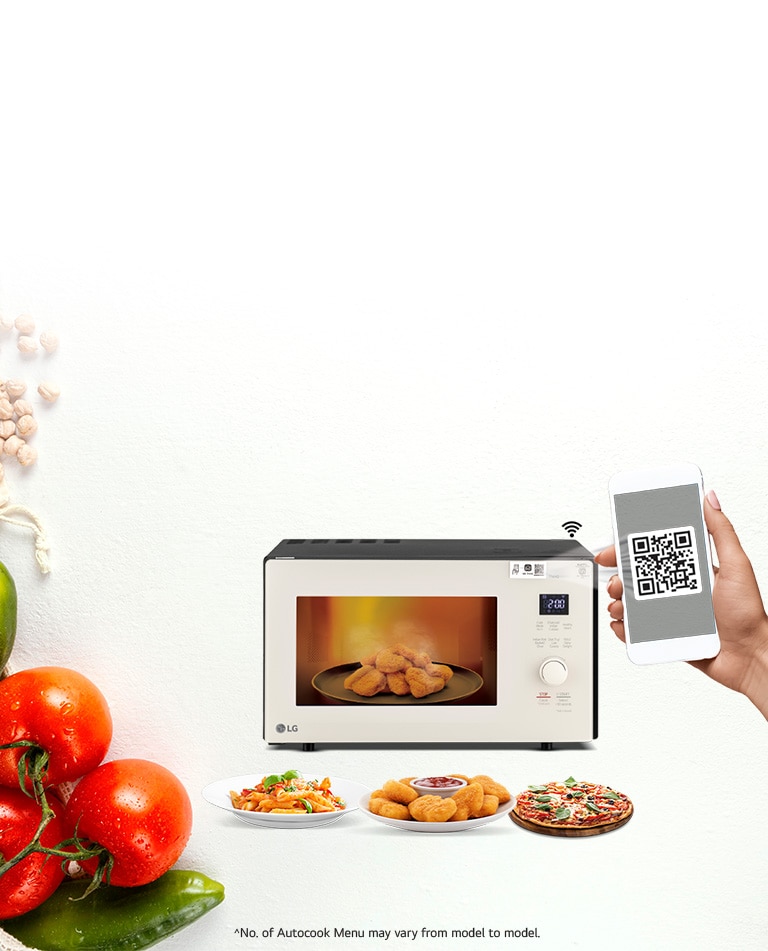
What if we told you that scanning the microwave can make you a dish? Is it that easy to make your food with LG Microwave Ovens? Because we believe that food preparation should be fun and not a monotonous task.
This write-up about Scan-to-Cook Microwave Ovens can inform you well on how LG Microwave Ovens make the whole process of cooking easy, enjoyable, and healthy.
The LG Microwave Ovens Scan-to-Cook series allows users to scan the QR code on microwave, which redirects them to a list of dishes to choose from.
You simply have to follow the steps below:
● Smart, Connected Home Appliance: LG Wi-Fi-enabled microwave connects to the LG ThinQ app on your smartphone.
● Barcode/QR code scanning: It uses app to read a QR code on the microwave to get cooking information.
● Cooking Process: The cooking process starts, and after the designated time, the dish is ready.
How to Use the Scan-To-Cook Feature?
1. Download the app: Download the LG ThinQ app on your smartphone if you haven't already.
2. Connect your microwave: Connect your LG Scan-To-Cook microwave to your home Wi-Fi network and pair it with the LG ThinQ app.
3. Scan the food:
a.Open the LG ThinQ app and use the Scan-To-Cook function to scan the UPC barcode on your frozen or ready-to-cook meal.
b.Alternatively, if you are cooking a recipe from the app, find it and select the "Scan-To-Cook" option.
4. Send cooking directions: The app will send the temperature and cooking time to your microwave.
5. Confirm and start: Place your food inside the microwave, close the door, and press the "start" button as instructed on the app or microwave control panel.
6. Follow on-screen prompts: You may need to perform additional steps, such as stirring or turning the food, which the app will prompt you to do on your phone and the microwave display.
Scan-to-cook option empowers users to have home-cooked food, without spending too much time on figuring out ‘how to cook different dishes’.
Which Dishes Can You Prepare with Scan-To-Cook?
There are various Indian dishes you can make using this feature of LG Microwave Ovens. Dishes from almost all states are available with just a single scan of your mobile phone. Here’s the full menu that you can adapt to your daily schedule:
Healthy Breakfast
● Wheat Rava Idli
● Chana Daal Pancake
● Moong Daal Cheela
● Spinach and Paneer Toasts
● Quinoa Veg Upma
● Rice and Moong Daal
Healthy Lunch
● Methi Missi Roti
● Grilled Veggie Zucchini+Carrot
● Soya Bhurji
● Brown Rice Risotto
● Kadhai Tofu
● Dhansak Daal
● Tomato Methi Rice
Healthy Snacks
● Healthy Ragi Pizza
● Saffron Potatoes
● Broccoli Tikki
● Flavored Soya Milk
● Carrot and Moong Daal Soup
● Gluten Free Pasta
● Garlic Celery Toast
Healthy Dinner
● Masoor Pulao
● Kale and Chickpea Curry
● Stuffed Karela
● Gawarfali ki Sabzi
● Flaxseed Uttapam
● Whole Wheat Vegetable Khichdi
● Brown Rice Daliya
These options are suitable for fitness lovers and foodies who look for variety in every meal. All this is made possible with the Scan-to-Cook feature. Now, the next step must be which models to buy featuring Scan-to-Cook?