We use cookies, including cookies from third parties, to enhance your user experience and the effectiveness of our marketing activities. These cookies are performance, analytics and advertising cookies, please see our Privacy and Cookie policy for further information. If you agree to all of our cookies select “Accept all” or select “Cookie Settings” to see which cookies we use and choose which ones you would like to accept.

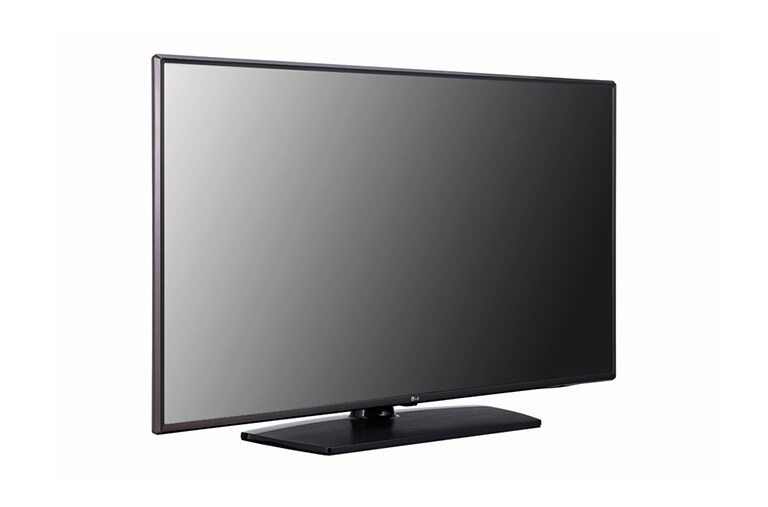
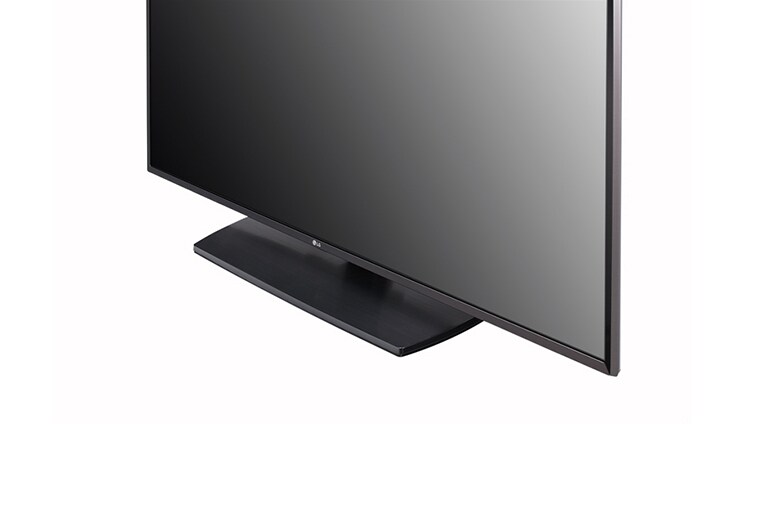
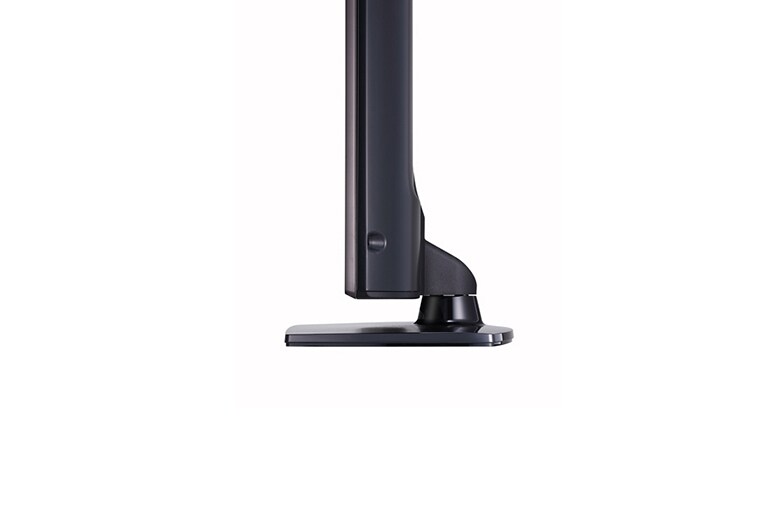
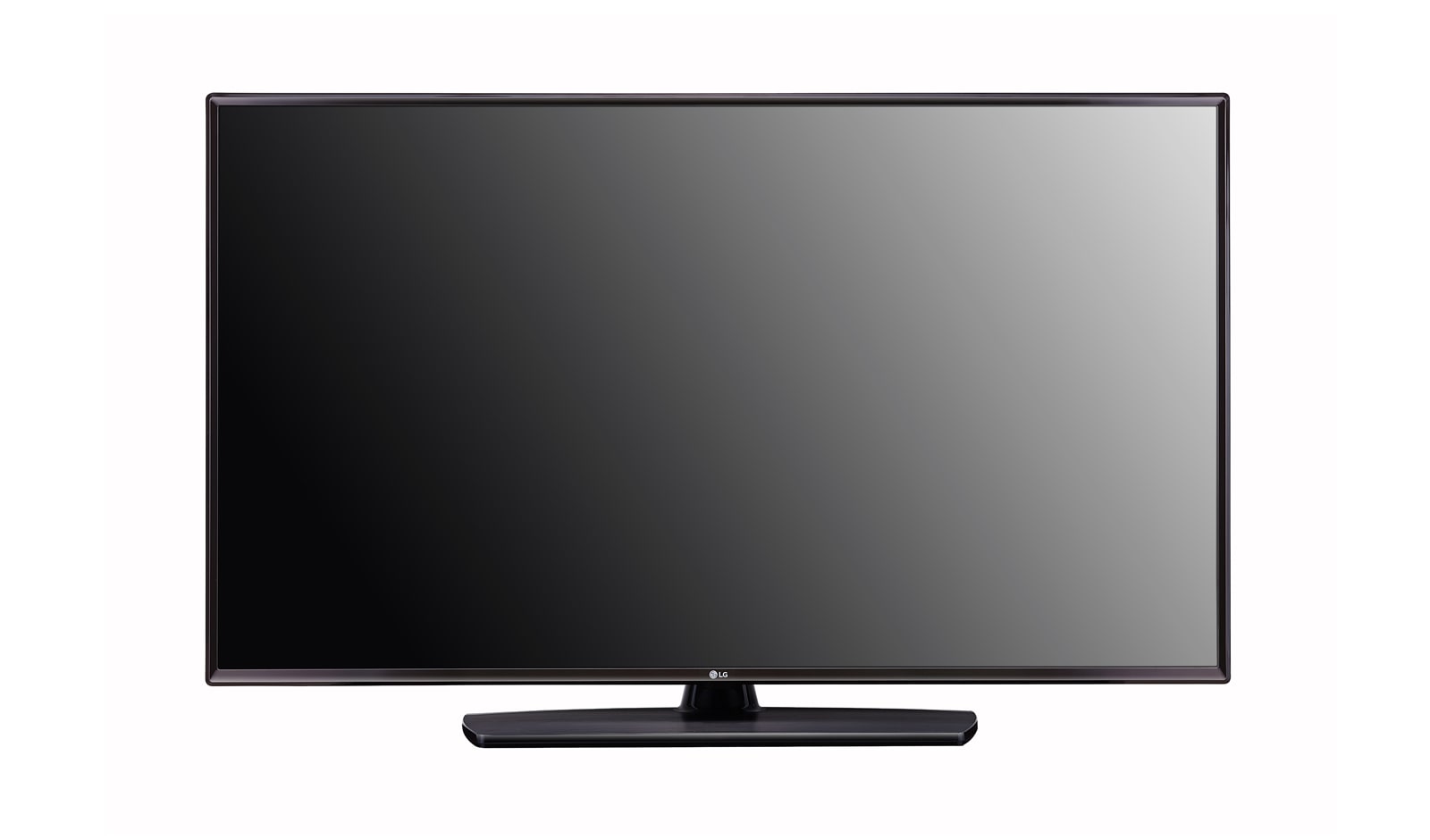
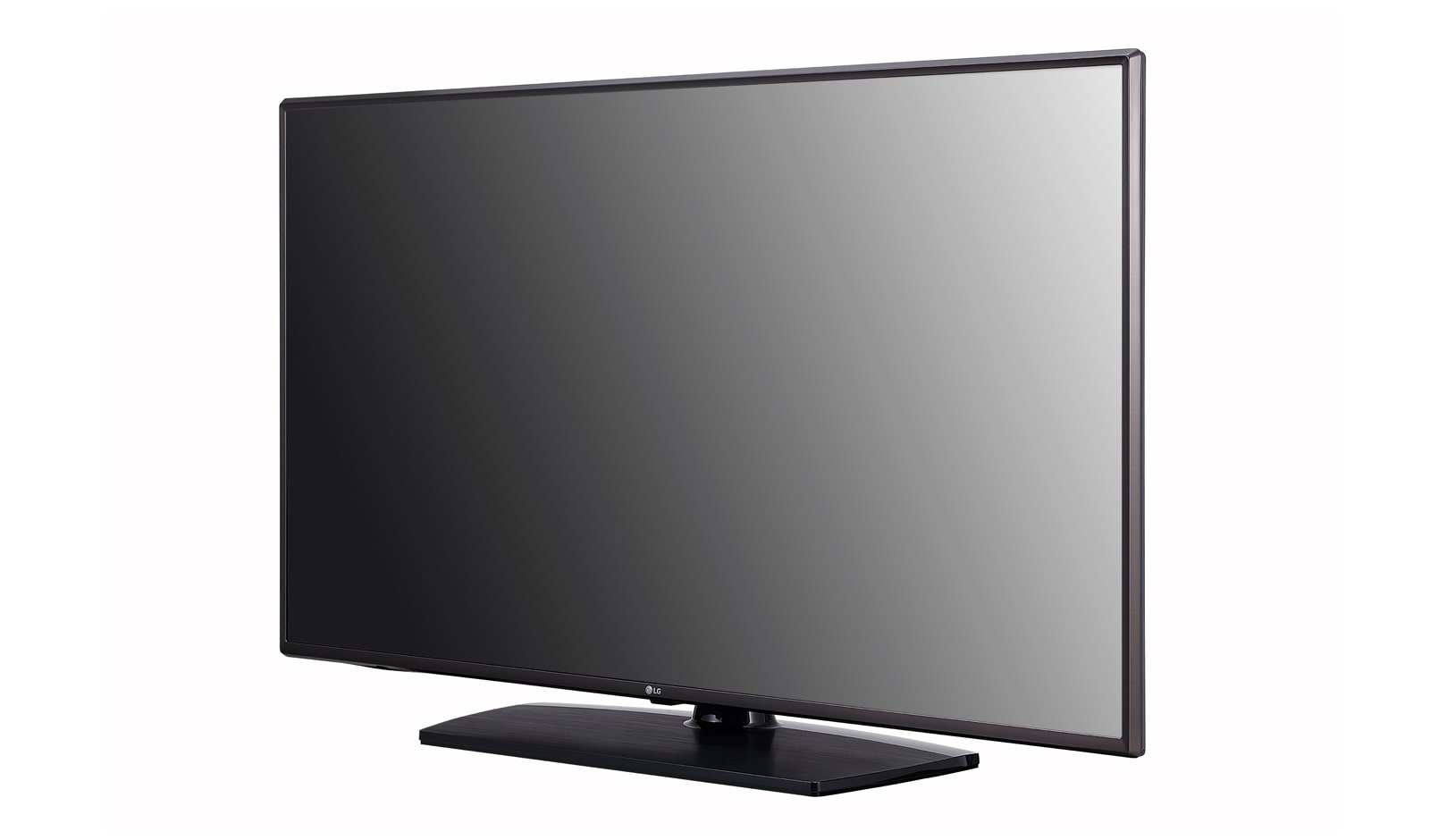
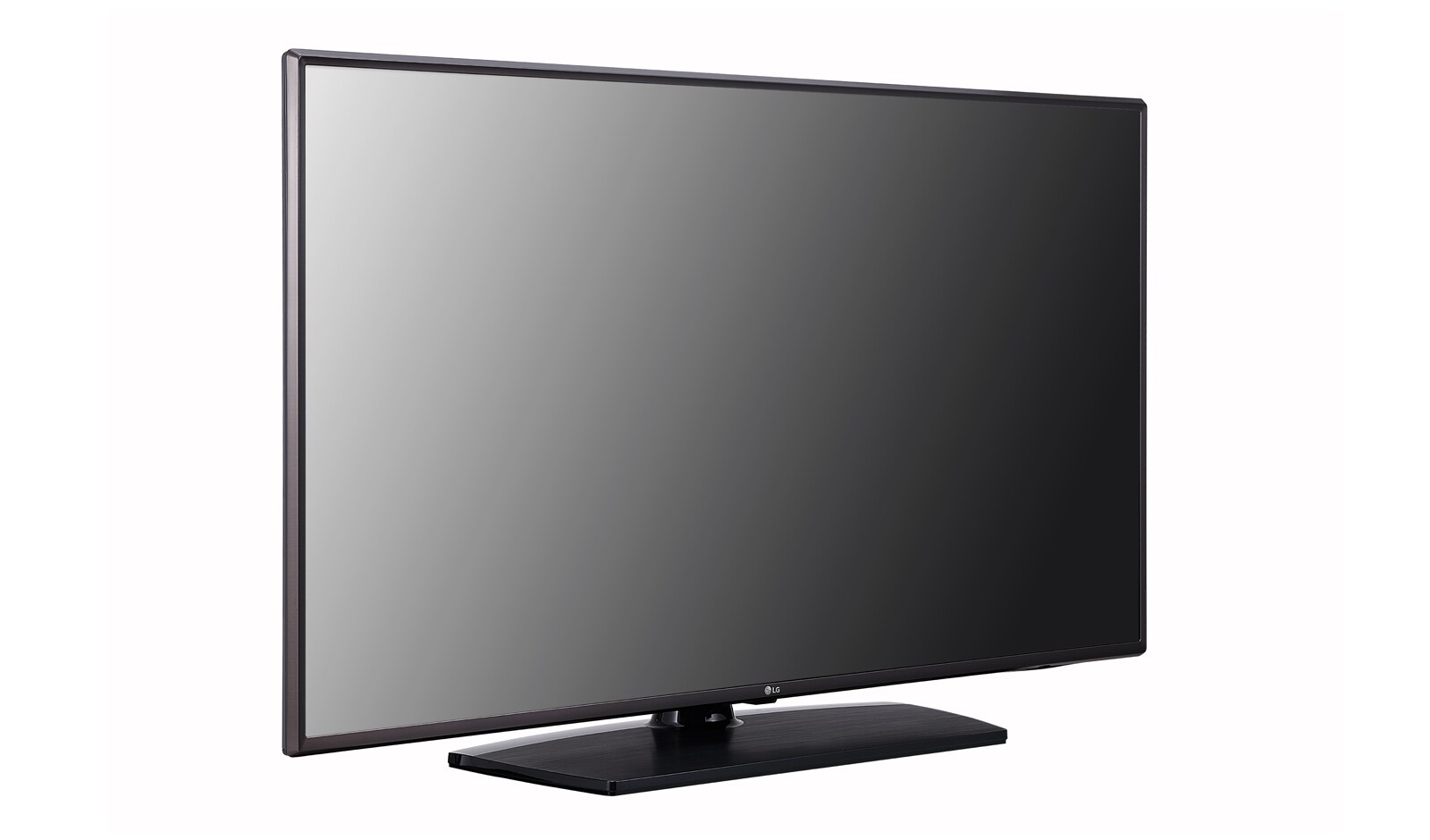
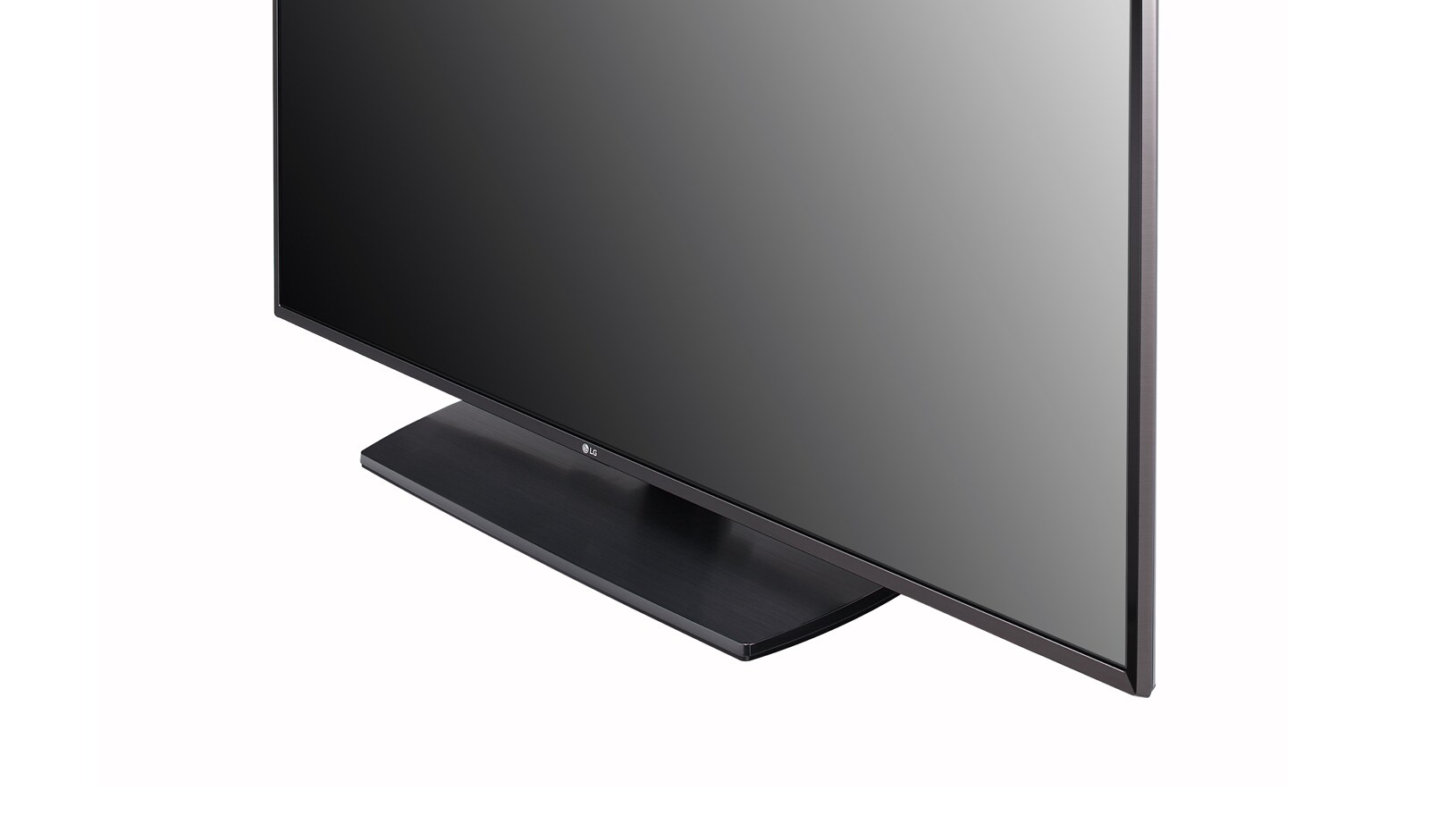
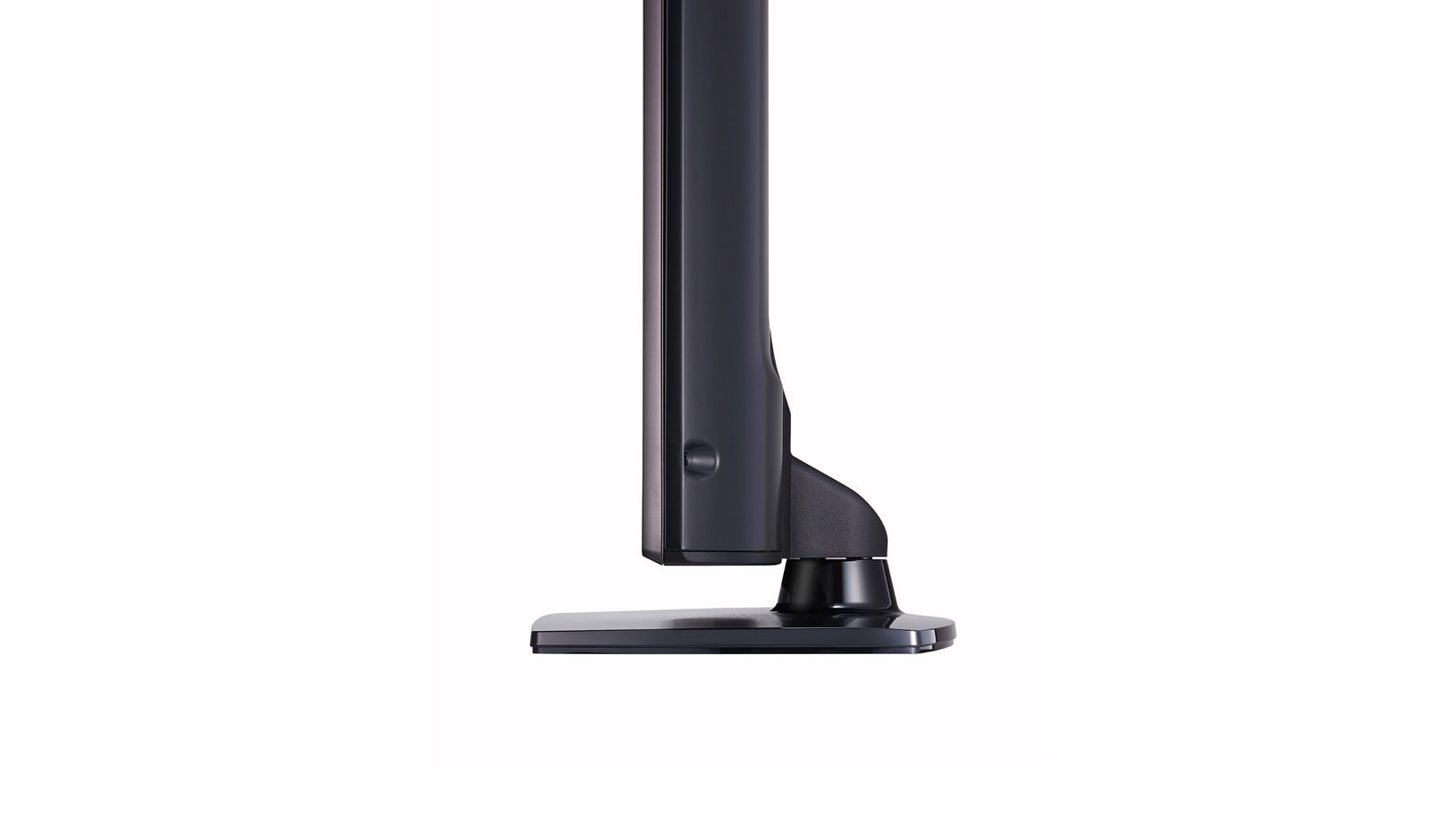
LV341H Series
All Spec
VIDEO
Picture Engine
XD Engine
Real Cinema 24p (3:3 pull down)
•
Aspect Ratio
• 6 modes (16:9, Original, 4:3, Vertical Zoom, All-Direction Zoom, Full wide)
AUDIO
Audio Output / Speaker System
10W + 10W / 2.0 ch
Sound Mode
• 6 modes (Standard, Cinema, Clear Voice, Sports, Music, Game)
FEATURES
Installation
Ez Manager, USB Cloning
Management
Wake on RF, Self Diagnostics, IR Out, Multi IR Code, HTNG/HDMI-CEC
Hospitality
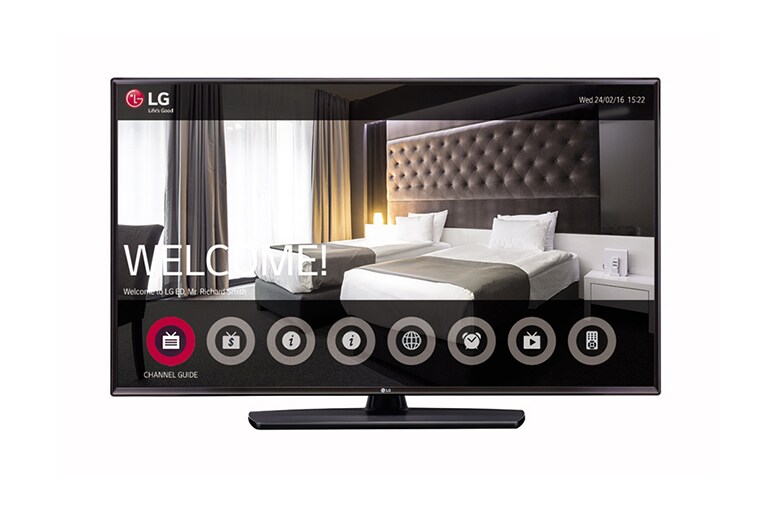
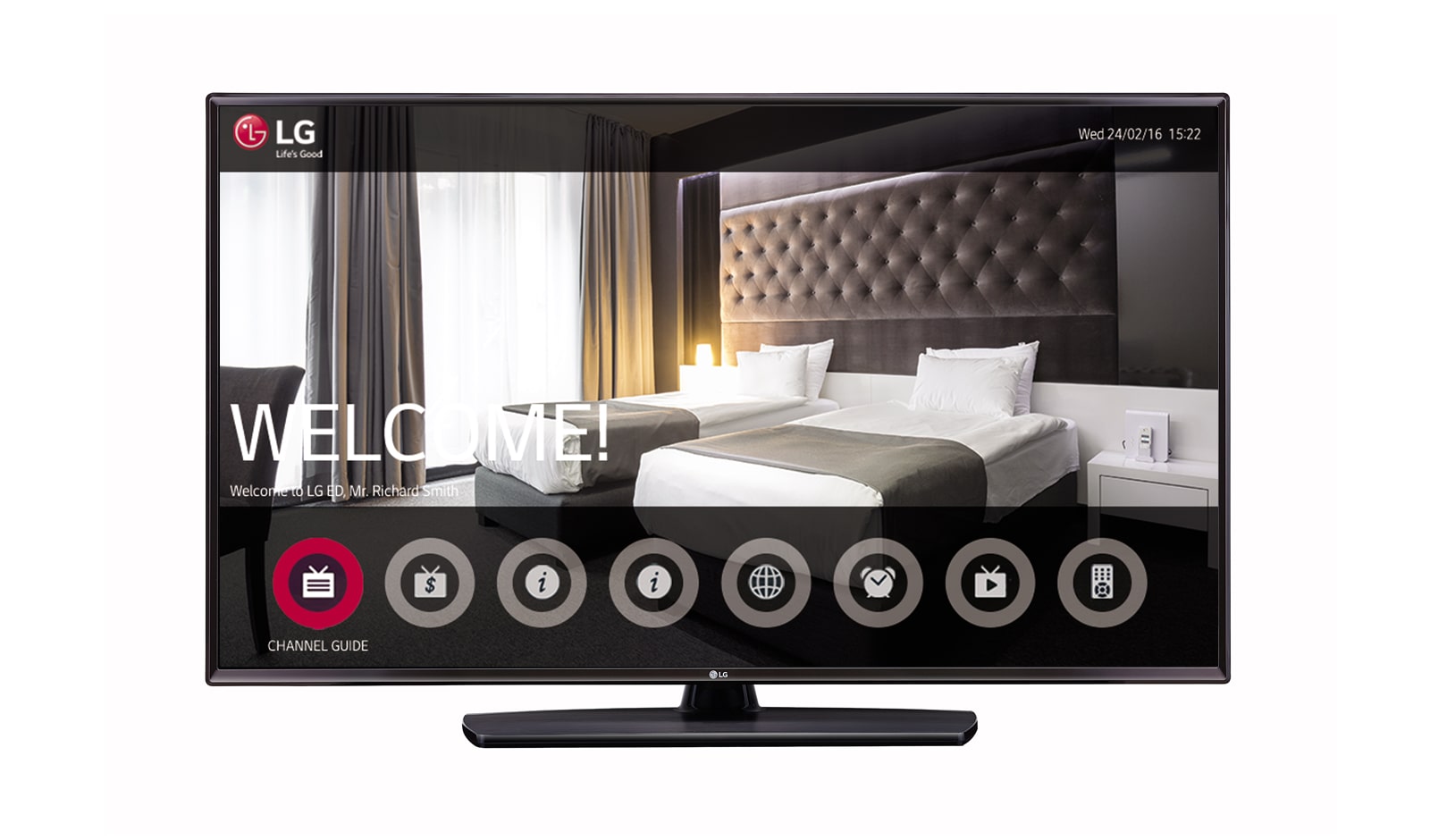
Hotel Mode, Lock Mode, Welcome Screen/Video, Insert Image, One Channel Map, External Speaker Out, RJP Compatibility, USB Auto Playback, Time Scheduler
GENERAL
Region
Europe
DISPLAY
Type
Direct LED
Resolution
1,920 x 1,080 (FHD)
INTERFACE
Side
Headphone Out, HDMI In, USB , CI Slot
Rear
RF(2), AV In, Component In (RCA5), Digital Optical Audio Out, HDMI Input, RS-232C, RGB In, PC Audio Input, External Speaker Out, RJ45 (SNMP)
DIMENSION(UNIT: MM)
Vesa
300 x 300
W x H x D / weight (with stand)
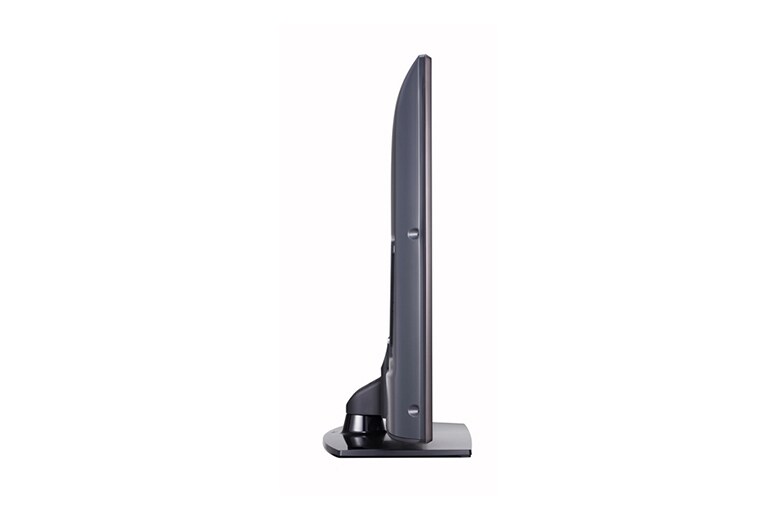
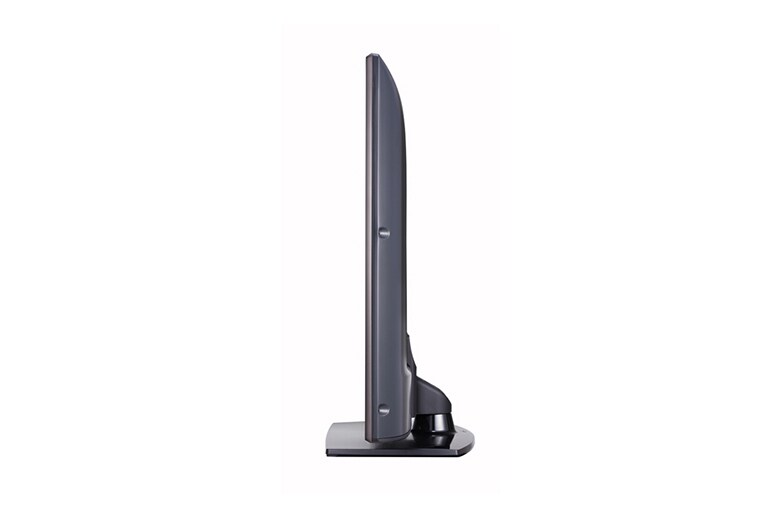
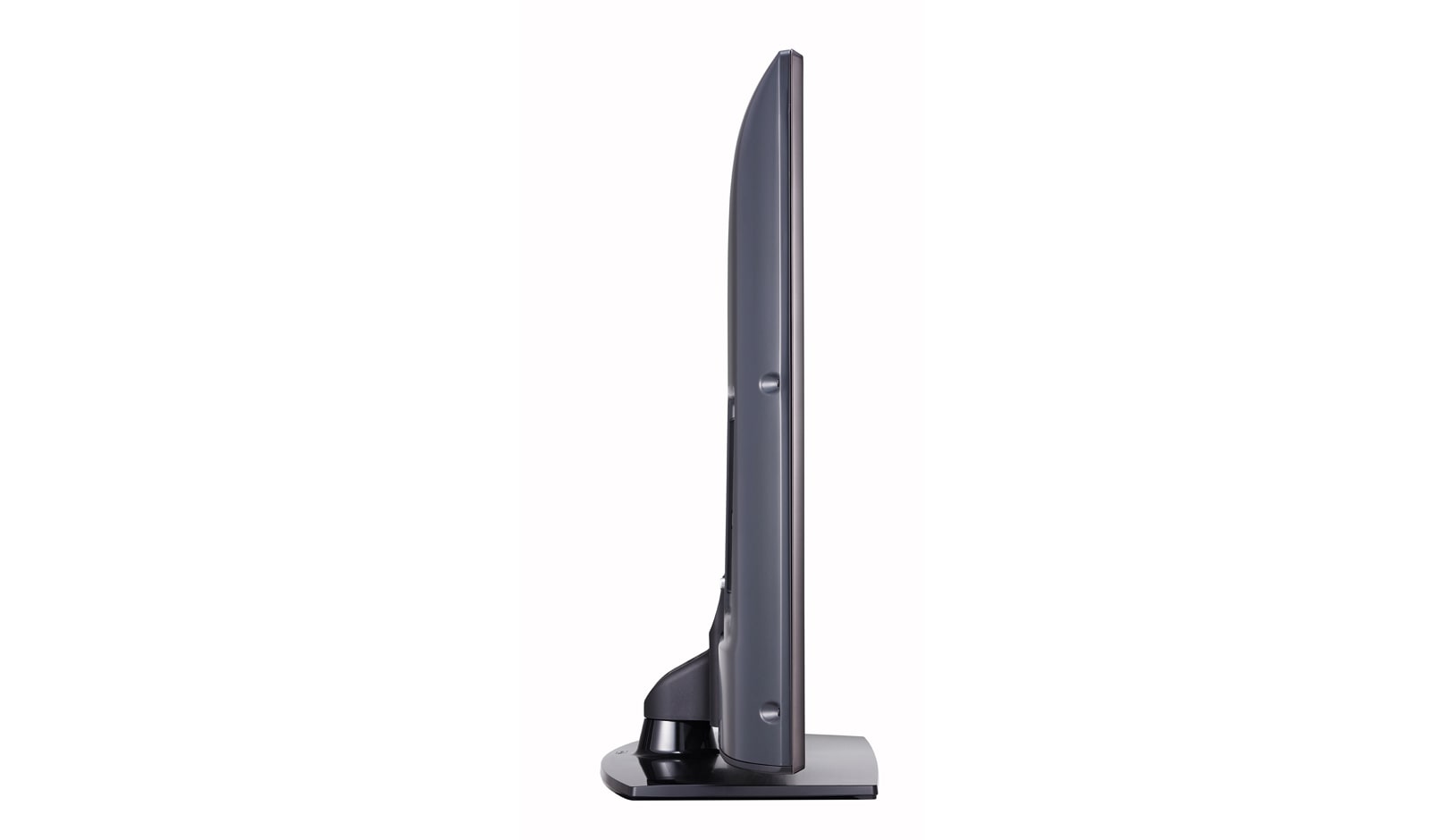
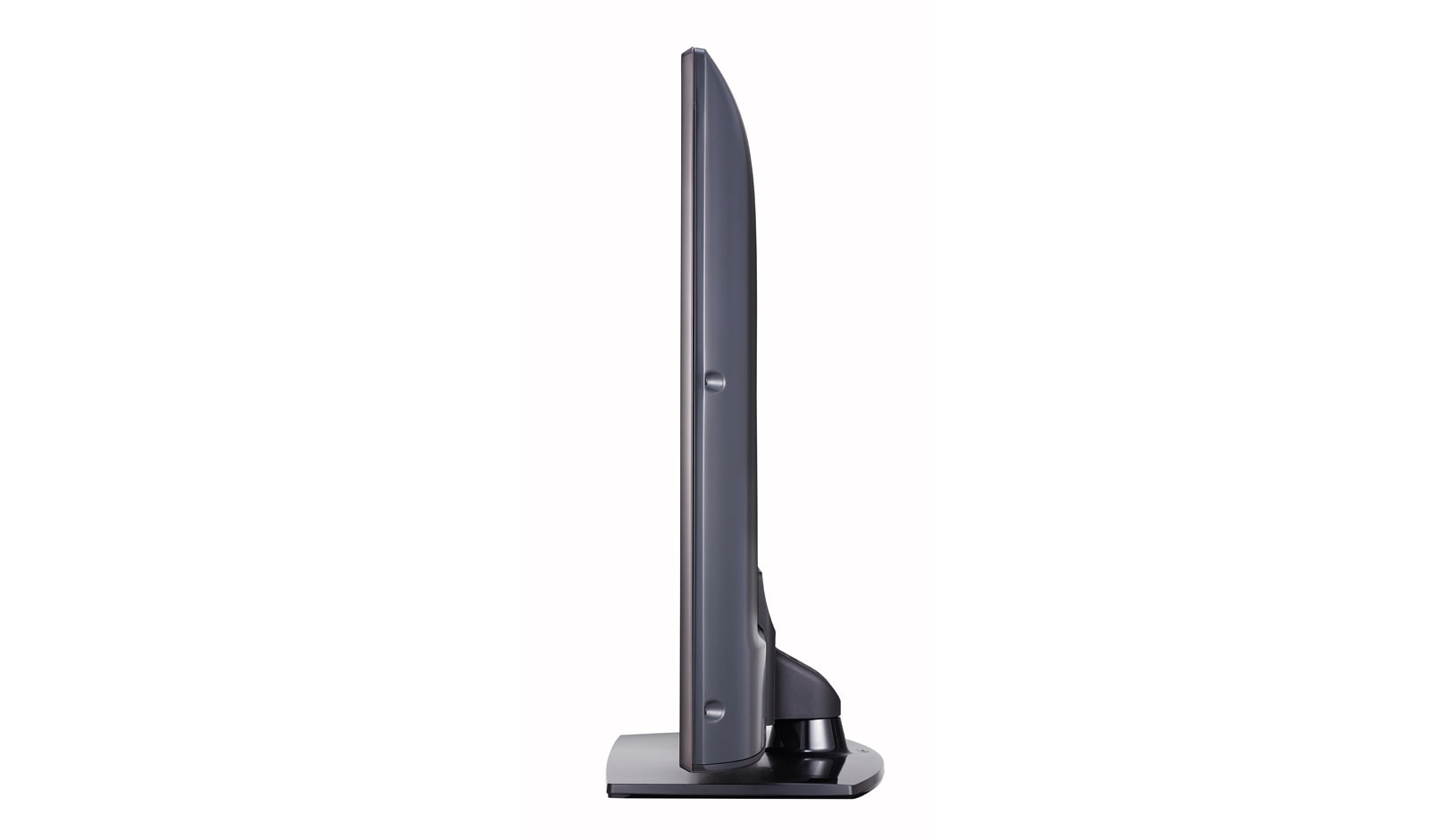
1,107 x 702 x 303 / 14.6kg
W x H x D / weight (Packing)
1,296 x 770 x 171 / 17.8kg
SOLUTION
Type
Pro:Centric V, Quick Menu (TV Embedded Home UI)
Data Streaming (IP &RF)
• (RF Only)
RF
• (1 Tuner)
HCAP (SDK)
GEM / Flash
Pro:Centric Application
PCA 3.7
BROADCASTING SYSTEM
Analog
PAL / SECAM
Digital
DVB-T2/C/S2
COMPLIANCE INFORMATION
- extension:pdf
- extension:pdf
- extension:pdf
- extension:pdf
Manual& Software
Download product manuals and latest software for your LG product.
Troubleshoot
Find helpful videos and information about your product systems.
Warranty
Check LG warranty information here.
Part & Accessory
Discover accessories for LG products.
Product Support
Find manual, troubleshoot and warranty of your LG product.
Order Support
Track your order and check order FAQ.
Brochures
To access more technical documentation and downloads, please visit the LG B2B Partner Portal.