Comfort, Right Where You Are: How LG StanbyME and LG DUALCOOL AI With Smart Comfort Keep Up Through the Day

On a day too hot to bother going outside, a remote software developer in Austin, Texas moves around his apartment, like most days. The place is a small studio, with a couch, a desk by the window, and a kitchen counter all connected as one. He had spent years tuning the setup to his taste, every cable tidied, every display where he wanted it. Mornings start with a workout by the couch, StanbyME propped up for a training video. By midday he is at the kitchen counter making a smoothie, still cooling down from the workout. By afternoon, he settles at the window-side desk to focus on work. Through all of it, the screen moves with him. The air was a different story.


After finishing a workout by the couch, he stepped into the kitchen. The cool air didn’t quite reach him there, but standing closer to the AC felt too cold. Just as StanbyME moved with him around the house, he wished the cool air would follow him too. Every time he moved, he had to grab the remote and adjust the airflow himself. 


Anyone who spends a lot of time at home knows the feeling. The couch is comfortable, but the airflow barely makes it to the kitchen, and sitting right next to the AC can feel almost too strong. You reach the remote, adjust the vents and get it sort of right. Then you move again, and you’re back to fixing it all over. Wouldn’t it be nice if the air just adjusted on its own, no matter where you were, without having to touch a thing? Same room, but adjusting it to where you are always feels like a hassle. 

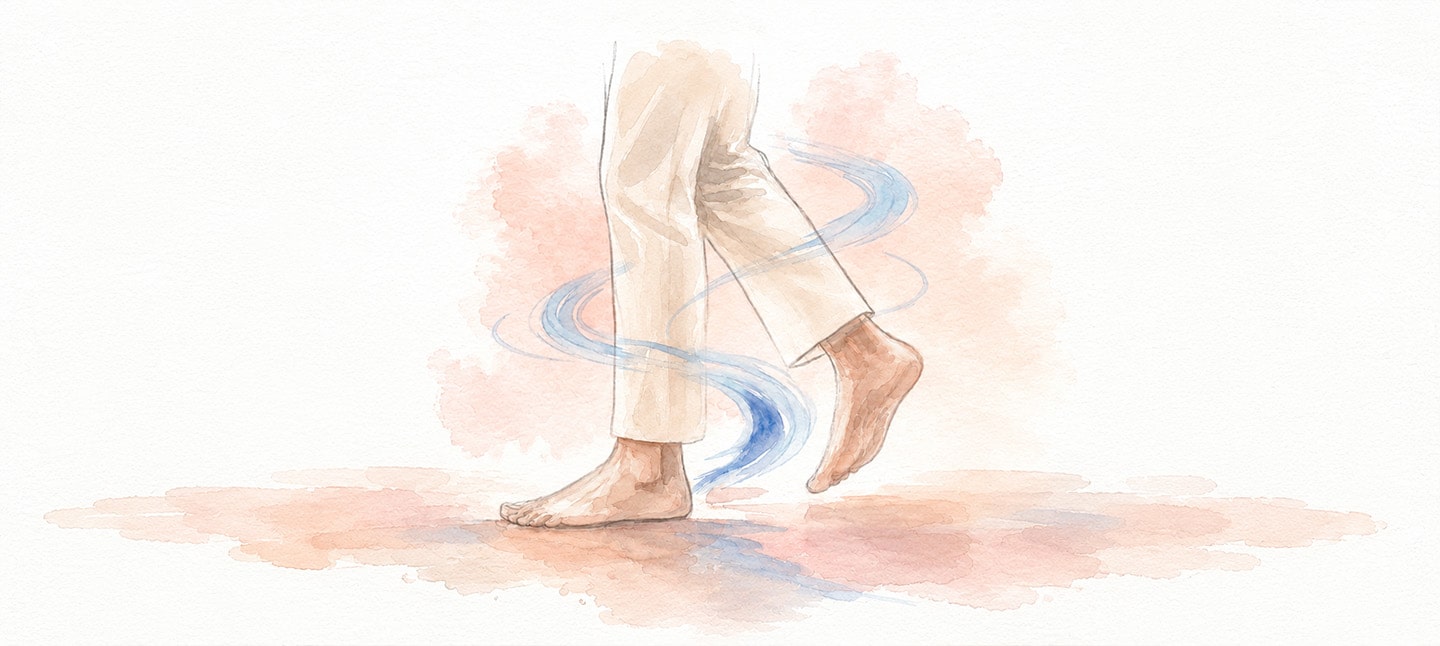
Watercolor and ink illustration on textured cream paper. A close-up of a person's bare feet and lower legs mid-stride, wearing cream cropped wide-leg trousers. Swirling blue watercolor lines wrap around the ankles and feet, representing airflow following the person, set against a soft pink and coral watercolor splash on the ground.

How the Air Knows Where You Are 

He wheels StanbyME from the desk to the kitchen counter. He hasn’t opened an app. He hasn’t said a word to a speaker. He’s set nothing up. At least not today.


LG AI quietly detects where he is and adjusts the airflow to match. No need to say a word. The direction and intensity shift on their own. For someone who had tried every smart home routine and eventually given up, this was the one thing that felt different. 


LG StanbyME is already where he needs it. The Human Detecting Sensor in LG DUALCOOL™ AI detects where he is and directs the airflow toward him. The screen and the cool air each do their part, without him lifting a finger.


It’s the combination of the Human Detecting Sensor and AI Air mode built into the LG DUALCOOL AI with Smart Comfort. Unlike a motion sensor that only registers that something moved, this one looks at where in the space a person actually is. Move from the desk toward the kitchen, and the Human Detecting Sensor detects your position within a range of up to about 5 meters, then adjusts both airflow direction and intensity accordingly. Up close, the airflow narrows into a direct stream. Farther away, it spreads wider so the air still reaches you. Once the room hits the target temperature, LG AI shifts quietly into Soft Air mode, a gentler indirect flow that keeps things comfortable without the chill. No schedule. No voice command. Just where you are. That is all it needs. 


The cooling stays focused on where you are, not spread across the whole space at a fixed intensity. When you settle at the kitchen counter, the airflow adjusts to reach you there. 


The LG DUALCOOL AI also learns as you use it. The routines you used to update by hand fade into the background. It pays attention to where you tend to be, at what time and at what temperature, so there’s less to ask, and more it already handles on its own.

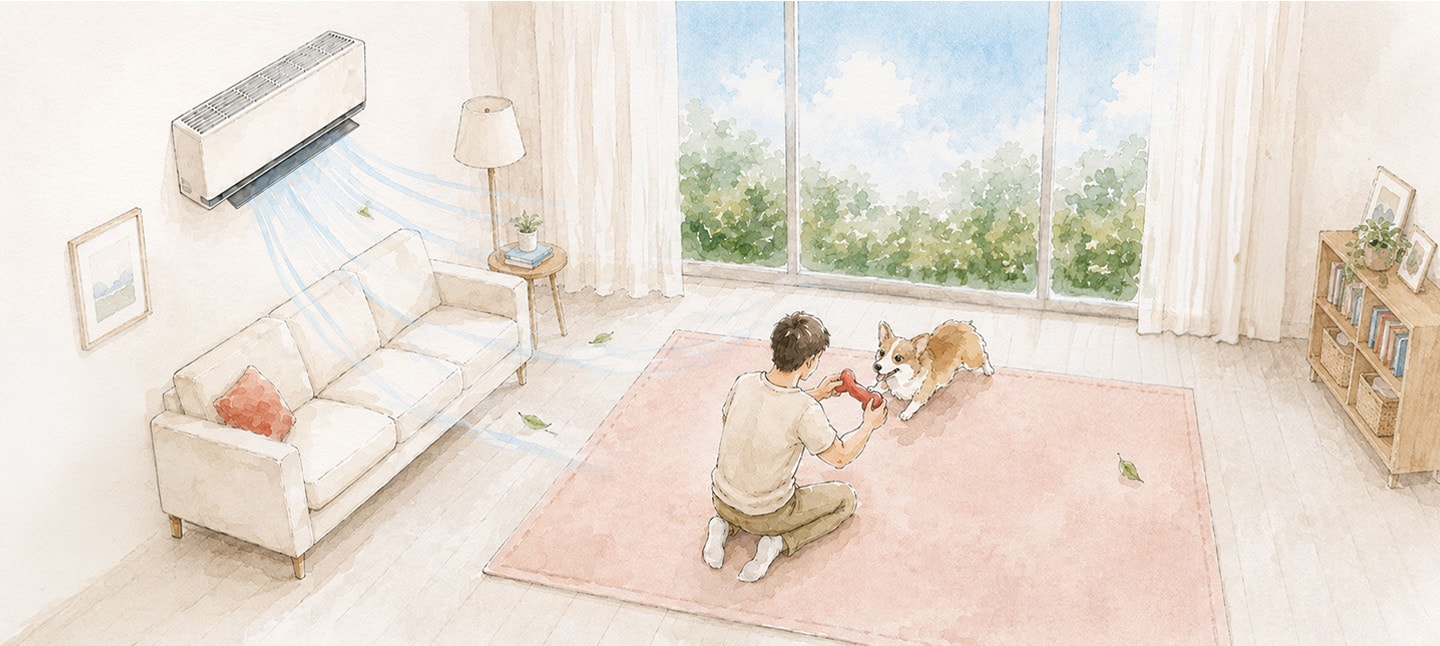
Watercolor and ink illustration on textured cream paper, wide horizontal crop, no text overlay. A living room with a white wall-mounted air conditioner blowing pale blue air streams and loose leaves across the room. A cream sofa with a coral cushion sits against the left wall beside a small round side table with a lamp and potted plant, and a framed landscape picture hangs above. A wooden bookshelf with wicker baskets, plants, and framed photos stands on the right. In the center, a large sliding glass door with sheer curtains reveals green treetops under a blue sky. On a pink area rug in the foreground, a man with short dark hair, wearing a light shirt, beige pants, and white sneakers, kneels playing with a corgi dog, holding a red toy between them.

What’s Left When There’s Nothing Left to Manage?

By evening, the routine looks the same as every day, but it feels different now. StanbyME is already set up by the table. Something is playing. The air is already moving the right way.


“I used to just leave the AC on everywhere because I never knew which spot I’d end up in next. Felt wasteful, but I didn’t know what else to do.” A user shared.


LG StanbyME handles the screen. LG DUALCOOL AI handles the comfort. Neither needs to be asked, and working from home no longer means managing your environment. Every smart home product he bought needed attention to keep working, and that’s what made him give up on most of them. This one doesn’t: he doesn’t think about the air conditioner anymore, not the temperature, not the spot, not the schedule.


Moving through the space works smoothly because nothing needs to be managed. You find a spot, the airflow shifts toward you, and the temperature takes care of itself.


By the time his last meeting ended and he headed to the kitchen with StanbyME, LG AI detected his position and adjusted the airflow toward him. He hadn’t touched an app or said a word to a speaker. He hadn’t done a thing. That was the moment he’d been waiting for. If you have ever moved to a different spot and thought the air should adjust there too, you already know the gap this closes. Moving to a new spot. That is all it takes. No app. No remote. No routine to remember.


Frequently Asked Questions (FAQ)

Does AI Air Mode Work With LG ThinQ, and Will It Keep Improving Over Time?

AI Air mode is built into the LG DUALCOOL AI with Smart Comfort, which connects to the LG ThinQ app. Through ThinQ, you can adjust settings like the energy-saving timer (20 to 120 minutes) and monitor usage. The system also learns your patterns over time, so the longer you use it, the less you need to adjust it. Updates and improvements come through ThinQ as well.


Does AI Air Mode Help in Situations Beyond Just Moving Around at Home?

Yes. The Human Detecting Sensor adapts to more than just moving around. When you settle in for a long stretch of work or reading, the sensor detects your position and keeps the airflow directed at you without any input. When you leave the space entirely, the unit enters energy-saving mode on its own. Sleep Timer+ is a separate mode that learns your sleep patterns, adjusting temperature and airflow quietly through the night. Morning, evening, night. It adjusts quietly with the rhythm of the day. 

Does AI Air Mode Completely Replace the Need to Adjust the AC Manually?

Not entirely. That was the intention from the start. AI Air mode handles the adjustments that come up most often on its own. It directs airflow toward you, switches to Soft Air mode once the room hits the target temperature and shifts to energy-saving mode when no one is around. You can still adjust any of it through the LG ThinQ app or the remote whenever you want. The goal is to take away the constant need to think about it, not to take away control. 


# # #


* The Human Detecting Sensor detects users within a range of up to about 5 meters; actual range may vary depending on installation, model and region. AI capabilities are available on select models only.

Related Content