LG UltraGear Logo.

LG UltraGear Logo.

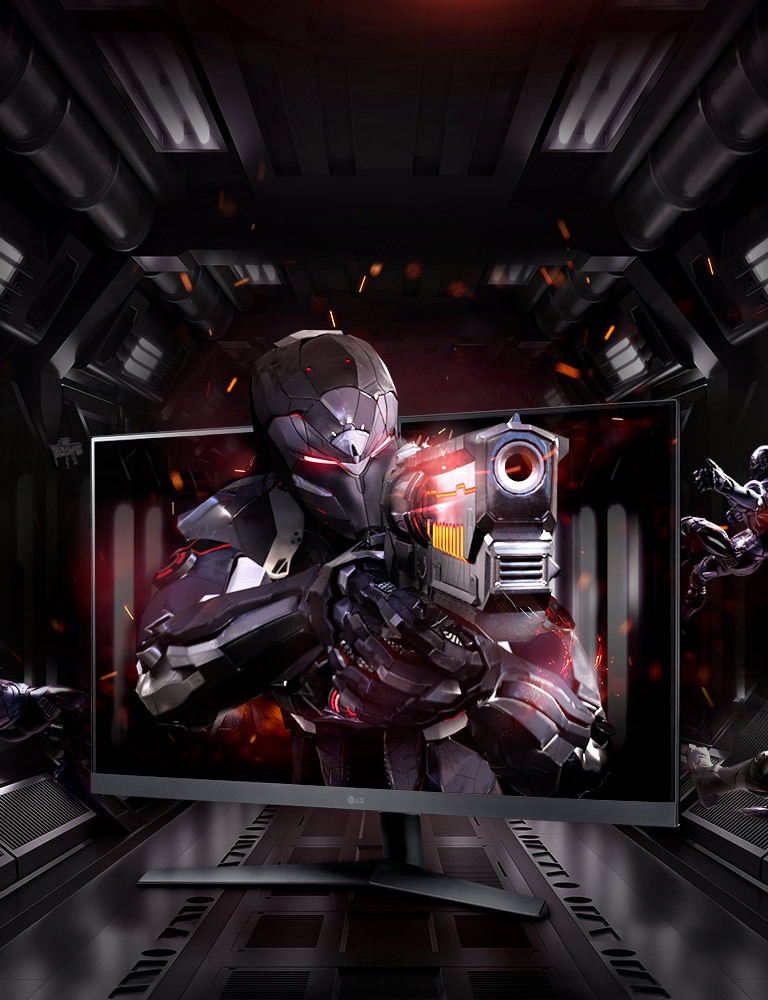
LG Ultragear Monitor as The Powerful Gear for Your Gaming

LG Ultragear Monitor as The Powerful Gear for Your Gaming

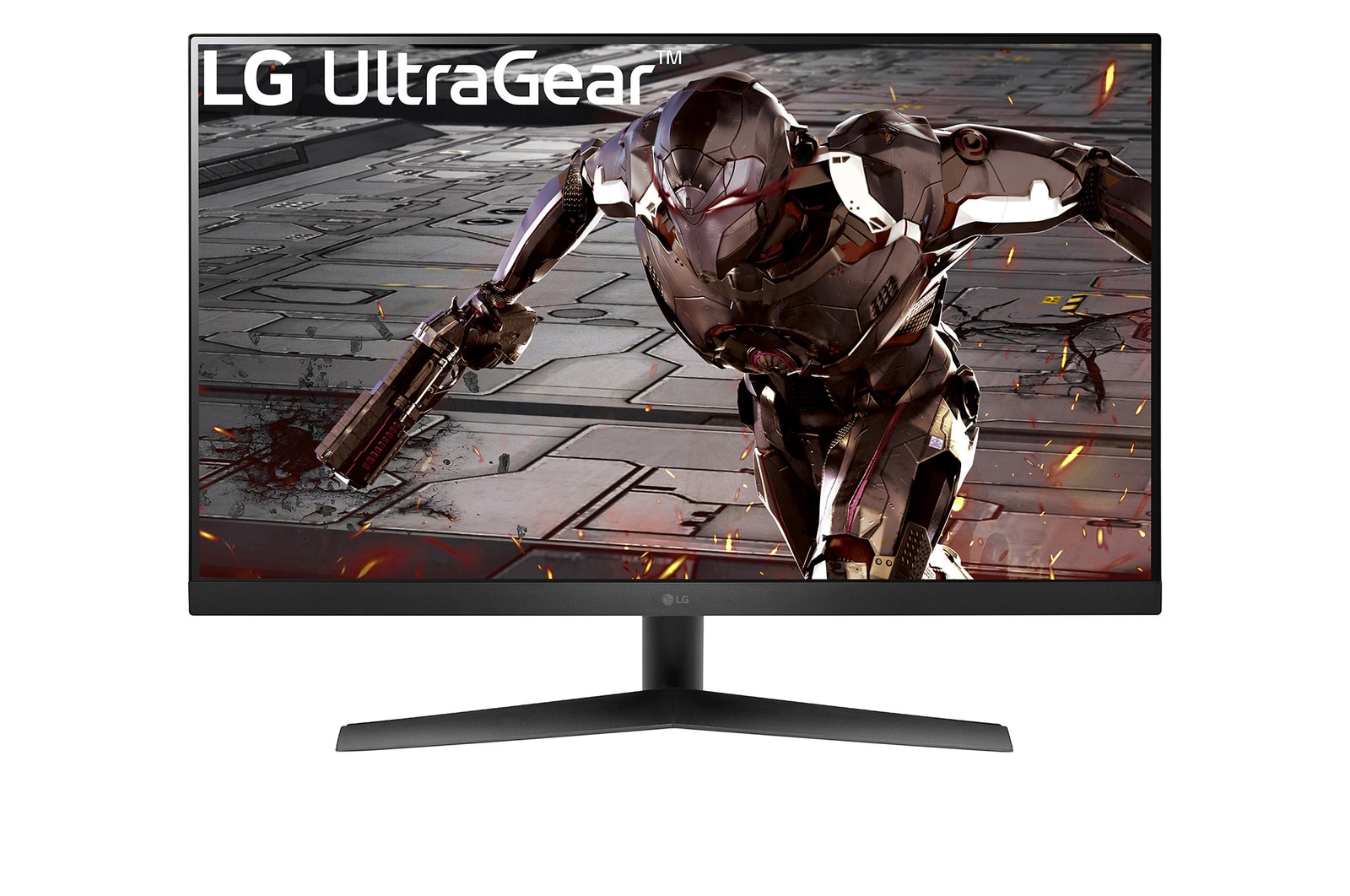
LG UltraGear™, supremely powerful gear, boosts your chances of victory.

Speed

165Hz Refresh Rate

1ms MBR 

Colour

HDR10

sRGB 95% (Typ.)

Tech

NVIDIA® G-SYNC® Compatible

AMD FreeSync™ Premium

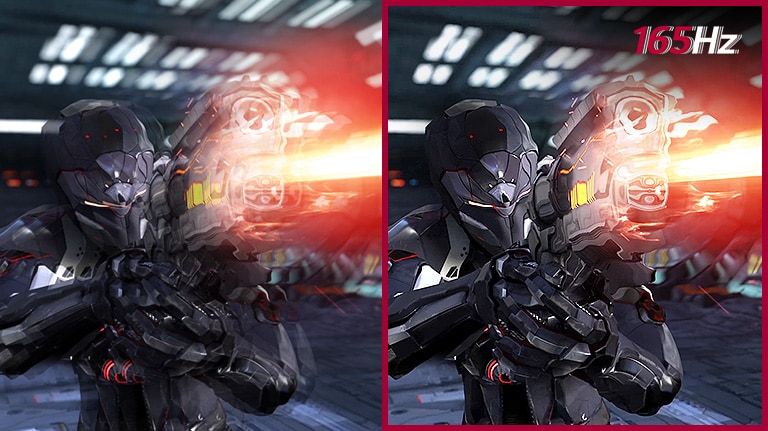
165Hz Refresh Rate

Fluid Gaming Motion

A ultra-fast speed of 165Hz allows gamers to see the next frame quickly and makes image to appear smoothly. The gamers can response rapidly to opponents and aim at target easily.

Smooth Motion for Gaming with 165Hz Refresh Rate in Comparison to 60Hz Refresh Rate

*The images simulated to enhance feature understanding. It may differ from actual use.

*Comparison of 60Hz Refresh Rate (left image) and 165Hz Refresh Rate.

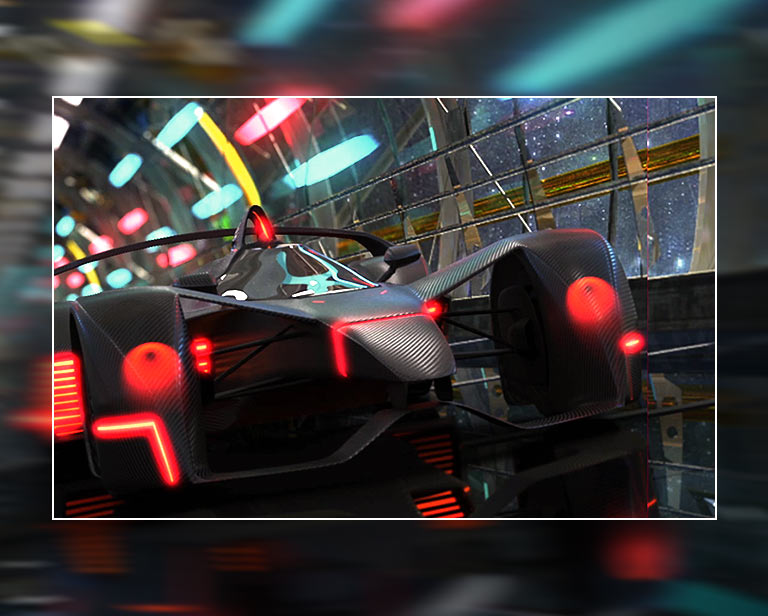
Reduced Blur and Ghosting in Gaming with 1Ms Mbr

1ms MBR

1ms MBR helps smoother gameplay, reducing blur and ghosting. Dynamic and fast-paced objects amidst all the action can give gamers a competitive edge.

*The images simulated to enhance feature understanding. It may differ from actual use.

*1ms Motion Blur Reduction causes lowered luminance, and the following features cannot be used while it is activated : NVIDIA® G-SYNC® / AMD FreeSync™ / DAS (Dynamic Action Sync) / Flicker Safe 

*Flicker may occur during 1ms MBR operation.

Feel Actual Combat with True Colors

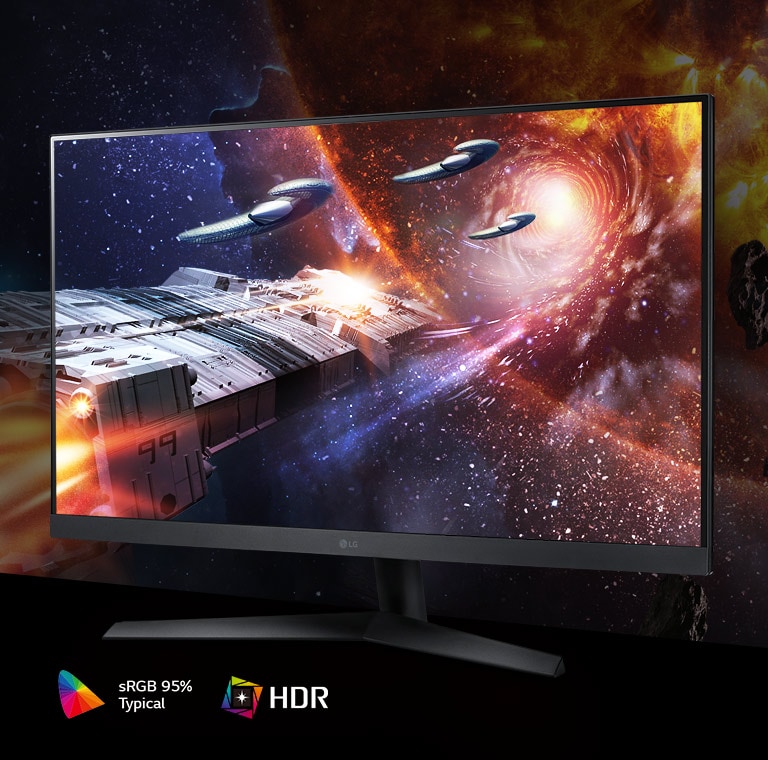
HDR10 with sRGB 95% (Typ.)

32GN50R supports HDR10 with sRGB 95% (Typ.) enabling realistic visual immersion with rich colours and contrast. Regardless of the battlefield, it can help gamers to see all the dramatic colours the game developers intended.

*The images simulated to enhance feature understanding.

NVIDIA® G-SYNC® Compatible

G-SYNC® Compatible Validated by NVIDIA

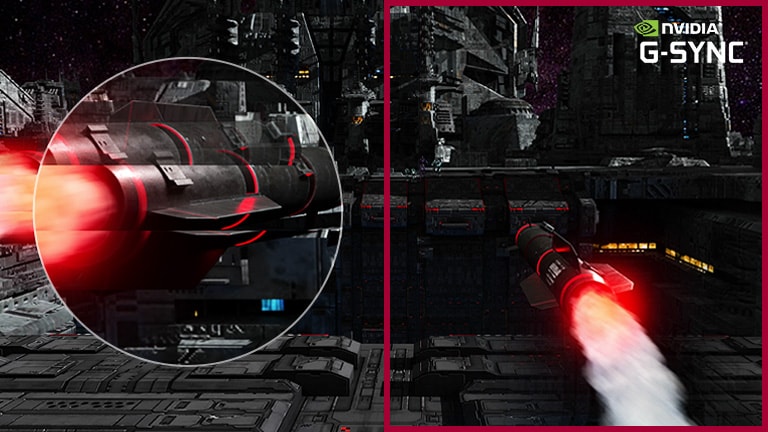
32GN50R is a NVIDIA-tested and officially validated G-SYNC® Compatible monitor, reducing screen tearing and stuttering for a smooth and fast gaming experience.

*The images simulated to enhance feature understanding. It may differ from actual use.

*Comparison of Mode 'OFF' (left image) and NVIDIA® G-SYNC® Compatible.

AMD FreeSync™ Premium

Clearer, Smoother and Faster

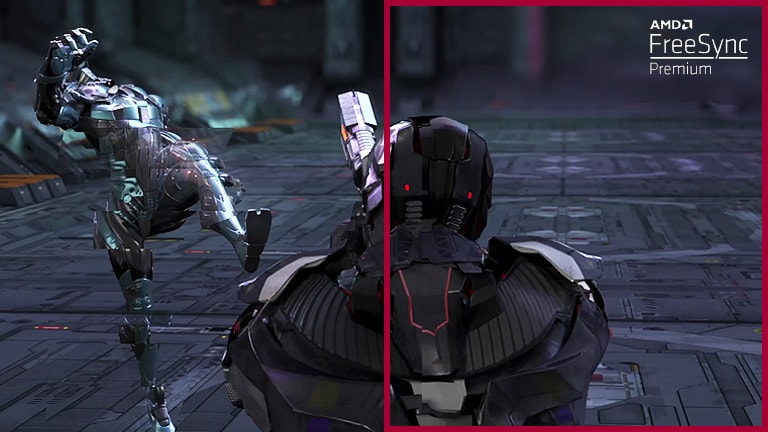
With FreeSync™ Premium technology, gamers can experience seamless, fluid movement in hi-resolution and fast-paced games. It virtually reduces screen tearing and stuttering.

*The images simulated to enhance feature understanding. It may differ from actual use.

*Comparison of Mode 'OFF' (left image) and AMD FreeSync™ Premium.

Stylish Design

Be Sleek, Chic and Immersive

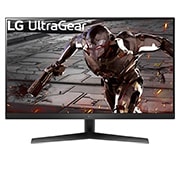
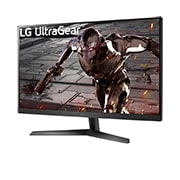
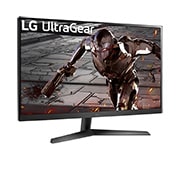
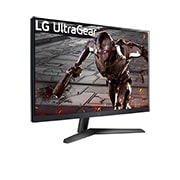
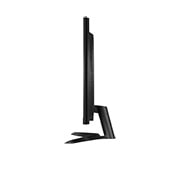
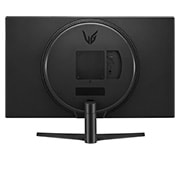
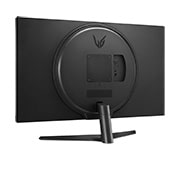
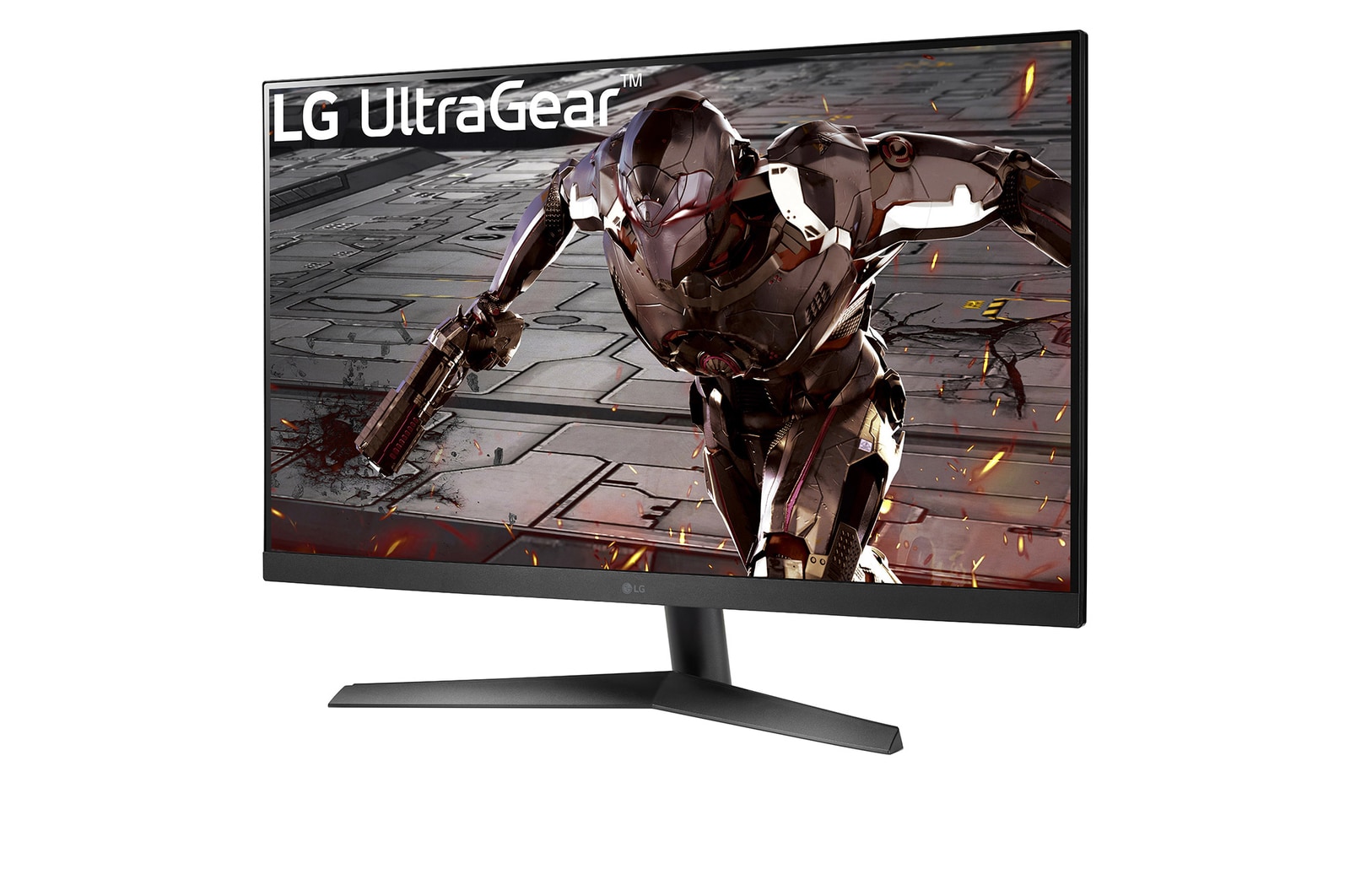
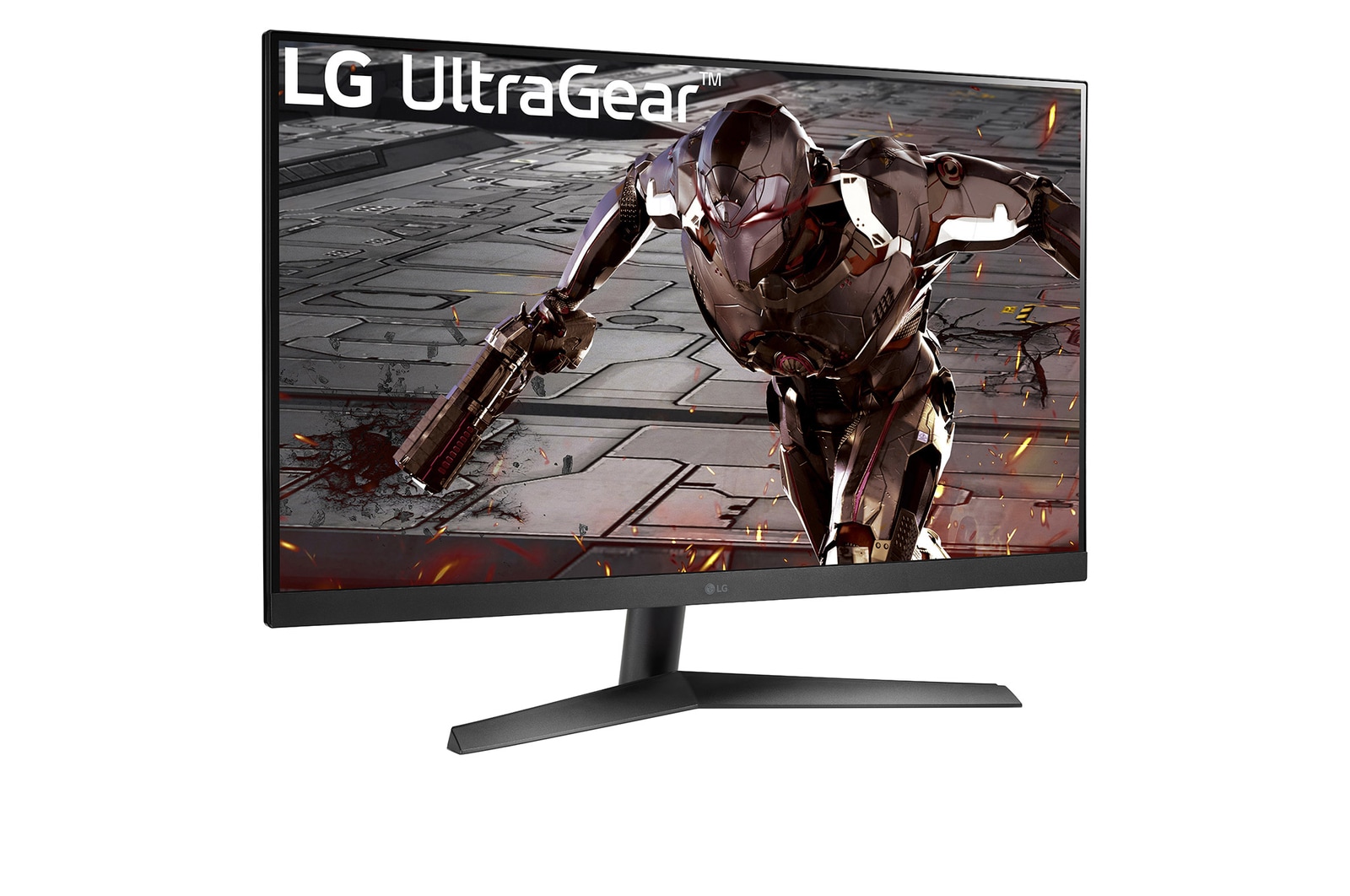
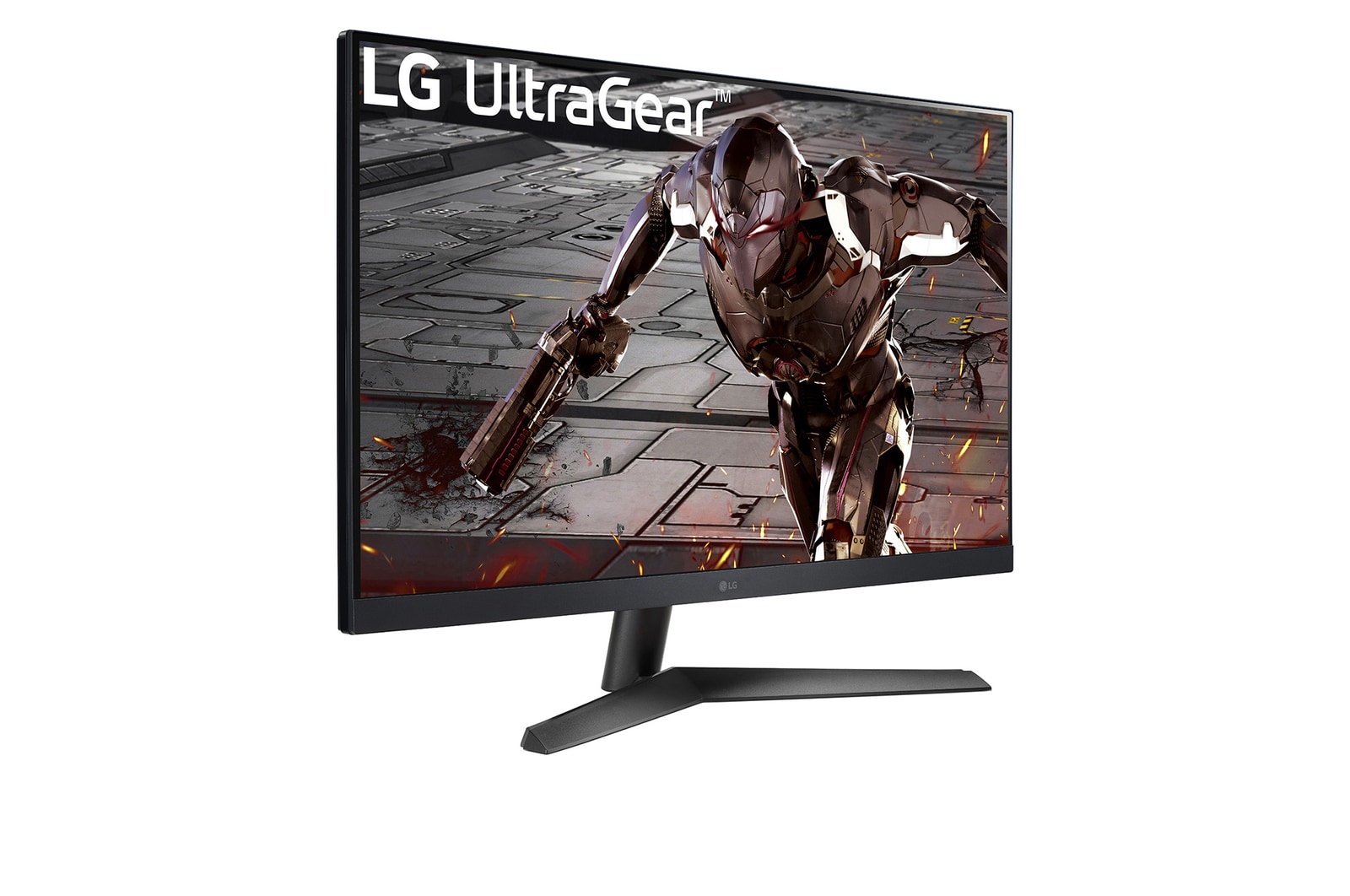
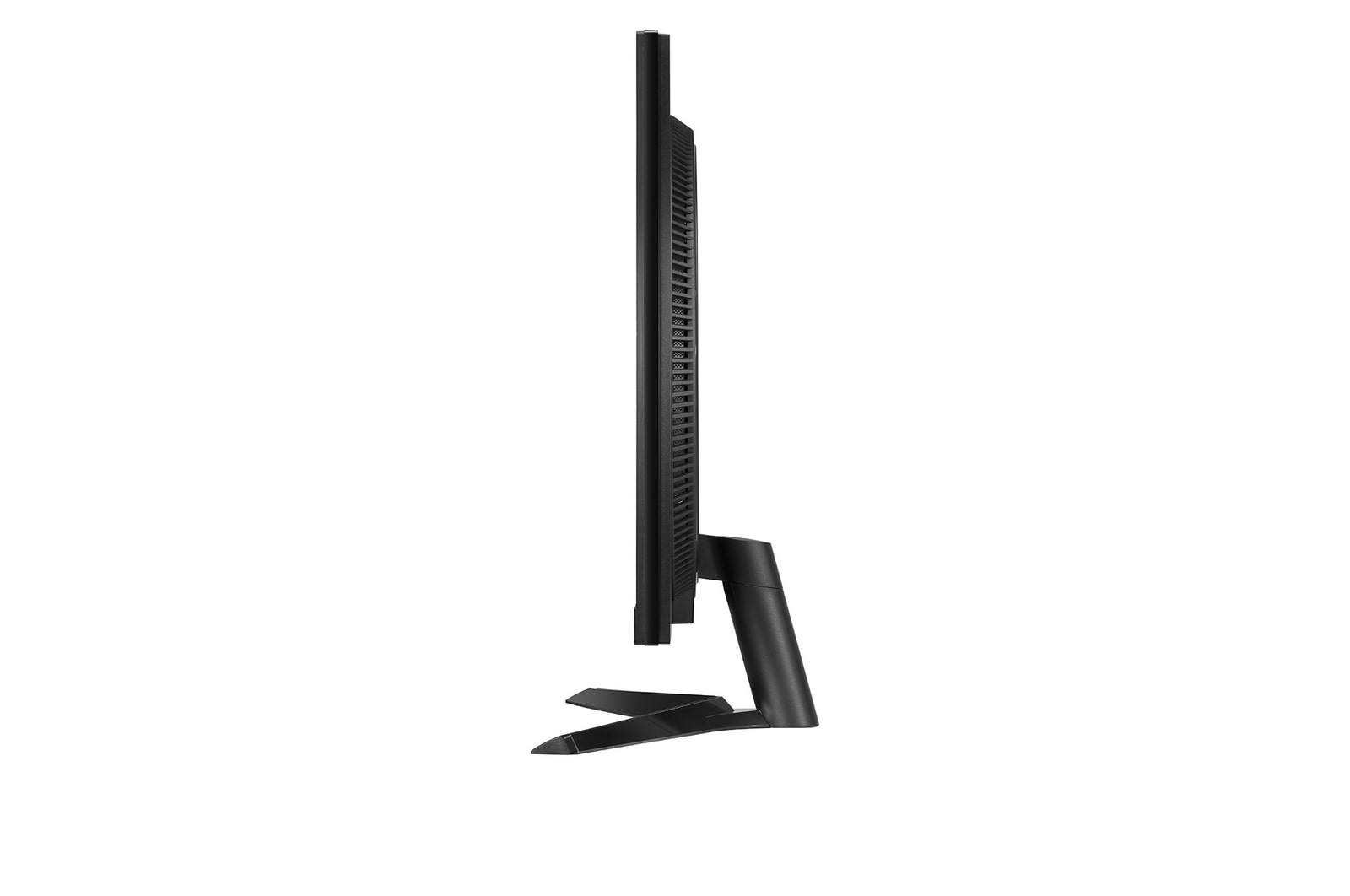
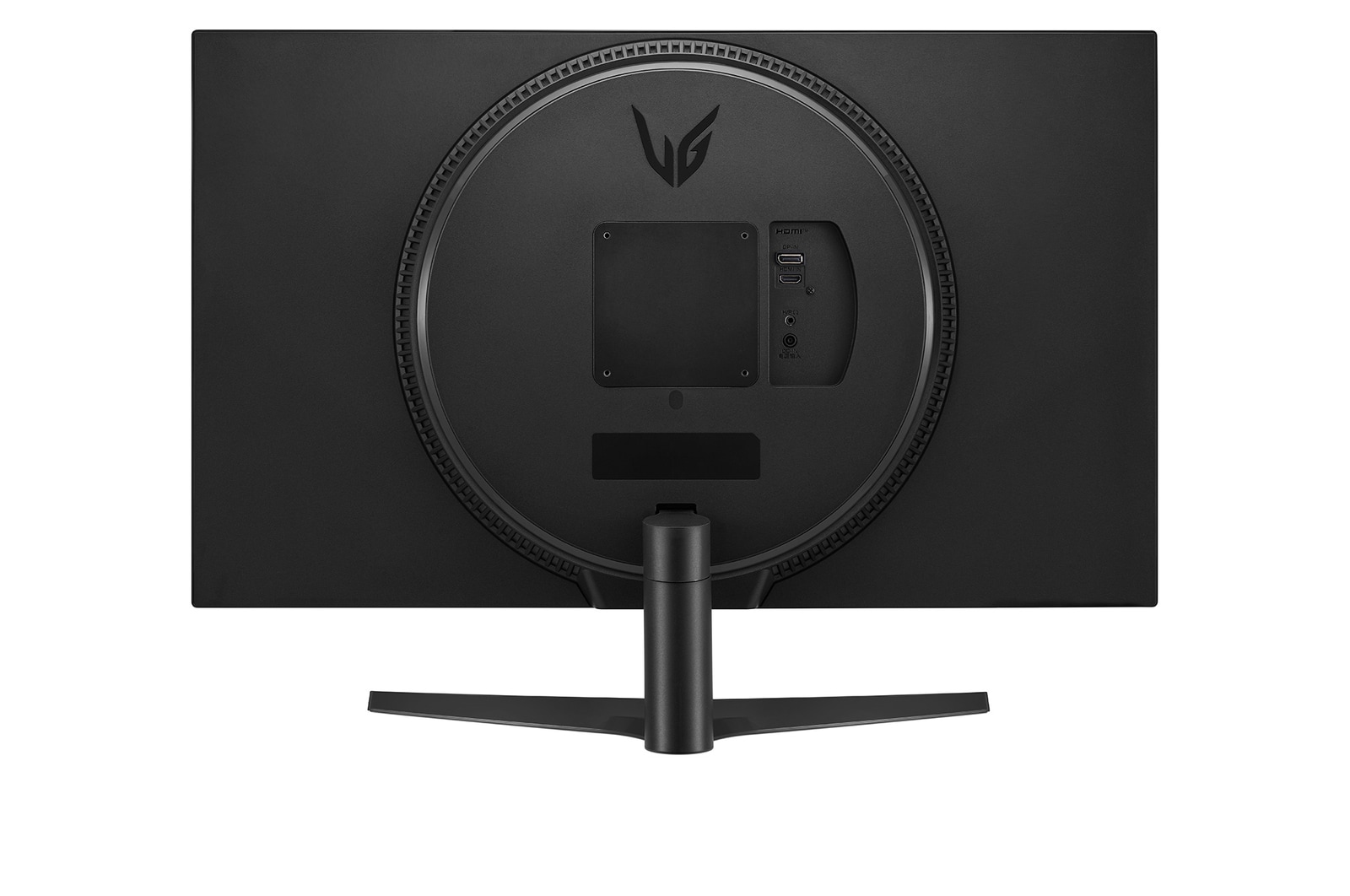
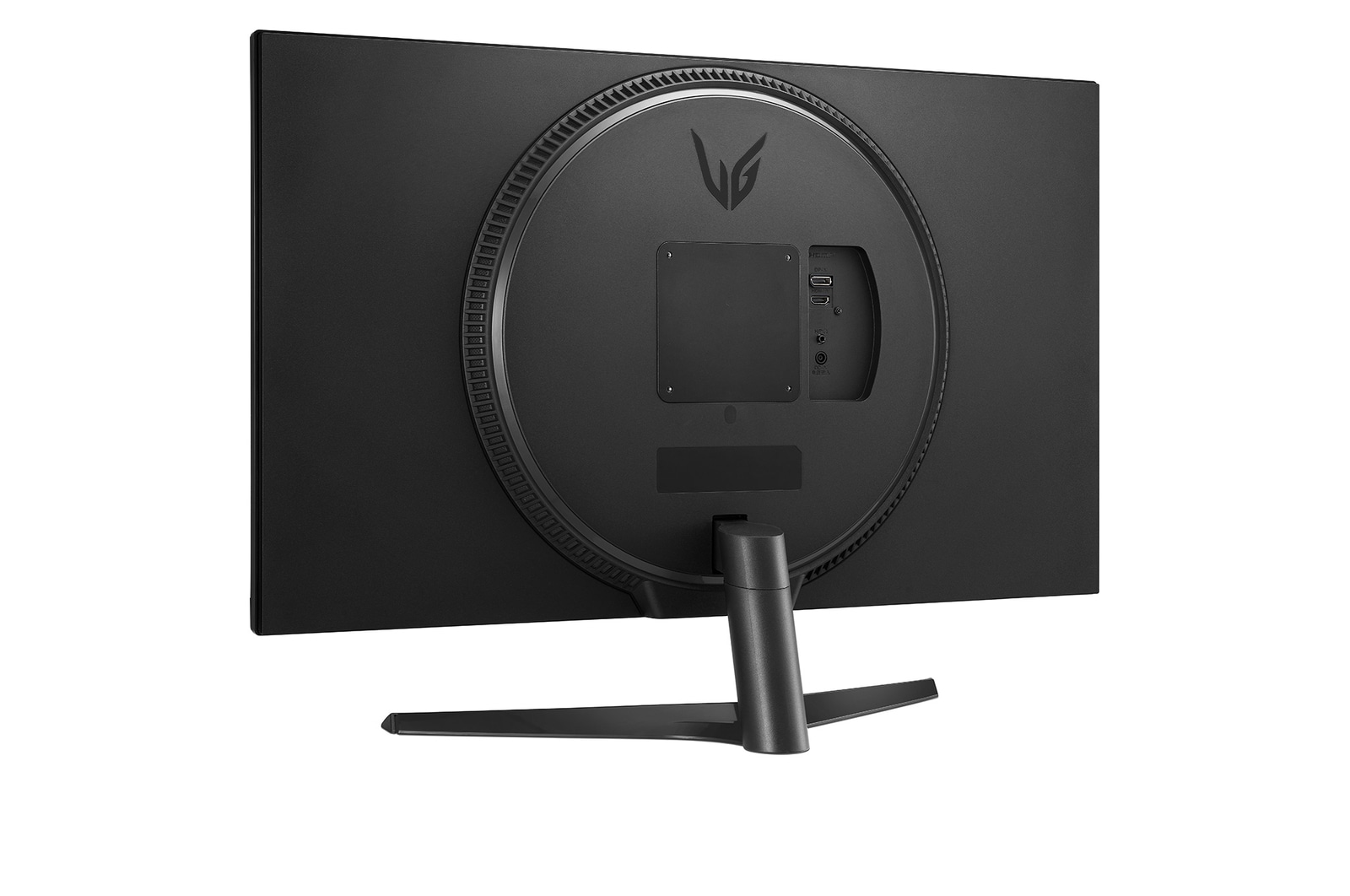
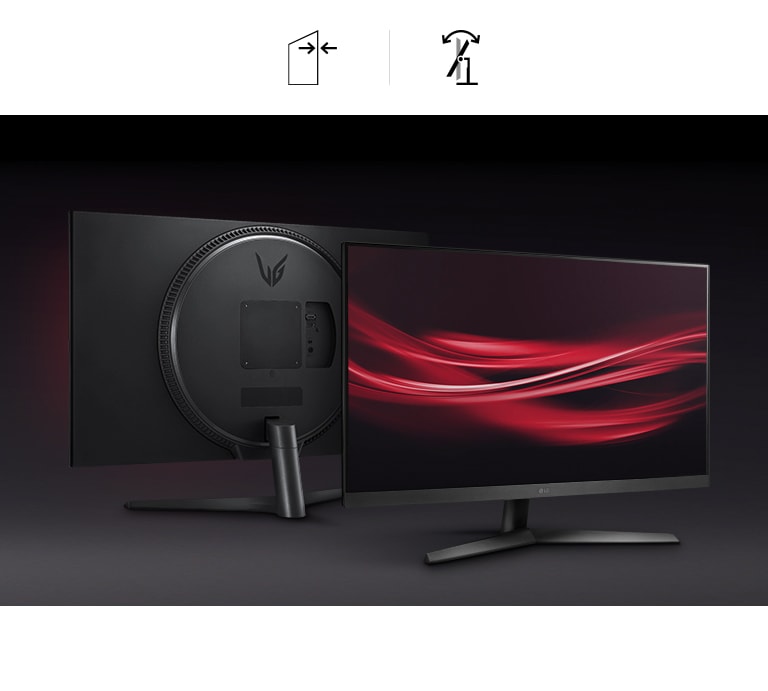
Enhance your gaming experience with eye-catching design, and virtually borderless design. The base can be adjusted to change the tilt of the monitor to help you play game more comfortable.

Monitor in Stylish, and Virtually Borderless Design with Tilt Adjustable Stand

a comparison of two gaming scenes between conventional mode, and dynamic action sync mode with the reduced input lag
Dynamic Action Sync

Reduce input lag with Dynamic Action Sync so it helps gamers catch critical moments in real-time.

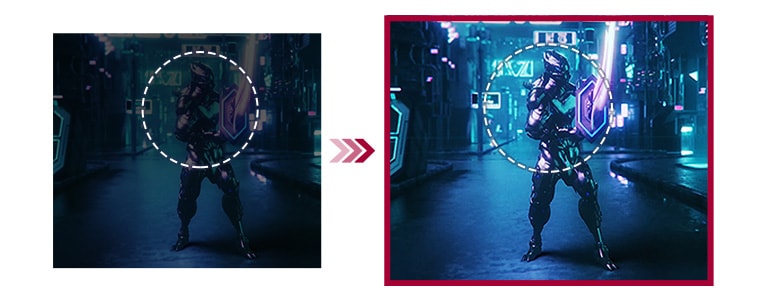
A comparison of two gaming scenes between conventional mode with less visibility in the dark scene, and Black Stabilizer mode offering better visibility in the identical scene

Black Stabilizer

Black Stabilizer helps gamers to avoid snipers hiding in the darkest places and quickly escape situations when the flash explodes.

A comparison of two gaming scenes between conventional mode and Crosshair mode which leads to better aiming
Crosshair

Target point is fixed in the center to enhance shooting accuracy.

*The images simulated to enhance feature understanding. It may differ from actual use.

*Above images positioned on the left side illustrate the conventional mode that the feature is not supported in.

Key Spec

  • Display - Size [Inch]

    31.5

  • Display - Resolution

    1920 x 1080

  • Display - Aspect Ratio

    16:9

  • Display - Color Gamut (Typ.)

    sRGB 95% (CIE1931)

  • Display - Curvature

    NO

  • Display - Refresh Rate (Max.) [Hz]

    165

  • Display - Response Time

    5ms (GtG at Faster)

  • Mechanical - Display Position Adjustments

    Tilt

All Spec

INFO

  • Product name

    UltraGear

  • Year

    Y22

DISPLAY

  • Size [Inch]

    31.5

  • Size [cm]

    80.1 cm

  • Resolution

    1920 x 1080

  • Aspect Ratio

    16:9

  • Pixel Pitch [mm]

    0.36375x0.36375 mm

  • Color Gamut (Min.)

    sRGB 90% (CIE1931)

  • Color Gamut (Typ.)

    sRGB 95% (CIE1931)

  • Color Depth (Number of Colors)

    16.7M

  • Contrast Ratio (Min.)

    1800:1

  • Contrast Ratio (Typ.)

    3000:1

  • Response Time

    5ms (GtG at Faster)

  • Refresh Rate (Max.) [Hz]

    165

  • Viewing Angle (CR≥10)

    178º(R/L), 178º(U/D)

  • Curvature

    NO

  • Brightness (Min.) [cd/m²]

    240 cd/m²

  • Brightness (Typ.) [cd/m²]

    300 cd/m²

  • Colour Bit

    8bit (6bit+FRC)

FEATURES

  • HDR 10

    YES

  • Dolby Vision™

    NO

  • VESA DisplayHDR™

    NO

  • HDR Effect

    YES

  • Mini-LED Technology

    NO

  • Nano IPS™ Technology

    NO

  • Advanced True Wide Pol.

    NO

  • Color Calibrated in Factory

    NO

  • HW Calibration

    NO

  • Auto Brightness

    NO

  • Flicker Safe

    YES

  • Reader Mode

    YES

  • Color Weakness

    NO

  • Super Resolution+

    NO

  • Motion Blur Reduction Tech.

    YES

  • NVIDIA G-Sync™

    G-SYNC Compatible

  • AMD FreeSync™

    FreeSync Premium

  • VRR

    NO

  • Black Stabiliser

    Black Stabilizer

  • Dynamic Action Sync

    YES

  • Crosshair

    YES

  • FPS Counter

    YES

  • OverClocking

    NO

  • User Defined Key

    YES

  • Auto Input Switch

    YES

  • RGB LED Lighting

    NO

  • PBP

    NO

  • PIP

    NO

  • Smart Energy Saving

    YES

  • Camera

    NO

  • Mic

    NO

SW APPLICATION

  • LG Calibration Studio (True Color Pro)

    NO

  • Dual Controller

    NO

  • OnScreen Control (LG Screen Manager)

    YES

  • LG UltraGear™ Control Center

    NO

  • LG UltraGear™ Studio

    NO

CONNECTIVITY

  • D-Sub

    NO

  • DVI-D

    NO

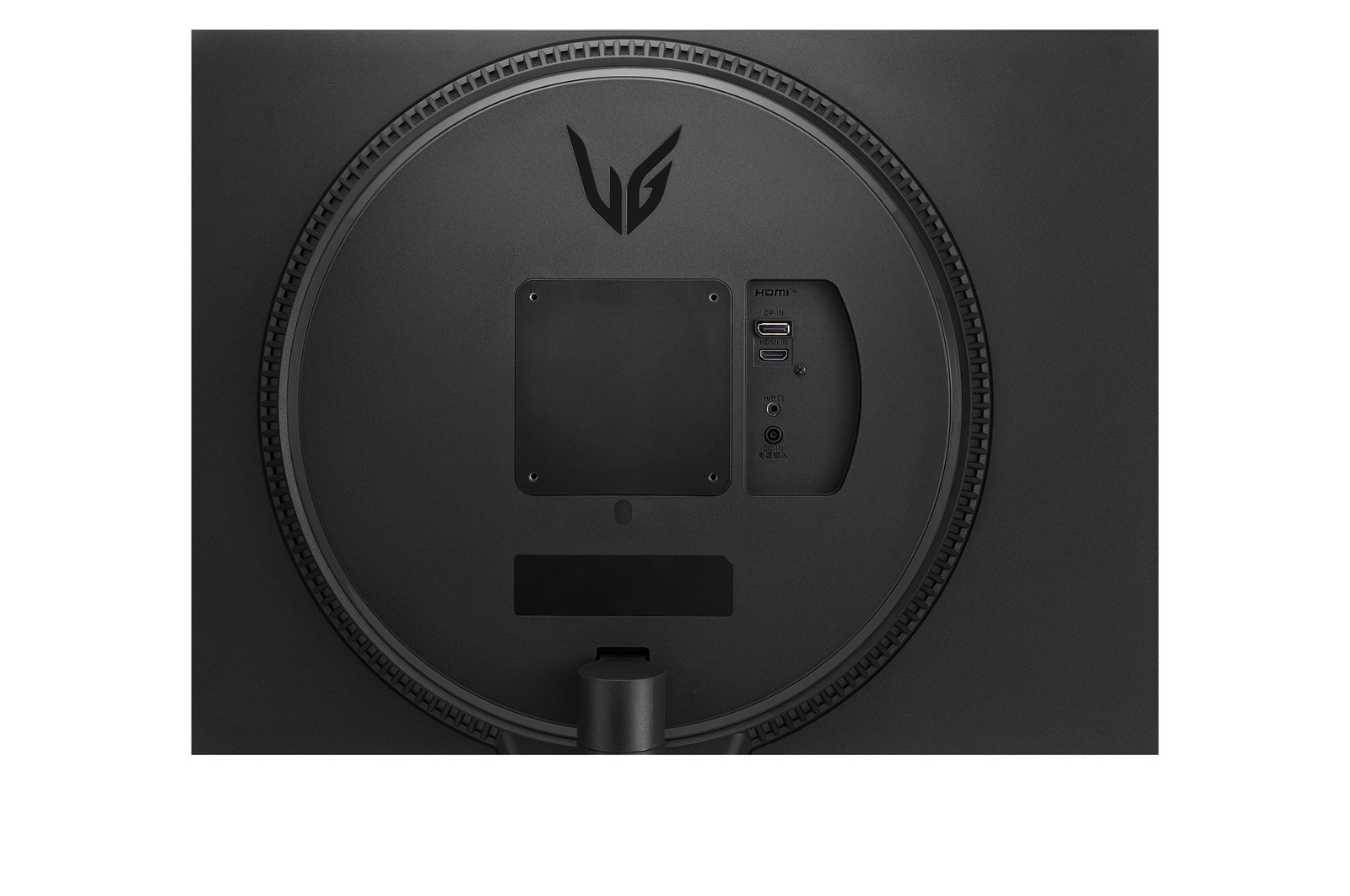
  • HDMI

    YES(1ea)

  • DisplayPort

    YES(1ea)

  • DP Version

    1.4

  • Thunderbolt

    NO

  • Thunderbolt (Data Transsmission)

    NO

  • USB-C

    NO

  • USB-C (Data Transsmission)

    NO

  • Daisy Chain

    NO

  • USB Upstream Port

    NO

  • USB Downstream Port

    NO

  • Built-in KVM

    NO

  • LAN (RJ-45)

    NO

  • SPDIF out (Optical Digital Audio Out)

    NO

  • Audio In

    NO

  • Mic In

    NO

  • Headphone output

    3-pole (Sound Only)

  • Line out

    NO

SOUND

  • Speaker

    NO

  • DTS HP:X

    NO

  • Maxx Audio

    NO

  • Rich Bass

    NO

  • Bluetooth Connectivity

    NO

POWER

  • Type

    External Power(Adapter)

  • AC Input

    100~240V (50/60Hz)

  • Power Consumption (Typ.)

    38W

  • Power Consumption (Max.)

    40W

  • Power Consumption (Sleep Mode)

    Less than 0.5W

  • Power Consumption (DC Off)

    Less than 0.3W

  • DC Output

    40W (19V 2.1A)

MECHANICAL

  • Display Position Adjustments

    Tilt

  • Wall Mountable [mm]

    100 x 100 mm

DIMENSIONS/WEIGHTS

  • Dimension with Stand (W x H x D) [mm]

    714.7x224.8x515.1

  • Dimension without Stand (W x H x D) [mm]

    714.7x77.5x428

  • Dimension in Shiping (W x H x D) [mm]

    793x149x516

  • Weight with Stand [kg]

    5.9

  • Weight without Stand [kg]

    5.2

  • Weight in Shipping [kg]

    8.2

ACCESSORY

  • D-Sub

    NO

  • DVI-D

    NO

  • HDMI

    YES

  • Thunderbolt

    NO

  • Display Port

    NO

  • USB A to B

    NO

  • Remote Controller

    NO

  • Adapter

    YES

  • Calibration Report (Paper)

    NO

  • HDMI (Color/Length)

    Black / 1.5m

  • Power Cord

    Depend on Country

COMPLIANCE INFORMATION

The safety information for accessories is included with the safety information for the product and is not provided separately.
To learn more about how this product handles data and your rights as a user, please visit ″Data Coverage & Specifications″ at LG Privacy

What people are saying

FAQ

How to pick a gaming monitor?

Start with your priorities. Want crisp visuals? Go for 4K resolution. Need ultra-smooth motion? Prioritise a high refresh rate (144Hz or more) and low response time. If you're after deep contrast and colour accuracy, consider OLED or Nano IPS, Nano IPS black panels. Don’t forget adaptive sync tech like NVIDIA G-SYNC or AMD FreeSync™ Premium to eliminate screen tearing. LG’s UltraGear™ series offers a range of gaming monitors tailored to your play style—from casual console gaming to high-intensity PC competition.

What is the refresh rate of a gaming monitor?

Refresh rate, calculated in Hertz (Hz) refers to how many frames are shown within one second. For example, a 120Hz refresh rate indicates that the display refreshes with a new frame 120 times per second. Gaming monitors with high refresh rates offer smoother visuals with less screen tearing.

How many hertz is good for gaming?

For most gamers, 144Hz hits the sweet spot for fluid, responsive gameplay. Competitive players may want even faster refresh rates like 240Hz for that extra edge in fast-paced shooters or esports titles. LG’s lineup of UltraGear™ Gaming Monitors include models that go from 144Hz to 240Hz and beyond (when used in dual mode, LG's models support 165Hz and 330Hz OR 240Hz and 480Hz)*, all designed to keep up with the action while minimising lag and screen tearing.


*Actual refresh rates may vary depending on computer graphics specifications and configurations.

What are the differences between OLED, IPS, and VA panels?

OLED panels emit their own light at the pixel level, delivering near-perfect blacks, exceptional contrast, and vivid colours. They also offer ultra-fast response times, making them ideal for high-end gaming monitors, premium TVs, and professional video editing.

IPS panels are known for their accurate colour reproduction and wide viewing angles, maintaining clear images from various positions. This makes them well-suited for office work, design, and gaming. Their excellent colour accuracy is especially appealing to gamers who want to experience visuals exactly as the developers intended.

VA panels boast the highest contrast ratio among LCD types, providing an immersive experience for watching movies and videos. While not as fast as TN panels, they offer nearly comparable performance.

Should I get a curved monitor?

If you want a more immersive gaming experience, curved gaming monitors are a great choice. The curvature helps keep your eyes focused on the center of the screen naturally, which is great for long gaming sessions.

LG's UltraGear GX9 supports 800R curvature and 21:9 ultrawide aspect ratio, delivering immersive visuals and an ideal viewing distance. At a 800mm viewing distance, its 800R curvature creates a viewing angle of 90 degrees across both the center and the edge - pulling you deeper into the game.

Is 1440p or 4K better for gaming?

Both have their strengths. For many gamers, 1440p (QHD) hits a sweet spot between resolution and performance, especially for competitive gaming where frame rate matters most. It’s easier to push higher FPS without overloading your GPU. 4K, on the other hand, is all about detail and immersion—perfect for single-player adventures or next-gen console play. LG’s UltraGear™ gaming monitors offer both QHD and 4K options, so whether you prioritise speed or stunning visuals, there’s a perfect fit for your setup.

Can I connect my monitor to my PC with a USB-C?

Connecting your gaming monitor via USB-C is simple—just plug one end of the cable of your gaming monitor into your device’s USB-C port, and you’re good to go. You can charge your laptop too if your PC is connected to your monitor with a USB-C port.


*Supported model may vary.

What is DisplayPort 2.1?

DisplayPort 2.1, the latest version of the DisplayPort standard, delivering ultra-fast data speeds for flawless high refresh rate gameplay. It is developed by VESA (Video Electronics Standards Association) to provide high-performance display connectivity for computers and monitors.

Many of LG’s latest models support DisplayPort 2.1*, which doubles the bandwidth of DP 1.4. That means you get higher resolutions, smoother frame rates, and lower latency—perfect for fast-paced gaming.


*Note : We have received numerous reports from users of NVIDIA 50-series graphics cards experiencing screens turning off when using DisplayPort 2.1 with 10-bit or 12-bit settings. If you are experiencing the same, as a temporary workaround, you can switch the DisplayPort input to 1.4 in your monitor's OSD menu or adjust the colour setting to 8-bit in the NVIDIA Control Panel. This issue has been reported to NVIDIA, for a more permanent solution.

What is HDMI 2.1?

With HDMI 2.1 support, you’ll enjoy features like Variable Refresh Rate (VRR), Auto Low Latency Mode (ALLM), and support for 4K at up to 120Hz. Whether you’re gaming on a console or PC, these upgrades give you the flexibility and performance to match any setup.

Our Picks for You 

Find a Store Near You

Experience this product around you.