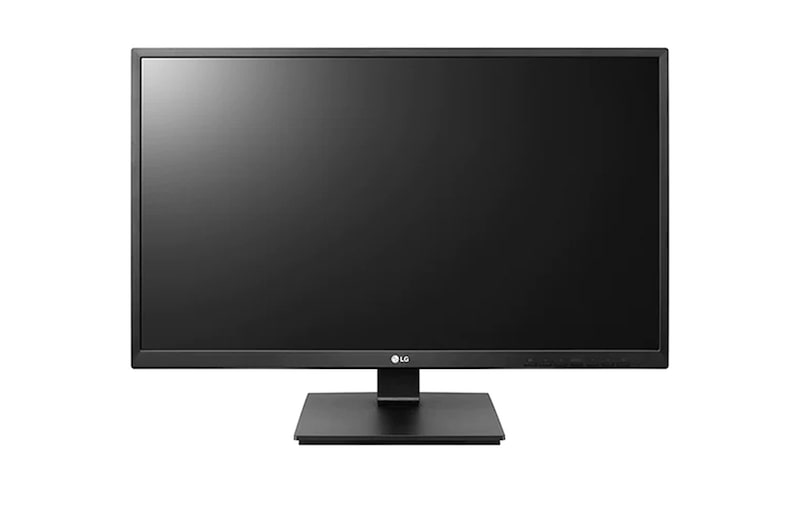
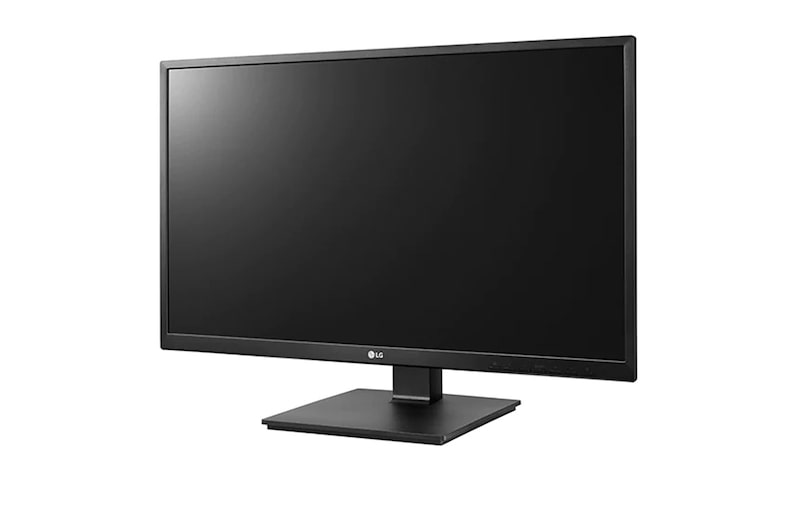
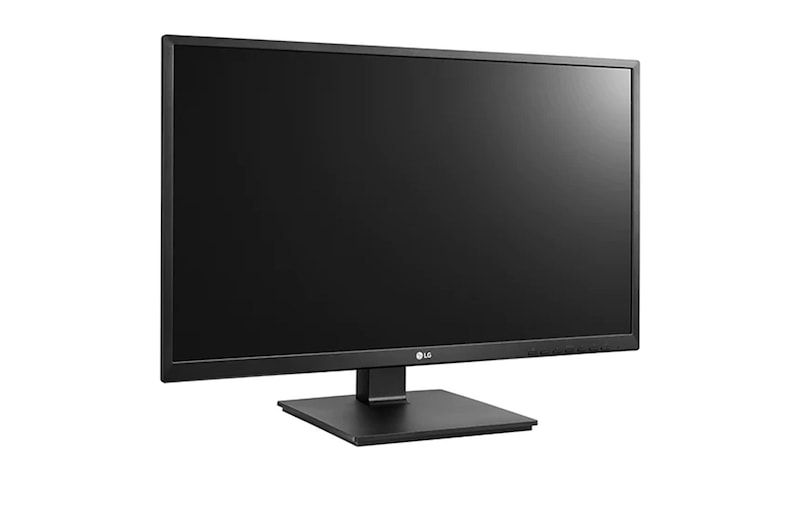
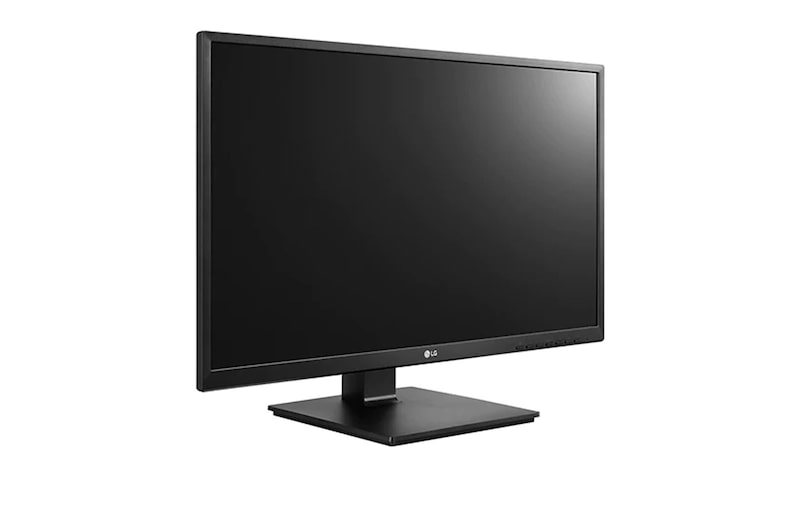
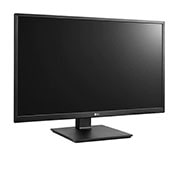
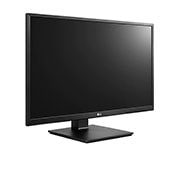
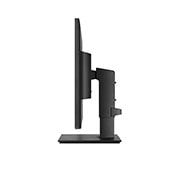
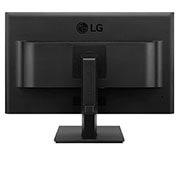
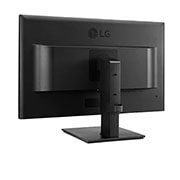
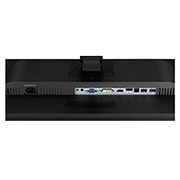
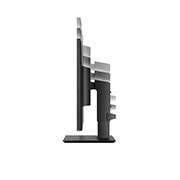
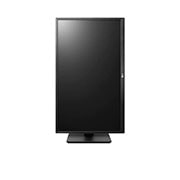
PDP_24BK55YP_01_M03A_destop

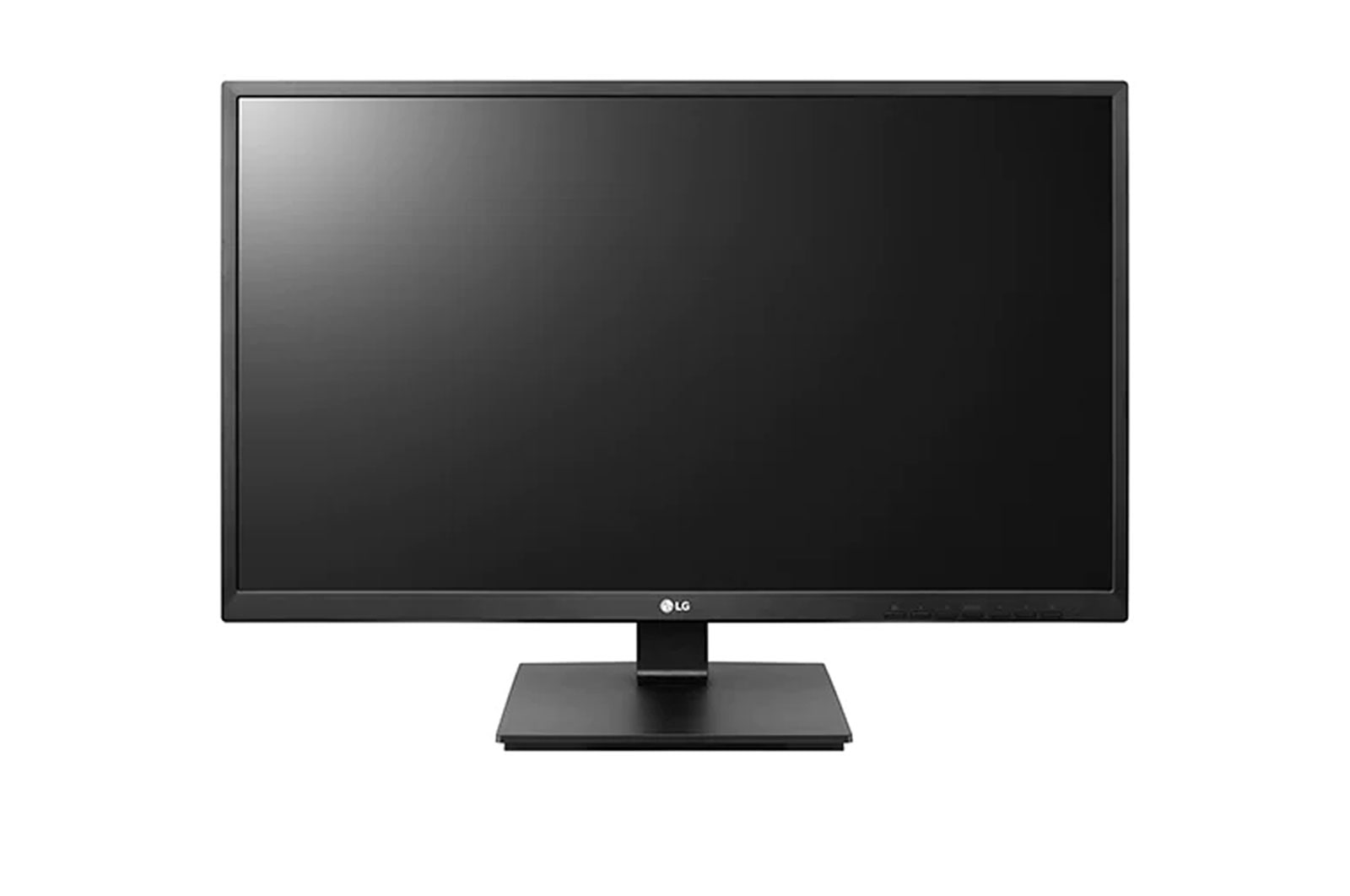
Full HD IPS Display

The IPS displays clear and accurate colors from all angles for advanced work, making the panel suitable for professionals. Also, IPS picture quality allows you to create outstanding output.
PDP_24BK55YP_02_M01A

Ergonomic Design

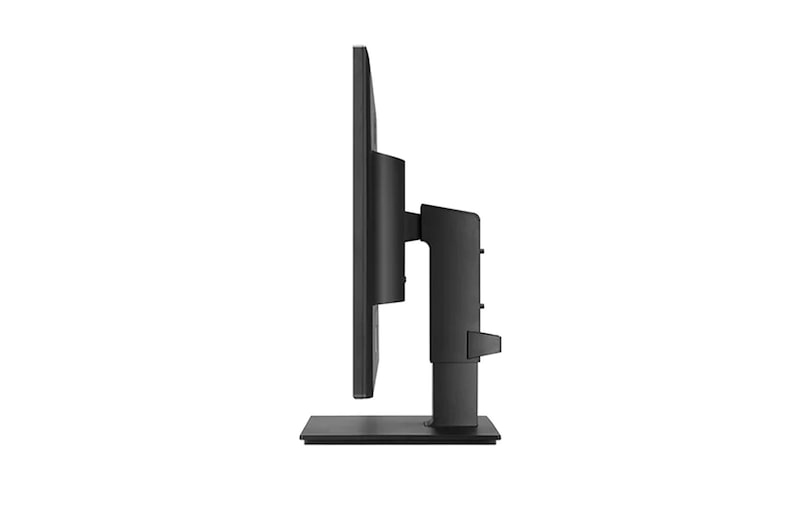
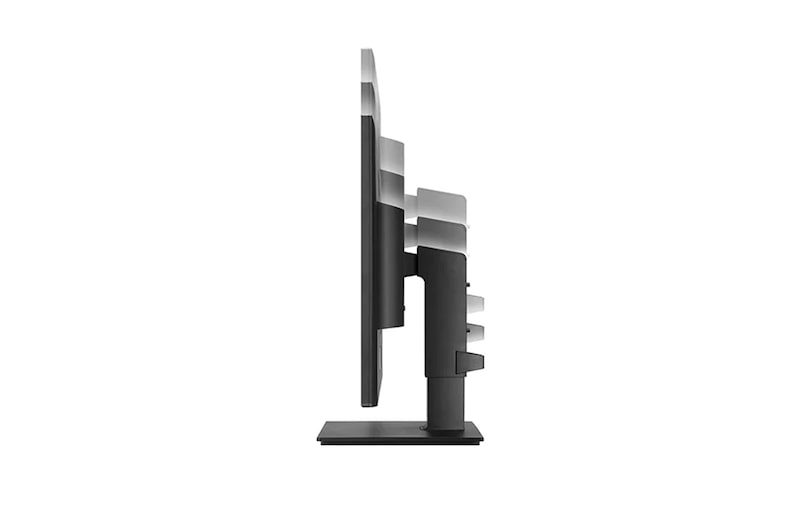
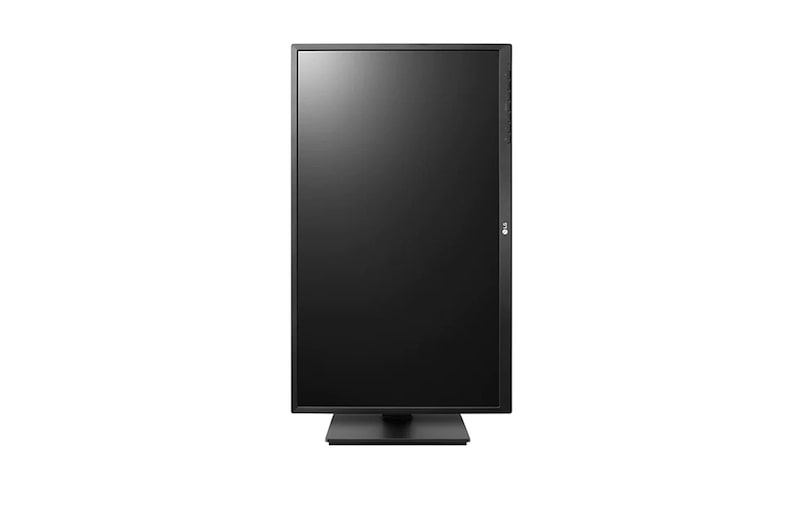
The monitors provide comfortable viewing with versatile screen height/tilt/pivot/swivel adjustments. You can customize the display for a personal, comfortable workstation depending on various contents or office tools.
PDP_24BK55YP_03_M02A_neww

Advanced Tech Design

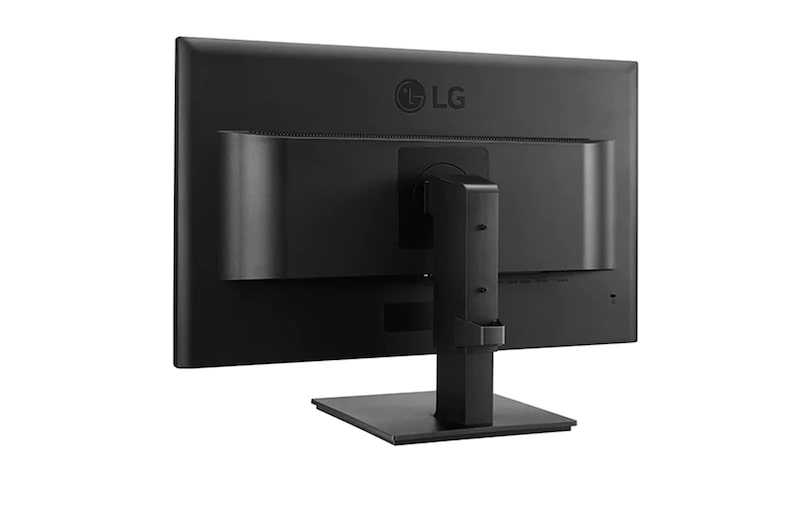
The Advanced Design can be installed quickly and easily without the need for any tools. Also, the Wall Mount gives you the freedom to take it off the desk and hang it on a wall.
PDP_24BK55YP_04_M03A_updatedv2

Built-in Power for Orderly Workspaces

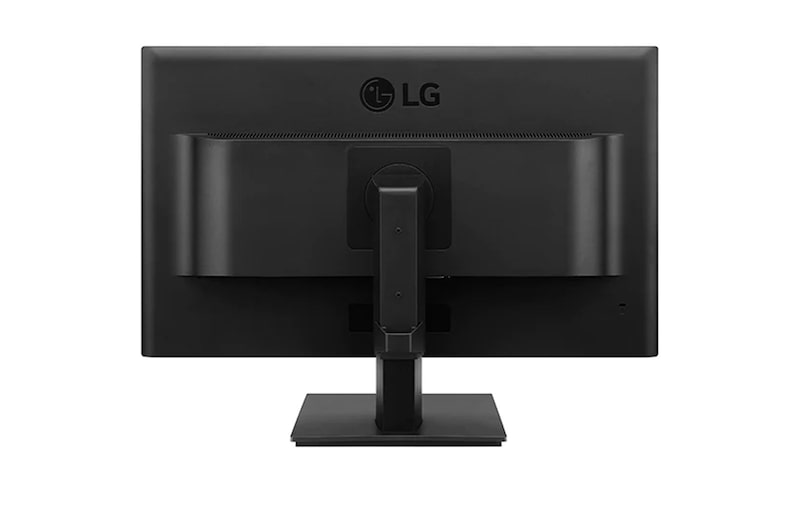
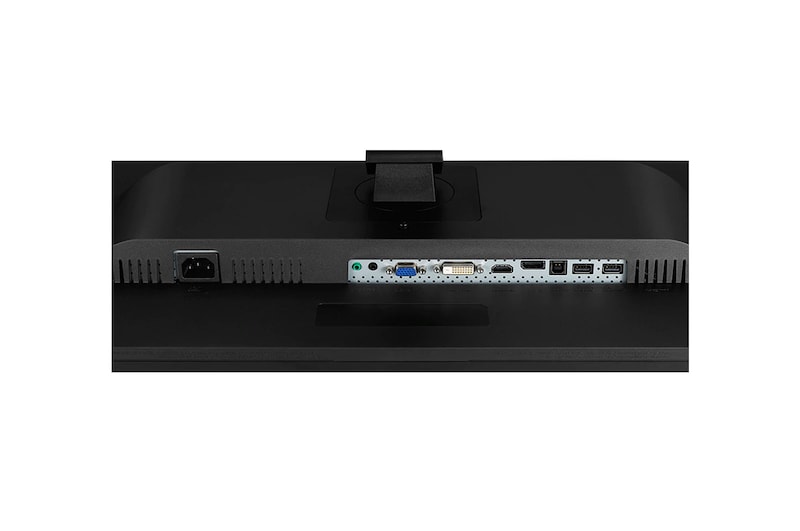
A power module is attached to the monitor from behind for built-in power, eliminating a mess of cables. Ultimately, an office using a number of PCs could be more pleasant by saving each desktop space.
PDP_24BK55YP_05_M02A_D

Mini PC Connection Available

The LG BK55 allows you to attach an Intel NUC and wall mount mini PC that 100x100 mm compliant behind the monitor with a bracket. This is ideal for an office that has already used the Mini PC.
*Bracket sold separately.

PDP_24BK55YP_06_M01A_Dv2

PVC-Free: No Noxious Materials

The PVC-Free guarantee adds protection against noxious materials. The BK55 consists of PVC-Free, TUV certified materials (excluding cables).

Key Spec

  • Display - Size [Inch]

    23.8

  • Display - Resolution

    1920 x 1080

  • Display - Panel Type

    IPS

  • Display - Aspect Ratio

    16:9

All Spec

DISPLAY

  • Size [Inch]

    23.8

  • Size [cm]

    60.47

  • Resolution

    1920 x 1080

  • Panel Type

    IPS

  • Aspect Ratio

    16:9

  • Pixel Pitch [mm]

    0.2745 x 0.2745

  • Color Depth (Number of Colors)

    16.7M

  • Contrast Ratio (Typ.)

    1000:1

  • Viewing Angle (CR≥10)

    178º(R/L), 178º(U/D)

  • Brightness (Min.) [cd/m²]

    200

  • Brightness (Typ.) [cd/m²]

    250

CONNECTIVITY

  • HDMI

    Yes (1.4)

  • DisplayPort

    Yes

  • Audio In

    Vertical

  • Headphone out

    Yes

POWER

  • Type

    Built-in

  • AC Input

    100~240V (50/60Hz)

  • Power Consumption (Sleep Mode)

    0.5W

  • Power Consumption (DC Off)

    0.3W

  • DC Output

    28W

MECHANICAL

  • Wall Mountable [mm]

    100 x 100 (Wall mount)

ACCESSORY

  • DVI-D

    Yes

  • Display Port

    Yes

  • Power Cord

    Yes

COMPLIANCE INFORMATION

The safety information for accessories is included with the safety information for the product and is not provided separately.

What people are saying

FAQ

What are the benefits of using FHD & QHD monitors?

– FHD Monitors

1. Ideal for most everyday tasks such as web browsing, document editing, and video streaming, with a budget-friendly price point.

2. Compatible with older PCs and entry-level laptops, as they don’t require high-end GPUs for smooth performance.

3. Well-suited for fast-paced games like eSports, where maintaining high FPS is important.


– QHD Monitors

1. Offer about 1.8 times more pixels than standard displays, providing a wider workspace for multitasking and detailed content work.

2. Deliver sharper and more precise text and images, making them suitable for content creation that demands visual clarity.

3. Provide realistic visuals and smoother gameplay, making them ideal for high-quality gaming.

Who would especially benefit from using FHD & QHD monitors?

FHD monitors are well-suited for users who value practicality and affordability. They provide sufficient resolution for everyday tasks such as document editing, email, and video streaming, making them ideal for office workers, students, and home users. Since they put less strain on the GPU, they are also a great choice for casual gamers who enjoy high-refresh-rate eSports titles.

QHD monitors are recommended for users who need more screen space and sharper image quality. They offer an efficient work environment for professionals such as marketers, planners, and analysts who often multitask. With relatively low GPU demand yet high visual precision, they are also suitable for beginner photo/video editors and content creators. Additionally, QHD monitors deliver better visuals and smoother performance for gamers who enjoy high-quality gaming experiences.

What is the difference between IPS and VA panels?

IPS panels are known for their accurate colour reproduction and wide viewing angles, maintaining clear images from various positions. This makes them well-suited for office work, design, and gaming. Their excellent colour accuracy is especially appealing to gamers who want to experience visuals exactly as the developers intended.

VA panels boast the highest contrast ratio among LCD types, providing an immersive experience for watching movies and videos. While not as fast as TN panels, they offer nearly comparable performance.

Our Picks for You 

Find a Store Near You

Experience this product around you.