We use cookies, including cookies from third parties, to enhance your user experience and the effectiveness of our marketing activities. These cookies are performance, analytics and advertising cookies, please see our Privacy and Cookie policy for further information. If you agree to all of our cookies select “Accept all” or select “Cookie Settings” to see which cookies we use and choose which ones you would like to accept.
Immersive viewing experience
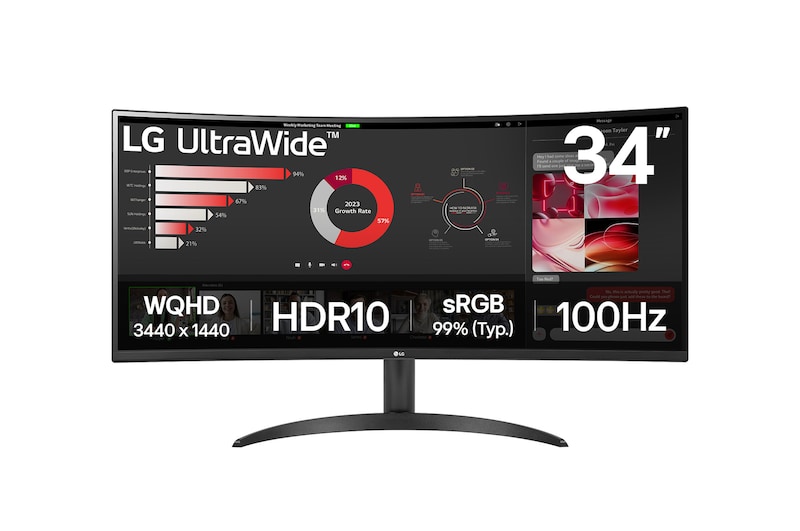
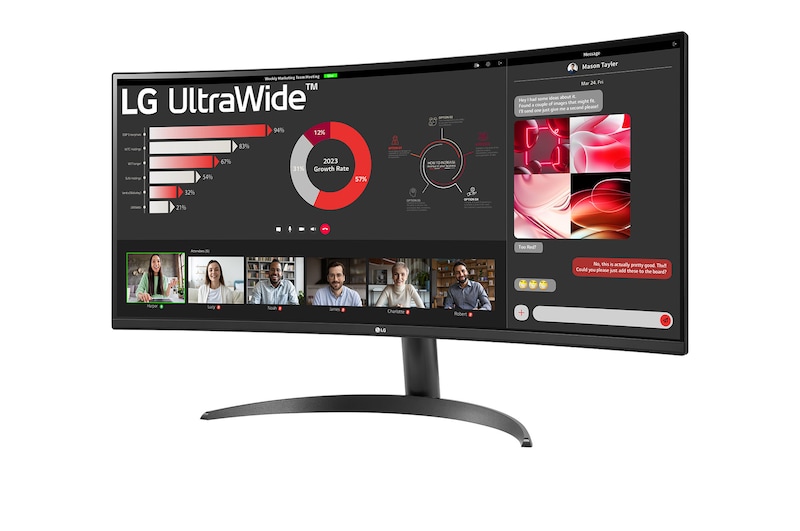
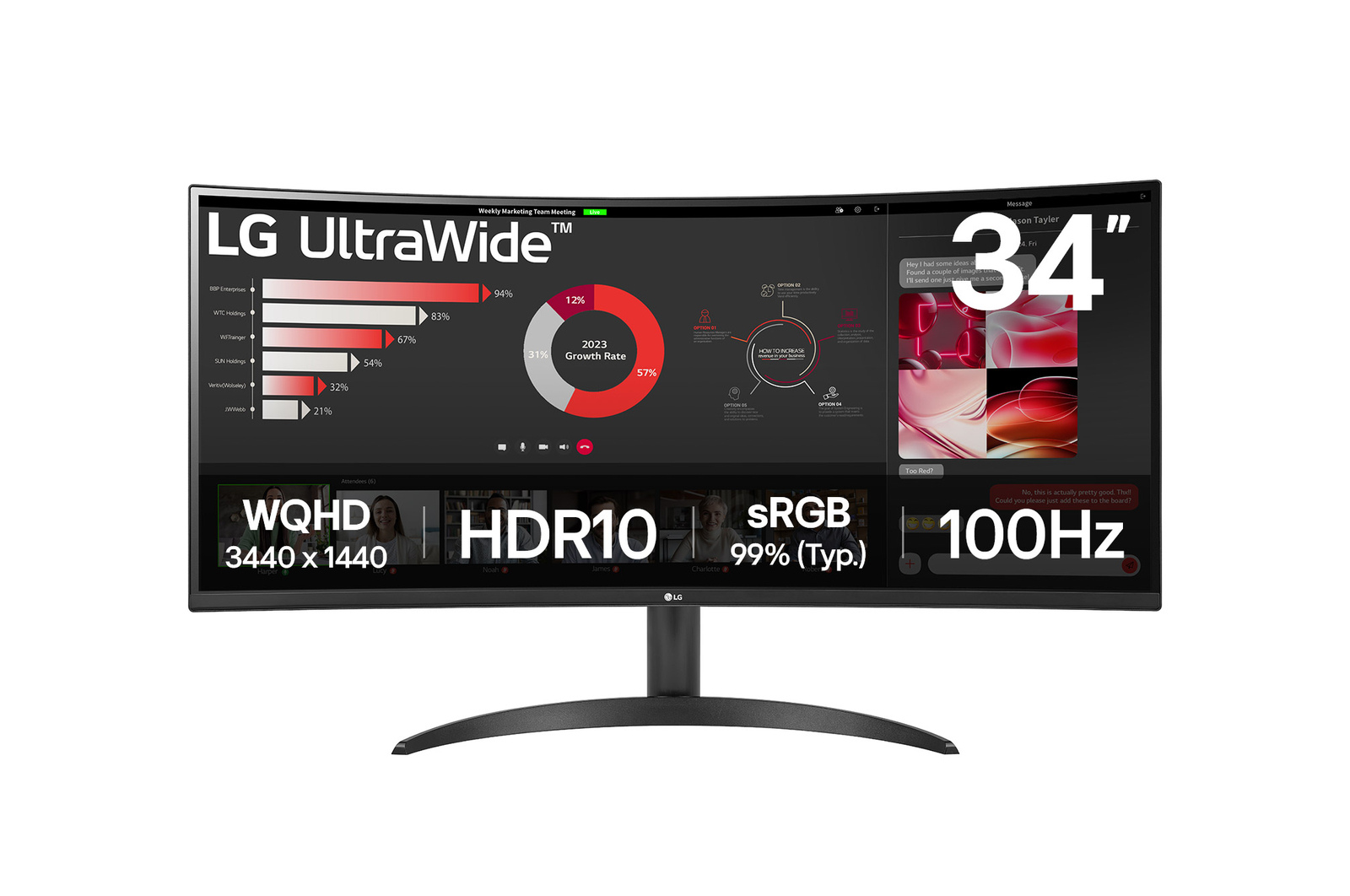
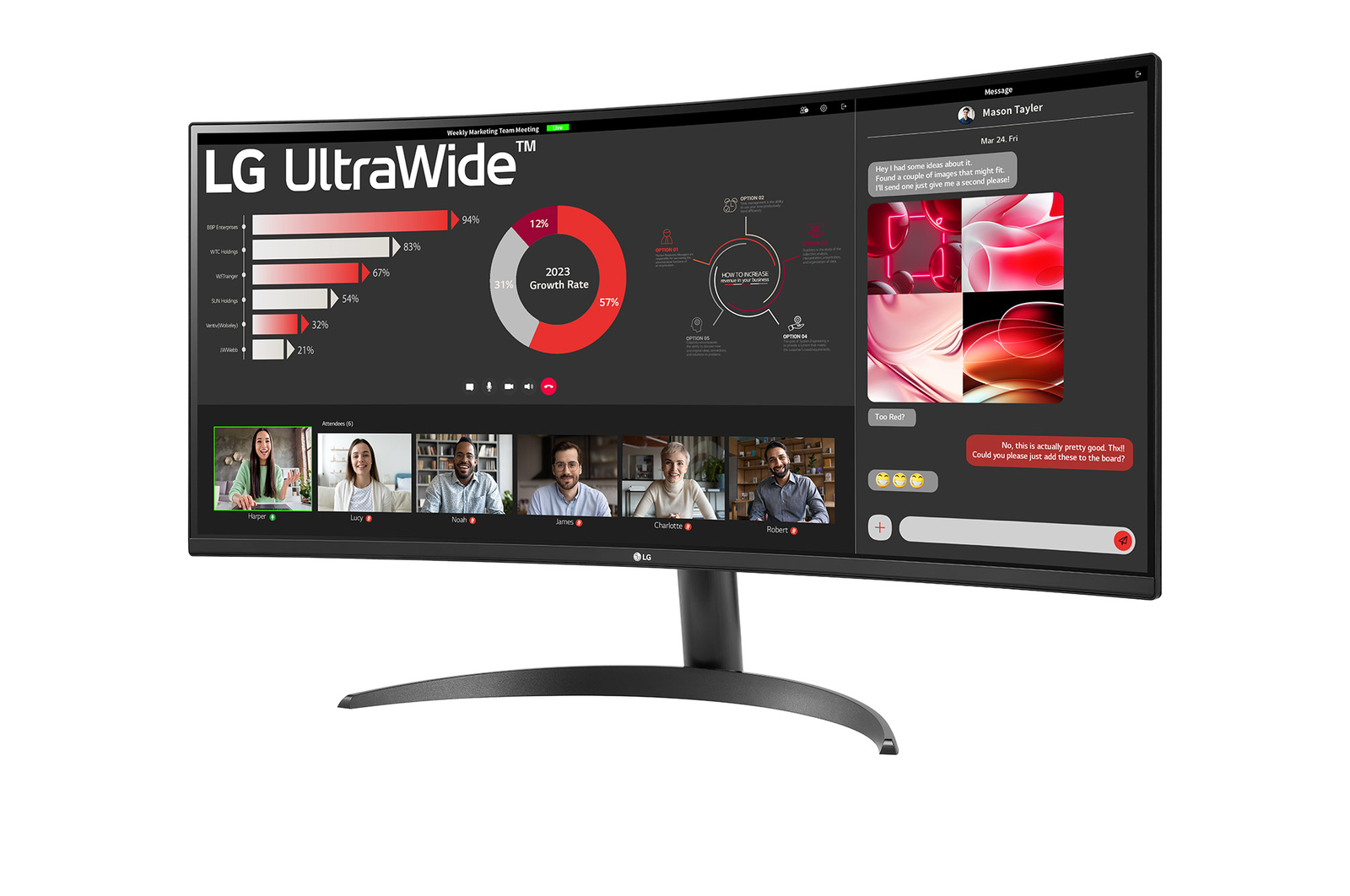
34” WQHD Curved (3440x1440)
3-side Virtually Borderless
Image Quality
HDR10
sRGB 99% (Typ.)
Comfortable workstation
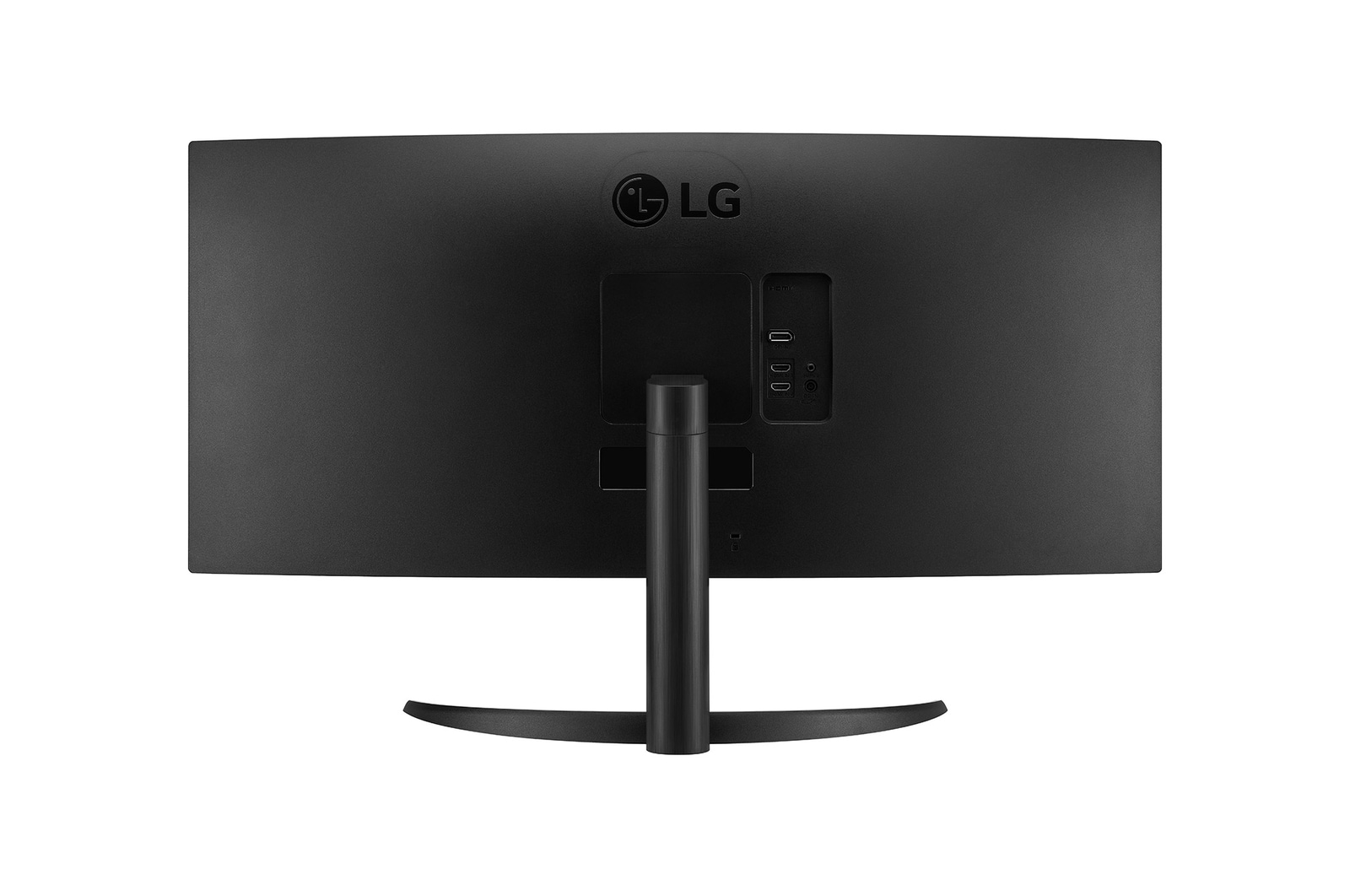
Ergonomic Stand
Reader Mode & Flicker Safe
*The images simulated to enhance feature understanding. It may differ from actual use.
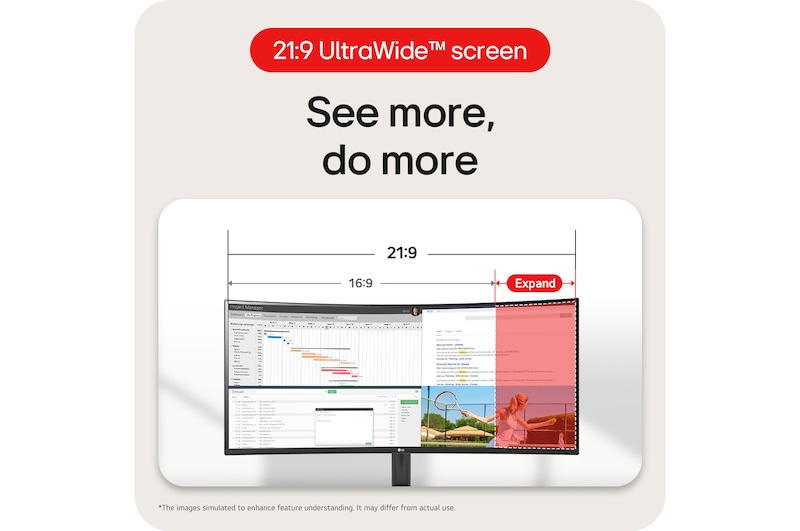
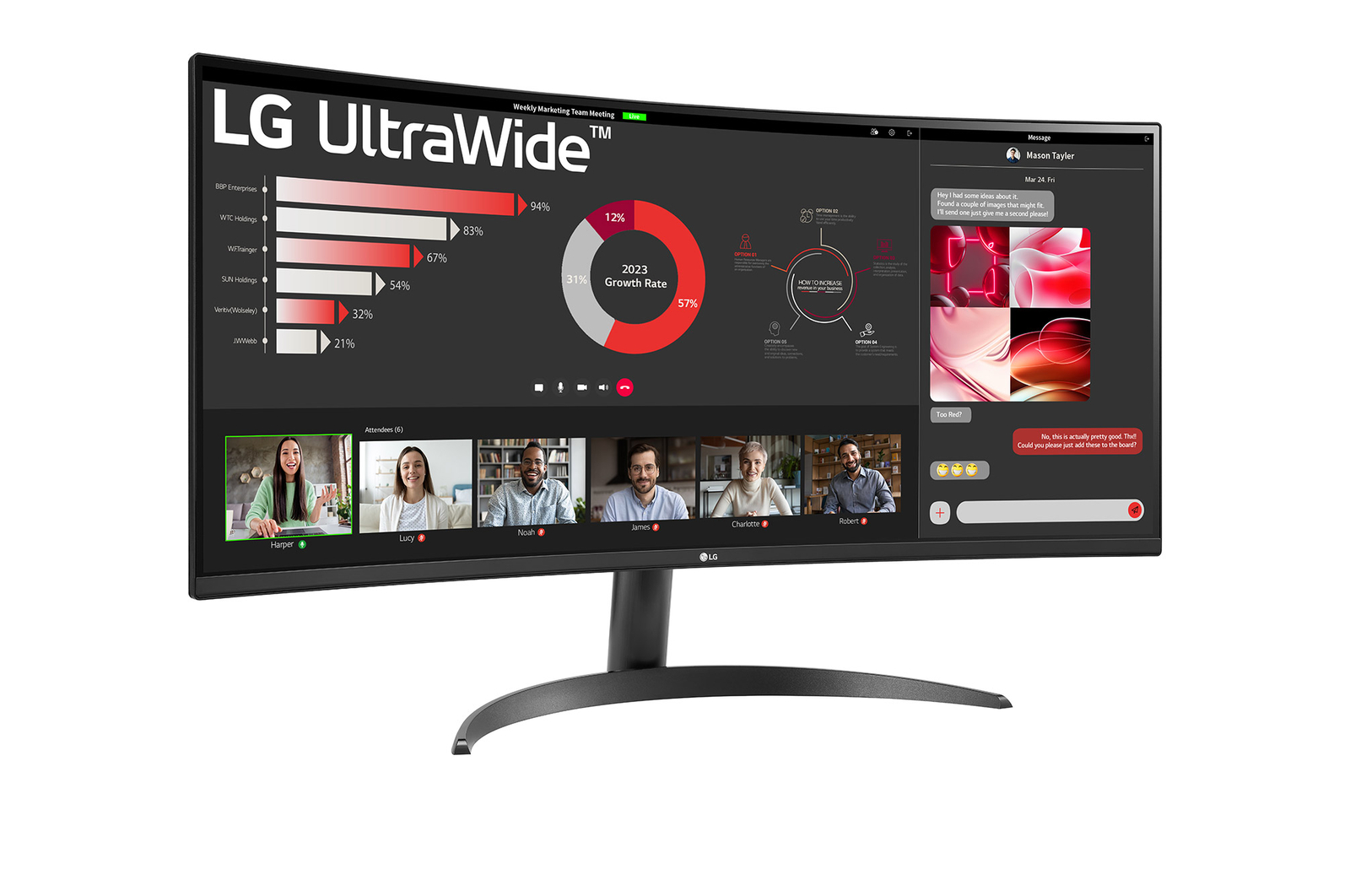
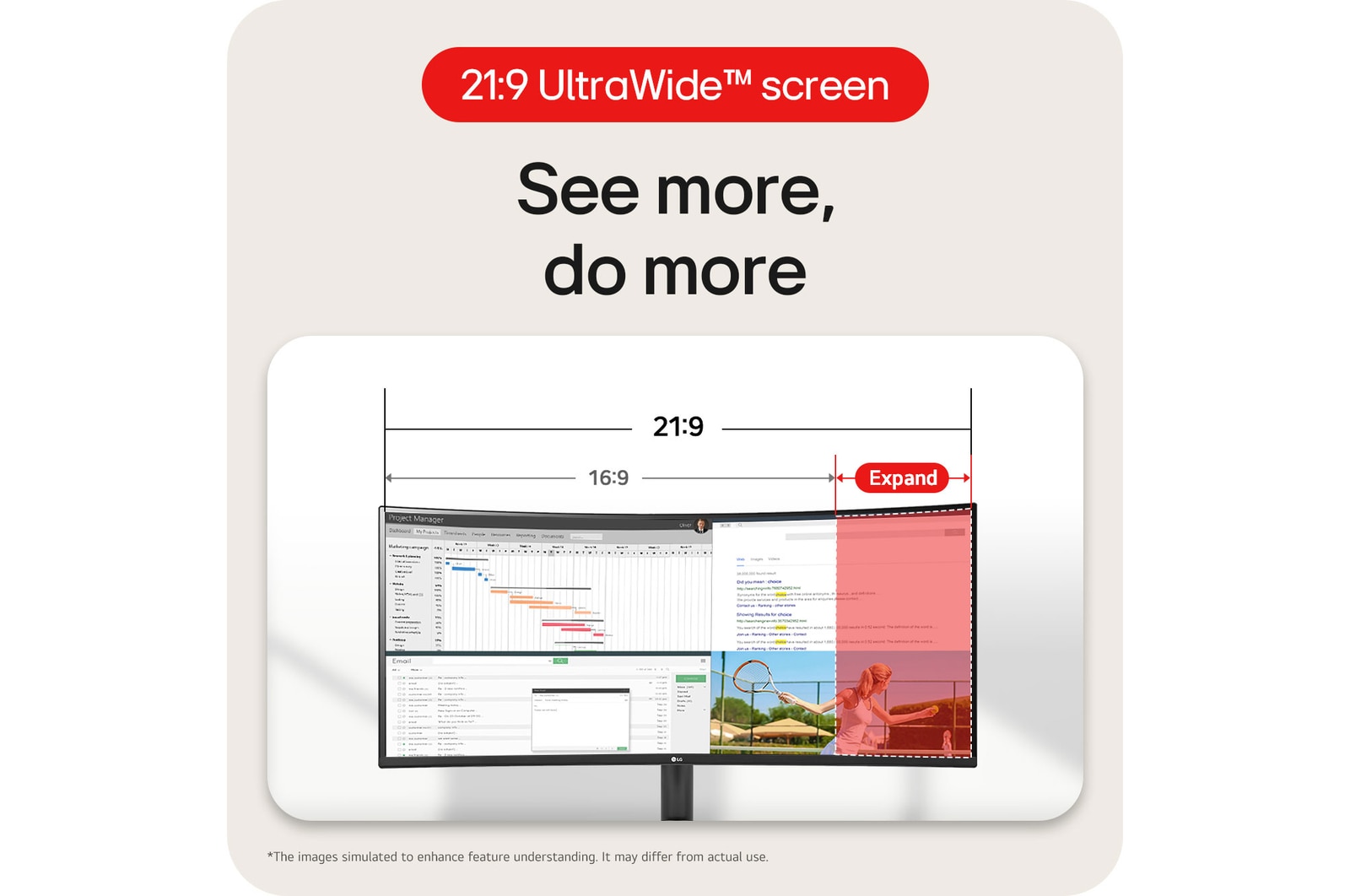
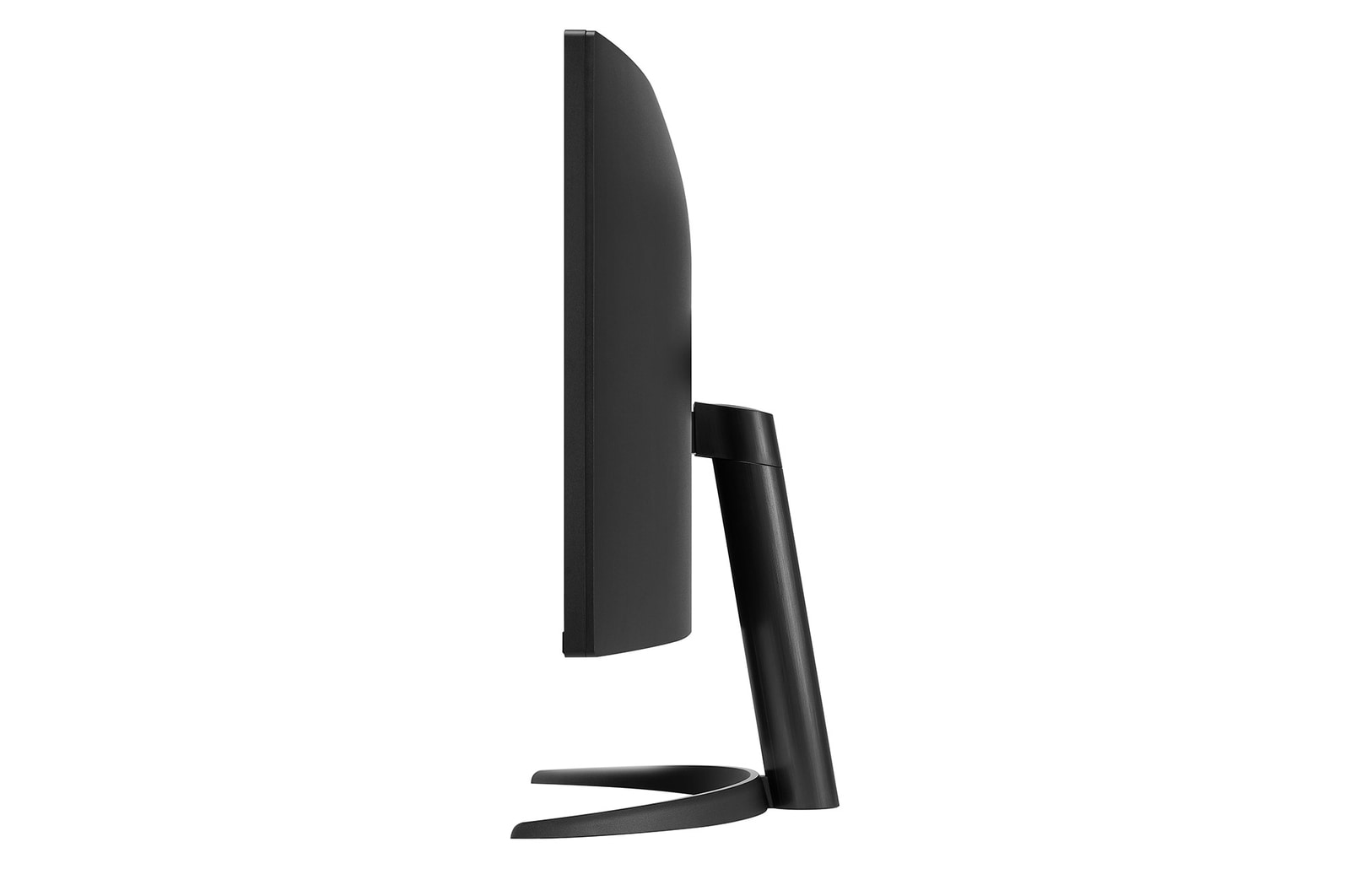
21:9 WQHD (3440x1440) Curved (1800R)
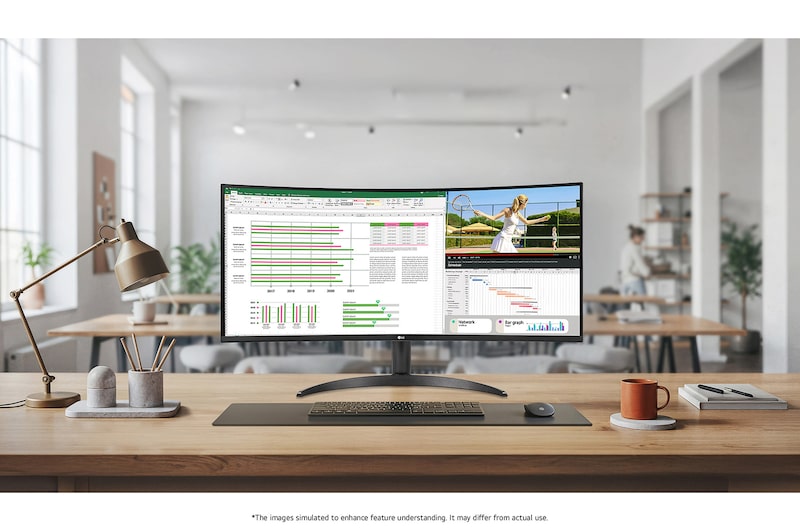
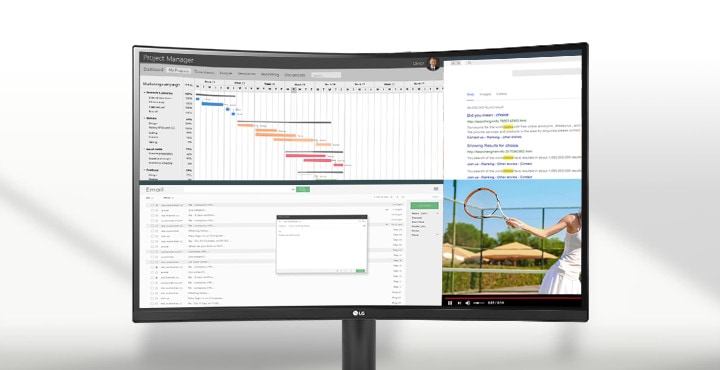
See more, do more
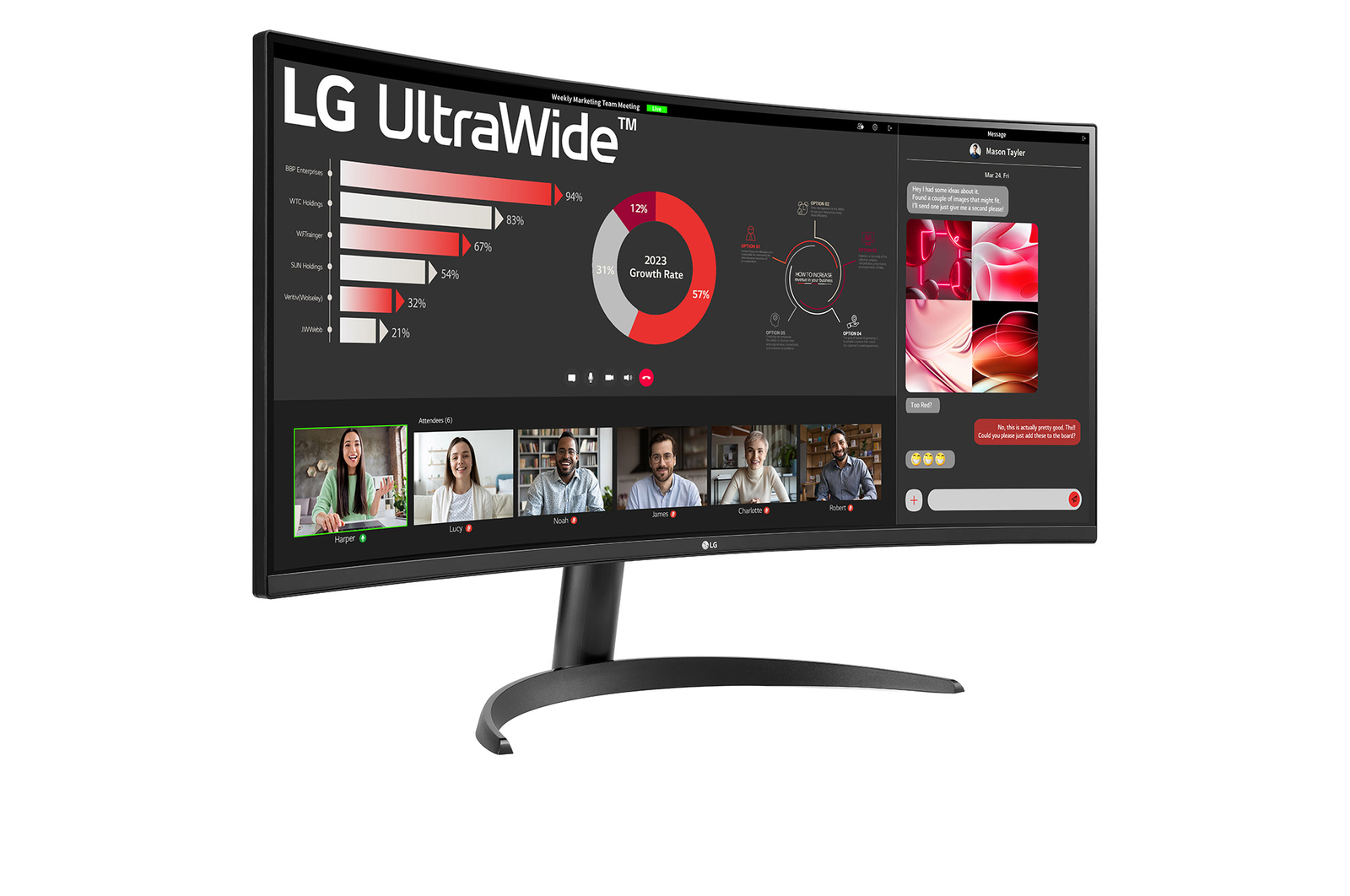
The UltraWide™ QHD (3440x1440) with 1800R curvature and 21:9 aspect ratio is great for work as it can display various programs at once.
*The images simulated to enhance feature understanding. It may differ from actual use.
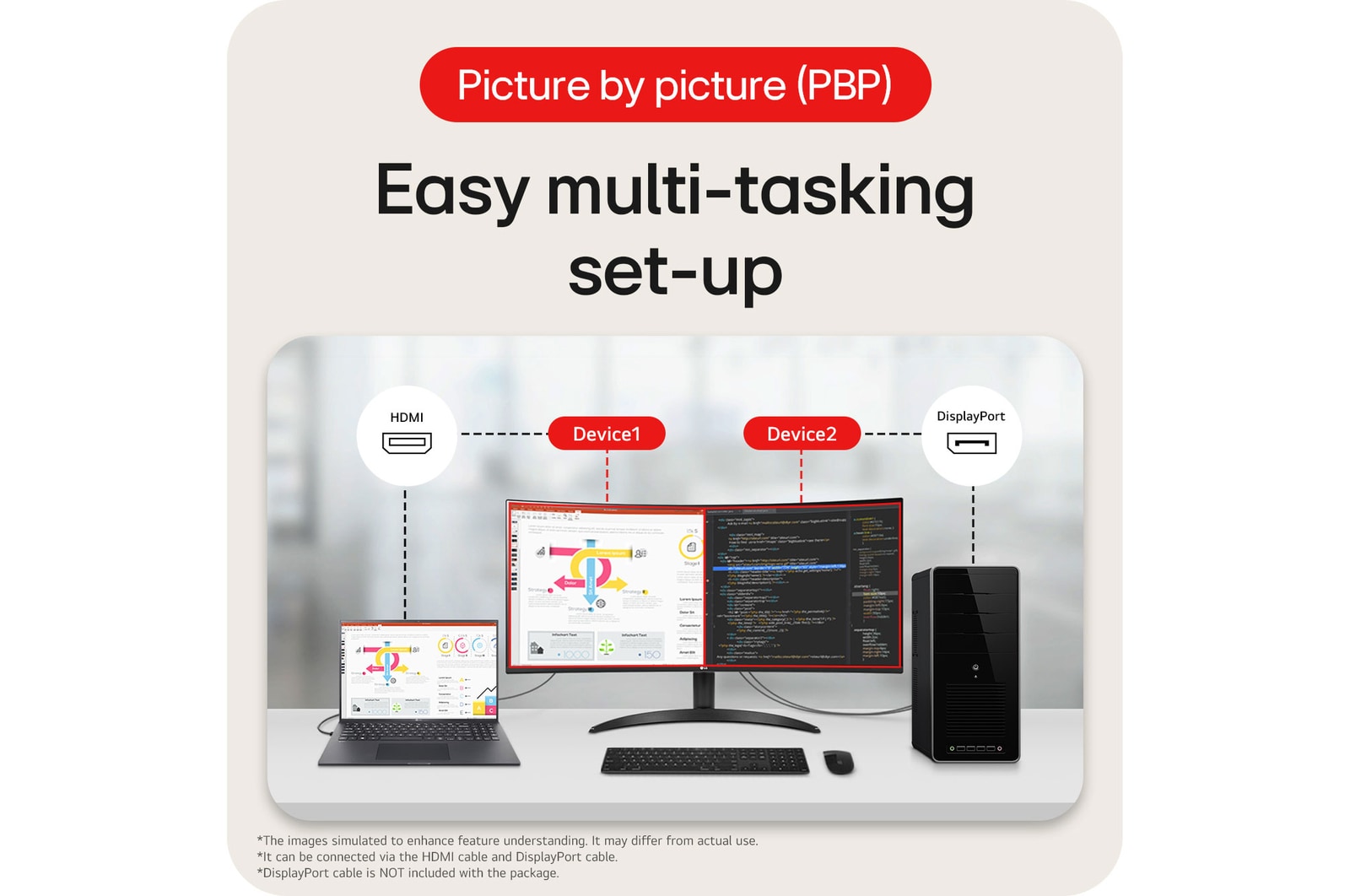
Picture By Picture (PBP)
Easy multi-tasking set-up
34U62TB-B allows you to see multiple contents from two computers with the picture-by-picture feature, so it helps to process work efficiently.
This monitor allows you to see multiple contents from two computers with the picture-by-picture feature, so it helps to process work efficiently.
*The images simulated to enhance feature understanding. It may differ from actual use.
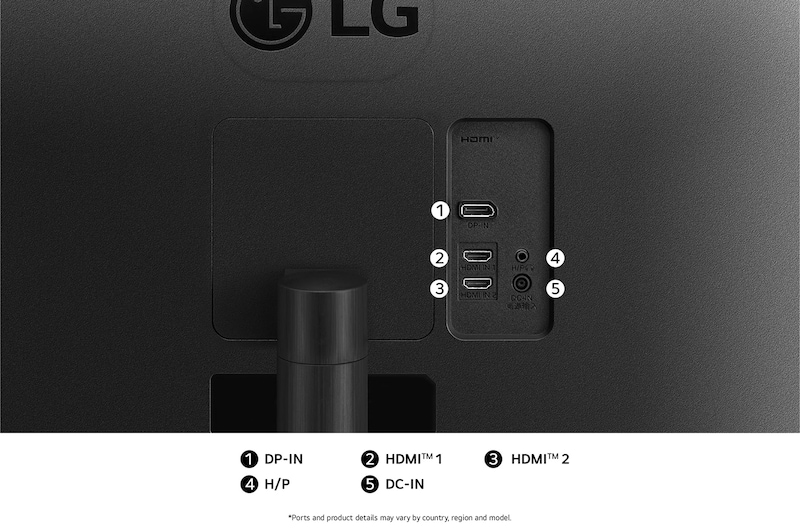
*It can be connected via the HDMI cable and DisplayPort cable.
*DisplayPort cable is NOT included with the package.
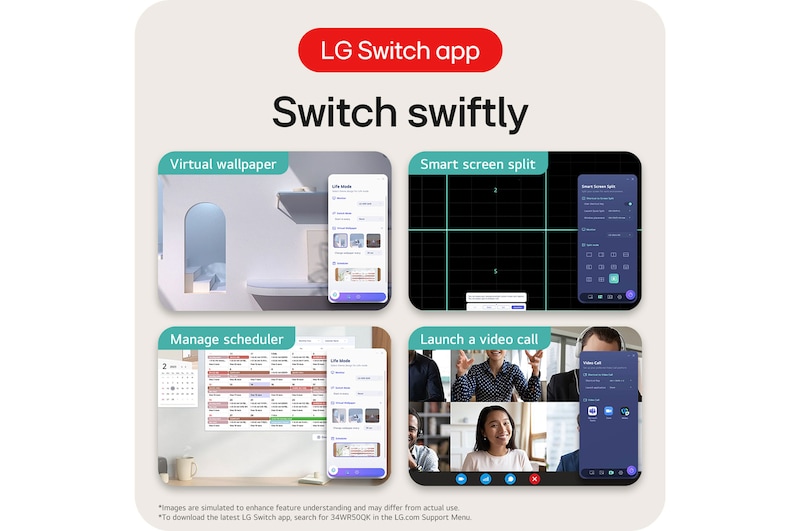
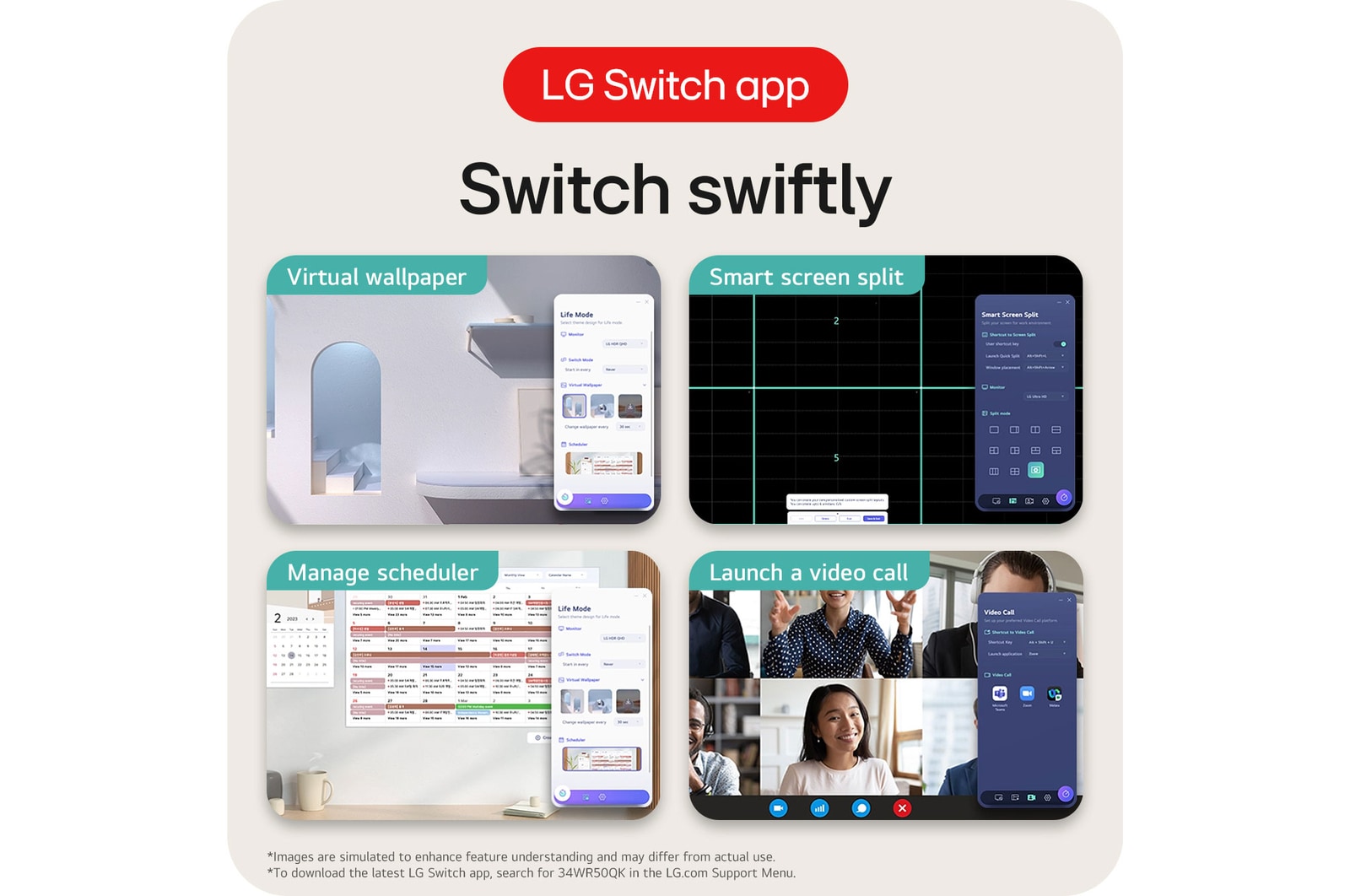
LG Switch app
Switch swiftly
LG Switch app helps to optimise the monitor to your work and life. You can readily divide the whole display up to 6, change the theme design, or even launch a video call platform with a mapped hotkey.
*Images are simulated to enhance feature understanding and may differ from actual use.
*To download the latest LG Switch app, search for 34U62TB-B in the LG.com Support Menu.
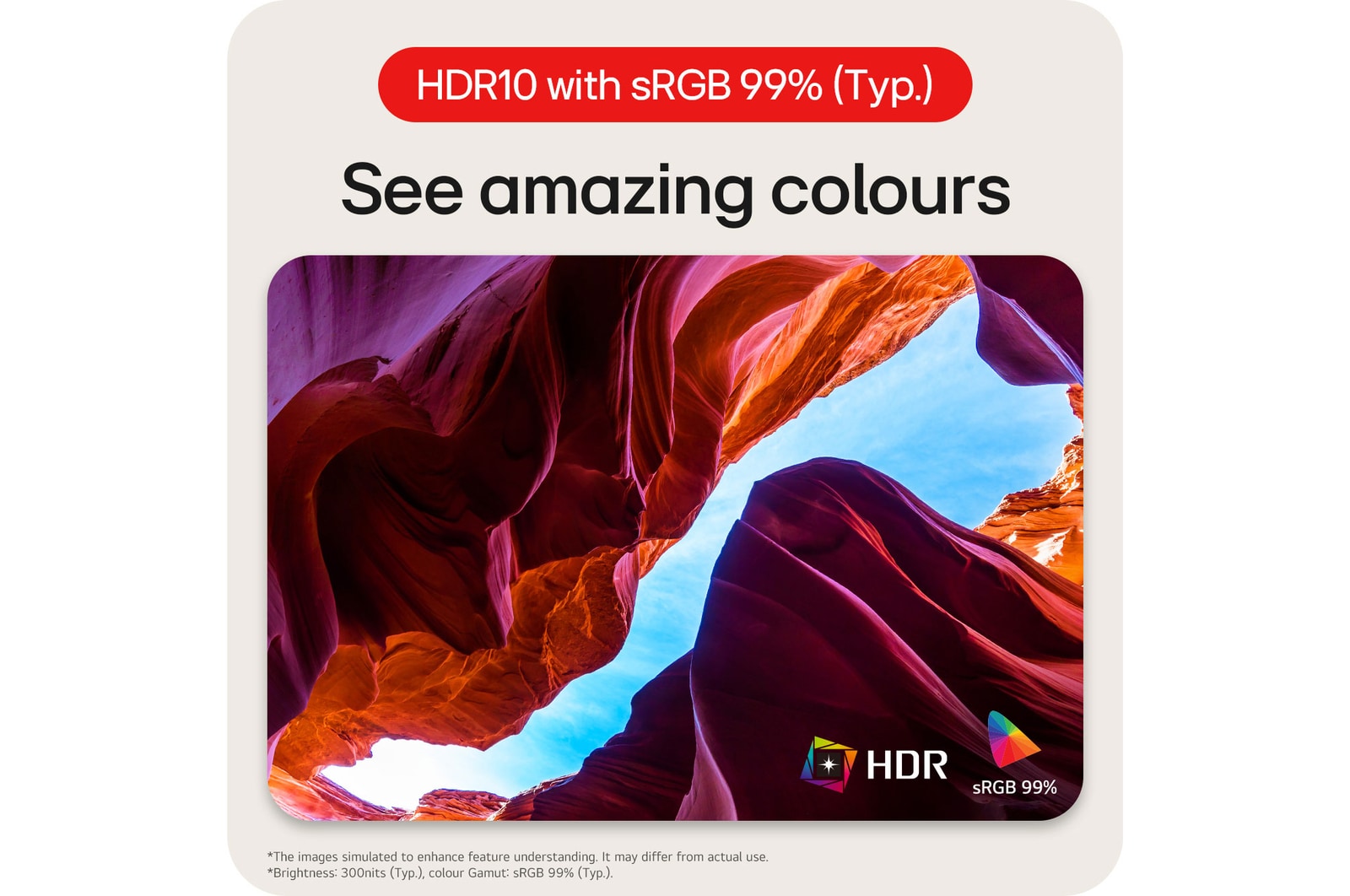
HDR10 with sRGB 99% (Typ.)
See amazing colours
HDR technology is now applied to various content. This monitor is compatible with industry standard HDR10 (High Dynamic Range), based on the sRGB 99% colour gamut, supporting specific levels of colour and brightness that enables viewers to enjoy the dramatic colours of the content.
*The images simulated to enhance feature understanding. It may differ from actual use.
*Brightness: 300nits (Typ.), colour Gamut: sRGB 99% (Typ.).
Ergonomic design
Easy and comfy
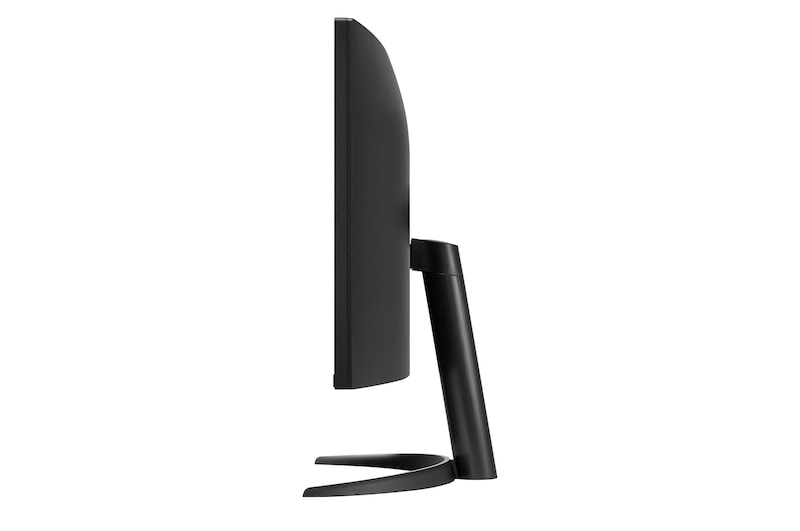
Achieve optimal positioning with the Ergonomic Stand: Simple setting with one click as well as easily adjust Tilt for your ideal viewing experience.
*The images simulated to enhance feature understanding. It may differ from actual use.
Protect your eyes
*The images simulated to enhance feature understanding. It may differ from actual use.
*Above feature may vary depending on real use conditions that the user is using.
Step-by-step guide
Set up your new LG UltraWide monitor: quick and easy
Follow our simple step-by-step video guide to install your new LG UltraWide monitor quickly and correctly. Start your wider workspace today.
*Images based on a representative 3D model for illustrative purposes. Setup steps, components, or shapes may vary by model. Shared assembly sections can still be used as reference—please refer to your product manual for model-specific instructions.
Key Spec
Display - Size [Inch]
34
Display - Resolution
3440 x 1440
Display - Panel Type
VA
Display - Aspect Ratio
21:9
Display - Color Gamut (Typ.)
sRGB 99% (CIE1931)
Display - Curvature
1800R
Display - Refresh Rate (Max.) [Hz]
120
Display - Response Time
5ms (GtG at Faster)
Mechanical - Display Position Adjustments
Tilt/Height/Swivel
All Spec
DISPLAY
Size [Inch]
34
Size [cm]
86.42cm
Resolution
3440 x 1440
Panel Type
VA
Aspect Ratio
21:9
Pixel Pitch [mm]
0.2318 x 0.2318
Color Gamut (Min.)
sRGB 90% (CIE1931)
Color Gamut (Typ.)
sRGB 99% (CIE1931)
Color Depth (Number of Colors)
16.7M
Contrast Ratio (Min.)
1500:1
Contrast Ratio (Typ.)
3000:1
Response Time
5ms (GtG at Faster)
Refresh Rate (Max.) [Hz]
120
Viewing Angle (CR≥10)
178º(R/L), 178º(U/D)
Curvature
1800R
PPI (Pixel Per Inch)
109
Brightness (Typ.) [cd/m²]
300 cd/m²
Brightness (Min.) [cd/m²]
240 cd/m²
FEATURES
HDR 10
YES
HDR Effect
YES
Color Calibrated in Factory
YES
Flicker Safe
YES
Reader Mode
YES
Color Weakness
YES
Super Resolution+
YES
Black Stabiliser
YES
Dynamic Action Sync
YES
Auto Input Switch
YES
PBP
YES (2PBP)
Smart Energy Saving
YES
SW APPLICATION
Dual Controller
YES
LG Switch
YES
CONNECTIVITY
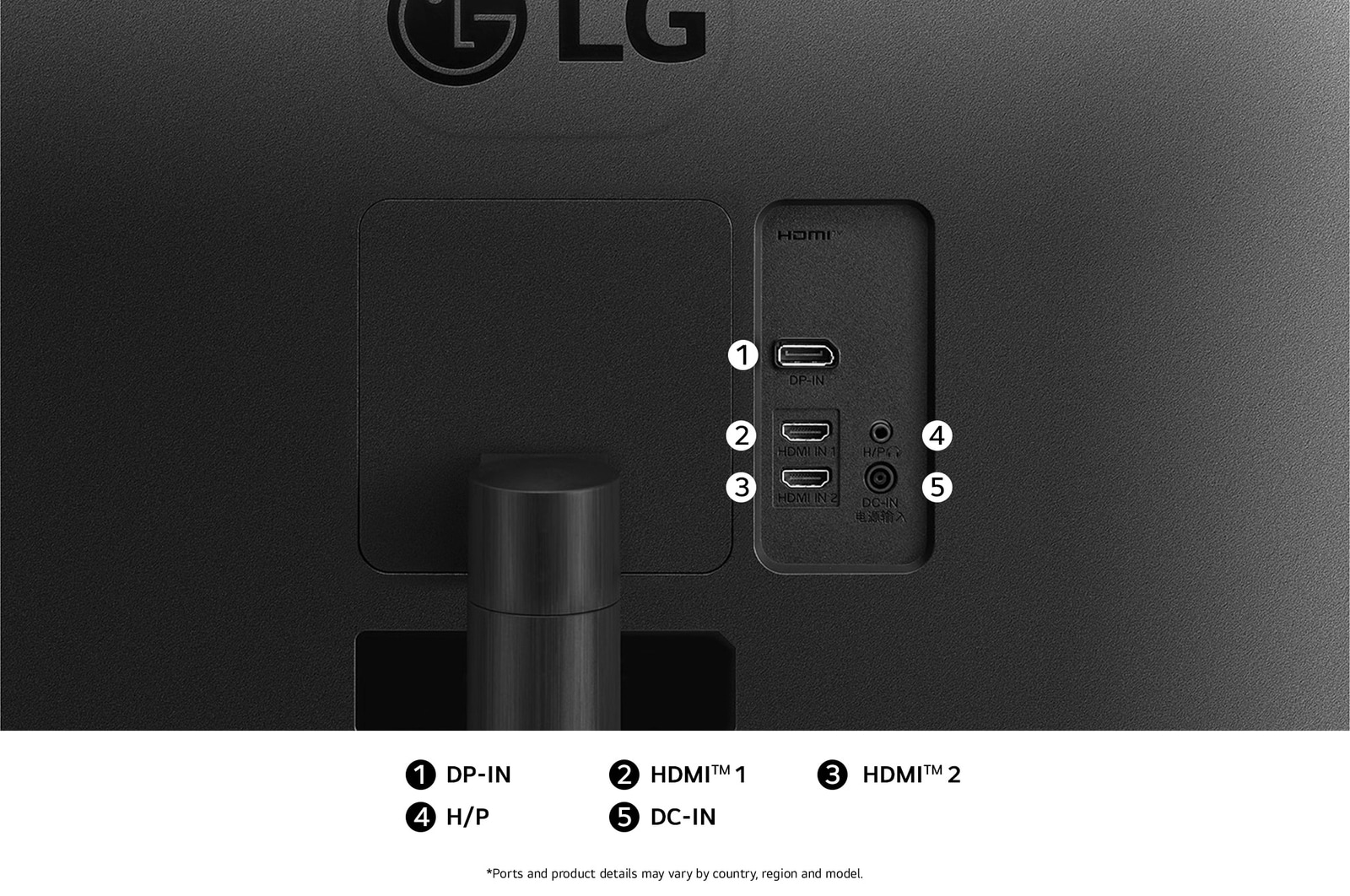
HDMI
YES(1ea)
DisplayPort
YES(1ea)
DP Version
1.4
Headphone output
3-pole (Sound Only)
HDMI (HDCP Version)
2.2
DP (HDCP Version)
2.2
POWER
Type
External Power(Adapter)
AC Input
100~240V (50/60Hz)
Power Consumption (Sleep Mode)
Less than 0.5W
Power Consumption (DC Off)
Less than 0.3W
Power Consumption (On-Mode) (KR)
35.3W
Power Consumption (On-Mode) (ErP)
31W
Power Consumption (On-Mode)
38.4W
MECHANICAL
Display Position Adjustments
Tilt/Height/Swivel
Wall Mountable [mm]
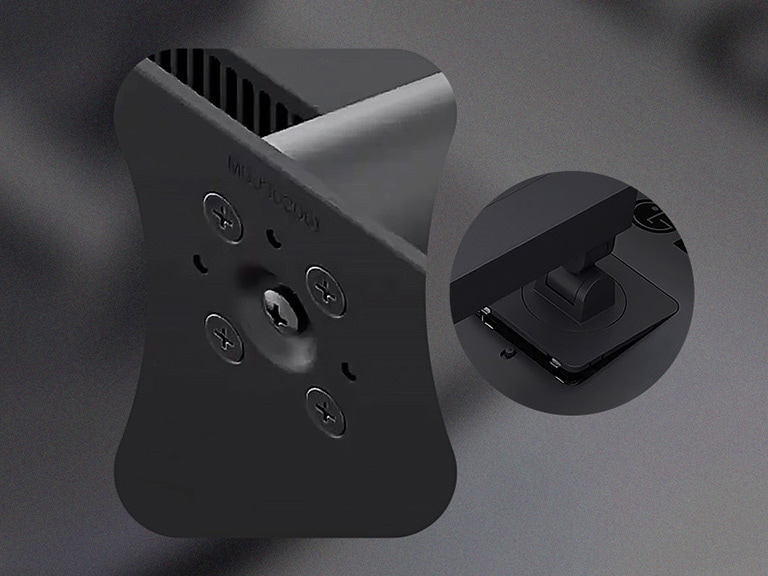
100 x 100 mm
DIMENSIONS/WEIGHTS
Dimension with Stand (W x H x D) [mm]
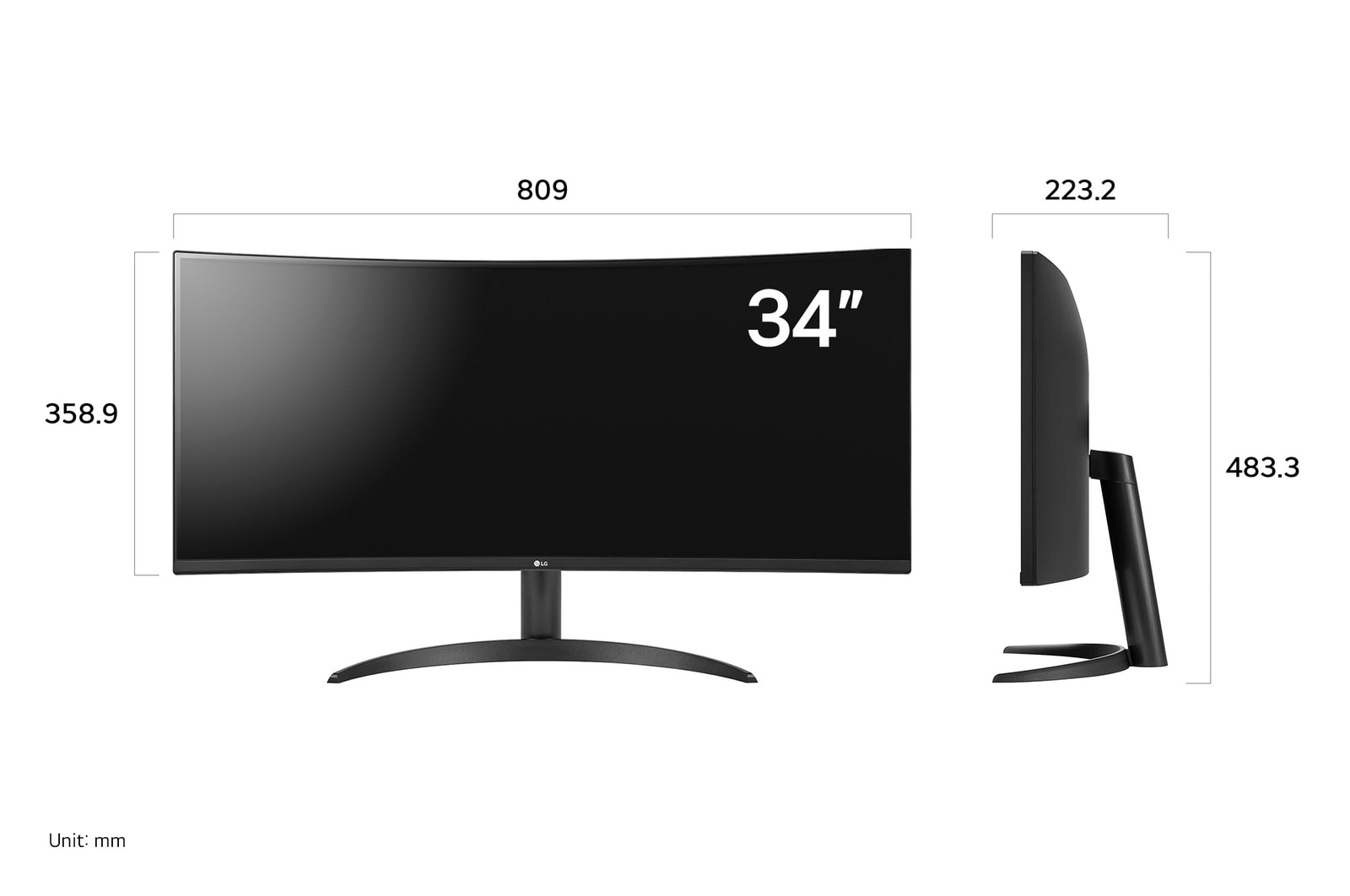
809 x 533.8 x 230.0
Dimension without Stand (W x H x D) [mm]
809 x 358.9 x 91.5
Dimension in Shiping (W x H x D) [mm]
1026 x 524 x 212
Weight with Stand [kg]
7.7
Weight without Stand [kg]
4.9
Weight in Shipping [kg]
10.6
ACCESSORY
Display Port
YES
COMPLIANCE INFORMATION
- extension:pdf
- extension:pdf
- extension:pdf
- extension:pdf
- extension:pdf
- extension:pdf
- extension:pdf
- extension:pdf
- extension:pdf
- extension:pdf
- extension:pdf
The safety information for accessories is included with the safety information for the product and is not provided separately.
To learn more about how this product handles data and your rights as a user, please visit ″Data Coverage & Specifications″ at LG Privacy
What people are saying
FAQ
What are the benefits of using an ultra-wide monitor?
1. Wider Screen Space
With an LG UltraWide monitor featuring a 21:9 or 32:9 aspect ratio, you can view more content at once. You can comfortably work with multiple program windows—such as Excel, documents, and browsers—side by side without running out of space, making it excellent for multitasking.
2. Ideal for Video and Design Work
The wide workspace and high colour accuracy make it well-suited for editing long video timelines or working on detailed design projects.
3. Enhanced Gaming Immersion
A broader field of view provides an advantage in racing, FPS, and strategy games. Some models also support high refresh rates and curved designs, further enhancing the sense of immersion.
4. Optimised for Content Viewing
You can enjoy 21:9 cinema-ratio content without black bars, filling the screen completely for a more immersive experience. It’s also optimised for streaming various content formats on platforms like Netflix and YouTube.

Who would especially benefit from using an ultra-wide monitor?
LG UltraWide monitors are especially recommended for users who want to make the most of a wide screen.
They are ideal for multitaskers who need to work with multiple windows at once, video editors and designers who benefit from viewing long timelines and tool panels side by side, developers who need to arrange code and previews simultaneously, and traders or data analysts who need to monitor real-time graphs and data at a glance. They also suit gamers and content viewers who seek an immersive experience for games and movies.
In short, LG UltraWide monitors are the perfect choice for users who value both productivity and immersion.
What are the differences between OLED, IPS, and VA panels?
OLED panels emit their own light at the pixel level, delivering near-perfect blacks, exceptional contrast, and vivid colours. They also offer ultra-fast response times, making them ideal for high-end gaming monitors, premium TVs, and professional video editing.
IPS panels are known for their accurate colour reproduction and wide viewing angles, maintaining clear images from various positions. This makes them well-suited for office work, design, and gaming. Their excellent colour accuracy is especially appealing to gamers who want to experience visuals exactly as the developers intended.
VA panels boast the highest contrast ratio among LCD types, providing an immersive experience for watching movies and videos. While not as fast as TN panels, they offer nearly comparable performance.
Our Picks for You
Manual& Software
Download product manuals and latest software for your LG product.
Troubleshoot
Find helpful videos and information about your product systems.
Warranty
Check LG warranty information here.
Part& Accessory
Discover accessories for LG products.
Product Registration
Registering your product will help you get faster support.
Product Support
Find manual, troubleshoot and warranty of your LG product.
Order Support
Track your order and check order FAQ.
Repair Request
Repair request service conveniently online.
Find a Store Near You
Recommended Product