We use cookies, including cookies from third parties, to enhance your user experience and the effectiveness of our marketing activities. These cookies are performance, analytics and advertising cookies, please see our Privacy and Cookie policy for further information. If you agree to all of our cookies select “Accept all” or select “Cookie Settings” to see which cookies we use and choose which ones you would like to accept.

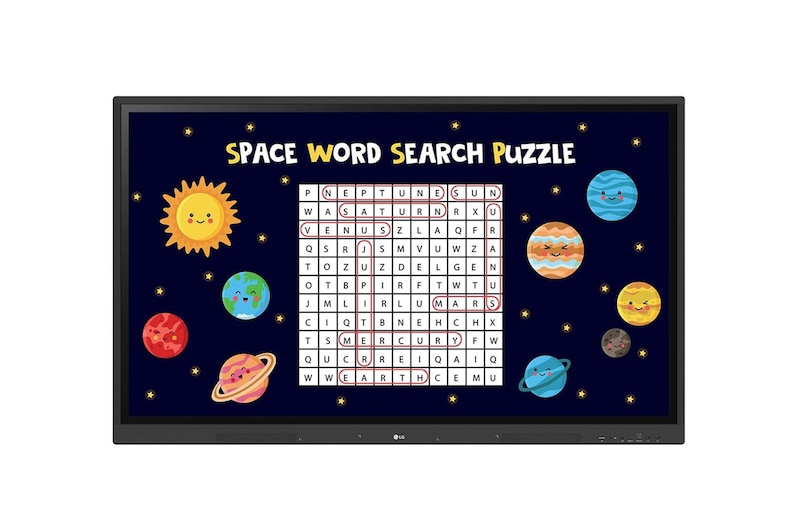
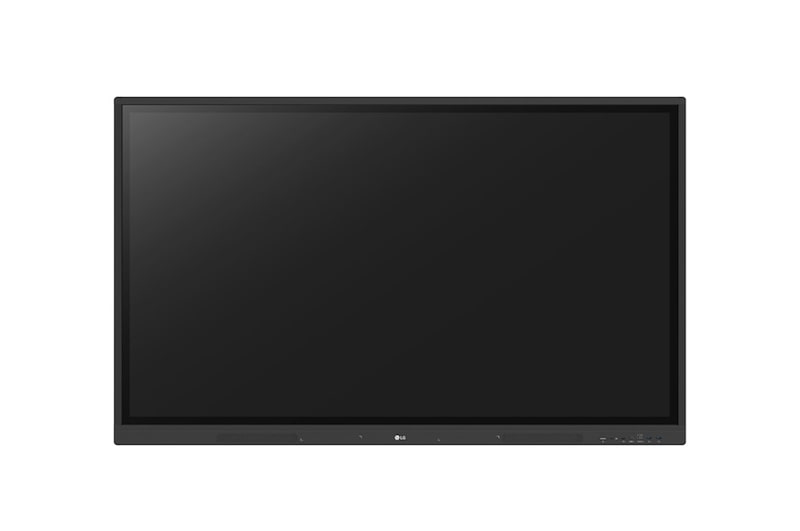
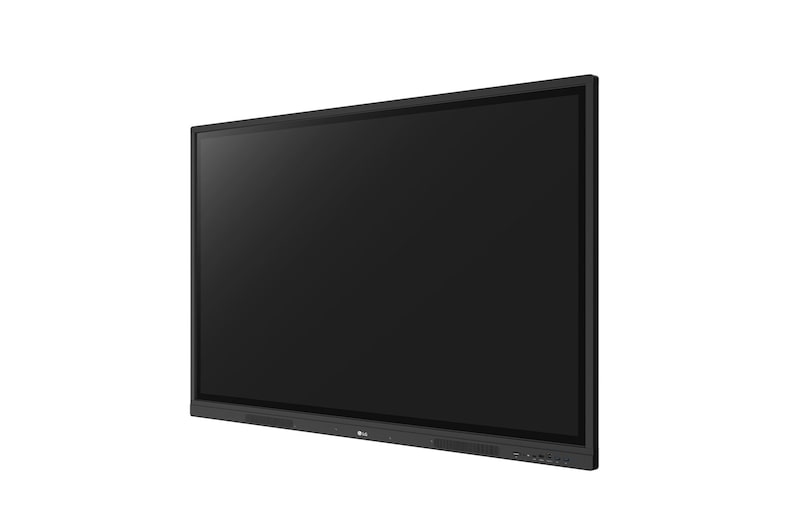
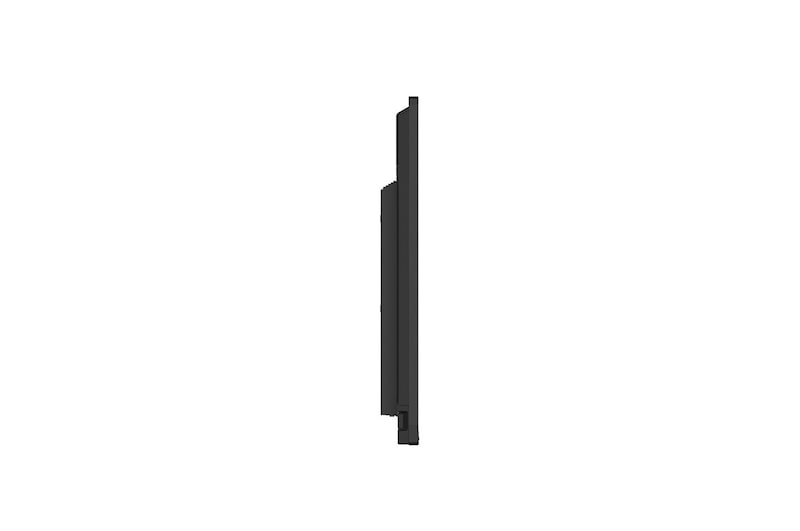
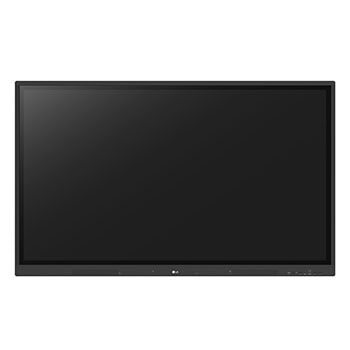
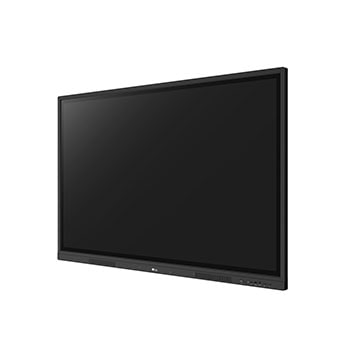
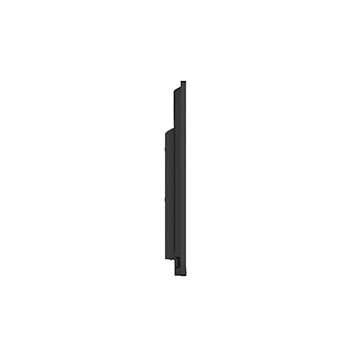
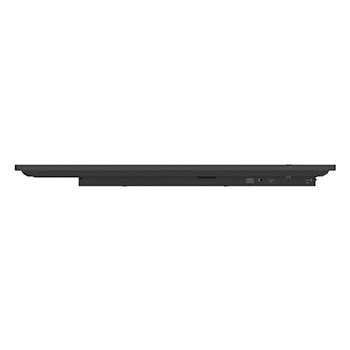
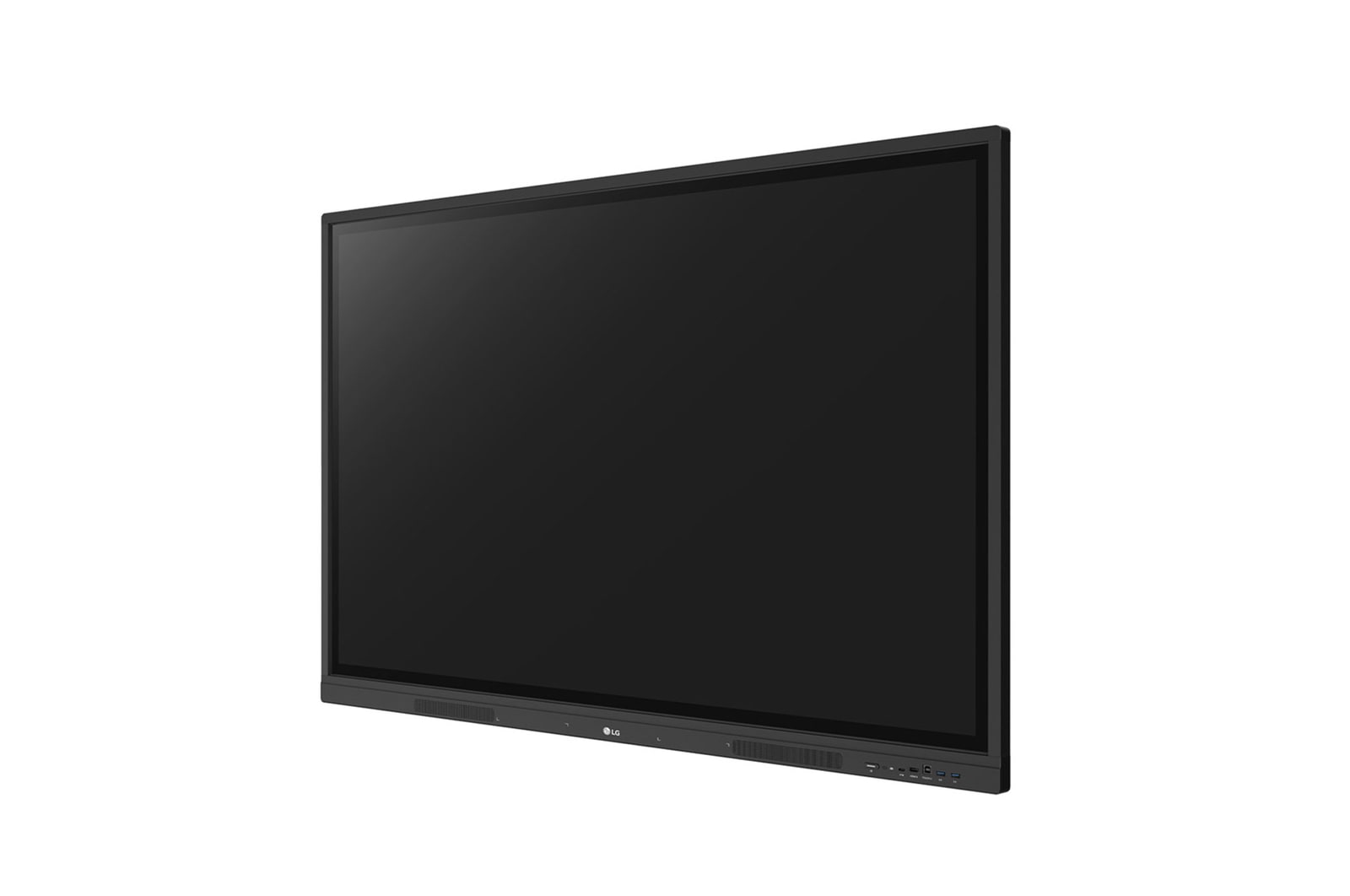
LG CreateBoard
A New Level of Classroom with LG CreateBoard
Class is being conducted in the classroom, and the class material screen which is displayed on the classroom wall's LG CreateBoard is being shared on the students' tablets.
*All images in this page are for illustrative purposes only.
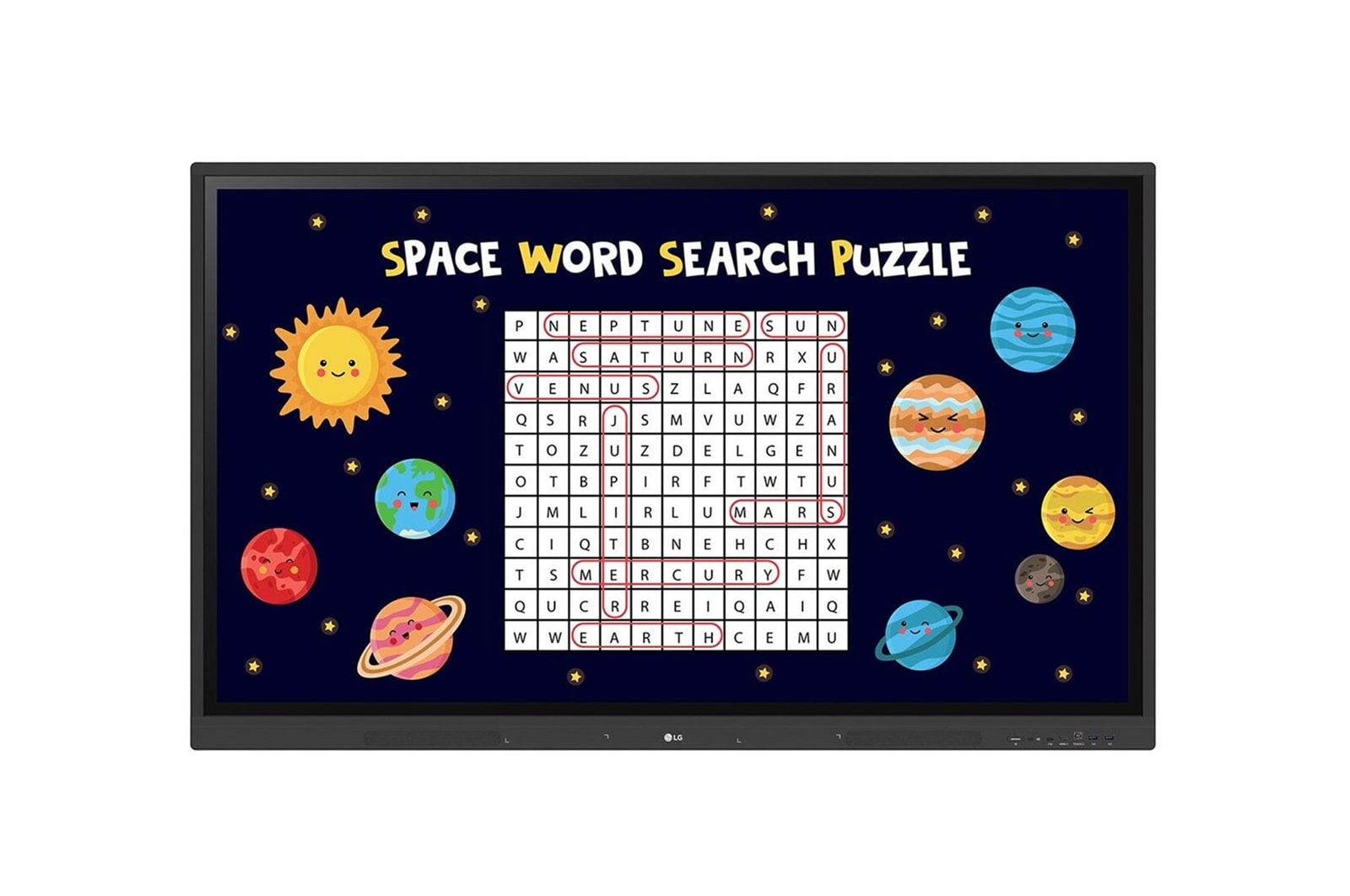
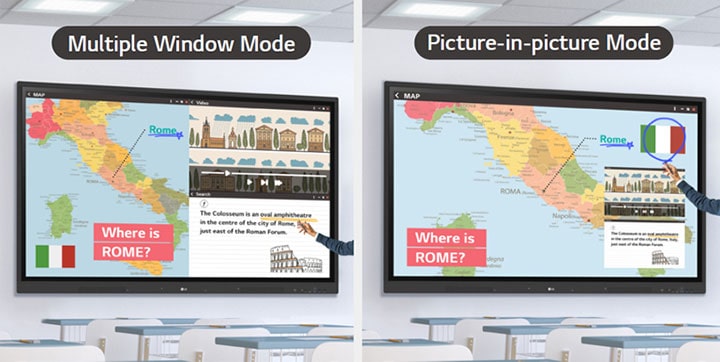
Various Teaching Templates
Students are solving problems using various ruler models on the LG CreateBoard menu.
Multi-touch
"In the classroom, several students are simultaneously writing on the LG CreateBoard screen. "
*A max of 32 points are recognized in the Android environment, and a max of 40 points are detected in the Windows environment.
*Up to 10 points can be recognized in the writing app.
Easy to Save / Import / Export
Materials used to conduct class can be shared through the LG CreateBoard's import and export function after class.
Wireless ScreenShare
The LG CreateBoard can easily share screens with multiple devices in real time via app and website.
*LG CreateBoard also supports app-less sharing for PC (via website) and mobile devices within the same network.
*For a more stable connection, we recommend the installation of a dedicated app (LG CreateBoard Share).
LG ConnectedCare DMS
An IT manager is managing/controlling the status of the LG CreateBoard through LG ConnectedCare DMS.
*'LG ConnectedCare DMS' needs to be purchased separately.
*The availability of the 'LG ConnectedCare DMS' service differs by region, so please contact the LG sales representative in your region for more details.
*LG ConnectedCare DMS supports the TR3DJ/TR3PJ/TR3DK Series as of now(plus more to come) under a cloud environment.
The user can set a threshold for receiving an warning/error signal for eight categories: display temperature, CPU usage, etc. The current status of the issue is easily indicated in categories, enabling for quick real-time responses. Issues can be managed remotely with an LG ConnectedCare DMS solution.
Threshold Settings
Users can set thresholds in eight categories including display temperature, memory usage, or signal, and can receive warning or error notifications based on their threshold settings.
Monitoring & Fault Diagnosis
An engineer can check the status in real-time and diagnose problems remotely. Also, the current status of issues can be categorized, allowing for easy viewing and quick responses.
Issue Management
Remote issue management can be carried out by the LG ConnectedCare DMS solution. This makes management safer and more efficient, facilitating the stable operation of the classroom.
Bluetooth Connectivity
The LG CreateBoard can wirelessly connect to devices such as keyboards, mice, and speakers via Bluetooth.
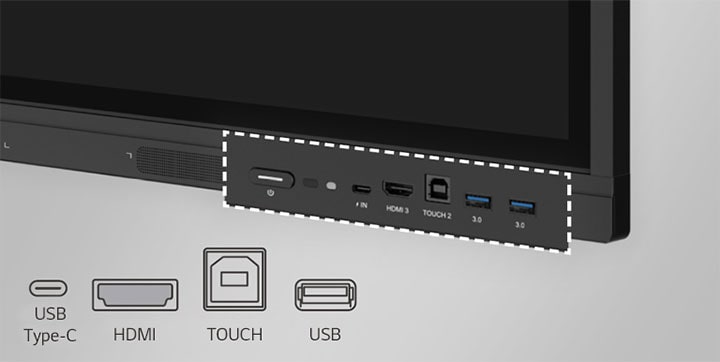
C-type Connection
The LG CreateBoard easily transmits data via USB-C connectivity and can charge up to 65W.
*USB Type-C cables are sold separately.
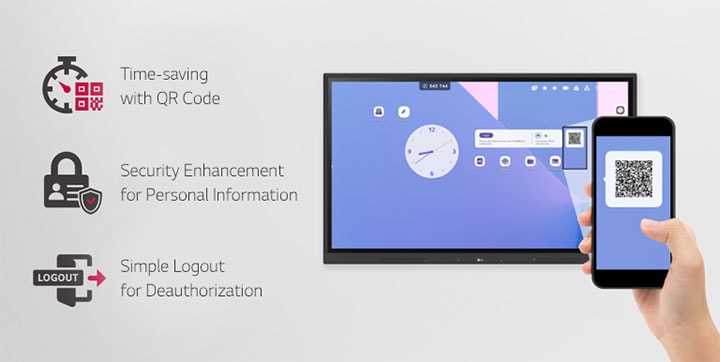
Secure Function
All Spec
PANEL
Screen Size (Inch)
55"
Aspect Ratio
16:9
Back Light Type
Direct
Brightness
440nit(wo Glass, max), 390nit (wo Glass, typ) 400nit(w Glass, typ), 350nit (w Glass, typ)
Color Depth (Number of Colors)
10bit(8bit + FRC)
Color Gamut
NTSC 72%
Contrast Ratio
1200:1
Dynamic CR
5000:1
Life time
50,000hrs (L30)
Native Resolution
3840 x 2160 (UHD)
Operation Hours (Hours/Day)
16/7
Panel Technology
IPS
Portait / Landscape
No/Yes
Refresh Rate
60Hz
Response Time
8ms
Surface Treatment (Haze)
Haze 25%
Viewing Angle (H x V)
178°(H/V)
MECHANICAL SPECIFICATION
Bezel Color
Black
Bezel Width
T/R/L/B : 18/18/18/45mm
Carton Dimensions (W x H x D)
1401×859x220mm
Handle
Yes
Monitor Dimensions (W x H x D)
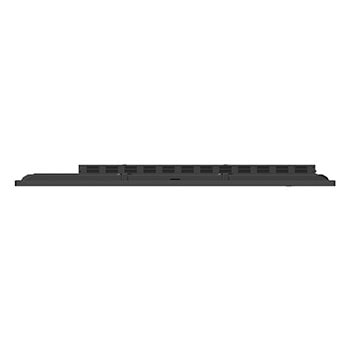
1271×774×87mm
Packed Weight
34.5Kg
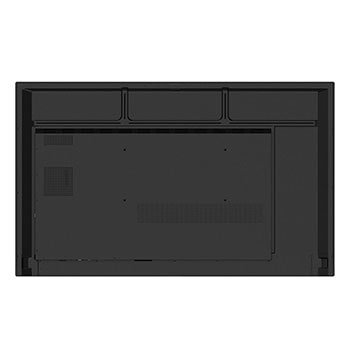
VESA Standard Mount Interface
400×200mm
Weight (Head)
26.1Kg
ENVIRONMENT CONDITIONS
Operation Temperature
0 ~ 40°C
Operation Humidity
10 ~ 90 % RH
POWER
Power Supply
100-240V~ 50/60Hz 3.5A
Power Type
Built-In Power
POWER CONSUMPTION
Typ.
170
BTU (British Thermal Unit)
580 BTU/Hr(Typ.), 1348 BTU/Hr(Max)
DPM
≤0.5W
Max.
395
Power off
≤0.5W
SOUND
Speaker (Built-in)
Yes (15W x 2)
CERTIFICATION
Safety
CB/NTRL
EMC
FCC Class "A"/ CE / KC
ERP / Energy Star
Yes / Yes
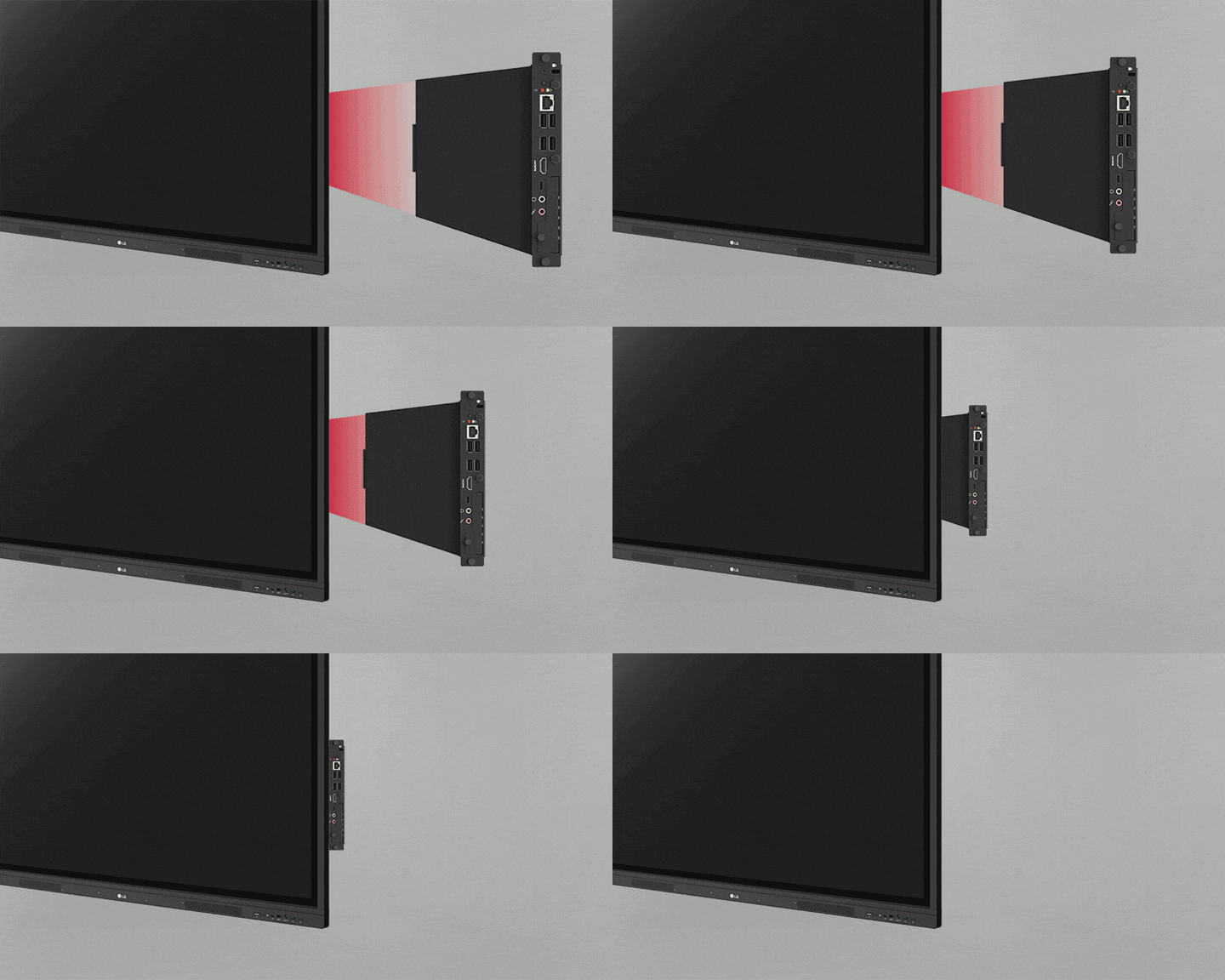
OPS COMPATIBILITY
OPS Type compatible
Yes (Slot)
OPS Power Built-in
Yes
LANGUAGE
OSD
English, Denmark, Finnish, German, Korean, Norwegian, Polski, Portugues(Europe), Portugues(Brazil), Romanian, Spanish, Swedish, Hungarian, Thai
ACCESSORY
Basic
Power Cord 3 M*1, USB Cable (Type A-Type B) 5 M*1, HDMI Cable 3 M*1, Writing Pen*2pcs, User Manual, QSG, Carton Box, Remote Controller(include battery 2ea), Wifi module
Optional
Wall Mount(WM-L000S), Floor Stand(ST-000F)
DEDICATED FEATURE - CREATE BOARD
Bluetooth
Bluetooth 5.0
GPU
Mali G52MP2
LAN
Gigabit LAN
Wi-Fi
802.11a/b/g/n/ac/ax (WiFi 6)
What people are saying
Our Picks for You
Manual& Software
Download product manuals and latest software for your LG product.
Troubleshoot
Find helpful videos and information about your product systems.
Warranty
Check LG warranty information here.
Part& Accessory
Discover accessories for LG products.
Product registration
Registering your product will help you get faster support.
Product support
Find manual, troubleshoot and warranty of your LG product.
Order support
Track your order and check order FAQ.
Repair request
Repair request service conveniently online.
Contact Us
Chat with us
Get your answers from our virtual assistants.
WhatsApp
We are on WhatsApp. Text with our experts for service related concerns
Email us
No time to chat?Send LG Support your inquiry.
Text us
Text ‘*CARE’ to
1-587-742-2623
and get instantly connected to an agent.
(Only for customers located in Canada)