How can Monitor features and terms let you quickly know what they mean?

With features and terms displayed in clear card form, you can instantly see what each one means and understand its role.

LG Monitor Features & Specifications Library

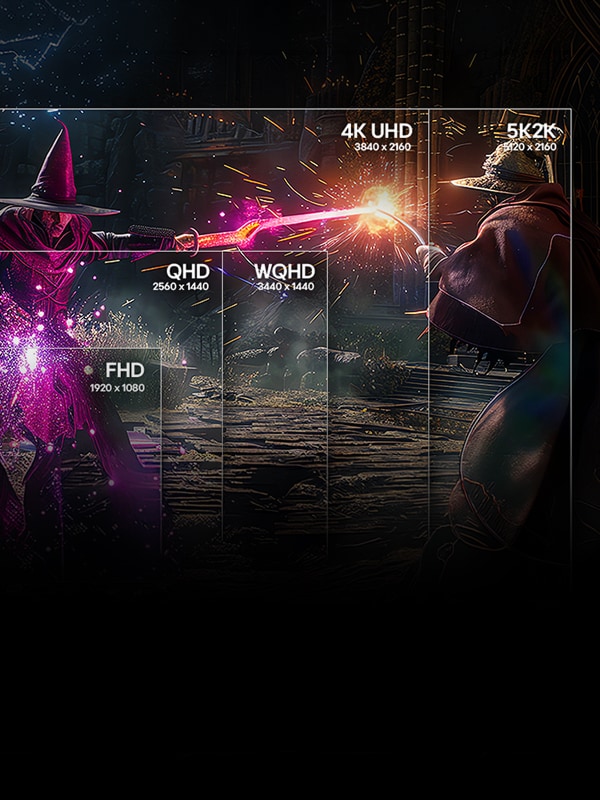
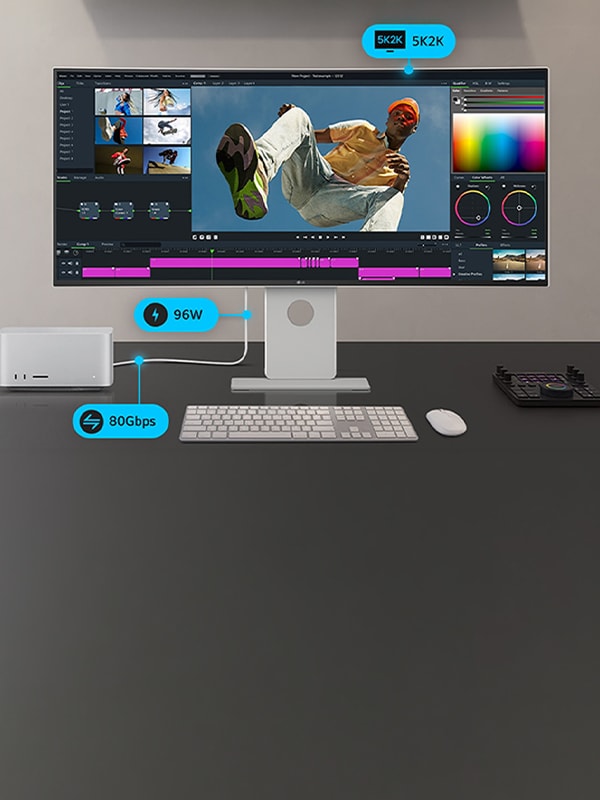
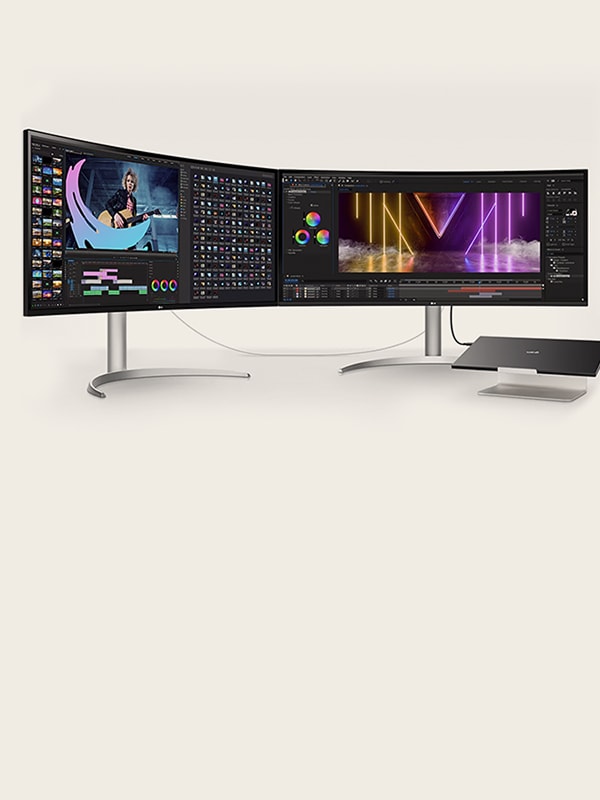
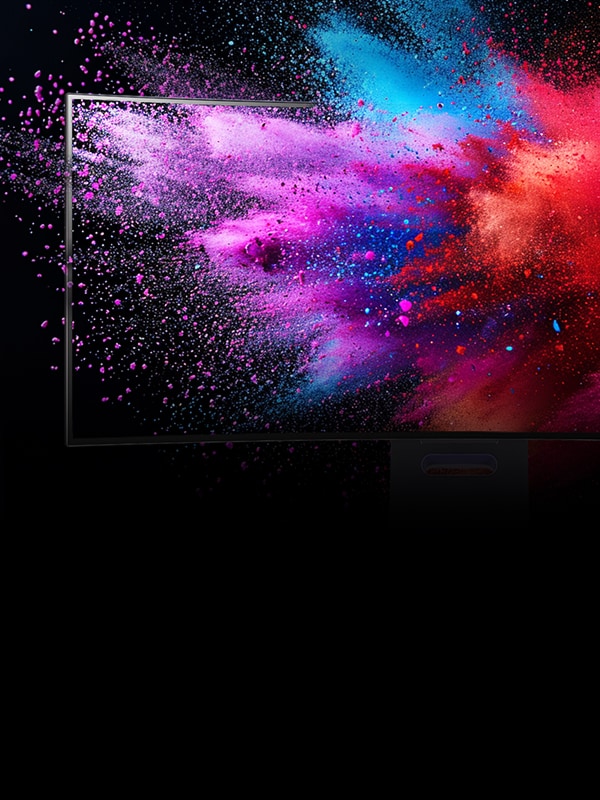
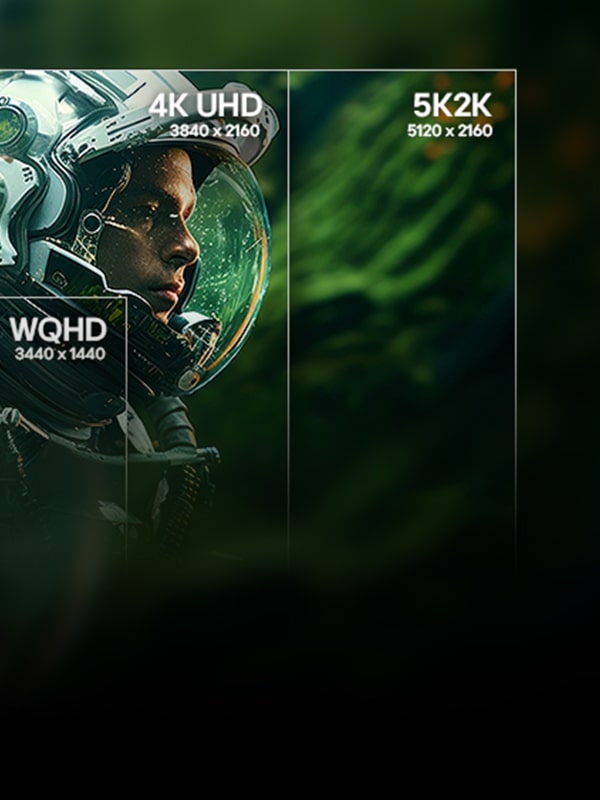
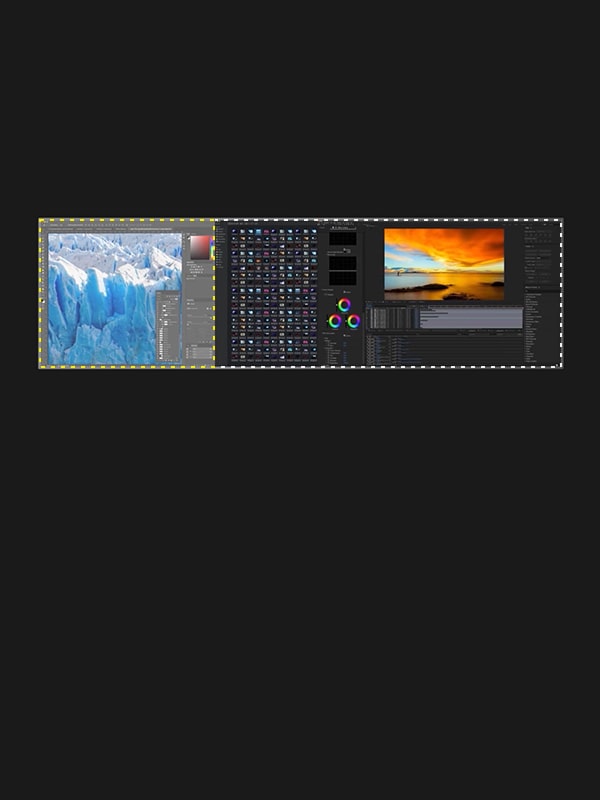
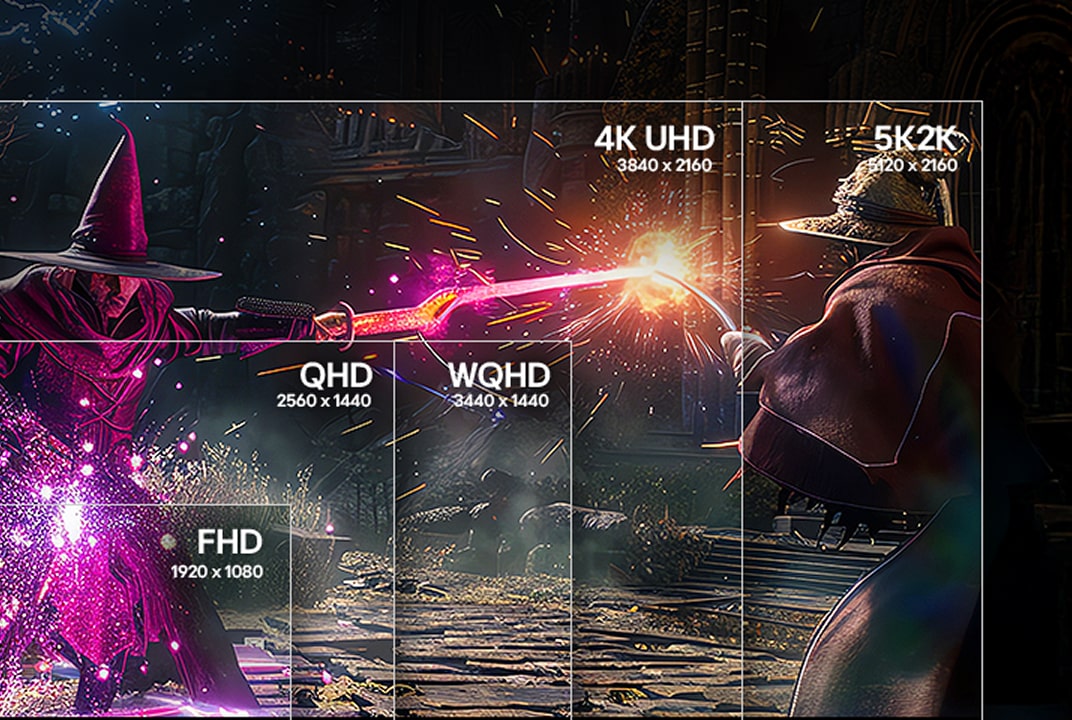
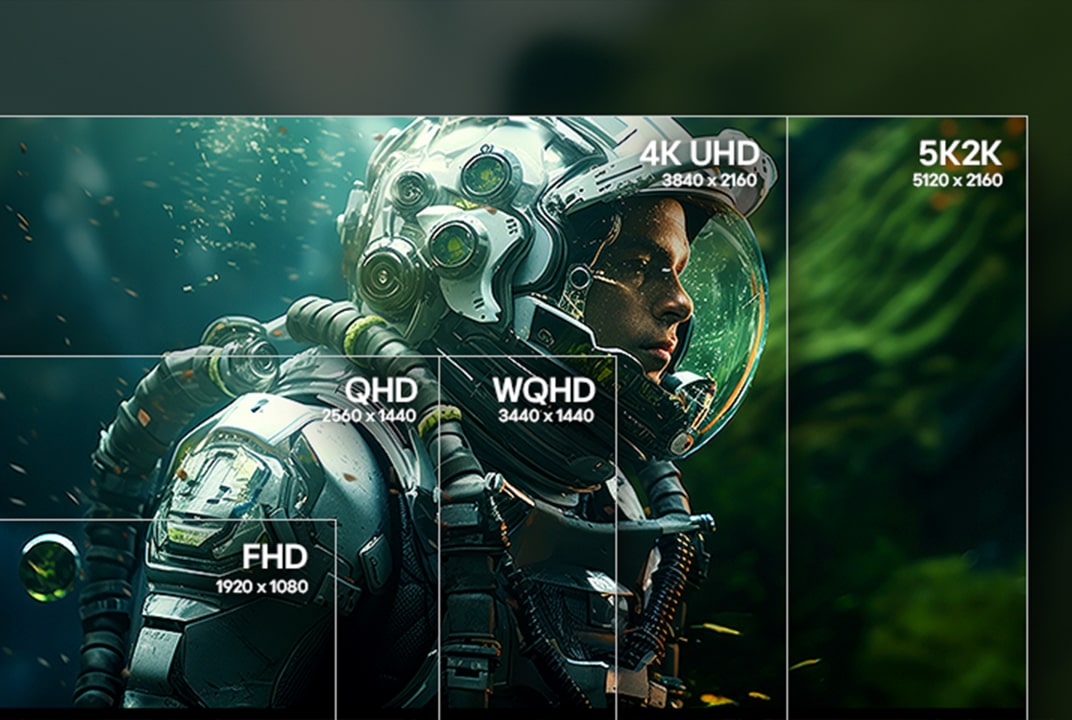
LG monitor showing a game scene divided into FHD, QHD, WQHD, 4K UHD, and 5K2K sections illustrates screen size and resolution options.
Screen Size Screen sizes for different setups
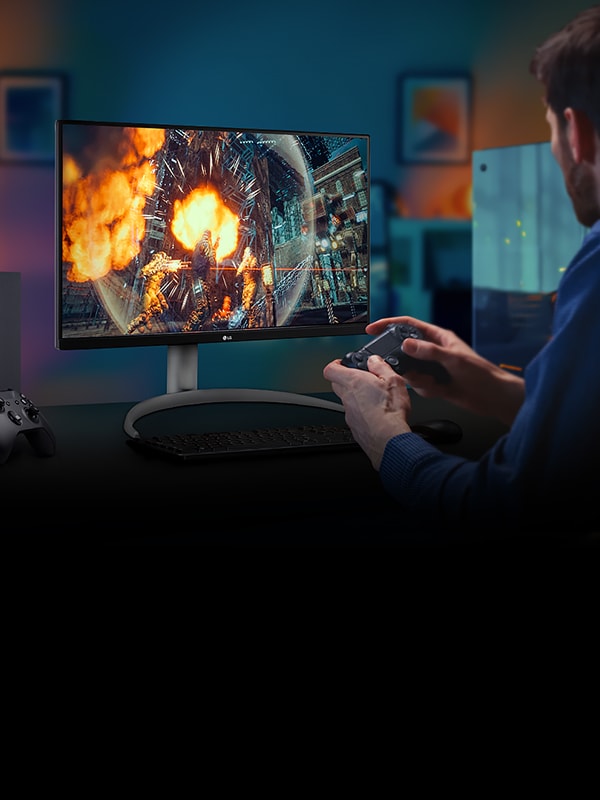
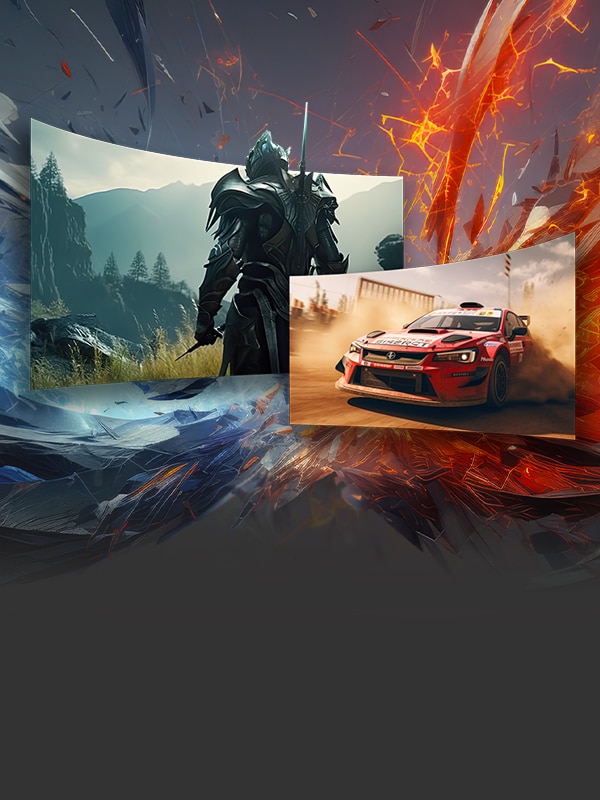
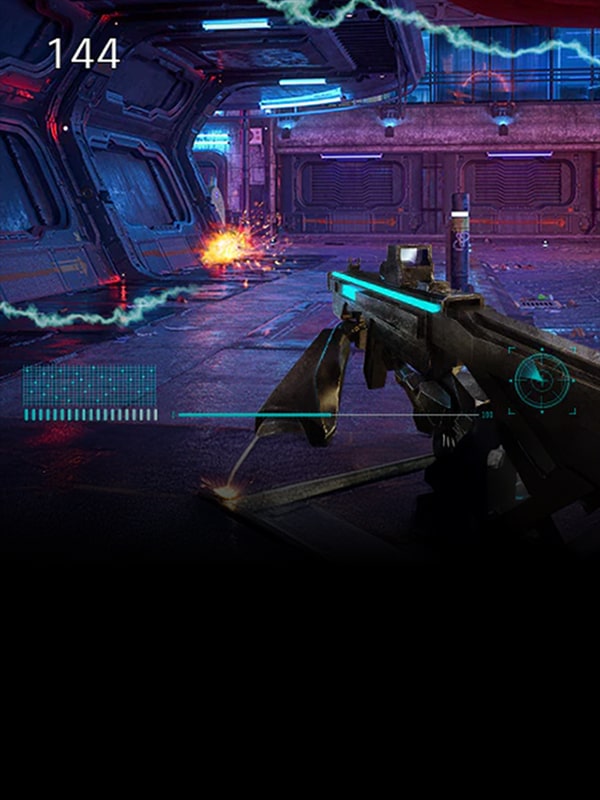
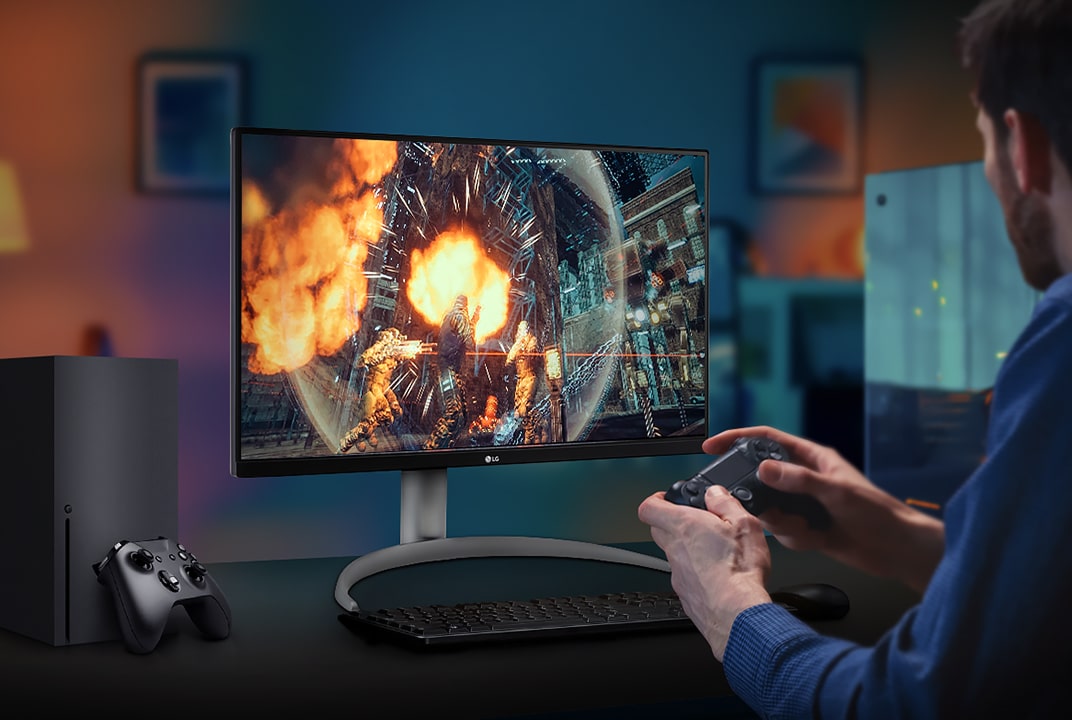
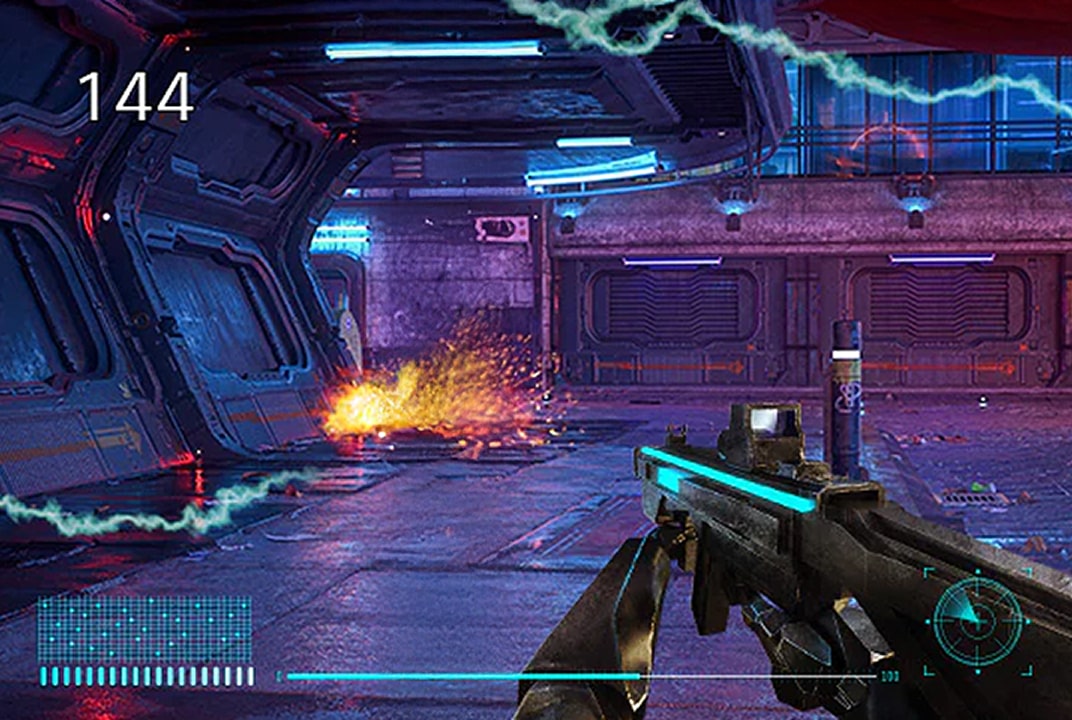
LG gaming monitor showing an action game with a player holding a controller illustrates VRR for smoother motion during gameplay.
VRR Prevents screen tearing in fast games
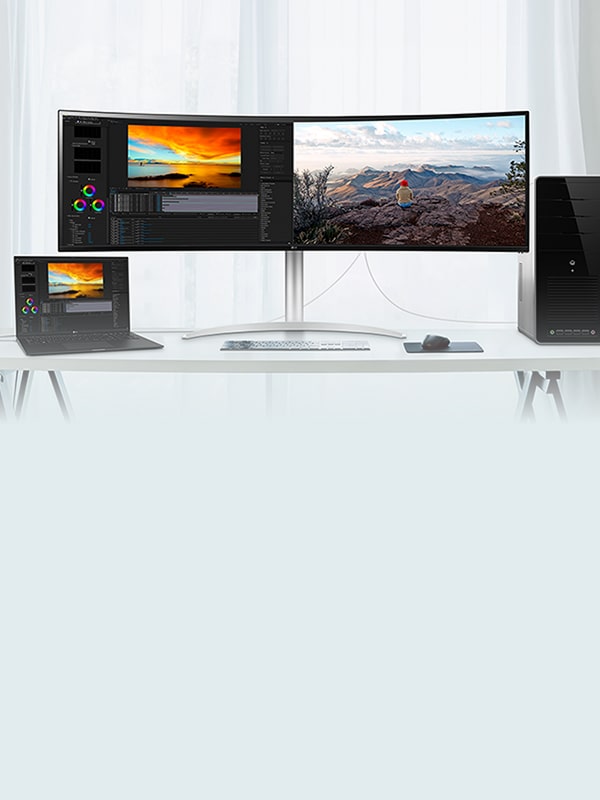
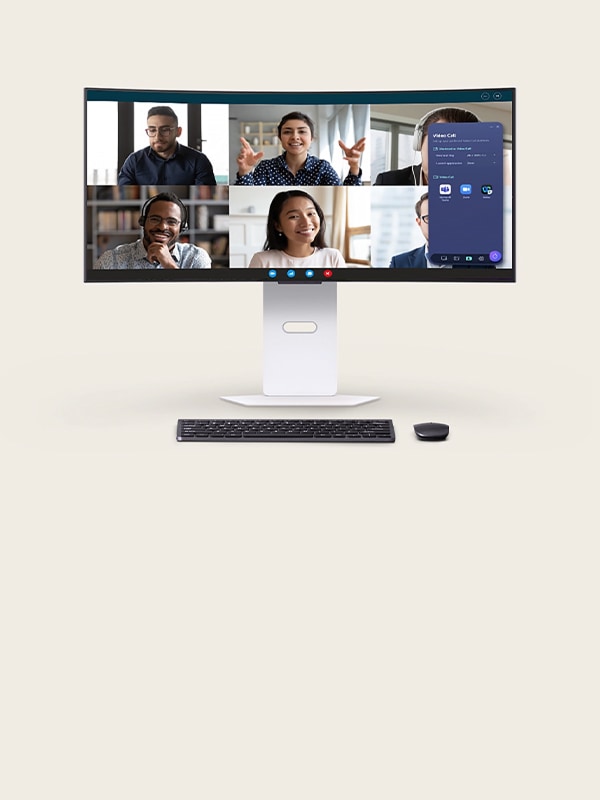
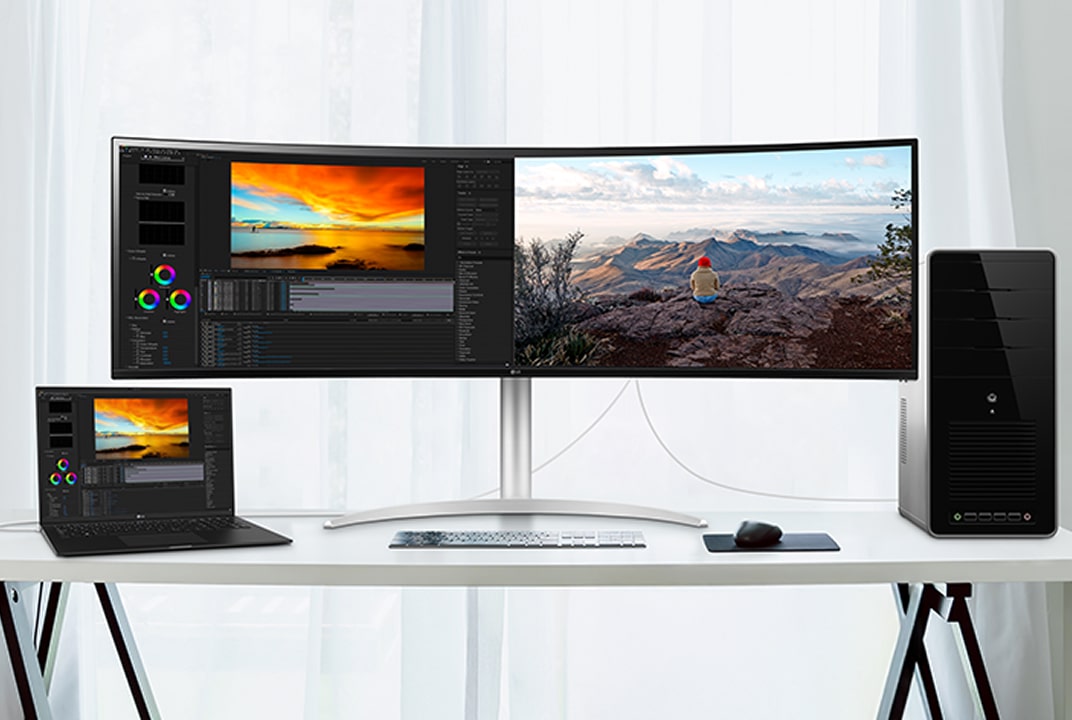
LG monitor setup sharing one keyboard and mouse across devices illustrates KVM control.
KVM (Keyboard
Video Mouse) Control multiple devices with one setup
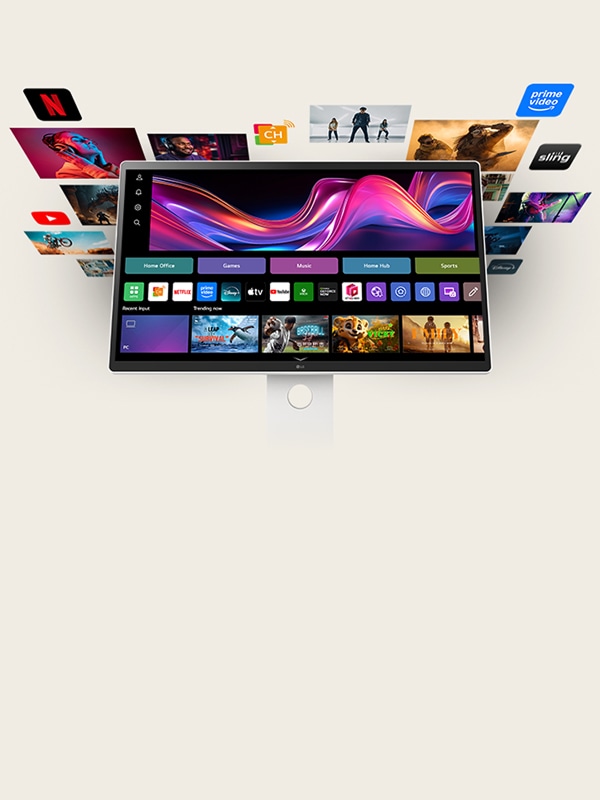
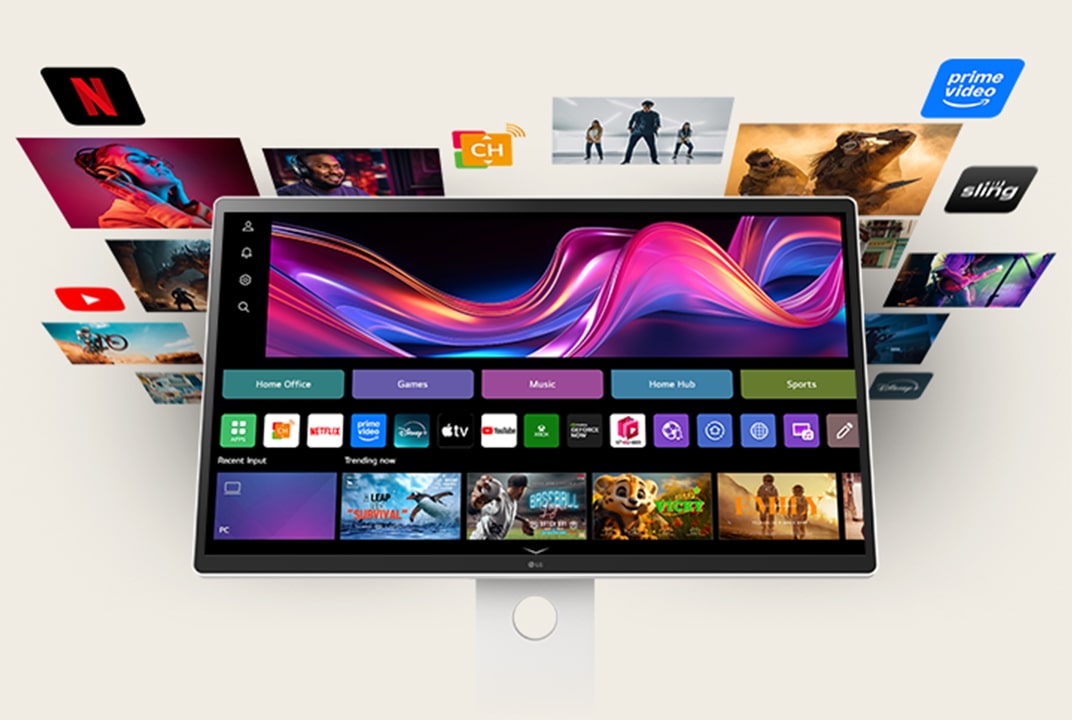
LG smart monitor showing the webOS home screen with app cards and content tiles illustrates the smart interface.
webOS Easy access to apps and content
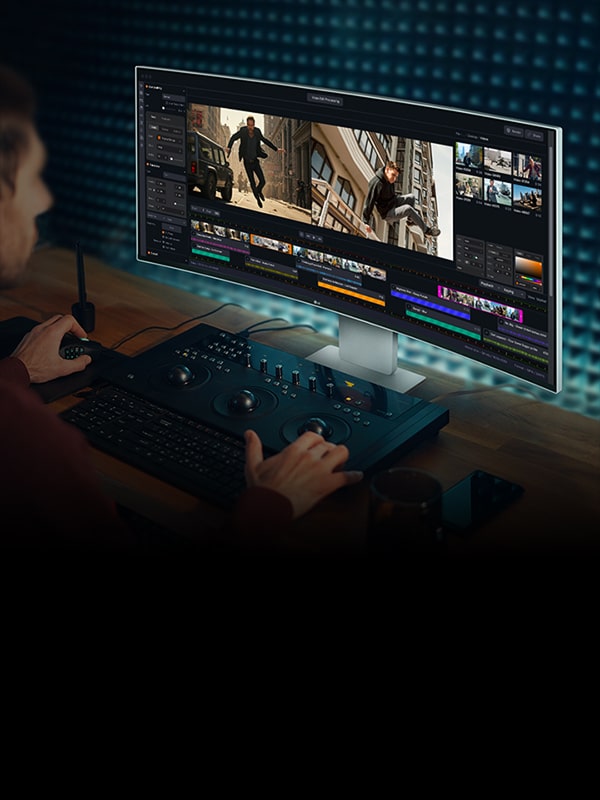
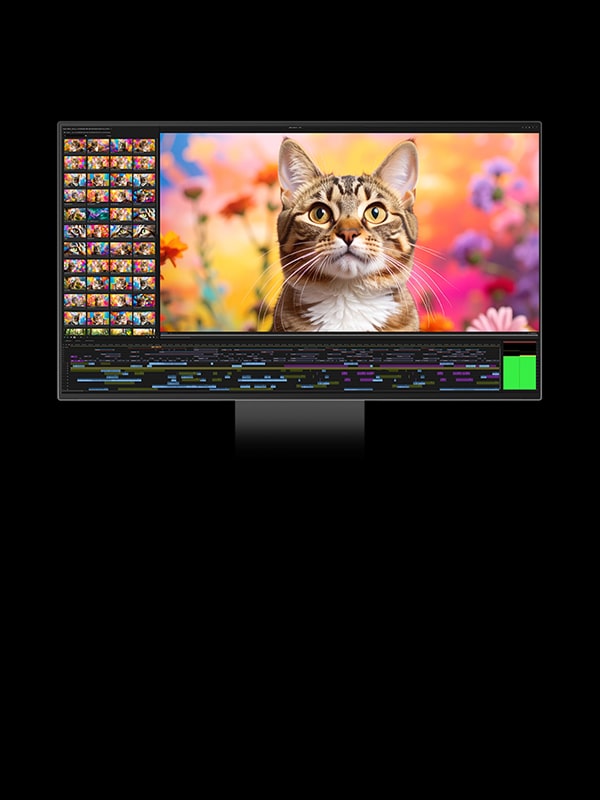
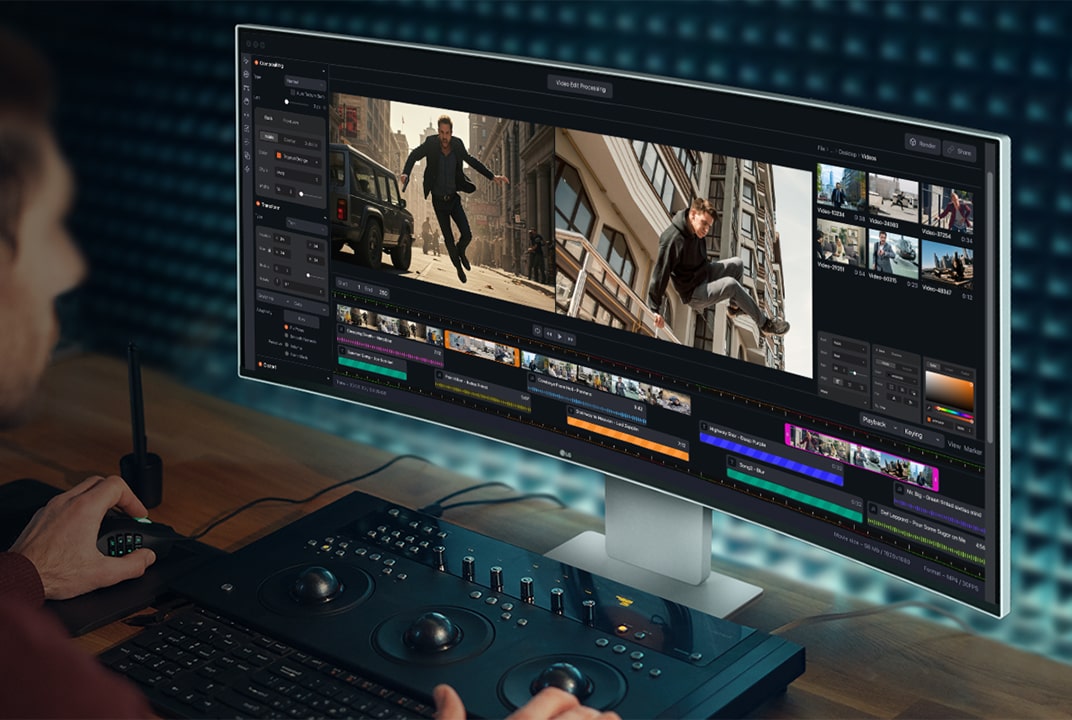
LG monitor viewed from an angle while video editing illustrates wide viewing angles that keep colour and detail consistent.

Viewing Angle Clear visuals from wider viewing angles
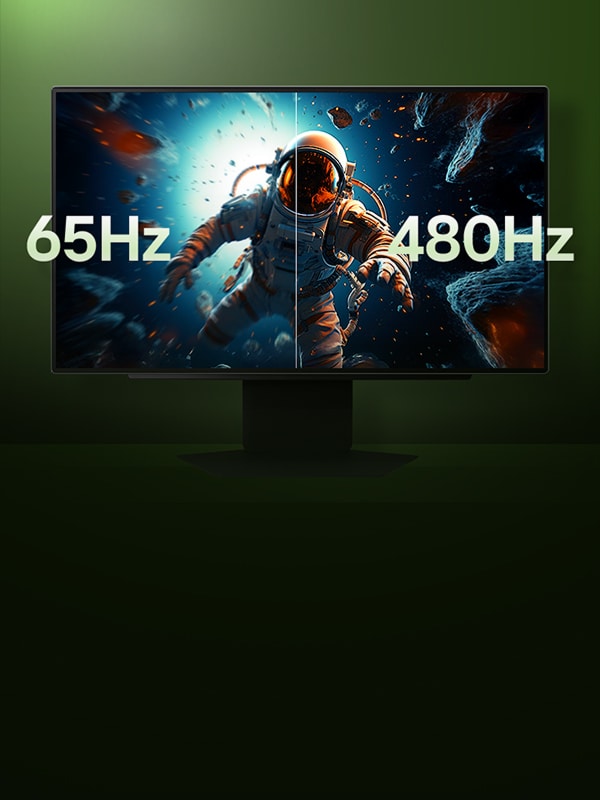
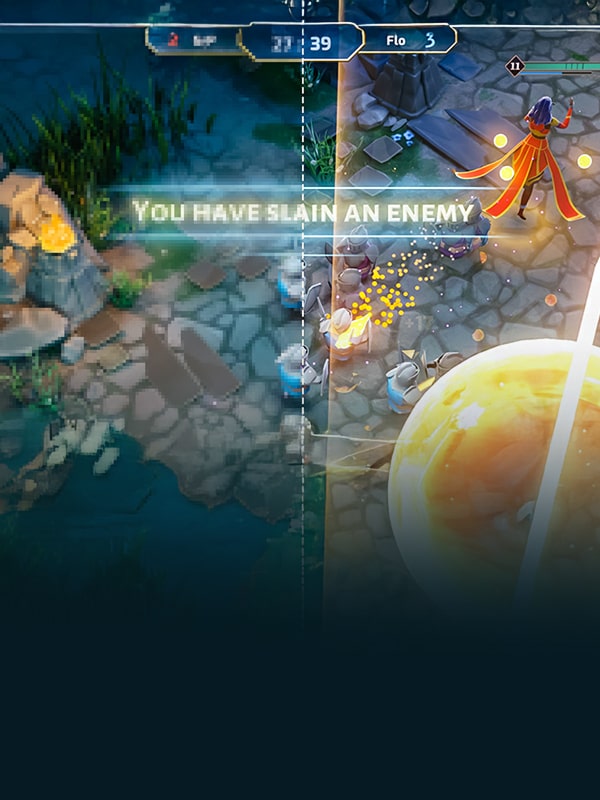
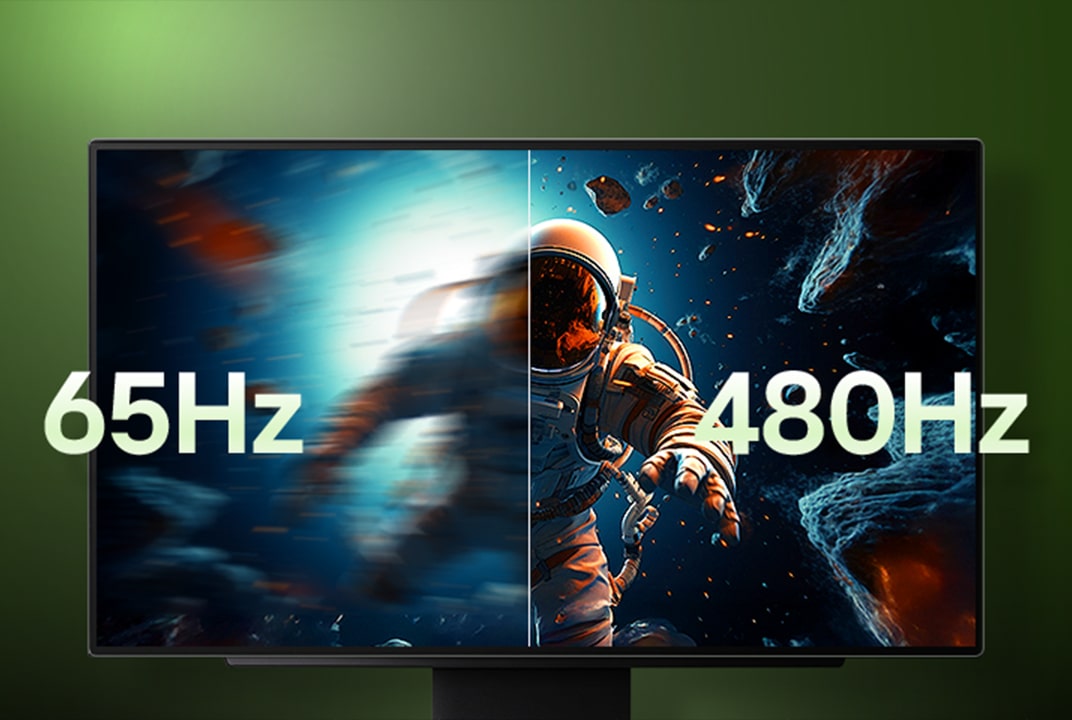
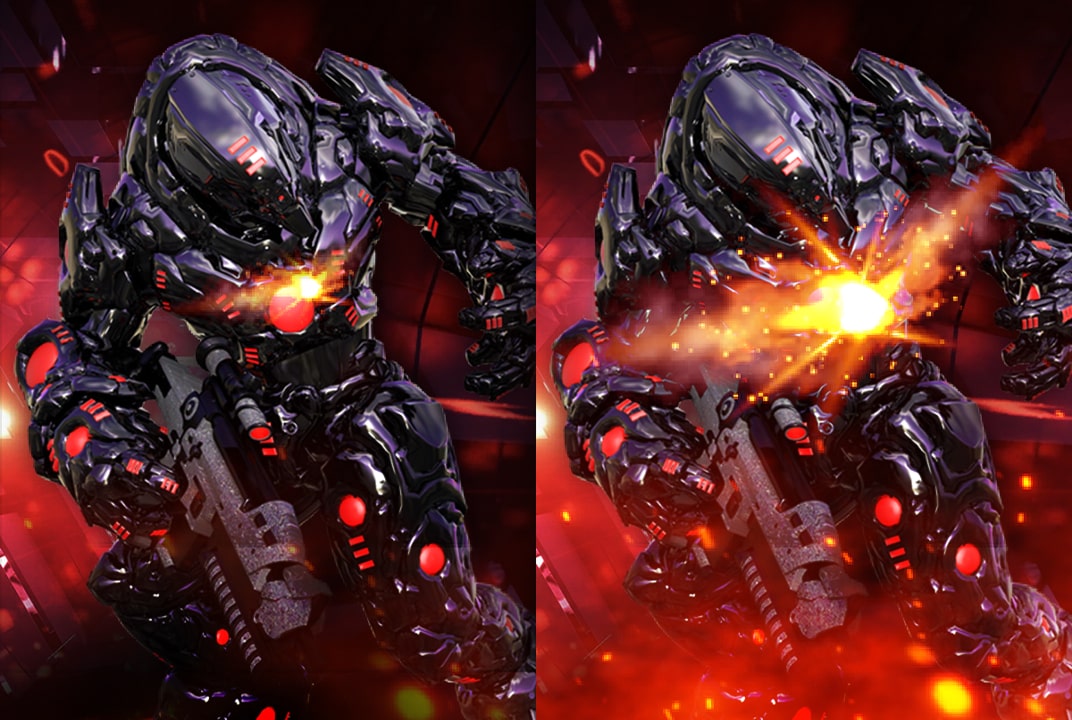
LG gaming monitor comparing a blurred 65Hz astronaut scene with a sharper 480Hz view illustrates refresh rate differences in motion clarity.

Refresh Rate Smooth motion during high-speed gameplay
LG monitor image with the AMD FreeSync logo on a black background illustrates variable refresh rate for reduced tearing.
AMD FreeSync™ Smooth, artifact-free gaming visuals
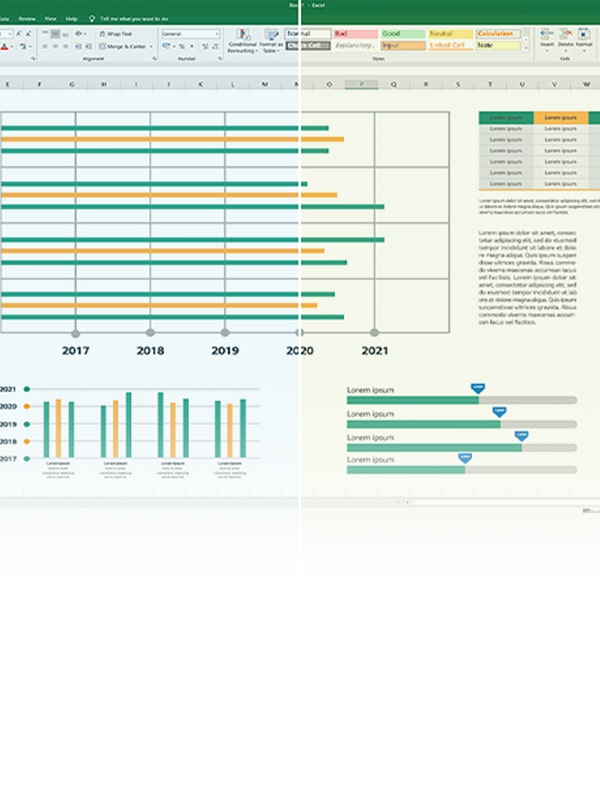
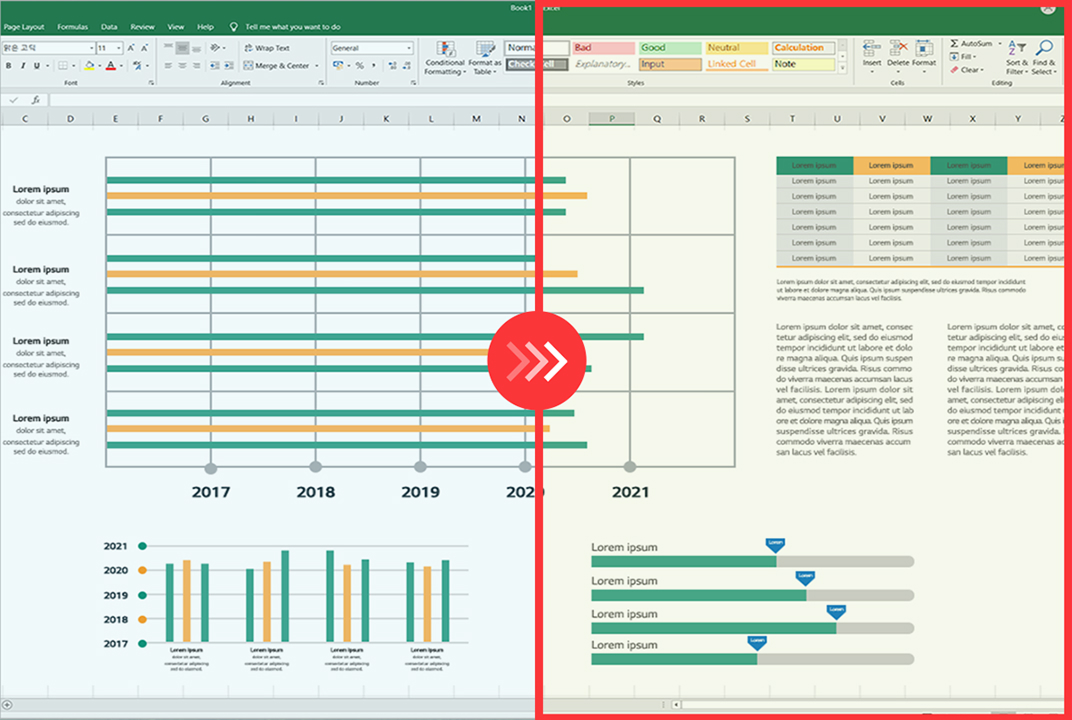
LG monitor comparing a document screen before and after Reader Mode illustrates easier reading.
Reader Mode Reduced blue light for reading
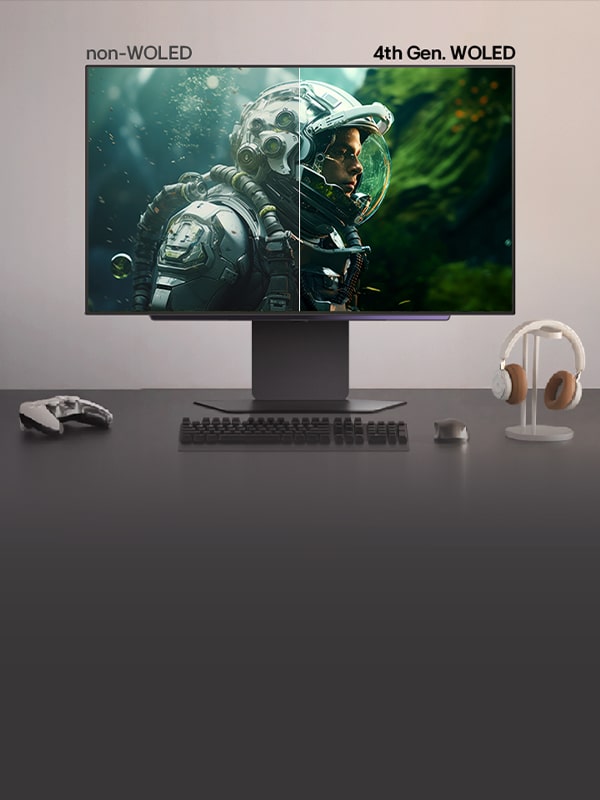
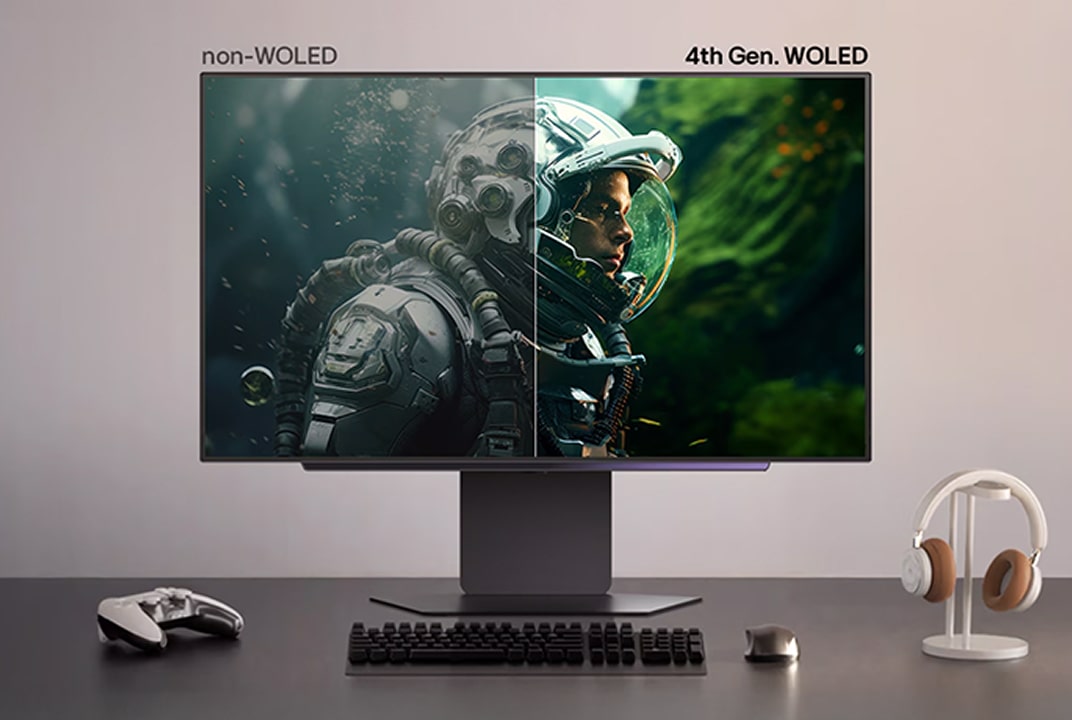
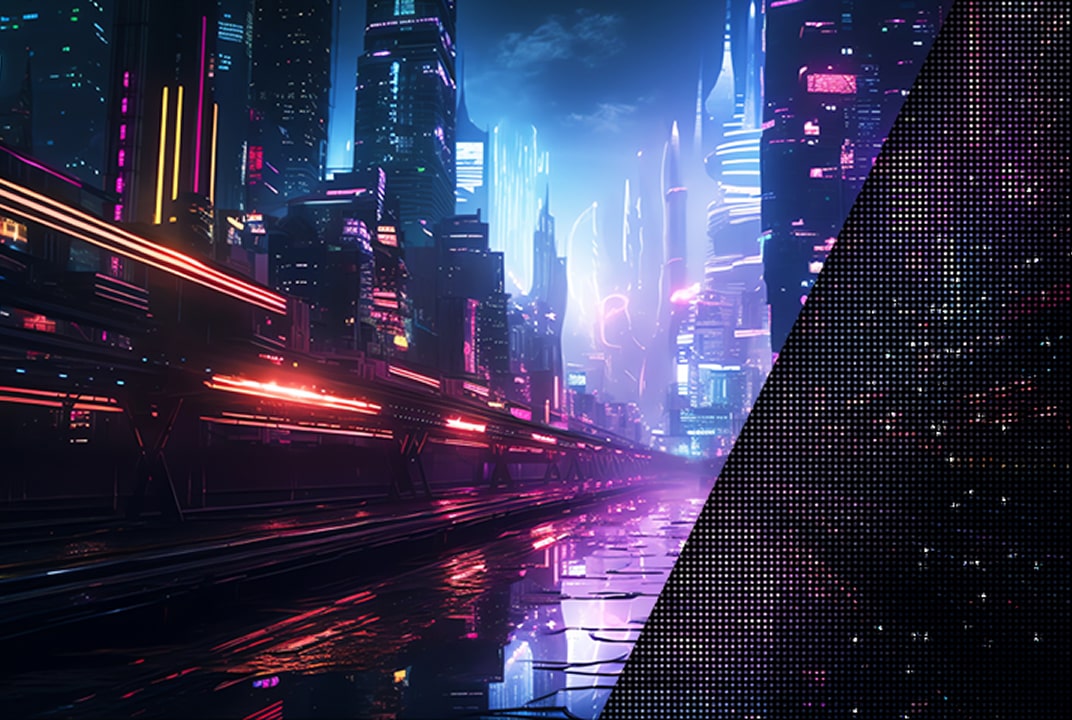
LG monitor comparing non-WOLED and 4th Gen. WOLED astronaut scenes illustrates improved colour and brightness.
Perfect
Reproduction Accurate colour and detail reproduction
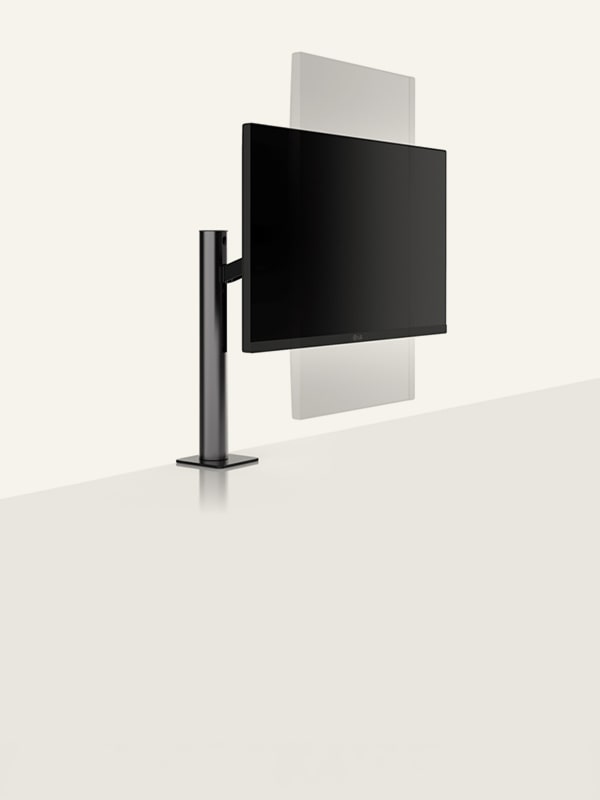
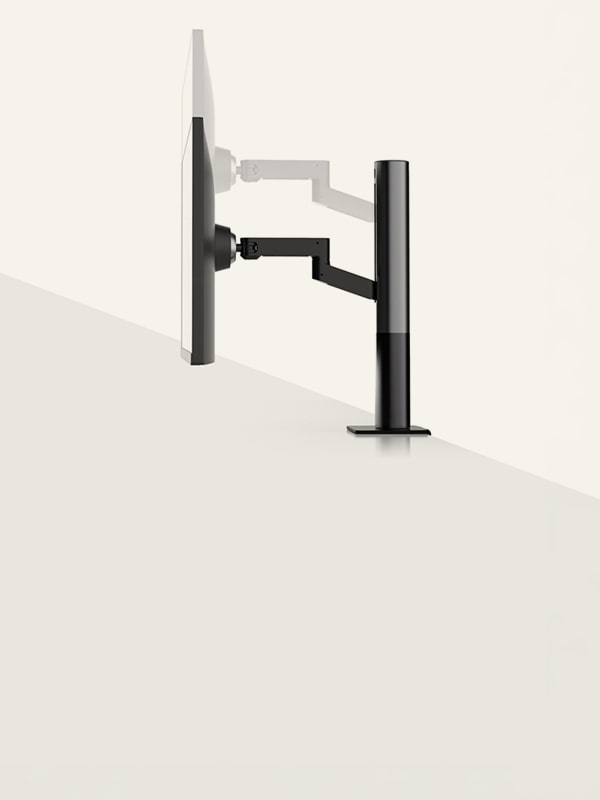
LG monitor stand diagram showing the screen rotating upright illustrates Pivot.
Pivot Vertical screen rotation
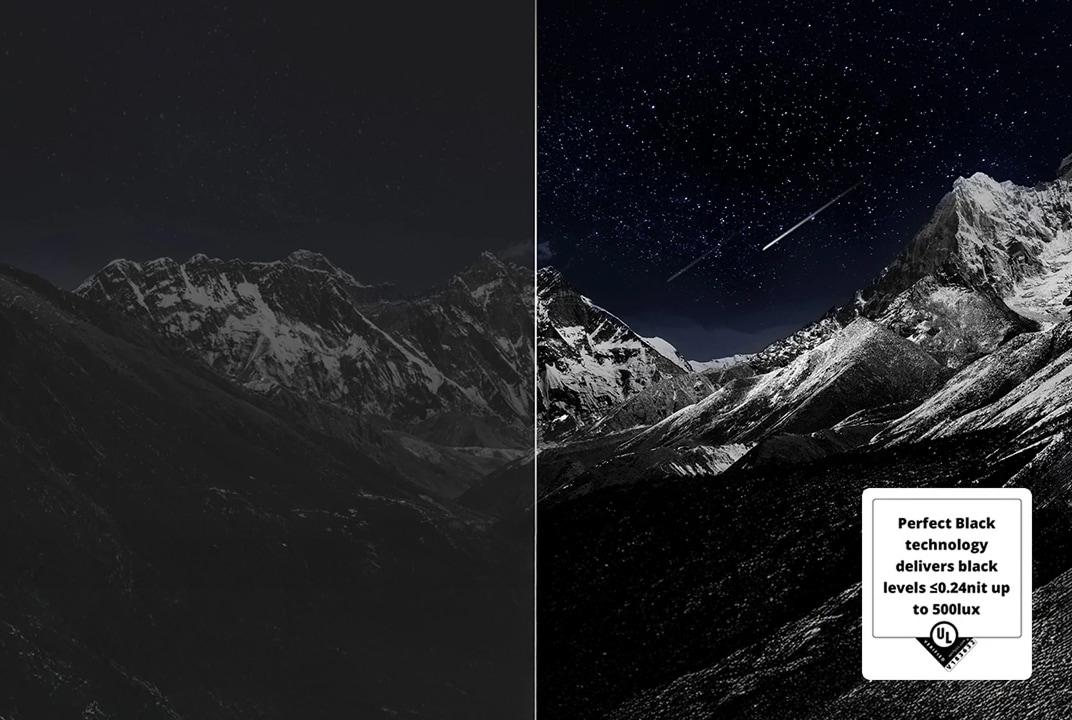
LG monitor showing an astronaut against deep black space and bright sunlight illustrates contrast ratio between dark and bright areas.
Contrast Ratio Adds depth with rich contrast
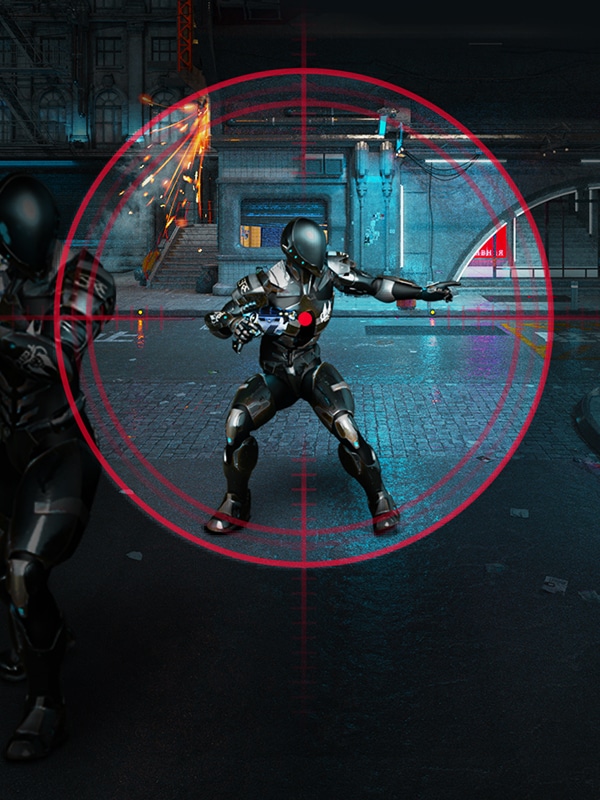
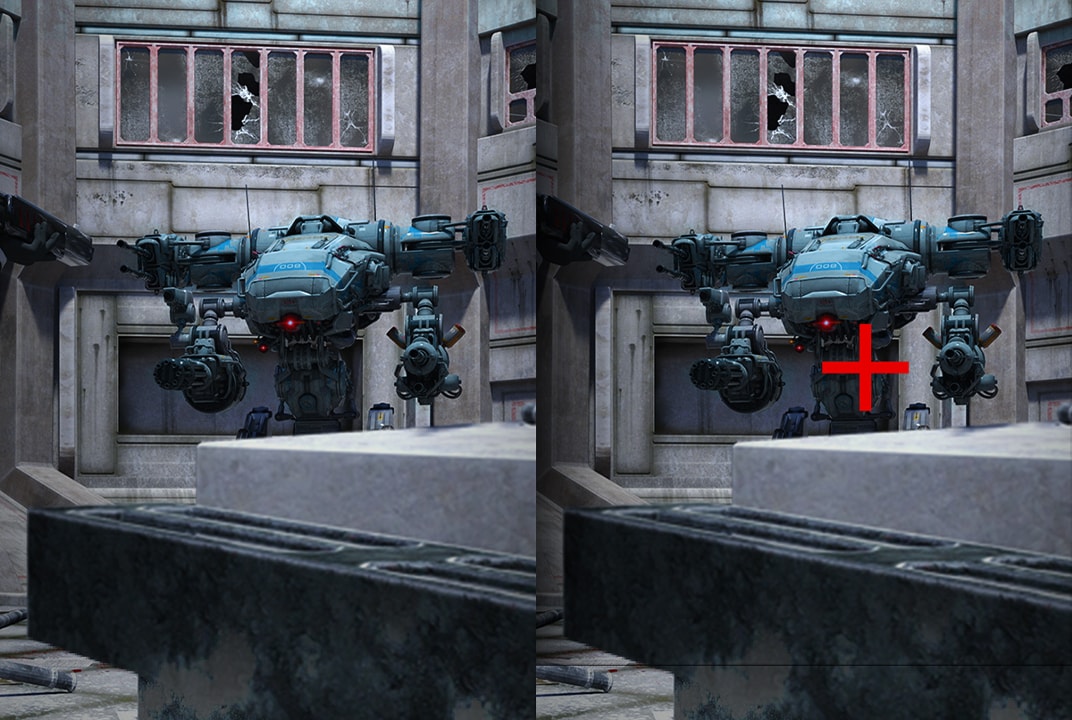
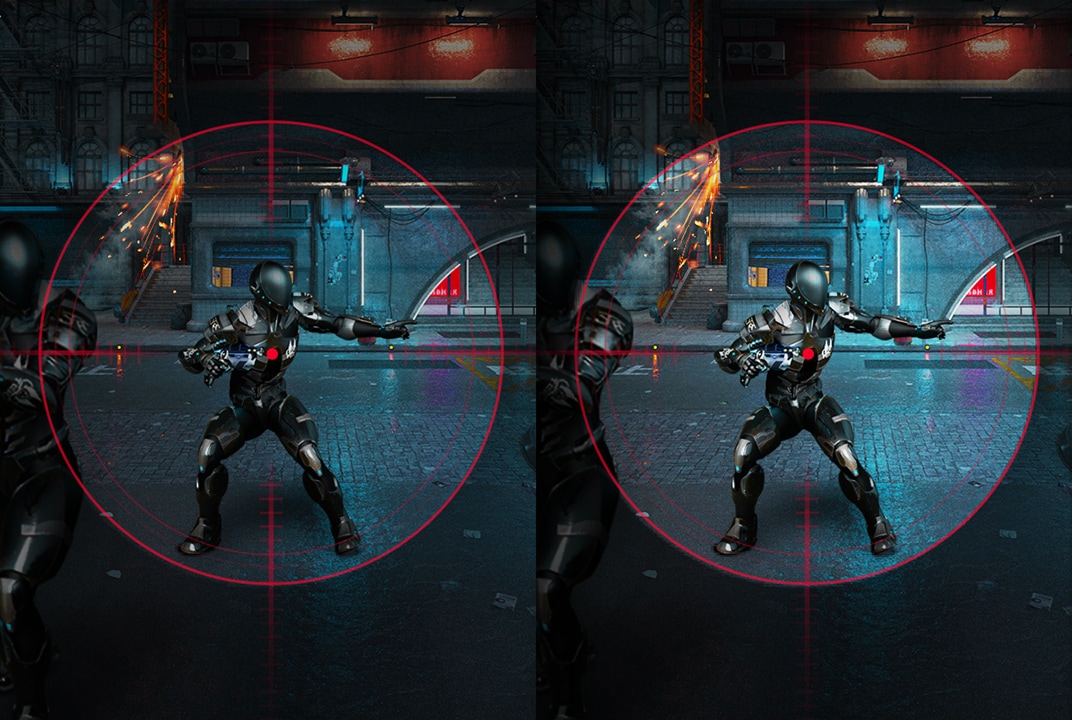
LG gaming monitor comparing a robot scene with a red crosshair added illustrates the Crosshair aiming aid.
CrossHair Fixed target point for improved accuracy
  • *Images have been simulated to enhance feature understanding and may differ from actual user experience.
  • *Features may vary by model. Please refer to each product page for detailed specifications.
  • *Specifications may vary by model or screen size.
  • *Support for some features may vary by region and country.

Which monitor features match your lifestyle and can be explored in easy card form?

Explore features in simple cards designed for your lifestyle. Browse with ease and find what suits you best.

LG Monitor lineup banner with title and feature icons

Explore LG Monitor lineup

How to choose
the Monitor that fits your needs?

FAQ

Q.

Why does resolution matter, and what should I consider when choosing it?

A.

Resolution refers to the number of pixels that make up the screen, and a higher resolution can display a sharper, more detailed image. When high resolution is combined with generous screen space, you can view more information clearly on a single screen.

Q.

What is refresh rate, and why does it matter?

A.

Refresh rate is the number of times a monitor refreshes the image each second. A higher refresh rate displays the next frame faster, making motion look smoother and helping you track targets more accurately in fast-moving scenes.

Q.

Why does response time matter?

A.

Response time is how long it takes a pixel on the screen to change color. A faster response time reduces afterimages and ghosting, helping object outlines appear more clearly.

Q.

What is HDR, and how does it affect picture quality?

A.

HDR improves picture quality by expanding contrast and color range beyond a standard display. It provides deeper shadows, brighter highlights, richer colors, and more detail for a more vivid image.

Q.

What sets OLED panels apart from other panel types?

A.

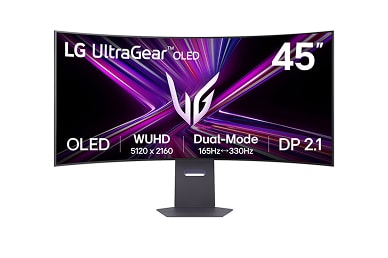
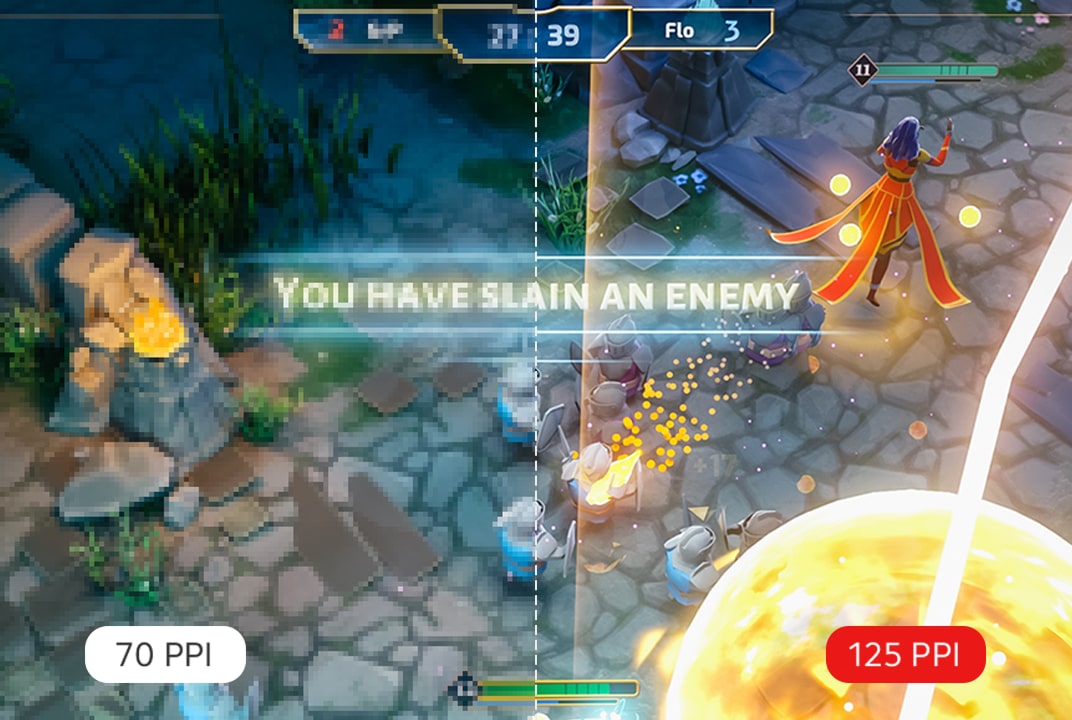
OLED displays show colors vividly and maintain a bright, clear image even in dark environments, supported by high typical brightness and peak brightness. High pixel density (PPI) and an improved subpixel structure help render small text clearly, making OLED suitable for document work and web browsing as well.


*This feature is based on the specifications of the model 45GX950A.

Q.

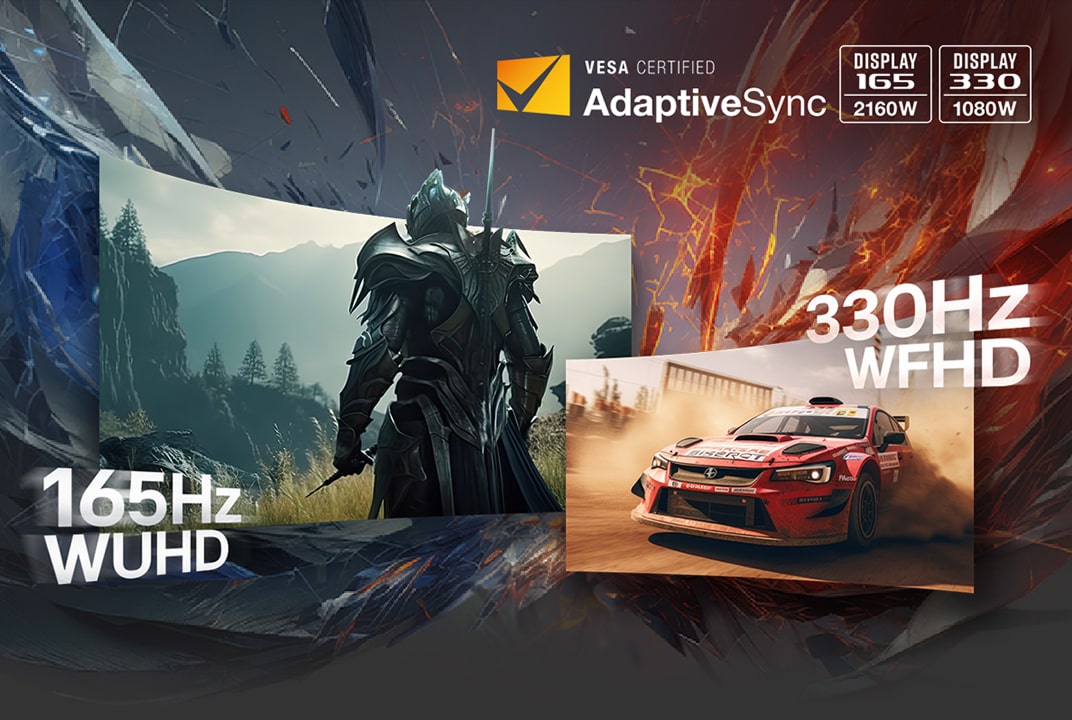
What is VRR, and why does it matter?

A.

VRR syncs a game's refresh rate with the display in real time to reduce screen tearing and stuttering. NVIDIA G-SYNC and AMD FreeSync are common examples, helping create smoother, more immersive gameplay. VRR is supported in the 60Hz to 165Hz range, and actual performance may vary depending on settings and usage environment.


*VRR ranges from 60 Hz to 165 Hz and is a certified specification of HDMI 2.1. Actual performance may vary depending on settings, network connection, and usage environment.

Q.

Can I use webOS on a monitor?

A.

Yes. On LG monitors with webOS, you can access a range of apps and content including Netflix, Prime Video, Disney+, YouTube, Apple TV, and LG Channels. You can also receive personalized content recommendations, explore apps such as Sports, Game, and LG Fitness, and control everything easily with a remote. Built-in streaming services and apps may vary by country, and an internet connection and some paid subscriptions may be required.


*Built-in streaming services and apps may differ by country.

*An internet connection and subscriptions to streaming services are required. Additional fees may apply for some services, as they are not included and require separate subscriptions.

*Provides a host of customised apps and services, including music, sports, home office, and cloud gaming for each registered account.