Gaming Monitor Buying Guide

What features should you compare when choosing a gaming monitor?

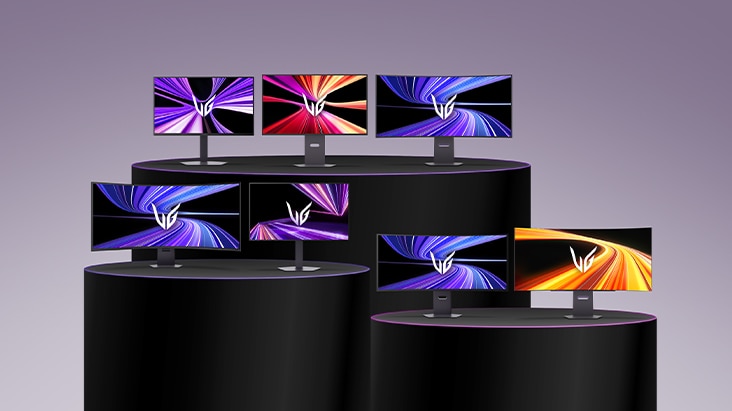
Discover the ideal gaming monitor tailored perfectly to your gaming genres and playstyle. This guide simplifies the essential features you must compare: display panels (such as OLED, Hyper Mini LED), screen size, resolution, and refresh rates. Learn how to evaluate these key specifications, helping you choose smart and find your ultimate competitive edge.

An UltraGear monitor on a sleek desk displays fast-changing gameplay across genres such as FPS, racing, and adventure, while the surrounding environment shifts dynamically to highlight gaming in diverse settings.

What screen size and aspect ratio is best for my gaming style?

Screen size and shape aren’t just about desk fit—they affect how you see, react, and enjoy your games. From sniping in FPS to exploring open-world RPGs, the right setup improves visibility, response, and immersion across genres. LG UltraGear offers monitors in various sizes, aspect ratios, and curvatures to match your playstyle.

How do resolution and picture quality affect your gaming experience?

High resolution makes game worlds sharper, revealing finer textures, clearer details, and more readable on-screen elements. Picture quality—including contrast, brightness, color accuracy, and HDR—adds visual depth by bringing out detail in both dark and bright areas. Together, they create a clearer, more immersive experience for AAA games, including open-world adventures and cinematic RPGs.

Why do refresh rate and response time matter in gaming?

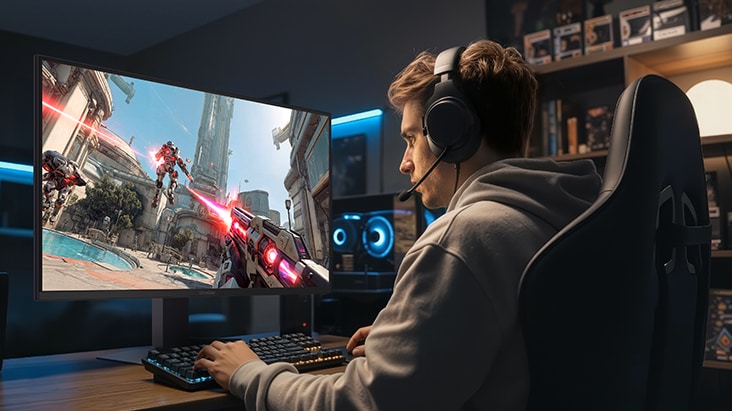
For shooters or racing games, choose a monitor with a high refresh rate and fast response time. These factors keep motion clear and reduces ghosting, helping you not to miss any action during fast moving sequences.

How can a monitor support productivity beyond gaming?

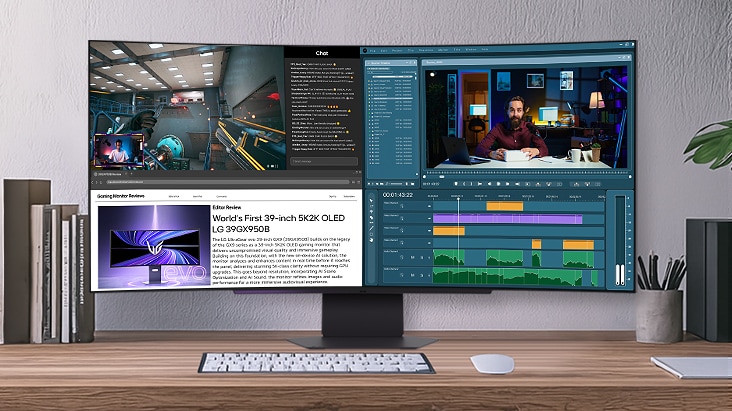
Beyond its gaming performance, UltraGear™ gaming monitor serves as the ultimate productivity hub, seamlessly transitioning from high-stakes gameplay to professional work, content creation, and daily entertainment. Packed with specialized features engineered for everyday use and demanding tasks, it empowers you to conquer every project and master your entire day with effortless multitasking.

*LG Switch requires software and manual download from LG.com for proper use.

Why choose a curved monitor for gaming?

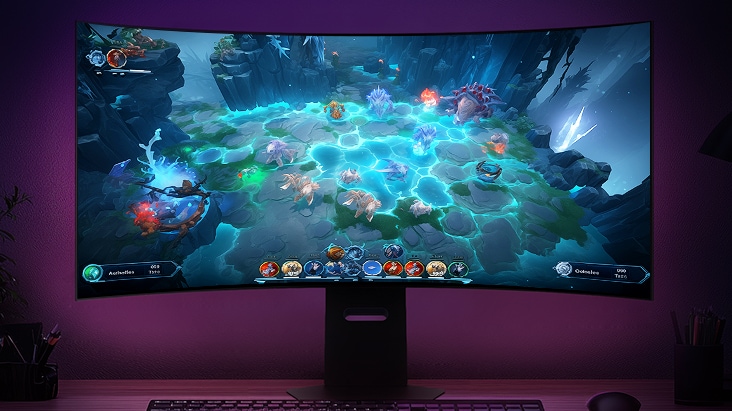
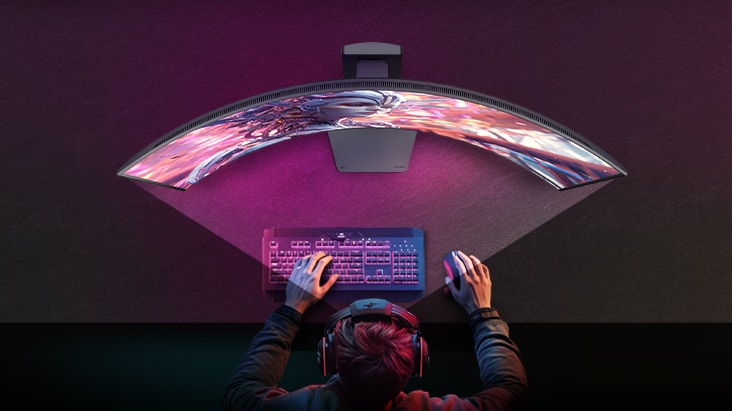
Choosing between flat and curved monitors depends on your preferred game genres. While flat screens are the traditional choice, curved screens wrap visuals around your peripheral vision to boost immersion in open-world or racing titles. LG UltraGear™ offers a versatile range of curvature options such as 1500R, 1000R, and the deeply wrapped 800R, making our curved monitors a premier choice beloved by many gamers.

Frequently Asked Questions

Q.

What features should you compare when choosing a gaming monitor?

A.

When choosing a gaming monitor, the most important features to compare are refresh rate, response time, resolution, panel type, and adaptive sync support. Higher resolutions enhance immersion with sharper and more detailed visuals, while higher refresh rates and faster response times deliver smoother and more responsive gameplay. Adaptive sync technologies like NVIDIA® G-SYNC® or AMD FreeSync™ help reduce stuttering and provide a more stable image. Finding the right balance of these features for your favorite game genres and playstyle will lead you to the best gaming monitor.

Q.

What are the best monitor panels for gaming?

A.

The best monitor panel for gaming depends on the types of games you play and what you value most. TN panels can offer very fast response times and high refresh rates, making them a strong choice for competitive FPS and esports games where speed and motion clarity are the priority, although they usually have narrower viewing angles and more limited color performance. IPS-based options, including advanced technologies such as Hyper Mini LED, provide a versatile balance of responsive gameplay, accurate color reproduction, wide viewing angles, and enhanced brightness and contrast. In particular, Hyper Mini LED delivers a high PPI of up to 218 for razor-sharp text and image clarity. 

This makes them well suited to a broad range of game genres, from fast-paced action and competitive titles to RPGs, racing games, and visually rich adventure games. OLED panels are best suited for open-world RPGs, racing, and cinematic games, delivering deep blacks, high contrast, and vivid colors for a deeply immersive experience. These panel options allow gamers to choose between competitive speed, versatile all-around performance, or premium visual quality.

Q.

Which monitors are best for both work and gaming?

A.

LG UltraGear™ gaming monitors are designed for this balance, combining immersive screen sizes, high resolution and high pixel density (PPI) for sharp text and detailed visuals. They also pair fast response times with high refresh rates to support smooth gameplay and quick-action responsiveness. In addition, they support a hybrid work-and-play setup with tools such as LG Switch for streamlined screen management and device use, while selected models with built-in webOS make it easy to access entertainment without relying on a PC.

Q.

What is the ideal monitor size for gaming?

A.

The ideal monitor size for gaming depends on your preferred genres and how far you sit from the screen. Many competitive FPS players prefer monitors that are 27 inches or smaller because they can see the whole battlefield at a glance and react quickly. For mixed use and more immersive visuals, larger sizes such as 32-inch or 34-inch work well. UltraWide and large-format displays around 45-inch or 52-inch are best for racing, simulation, and open-world games that benefit from an expanded field of view (FOV) and deeper visual immersion.

Q.

What is a good refresh rate for gaming?

A.

A good refresh rate for gamers is 144Hz or higher. This level provides smooth motion and faster visual updates in FPS, racing, and other competitive games, which can improve reaction time and target tracking. Casual gamers may be satisfied with 120–144Hz, while competitive gamers who focus on fast‑paced or ranked play often choose 240Hz or more—or even up to 1000Hz—for maximum responsiveness. Choosing a refresh rate that matches your favorite genres and performance expectations helps you build the ideal speed‑focused setup.

Q.

How important is resolution in gaming?

A.

Resolution is very important in gaming because it affects image sharpness, texture detail, and overall immersion. Higher resolutions make small UI elements, distant objects, and large environments look clearer, which is especially useful in open-world, RPG, and cinematic games. At the same time, higher resolution demands more graphics power, so you need to balance image quality with frame rate. To meet different visual and performance needs, LG UltraGear evo™ offers gaming monitors with resolutions up to 5K, including 5K (5120x2880) and 5K2K (5120x2160) options. These high-resolution displays deliver sharp detail and generous screen space for immersive gameplay and efficient multitasking.