We use cookies, including cookies from third parties, to enhance your user experience and the effectiveness of our marketing activities. These cookies are performance, analytics and advertising cookies, please see our Privacy and Cookie policy for further information. If you agree to all of our cookies select “Accept all” or select “Cookie Settings” to see which cookies we use and choose which ones you would like to accept.

How can a monitor support productivity beyond gaming?
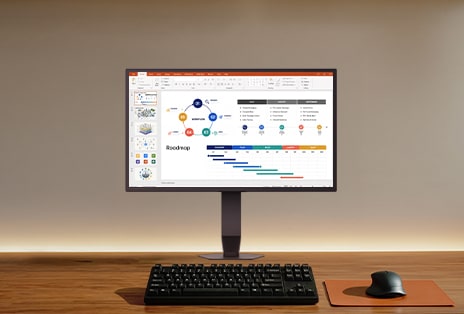
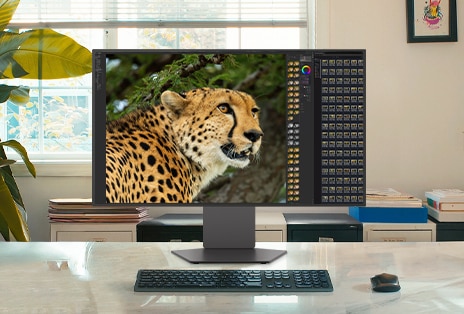
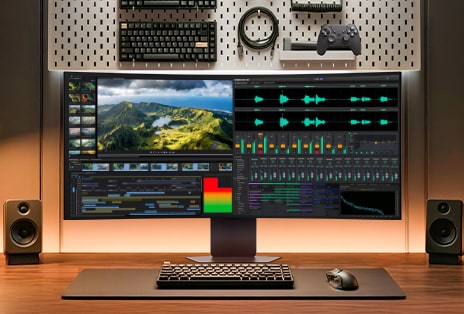
Beyond its gaming performance, UltraGear™ gaming monitor serves as the ultimate productivity hub, seamlessly transitioning from high-stakes gameplay to professional work, content creation, and daily entertainment. Packed with specialized features engineered for everyday use and demanding tasks, it empowers you to conquer every project and master your entire day with effortless multitasking.
What size monitor best fits my home office?
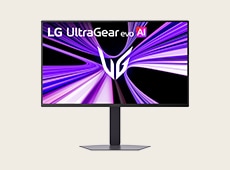
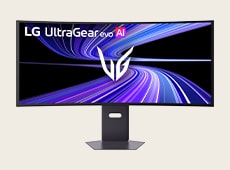
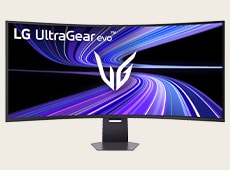
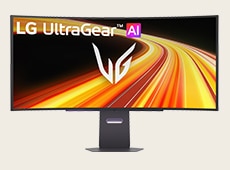
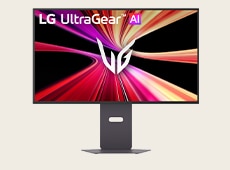
Choosing the right screen size is key to maximizing your productivity. UltraGear™ offers a versatile lineup tailored to your specific workspace needs and workflow demands.
What makes LG UltraGear convenient for connecting multiple devices?
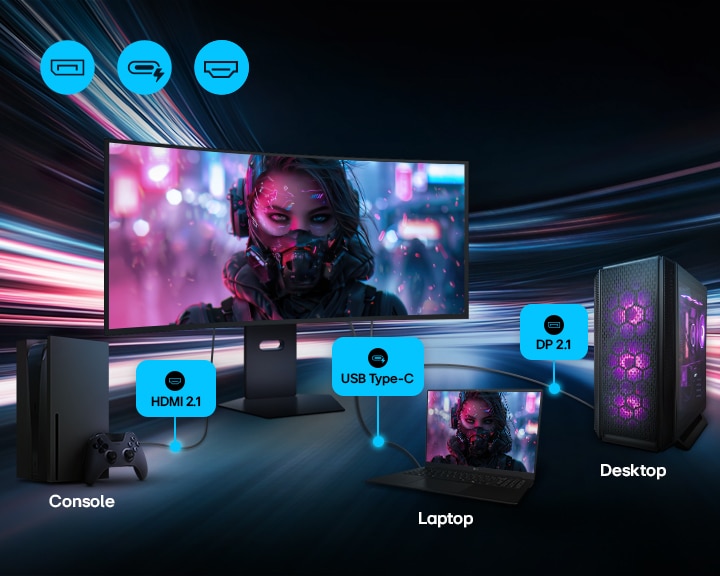
UltraGear monitors have lots of ports—like USB-C, HDMI, and DisplayPort—so you can connect everything from your game console to your laptop. They also support USB hub functionality, allowing you to connect peripherals like your keyboard and mouse directly to the monitor. This means you don’t have to keep plugging and unplugging—easily switch between work and gaming without changing your desk setup.
Why does high PPI matter in a monitor for productivity and gaming?
LG UltraGear leverages high pixel density (PPI) and an improved subpixel structure to help deliver crisp, legible text. Whether you're reading documents, writing emails, or browsing the web, characters remain clear even at small font sizes. These display technologies support visual clarity by improving edge definition and maintaining color alignment, which can help reduce visual noise. You can stay focused during long work or study sessions—without sacrificing clarity when it's time to switch to games.
*This feature is based on the specifications of the model 27GM950B.
How does UltraGear’s eye comfort technology help you stay focused during gaming or work sessions?
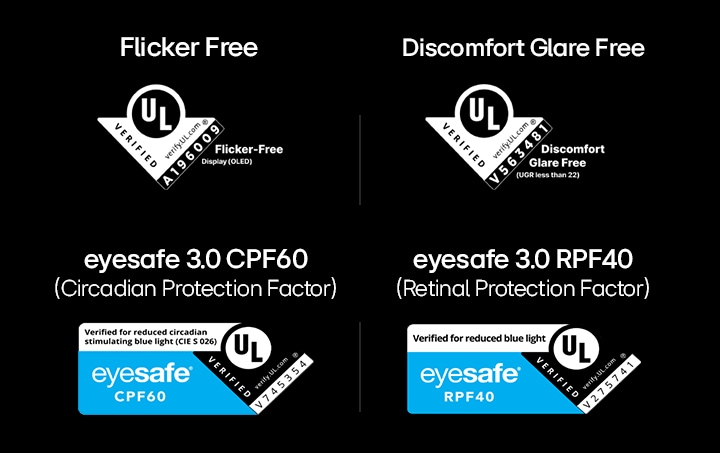
LG UltraGear’s advanced eye comfort technologies are engineered to help reduce visual strain and maintain a comfortable viewing environment during extended screen time. These comprehensive features are UL-verified, including Flicker-Free, Discomfort Glare Free (UGR less than 22), and Eyesafe® 3.0 (CPF60, RPF40).
By maintaining stable brightness and minimizing visual distractions, LG UltraGear helps you stay focused and in control, whether you are tackling heavy workloads or conquering the latest games.
*The above-mentioned feature applies to LG UltraGear OLED models.
What is LG UltraGear’s AI Scene Optimization?
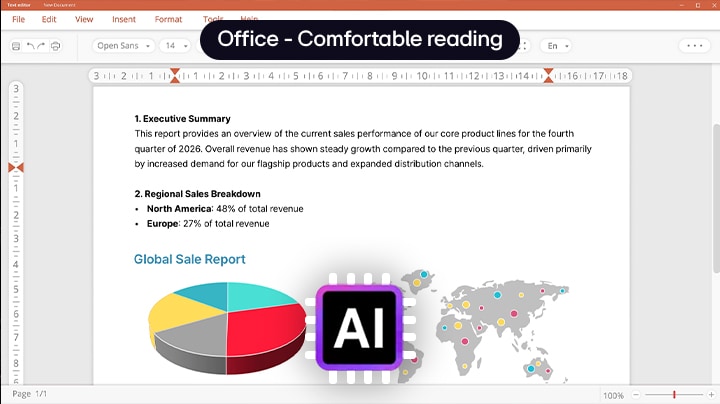
Featured in the latest LG UltraGear evo™ models, AI Scene Optimization analyzes on-screen content in real time to deliver the best possible picture quality. Without requiring manual adjustments, it instantly recognizes the type of content you are viewing and automatically adjusts key picture settings such as color temperature, color enhancement, and sharpness to match each content type—including Office, Animation, Movie, Game, and Sports modes. As a result, your monitor's display is automatically optimized for your current task, maximizing your productivity and entertainment experience.
*AI features, including AI Upscaling, AI Scene Optimization and AI Sound, are exclusively available on some LG UltraGear evo™ models equipped with the on-device AI solution.
*Applicable models: 45GX950B, 39GX950B, 32GX870B, 27GM950B
What is LG UltraGear’s AI Sound?
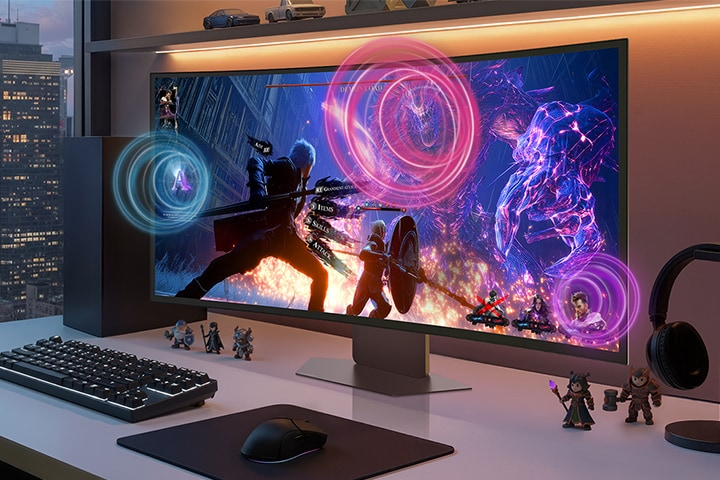
Built into the LG UltraGear evo™, AI Sound is an advanced audio technology that intelligently analyzes and separates individual sound elements—such as voices, effects, and background noise—in real time. By delivering crystal-clear dialogue and enhanced acoustic precision, it helps you catch every detail, whether you are listening to instructions in a fast-paced conference call, enjoying multimedia content, or tracking audio cues during gameplay.
*AI features, including AI Upscaling, AI Scene Optimization and AI Sound, are exclusively available on some LG UltraGear evo™ models equipped with the on-device AI solution.
*Applicable models: 45GX950B, 39GX950B, 32GX870B, 27GM950B
How does webOS help you enjoy diverse content beyond games?
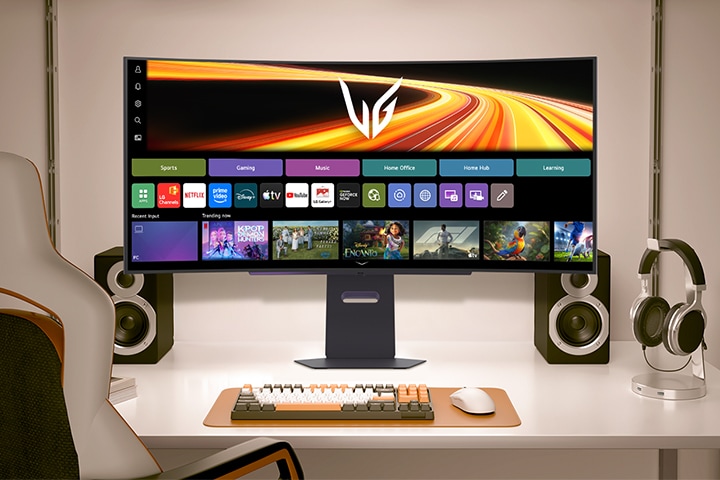
LG UltraGear’s powered by webOS lets you stream videos, browse the web, or access productivity apps without turning on your PC or console. When you're not gaming, you can enjoy quick tasks or video breaks without the noise, heat, or power consumption of a full system. It’s ideal for light use between play sessions or during work breaks—saving time, energy, and hassle.
How does LG Switch improve multitasking for both work and play?
LG Switch helps enhance multitasking by combining features like Personalized Picture Wizard, Screen Split, and Video Call. Users can fine-tune display settings for different tasks, divide the screen into customizable layouts to game or work side-by-side, and quickly join video calls via shortcut—all without interrupting their workflow or gameplay. It delivers a seamless experience tailored to both productivity and entertainment.
Recommended gaming monitors for productivity and gaming
Frequently Asked Questions
Q.
Can I use a high-performance gaming monitor for office work and reading heavy texts?
A.
Yes, you can use a high-performance gaming monitor for office work and reading heavy texts. Many high-end gaming monitors feature higher pixel density, which helps produce clear and sharp text for documents, emails, and spreadsheets. LG UltraGear™ offers monitors with up to 218 PPI, such as the 27GM950B, so even small fonts and detailed tables remain easy to read without noticeable blur. In addition, LG UltraGear™ models featuring 4th Gen Tandem OLED incorporate Eyesafe® verification by UL to support more comfortable viewing during extended work hours.
Q.
How easily can I switch between my work laptop and gaming console on a single monitor setup?
A.
You can switch easily between a work laptop and a gaming console on a single monitor setup when the display supports versatile connectivity options. LG UltraGear evo™ gaming monitors include ports such as DisplayPort 2.1, HDMI 2.1, and multi-functional USB Type-C with Power Delivery charging support, allowing a single cable to handle display output and laptop charging. This all-in-one connection hub helps streamline your daily workflow and gaming setup, making it simple to toggle inputs and move from laptop office work to next-generation console gaming with minimal cable changes. For multi-device setups, LG UltraGear evo™ gaming monitors offer a convenient way to build a combined work-and-play station.