Which monitor setup fitsyour needs best

Create your ideal setup with the perfect monitor combination for your needs, budget and space. Smarter use of space increases efficiency and maximizes productivity.

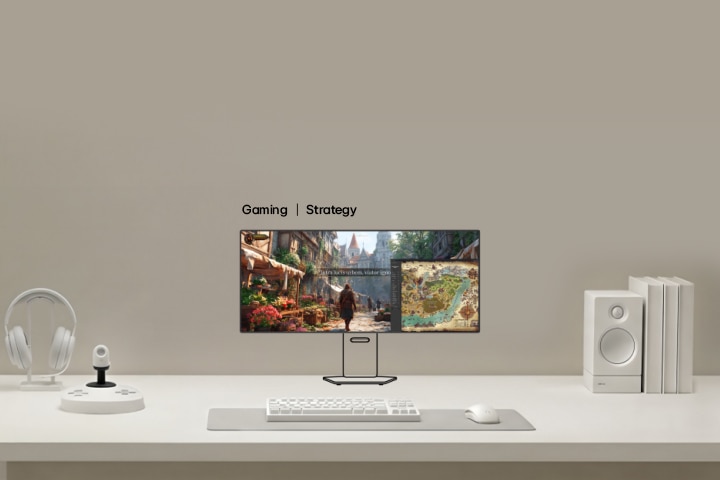
How to build a monitor setup for maximum immersion in adventure and exploration games

This video shows a gaming monitor setup for explorer type gamers, where the main ultrawide monitor displays open world gameplay, while secondary monitors show maps, quests, and system information to expand situational awareness and immersive exploration.

Immersive monitor layout
for expansive adventure
gameplay

View maps, quests, and gameplay across multiple screens 

to enhance immersion in exploration-focused games. 

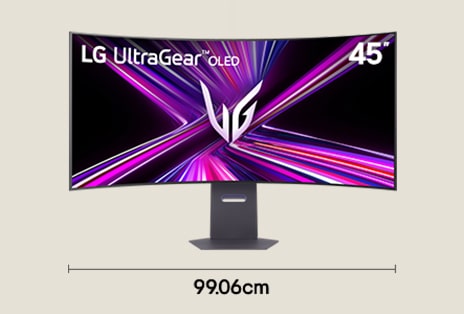
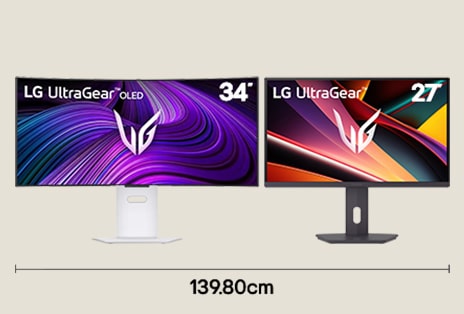
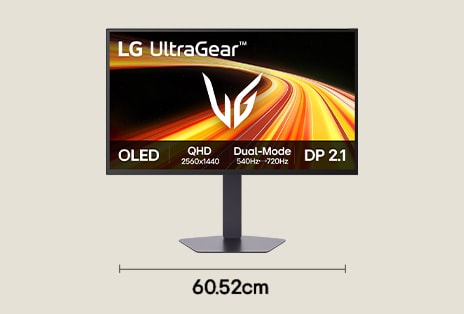
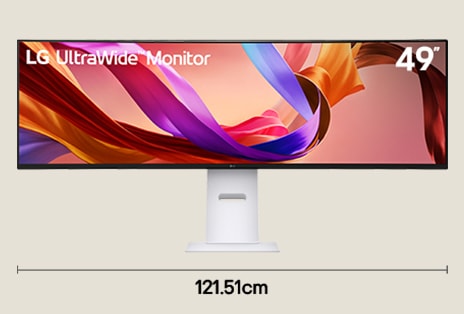
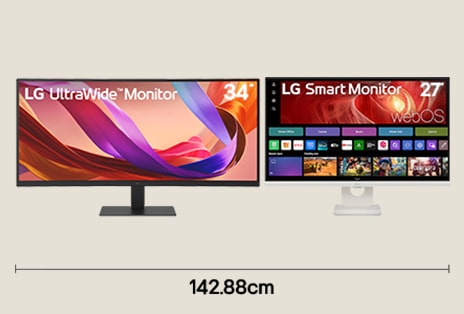
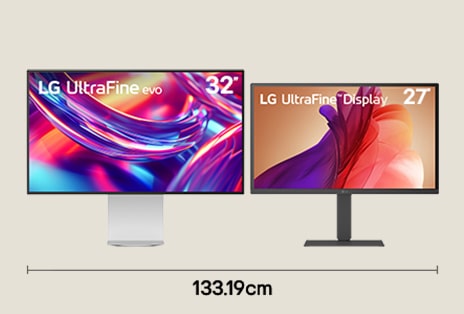
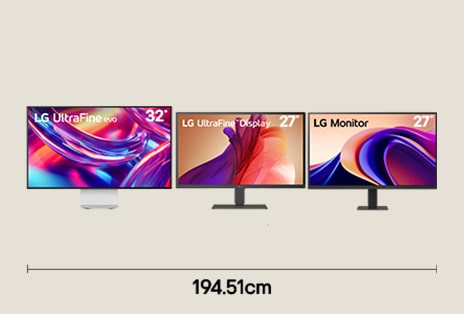
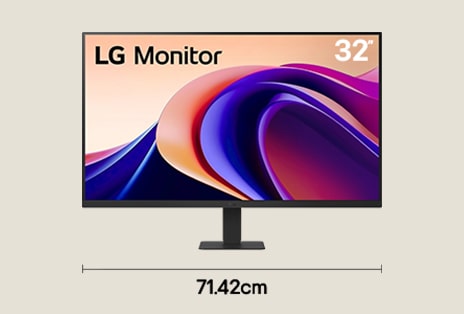
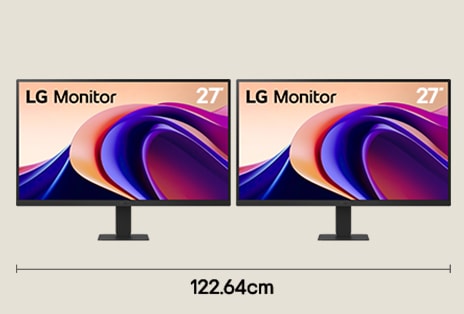
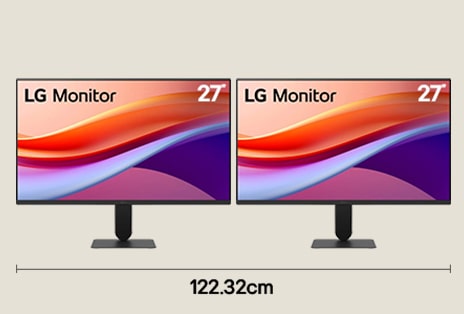
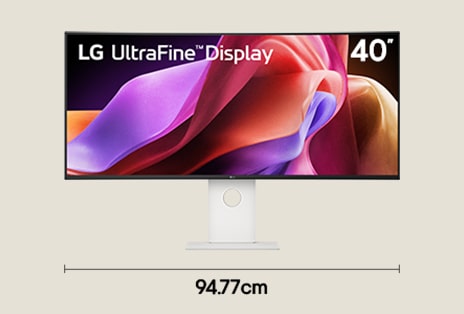
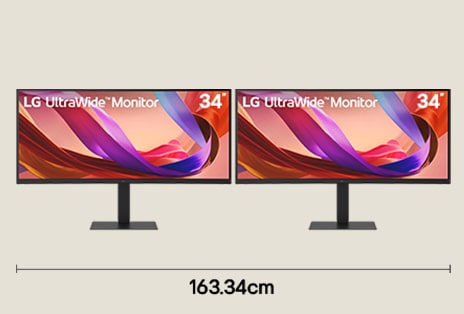
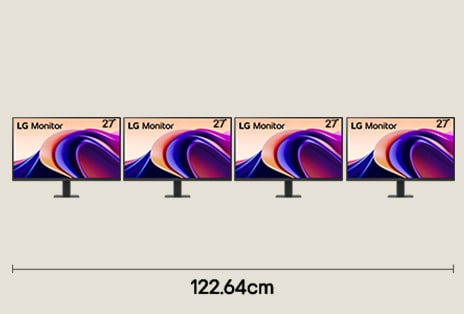
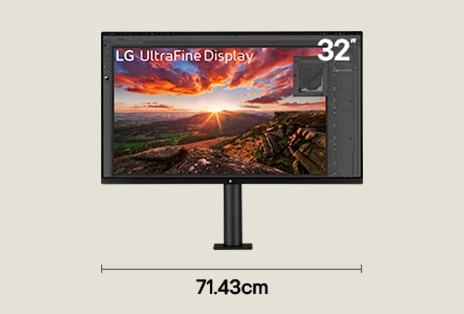
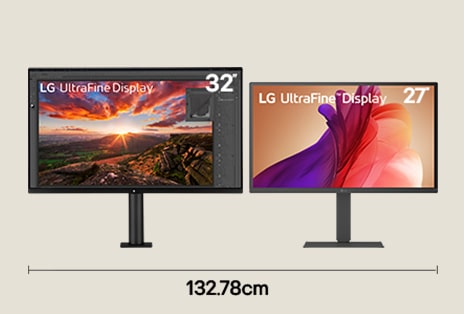
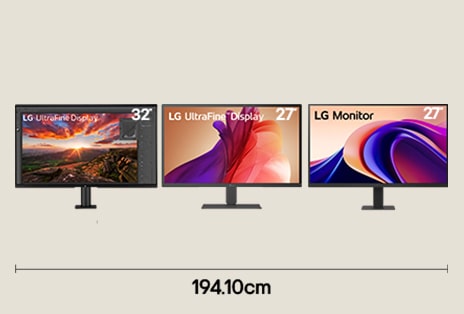
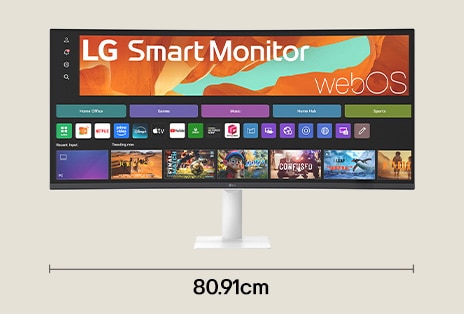
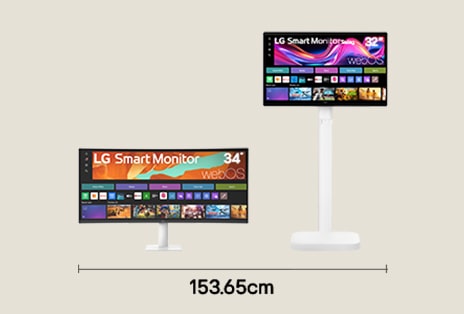
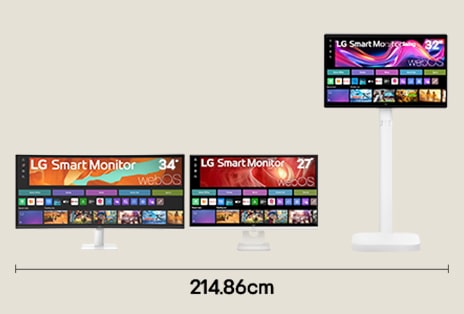
*Widths are based on product dimensions. Please check full specifications on the LG.com PDP.

*Availability of some model names including launch schedules may vary by country.

*Images have been simulated to enhance feature understanding. Please refer to each product’s PDP for the actual appearance.

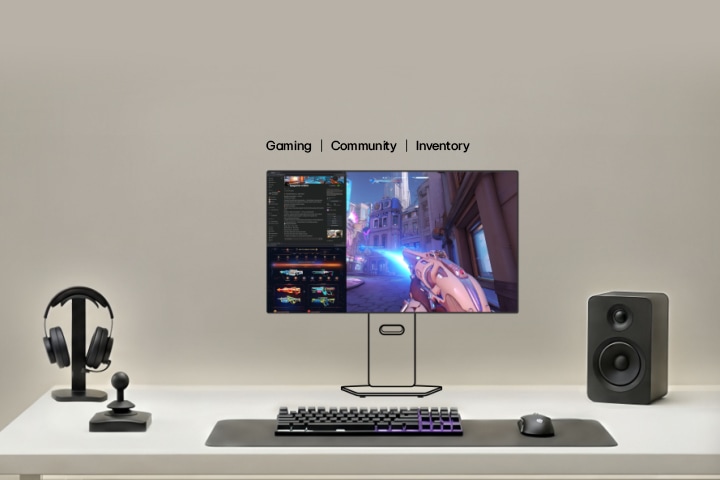
How to configure an FPS gaming setup for consistent performance

This video shows a high refresh rate gaming monitor setup for competitive gamers, where the main monitor displays fast paced FPS gameplay, while secondary monitors present performance metrics, chat, and game statistics to support precision focused competitive play.

A multi-display layout for
full-spectrum game
control

Start with core gameplay on a single screen, using other displays to stay connected with your team.

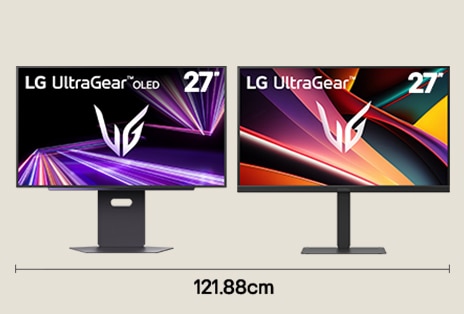
*Widths are based on product dimensions. Please check full specifications on the LG.com PDP.

*Availability of some model names including launch schedules may vary by country.

*Images have been simulated to enhance feature understanding. Please refer to each product’s PDP for the actual appearance.

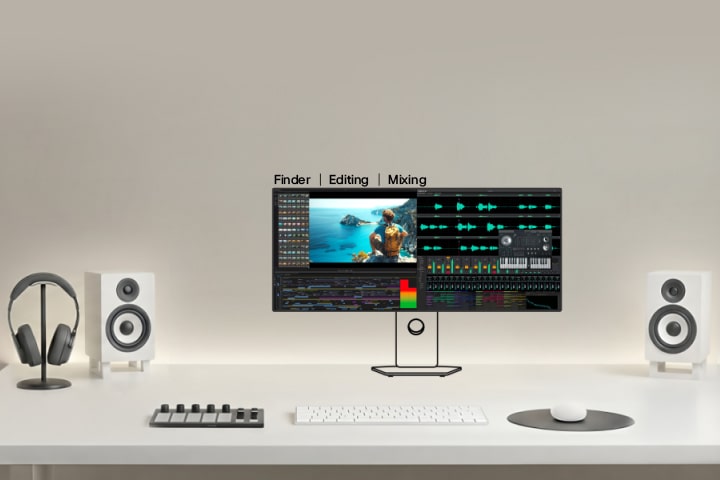
How to configure a display layout for professional audio and video editing

This video shows a creative monitor setup for video and sound creators, where the main monitor displays the editing timeline and preview window, while secondary monitors show audio tracks, tools, and control panels to support professional video editing and sound production workflow.

Wide-screen layout to
maximize editing
productivity

View your timeline on a wide screen while keeping your mix panel and preview visible during editing.

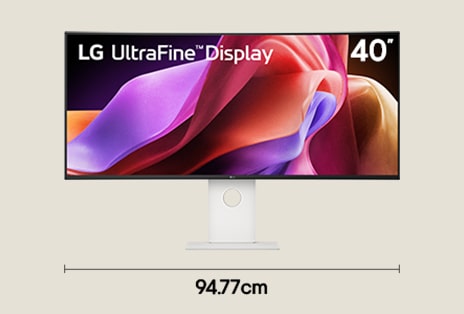
*Widths are based on product dimensions. Please check full specifications on the LG.com PDP.

*Availability of some model names including launch schedules may vary by country.

*Images have been simulated to enhance feature understanding. Please refer to each product’s PDP for the actual appearance.

How to set up a display layout for creative work in photography, illustration, and design

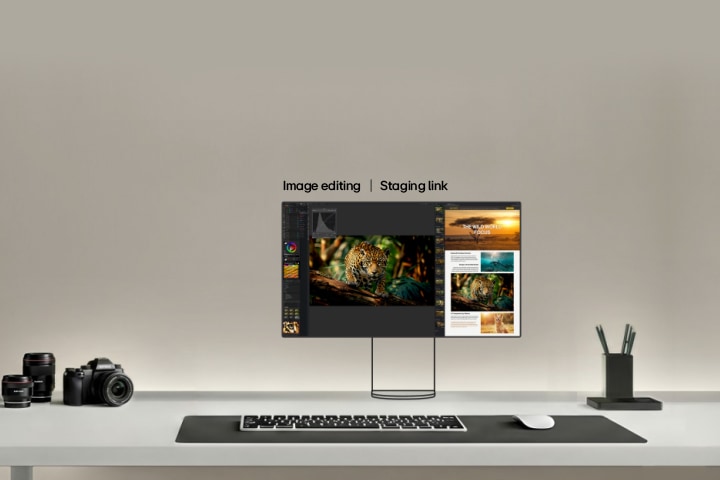
This video shows a dual monitor setup for photographers, where the main monitor displays high resolution photo editing, while the secondary monitor shows tool panels, reference images, and asset libraries to support detailed image editing and color correction workflow.

A display setup
for detail-rich
creative work

Keep references, active edits, and final pieces open together, 

so you can create without switching. 

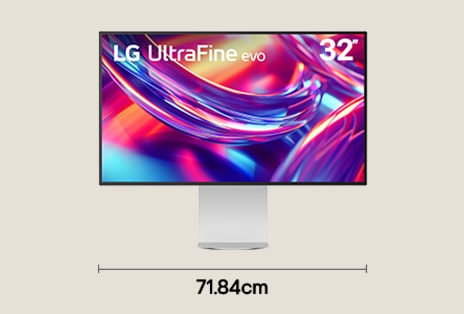
*Widths are based on product dimensions. Please check full specifications on the LG.com PDP.

*Availability of some model names including launch schedules may vary by country.

*Images have been simulated to enhance feature understanding. Please refer to each product’s PDP for the actual appearance.

How to configure a dual monitor layout for efficient office work

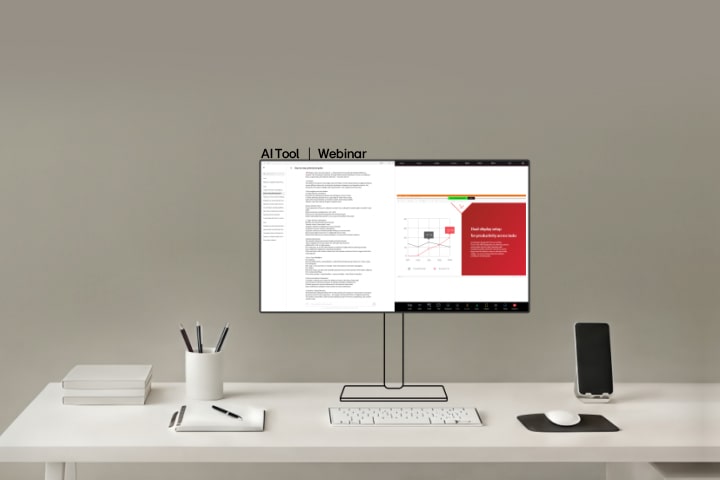
This video shows a dual monitor office setup for business professionals, where the main monitor displays documents and presentations, while the secondary monitor shows web content, communication tools, and data dashboards to support efficient multitasking and decision making.

Side-by-side display
for a more focused
workflow

Keeping AI tools and notes on one screen 

so you can stay focused watching a webinar on another. 

*Widths are based on product dimensions. Please check full specifications on the LG.com PDP.

*Availability of some model names including launch schedules may vary by country.

*Images have been simulated to enhance feature understanding. Please refer to each product’s PDP for the actual appearance.

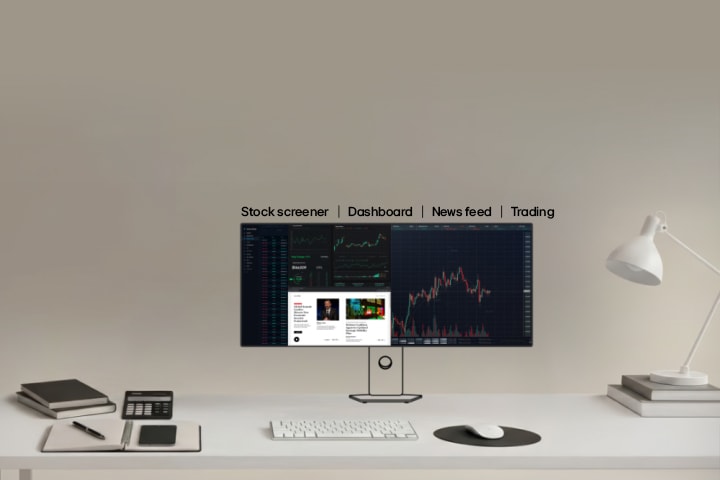
How to configure a multi-screen setup for trading,market charts, and financial dashboards

This video shows a multi screen trading setup for financial analysts and traders, where the main monitor displays real time market charts, while secondary monitors show financial data, news feeds, and analytics dashboards to support complex trading and market analysis workflow.

Stack displays for
multi-source
market tracking

View your dashboards, screener, charts, and news feed to monitor 

and manage market shifts instantly. 

*Widths are based on product dimensions. Please check full specifications on the LG.com PDP.

*Availability of some model names including launch schedules may vary by country.

*Images have been simulated to enhance feature understanding. Please refer to each product’s PDP for the actual appearance.

Which monitor setup helps coders work better with IDEs, terminals, and browsers?

This video shows a multi monitor coding setup for programmers and developers, where the main monitor displays the code editor and IDE, while secondary monitors show terminal windows, documentation, and preview screens to support efficient software development workflow.

A seamless setup
for end-to-end
coding flow creative work

Keep IDEs, code, and live preview open to try ideas, tweak code, 

and stay up to speed with results. 

*Widths are based on product dimensions. Please check full specifications on the LG.com PDP.

*Availability of some model names including launch schedules may vary by country.

*Images have been simulated to enhance feature understanding. Please refer to each product’s PDP for the actual appearance.

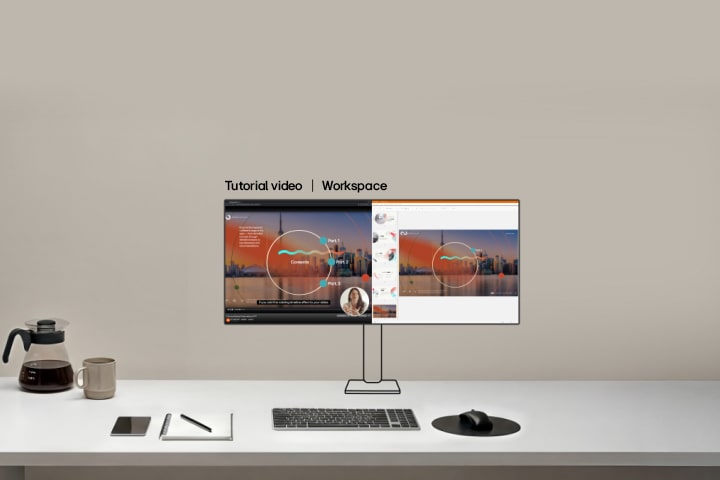
How to configure a multi-screen layout for videos, tutorials, and social feeds

This video shows an ultrawide entertainment monitor setup for entertainment consumers, where the main monitor displays streaming content, while secondary screens show browsing panels, playlists, and related media to support immersive content viewing and discovery.

Flexible setup for
productivity and
easy breaks

Edit workflows, learn from tutorials, 

and watch short clips all within your workspace.

*Widths are based on product dimensions. Please check full specifications on the LG.com PDP.

*Availability of some model names including launch schedules may vary by country.

*Images have been simulated to enhance feature understanding. Please refer to each product’s PDP for the actual appearance.