We use cookies, including cookies from third parties, to enhance your user experience and the effectiveness of our marketing activities. These cookies are performance, analytics and advertising cookies, please see our Privacy and Cookie policy for further information. If you agree to all of our cookies select “Accept all” or select “Cookie Settings” to see which cookies we use and choose which ones you would like to accept.
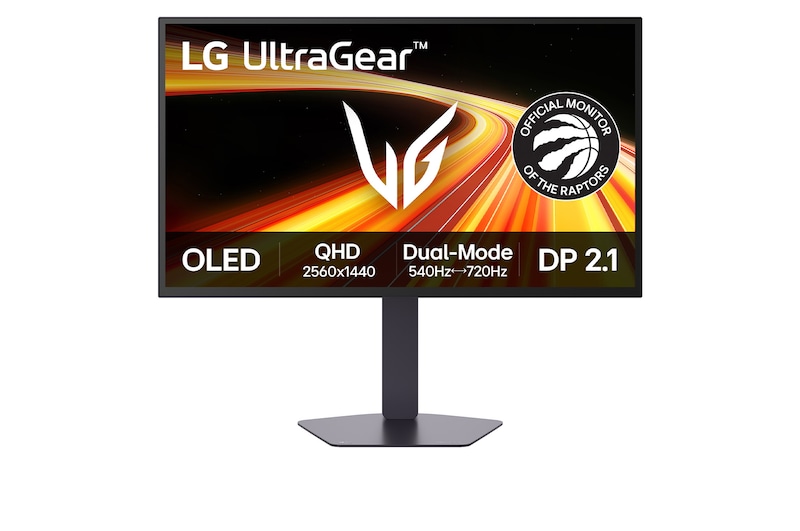
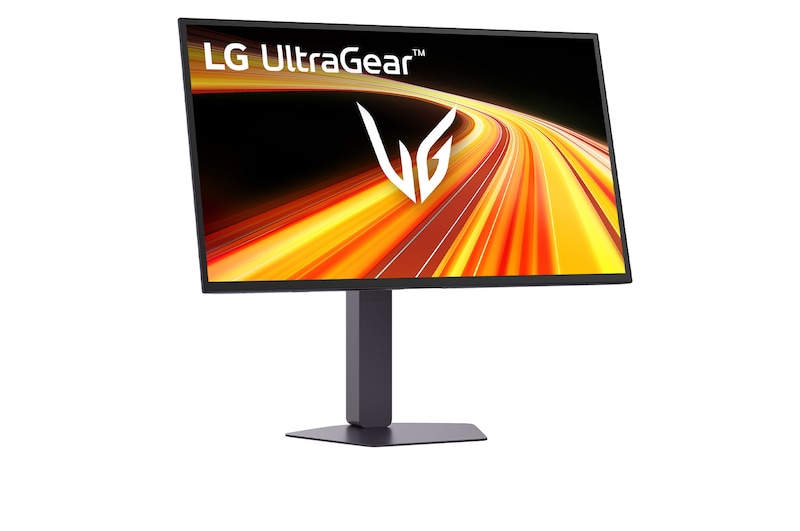
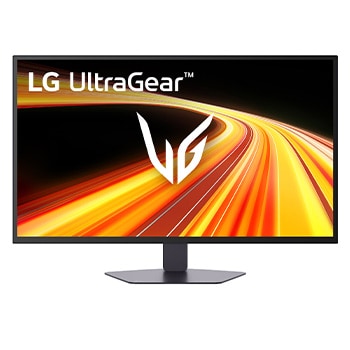
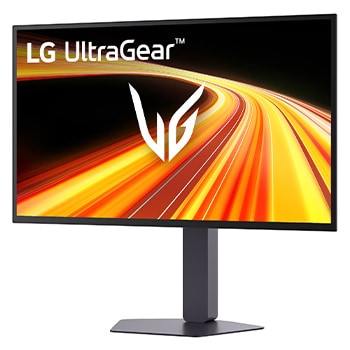
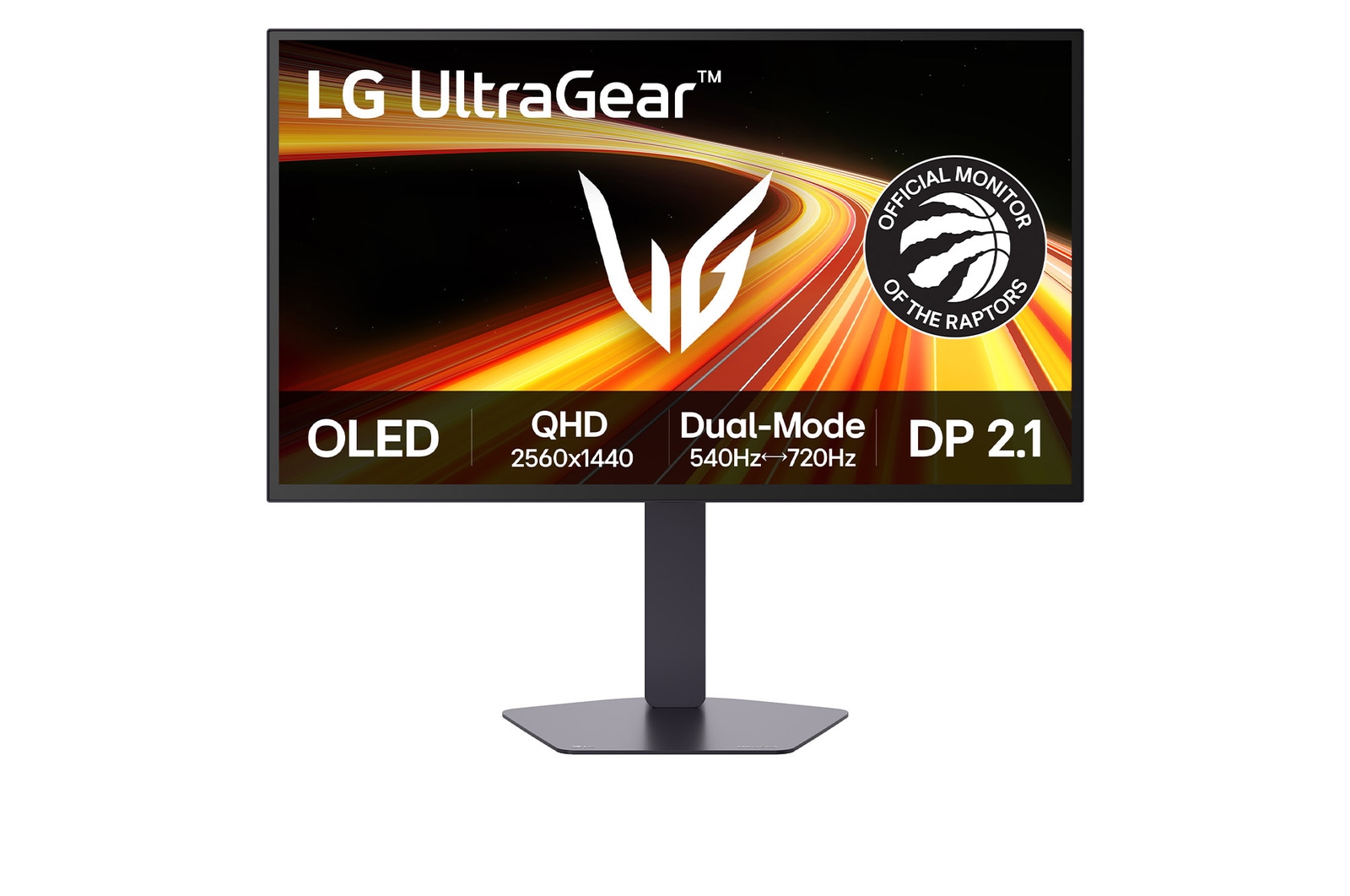
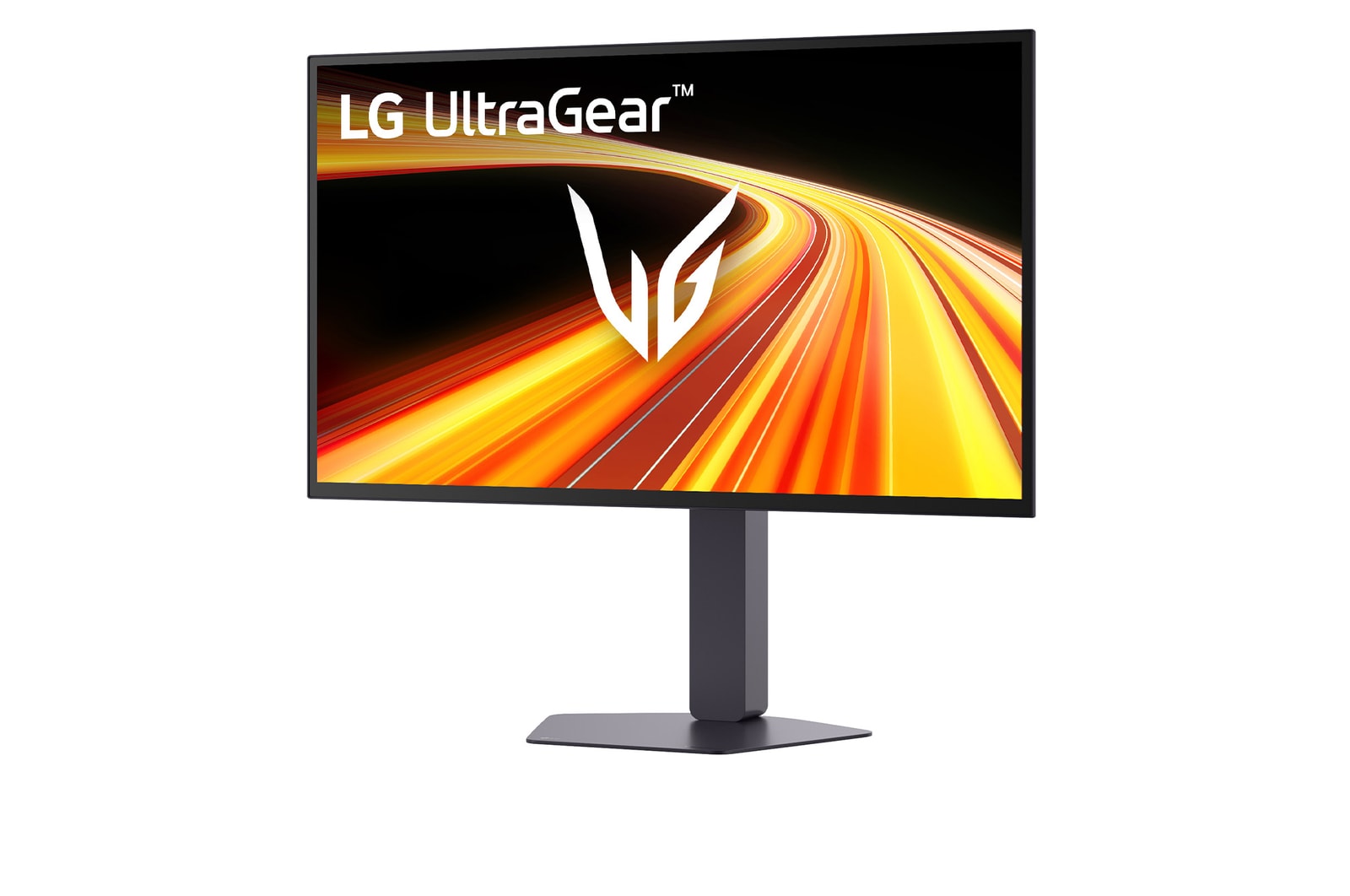
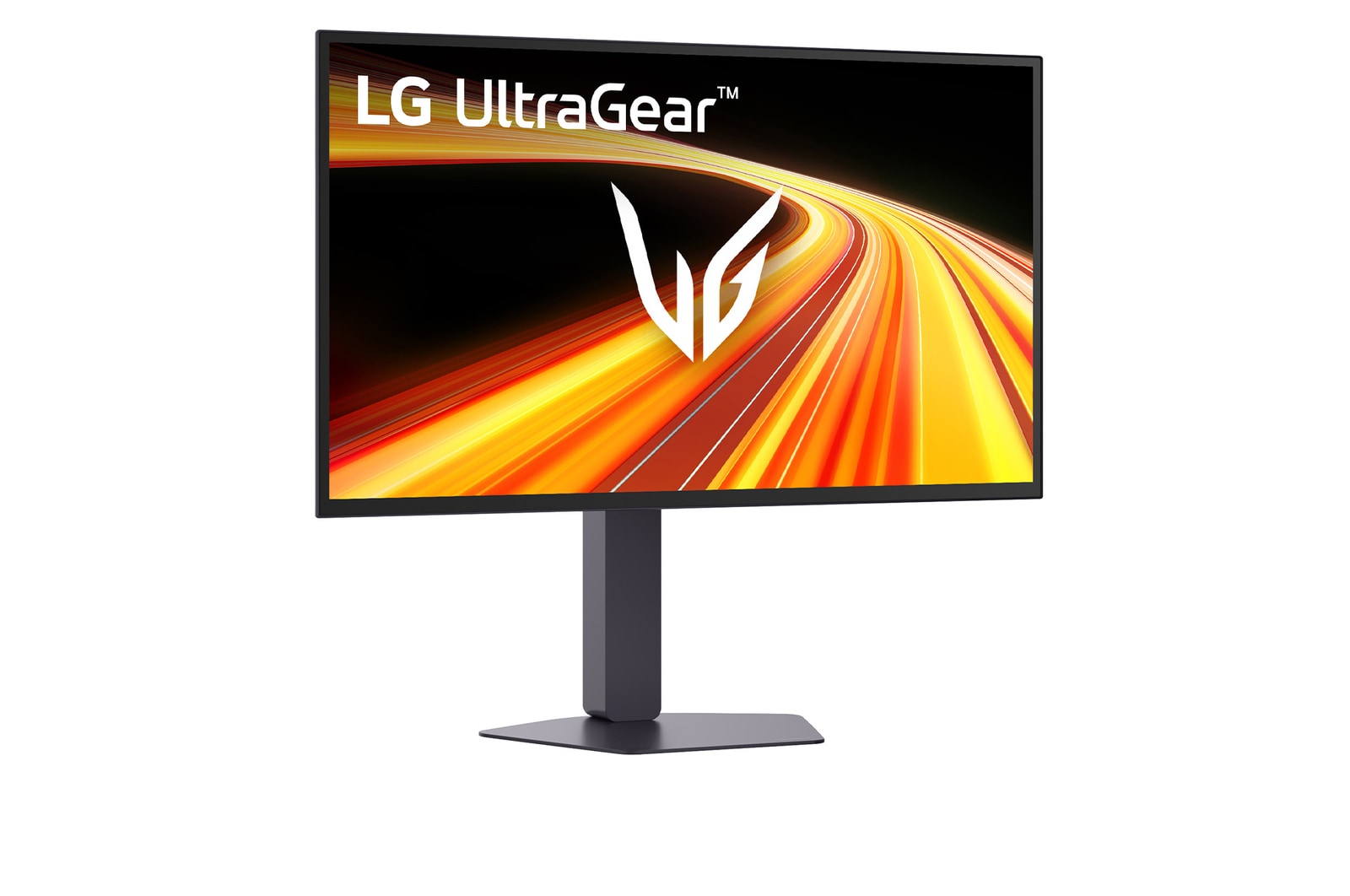
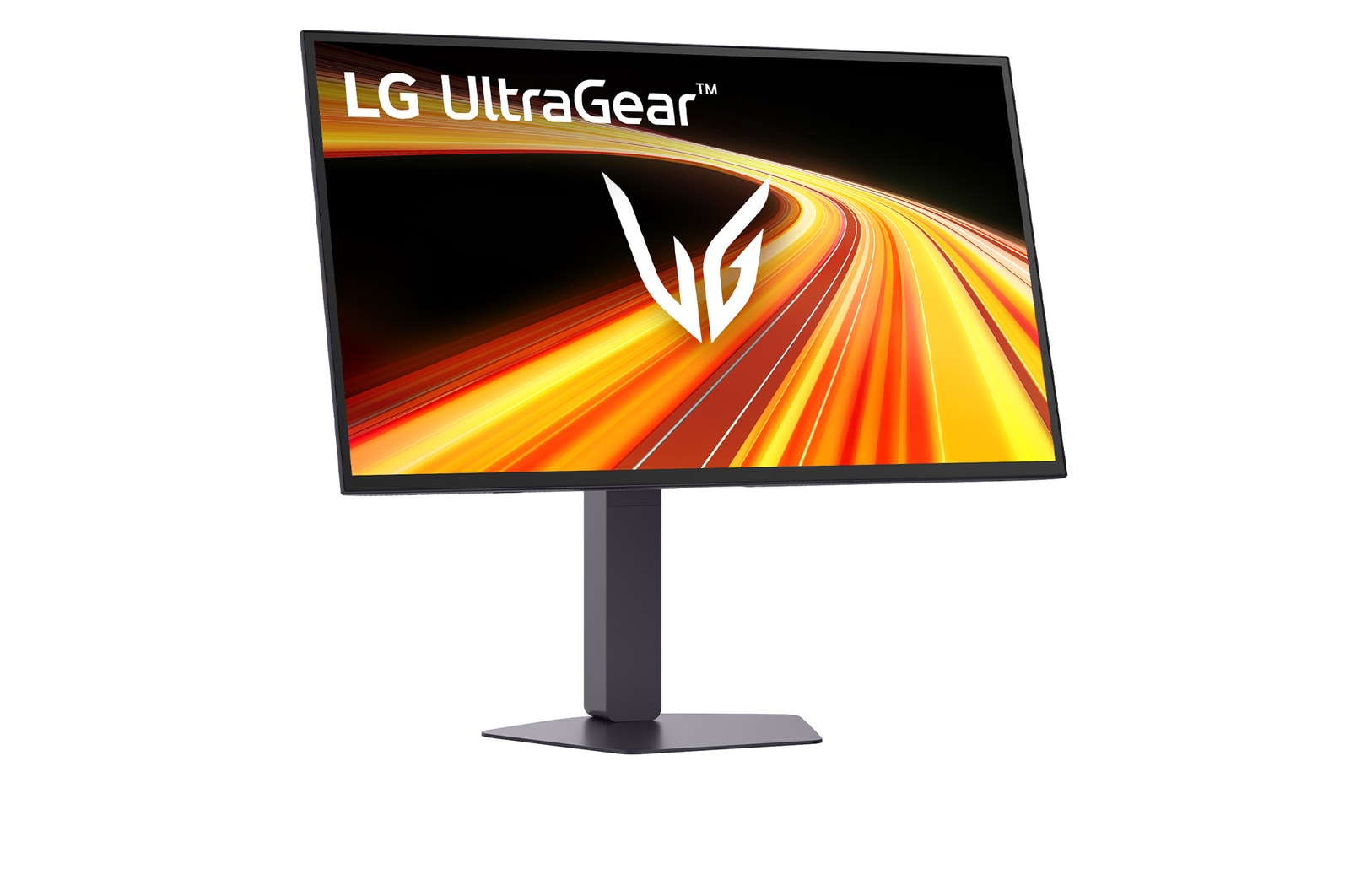
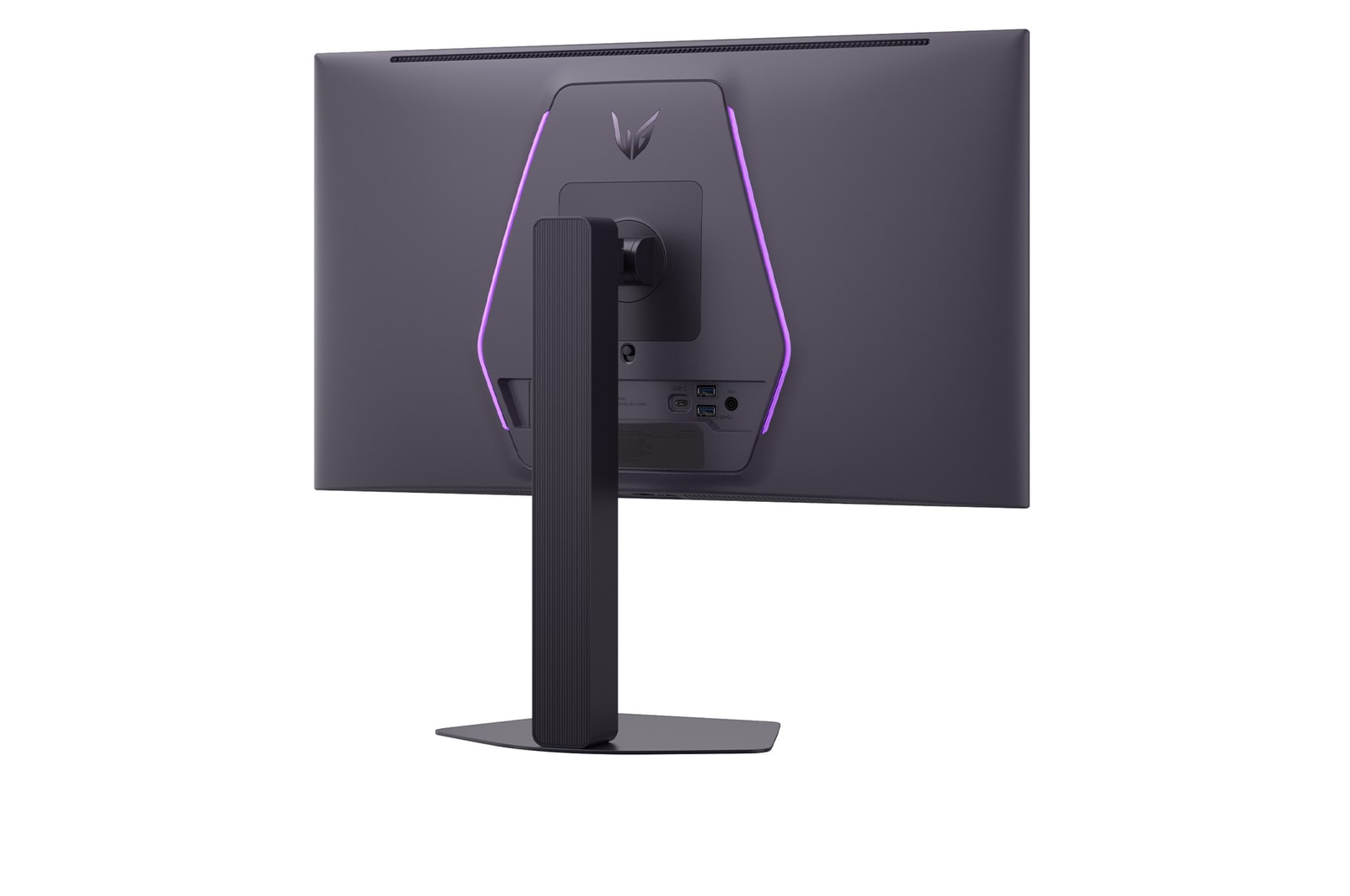
LG UltraGear 27-inch 4th Gen. OLED QHD Gaming Monitorㅣ27GX790B with Dual-Mode(720Hz@HD, 540Hz@QHD), 0.02ms(GtG), DP2.1, VESA DisplayHDR™ True Black 500
Key Features
- 27-inch QHD (2560x1440) OLED display
- VESA DisplayHDR™ True Black 500
- OLED with QHD 540Hz - HD 720Hz Dual-Mode
- 0.02ms (GtG) response time
- NVIDIA® G-SYNC® Compatible / VESA Certified AdaptiveSync / AMD FreeSync™ Premium Pro
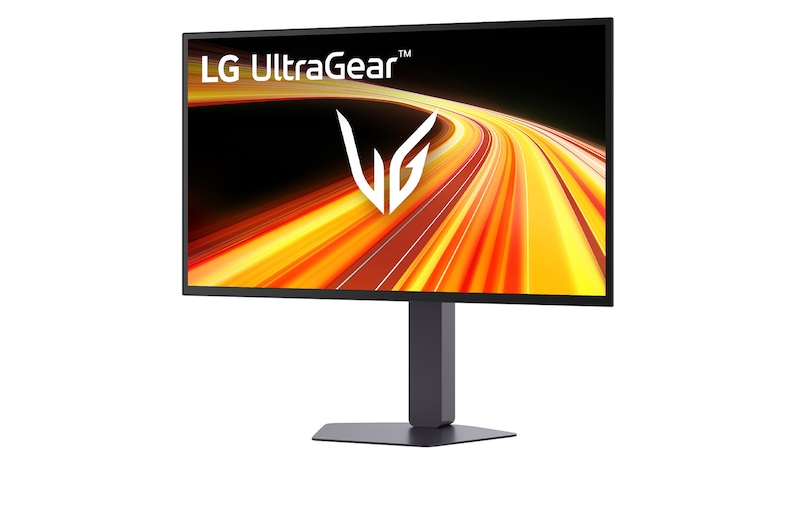
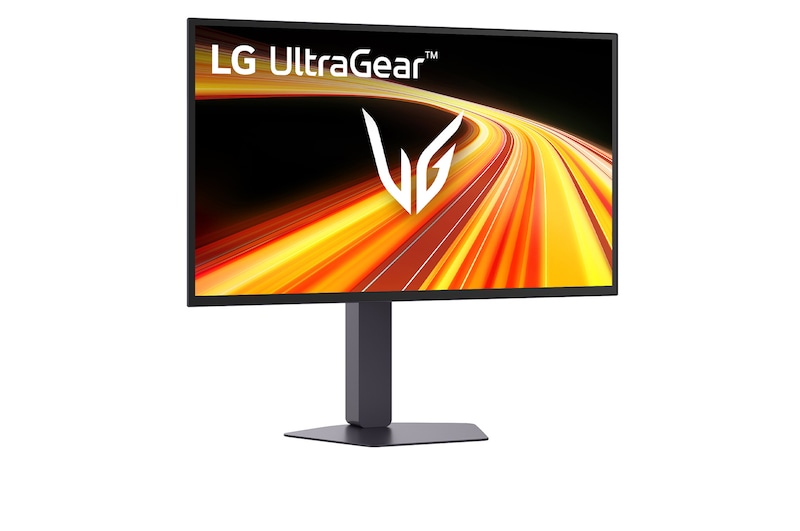
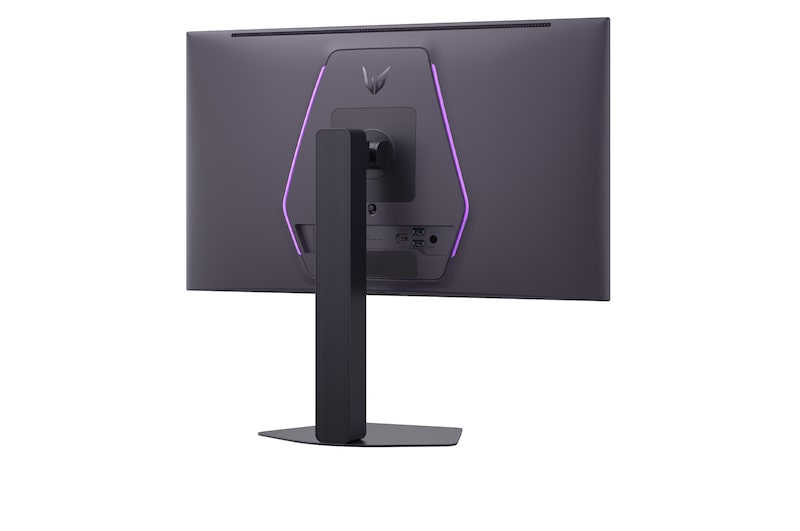
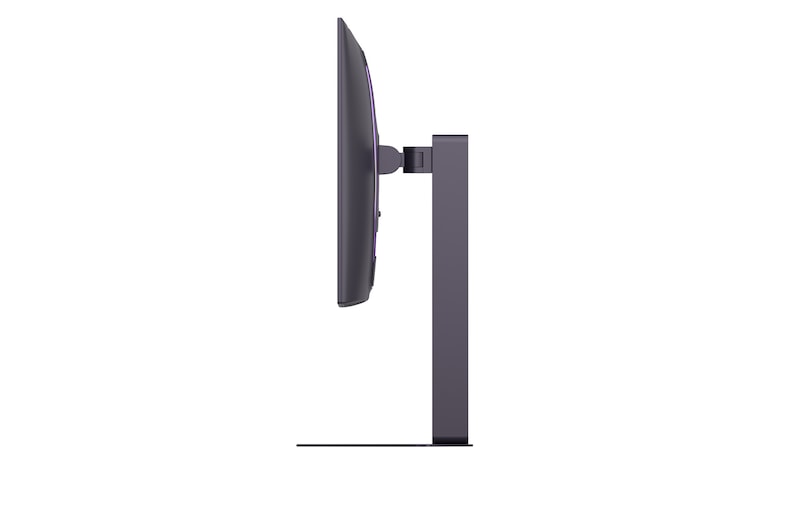
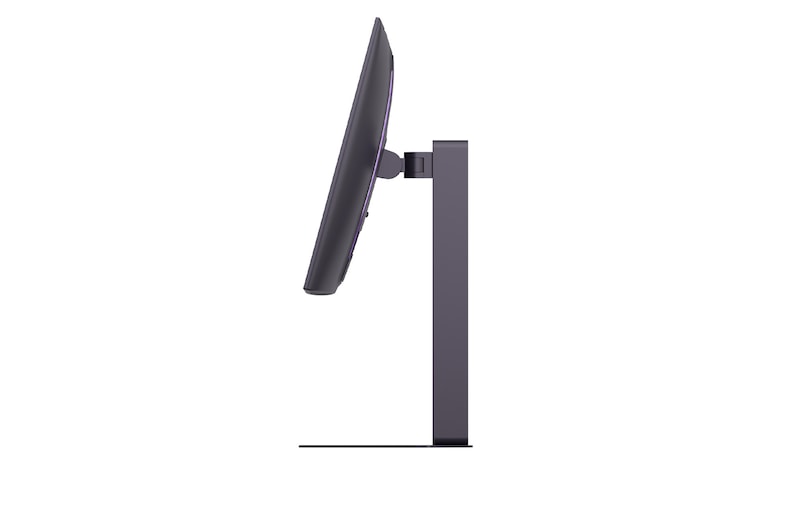
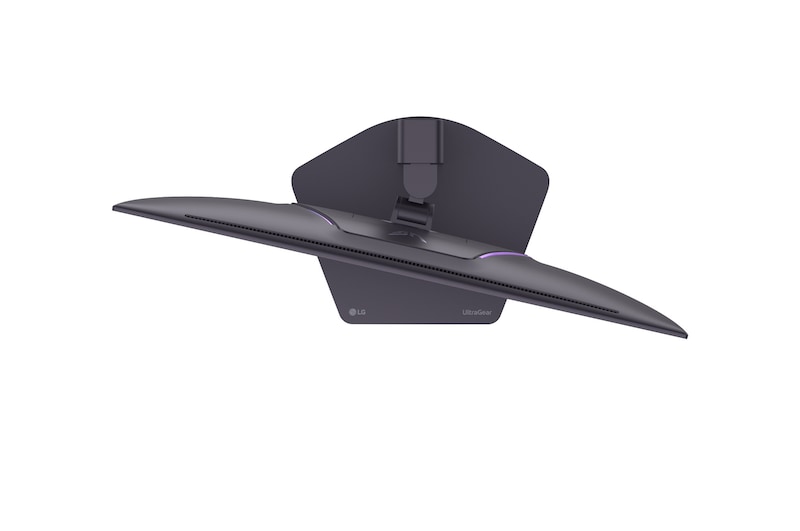
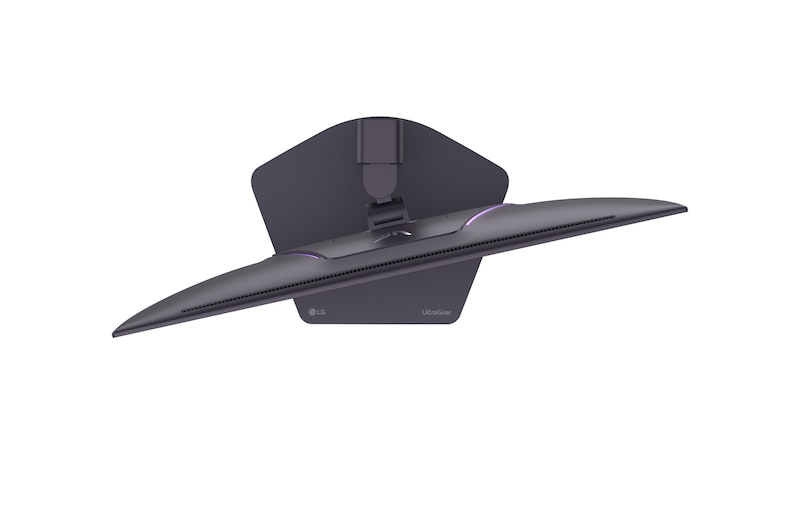
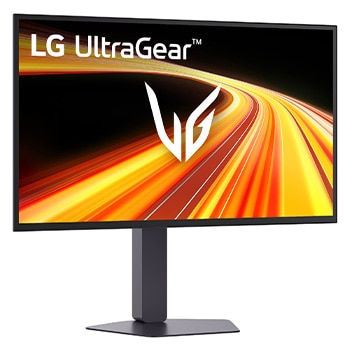
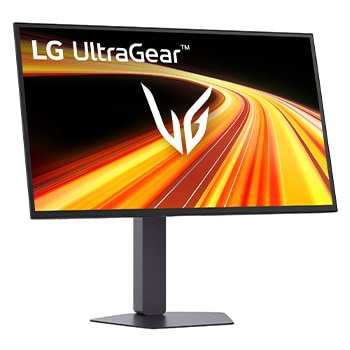
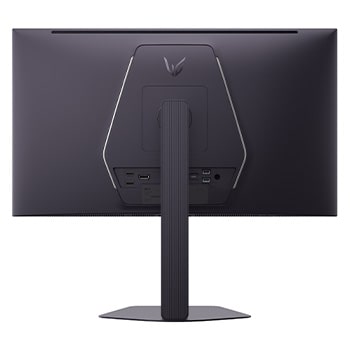
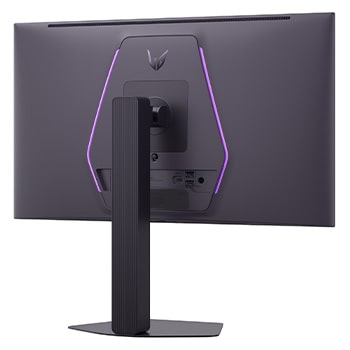
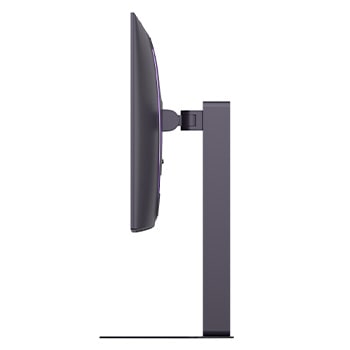
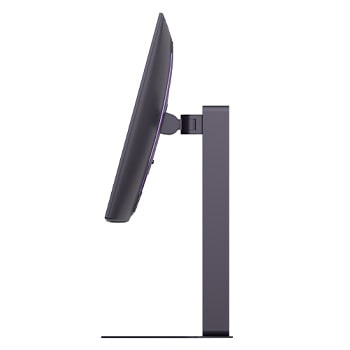
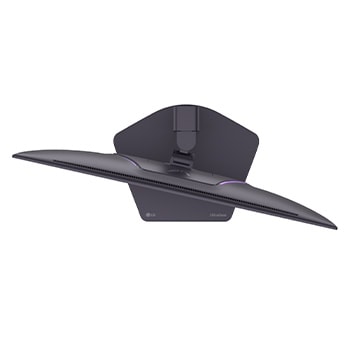
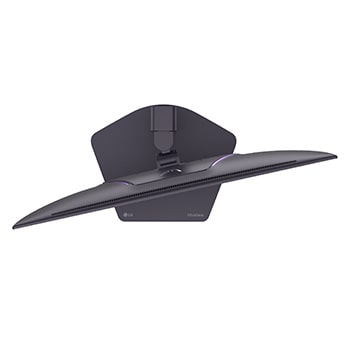
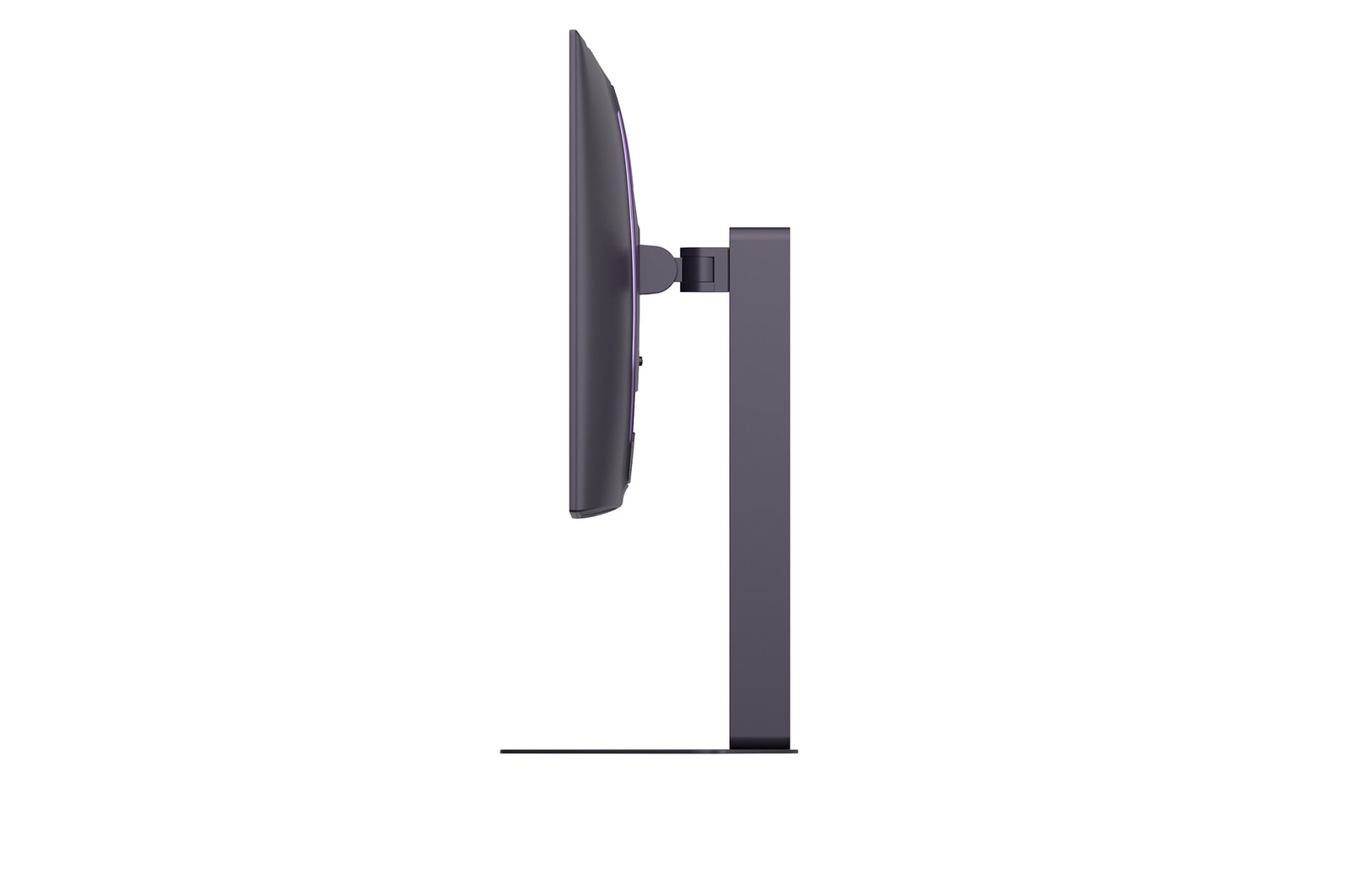
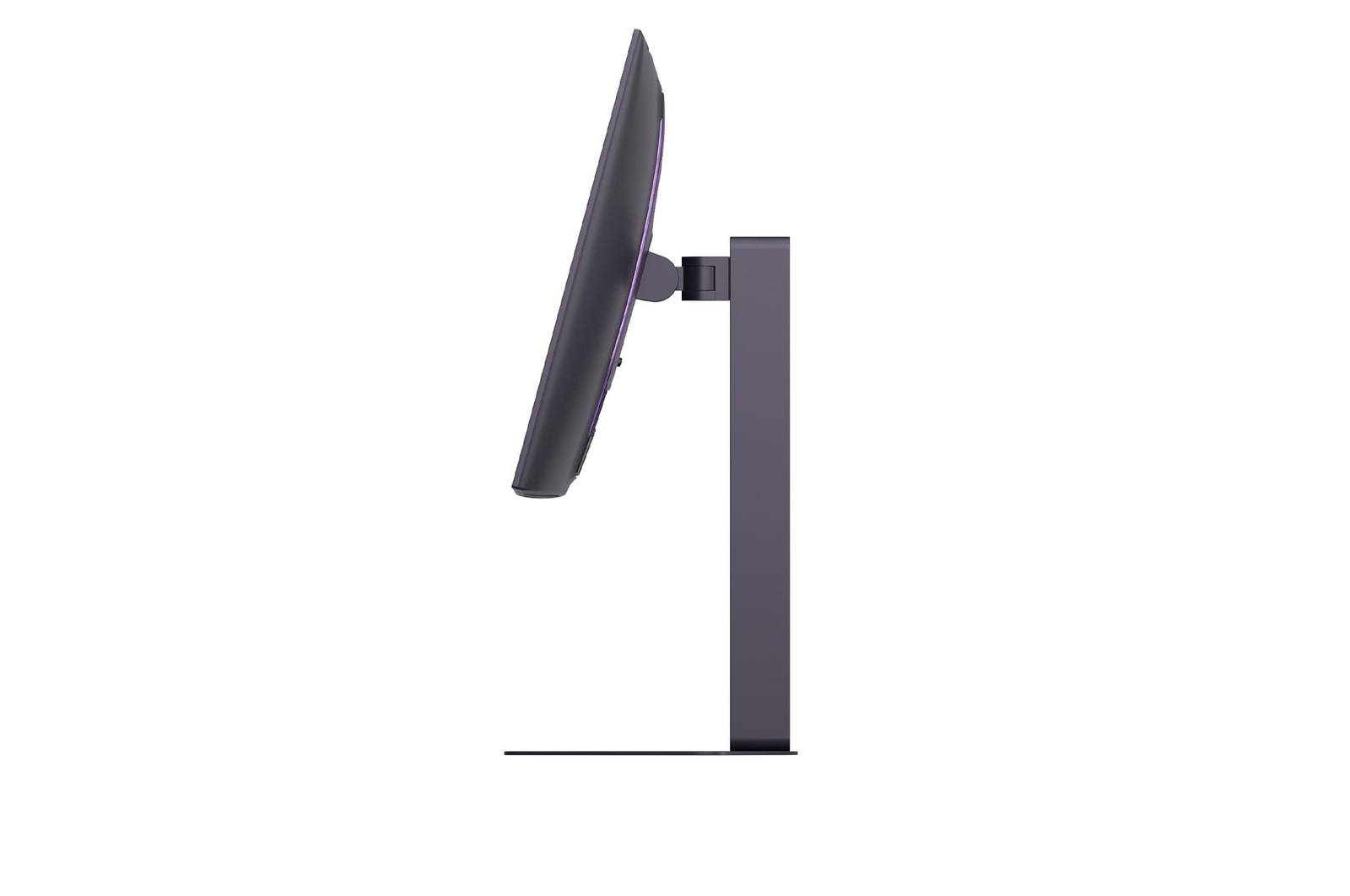
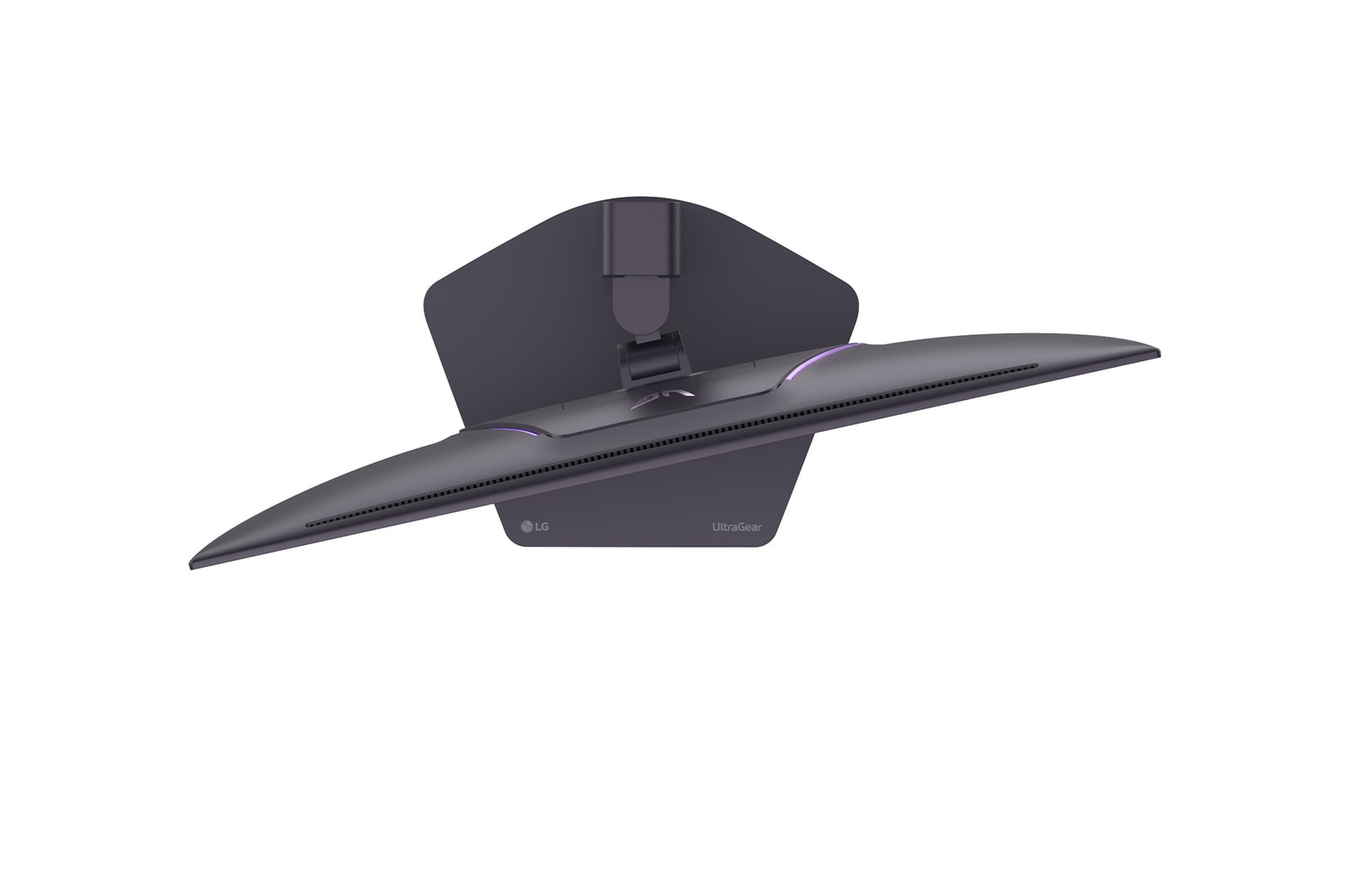
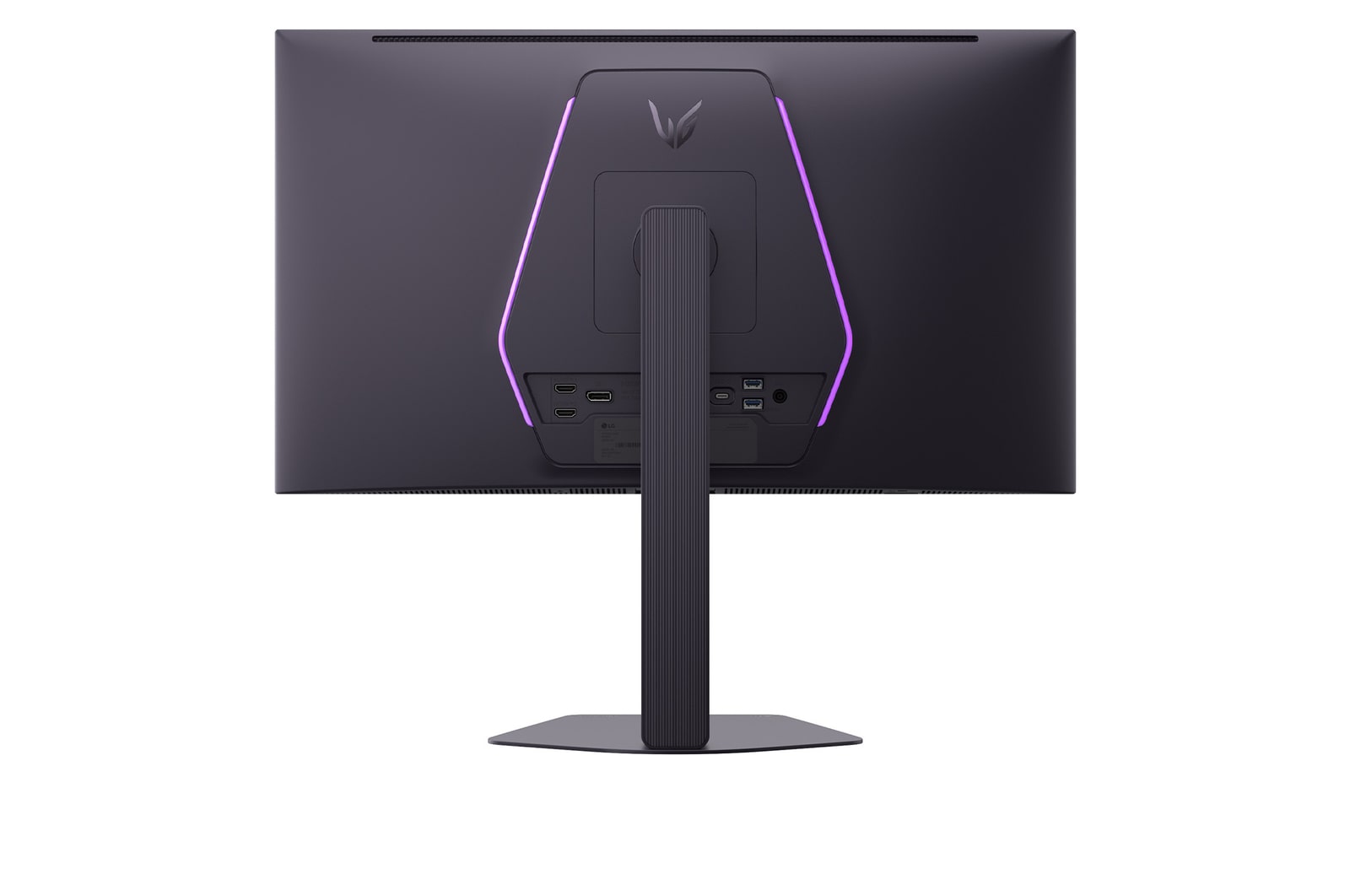
- Ergonomic design with tilt, swivel, pivot, adjustable height and mountable wall
All Spec
INFO
Product name
UltraGear
Year
Y26
DISPLAY
Aspect Ratio
16:9
Brightness (Min.) [cd/m²]
300cd/m²
Brightness (Typ.) [cd/m²]
335cd/m²
Color Depth (Number of Colors)
1.07B
Color Gamut (Min.)
DCI-P3 94.0% (CIE1976)
Color Gamut (Typ.)
DCI-P3 99.5% (CIE1976)
Contrast Ratio (Min.)
1200000:1
Contrast Ratio (Typ.)
1500000:1
Panel Type
OLED
Pixel Pitch [mm]
0.2292 x 0.2292 mm
Refresh Rate (Max.) [Hz]
540
Resolution
2560 x 1440
Response Time
0.02ms (GtG)
Size [cm]
67.3
Size [Inch]
26.5
Viewing Angle (CR≥10)
178º(R/L), 178º(U/D)
FEATURES
Reader Mode
Yes
AMD FreeSync™
FreeSync Premium Pro
Auto Input Switch
Yes
Black Stabilizer
Yes
Color Calibrated in Factory
Yes
Color Weakness
Yes
Crosshair
Yes
Dynamic Action Sync
Yes
FPS Counter
Yes
HDR 10
Yes
HDR Effect
Yes
HW Calibration
HW Calibration Ready
NVIDIA G-Sync™
G-SYNC Compatible
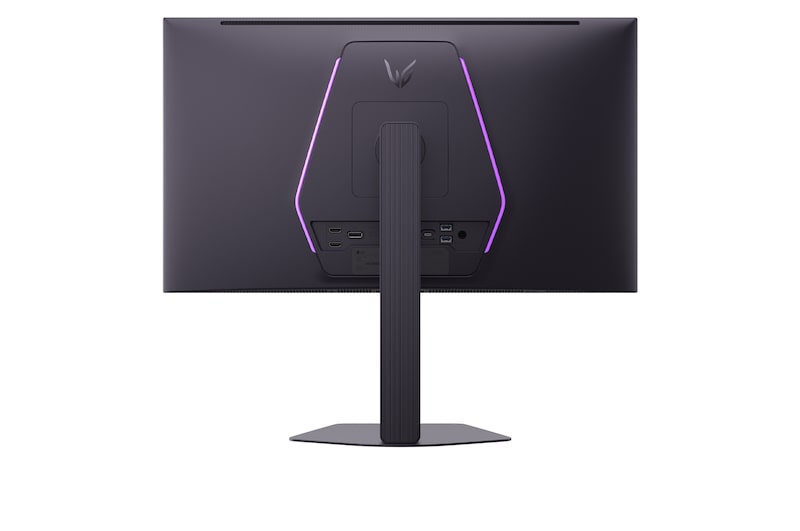
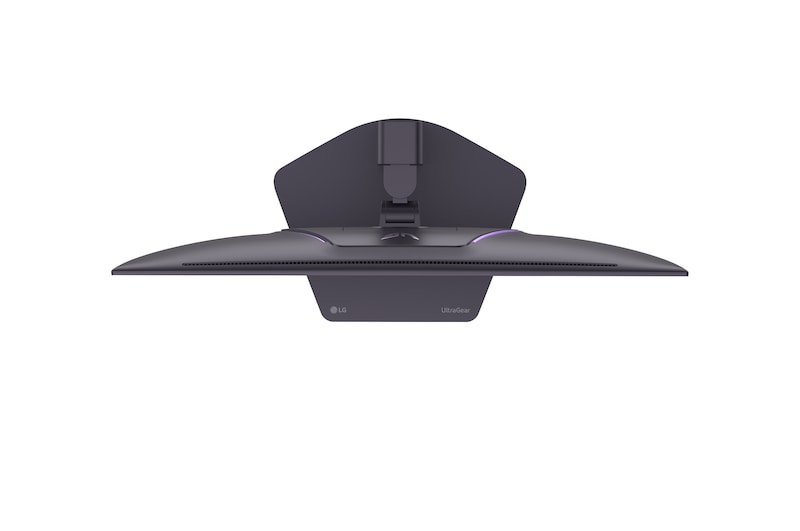
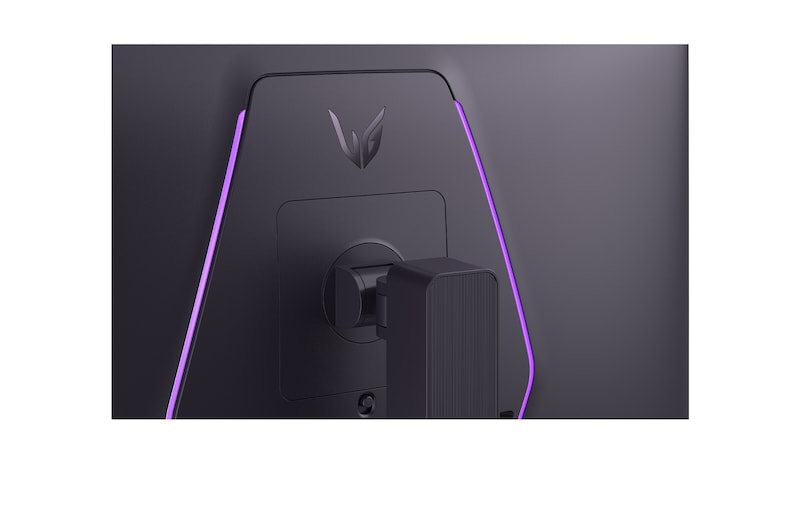
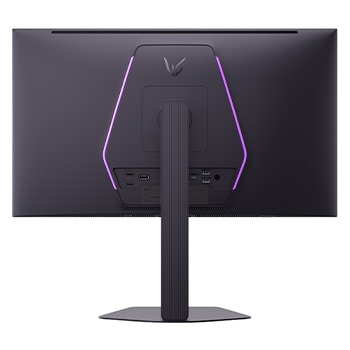
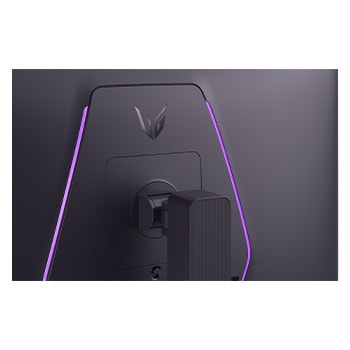
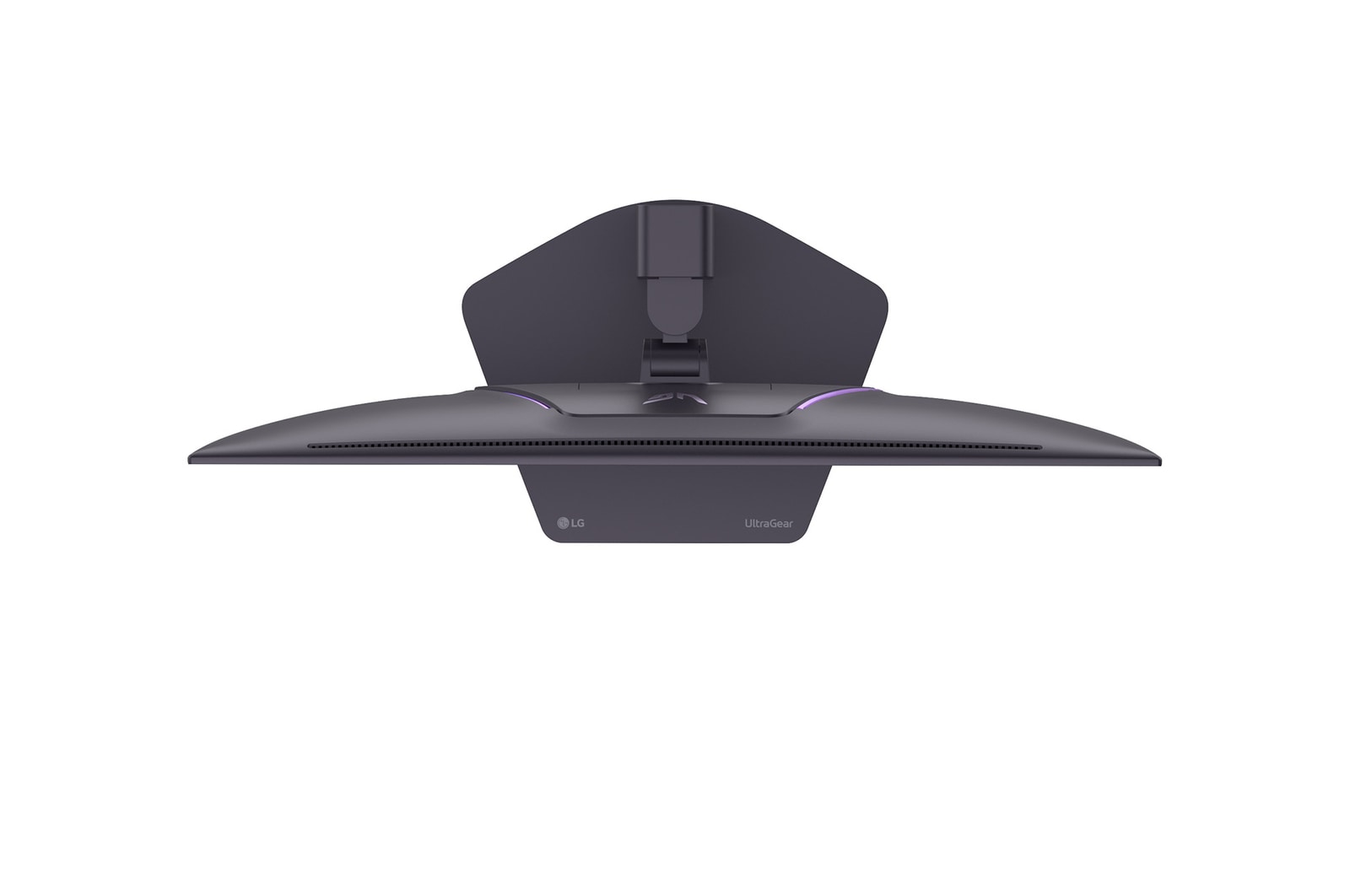
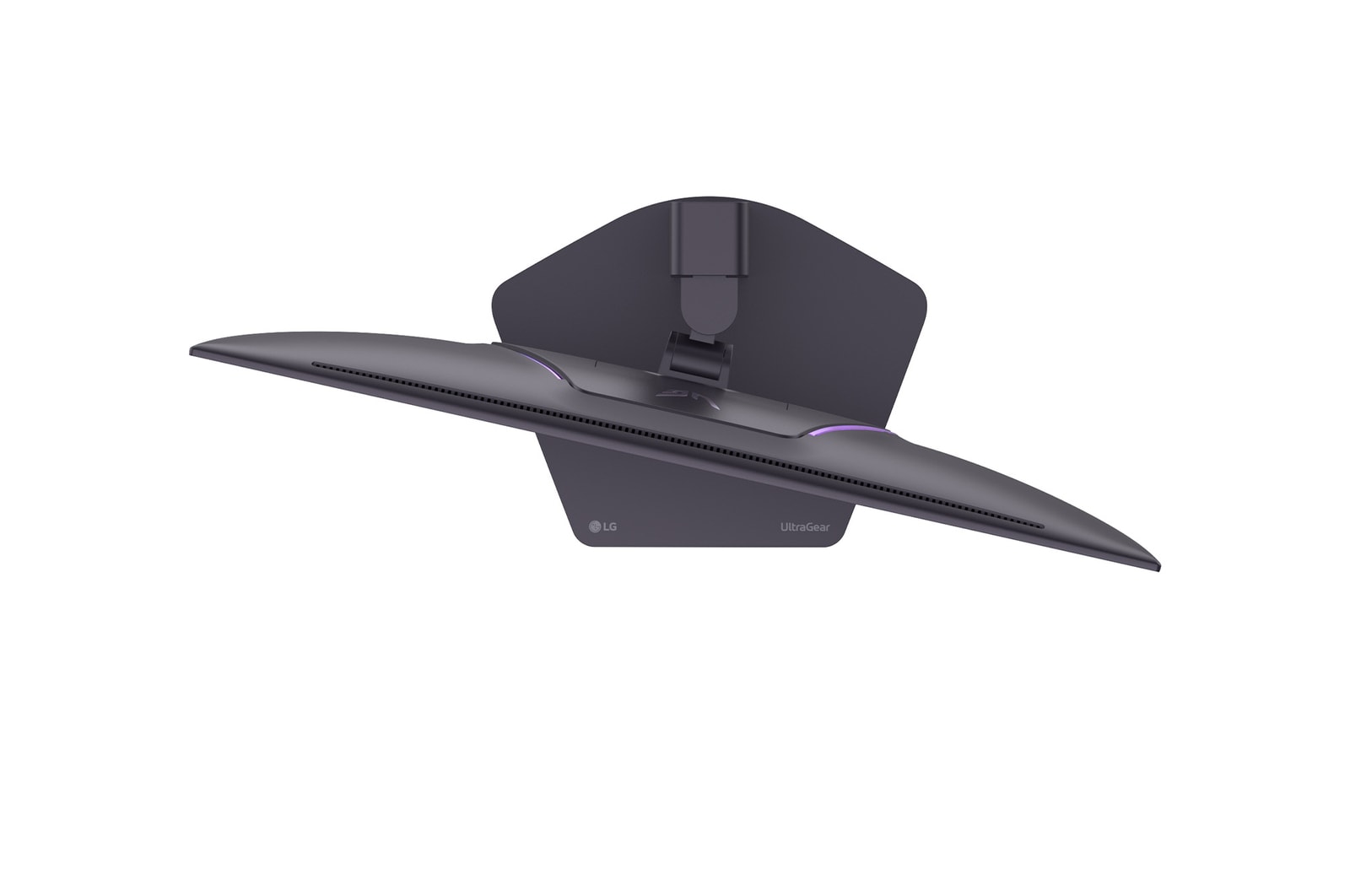
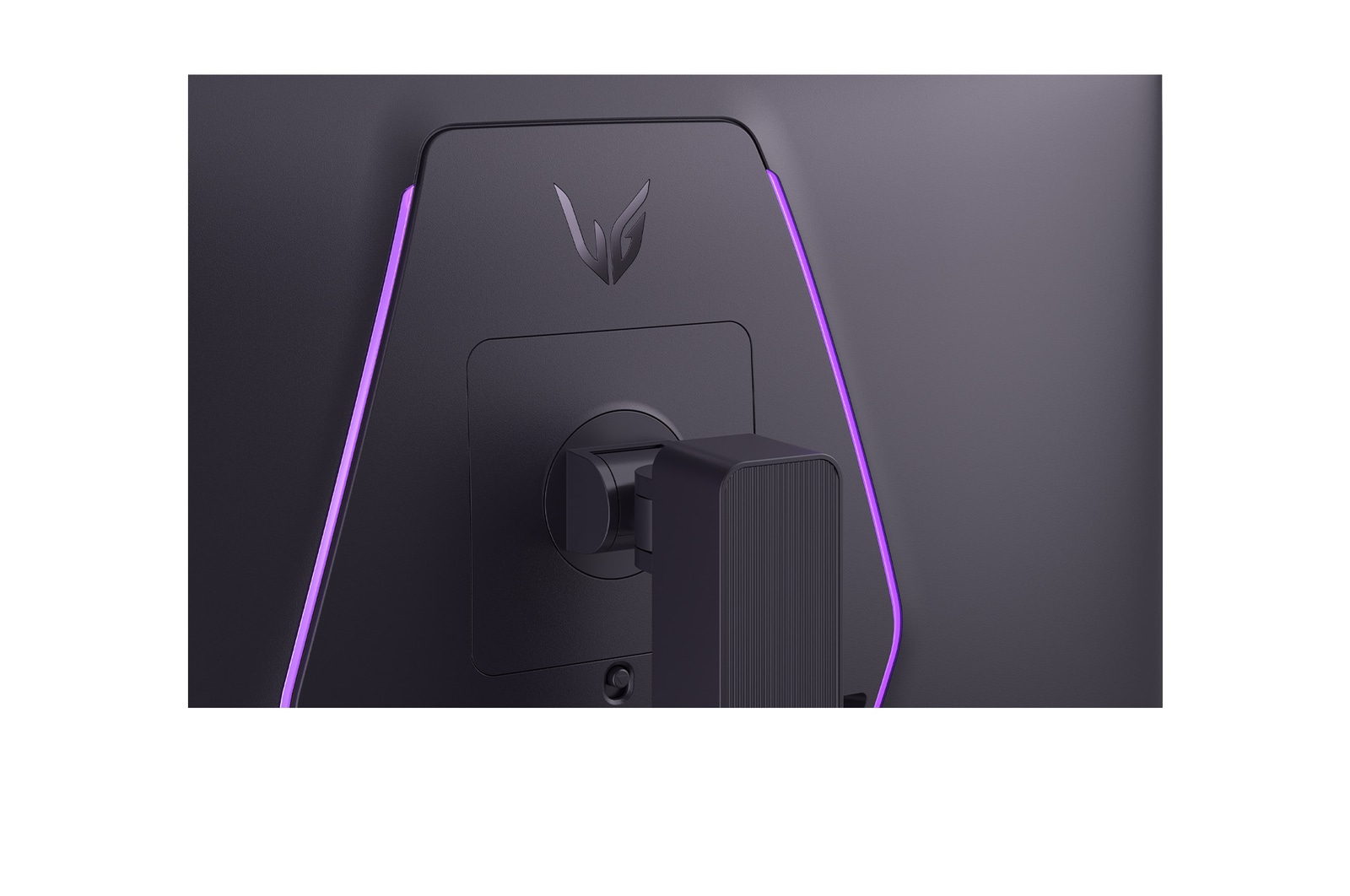
RGB LED Lighting
Unity Hexagon Lighting
Smart Energy Saving
Yes
User Defined Key
Yes
VESA DisplayHDR™
DisplayHDR™500 TRUE BLACK
VRR
Yes
SW APPLICATION
Dual Controller
Yes
LG Calibration Studio (True Color Pro)
Yes
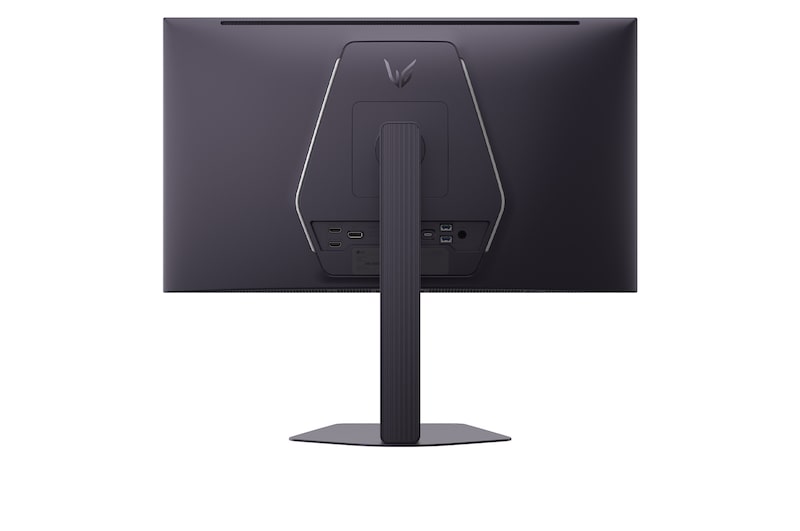
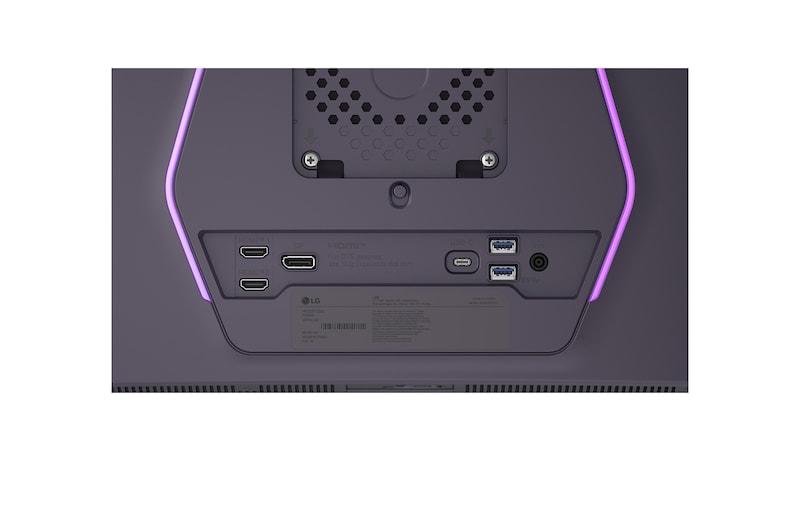
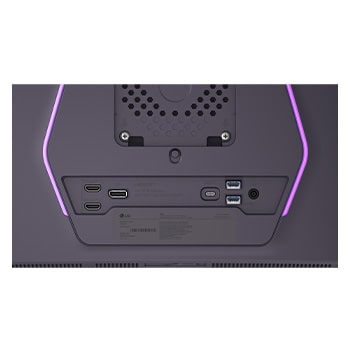
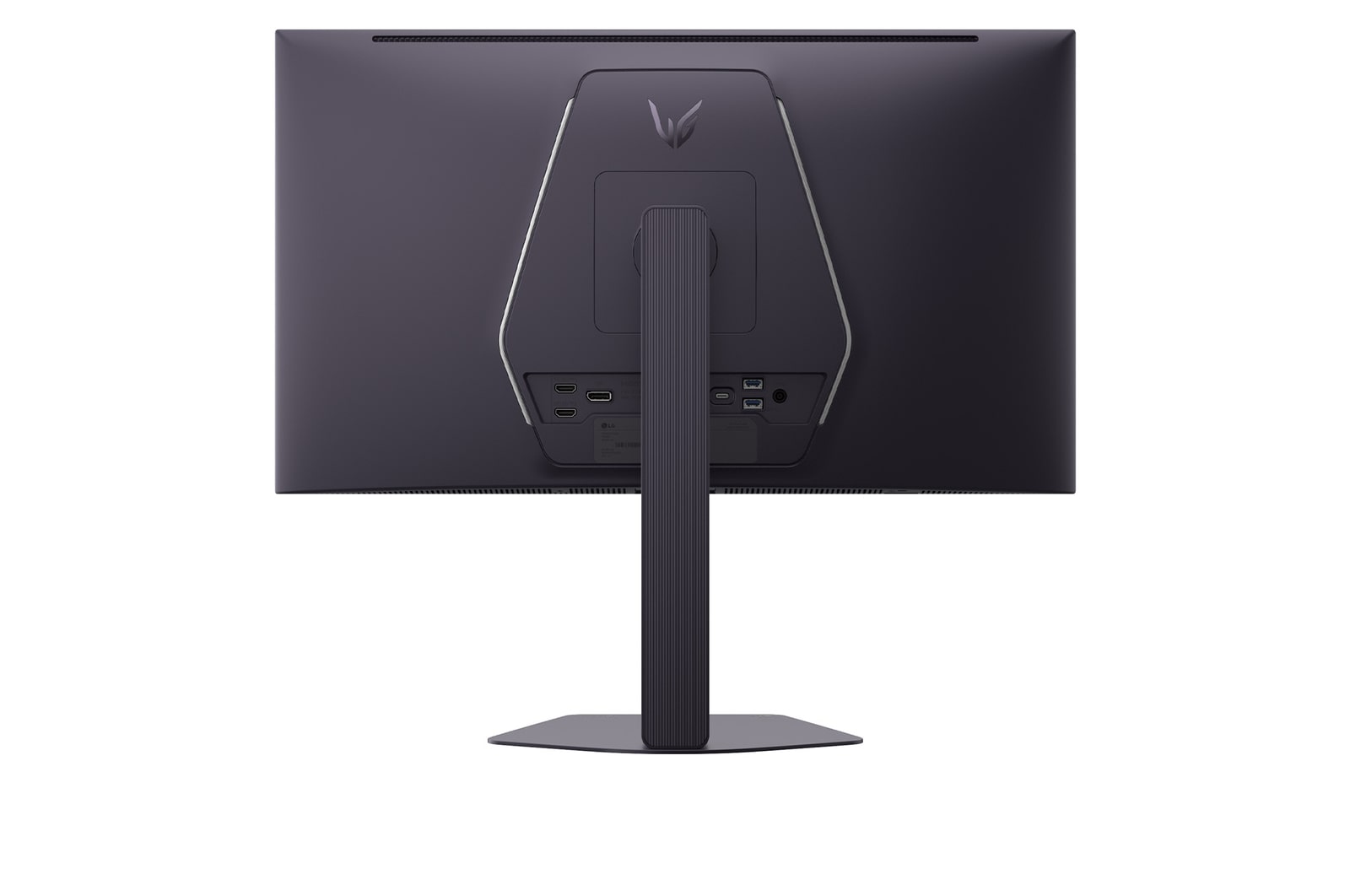
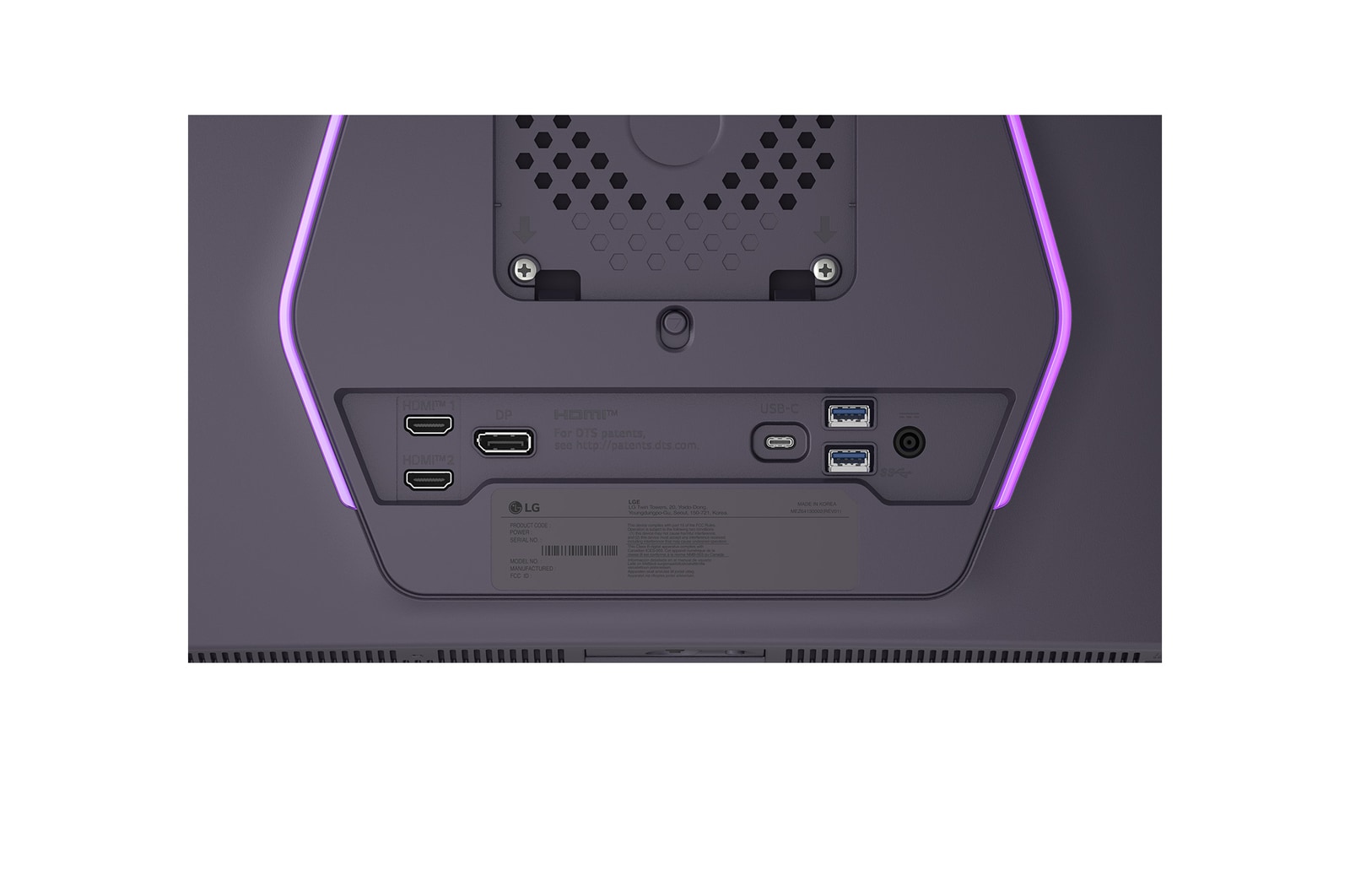
CONNECTIVITY
DisplayPort
Yes(1ea)
DP Version
2.1
HDMI
Yes(2ea)
Headphone out
4-pole (Sound+Mic)
USB-C
Yes
USB-C (Data Transsmission)
Yes
USB Downstream Port
Yes(2ea/ver3.0)
USB Upstream Port
Yes(via USB-C)
POWER
AC Input
100~240V (50/60Hz)
Power Consumption (DC Off)
Less than 0.3W
Power Consumption (Sleep Mode)
Less than 0.5W
Type
External Power(Adapter)
MECHANICAL
Display Position Adjustments
Tilt/Height/Swivel/Pivot
Wall Mountable [mm]
100 x 100
DIMENSIONS/WEIGHTS
Dimension in Shiping (W x H x D) [mm]
790x182x496
Dimension without Stand (W x H x D) [mm]
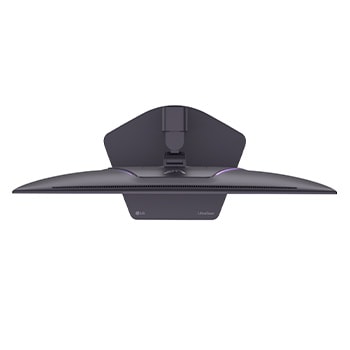
605.2x351.0x51.2
Dimension with Stand (W x H x D) [mm]
605.2x527.6x220(Up)/605.2x397.6x220(Down)
Weight in Shipping [kg]
9.8
Weight without Stand [kg]
4.3
Weight with Stand [kg]
6.8
ACCESSORY
HDMI
Yes (ver 2.1)
Display Port
Yes (ver 2.1)
What people are saying
FAQ
Are OLED gaming monitors worth it?
Yes, many gamers feel that they're absolutely worth it. OLED gaming monitors combine cutting-edge display technology with blazing-fast performance, delivering a viewing experience that’s just as responsive as it is beautiful. With LG, you’re getting more than just OLED. You’re getting displays engineered for gamers, with high refresh rates, adaptive sync, and sleek, immersive designs. For players who take their gaming seriously, OLED isn’t just a luxury—it’s a competitive upgrade.
What is the best LG OLED Gaming Monitor?
The best LG OLED gaming monitor depends on your gaming preferences, including refresh rate, response time, and display resolution.
The LG UltraGear evo GX9 (39GX950B) is our most advanced OLED gaming monitor to date. As the world’s first 39-inch 5K2K curved OLED gaming monitor, it features a 1500R curved ultrawide design and delivers exceptional contrast and clarity with perfect blacks. Its 39-inch ultrawide format offers a balance of immersion and usability. The GX9 supports Dual Mode, allowing gamers to switch to WFHD at up to 330Hz for ultra-fast FPS gameplay or WUHD (5120×2160) at up to 165Hz for visually rich RPG and open-world experiences.It also features AI Upscaling technology that lets you enjoy 5K2K at 165Hz without frame drops, even without a high‑end graphics card. In addition, AI Scene Optimization automatically detects your usage scenario and adjusts the picture settings for optimal image quality.
With LG’s own DQ‑C2 chipset, the monitor is equipped with AI Sound technology that makes sound effects, background music, and voices feel even more realistic.
The monitor supports DisplayPort 2.1 and two HDMI 2.1 ports for flexible, high-performance connectivity.
In addition to the GX9, LG UltraGear also offers high-performance gaming monitors in a range of sizes and display technologies.
For gamers seeking a larger-format experience, the UltraGear evo G9 (52G930B) features the world’s largest 52-inch curved 5K2K ultrawide display with a 240Hz refresh rate, delivering expansive visuals and high-speed performance.
For more detailed guidance on choosing the right UltraGear gaming monitor, visit the Gaming Monitor Buying Guide.

What are the differences among the 3 Modes in the "OLED Screen Move" feature in UltraGear gaming monitors?
The different modes serve to prevent burn-in of the monitors by adjusting the screen little by little (at least 8 pixel units) and is divided into 4 modes depending on the direction and amount of movement.
It moves a set amount and in a set direction every minute, except for 2 minutes at the initial start.
Mode 1 & Mode 3 move in the horizontal and vertical directions and draw a rectangle.
Mode 1 moves longer than Mode 3.
Mode 2 & 4 move once in the upward direction at first, then move diagonally and draw a diamond.
Mode 2 moves longer than Mode 4.
Mode 2 has the greatest movement.
Our Picks for You
Manual& Software
Download product manuals and latest software for your LG product.
Troubleshoot
Find helpful videos and information about your product systems.
Warranty
Check LG warranty information here.
Part& Accessory
Discover accessories for LG products.
Product registration
Registering your product will help you get faster support.
Product support
Find manual, troubleshoot and warranty of your LG product.
Order support
Track your order and check order FAQ.
Repair request
Repair request service conveniently online.
Contact Us
Chat with us
Get your answers from our virtual assistants.
WhatsApp
We are on WhatsApp. Text with our experts for service related concerns
Email us
No time to chat?Send LG Support your inquiry.
Text us
Text ‘*CARE’ to
1-587-742-2623
and get instantly connected to an agent.
(Only for customers located in Canada)
Free shipping exclusions may apply outside of GTA & GVA areas.