HELPFUL HINTS

What is the correct wall-to-projector distance


Smart Home
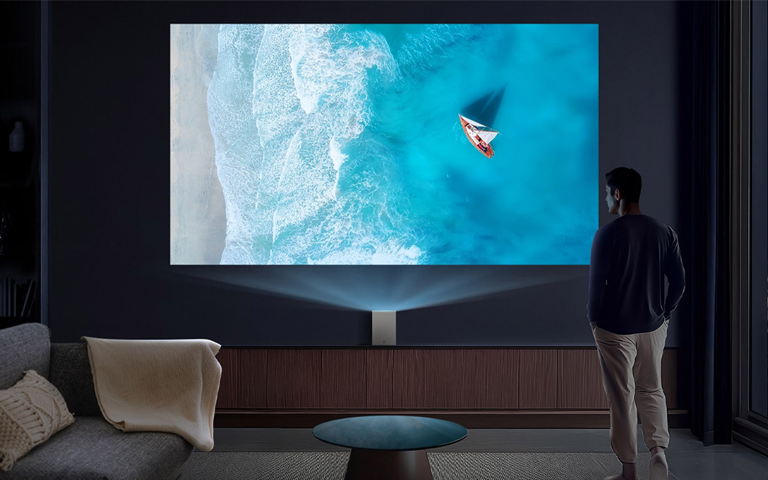
A man watching an LG OLED TV in the living room.

A man watching an LG OLED TV in the living room.

  • Learn how to calculate the correct projector distance, whether you want to use a screen, wall or ceiling
  • Understand the correct projector distance recommendations for different types of projectors
  • Compare popular types of long-throw and short-throw projectors, with both LED and Laser options
  • Find the correct positioning depending on your projector screen or wall
  • Troubleshoot common issues with setting up a projector for the first time

Getting a crisp and perfectly sized image from your projector is not just about brightness or resolution; it is about distance. The correct wall-to-projector distance determines how sharp and properly aligned your image will be. If the projector is too close, the image will be small and distorted. If it is too far, the picture becomes dim or stretches beyond your wall or screen.

To achieve cinematic quality at home, it is essential to understand how projector distance works and how to calculate it correctly based on your screen size and projector type.

How to calculate projector distance

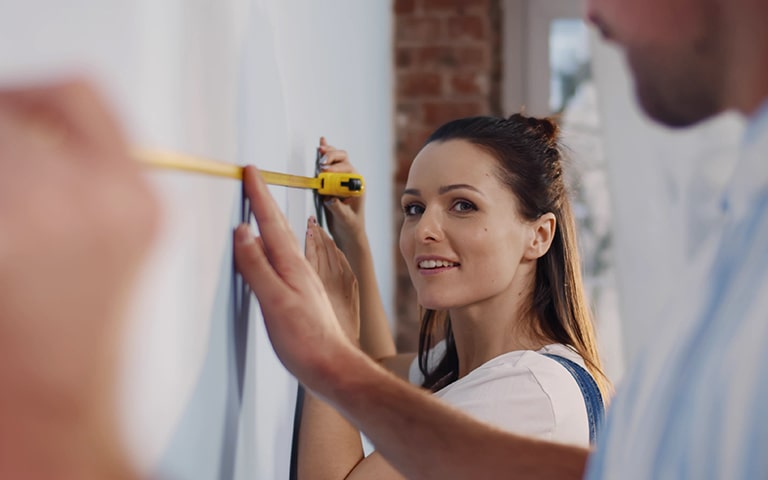
A couple measuring the space on the wall where they will install the LG TV.

A couple measuring the space on the wall where they will install the LG TV.

Problem

Many people set up their projectors without considering the throw ratio, which often results in blurry or misaligned images that reduce the projector’s performance.

Solution

Learn the basics of the projector throw ratio and how to apply it correctly to your setup.

Definition of throw ratio

The throw ratio tells you how far your projector needs to be from the screen to produce a specific image width. It is usually written as a number such as 1.5:1, meaning the projector must be 45 centimeters away for every 30 centimeters (12 inches) of image width.

Formula:

Throw Distance / Image Width = Throw Ratio

For example, if your projector has a 1.5:1 throw ratio and you want a 2-meter-wide image, the correct distance is:

Distance=1.5×2=3 meters

Many modern projectors include zoom lenses or adjustable throw ranges, which allow some flexibility in distance. For instance, a throw ratio range of 1.2 to 1.6:1 means the projector can be placed anywhere between 2.56 and 3.41 meters for a 2.13-meter-wide screen.

Correct projector distance by screen size

Problem

If your projector is not positioned based on the screen size, the image quality can suffer. An incorrect distance can cause blurriness, distortion, or uneven brightness.

Solution

Use this guide to find the right distance for your screen size and lumen output, or the amount of visible light your projector emits.

Small screens (up to 60 inches)

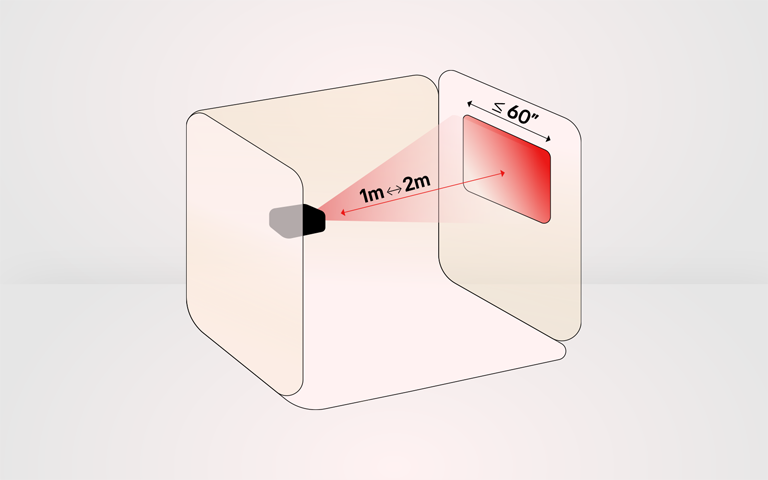
Small screens up to 60 inches

Small screens up to 60 inches

Small bedrooms or apartments benefit from short-throw projectors that can create a big picture from a short distance.

  • Typical distance: 1 to 2 meters
  • Recommended projector type: Short-throw LED or laser projector
  • Lumen output: 1,000 to 2,000 lumens
  • Best resolution: 720p to 1080p

Short-throw models are ideal for tight spaces where you still want a cinematic experience without needing a large room.

Medium screens (up to 100 inches)

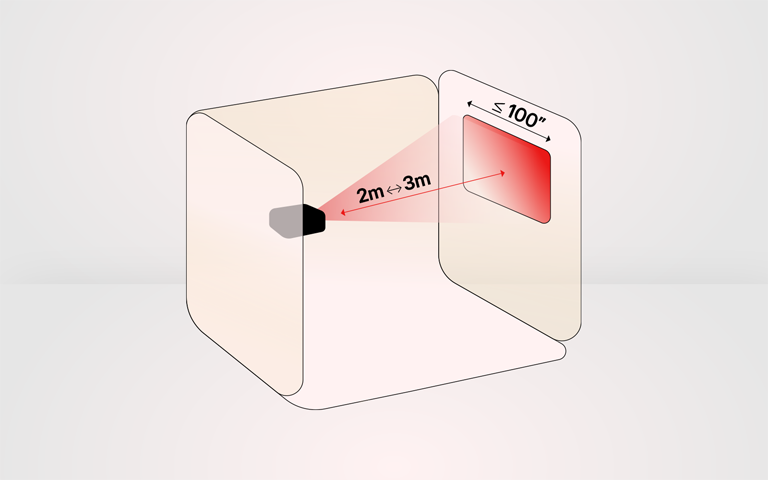
Medium screens up to 100 inches

Medium screens up to 100 inches

A 100-inch screen is popular in living rooms and multi-purpose entertainment spaces.

  • Typical distance: 2 to 3 meters
  • Recommended projector type: Standard or mid-throw projector
  • Lumen output: 2,000 to 3,000 lumens
  • Recommended resolution: Full HD (1080p) or 4K

For this setup, consider screen gain (or how reflective the screen is) and ambient light. A screen gain of 1.0 to 1.3 maintains brightness when there is some light in the room.

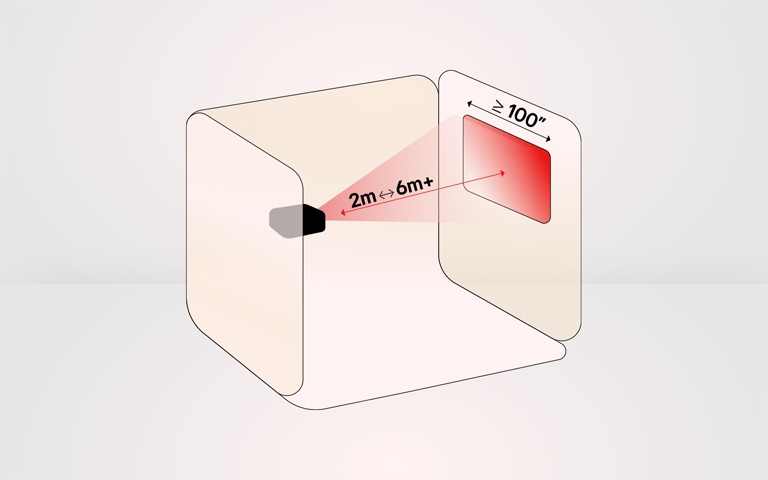
Large screens or wall projection (at least 100 inches)

Large screens or wall projection at least 100 inches

Large screens or wall projection at least 100 inches

For home theaters or outdoor movie nights, large screens deliver a true cinematic atmosphere.


  • Typical distance: 3 to 6+ meters
  • Recommended projector type: Long throw or laser projector
  • Lumen output: 3,000 lumens or higher
  • Resolution: 4K is best for this size

In larger setups, laser projectors or long-throw LED models are the most reliable options for maintaining brightness and focus. 

Numerical chart: Recommended projector distance by screen size

This table assumes a throw ratio of 1.5:1, but it is always best to check your projector’s specifications for exact placement.

Screen size (inches) Image width (meters)
Throw ratio (1.5:1)
Recommended distance (meters)
60 1.34 1.5 × 1.34 2.01
80 1.80 1.5 × 1.80 2.67
100 2.23 1.5 × 2.23 3.35
120 2.68 1.5 × 2.68 4.02

Smart features for maintenance

Many newer LG washing machines include ThinQ™ smart features, such as automatic diagnostics, maintenance reminders, and remote troubleshooting. These tools can help identify drainage issues early and guide users toward appropriate actions.


A washing machine that won’t drain can disrupt daily routines, but most causes, such as clogged filters, blocked hoses, or minor installation issues, are straightforward to resolve. Understanding the common reasons behind drainage problems and following regular maintenance steps can help prevent issues from returning, especially for LG washing machines and washer-dryer units used throughout Europe.

Correct projector distance by screen size

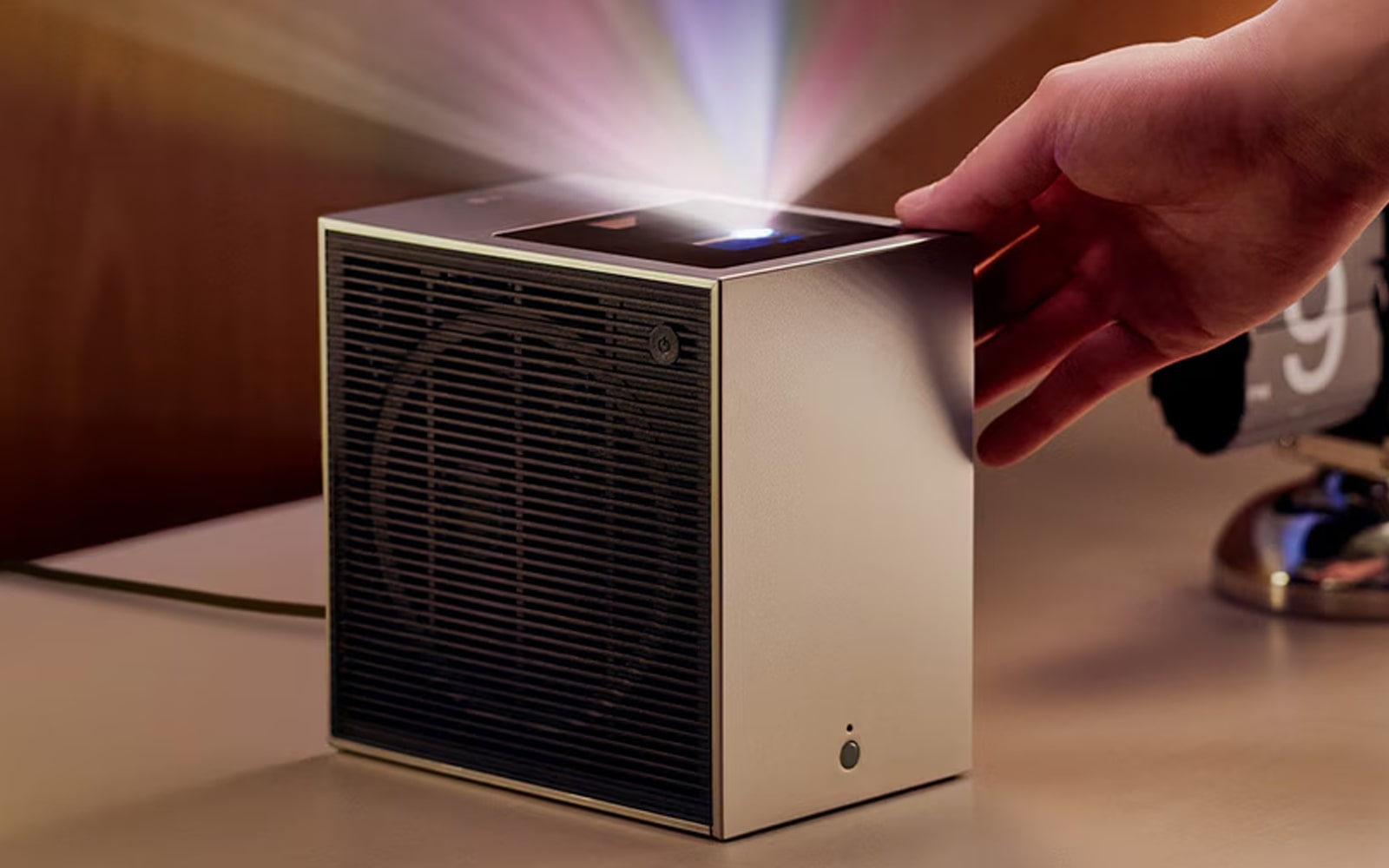
Different types of projectors operate in different ways. Laser projectors use lasers to generate light, which allows it to turn on/off instantly and produce more precise and saturated colours. LED projectors, on the other hand, use clusters of red, green, and blue (RGB) to emit light what creates vivid, natural colours without the need to warm up first. This light is then filtered through optical components, such as mirrors and an imaging chip (DLP/LCD), to form and project a magnified image onto a screen.

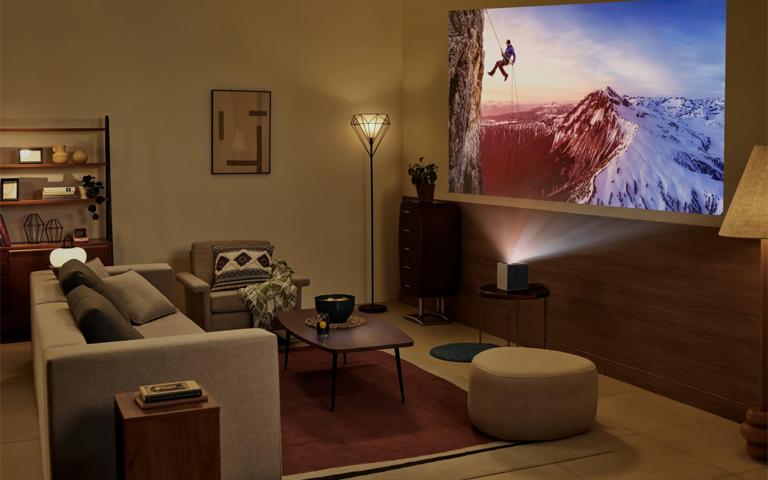
Living room with LG projector

Living room with LG projector

Problem

Different projectors require different amounts of space. A compact short-throw projector will not perform the same as a long-throw or 4K laser projector.

Solution

Understand your projector’s type to find the best distance for your setup.

Short-throw LED projectors

Short-throw projectors are ideal for tight spaces such as bedrooms or small living rooms.1

  • Throw ratio: Less than 1.0 (for example, 0.5:1)
  • Distance: Can produce a 100-inch image from only 90 to 180 cm
  • Ideal use: Small rooms and portable entertainment setups

These projectors reduce shadows and are perfect for quick installations where space is limited.

Long-throw LED projectors

These models are designed for larger rooms or ceiling-mounted setups.

  • Throw ratio: Usually 1.5:1 or greater
  • Distance: Around 3 to 6 meters for a 100-inch screen
  • Ideal use: Home theaters and conference rooms

Laser projectors

Modern laser projectors provide high brightness and greater flexibility for many room sizes.

  • Throw options: Ultra short throw (less than one foot) or standard laser
  • Advantages: Long lifespan, excellent brightness, and improved visibility in lighted rooms
  • Ideal use: Living rooms, home theaters, and professional environments

Ultra-short-throw laser models can sit only a few inches from the wall and still project large, high-quality images.3

Correct positioning for projecting to a wall or screen

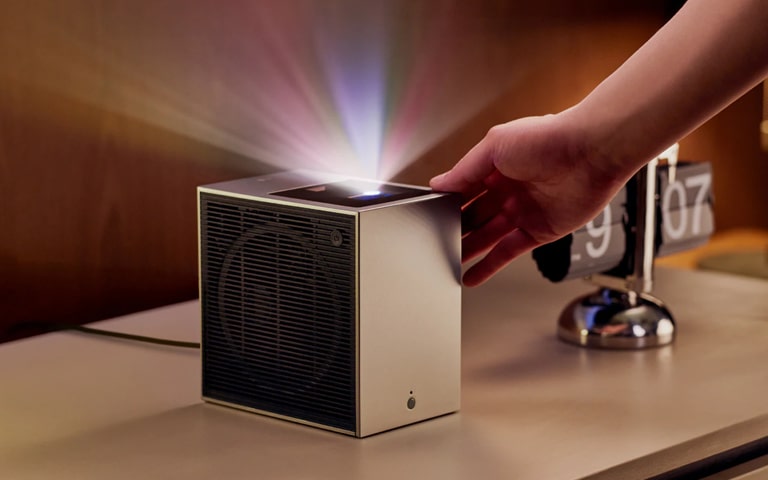
LG projector

LG projector

Problem

Even if you find the right distance, poor positioning can cause alignment issues and reduce image quality.

Solution

Use these positioning tips for common environments.

Bedroom

  • Choose a short-throw projector to save space
  • Project onto a flat wall above the bed or opposite the wall
  • Keep the lens aligned with the centre of the screen to avoid distortion

Living room

  • Offers flexibility in distance and mounting options
  • Consider ceiling mounts or sturdy TV stands for stable placement
  • Control natural light with curtains or dimmable lights for better clarity

Outdoor or party setups

  • Allow for longer projection distances if space permits
  • Use high-lumen laser or long-throw projectors
  • Ensure the setup is stable and protected from wind or moisture
  • Use extension cords and tripods for safety and easy adjustment

FAQs about correctly setting up a projector

FAQ

FAQ

How far should my projector be from a 100-inch screen?

Around 3 to 4 meters, depending on the throw ratio.

Can I use a projector on a plain wall?

Yes. Make sure the wall is flat and light colored, and align the projector carefully for the best results.

What is the difference between short-throw and long-throw projectors?

Short-throw models work well in small spaces at about 1 to 1.5 meters away, while long-throw models need 3 meters or more.

Does projector height matter?

Yes. Keep the lens centred vertically with the screen, or use keystone correction only if needed.

Do all projectors use the same throw ratio?

No. Throw ratios vary by model, so always check your projector’s specifications.

How can I calculate my projector’s throw ratio?

Divide the distance from the screen by the image width.

Understanding the correct screen-to-projector distance is the foundation of a great viewing experience. Whether you are setting up in a cozy bedroom, a spacious living room, or an outdoor space, the right placement ensures a clear, bright, and properly sized image.

By considering your screen size, projector type, and room layout, you can find the perfect setup every time. Use the formula and distance chart as your quick reference and enjoy movie nights that look as impressive as the big screen.

Life's Good!

1 LG CineBeam S PU615U: Mini UST Projector, 4K UHD, Max 100" Screen Size, 500 ANSI

2 LG CineBeam HU70LS: LED Real 4K UHD

3 LG CineBeam HU715QW: Ultra-short-throw projector with 4K UHD resolution

Featured Product

Recommended Article