We use cookies, including cookies from third parties, to enhance your user experience and the effectiveness of our marketing activities. These cookies are performance, analytics and advertising cookies, please see our Privacy and Cookie policy for further information. If you agree to all of our cookies select “Accept all” or select “Cookie Settings” to see which cookies we use and choose which ones you would like to accept.

HELPFUL HINTS
How to Reset a Washing Machine: Step-by-Step Guide to Fix Common Issues
Whether your LG washing machine is showing an error code, stuck mid-cycle, or simply not responding, a reset might be the solution. This guide walks you through when and how to reset your washer, and what to do if it doesn’t work.
Reasons to Reset Your Washer
You may need to reset your LG washing machine in the following situations:
✓ Power failure or blackout
✓ Unbalanced load detection
✓ Sensor or software glitches
✓ Control panel not responding
Resetting can help restore normal operation without needing a service call.
When You Should Not Reset Your Washer
Avoid resetting your washer if:
✓ An error code is displayed (e.g., AE,dE,CE) — these indicate specific issues that need troubleshooting
✓ The washer is physically damaged or leaking
✓ You suspect a maintenance issue like clogged filters or dirty
Step-by-step
How to Reset Your Washing Machine
Follow these steps to reset most LG washers:
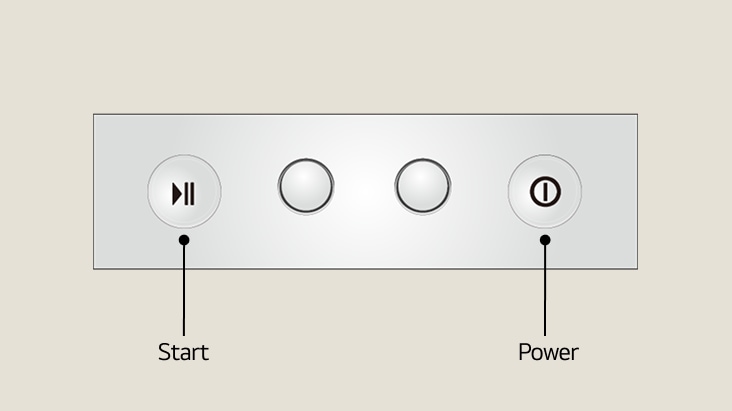
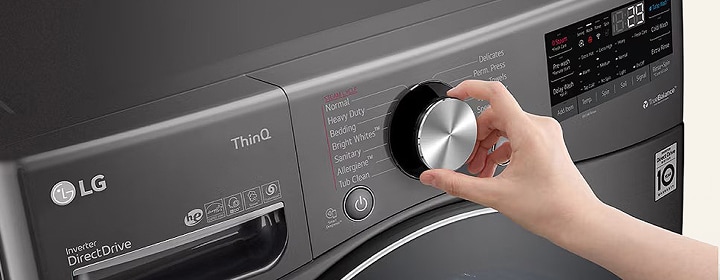
Step 1
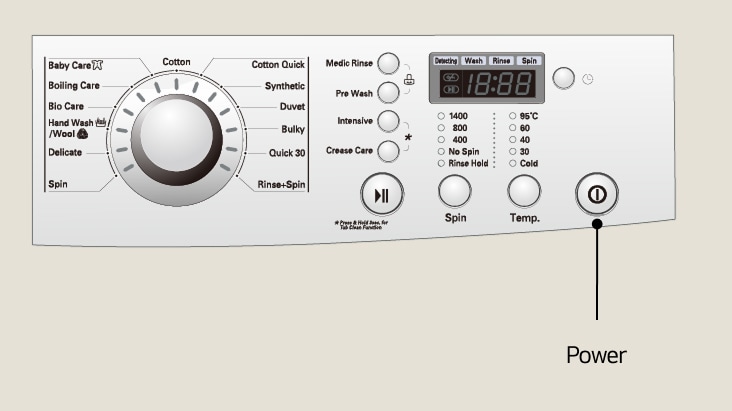
Press the power button to turn off the washer
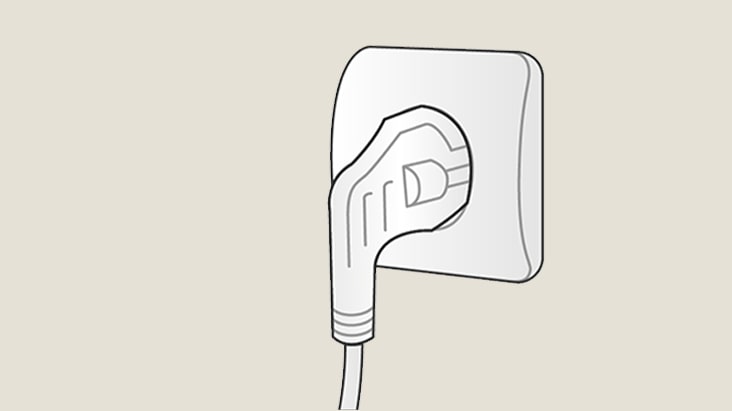
Step 2
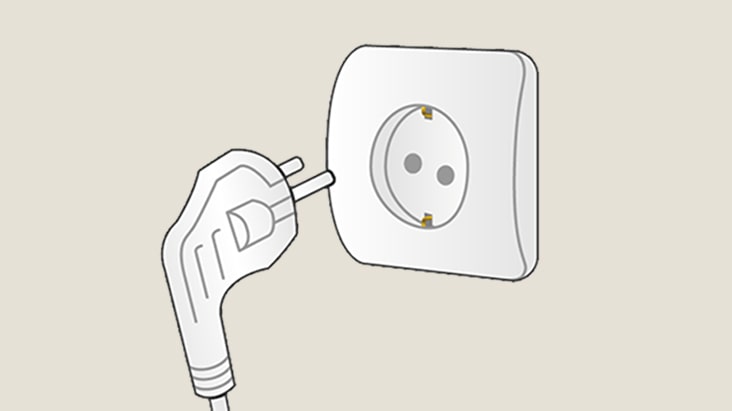
Unplug the washer from the power supply
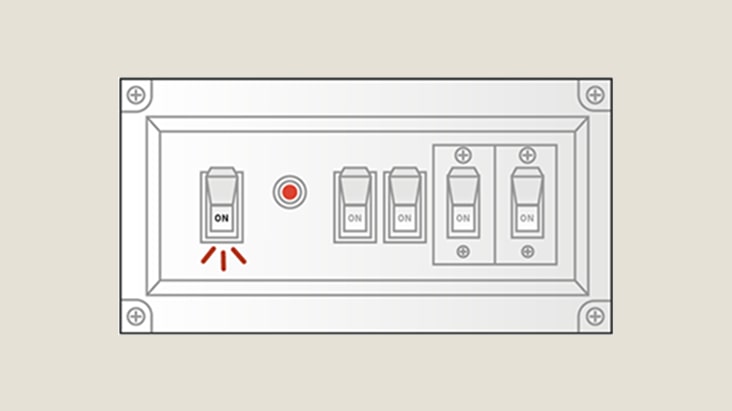
Step 3
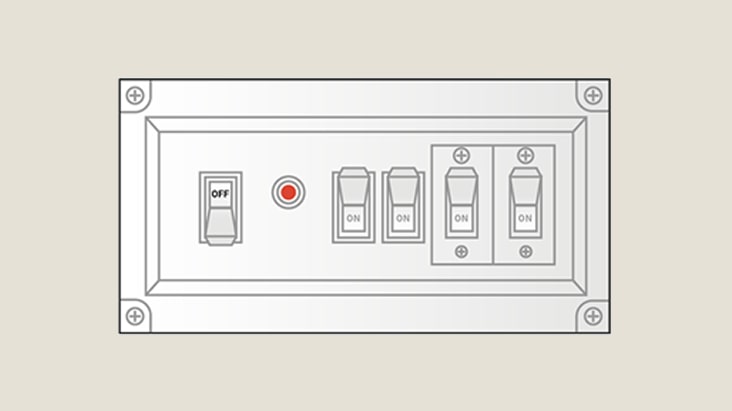
Turn off the circuit breaker
Step 4
Press and hold the power button for 5 seconds, then press and hold the start button for 5 seconds
Step 5
Turn on the circuit breaker
Step 6
Plug the unit back into the power supply and retry starting the cycle
Other Common Issue - Type 1
When the Washer’s Door or Lid is Locked
If the door fail to open:
1. Ensure the cycle is complete and the washer is powered off.
2. Wait a few minutes — some models delay unlocking for safety.
3. If still locked, unplug the washer and wait 5 minutes.
4. Try opening the door again.
If the issue persists, check for error codes or contact support.
Other Common Issue - Type 2
How to Reset the Control Panel or Touchscreen
If the control panel is frozen:
1. Power off the washer.
2. Unplug it for 1–2 minutes.
3. Plug it back in and restart.
For touchscreen models, ensure the panel is clean and dry.
Washer Troubleshooting
What to Do If Reset Doesn’t Work
If your washer still isn’t working, start by cleaning the filter and drum. If the issue continues, check the error code in the LG Support and follow the recommended steps. When in doubt or if the problem persists, contact LG Customer Support for further assistance.
Why should I try resetting my LG washing machine first?
A reset can quickly resolve common issues like power interruptions, unbalanced loads, or temporary sensor glitches.It often restores full functionality without needing a service visit, helping you save time and keep laundry on schedule.
Is resetting safe for my washer in every situation?
If you see error codes such as A, dE, CE, or if the washer is leaking or physically damaged,a reset should not be attempted. These cases require proper troubleshooting to avoid further issues.
What should I do if the reset doesn’t fix the problem?
Check the error codes, clean the filter/drum, and follow LG’s troubleshooting guides.Still not working? Visit LG Customer Support for the most accurate assistance.