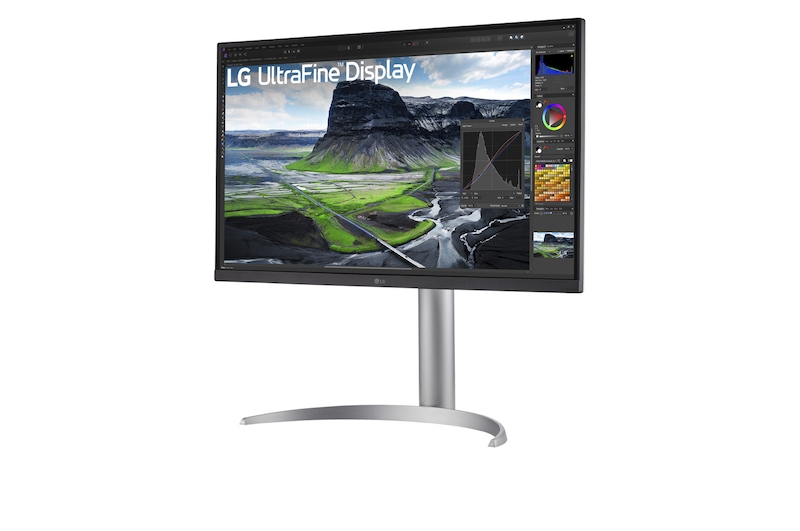
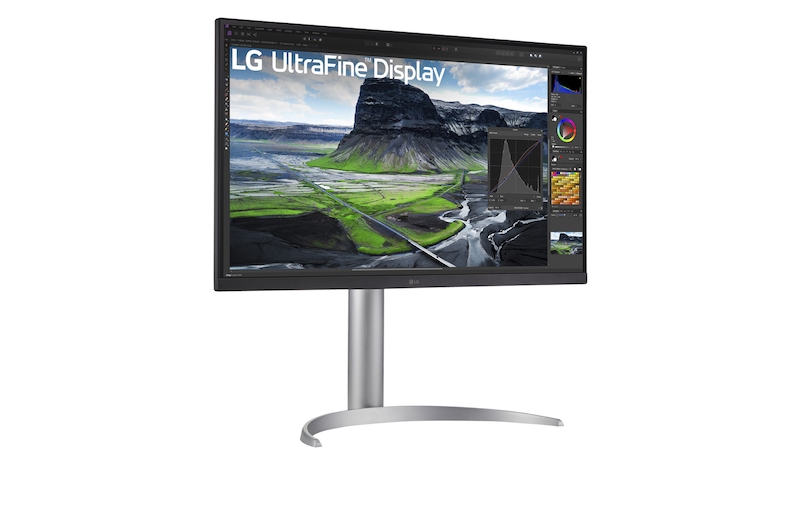
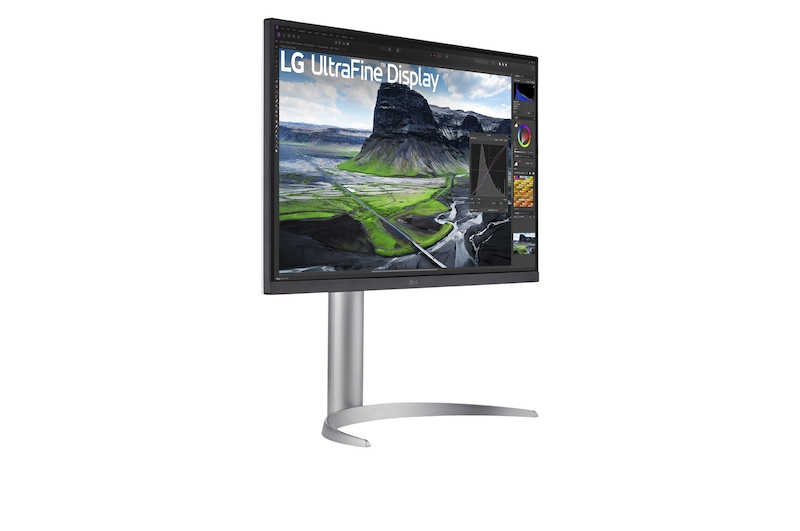
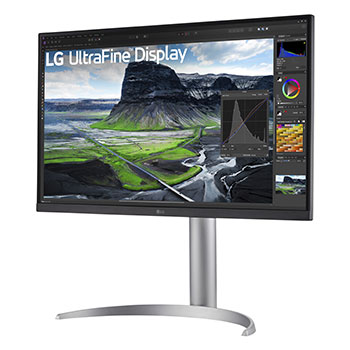
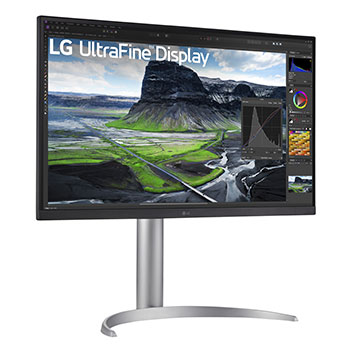
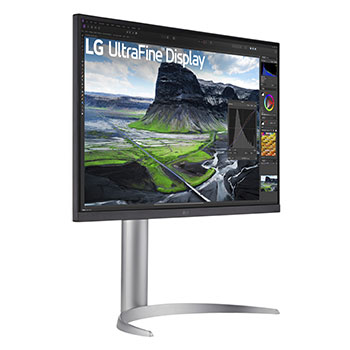
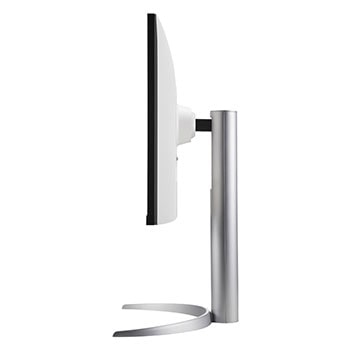
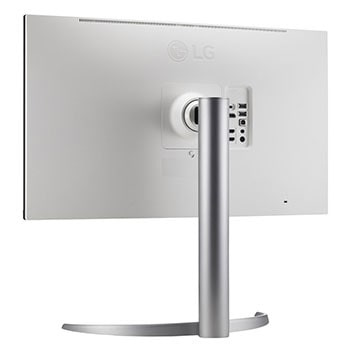
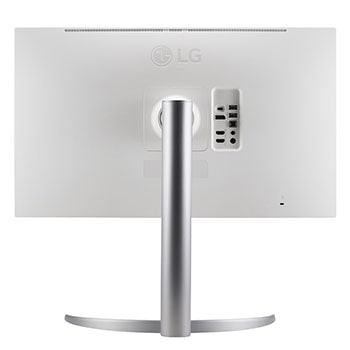
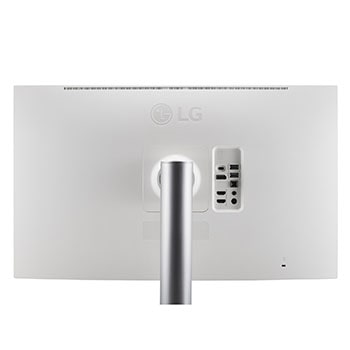
LG UltraFine™ Display.

LG UltraFine™ Display.

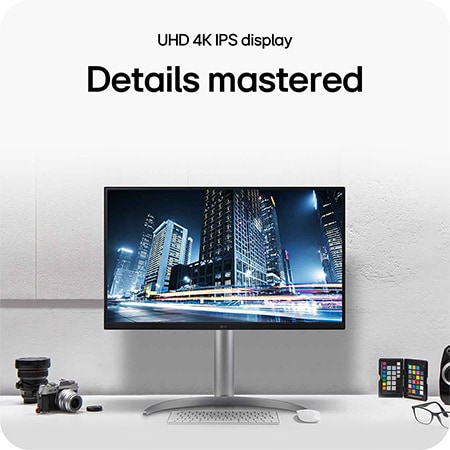
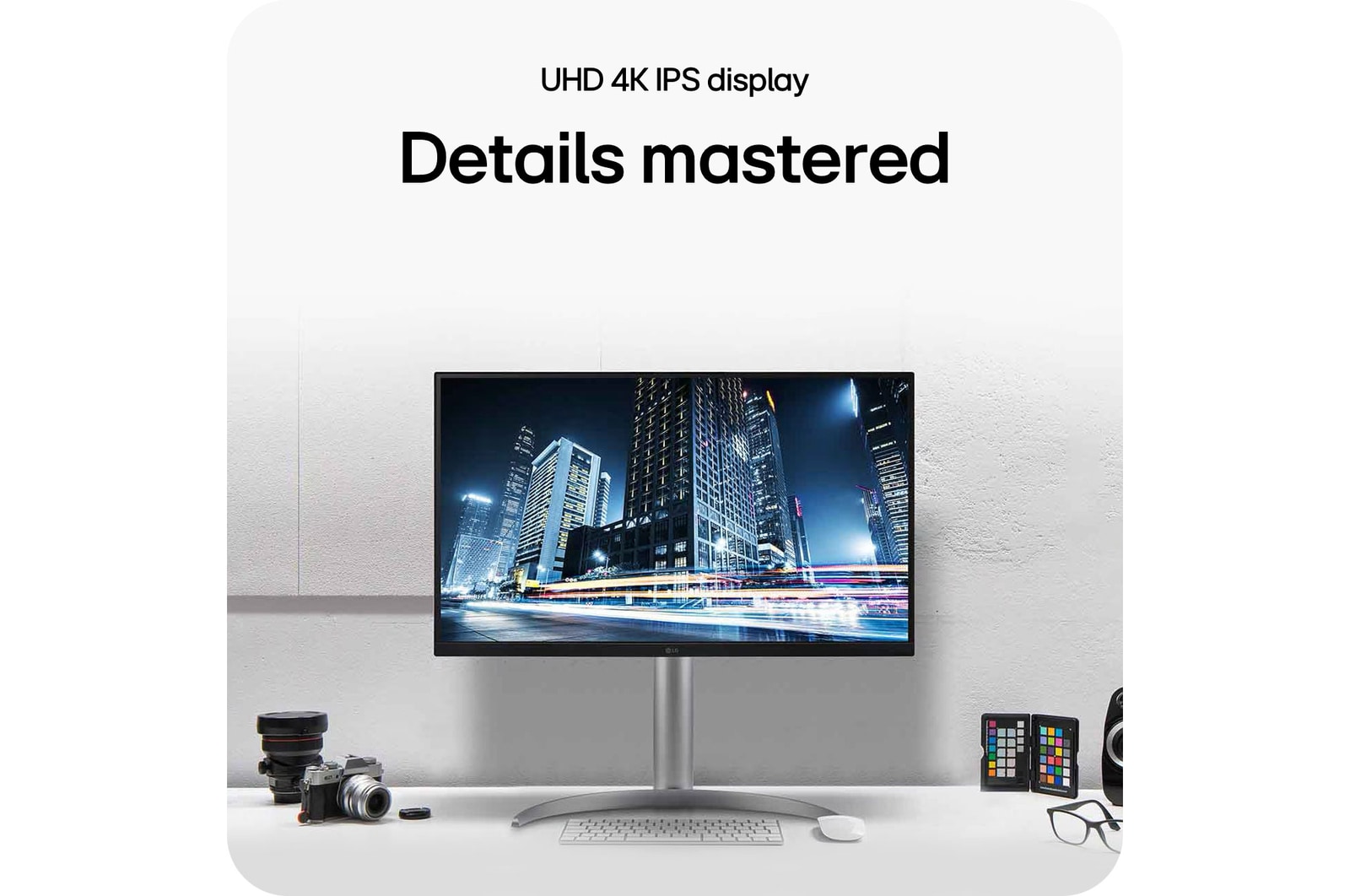
Details mastered

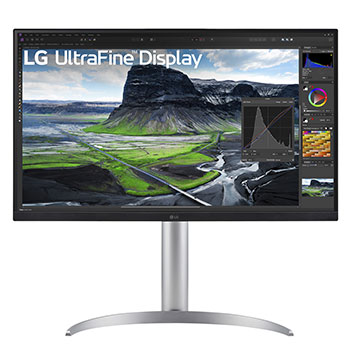
LG UltraFine Display monitor

*The images simulated to enhance feature understanding. It may differ from actual use.

Deepen your creativity

Add extra depth to your designs and take creativity to new heights, with our UltraFine™ 27UQ850V monitor.

Impressive depth

IPS with 2000:1 high contrast

Realistic colour

VESA DisplayHDR™ 400

DCI-P3 98% (Typ.)

UHD 4K

User convenience

LG Calibration Studio

USB Type-C™ (PD 90W)

Ergonomic design

The 2,000:1 contrast ratio delivers clear detail without crushing even in dark visuals.

IPS with 2000:1 high contrast

Deeper black for detail

Our 2,000:1 contrast ratio delivers clear detail without crushing, even in dark visuals. The IPS panel allows you to enjoy precision through 178 degrees, adding multiple perspectives to your work.

*The images simulated to enhance feature understanding. It may differ from actual use.

*Compared with conventional that have a contrast ratio of 1,000:1.

The VESA DisplayHDR™ 400 lets you enjoy clear and realistic colors up to 98% DCP-P3.

VESA HDR 400 | DCI-P3 98%

Ever realistic colour

The VESA DisplayHDR™ 400 lets you enjoy clear and realistic colours up to 98% DCI-P3, with intuitive adjustments to contrast in the high dynamic range from light to dark.

*The images simulated to enhance feature understanding. It may differ from actual use.

*Brightness: 400nits (Typ.), Colour Gamut: DCI-P3 98% (Typ.).

Enjoy clear image details and vivid color expression thanks to UHD 4K.

UHD 4K

Clarity with
8.29 million pixels

Enjoy vivid and accurate colour expression, thanks to UHD 4K.

*The images simulated to enhance feature understanding. It may differ from actual use.

Whatever you create,
do it with ease

With UHD resolution and rich colour, UltraFine™ provides an efficient workstation that supports illustrator, photographer, video editor.


A scene of Photoshop, streaming, and video editing with the 32UQ850V.

*The images simulated to enhance feature understanding. It may differ from actual use.

*The software program in the image is not included in the package.

LG Calibration Studio

User-friendly control features

Find the exact colour balance you're looking for, with LG Calibration Studio software.

*Images simulated to enhance feature understanding. It may differ from actual use.

*The LG Calibration Studio software and Calibration Sensor are ​NOT included in the package. To download the latest LG Calibration Studio software, visit LG.COM.

Multi-interface

Multiple connections

Creative professionals tend to have lots of kit. Link your various devices together, and achieve the connectivity you need to work effectively.


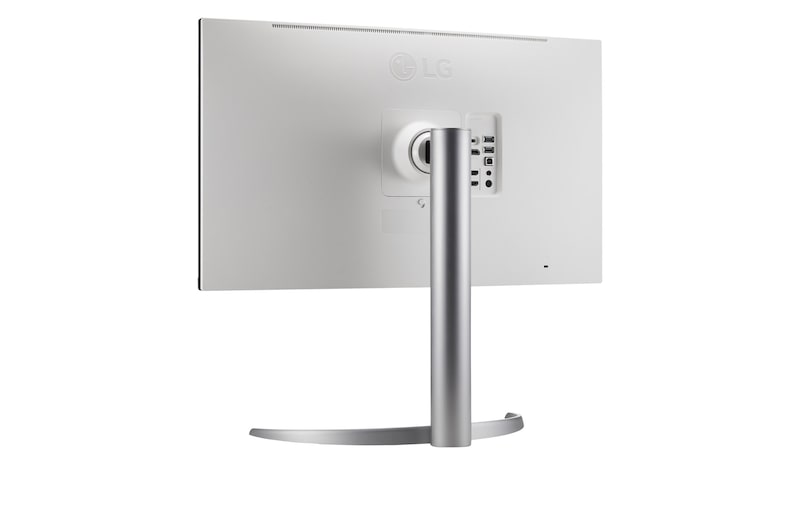
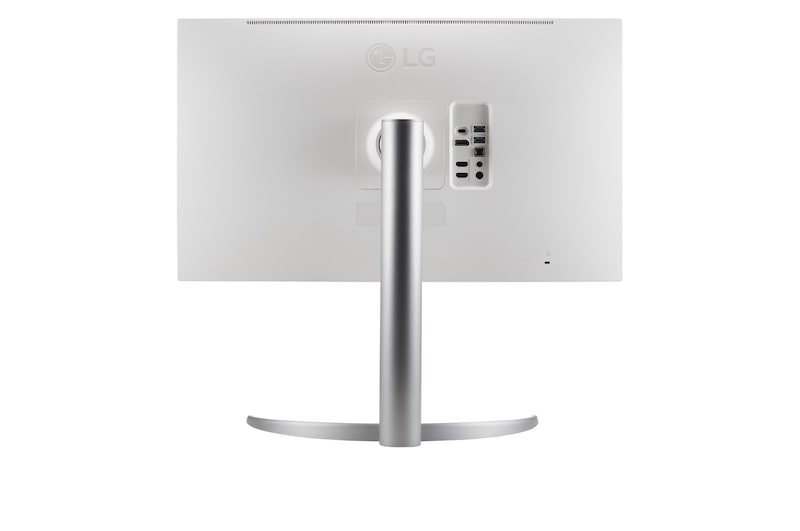
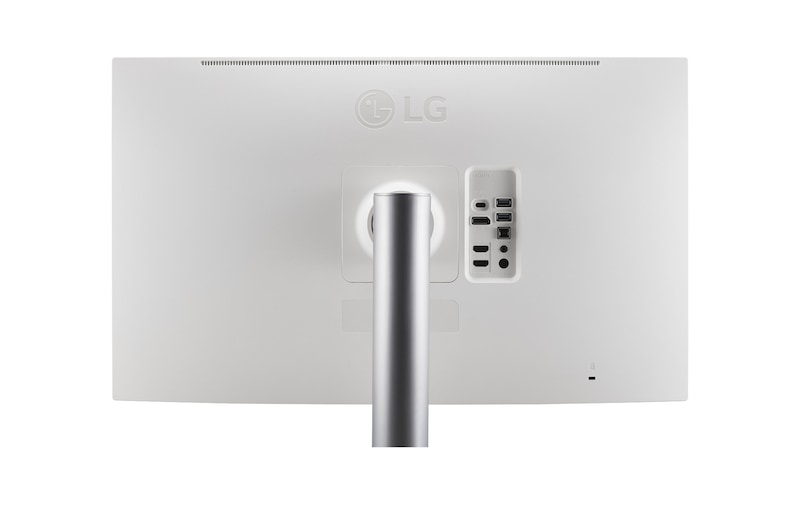
LG UltraFine™ is compatible with various types of devices by providing USB Type-C™, DisplayPort, HDMI port, and two USB ports.

*The images simulated to enhance feature understanding. It may differ from actual use.

*To work properly, the USB Type-C™ cable included in the package is required to connect the USB Type-C™ port to the monitor.

*The connection with other devices may vary depending on the specifications of the device to be connected.

Ergonomic design

See things your way

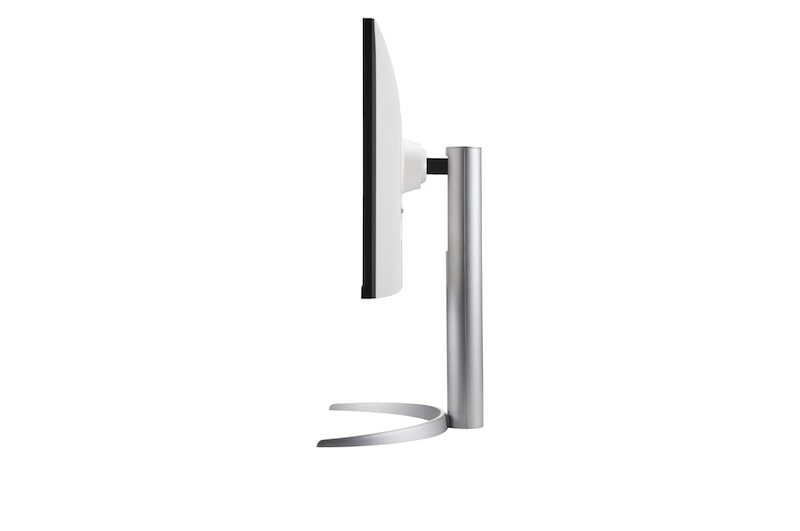
Achieve suitable positioning with the Ergonomic Stand: easily adjust height, tilt, and pivot for your ideal viewing experience.


*The images simulated to enhance feature understanding. It may differ from actual use.

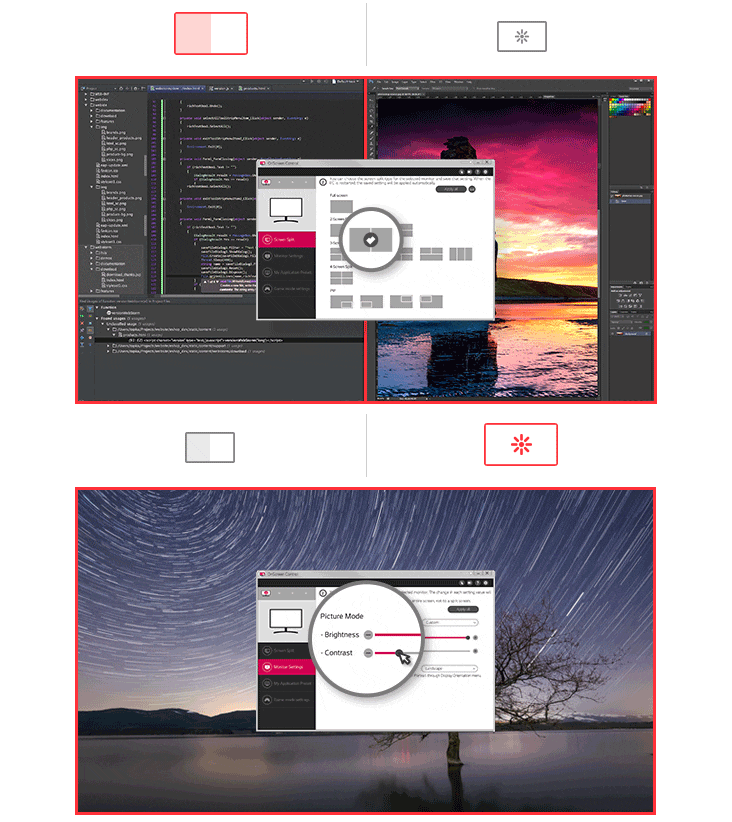
OnScreen Control

Layer screens with ease

Reposition your screen and change your perspective, with On-Screen Control (OCS). All in just a few clicks.

*The images simulated to enhance feature understanding. It may differ from actual use.

*To download the latest OnScreen Control, click the Download button.

*The features may not function properly depending on the PC that the user is using.

What’s in the box

What’s in the box

1. Stand body 2. Stand base 3.Cable holder 4. Power adapter 5. HDMI cable 6. DP cable 7. USB A to B cable 8. USB C to C cable

*The images simulated to enhance feature understanding. It may differ from actual use.

27” UHD 4K

3840x2160

2000:1

High Contrast

IPS

178° Wide view

DCI-P3 98%

Wide Colour Range

HDR 400

VESA certified

Calibration

LG Calibration Studio

USB
Type-C™

PD up to 90W

Ergonomic

Design

SUMMARY

DIMENSIONS

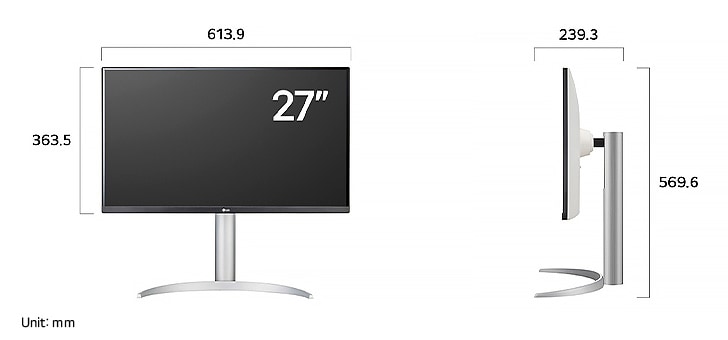
LG Monitor 27UQ850V displaying dimensions, measuring 613.9 mm width, 363.5 mm display height, 569.6 mm total height, and 239.3 mm depth.

Key Spec

  • Display - Size [Inch]

    27

  • Display - Resolution

    3840 x 2160

  • Display - Panel Type

    IPS

  • Display - Aspect Ratio

    16:9

  • Display - Color Gamut (Typ.)

    DCI-P3 98% (CIE1976)

  • Display - Brightness (Typ.) [cd/m²]

    400 cd/㎡

  • Display - Refresh Rate (Max.) [Hz]

    60

  • Display - Response Time

    5ms (GtG at Faster)

  • Mechanical - Display Position Adjustments

    Tilt/Height/Pivot

All Spec

INFO

  • Product name

    UHD

DISPLAY

  • Aspect Ratio

    16:9

  • Brightness (Typ.) [cd/m²]

    400 cd/㎡

  • Color Gamut (Typ.)

    DCI-P3 98% (CIE1976)

  • Contrast Ratio (Typ.)

    2000:1

  • Panel Type

    IPS

  • Refresh Rate (Max.) [Hz]

    60

  • Resolution

    3840 x 2160

  • Response Time

    5ms (GtG at Faster)

  • Size [cm]

    68.47

  • Size [Inch]

    27

  • Surface Treatment

    Anti-Glare

  • Viewing Angle (CR≥10)

    178º(R/L), 178º(U/D)

FEATURES

  • AMD FreeSync™

    FreeSync

  • Auto Input Switch

    Yes

  • Black Stabilizer

    Yes

  • Dynamic Action Sync

    Yes

  • Flicker Safe

    Yes

  • HDR 10

    Yes

  • HDR Effect

    Yes

  • Smart Energy Saving

    Yes

  • Super Resolution+

    Yes

  • VESA DisplayHDR™

    DisplayHDR™ 400

CONNECTIVITY

  • DisplayPort

    Yes (1ea)

  • HDMI

    Yes (2ea)

  • Headphone out

    3-pole (Sound Only)

  • USB-C

    Yes (1ea)

  • USB-C (Data Transsmission)

    Yes

  • USB-C (Max. Resolution at Hz)

    3840x2160@60Hz

  • USB-C (Power Delivery)

    90W

  • USB Downstream Port

    Yes (2ea/ver3.0)

  • USB Upstream Port

    Yes (1ea/ver2.0)

SW APPLICATION

  • OnScreen Control (LG Screen Manager)

    Yes

  • Dual Controller

    Yes

  • LG Calibration Studio (True Color Pro)

    Yes

POWER

  • AC Input

    100~240V (50/60Hz)

  • DC Output

    210W (19.5V 10.8A)

  • Type

    External Power(Adapter)

SOUND

  • Maxx Audio

    Yes

  • Speaker

    5W x 2

MECHANICAL

  • Display Position Adjustments

    Tilt/Height/Pivot

  • Borderless Design

    3-Side Virtually Borderless Design

  • OneClick Stand

    Yes

  • Wall Mountable [mm]

    100 x 100

DIMENSIONS/WEIGHTS

  • Dimension in Shiping (W x H x D) [mm]

    696x212x496

  • Dimension without Stand (W x H x D) [mm]

    613.9x363.5x44.3

  • Dimension with Stand (W x H x D) [mm]

    613.9x569.6x239.3

  • Weight in Shipping [kg]

    9.0

  • Weight without Stand [kg]

    4.05

  • Weight with Stand [kg]

    5.85

ACCESSORY

  • HDMI

    Yes

  • Adapter

    Yes

  • Display Port

    Yes

  • Power Cord

    Yes

  • USB-C

    Yes

What people are saying

FAQ

What are the benefits of using UHD 4K & 5K monitors?

1. Ultra-High Resolution for Crystal-Clear Image Quality

Boasting 4K (3840×2160) and 5K (5120×2160) resolutions, these monitors offer a much higher pixel count than conventional displays. This results in sharper, more detailed rendering of text, images, and videos, which makes everything on screen look incredibly clear and crisp.


2. Optimized Color Accuracy for Professional Visual Work

These monitors support advanced technologies that enhance image quality and color accuracy, making them ideal for creative professionals. They are a perfect fit for tasks like photo and video editing, graphic design, and color grading, where accurate and vibrant colors are paramount.


3. Enhanced Content Immersion

You can watch 4K content from services like Netflix, YouTube, and other streaming platforms in its native, high-quality format. The high brightness and rich contrast levels further elevate your viewing experience, making movies and TV shows more immersive and visually stunning.


4. More Screen Space

The high resolution allows you to display more content on a single screen at once. This is a big advantage for multitasking, especially for tasks such as video editing, design, coding, or research, where having multiple applications and windows open side by side can significantly improve your workflow.

Who would especially benefit from using UHD 4K & 5K monitors?

LG UHD 4K & 5K monitors are especially well-suited for users who demand precision, love high-quality content, and value efficient multitasking.


They are ideal for professionals in graphic design, photo editing, and video production, where high resolution and accurate color reproduction are crucial. The monitors' support for technologies like DCI-P3 and HDR10 enhances both convenience and visual quality. The increased screen real estate also benefits planners, developers, researchers, and finance professionals who work with multiple windows simultaneously, improving overall workflow efficiency.


For those who want to enjoy 4K content from platforms like YouTube or Netflix in its original quality, the sharp resolution and vibrant contrast provide a deeply immersive viewing experience.


In short, UHD 4K & 5K monitors offer a versatile solution, perfectly serving both professional users who need visual accuracy and general users who want to enjoy rich, detailed content.

What are the differences between OLED, IPS, and VA panels?

OLED (Organic Light-Emitting Diode)

OLED panels are a premium display technology where each pixel emits its own light. This self-emissive design allows for true blacks and an infinite contrast ratio, since pixels can be fully turned off. They also have ultra-fast response times, making them the best option for high-end gaming monitors, premium TVs, and professional video editing where colour accuracy and speed are critical.


IPS (In-Plane Switching)

IPS panels are known for their accurate colour reproduction and wide viewing angles, which keeps the image clear and consistent even when viewed from the side. This makes them a great all-purpose choice for office work, design, and gaming. Gamers especially appreciate their superior colour accuracy, as it allows them to experience the game’s visuals exactly as the developers intended.


VA (Vertical Alignment)

VA panels offer the highest native contrast ratio of all LCD types, delivering an immersive experience for movies and videos with deep blacks and rich colours. While not as fast as TN or OLED panels, their performance has improved to the point of being a great, all-around option for both casual gaming and general media consumption.

Our Picks for You 

Find Locally

Experience this product around you.