HELPFUL HINTS

How to Reset a Washing Machine: Step-by-Step Guide to Fix Common Issues


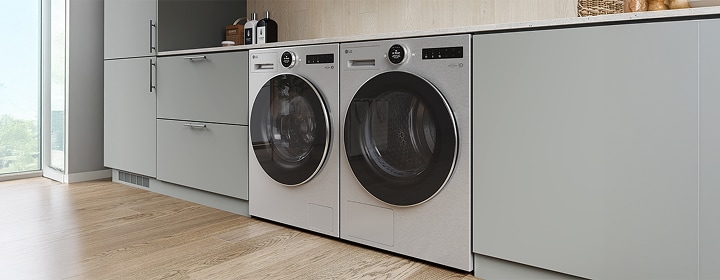
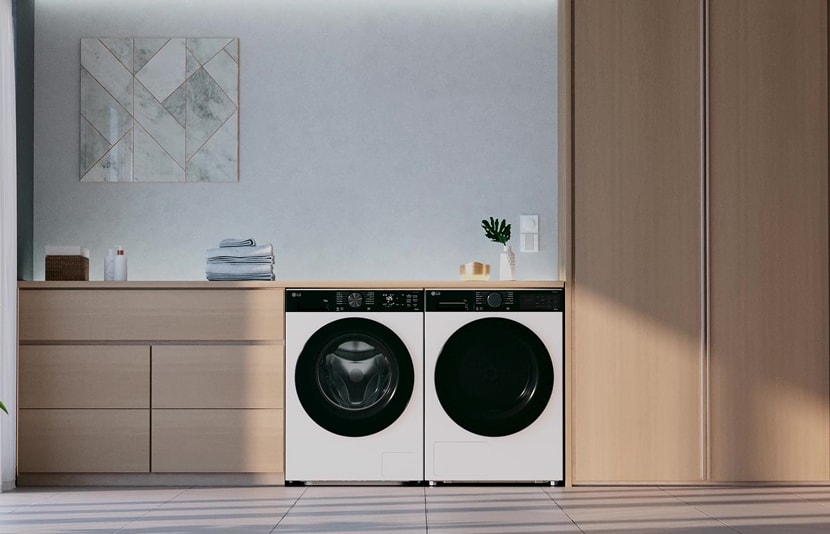
LG washing machine and dryer installed side-by-side in a built-in cabinet setup, shown in a modern laundry room.

LG washing machine and dryer installed side-by-side in a built-in cabinet setup, shown in a modern laundry room.

Whether your LG washing machine is showing an error code, stuck mid-cycle, or simply not responding, a reset might be the solution. This guide walks you through when and how to reset your washer, and what to do if it doesn’t work.

Reasons to Reset Your Washer


You may need to reset your LG washing machine in the following situations:

✓ Power failure or blackout

✓ Unbalanced load detection

✓ Sensor or software glitches

✓ Control panel not responding


Resetting can help restore normal operation without needing a service call.

When You Should Not Reset Your Washer


Avoid resetting your washer if:

✓ An error code is displayed (e.g., AE,dE,CE) — these indicate specific issues that need troubleshooting

✓ The washer is physically damaged or leaking

✓ You suspect a maintenance issue like clogged filters or dirty

Step-by-step

How to Reset Your Washing Machine

Follow these steps to reset most LG washers:

Step 1

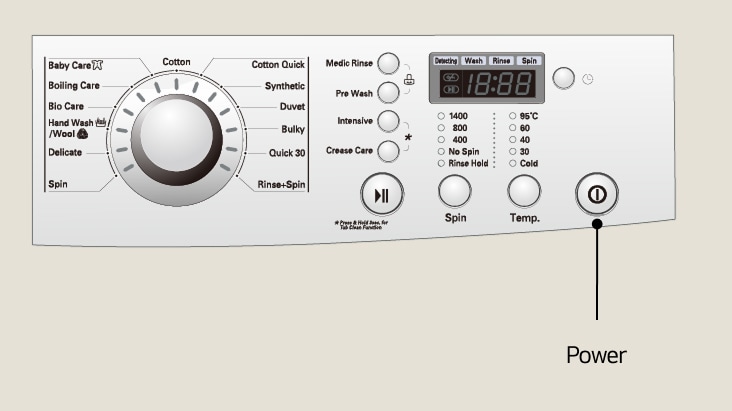
Press the power button to turn off the washer

Step 2

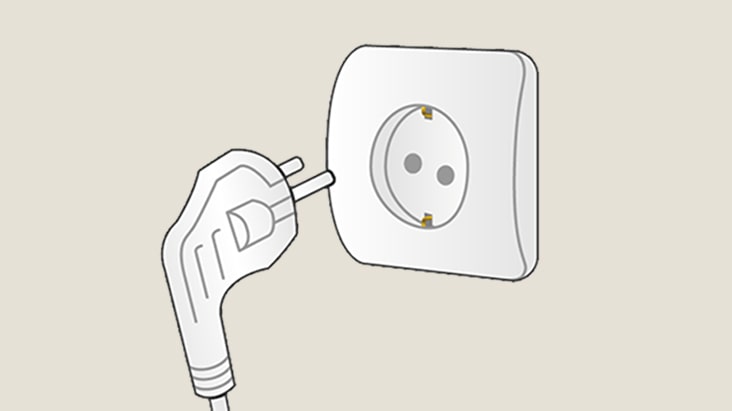
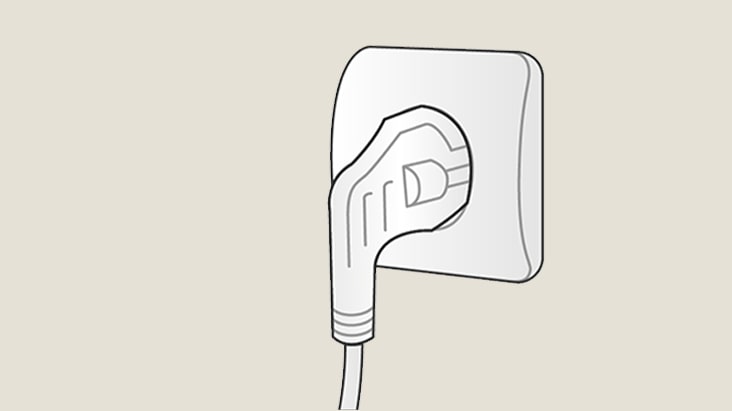
Unplug the washer from the power supply

Step 3

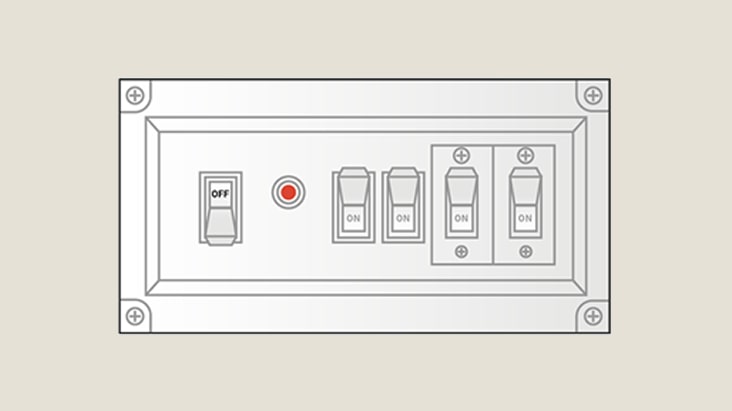
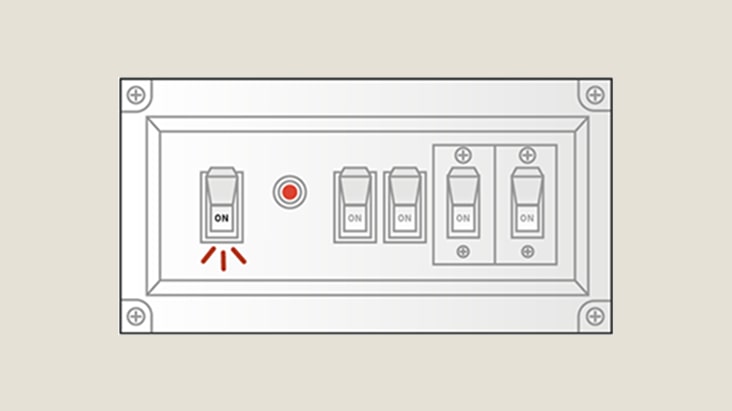
Turn off the circuit breaker

Step 4

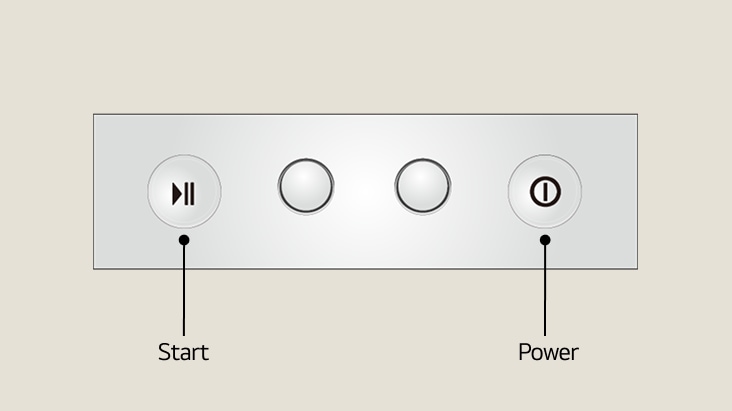
Press and hold the power button for 5 seconds, then press and hold the start button for 5 seconds

Step 5

Turn on the circuit breaker

Step 6

Plug the unit back into the power supply and retry starting the cycle

Other Common Issue - Type 1

When the Washer’s Door or Lid is Locked


If the door fail to open:

1. Ensure the cycle is complete and the washer is powered off.

2. Wait a few minutes — some models delay unlocking for safety.

3. If still locked, unplug the washer and wait 5 minutes.

4. Try opening the door again.


If the issue persists, check for error codes or contact support.

Other Common Issue - Type 2

How to Reset the Control Panel or Touchscreen


If the control panel is frozen:

1. Power off the washer.

2. Unplug it for 1–2 minutes.

3. Plug it back in and restart.


For touchscreen models, ensure the panel is clean and dry.

Washer Troubleshooting

What to Do If Reset Doesn’t Work

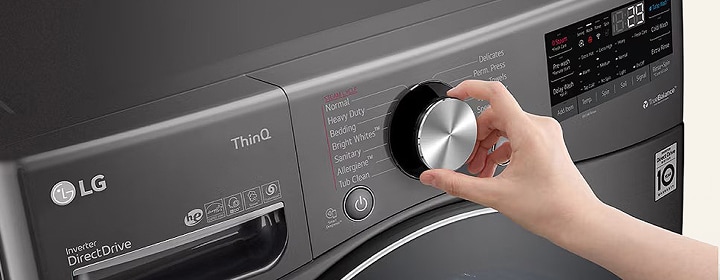
LG washing machine control panel with a hand turning the cycle selector knob, showing various wash program.

LG washing machine control panel with a hand turning the cycle selector knob, showing various wash program.

If your washer still isn’t working, start by cleaning the filter and drum. If the issue continues, check the error code in the LG Support and follow the recommended steps. When in doubt or if the problem persists, contact LG Customer Support for further assistance.

Why should I try resetting my LG washing machine first?

A reset can quickly resolve common issues like power interruptions, unbalanced loads, or temporary sensor glitches.It often restores full functionality without needing a service visit, helping you save time and keep laundry on schedule.

Is resetting safe for my washer in every situation?

If you see error codes such as A, dE, CE, or if the washer is leaking or physically damaged,a reset should not be attempted. These cases require proper troubleshooting to avoid further issues.

What should I do if the reset doesn’t fix the problem?

Check the error codes, clean the filter/drum, and follow LG’s troubleshooting guides.Still not working? Visit LG Customer Support for the most accurate assistance.

Related Articles