We use cookies, including cookies from third parties, to enhance your user experience and the effectiveness of our marketing activities. These cookies are performance, analytics and advertising cookies, please see our Privacy and Cookie policy for further information. If you agree to all of our cookies select “Accept all” or select “Cookie Settings” to see which cookies we use and choose which ones you would like to accept.
Key Features
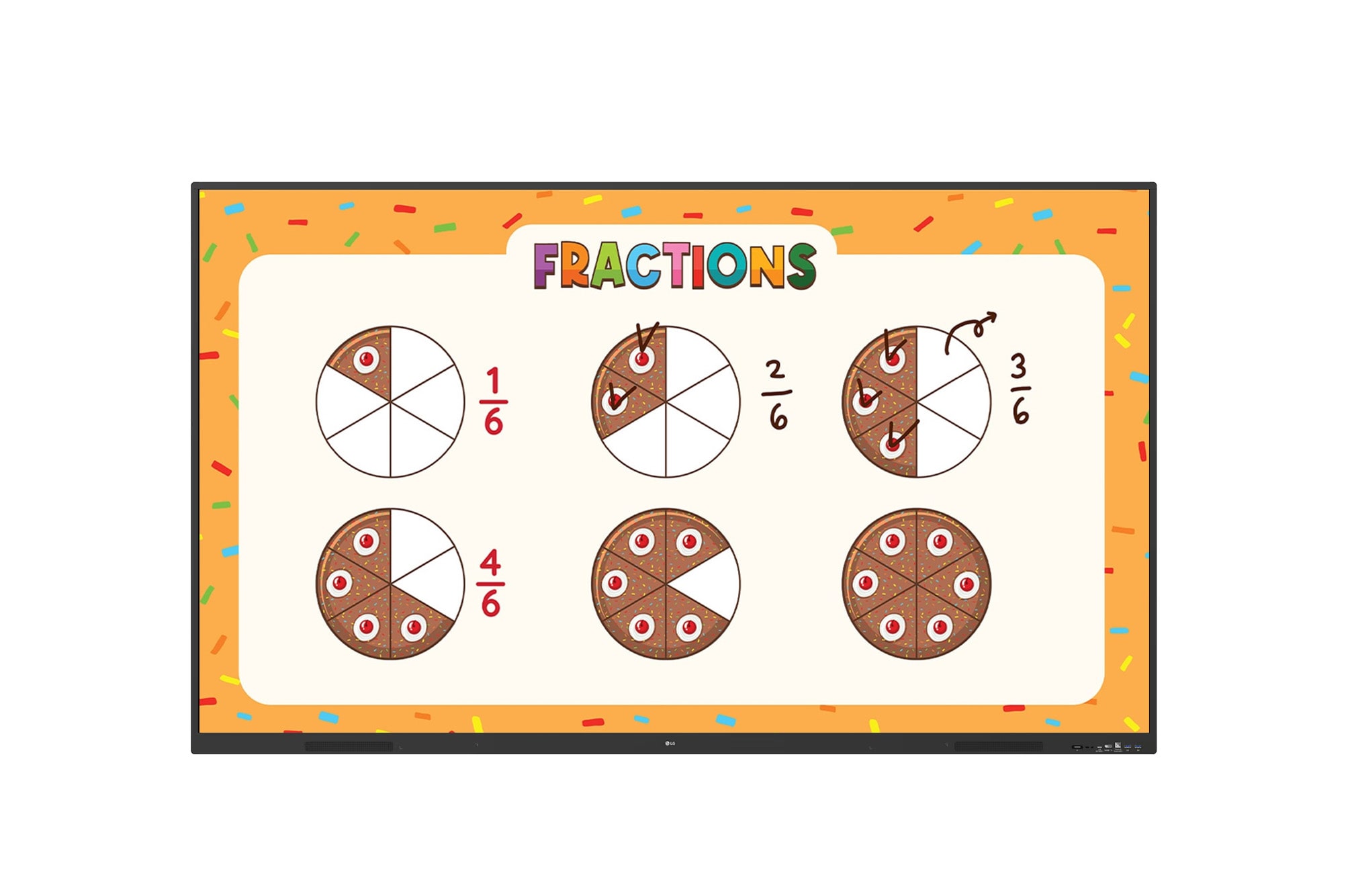
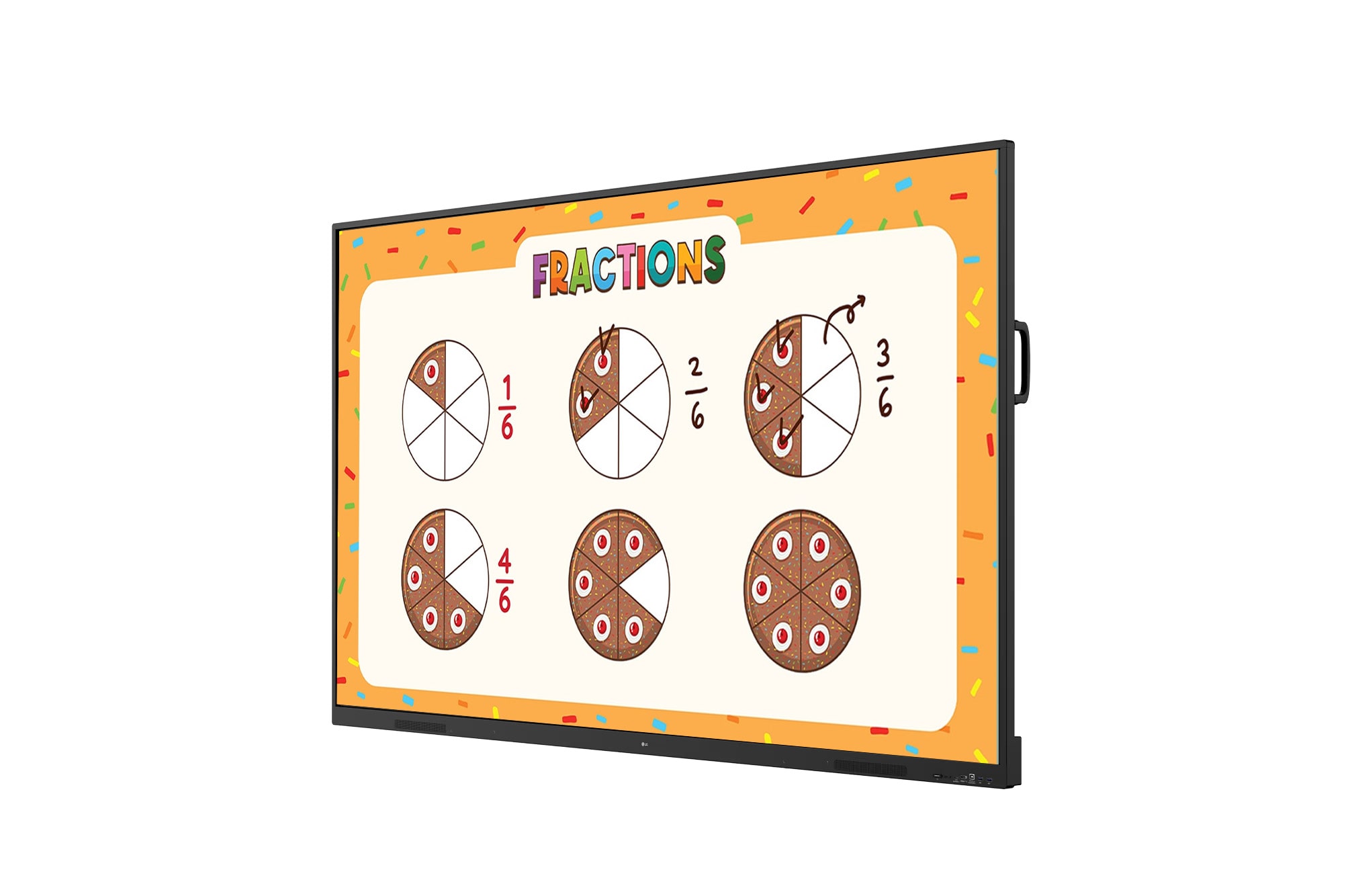
- Resolution : 3,840 × 2,160 (UHD)
- Brightness (Typ.) : 440 cd/m² (nits)
- Multi-Touch Point : Max. 50 Points
- Operating system (OS) Version : Android 16 (EDLA)
- Interface (Input) : HDMI (3), Audio, RS-232C, RJ45 (LAN), USB 3.0 Type-A (3), USB 2.0 Type-A, USB Type-C
- Interface (Output) : HDMI, Audio, Touch USB (2)
Inspire, Communicate, and Create Change with Seamless Technology,
LG CreateBoard
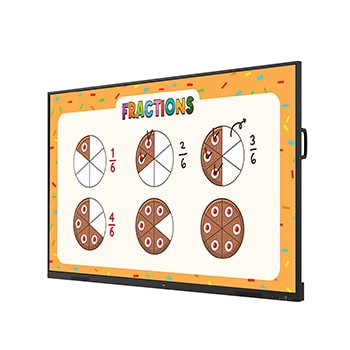
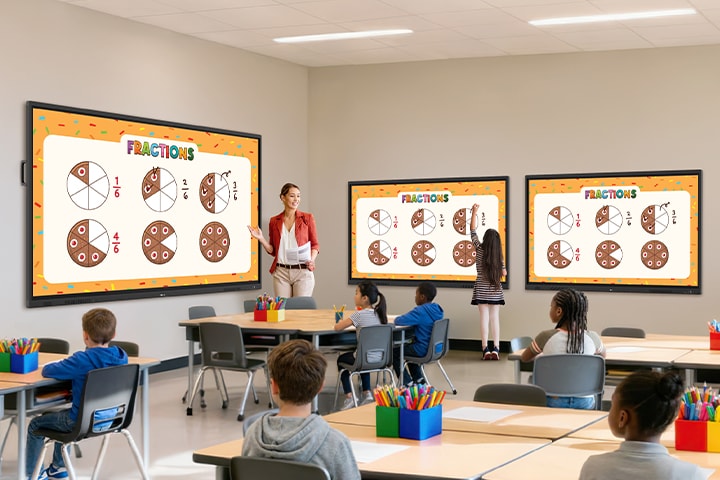
Multiple TR3ER are installed in a classroom to display learning content as a teacher conducts a lesson. One student is directly writing on a TR3ER, participating in the class.
*Images are for illustration purpose only. Actual may vary.
Creative Whiteboard Solution
LG CreateBoard offers a lifelike touch experience, allowing users to interact with content directly on the board. You can write, draw, zoom, and rotate using just your fingers, making it an effective tool for creative projects or presentations. Additionally, LG CreateBoard enables screen and content sharing, making it an excellent tool for seamless collaboration even with remote team members.
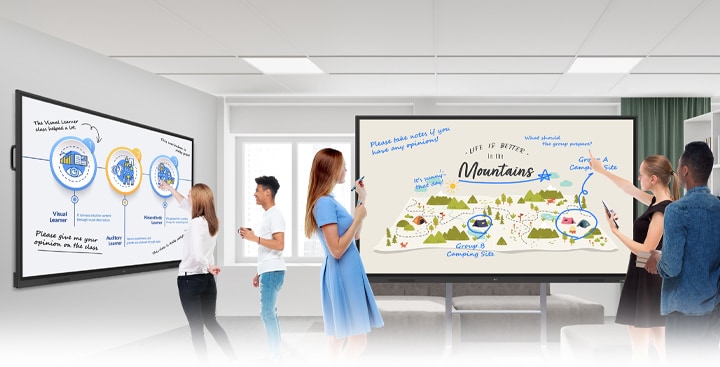
In the ideation space of the lecture room, there are two smart boards—one mounted on the wall and the other a stand-alone unit. Students freely share their opinions by writing on them.
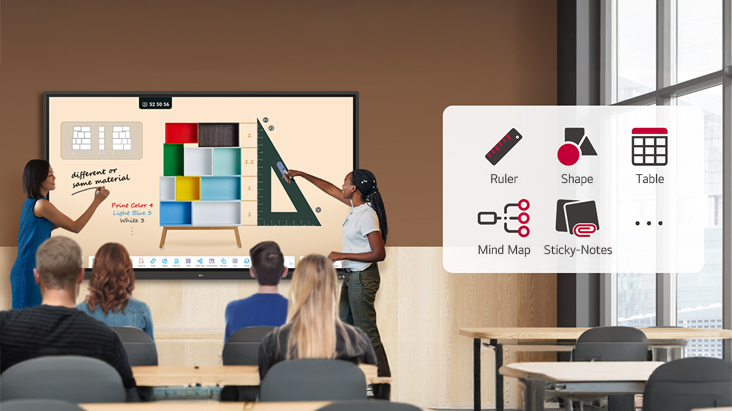
Various Teaching Templates
LG CreateBoard offers a variety of educational templates and tools such as a ruler, table, and sticky note, fostering active student participation and facilitating intuitive lessons.
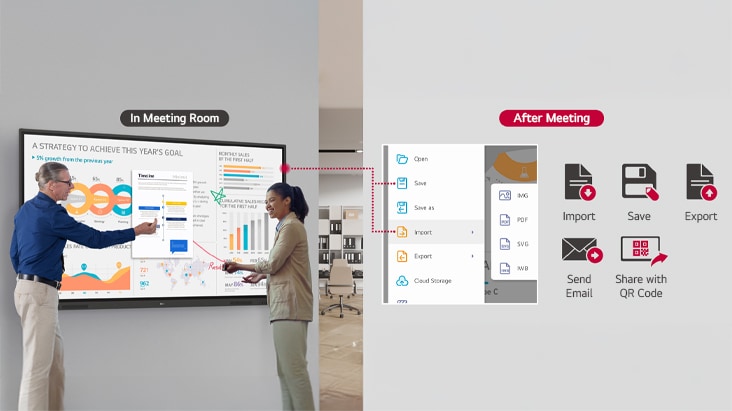
Easy to Save / Import / Export
LG CreateBoard incorporates straightforward import and export features. Resources can be saved and directly imported to and from Google Drive or OneDrive. After meetings, you can directly send emails to share materials, or scan a QR code to transfer them to your personal device.
LG CreateBoard Lab
LG’s proprietary whiteboarding software
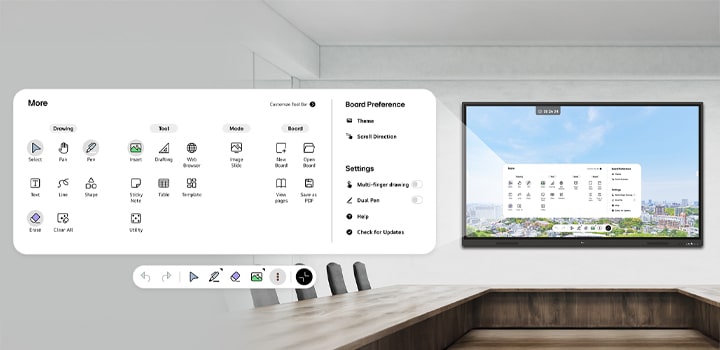
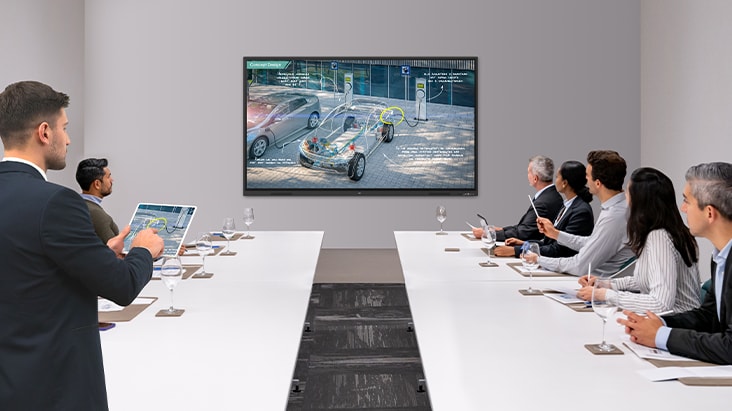
An interactive smart board is mounted on the wall of the conference room, with the intuitive menu bar displayed on the screen.
Tools for Fluid Discussion
A variety of tools such as a calculator, clock, and sticky note are available to facilitate smooth discussions and ensure seamless idea sharing and communication. Also, users can personalize the menu bar with their most frequently used tools, thereby improving their work efficiency.
The following features are included:
Pen, Text, Shape, Erase, Drafting, Web Browser, Sticky Note, Table, Annotation
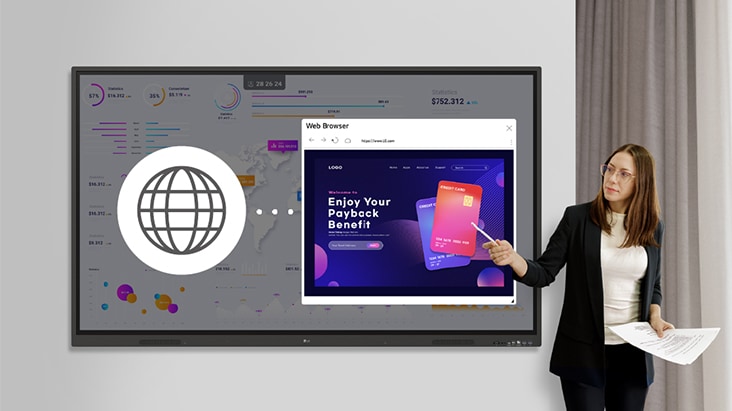
Web Browser
When you need a reference during a discussion, you can access various online information in real time with the simple click of a web browser. The necessary information found on the internet can be easily dragged and dropped* into the material you’re creating, enhancing the productivity of your meetings.
*Users can drag and drop text, images, links, etc.
Multi-OS Support
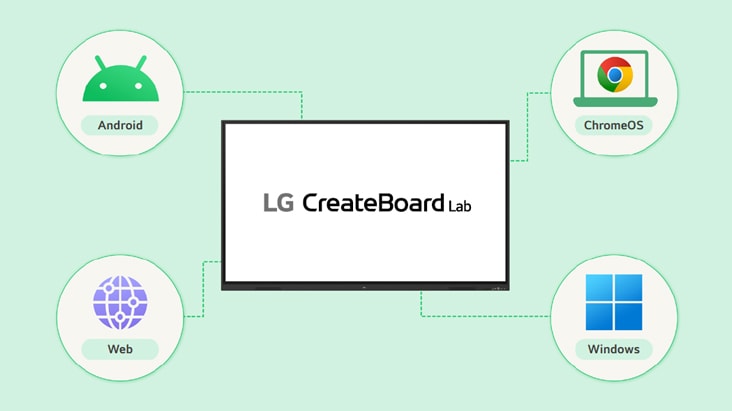
LG CreateBoard Lab** offers multi-OS support*, allowing users to utilize it not only with LG CreateBoard but also with other devices. This enables users to maintain a seamless experience on tablets, laptops, and various other devices, even outside the classroom.
*Certain features may not be supported depending on the operating system.
**LG CreateBoard Lab is compatible with Android, Windows, Chrome, and the Web.
LG CreateBoard Share
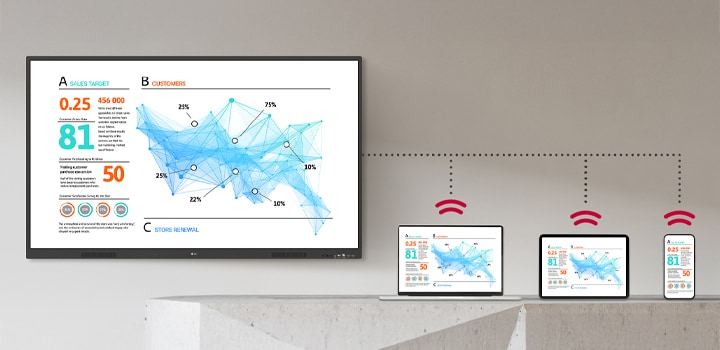
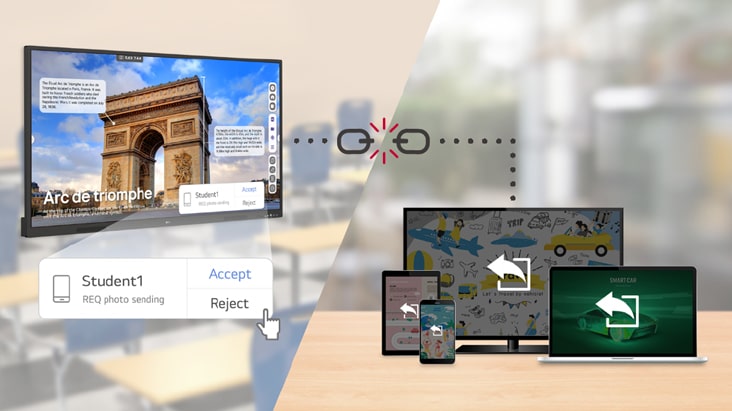
LG CreateBoard Share* offers a wireless screen sharing feature, providing users with a flexible discussion environment. Users can share their screen from their own PC, tablet, or smartphone, simplifying the process of sharing and collaborating on team projects or presentation materials.
The materials displayed on the interactive digital board are wirelessly shared and shown identically on laptops, tablets, and smartphones simultaneously.
*LG CreateBoard also supports app-less sharing for PC, tablet, or smartphone (via website) within the same network. For a more stable connection, we recommend the installation of a dedicated app (LG CreateBoard Share). LG CreateBoard Share app is compatible with Android 5.1 and higher, iOS 12.0 and higher, and MacOS 11.0 and higher.
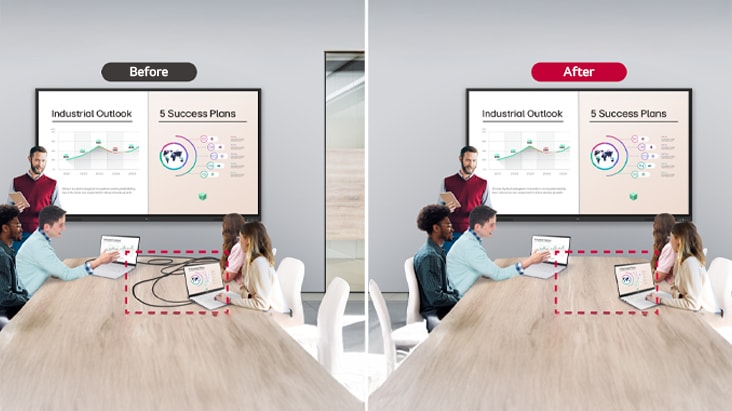
Wireless ScreenShare Feature for Seamless Meeting Environment
LG CreateBoard Share establishes a seamless and stable meeting room without the need for extra cables or connections. Presenters can now share their screens without the need to inconveniently move around and unplug and plug cables each time the presenter changes. With the capability to share up to 4 screens in real-time, it’s possible to display multiple people’s materials simultaneously when needed, thereby enhancing the efficiency of collaboration.
Simple Connection to LG CreateBoard Share
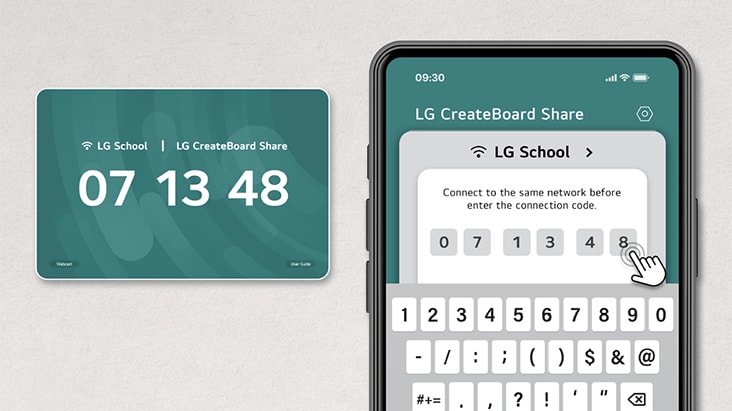
Users can easily utilize the wireless screen sharing feature via LG CreateBoard Share app, and even without the app, they can still conveniently access this feature through the website. A quick connection to LG CreateBoard Share can be established by entering a 6-digit code.
Presentation Convenience and Flexibility in Meeting Room
Wireless screen sharing empowers presenters to navigate freely within a meeting room, unencumbered by cables. This feature enables them to seamlessly control their presentations directly from their own devices. In addition, they can conveniently send photos and videos stored on their personal devices, enhancing the fluidity and richness of their presentations.
Presentation Convenience and Flexibility in Classroom
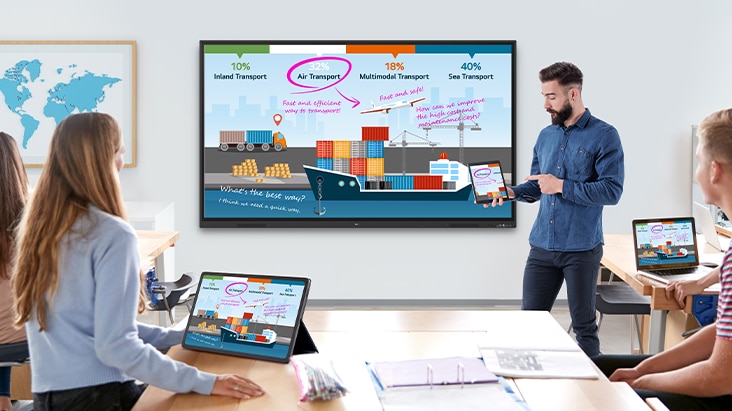
In the classroom, the lecturer or presenter doesn’t need to conduct the lesson near the LG CreateBoard, but can flexibly conduct the lesson from anywhere in the classroom. This promotes a more flexible classroom environment and can help keep students more focused.
Secure Mode
LG CreateBoard Share supports Secure Mode, which allows users to grant permissions for sharing. Secure Mode prevents unauthorized users from sharing their screen.
LG ConnectedCare
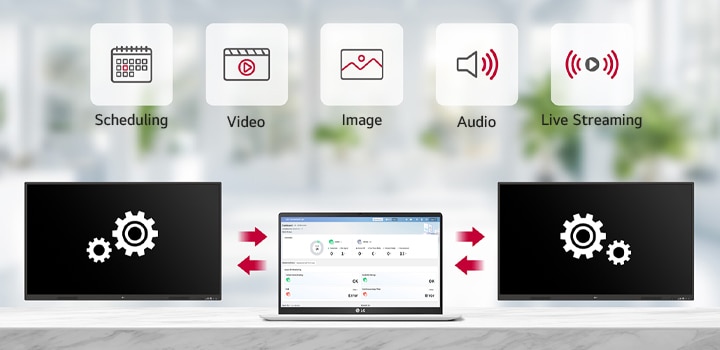
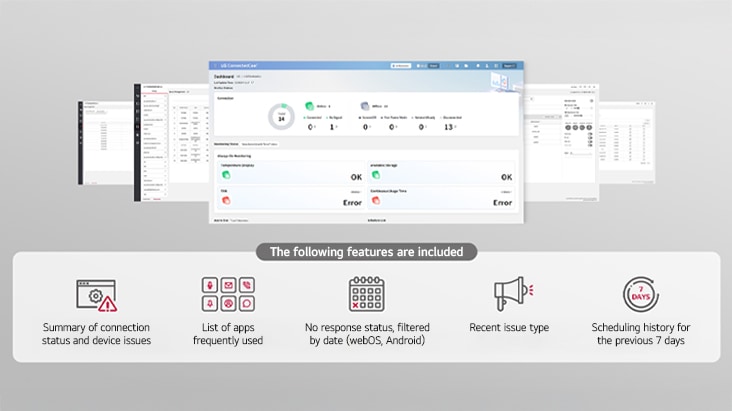
LG ConnectedCare* is a cloud solution for remotely monitoring, controlling, and managing the status of LG CreateBoard and LG signage displays. This feature enables IT managers to operate and manage important resources on operating devices without physically visiting sites.
LG ConnectedCare enables the remote management of the LG CreateBoard and digital signage for scheduling, broadcasting videos, images, and audio, as well as live streaming.
*‘LG ConnectedCare’ needs to be purchased separately.
**The availability of the ‘LG ConnectedCare’ service differs by region, so please contact the LG sales representative in your region for more details.
Dashboard
The LG ConnectedCare dashboard allows you to view and monitor multiple devices at the same time, thereby saving time and boosting efficiency.
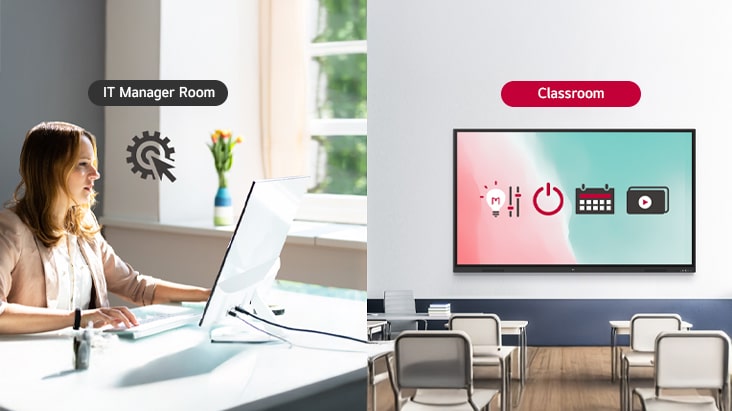
Remote-control
The LG ConnectedCare enables centralized and simple control of digital signage connected to the system. Frequently used functions such as power on/off, scheduling and screen brightness adjustment can be applied remotely.
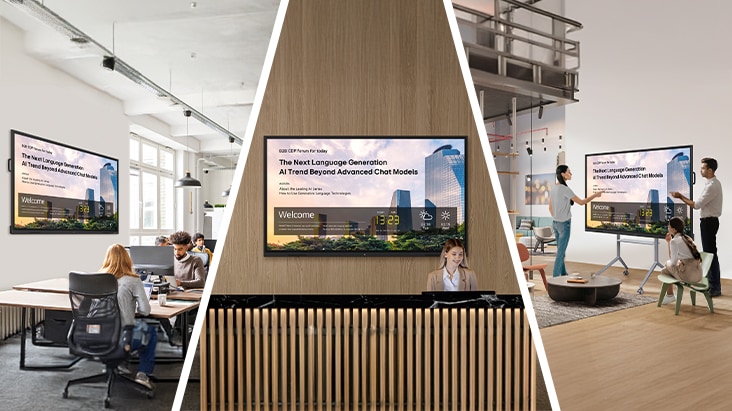
Broadcasting
Messages and a range of other content can be sent from the main system to individual devices connected to LG ConnectedCare. Company events or announcements can be broadcasted remotely from the cental system at once.
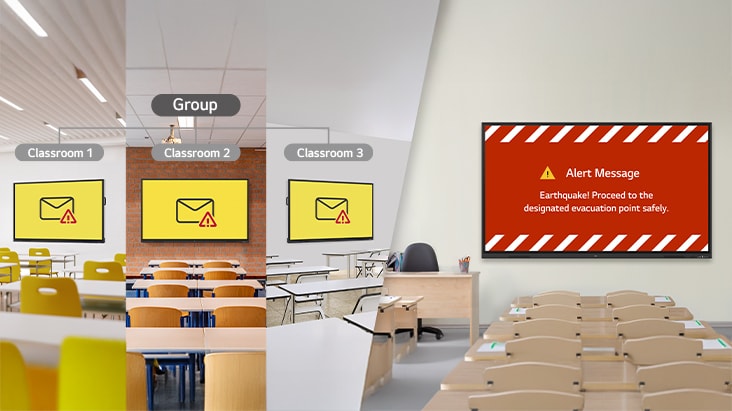
Alert Message
In case of urgent occasions such as a fire or a natural disaster, alert messages can be distributed manually across the system, which help teachers and students to swiftly perceive the situation and promptly take safety action.
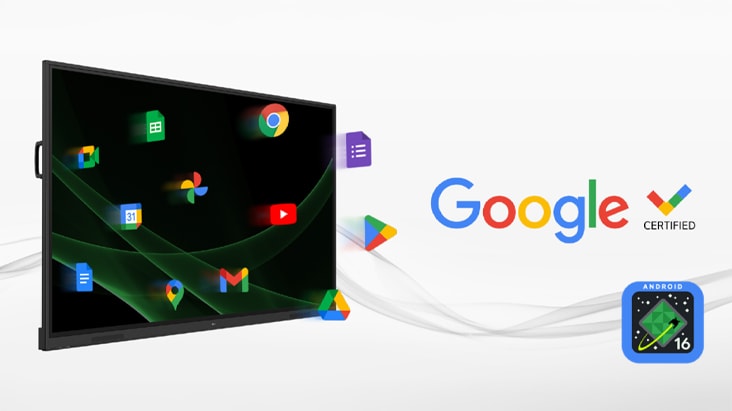
Google Certification
LG CreateBoard has received Google certification*, enabling users to seamlessly integrate with the Google ecosystem by connecting their Google accounts**.
*Exceptions apply in countries without Google services.
**A Google account is required to access the Google ecosystem.
***The TR3ER is equipped with Android 16.
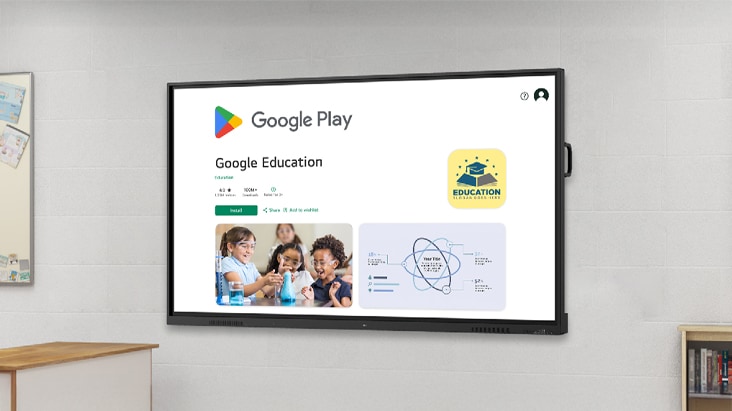
Google Play Store
Users have access to the Google Play Store*, where they can download a wide range of applications, including educationrelated games, tools, and more for an expanded experience.
*Exceptions apply in countries without Google services. A Google account is required to access the Google Play Store.
Secure Functions
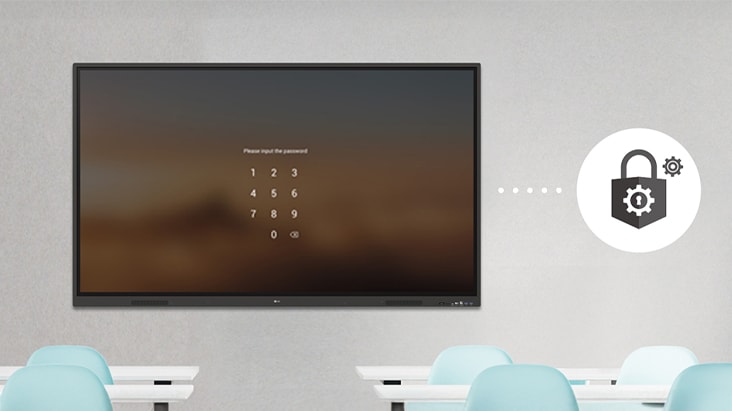
Screen Lock
Users can lock the screen using the Screen Lock function, and unlock it by entering a password. This protective measure can be set up in the Settings menu, safeguarding the device from unauthorized access.
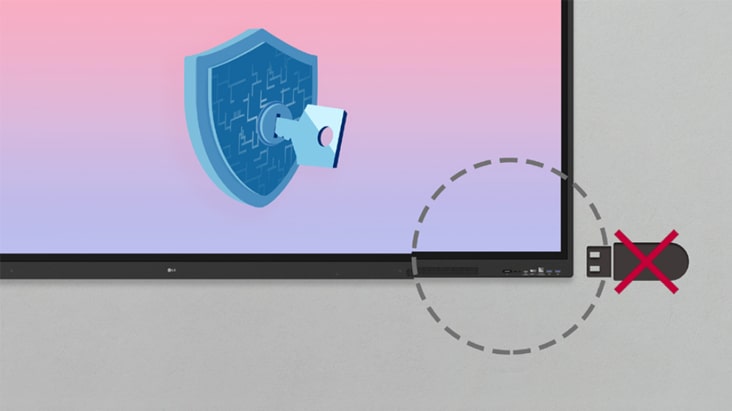
USB Lock Mode
USB Lock Mode is a security measure that helps prevent data from being copied to unauthorized devices, which is essential when being used in spaces where security is critical.
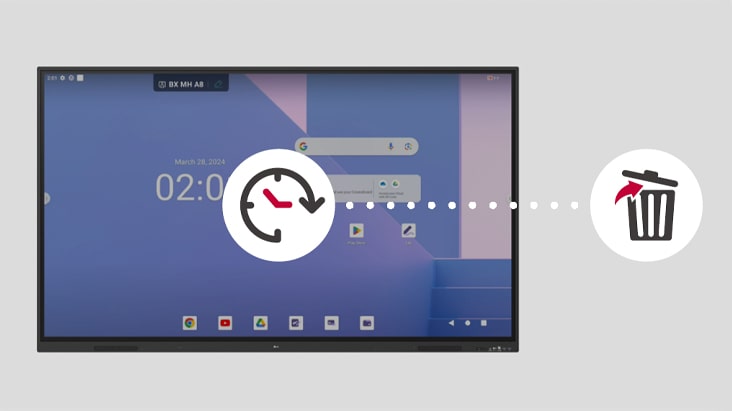
Auto-remove Files
Users can set LG CreateBoard to delete files regularly for enhanced security.
Other Features
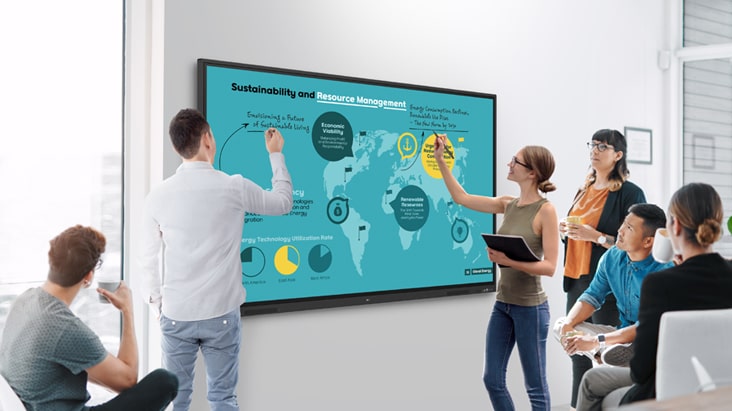
Multi-touch
LG CreateBoard boasts a multi-touch functionality that can concurrently detect up to 50 touch points. This feature facilitates simultaneous touch and gesture inputs from multiple users, fostering easy collaboration and idea sharing among team members. This enables efficient interaction in group activities or meetings.
Multi-screen Mode
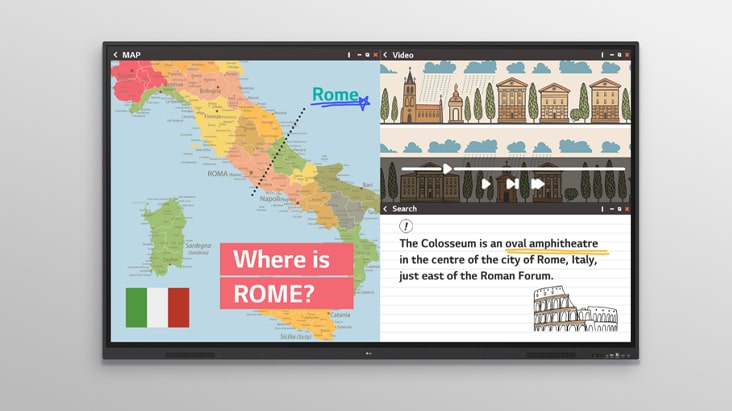
LG CreateBoard supports a multi-screen mode*, allowing users to utilize multiple screens simultaneously. Users can take notes, play videos, and browse the web at the same time, thereby enhancing work efficiency.
*Multi-screen mode may not work for some apps.
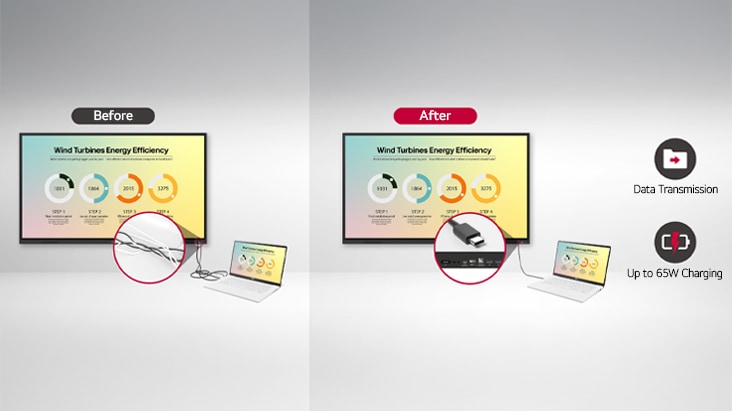
C-type Connection
USB-C connectivity* simplifies connections which enables charging and sending data simultaneously over just one single cable.
*USB Type-C cables are sold separately.
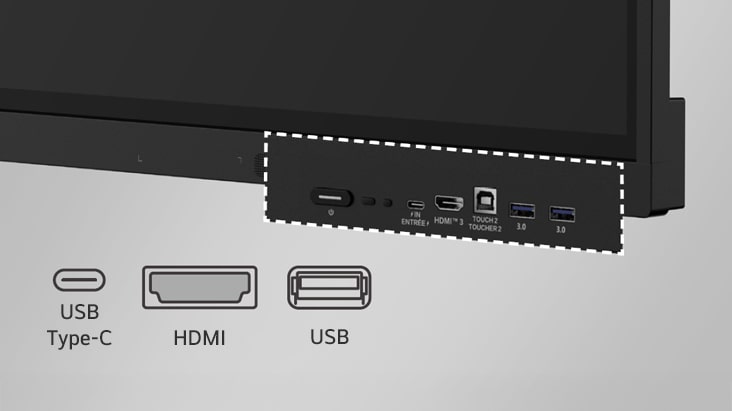
Front Connectivity Design
LG CreateBoard is designed with front display ports*, making it easy for users to connect or disconnect cables.
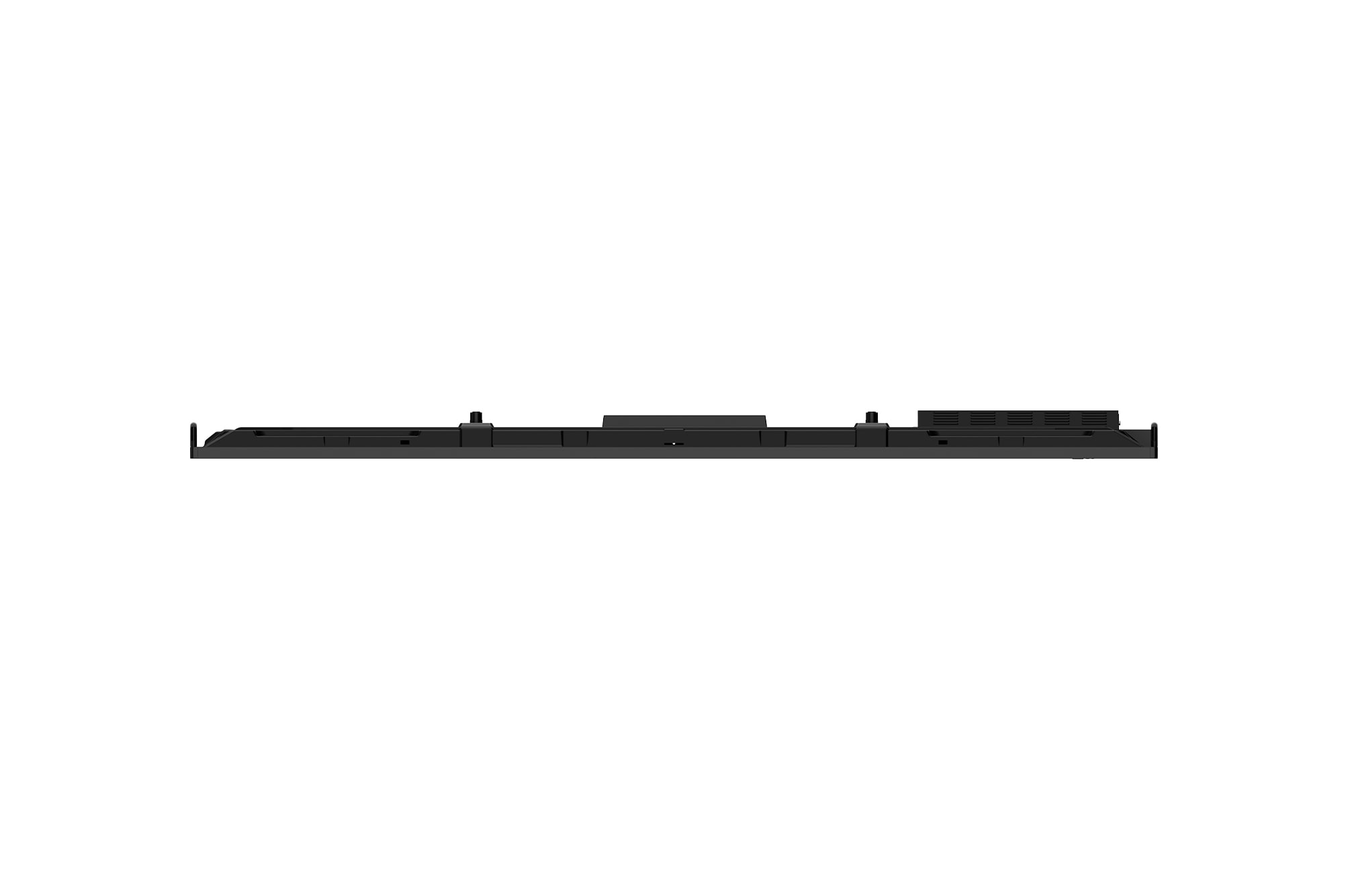
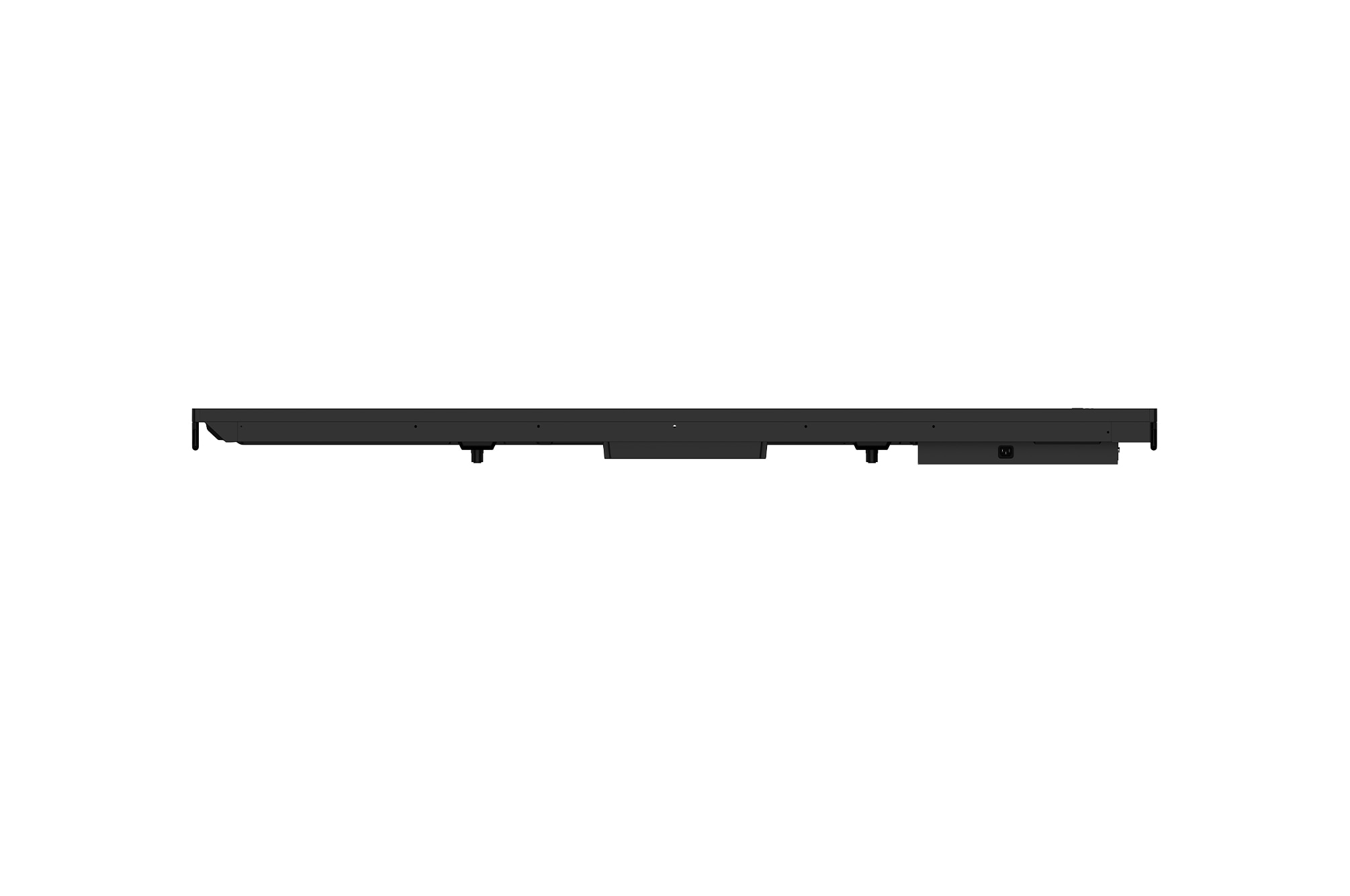
*The power connector is located on the side and back of the unit.
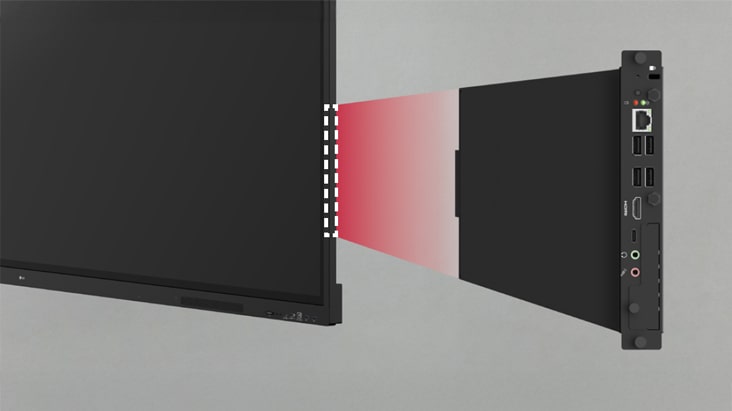
Built-in OPS Slot
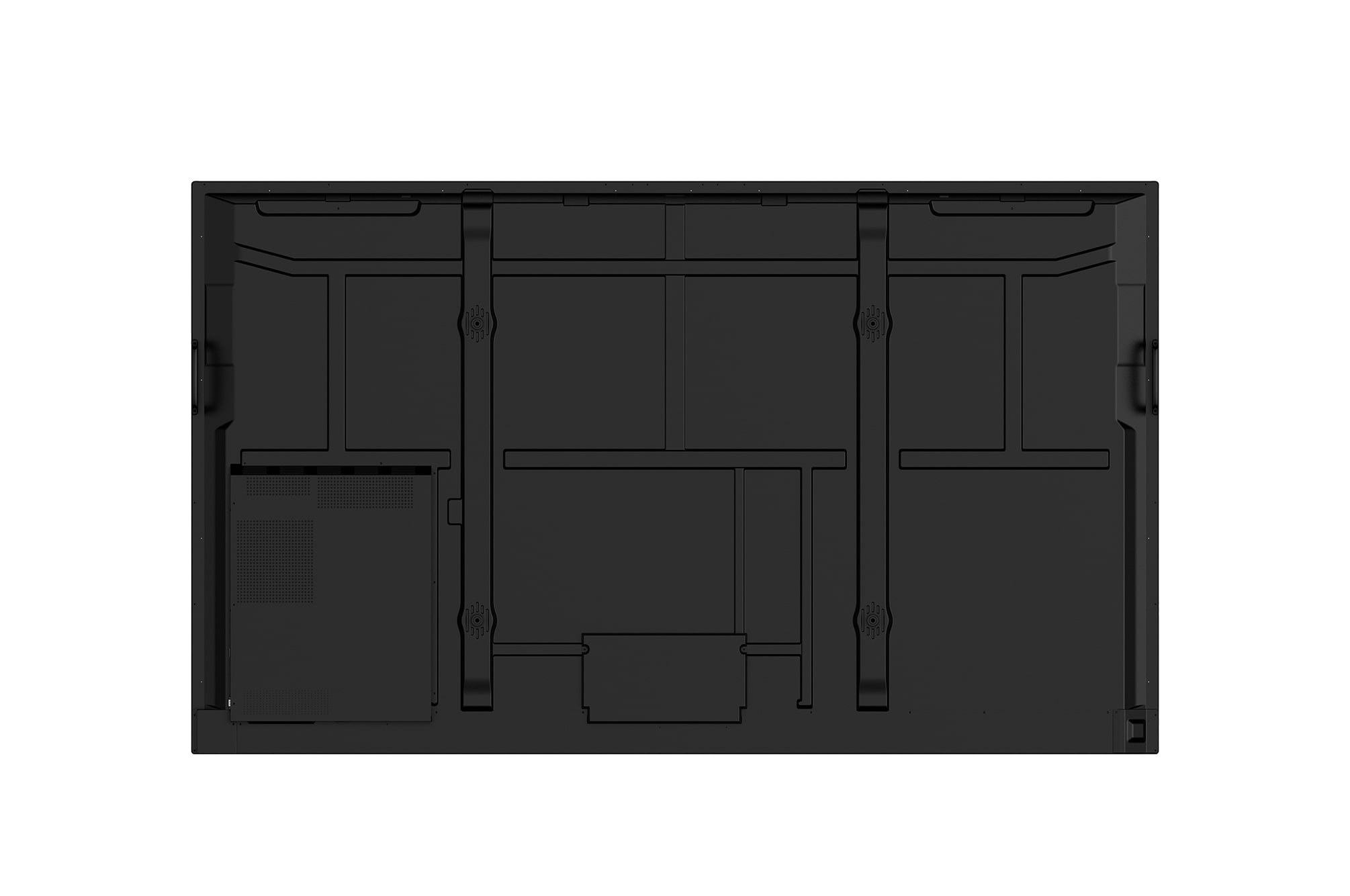
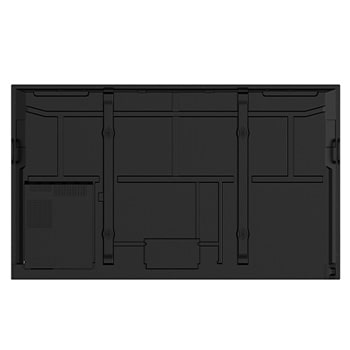
LG CreateBoard supports OPS slots*, allowing users to conveniently mount OPS Module at the back of the screen without the hassle of connecting to an external desktop. This enables various PC functions and Windows software.
*OPS : Open Pluggable Specification.
**OPS slot is sold separately.
All Spec
PANEL
Screen Size
218.44 cm (86)
Back Light Type
Direct
Aspect Ratio
16:9
Native Resolution
3840 x 2160 (UHD)
Refresh Rate
60 Hz
Brightness
440 cd/m² (nits)
Contrast Ratio
5000:1
Dynamic CR
10000:1
Color Gamut
NTSC 72%
Viewing Angle (H x V)
178 x 178
Color Depth (Number of Colors)
10 bit
Surface Treatment (Haze)
25%
Life time
50,000 Hrs
Operation Hours (Hours/Day)
16/7
Portait / Landscape
NO / Yes
CONNECTIVITY
HDMI In
Yes (3), HDMI2.0
Audio In
Yes (1)
RS232C In
Yes (1)
RJ45(LAN) In
Yes (1)
USB In
USB3.0 Type-A (3, rear (1), front (2)), USB2.0 Type-A (1, rear (1, SW update)), USB Type-C (1, front (1, USB, DP-Alt, PD 65W w/o OPS))
HDMI Out
Yes
Audio Out
Yes (1), Optical Yes(1, SPDIF)
Touch USB
Yes (2)
MECHANICAL SPECIFICATION
Bezel Color
Black
Bezel Width
T/R/L/B (mm):15/15/15/43.5
Weight (Head)
48.62 kg (w/o wall mount)
Monitor Dimension (W x H x D, mm)
1957 x 1160 x 97
Carton Dimensions (W x H x D, mm)
2110 x 1283 x 225
Handle
Yes (2)
VESA™ Standard Mount Interface (mm)
800 x 600
PROTECTION GLASS
Thickness
3 mm
Degree of Protection
Safety Glass
Tempered / Chemical strengthening
Tempered strengthening
Anti-Reflective
Yes
Shatter-Proof
Yes
FEATURE - HARDWARE
Internal Memory (eMMC)
128 GB
Wi-Fi/BT (Built-in)
Yes (Built-in)
Auto Brightness Sensor
Yes
Power Indicator
Yes
Local Key Operation
Yes (1 key)
FEATURE - SOFTWARE
OS Ver. (webOS)
Android16 (EDLA)
Booting Logo Image
Yes
RS232C Sync
Yes (LG RS232C Command)
PIP
Yes (1) external source
PBP
Yes (1) external source
Screen Share
Yes (CreateBoard Share)
Smart Energy Saving
Yes (Energy Saving)
Wake on LAN
Yes
HDMI-CEC
Yes
webRTC
Yes (CreateBoard Share)
ENVIRONMENT CONDITIONS
Operation Temperature
0℃ to 40℃
Operation Humidity
10% to 90%
POWER
Power Supply
AC 100-240V~, 50/60Hz
Power Type
Built-In Power
POWER CONSUMPTION
Typ.
181.1 W
Max.
324.5 W
Smart Energy Saving (70%)
Yes
DPM
<0.5 W
Power off
<0.5 W
SOUND
Speaker (Built-in)
Yes (Speaker : 20 W x 2)
CERTIFICATION
Safety
CB / NRTL
EMC
FCC Class "A" / CE / KC
ERP / Energy Star
Yes / Yes
OPS COMPATIBILITY
OPS Type compatible
Yes
OPS Power Built-in
Yes
SOFTWARE COMPATIBILITY
Connected Care
Yes
LANGUAGE
OSD
English, Simplified Chinese, Czech, Denmark, Arabic (Egypt), Finnish, French, German, Greek, Italian, Korean, Netherlands (Dutch), Norwegian, Polski, Portugues (Europe), Portugues (Brazil), Romanian, Russian, Spanish, Swedish, Türkçe, Ukrainian, Traditional Chinese, Hungarian, Thai, Indonesian, Kazakh, Catalan, Basque, Japanese, Estonian, Lithunian
ACCESSORY
Basic
Power Cord 1.8M*1, HDMI Cable 3M*1, USB Cable 5M*1, Writing Pen*2pcs, Remote Controller (include battery 2ea)
Optional
Wall Mount(WM-L000S), Floor Stand(ST-000F, ST860F)
SPECIAL FEATURE
Conformal Coating (Power Board)
Yes
Power Protection
Yes
DEDICATED FEATURE - TOUCH
Available Object Size for Touch
Ø3 mm ↑
Interface
USB2.0
Protection Glass Thickness
Anti-Glare Toughened Glass with 9H Grade
Operating System Support
Windows10 / Windows8 / Windows7 / Android / Linux / macOS / Chrome
Multi Touch Point
Max 50 points
DEDICATED FEATURE - CREATE BOARD
CPU
Octa core
GPU
Mali-G52 MC3
Memory(RAM)
8 GB
Storage
128 GB
Wi-Fi
802.11 a/b/g/n/ac/ax (WiFi 6)
LAN
Gigabit LAN
Bluetooth
Bluetooth 5.4
OS ver. (Android)
Android16 (EDLA)
Leaflet
To access more technical documentation and resources, please visit the LG B2B Partner Portal.