We use cookies, including cookies from third parties, to enhance your user experience and the effectiveness of our marketing activities. These cookies are performance, analytics and advertising cookies, please see our Privacy and Cookie policy for further information. If you agree to all of our cookies select “Accept all” or select “Cookie Settings” to see which cookies we use and choose which ones you would like to accept.

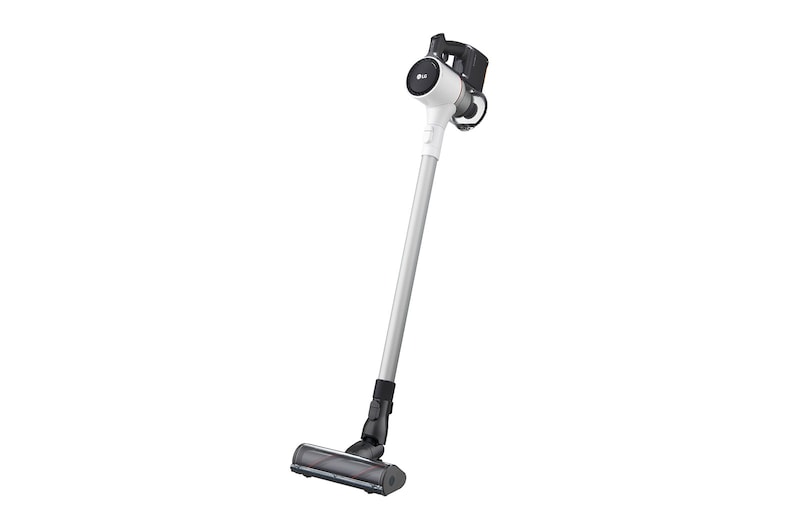
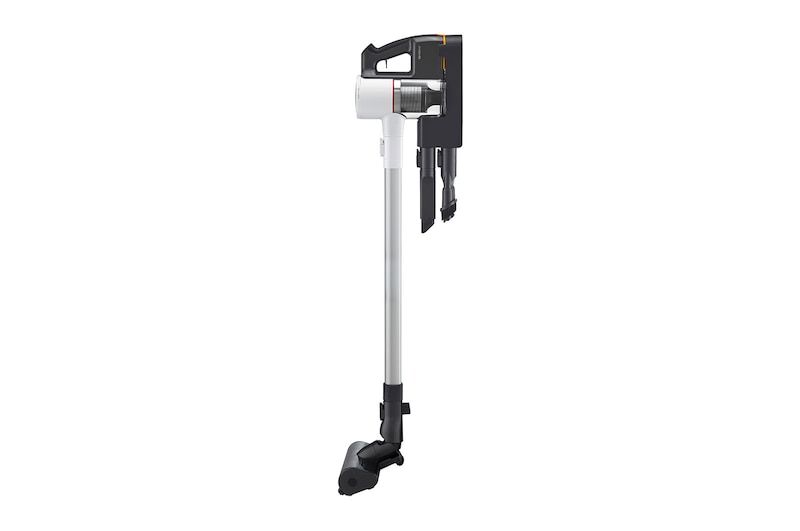
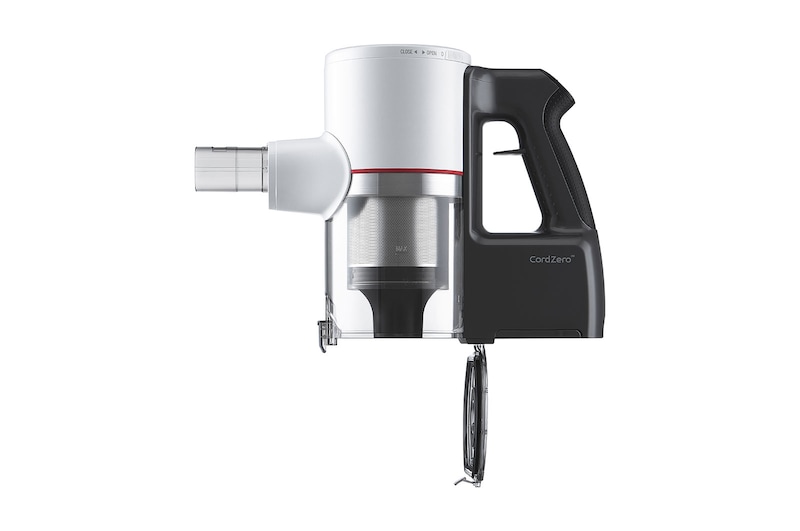
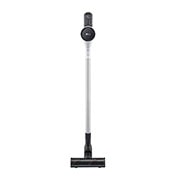
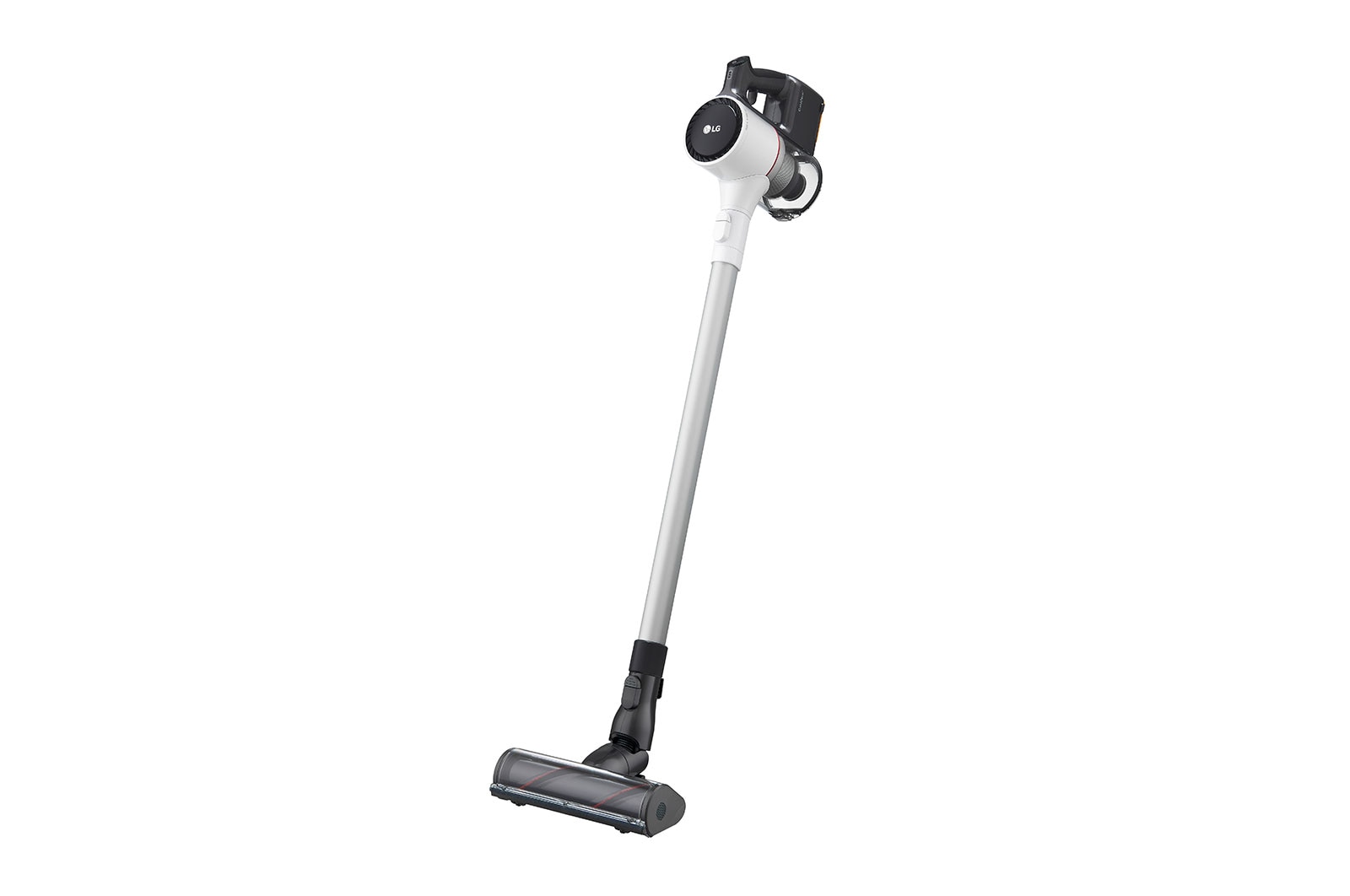
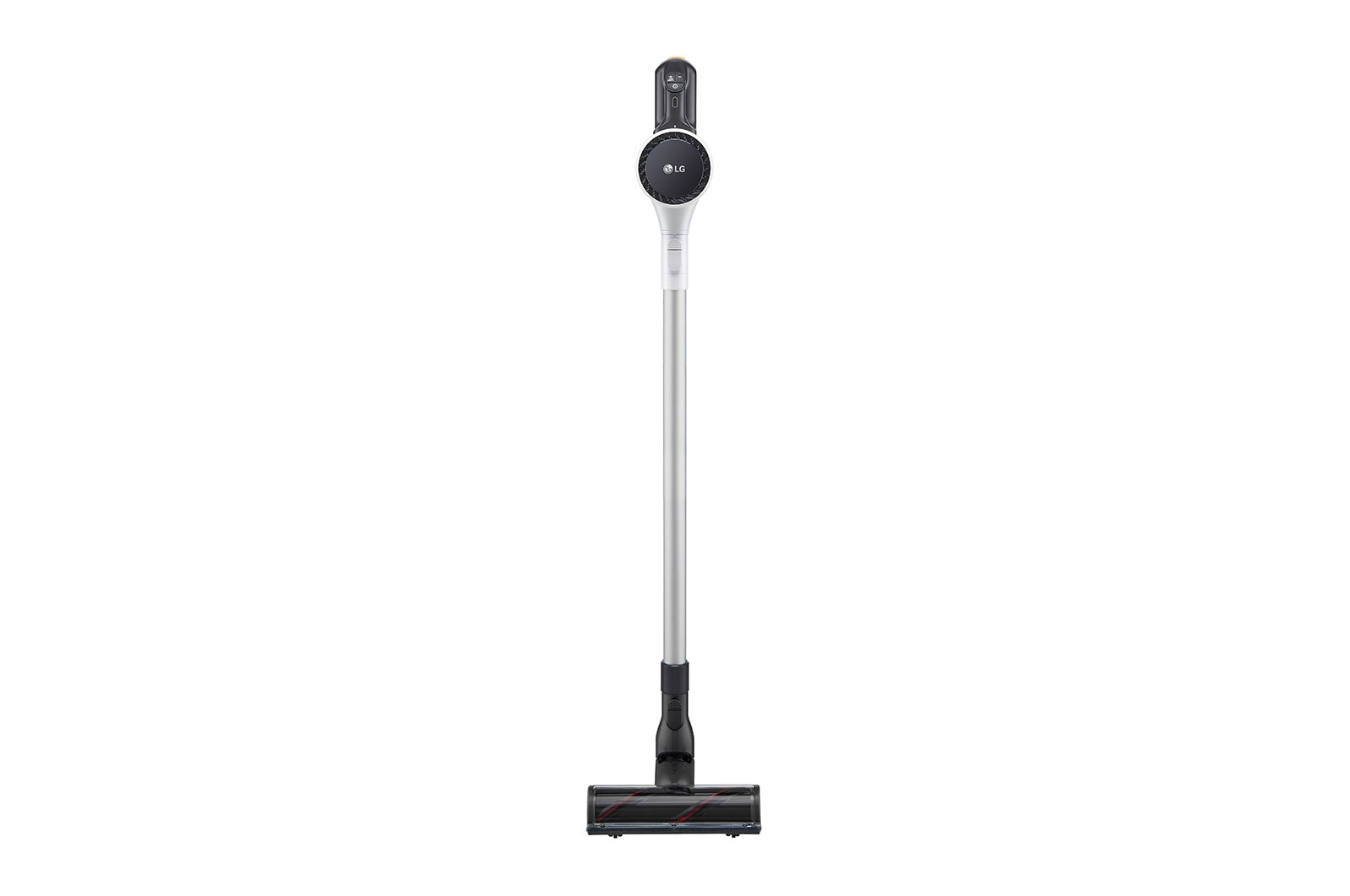
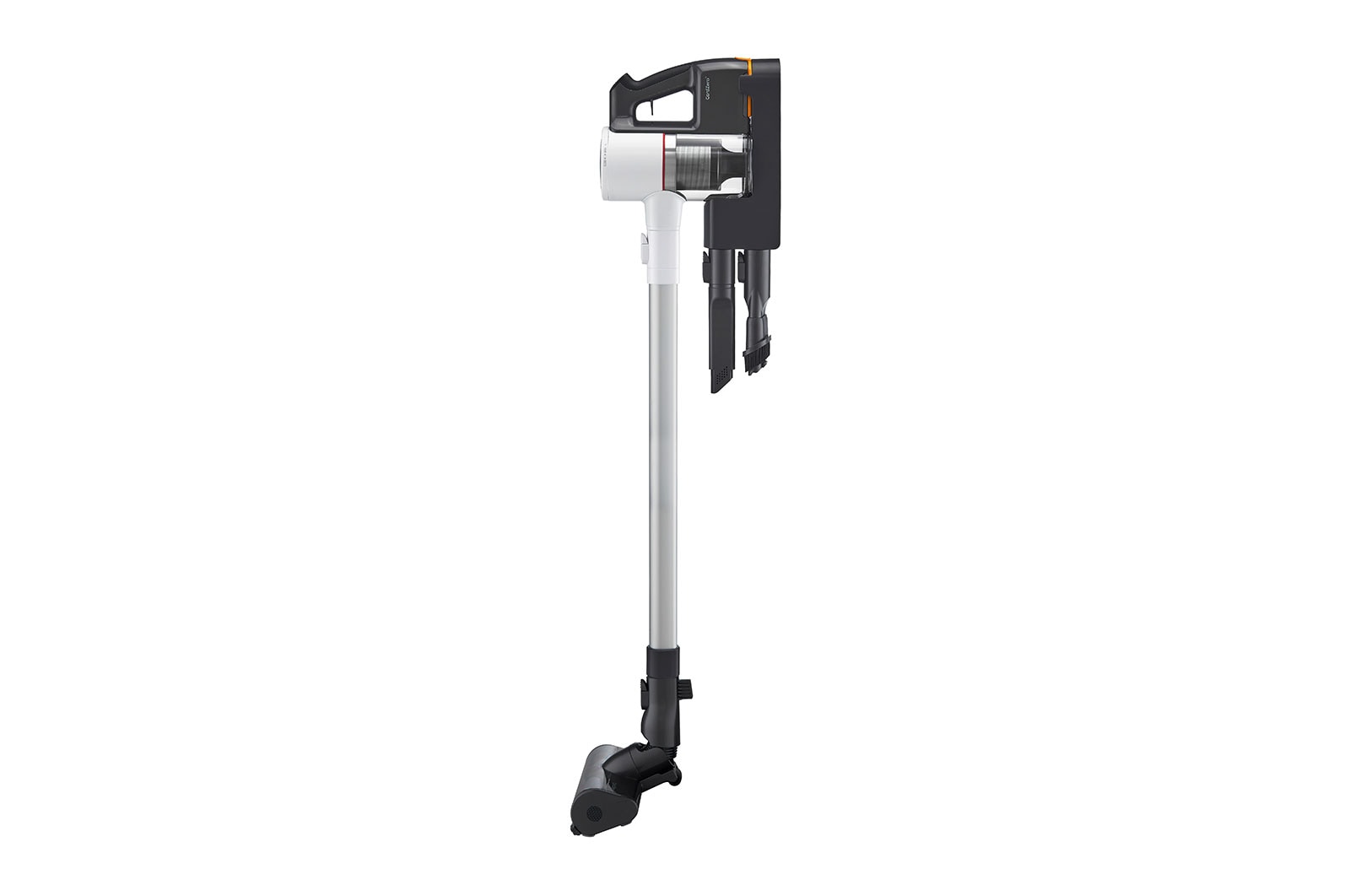
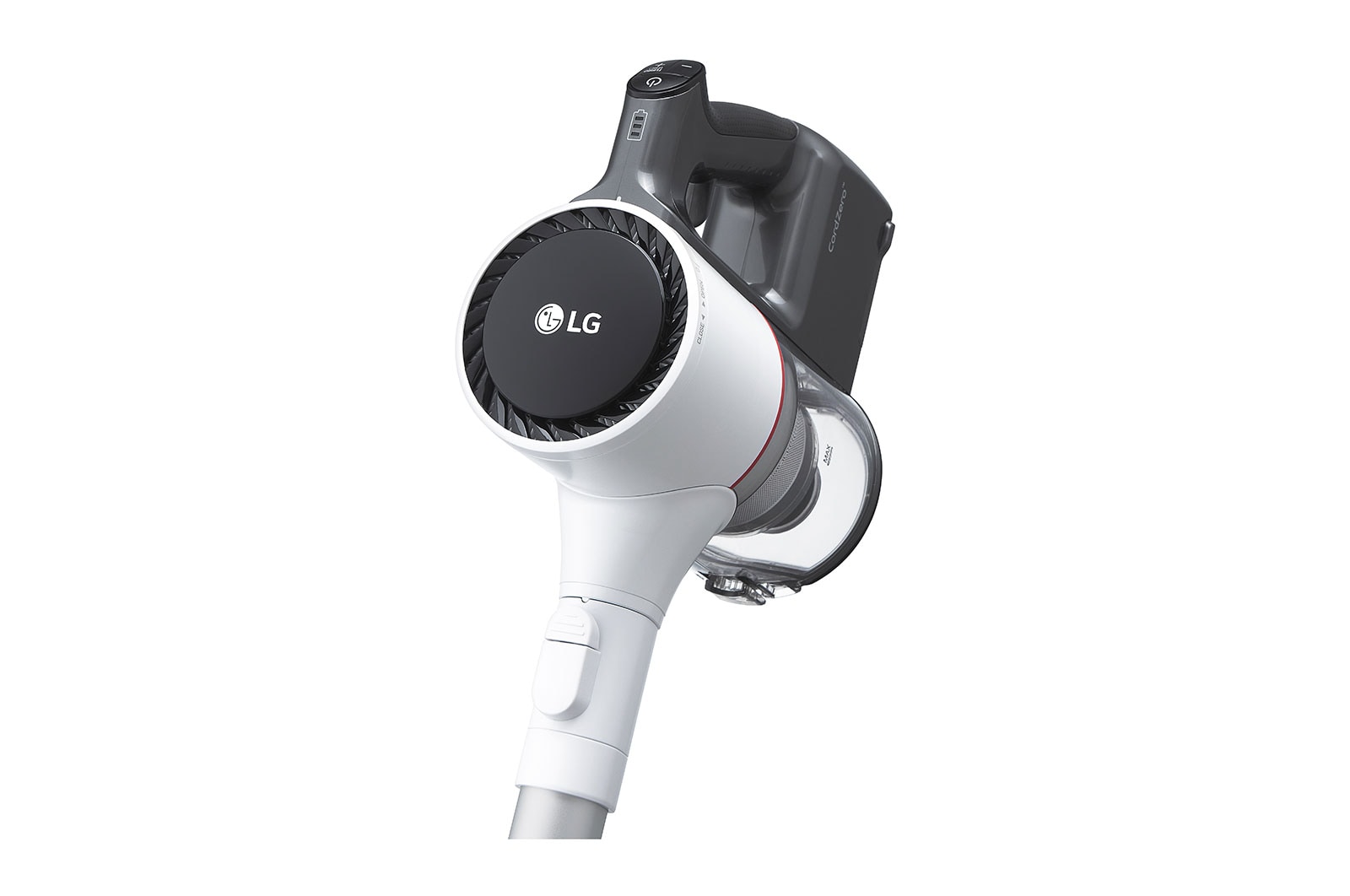
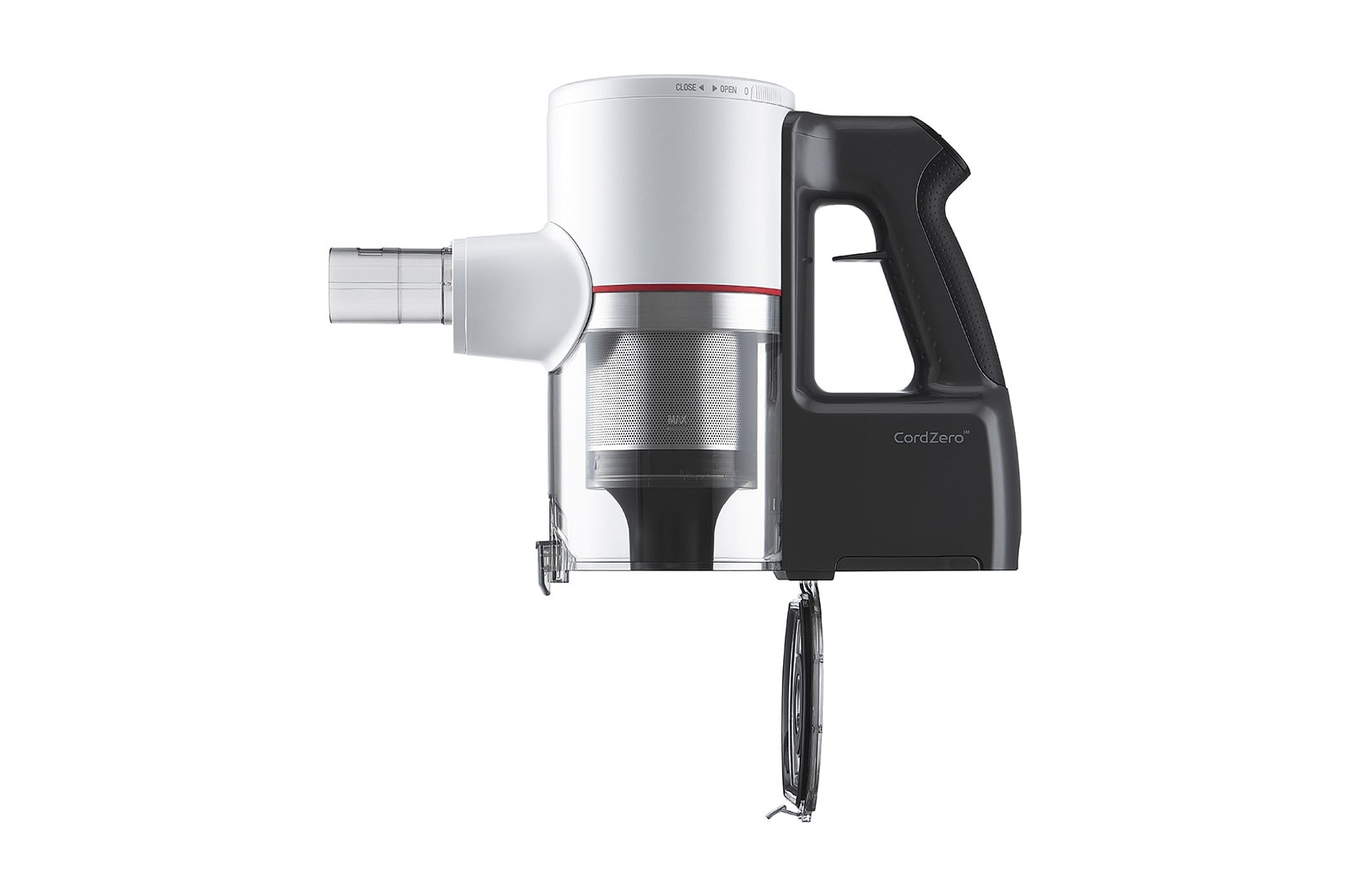
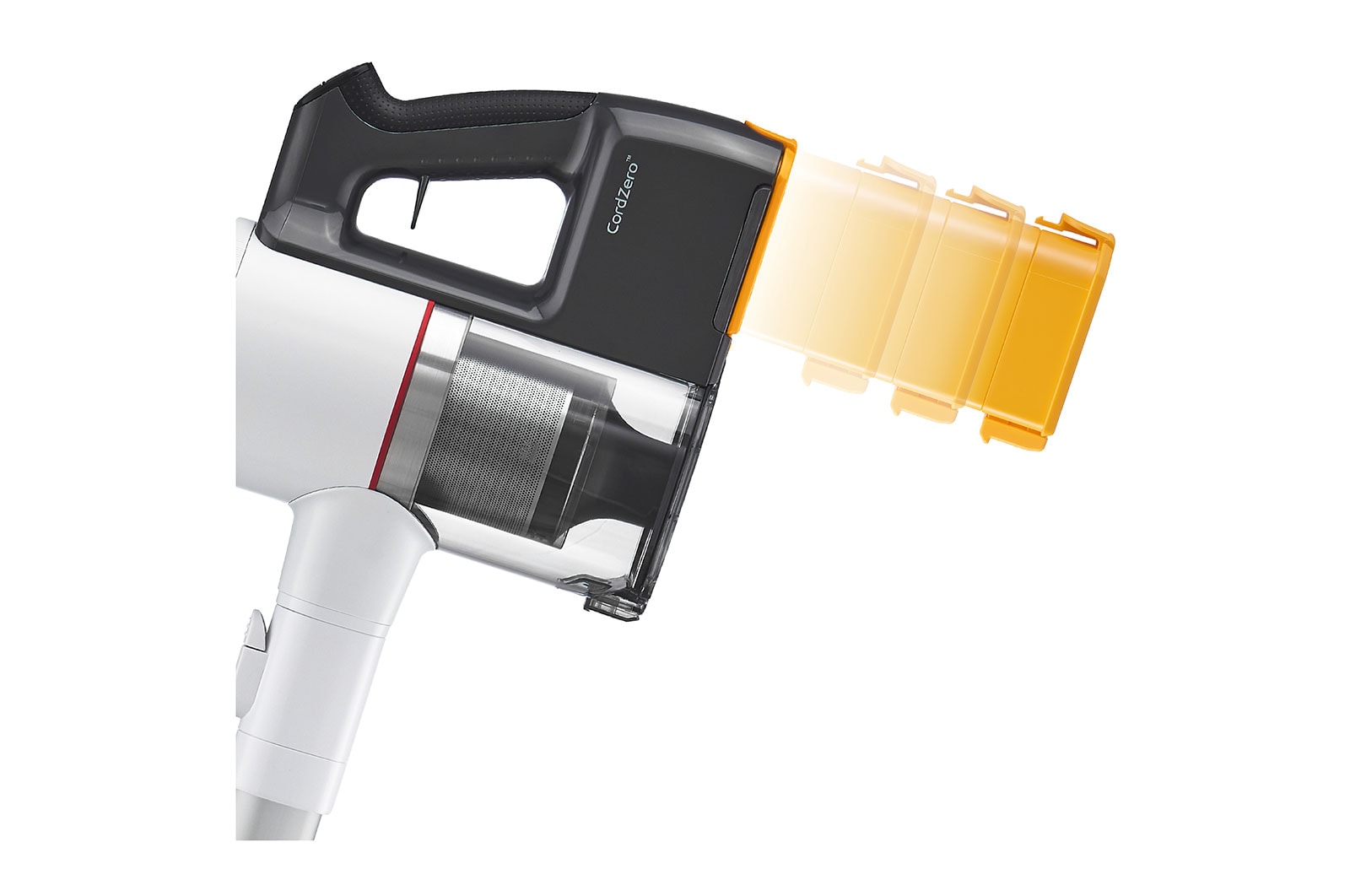
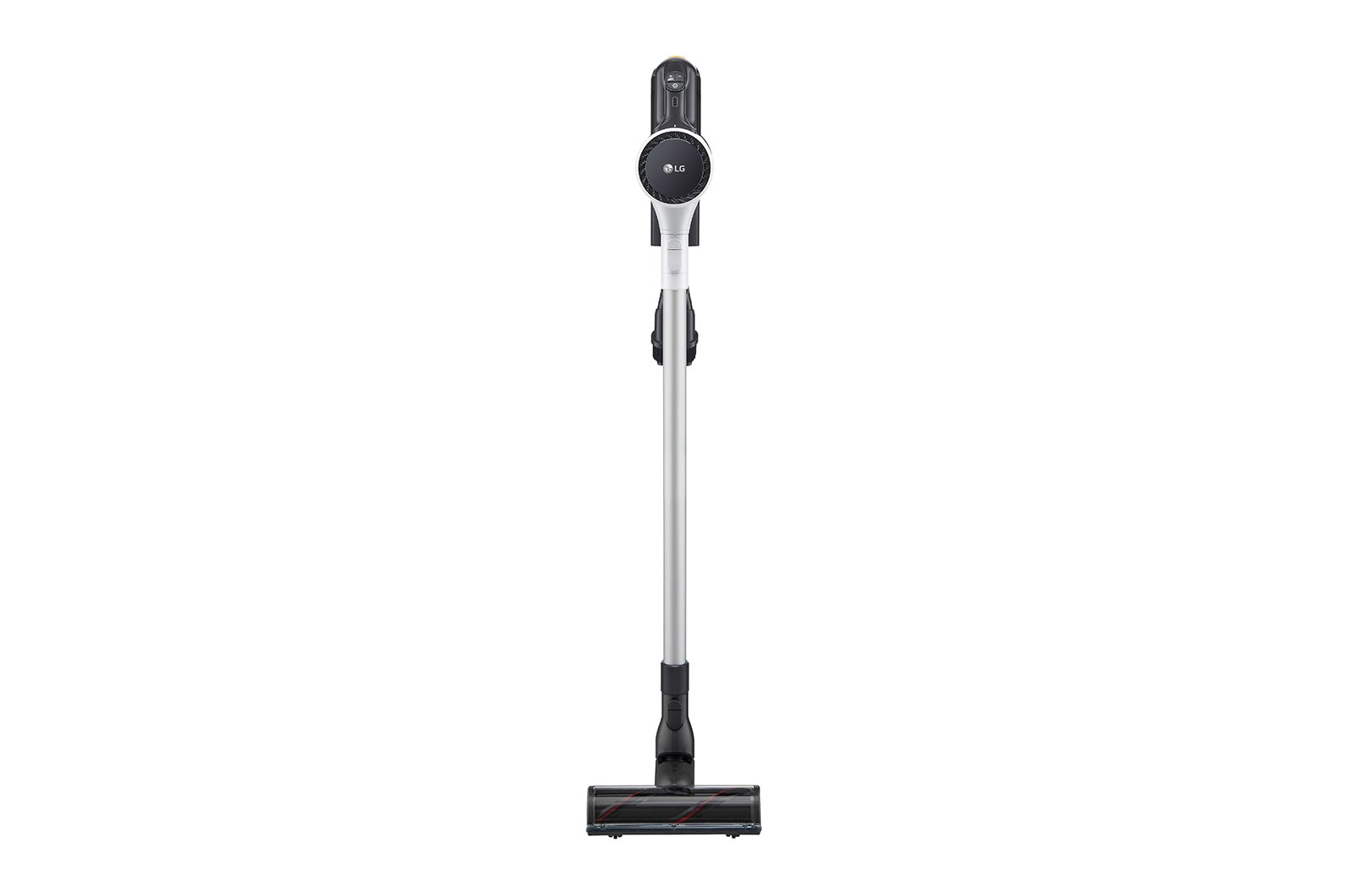
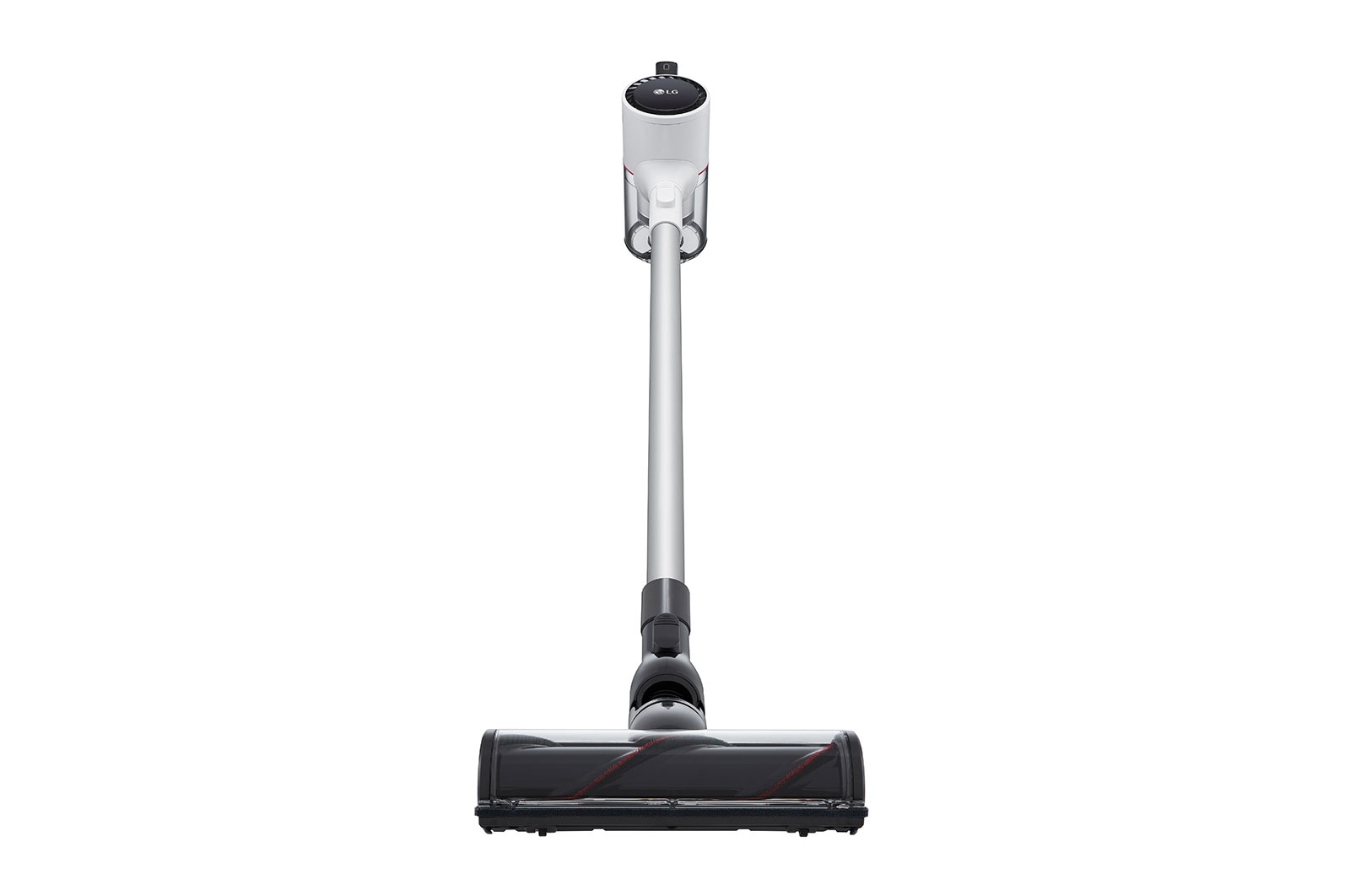
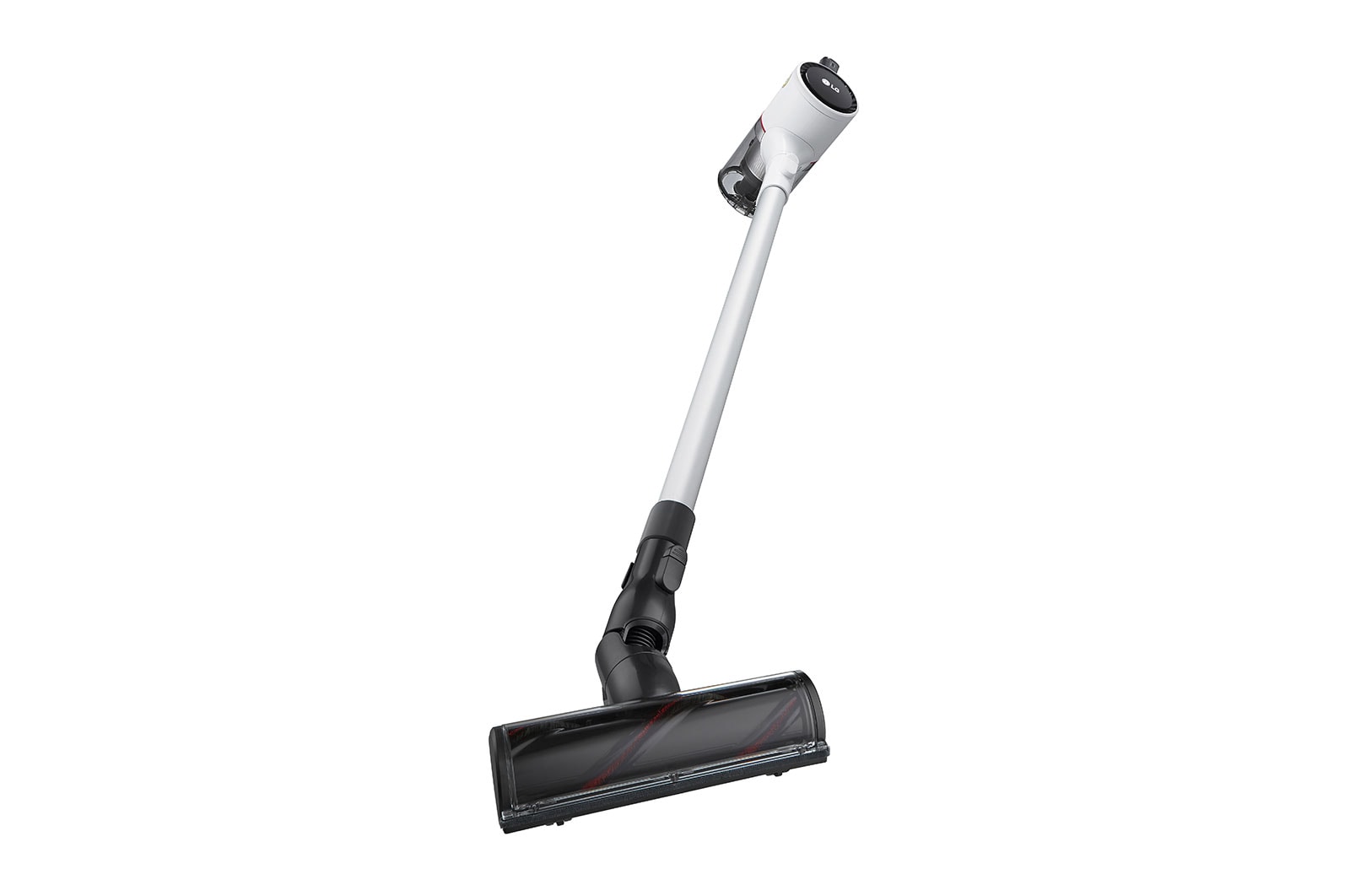
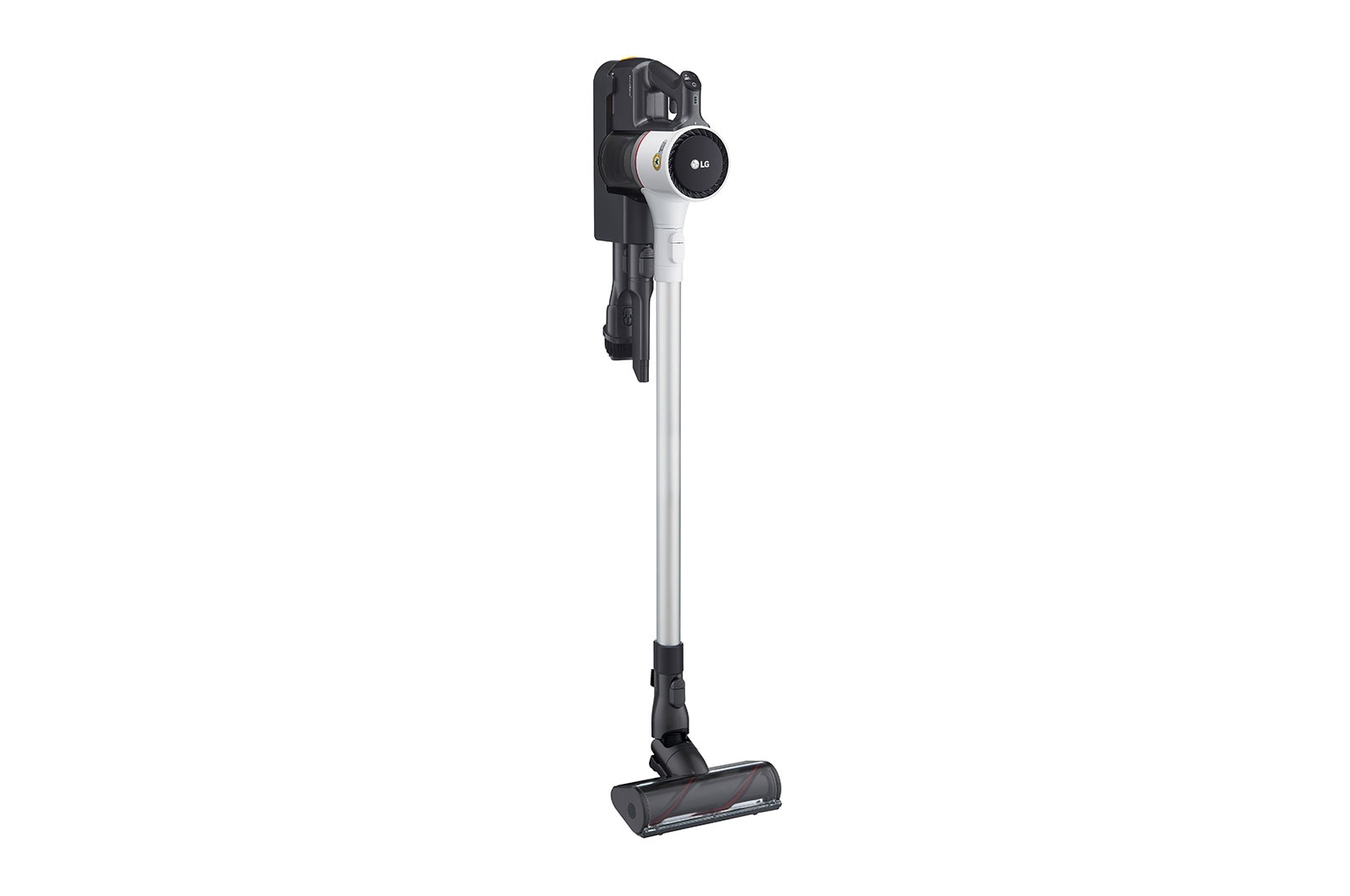
LG CordZero® Handstick Vac with AEROSCIENCE™
*2 years parts and labour warranty on the product and additional 8 years parts only warranty on the motor.
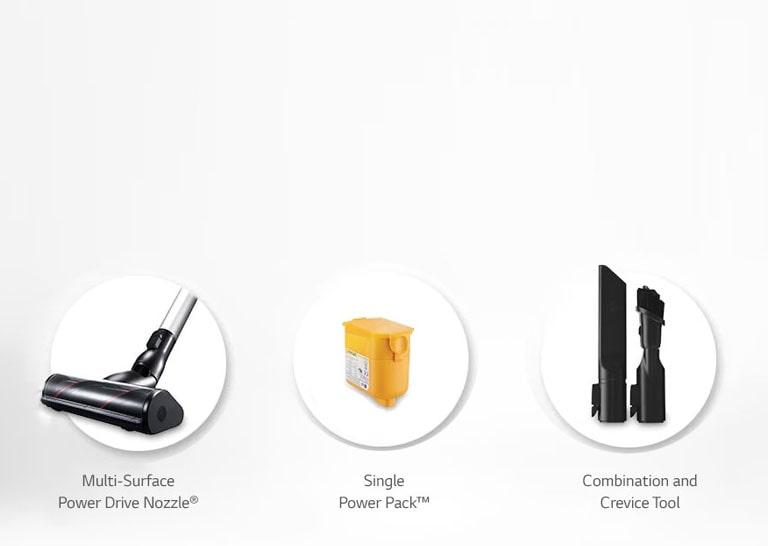
*See model specifications below for accessories included in the sales pack.
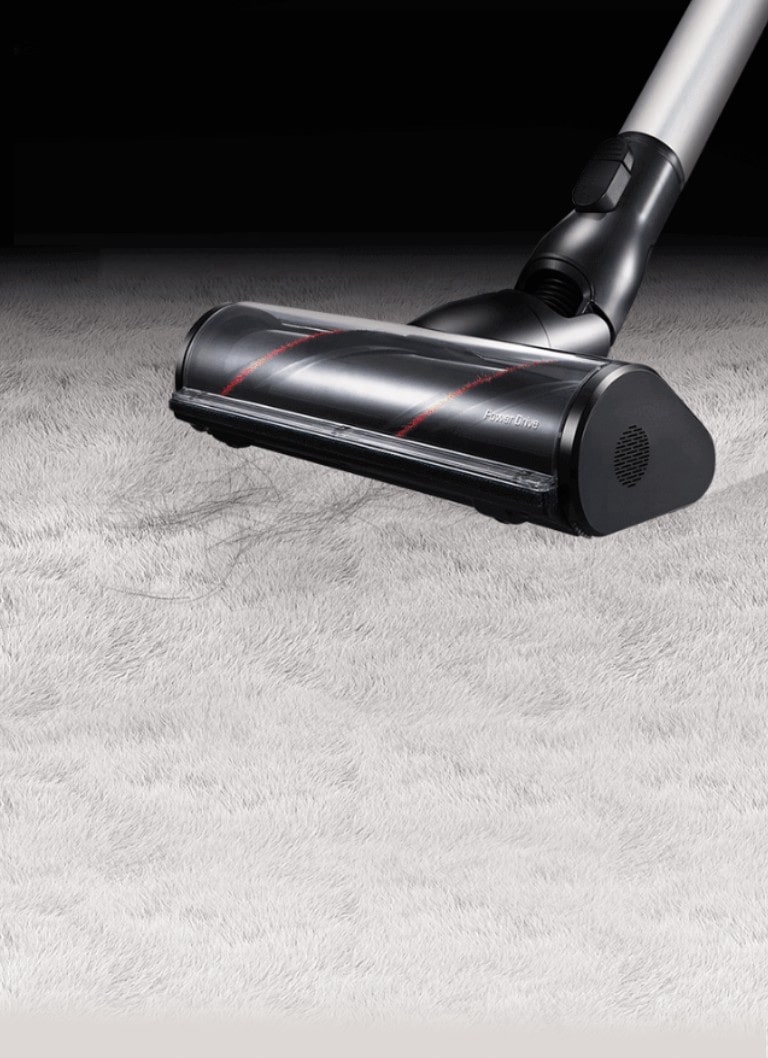
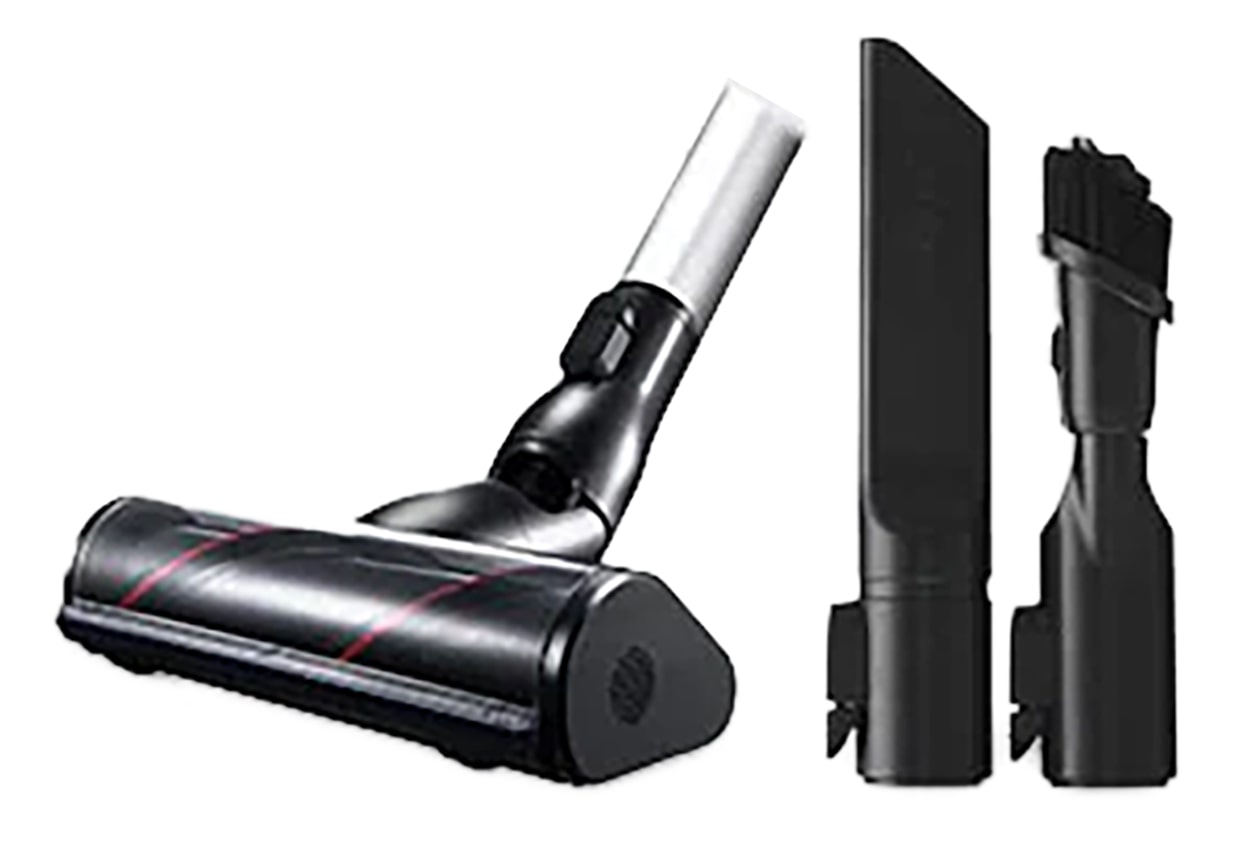
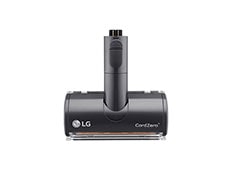
| Features | Multi-Surface Power Drive Nozzle®, Combination & Crevice Tool | Hard-Floor Power Drive Nozzle® | Power Drive Mop® With Mop Pads |
|---|---|---|---|
![]() | ![]() | ![]() | |
| A9T-ULTRA | √ | √ | √ |
| A9T-AUTO | √ | √ | X |
| A9K-ULTRA | √ | √ | √ |
| A9K-PRO | √ | √ | √ |
| A9K-AQUA | √ | X | √ |
| A9K-CORE | √ | √ | X |
| A9K-EVOLVE | √ | √ | X |
| A9N-FLEX | √ | √ | X |
| A9N-MULTI | √ | √ | X |
| A9N-PRIME | √ | X | X |
| A9N-WHITE | √ | X | X |
| A9N-SOLO | √ | X | X |
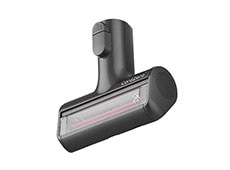
| Features | Bedding Power Punch® | Power Drive Mini™ | Additional Accessories |
|---|---|---|---|
![]() | ![]() | ![]() | |
| A9T-ULTRA | X | √ | All-In-One Tower™ |
| A9T-AUTO | √ | X | All-In-One Tower™ |
| A9K-ULTRA | √ | √ | Flexi Tool Kit |
| A9K-PRO | X | X | Handy-Tool Kit |
| A9K-AQUA | X | √ | X |
| A9K-CORE | X | √ | X |
| A9K-EVOLVE | X | X | X |
| A9N-FLEX | X | √ | Extension Tool |
| A9N-MULTI | X | X | Handy-Tool Kit |
| A9N-PRIME | X | X | X |
| A9N-WHITE | X | X | X |
| A9N-SOLO | X | X | X |
Frequently Asked Questions
Which features does this product have?
Features vary by model. Not all features referred to in the below Q&A are available on every product in the LG range. Please refer to specifications / product pages for details by model.
Can I find replacement parts and accessories for LG Vacuum Cleaners?
Yes, we offer a range of replacement parts and accessories across all our Vacuum Cleaners, including filters, brush rolls, and attachments. These can be purchased separately via LG website or official LG stockists.
How do I troubleshoot common issues with my LG Handstick Vacuum Cleaner?
LG provides comprehensive customer support, including troubleshooting guides in the user manual and online resources. If you encounter any issues with your Handstick Vacuum Cleaner, such as loss of suction or battery problems, refer to the troubleshooting section of the manual or contact our customer service team for assistance.
What’s the difference between a handstick and bagless Vacuum cleaner?
Our handstick vacuum cleaners possess the features of a cordless, lightweight, and manoeuvrable vacuum cleaner designed for quick clean-ups and ease of use. On the other hand, our bagless vacuum cleaners collect dust and debris in a dirt bin or canister instead of disposable bags. The bagless vacuums tend to be larger in size, but are still an efficient and easy product to use.
Are LG Handstick Vacuum Cleaners suitable for cleaning carpets and hardwood floors?
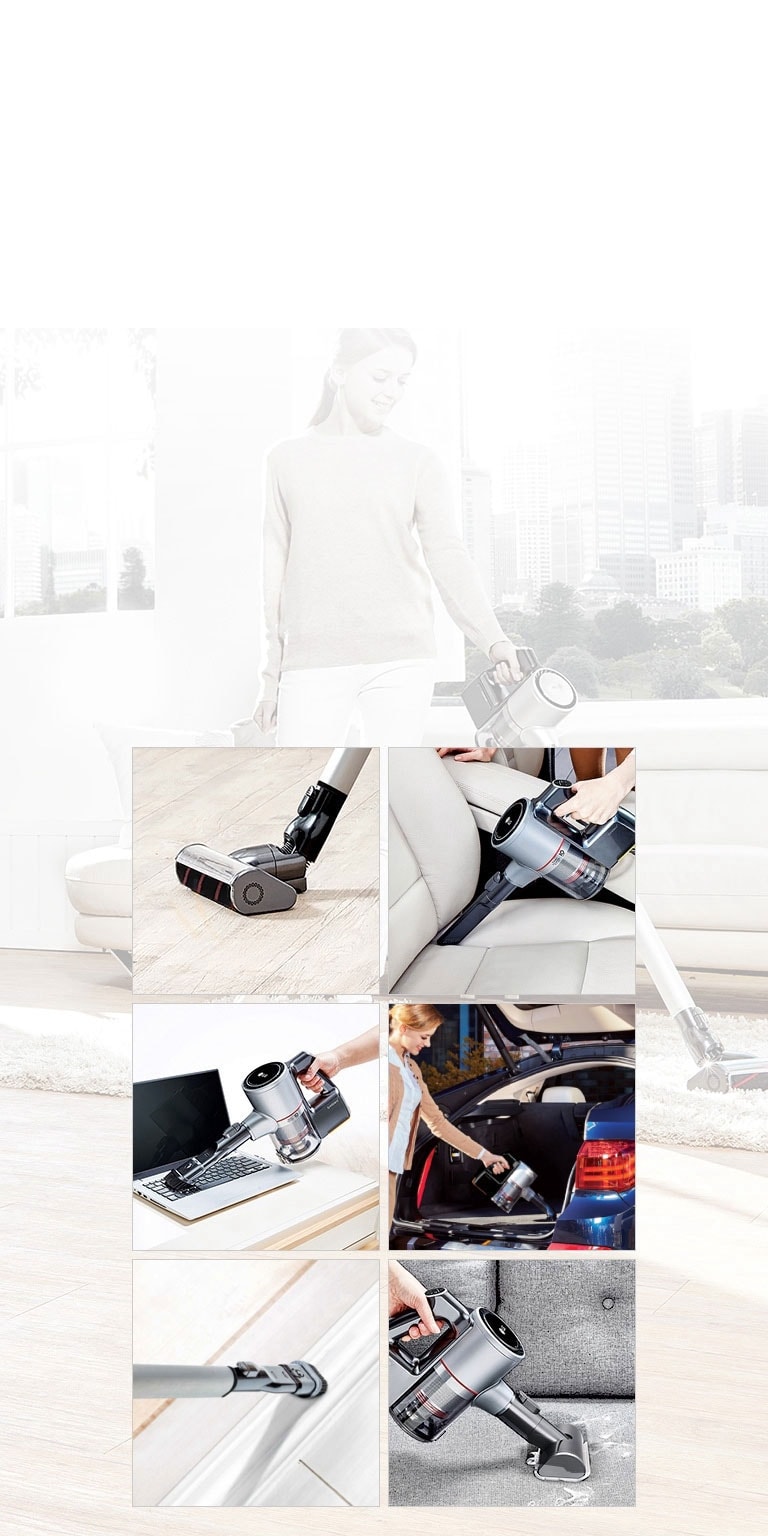
Yes, our Handstick Vacuum Cleaners are versatile and designed to effectively clean various surfaces, including carpets, hardwood floors, tiles, and more. They come with adjustable suction power, and various nozzle types and attachments to ensure thorough cleaning on different floor types.
How do I maintain and clean my LG Handstick Vacuum Cleaner?
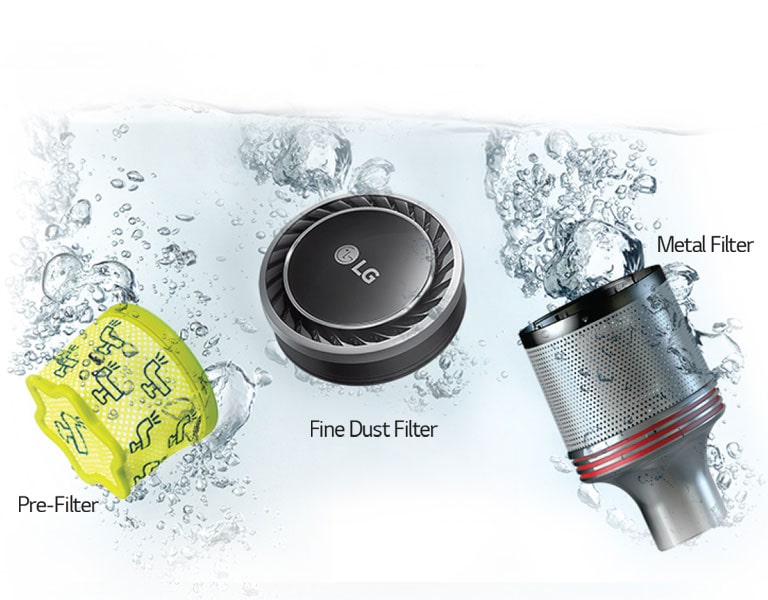
To maintain optimal performance, it's recommended to regularly empty the dustbin, clean the filters, and remove any hair or debris tangled around the brush roll. We also offer a number of removable and washable filters sold separately to our handstick vaccum, ensuring you always maintain your vacuum to ensure optimal clean. Refer to the user manual for specific cleaning instructions tailored to your model.
Are LG Handstick Vacuum Cleaners cordless?
Yes, our LG Hand stick Vacuum Cleaners are cordless for your added convenience and manoeuvrability during performance. They are powered by rechargeable lithium-ion batteries, allowing you to move freely around your home without being tethered to a power outlet.
The dust emptying function isn't working. How can I fix this?
Please check the following:
- Make sure the power plug is connected.
- Check that the vacuum cleaner is properly installed. It will beep if set up correctly.
- If the dust stops emptying, pressing the "Start/Stop” button will restart the process.
- The dust-emptying mode is either automatic or manual:
-The default setting for robot vacuum cleaners is Auto mode. The default setting for stick vacuum cleaners is Manual mode.
-For Manual mode, press the Stick Empty or Robot Empty buttons while the stick or robot vacuum cleaners are docked to begin the dust emptying process.
-To switch between the Manual and Auto dust-emptying modes, press the Select Mode button for at least three seconds.
The unit has lost power. What could be causing this?
Please check whether:
- The power plug is fully inserted into the outlet.
- Any multi-outlet strip is switched on.
- The breaker hasn't tripped and power is available.
Why isn’t my vacuum charging?
Here are some tips:
- Check if the vacuum is properly installed—it will beep when placed correctly. Reinstall the vacuum if there is no beep.
- Make sure the auxiliary battery is fully pushed in until its icon flashes.
- Check that the robot vacuum has docked correctly—it beeps when in place. Also, check for debris if an error message pops up.
- Check that the plug is fully inside the outlet.
- Unplug the unit and wipe off any debris from the charging terminal with a dry cloth.
- Your unit may not charge if the temperature is below 5°C. Try charging again after it’s above 5°C.
What should I do if the product has a smell?
Here are some tips:
- New vacuums may have a "new" smell that tends to go away after about 3 months.
- Check for damp dust stuck on the mop nozzle, since it can create odors. Remember to remove any wet dust after each use before storing your vacuum. The pre-filter, exhaust filter, or large dust separator may also start smelling if not dried completely. After a wash with water, dry the parts thoroughly in well-ventilated shade for at least 24 hours before using them again.
- If you can smell the dust bag, strong odors like pet waste may have transferred to the dust bag. Replace the bag after vacuuming up strong-smelling items even if it is not full. Similarly, old dust bags that haven't been replaced in a long time may also start to smell. Replace the dust bag regularly even if it’s not full.
What does it mean if the Auto emptying and Auxiliary battery indicators flash at the same time?
A motor is not working properly. This could be caused by:
The motor that presses the dust bin cover separation button
The motor that opens and closes the dust bin cover
The motor that changes air flow between the STICK Emptying and the ROBOT Emptying modes
Please unplug the power cord and contact an LG Electronics service center.
Why does the dust emptying notification flash red for about 10 seconds followed by a beep?
The dust bag is full and needs replacing. You can purchase additional replacement dust storage bags via LG website or official LG stockists.
Summary
Key Specs
MATERIAL & FINISH - Body Color (Cleaner)
White
DIMENSIONS & WEIGHTS (CLEANER) - Product Dimensions (WxHxD mm)
260 x 1120 x 270
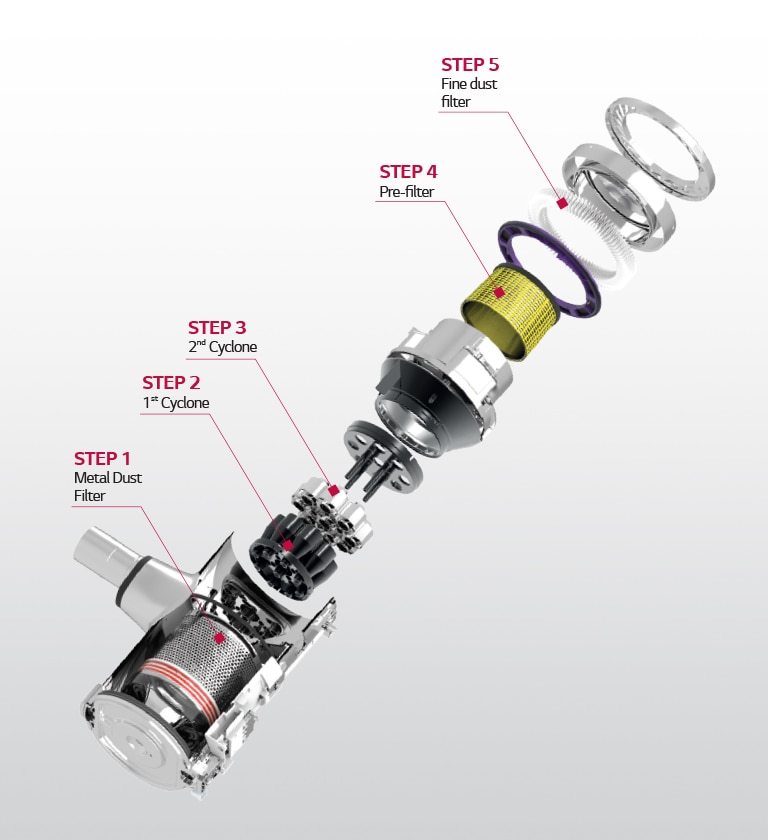
FEATURES (CLEANER) - 5-Step Filtration System
Yes
FEATURES (CLEANER) - Cyclone Technology
Axial Turbo Cyclone
FEATURES (CLEANER) - Kompressor Technology
No
FEATURES (CLEANER) - Smart Inverter Motor
Yes
FEATURES (CLEANER) - Telescopic Pipe (4 Lengths)
No
SMART TECHNOLOGY - ThinQ(Wi-Fi)
No
All Spec
MATERIAL & FINISH
Body Color (Cleaner)
White
EAN CODE
EAN Code
8806091951465
BASIC ACCESSORIES
Combination Tool
Yes
Cleaning Brush
No
Crevice Tool
Yes
BATTERY
Batteries Included (Qty)
1 (Single)
Battery Type
Lithium-ion
Charging Time per battery (minutes)
240
Max Run Time per battery (minutes) - Normal Mode without Nozzles
50
Max Run Time per battery (minutes) - Normal Mode with Nozzle
40
Max Run Time per battery (minutes) - Turbo Mode without Nozzles
6
Max Run Time per battery (minutes) - Turbo Mode with Nozzle
6
Min Capacity (mAh)
2300
Rated Capacity (mAh)
2400
Rated Voltage (V) (DC)
25.2
Max Run Time per battery (minutes) - Power Mode without Nozzles
11
Max Run Time per battery (minutes) - Power Mode with Nozzle
11
DIMENSIONS & WEIGHTS (CLEANER)
Box Dimensions (WxHxD mm)
780 x 140 x 285
Product Dimensions (WxHxD mm)
260 x 1120 x 270
Weight (kg)
2.5
Max Product Height (mm)
1120
Weight include packing (kg)
5.0
FEATURES (CLEANER)
One-Touch Control
Yes
Sound Power Level - Turbo Mode (dB)
79
Thumb Touch Control
Yes
Dual Battery Pack
No
Smart Inverter Motor
Yes
5-Step Filtration System
Yes
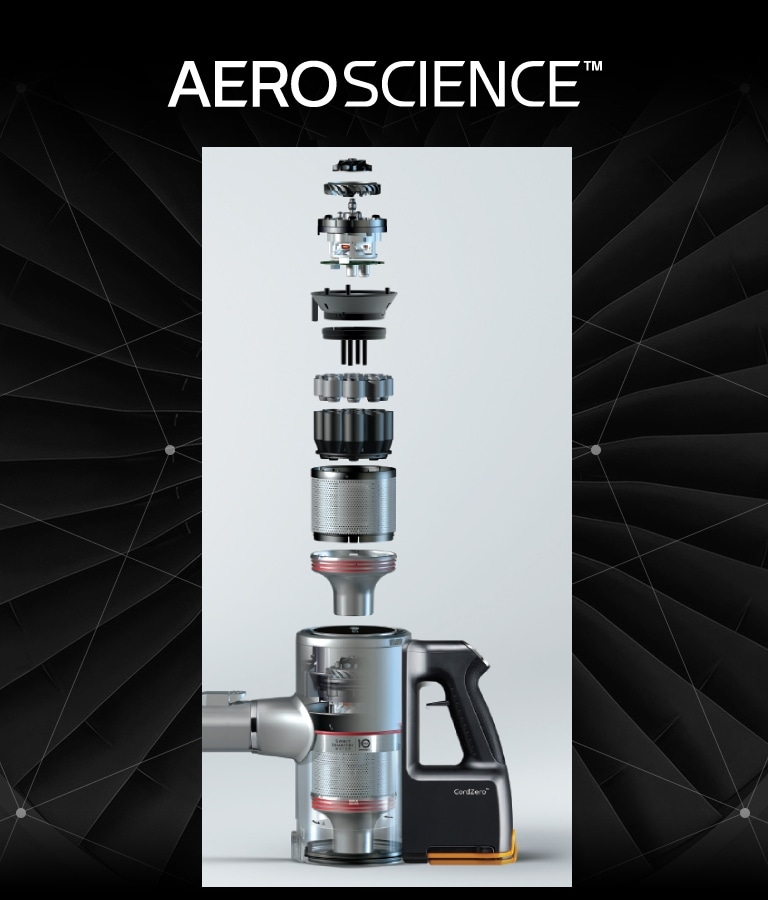
AEROSCIENCE
Yes
Battery Status Indicator
Yes
Charging and Storage
3 Ways (Wall-mount/Floor-standing/Compact installation)
Clogged Objects Indicator
No
Convert to Handheld
No
Cyclone Technology
Axial Turbo Cyclone
Filter Cleaning Cycle Alarm Indicator
No
Kompressor Technology
No
Telescopic Pipe (4 Lengths)
No
Auto Stop&Go
No
NOZZLES
Multi-Surface Power Drive™ Nozzle
Yes
Bedding Power Punch™
No
Power Drive™ Mop Nozzle
No
Power Drive™ Mini Nozzle
No
Slim Power Drive™ Nozzle
No
Power Drive™ Hot Mop Nozzle
No
Wide Slim Nozzle with LED Lighting
No
Spray Mop Nozzle with LED Lighting
No
Dual Nozzle with LED Lighting (Carpet + Hard Floors)
No
OTHER TOOLS AND ACCESSORIES
Hard Dirt Tool
No
Accessory Bag
No
Extra Pre-filter
Yes
Detachable Nozzle and Mop Pads Storage
No
Extendable Hose Extension
No
Extra Exhaust Filter
No
Flexible Crevice Tool
No
Mattress Tool
No
Mop Pads (Qty)
0
Multi-angle Tool
No
Water Tank Filler (Measuring Cup) for Mop Nozzle
No
PERFORMANCE (CLEANER)
Max Power Consumption - Turbo Mode (W)
480
Rated Power Consumption (W) (Turbo Mode)
370
Power Mode
Normal / Power / Turbo
Dust Bin Capacity (L)
0.44
Dust Bin Capacity (L) (When compressed)
0.44
Max Suction Power (W)
160
SMART TECHNOLOGY
ThinQ(Wi-Fi)
No
Cleaning History
No
Filter Cleaning Cycle Alarm
No
Filter Cleaning Guide
No
Smart Diagnosis
No
WARRANTY
Product
Definable Spec Only in LG.COM
Battery
Definable Spec Only in LG.COM
Smart Inverter Motor
Definable Spec Only in LG.COM
What people are saying
Our Picks for You
Manual & Software
Download product manuals and latest software for your product.
Troubleshoot
Find helpful how-to videos for your product.
Warranty
Check your product warranty information here.
Part & Accessory
Discover accessories for your product.
Product registration
Registering your product will help you get faster support.
Product support
Find manual, troubleshoot and warranty of your LG product.
Order support
Track your order and check order FAQ.
Repair request
Repair request service conveniently online.