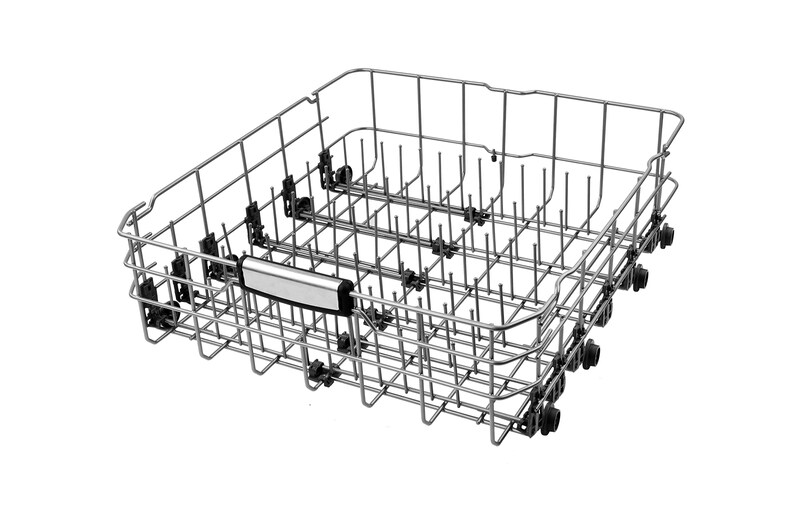
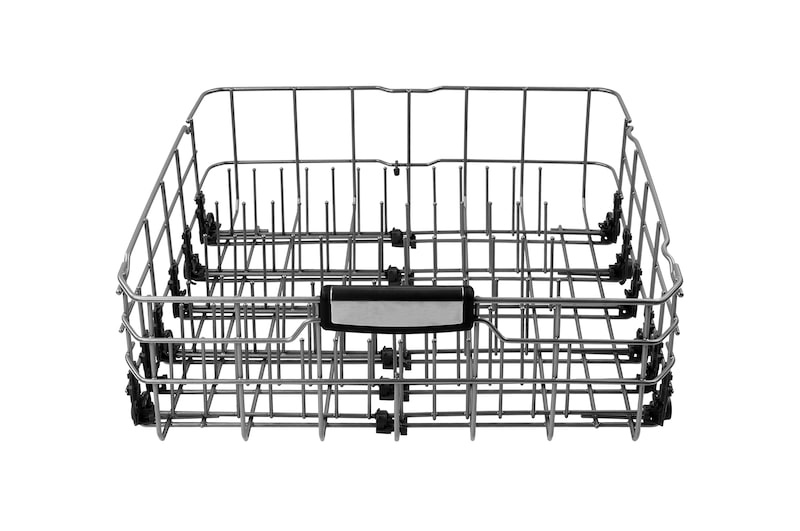
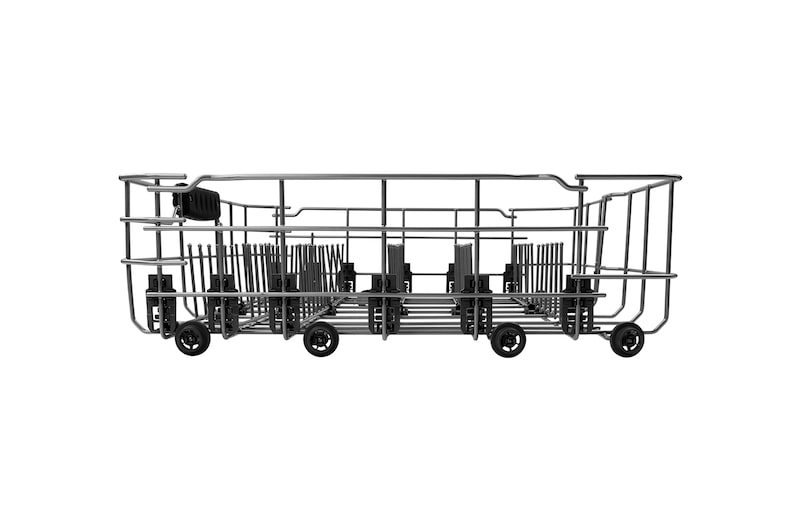
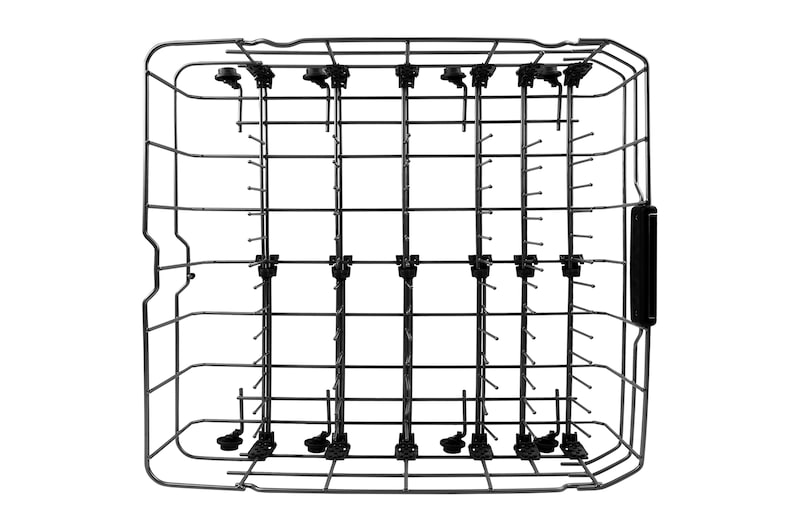
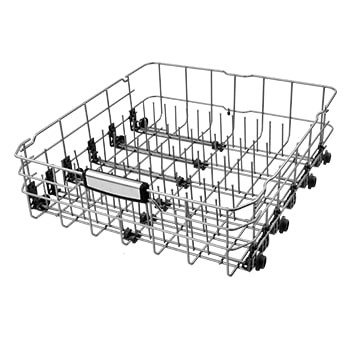
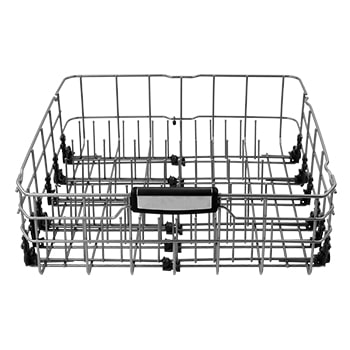
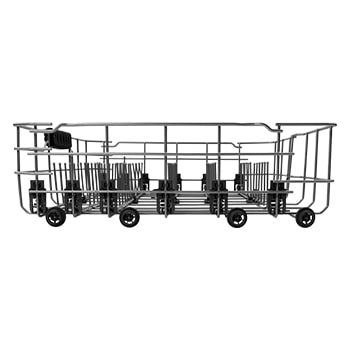
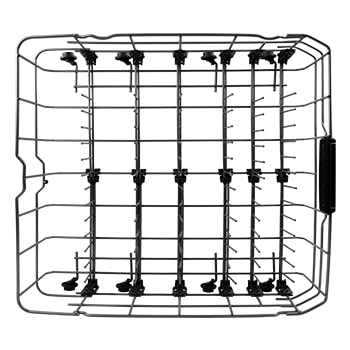
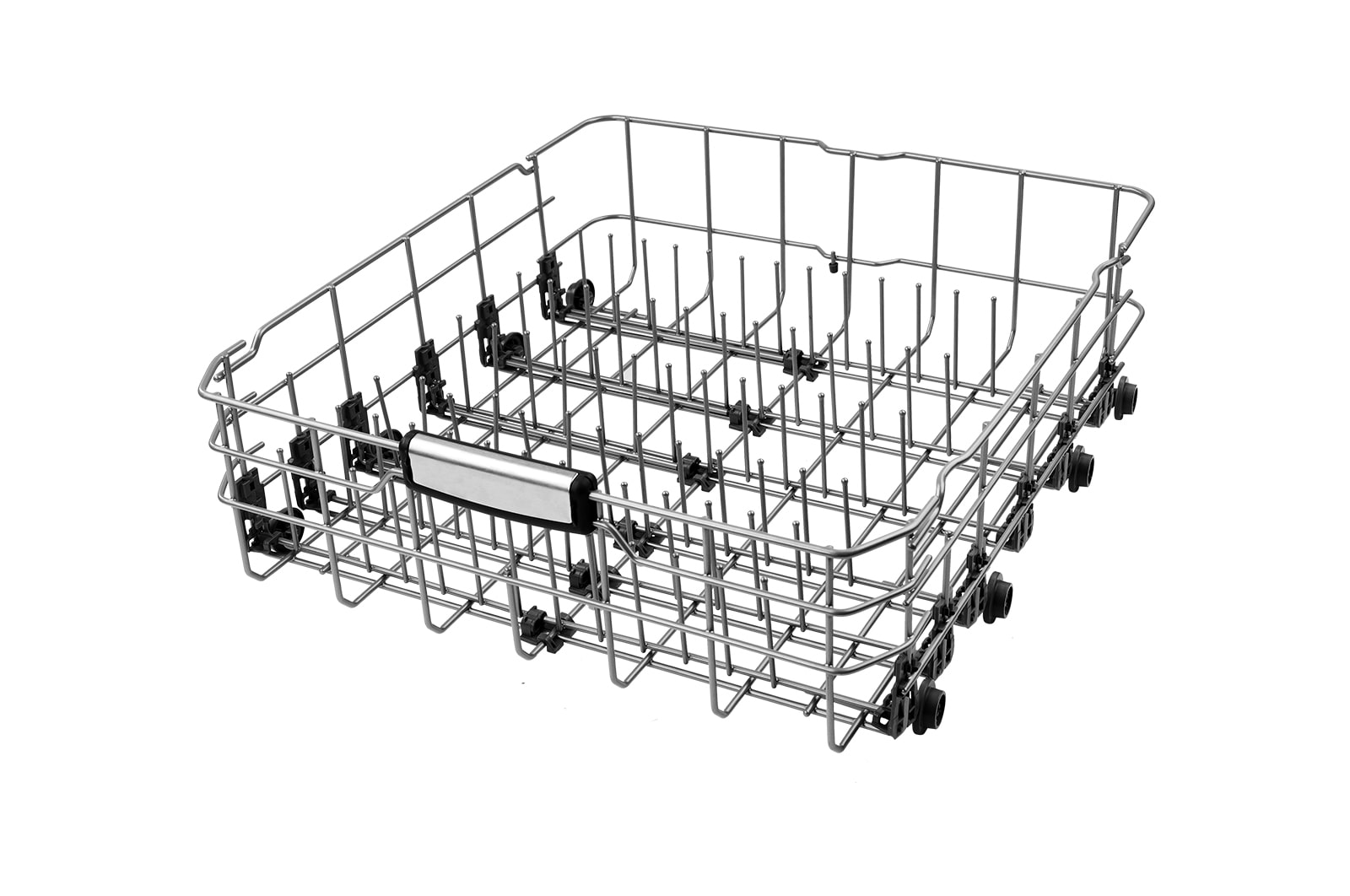
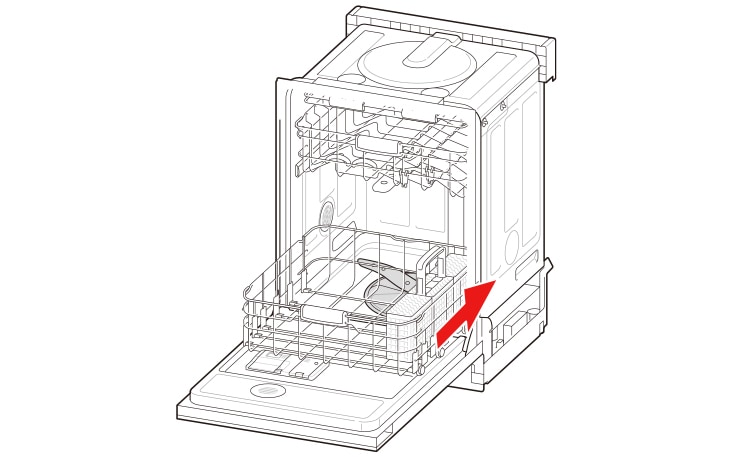
Mounting Location

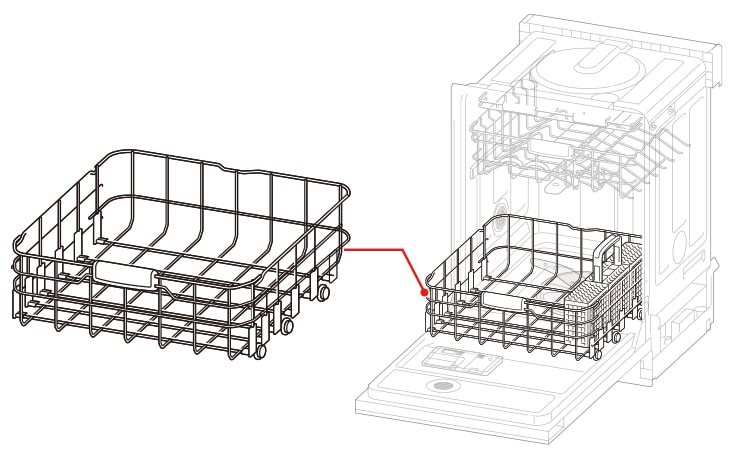
The actual installation location of this item may vary depending on product model. 

For more detailed information, please refer to the product manual for your model. 

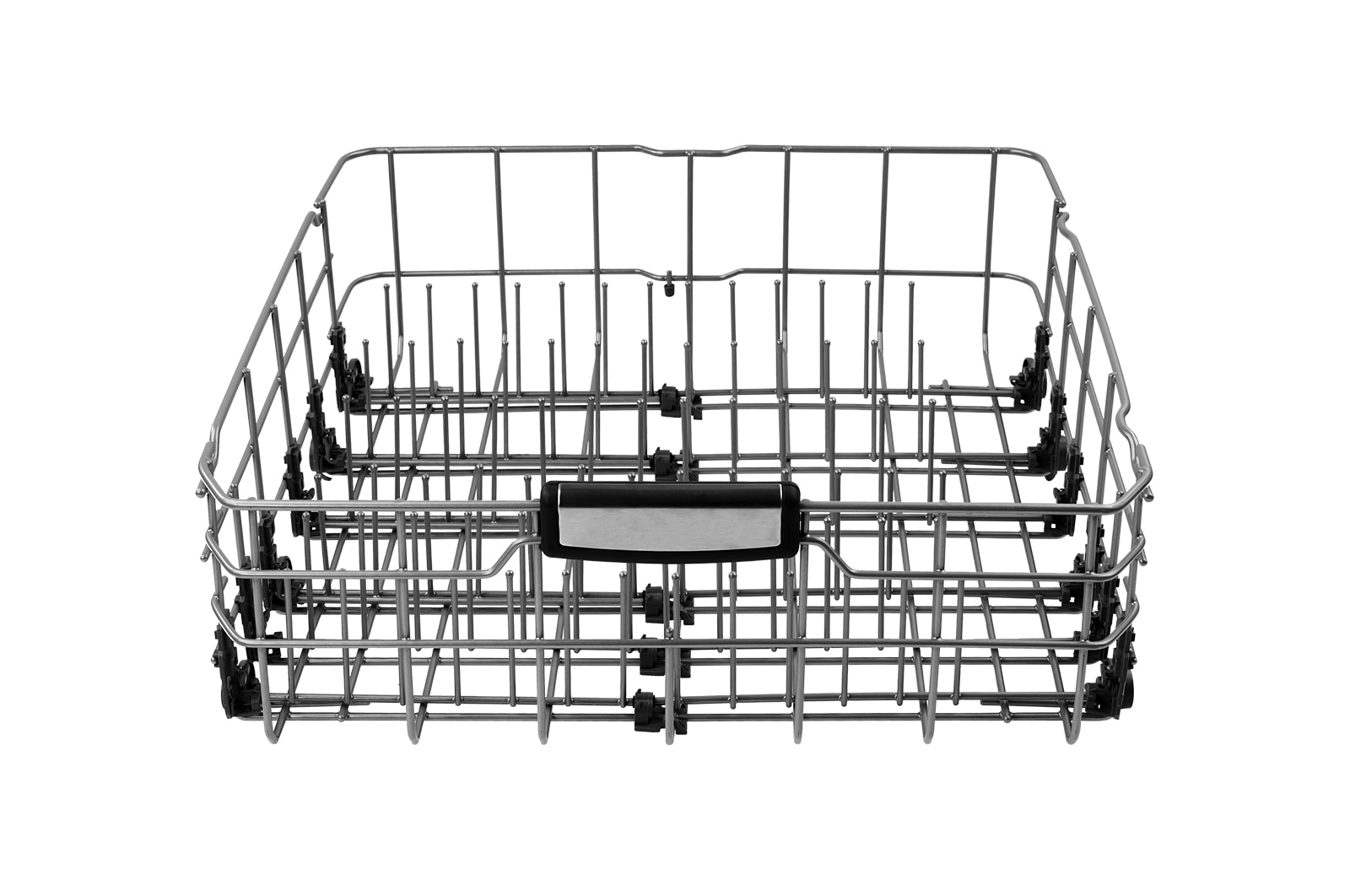
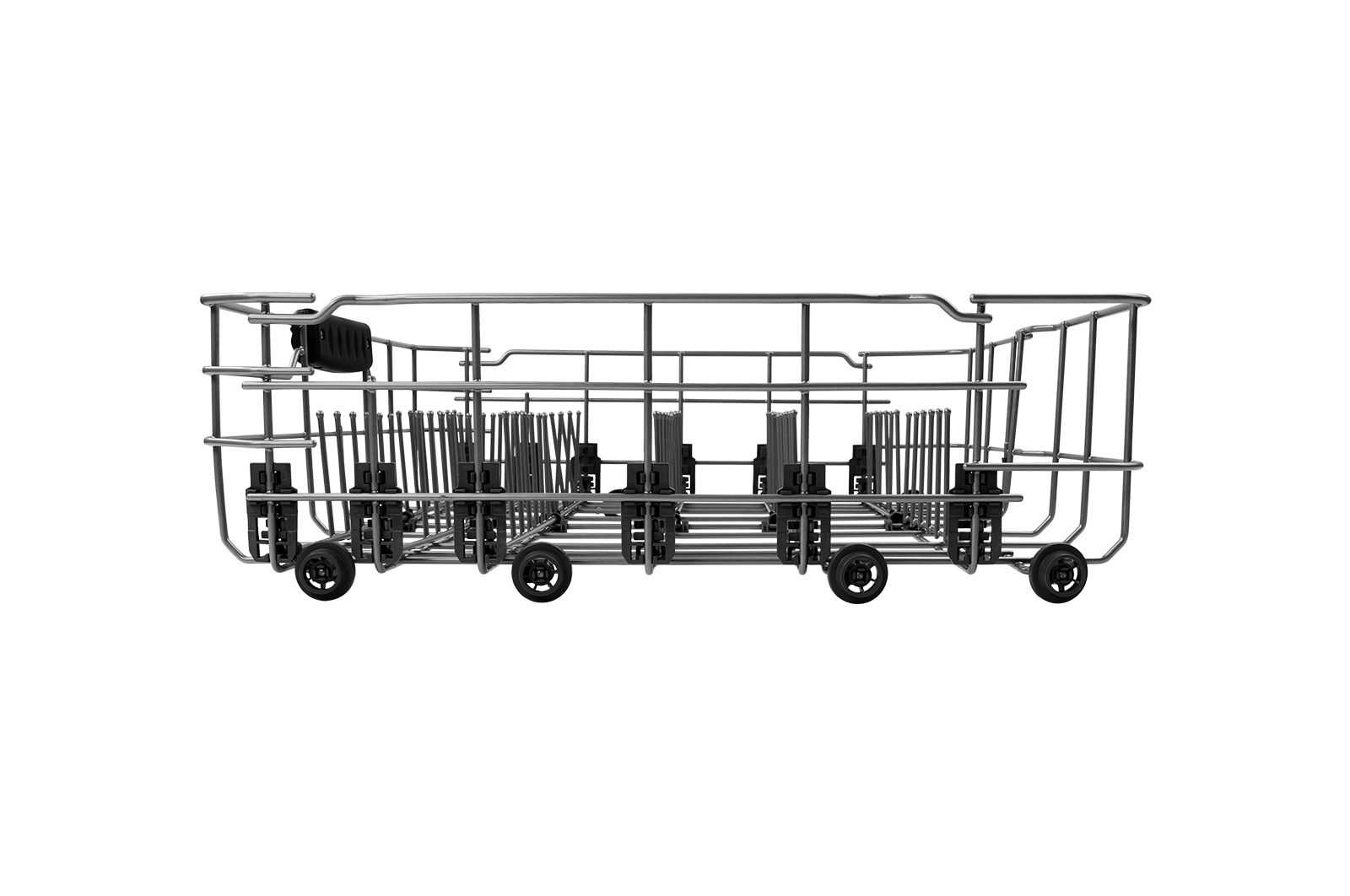
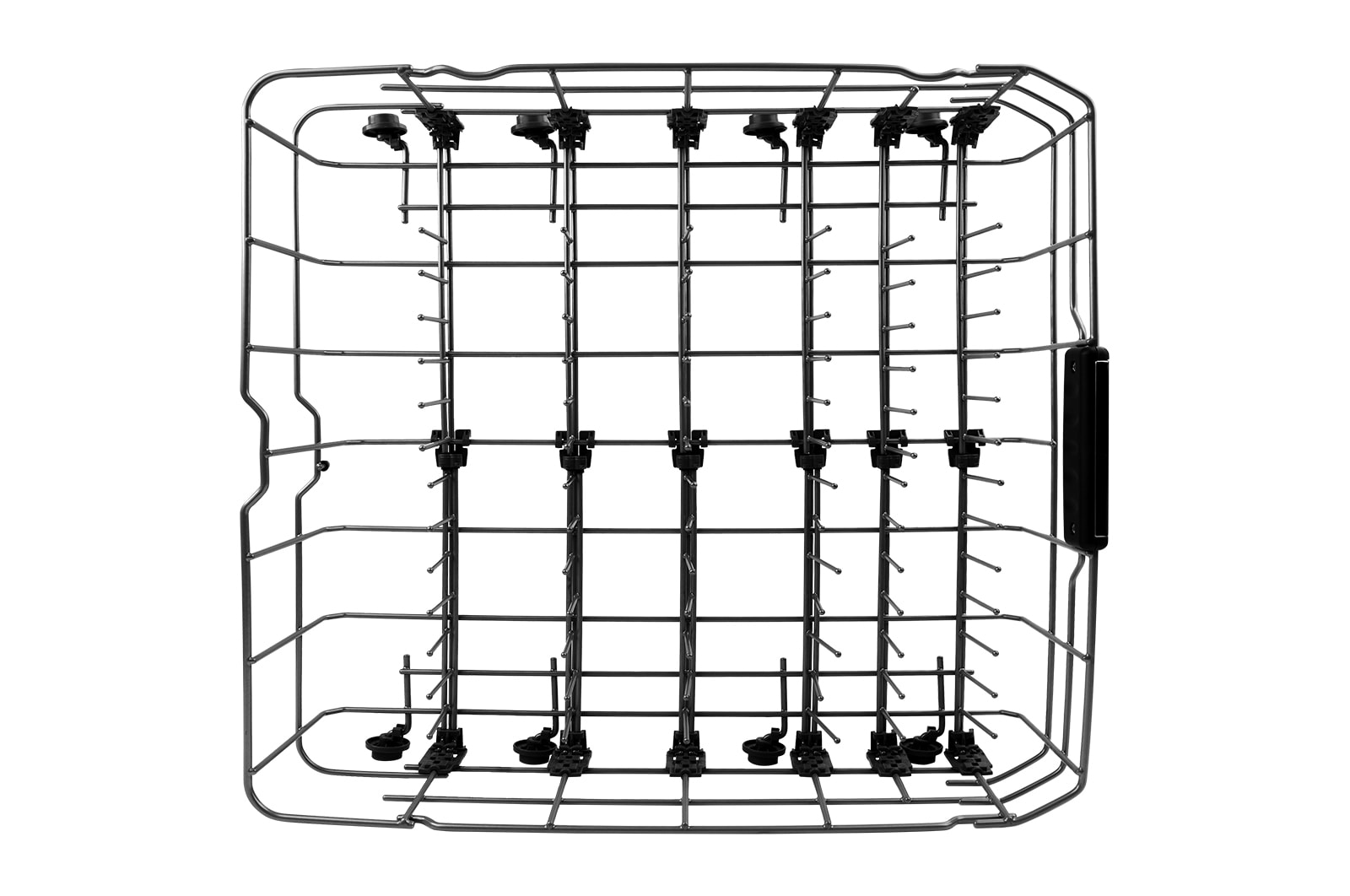
The Lower Rack is located at the bottom when the product door is opened

How to Replace

The replacement instruction for this item may differ slightly from the information below. 

For more detailed information, please refer to the product manual for your model.

STEP 1

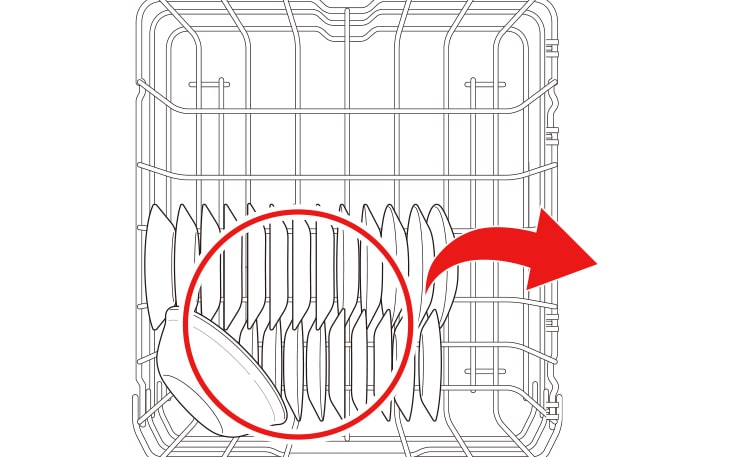
Remove all dishes from the Lower Rack.

Remove all dishes from the Lower Rack

STEP 2

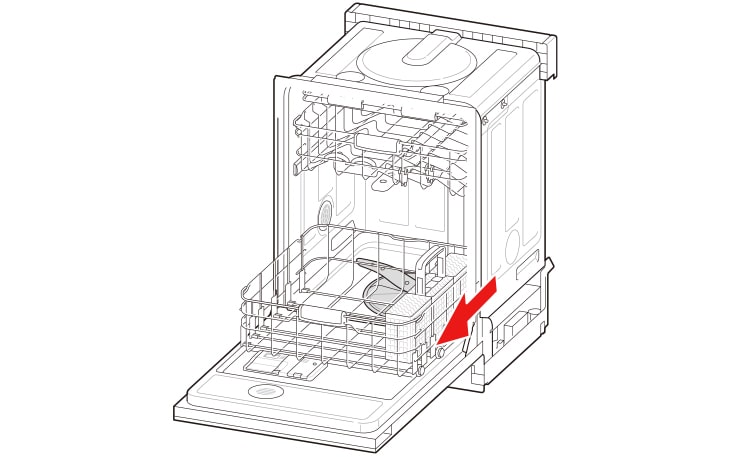
Remove all dishes from the Lower Rack, And Pull the Lower Rack forward slowly.

Remove all dishes from the Lower Rack, And Pull the Lower Rack forward slowly

STEP 3

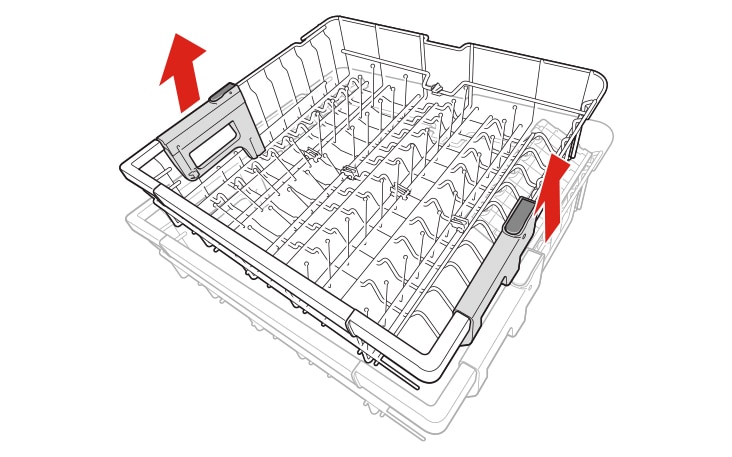
With the Lower Rack pulled out, lift the front slightly and remove it.

With the Lower Rack pulled out, lift the front slightly and remove it

STEP 4

Reassemble the new Lower Rack forward slowly.

Reassemble the new Lower Rack forward slowly

* Product images and features may contain advertising expressions and may differ from the actual product. Product appearance, specifications, etc. may change without prior notice for product improvement.

* All product images are photo cuts and may differ from the actual product. Product color may vary depending on monitor resolution, brightness settings, and computer specifications.

* The performance of the product may vary depending on the usage environment, and availability may vary by store.

SUMMARY

DIMENSIONS

All Spec

DIMENSIONS & WEIGHTS

  • Net Weight (g)

    3180

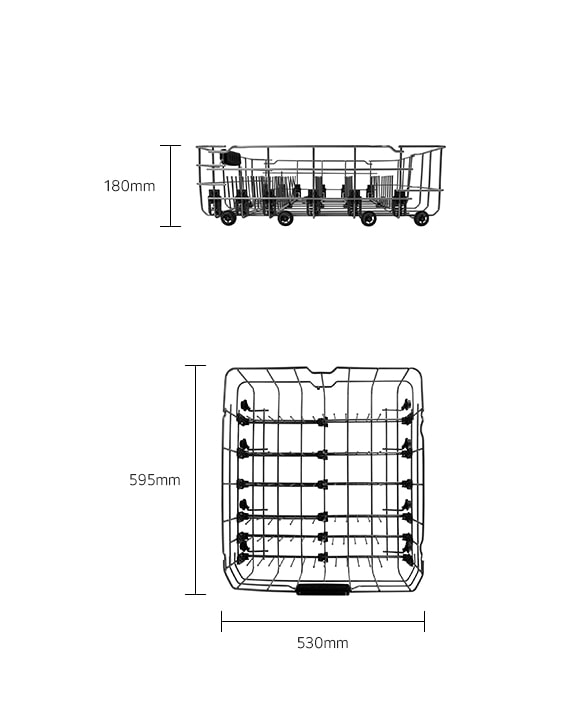
  • Product Dimension (W x H x D, mm)

    530 x 180 x 595

GENERAL

  • Category

    Rack

  • Part Number

    3751DD1001J

What people are saying

Our Picks for You 

Find Locally

Experience this product around you.