We use cookies, including cookies from third parties, to enhance your user experience and the effectiveness of our marketing activities. These cookies are performance, analytics and advertising cookies, please see our Privacy and Cookie policy for further information. If you agree to all of our cookies select “Accept all” or select “Cookie Settings” to see which cookies we use and choose which ones you would like to accept.

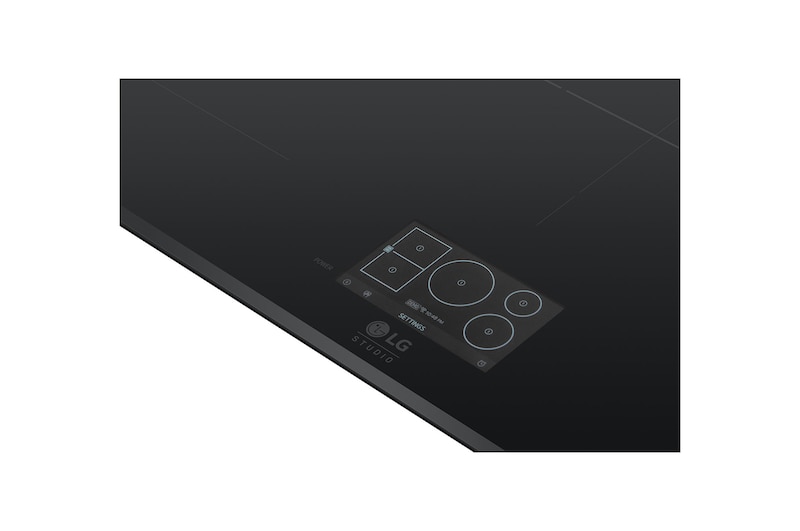
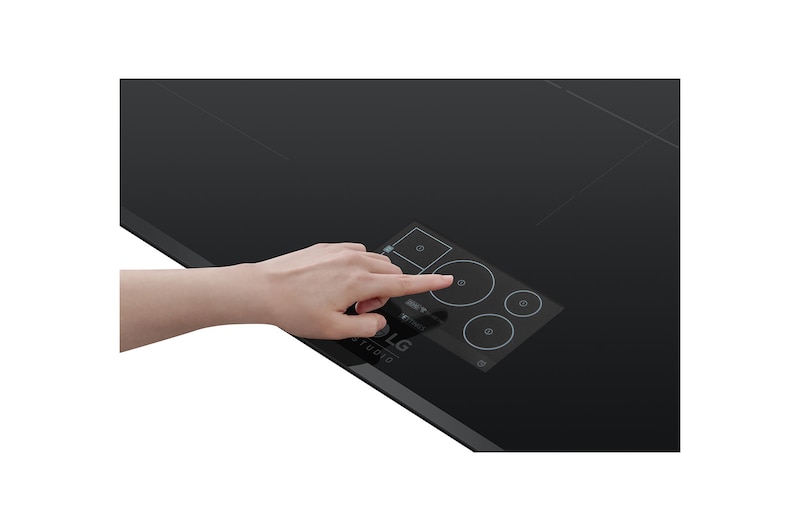
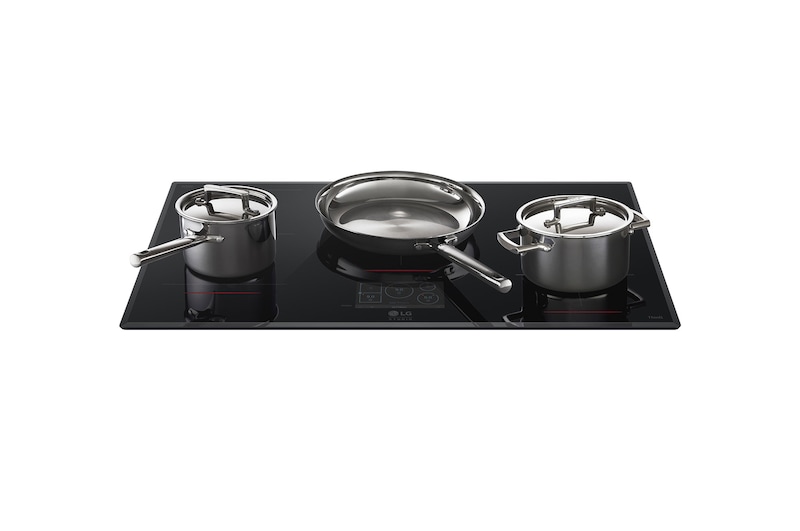
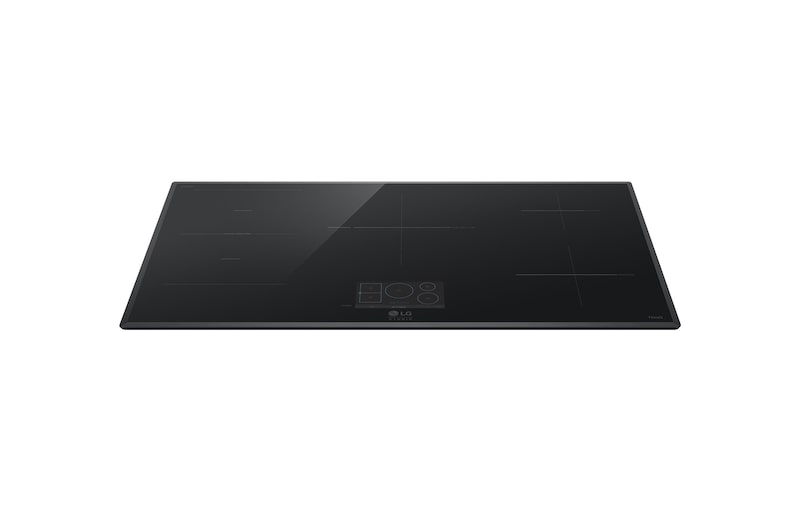
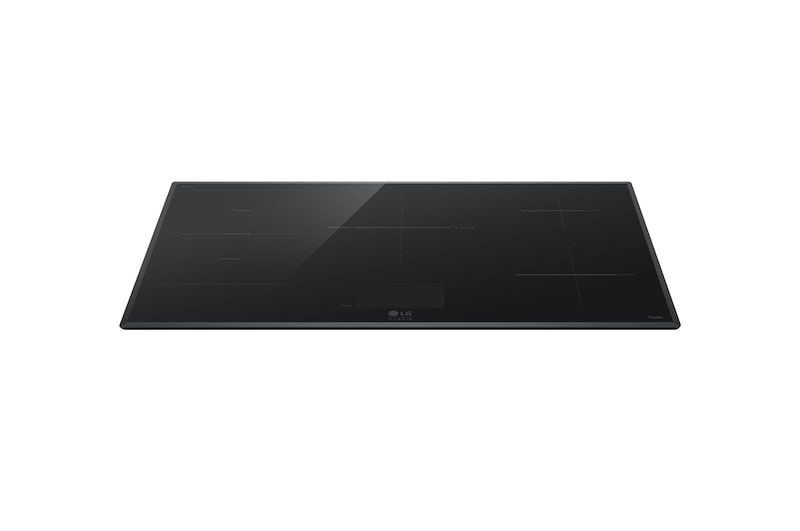
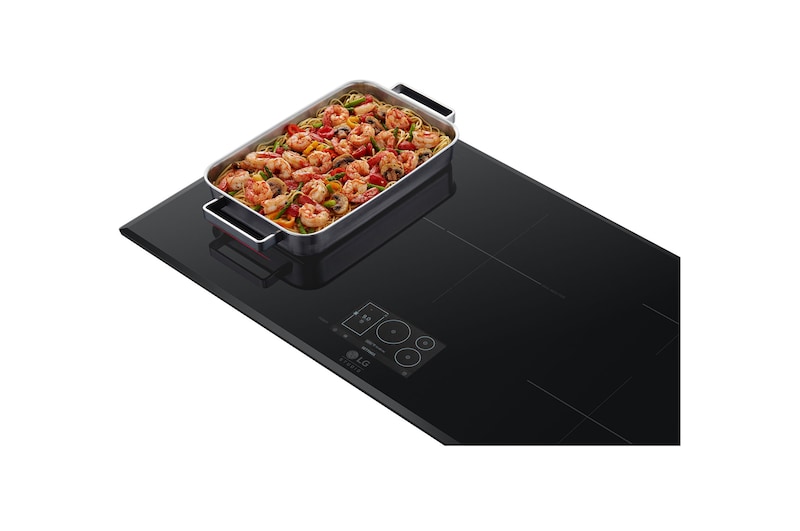
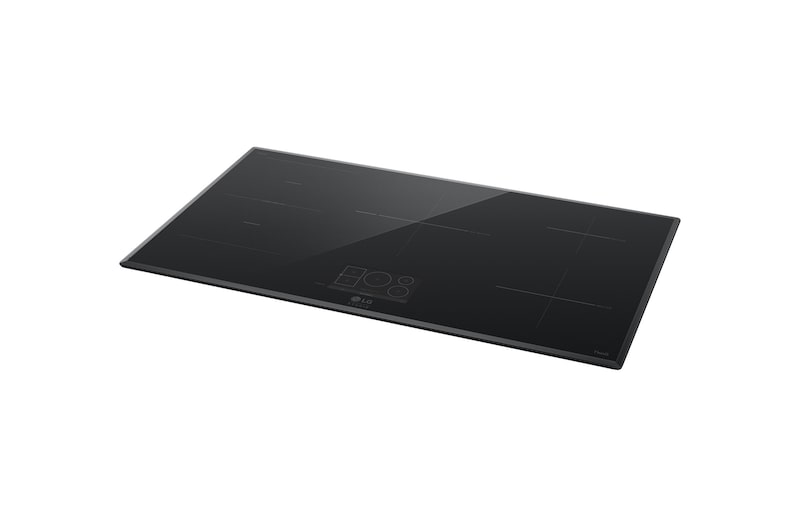
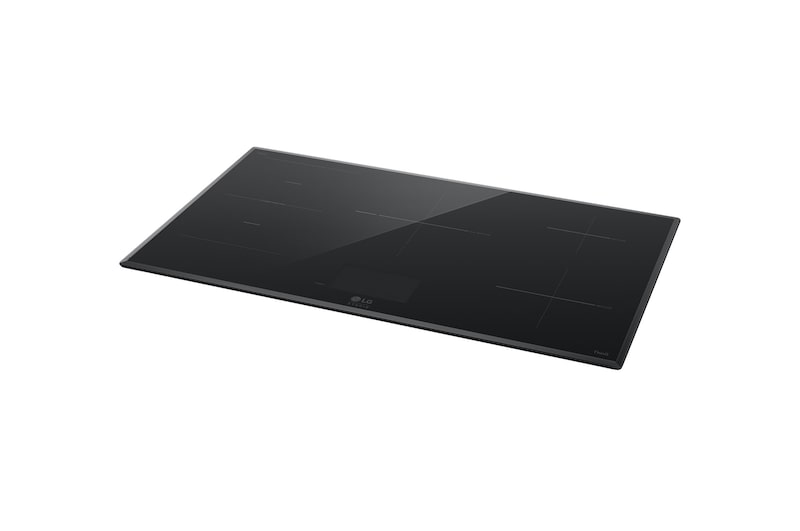
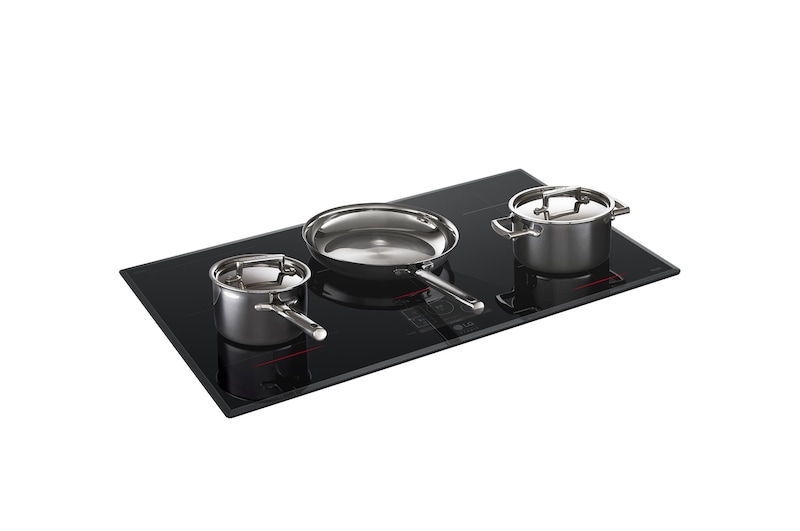
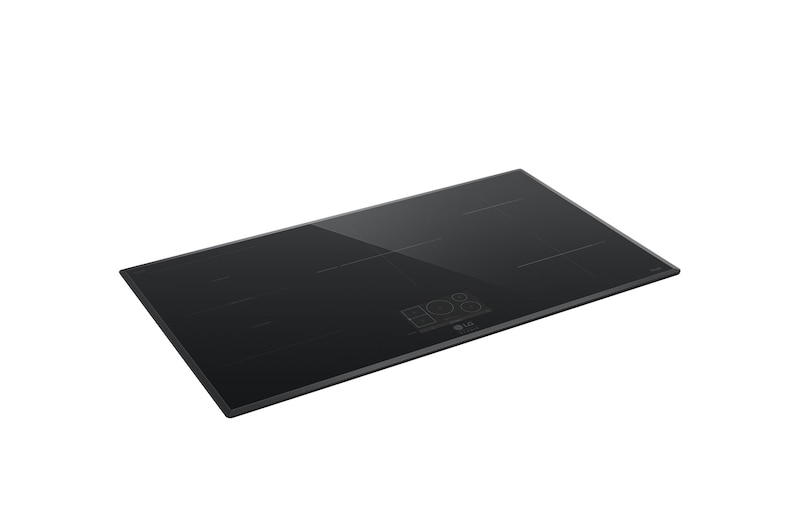
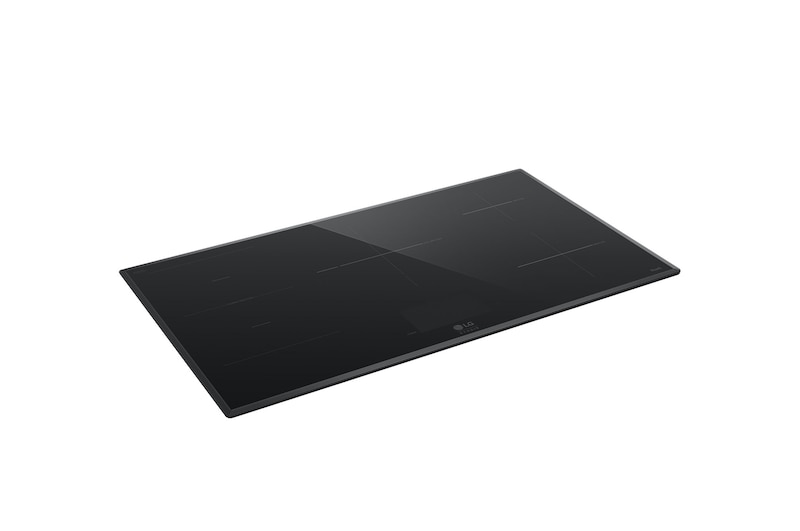
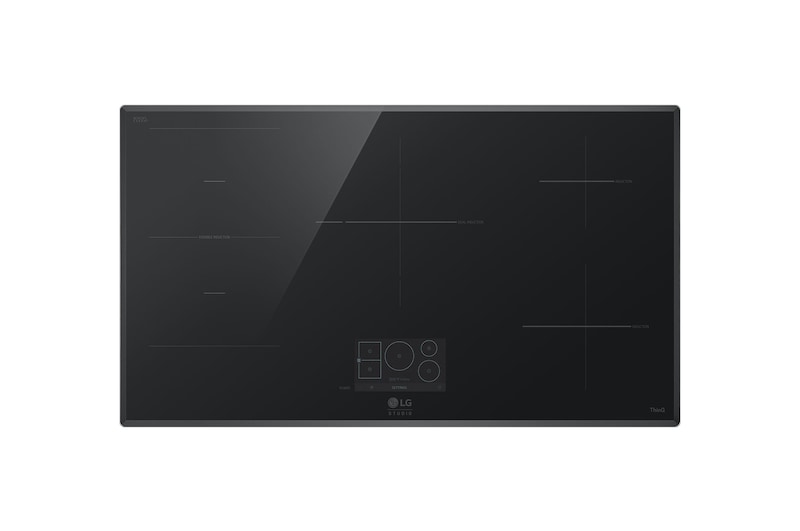
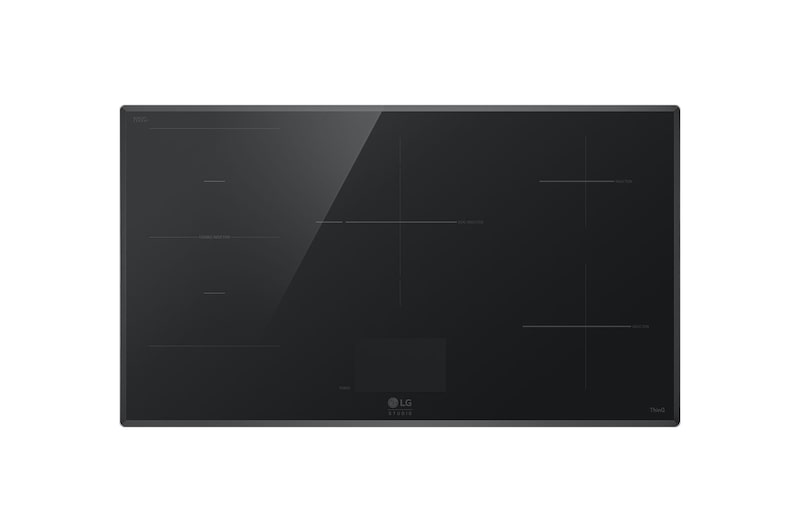
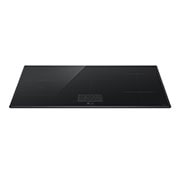
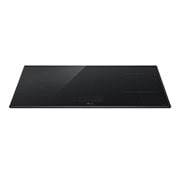
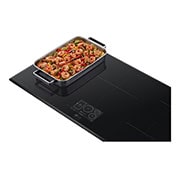
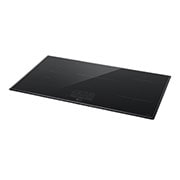
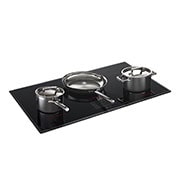
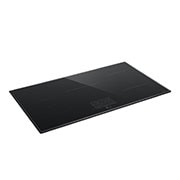
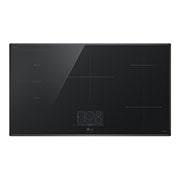
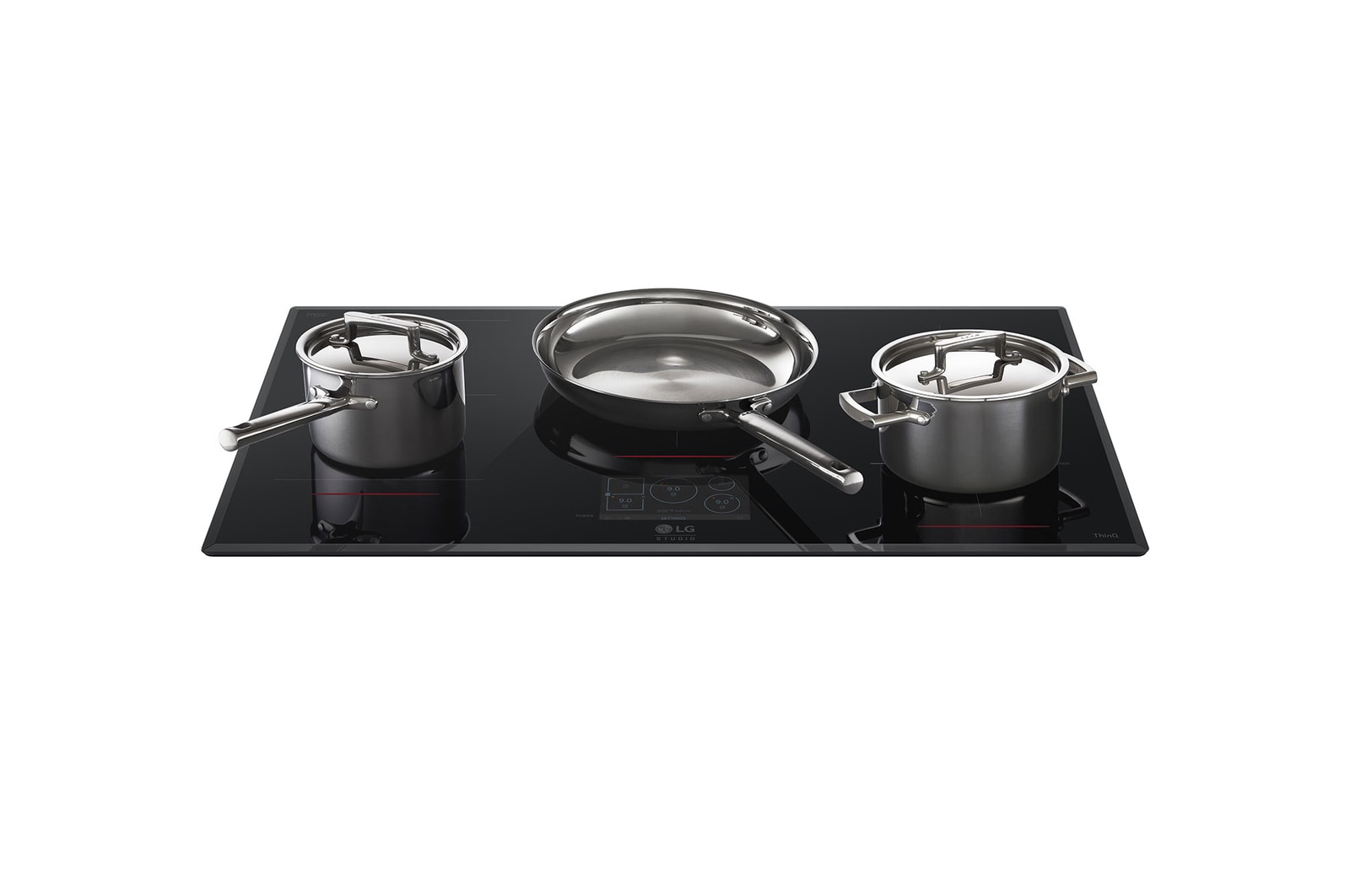
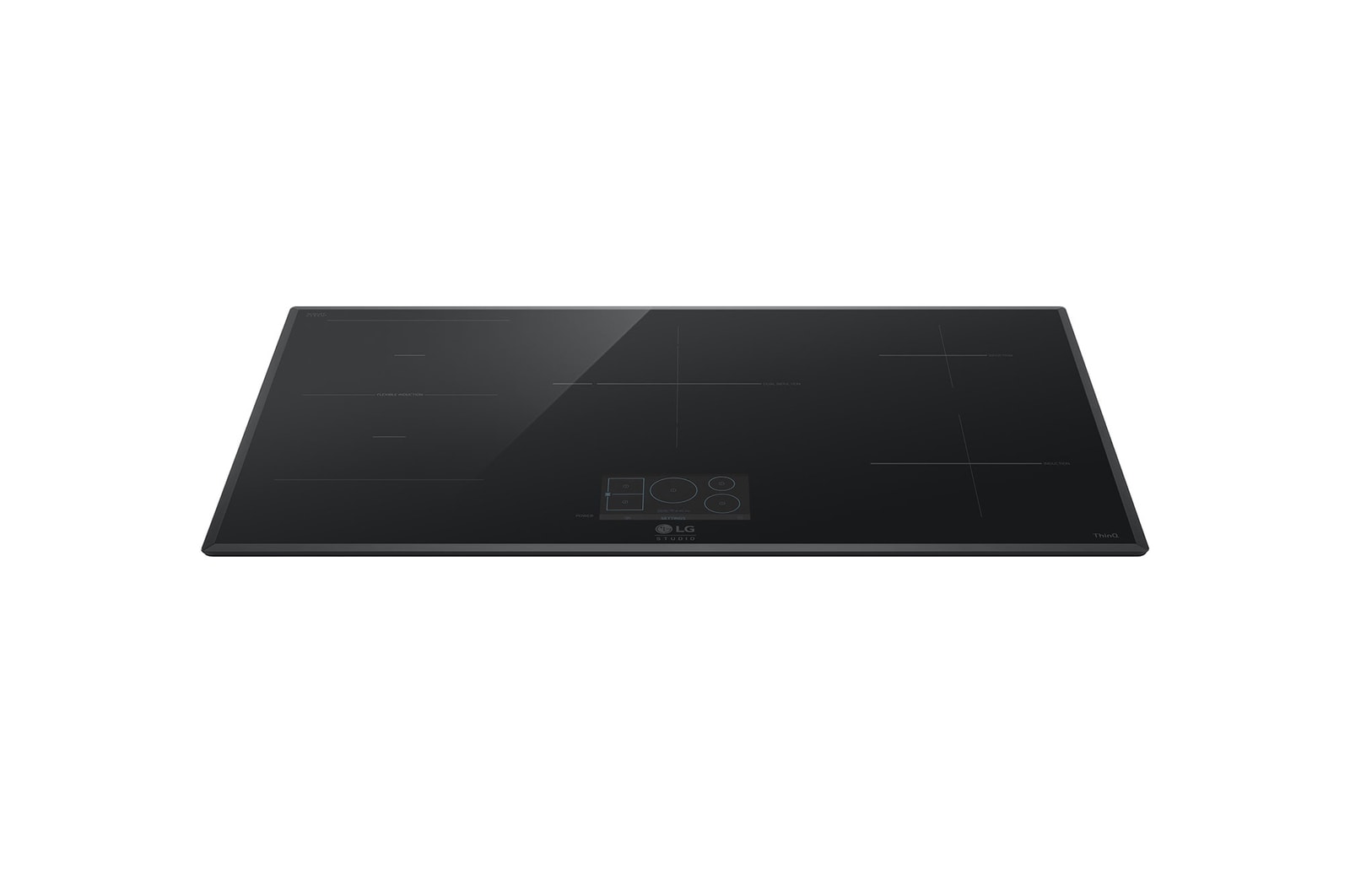
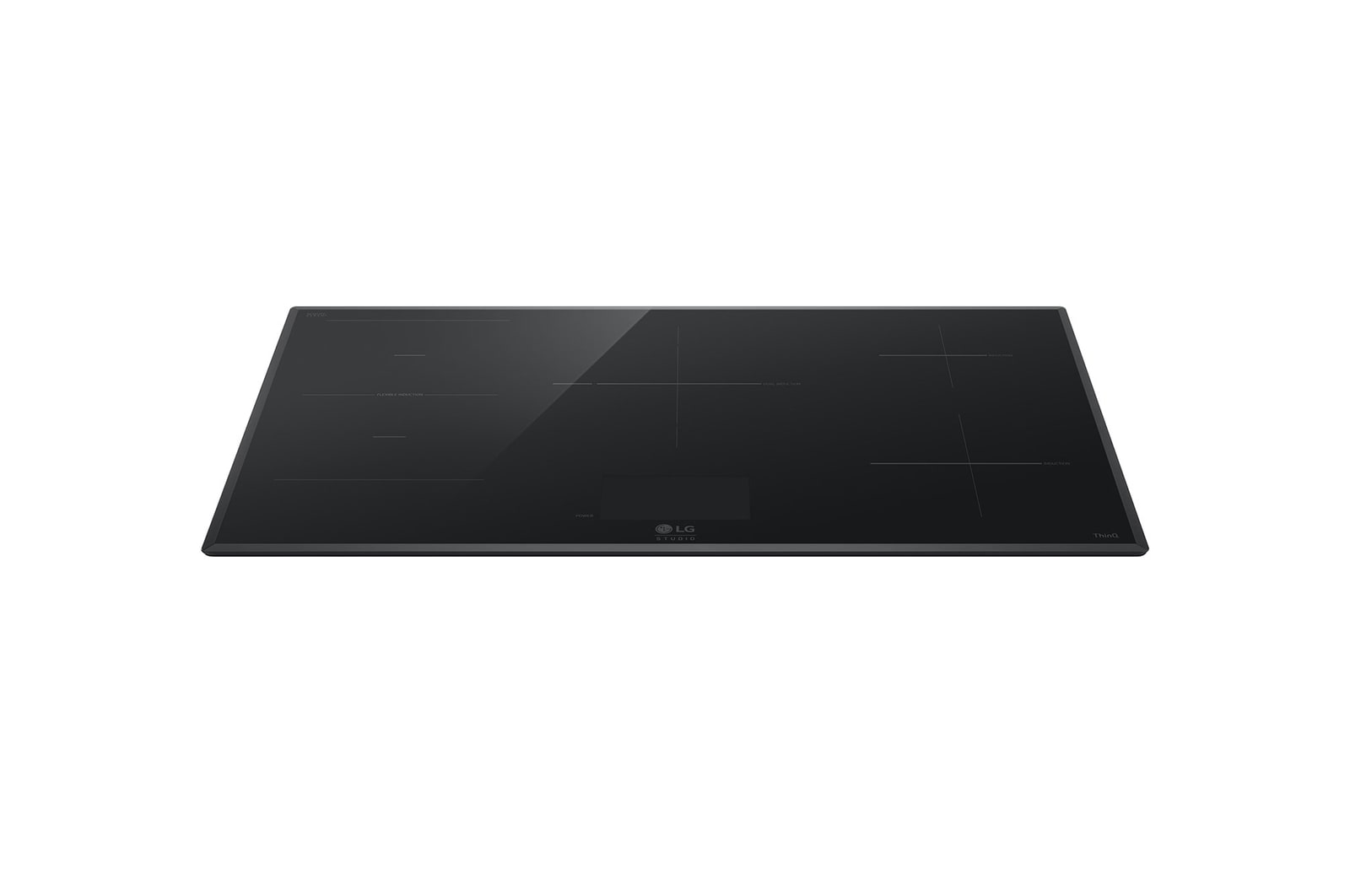
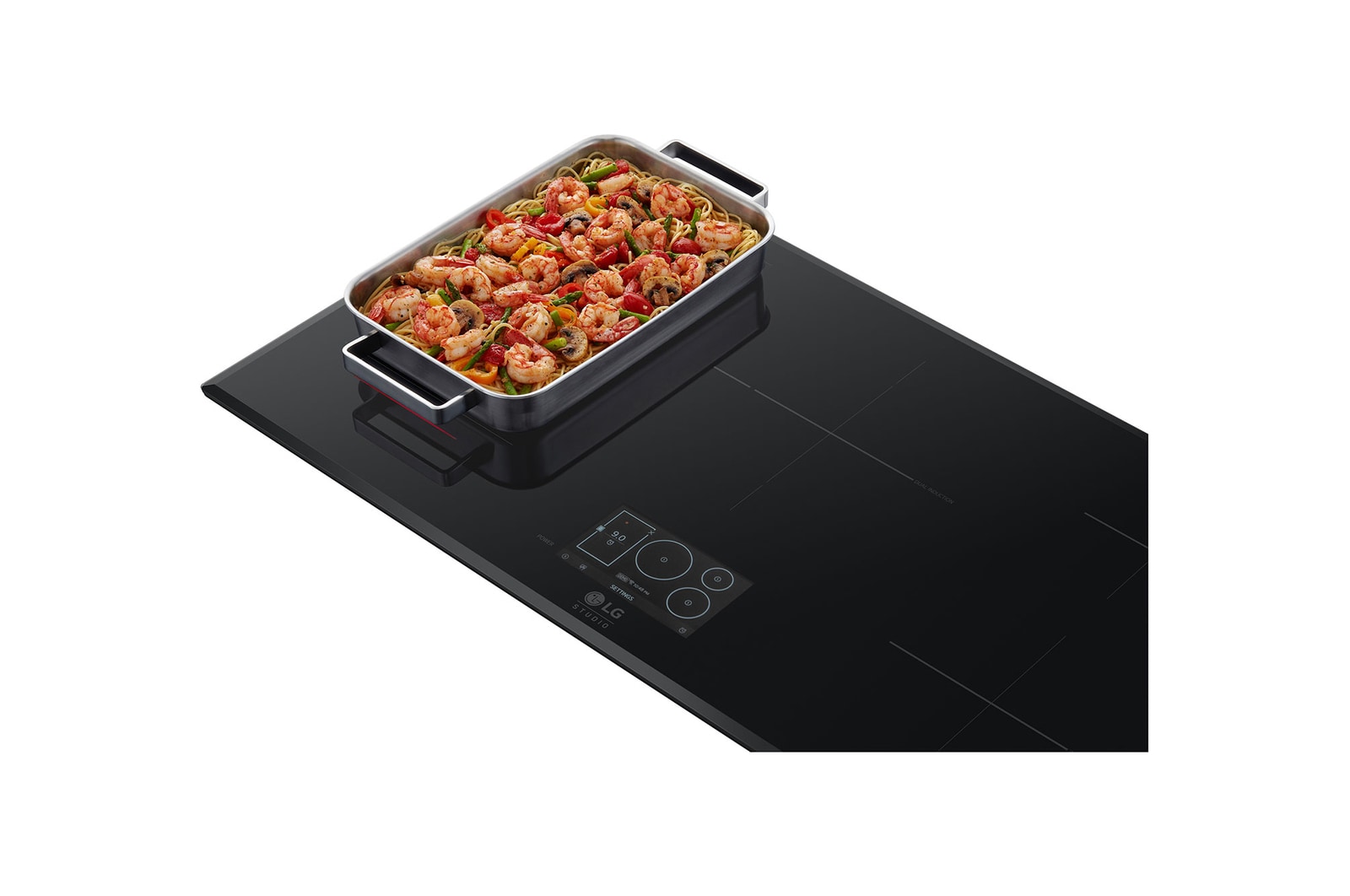
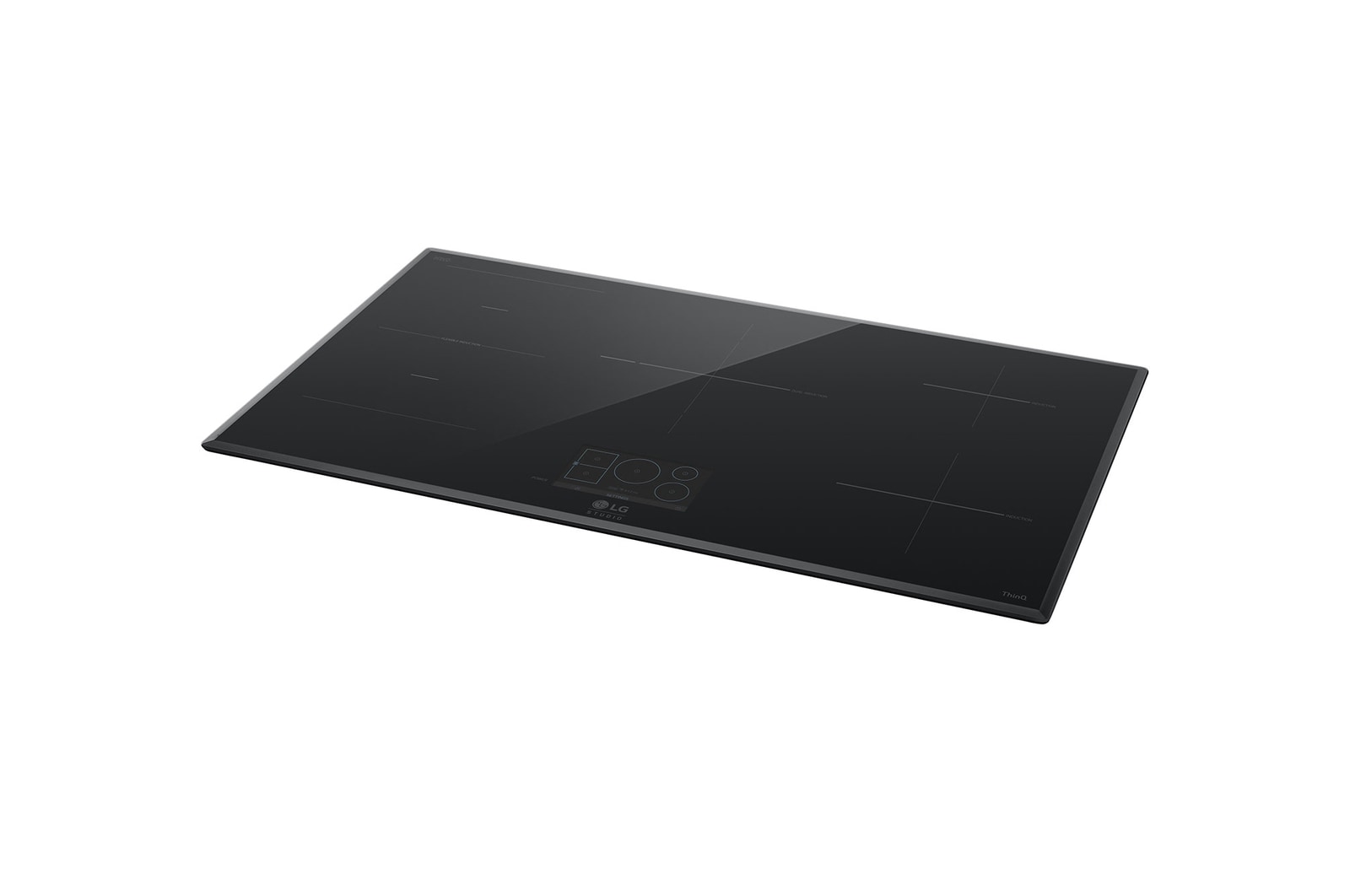
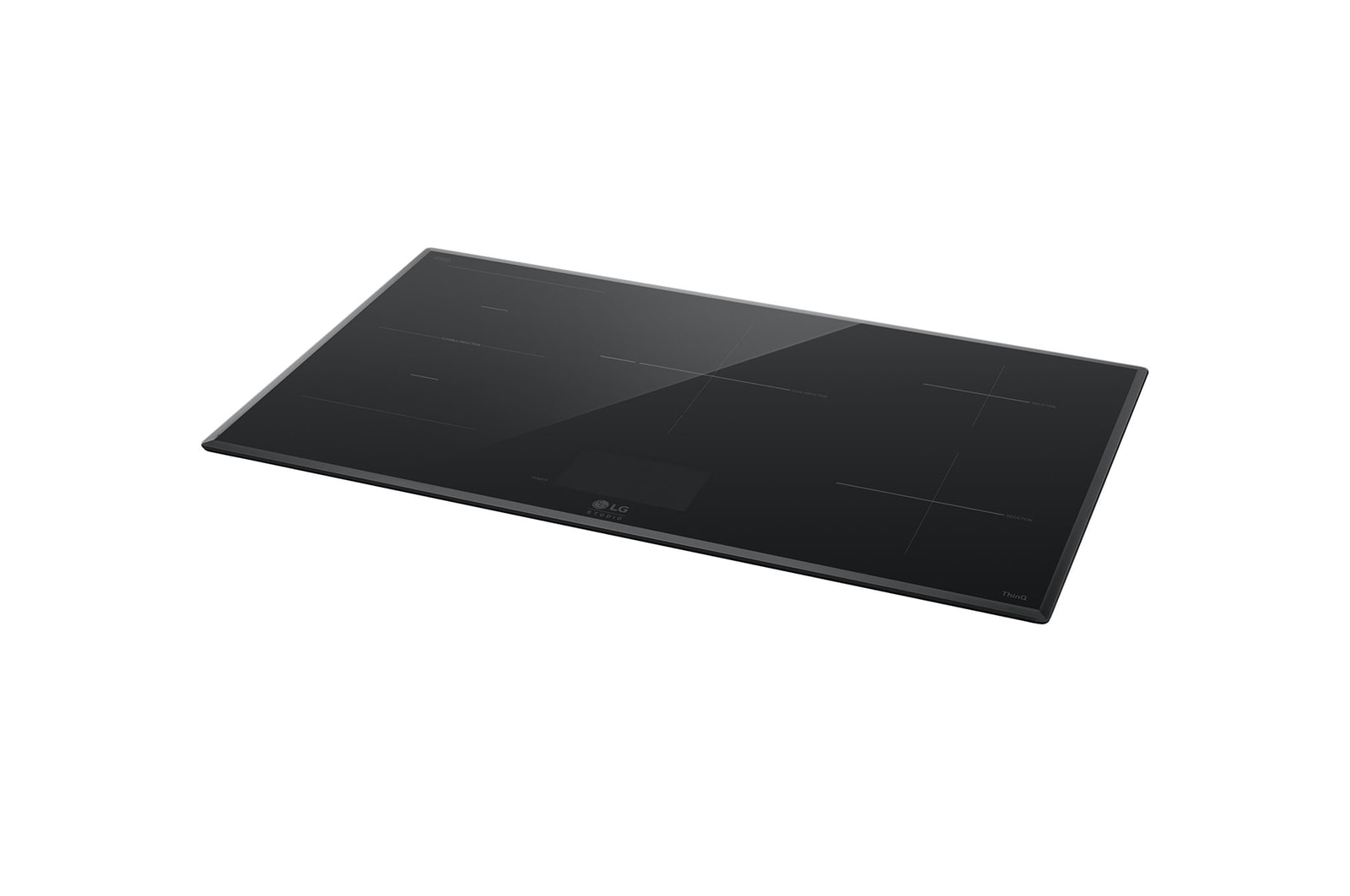
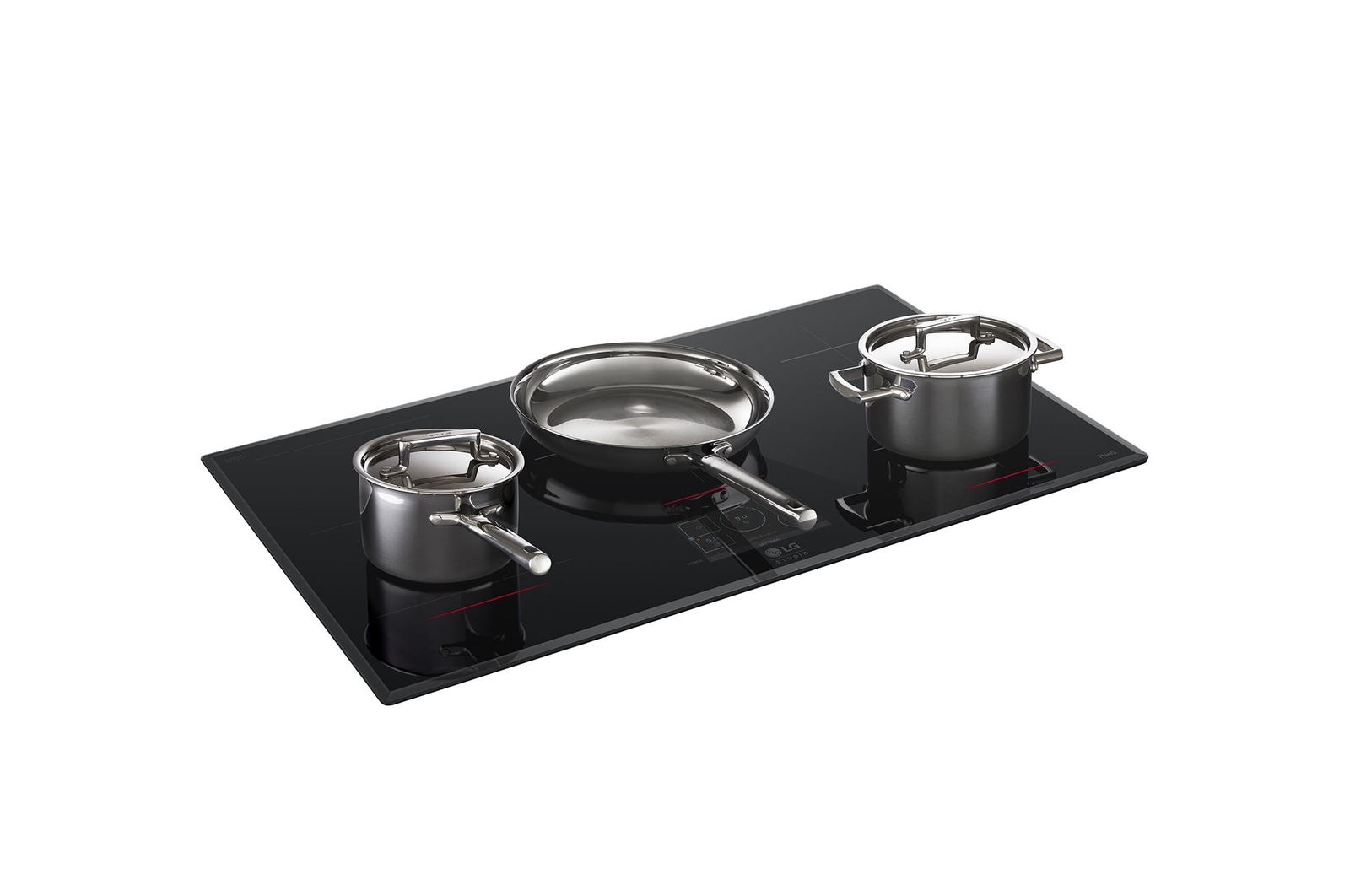
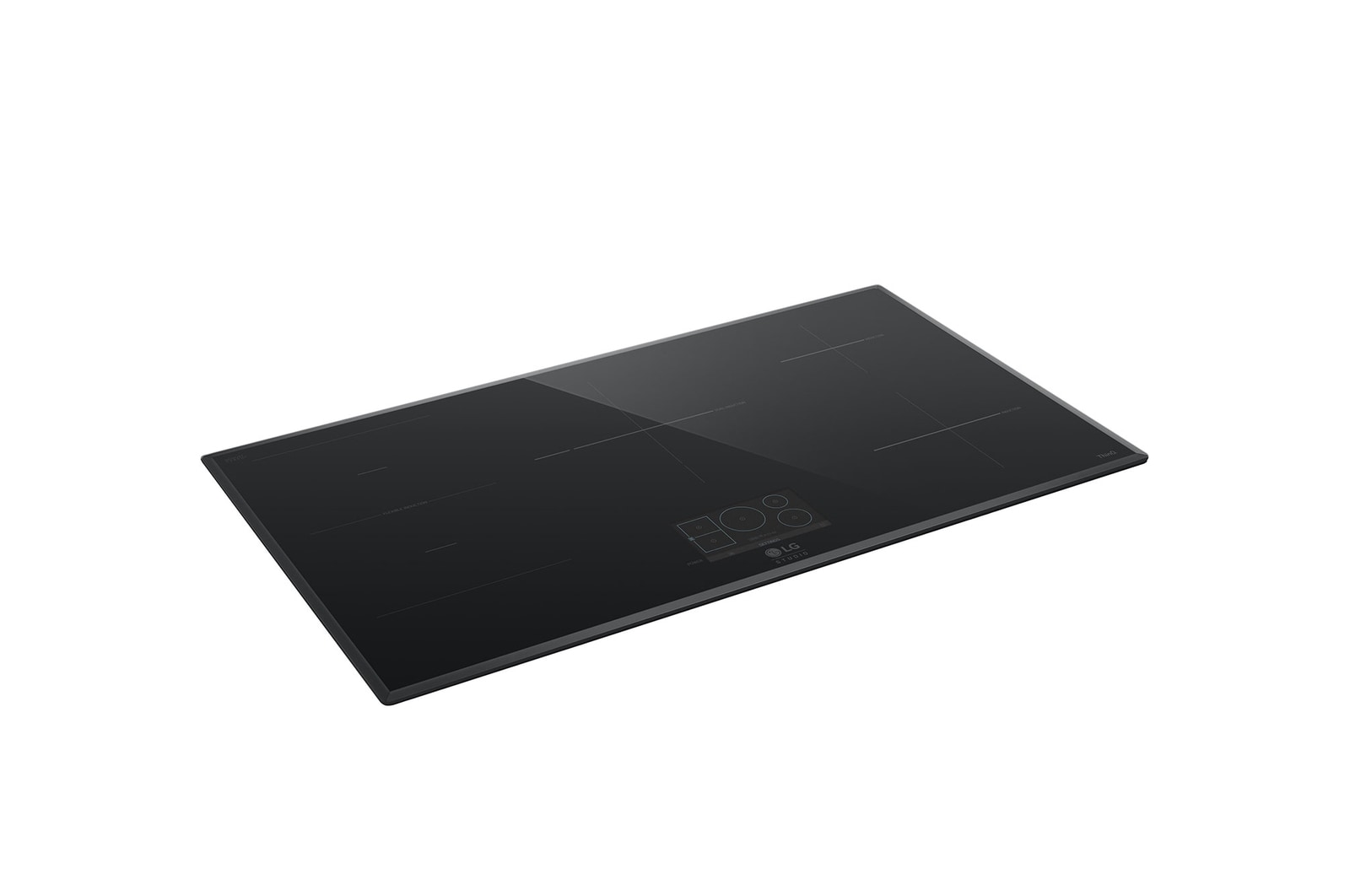
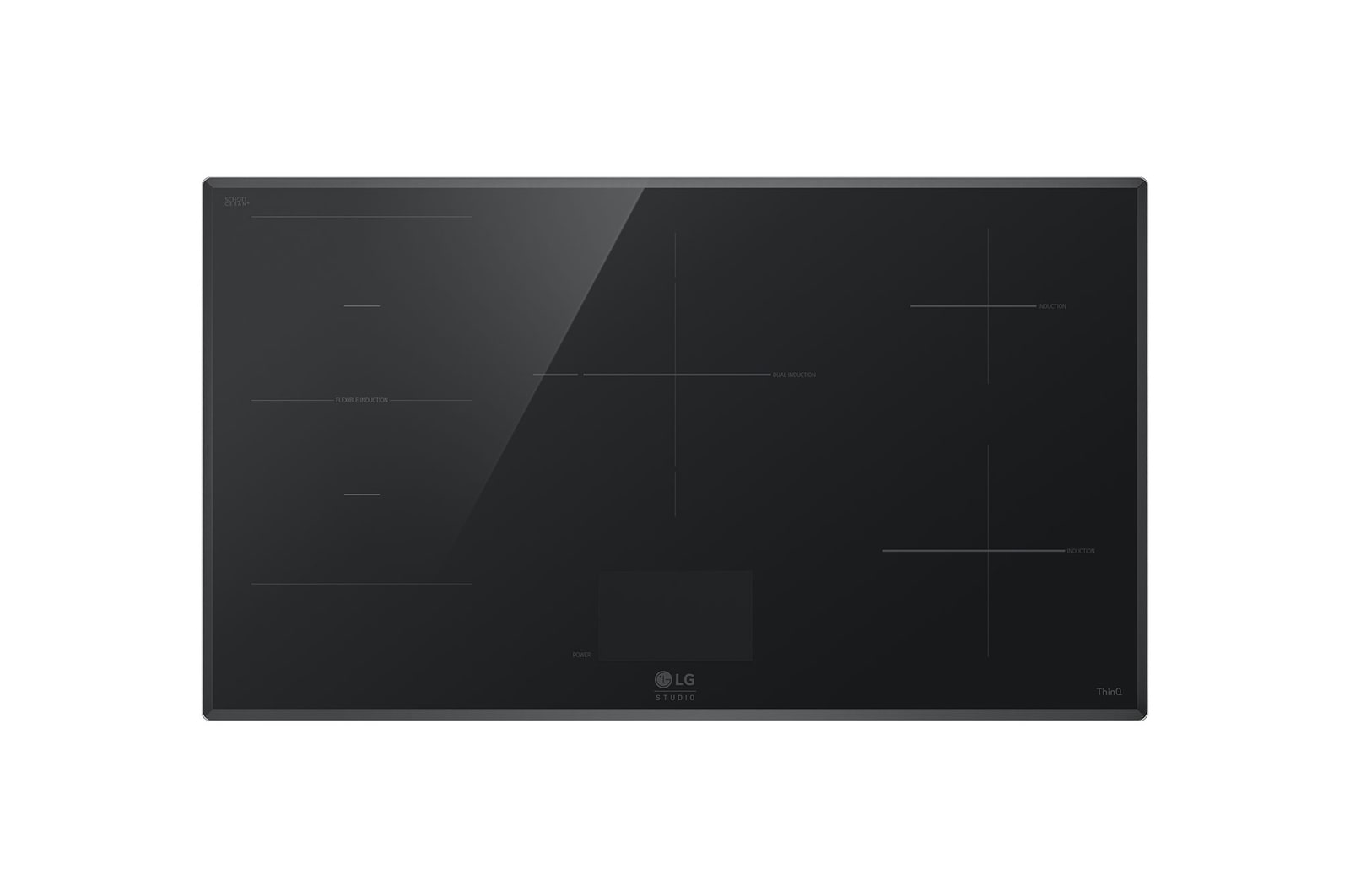
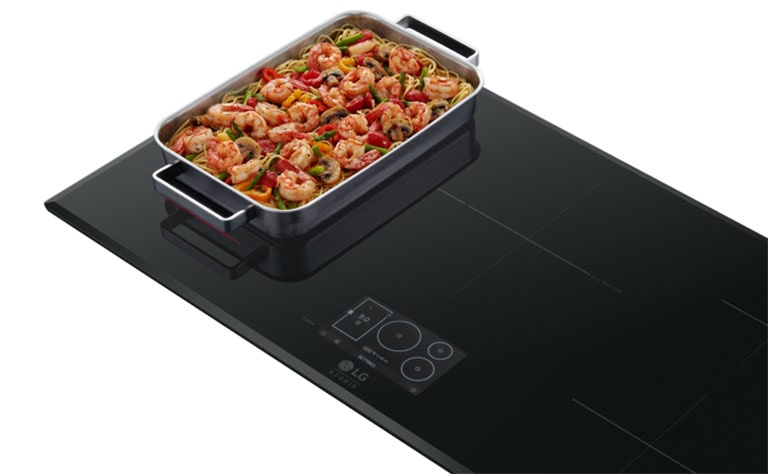
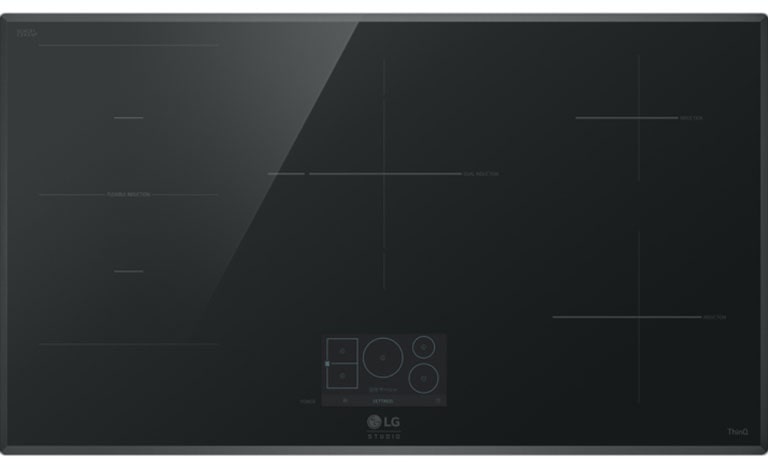
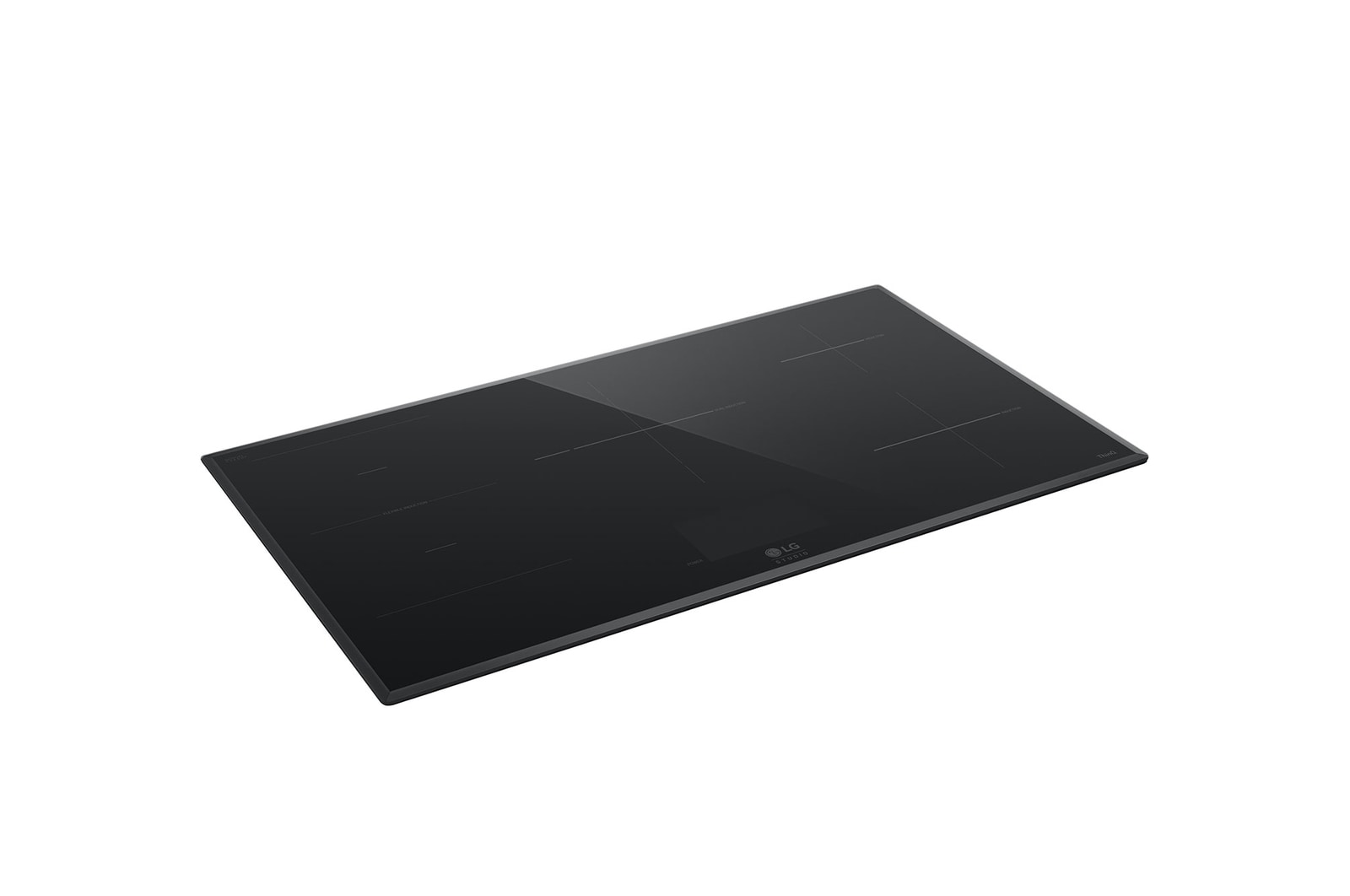
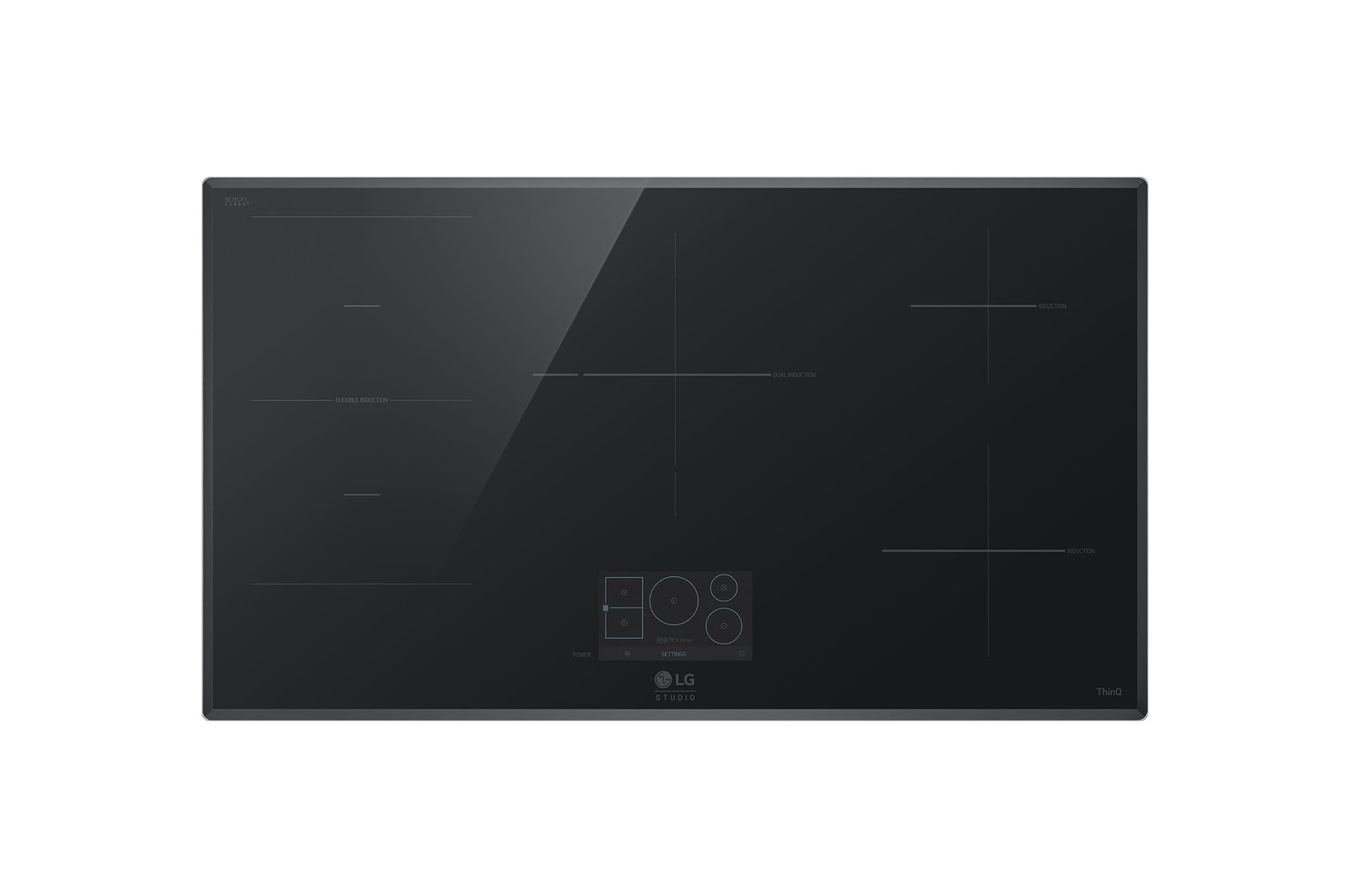
LG STUDIO 36" Induction Cooktop | Flex Cooking Zone, 5 Burners
Qualifications
FAQs
How do I install an LG cooktop?
You must engage a qualified electrician to complete the installation of your LG Cooktop, in accordance with the Owner Manual. Incorrect installation by a non qualified electrician may result in product not working properly, failure or safety risk.
Does the Cooktop have any child safety features?
To prevent your children from inadvertently turning on the induction Cooktop, just hold down the lock button for 3 seconds. This turns the child lock on which disables all controls and helps the safety of your family. If you are already cooking something on one zone, the power slider still remains active, but you will not be able to turn on other zones. LG induction cooktops are also equipped with 2-stage residual heat indicators and automatic safety shut-off function.
Is the heat from the Cooktop dangerous?
The induction technology ensures heat is only transferred from the cooktop to the cookware. This means that the bottom of the cookware can heat the top glass to a potentially dangerous temperature. To help prevent accidental burns, LG Induction Cooktops come with 2-stage residual heat indicator lights that turn on when the surface is hot and stay on until it cools down.
How can I connect my LG Cooktop and Rangehood?
The LG Rangehood automatically activates with compatible LG Cooktops and adjusts extraction speed to match cooktop settings, once set-up via the LG ThinQ app (please consult owner's manual for instructions). With your Rangehood and Induction Cooktop synchronized, you can focus on cooking while smart connectivity takes care of the rest. The ThinQ app lets you turn the Hood on/off, monitor the operation status, and control the speed mode all from your phone. LG ThinQ® app & compatible smartphone required with mobile data or home Wi-Fi connection.
SUMMARY
DIMENSIONS

All Spec
DESIGN / FINISH
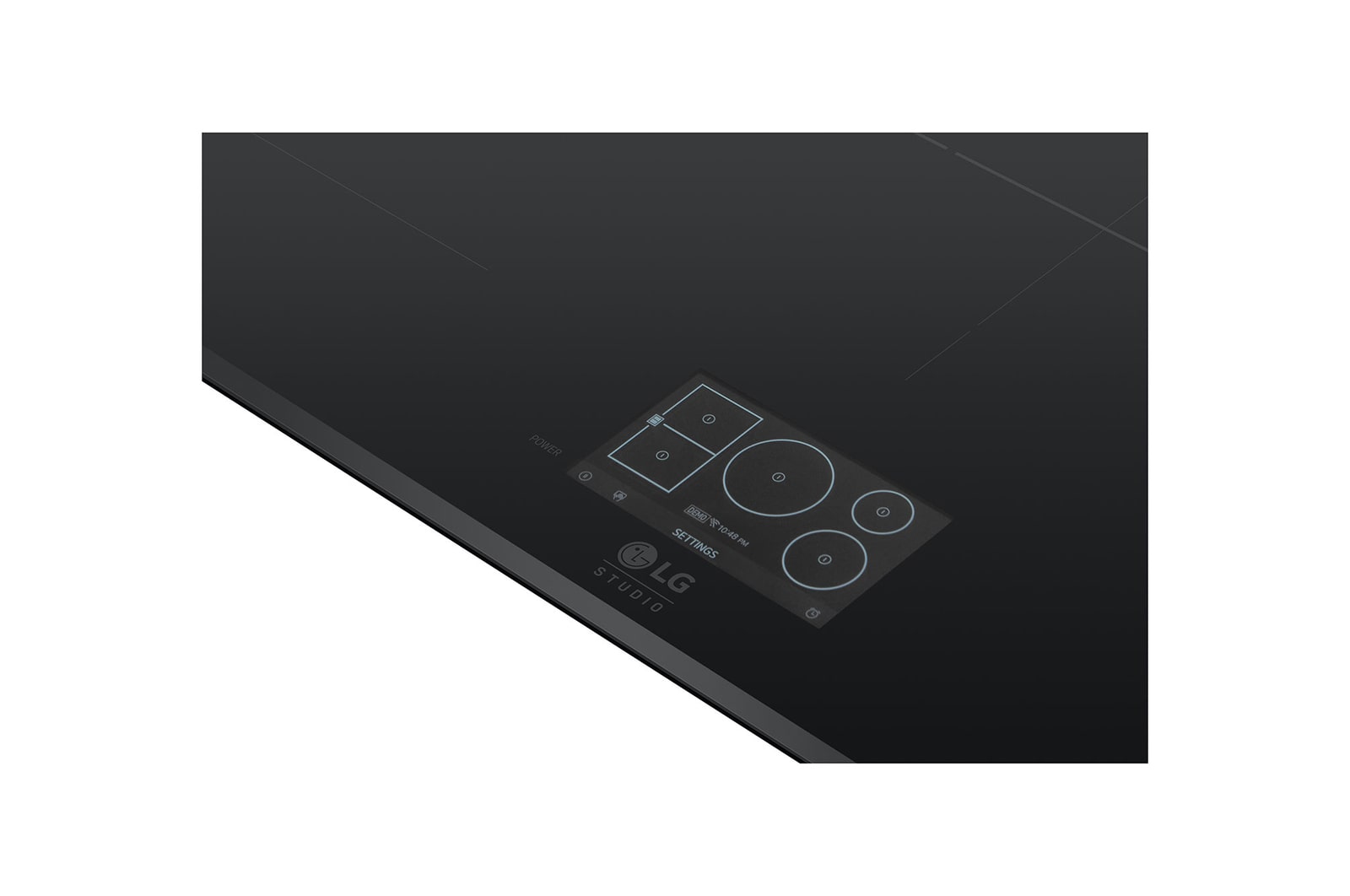
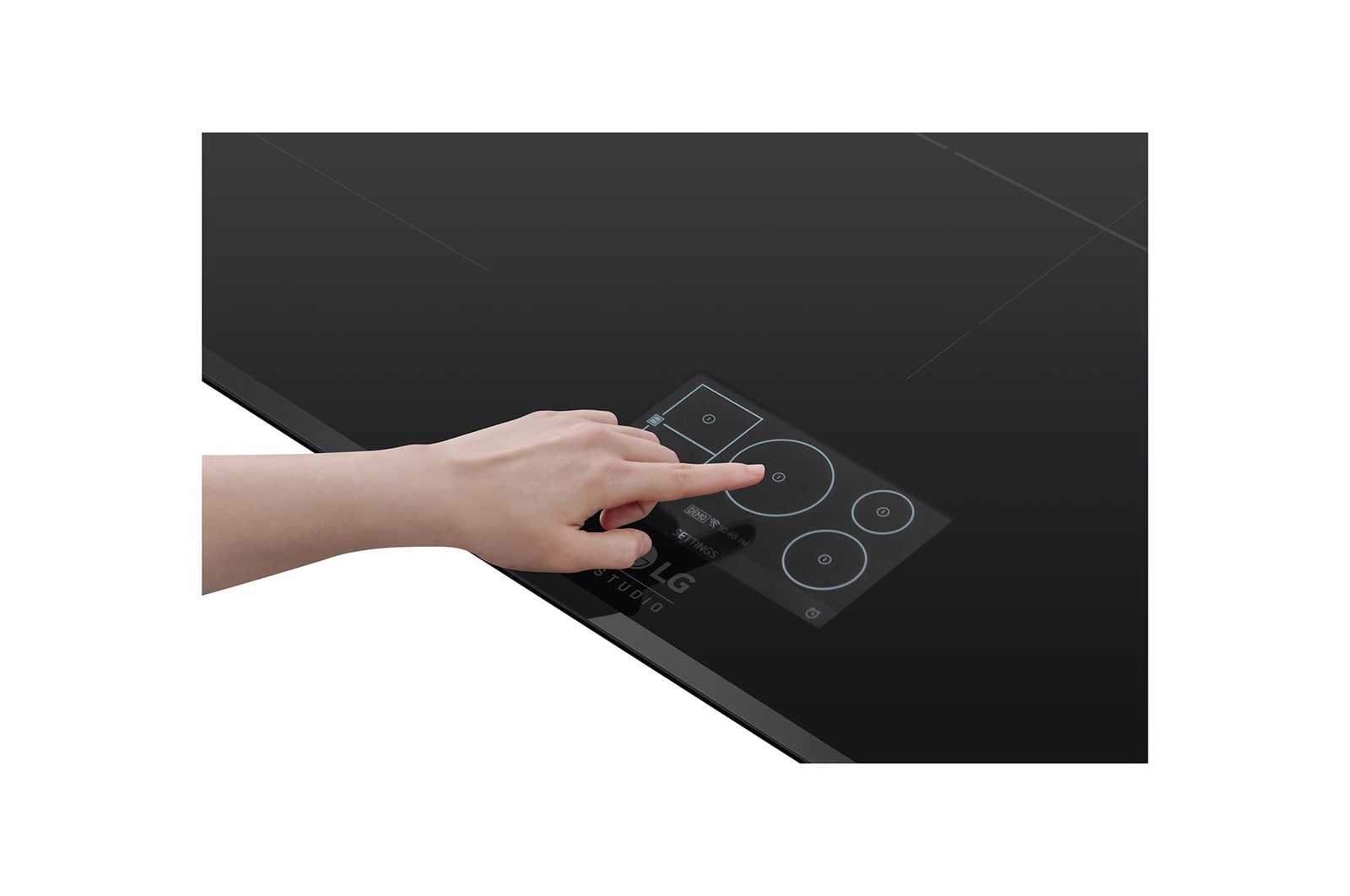
Control Display
LCD
Cooktop Control Type
Glass Touch
Cooktop Glass
Ceramic glass
ACCESSORIES
Cooktop Cream / Cleaner (Ea)
1
Scouring Pad (Ea)
1
BAR CODE
Bar Code
195174074664
BASIC SPEC
Brand
LG STUDIO
Cooktop Type
Induction
Fuel Type
Electric
Outcase Color
Black
CONVENIENCE FEATURES
ADA Compliant
Yes
Control Lock
Yes (Cooktop)
Timed Cook
No
COOKTOP FEATURES
Cooktop Type
Induction
Element/Burner Type(Dual)
Center Middle
Element/Burner Type(Single)
Left Front, Left Rear, Right Front, Right Rear
Element/Burner Type(Wide)
Left Front + Left Rear
Fuel Type
Electric
Heater - Total (W)
10650
Hot Surface Indicator
Yes
Induction Heater - Center Middle (W) (Turbo, inch)
3700(6000, 11 1/8), 1850(3700, 7)
Induction Heater - Left Front (W) (Turbo, inch)
1850(3700, 8 1/2x7 1/8)
Induction Heater - Left Rear (W) (Turbo, inch)
1850(3700, 8 1/2x7 1/8)
Induction Heater - Right Front (W) (Turbo, inch)
1850(3700, 8 3/16)
Induction Heater - Right Rear (W) (Turbo, inch)
1400(1800,6)
Number of Cooktop Elements/Burners
5
Safety function(Cooktop)
Yes
DIMENSIONS / WEIGHT
Cut-out Dimensions_Min (W x H x D)(inch)_Standard
34 3/8 x 5 5/8 x 19 13/16
Packing Dimensions (W x H x D) (inch)
39 15/16 x 6 x 24 13/16
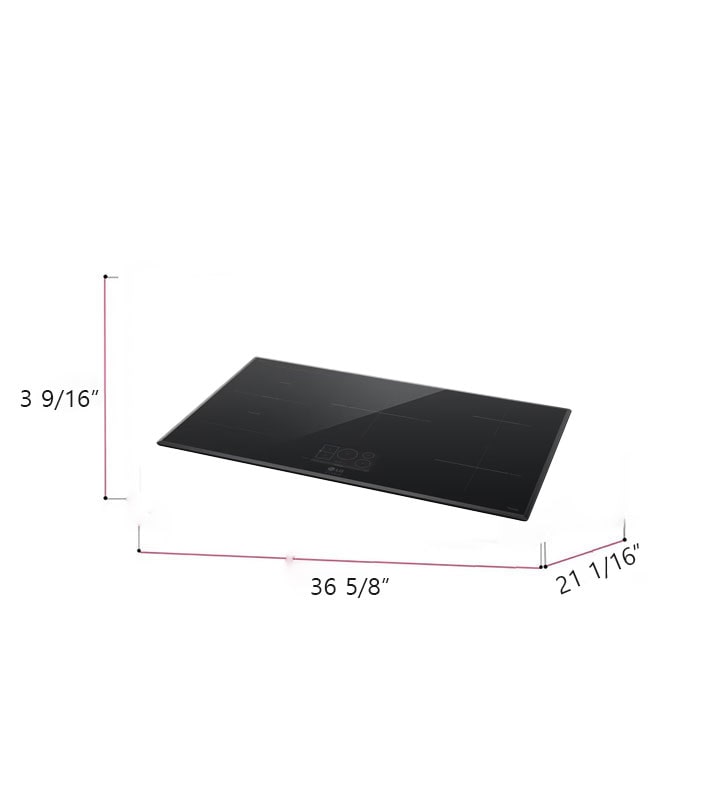
Product Dimensions (W x H x D) (inch)
36 5/8 x 3 9/16 x 21 1/16
Product Weight (lb.)
50
Shipping Weight (lb.)
57
Size in Width (inch)
36
POWER / RATINGS
Required Power Supply (Volt/Hz)
208V / 60Hz, 240V / 60Hz
Amp Rating at 208V(Amp)
41.6
Amp Rating at 240V(Amp)
44.4
Watt Rating at 208V(W)
8650
Watt Rating at 240V(W)
10650
SMART TECHNOLOGY
NFC Tag On
No
Smart Recipe (3rd Party Recipe App)
No
ThinQ(Wi-Fi)
Yes
Voice Control (3rd Party Device)
No
Works with
LG ThinQ
What people are saying
Our Picks for You
Manual& Software
Download product manuals and latest software for your LG product.
Troubleshoot
Find helpful videos and information about your product systems.
Warranty
Check LG warranty information here.
Part& Accessory
Discover accessories for LG products.
Product registration
Registering your product will help you get faster support.
Product support
Find manual, troubleshoot and warranty of your LG product.
Order support
Track your order and check order FAQ.
Repair request
Repair request service conveniently online.
Contact Us
Chat with us
Get your answers from our virtual assistants.
WhatsApp
We are on WhatsApp. Text with our experts for service related concerns
Email us
No time to chat?Send LG Support your inquiry.
Text us
Text ‘*CARE’ to
1-587-742-2623
and get instantly connected to an agent.
(Only for customers located in Canada)
Buy More Save More on LG STUDIO major appliances