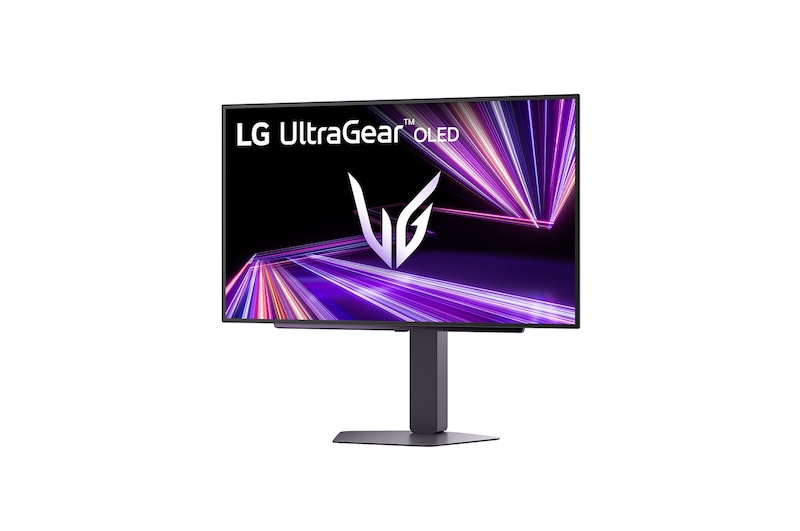
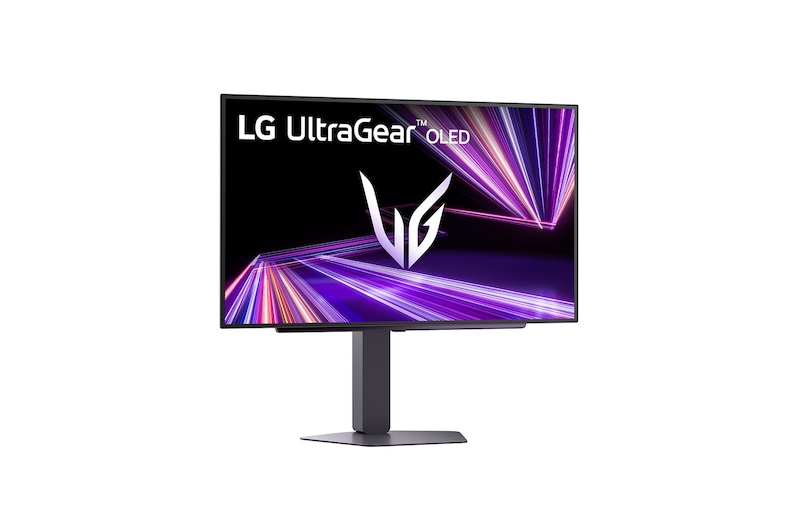
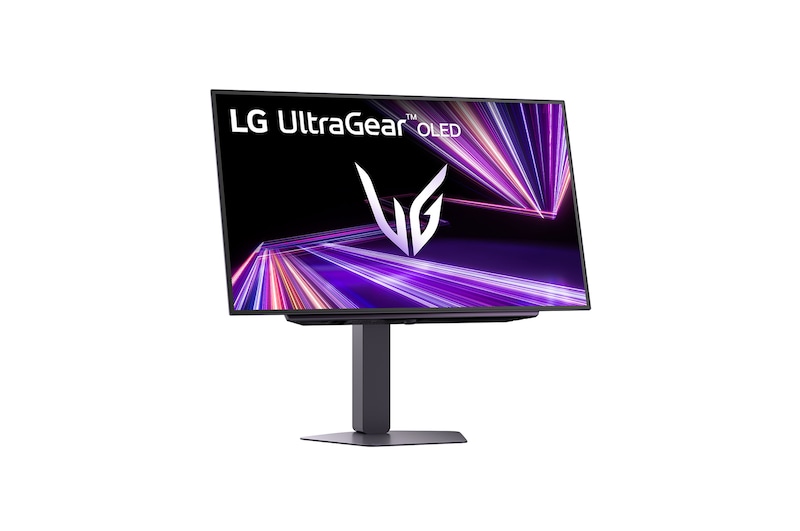
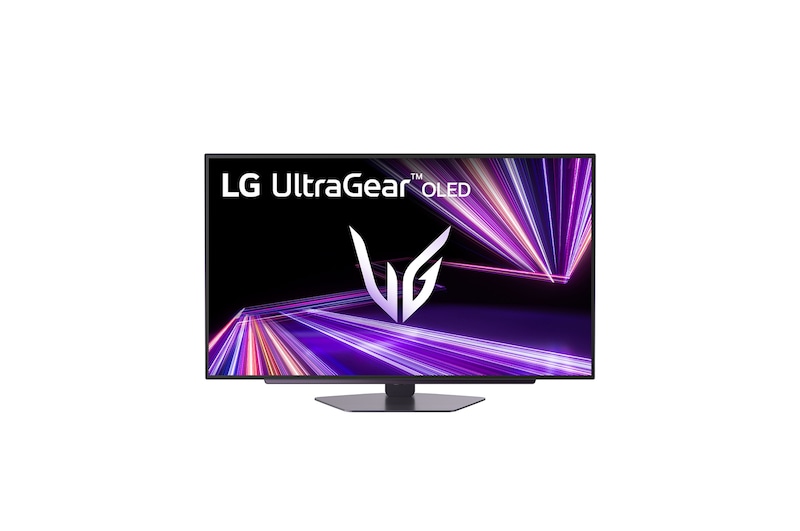
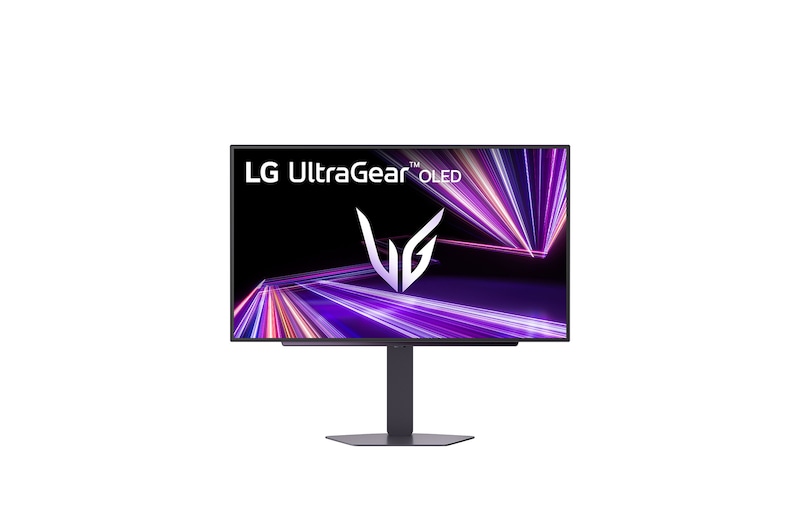
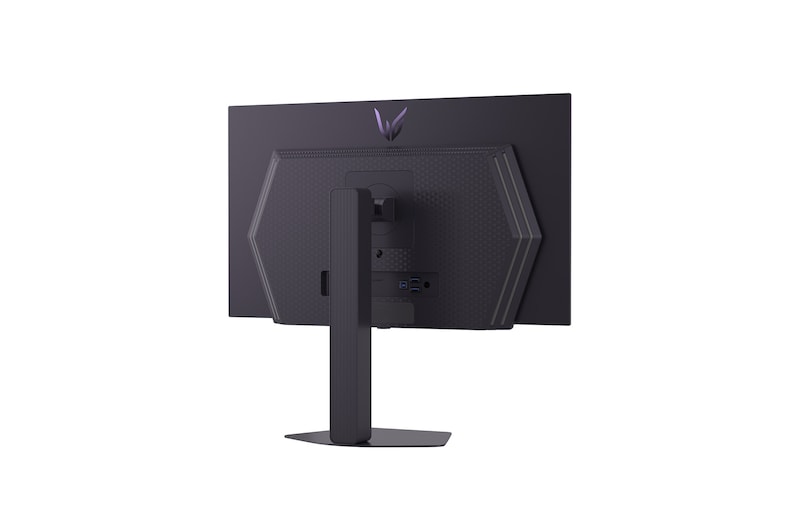
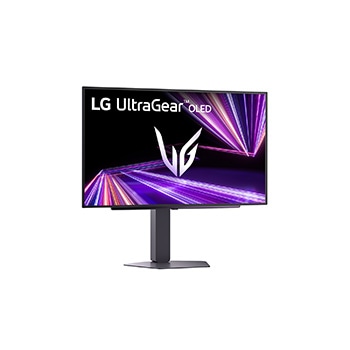
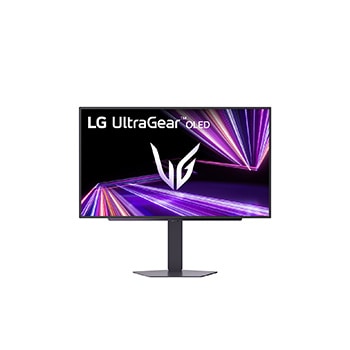
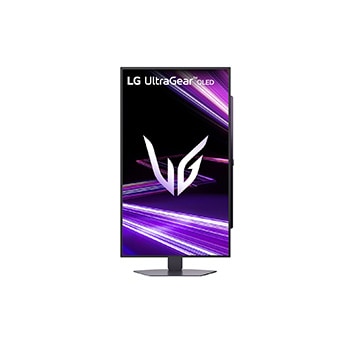
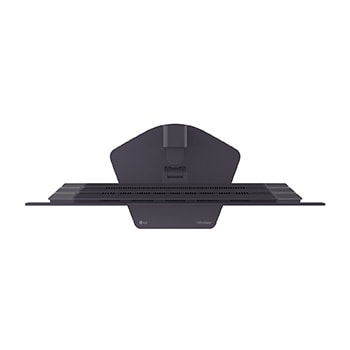
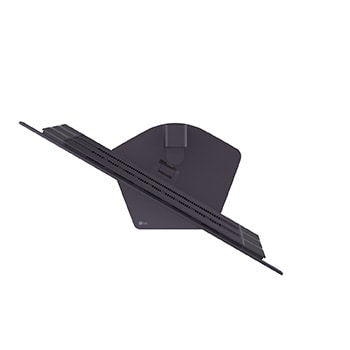
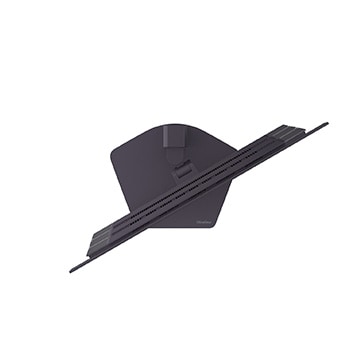
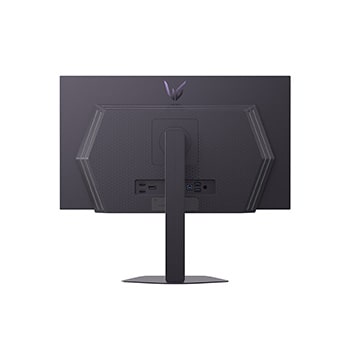
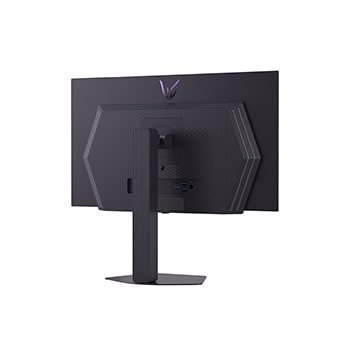
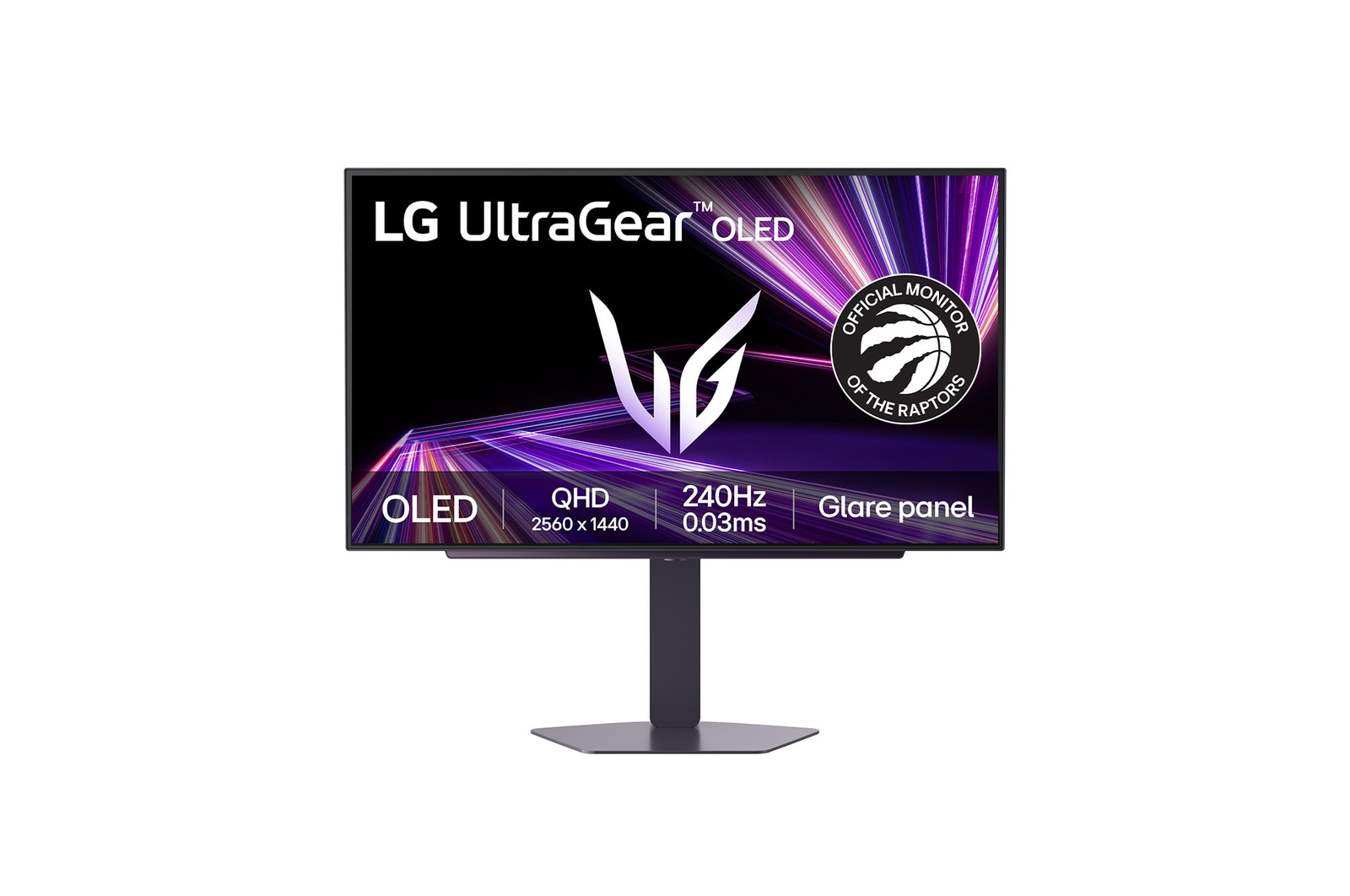
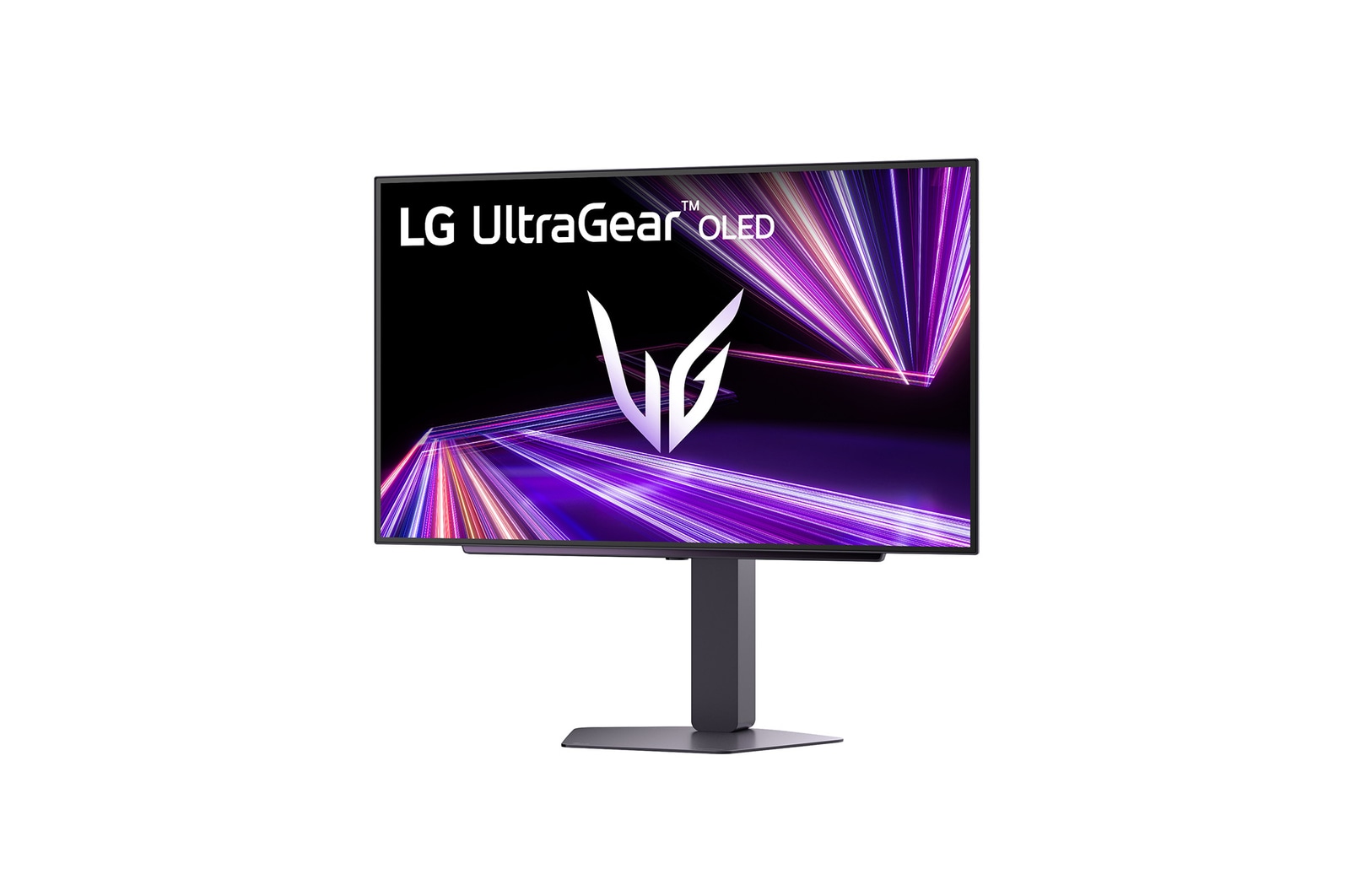
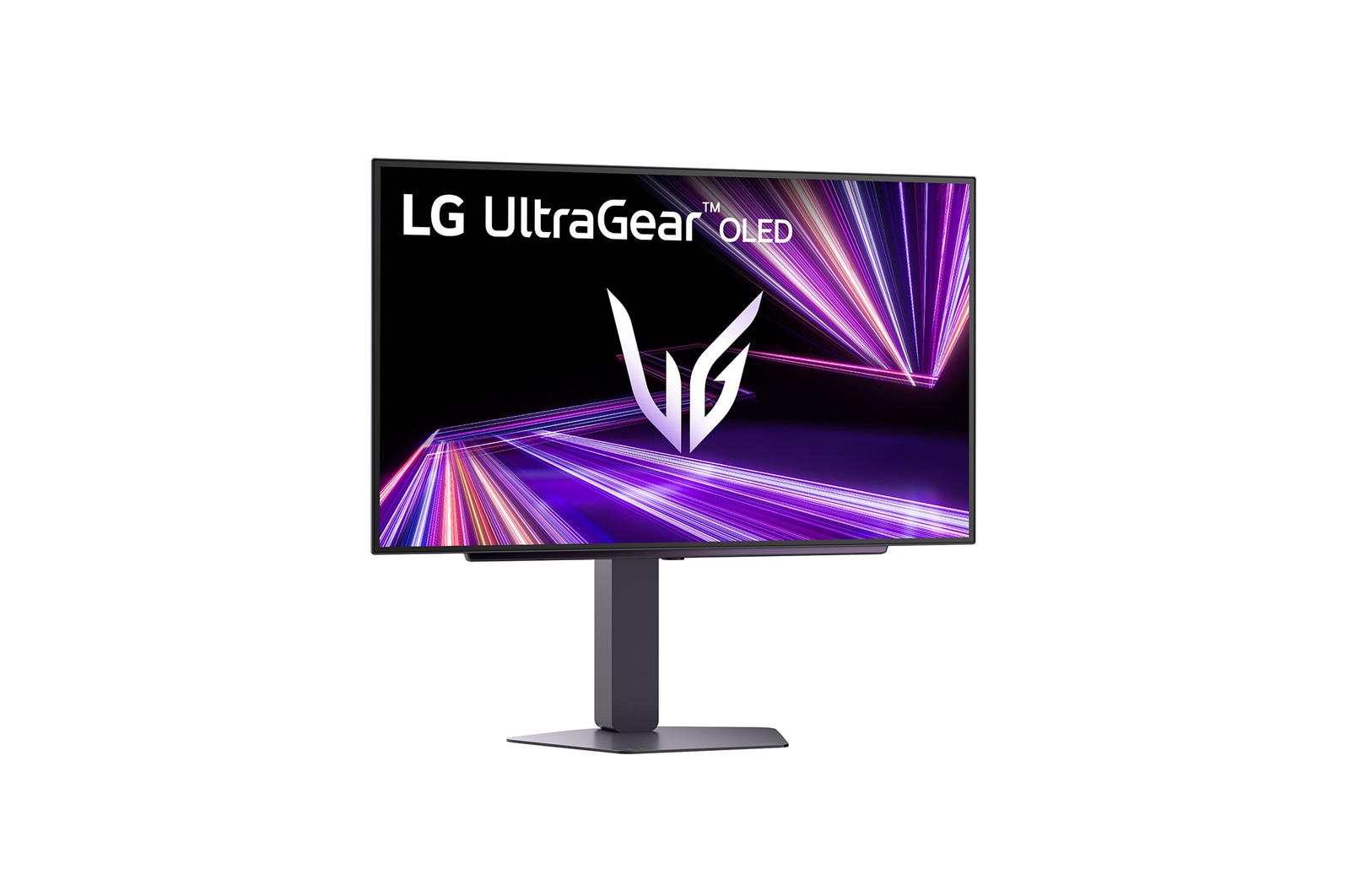
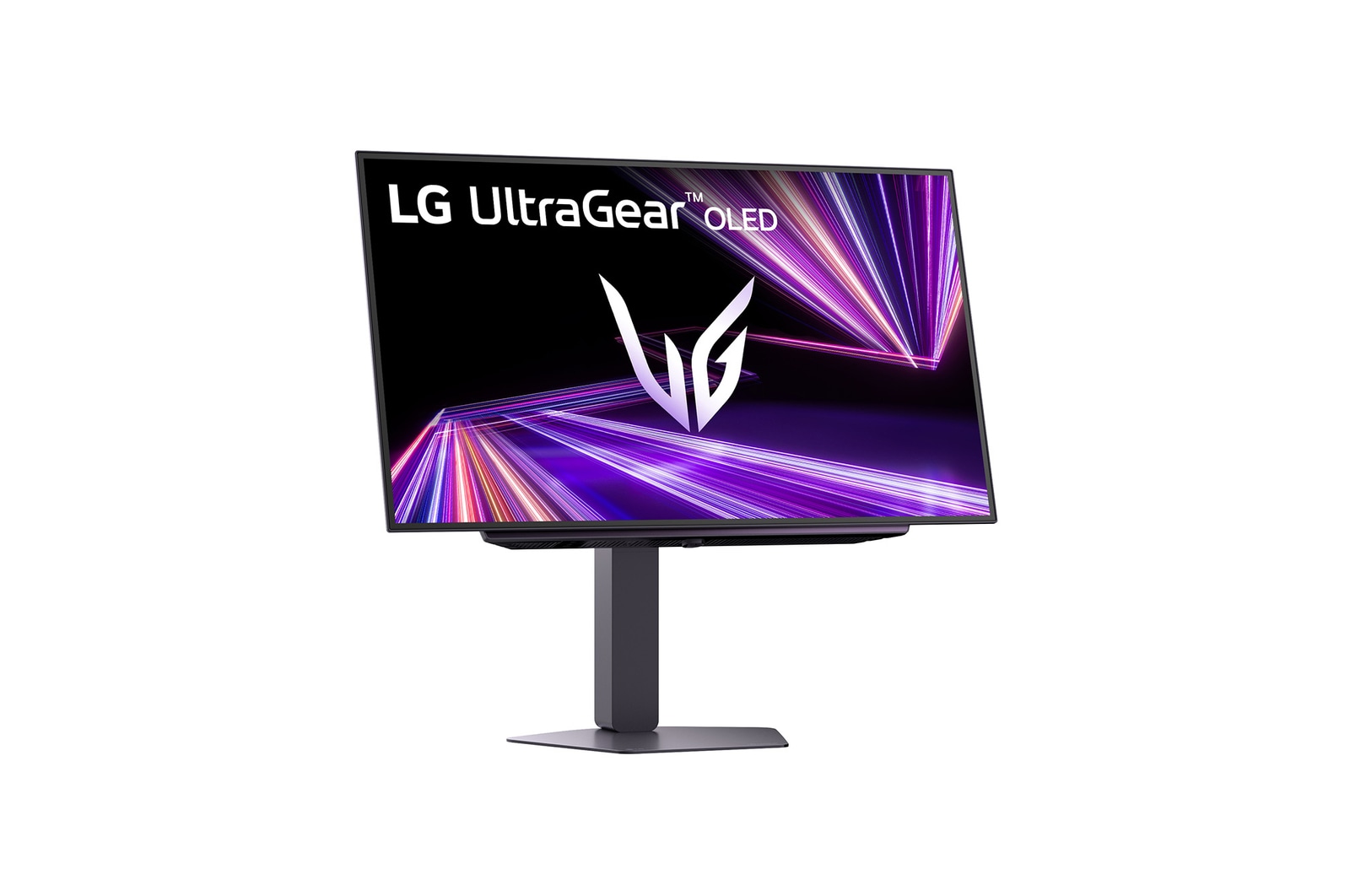
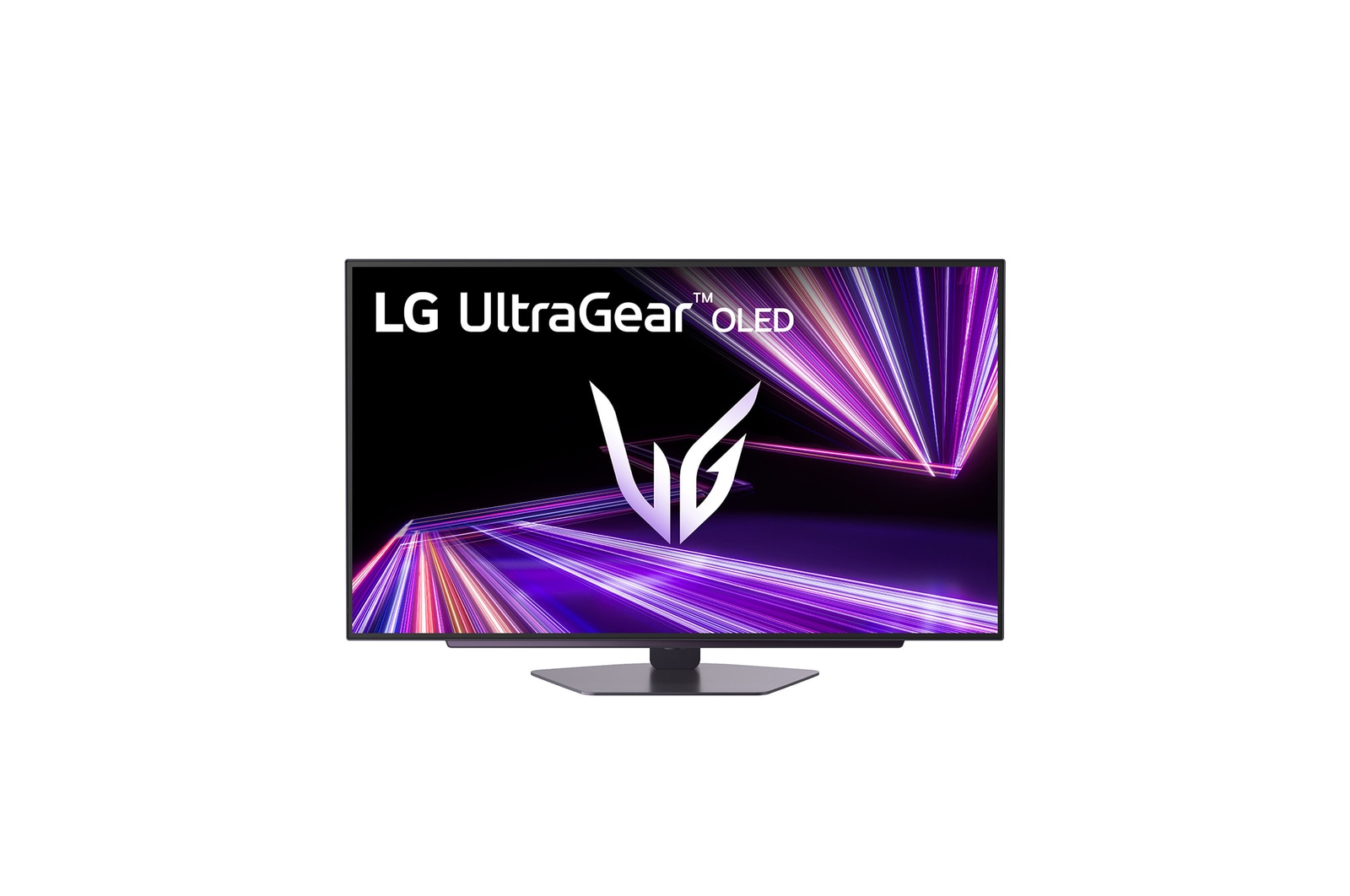
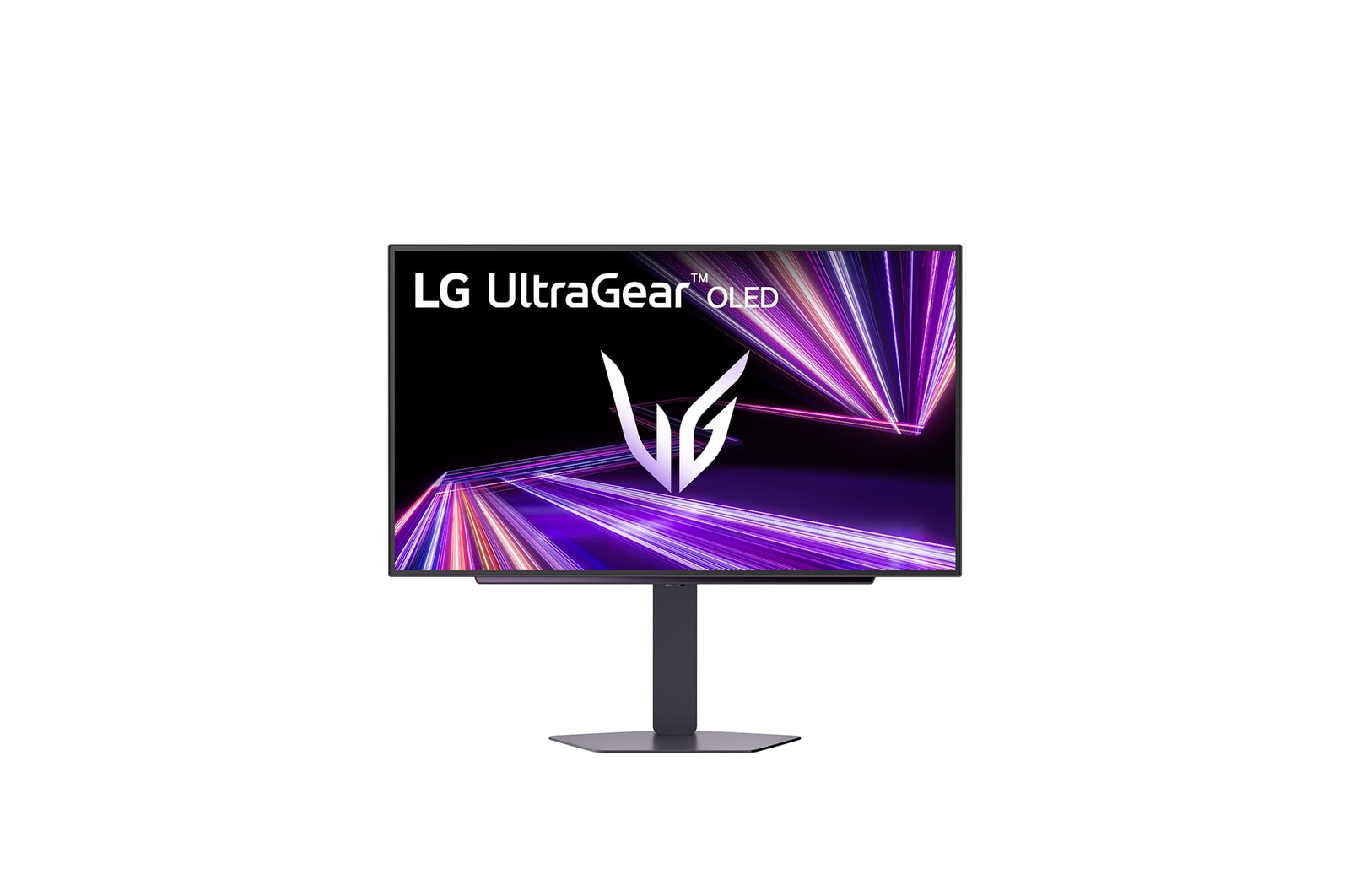
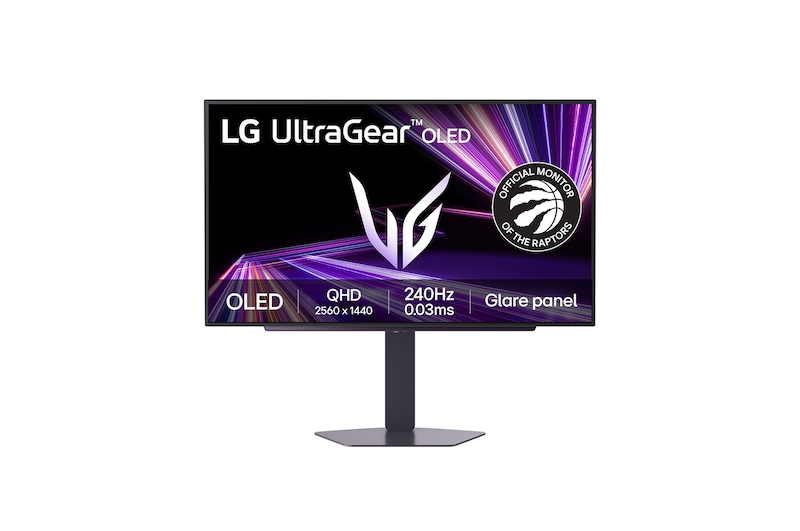
LG UltraGear™ GX7 27-inch 240Hz OLED QHD Gaming Monitor |27GX704A | DisplayHDR™ True Black 400, 0.03ms (GtG), Glare Panel

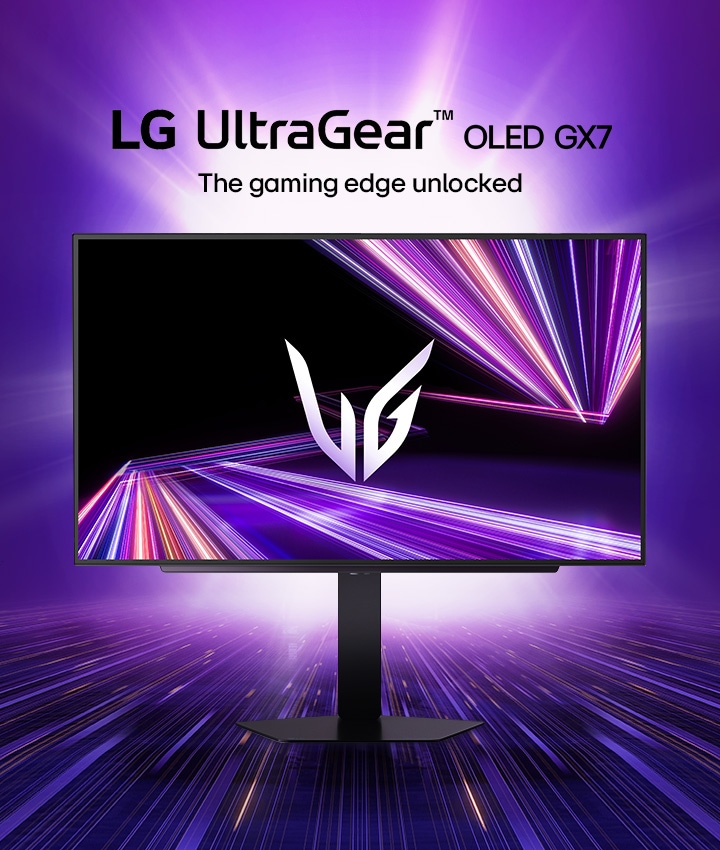
UltraGear™ OLED gaming monitor

Display

27" QHD (2560 x 1440) OLED

DisplayHDR True black 400 / DCI-P3 Typical 98.5%**

Glare panel

Speed

240Hz refresh rate

0.03ms (GtG) response time

QHD@240Hz from HDMI 2.1

Technology

NVIDIA® G-SYNC® Compatible

AMD FreeSync™ Premium Pro

VESA certified AdaptiveSync

*The images simulated to enhance feature understanding. It may differ from actual use.

*The brightness of the monitor is compared to the previous model, LG UltraGear 27GR95QE.

**DCI-P3 Typical 98.5%, Minimum 90%.

Tap anchor-display

OLED with MLA+

Brilliance to
magnificent play

The brilliant OLED display takes colours to a new level of vividness. With a standard luminosity of 275nits and a peak brightness of 1300nits, this monitor keeps your visuals bright and vibrant, ensuring you never play in the dark.

Bright OLED panel with MLA+

*The images simulated to enhance feature understanding. It may differ from actual use.

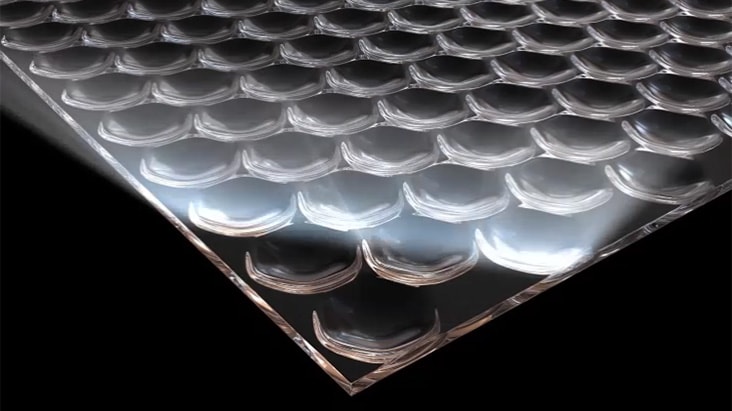
Micro Lens Array+

The evolution of OLED

Our UltraGear™ OLED featured Micro Lens Array+ technology, presents 37.5% higher brightness (SDR) compared to MLA.

*The images are simulated to enhance feature understanding and may differ from actual use.

DisplayHDR True Black 400 / DCI-P3 98.5%

The explosion of colours

VESA DisplayHDR True black 400 makes every scene, whether bright or dark, come to life with its realistic details with a 1.5M contrast ratio. Immerse yourself in playing with the more vibrant world created by DCI-P3 98.5% (Typ).

*The images simulated to enhance feature understanding. It may differ from actual use.

*True black 400 is at 10% average picture level and 1.5m:1 is the contrast ratio at 25% average picture level.

Low Blue Light

Powerful protection
from blue light

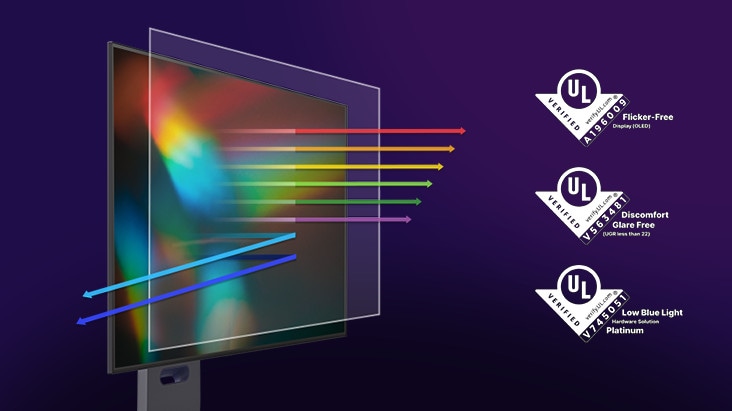
Experience gaming freely with reduced harmful blue light. LG WOLED

utilizes advanced technology that reduces blue light levels while

preserving vivid and lifelike colours certified by UL for low blue light

platinum, allowing vivid game colours for a more comfortable viewing experience.

*Images have been simulated to enhance feature understanding, and may differ from actual use experience.

*LG OLED panels have been certified as Flicker-Free, Discomfort Glare Free, and Low Blue Light by UL.

*Certificate Number: Flicker-Free Display (OLED) - A196009, Discomfort Glare Free - V563481 (conditions of UGR less than 22), Low Blue Light Hardware Solution Platinum - V745051.

*The above feature may vary depending on the user’s computing environment or conditions.

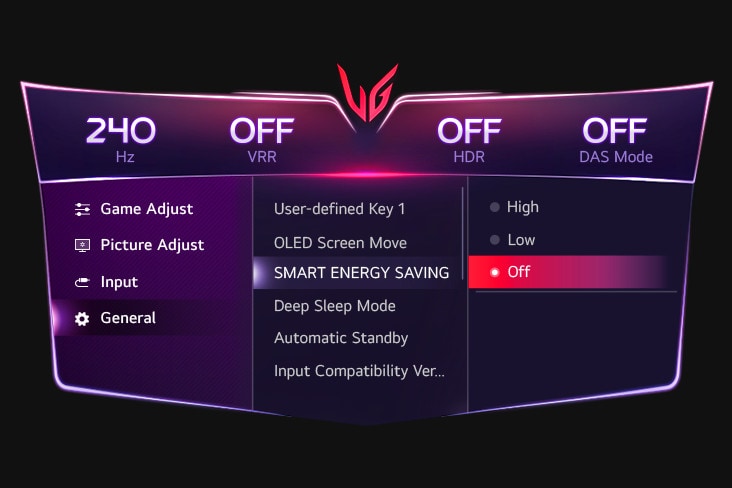
Quick setups for brighter OLED

[Option 1] Turn off the Smart Energy Saving mode.

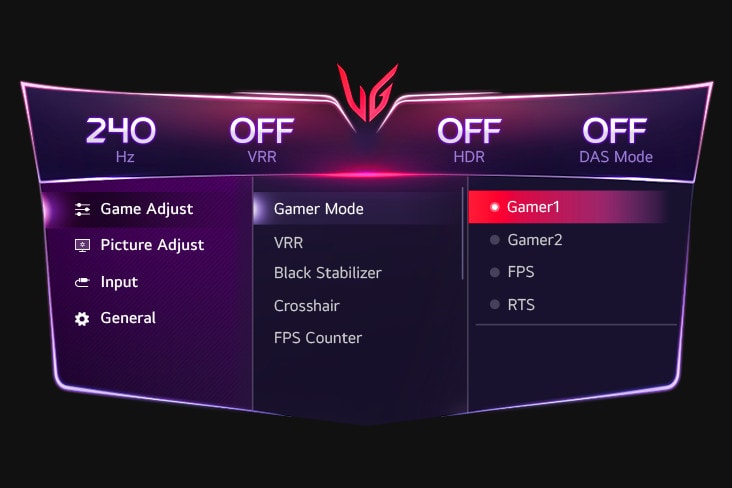
Quick setups for brighter OLED

[Option 2] Set Game Mode as Gamer 1.

Quick setups for brighter OLED

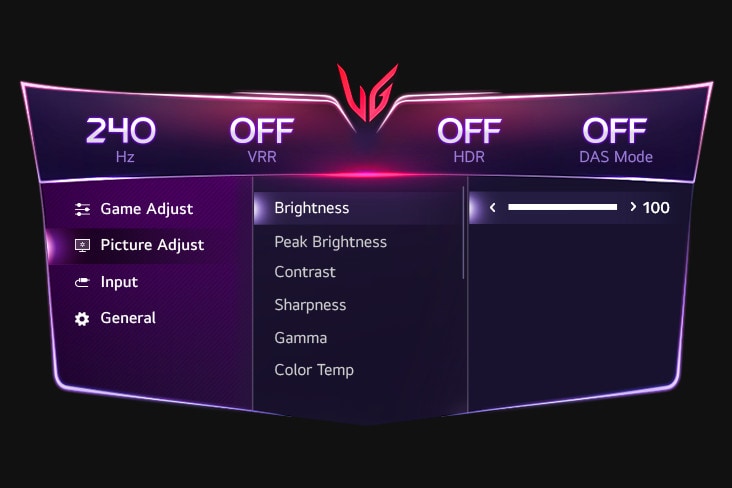
[Option 3] Set Brightness to 100.

Quick setups for brighter OLED

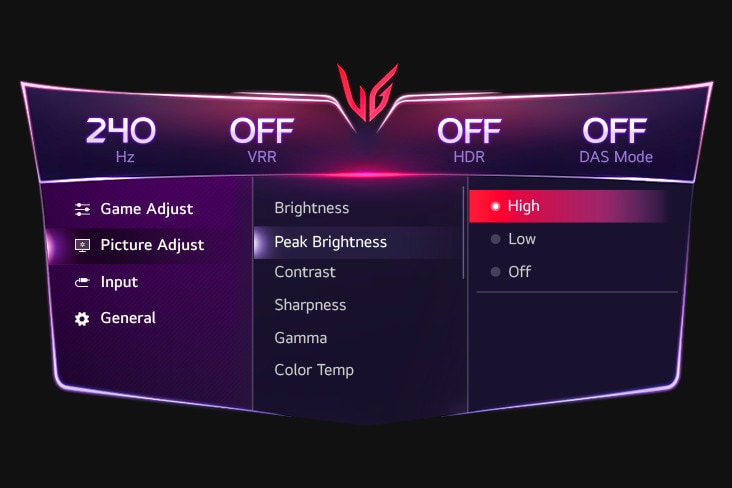
[Option 4] Set Peak Brightness as High.

GUI setting image of SMART ENERGY SAVING.
GUI setting image of Gamer Mode.
GUI setting image of Brightness.
GUI setting image of Peak Brightness.
GUI setting image of SMART ENERGY SAVING.
GUI setting image of Gamer Mode.
GUI setting image of Brightness.
GUI setting image of Peak Brightness.

*The images simulated to enhance feature understanding. It may differ from actual use.

*Power consumption may increase when the above options are chosen.

*The display burn-in may occur in brighter mode.

Tap anchor-speed..
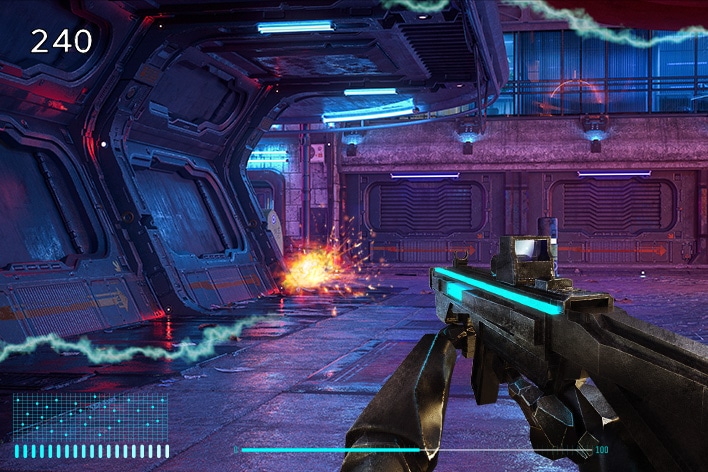
OLED display with 240Hz and 0.03ms (GtG).

OLED display with 240Hz and 0.03ms (GtG)

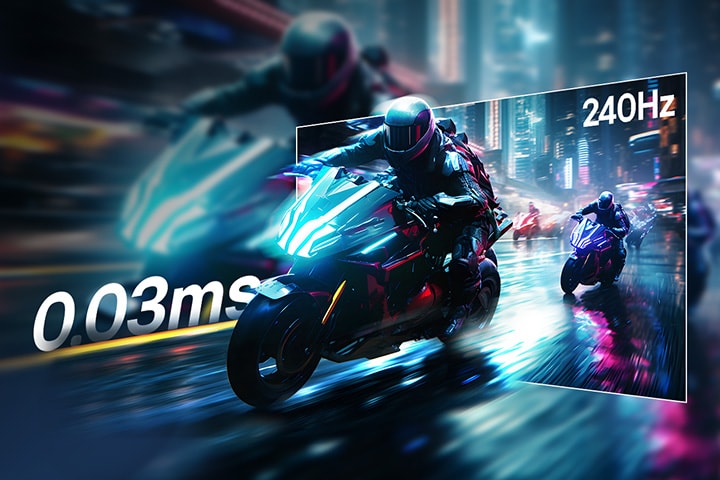
LG’s new UltraGear™ monitor delivers the ultra-fast speed of 240Hz refresh rate and 0.03ms (GtG) response time on the OLED display.

*The images are simulated to enhance feature understanding and may differ from actual use.

Incredible speed,
OLED 240Hz refresh rate

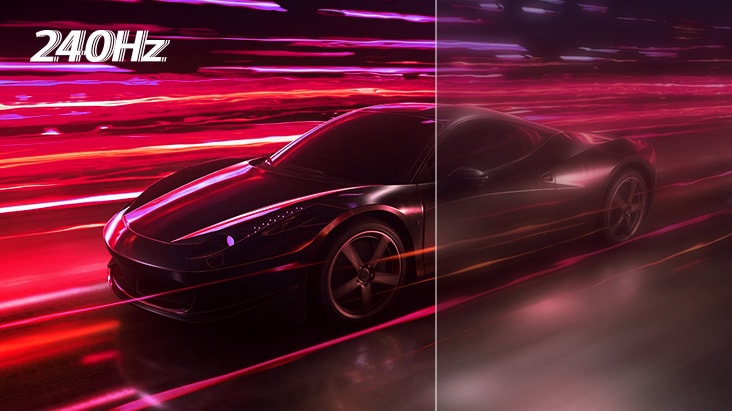
A fast speed of 240Hz allows gamers to see the next frame quickly and makes image to appear smoothly. The gamers can response rapidly to opponents and aim at target easily.

*The images are simulated to enhance feature understanding and may differ from actual use.

Extremely fast
0.03ms response time

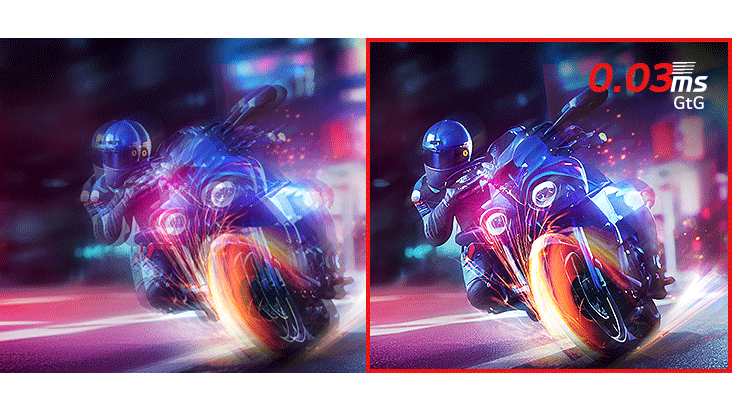
With 0.03ms (GtG) response time, reducing reverse ghosting and helping objects render clearly, let you enjoy the game with smoother movement and surreal visual fluidity.

*The images are simulated to enhance feature understanding and may differ from actual use.

QHD OLED@240Hz from HDMI 2.1.

QHD OLED@240Hz from HDMI 2.1

27GX704A is capable of up to 240Hz refresh rate from HDMI 2.1. It means gamers can fully enjoy QHD resolution and 240Hz either by DisplayPort or HDMI.

*It supports up to 240Hz rapid refresh rate. A graphic card that supports HDMI 2.1 and the HDMI 2.1 cable (included in the package) is required to work properly.

*The graphics card is sold separately.

Tap anchor-technology

Technology focused on fluid gaming experience

Technology focused on fluid gaming experience.

*The images simulated to enhance feature understanding. It may differ from actual use.

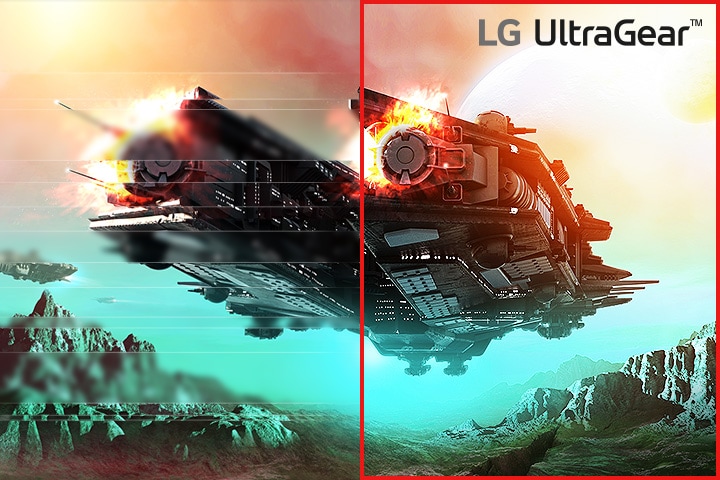
*The performance of the feature is compared to the models not applying the sync technology.

*Errors or delays may occur depending on the network connection.

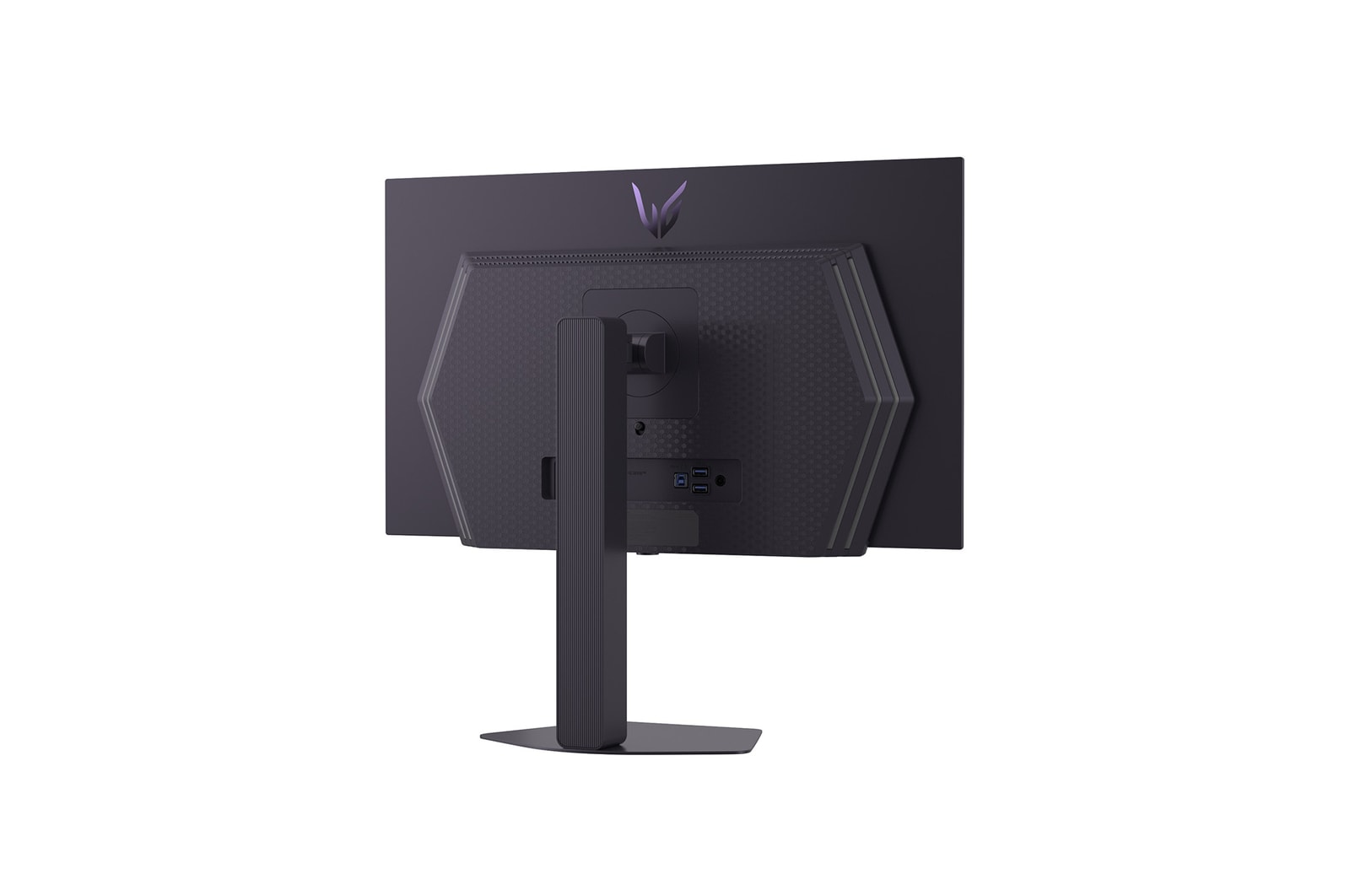
Gamer-centric design

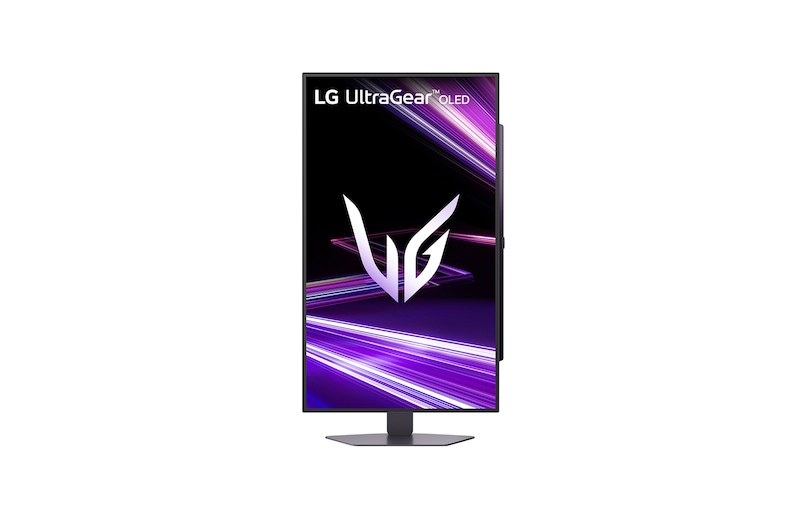
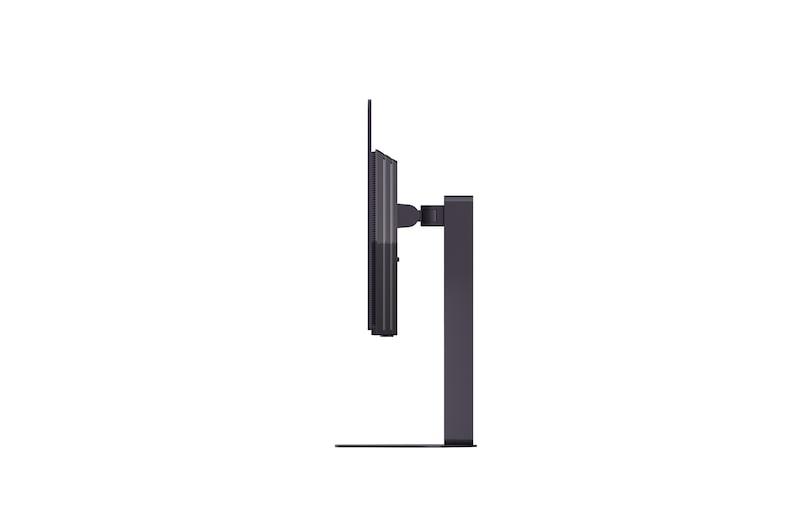
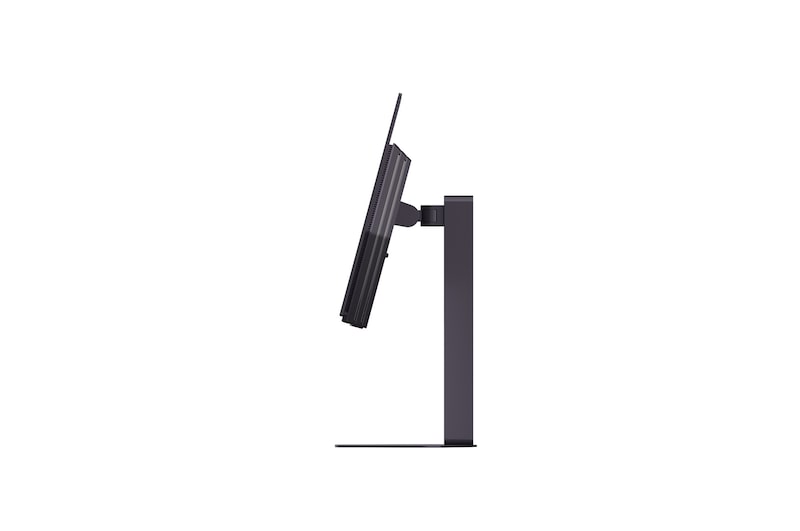
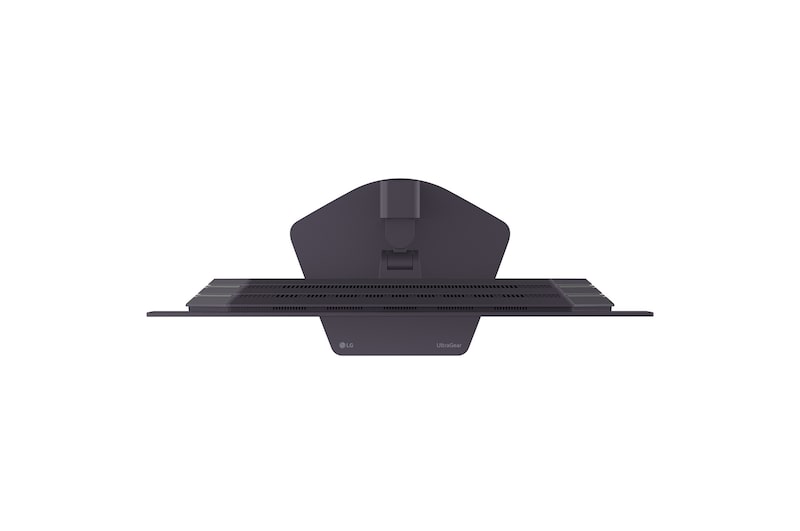
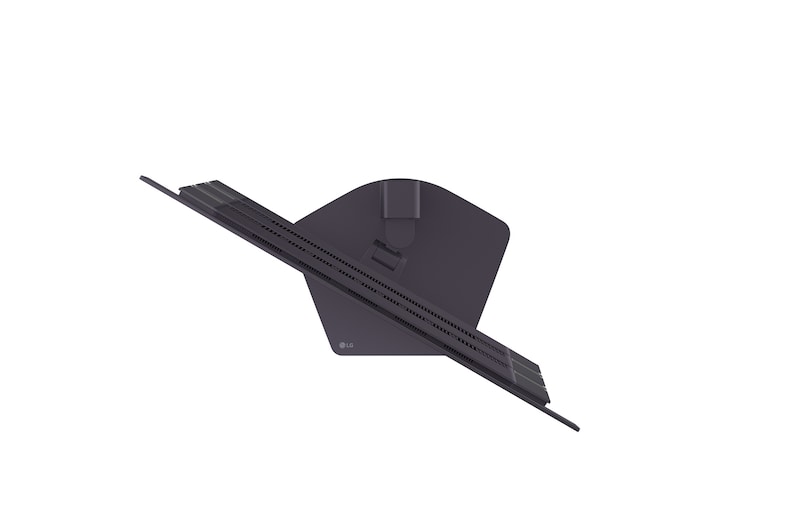
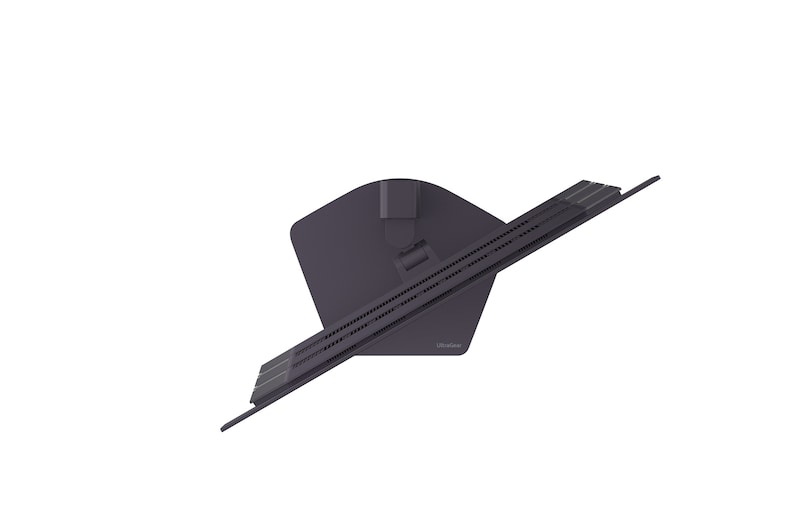
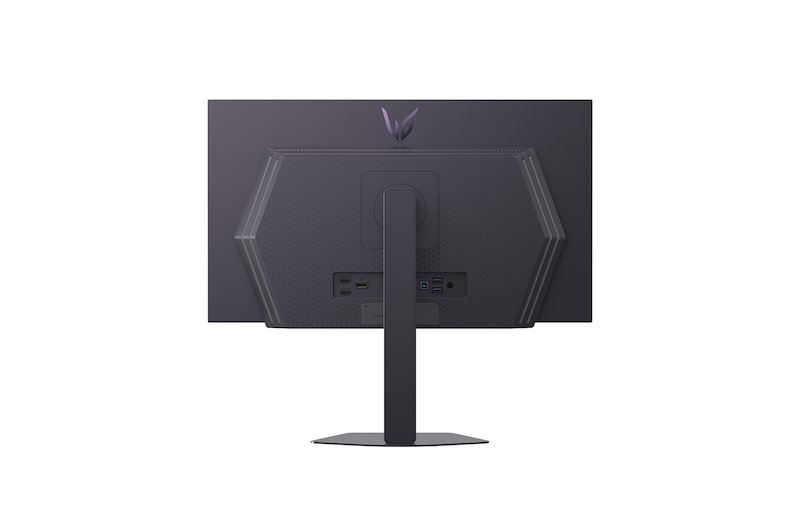
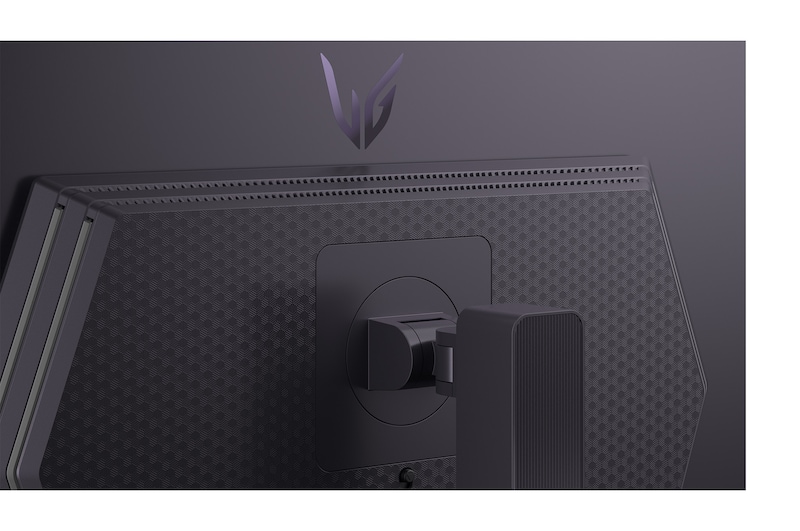
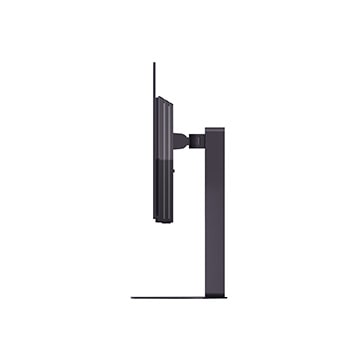
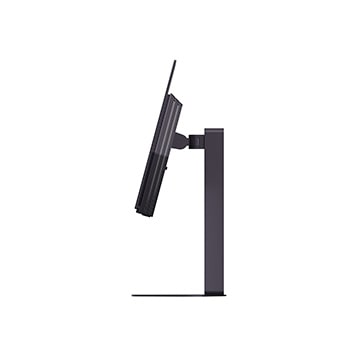
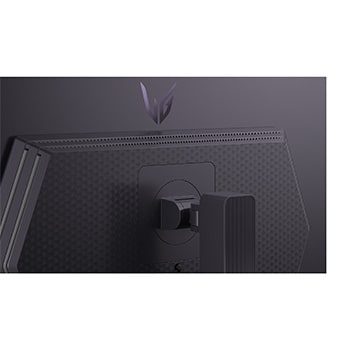
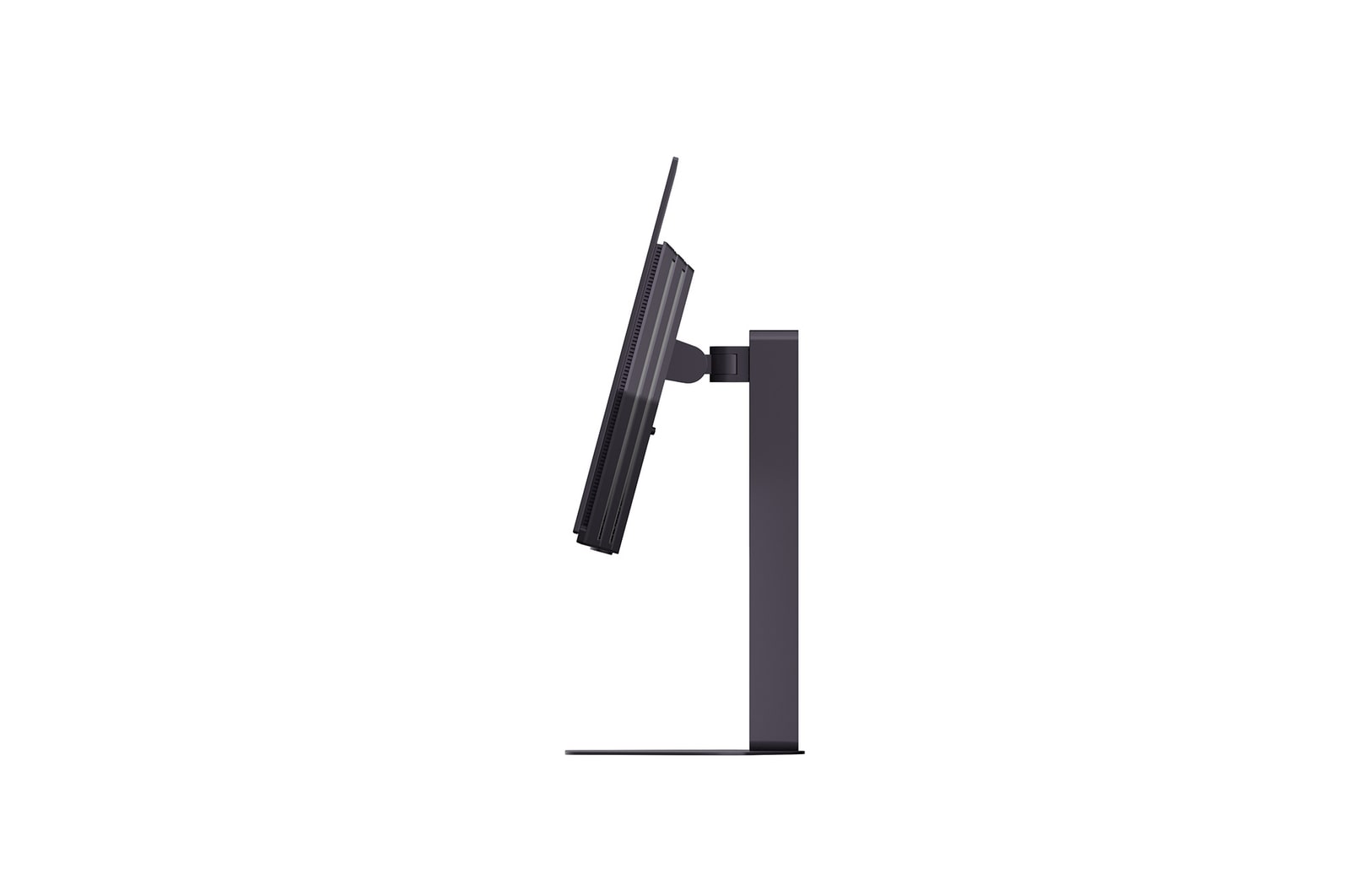
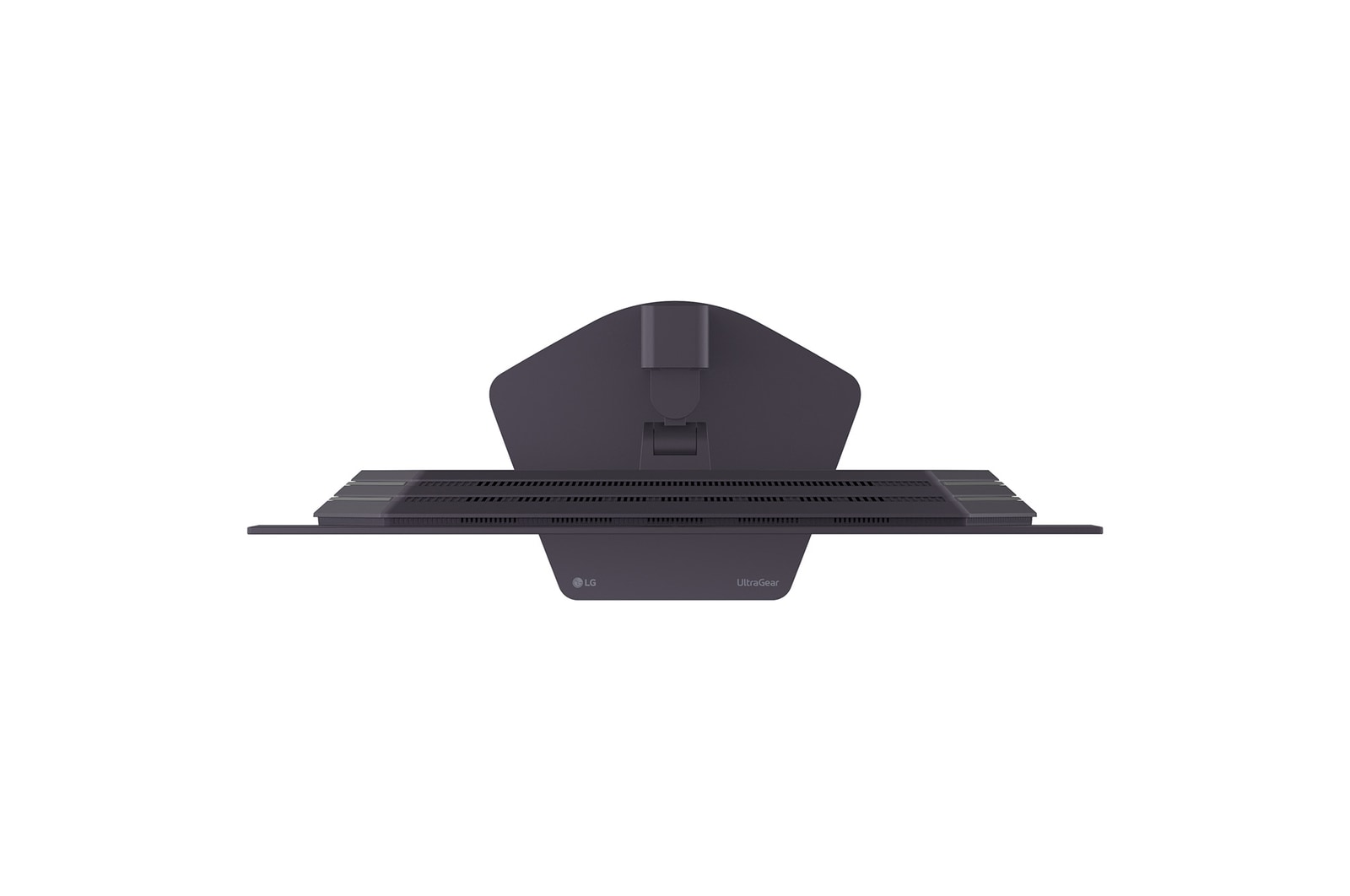
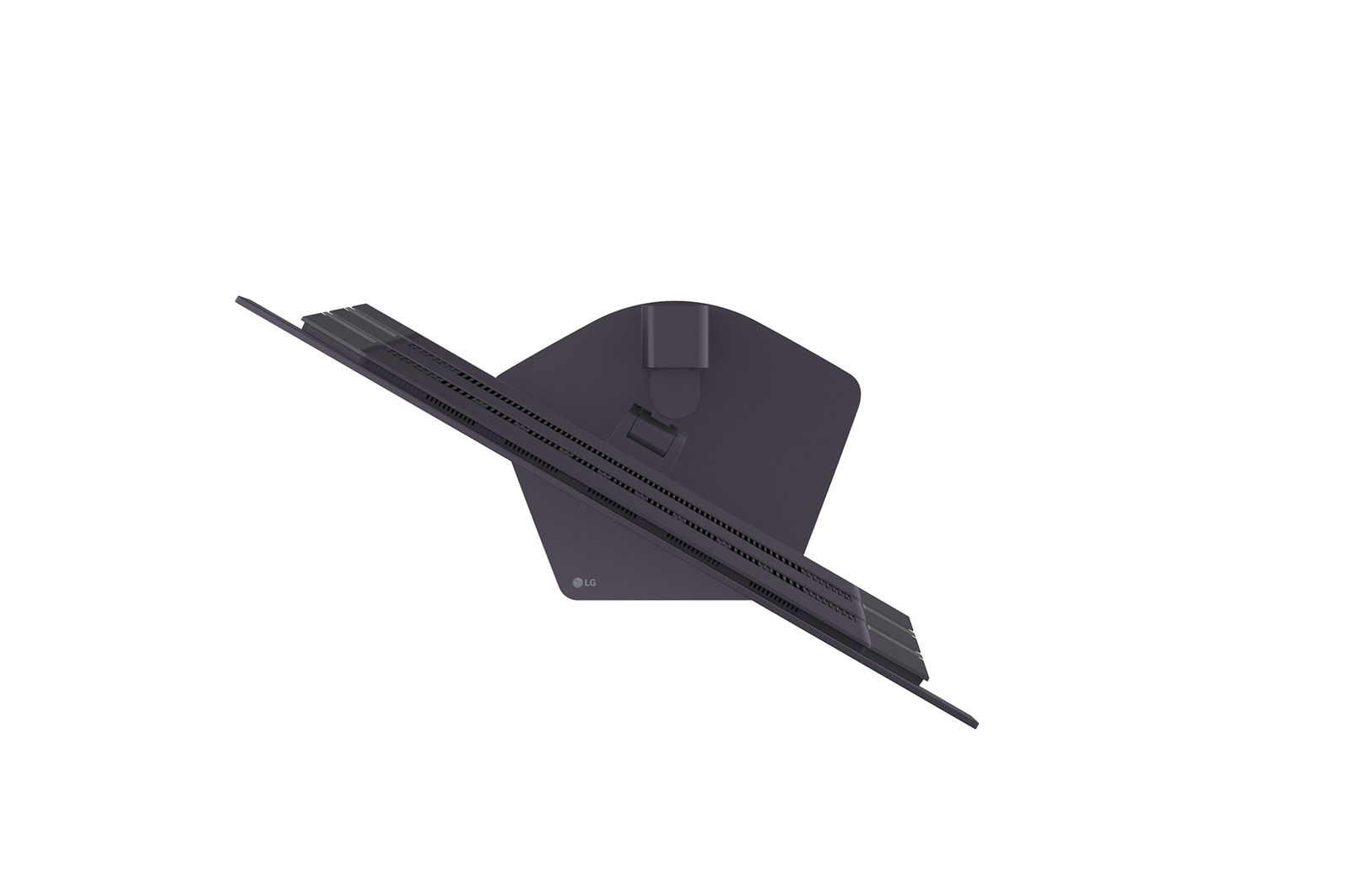
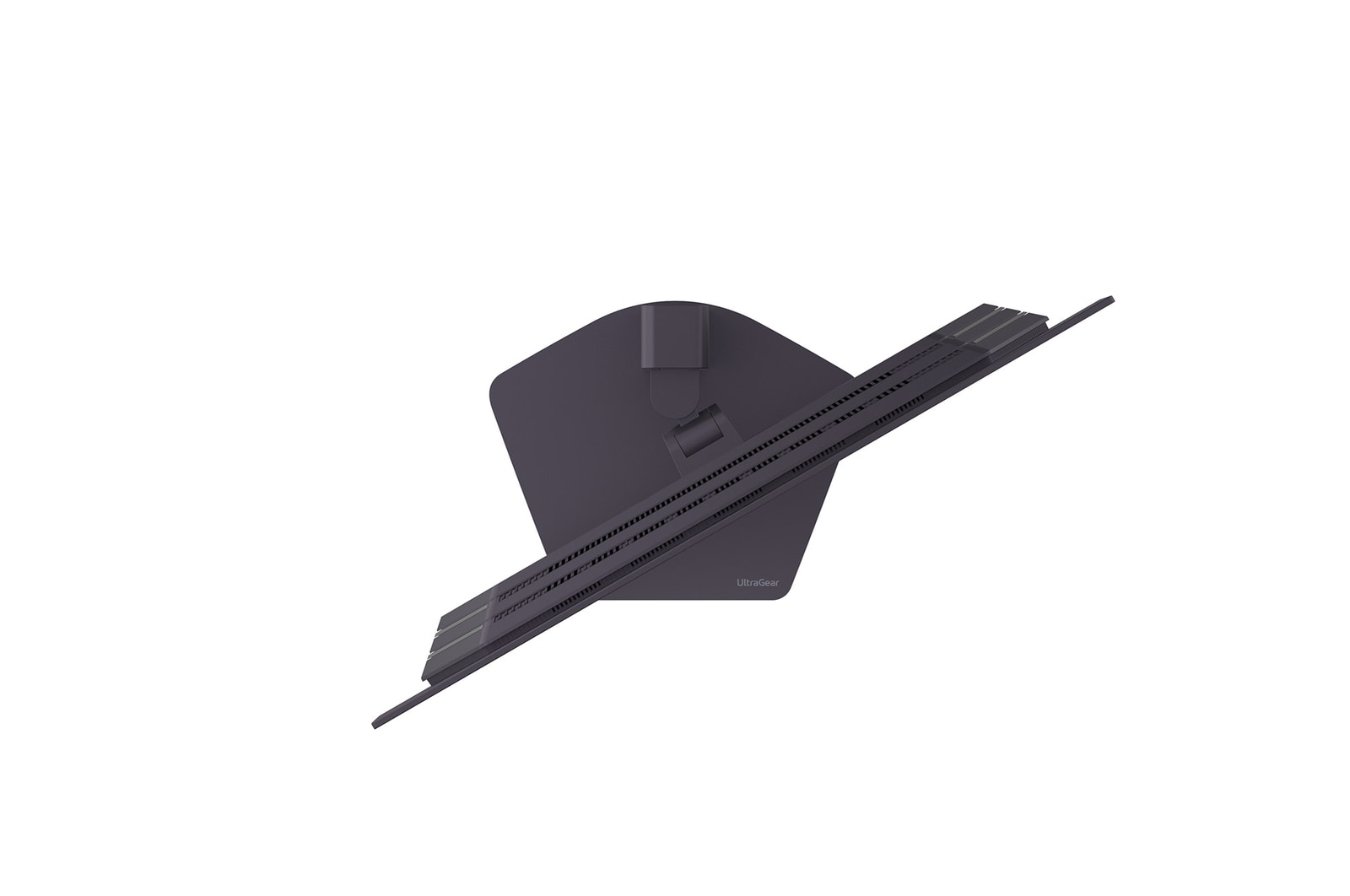
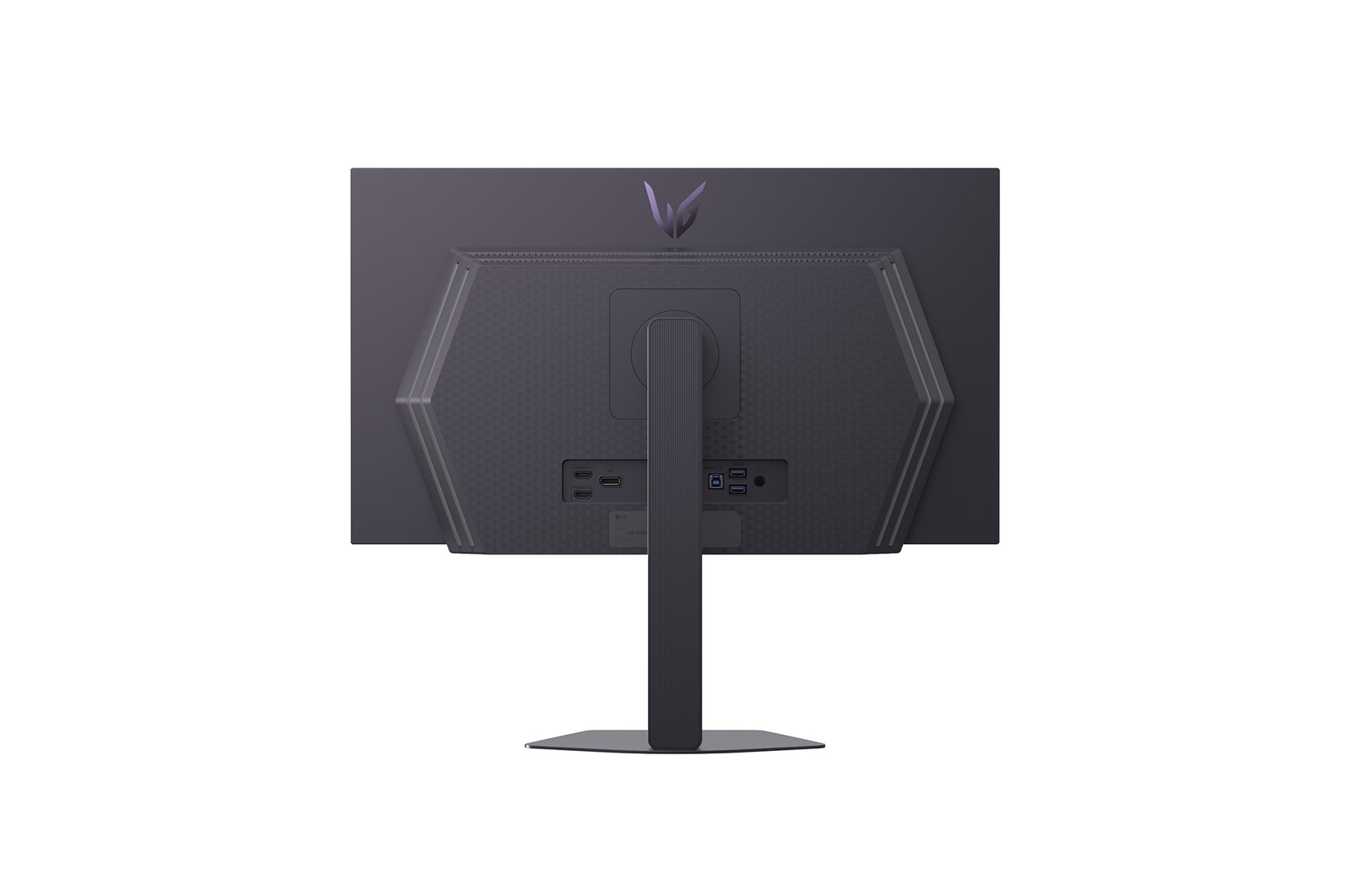
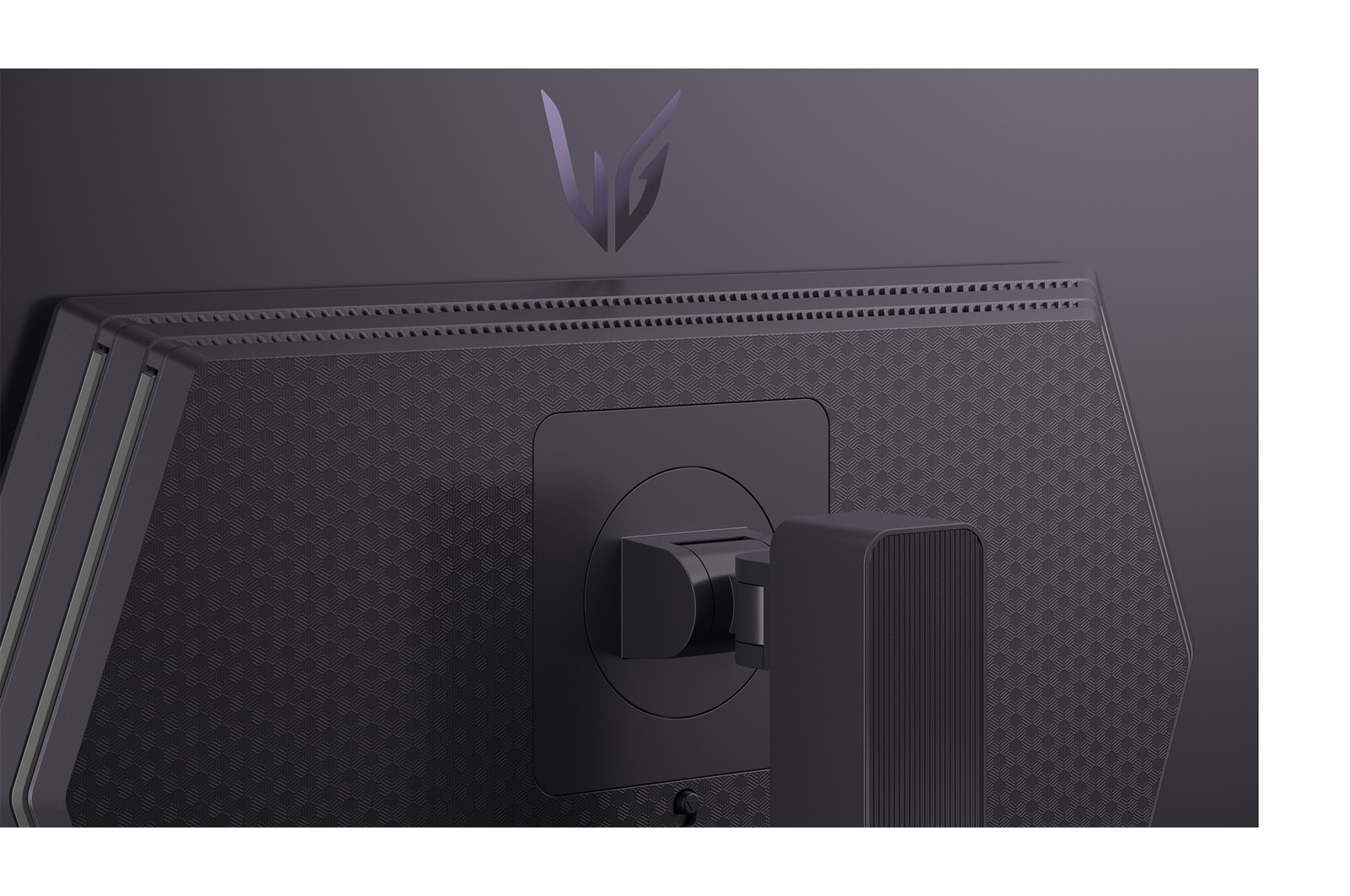
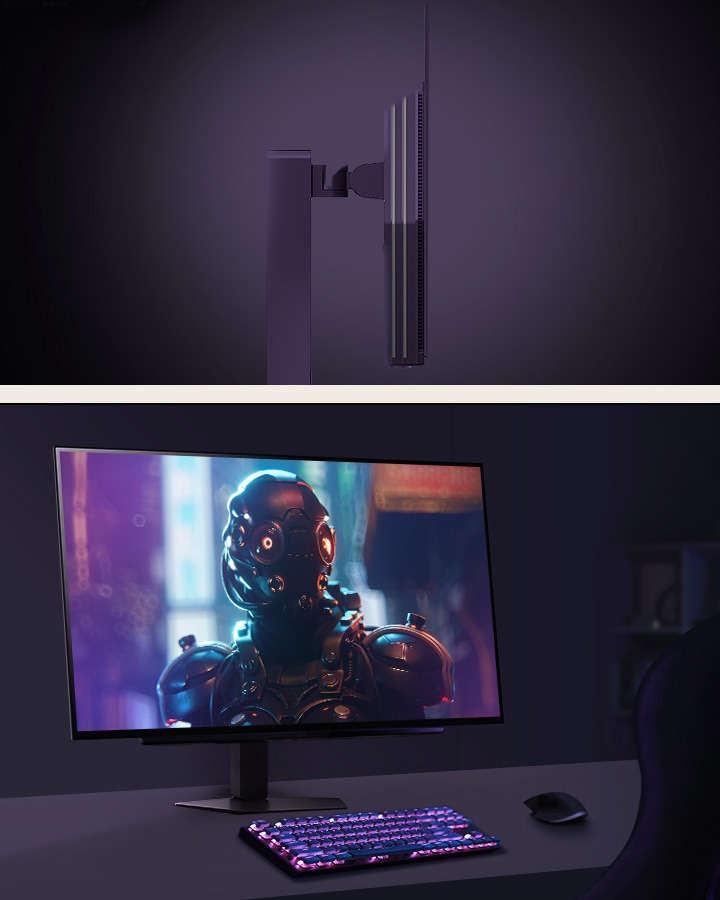
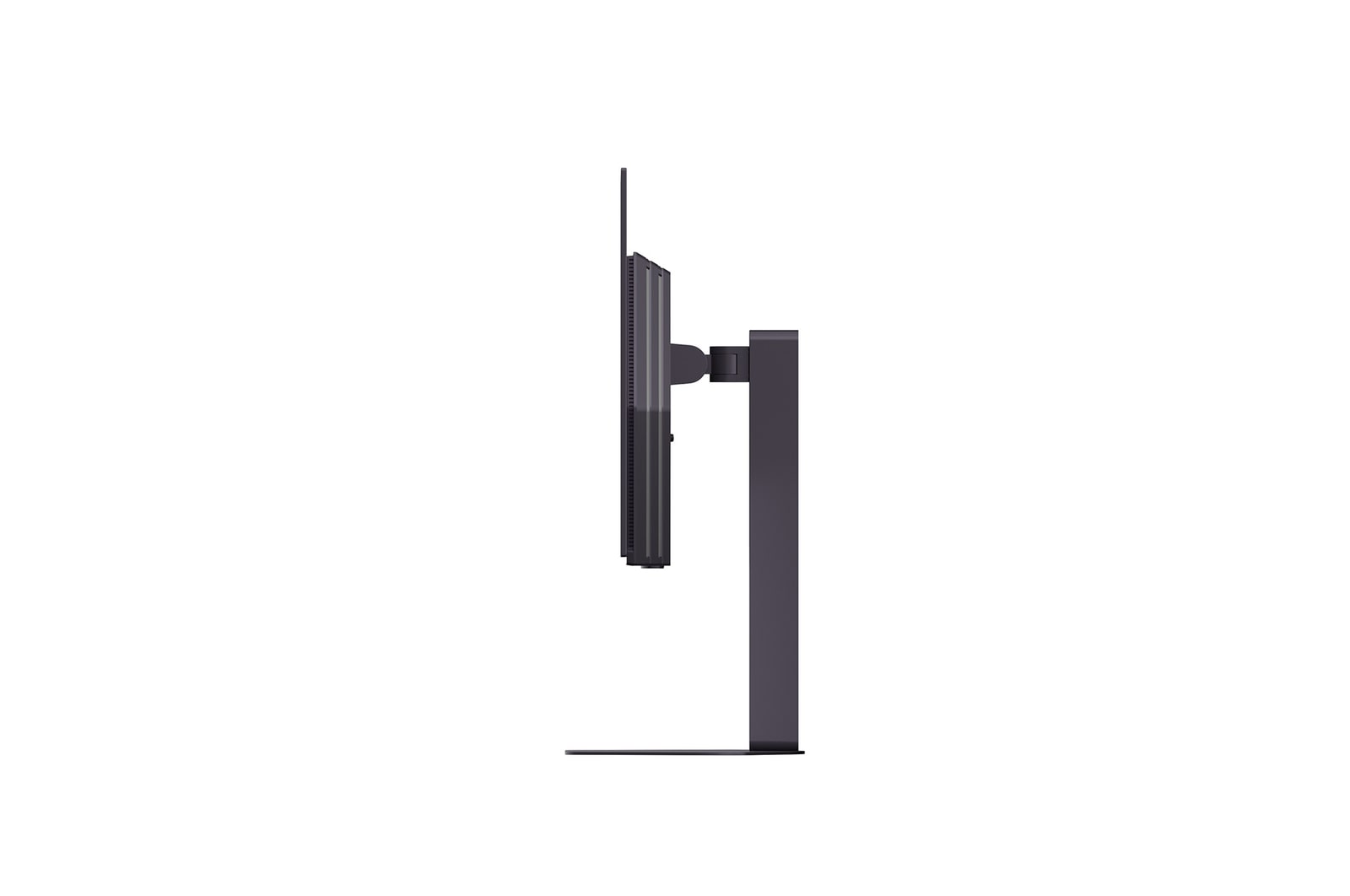
Enhance your gaming experience with a new Hexagon lighting and 4-side virtually borderless design. The adjustable base supports swivel, tilt, height, and pivot helps you play games more comfortably.

Gamer centric design.

Swivel adjustable monitor.

Swivel

Tilt / Height adjustable monitor.

Tilt / Height

Pivot adjustable monitor.

Pivot

Borderless design monitor.

Borderless design

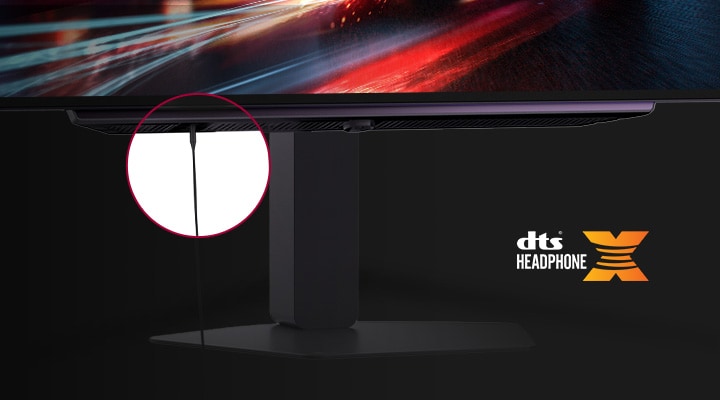
4-pole headphone out.

4-pole headphone out

Enjoy your games while having voice chat by connecting easily with 4-pole headphone out. Also, you can feel even more immersive with virtual 3D sound with DTS Headphone :X.

*Headsets sold separately.

Gaming GUI

Award winning gaming GUI

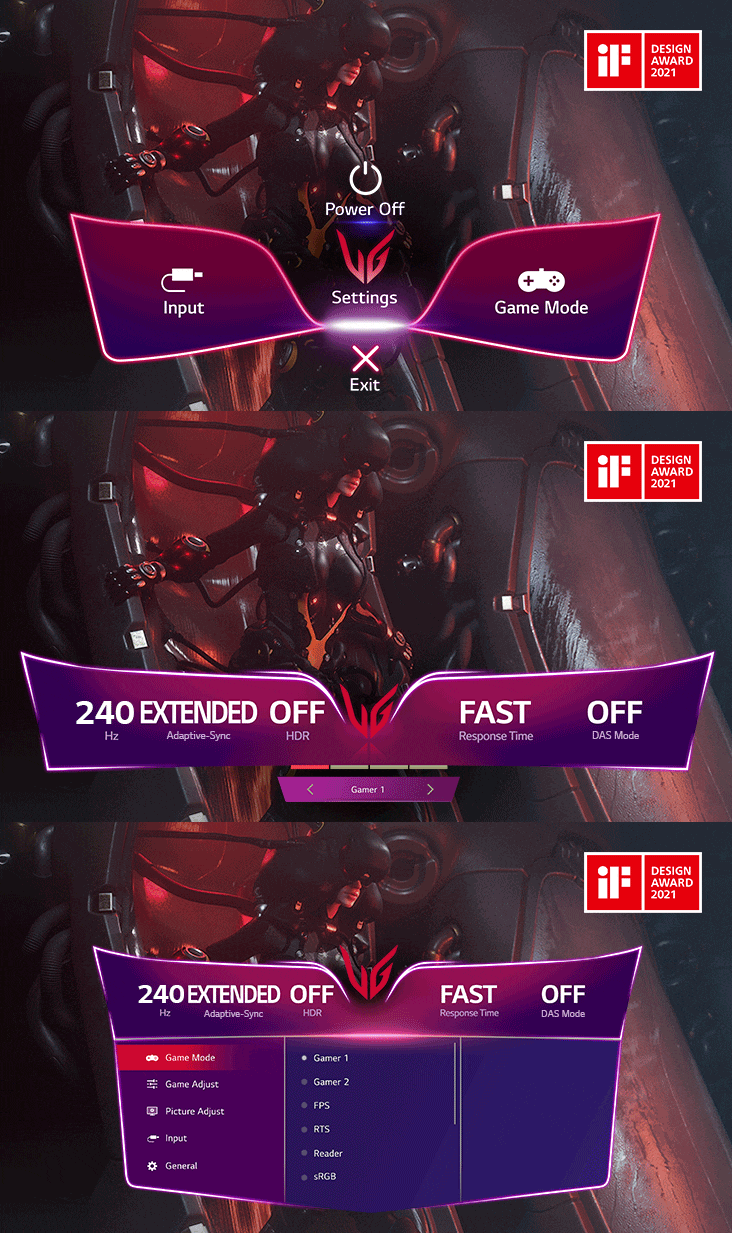
Gamers can use On-Screen Display and OnScreen Control to easily customize the setting from adjusting basic monitor options to registering ‘User Defined Key’ that user can set the shortcut.

*To download the latest OnScreen Control, visit LG.COM.

*The images are simulated to enhance feature understanding and may differ from actual use.

OLED Care

Protect your display with OLED Care

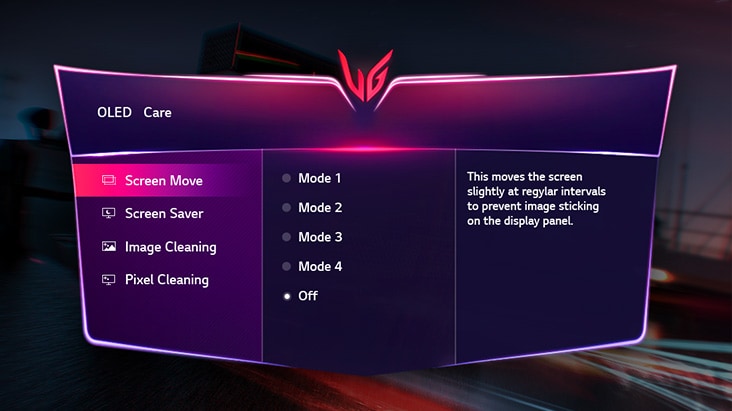
OLED Care help to prevent the after image, display burn-in, that occurred when it change the new picture after a static high-contrast image was displayed for a long time.

*This feature is only available as a remote controller included in the package.

*The images simulated to enhance feature understanding. It may differ from actual use.

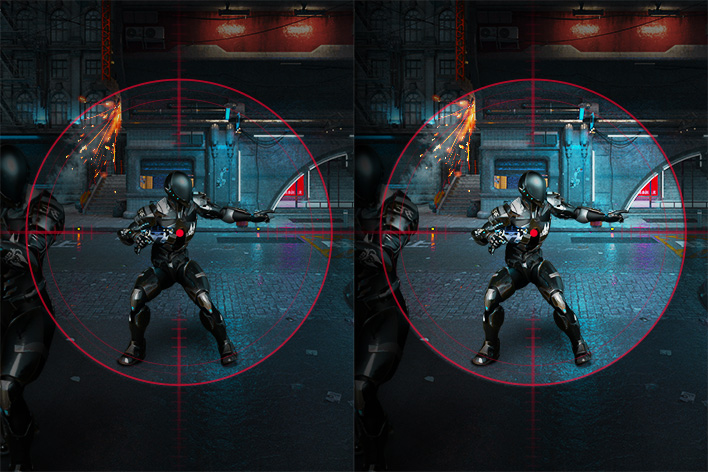
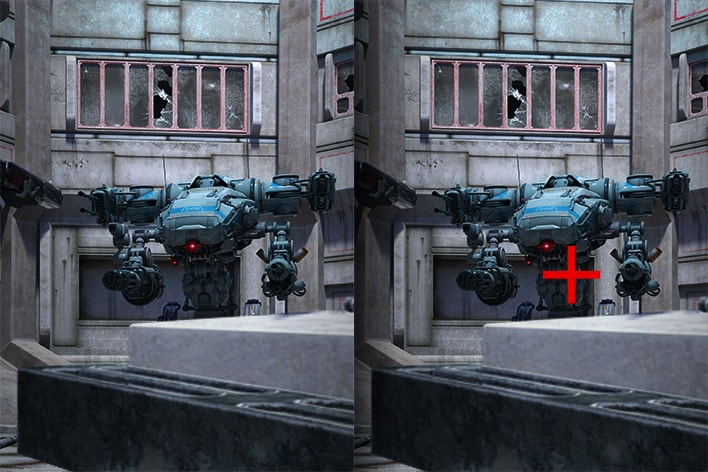
*The Crosshair feature is unavailable while FPS Counter is activated.

*FPS Counter may display the value that exceeds the maximum refresh rate of monitor.

LG Calibration Studio.

LG Calibration Studio

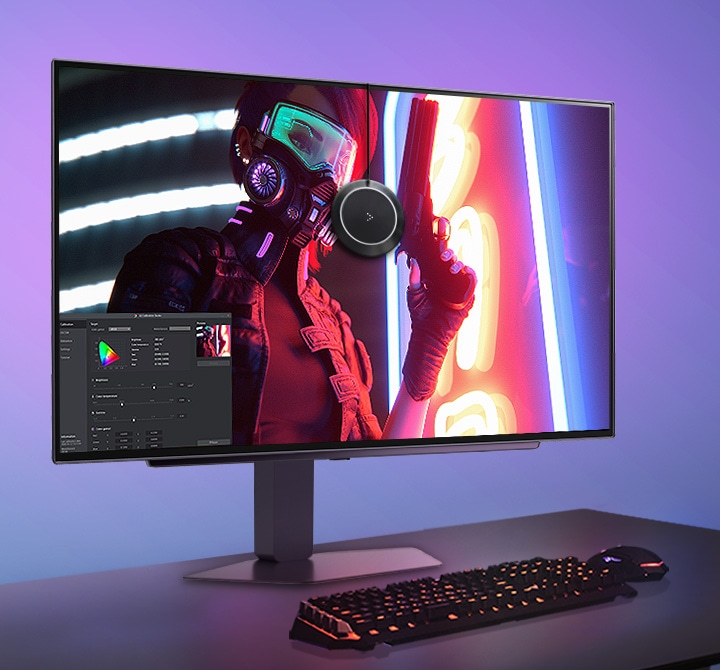
Optimize colour performance by using hardware calibration through the LG Calibration Studio, making the most of LG QHD OLED display's wide colour spectrum and consistency.

*The images are simulated to enhance feature understanding and may differ from actual use. 

*The software and Calibration Sensor are ​NOT included in the package. To download the latest LG Calibration Studio software, visit LG.COM.

All Spec

FEATURES

  • Reader Mode

    YES

  • Auto Input Switch

    YES

  • Black Stabilizer

    YES

  • Crosshair

    YES

  • FPS Counter

    YES

  • HDR 10

    YES

  • Motion Blur Reduction Tech.

    YES

  • NVIDIA G-Sync™

    G-SYNC Compatible

  • Smart Energy Saving

    YES

  • User Defined Key

    YES

ACCESSORY

  • Display Port

    YES

  • USB A to B

    YES

CONNECTIVITY

  • HDMI

    YES(2ea)

  • USB Downstream Port

    YES(2ea/ver3.2 Gen1)

  • USB Upstream Port

    YES(1ea/ver3.2 Gen1)

DIMENSIONS/WEIGHTS

  • Dimension in Shiping (W x H x D) [mm]

    673x168x529

  • Dimension without Stand (W x H x D) [mm]

    605.2x351.0x45.3

  • Dimension with Stand (W x H x D) [mm]

    605.2x532.6x220(Up)
    605.2x402.6x220(Down)

  • Weight in Shipping [kg]

    9.9kg

  • Weight without Stand [kg]

    4.8kg

  • Weight with Stand [kg]

    7.2kg

DISPLAY

  • Aspect Ratio

    16:9

  • Brightness (Min.) [cd/m²]

    250cd/m²

  • Brightness (Typ.) [cd/m²]

    275cd/m²

  • Color Depth (Number of Colors)

    1.07B

  • Color Gamut (Min.)

    DCI-P3 90.0% (CIE1976)

  • Color Gamut (Typ.)

    DCI-P3 98.5% (CIE1976)

  • Contrast Ratio (Min.)

    1200000:1

  • Contrast Ratio (Typ.)

    1500000:1

  • Panel Type

    OLED

  • Pixel Pitch [mm]

    0.2292 x 0.2292 mm

  • Refresh Rate (Max.) [Hz]

    240

  • Resolution

    2560 x 1440

  • Response Time

    0.03ms (GTG)

  • Size [cm]

    67.32

  • Size [Inch]

    26.5

  • Viewing Angle (CR≥10)

    178º(R/L), 178º(U/D)

INFO

  • Product name

    UltraGear

  • Year

    Y25

MECHANICAL

  • Display Position Adjustments

    Tilt/Height/Swivel/Pivot

  • Wall Mountable [mm]

    100 x 100 mm

SW APPLICATION

  • Dual Controller

    YES

What people are saying

FAQ

Q.

Are OLED gaming monitors worth it?

A.

Yes, many gamers feel that they're absolutely worth it. OLED gaming monitors combine cutting-edge display technology with blazing-fast performance, delivering a viewing experience that’s just as responsive as it is beautiful. With LG, you’re getting more than just OLED. You’re getting displays engineered for gamers, with high refresh rates, adaptive sync, and sleek, immersive designs. For players who take their gaming seriously, OLED isn’t just a luxury—it’s a competitive upgrade.

Q.

What is the best LG OLED Gaming Monitor?

A.

The best LG OLED gaming monitor depends on your gaming preferences, including refresh rate, response time, and display resolution.


The LG UltraGear evo GX9 (39GX950B) is our most advanced OLED gaming monitor to date. As the world’s first 39-inch 5K2K curved OLED gaming monitor, it features a 1500R curved ultrawide design and delivers exceptional contrast and clarity with perfect blacks. Its 39-inch ultrawide format offers a balance of immersion and usability. The GX9 supports Dual Mode, allowing gamers to switch to WFHD at up to 330Hz for ultra-fast FPS gameplay or WUHD (5120×2160) at up to 165Hz for visually rich RPG and open-world experiences.It also features AI Upscaling technology that lets you enjoy 5K2K at 165Hz without frame drops, even without a high‑end graphics card. In addition, AI Scene Optimization automatically detects your usage scenario and adjusts the picture settings for optimal image quality.

With LG’s own DQ‑C2 chipset, the monitor is equipped with AI Sound technology that makes sound effects, background music, and voices feel even more realistic. 

The monitor supports DisplayPort 2.1 and two HDMI 2.1 ports for flexible, high-performance connectivity.


In addition to the GX9, LG UltraGear also offers high-performance gaming monitors in a range of sizes and display technologies.


For gamers seeking a larger-format experience, the UltraGear evo G9 (52G930B) features the world’s largest 52-inch curved 5K2K ultrawide display with a 240Hz refresh rate, delivering expansive visuals and high-speed performance.


For more detailed guidance on choosing the right UltraGear gaming monitor, visit the Gaming Monitor Buying Guide.

Q.

What are the differences among the 3 Modes in the "OLED Screen Move" feature in UltraGear gaming monitors?

A.

The different modes serve to prevent burn-in of the monitors by adjusting the screen little by little (at least 8 pixel units) and is divided into 4 modes depending on the direction and amount of movement.

It moves a set amount and in a set direction every minute, except for 2 minutes at the initial start.


Mode 1 & Mode 3 move in the horizontal and vertical directions and draw a rectangle.
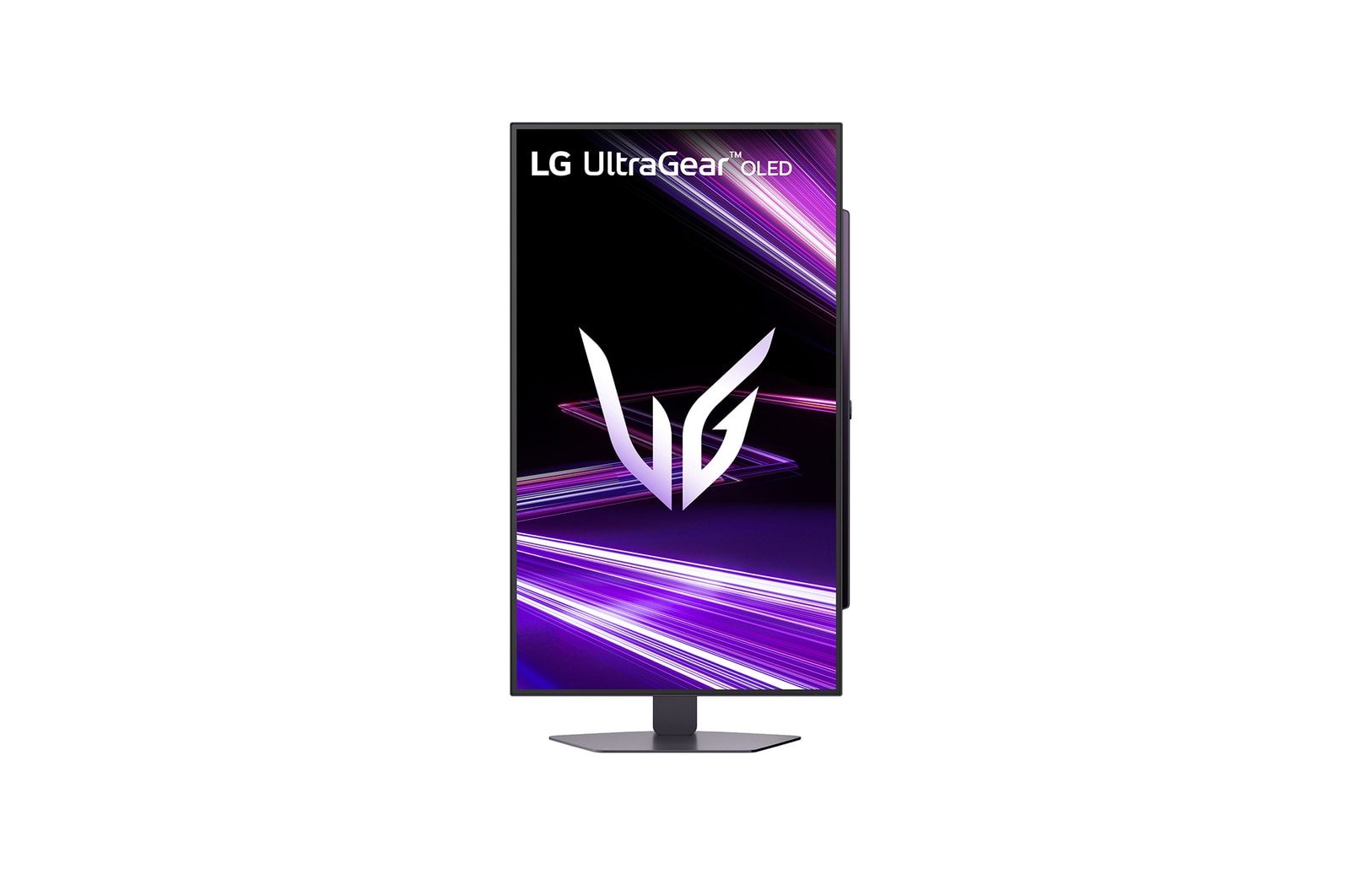
Mode 1 moves longer than Mode 3.
Mode 2 & 4 move once in the upward direction at first, then move diagonally and draw a diamond.

Mode 2 moves longer than Mode 4.

Mode 2 has the greatest movement.

Our Picks for You