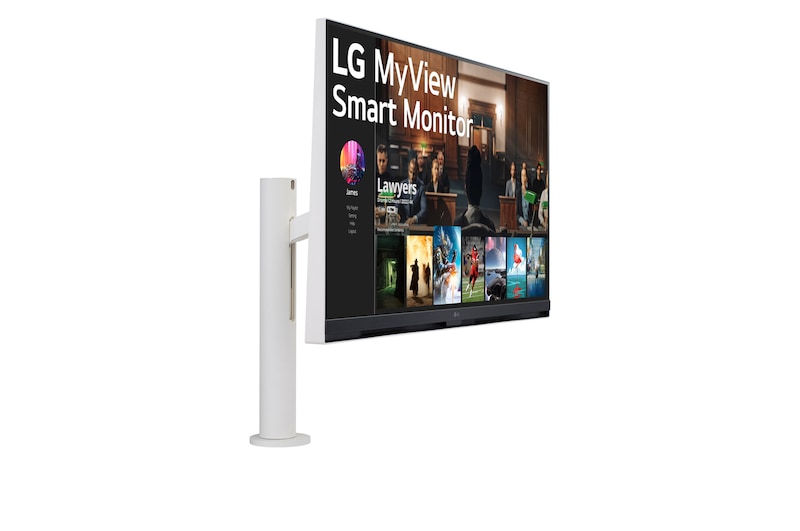
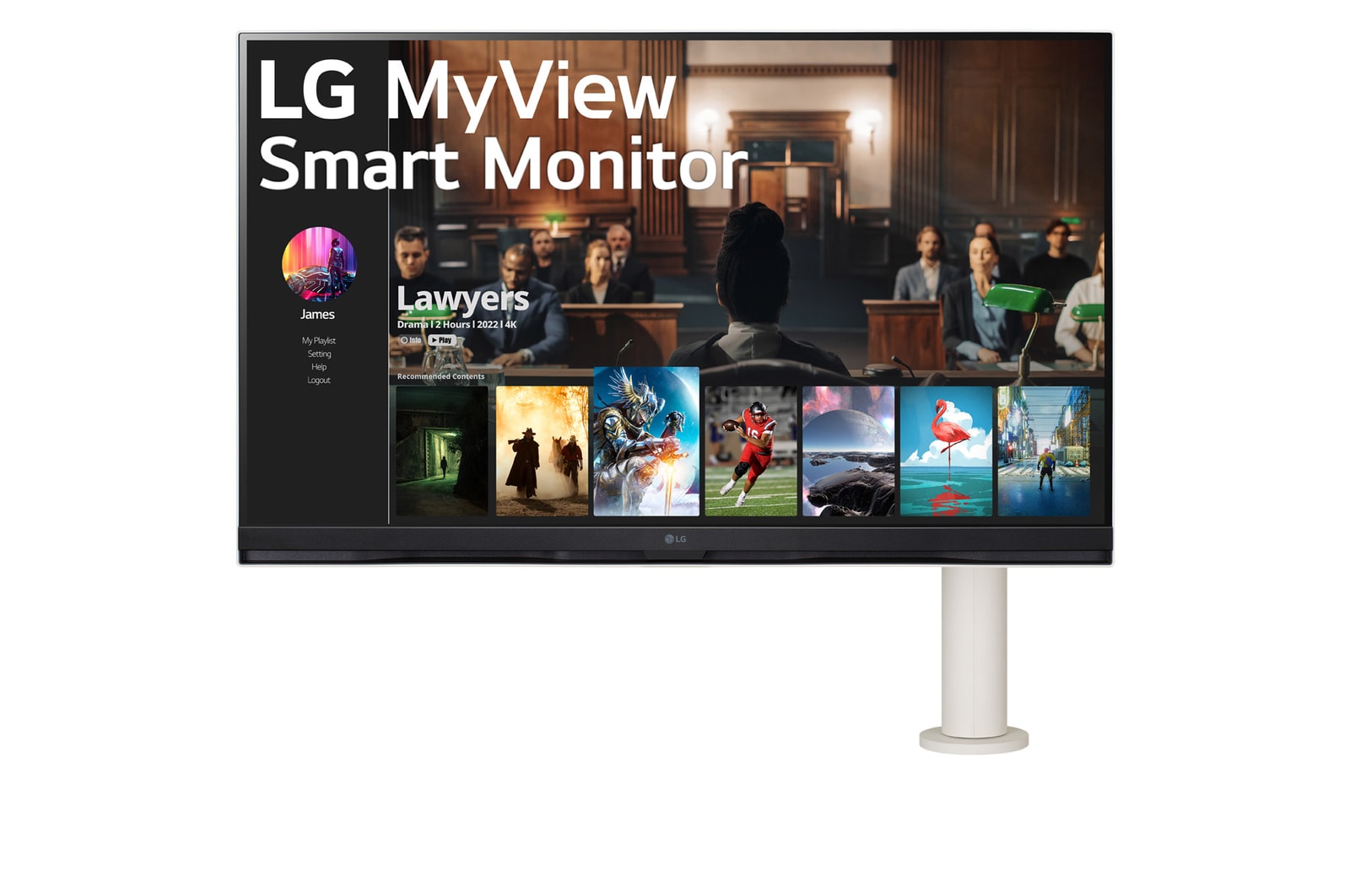
LG MyView Smart Monitor - In your own space, with your own screen.

One screen. Endless possibilities.

LG MyView Smart Monitor - In your own space, with your own screen.

In your own space,
with your own screen

Experience the perfect immersion with a personal screen placed in your own space. Enlarge the small, bring the distant close – effortlessly connect and navigate.

*Since '24, “LG SMART Monitor” has been rebranded as “LG MyView Smart Monitor”. Depending on the time of purchase, the same model may be labeled as LG SMART Monitor on its box and manual.

Work Smarter, Play Better

LG Smart Monitor is designed for multitasking.

You can not only focus on the display for connected desktop, laptop, or gaming devices, but it allows you to watch your favourite content effortlessly with various streaming apps.

BG-White-D

Smart

webOS Smart Monitor
ThinQ Home Dashboard
Magic Remote Support

Display

32-inch Screen
4K UHD (3840x2160)
DCI-P3 90% (Typ.)

Usage

Ergo Stand
Wireless Connection
Various Ports

*The images simulated to enhance feature understanding. It may differ from actual use.
*The Magic Remote control is excluded from the package (sold separately), and its detailed specifications may differ by country.

The 32-inch UHD 4K (3840x2160) display reproduces clear images and precise colours with DCI-P3 90% (Typ.).
32-inch 4K UHD Display

Stunning Image Quality in 4K Display

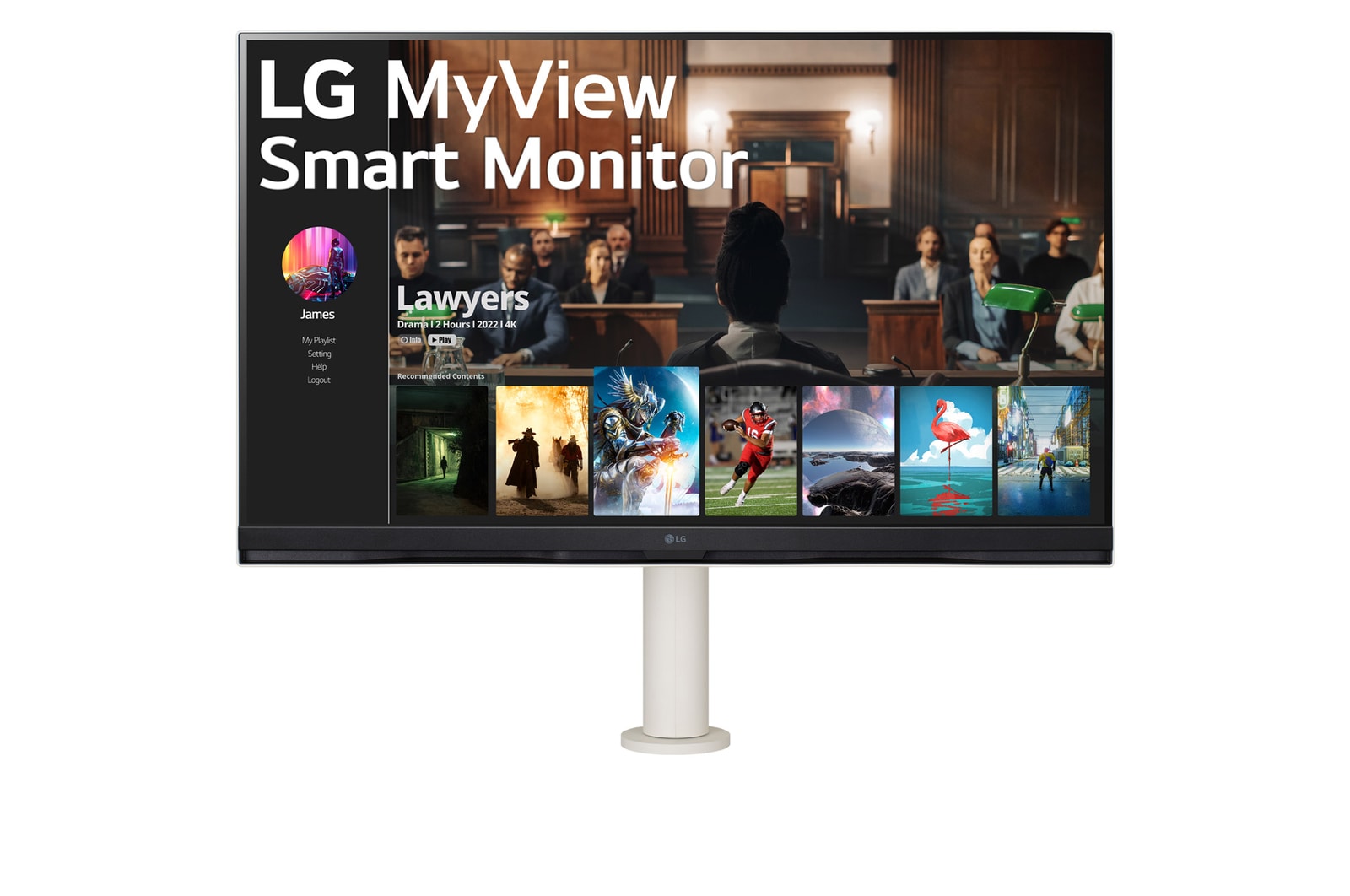
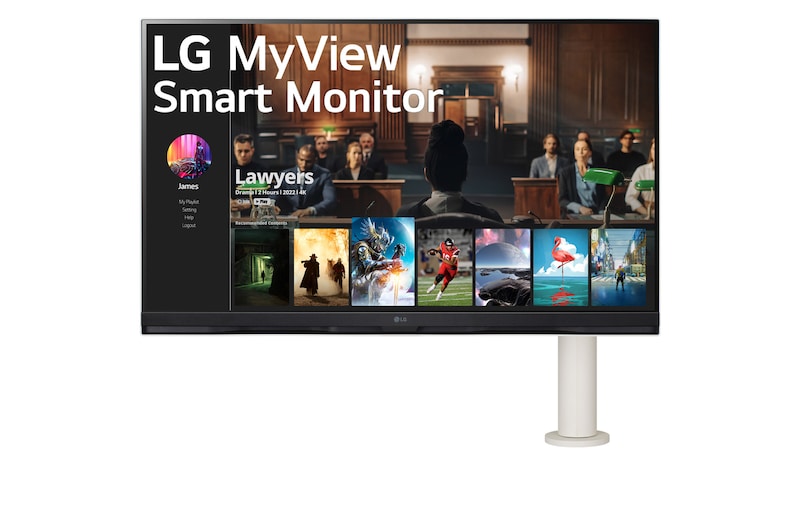
The 32-inch UHD 4K (3840x2160) display reproduces clear images and precise colours with DCI-P3 90% (Typ.). So, it helps you experience dramatic visual immersion in numerous contents from comedy, to movies to sports.
webOS22 & Stereo Speakers

Set Up Profiles for Your Taste

Thanks to webOS22, you can explore a variety of shows and movies with built-in apps like Netflix, Prime Video, Disney , YouTube, and access to free LG Channels. And, 2 x 5W stereo speakers help to complete your immersive sound experience.

You can explore a variety of shows and movies with built-in apps with webOS22. And 2 x 5W stereo speakers complete your immersive sound experience.

*The images simulated to enhance feature understanding. It may differ from actual use.
*Internet connection and subscription to streaming services are required.
*Supported services may differ by country. And the number of LG Channels is subject to change.

ThinQ Home Dashboard

Easy Control for Home Appliances

ThinQ Home Dashboard leads your life more convenient. You can check and control the status of the appliances in your home with a remote at once on the monitor screen.

*The images simulated to enhance feature understanding. It may differ from actual use.
*How to connect ThinQ Home Dashboard : Step1. Install LG ThinQ App on your phone, and register your devices. Step2. Connect devices that register on LG ThinQ APP to the ThinQ Home Dashboard.
*Supported services may differ by country.

Voice Recognition by Magic Remote

Just Say What You Want

With Magic Remote, you can control the operation and play your favourite content by voice commands that support AI voice recognition technology.

*The Magic Remote control is excluded from the package (sold separately), and its detailed specifications may differ by country.
*The Monitor remote control is included in the package.
*The images simulated to enhance feature understanding. It may differ from actual use.

A Comfortable and Flexible Workstation Setup

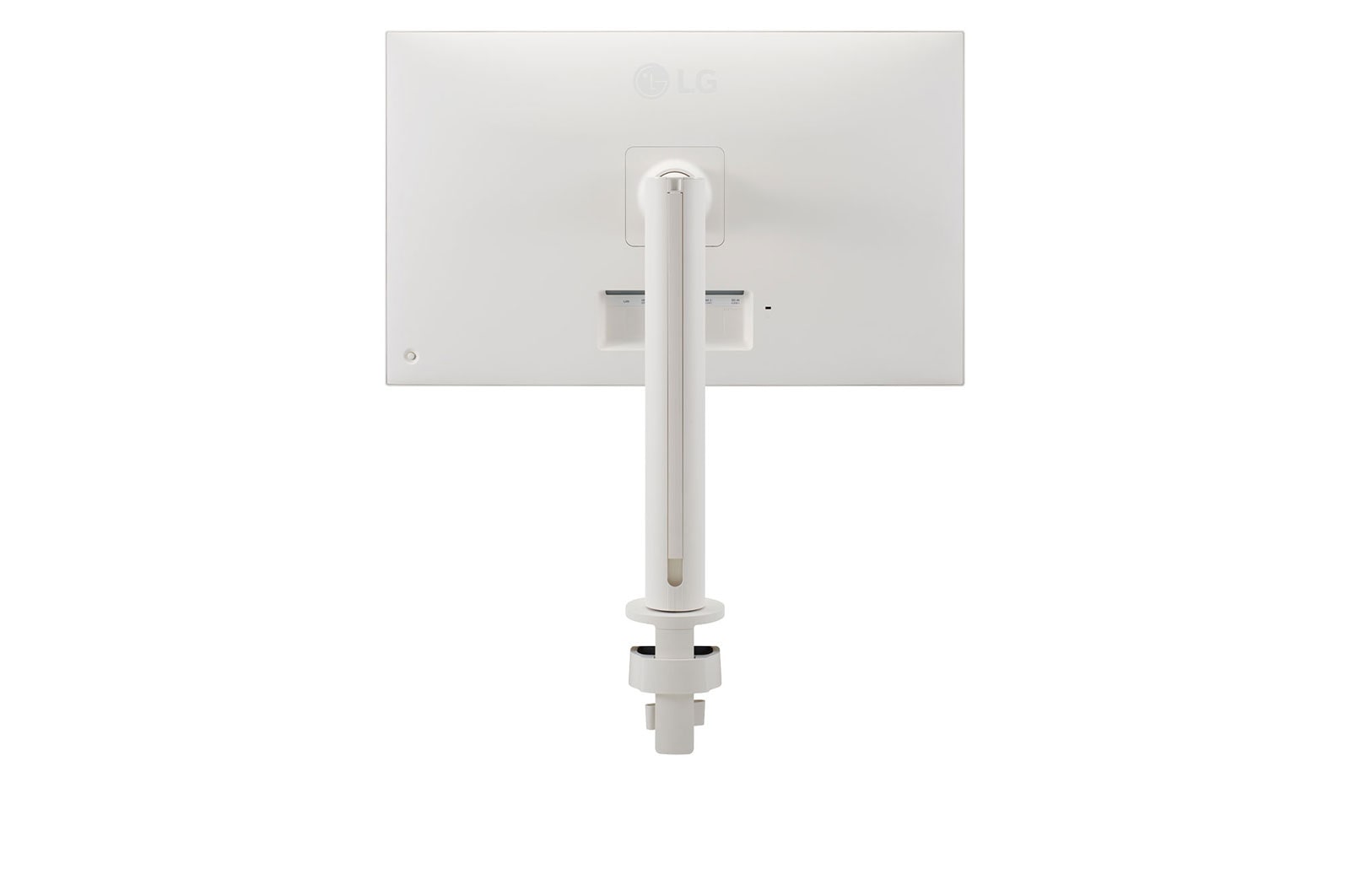
The compact design takes up very little desk surface.

Fully Use Your Desk Space

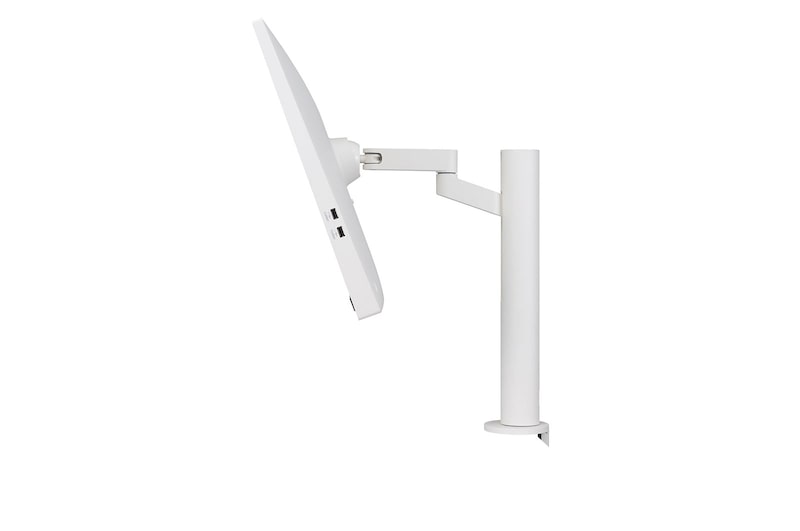
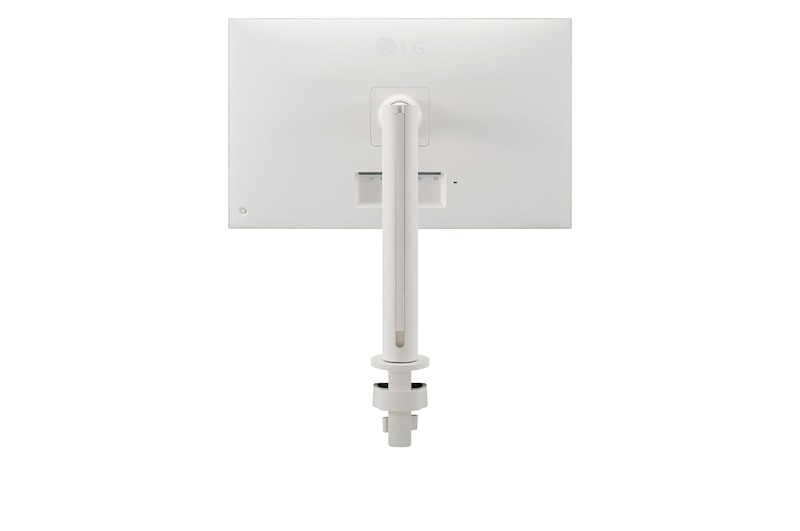
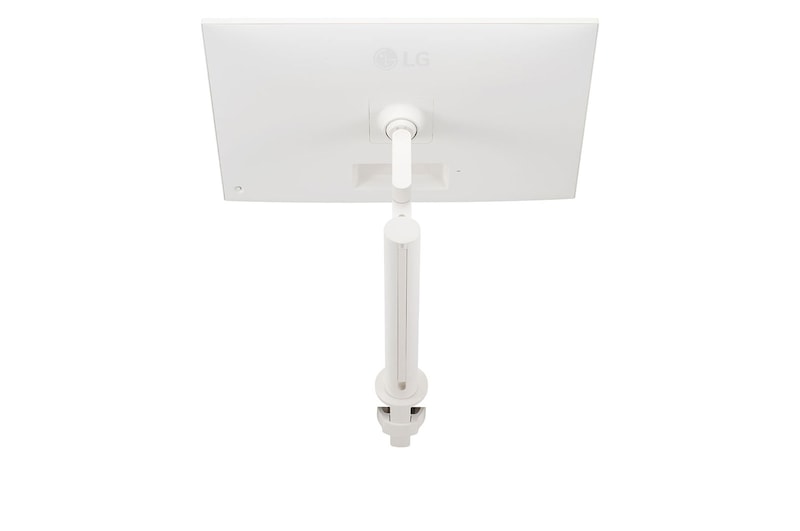
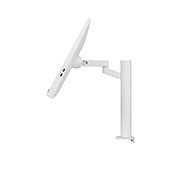
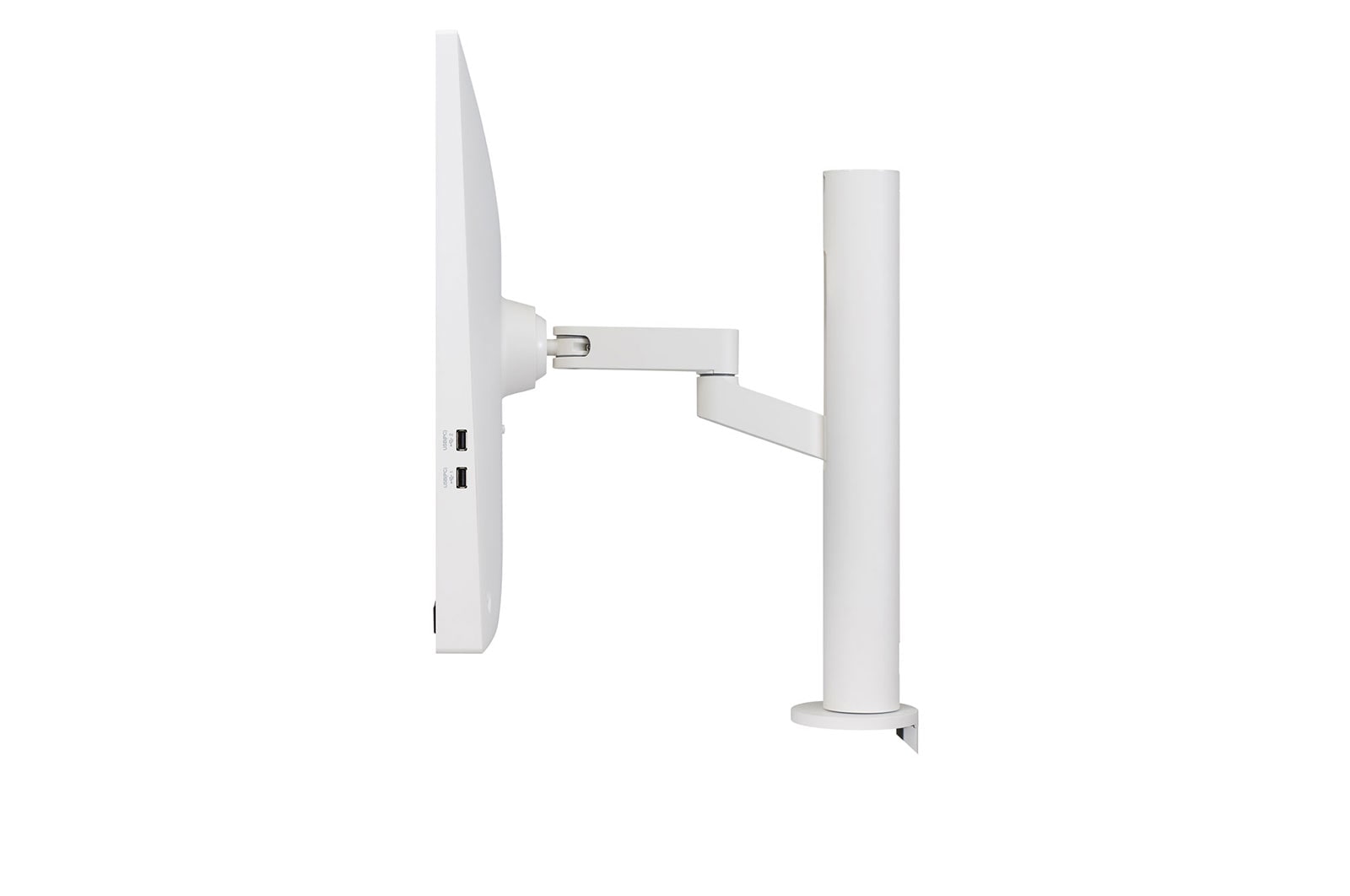
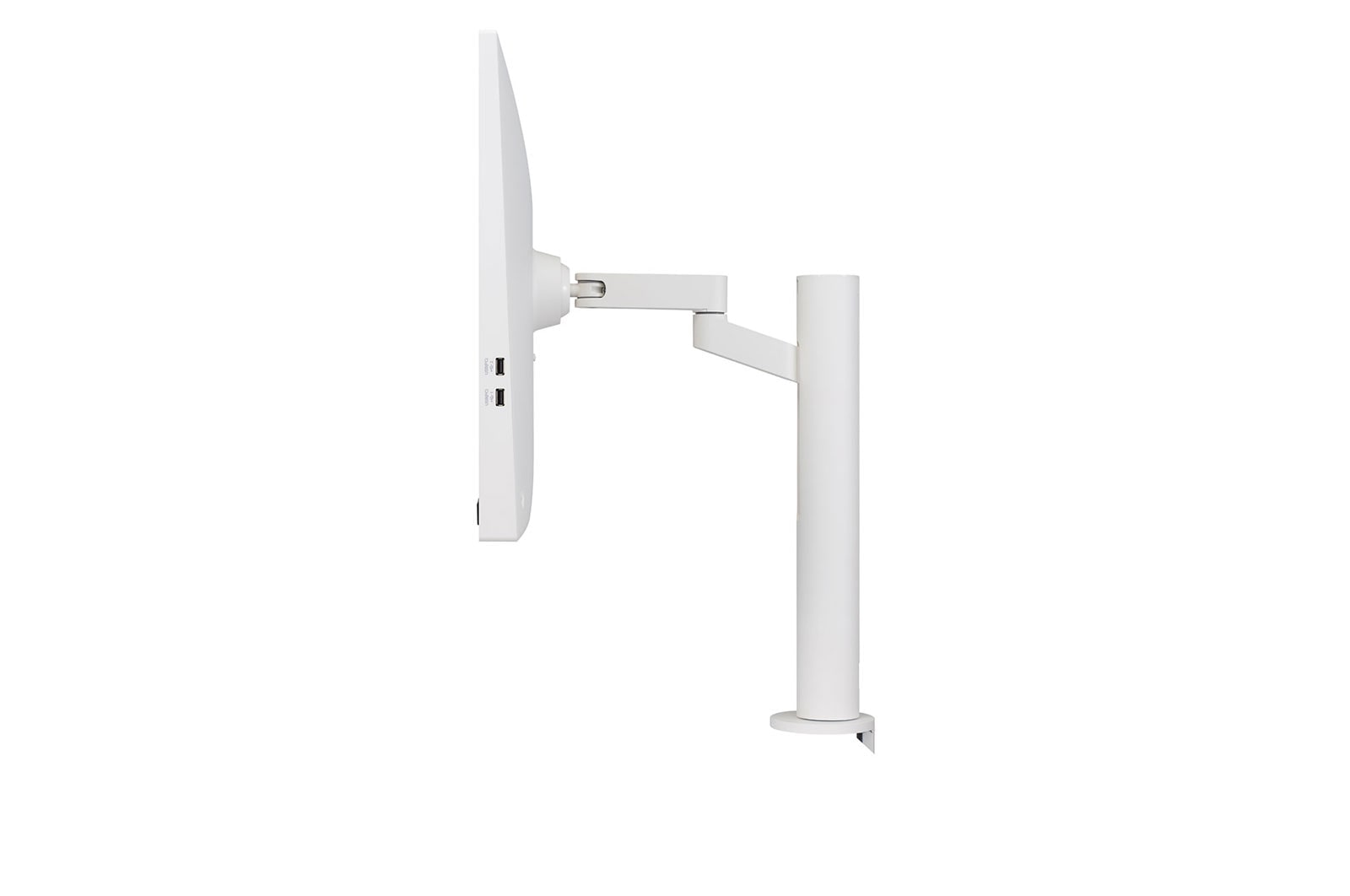
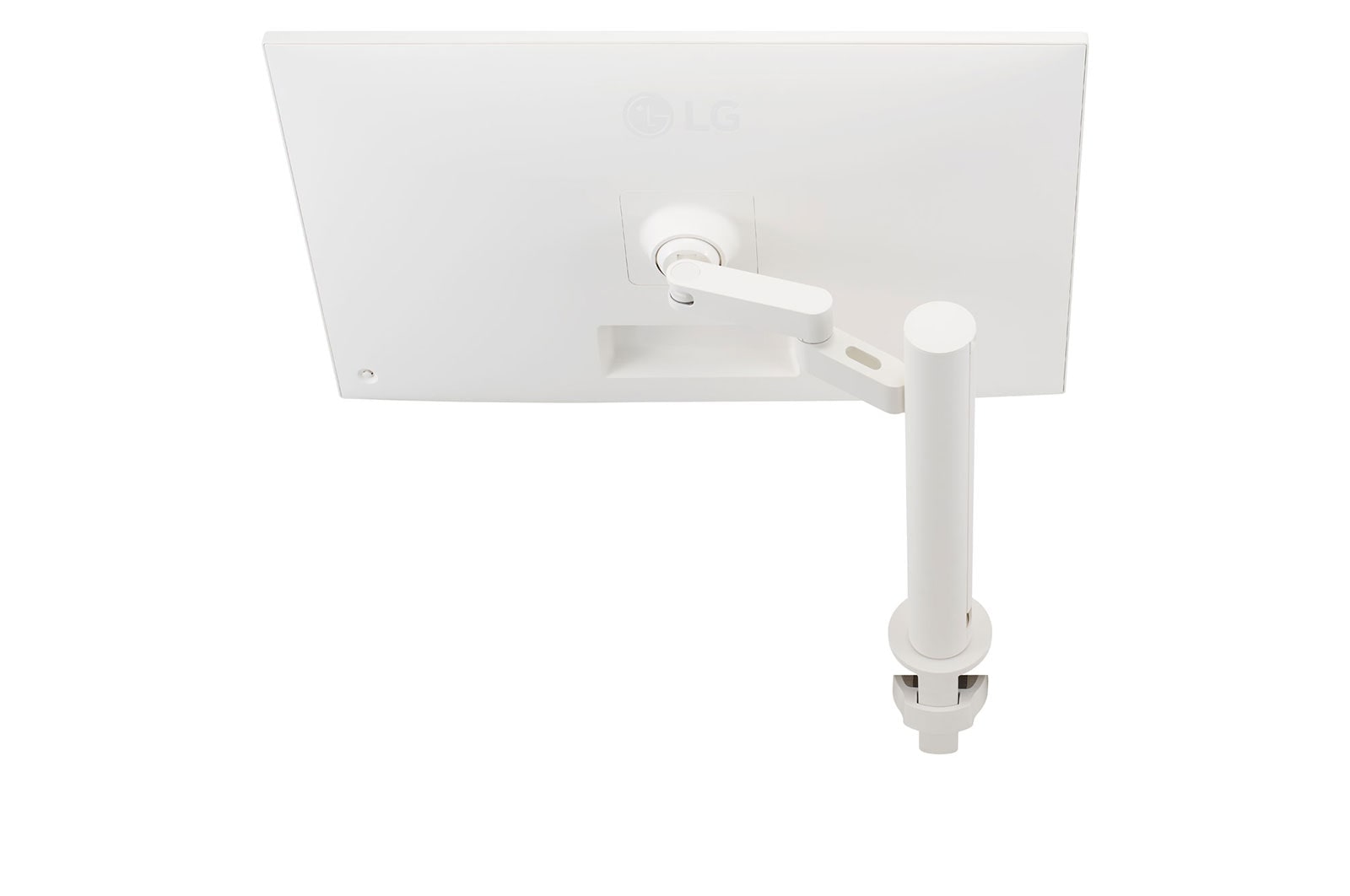
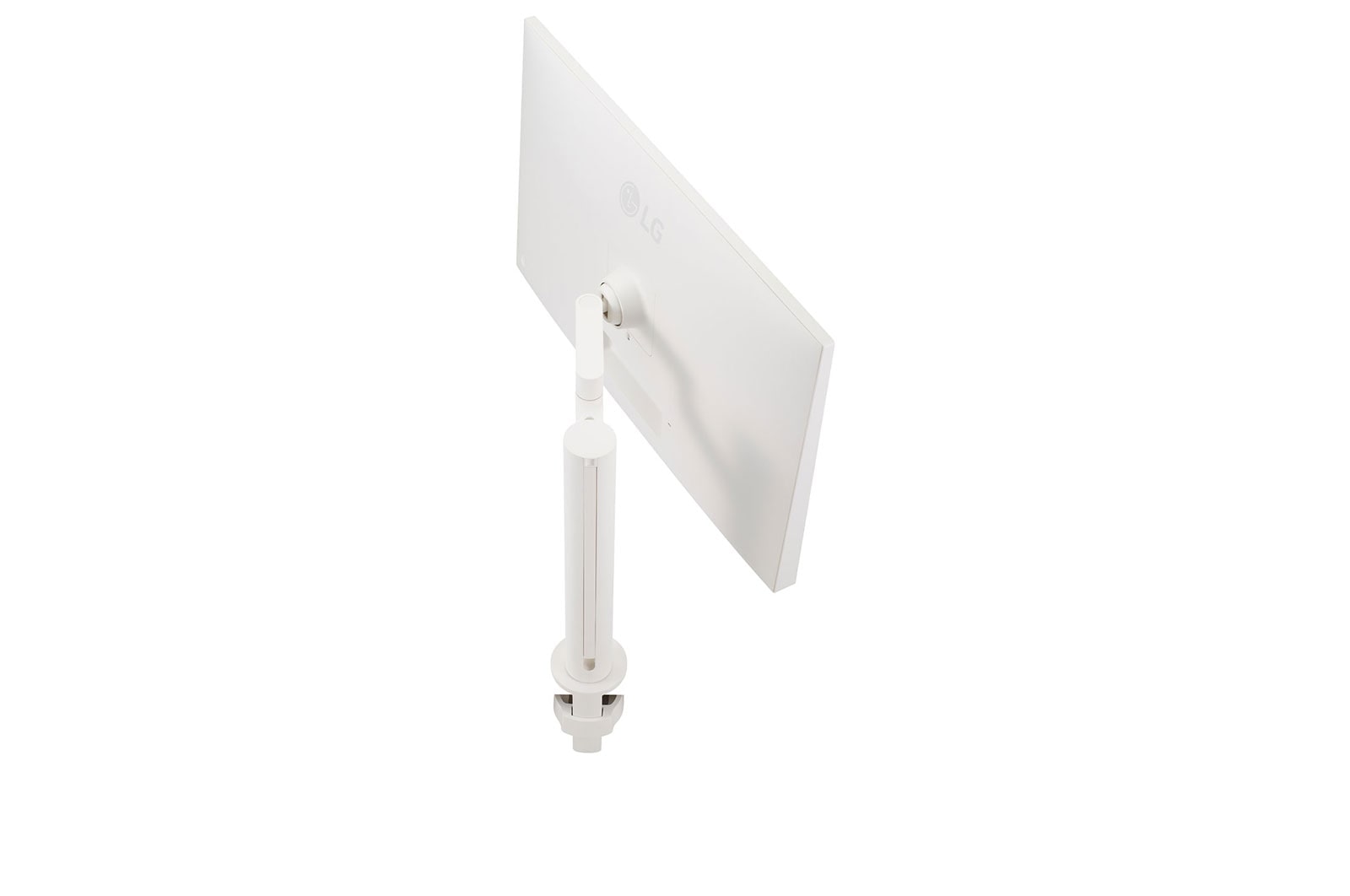
Ergo stand with compact design takes up very little desk space and supports any posture comfortably.

*The images simulated to enhance feature understanding. It may differ from actual use.

Various Movement of Display

Be Sleek and More Ergonomic

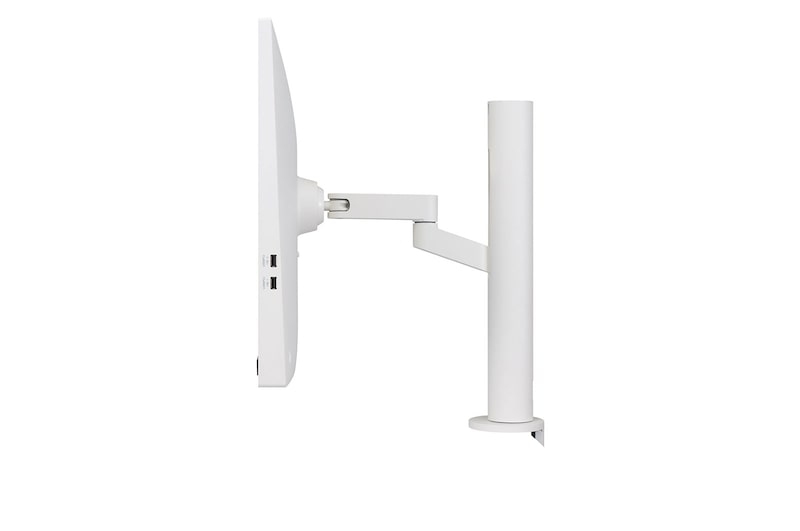
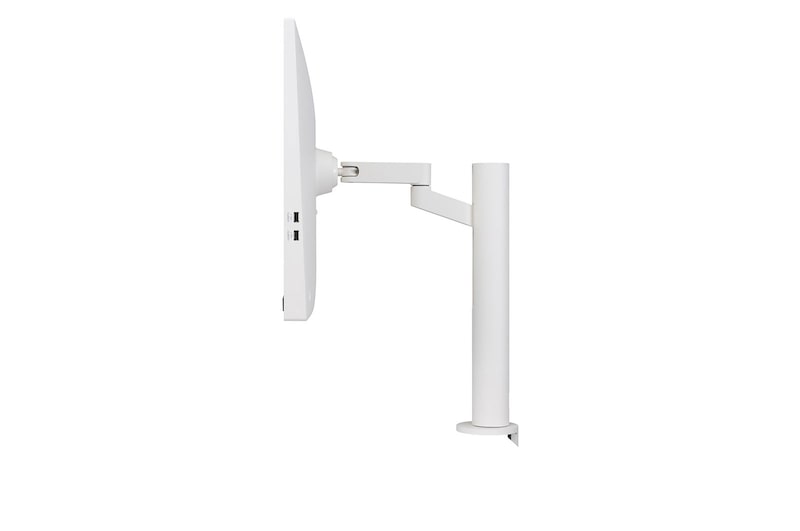
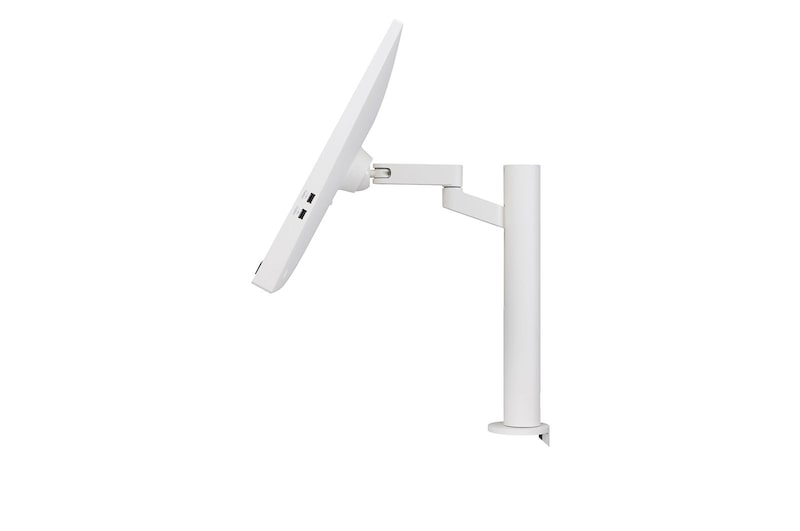
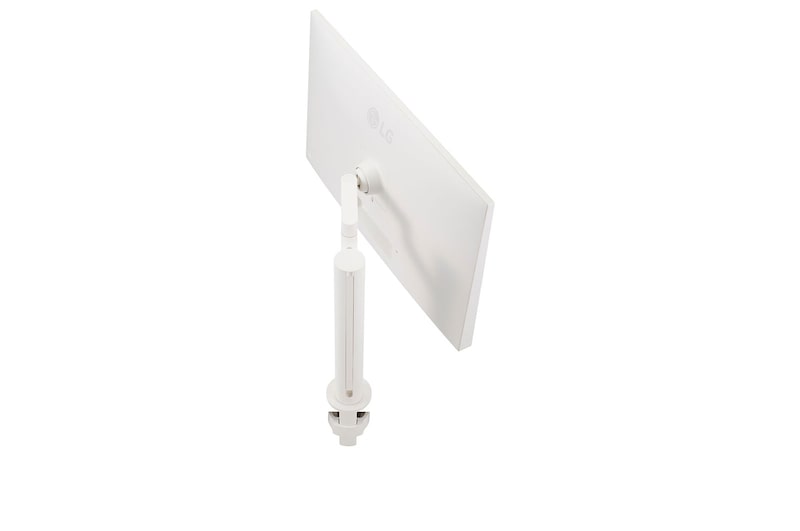
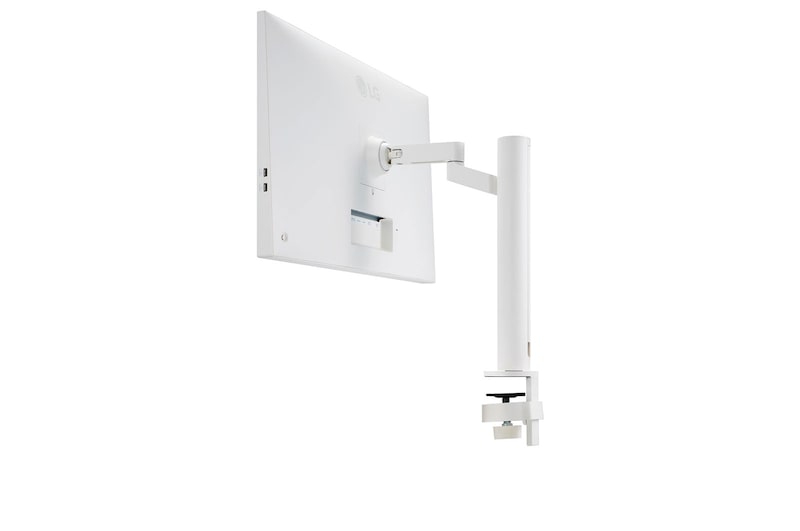
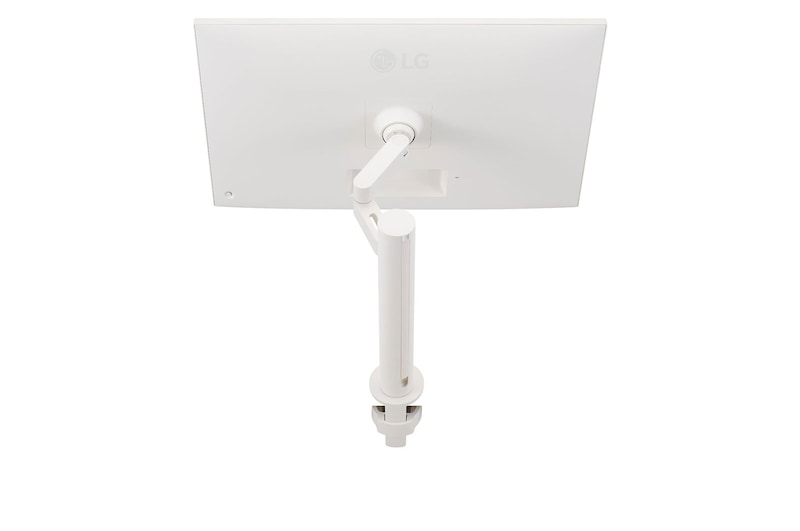
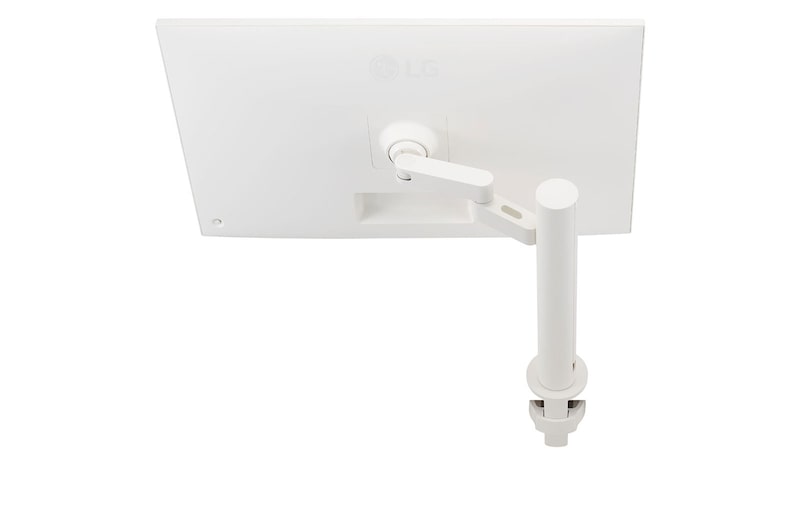
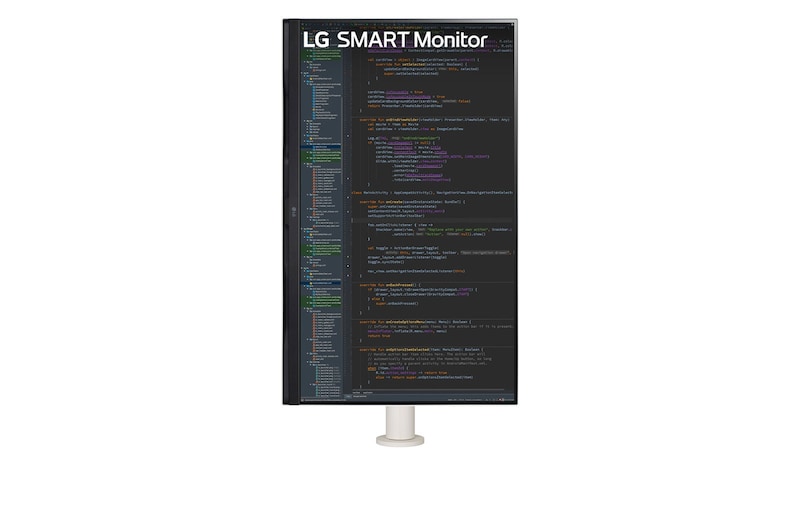
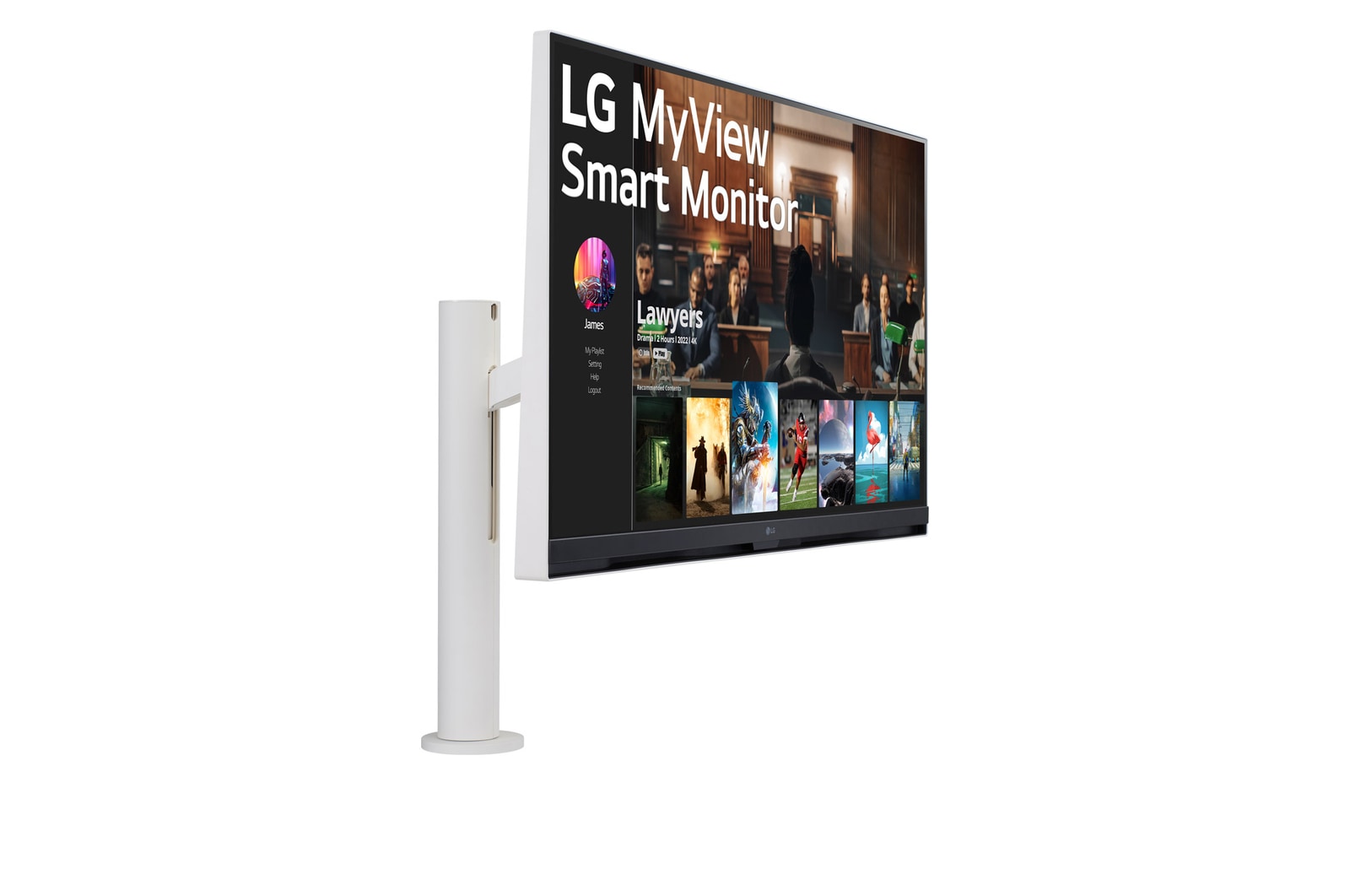
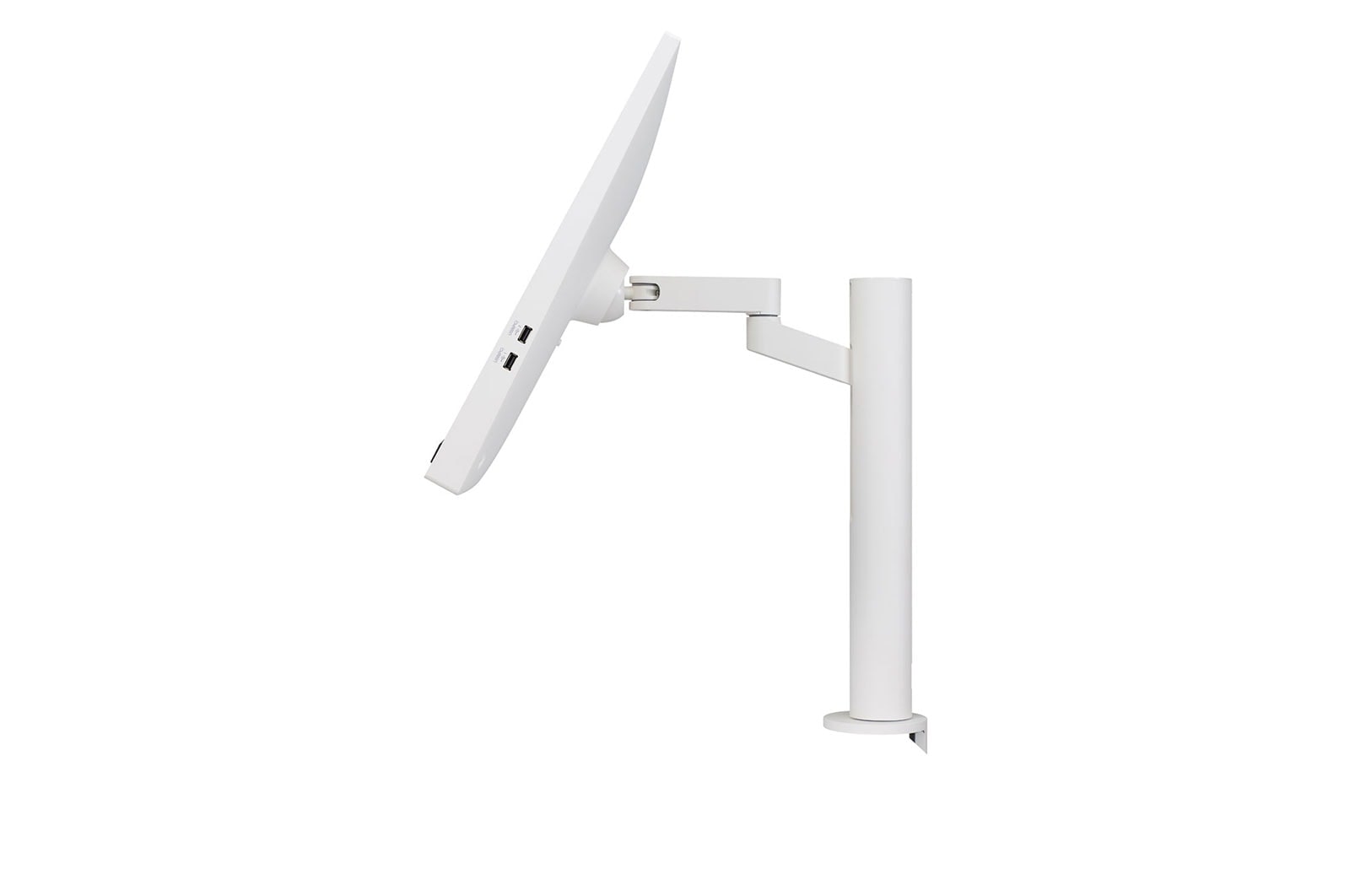
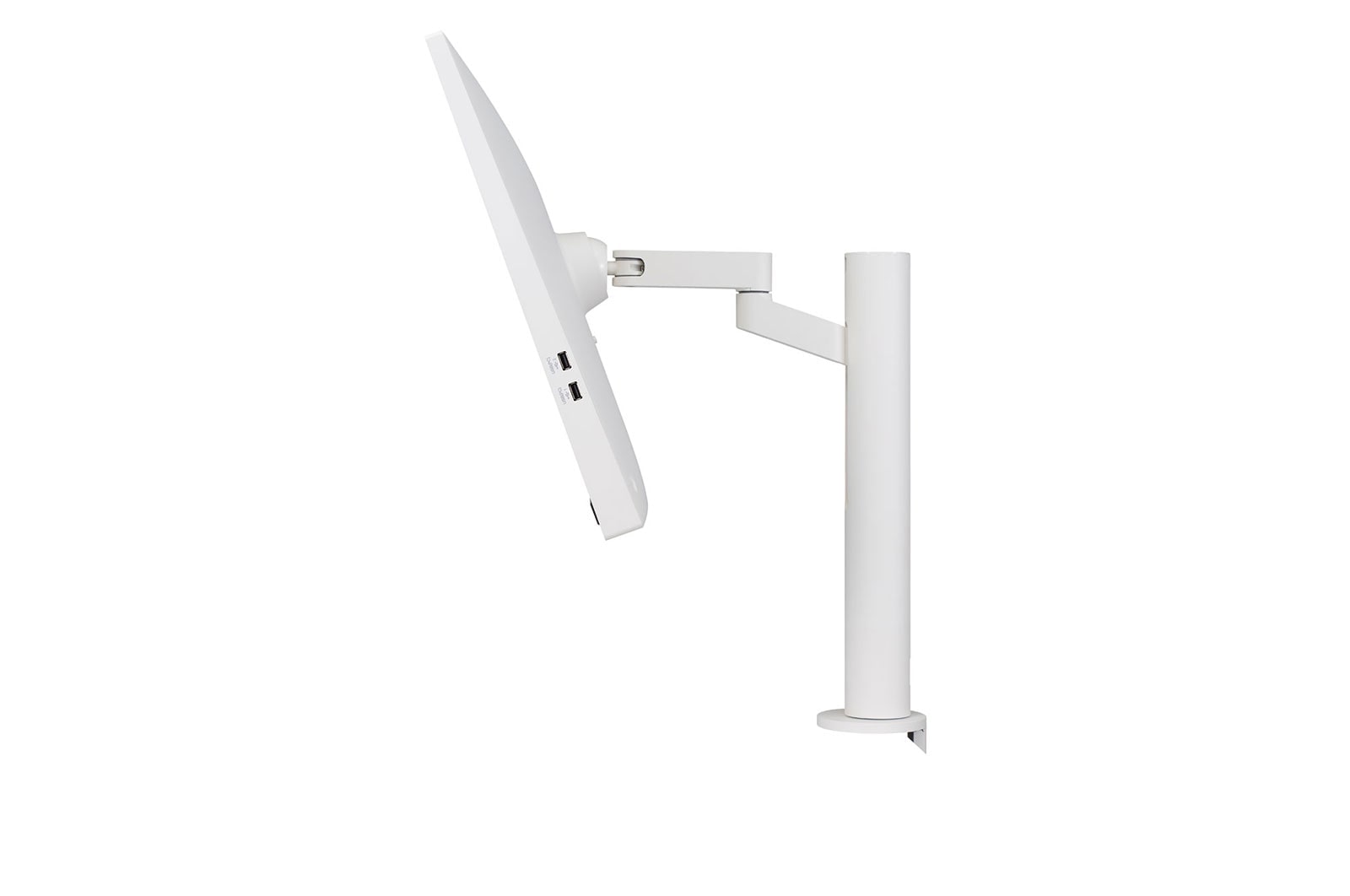
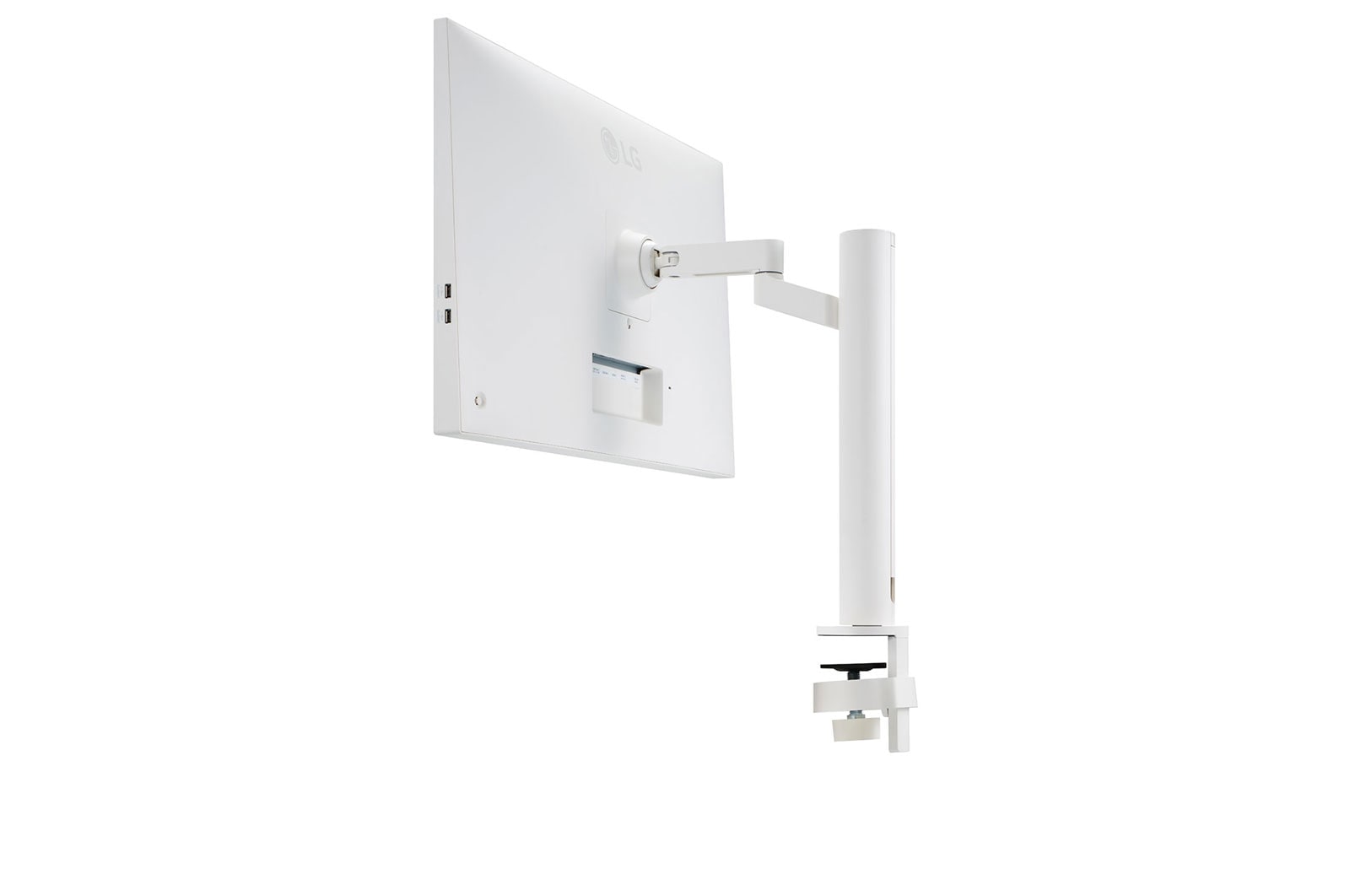
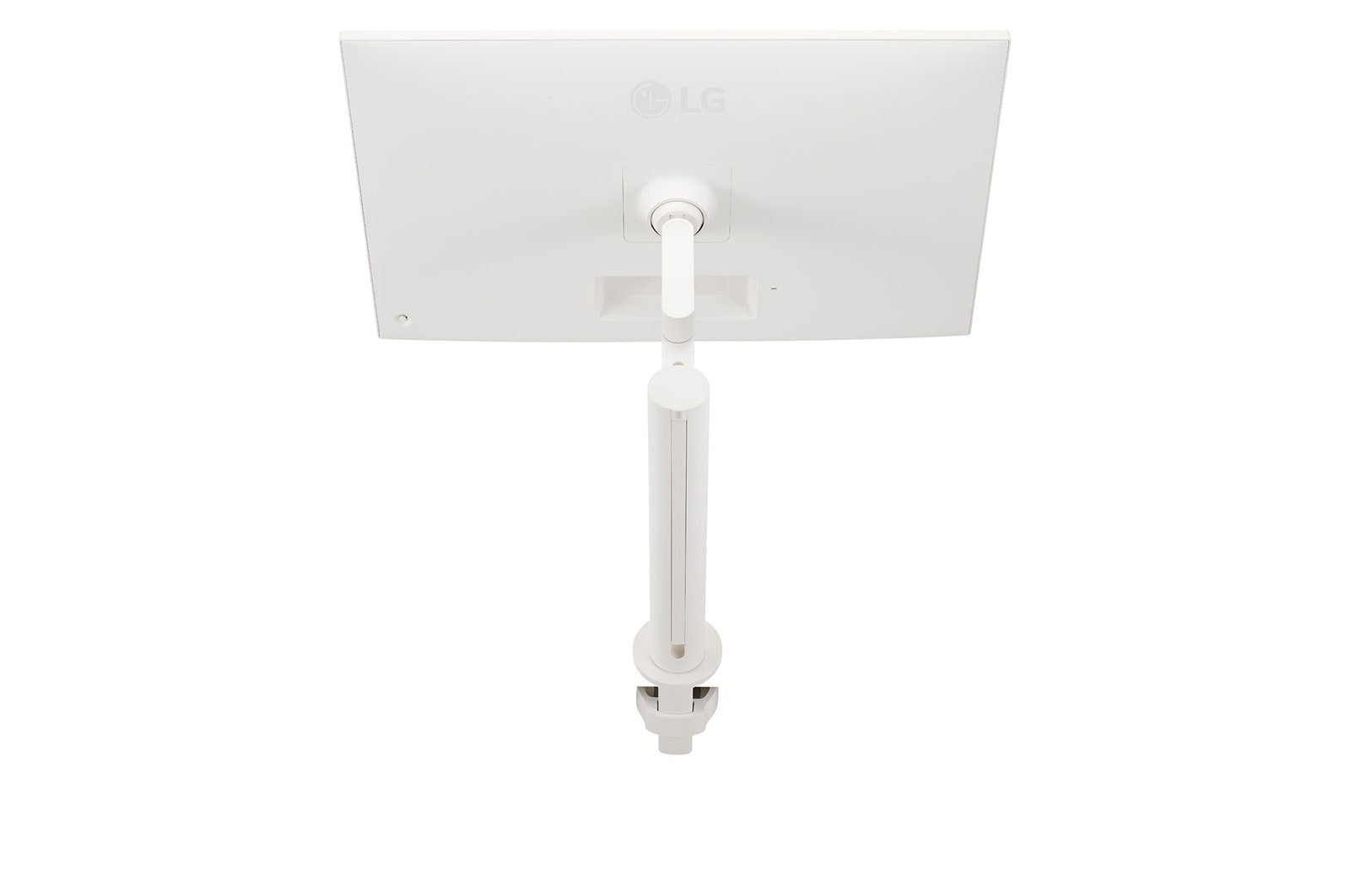
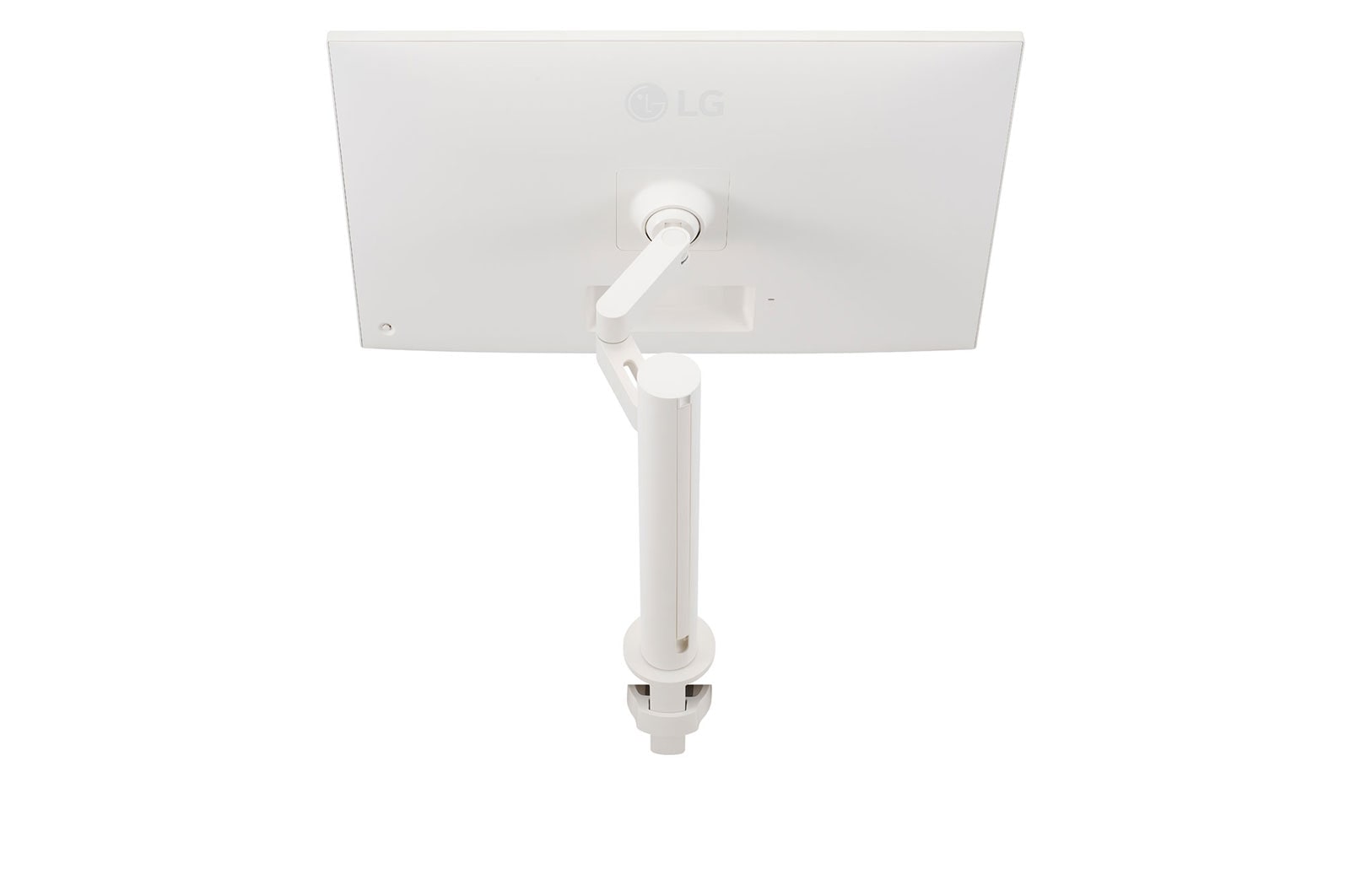
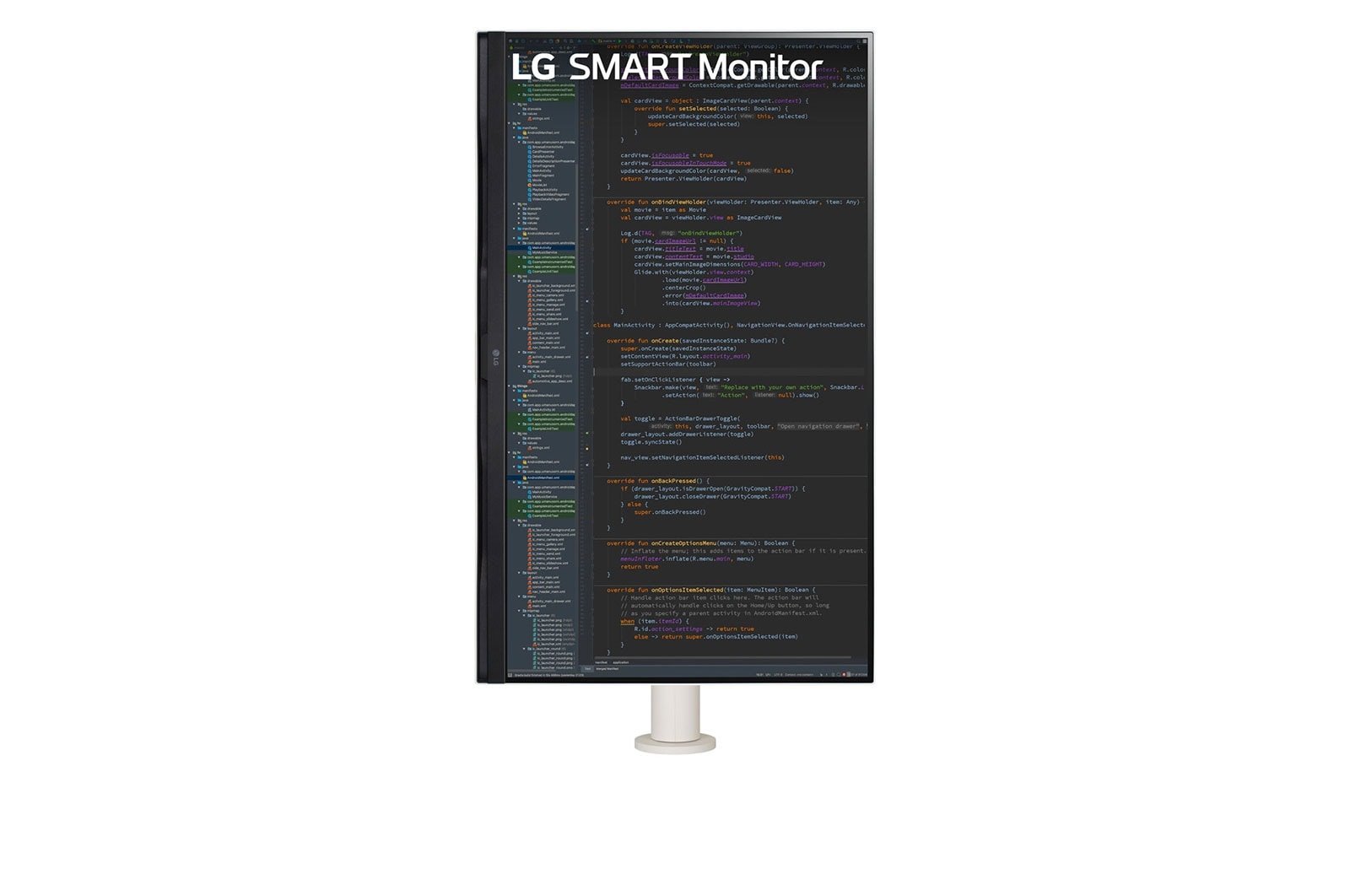
Enhanced flexibility of the Ergo stand* offers expanded ergonomic adjustment of extend/retract, swivel, pivot, height, and tilt that provides a comfortable and sustainable user experience.

*Ergo Stand : Extend/Retract 180mm, Swivel ±280, Pivot 90° (One Side), Height 130mm, Down Height 127mm, Tilt ±25°. (Auto Pivot can be available when the Display Orientation option changes to 'Portrait' on a PC.)
**The images simulated to enhance feature understanding. It may differ from actual use.

Easy Installation

The re-designed C-Clamp & Grommet and One Click Mount make it to install easily without other equipment.

*To install the Ergo stand on the table, the table should be less than 75mm (2.9 inches) thick for C-Clamp or have the table hole more than 45mm (1.7 inches) size for Grommet.

Conveniently share screen and sound with Advanced Wireless Connection.
AirPlay 2 Screen Share Bluetooth

Smart Wireless Connection

You can easily share your content from your smart device to your monitor by AirPlay 2* (for Apple devices) or Screen Share** (for Android devices). Also, you can enjoy rich sound by Bluetooth pairing.

*Apple and related marks and logos are trademarks of Apple Inc. Supported features may vary by countries and regions.
*This monitor is compatible with AirPlay 2 and HomeKit, iOS 12.3 or later or macOS 10.14.5 or later is required.
**Screen Share : Supported on Android or Windows 8.1 and above.
***Connect your device to the same Wi-Fi network as your Monitor.

USB Type-C™

Easy Control and Connectivity

USB Type-C™ ports allow 4K display, data transfer, and connected device charging (up to 65W), enabling support for your laptop all at the same time over a single cable.

USB Type-C™ ports allow 4K display, data transfer, and connected device charging (up to 65W) with a single cable.

*The images simulated to enhance feature understanding. It may differ from actual use.
*To work properly, the USB Type-C™ cable is required to connect the USB Type-C™ port to the monitor.
*The USB Type-C™ cable is not included in the package (sold separately).

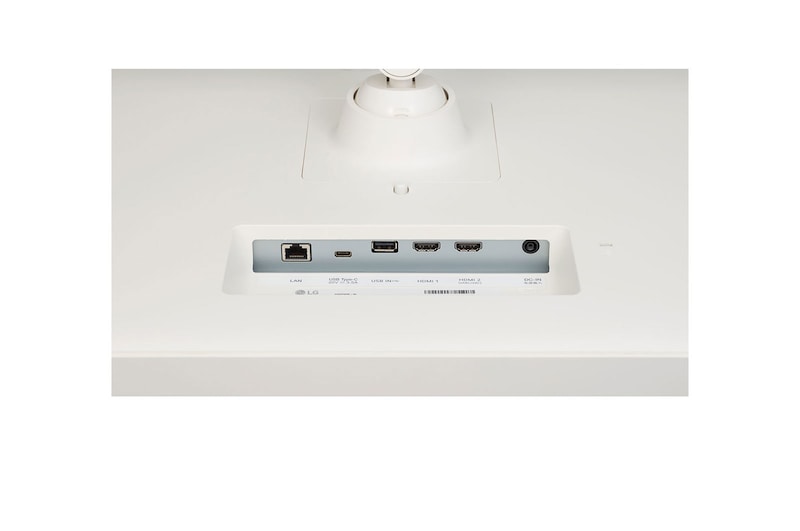
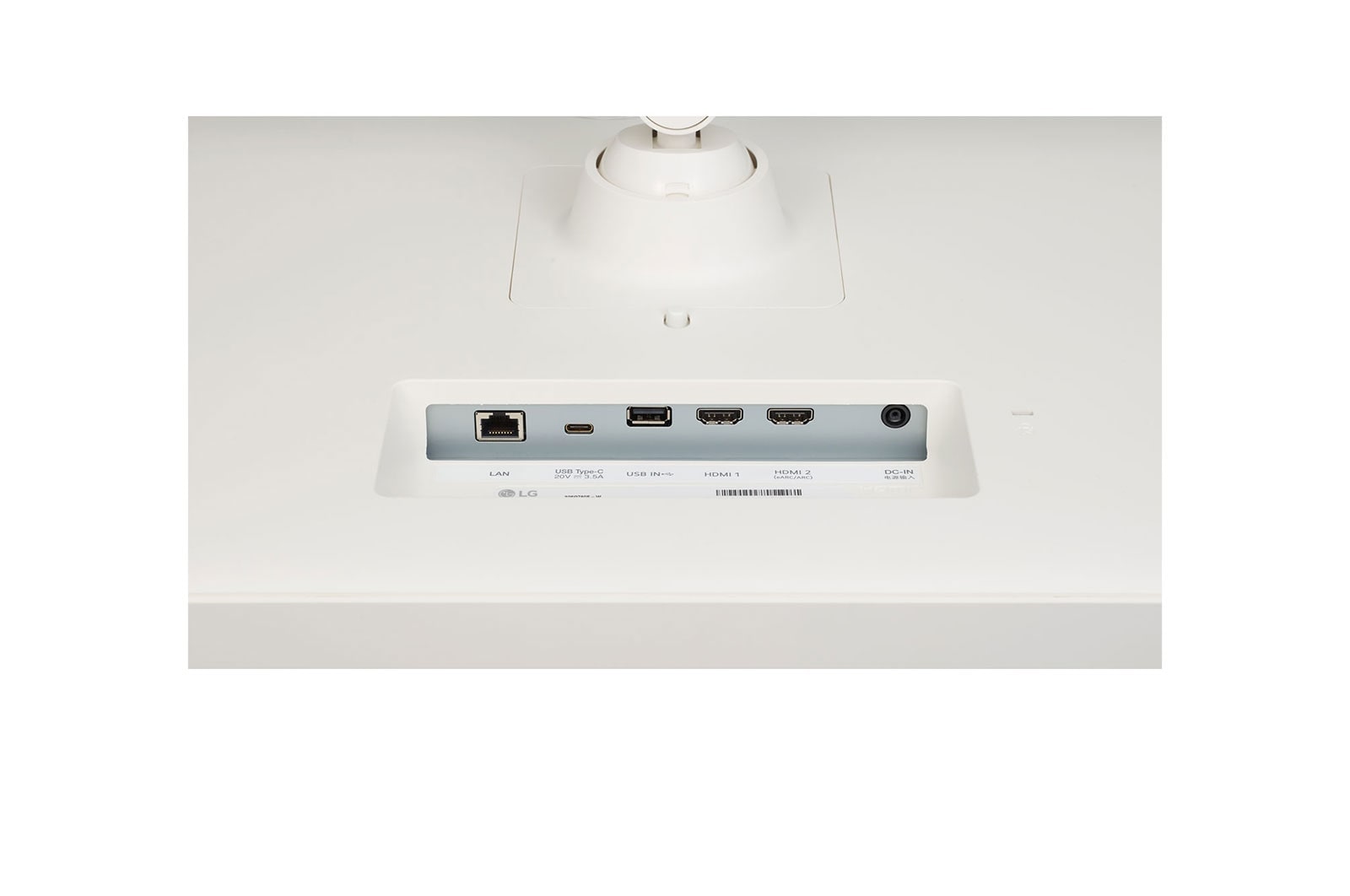
See All Ports

USB Type-C™ Port

2 X HDMI port

3 X USB port*

LAN port

*In case of the monitor (USB IN port) is connected to one of the USB ports of the PC, two USB ports on the side function as a USB hub in your monitor that will be like connecting to the PC.

All Spec

What people are saying

FAQ

What are the benefits of using UHD 4K & 5K monitors?

1. Ultra-High Resolution for Crystal-Clear Image Quality

Boasting 4K (3840×2160) and 5K (5120×2160) resolutions, these monitors offer a much higher pixel count than conventional displays. This results in sharper, more detailed rendering of text, images, and videos, which makes everything on screen look incredibly clear and crisp.


2. Optimized Color Accuracy for Professional Visual Work

These monitors support advanced technologies that enhance image quality and color accuracy, making them ideal for creative professionals. They are a perfect fit for tasks like photo and video editing, graphic design, and color grading, where accurate and vibrant colors are paramount.


3. Enhanced Content Immersion

You can watch 4K content from services like Netflix, YouTube, and other streaming platforms in its native, high-quality format. The high brightness and rich contrast levels further elevate your viewing experience, making movies and TV shows more immersive and visually stunning.


4. More Screen Space

The high resolution allows you to display more content on a single screen at once. This is a big advantage for multitasking, especially for tasks such as video editing, design, coding, or research, where having multiple applications and windows open side by side can significantly improve your workflow.

Who would especially benefit from using UHD 4K & 5K monitors?

LG UHD 4K & 5K monitors are especially well-suited for users who demand precision, love high-quality content, and value efficient multitasking.
 

They are ideal for professionals in graphic design, photo editing, and video production, where high resolution and accurate color reproduction are crucial. The monitors' support for technologies like DCI-P3 and HDR10 enhances both convenience and visual quality. The increased screen real estate also benefits planners, developers, researchers, and finance professionals who work with multiple windows simultaneously, improving overall workflow efficiency.


For those who want to enjoy 4K content from platforms like YouTube or Netflix in its original quality, the sharp resolution and vibrant contrast provide a deeply immersive viewing experience.


In short, UHD 4K & 5K monitors offer a versatile solution, perfectly serving both professional users who need visual accuracy and general users who want to enjoy rich, detailed content.

What are the differences between OLED, IPS, and VA panels?

OLED (Organic Light-Emitting Diode)

OLED panels are a premium display technology where each pixel emits its own light. This self-emissive design allows for true blacks and an infinite contrast ratio, since pixels can be fully turned off. They also have ultra-fast response times, making them the best option for high-end gaming monitors, premium TVs, and professional video editing where colour accuracy and speed are critical.


IPS (In-Plane Switching)

IPS panels are known for their accurate colour reproduction and wide viewing angles, which keeps the image clear and consistent even when viewed from the side. This makes them a great all-purpose choice for office work, design, and gaming. Gamers especially appreciate their superior colour accuracy, as it allows them to experience the game’s visuals exactly as the developers intended.


VA (Vertical Alignment)

VA panels offer the highest native contrast ratio of all LCD types, delivering an immersive experience for movies and videos with deep blacks and rich colours. While not as fast as TN or OLED panels, their performance has improved to the point of being a great, all-around option for both casual gaming and general media consumption.

Our Picks for You