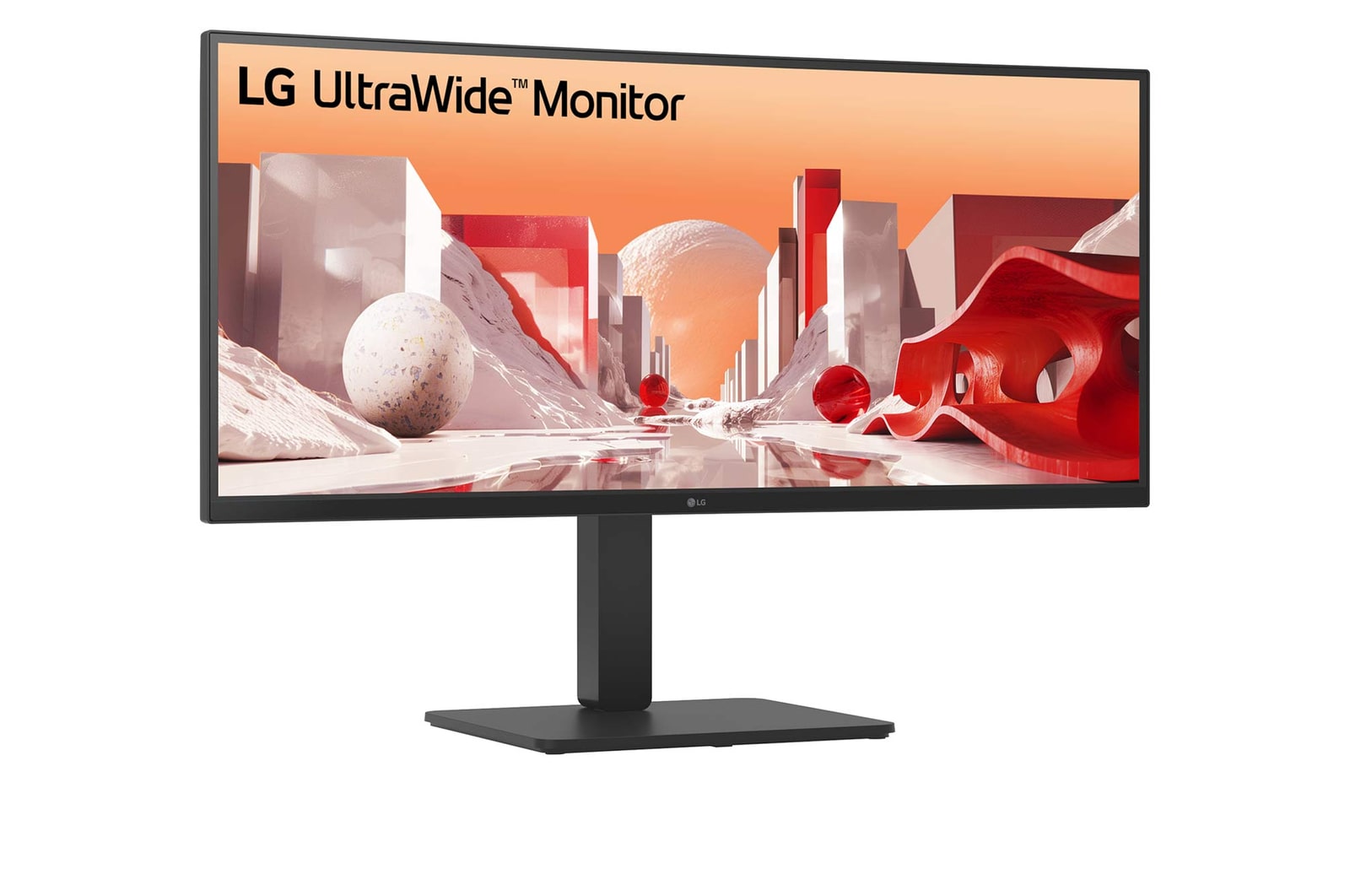
LG UltraWide™ Monitor Curved logo.

LG UltraWide™ Monitor Curved logo.

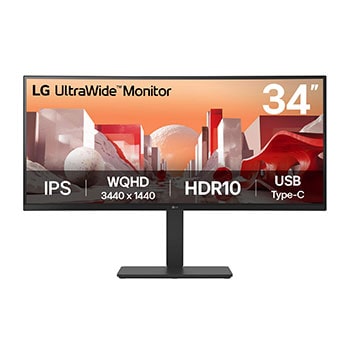
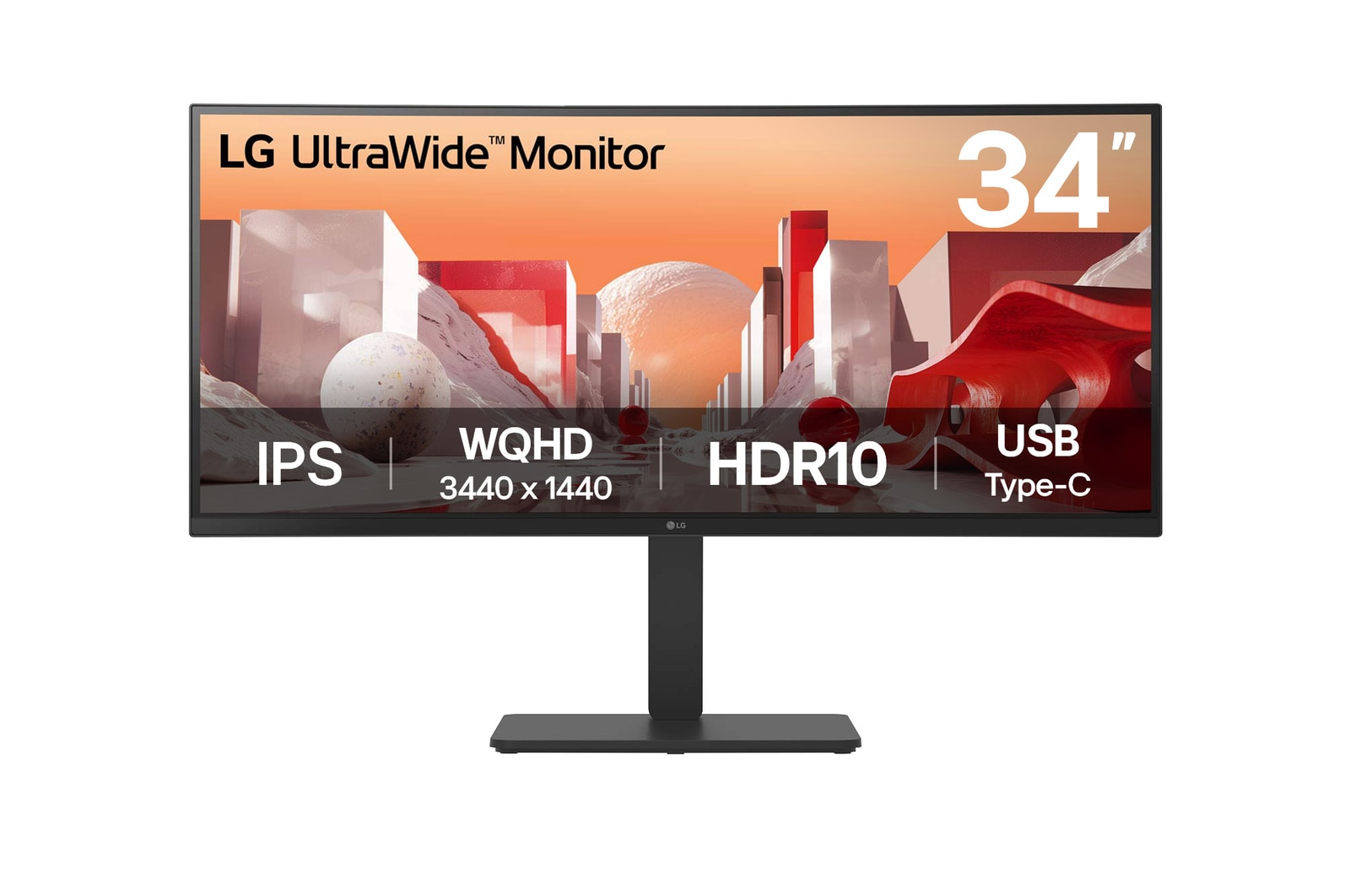
34" WQHD IPS display

Vivid colour at wide angles

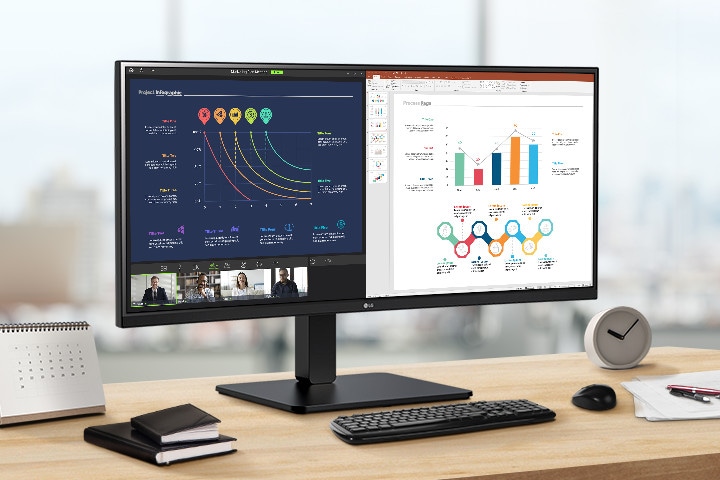
LG WQHD (3440x1440) monitor with IPS technology delivers a clear and consistent colour. It can provide vivid colour reproduction and help users to view the screen at a wide angle.

A WQHD IPS monitor is on the desk, displaying a video conference and various graphs on the screen.

*The images simulated to enhance feature understanding. It may differ from actual use.

**The keyboard and mouse are not included in the package.

Display

34” WQHD (3440x1440) Curved IPS

sRGB 99% (Typ.) / HDR10

Usability

Built-in power and speakers

USB Type-C™ (PD 90W) / RJ45

Comfort & Trust

Ergonomic stand

Reader Mode & Flicker Safe

EPEAT & Energy Star

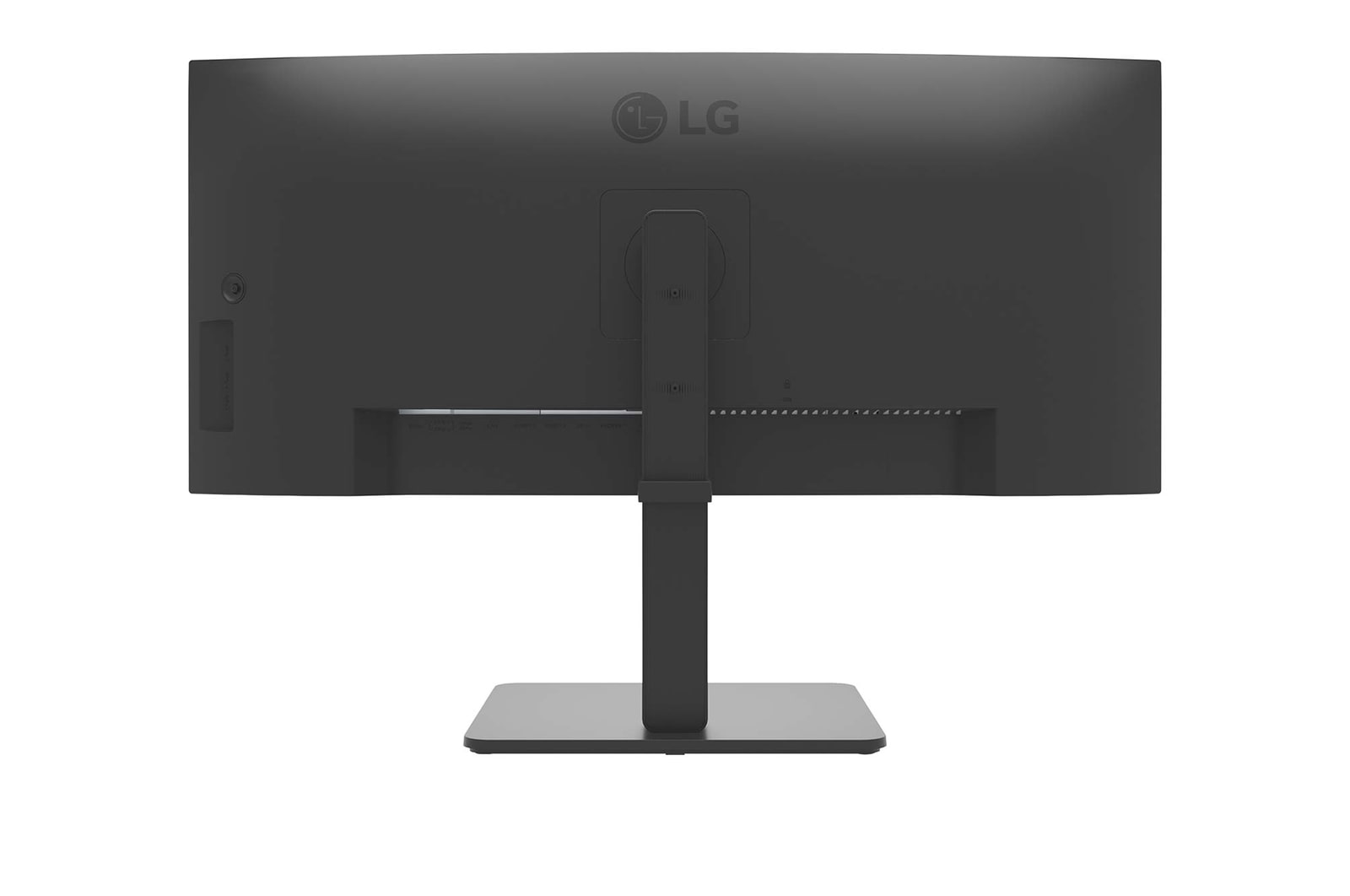
21:9 WQHD (3440x1440) Curved (3800R)

See more, do more

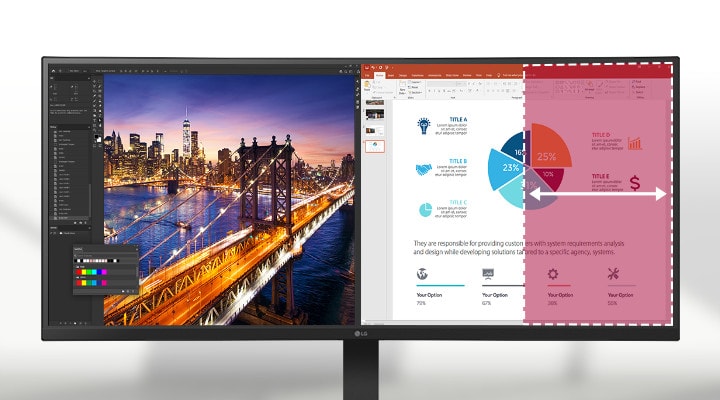
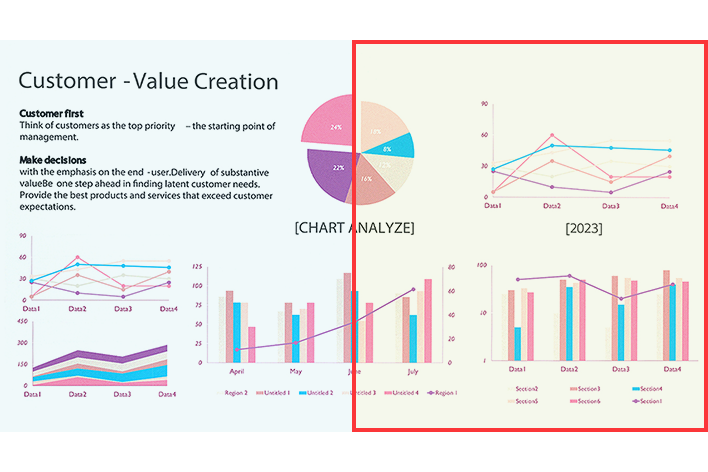
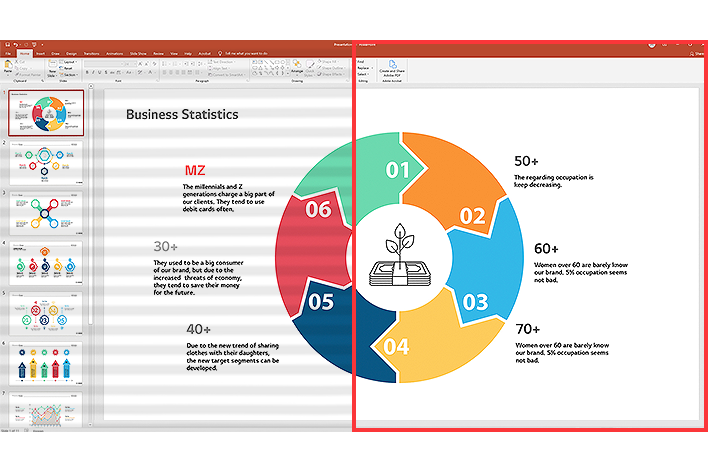
The UltraWide™ QHD (3440x1440) monitor, featuring a 3800R curvature and a 21:9 aspect ratio, provides you with more screen real estate and elevates your work efficiency. You can have multiple files open side by side and view extended rows of data in a spreadsheet without wrapping.

A 21:9 WQHD curved monitor displays Photoshop and PowerPoint, and its large screen allows multiple programs to be used simultaneously, increasing work efficiency.

A 21:9 WQHD curved monitor displays Photoshop and PowerPoint, and its large screen allows multiple programs to be used simultaneously, increasing work efficiency.

*The images simulated to enhance feature understanding. It may differ from actual use.

**The UltraWide QHD 21:9 aspect ratio monitor provides a wider horizontal display compared to a QHD 16:9 aspect ratio monitor.

HDR10 with sRGB 99% (Typ.)

See amazing colours

HDR technology is now applied to various content. This monitor is compatible with industry standard HDR10 (High Dynamic Range), based on the sRGB 99% colour gamut, supporting specific levels of colour and brightness that enables viewers to enjoy the dramatic colours of the content.
*The images simulated to enhance feature understanding. It may differ from actual use.

**Brightness: 300nits (Typ.), Colour Gamut: sRGB 99% (Typ.).

Picture By Picture (PBP)

One screen, multiple views

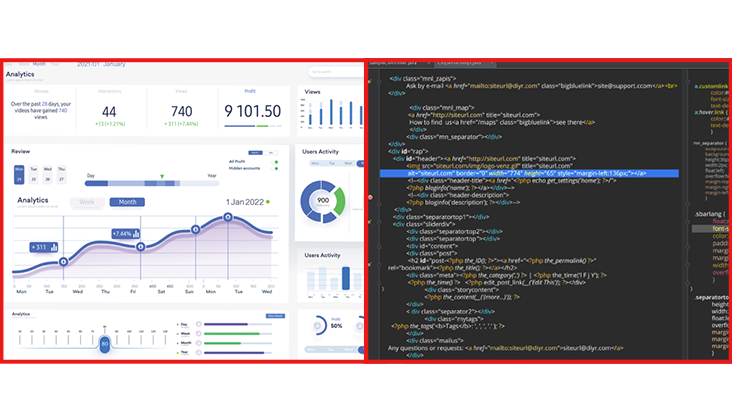
34BA75QE allows you to see multiple contents from two computers with the picture-by-picture feature, so it helps to process work efficiently.

*Images are simulated to enhance feature understanding and may differ from actual use.

Dual Controller (Built-in KVM)

Multi devices, one monitor

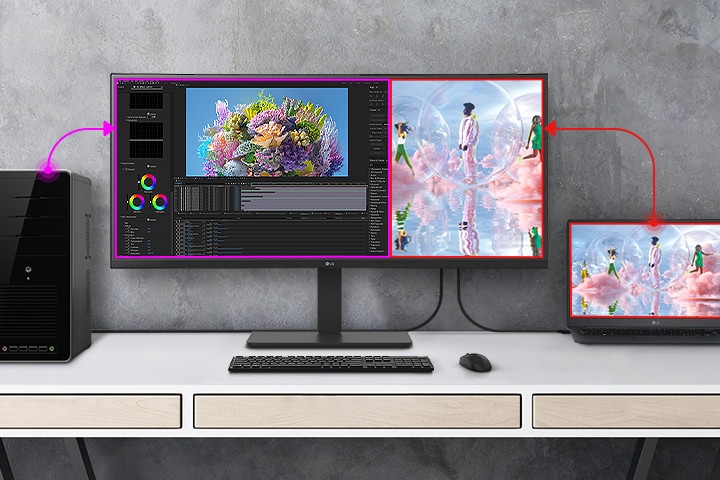
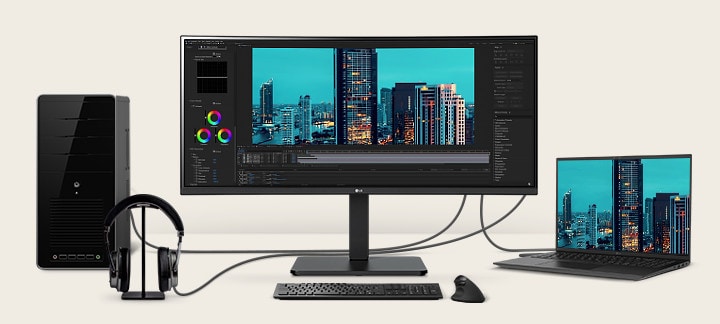
The dual controller helps to work through a single monitor with two computers and transfer files to either computer. Also, the built-in KVM feature allows you to control both computers with a single keyboard and mouse.

The dual controller helps to work through a single monitor with two computers and transfer files to either computer.

*Images are simulated to enhance feature understanding and may differ from actual use.

**Connect two computers to the monitor with USB-C and USB A-B cables to work properly. USB A-B cable is included in the package.

***For the dual controller feature, both computers (Main PC and SUB PC) are required to be on the same network. And this monitor has to connect to the computer running in Main PC mode.

USB Type-C™

Productivity hub with easy connectivity

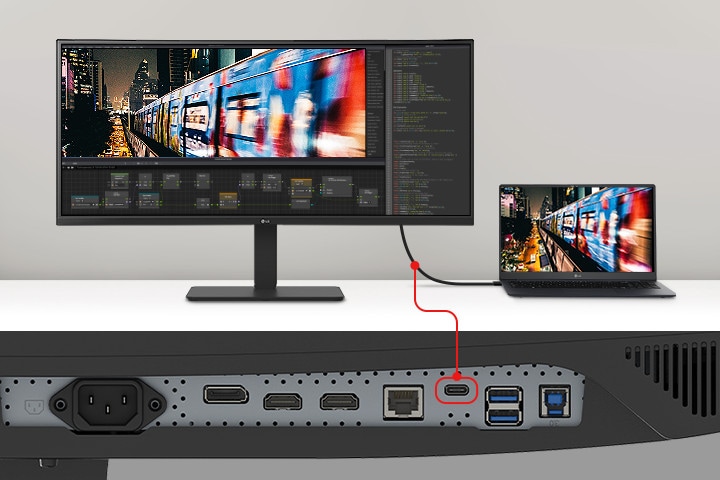
USB Type-C™ port allows from display and data transferring to connected device charging (up to 90W), enabling support for your laptop all at the same time over a single cable.

Display pictogram.

Display

Data pictogram.

Data

Power delivery pictogram.

Power Delivery

(Up to 90W)

An image of a laptop and monitor connected with a single USB Type-C cable.

An image of a laptop and monitor connected with a single USB Type-C cable.

*Images are simulated to enhance feature understanding and may differ from actual use.

**To work properly, you need to connect the USB Type-C™ port to the monitor.

***The USB Type-C™ cable is not included in the package.

Multi ports

A variety of interface

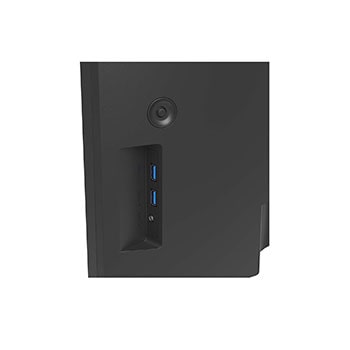
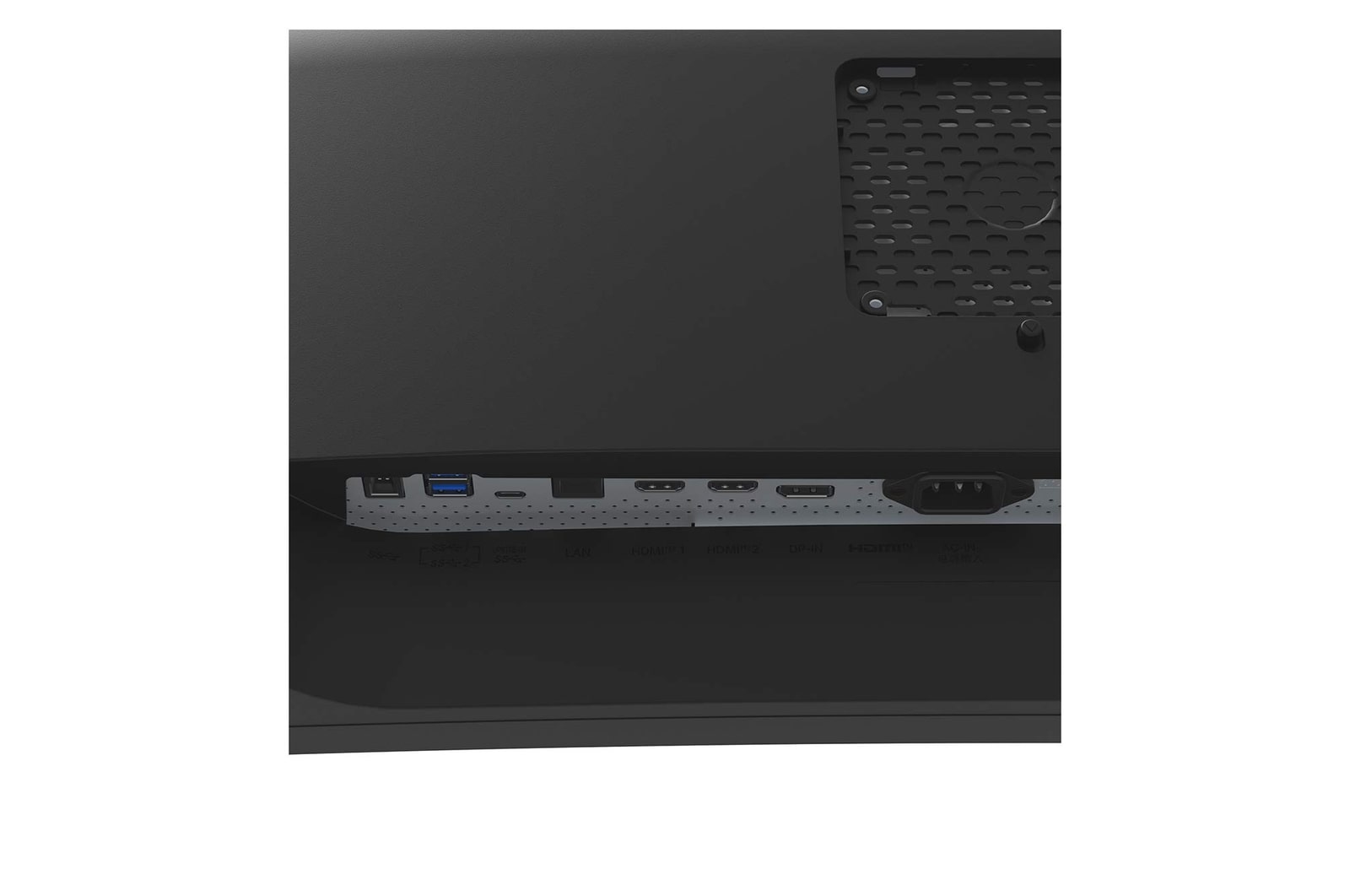
The 34BA75QE offers a variety of ports, solving the problem of limited connectivity for hardworking individuals. With its multiple ports, you can easily connect numerous devices for efficient desk setup. Say goodbye to the frustration of running out of ports.

Front view showing a workstation with multiple devices connected to monitors.

Front view showing a workstation with multiple devices connected to monitors.

*The images simulated to enhance feature understanding. It may differ from actual use.

**HDMI and DisplayPort cables are included in the package.

***The keyboard and mouse are not included in the package.

Integrated power module

Fully use your desk

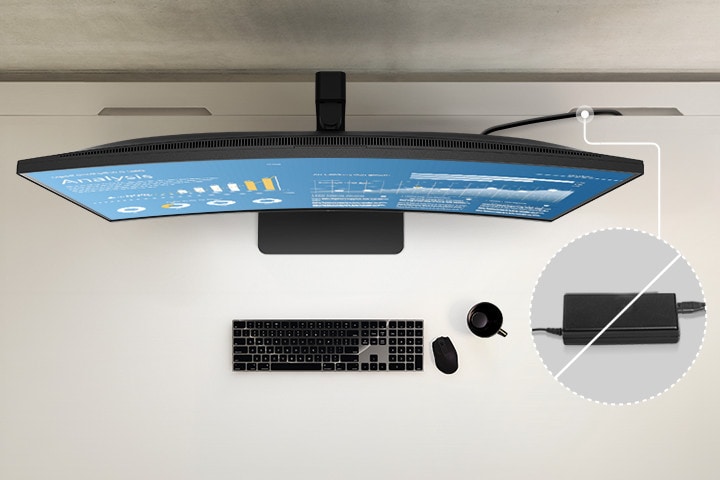
With built-in power, workstations can have a streamlined, clutter-free layout. This improves space utilization and organization, resulting in a cleaner and more efficient work environment.

Top view showing the clean layout of the workstation by providing a built-in power source.

*The images simulated to enhance feature understanding. It may differ from actual use.

**The keyboard and mouse are not included in the package.

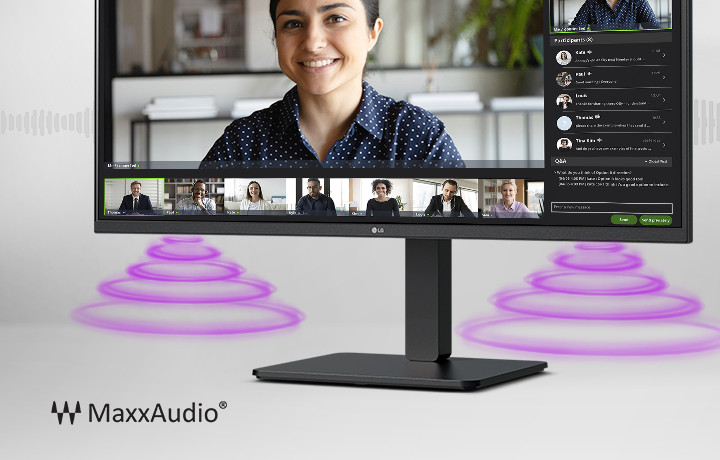
The monitor screen shows a video conference, while sound is coming from the speakers at the bottom of the monitor. In the bottom left corner, there is a MaxxAudio® logo.

Built-in speakers with MaxxAudio®

All set for virtual meetings

The 34BA75QE supports built-in speakers with MaxxAudio®, eliminating the need for extra speaker installations when participating in web conferences or watching videos.

*The images simulated to enhance feature understanding. It may differ from actual use.

**The webcam is required for video conferences and is not included in the package (sold separately).

Ergonomic design

Easy and comfy

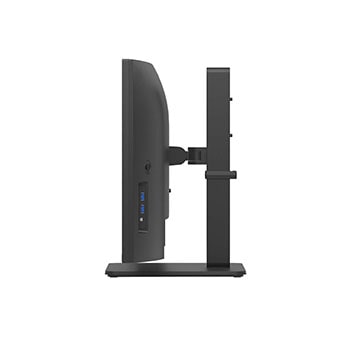
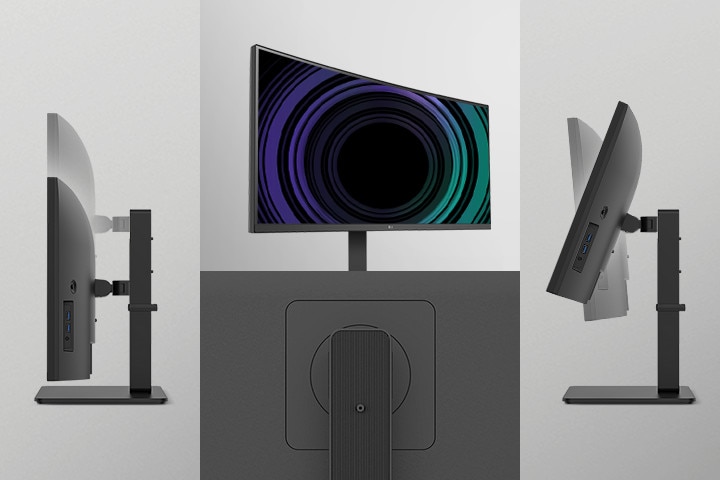
Achieve optimal positioning with the Ergonomic Stand: Simple setting with one click as well as easily adjust Height, Tilt, and Swivel for your ideal viewing experience.

One Click Stand icon.

One Click Stand

Easy installation

Tilt adjustable icon.

Tilt

-5~21°

Height adjustable icon.

Height

150mm

Swivel adjustable icon.

Swivel

±45°

Image showing One Click Stand, Tilt, Height, and Swivel view of the monitors.

Image showing One Click Stand, Tilt, Height, and Swivel view of the monitors.

*The images simulated to enhance feature understanding. It may differ from actual use.

Visual comfort

*The images simulated to enhance feature understanding. It may differ from actual use.

**Above feature may vary depending on real use conditions that the user is using.

fingerheart icon.

fingerheart icon.

Better life for all

34BA75QE complies with multiple standards such as Energy Star and EPEAT.

  • Off

  • On

Colour Weakness Mode

Colour Weakness Mode adjusts the colour palette and contrast to help users with colour vision deficiencies, making it easier to distinguish between red and green.

*The images simulated to enhance feature understanding. It may differ from actual use.

Key Spec

  • Display - Size [Inch]

    34

  • Display - Resolution

    3440 x 1440

  • Display - Panel Type

    IPS

  • Display - Aspect Ratio

    21:09

  • Display - Color Gamut (Typ.)

    sRGB 99% (CIE1931)

  • Display - Brightness (Typ.) [cd/m²]

    300 cd/m²

  • Display - Curvature

    3800R

  • Display - Refresh Rate (Max.) [Hz]

    60

  • Display - Response Time

    5ms (GtG at Faster)

  • Mechanical - Display Position Adjustments

    Tilt/Height/Swivel

All Spec

INFO

  • Product name

    WQHD

  • Year

    Y24

DISPLAY

  • Aspect Ratio

    21:09

  • Brightness (Min.) [cd/m²]

    240 cd/m²

  • Brightness (Typ.) [cd/m²]

    300 cd/m²

  • Color Bit

    10bit (8bit+FRC)

  • Color Depth (Number of Colors)

    1.07B

  • Color Gamut (Min.)

    sRGB 90% (CIE1931)

  • Color Gamut (Typ.)

    sRGB 99% (CIE1931)

  • Curvature

    3800R

  • Panel Type

    IPS

  • Pixel Pitch [mm]

    0.2325 x 0.2325 mm

  • Refresh Rate (Max.) [Hz]

    60

  • Resolution

    3440 x 1440

  • Response Time

    5ms (GtG at Faster)

  • Size [cm]

    86.72 cm

  • Size [Inch]

    34

  • Surface Treatment

    AntiGlare

  • Viewing Angle (CR≥10)

    178º(R/L), 178º(U/D)

FEATURES

  • Reader Mode

    YES

  • Auto Input Switch

    YES

  • Black Stabilizer

    YES

  • Color Calibrated in Factory

    YES

  • Color Weakness

    YES

  • Dynamic Action Sync

    YES

  • Flicker Safe

    YES

  • HDR 10

    YES

  • HDR Effect

    YES

  • PBP

    YES (2PBP)

  • Smart Energy Saving

    YES

  • Super Resolution+

    YES

  • User Defined Key

    YES

CONNECTIVITY

  • Built-in KVM

    YES

  • DisplayPort

    YES(1ea)

  • DP Version

    1.4

  • HDMI

    YES(2ea)

  • Headphone out

    3pole (Sound Only)

  • LAN (RJ-45)

    YES

  • USB-C

    YES(1ea)

  • USB-C (Data Transsmission)

    YES

  • USB-C (Max. Resolution at Hz)

    3440X1440@ 60Hz

  • USB-C (Power Delivery)

    90W

  • USB Downstream Port

    4x USB3.2 Gen1

  • USB Upstream Port

    1x USB3.2 Gen1

SOUND

  • Maxx Audio

    YES

  • Speaker

    5W x 2

MECHANICAL

  • Display Position Adjustments

    Tilt/Height/Swivel

  • Borderless Design

    3Side Virtually Borderless Design

  • OneClick Stand

    YES

  • Wall Mountable [mm]

    100 x 100 mm

POWER

  • AC Input

    100~240V (50/60Hz)

  • DC Output

    20.5V, 9A

  • Power Consumption (DC Off)

    Less than 0.3W

  • Power Consumption (Sleep Mode)

    Less than 0.5W

  • Type

    Builtin Power

DIMENSIONS/WEIGHTS

  • Dimension in Shiping (W x H x D) [mm]

    988 x 482 x 203 mm

  • Dimension without Stand (W x H x D) [mm]

    816.7*364.4*83.6

  • Dimension with Stand (W x H x D) [mm]

    816.7*543.5*267.5(Up)816.7*393.5*267.5(Down)

  • Weight in Shipping [kg]

    13.7kg

  • Weight without Stand [kg]

    7.5kg

  • Weight with Stand [kg]

    11kg

ACCESSORY

  • HDMI

    YES

  • Display Port

    YES

  • HDMI (Color/Length)

    Black / 1.8m

  • Power Cord

    YES

  • USB-C

    YES

SW APPLICATION

  • OnScreen Control (LG Screen Manager)

    YES

  • Dual Controller

    YES

What people are saying

Our Picks for You 

Find Locally

Experience this product around you.