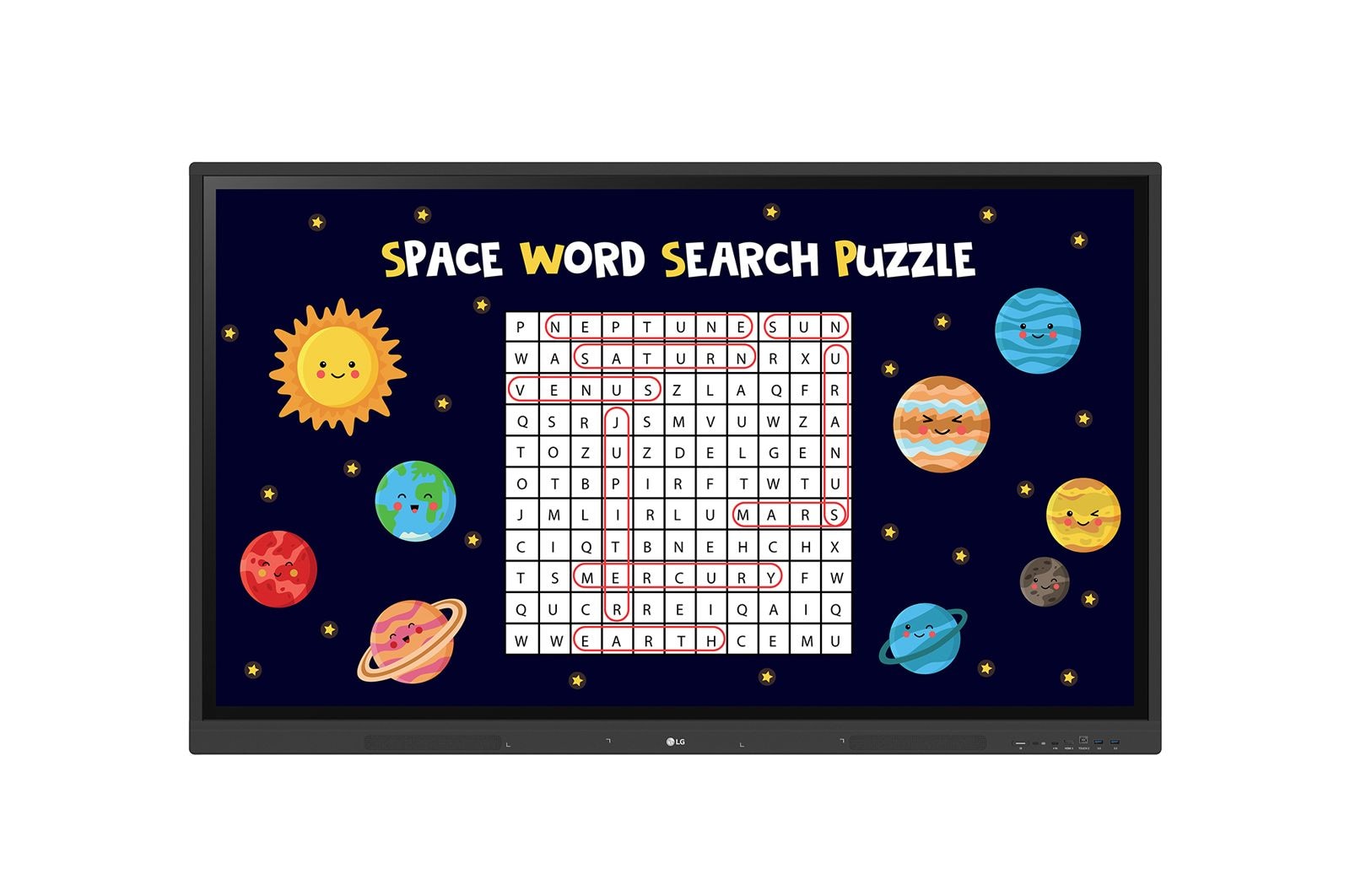
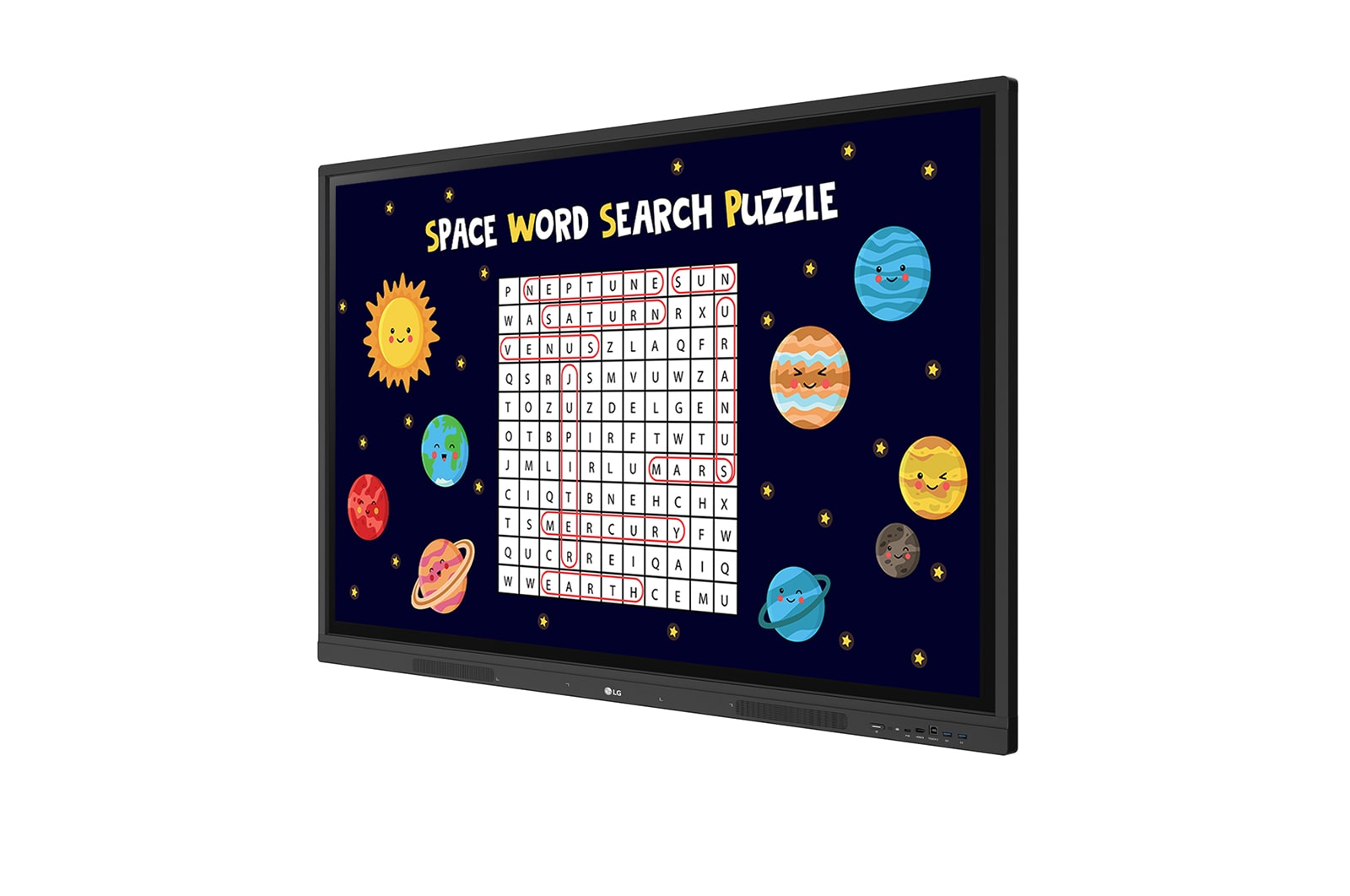
A New Level of Classroom with LG CreateBoard

A New Level of Classroom with LG CreateBoard

A New Level of Classroom with LG CreateBoard

*All images in this page are for illustrative purposes only.

Various Teaching Templates

Various Teaching Templates

Various Teaching Templates

LG CreateBoard offers a variety of educational templates and teaching tools such as a ruler, table, and sticky notes, allowing for active engagement by students and enabling intuitive classes.
Editing images and videos becomes easy with LG CreateBoard, and created resources can be easily shared with others through QR codes.

Multi-touch

Multi-touch

Multi-touch

LG CreateBoard can simultaneously detect up to 40 points for multi-touch functionality. This creates a lifelike board touch experience, helping students easily become accustomed and truly engage in classes. This leads to the maximum concentration and organic engagement of students.

*A max of 32 points are recognized in the Android environment, and a max of 40 points are detected in the Windows environment.
*Up to 10 points can be recognized in the writing app.

Easy to Save / Import / Export

Easy to Save / Import / Export

Easy to Save / Import / Export

LG CreateBoard includes simple import and export functionality.
Resources can be saved and imported directly to and from Google Drive or OneDrive, and files can be imported from a USB drive (Users can browse resources saved on USB storage).

LG ConnectedCare DMS

LG ConnectedCare DMS

LG ConnectedCare DMS

LG ConnectedCare DMS is a cloud solution for remotely monitoring, controlling, and managing the status of LG CreateBoard installed in educational environments. This feature enables IT managers to operate and manage important resources on operating devices without physically visiting sites.

*'LG ConnectedCare DMS' needs to be purchased separately.
*The availability of the 'LG ConnectedCare DMS' service differs by region,
so please contact the LG sales representative in your region for more details.

Issue Management

Issue Management

Remote issue management can be carried out by the LG ConnectedCare DMS solution. This makes management safer and more efficient, facilitating the stable operation of the classroom.
Remote-control Services

Remote-control Services

Frequently used controls such as the power on/off, scheduling, brightness, and screen lock functions can be applied using a remote control. Content including images, videos, audio messages, or live streaming can be remotely shared with connected devices.
Broadcasting

Broadcasting

In case of emergency situations such as a fire or a natural disaster, emergency warning alerts will be sent from the main system, which help teachers and students promptly take safety action. When the message is sent out to the device, LG CreateBoard interrupts the current display and sends out emergency messages along with warning sounds.

Google Certification

Google Certification

LG CreateBoard has received Google certification, enabling users to seamlessly integrate with the Google ecosystem by connecting their Google accounts.

Google Play Store

Users have access to the Google Play Store, where they can download a wide range of applications, including educationrelated games, tools, and more for an expanded experience.

*Exceptions apply in countries without Google services.

Wireless ScreenShare

Wireless ScreenShare

Wireless ScreenShare

LG CreateBoard Share enables users to show up to 9 shared screens or a file on a screen in real-time when the LG CreateBoard Share app is installed on the device.
Also, files from the host can be easily sent to any devices connected to the LG CreateBoard Share app, and several quick controls by the host are available.

*LG CreateBoard also supports app-less sharing for PC (via website) and mobile devices within the same network.
*For a more stable connection, we recommend the installation of a dedicated app (LG CreateBoard Share).

Bluetooth Connectivity

Bluetooth Connectivity

Bluetooth Connectivity

LG CreateBoard supports wireless Bluetooth connections to various devices such as a speaker, mouse, keyboard, etc. This is optimal for building a hybrid environment so that online and offline classes can proceed smoothly.

C-type Connection

C-type Connection

C-type Connection

USB-C connectivity simplifies connections
which enables charging and sending data simultaneously over just one single cable.

*USB Type-C cables are sold separately.

QR Login for Easy Cloud Access

QR Login for Easy Cloud Access

The QR code on the home screen reduces preparation time for class by enabling personal device verification. Users can sign up for a variety of apps on the LG CreateBoard including Google Drive and OneDrive with just one QR verification without any additional login process. Once a lesson is finished, users can simply click the Logout button to disconnect, thus the risk of a personal information leak is reduced.
Advanced Eye-Care

Advanced Eye-Care

LG CreateBoard has introduced a flicker-free function. With the reduced flickering of the monitor's backlight, users can use the device with more comfort even when using it for a long time.

Front Connectivity Design

Front Connectivity Design

LG CreateBoard features front display ports and speakers which are ideal for both teachers and students, enabling content to be delivered easier with more immersive sound.

Built-in OPS Slot

Built-in OPS Slot

LG CreateBoard supports OPS slots, allowing you to easily and conveniently mount OPS desktop at the back of the LG CreateBoard without the hassle of connecting to an external desktop, offering you more expanded functions.

*OPS : Open Pluggable Specification

Smart Viewing

Smart Viewing

The Smart Viewing feature of LG CreateBoard enables efficient teaching. Two or more materials can be displayed on the same screen simultaneously without having to repeat Alt-tab, making teaching more convenient and efficient. Two materials can be displayed side by side (multi window mode), or one material can be overlaid on the other one (picture-in-picture mode).

*Multi window mode may not work for some apps.
*PIP mode is available for the external source screen.

Power Saving

Power Saving

When a device doesn’t receive an external input signal for a specific amount of time set by the user, the device goes into standby mode. Devices can also be automatically turned on or off at specific time or day set by the user, which contributes to save energy.

Screen Lock

Screen Lock

Teachers can lock the screen using the Screen Lock function, and unlock it by entering a password. Users can set the Screen Lock in the Settings menu to protect the device from unidentified users.


Secure Mode

Secure Mode

LG CreateBoard supports Secure Mode that disables the LG CreateBoard Share function to prevent unauthorized content from being shown on various devices.

USB Lock Mode

USB Lock Mode

USB Lock Mode is a security measure that helps prevent data from being copied to unauthorized devices, which is essential when being used in spaces where security is critical.

Auto-remove Files

Auto-remove Files

Auto-remove Files

Users can set LG CreateBoard to delete files regularly for enhanced security.

All Spec

LANGUAGE

  • OSD

    English, Denmark, Finnish, German, Korean, Norwegian, Polski, Portugues(Europe), Portugues(Brazil), Romanian, Spanish, Swedish, Hungarian, Thai

OPS COMPATIBILITY

  • OPS Type compatible

    YES (Slot)

  • OPS Power Built-in

    YES

POWER

  • Power Supply

    AC 100-240 V~, 50/60 Hz

  • Power Type

    Built-in Power

SOUND

  • Speaker (Built-in)

    YES (15 W x 2)

ACCESSORY

  • Basic

    Power Cord 3 M*1, USB Cable (Type A-Type B) 5 M*1, HDMI Cable 3 M*1, Writing Pen*2 pcs, User Manual, QSG, Carton Box, Remote Controller(include battery 2 ea), Wifi module

  • Optional

    Wall Mount(WM-L000S), Floor Stand(ST-000F, ST-860F)

ENVIRONMENT CONDITIONS

  • Operation Humidity

    10 % to 90 %

  • Operation Temperature

    0 °C to 40 °C

FEATURE - HARDWARE

  • Wi-Fi/BT (Built-in)

    YES

  • Auto Brightness Sensor

    YES

  • Internal Memory (eMMC)

    64 GB

  • Power Indicator

    YES

CERTIFICATION

  • ERP / Energy Star

    YES / YES

  • EMC

    FCC Class "A" / CE

  • Safety

    CB / NRTL

DEDICATED FEATURE - TOUCH

  • Accuracy (Typ.)

    ±1 mm

  • Available Object Size for Touch

    Ø2 mm ↑

  • Interface

    USB 2.0

  • Multi Touch Point

    Max. 40 Points(Windows), Max. 32 Points(Android)

  • Operating System Support

    Windows 7/8/10/Linux/Mac/Android (Linux/Mac Support one point touch)

  • Protection Glass Thickness

    3 mm (Anti-Glare)

  • Protection Glass Transmission

    88 %

  • Response Time ('Paint' app on Windows 10 PC)

    5 ms ↓

SOFTWARE COMPATIBILITY

  • Connected Care

    YES

DEDICATED FEATURE - CREATE BOARD

  • Bluetooth

    Bluetooth 5.0

  • CPU

    Quad core A55

  • GPU

    Mail G52 Multicore 2

  • LAN

    Gigabit LAN

  • Memory(RAM)

    8 GB

  • OS ver. (Android)

    Android 13

  • Storage

    64 GB

  • Wi-Fi

    802.11a/b/g/n/ac/ax (WiFi 6)

CONNECTIVITY

  • RJ45(LAN) In

    YES (1 ea)

  • Audio In

    YES

  • Audio Out

    YES

  • HDMI In

    YES (3 ea)

  • HDMI In (HDCP Ver.)

    2.2

  • HDMI Out

    YES

  • RGB In

    YES

  • RJ45(LAN) Out

    YES

  • RS232C In

    YES

  • Touch USB

    USB 2.0 Type B (2 ea)

  • USB In

    USB3.0 Type A (4 ea), USB2.0 Type A (1 ea), USB Type C (1ea)

MECHANICAL SPECIFICATION

  • VESA™ Standard Mount Interface (mm)

    800 x 600 mm

  • Bezel Color

    Black

  • Bezel Width

    T/R/L/B : 15/15/15/44 mm

  • Carton Dimensions (W x H x D, mm)

    2110 × 1283 × 225 mm

  • Handle

    YES

  • Monitor Dimension (W x H x D, mm)

    1957 × 1160 × 100 mm

  • Packed Weight

    75.9 Kg

  • Weight (Head)

    58.6 Kg

PANEL

  • Color Depth (Number of Colors)

    1.07 Billion colors

  • Aspect Ratio

    16:9

  • Back Light Type

    Direct

  • Brightness

    440 nits

  • Color Gamut

    NTSC 68 %

  • Dynamic CR

    5,000:1

  • Native Resolution

    3840 x 2160 (UHD)

  • Operation Hours (Hours/Day)

    16/7

  • Panel Technology

    IPS

  • Portait / Landscape

    NO / YES

  • Refresh Rate

    60 Hz

  • Response Time

    8 ms (G to G)

  • Screen Size

    218.44 cm (86)

  • Surface Treatment (Haze)

    Haze 28 %

  • Viewing Angle (H x V)

    178 º x 178 º

FEATURE - SOFTWARE

  • Booting Logo Image

    YES

  • PBP

    YES (2 PBP)

  • PIP

    YES

  • Screen Share

    YES

  • Smart Energy Saving

    YES

  • Wake on LAN

    YES

POWER CONSUMPTION

  • Others-BTU (British Thermal Unit)

    1314 BTU/Hr(Typ.), 1979 BTU/Hr(Max.)

  • DPM

    0.5 W

  • Max.

    580 W

  • Power off

    0.5 W

  • Typ.

    385 W

SPECIAL FEATURE

  • Conformal Coating (Power Board)

    YES

Leaflet

To access more technical documentation and resources, please visit the LG B2B Partner Portal.