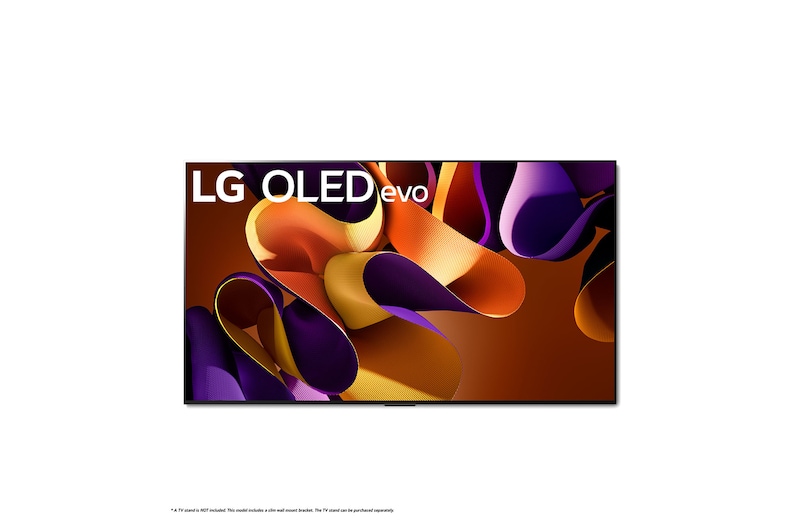
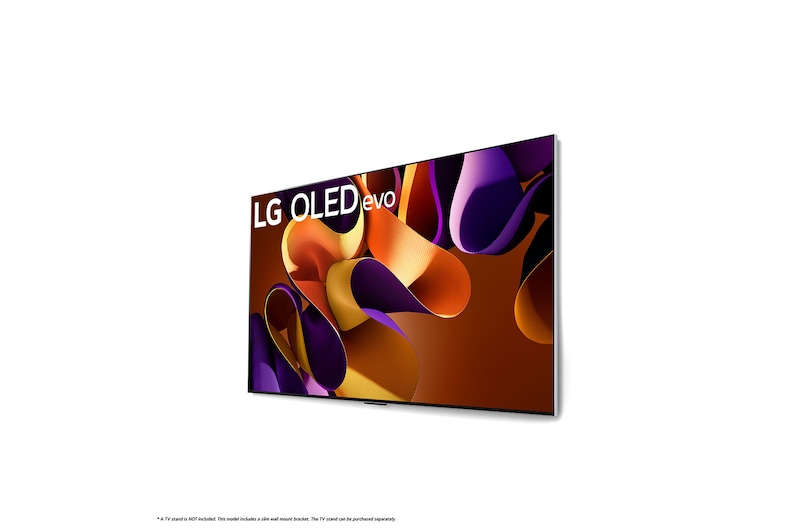
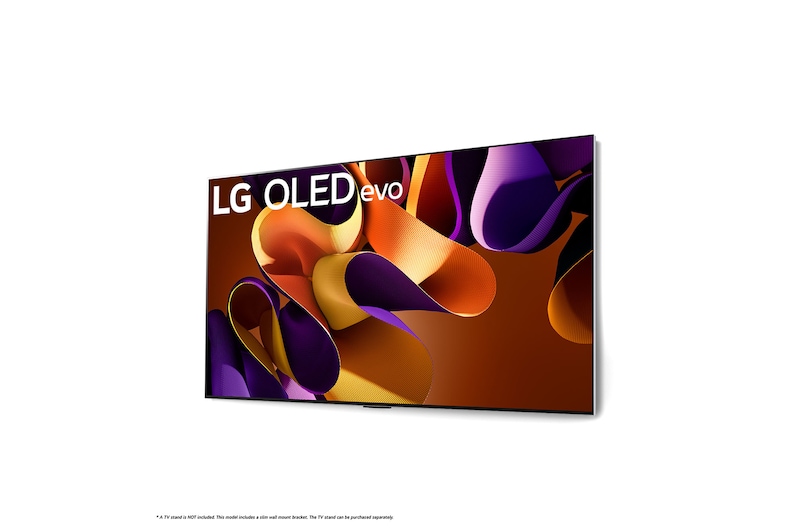
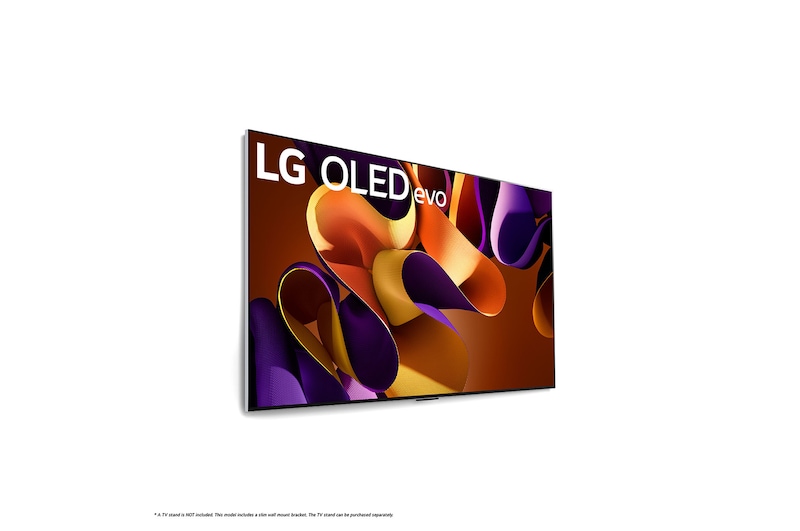
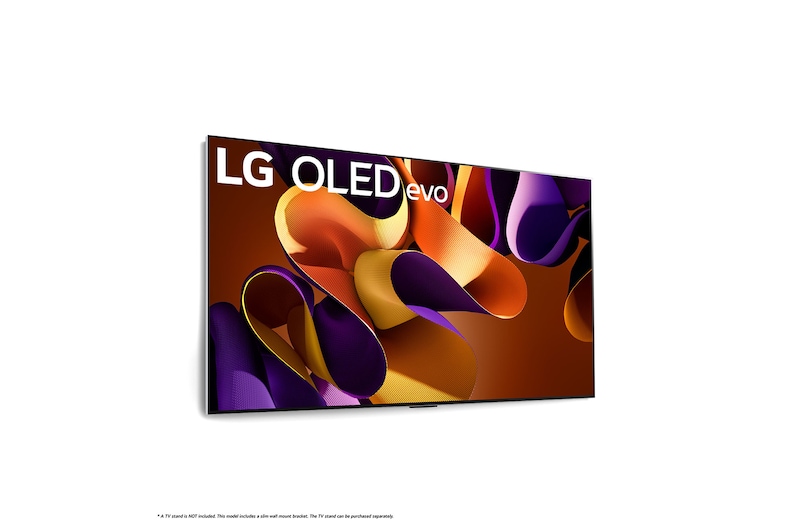
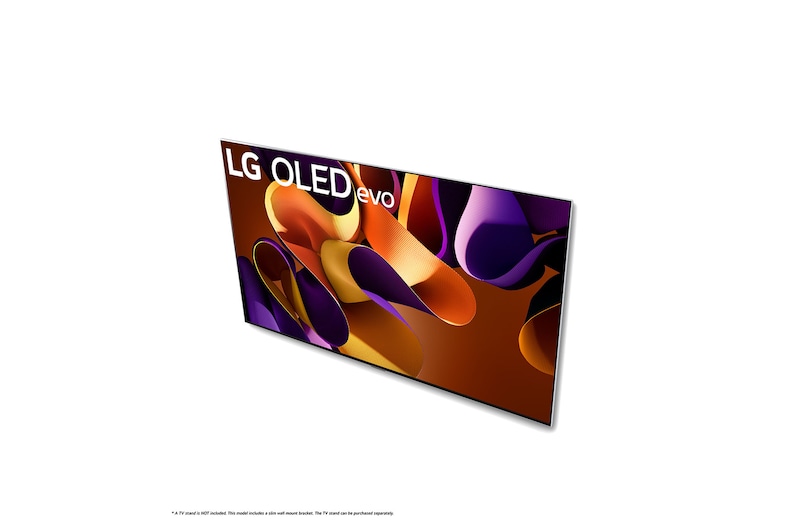
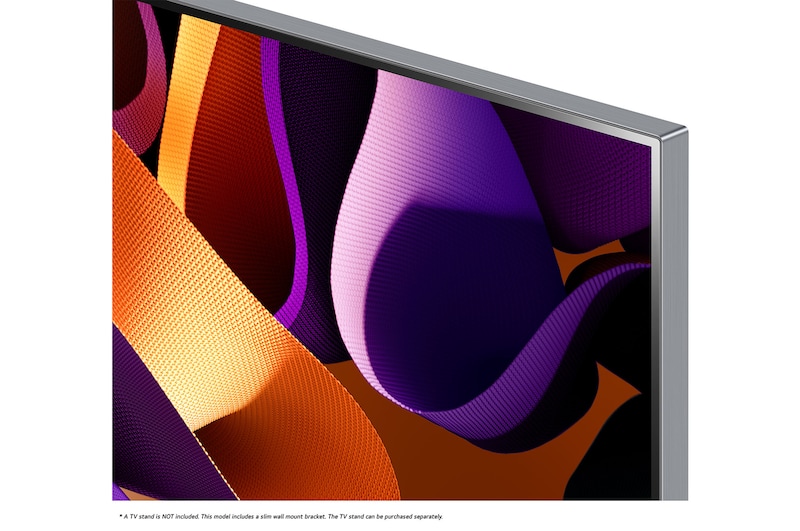
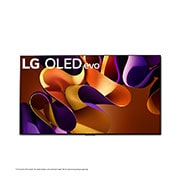
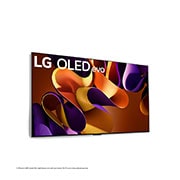
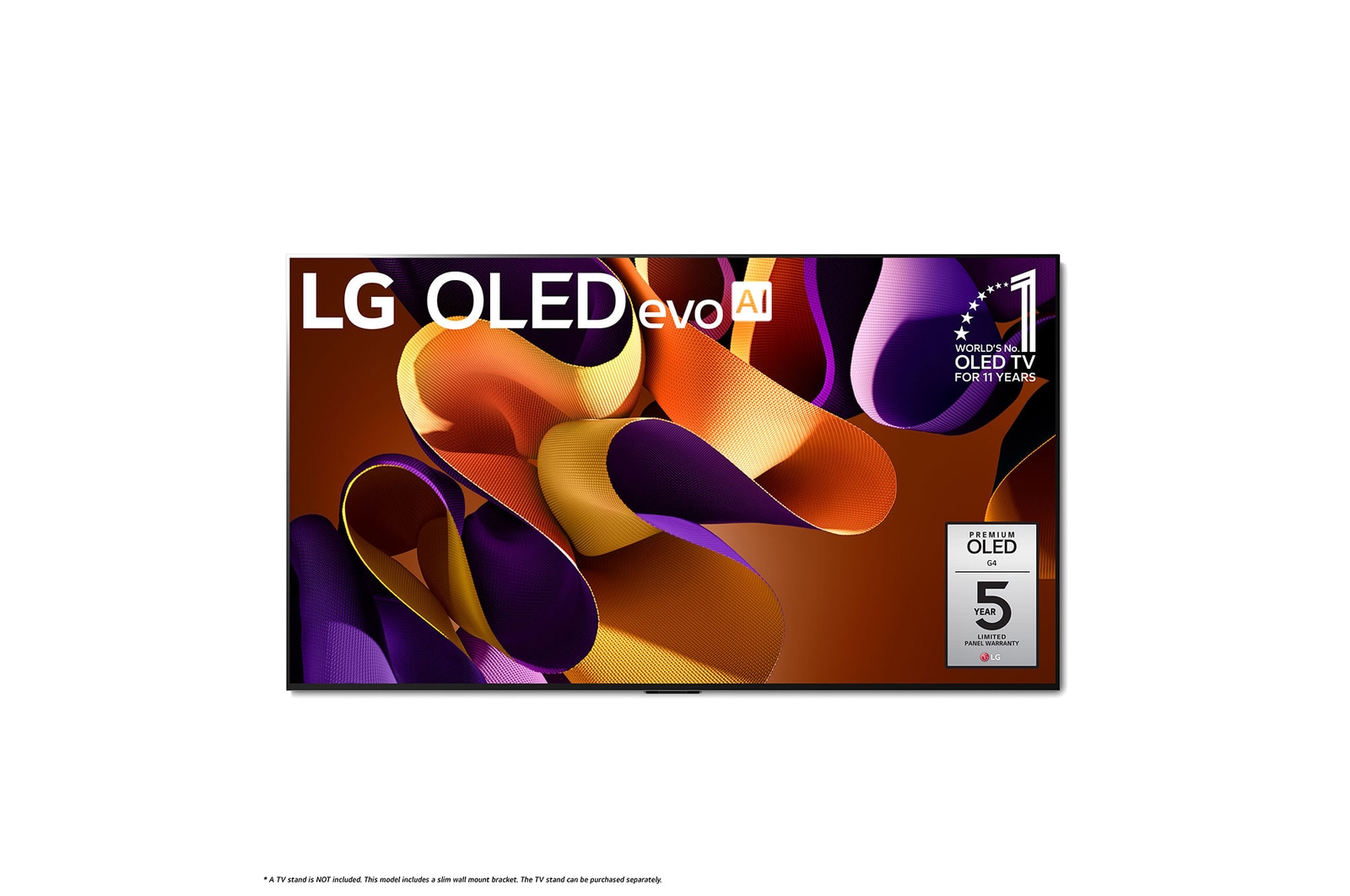
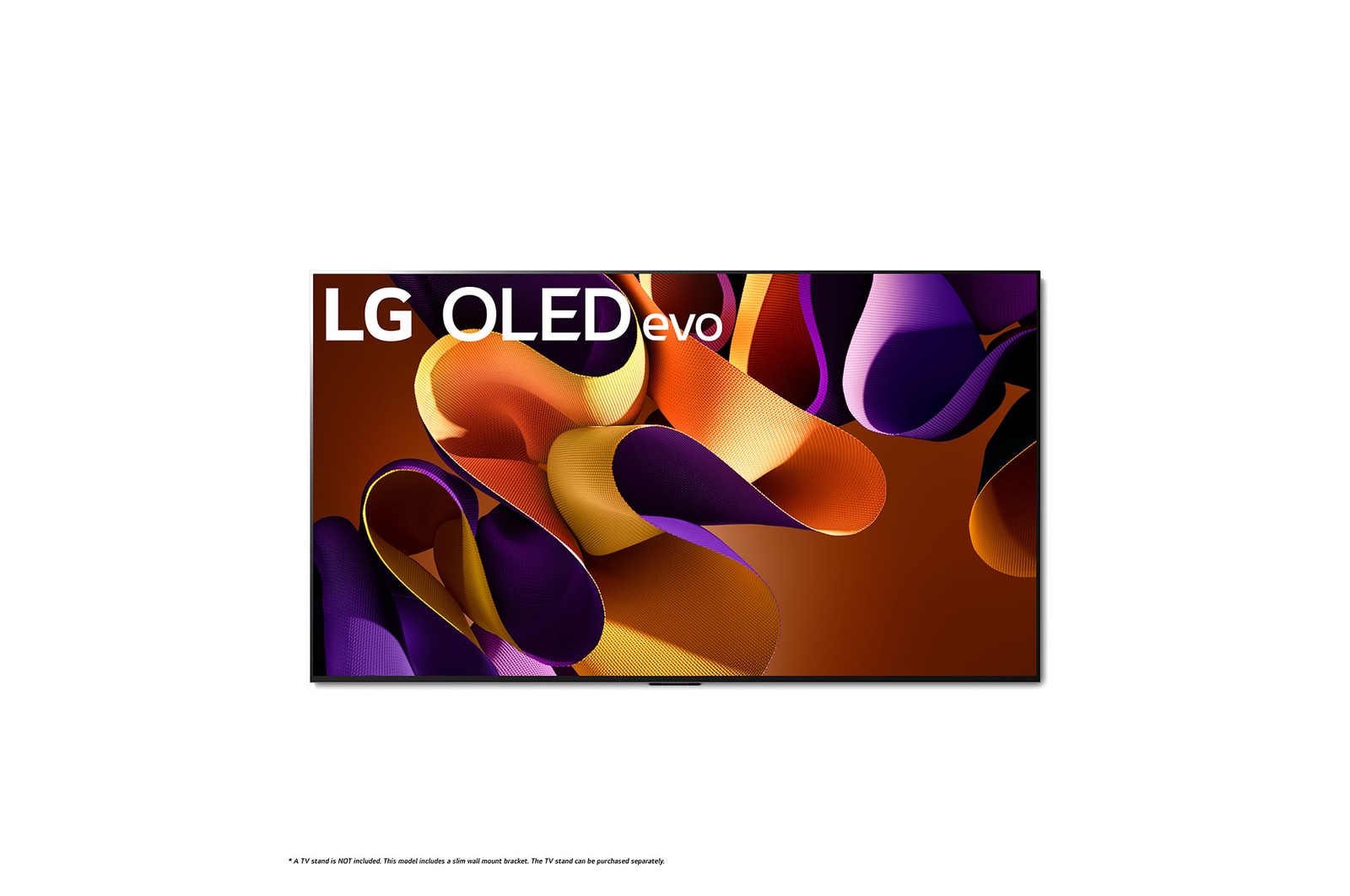
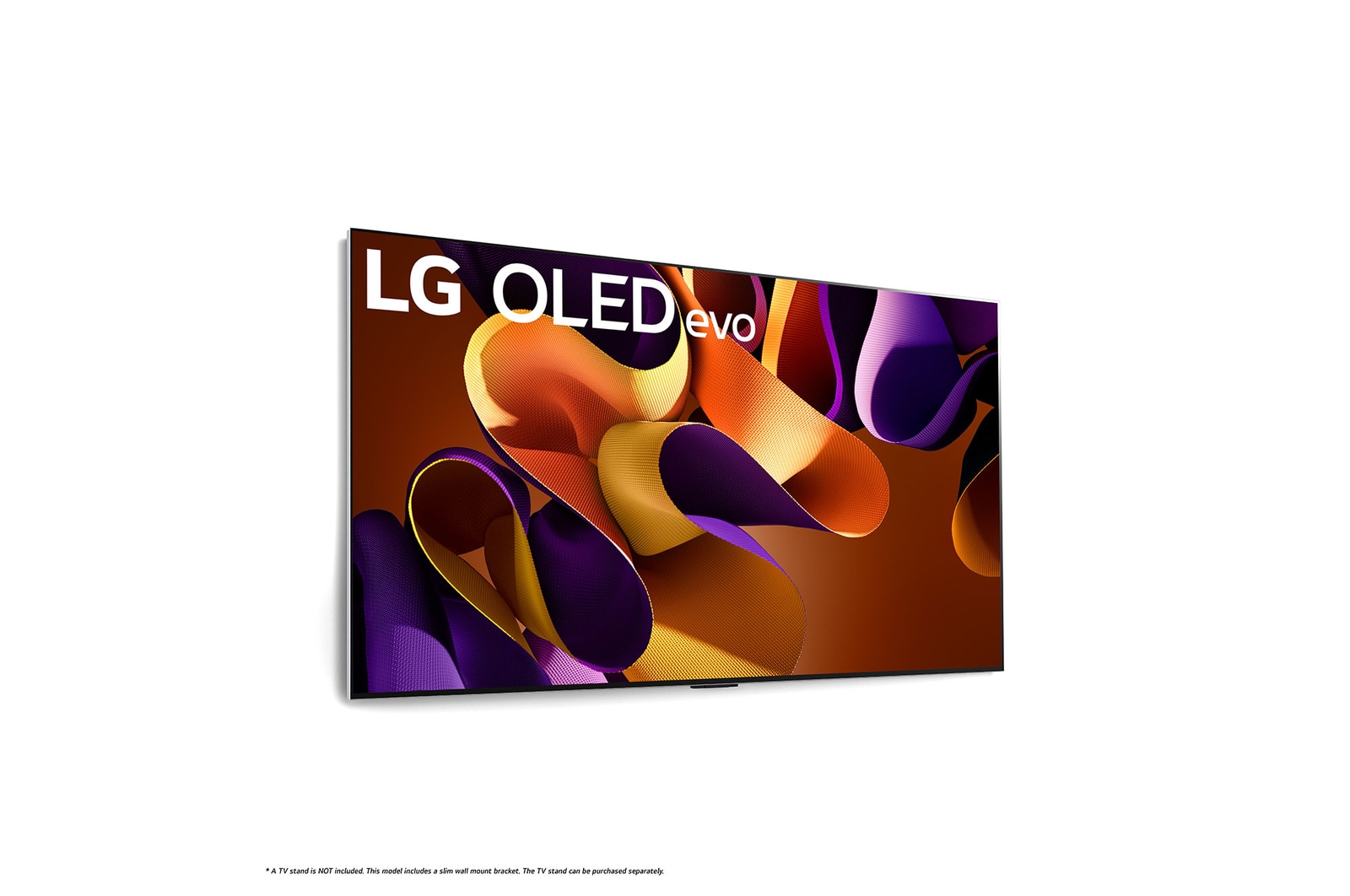
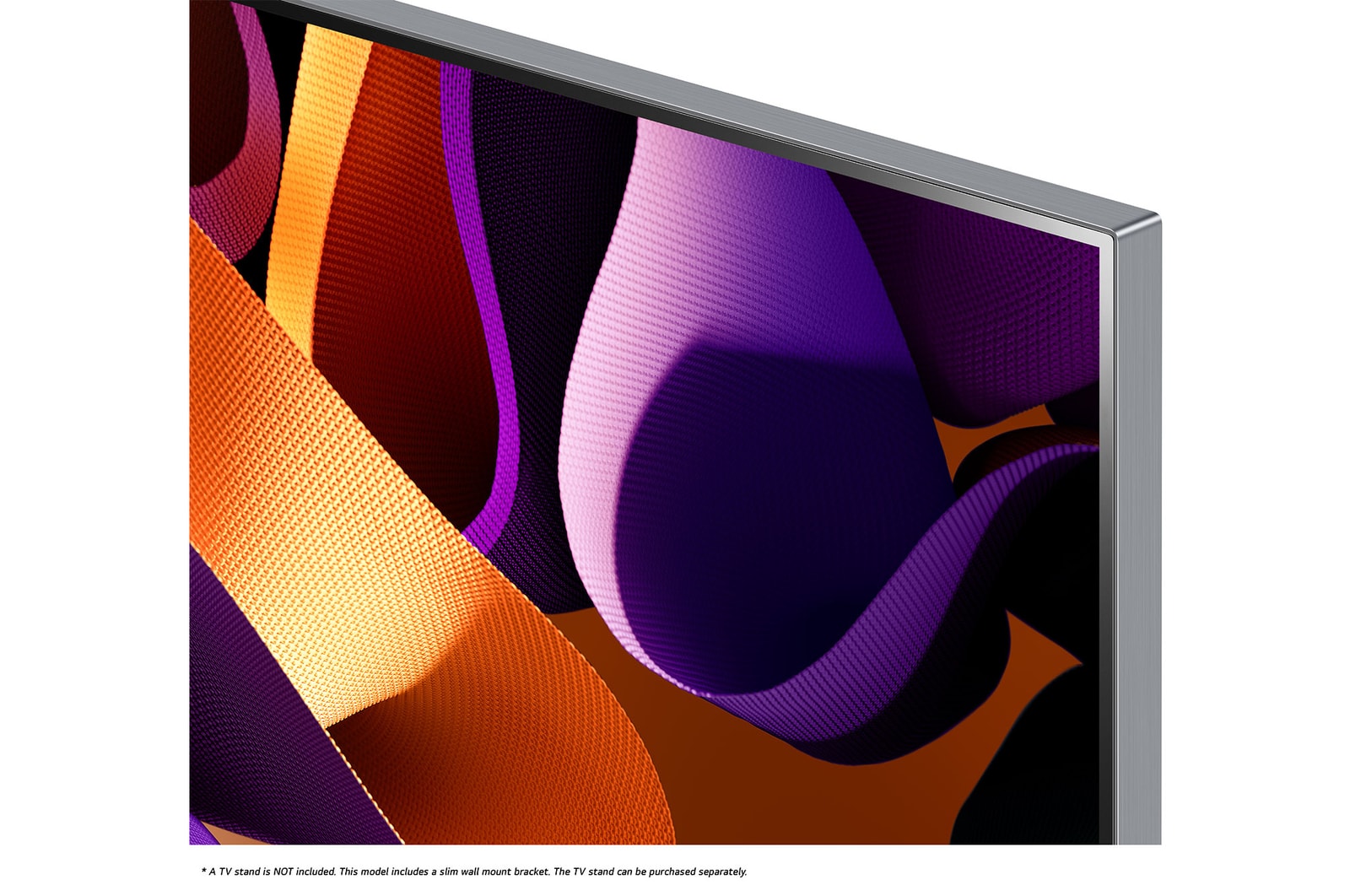
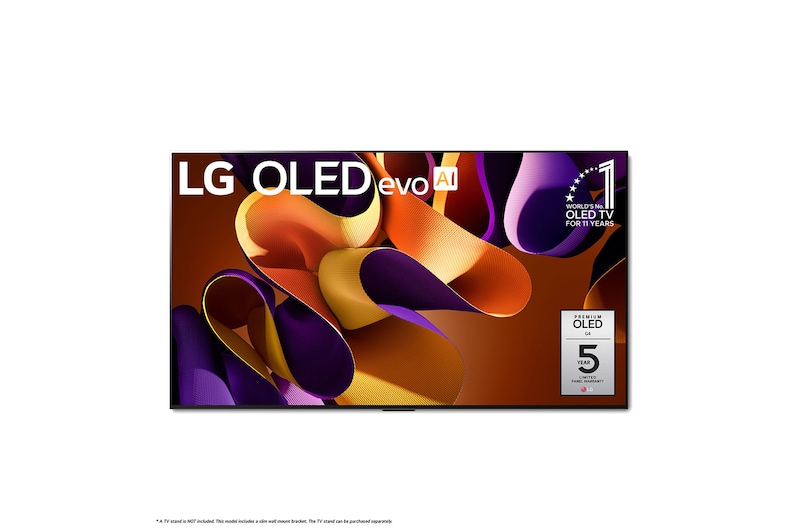
83 Inch LG OLED evo AI G4 4K Smart TV 2024

SUMMARY

DIMENSIONS

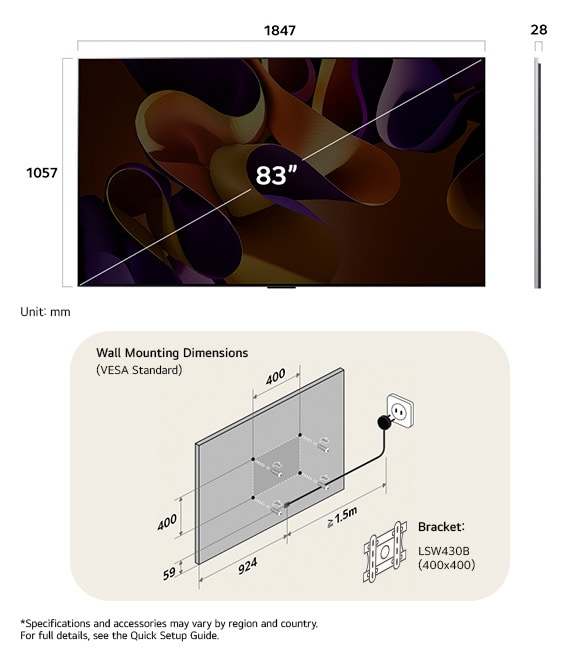
Dimension view of LG OLED evo AI G4 4K 83-inch, panel 28 mm, VESA 400x400.

Key Spec

  • GAMING - FreeSync Compatible (AMD)

    Yes

  • GAMING - G-Sync Compatible (Nvidia)

    Yes

  • PICTURE (DISPLAY) - Display Type

    4K OLED

  • PICTURE (DISPLAY) - Refresh Rate

    120Hz Native

  • PICTURE (PROCESSING) - HDR (High Dynamic Range)

    Dolby Vision / HDR10 / HLG

  • PICTURE (PROCESSING) - Picture Processor

    α11 AI Processor 4K

  • AUDIO - Dolby Atmos

    Yes

  • AUDIO - Speaker System

    4.2 channel

  • AUDIO - Audio Output

    60W

  • PICTURE (DISPLAY) - Wide Color Gamut

    OLED Color

  • DIMENSIONS AND WEIGHTS - TV Dimensions without Stand (WxHxD)

    1847 x 1057 x 28.0

  • DIMENSIONS AND WEIGHTS - TV Weight without Stand

    40.9

All Spec

DIMENSIONS AND WEIGHTS

  • TV Weight with Stand

    47.5

  • Packaging Dimensions (WxHxD)

    2050 x 1210 x 253

  • Packaging Weight (Overseas)

    56.3

  • TV Dimensions without Stand (WxHxD)

    1847 x 1057 x 28.0

  • TV Dimensions with Stand (WxHxD)

    1847 x 1115 x 321

  • TV Stand (WxD)

    501 x 321

  • TV Weight without Stand

    40.9

  • VESA Mounting (WxH)

    400 x 400

ACCESSIBILITY

  • Gray Scale

    Yes

  • High Contrast

    Yes

  • Invert Colors

    Yes

ACCESSORIES INCLUDED

  • IR Blaster Cable

    Yes

  • Power Cable

    Yes (Attached)

  • Remote

    Magic Remote MR24 with NFC

  • Remote Control Batteries

    Yes (AA x 2EA)

AUDIO

  • AI Sound

    α11 AI Sound Pro (Virtual 11.1.2 Up-mix)

  • AI Acoustic Tuning

    Yes

  • Audio Codec

    AC4, AC3(Dolby Digital), EAC3, HE-AAC, AAC, MP2, MP3, PCM, WMA, apt-X (Refer to manual)

  • Audio Output

    60W

  • Bluetooth Surround Ready

    Yes (2 Way Playback)

  • Clear Voice Pro

    Yes (AI Voice Remastering)

  • Dolby Atmos

    Yes

  • LG Sound Sync

    Yes

  • Simultaneous Audio Output

    Yes

  • Sound Mode Share

    Yes

  • Speaker Direction

    Down Firing

  • Speaker System

    4.2 channel

  • WiSA Ready

    Yes (Up to 2.1 Channel)

CONNECTIVITY

  • Bluetooth Support

    Yes (v 5.1)

  • Ethernet Input

    1ea

  • HDMI Audio Return Channel

    eARC (HDMI 2)

  • HDMI Input

    4ea (supports 4K 120Hz, eARC, VRR, ALLM, QMS (4 port))

  • RF Input (Antenna/Cable)

    1ea

  • Simplink (HDMI CEC)

    Yes

  • SPDIF (Optical Digital Audio Out)

    1ea

  • USB Input

    3ea (v 2.0)

  • Wi-Fi

    Yes (Wi-Fi 6E)

GAMING

  • Game Optimizer

    Yes (Game Dashboard)

  • ALLM (Auto Low Latency Mode)

    Yes

  • FreeSync Compatible (AMD)

    Yes

  • G-Sync Compatible (Nvidia)

    Yes

  • HGIG Mode

    Yes

  • VRR (Variable Refresh Rate)

    Yes (Up to 144Hz)

PICTURE (DISPLAY)

  • Display Resolution

    4K Ultra HD (3,840 x 2,160)

  • Display Type

    4K OLED

  • Refresh Rate

    120Hz Native

  • Wide Color Gamut

    OLED Color

PICTURE (PROCESSING)

  • AI Upscaling

    α11 AI Super Upscaling 4K

  • AI Brightness Control

    Yes

  • AI Genre Selection

    Yes (SDR/HDR)

  • Dimming Technology

    Pixel Dimming

  • Dynamic Tone Mapping

    Yes (OLED Dynamic Tone Mapping Pro)

  • FILMMAKER MODE™

    Yes

  • HDR (High Dynamic Range)

    Dolby Vision / HDR10 / HLG

  • HFR (High Frame Rate)

    4K 120 fps (HDMI, USB)

  • Motion

    OLED Motion

  • Picture Processor

    α11 AI Processor 4K

POWER

  • Power Supply (Voltage, Hz)

    AC 120V, 50/60Hz

  • Standby Power Consumption

    Under 0.5W

SMART TV

  • Always Ready

    Yes

  • Family Settings

    Yes

  • Full Web Browser

    Yes

  • Hands-free Voice Control

    Yes

  • Intelligent Voice Recognition

    Yes

  • Magic Remote Control

    Built-In

  • Multi View

    Yes (Up to 4 views)

  • Operating System (OS)

    webOS 24

  • Room to Room Share

    Yes (Sender/Receiver)

  • Smartphone Remote App

    Yes (LG ThinQ)

  • ThinQ

    Yes

  • USB Camera Compatible

    Yes

What people are saying

FAQ

How to install an LG OLED G4 TV on the wall?

For a secure and seamless wall installation of your LG OLED evo G4 TV, please follow these guidelines:

Compatible Wall Mount Brackets & VESA Sizes¹

∙ 97” model: WB22E97G or WB24GD (VESA 1586×(226×60) / 600×400)

∙ 83” model: WB22EG or WB24GC (VESA 180×55 / 400×400)

∙ 77” model: WB22EG or WB24GC (VESA 180×55 / 300×300)

∙ 65” model: WB22EG or WB24GC (VESA 180×55 / 300×300)

∙ 55” model: WB22EG or OLW480 (VESA 180×55 / 300×200)


Installation Steps

1. Ensure the wall has sufficient strength and load-bearing capacity for your TV and bracket.²

2. Mark and drill holes according to the VESA pattern and instructions provided in the Quick Setup Guide and Owner’s Manual.

3. Attach the bracket securely to the wall using appropriate anchors and screws.

4. Connect all required cables before mounting the TV for easier access.

5. Carefully mount the TV onto the bracket, ensuring a flush fit and zero gap with the wall.


Professional installation is strongly recommended by LG to ensure safety, optimal alignment, and to protect your TV—especially for larger screen sizes.


Note:

LG provides clearly illustrated, multilingual installation guides with the product and online. Always refer to the correct guide for your TV model and screen size.³


1) *Please check the exact VESA pattern and compatible bracket for your specific model and screen size. The wall-mount bracket and included accessories may vary by model and region. Please check your product package and the local LG website for details. If the bracket is not included in your package, ensure that you use a compatible bracket with the exact VESA pattern for your specific model and screen size.


2) *The strength and suitability of the installation wall and anchors are the responsibility of the customer. LG is not liable for damage or injury caused by improper installation or insufficient wall strength.


3) *Installation procedures and supported accessories may differ depending on your country, TV size, and model year. Always follow the instructions in the official LG Owner’s Manual and Quick Setup Guide for your specific product.

What size is the LG OLED evo G4 TV?

The LG OLED G4 TV is available in the following screen sizes in Europe:  

97", 83", 77", 65", and 55".  


The One-Wall Design applies to all sizes from 97” down to 55”.¹


1) Product lineup and availability may vary by country or region. Please refer to your local LG website for the latest information.

What is the LG OLED evo TV screen protection, and how can it work?

LG OLED evo TVs are equipped with screen protection features to help prevent image retention and reduce the risk of burn-in. The key technology is Pixel Cleaning, which refreshes the OLED pixels to maintain optimal picture quality and panel longevity.


Automatic Operation: Pixel Cleaning runs automatically after a certain period of accumulated usage, usually when the TV is turned off but remains plugged in.¹


Manual Operation: You can also manually start Pixel Cleaning at any time by navigating to:

[Settings] → [General] → [OLED Care] → [OLED Panel Care] → [Pixel Cleaning] on your TV’s menu.


These features help keep your OLED panel in the best condition for long-term use.


1) Pixel Cleaning reduces, but does not eliminate, the risk of permanent image retention (“burn-in”). For best results, avoid displaying static images for extended periods. Always leave the TV plugged in after turning it off to allow the automatic Pixel Cleaning to complete.

How many HDMI ports does the LG OLED evo G4 TV have and what features do they support?

The LG OLED evo G4 TV is equipped with four HDMI 2.1 ports. These ports support a full range of advanced features for gaming and connectivity:


- Variable Refresh Rate (VRR) up to 144Hz (83", 77", 65", 55"), and up to 120Hz (97%).¹

- G-SYNC and AMD FreeSync Premium compatibility.

- Auto Low Latency Mode (ALLM) for optimized gaming responsiveness.

- Quick Media Switching (QMS).

- Enhanced Audio Return Channel (eARC) on HDMI 2 for high-quality audio transmission.

- HGiG for HDR gaming.


All four HDMI ports support HDMI 2.1 bandwidth (48Gbps), enabling the latest gaming consoles, PCs, and home theatre equipment to be connected simultaneously.


1) *The maximum VRR depends on the model: the 83"/77"/65"/55" models support up to 144Hz, while the 97" model supports up to 120Hz. Please refer to your local LG website for full model specifications.

Our Picks for You