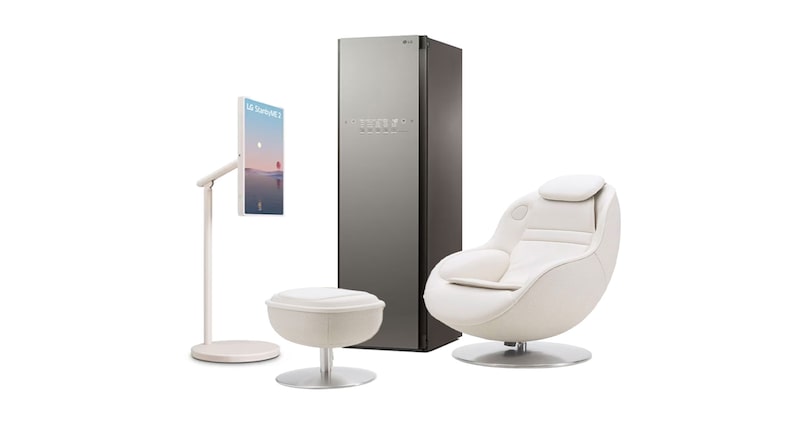
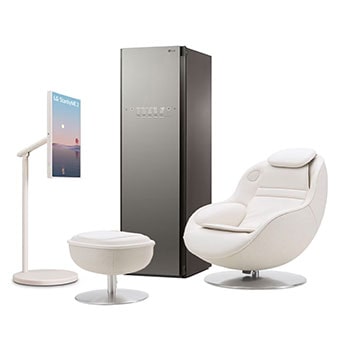
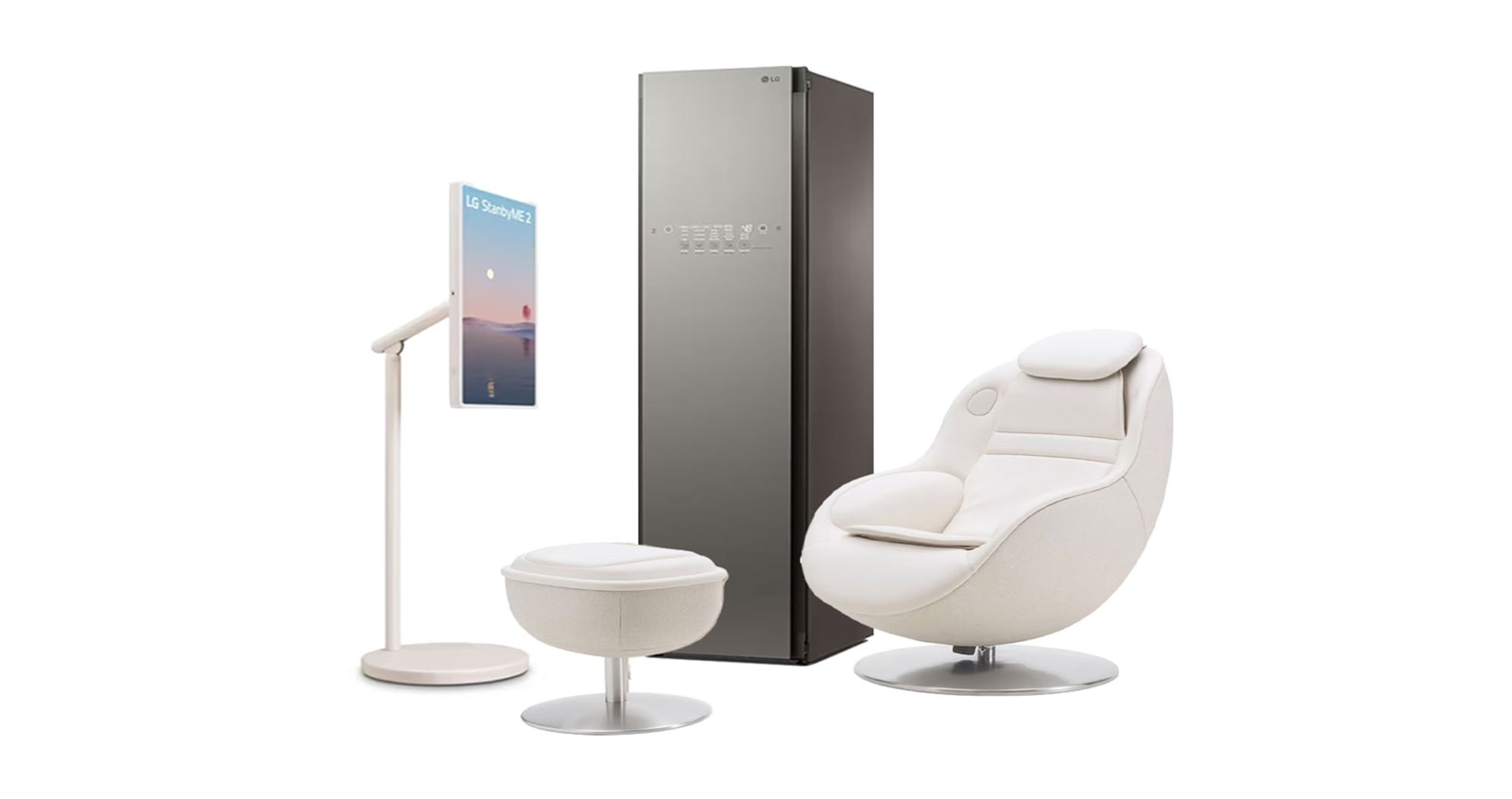
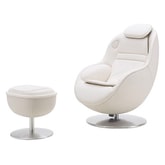
Products in this Bundle: 3

Redefine your space
with the perfect accent

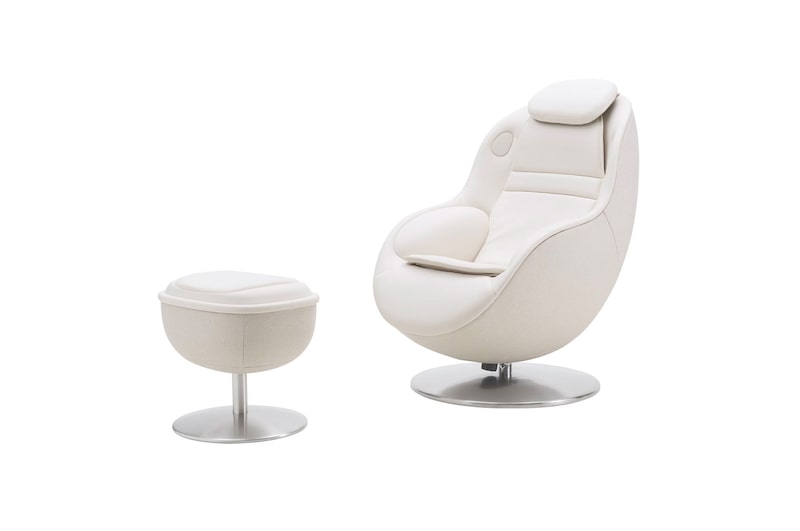
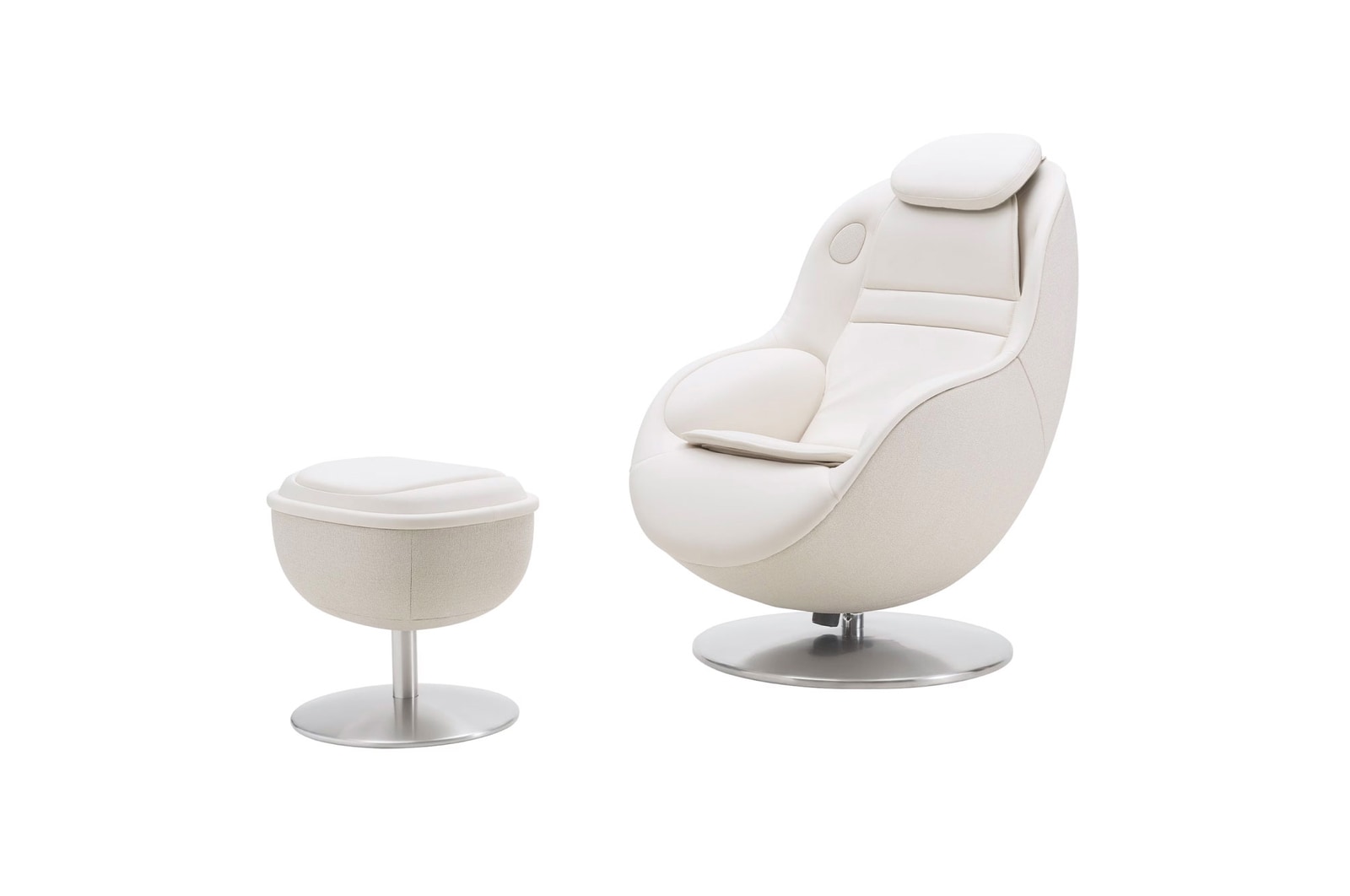
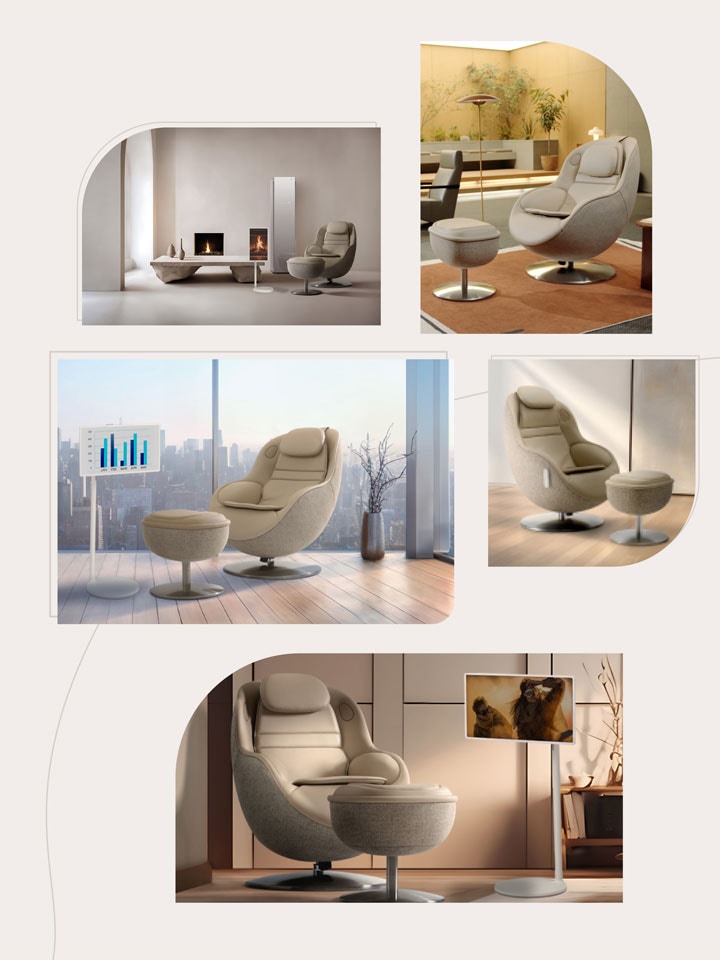
Design your space with soft curves and functionality. Emphasizing aesthetic excellence with a contemporary minimalist design, LG Massage Recliner effortlessly

blends with any decor.


Reddot Design Award Winner 2024

Customize your relaxation with our 7 lifestyle-specific massage programs

*https://www.red-dot.org/project/lg-healing-me-arte-68578.

Sanitizes, Refreshes & Dries

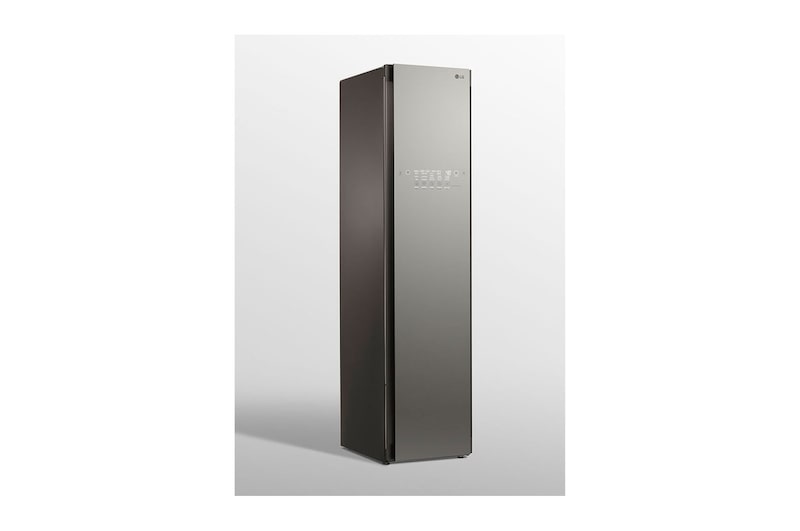
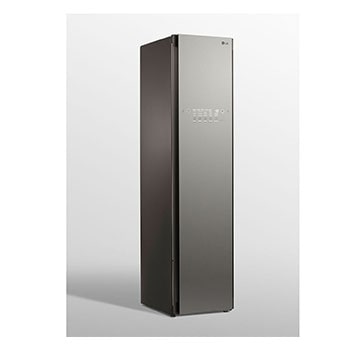
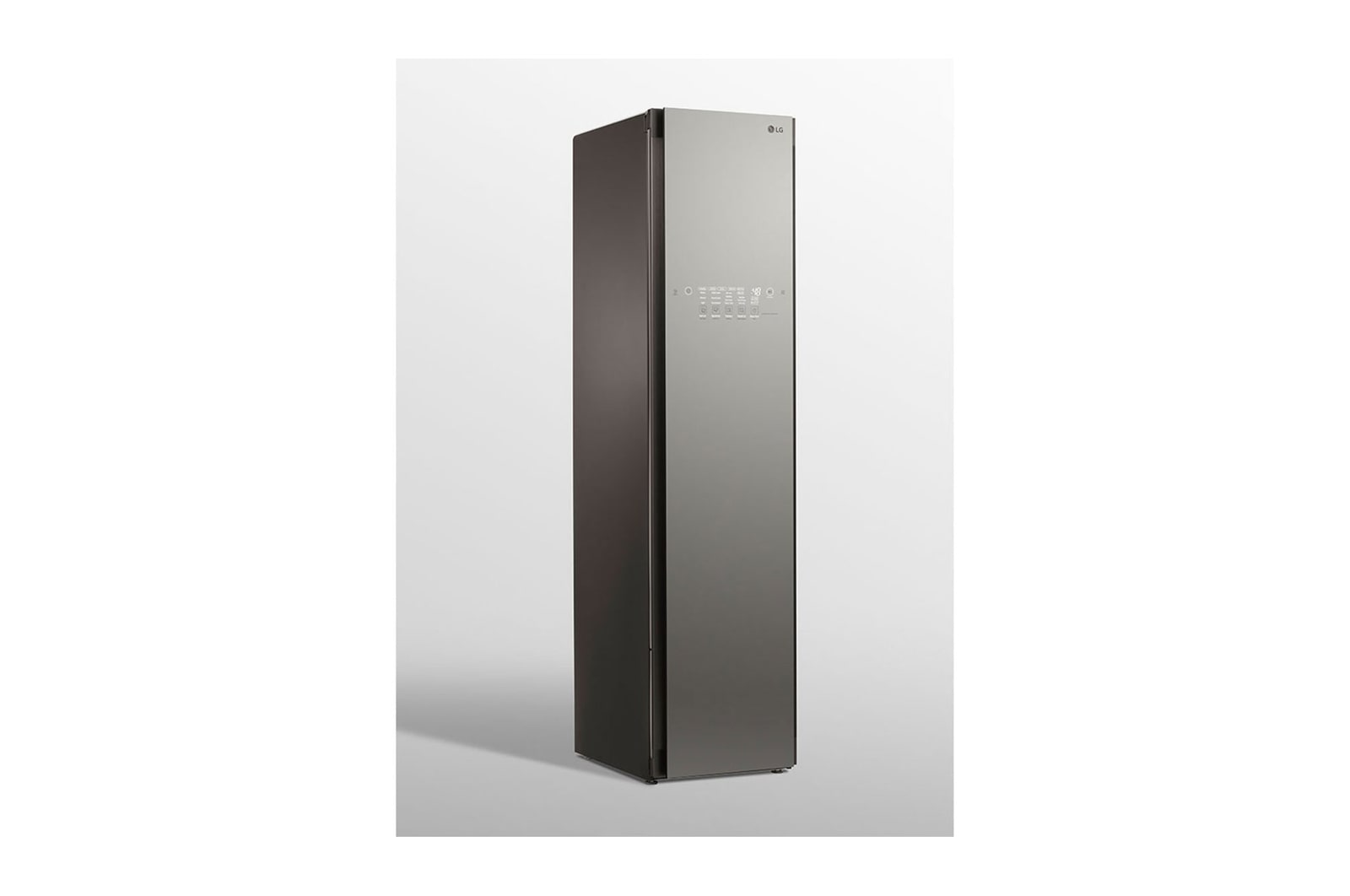
LG Styler®t

Sanitizes, Refreshes & Dries

Simple, hassle-free wardrobe care

Clean with Steam, Not Chemicals

Keeps Things

Clean with Steam, Not Chemicals

Just Put It in the Styler

Can’t Wash or Dry it?

Just Put It in the Styler

Plug in LG Styler Steam Closet anywhere for easy everyday use

Plug It In Anywhere

For Easy Everyday Use

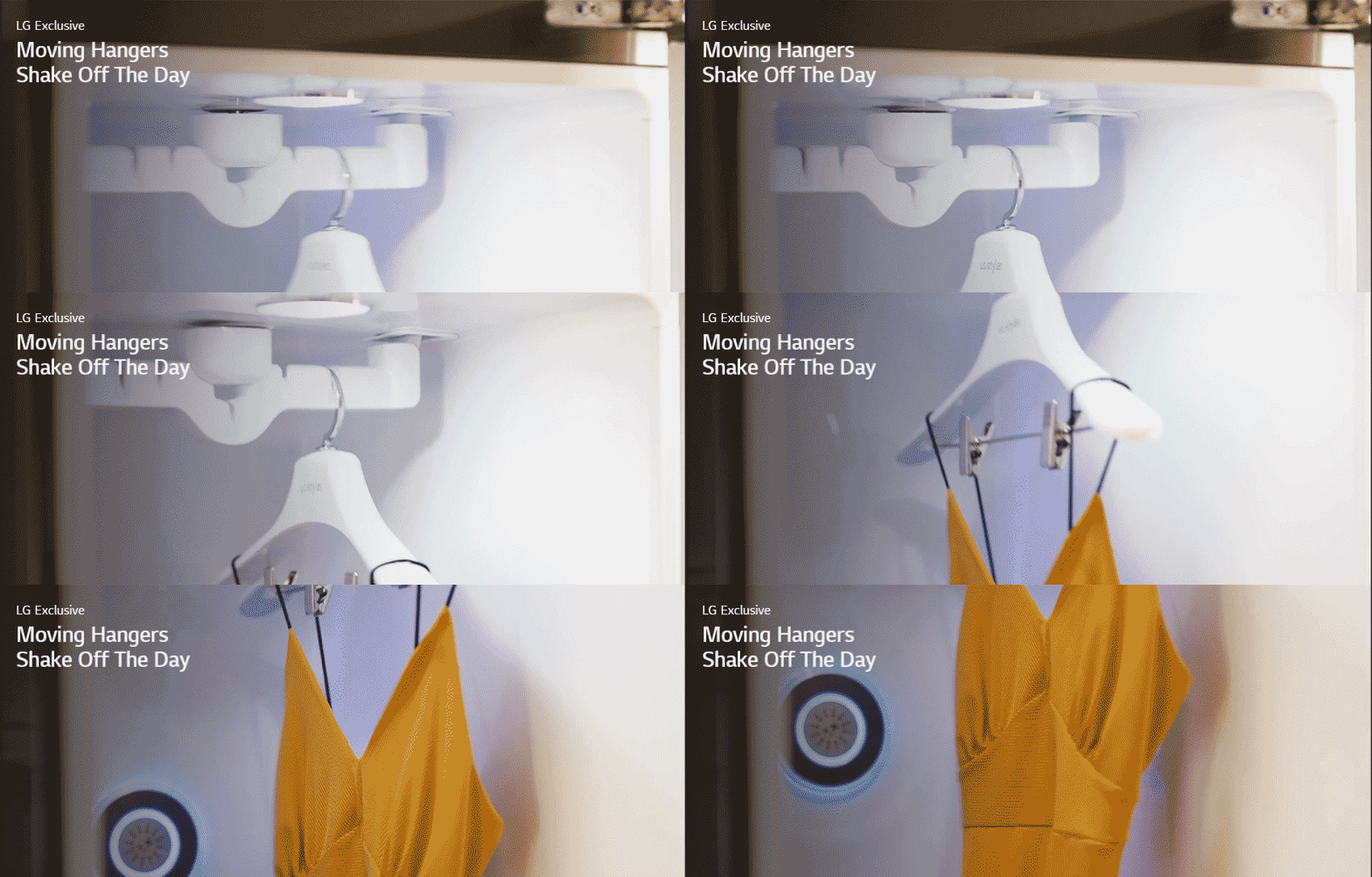
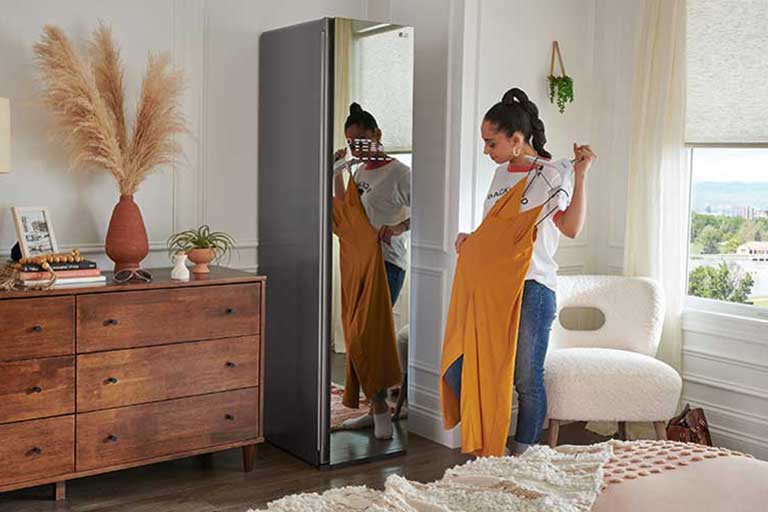
Moving hangers with two jackets to shake off the work inside LG Styler steam closet
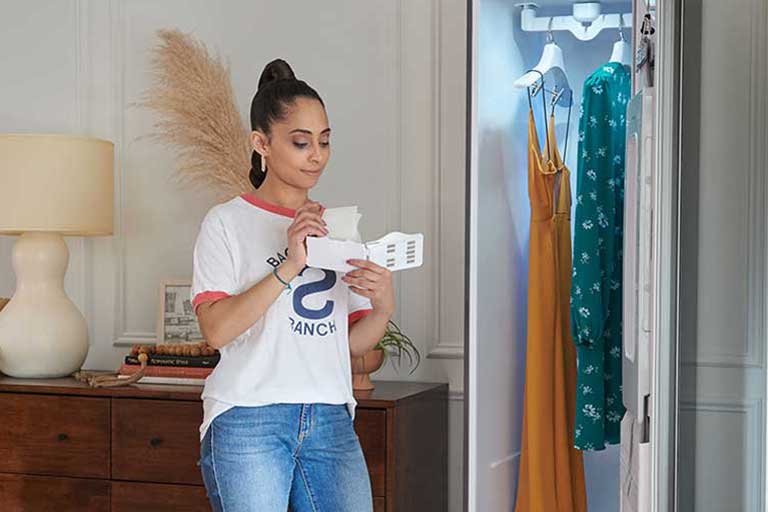
Woman using LG Styler to hang pants to be pressed and restored

Press Pants and Restore Creases

*Simulated scene being shown - note the screen does not move automatically.
*The product screen shows a simulated image which may differ from the actual product.

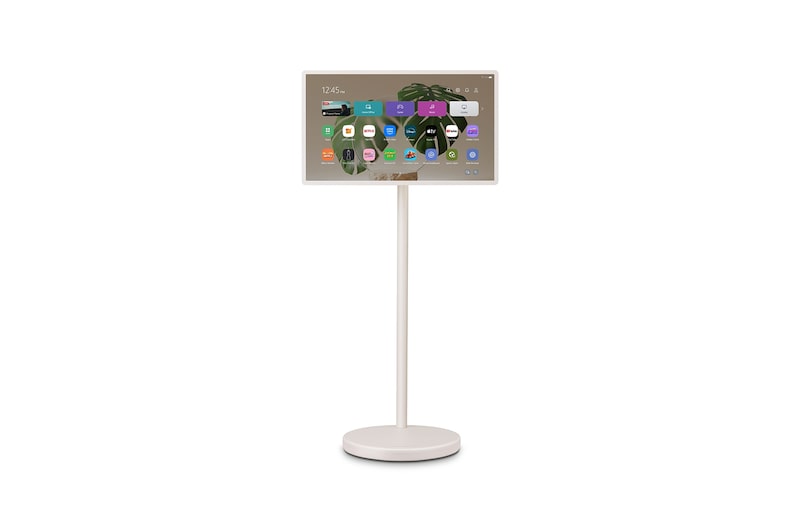
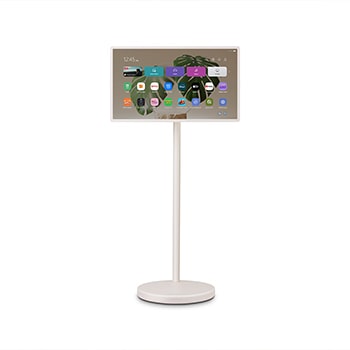
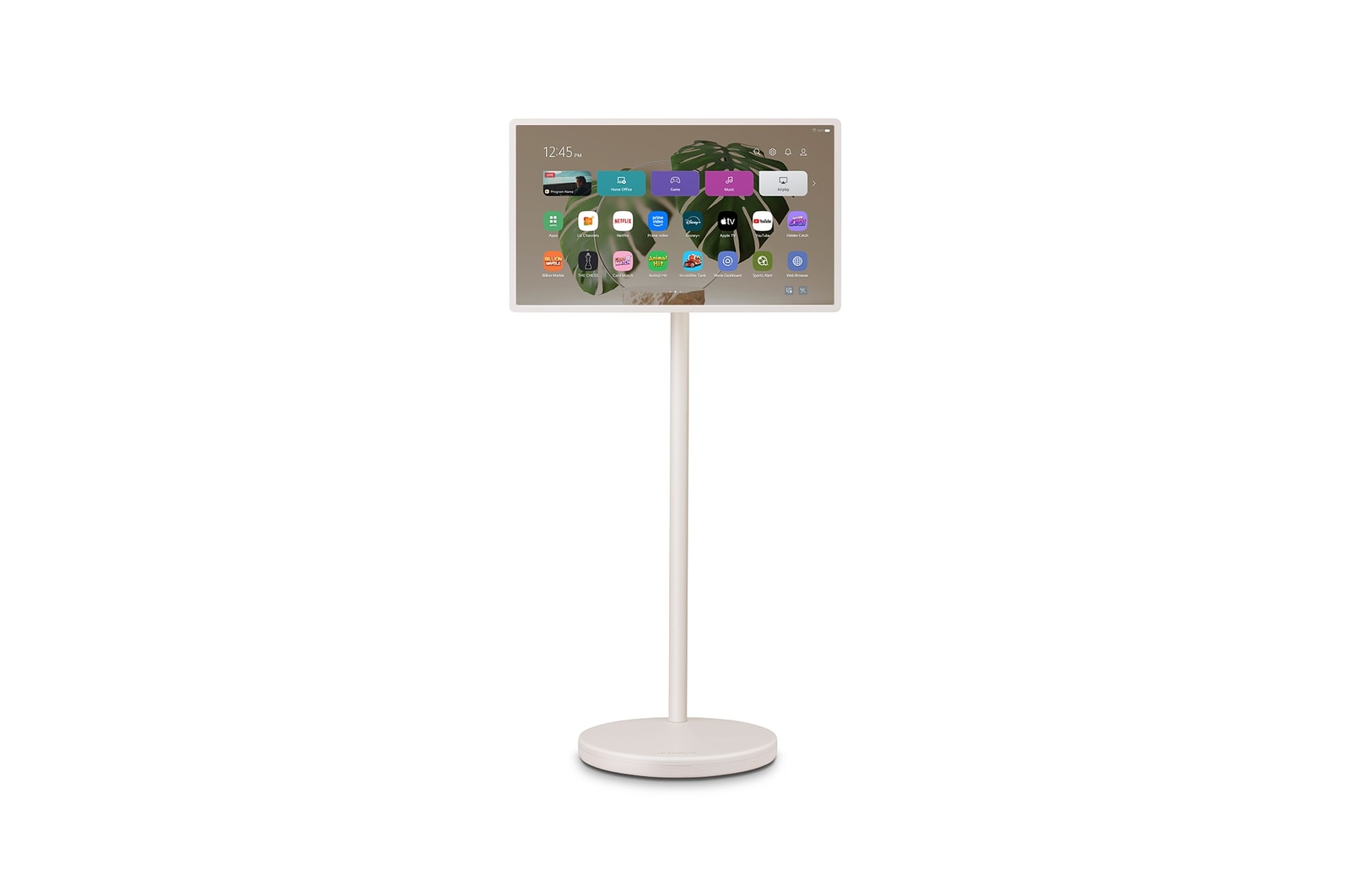
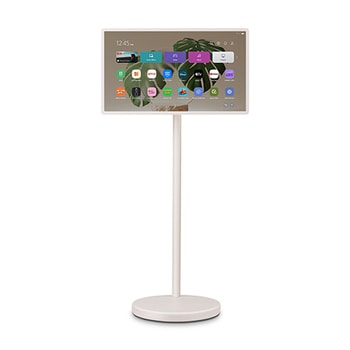
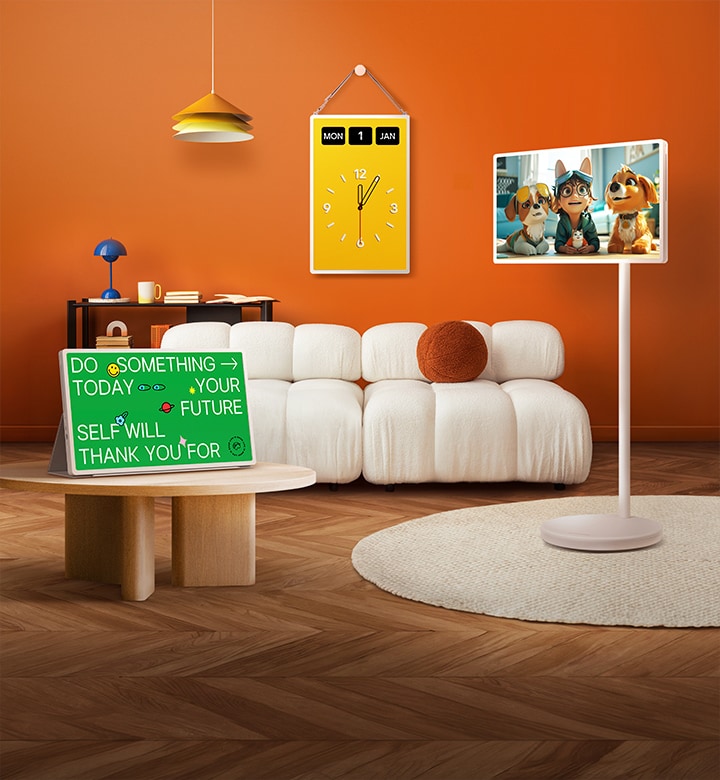
LG StanbyME 2 screens displayed in a modern living room. There is a StanbyME 2 on a stand, one is hung on the wall, and the other is propped up on a table using the folio cover.

LG StanbyME 2,
Unframe your world

Super Portable Screen

Roll it, hang it, detach it

Explore different ways to enjoy content and express your style. Roll the screen around with the adjustable stand. Detach it and hang it up. Or use it like a tablet with the folio cover.

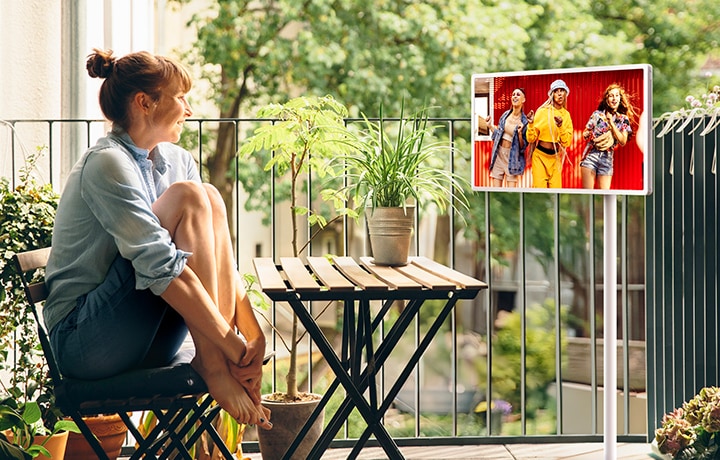
A woman sitting in her outside balcony, watching content on an LG StanbyME 2 on the rollable, adjustable stand.
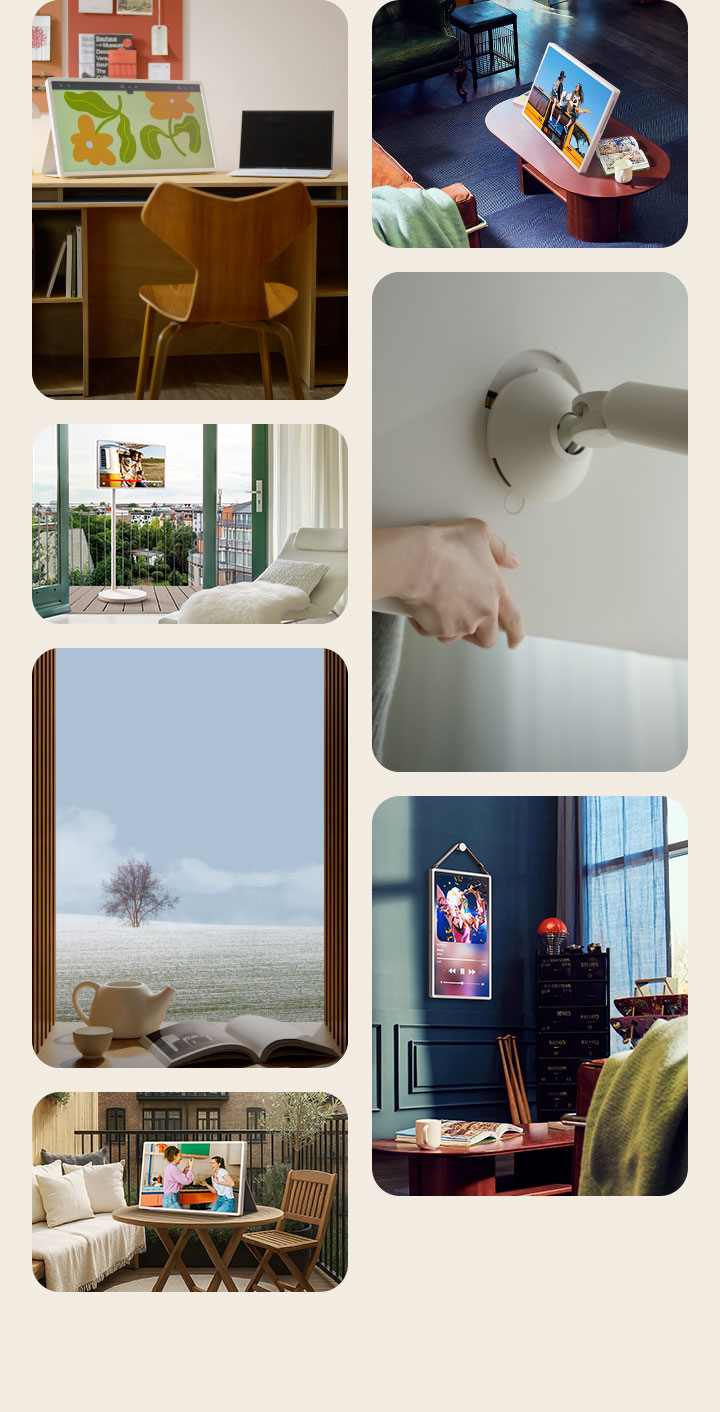
Different living spaces showing the different ways to use and enjoy the LG StanbyME 2 screen. Some spaces show it propped up like a tablet using the folio cover. Other spaces show it hung on the wall as a stylish addition to the interior design. Other spaces are showing how the screen can be easily mounted on the rollable, adjustable TV stand.

*The screen automatically charges when you connect the power cable to the docking stand and attach the screen to its stand.

*Mobility may vary depending on flooring.

*Do not roll or drag the product outdoors as it may cause damage to the bottom.

*Screen angle adjustment range: Rotation (±90), Tilt (±25), Swivel (±90).

*Only use the provided wall mount holder from LG. During installation, the wall material should be taken into account. Otherwise, issues such as tilting or falling may occur. Refer to the manual provided for more information.

*Be cautious when mounting on the wall. Do not use for purposes other than intended.

What people are saying

Our Picks for You 

Find Locally

Experience this product around you.